
Anime Fantasy Key Visual Board
A polished anime project poster combined with character, architecture, and environment concept sheets, ideal for pitching a fantasy game, film, or illustrated series.
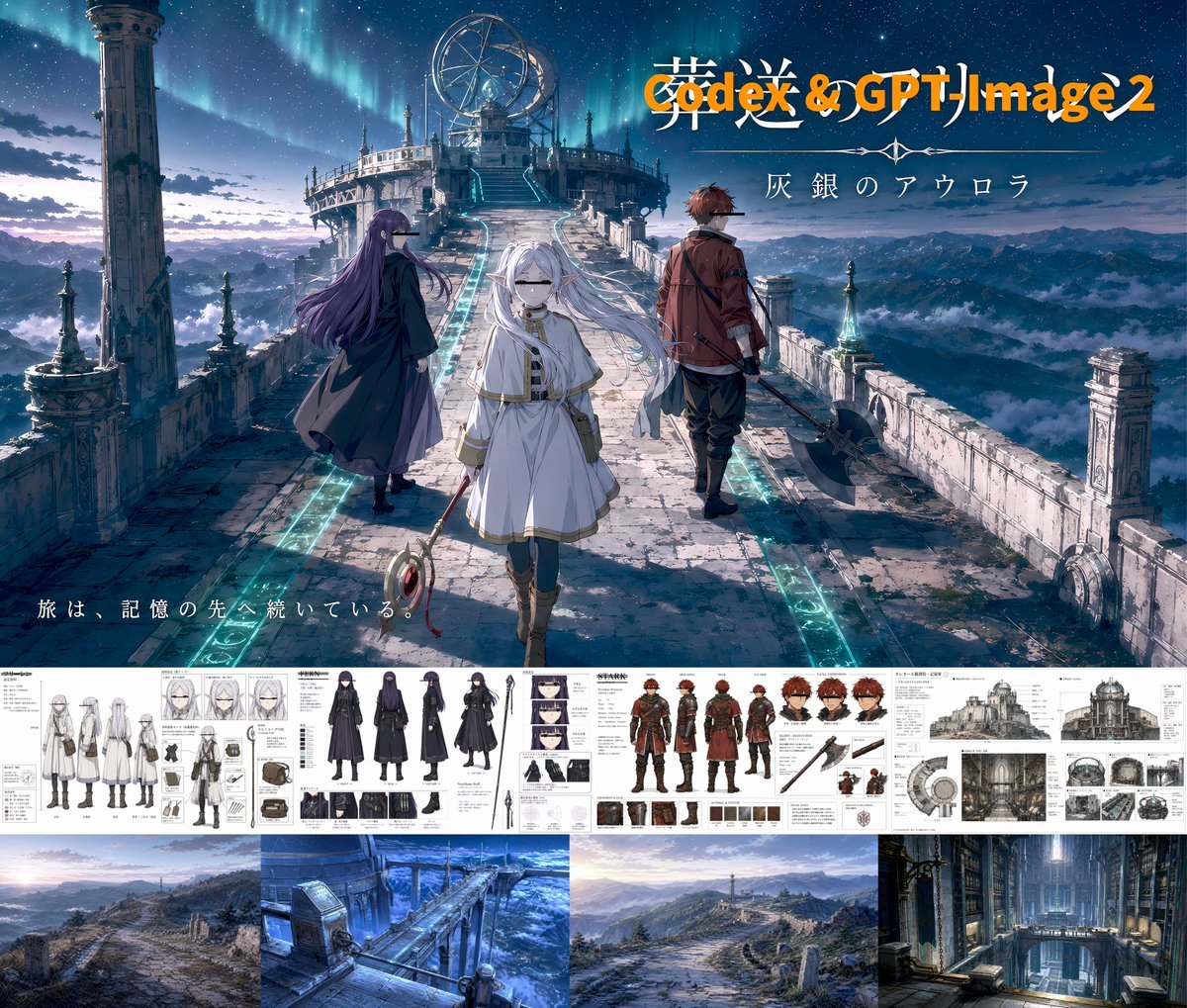
- Prompt included
- Model and format preset
- Free template
The prompt behind this image
Copy the exact prompt behind Anime Fantasy Key Visual Board, or open it in the studio and make it yours.
Create a cinematic anime key visual and concept-art presentation board for a fantasy adventure titled {argument name="project title" default="Codex & GPT-Image-2"}. The main image fills the upper portion: a vast ruined stone causeway high above the clouds at night, leading toward a circular observatory-like sanctuary with towers, antennas, and a glowing mechanism at the summit. A vivid aurora arcs across a star-filled sky over distant mountain ranges. Three travelers stand on the bridge in a triangular composition. In the center foreground, a pale white-haired girl in a flowing white robe and cape walks toward the viewer, holding a staff with a red ring ornament; her expression is calm and mysterious. On the left, a tall woman with very long dark purple hair and a dark cloak turns slightly away, looking toward the structure. On the right, a red-haired young man in a brown coat stands with his back angled to the viewer, carrying a large dark weapon. The bridge is weathered, cracked, and lined with glowing cyan inlaid paths and runic strips, with stone pillars and balustrades on both sides. Add large title typography in the upper right, with a smaller Japanese subtitle beneath it reading {argument name="subtitle text" default="灰銀のアウロラ"}. Add a small Japanese tagline in the lower left reading {argument name="tagline text" default="旅は、記憶の先へ続いている。"}. Beneath the hero image, place a horizontal strip of detailed monochrome and muted-color concept sheets showing exactly 8 grouped design panels: 1 white-haired heroine full-body costume turnaround sheet, 2 white-haired heroine face-expression sheet, 3 heroine accessories and gear sheet, 4 purple-haired woman outfit turnaround and detail sheet, 5 red-haired man outfit turnaround and weapon sheet, 6 architectural exterior elevation sheet of the observatory, 7 architectural interior and structure reference sheet, 8 circular mechanical diagram sheet. Along the bottom, place exactly 4 environment thumbnails: 1 ruined mountain road landscape, 2 icy-blue bridge or aqueduct environment, 3 distant hilltop approach to the sanctuary, 4 towering cathedral-like interior hall. Overall style: premium anime game art pitch board, highly detailed, painterly, dramatic lighting, cool blue and cyan palette with white stone and subtle orange title accents, polished layout, epic fantasy sci-fi atmosphere.
How to use Anime Fantasy Key Visual Board in 3 steps
- 1Upload ImagePNG, JPG or paste
Add your photo
Upload the photo the template builds on. The prompt, model and format are already set.
- 2…a portrait of your subject in softgolden-hour light, 85mm…
Personalize
Edit the subject and creative details for your destination.
- 3Generate
Generate
Press Generate — your image is created in PicX Studio, so you can compare it with the original and refine one variable at a time.
More like this
Templates with the same subject, style or setup. Open one to see its prompt.
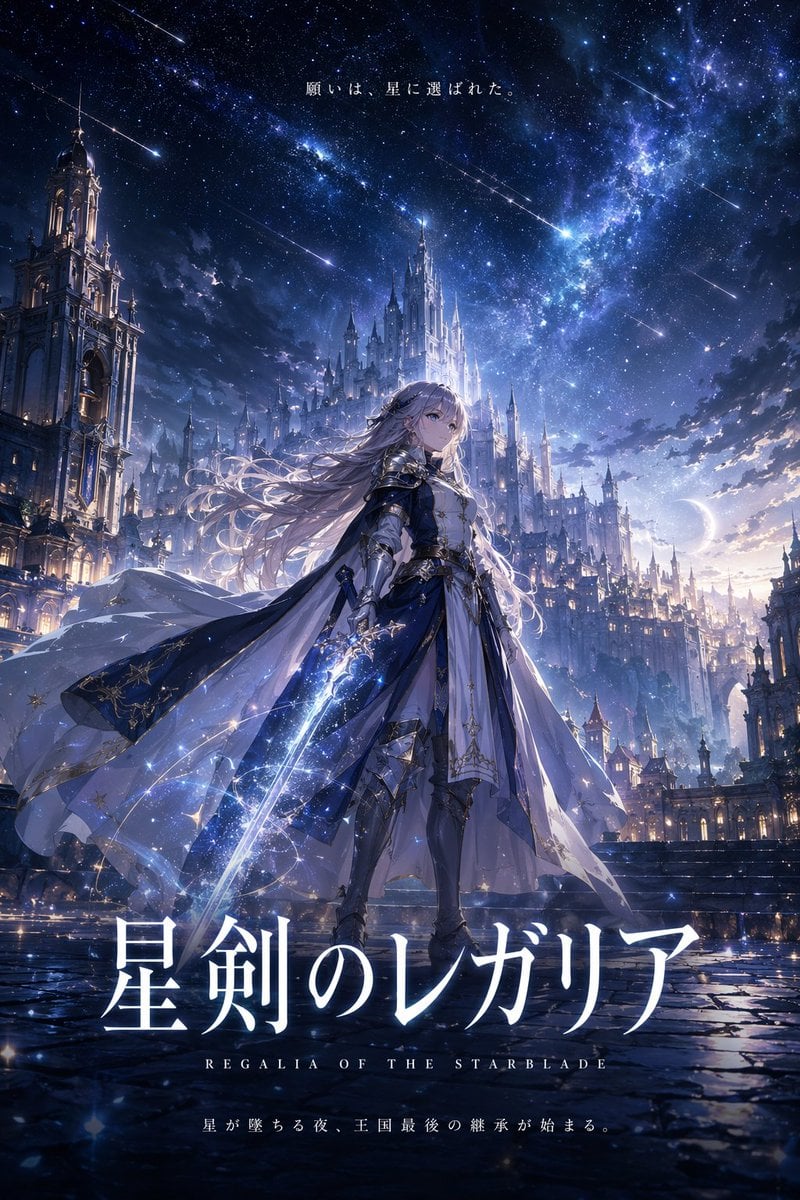
Fantasy Anime Key Visual Prompt

Anime Classroom Losing Heroines Key Visual

Anime Losing Heroines Classroom Key Visual

Anime School Rom-Com Key Visual
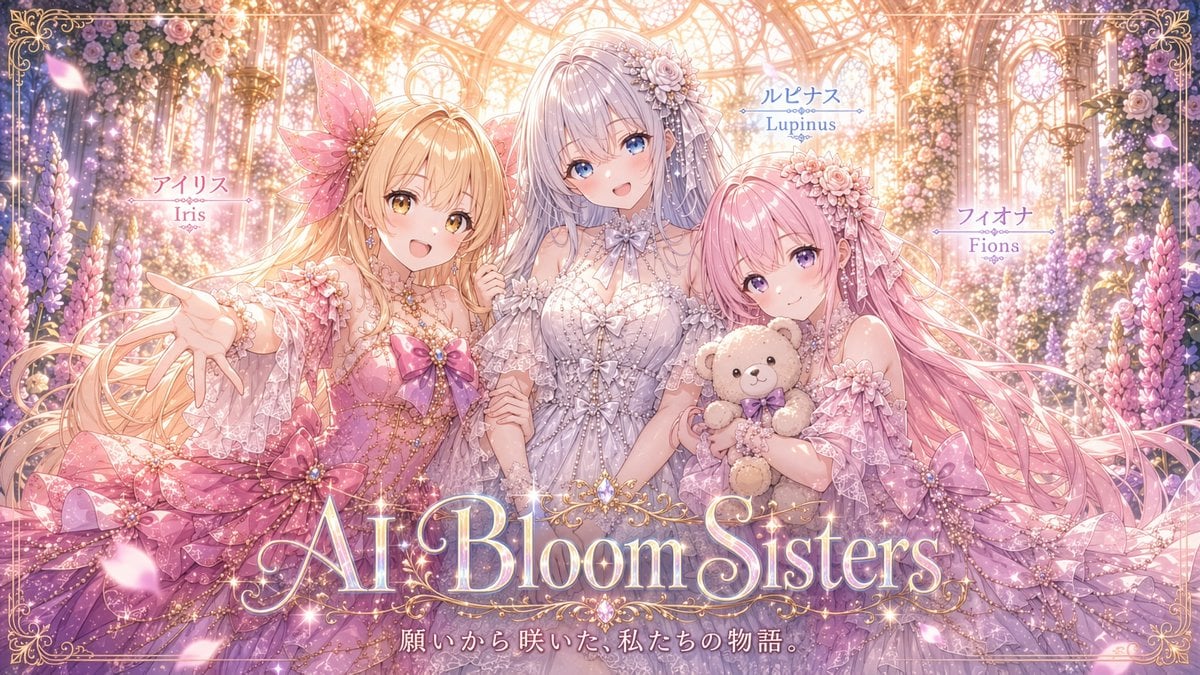
AI Bloom Sisters Anime Key Visual

Anime Hidden Mickey Hunt
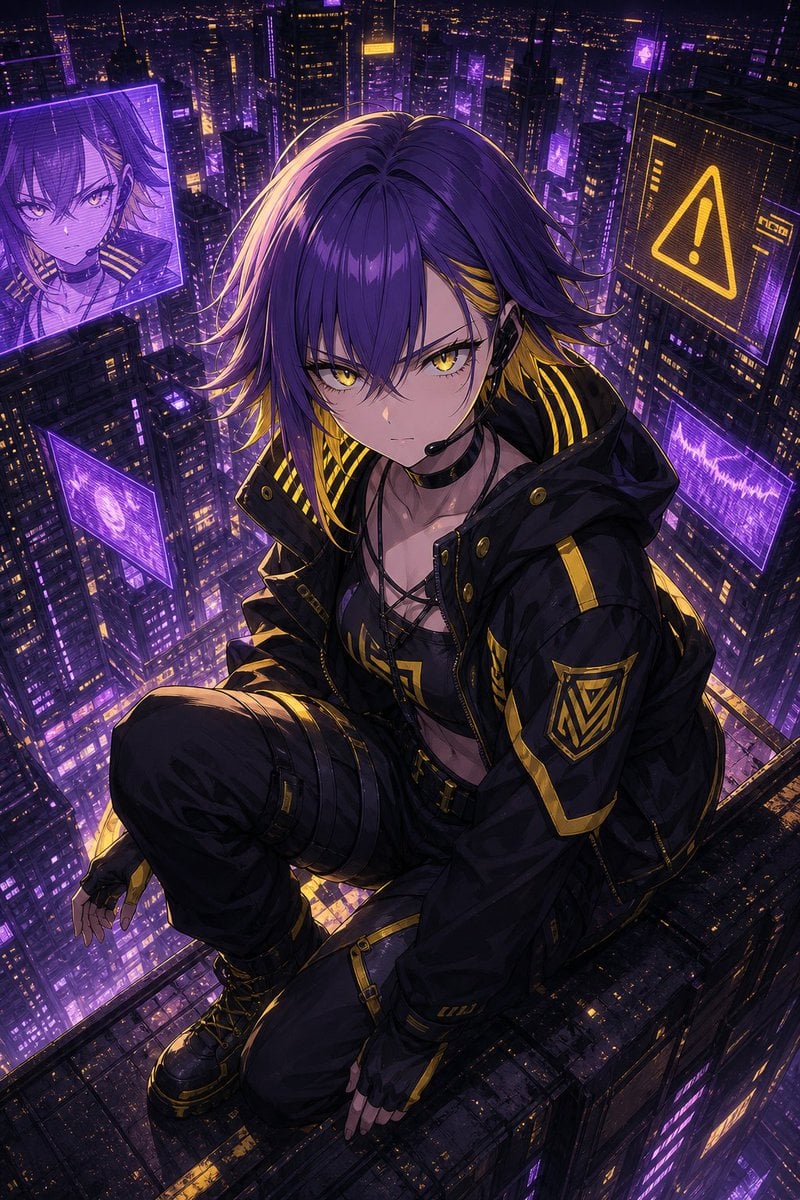
Cyberpunk Anime Rooftop Key Visual
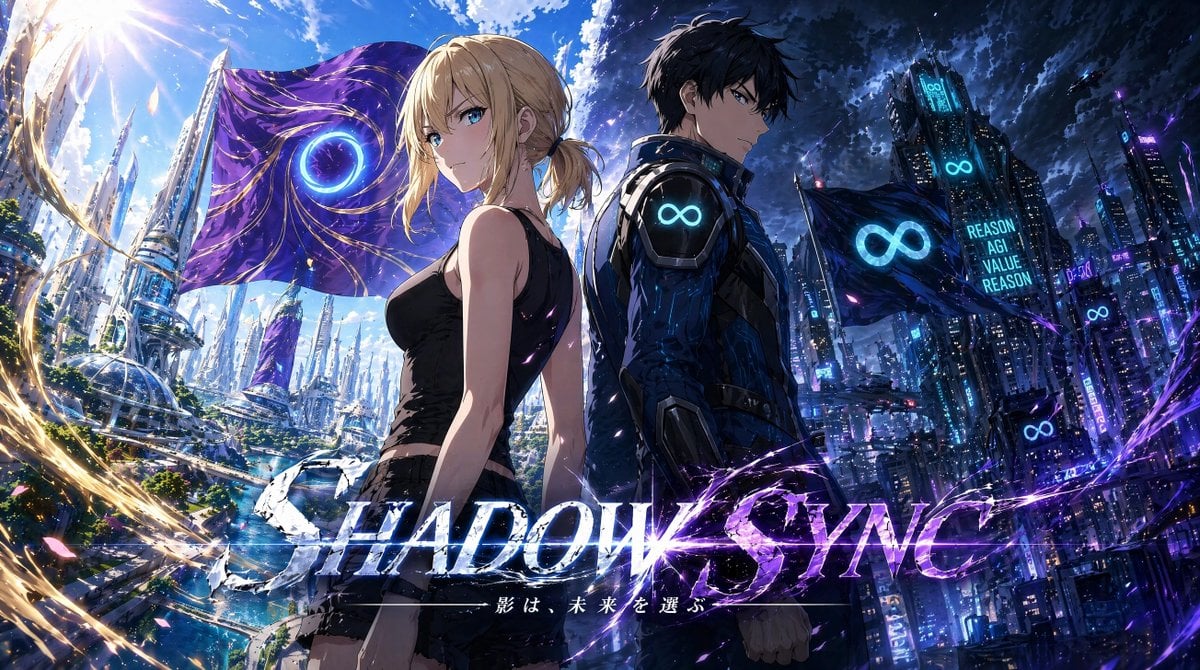
Shadow Sync Anime Key Visual
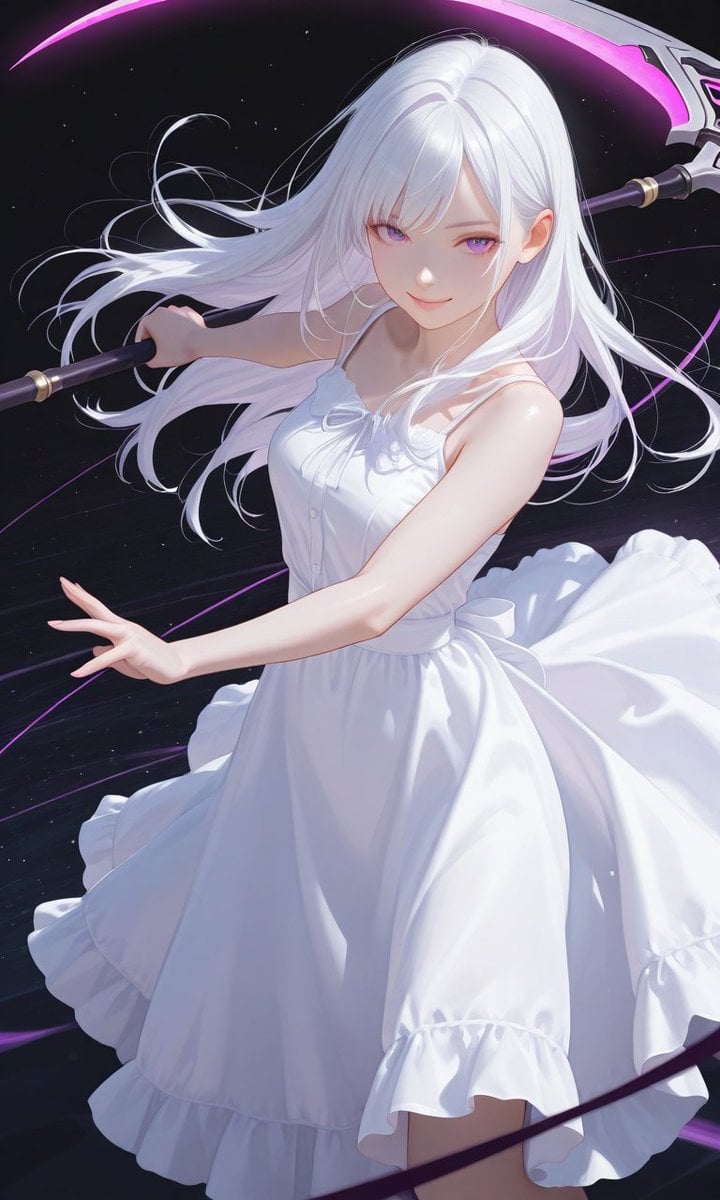
Boxed Figure to Anime Key Visual
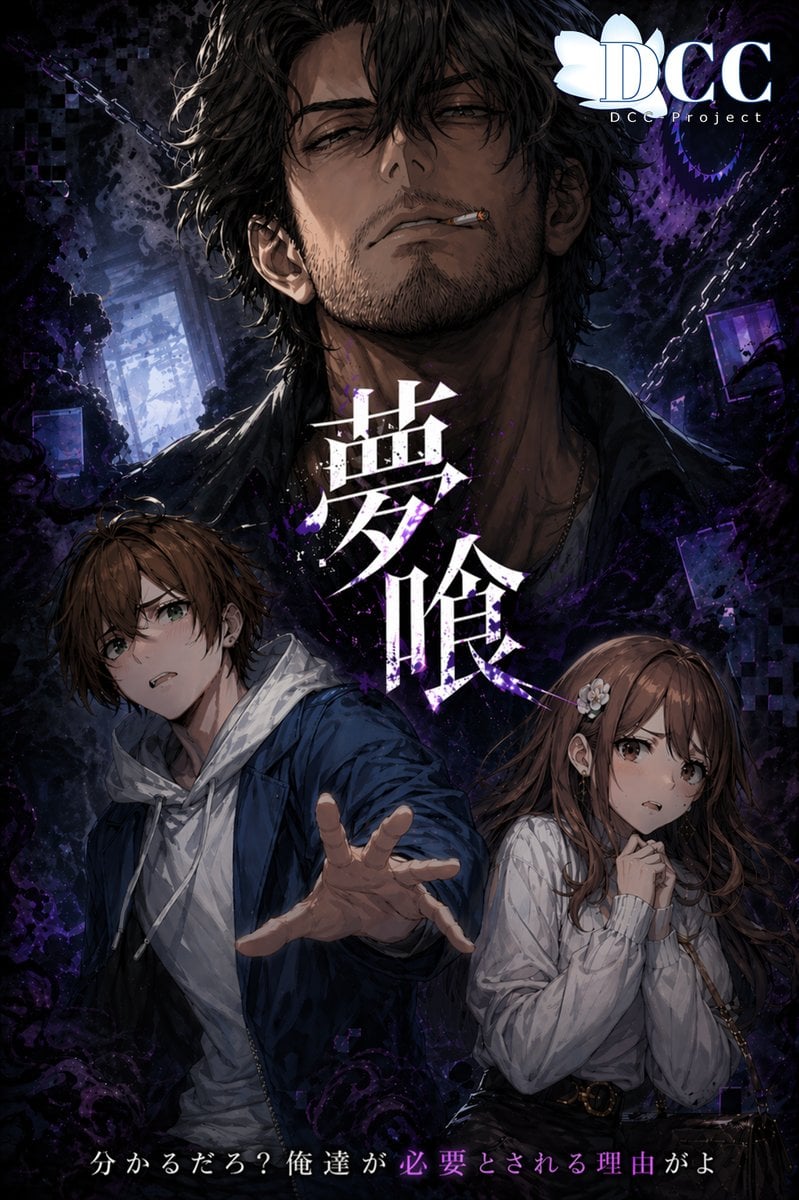
Dark Fantasy RPG Key Visual Poster

Beverage Campaign Key Visual

2.5D Anime Art Board
Make it yours
Anime Fantasy Key Visual Board works as-is. These are the safest ways to change it without losing the look.
Change one field
Copy a single group, rewrite it, and generate again so you can see what that field is doing.
Keep the frame, change the subject
Hold the composition and light of Anime Fantasy Key Visual Board, then swap wardrobe, props or the person for a new take.
| If the result… | Why | Fix |
|---|---|---|
| The result drifts from the preview | Too many fields changed at once. | Reuse Anime Fantasy Key Visual Board as-is first, then change one group — subject, light, or setting. |
| The model over-stylizes the scene | The prose prompt leaves finish and camera underspecified. | Add one camera or lighting sentence and stay on GPT Image 2. |
More GPT Image 2 templates
Other prompts made for GPT Image 2.

Six VTuber Japanese Logo Sheet

Realistic Portrait of Woman and Deer

The Vista Modular Condo Poster

AI Model Routing Comparison Infographic

Isometric Productivity Desk Scene

New York Double Exposure Poster

Four-Panel AI Landscape Comparison

Japanese Tatami Lifestyle Magazine Cover

NESCAFÉ Coffee Map Poster

Brutalist Cogito Chinese Typography Poster
More image prompts
Fresh picks from across the catalog.
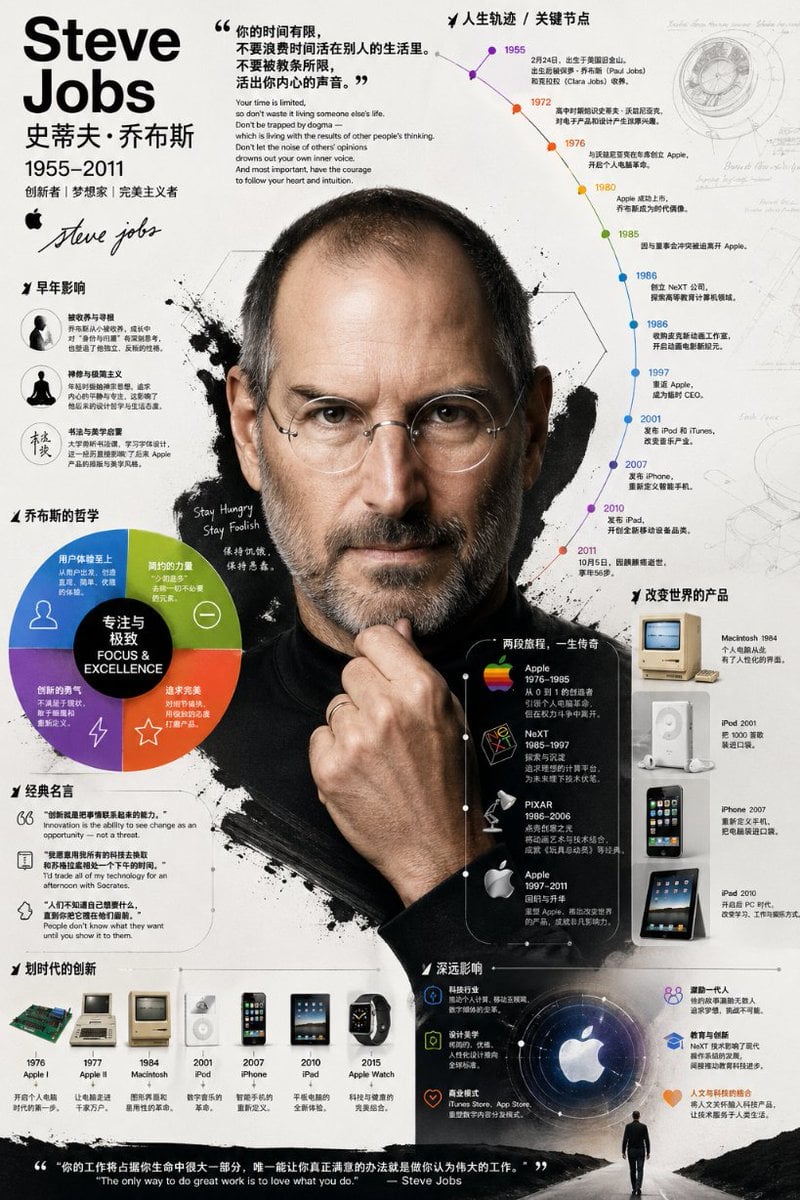
Detailed Biographical Infographic Poster
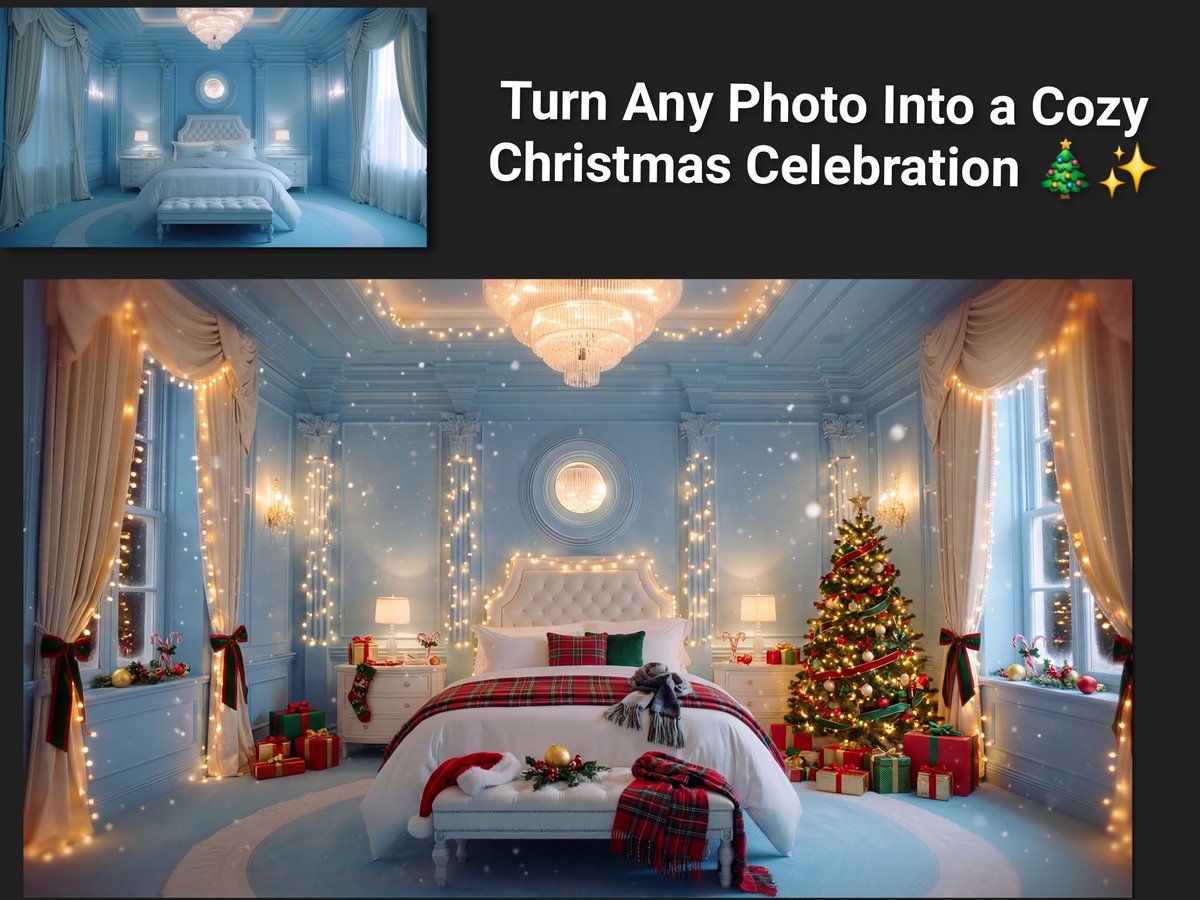
Image Transformation to Cozy Christmas Scene

Cinematic Profile Portrait Prompt with Backlighting and Bokeh
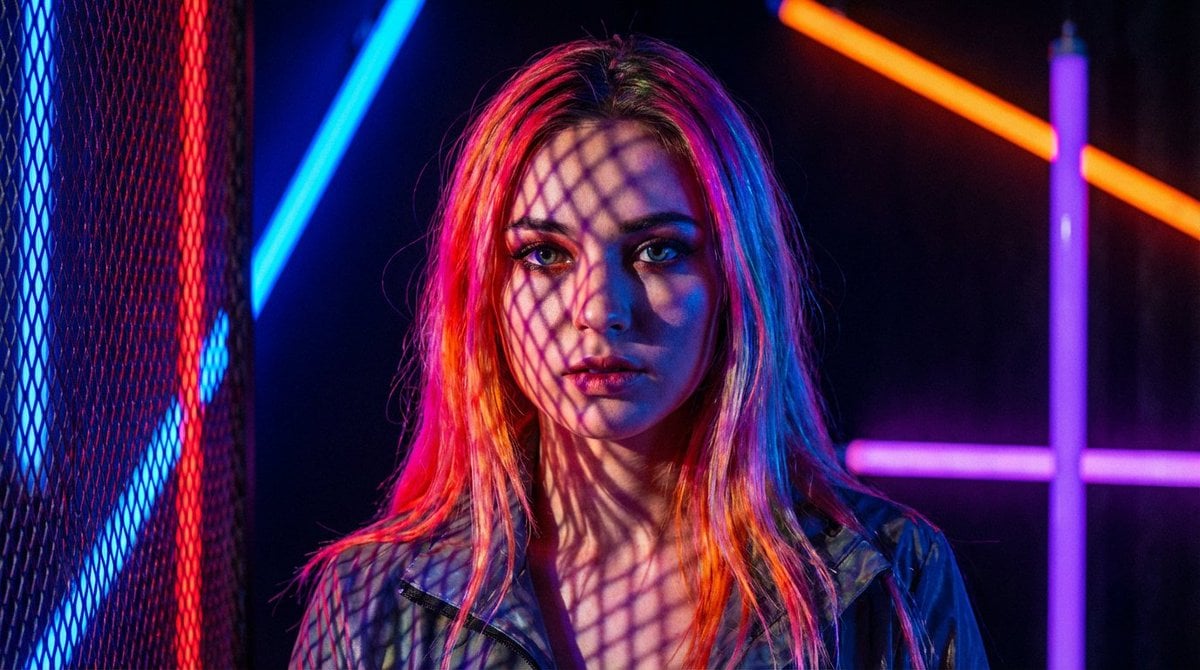
Neon Light High-Contrast Portrait Template
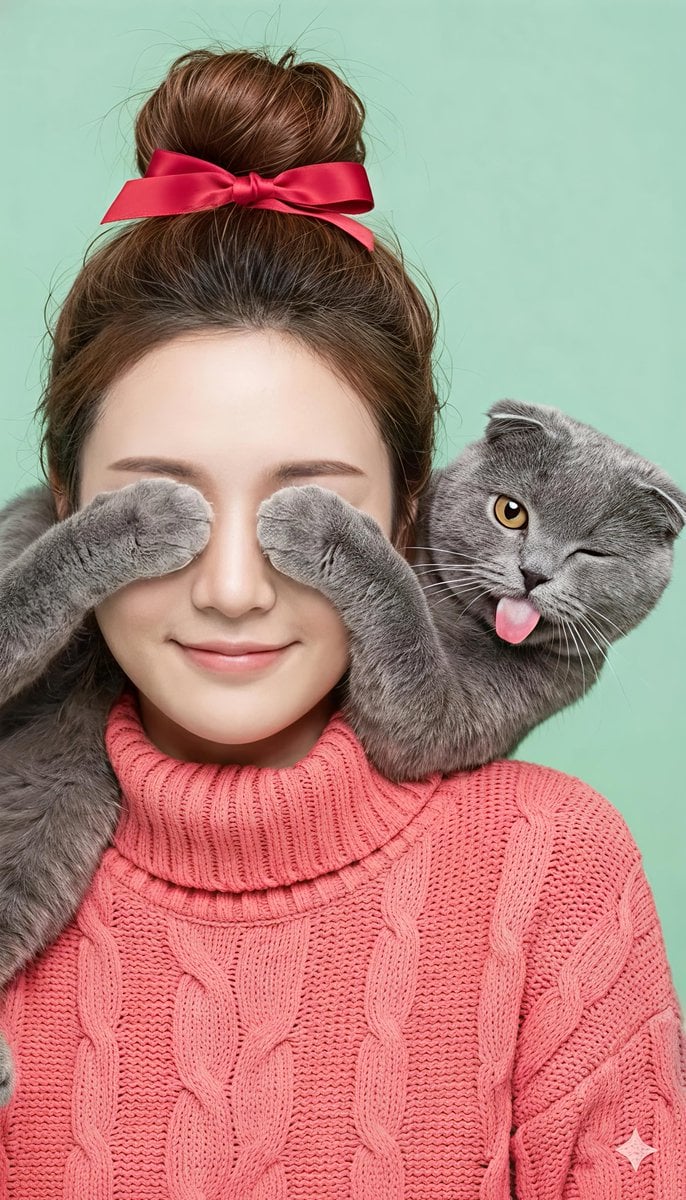
Comical Portrait of Woman with Winking Cat
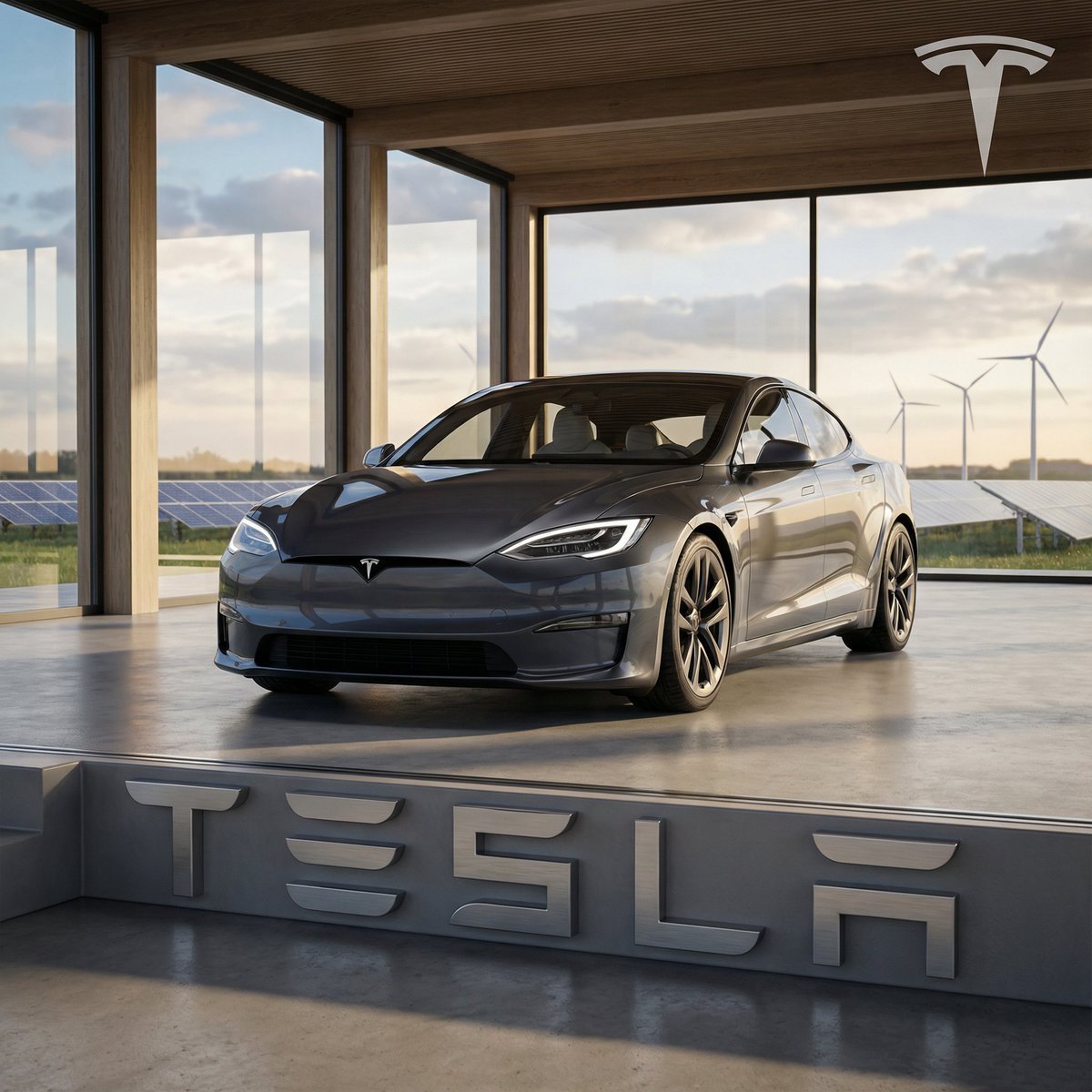
Ultra-Realistic 3D Automotive Brand Render

3D Football Player Portrait
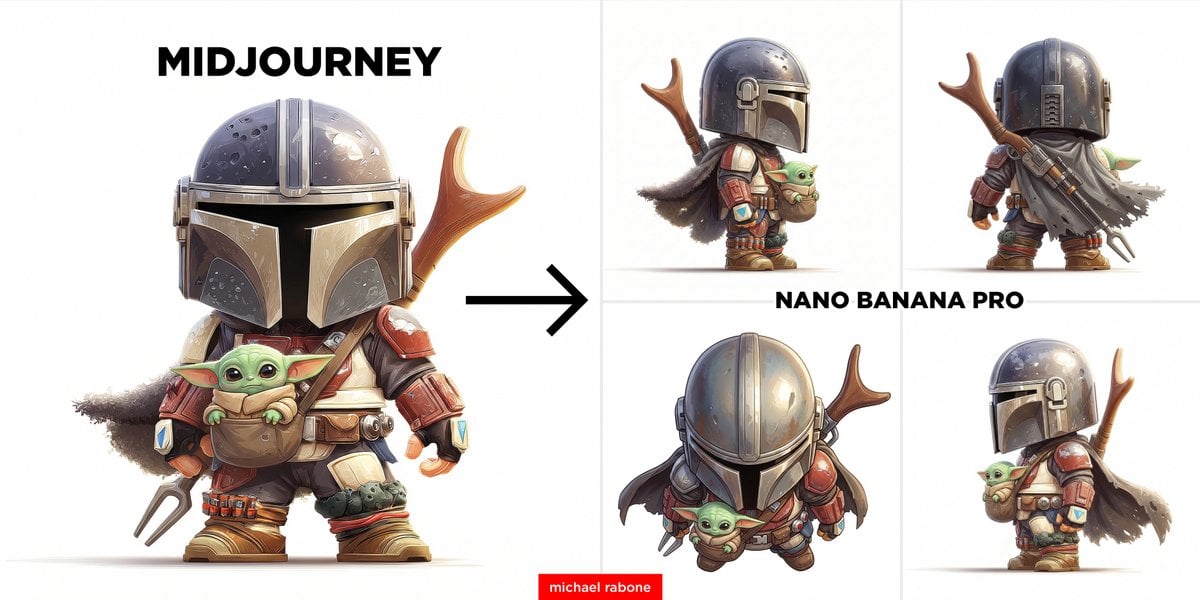
Generate Side View from Reference Image
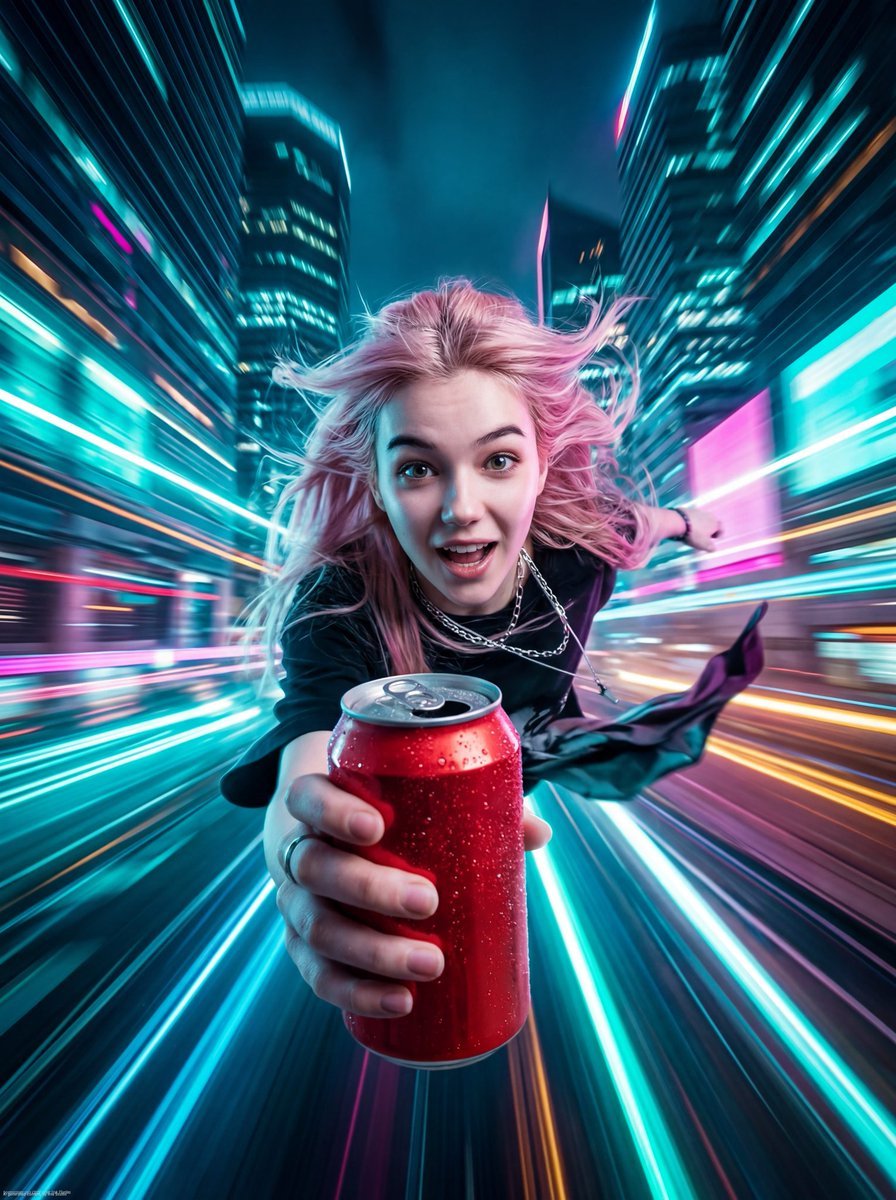
Image and Video Prompt for Nano Banana 2 + Kling 3.0
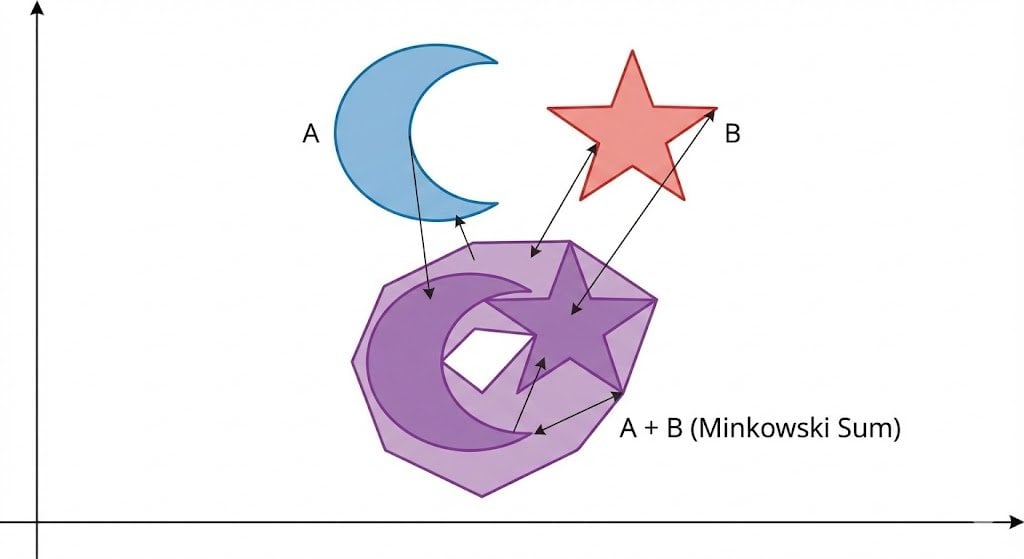
Minkowski sum of two non-convex sets
Browse template categories
Anime Fantasy Key Visual Board questions
How do I use the Anime Fantasy Key Visual Board template?
Add your photo if the template asks for one, edit the prompt if you like — the template's model and format are already selected — and press Generate. Your version opens in PicX Studio.
Can I customize the Anime Fantasy Key Visual Board template?
Yes. You can change the subject, setting, lighting, mood, format, and available model controls before creating your image.
Is the Anime Fantasy Key Visual Board template free?
Opening and editing this template is free. Generating uses credits, shown on the Generate button when you are signed in.
Which AI model should I use?
Start with GPT Image 2, which is the model associated with this template. You can compare another compatible model for a different finish.
Looking for something else? Browse all templates.

Your photo, any look
Thousands of ready templates for every top image and video model, from one credit balance.