
Sci-Fi Mecha Turnaround Sheet
A detailed three-view concept sheet of a humanoid combat robot, useful for mech design, game concept art, and industrial sci-fi character development.
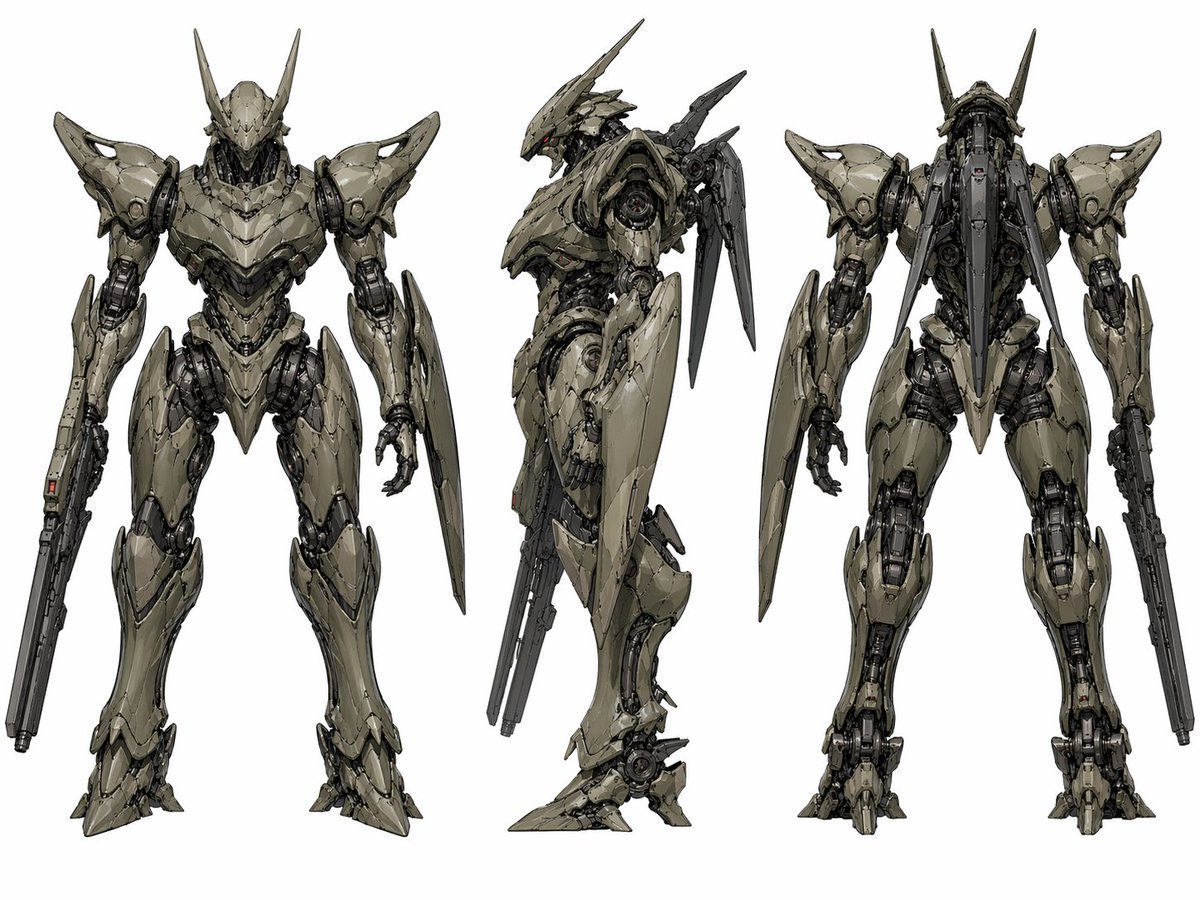
- Prompt included
- Model and format preset
- Free template
The prompt behind this image
Copy the exact prompt behind Sci-Fi Mecha Turnaround Sheet, or open it in the studio and make it yours.
- Type
- mecha character turnaround sheet
- Subject › Category
- humanoid combat robot
- Subject › Design
- sleek biomechanical sci-fi exosuit with sharp angular armor plating and exposed mechanical joints
- Subject › Primary Color
- {argument name="armor color" default="pale olive gray"}
- Subject › Secondary Color
- dark graphite metal
- Subject › Accent Color
- tiny red sensor lights
- Subject › Head › Shape
- narrow armored helmet with a pointed faceplate and 2 long upward horn-like antennae
- Subject › Head › Eyes
- small glowing red visor-like sensors
- Subject › Torso › Build
- broad armored chest with layered segmented plates and a tapered waist
- Subject › Torso › Details
- dense pistons, cables, vents, and internal machinery visible between armor gaps
- Subject › Arms › Right Arm
- integrated long rifle-like weapon running along the forearm
- Subject › Arms › Left Arm
- hand plus a large elongated shield blade mounted along the forearm
- Subject › Legs › Style
- digitigrade mechanical legs with heavy thigh armor, exposed knee mechanisms, and pointed armored feet
- Subject › Back › Attachments
- 2 long rear-mounted blade or fin appendages and a central spine-like backpack assembly
- Layout › Background
- plain light gray studio backdrop
- Layout › Presentation
- clean concept art sheet
- Layout › Views › 0 › Position
- left
- Layout › Views › 0 › View
- front view
- Layout › Views › 0 › Count
- 1
- Layout › Views › 1 › Position
- center
- Layout › Views › 1 › View
- left side profile
- Layout › Views › 1 › Count
- 1
- Layout › Views › 2 › Position
- right
- Layout › Views › 2 › View
- back view
Raw JSON
{"type":"mecha character turnaround sheet","subject":{"category":"humanoid combat robot","design":"sleek biomechanical sci-fi exosuit with sharp angular armor plating and exposed mechanical joints","primary color":"{argument name=\"armor color\" default=\"pale olive gray\"}","secondary color":"dark graphite metal","accent color":"tiny red sensor lights","head":{"shape":"narrow armored helmet with a pointed faceplate and 2 long upward horn-like antennae","eyes":"small glowing red visor-like sensors"},"torso":{"build":"broad armored chest with layered segmented plates and a tapered waist","details":"dense pistons, cables, vents, and internal machinery visible between armor gaps"},"arms":{"right arm":"integrated long rifle-like weapon running along the forearm","left arm":"hand plus a large elongated shield blade mounted along the forearm"},"legs":{"style":"digitigrade mechanical legs with heavy thigh armor, exposed knee mechanisms, and pointed armored feet"},"back":{"attachments":"2 long rear-mounted blade or fin appendages and a central spine-like backpack assembly"}},"layout":{"background":"plain light gray studio backdrop","presentation":"clean concept art sheet","views":[{"position":"left","view":"front view","count":1},{"position":"center","view":"left side profile","count":1},{"position":"right","view":"back view","count":1}],"total_views":3},"style":{"rendering":"high-detail industrial concept art","linework":"precise hard-surface mechanical drawing with crisp edges","surface":"worn matte armor with subtle scratches and panel seams","lighting":"soft neutral even lighting","composition":"full-body figures centered vertically with ample spacing between views"}}How to use Sci-Fi Mecha Turnaround Sheet in 3 steps
- 1Upload ImagePNG, JPG or paste
Add your photo
Upload the photo the template builds on. The prompt, model and format are already set.
- 2…a portrait of your subject in softgolden-hour light, 85mm…
Personalize
Edit the subject and creative details for your destination.
- 3Generate
Generate
Press Generate — your image is created in PicX Studio, so you can compare it with the original and refine one variable at a time.
More like this
Templates with the same subject, style or setup. Open one to see its prompt.
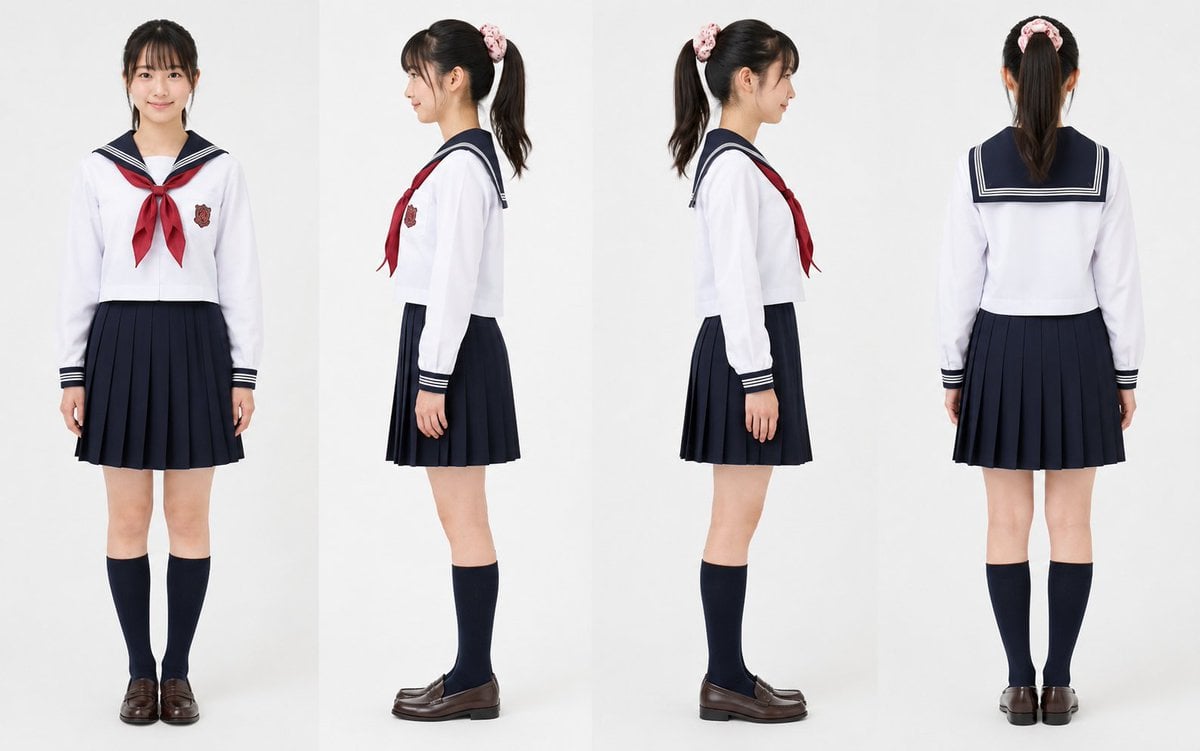
Realistic Schoolgirl Turnaround Sheet
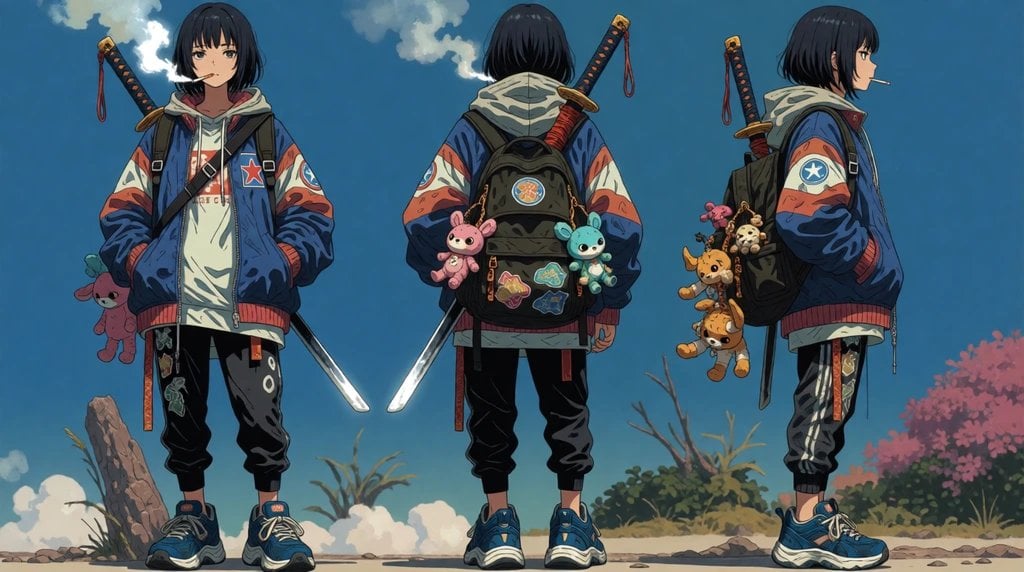
Urban Samurai Girl Turnaround Sheet

Anime Elf Maid Turnaround Sheet
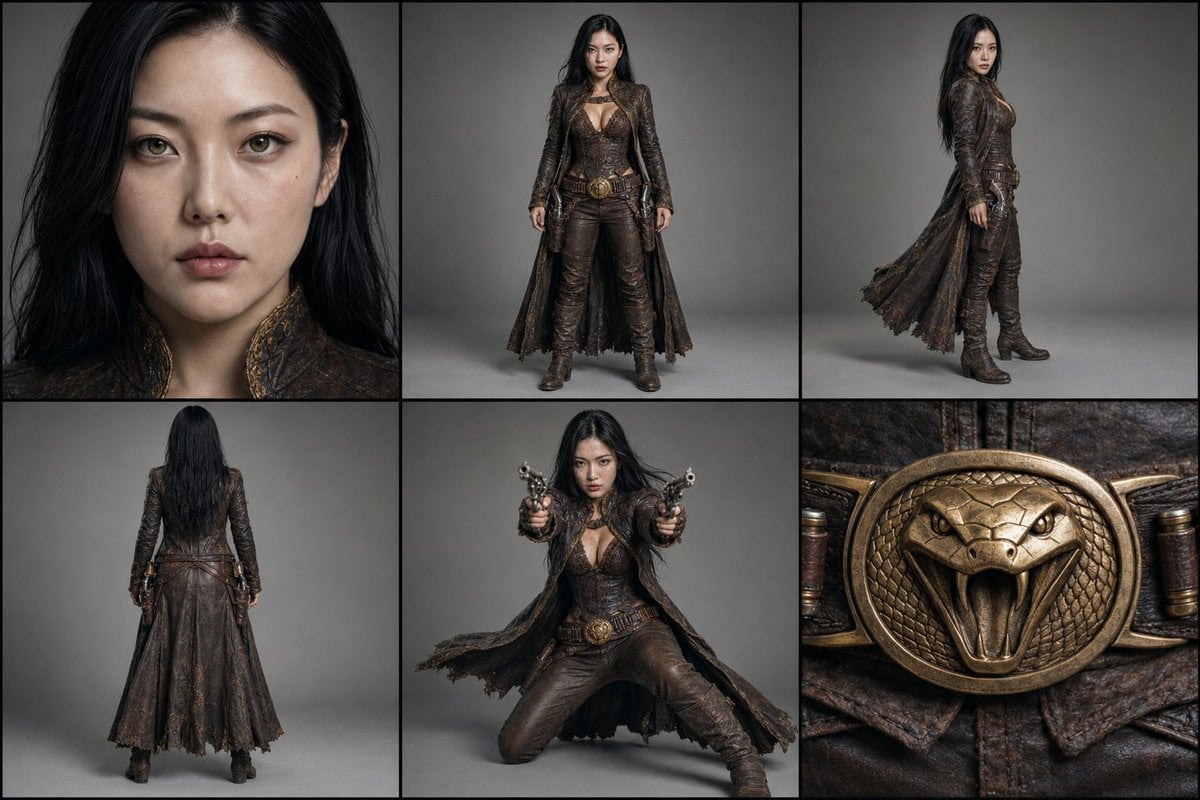
Character Reference Turnaround Sheet
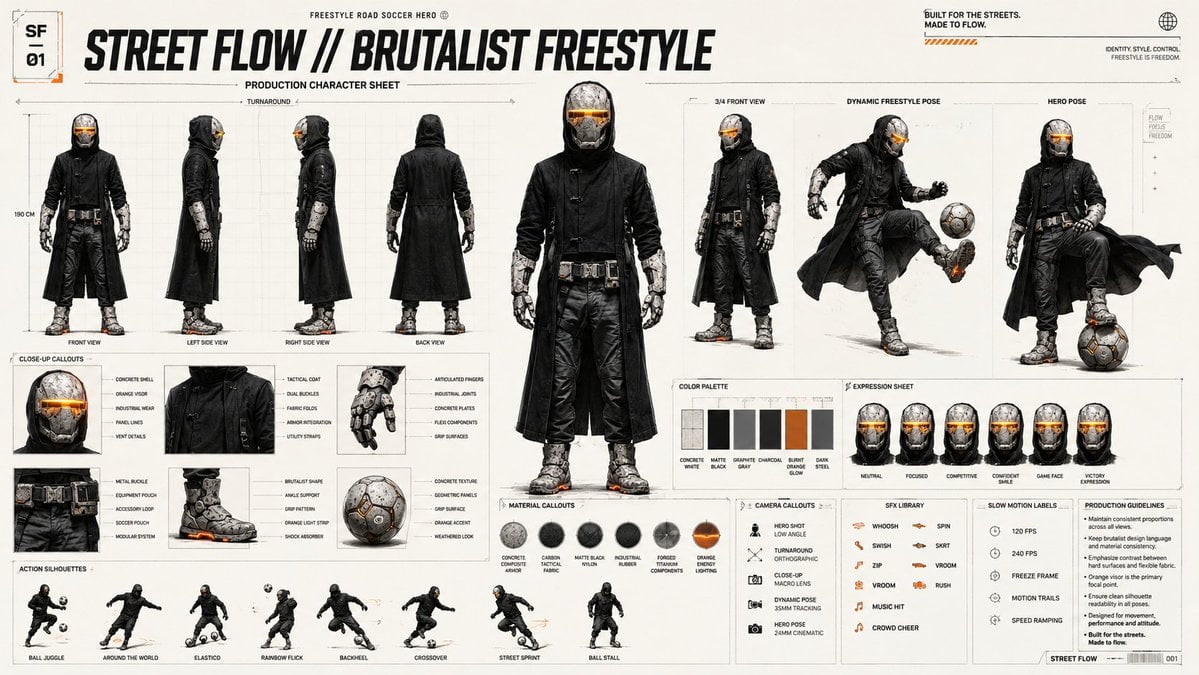
Futuristic Scout Turnaround Sheet
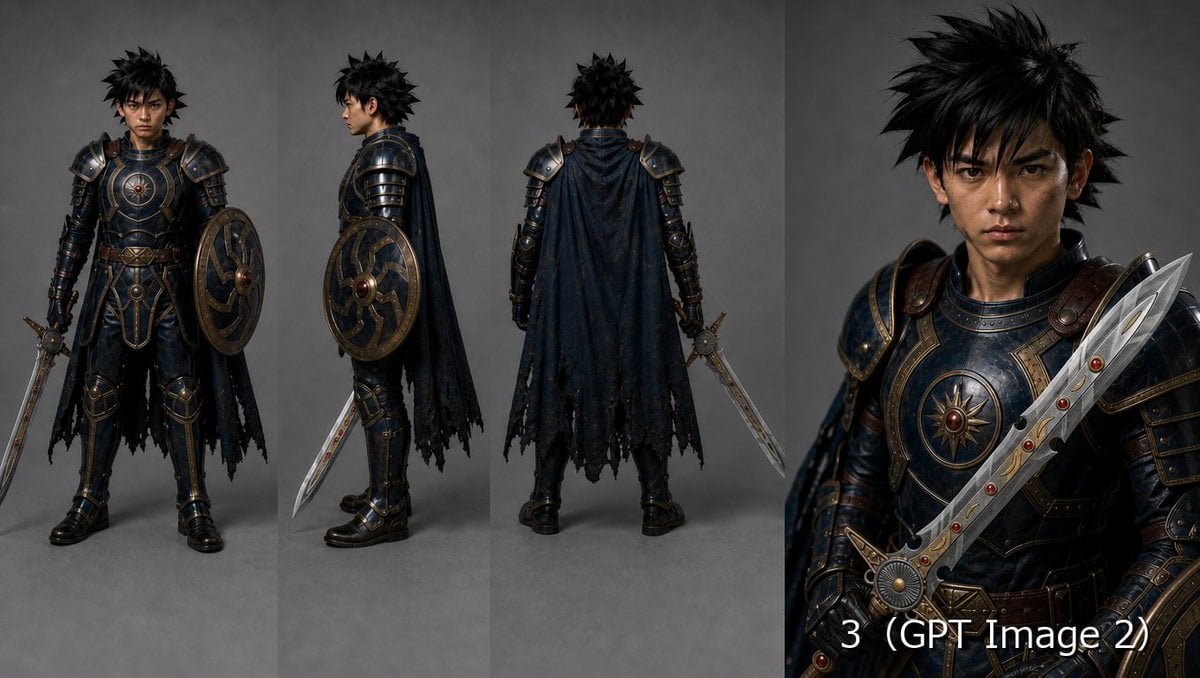
Fantasy Knight Character Turnaround Sheet
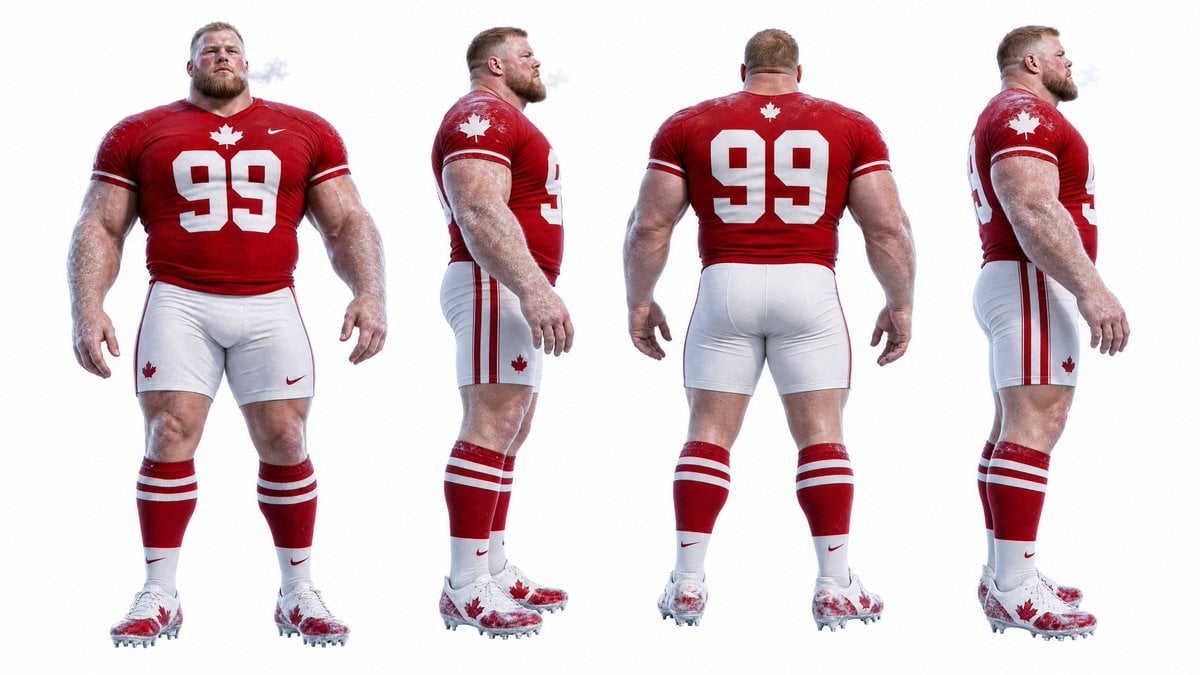
Football Player Turnaround Sheet
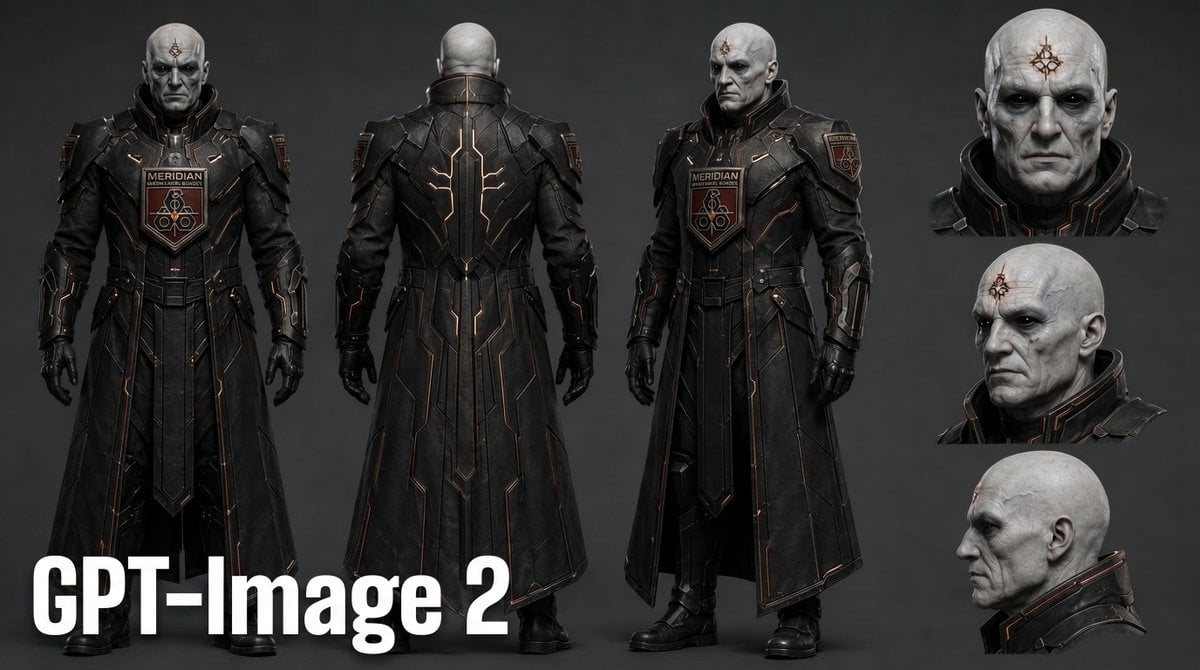
Dark Sci-Fi Commander Character Sheet

Gothic Girl Character Turnaround Sheet
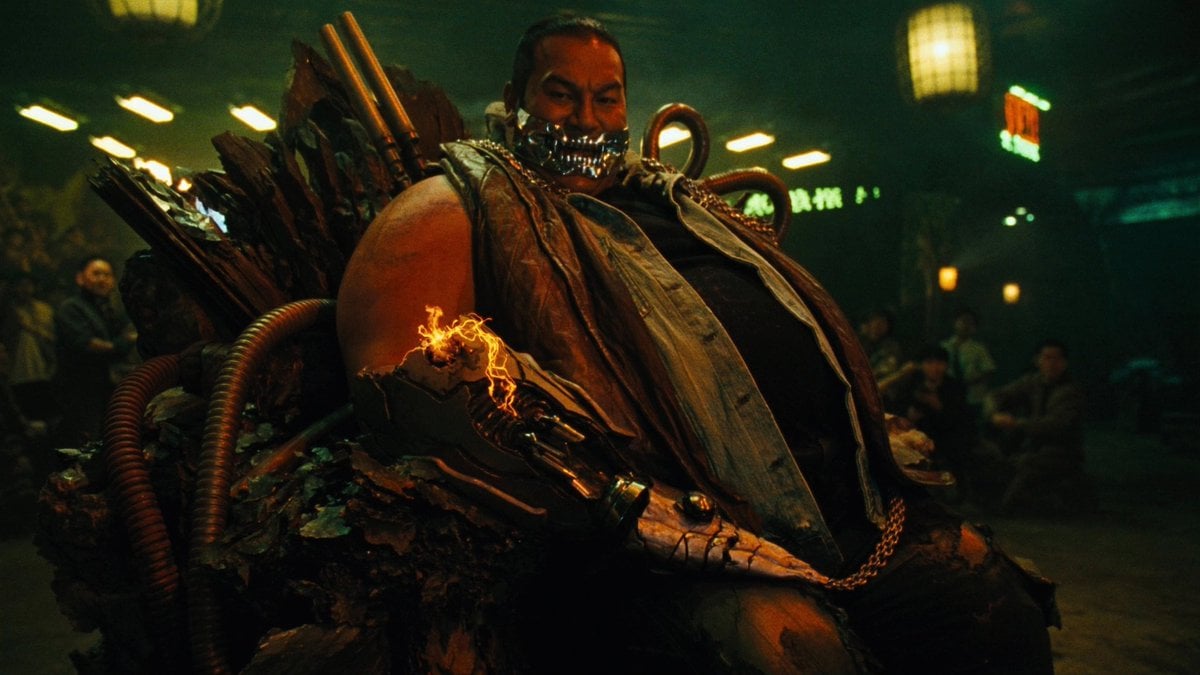
Cyber Vampire Character Turnaround Sheet
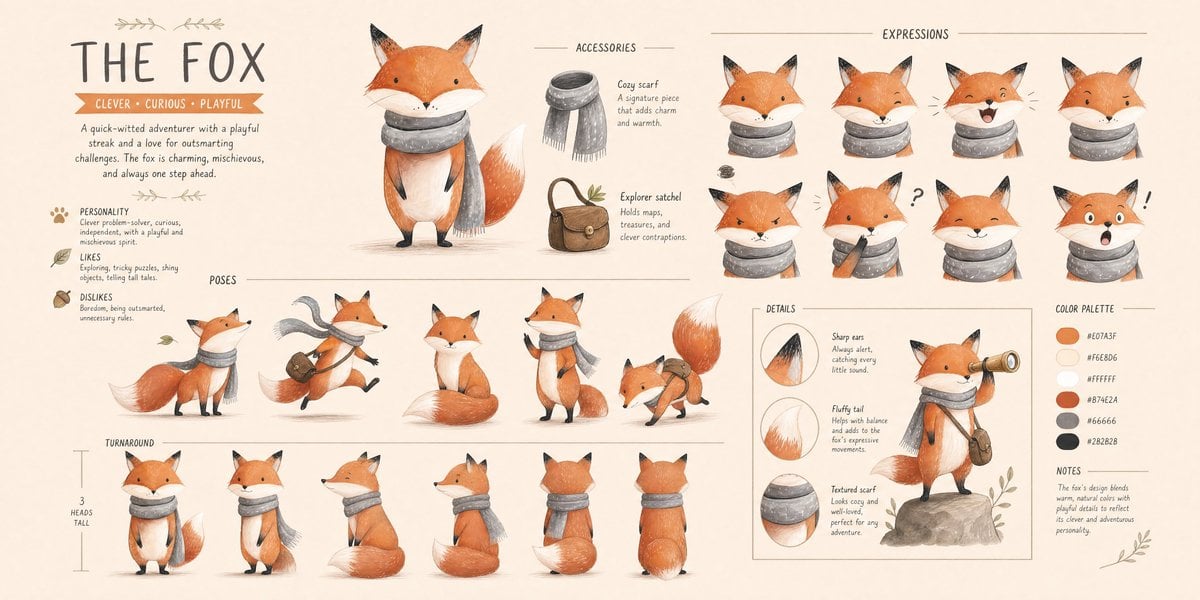
Character Technical Turnaround Reference Sheet
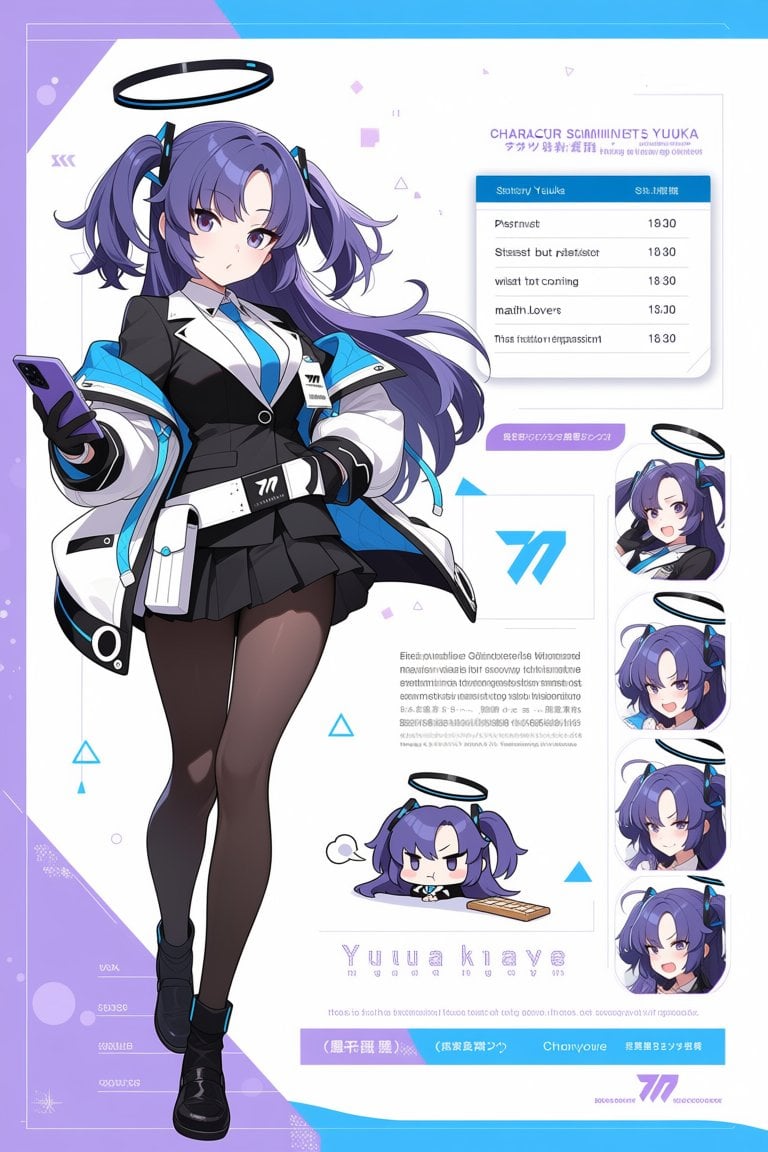
Anime Sci-Fi Character Sheet
Make it yours
Sci-Fi Mecha Turnaround Sheet works as-is. These are the safest ways to change it without losing the look.
Swap the setting
Keep the rest of the prompt and replace the location block. The current setting is “plain light gray studio backdrop”.
Swap the light
One lighting change is enough to compare takes. Current light: “soft neutral even lighting”.
Change one field
Copy a single group, rewrite it, and generate again so you can see what that field is doing.
| If the result… | Why | Fix |
|---|---|---|
| The result drifts from the preview | Too many fields changed at once. | Reuse Sci-Fi Mecha Turnaround Sheet as-is first, then change one group — subject, light, or setting. |
| GPT Image 2 ignores part of the JSON | Some models flatten or skip nested keys. | Keep the same values and paste them as a short paragraph instead. |
More GPT Image 2 templates
Other prompts made for GPT Image 2.

Six VTuber Japanese Logo Sheet

Realistic Portrait of Woman and Deer

The Vista Modular Condo Poster

AI Model Routing Comparison Infographic

2.5D Anime Art Board

Isometric Productivity Desk Scene

New York Double Exposure Poster

Four-Panel AI Landscape Comparison

Japanese Tatami Lifestyle Magazine Cover

NESCAFÉ Coffee Map Poster
More image prompts
Fresh picks from across the catalog.
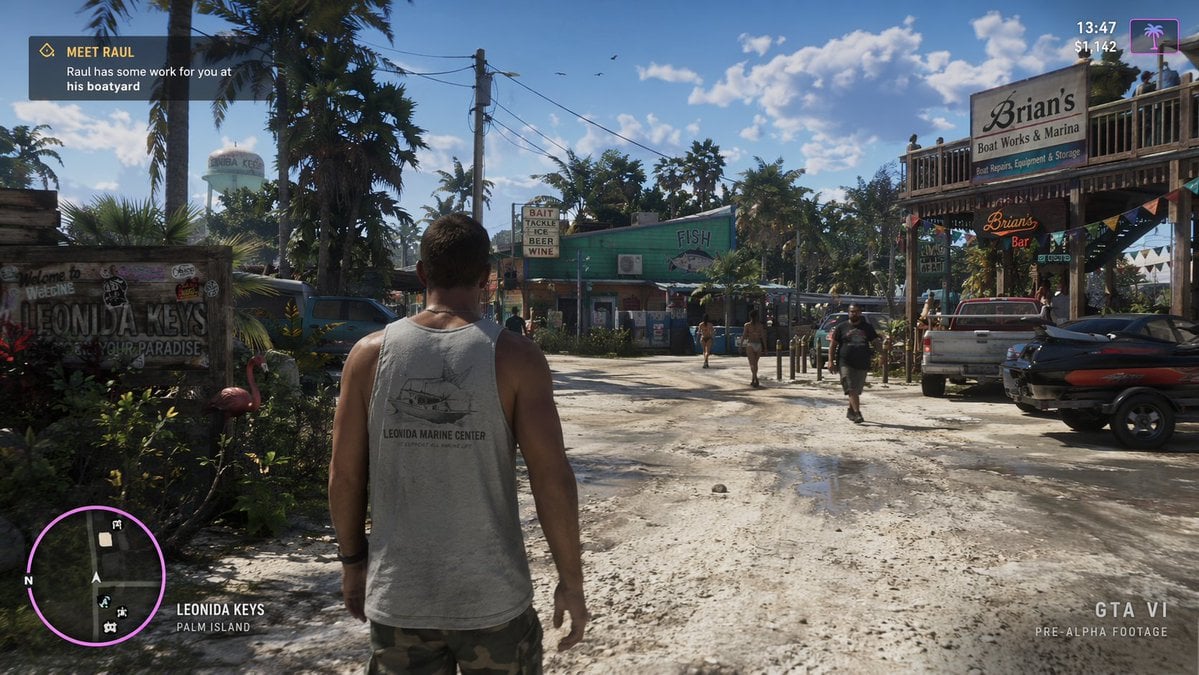
Open World Environment Shot

Cinematic Close-up Portrait Prompt of Winter Sports Athlete

Tomato Potato Beef Recipe Infographic

Loona
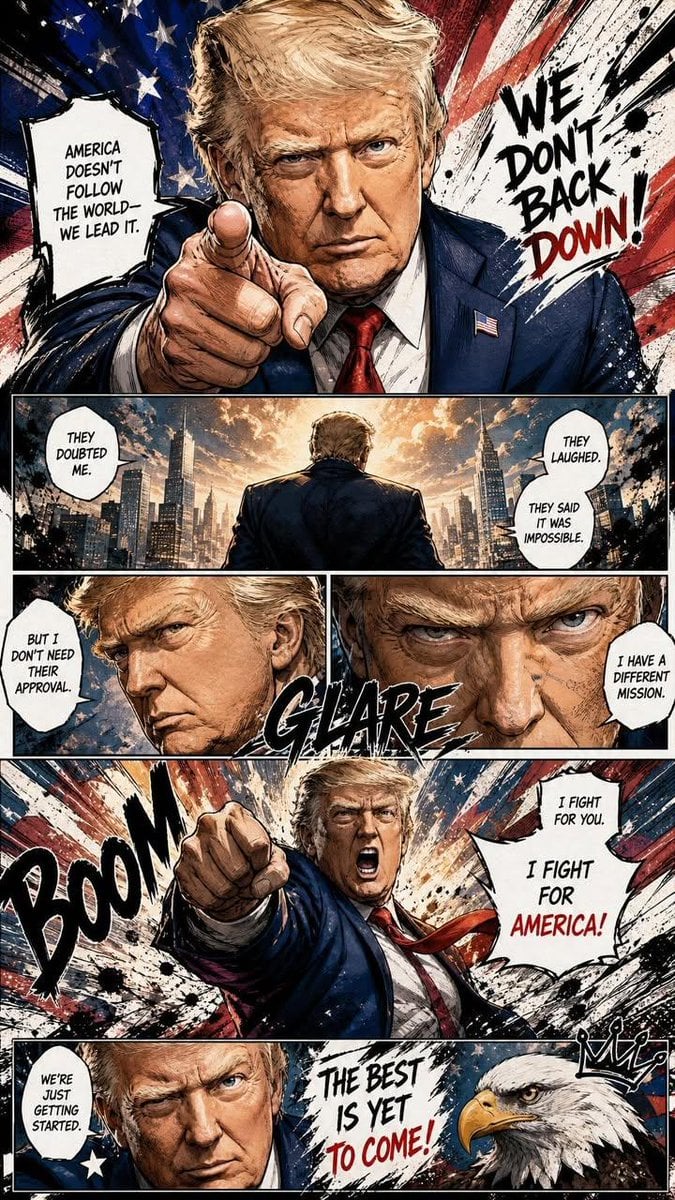
Dynamic Manga Page Illustration
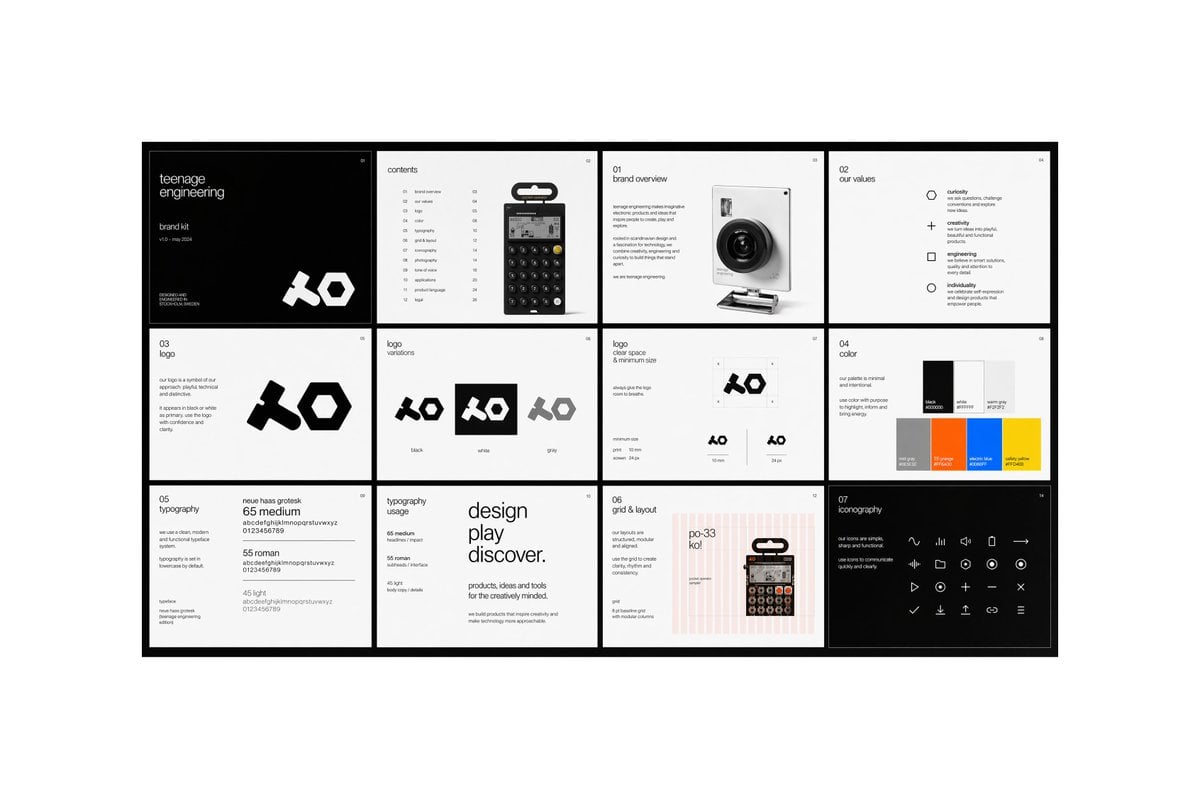
Multi-page Brand Kit Generator
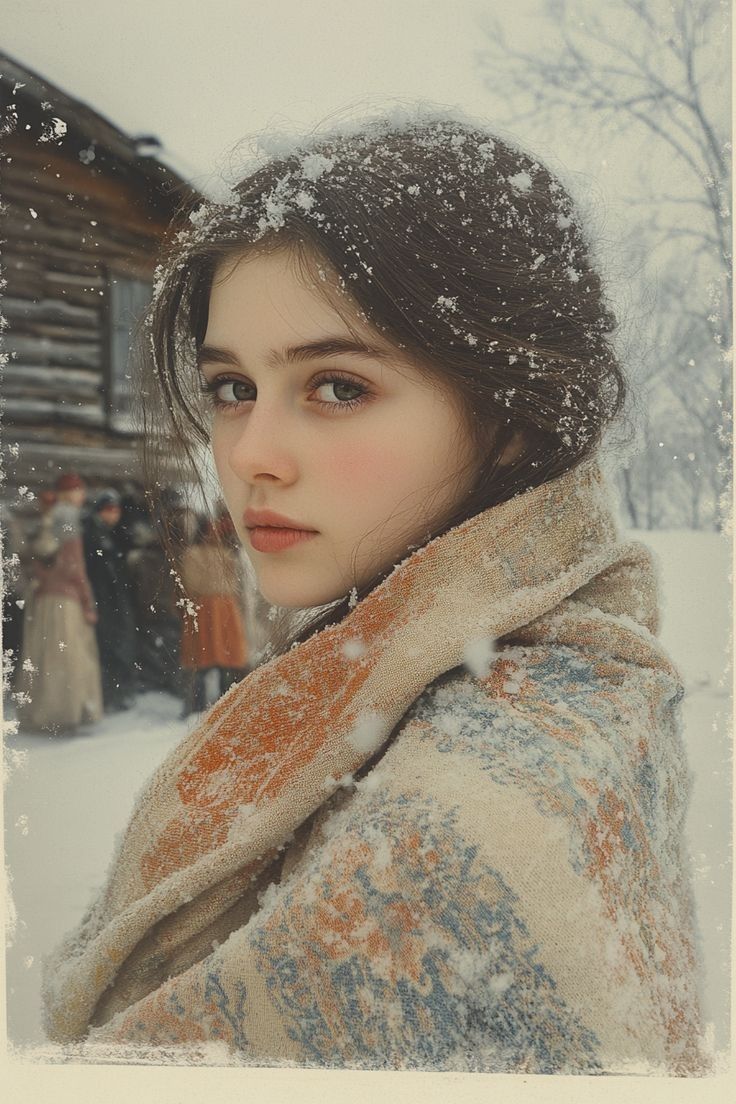
Cinematic Winter Portrait with Snowflakes
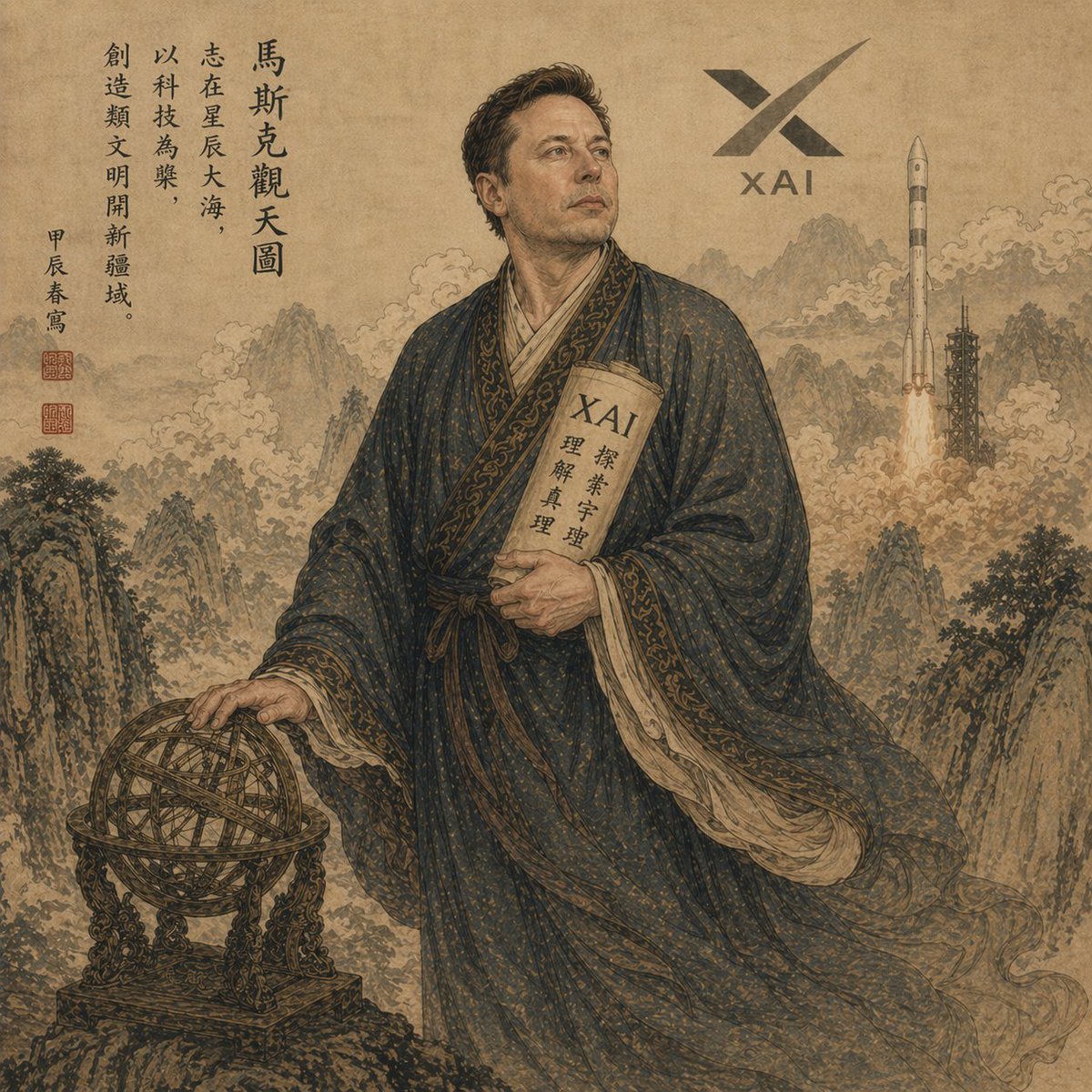
Classical Chinese Scholar with XAI Motif

Old Shanghai Fusion Poster

Cinematic Close-Up at an Electronic Music Festival
Browse template categories
Sci-Fi Mecha Turnaround Sheet questions
How do I use the Sci-Fi Mecha Turnaround Sheet template?
Add your photo if the template asks for one, edit the prompt if you like — the template's model and format are already selected — and press Generate. Your version opens in PicX Studio.
Can I customize the Sci-Fi Mecha Turnaround Sheet template?
Yes. You can change the subject, setting, lighting, mood, format, and available model controls before creating your image.
Is the Sci-Fi Mecha Turnaround Sheet template free?
Opening and editing this template is free. Generating uses credits, shown on the Generate button when you are signed in.
Which AI model should I use?
Start with GPT Image 2, which is the model associated with this template. You can compare another compatible model for a different finish.
Looking for something else? Browse all templates.

Your photo, any look
Thousands of ready templates for every top image and video model, from one credit balance.