
Anime Elf Maid Turnaround Sheet
Generates a six-view anime character reference sheet for a blue-haired elf maid, useful for consistent character design and pose reference.

- Prompt included
- Model and format preset
- Free template
The prompt behind this image
Copy the exact prompt behind Anime Elf Maid Turnaround Sheet, or open it in the studio and make it yours.
Goal: Create a clean anime character turnaround reference sheet for {argument name="character name" default="an elf maid girl"}, showing the same character consistently from multiple head angles for model-sheet use. Canvas: Wide horizontal 16:9 canvas on a warm off-white paper background, lightly textured, with thin pale gray panel dividers. Arrange six evenly spaced bust portraits in a 3-column by 2-row grid. Layout: Include exactly 6 labeled views: 1) FRONT (0°), 2) 3/4 LEFT (45°), 3) 3/4 RIGHT (45°), 4) LEFT (90°), 5) RIGHT (90°), 6) BACK (180°). Place each label centered beneath its portrait in small uppercase gray-black sans serif text. Keep all portraits cropped from upper chest to just above the hair accessories, consistent scale and alignment. Subject details: The character is a young anime elf maid with pale skin, large red eyes, long pointed elf ears, and a calm slightly serious expression. She has {argument name="hair color" default="light aqua blue"} short bob hair with straight bangs and soft layered ends, with the back view showing rounded bob volume and nape-length strands. Her outfit is a black-and-white gothic lolita maid uniform: black dress bodice, white ruffled shoulders and collar, black straps, small cross motifs, a black choker collar with a metal ring and red tag charm, and subtle silver ear piercings. Add a black-and-white frilled maid headband with black bows and a small red cross hair clip on the left side of her bangs. Visual style: High-quality Japanese anime illustration, crisp clean line art, soft cel shading, delicate gradients in the hair, glossy highlights, detailed eyes, refined character-design-sheet rendering, neutral studio lighting, minimal background, professional reference sheet aesthetic. Constraints: Preserve character identity across all 6 views, keep the same hairstyle, accessories, outfit, and proportions in every panel. Do not add extra views, full-body poses, speech bubbles, watermarks, logos, or decorative background elements.
How to use Anime Elf Maid Turnaround Sheet in 3 steps
- 1Upload ImagePNG, JPG or paste
Add your photo
Upload the photo the template builds on. The prompt, model and format are already set.
- 2…a portrait of your subject in softgolden-hour light, 85mm…
Personalize
Edit the subject and creative details for your destination.
- 3Generate
Generate
Press Generate — your image is created in PicX Studio, so you can compare it with the original and refine one variable at a time.
More like this
Templates with the same subject, style or setup. Open one to see its prompt.

Anime Character Charm Analysis Sheet
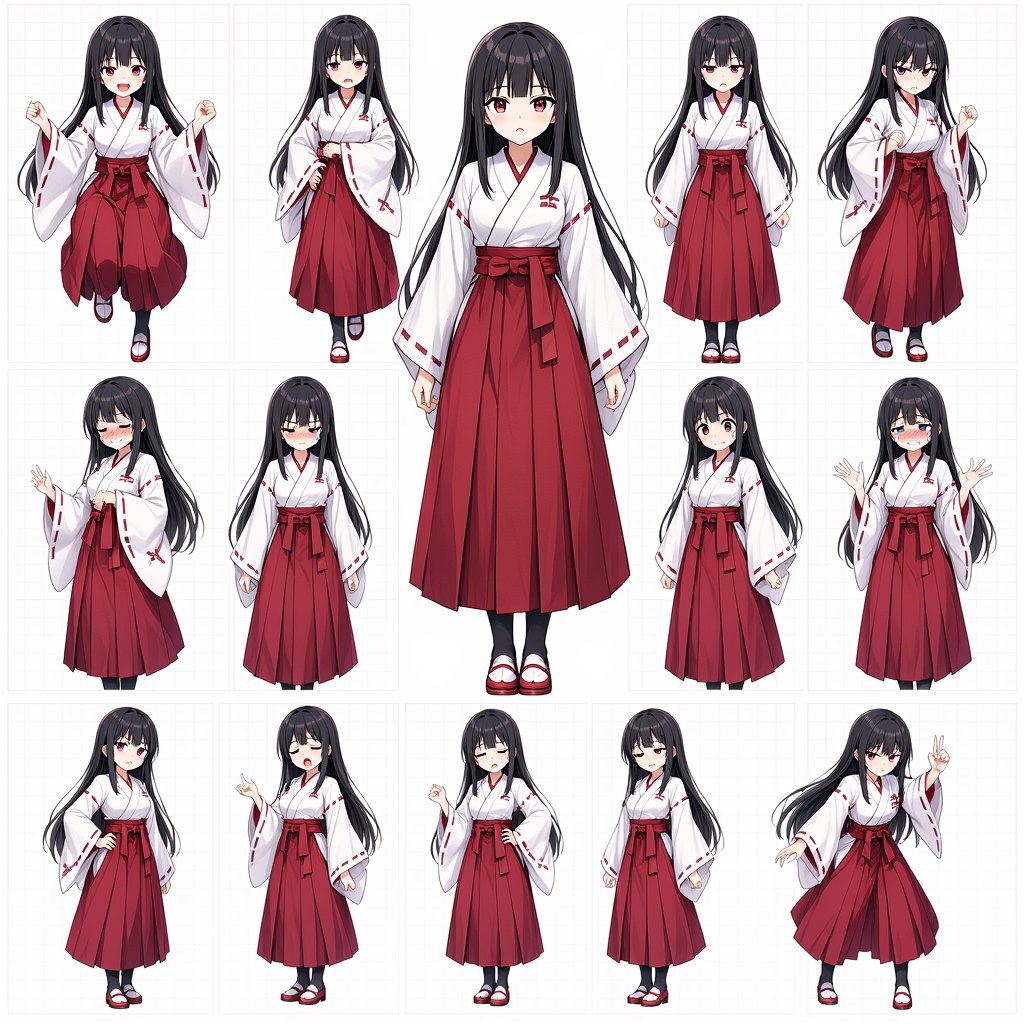
Anime Shrine Maiden Character Sheet
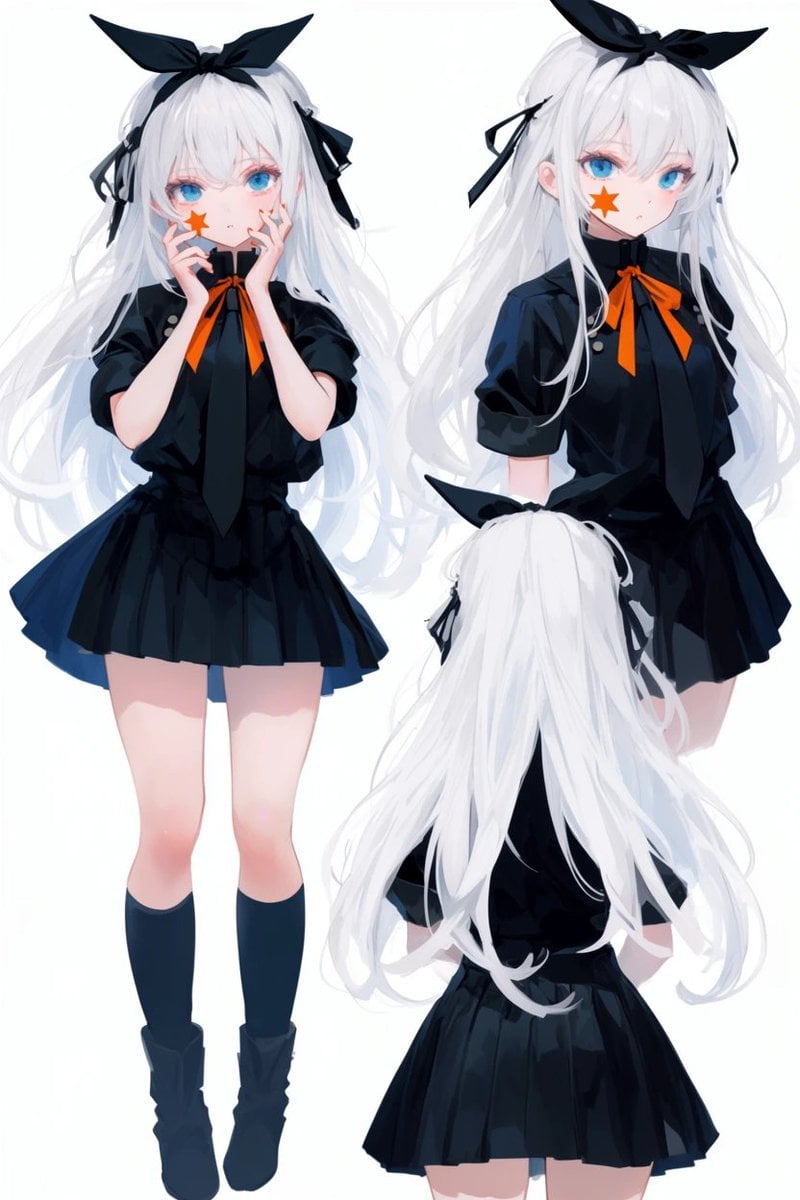
Anime Character Turnaround Sheet
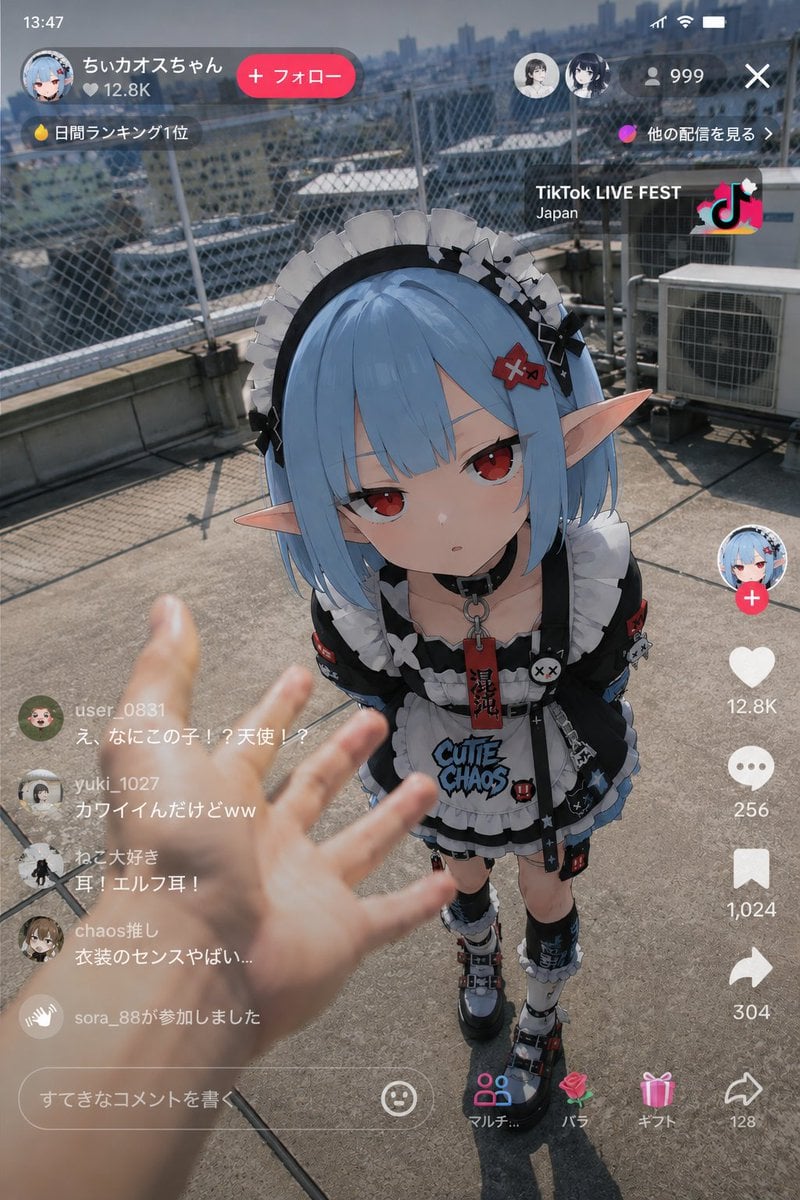
Anime Elf Maid in TikTok Live
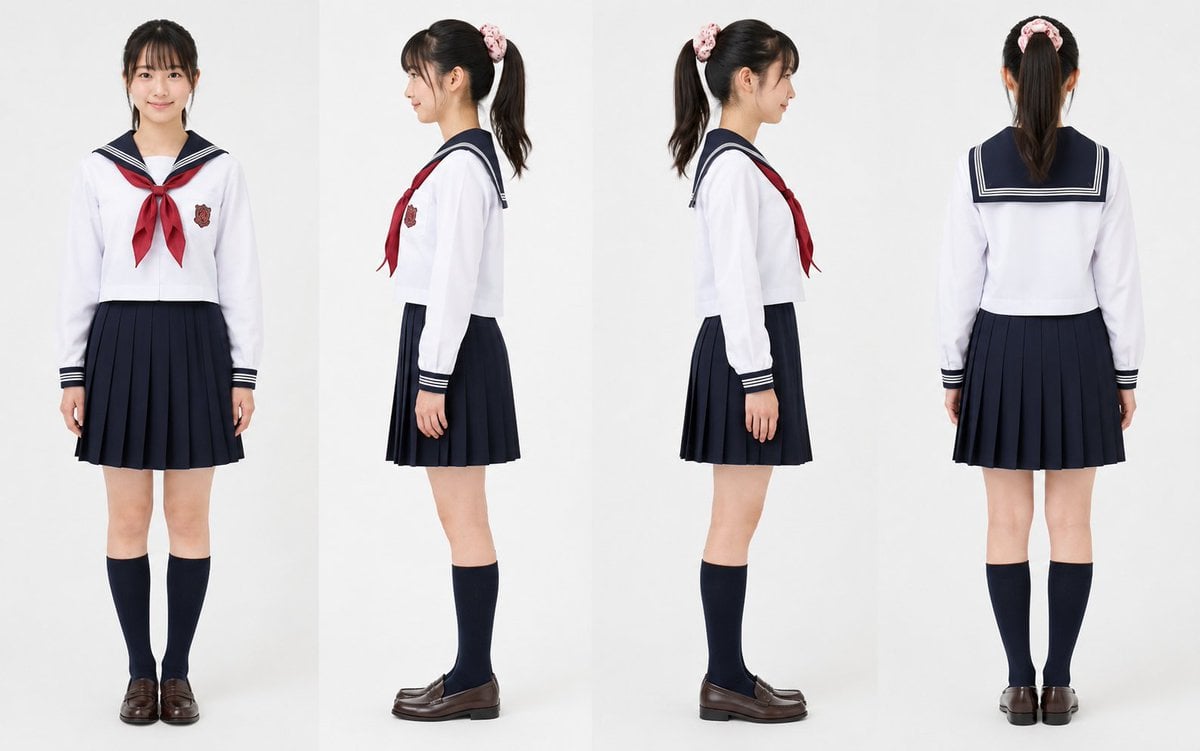
Realistic Schoolgirl Turnaround Sheet
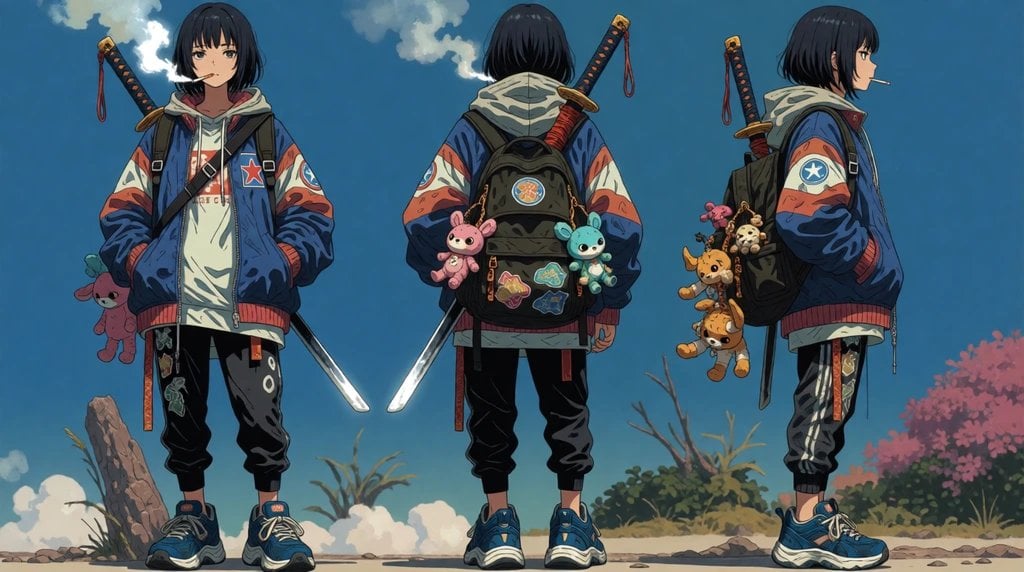
Urban Samurai Girl Turnaround Sheet
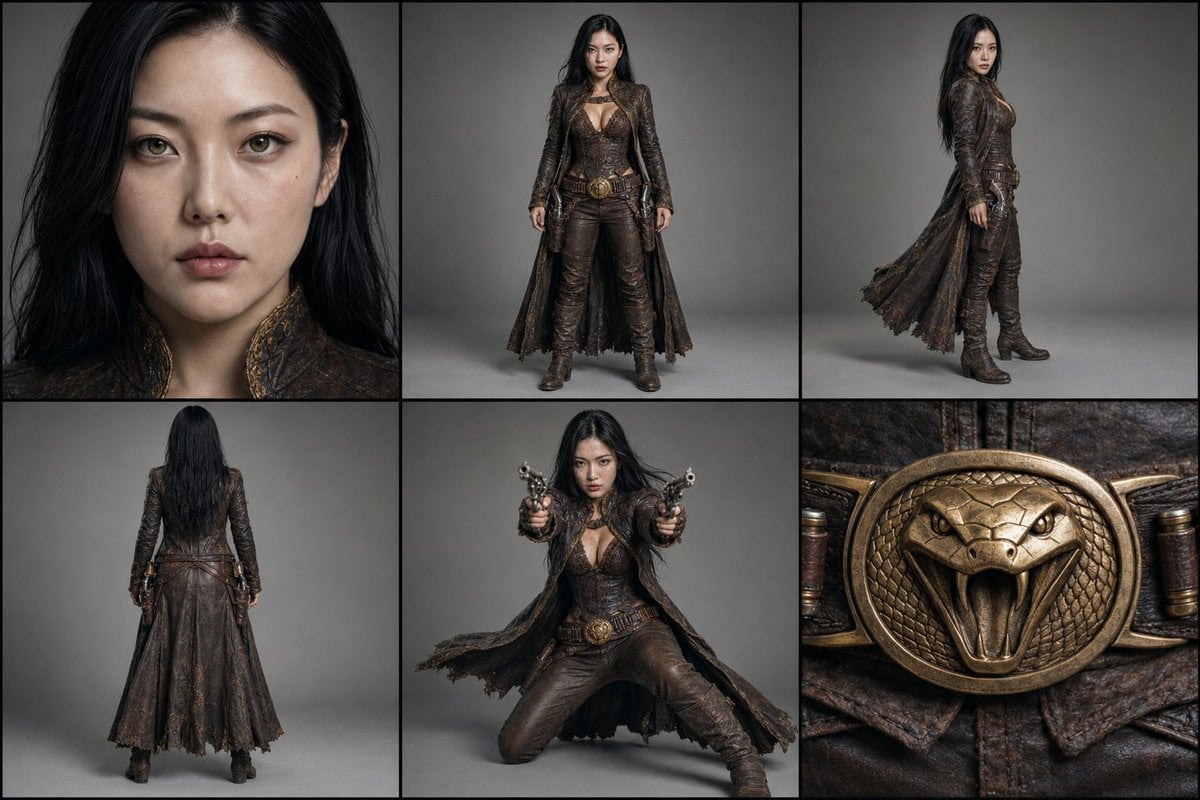
Character Reference Turnaround Sheet
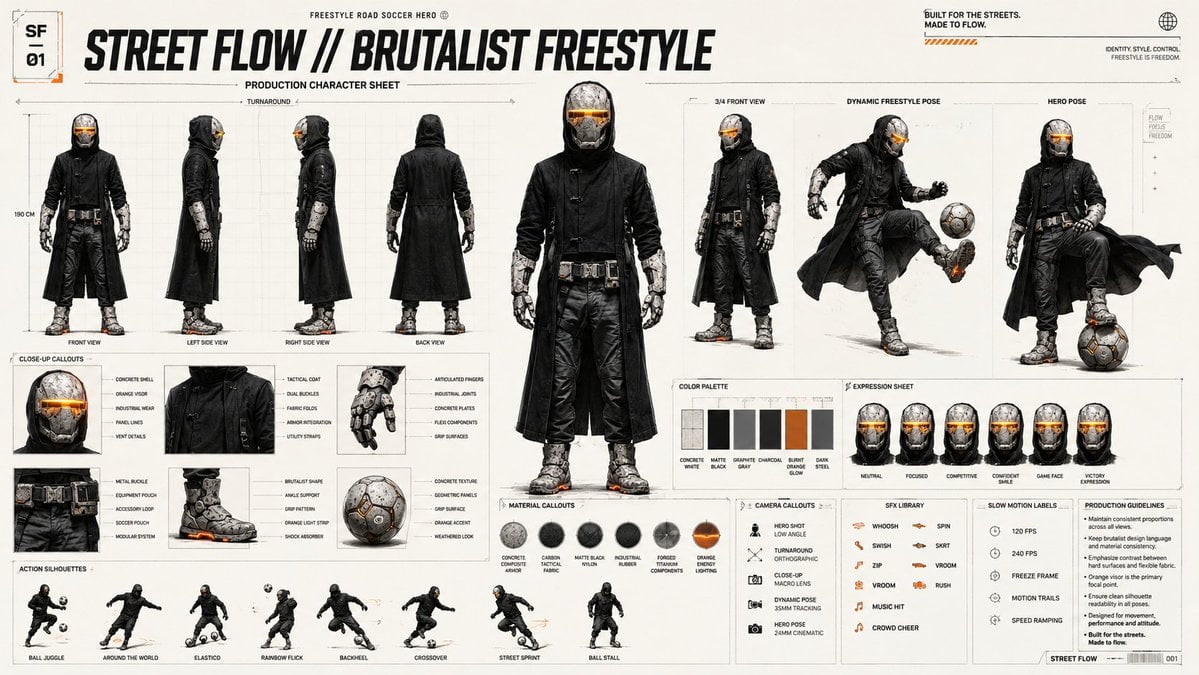
Futuristic Scout Turnaround Sheet
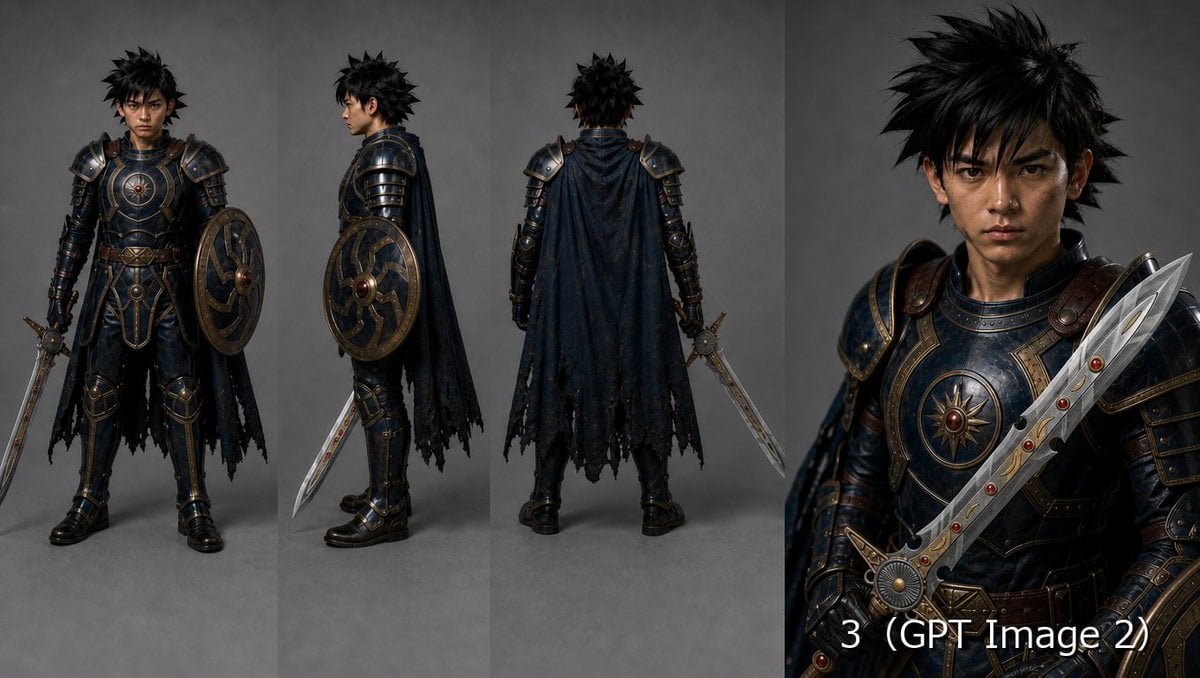
Fantasy Knight Character Turnaround Sheet
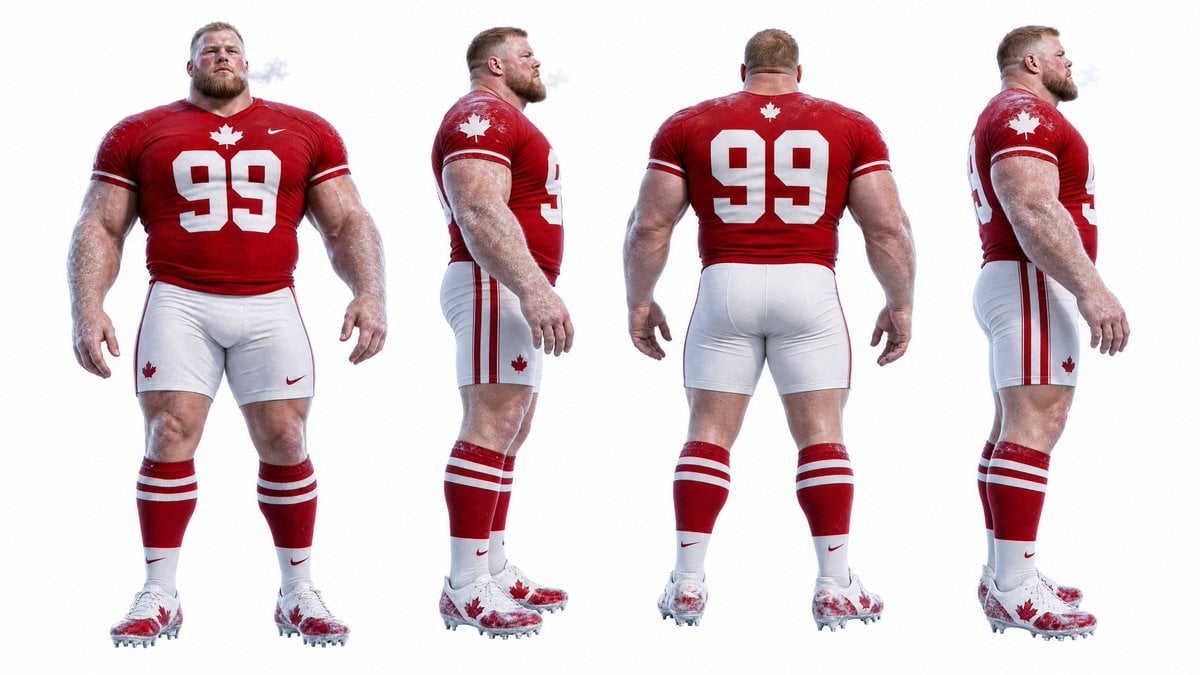
Football Player Turnaround Sheet

Anime Lantern Girl Character Sheet

Anime Character Sheet Reference Prompt
Make it yours
Anime Elf Maid Turnaround Sheet works as-is. These are the safest ways to change it without losing the look.
Change one field
Copy a single group, rewrite it, and generate again so you can see what that field is doing.
Keep the frame, change the subject
Hold the composition and light of Anime Elf Maid Turnaround Sheet, then swap wardrobe, props or the person for a new take.
| If the result… | Why | Fix |
|---|---|---|
| The result drifts from the preview | Too many fields changed at once. | Reuse Anime Elf Maid Turnaround Sheet as-is first, then change one group — subject, light, or setting. |
| The model over-stylizes the scene | The prose prompt leaves finish and camera underspecified. | Add one camera or lighting sentence and stay on GPT Image 2. |
More GPT Image 2 templates
Other prompts made for GPT Image 2.

Six VTuber Japanese Logo Sheet

Realistic Portrait of Woman and Deer

The Vista Modular Condo Poster

AI Model Routing Comparison Infographic

2.5D Anime Art Board

Isometric Productivity Desk Scene

New York Double Exposure Poster

Four-Panel AI Landscape Comparison

Japanese Tatami Lifestyle Magazine Cover

NESCAFÉ Coffee Map Poster
More image prompts
Fresh picks from across the catalog.

Cinematic Landscape of Minimalist Van in Pink Flower Fields
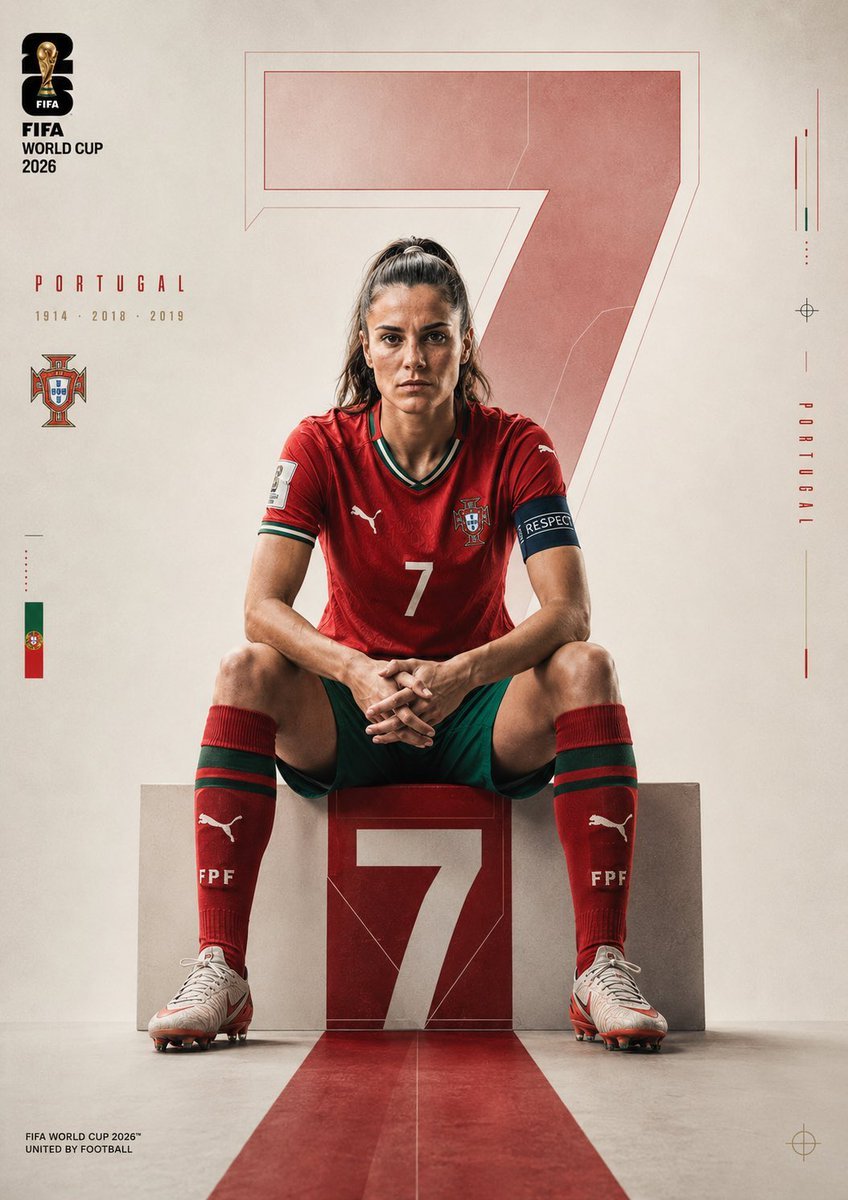
Portugal Football Campaign Poster
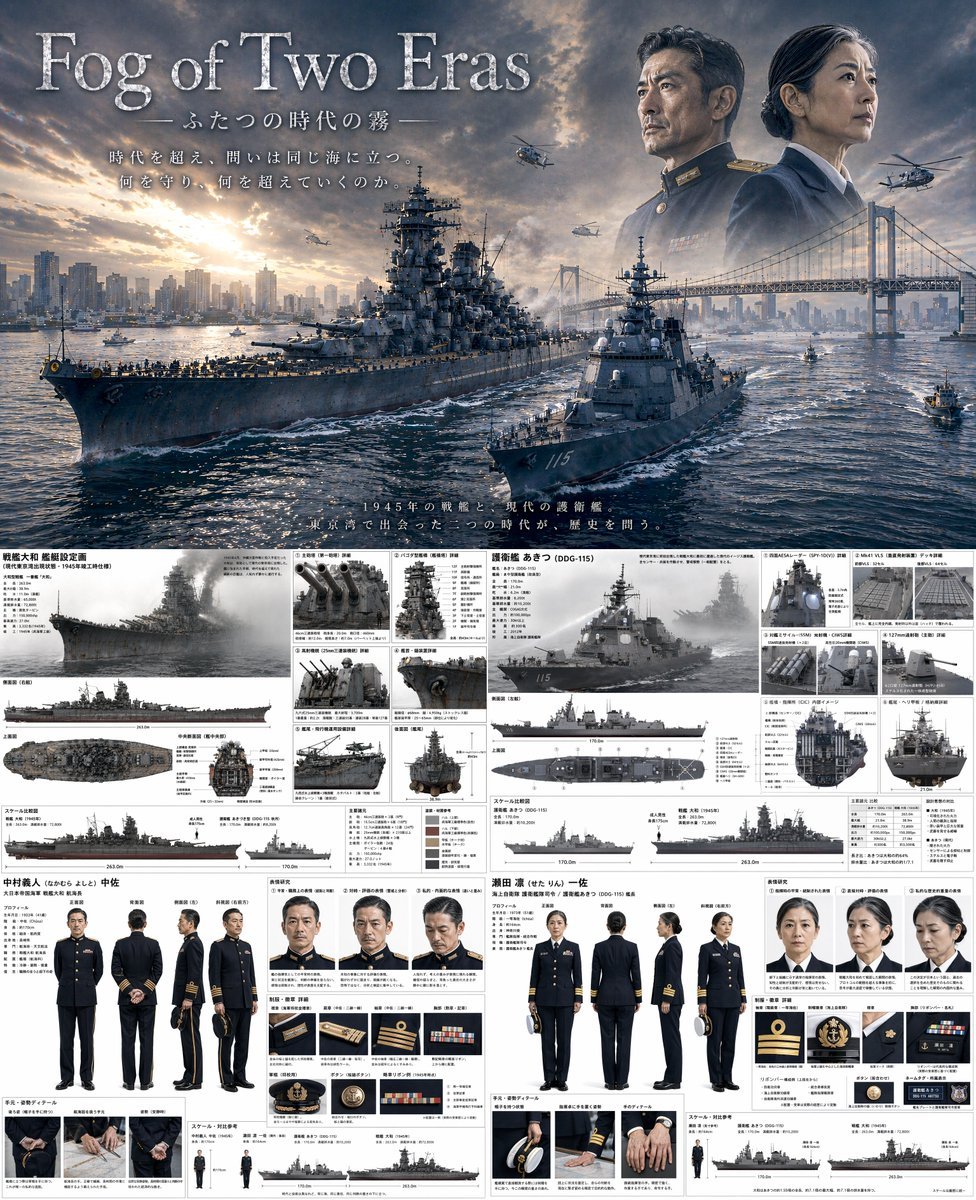
Dual-Era Naval Drama Poster & Spec Sheet
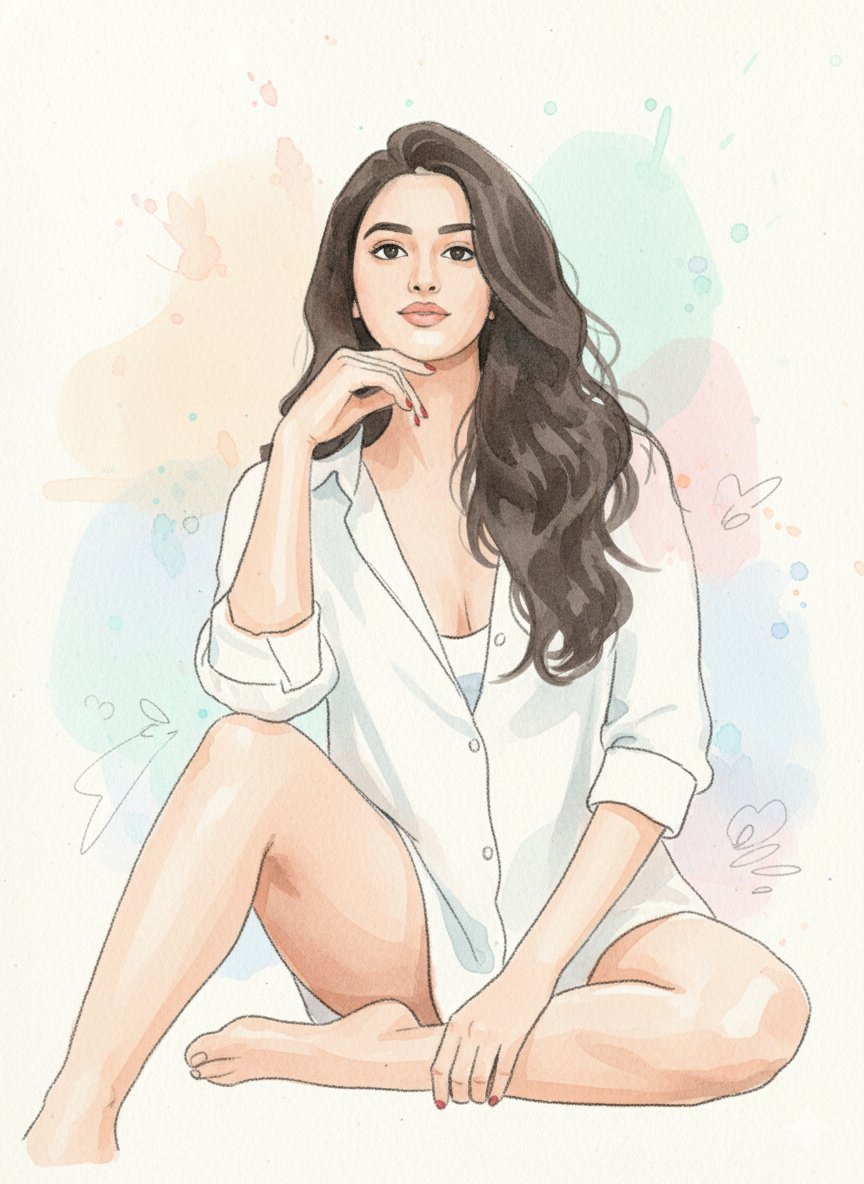
Watercolor Blob Doodle Identity Preservation Prompt
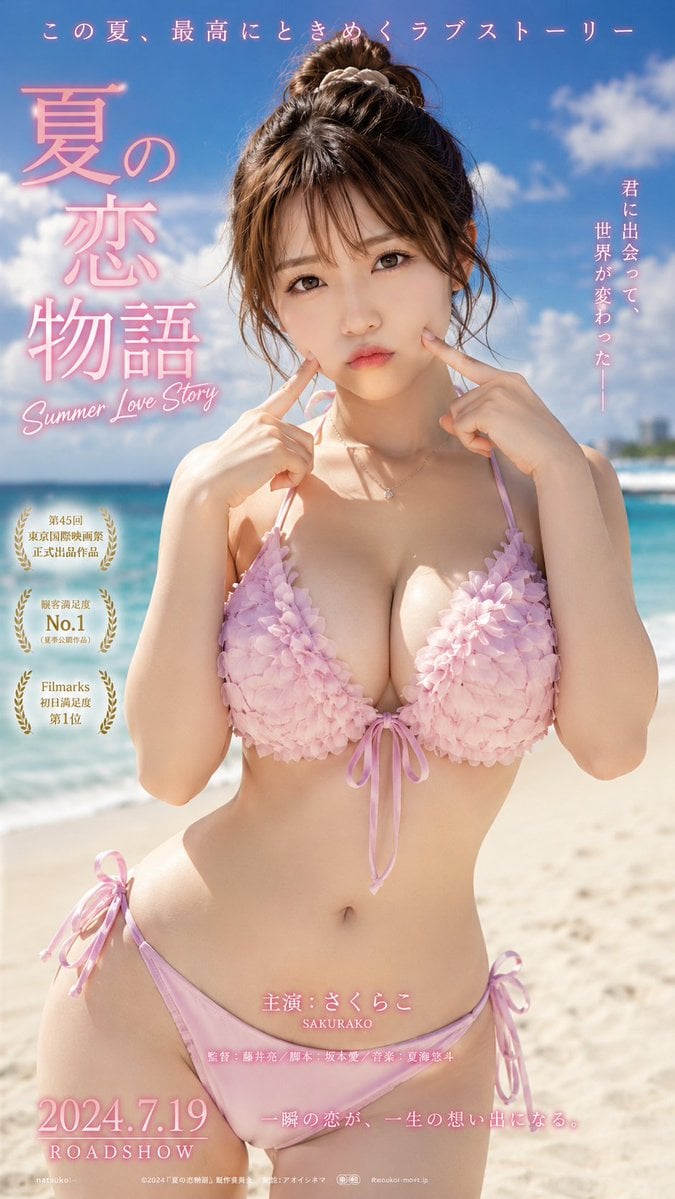
Cinematic Beachwear Model Portrait
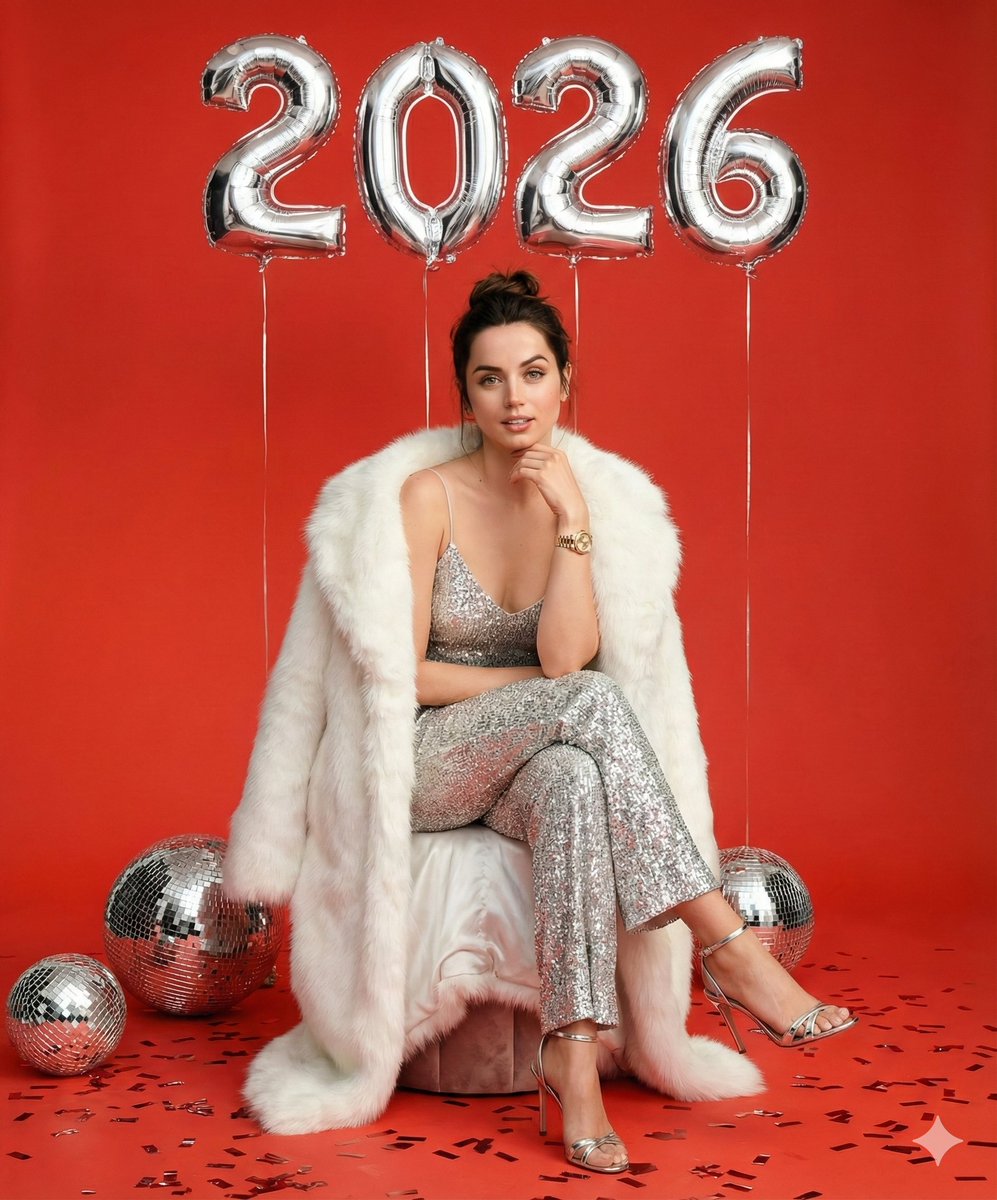
Glamorous New Year's Eve Fashion Shoot
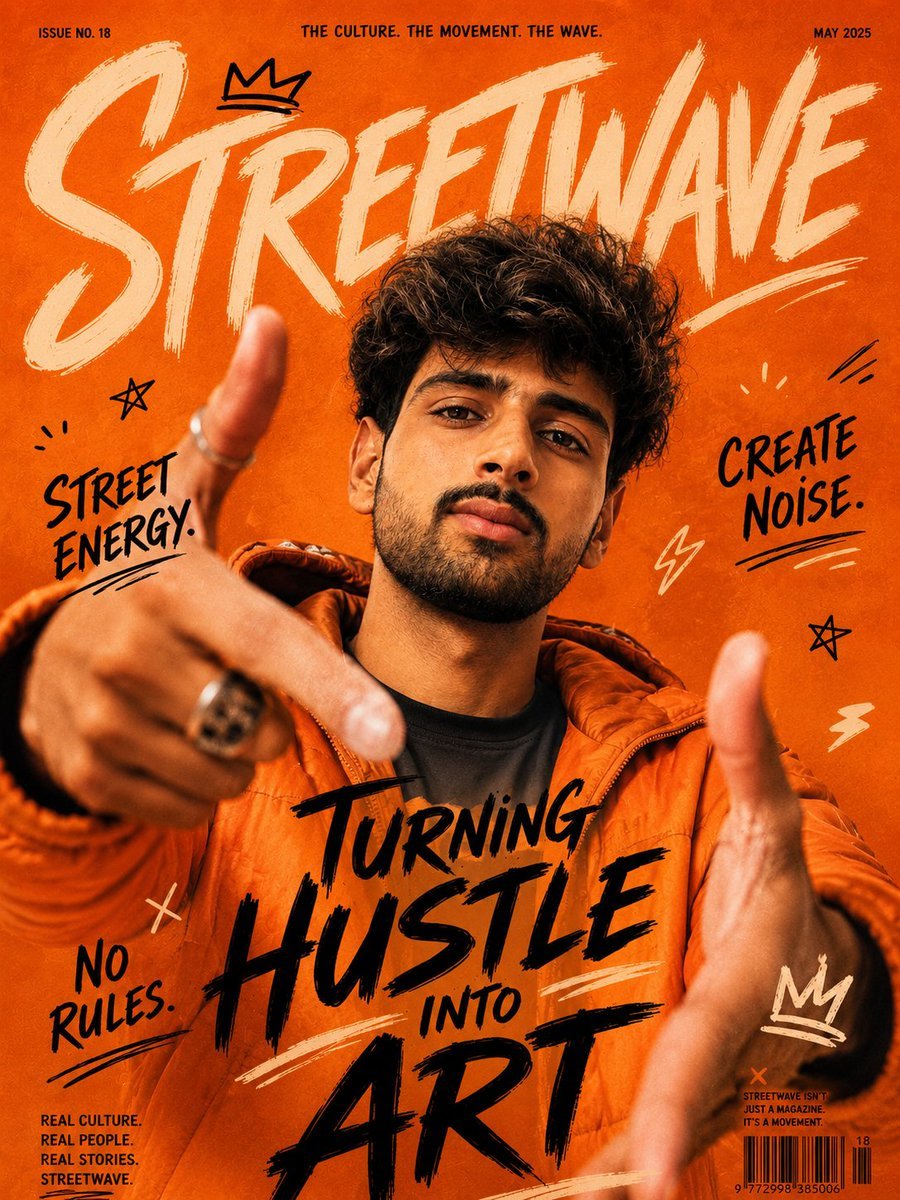
Urban Streetwave Magazine Cover
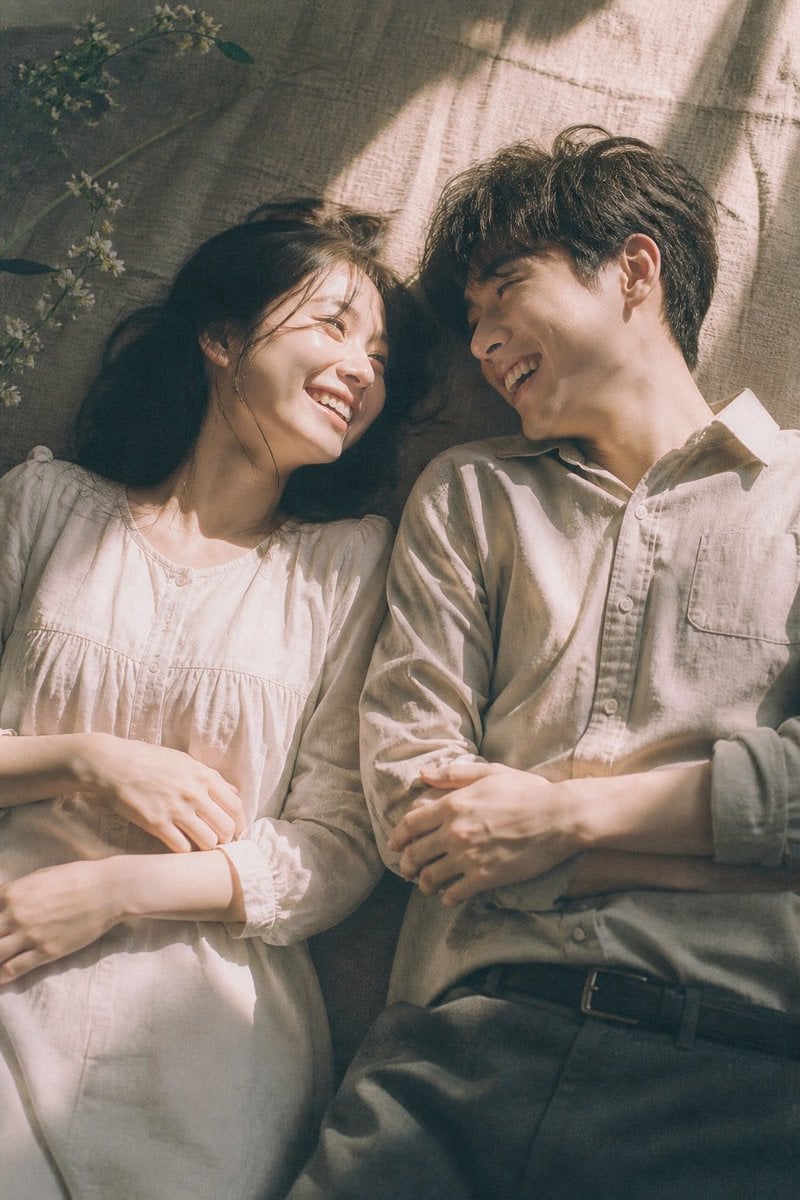
Japanese Cinematic Couple Portrait
Anime Coloring Study: Flat Anime Style with Directional Light
Isometric 3D World Render
Browse template categories
Anime Elf Maid Turnaround Sheet questions
How do I use the Anime Elf Maid Turnaround Sheet template?
Add your photo if the template asks for one, edit the prompt if you like — the template's model and format are already selected — and press Generate. Your version opens in PicX Studio.
Can I customize the Anime Elf Maid Turnaround Sheet template?
Yes. You can change the subject, setting, lighting, mood, format, and available model controls before creating your image.
Is the Anime Elf Maid Turnaround Sheet template free?
Opening and editing this template is free. Generating uses credits, shown on the Generate button when you are signed in.
Which AI model should I use?
Start with GPT Image 2, which is the model associated with this template. You can compare another compatible model for a different finish.
Looking for something else? Browse all templates.

Your photo, any look
Thousands of ready templates for every top image and video model, from one credit balance.