
Anime Elf Maid in TikTok Live
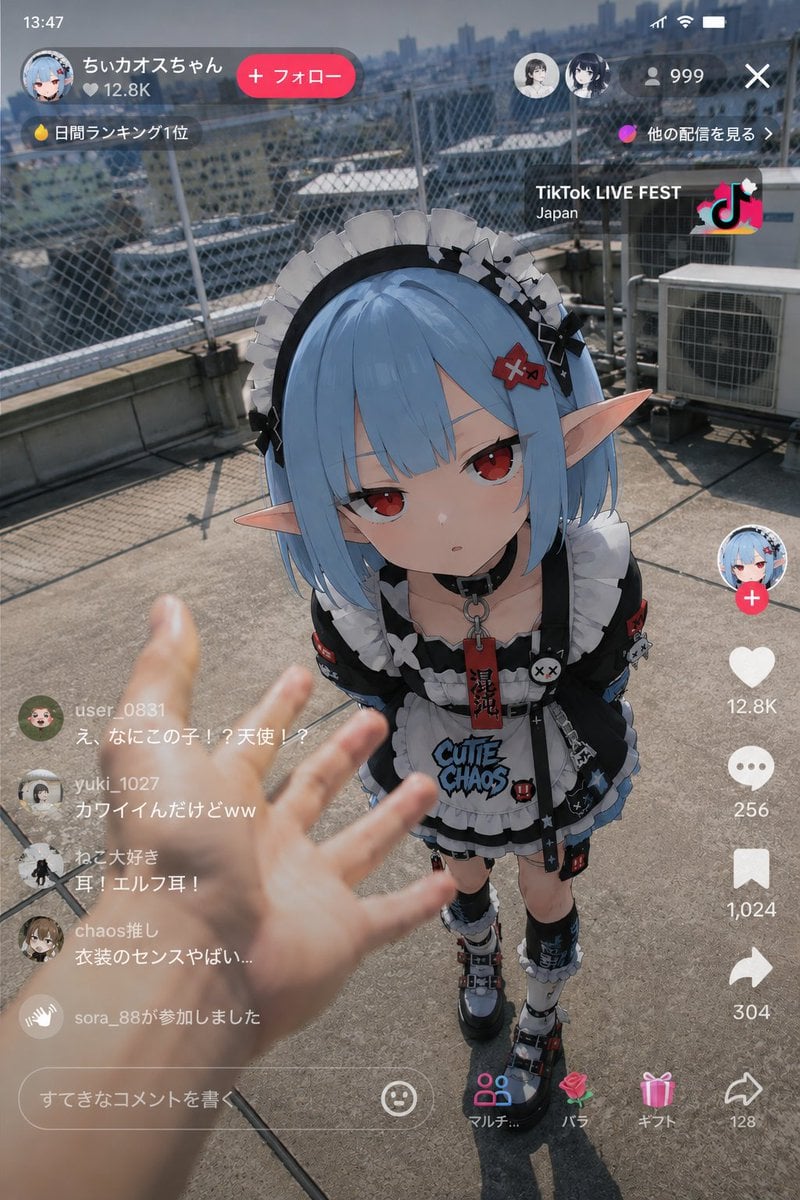
Generates a vertical TikTok-style livestream screenshot of a gothic anime elf maid appearing on a realistic rooftop.
- Prompt included
- Model and format preset
- Free template
The prompt behind this image
Copy the exact prompt behind Anime Elf Maid in TikTok Live, or open it in the studio and make it yours.
Goal: Create a vertical smartphone screenshot of a TikTok-style live stream where an anime elf maid character has appeared in the real world on a sunny urban rooftop, as if viewed through a phone during a live broadcast. Canvas: 9:16 portrait mobile screen, realistic phone UI overlay, 768×1152 style composition. The background is a photoreal rooftop with concrete floor, chain-link safety fence, air-conditioning units, hazy city skyline, and hard midday sunlight casting shadows. Main scene: A first-person human hand reaches in from the lower left foreground toward the character, slightly motion-blurred and out of focus. Center frame shows a small full-body anime girl standing on the rooftop, looking upward toward the camera. She has {argument name="hair color" default="pale blue"} bob-cut hair, long pointed elf ears, and an elaborate black-and-white gothic lolita maid outfit. Her face is covered by a large opaque gray censor square, centered over the upper face and nose area. Keep the character rendered in a crisp anime illustration style while the rooftop, hand, and lighting remain photorealistic, emphasizing the surreal contrast of an anime character physically present in a real livestream. Character details: Use {argument name="character name" default="ちいカオスちゃん"} as the streamer name in the UI. The character wears exactly 12 visible outfit/accessory groups: 1) black maid headband with white frills, 2) black bow and flower ornaments on the hair, 3) red hair clip, 4) black choker with metal ring, 5) black-and-white ruffled maid dress, 6) white apron with bold text reading “CUTIE CHAOS”, 7) red hanging tag with Japanese characters, 8) black sleeve cuffs with patches, 9) small cross and skull-like accessories, 10) layered black skirt with blue trim, 11) asymmetrical knee socks, and 12) chunky platform shoes with straps and red-blue accents. TikTok live UI layout: Add a complete mobile livestream interface overlay. Top left shows the time “13:47”. Under it, a rounded streamer card with a circular anime avatar, the name “ちいカオスちゃん”, viewer count “12.8K”, and a pink rounded “+ フォロー” button. Below that, show a flame icon and “日間ランキング1位”. Top right shows Wi-Fi/battery icons, two small circular viewer avatars, a person icon with “999”, and an X close icon. Mid-right top shows “他の配信を見る >” and a promo tile reading “TikTok LIVE FEST” with “Japan” beneath it and a colorful TikTok logo. Right-side action rail: Include exactly 7 stacked action elements from top to bottom: 1) circular profile avatar with a pink plus badge, 2) white heart icon with “12.8K”, 3) comment bubble with “256”, 4) bookmark icon with “1,024”, 5) share arrow with “304”, 6) bottom share-style arrow with “128”, and 7) a row of gift/navigation icons near the bottom labeled “マルチ...”, “バラ”, and “ギフト”. Left-side live comments: Show exactly 5 visible comment/activity lines in translucent white text with small circular avatars: 1) “user_0831” saying “え、なにこの子!?天使!?”, 2) “yuki_1027” saying “カワイイんだけどww”, 3) “ねこ大好き” saying “耳!エルフ耳!”, 4) “chaos推し” saying “衣装のセンスやばい...”, and 5) “sora_88が参加しました”. Bottom UI: Add a rounded comment input bar reading “すてきなコメントを書く” with a smiley icon. Keep the interface semi-transparent and realistic, as a captured social media livestream screen. Visual style: Hybrid photorealistic live-action rooftop footage plus high-quality anime character compositing, cinematic sunlight, shallow depth of field on the foreground hand, crisp mobile UI, playful chaotic kawaii-goth aesthetic. Use {argument name="platform style" default="TikTok LIVE"} visual language. Constraints: Preserve the Japanese UI text exactly where specified, use no extra comments beyond the 5 listed, keep the face hidden by the gray square, and avoid adding watermarks outside the TikTok-style interface.
How to use Anime Elf Maid in TikTok Live in 3 steps
- 1Upload ImagePNG, JPG or paste
Add your photo
Upload the photo the template builds on. The prompt, model and format are already set.
- 2…a portrait of your subject in softgolden-hour light, 85mm…
Personalize
Edit the subject and creative details for your destination.
- 3Generate
Generate
Press Generate — your image is created in PicX Studio, so you can compare it with the original and refine one variable at a time.
More like this
Templates with the same subject, style or setup. Open one to see its prompt.











Make it yours
Anime Elf Maid in TikTok Live works as-is. These are the safest ways to change it without losing the look.
Change one field
Copy a single group, rewrite it, and generate again so you can see what that field is doing.
Keep the frame, change the subject
Hold the composition and light of Anime Elf Maid in TikTok Live, then swap wardrobe, props or the person for a new take.
| If the result… | Why | Fix |
|---|---|---|
| The result drifts from the preview | Too many fields changed at once. | Reuse Anime Elf Maid in TikTok Live as-is first, then change one group — subject, light, or setting. |
| The model over-stylizes the scene | The prose prompt leaves finish and camera underspecified. | Add one camera or lighting sentence and stay on GPT Image 2. |
More GPT Image 2 templates
Other prompts made for GPT Image 2.

Six VTuber Japanese Logo Sheet

Realistic Portrait of Woman and Deer

The Vista Modular Condo Poster

AI Model Routing Comparison Infographic

2.5D Anime Art Board

Isometric Productivity Desk Scene

New York Double Exposure Poster

Four-Panel AI Landscape Comparison

Japanese Tatami Lifestyle Magazine Cover

NESCAFÉ Coffee Map Poster
More image prompts
Fresh picks from across the catalog.
Elegant Serenity Lifestyle Portrait
Minimalist Conceptual Dual-Identity Portrait Prompt
Ethereal Coastal Lifestyle Portrait at Blue Hour
Cinematic Symmetrical Motion Portrait
Low-Quality Disposable Camera Aesthetic for Daily Life Photos
Devilman Anime Keyframe in 3DCG Style
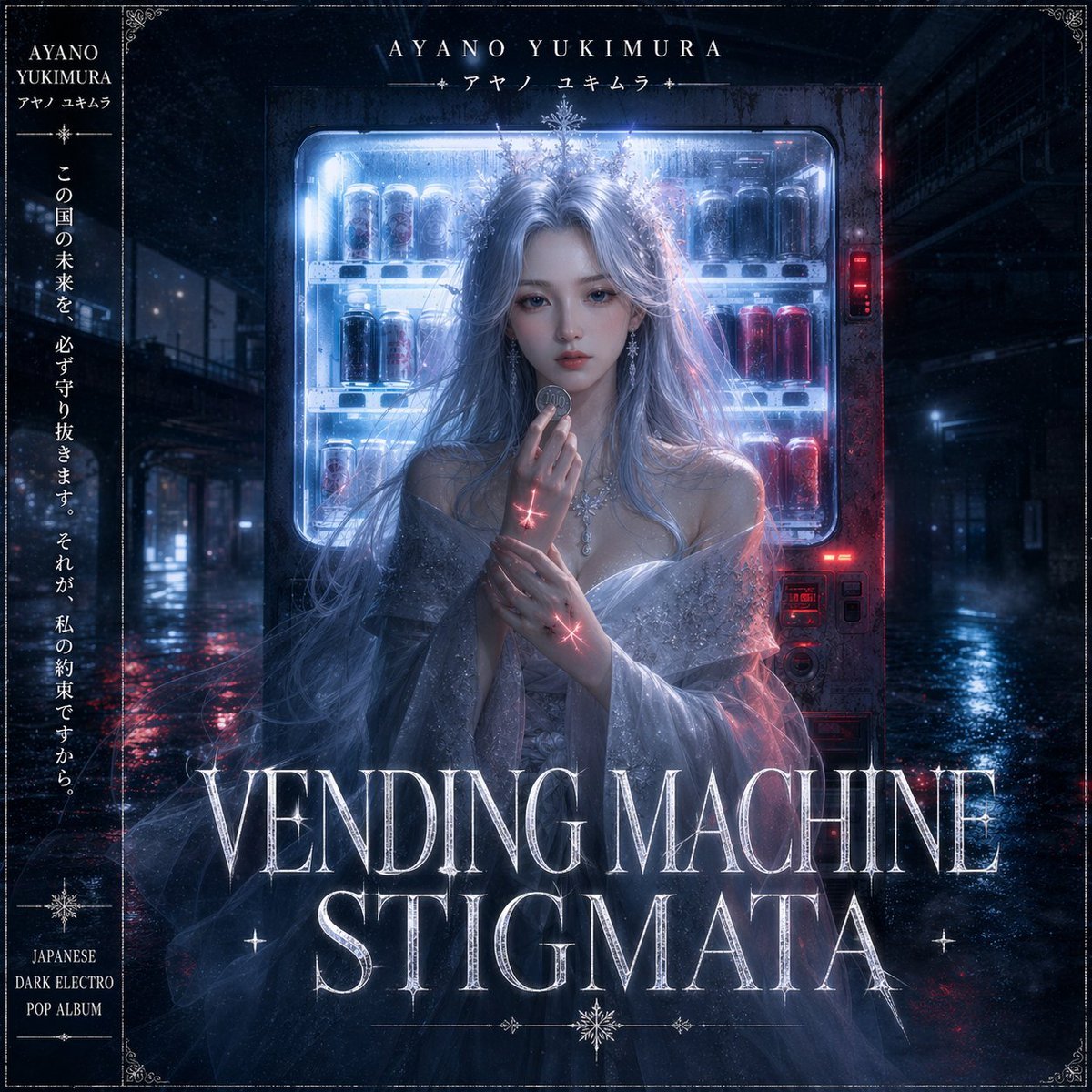
Dark Electro Album Cover

Golden Hour Rooftop Sunset Rest
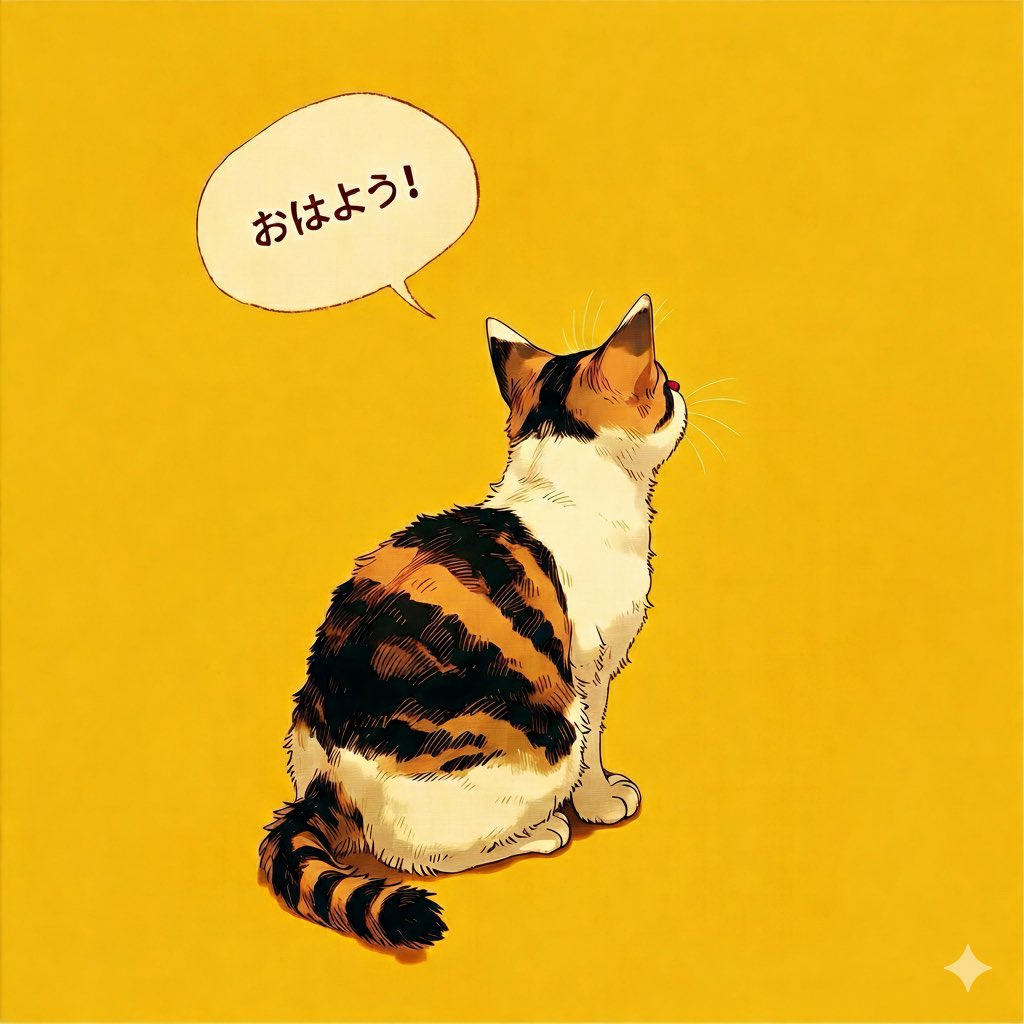
Japanese Text Generation Comparison (Oha-you)
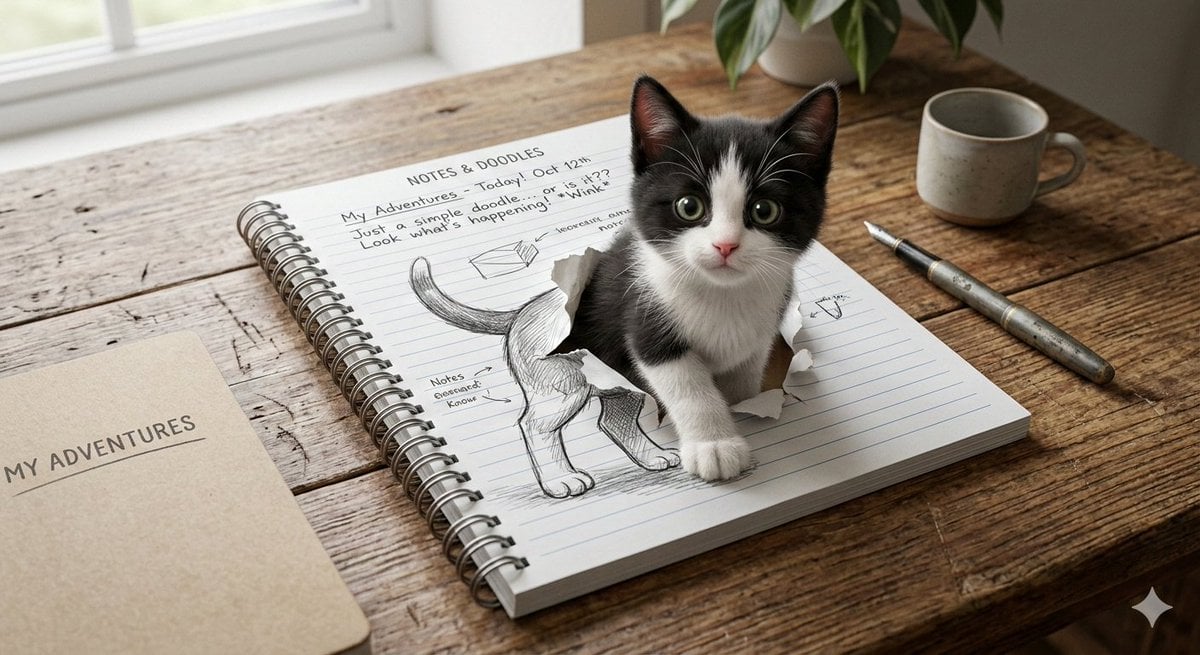
3D Illusion Kitten Art Prompt
Browse template categories
Anime Elf Maid in TikTok Live questions
How do I use the Anime Elf Maid in TikTok Live template?
Add your photo if the template asks for one, edit the prompt if you like — the template's model and format are already selected — and press Generate. Your version opens in PicX Studio.
Can I customize the Anime Elf Maid in TikTok Live template?
Yes. You can change the subject, setting, lighting, mood, format, and available model controls before creating your image.
Is the Anime Elf Maid in TikTok Live template free?
Opening and editing this template is free. Generating uses credits, shown on the Generate button when you are signed in.
Which AI model should I use?
Start with GPT Image 2, which is the model associated with this template. You can compare another compatible model for a different finish.
Looking for something else? Browse all templates.

Your photo, any look
Thousands of ready templates for every top image and video model, from one credit balance.