
Ethereal Coastal Lifestyle Portrait at Blue Hour
A highly structured JSON prompt for generating an ethereal, cinematic lifestyle portrait of a woman on a beach at blue hour.
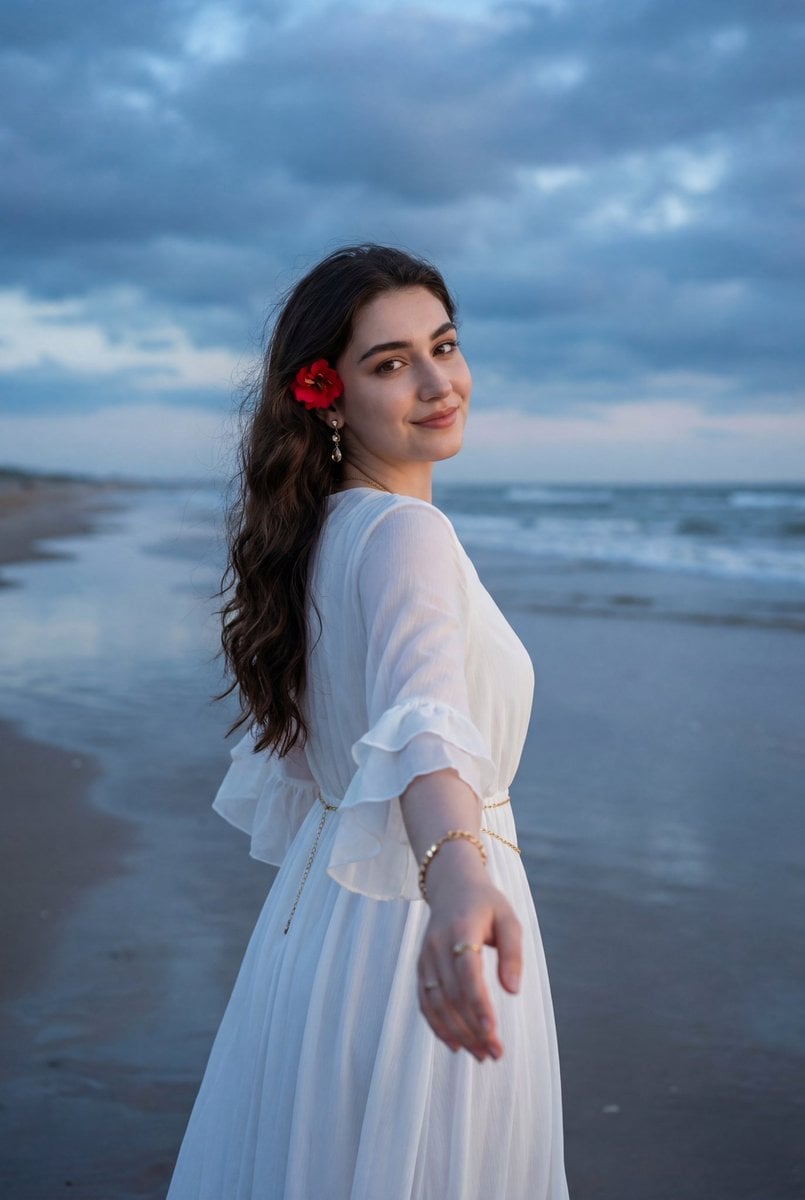
- Prompt included
- Model and format preset
- Free template
The prompt behind this image
Copy the exact prompt behind Ethereal Coastal Lifestyle Portrait at Blue Hour, or open it in the studio and make it yours.
{ "image_type": "photograph", "genre": "environmental lifestyle portrait", "composition": { "framing": "three-quarter to full-length portrait", "orientation": "vertical", "subject_position": "center-left foreground, body turned away with head turned back", "camera_angle": "eye-level", "depth_of_field": "moderate, subject in sharp focus with gently softened background", "leading_lines": "horizontal shoreline and wave patterns guide depth toward the horizon", "balance": "dynamic asymmetry created by extended arm in foreground and open sky behind" }, "subject": { "count": 1, "description": "young woman standing on wet beach sand, appearing to lead the viewer forward", "pose": "arm extended toward the camera, torso turned away, head turned back over shoulder", "expression": "soft smile, inviting and serene", "gaze": "directly toward the camera", "hair": { "color": "dark brown", "style": "long, loose, softly wavy, flowing down the back", "movement": "slight natural motion from sea breeze", "accessory": "{argument name="hair accessory" default="red flower tucked behind the ear"}" }, "clothing": { "dress": { "color": "white", "style": "flowy dress with sheer ruffled sleeves, smocked back, tiered skirt", "fit": "fitted at bodice with loose, airy skirt", "material": "lightweight, semi-sheer fabric" }, "accessories": [ "thin gold waist chain", "gold bracelet", "ring on extended hand", "gold drop earrings" ] } }, "background": { "environment": "beach at shoreline", "elements": [ "wet reflective sand", "gentle ocean waves", "expansive cloudy sky", "clear horizon line" ], "horizon_line": "straight and visible, positioned slightly above mid-frame", "weather": "overcast with dramatic cloud formations, calm sea conditions" }, "lighting": { "type": "natural ambient light", "time_of_day": "early evening or blue hour", "quality": "soft and diffused", "direction": "even frontal and side illumination", "highlights": "soft highlights on face, hair, and dress fabric", "shadows": "minimal, smooth tonal transitions" }, "color_palette": { "dominant_colors": [ "cool blue", "steel blue", "soft white" ], "accent_colors": [ "red (flower)", "gold (jewelry)" ], "color_temperature": "cool-toned overall with warm accent details" }, "technical_details": { "camera_type": "digital camera or high-end smartphone", "lens_look": "standard lens with mild wide-angle feel due to extended arm perspective", "aperture_estimate": "f/2.8–f/4", "iso_estimate": "low ISO", "shutter_speed_estimate": "fast enough to maintain sharpness despite breeze", "image_sharpness": "high on subject, controlled softness in background", "noise": "negligible" }, "artistic_elements": { "mood": "romantic, dreamy, inviting", "style": "cinematic lifestyle portrait", "aesthetic": "airy, ethereal, coastal elegance", "contrast": "moderate with emphasis on soft tonal range", "saturation": "slightly enhanced blues with natural skin tones" }, "post_processing": { "skin_tones": "smooth, warm, and natural", "color_grading": "cool blue"} }
How to use Ethereal Coastal Lifestyle Portrait at Blue Hour in 3 steps
- 1
Open
The prompt is already in the box next to the preview, with the template's model and format selected.
- 2…a portrait of your subject in softgolden-hour light, 85mm…
Personalize
Edit the subject and creative details for your destination.
- 3Generate
Generate
Press Generate — your image is created in PicX Studio, so you can compare it with the original and refine one variable at a time.
More like this
Templates with the same subject, style or setup. Open one to see its prompt.

80s Golden Hour Cinema

Rooftop Fisheye — Cat-Ear Balaclava at Golden Hour

Ive Yujin Fashion Portrait in Blue

Minimalist Golden Hour Selfie
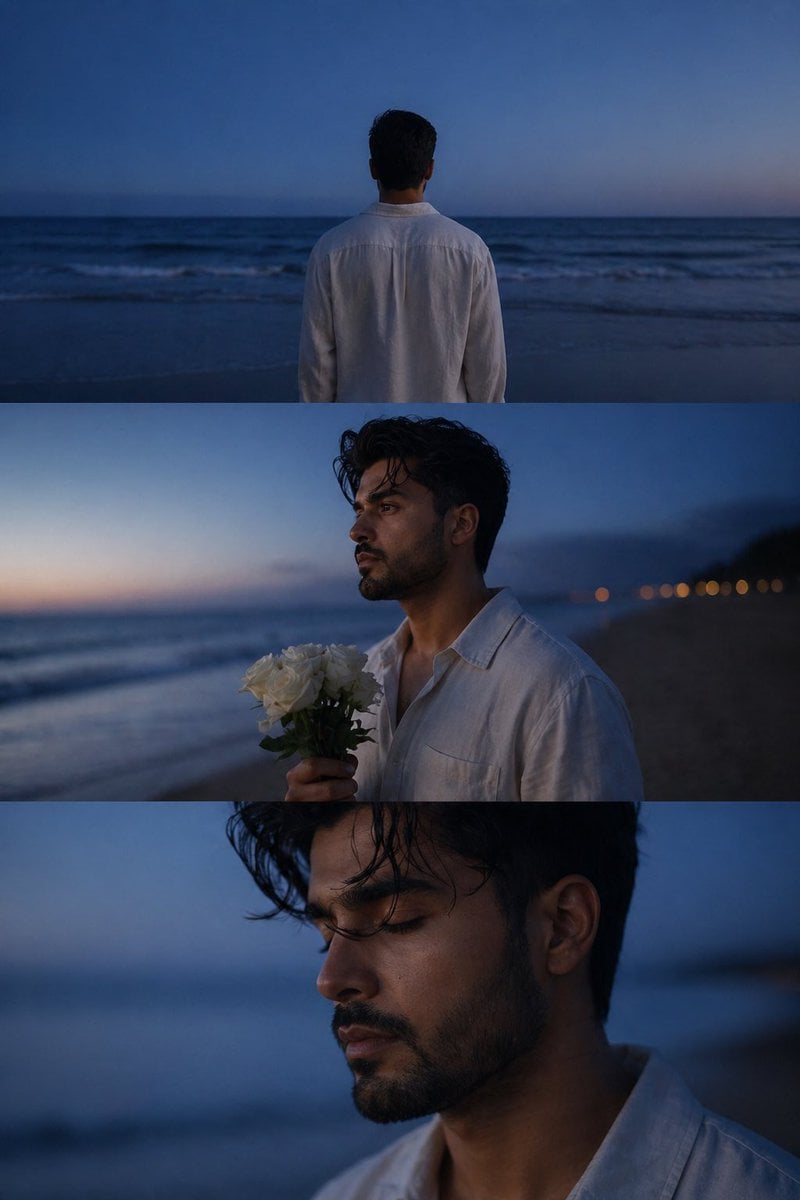
Melancholic blue hour portrait

Miniature Self Portrait Collage

Found Photograph: Us, 1970

80s Couple Studio Portrait

80s Bollywood Star

Me in 1985

1985 Studio Portrait

Hyper-Realistic Minecraft POV Portrait
Make it yours
Ethereal Coastal Lifestyle Portrait at Blue Hour works as-is. These are the safest ways to change it without losing the look.
Change one field
Copy a single group, rewrite it, and generate again so you can see what that field is doing.
Keep the frame, change the subject
Hold the composition and light of Ethereal Coastal Lifestyle Portrait at Blue Hour, then swap wardrobe, props or the person for a new take.
| If the result… | Why | Fix |
|---|---|---|
| The result drifts from the preview | Too many fields changed at once. | Reuse Ethereal Coastal Lifestyle Portrait at Blue Hour as-is first, then change one group — subject, light, or setting. |
| The model over-stylizes the scene | The prose prompt leaves finish and camera underspecified. | Add one camera or lighting sentence and stay on Nano Banana 2. |
More Nano Banana 2 templates
Other prompts made for Nano Banana 2.

Photorealistic Leaf Shaped Like a Dragon

K-Pop Idol Portrait Grid for Rapid Selection

Poetic Rain Forest Portrait During Golden Hour

Urban Street Portrait with Cartoon Inner Self Duo

Candid Nighttime Photo with Cat Prompt

High-Concept 3D Diorama Generation Prompt

Cinematic Futuristic Studio Portrait Template

Skincare Editorial Photography Collage Prompt

Hyper-Realistic Commercial Product Photography (Splash Effect)

Hyper-Realistic Nightclub Portrait Prompt
More image prompts
Fresh picks from across the catalog.
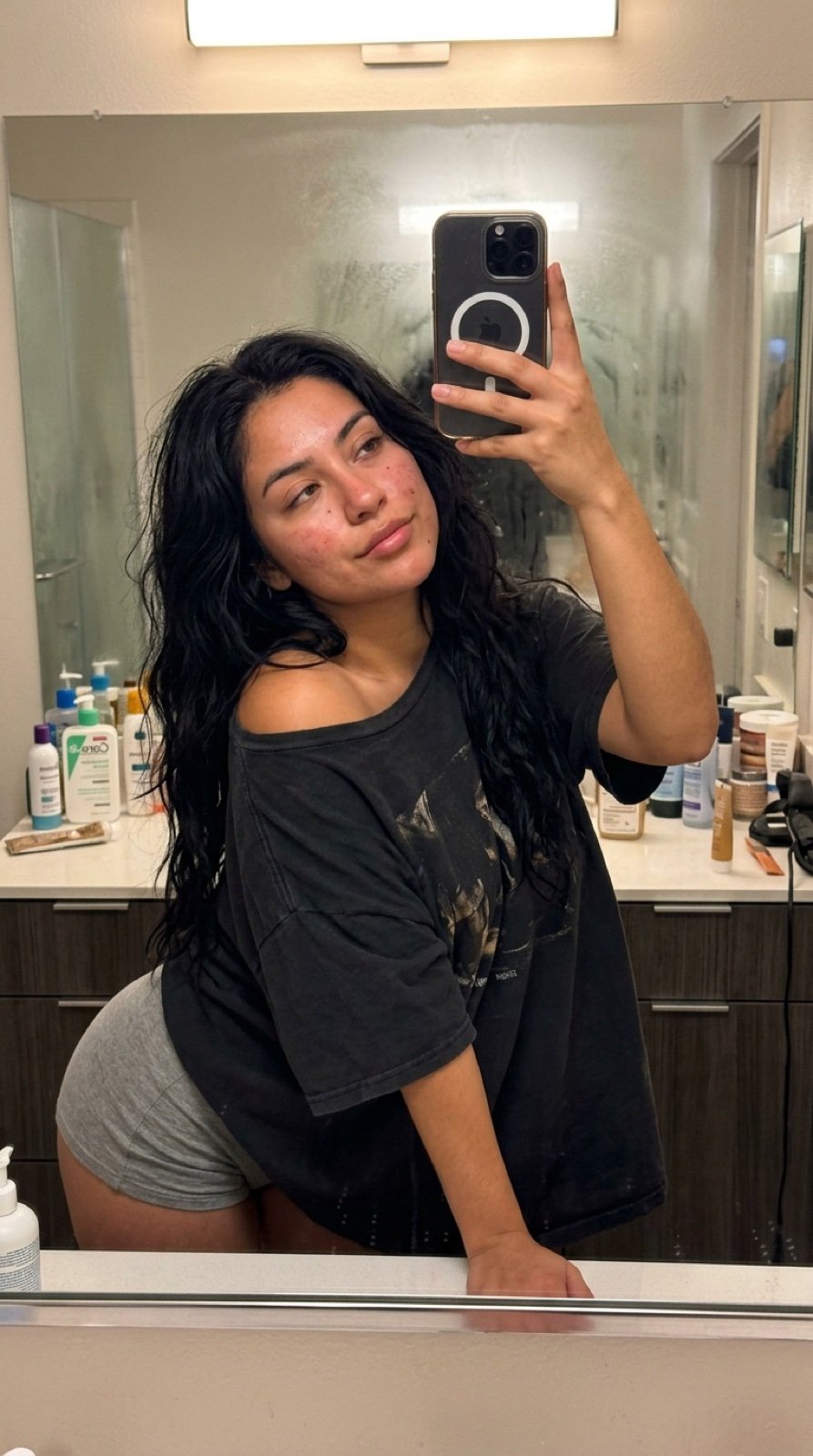
Intimate Late Night Bathroom Selfie
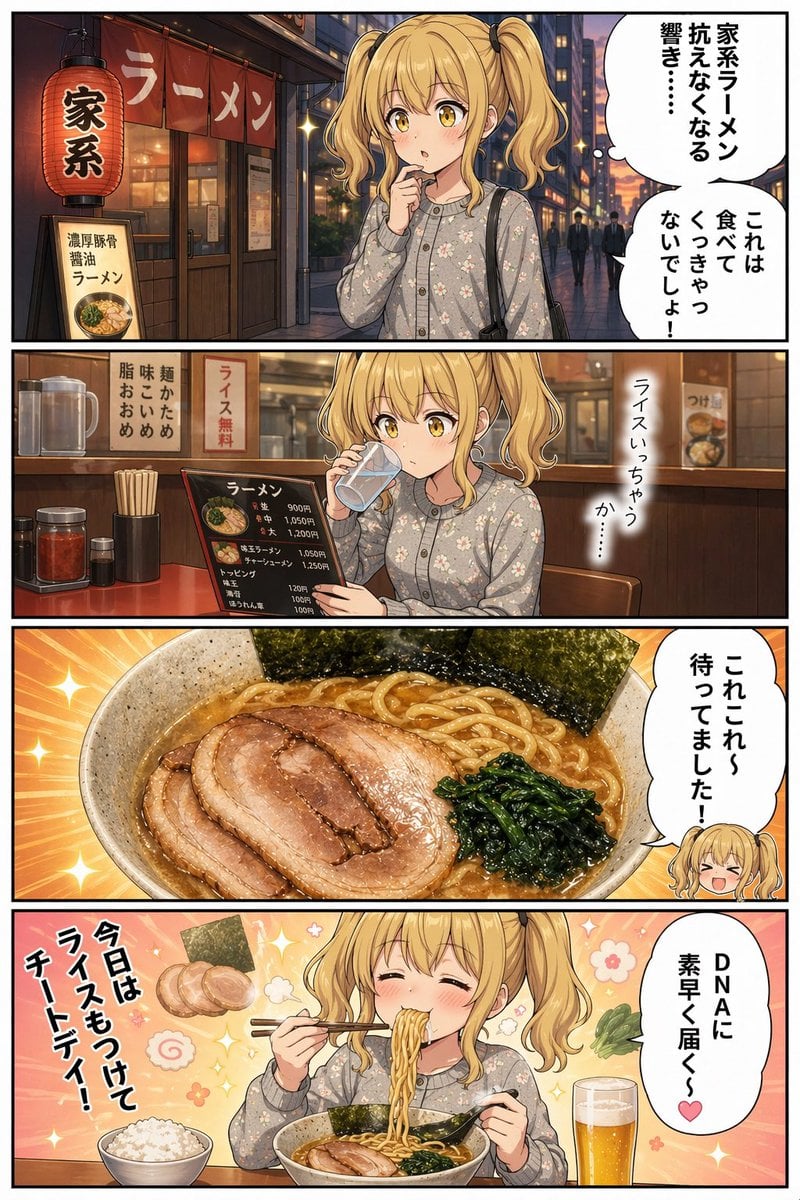
Anime Iekei Ramen Comic
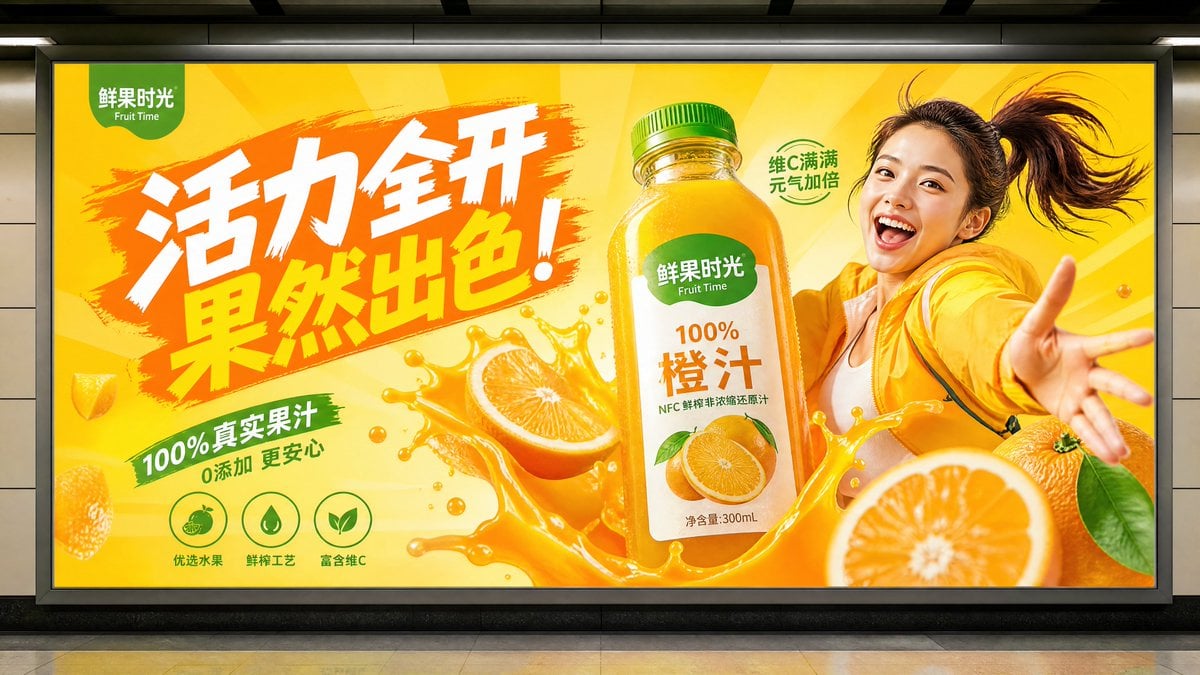
Subway Juice Drink Advertisement
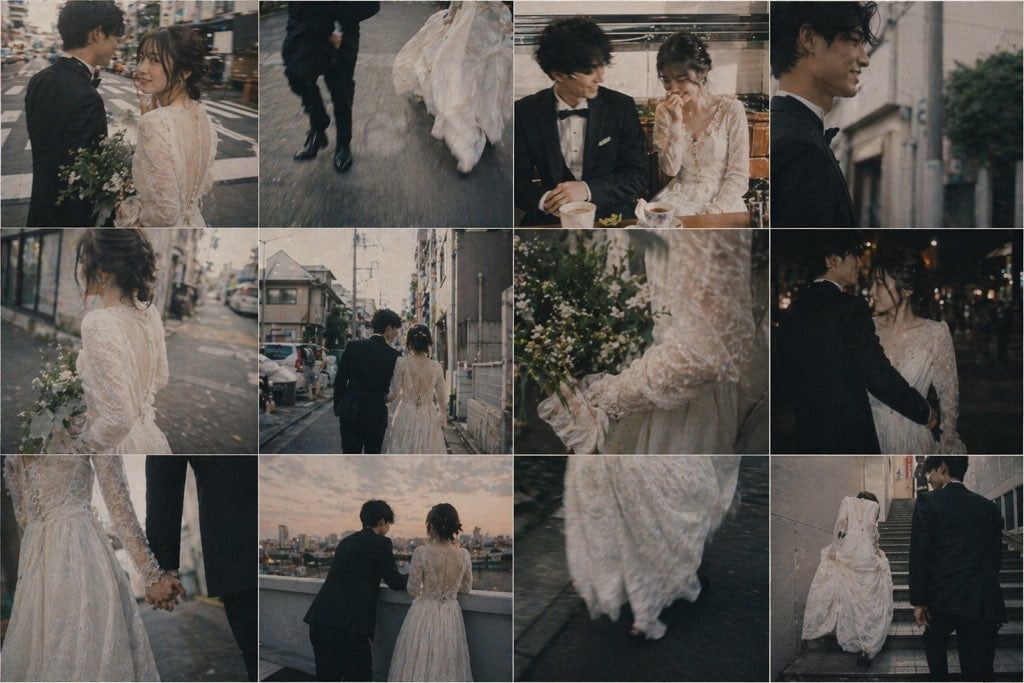
Emotional Japanese Wedding Photo Collage
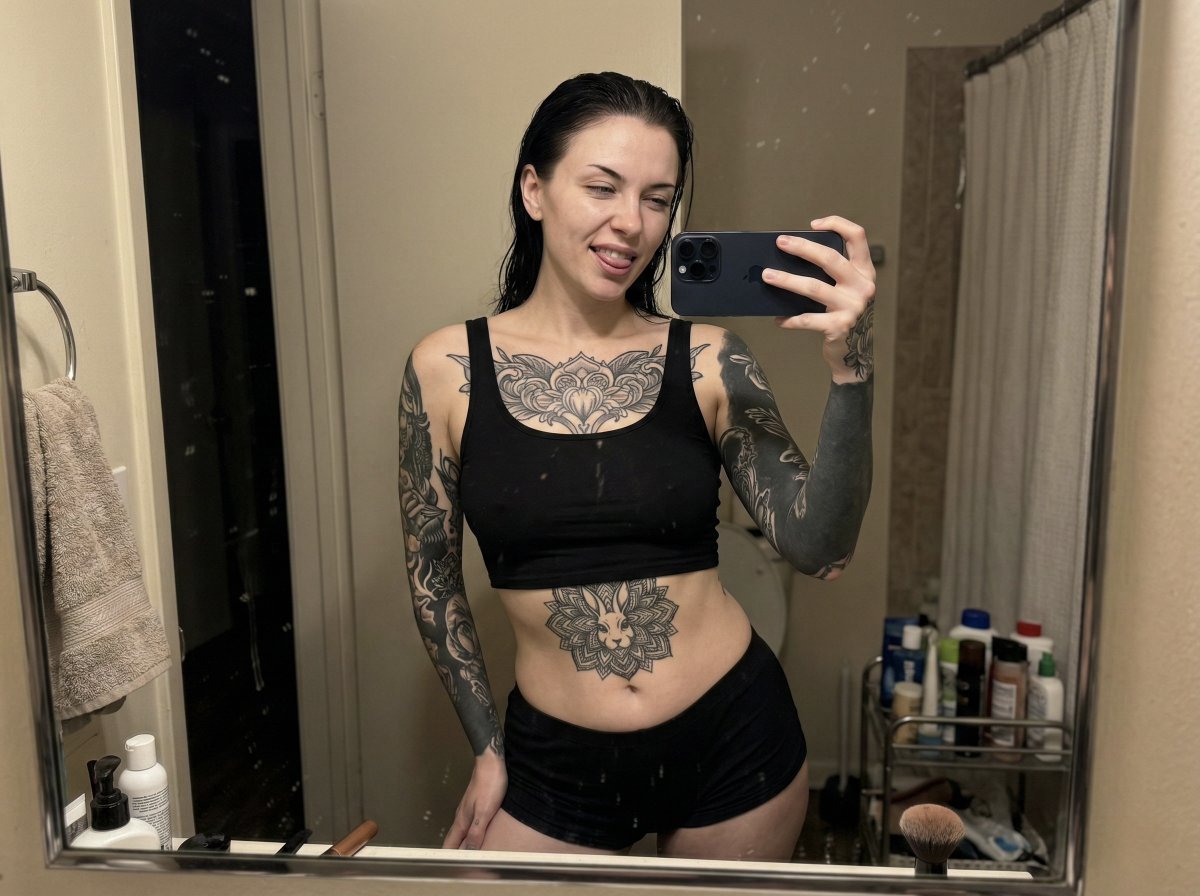
Raw iPhone Mirror Selfie Realism
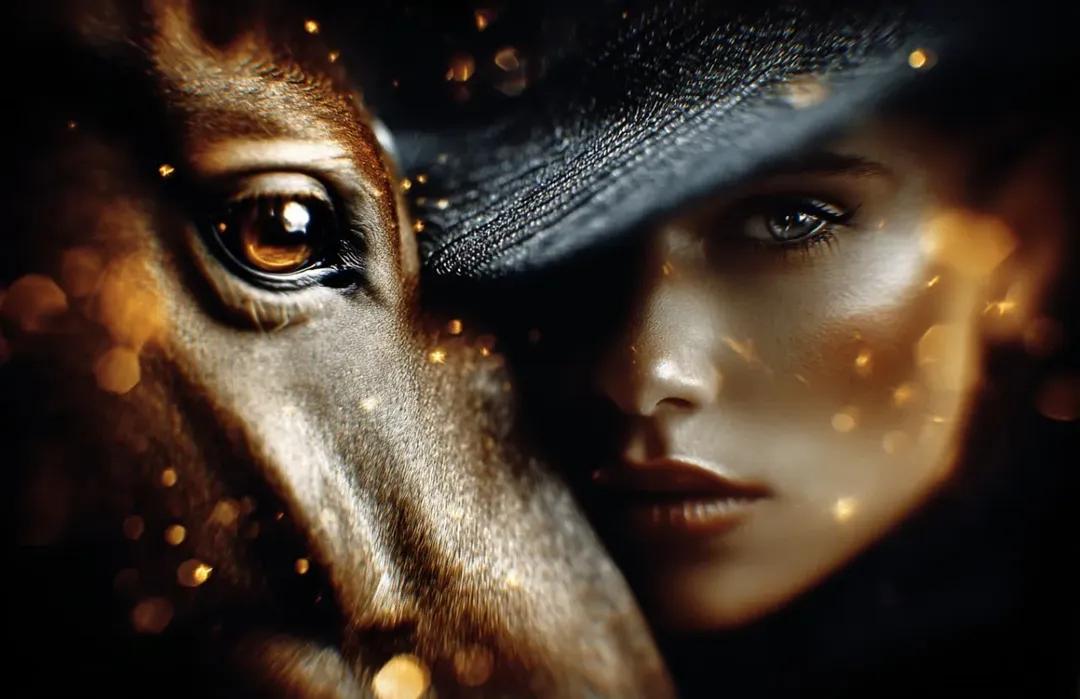
8K Cinematic Fantasy Portrait of Woman and Horse
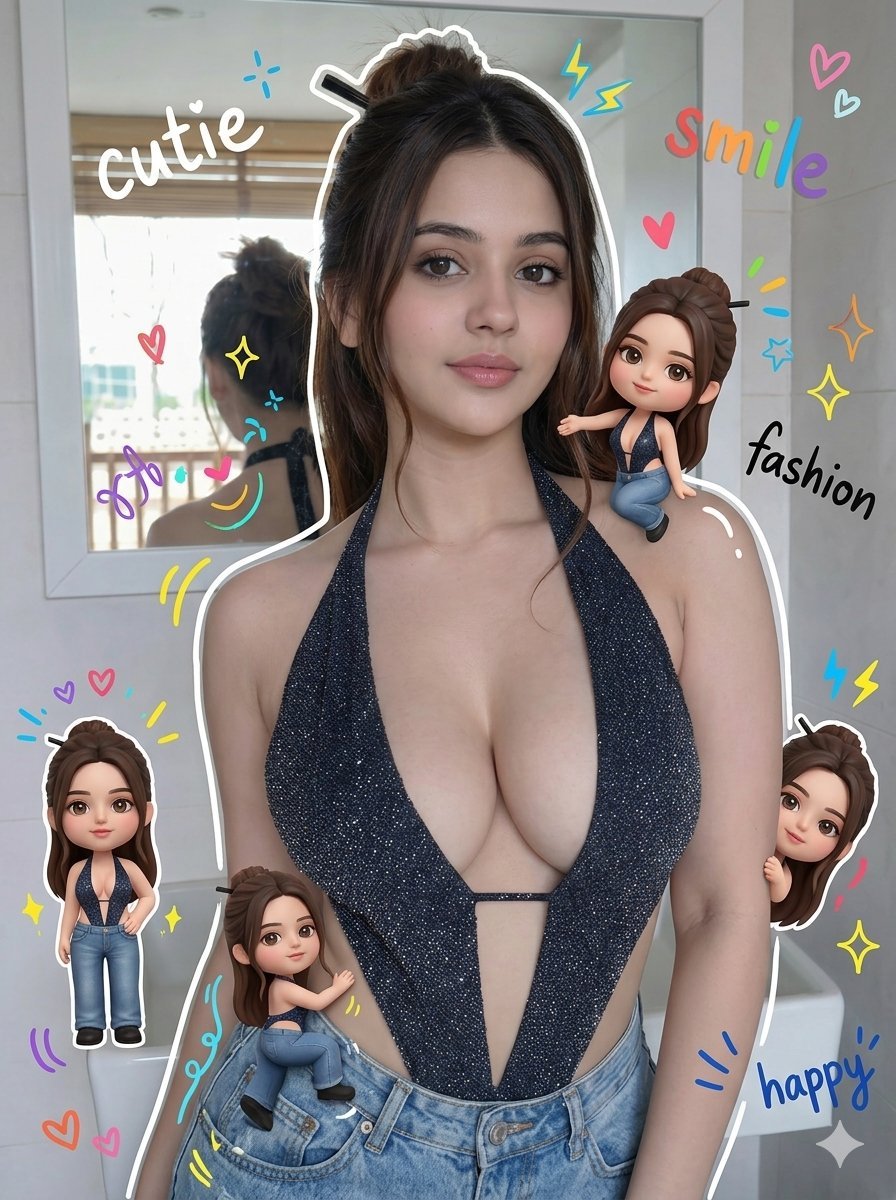
Chibi Style Mixed-Media Portrait
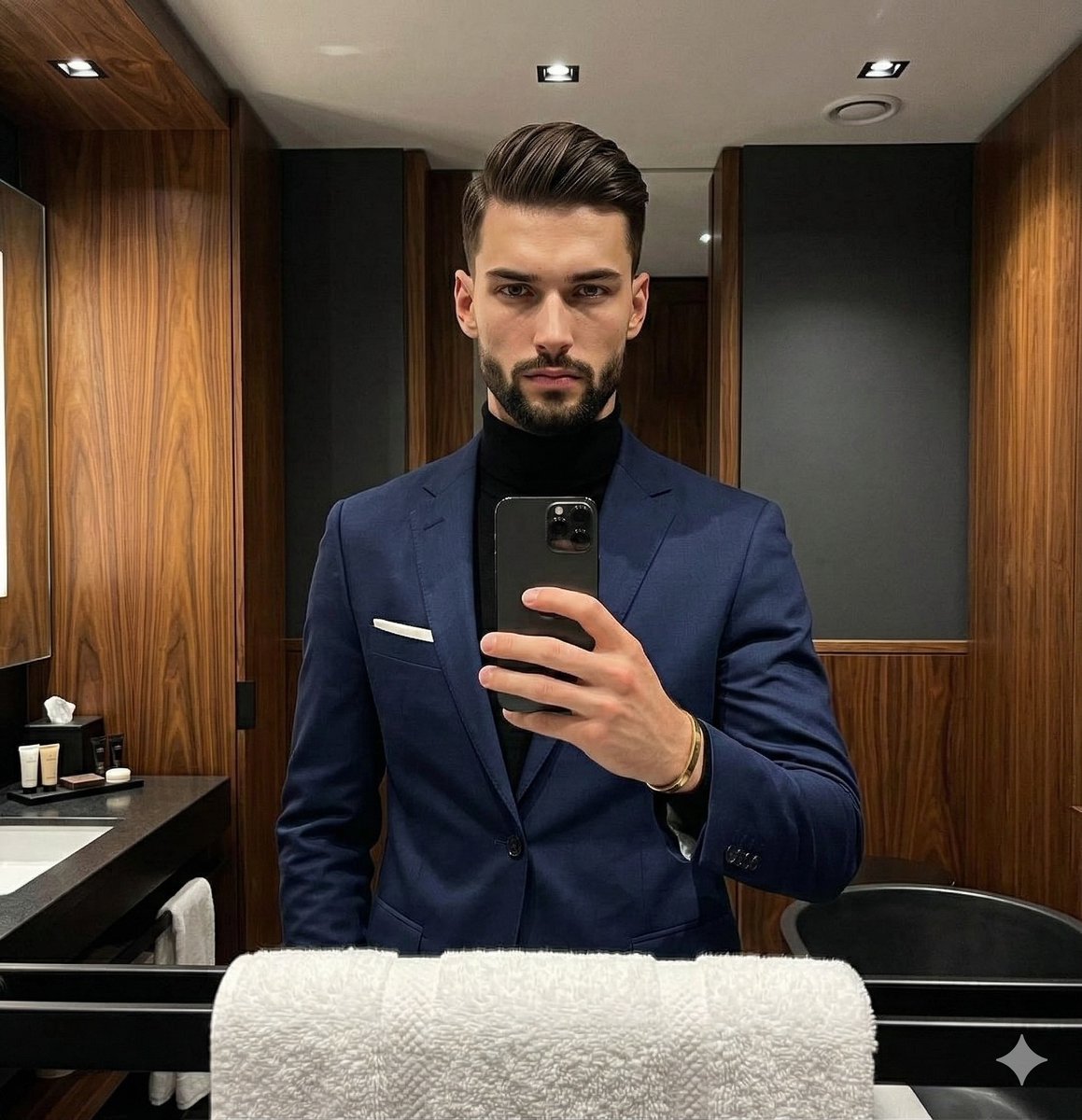
Moody Luxury Lifestyle Portrait of a Man in a Navy Suit
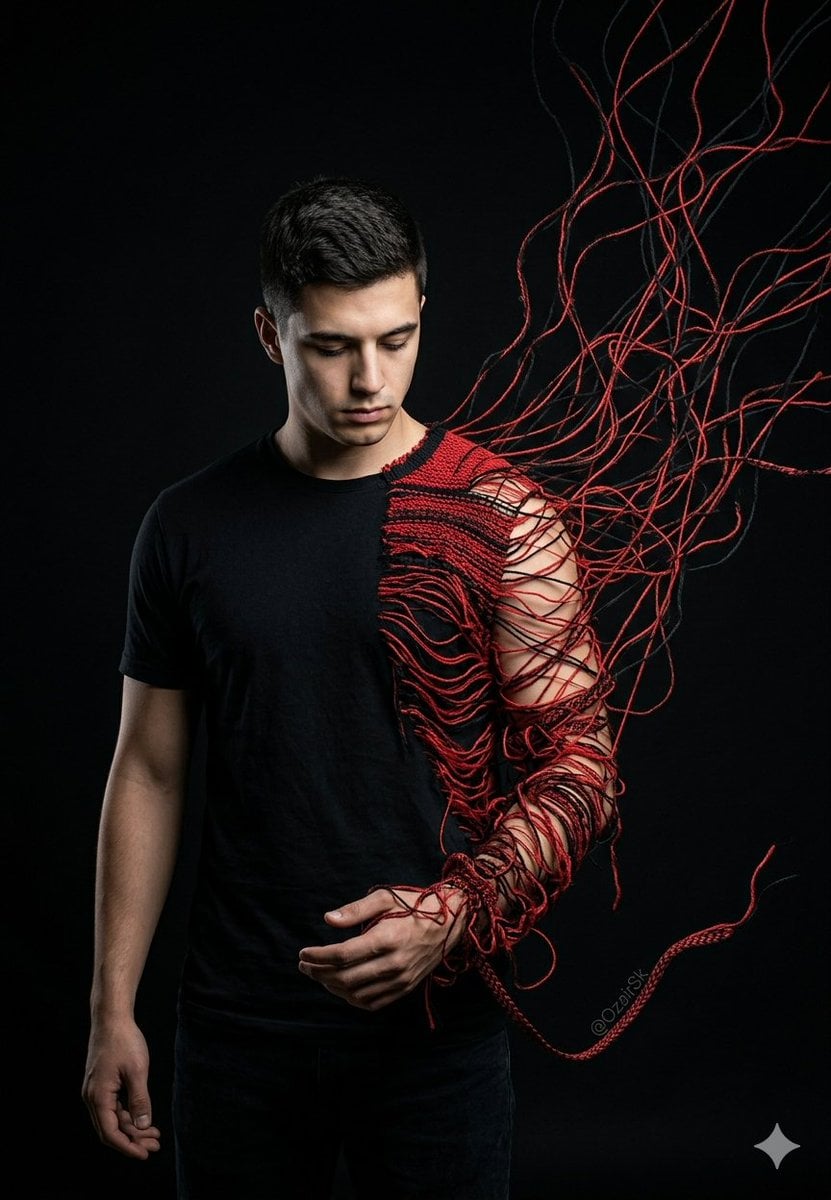
Unraveling Figure Effect Comparison
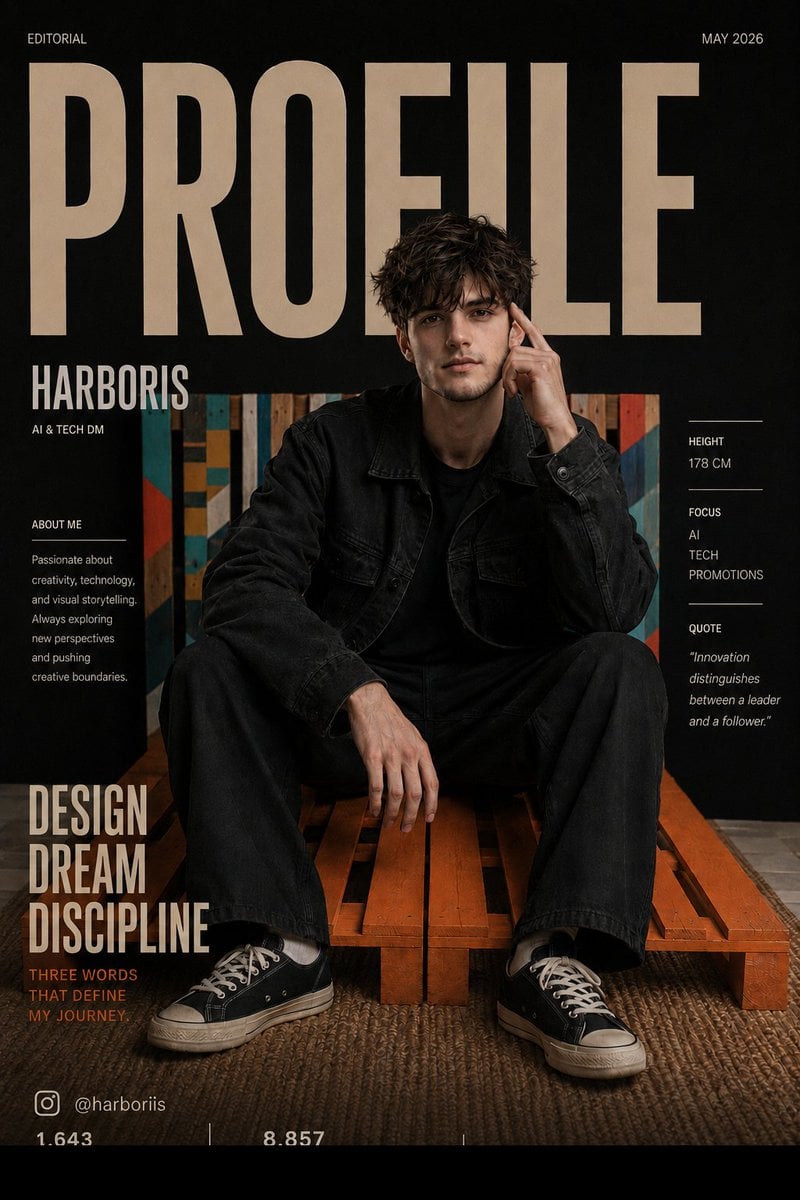
Fashion Magazine Cover Editorial
Browse template categories
Ethereal Coastal Lifestyle Portrait at Blue Hour questions
How do I use the Ethereal Coastal Lifestyle Portrait at Blue Hour template?
Add your photo if the template asks for one, edit the prompt if you like — the template's model and format are already selected — and press Generate. Your version opens in PicX Studio.
Can I customize the Ethereal Coastal Lifestyle Portrait at Blue Hour template?
Yes. You can change the subject, setting, lighting, mood, format, and available model controls before creating your image.
Is the Ethereal Coastal Lifestyle Portrait at Blue Hour template free?
Opening and editing this template is free. Generating uses credits, shown on the Generate button when you are signed in.
Which AI model should I use?
Start with Nano Banana 2, which is the model associated with this template. You can compare another compatible model for a different finish.
Looking for something else? Browse all templates.

Your photo, any look
Thousands of ready templates for every top image and video model, from one credit balance.