
Anime Iekei Ramen Comic
A four-panel anime-style Japanese food comic showing a blonde girl craving, ordering, and blissfully eating rich Iekei ramen, ideal for manga-style foodie illustrations.
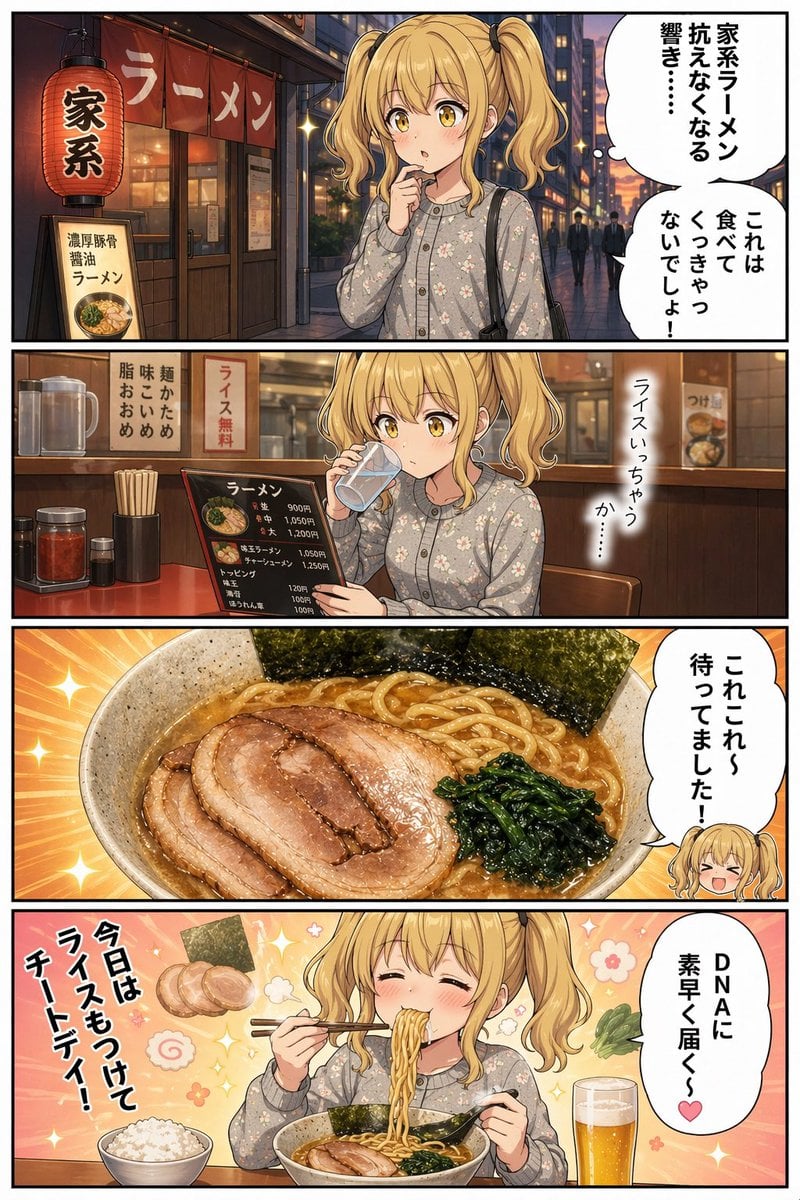
- Prompt included
- Model and format preset
- Free template
The prompt behind this image
Copy the exact prompt behind Anime Iekei Ramen Comic, or open it in the studio and make it yours.
- Type
- anime food comic page
- Style
- clean manga-like digital illustration with warm evening lighting, glossy food rendering, detailed ramen shop background, soft pastel character coloring, expressive comedic Japanese gourmet comic tone
- Format
- vertical four-panel comic with black panel borders
- Subject › Main Character › Gender Presentation
- young woman
- Subject › Main Character › Age Appearance
- late teens to early 20s
- Subject › Main Character › Hair › Color
- {argument name="hair color" default="golden blonde"}
- Subject › Main Character › Hair › Style
- twin ponytails with curled ends, straight bangs
- Subject › Main Character › Outfit
- light gray floral button-up cardigan or knit top, black shoulder bag
- Subject › Main Character › Face Visibility
- face obscured by a centered rectangular blur censor in panels 1 and 2, fully visible in panels 3 chibi inset and 4
- Subject › Theme
- craving and enjoying rich Iekei ramen
- Layout › Panel Count
- 4
- Layout › Panels › 0 › Index
- 1
- Layout › Panels › 0 › Scene
- outside a ramen shop at dusk on a city street
- Layout › Panels › 0 › Background Elements › Count
- 6
- Layout › Panels › 0 › Background Elements › Items
- large red lantern labeled 家系, red shop noren labeled ラーメン, standing signboard labeled 濃厚豚骨醤油ラーメン with ramen photo, glass storefront entrance, urban evening street with pedestrians, speech balloons with vertical Japanese text
- Layout › Panels › 0 › Character Pose
- standing in front of the shop, one finger near lips, looking tempted
- Layout › Panels › 0 › Text › Count
- 4
- Layout › Panels › 0 › Text › Items
- 家系, ラーメン, 濃厚豚骨醤油ラーメン, speech balloons reading 家系ラーメン抗えなくなる響き・・・ and これは食べてくっきゃないでしょ!
- Layout › Panels › 1 › Index
- 2
- Layout › Panels › 1 › Scene
- inside the ramen shop at the counter
- Layout › Panels › 1 › Background Elements › Count
- 10
- Layout › Panels › 1 › Background Elements › Items
- water pitcher, water cup, chopsticks container, red condiment jar, small soy sauce or seasoning bottle, black menu board with ramen prices, vertical sign ライス無料, wooden counter, chair, blurred wall poster in the back
- Layout › Panels › 1 › Character Pose
- seated at the counter drinking water from a glass with one hand while holding a menu with the other
- Layout › Panels › 1 › Text › Count
- 3
Raw JSON
{"type":"anime food comic page","style":"clean manga-like digital illustration with warm evening lighting, glossy food rendering, detailed ramen shop background, soft pastel character coloring, expressive comedic Japanese gourmet comic tone","format":"vertical four-panel comic with black panel borders","subject":{"main character":{"gender_presentation":"young woman","age_appearance":"late teens to early 20s","hair":{"color":"{argument name=\"hair color\" default=\"golden blonde\"}","style":"twin ponytails with curled ends, straight bangs"},"outfit":"light gray floral button-up cardigan or knit top, black shoulder bag","face_visibility":"face obscured by a centered rectangular blur censor in panels 1 and 2, fully visible in panels 3 chibi inset and 4"},"theme":"craving and enjoying rich Iekei ramen"},"layout":{"panel_count":4,"panels":[{"index":1,"scene":"outside a ramen shop at dusk on a city street","background_elements":{"count":6,"items":["large red lantern labeled 家系","red shop noren labeled ラーメン","standing signboard labeled 濃厚豚骨醤油ラーメン with ramen photo","glass storefront entrance","urban evening street with pedestrians","speech balloons with vertical Japanese text"]},"character_pose":"standing in front of the shop, one finger near lips, looking tempted","text":{"count":4,"items":["家系","ラーメン","濃厚豚骨醤油ラーメン","speech balloons reading 家系ラーメン抗えなくなる響き・・・ and これは食べてくっきゃないでしょ!"]}},{"index":2,"scene":"inside the ramen shop at the counter","background_elements":{"count":10,"items":["water pitcher","water cup","chopsticks container","red condiment jar","small soy sauce or seasoning bottle","black menu board with ramen prices","vertical sign ライス無料","wooden counter","chair","blurred wall poster in the back"]},"character_pose":"seated at the counter drinking water from a glass with one hand while holding a menu with the other","text":{"count":3,"items":["ライス無料","menu heading ラーメン","speech text ライスいっちゃうか・・・"]}},{"index":3,"scene":"close-up hero shot of the ramen bowl","food":{"dish":"Iekei ramen","components":{"count":5,"items":["thick glossy broth","medium-thick yellow noodles","4 overlapping slices of braised chashu pork","dark green spinach","3 large sheets of nori"]}},"background":"radiant orange burst with sparkles","extra_character":"small chibi head of the girl at bottom right, smiling excitedly","text":{"count":1,"items":["speech balloon これこれ〜待ってました!"]}},{"index":4,"scene":"the girl happily eating ramen at the table","food_and_drink":{"count":5,"items":["main ramen bowl","separate bowl of white rice","glass of beer","floating garnish illustration of nori and chashu near the text","chopsticks lifting noodles"]},"character_pose":"eyes closed with bliss, smiling, cheeks slightly flushed, lifting noodles with chopsticks and holding bowl with the other hand","background":"soft pink-orange gradient with sparkles and small flower motifs","text":{"count":2,"items":["large vertical slogan 今日はライスもつけてチートデイ!","speech balloon DNAに素早く届く♥"]}}]},"camera":"panel 1 medium shot, panel 2 medium interior shot, panel 3 extreme food close-up, panel 4 medium close-up eating scene","rendering_notes":"make the ramen especially appetizing with glossy fat sheen on the pork, rich broth highlights, and realistic noodle texture; keep the comic readable with authentic Japanese signage and speech balloons; emphasize cozy evening ramen shop atmosphere and playful indulgent humor"}How to use Anime Iekei Ramen Comic in 3 steps
- 1Upload ImagePNG, JPG or paste
Add your photo
Upload the photo the template builds on. The prompt, model and format are already set.
- 2…a portrait of your subject in softgolden-hour light, 85mm…
Personalize
Edit the subject and creative details for your destination.
- 3Generate
Generate
Press Generate — your image is created in PicX Studio, so you can compare it with the original and refine one variable at a time.
More like this
Templates with the same subject, style or setup. Open one to see its prompt.












Make it yours
Anime Iekei Ramen Comic works as-is. These are the safest ways to change it without losing the look.
Swap the setting
Keep the rest of the prompt and replace the location block. The current setting is “6”.
Change one field
Copy a single group, rewrite it, and generate again so you can see what that field is doing.
Keep the frame, change the subject
Hold the composition and light of Anime Iekei Ramen Comic, then swap wardrobe, props or the person for a new take.
| If the result… | Why | Fix |
|---|---|---|
| The result drifts from the preview | Too many fields changed at once. | Reuse Anime Iekei Ramen Comic as-is first, then change one group — subject, light, or setting. |
| GPT Image 2 ignores part of the JSON | Some models flatten or skip nested keys. | Keep the same values and paste them as a short paragraph instead. |
More GPT Image 2 templates
Other prompts made for GPT Image 2.

Six VTuber Japanese Logo Sheet

Realistic Portrait of Woman and Deer

The Vista Modular Condo Poster

AI Model Routing Comparison Infographic

2.5D Anime Art Board

Isometric Productivity Desk Scene

New York Double Exposure Poster

Four-Panel AI Landscape Comparison

Japanese Tatami Lifestyle Magazine Cover

NESCAFÉ Coffee Map Poster
More image prompts
Fresh picks from across the catalog.
Minimalist Hand-Drawn Children Illustration
Flat-Color Elf Girl on Frilly Bed
Image Generation Prompt: Debussy's 'Pelléas et Mélisande'
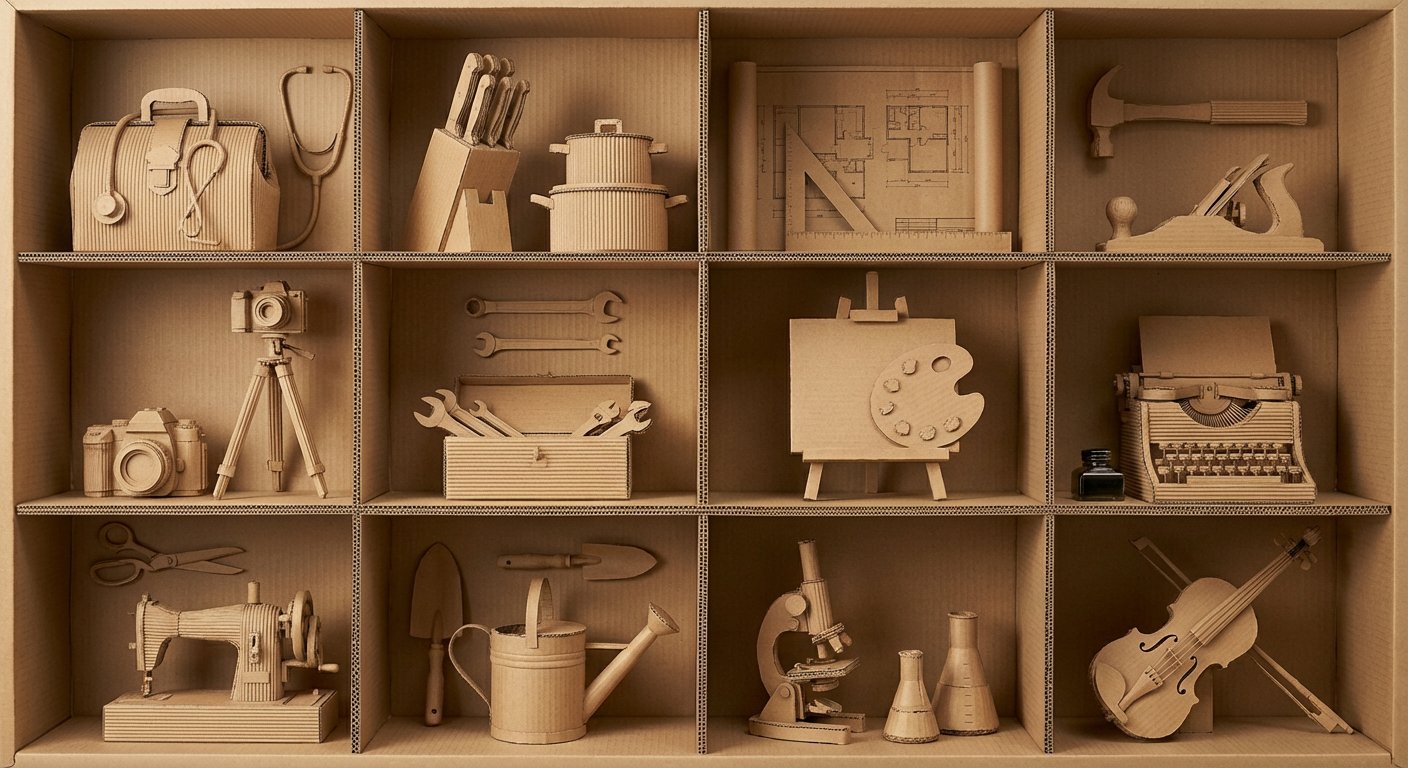
瓦楞纸艺术作品框格展示
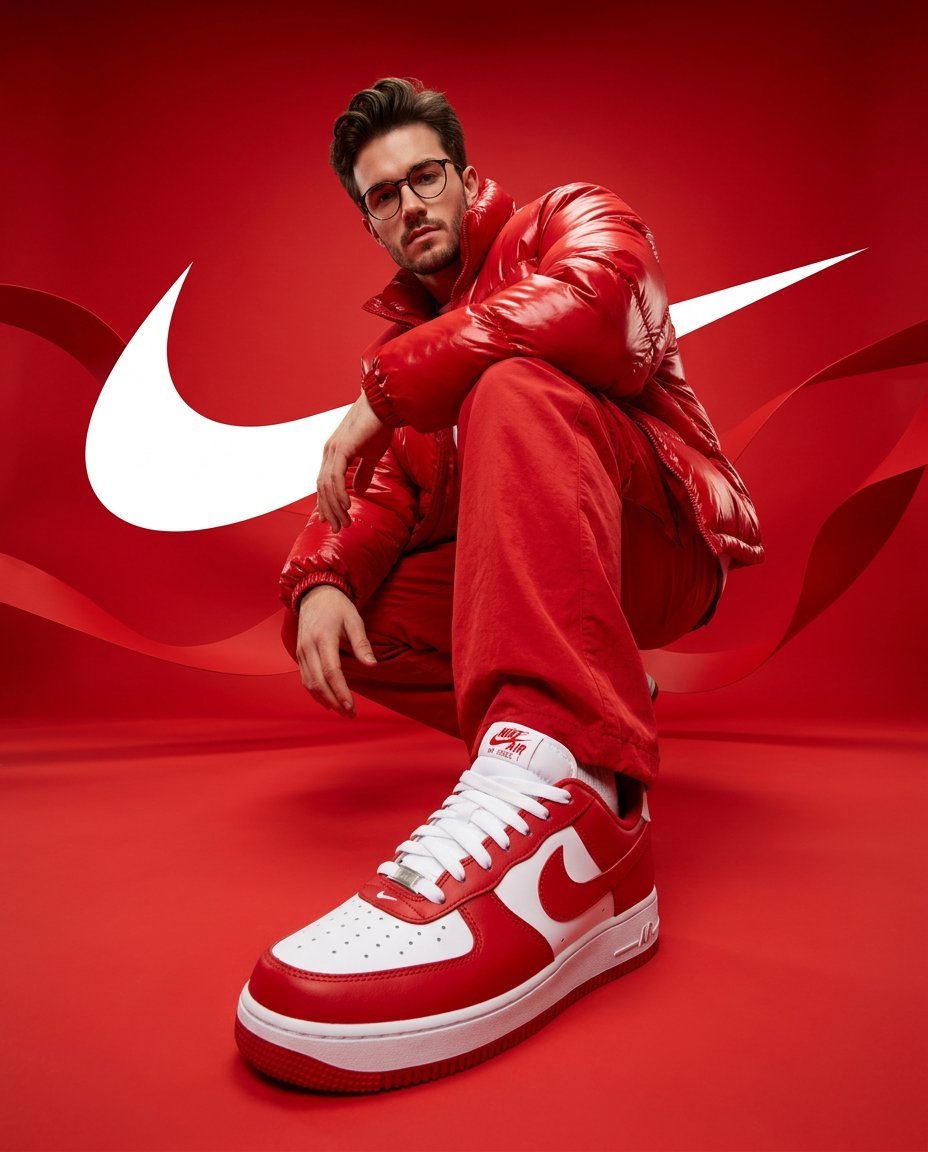
Streetwear Portrait in Red Puffer Jacket
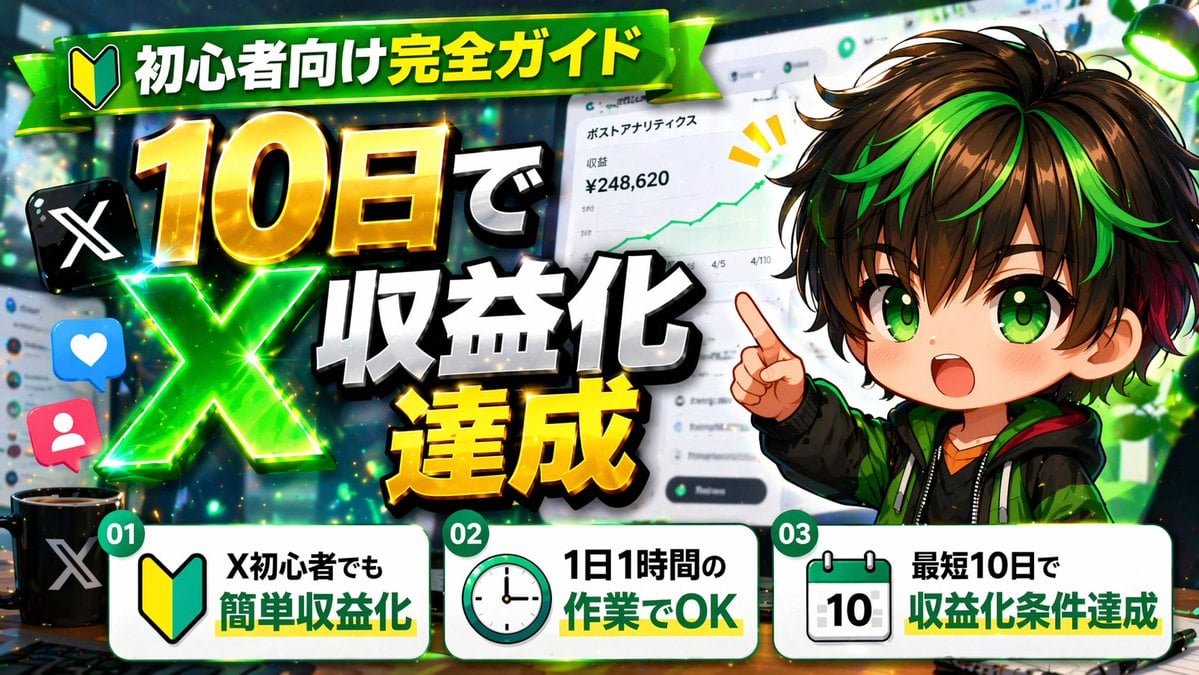
Japanese X Monetization Thumbnail
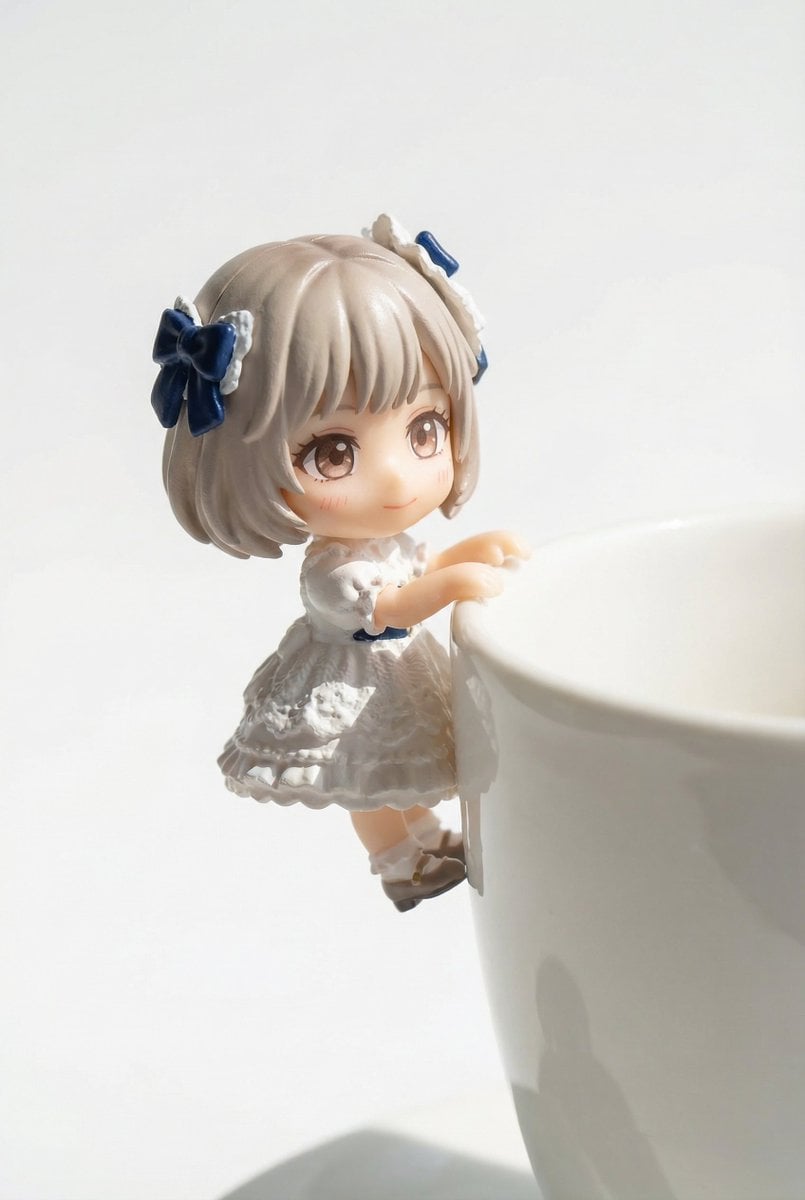
Miniature Figure Close-up with Melted Pizza Cheese
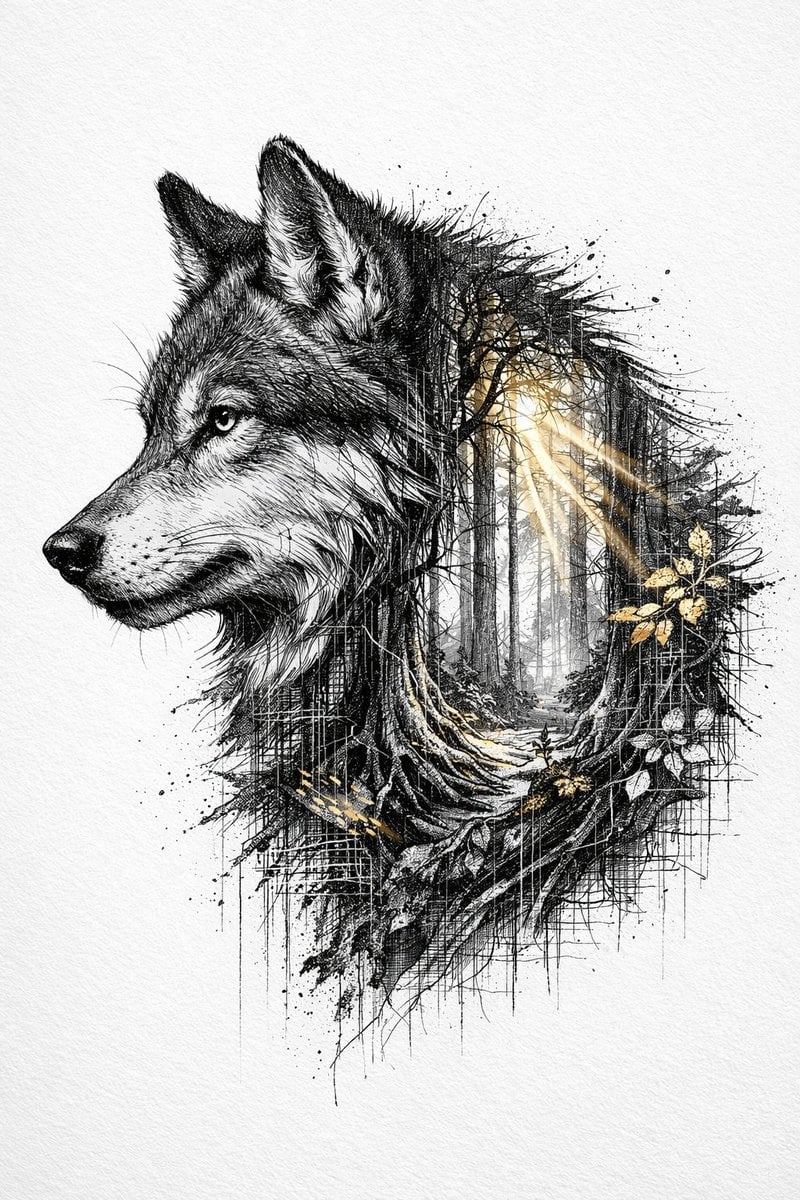
Cinematic Ink-Style Double-Exposure Wolf Portrait
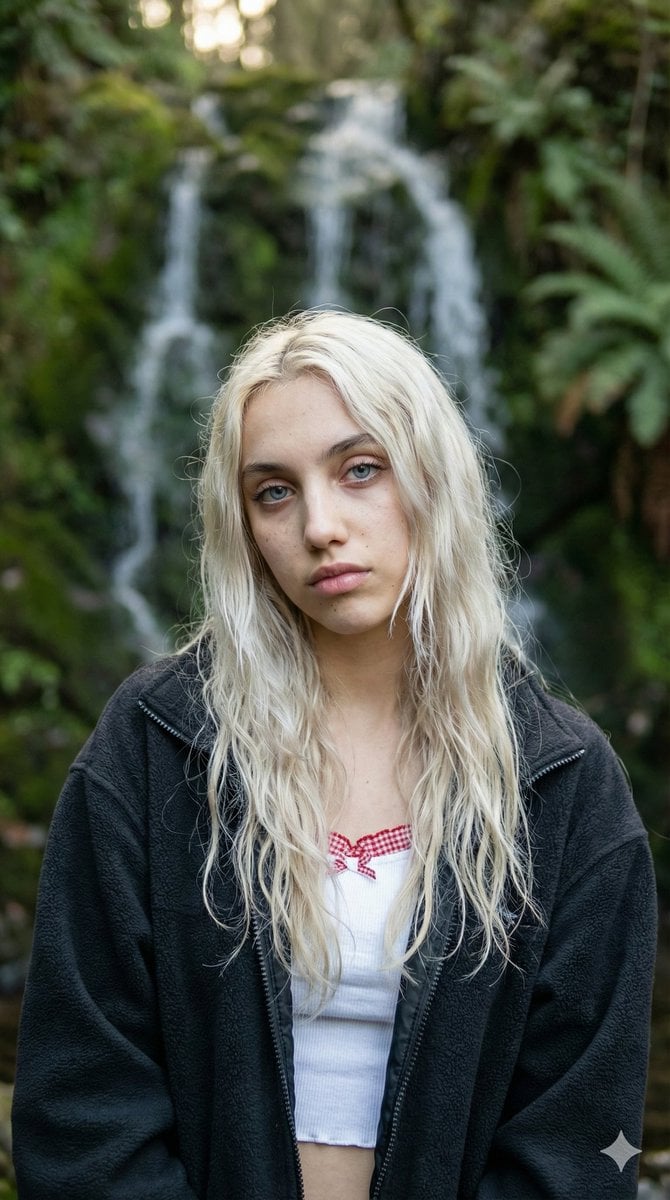
Ethereal Waterfall Selfie Portrait with Natural Imperfections
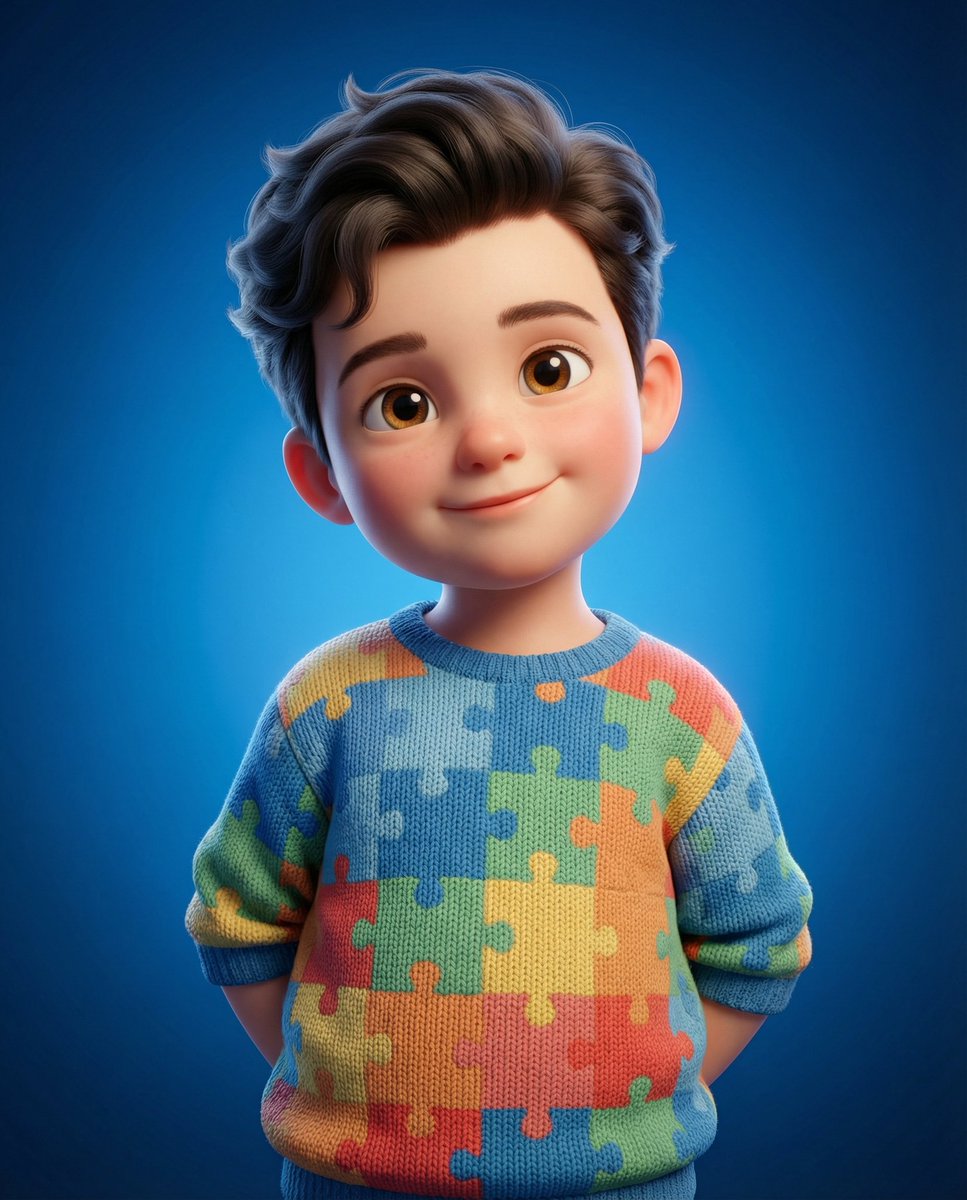
3D Render of Childlike Character in Puzzle Sweater
Browse template categories
Anime Iekei Ramen Comic questions
How do I use the Anime Iekei Ramen Comic template?
Add your photo if the template asks for one, edit the prompt if you like — the template's model and format are already selected — and press Generate. Your version opens in PicX Studio.
Can I customize the Anime Iekei Ramen Comic template?
Yes. You can change the subject, setting, lighting, mood, format, and available model controls before creating your image.
Is the Anime Iekei Ramen Comic template free?
Opening and editing this template is free. Generating uses credits, shown on the Generate button when you are signed in.
Which AI model should I use?
Start with GPT Image 2, which is the model associated with this template. You can compare another compatible model for a different finish.
Looking for something else? Browse all templates.

Your photo, any look
Thousands of ready templates for every top image and video model, from one credit balance.