
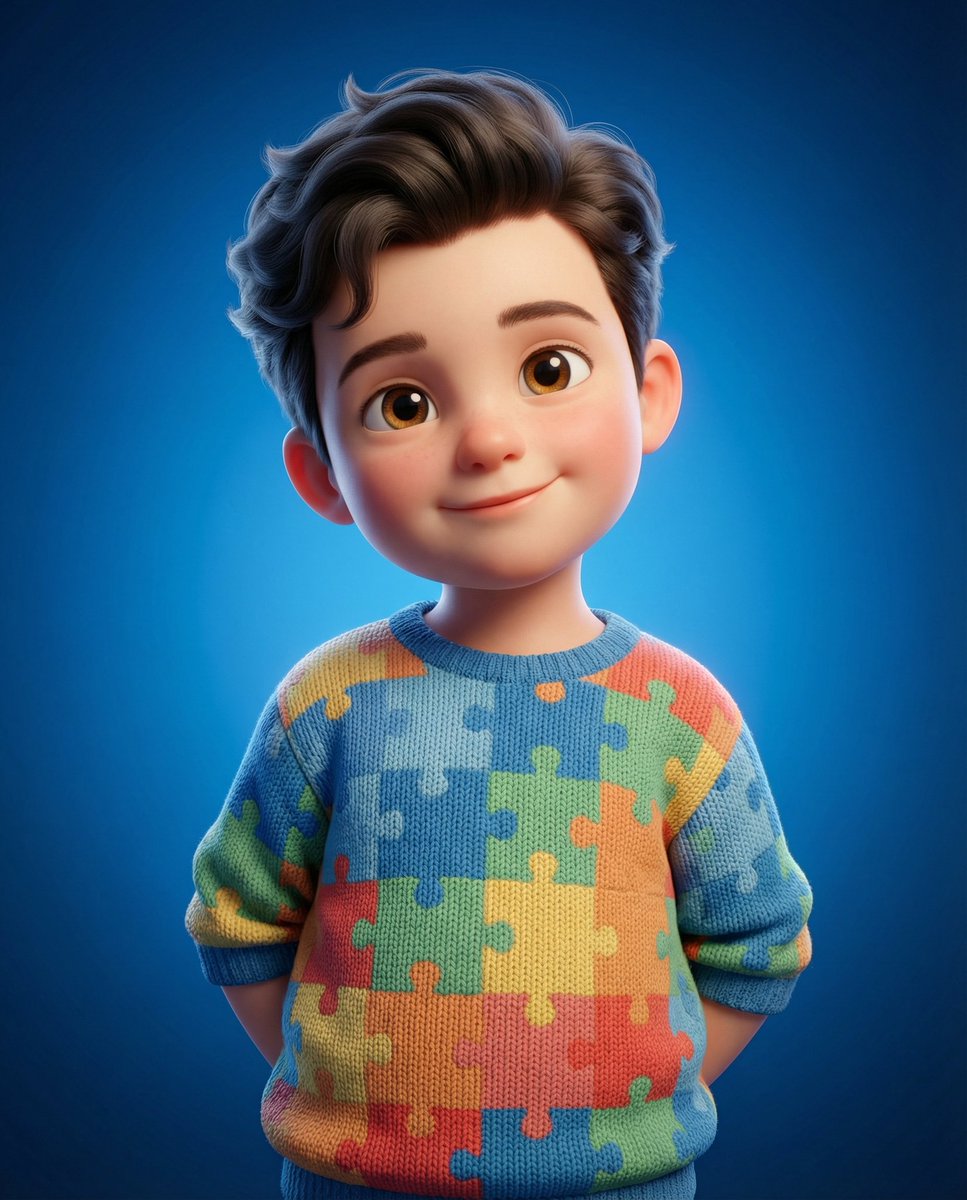
3D Render of Childlike Character in Puzzle Sweater
A detailed prompt for Google Nano Banana Pro to generate a high-detail, clean 3D render of a character with soft, childlike features (no adult features, no beard, fuller cheeks), wearing a puzzle-patterned sweater…
- Prompt included
- Model and format preset
- Free template
The prompt behind this image
Copy the exact prompt behind 3D Render of Childlike Character in Puzzle Sweater, or open it in the studio and make it yours.
soft, round face fuller cheeks small chin slightly larger, expressive eyes (but still identity-consistent) no beard, no sharp jawline, no adult features Expression should be innocent, warm, and slightly playful, with a gentle smile and direct eye contact. Body proportions should be cute and childlike (small, slightly chubby body, slightly larger head). Pose: relaxed standing with hands behind the back, with a subtle natural tilt in head and shoulders to avoid stiffness. Hair should match the reference but appear soft, slightly voluminous, and naturally styled, not overly sharp or artificial. Skin should be soft and stylized, with subtle subsurface scattering (SSS) for a warm glow, matte finish (no plastic shine), and gentle natural blush on cheeks. The character wears a half sleeves cotton sweater with a puzzle pattern, where: colors are soft but lively and slightly vibrant not oversaturated and not washed out The fabric shows a realistic knit texture and soft folds Lighting should be soft and cinematic: key light from upper-left gentle fill light subtle rim light on hair Background should be a rich blue gradient, brighter behind the subject and darker toward the edges, with smooth depth (not flat). Output should be: 1:1 aspect ratio mid-length framing (head to waist) high-detail, clean 3D render film-quality finish (not toy-like, not overly realistic)
How to use 3D Render of Childlike Character in Puzzle Sweater in 3 steps
- 1
Open
The prompt is already in the box next to the preview, with the template's model and format selected.
- 2…a portrait of your subject in softgolden-hour light, 85mm…
Personalize
Edit the subject and creative details for your destination.
- 3Generate
Generate
Press Generate — your image is created in PicX Studio, so you can compare it with the original and refine one variable at a time.
More like this
Templates with the same subject, style or setup. Open one to see its prompt.

Decorative Folk Flat Paper Cut Illustration

Clay Miniature Landmark Travel Diorama
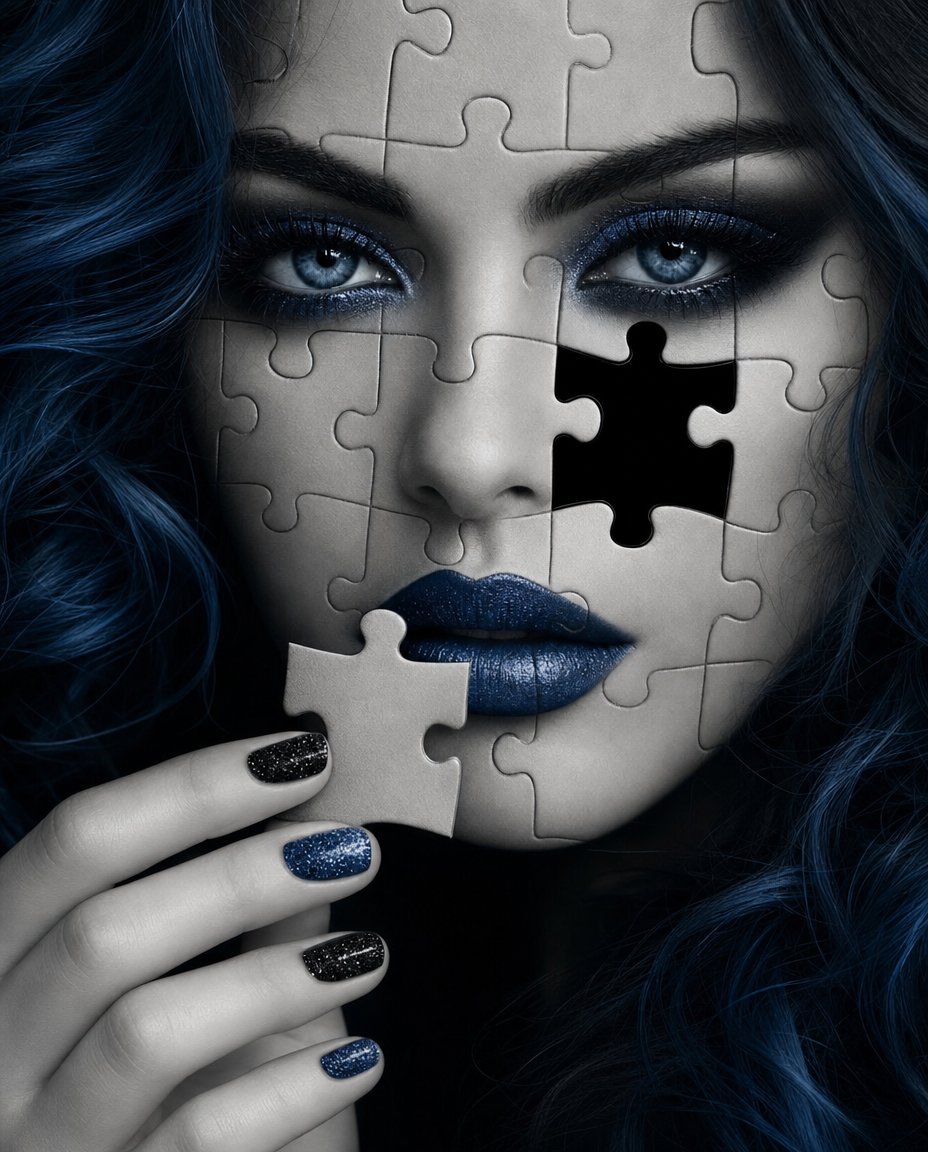
Greyscale Puzzle Portrait with Color Accent
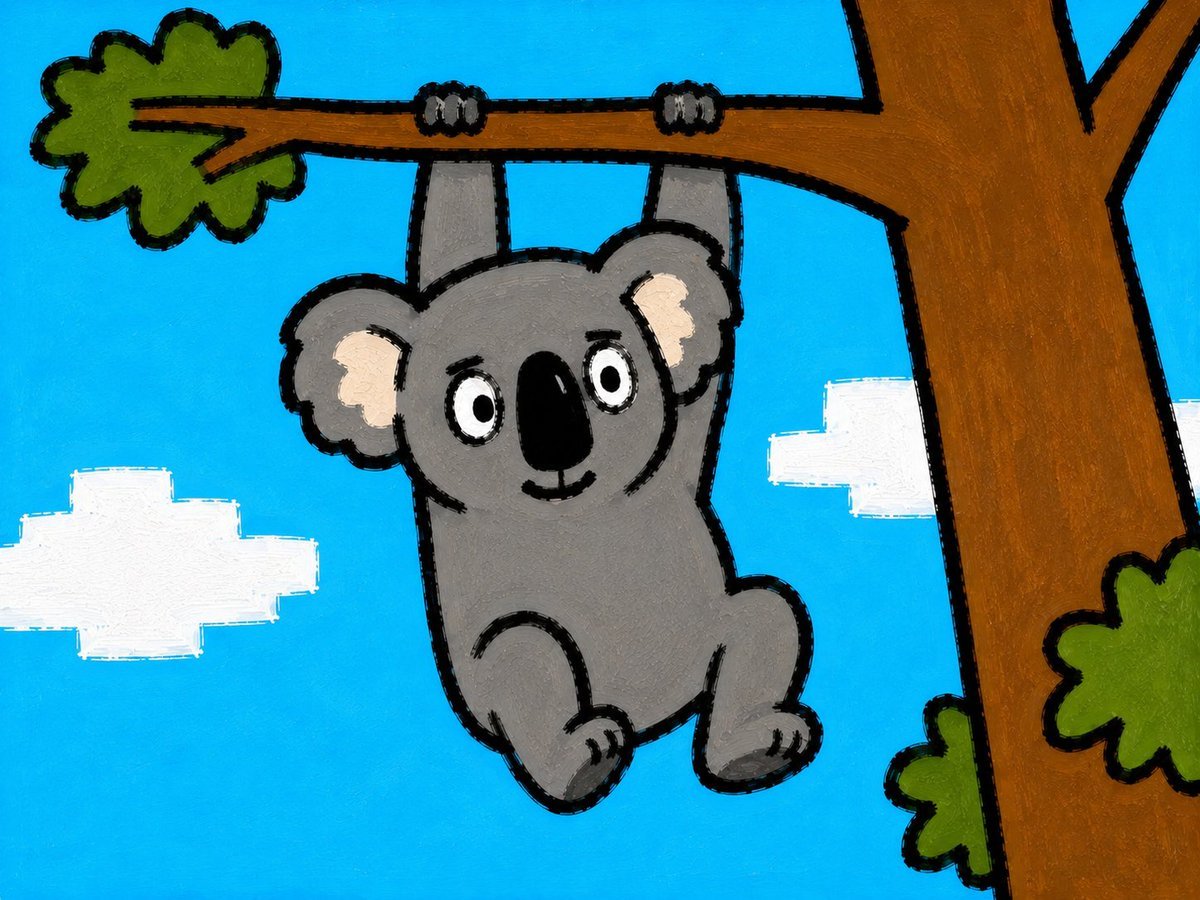
Childlike Koala Hanging From Tree
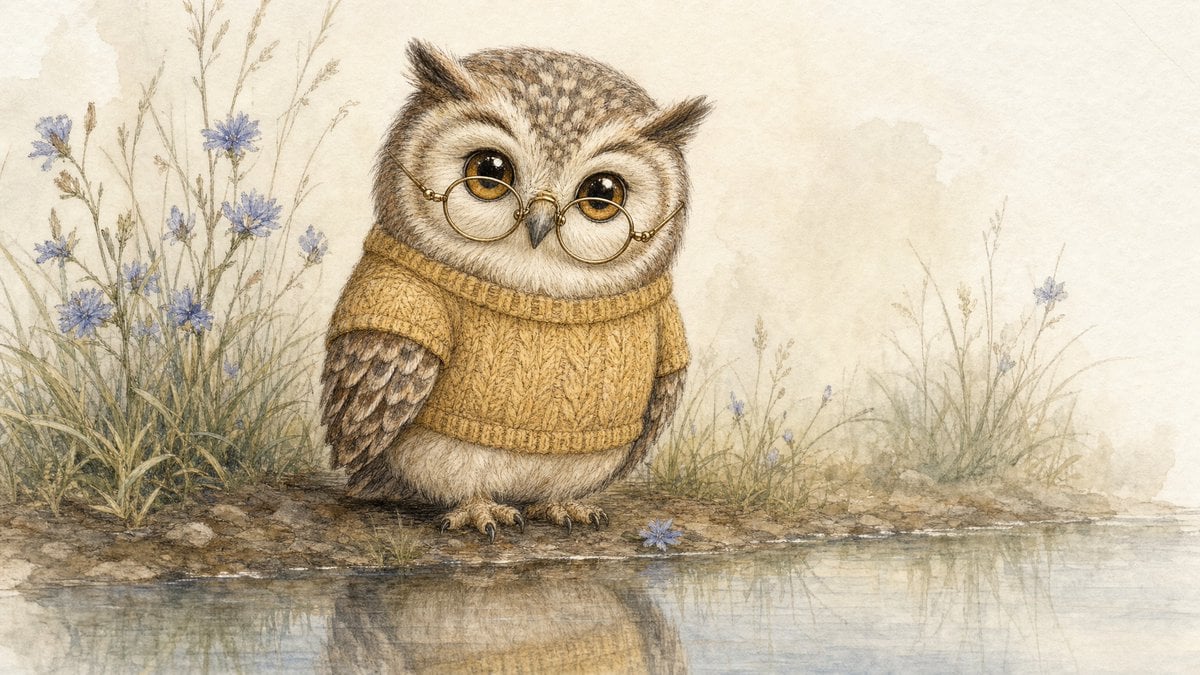
Watercolor Owl in Yellow Sweater

Cinematic Male Portrait in Knit Sweater
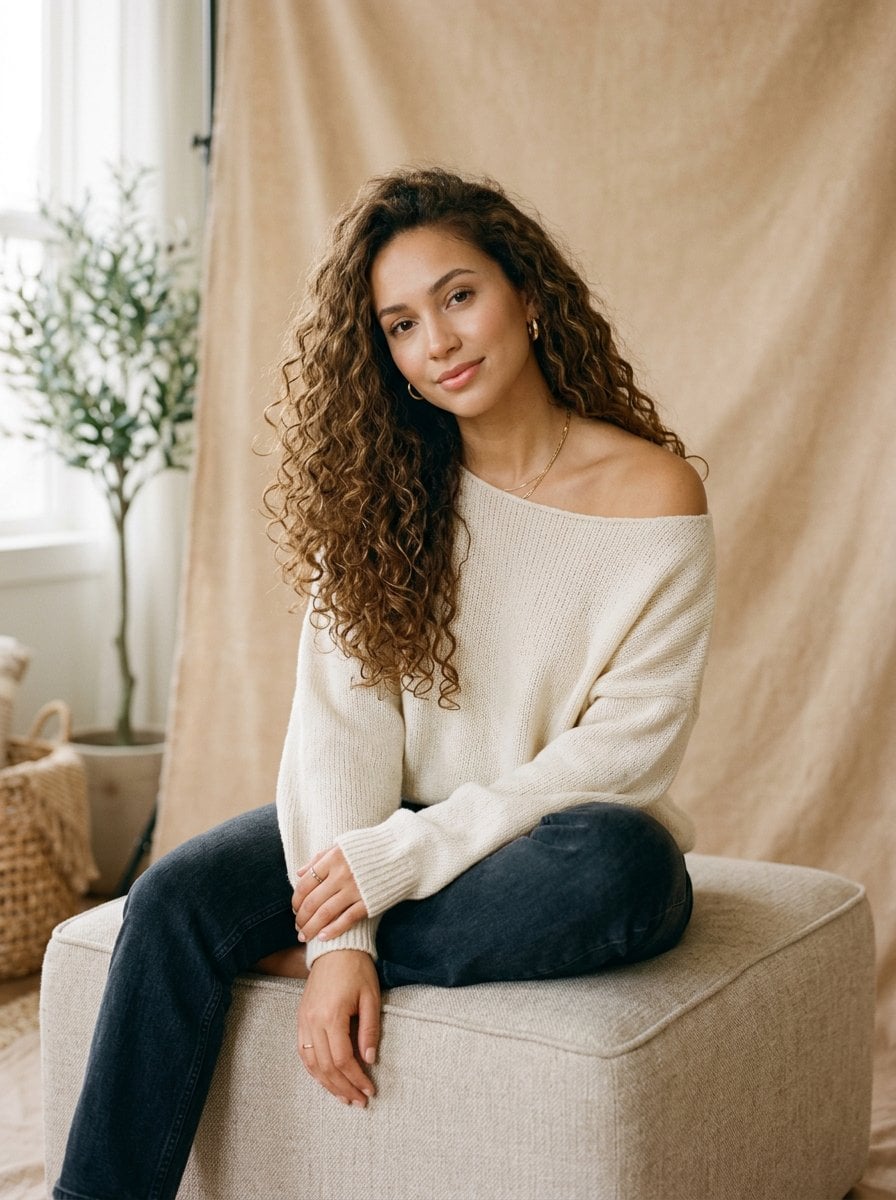
Elegant Portrait in Off-the-Shoulder Sweater
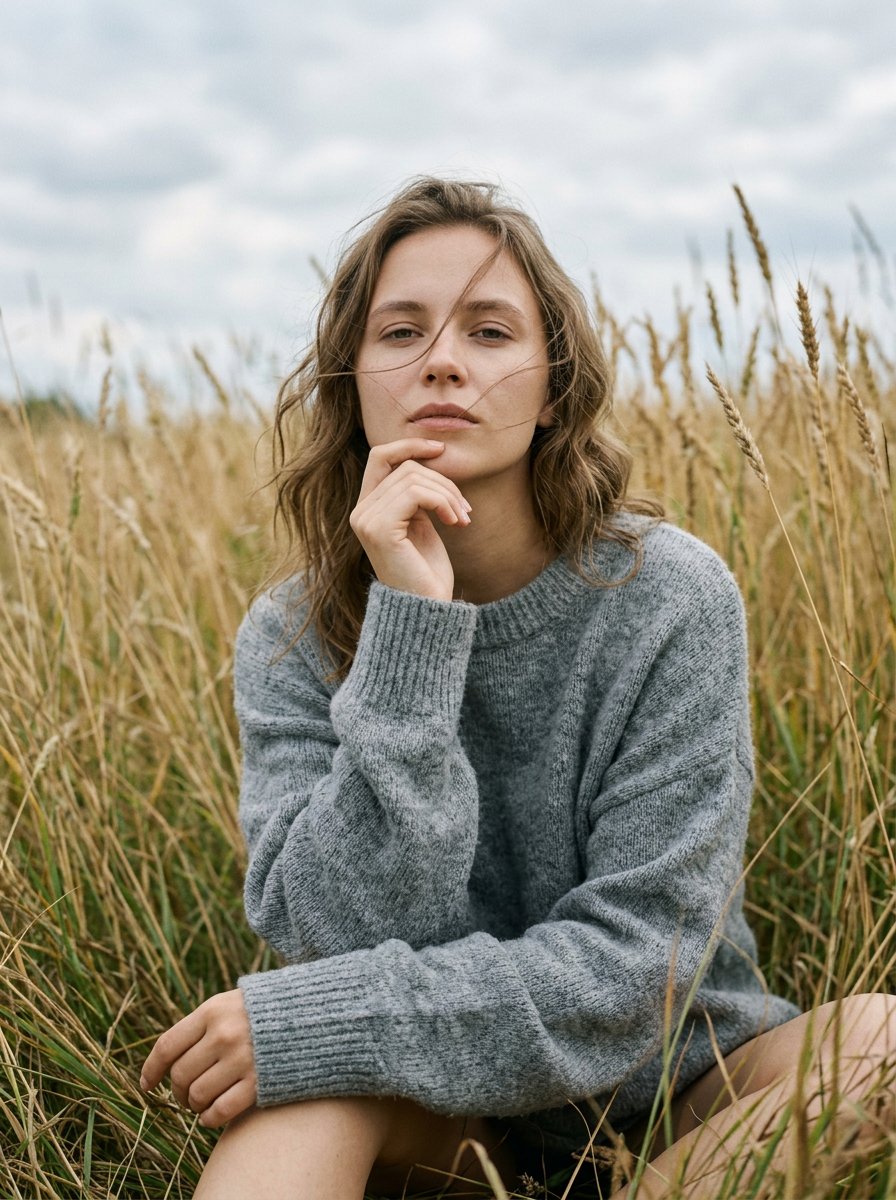
Photorealistic Outdoor Sweater Portrait

Woman in Festive Red Sweater Portrait
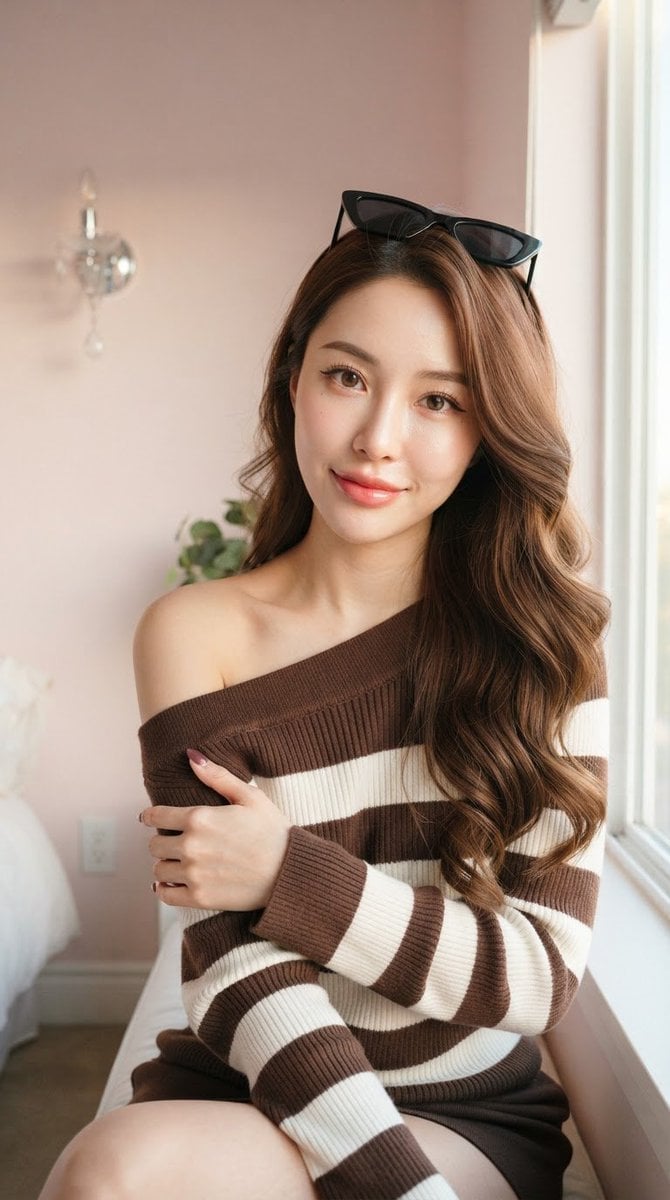
Asian Woman in Striped Sweater

Cozy Knit Sweater Window Portrait
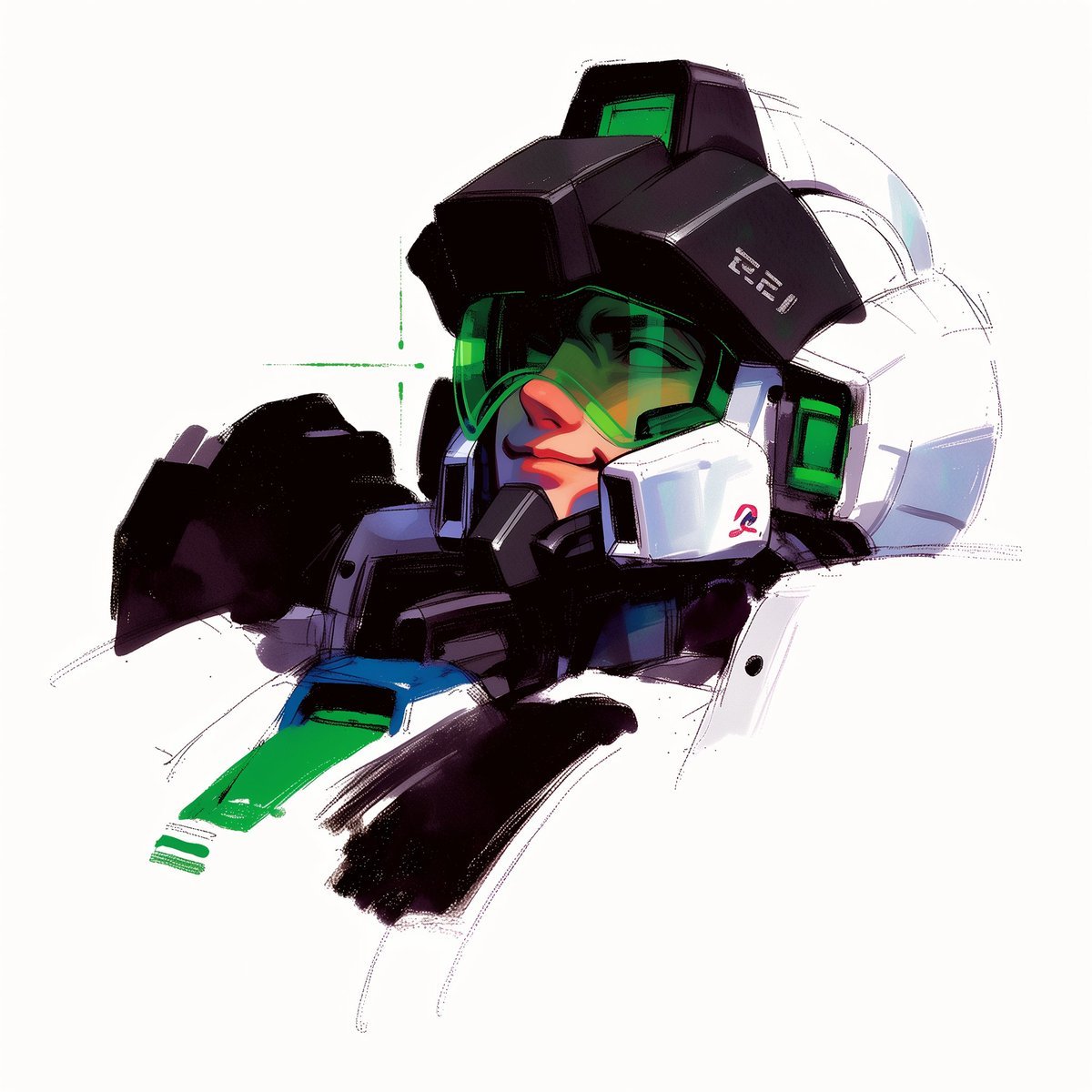
To hyper-realistic 3D CGI collectible figurine render
Make it yours
3D Render of Childlike Character in Puzzle Sweater works as-is. These are the safest ways to change it without losing the look.
Change one field
Copy a single group, rewrite it, and generate again so you can see what that field is doing.
Keep the frame, change the subject
Hold the composition and light of 3D Render of Childlike Character in Puzzle Sweater, then swap wardrobe, props or the person for a new take.
| If the result… | Why | Fix |
|---|---|---|
| The result drifts from the preview | Too many fields changed at once. | Reuse 3D Render of Childlike Character in Puzzle Sweater as-is first, then change one group — subject, light, or setting. |
| The model over-stylizes the scene | The prose prompt leaves finish and camera underspecified. | Add one camera or lighting sentence and stay on Nano Banana 2. |
More Nano Banana 2 templates
Other prompts made for Nano Banana 2.

Photorealistic Leaf Shaped Like a Dragon

K-Pop Idol Portrait Grid for Rapid Selection

Poetic Rain Forest Portrait During Golden Hour

Urban Street Portrait with Cartoon Inner Self Duo

Candid Nighttime Photo with Cat Prompt

High-Concept 3D Diorama Generation Prompt

Cinematic Futuristic Studio Portrait Template

Skincare Editorial Photography Collage Prompt

Hyper-Realistic Commercial Product Photography (Splash Effect)

Hyper-Realistic Nightclub Portrait Prompt
More image prompts
Fresh picks from across the catalog.
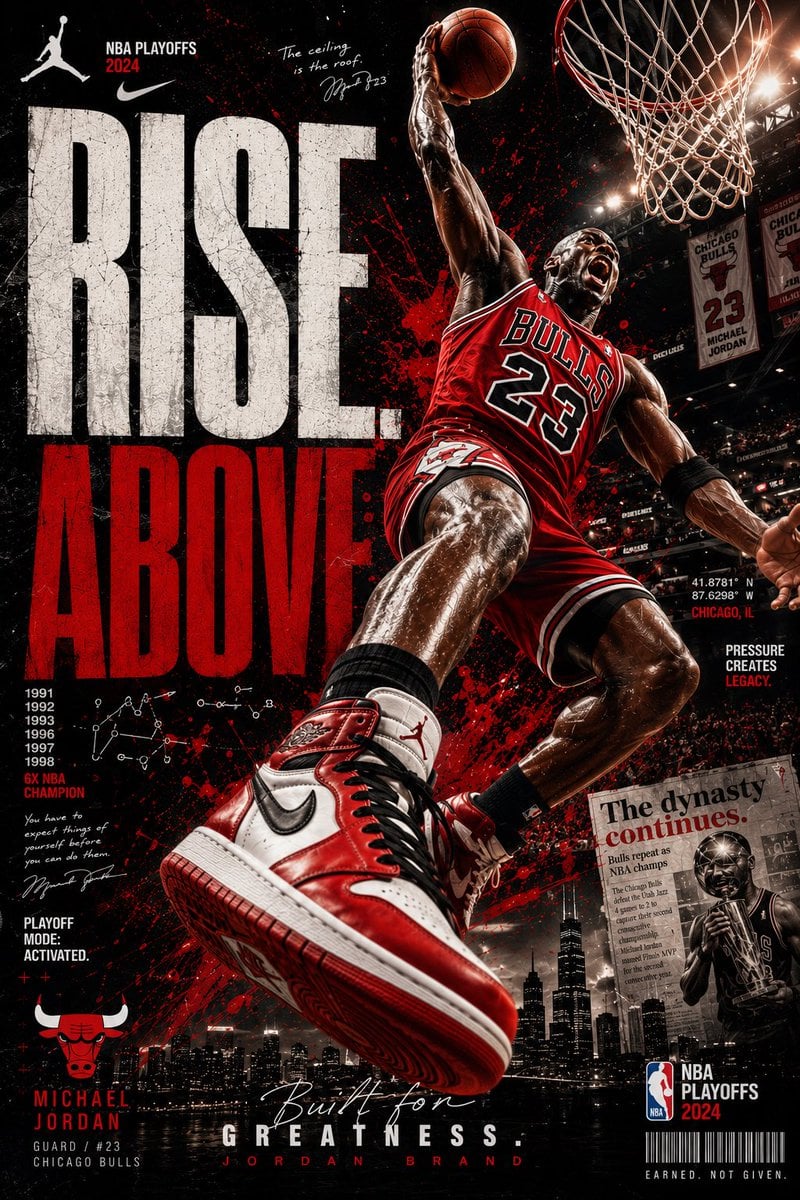
Rise Above Basketball Playoff Poster
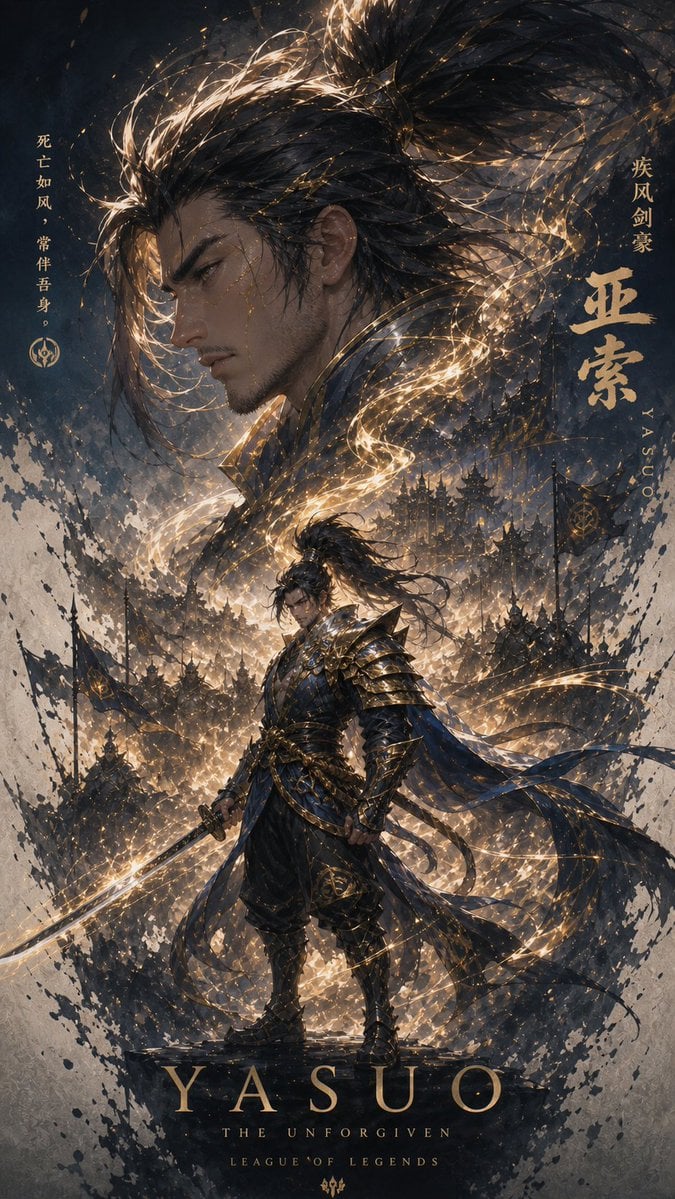
Cinematic Yasuo Fantasy Poster
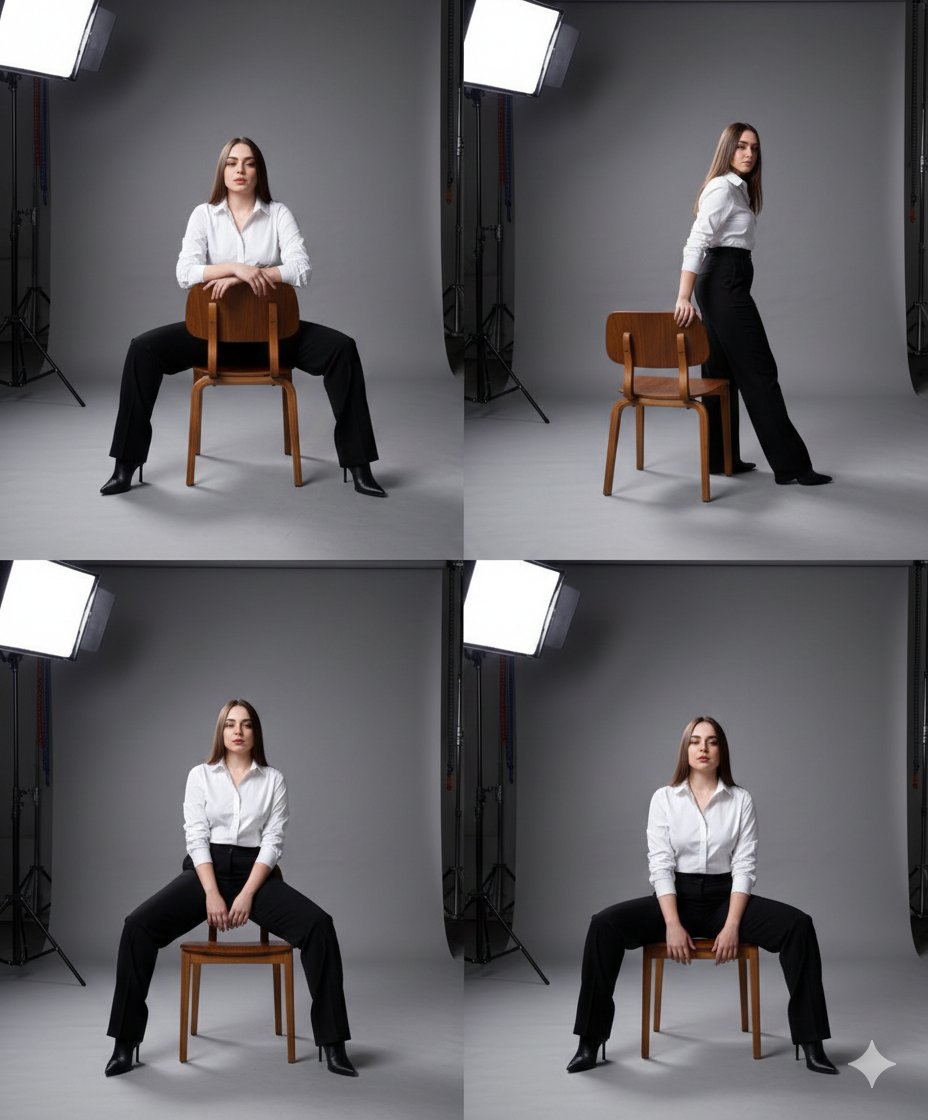
Fashion Photography Studio Collage Prompt
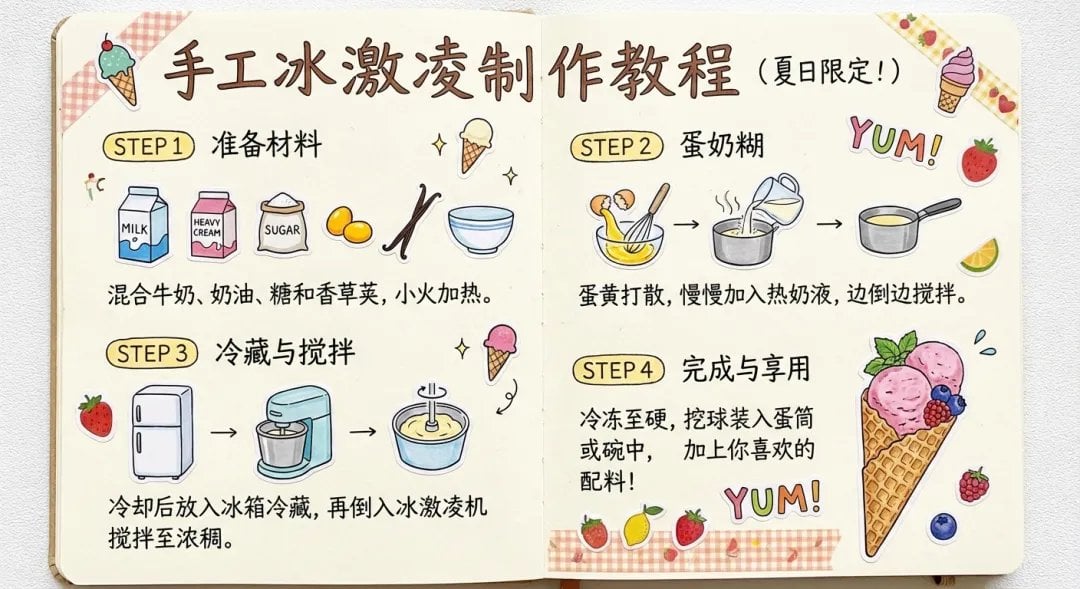
Sparkling water product main image
Massive Truck Launch and Landing Video Prompt
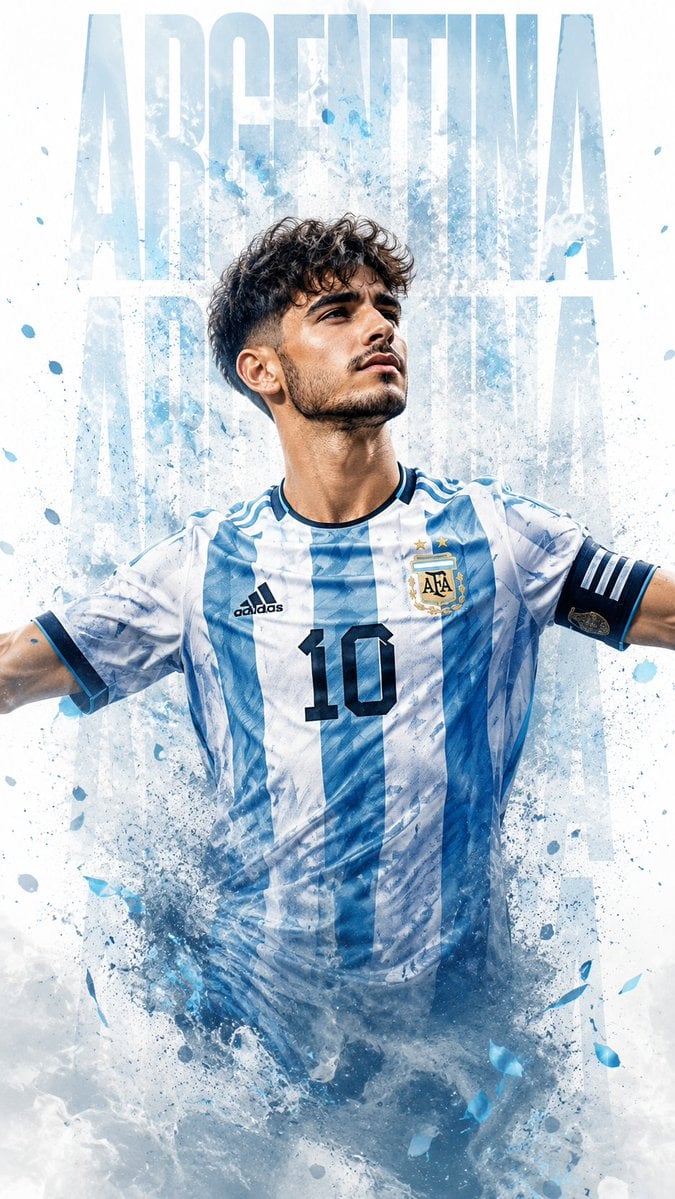
Photorealistic Footballer Celebration Illustration
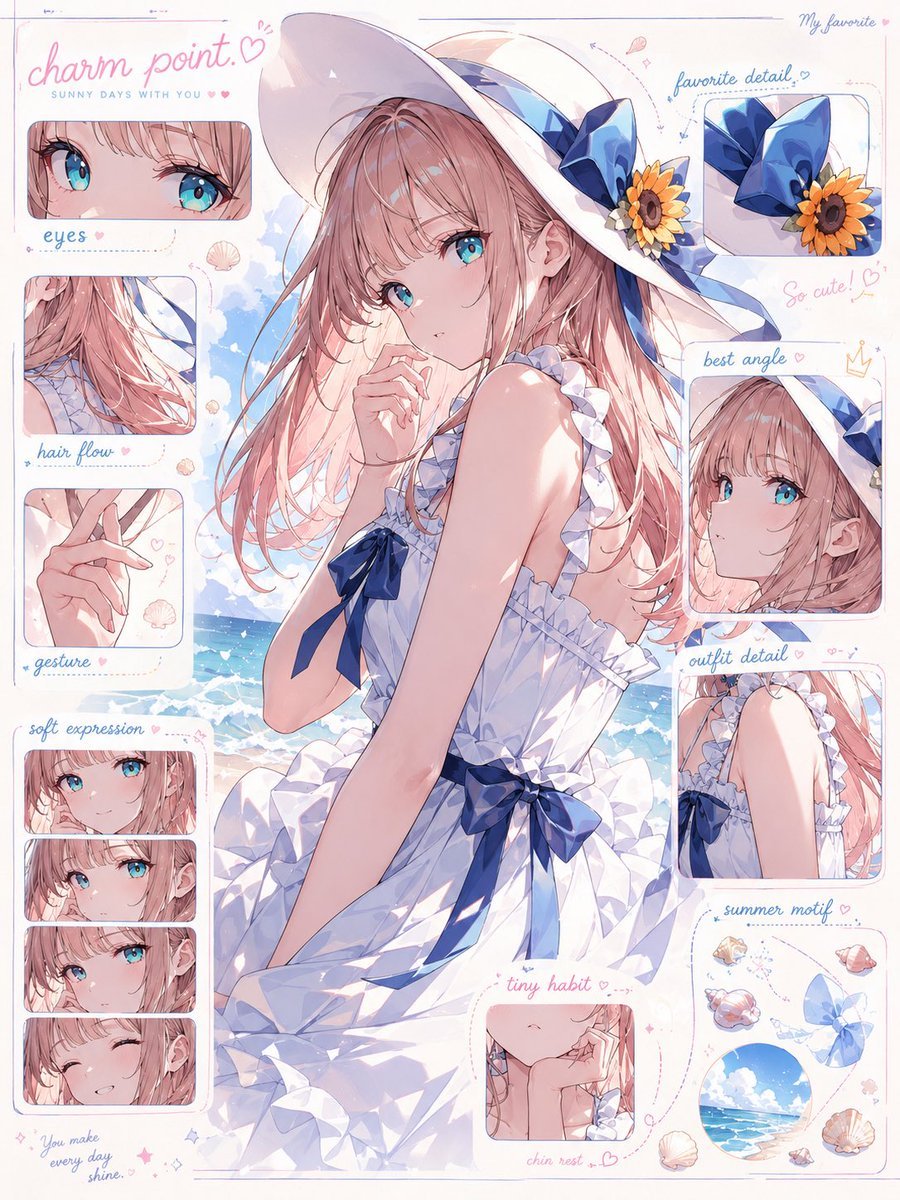
Anime Charm Point Analysis Sheet

Black Cat on Wooden Post Scene
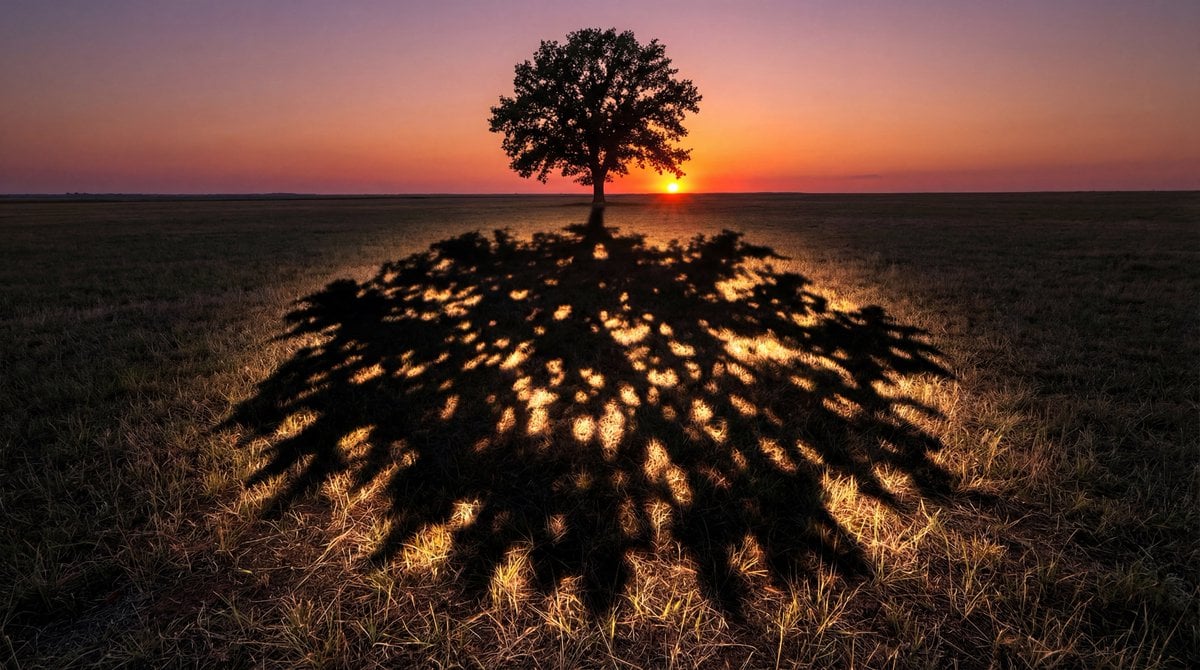
Magical Shadow Illusion Prompt for Nano Banana Pro
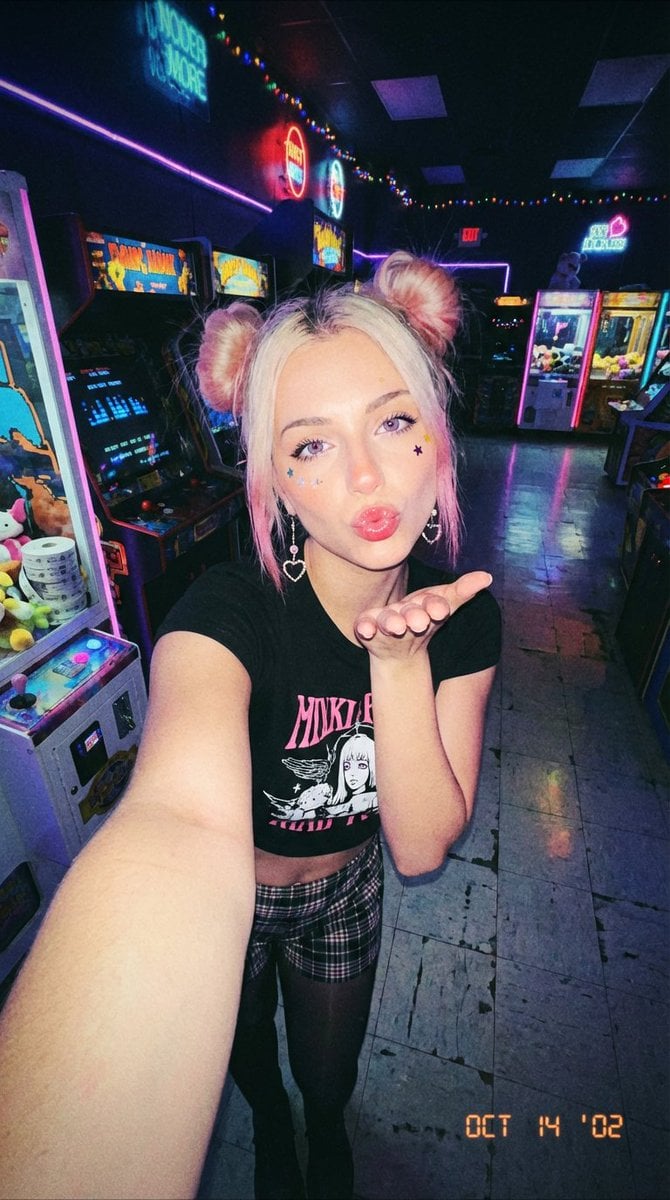
Y2K Grunge Arcade Selfie Portrait
Browse template categories
3D Render of Childlike Character in Puzzle Sweater questions
How do I use the 3D Render of Childlike Character in Puzzle Sweater template?
Add your photo if the template asks for one, edit the prompt if you like — the template's model and format are already selected — and press Generate. Your version opens in PicX Studio.
Can I customize the 3D Render of Childlike Character in Puzzle Sweater template?
Yes. You can change the subject, setting, lighting, mood, format, and available model controls before creating your image.
Is the 3D Render of Childlike Character in Puzzle Sweater template free?
Opening and editing this template is free. Generating uses credits, shown on the Generate button when you are signed in.
Which AI model should I use?
Start with Nano Banana 2, which is the model associated with this template. You can compare another compatible model for a different finish.
Looking for something else? Browse all templates.

Your photo, any look
Thousands of ready templates for every top image and video model, from one credit balance.