
Anime Charm Point Analysis Sheet
Generates a pastel anime scrapbook-style character appeal diagram highlighting lovable details, expressions, outfit features, and summer motifs.
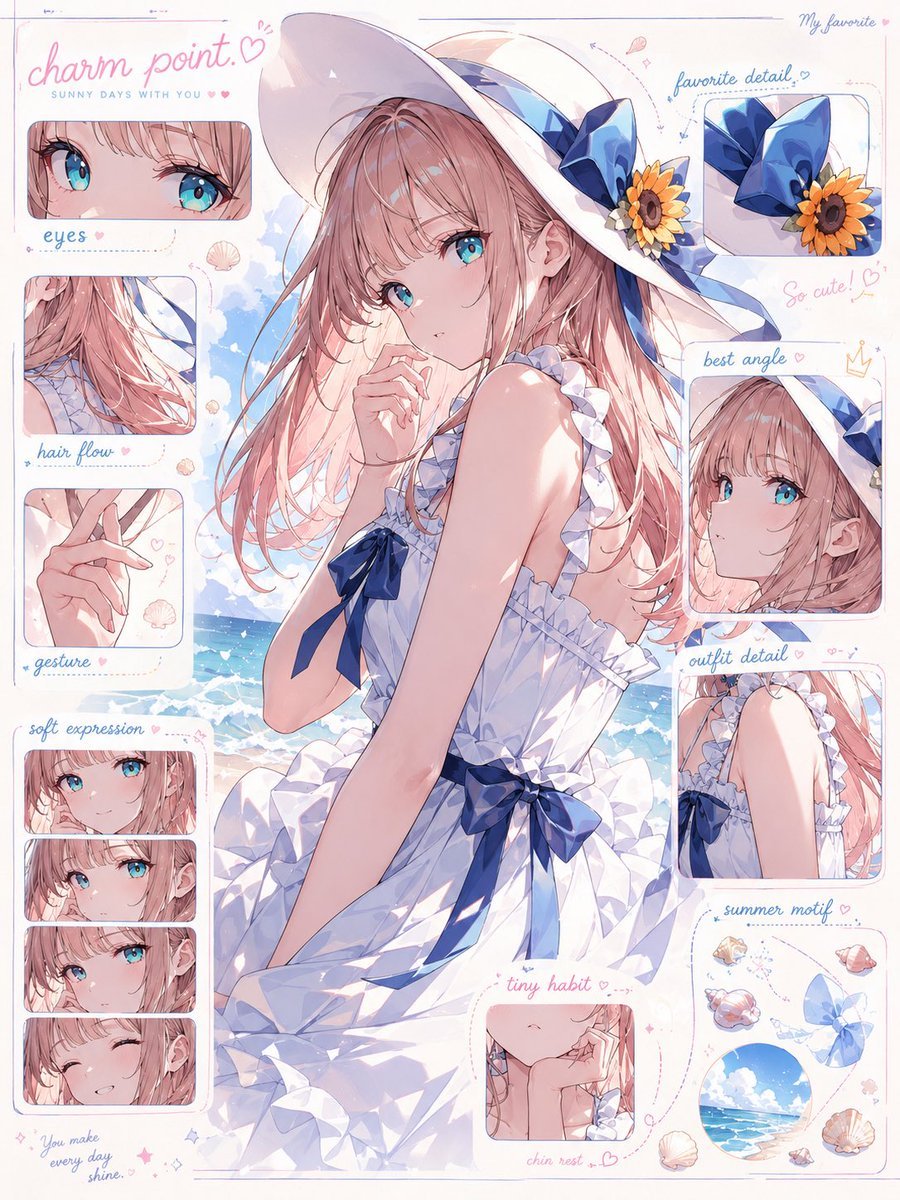
- Prompt included
- Model and format preset
- Free template
The prompt behind this image
Copy the exact prompt behind Anime Charm Point Analysis Sheet, or open it in the studio and make it yours.
Goal: Create a dreamy anime “charm point” visual analysis sheet that explains why a cute summer girl is lovable, presented like a scrapbook character appeal diagram rather than a standard profile. Canvas: Vertical 3:4 portrait poster on an off-white paper background with thin pastel blue and pink border lines, rounded inset panels, dotted arrows, tiny hearts, sparkles, seashell doodles, handwritten notes, and soft stationery-like annotations. Main subject: Center a delicate anime girl named {argument name="character name" default="Sunny Days with You"} sitting by a bright seaside. She has {argument name="hair color" default="soft pink-blonde"} long flowing hair with wispy bangs, large aqua-blue eyes, fair skin with gentle blush, and a shy slightly parted-lips expression. Her pose is three-quarter view, looking back over her shoulder, one hand lightly touching her lips and chin, with elegant fingers. She wears a white ruffled summer dress with sleeveless frilled straps, layered skirt, and navy blue ribbon bows at the chest and waist. Add an oversized white sun hat decorated with a large navy-blue bow, a sunflower, and ribbon tails. The background behind her is a bright blue ocean, white waves, blue sky, and fluffy clouds. Layout and counted detail panels: Use exactly 9 inset panels around the central character, each with rounded corners and soft pastel borders. Left column has 4 labeled panels: 1) “eyes” close-up showing both sparkling aqua eyes and eyelashes, 2) “hair flow” close-up of pink hair strands blowing in the sea breeze, 3) “gesture” close-up of crossed delicate fingers, 4) “soft expression” vertical panel containing exactly 4 small stacked facial-expression crops: gentle gaze, shy glance, pouting/soft look, and smiling with closed eyes. Right side has 4 labeled panels: 5) “favorite detail” close-up of the navy bow and sunflower on the hat, 6) “best angle” profile/three-quarter face crop from the cutest side angle, 7) “outfit detail” close-up of the ruffled shoulder strap and bodice, 8) “summer motif” collage panel with exactly 7 small motif items: three seashells, one conch shell, one blue ribbon bow, one circular ocean-sky scene, and one tiny sparkle/flower cluster. Bottom center has 1 labeled panel: 9) “tiny habit” close-up of her lower face and hand resting near the chin. Text content: Top-left handwritten headline reads {argument name="headline text" default="charm point.♡"} in pink cursive, with the small subtitle “SUNNY DAYS WITH YOU” beneath it. Include the labels “eyes”, “hair flow”, “gesture”, “soft expression”, “favorite detail”, “best angle”, “outfit detail”, “summer motif”, and “tiny habit”. Add small handwritten accent phrases: “My favorite” at the top right, “So cute! ♡” near the best-angle area, “chin rest...♡” below the tiny-habit panel, and {argument name="bottom quote" default="You make every day shine."} near the bottom left. Visual style: High-quality Japanese anime illustration, pastel watercolor and colored-pencil finish, airy summer lighting, glossy eyes, soft blush, detailed hair strands, luminous sea reflections, delicate line art, cute handwritten typography, scrapbook annotation aesthetic, romantic and affectionate mood. Constraints: Keep the central girl dominant and full-body/waist-up within the page, keep all 9 inset panels visible and clearly separated, use only soft pastel colors with navy accents, avoid photorealism, avoid extra characters, avoid watermark or logo.
How to use Anime Charm Point Analysis Sheet in 3 steps
- 1Upload ImagePNG, JPG or paste
Add your photo
Upload the photo the template builds on. The prompt, model and format are already set.
- 2…a portrait of your subject in softgolden-hour light, 85mm…
Personalize
Edit the subject and creative details for your destination.
- 3Generate
Generate
Press Generate — your image is created in PicX Studio, so you can compare it with the original and refine one variable at a time.
More like this
Templates with the same subject, style or setup. Open one to see its prompt.

Anime Character Charm Analysis Sheet
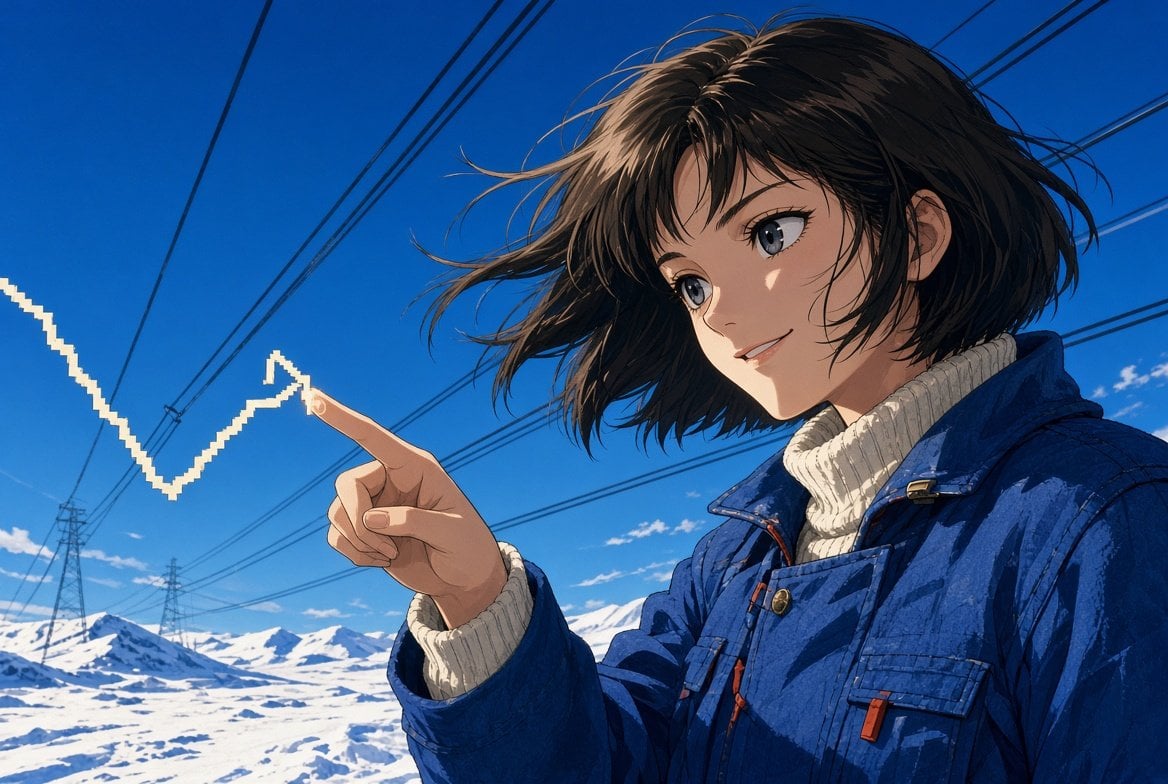
Anime Woman Pointing at Growth Arrow

Anime Lantern Girl Character Sheet

Anime Character Sheet Reference Prompt

Cel 2D Finale Fireworks

Cel 2D Garden Maze

Cel 2D Rooftop Concert

Cel 2D Bicycle Coast

Cel 2D Castle Gate

Cel 2D Kitchen Chaos

Cel 2D Carnival Ride

Cel 2D Rainy Bus Stop
Make it yours
Anime Charm Point Analysis Sheet works as-is. These are the safest ways to change it without losing the look.
Change one field
Copy a single group, rewrite it, and generate again so you can see what that field is doing.
Keep the frame, change the subject
Hold the composition and light of Anime Charm Point Analysis Sheet, then swap wardrobe, props or the person for a new take.
| If the result… | Why | Fix |
|---|---|---|
| The result drifts from the preview | Too many fields changed at once. | Reuse Anime Charm Point Analysis Sheet as-is first, then change one group — subject, light, or setting. |
| The model over-stylizes the scene | The prose prompt leaves finish and camera underspecified. | Add one camera or lighting sentence and stay on GPT Image 2. |
More GPT Image 2 templates
Other prompts made for GPT Image 2.

Six VTuber Japanese Logo Sheet

Realistic Portrait of Woman and Deer

The Vista Modular Condo Poster

AI Model Routing Comparison Infographic

2.5D Anime Art Board

Isometric Productivity Desk Scene

New York Double Exposure Poster

Four-Panel AI Landscape Comparison

Japanese Tatami Lifestyle Magazine Cover

NESCAFÉ Coffee Map Poster
More image prompts
Fresh picks from across the catalog.
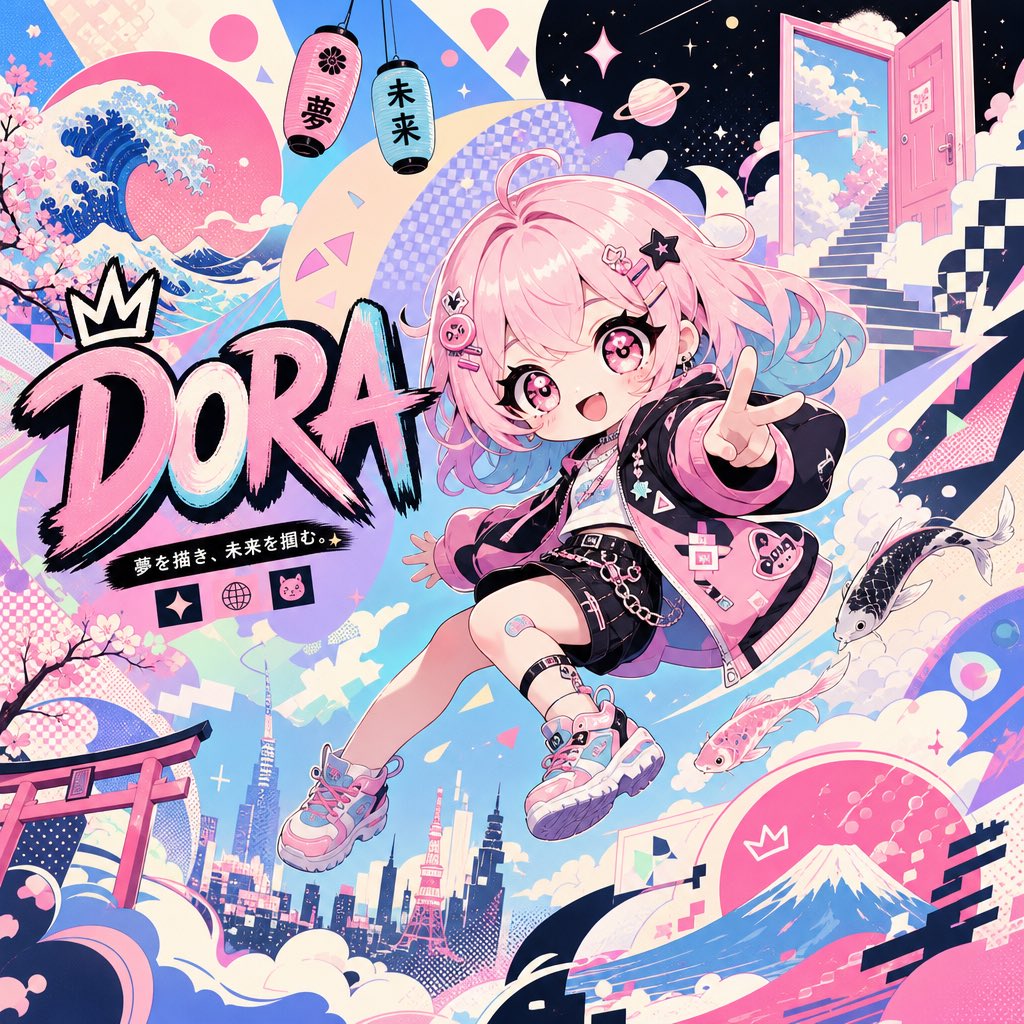
Surreal Japanese Pop Art Twitter Banner
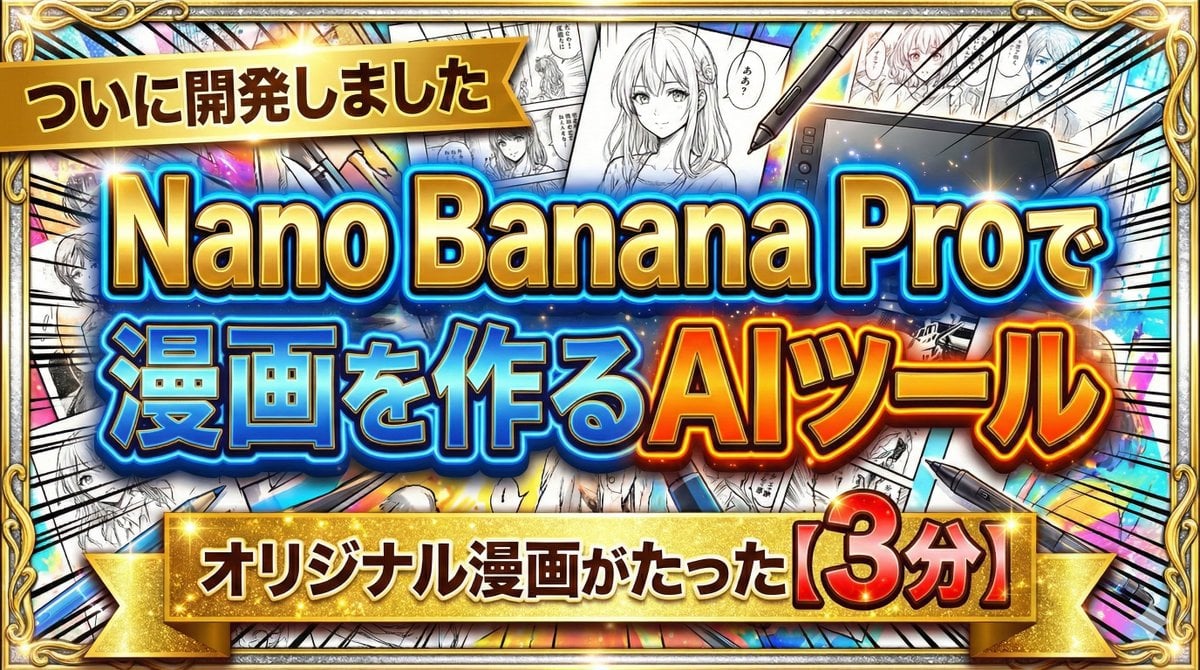
Developing a Nano Banana Pro Manga Creation Tool

First-Person AR Shopping Interface Overlay
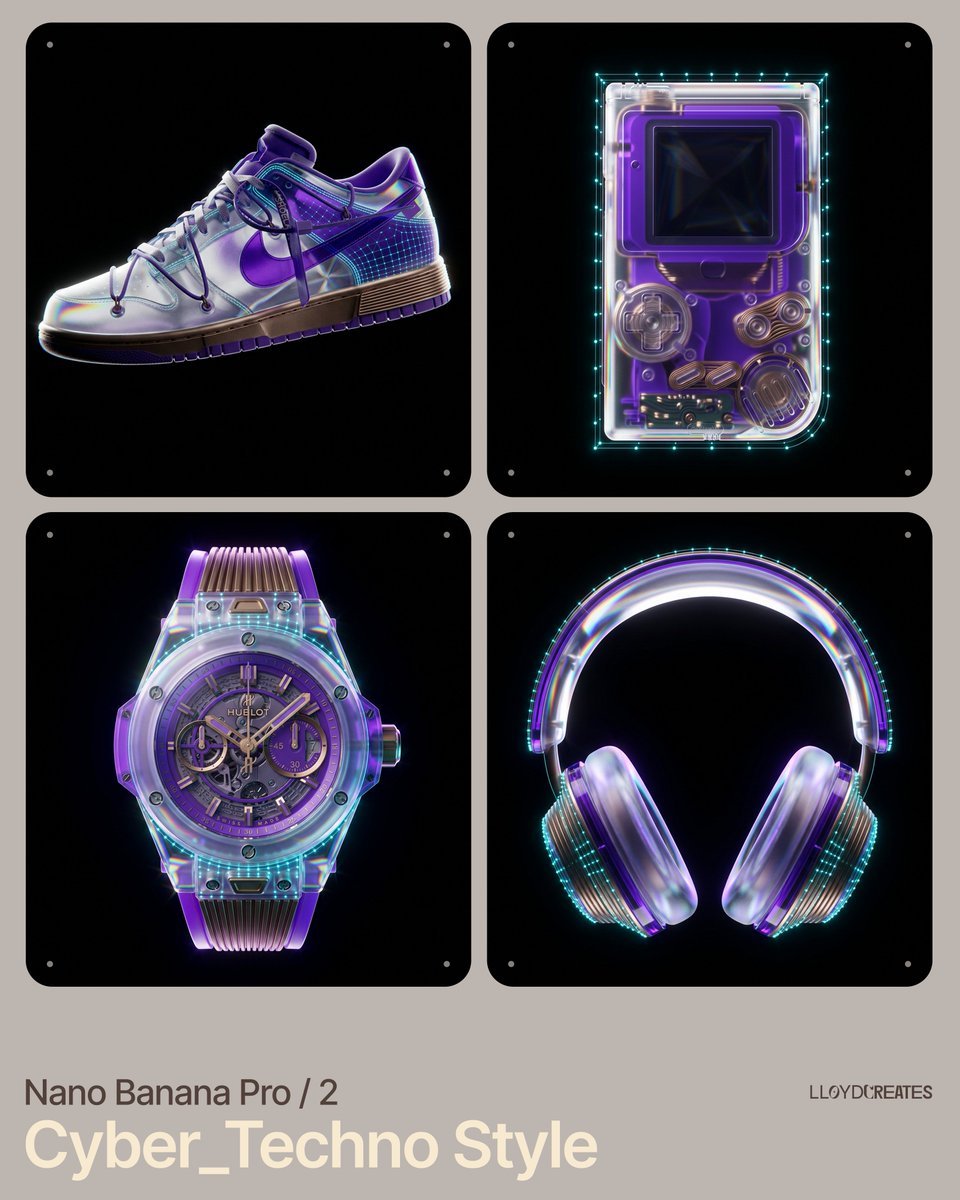
Cyber-Techno Product Shot in Void with Prismatic Effects
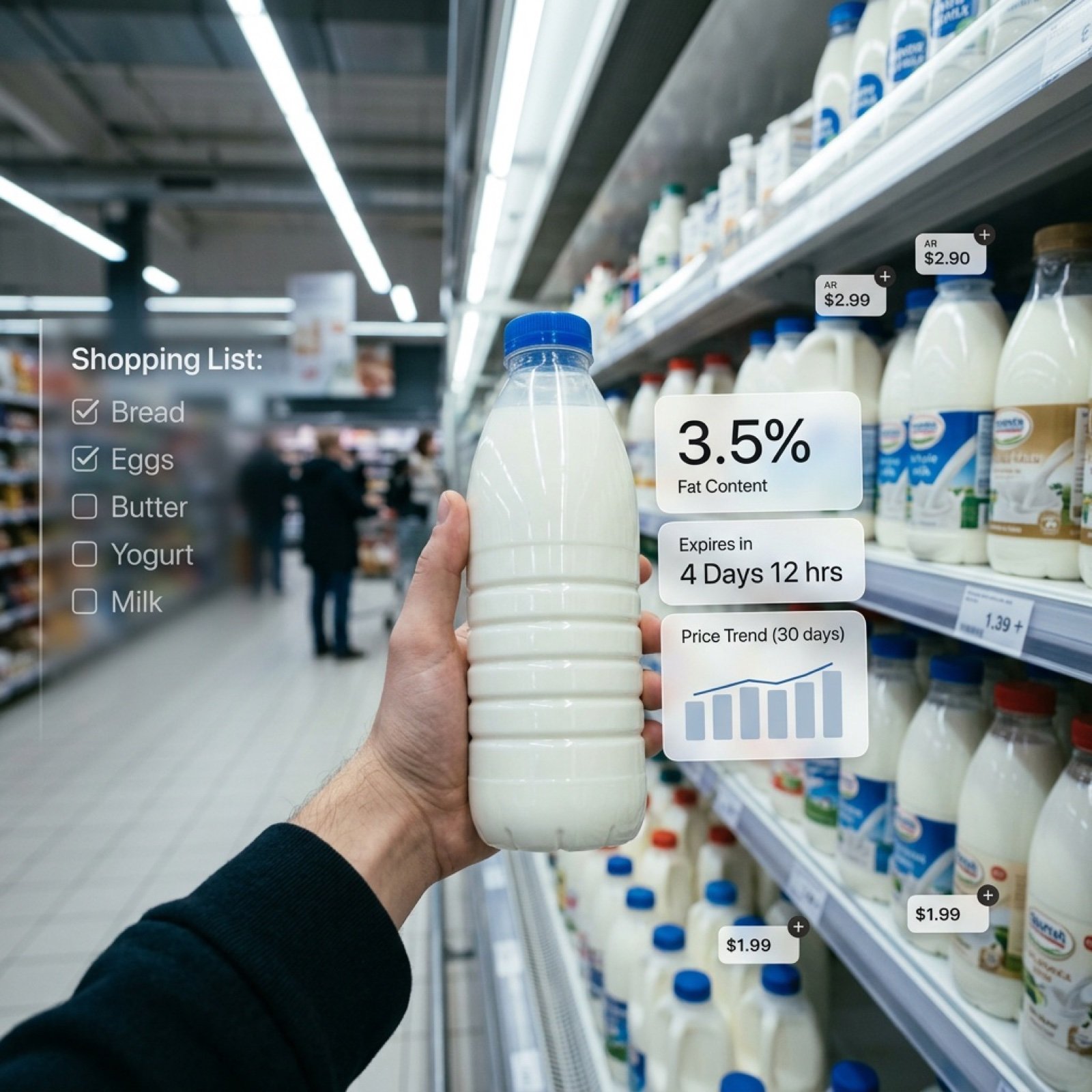
Cinematic Mixed Reality POV Supermarket Prompt
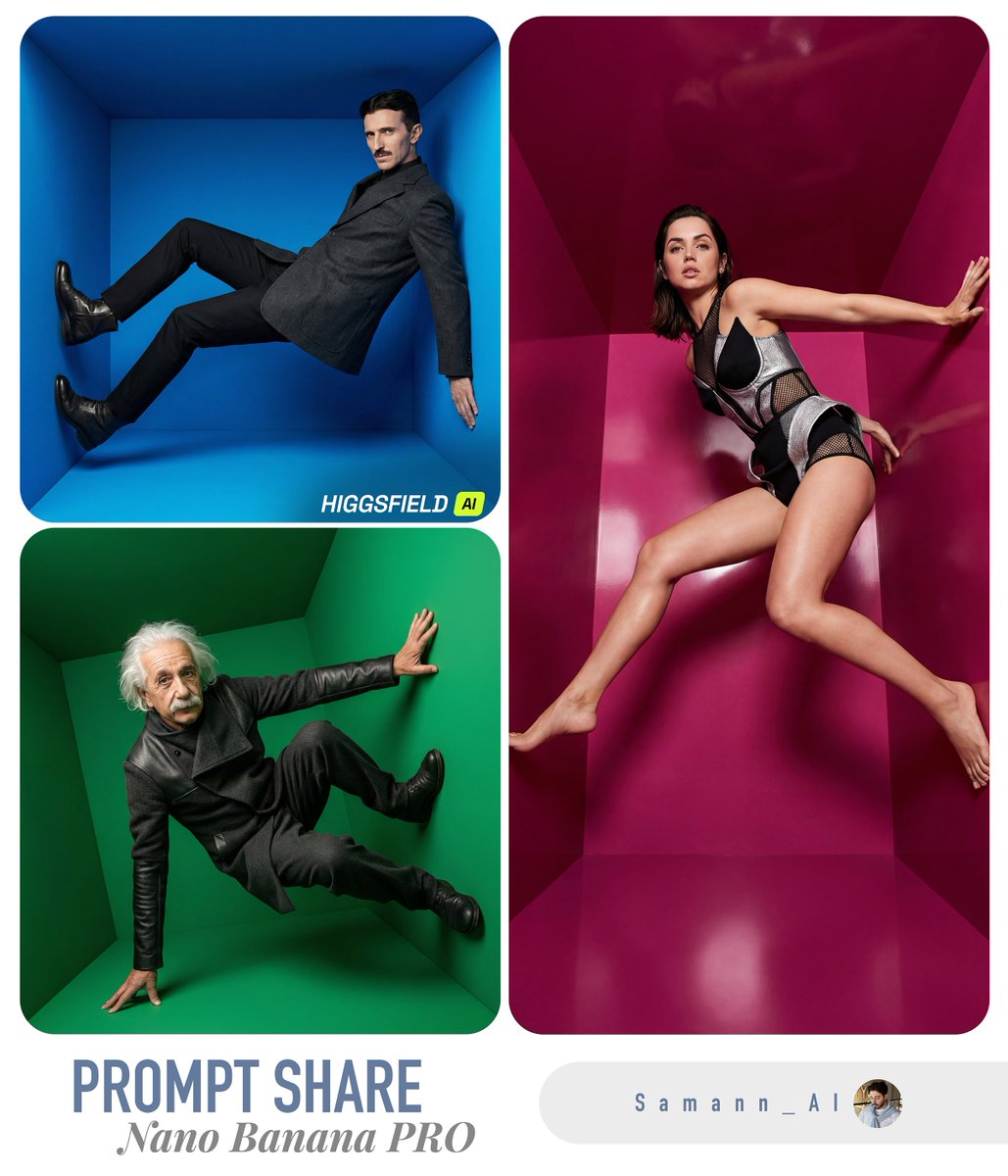
Fashion Editorial Color Box
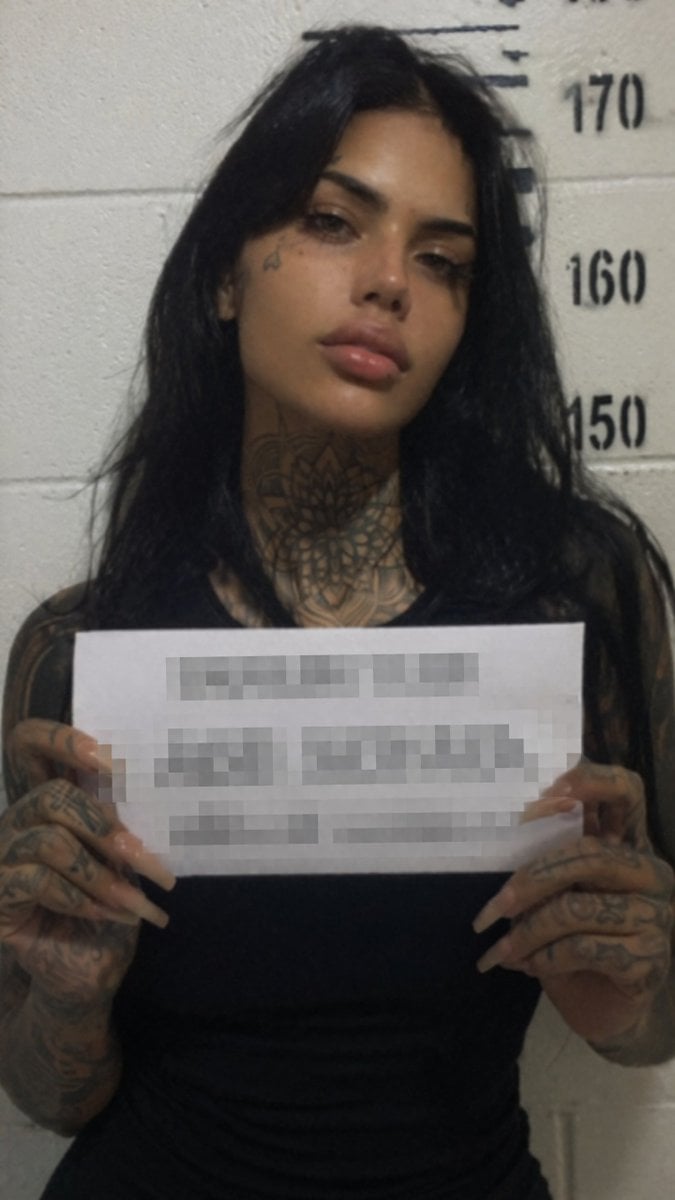
Gritty Tattooed Woman Mugshot
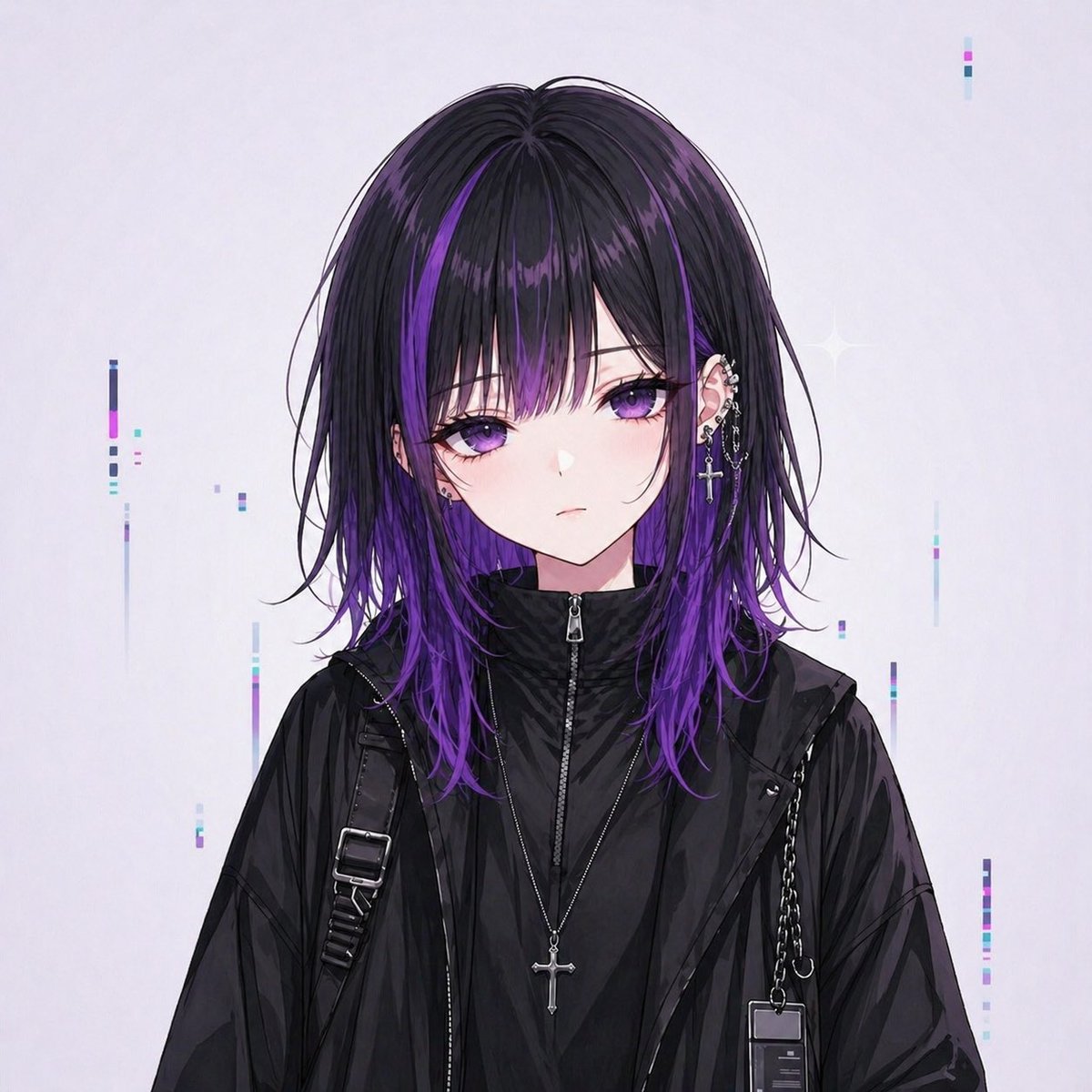
Goth Streetwear Anime Icon Portrait
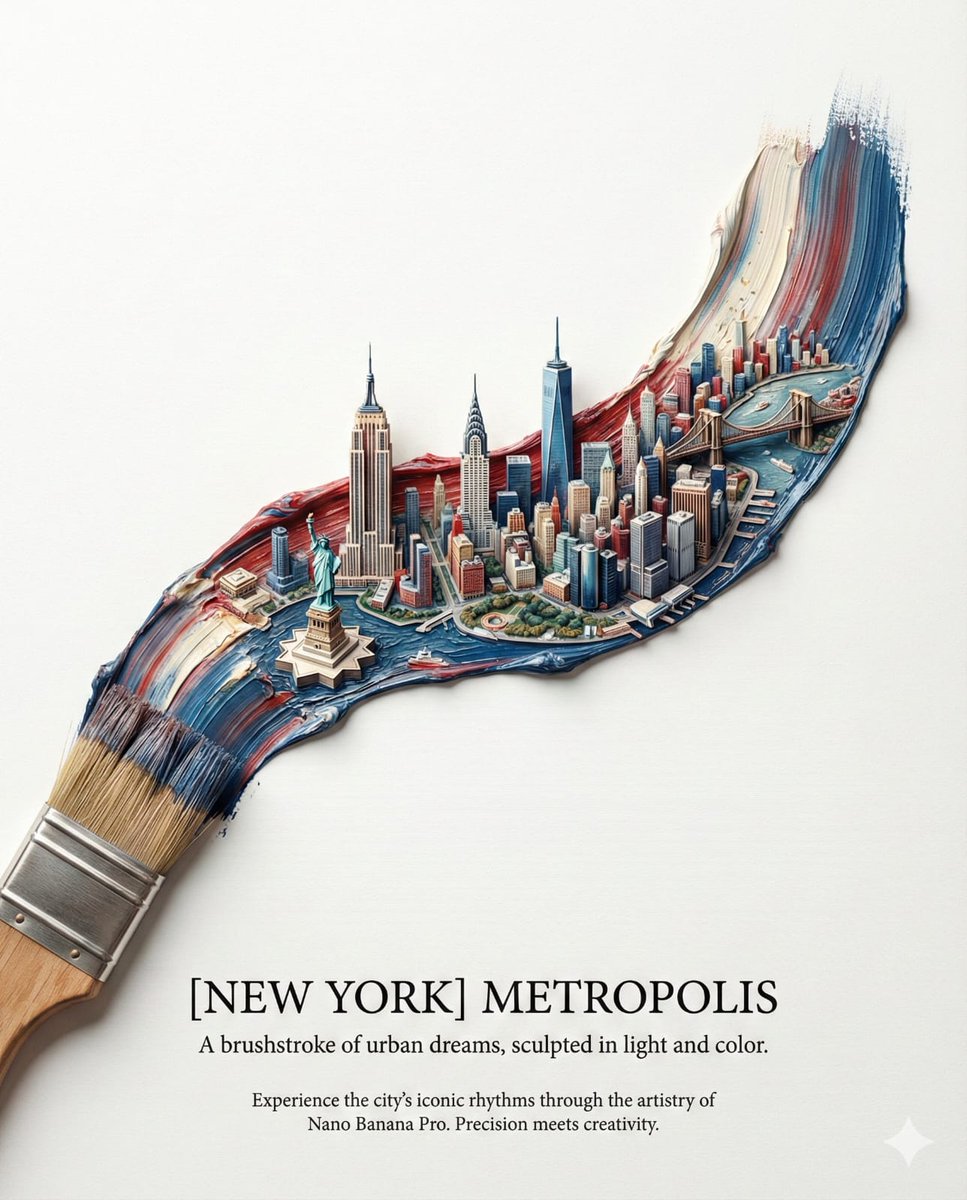
Ultra-Realistic Promotional Image Prompt
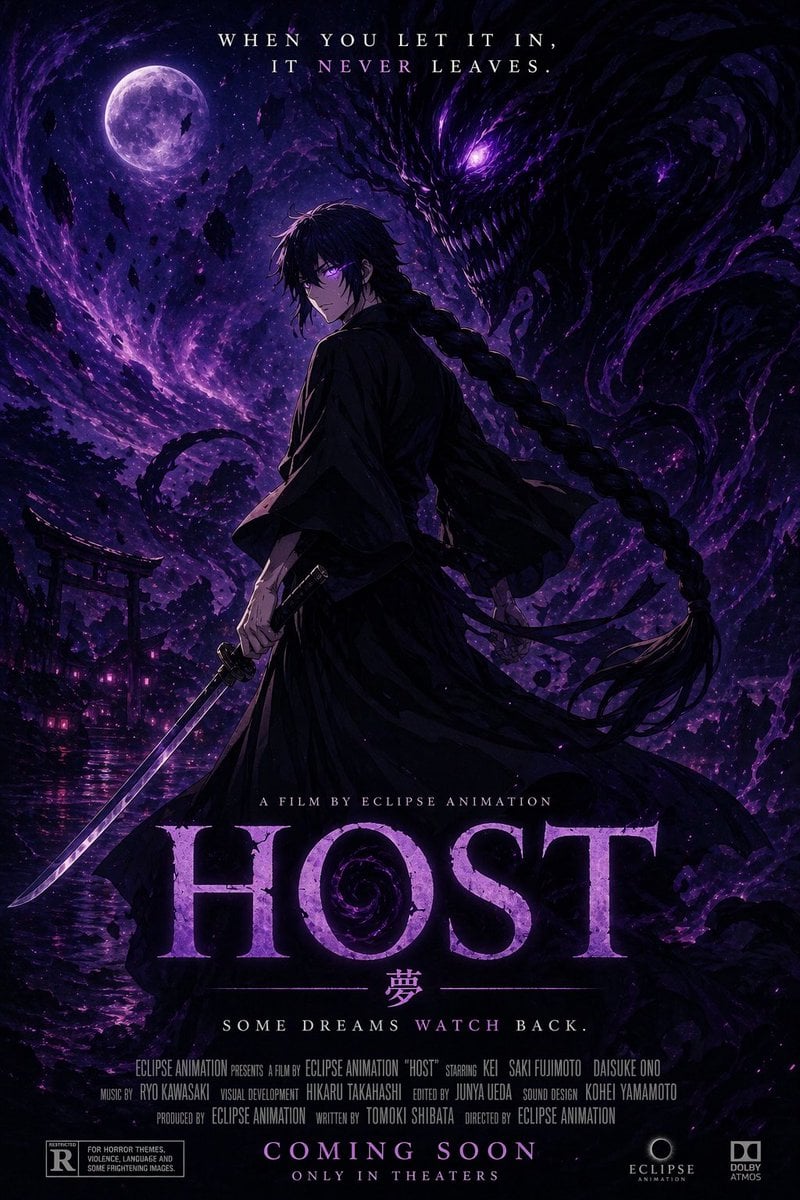
Horror Anime Movie Poster
Browse template categories
Anime Charm Point Analysis Sheet questions
How do I use the Anime Charm Point Analysis Sheet template?
Add your photo if the template asks for one, edit the prompt if you like — the template's model and format are already selected — and press Generate. Your version opens in PicX Studio.
Can I customize the Anime Charm Point Analysis Sheet template?
Yes. You can change the subject, setting, lighting, mood, format, and available model controls before creating your image.
Is the Anime Charm Point Analysis Sheet template free?
Opening and editing this template is free. Generating uses credits, shown on the Generate button when you are signed in.
Which AI model should I use?
Start with GPT Image 2, which is the model associated with this template. You can compare another compatible model for a different finish.
Looking for something else? Browse all templates.

Your photo, any look
Thousands of ready templates for every top image and video model, from one credit balance.