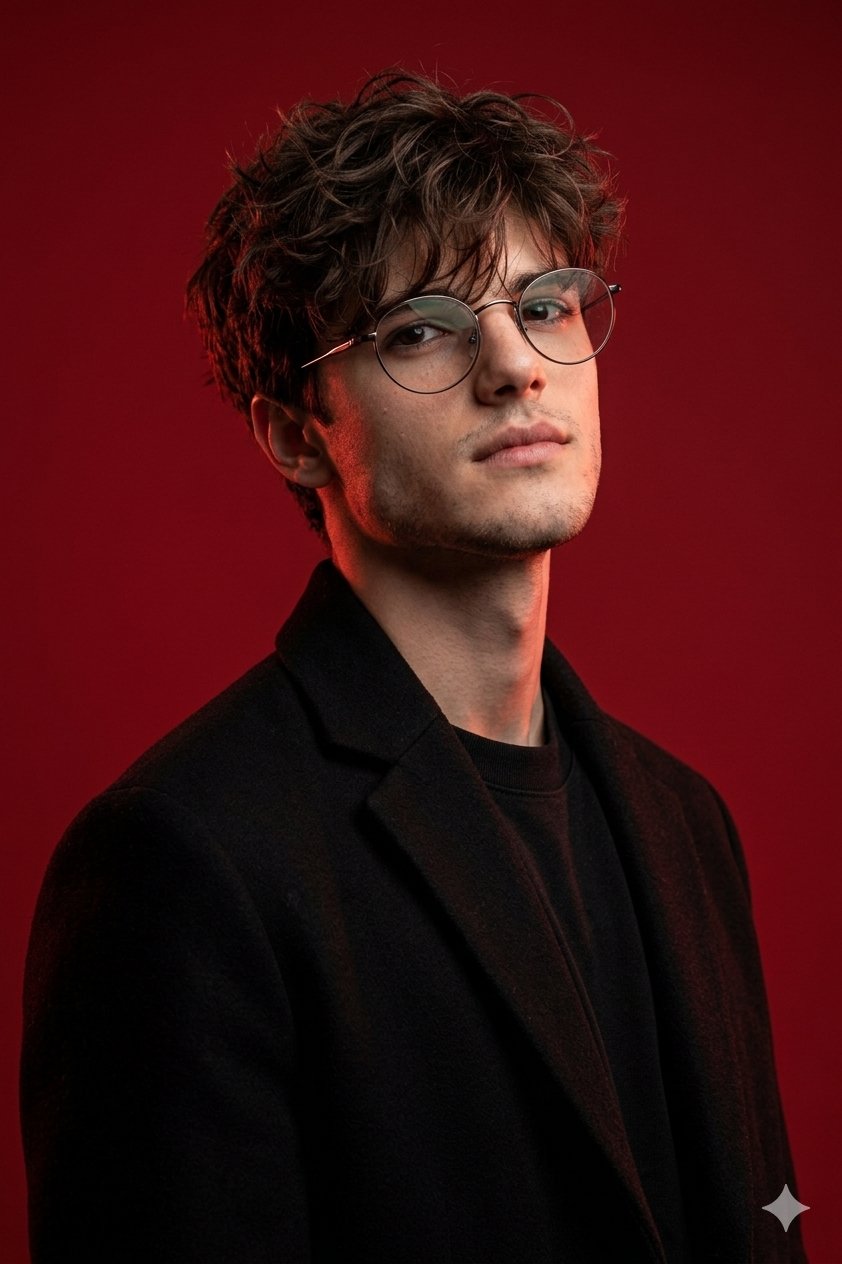
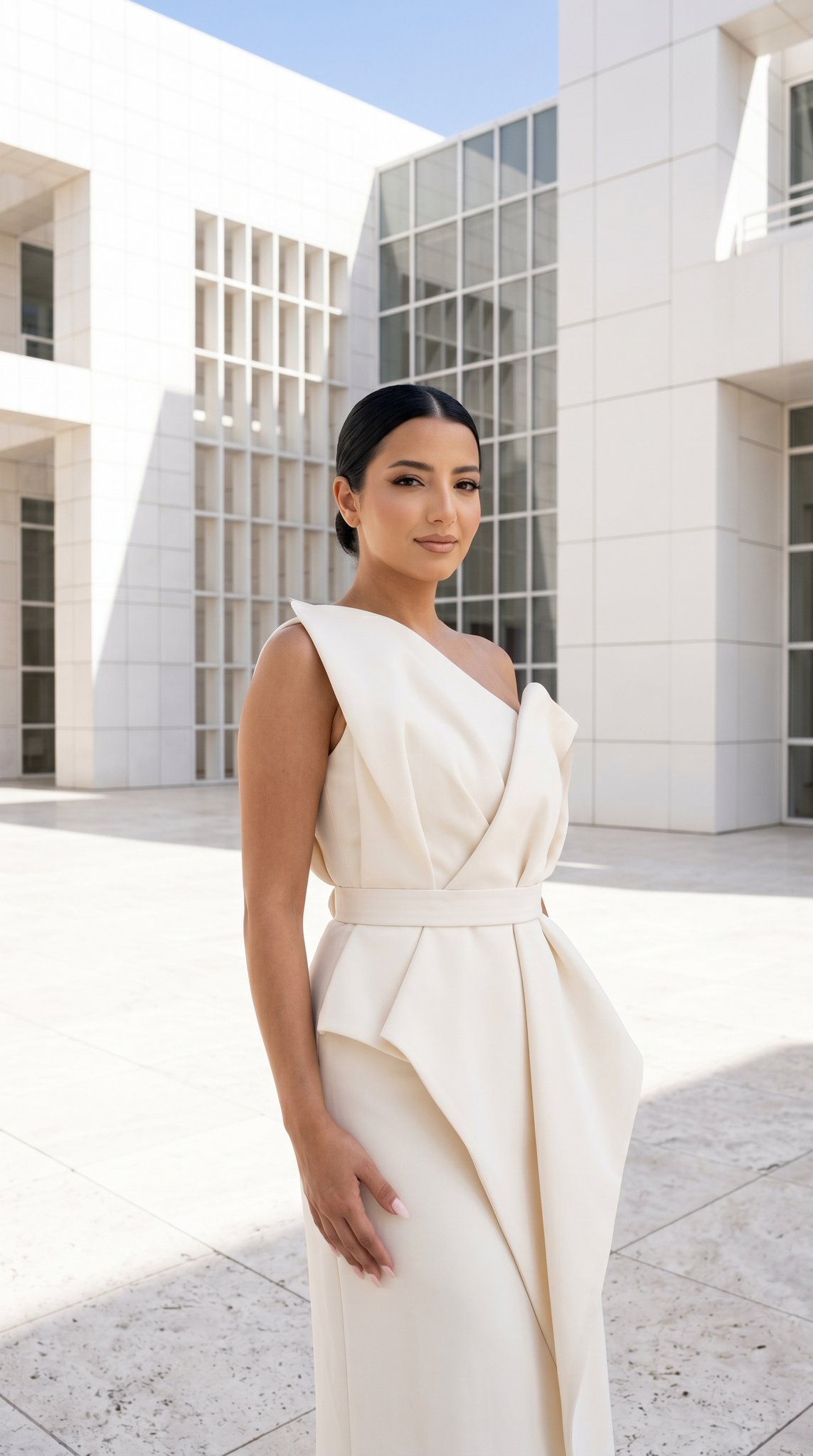
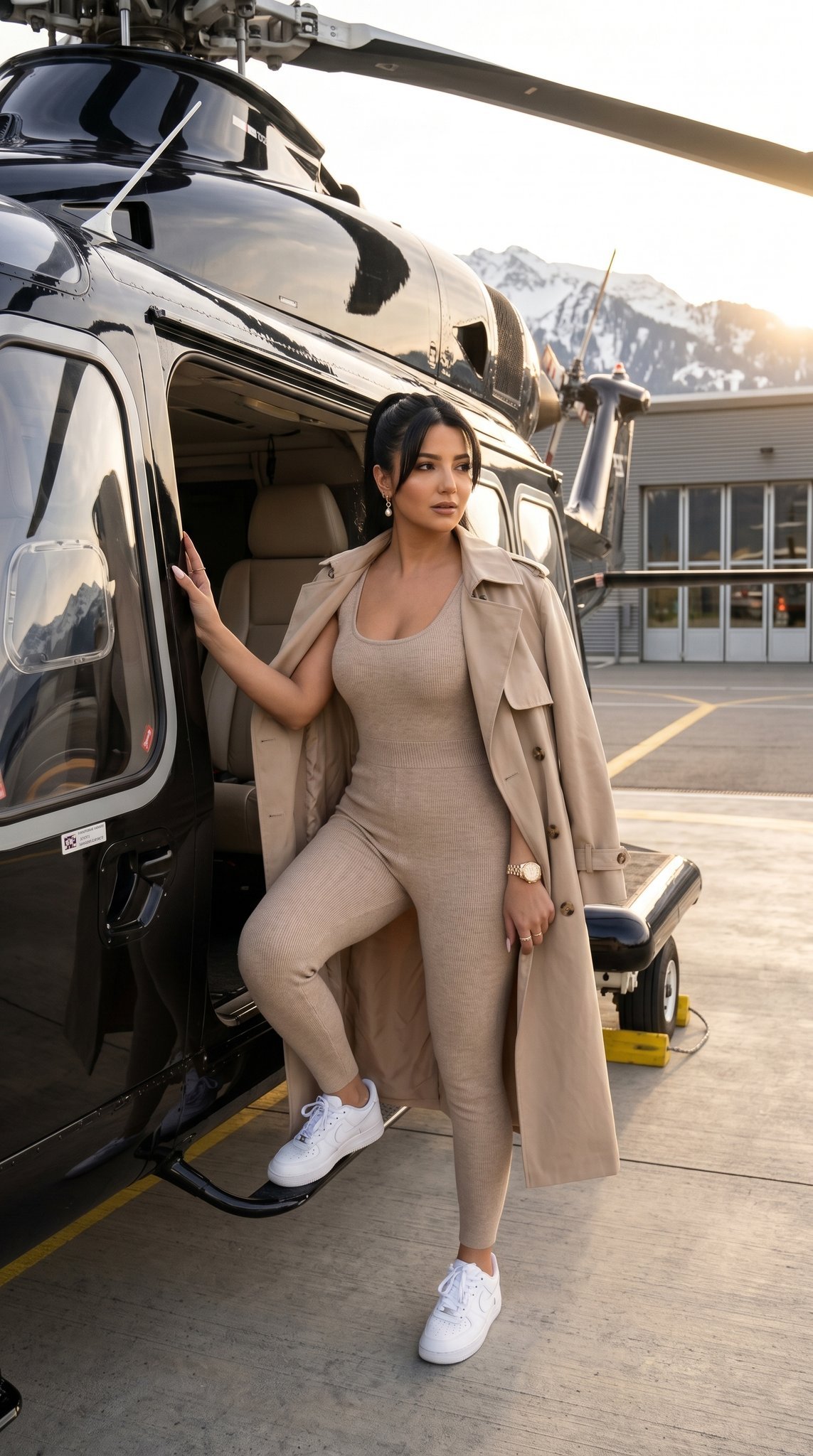
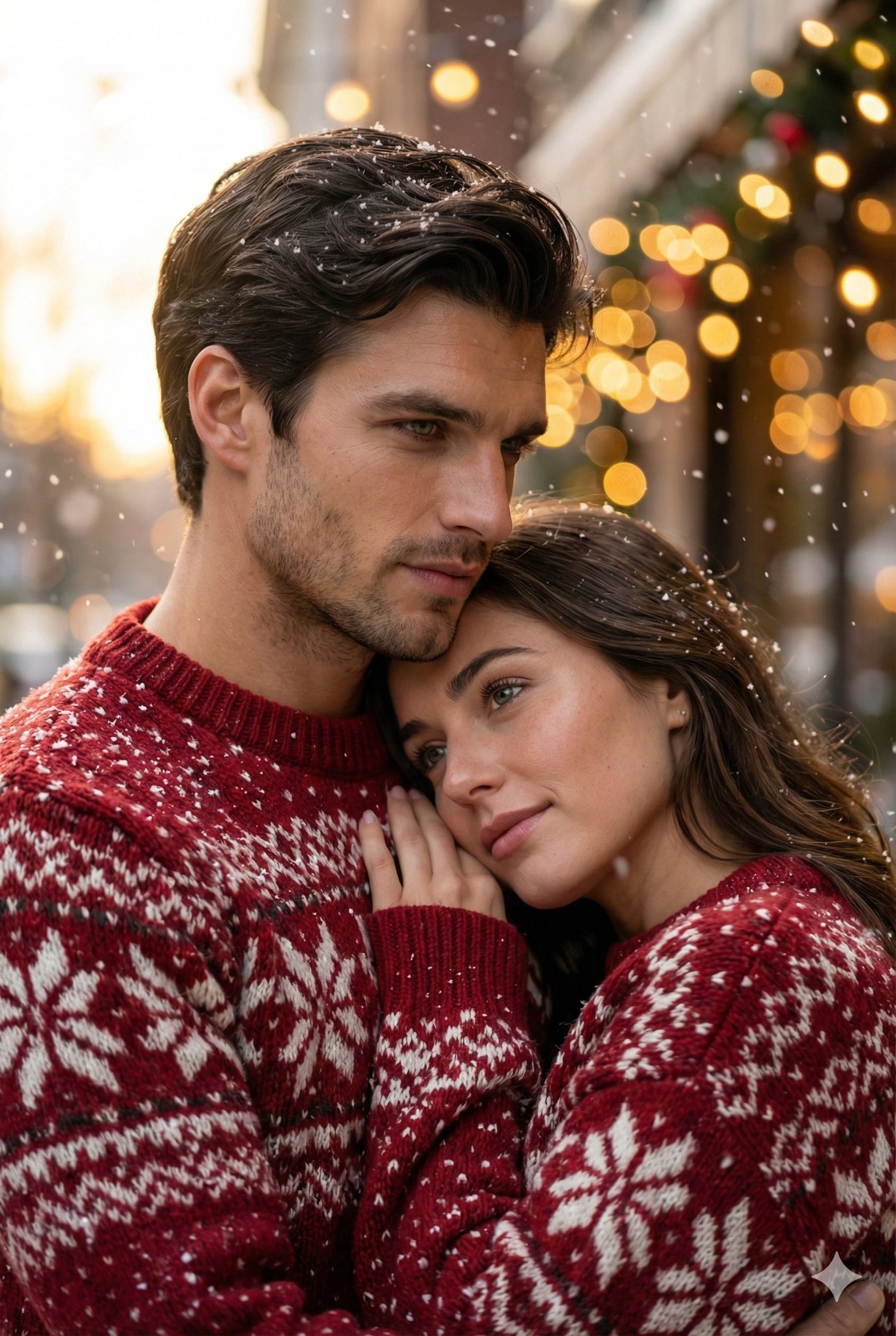
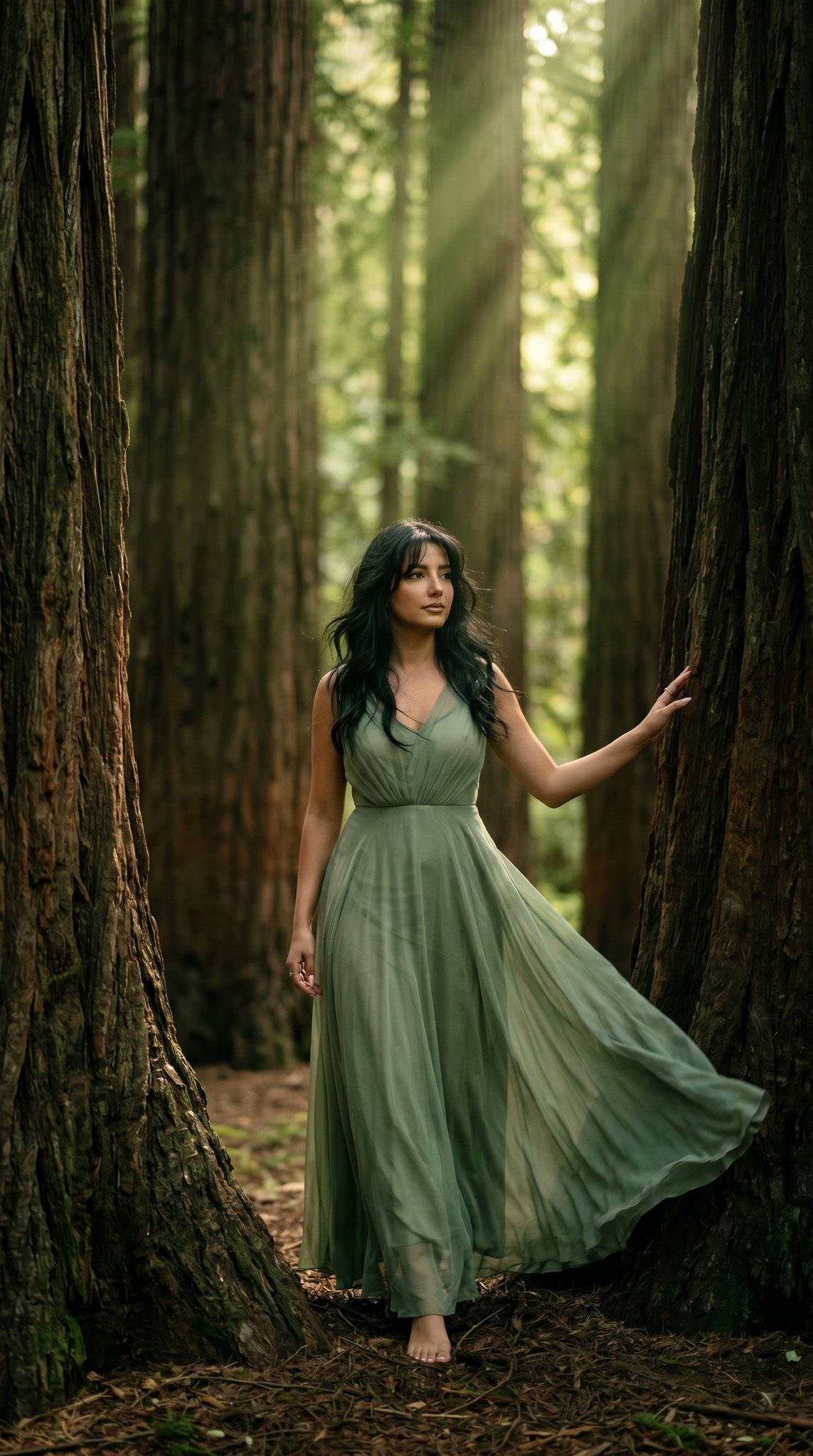
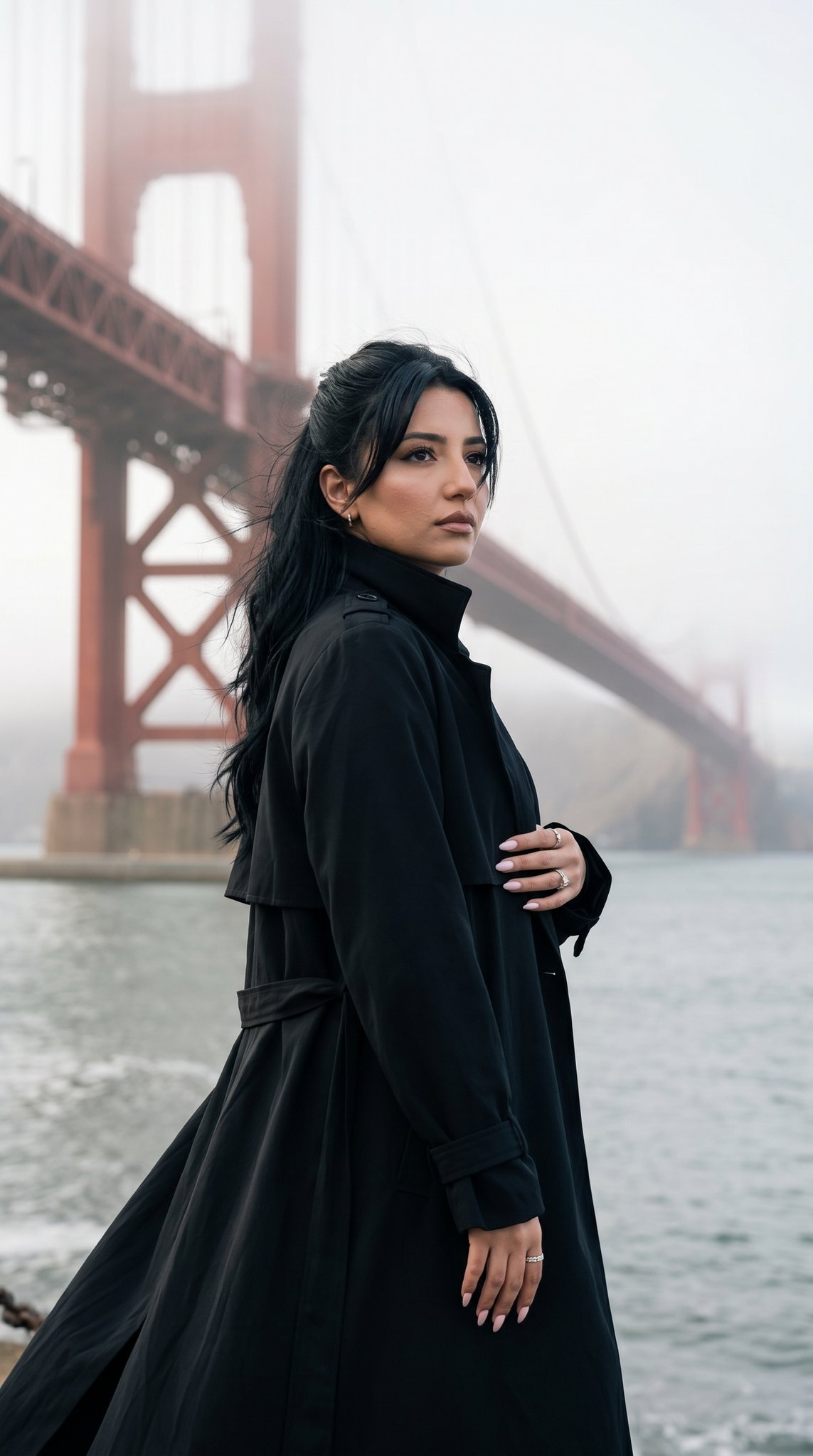
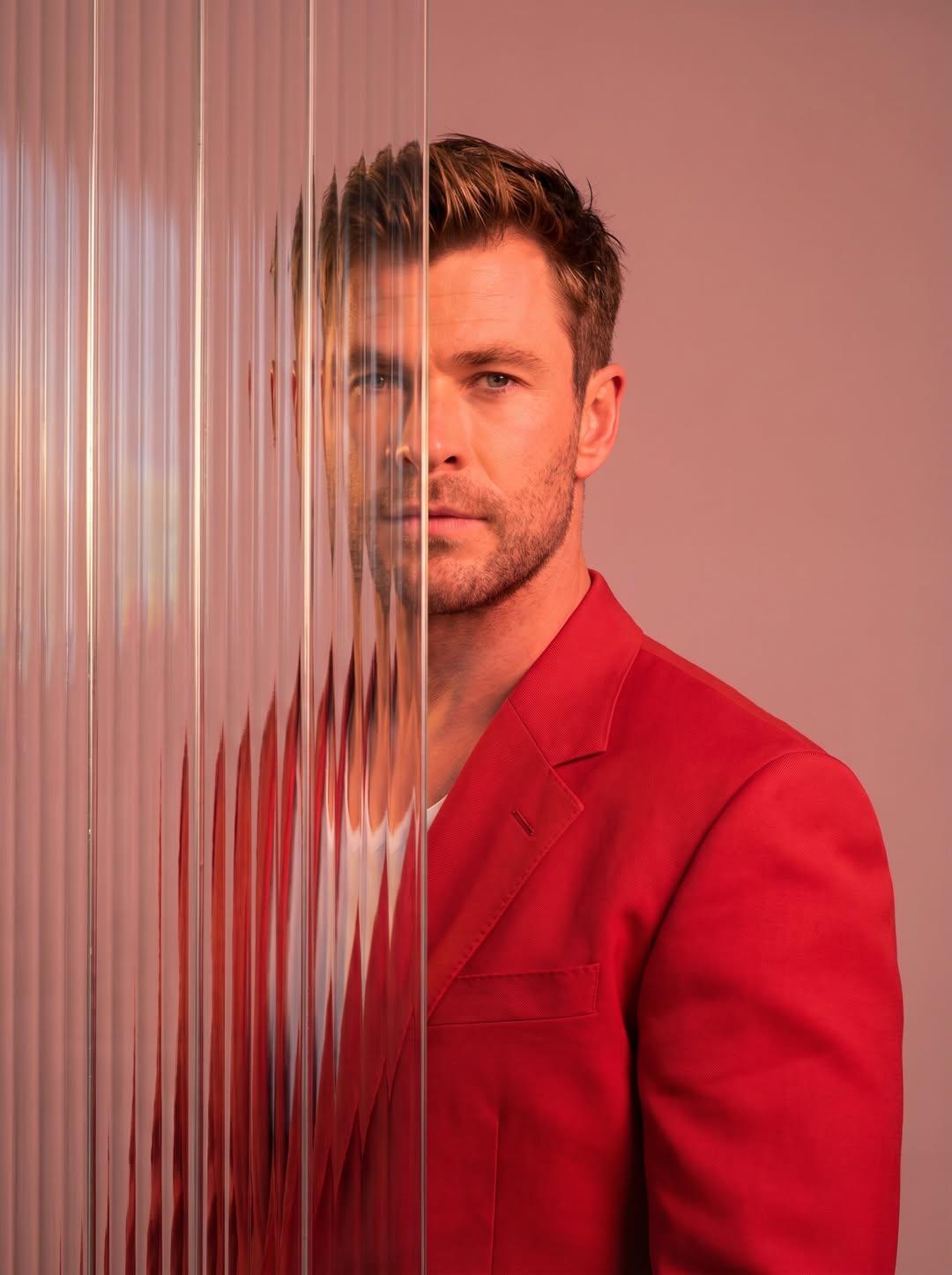
How do I use the Fashion Editorial Color Box template?
Edit the prompt in the box under the preview — the template's model and format are already selected — and press Generate. Your version appears right on this page.
An editorial prompt that places a subject into a surreal, monochromatic geometric room with high-fashion poses.

This template uses your photo — add one with the + button.
Use the person in the input image as the ONLY subject. Preserve their identity and facial features clearly. Create a hyper-realistic high-fashion editorial photo inside a surreal 3D geometric {argument name="room style" default="“color box” room"} (a hollow cube / tilted cube set). Each render MUST randomly choose: 1) a bold {argument name="box color" default="single-color box"} (monochrome environment, vivid and saturated), 2) a dynamic “cool” fashion pose (gravity-defying or extreme stretch / leap / sideways bracing against the walls), 3) a dramatic camera angle (wide-angle 24–35mm equivalent, tilted horizon, strong perspective). The subject appears full-body and sharp, wearing an {argument name="outfit style" default="avant-garde fashion styling"} that feels modern and editorial (clean silhouette, stylish layering, premium fabric texture). Keep clothing tasteful and fashion-forward. The subject’s pose should feel athletic, stylish, and unusual—like a magazine campaign shot. Lighting: studio quality, crisp and cinematic; strong key light with controlled soft shadows, subtle rim light; realistic reflections and bounce light from the colored walls. Ultra-detailed skin texture, natural pores, realistic fabric weave, clean edges, high dynamic range. Composition: subject centered with plenty of negative space and strong geometric lines; the box perspective frames the subject. Color: the box color is a SINGLE bold color and MUST be different each run (random vivid hue). The subject’s outfit contrasts well with the box color. Output: hyper-real, photorealistic, 8k detail, editorial campaign quality, sharp focus on subject, no motion blur, no distortion of face, natural proportions.
Use the person in the input image as the ONLY subject. Preserve their identity and facial features clearly. Create a hyper-realistic high-fashion editorial photo inside a surreal 3D geometric {argument name="room style" default="“color box” room"} (a hollow cube / tilted cube set). Each render MUST randomly choose: 1) a bold {argument name="box color" default="single-color box"} (monochrome environment, vivid and saturated), 2) a dynamic “cool” fashion pose (gravity-defying or extreme stretch / leap / sideways bracing against the walls), 3) a dramatic camera angle (wide-angle 24–35mm equivalent, tilted horizon, strong perspective). The subject appears full-body and sharp, wearing an {argument name="outfit style" default="avant-garde fashion styling"} that feels modern and editorial (clean silhouette, stylish layering, premium fabric texture). Keep clothing tasteful and fashion-forward. The subject’s pose should feel athletic, stylish, and unusual—like a magazine campaign shot. Lighting: studio quality, crisp and cinematic; strong key light with controlled soft shadows, subtle rim light; realistic reflections and bounce light from the colored walls. Ultra-detailed skin texture, natural pores, realistic fabric weave, clean edges, high dynamic range. Composition: subject centered with plenty of negative space and strong geometric lines; the box perspective frames the subject. Color: the box color is a SINGLE bold color and MUST be different each run (random vivid hue). The subject’s outfit contrasts well with the box color. Output: hyper-real, photorealistic, 8k detail, editorial campaign quality, sharp focus on subject, no motion blur, no distortion of face, natural proportions.
Edit the prompt in the box under the preview — the template's model and format are already selected — and press Generate. Your version appears right on this page.
Yes. You can change the subject, setting, lighting, mood, format, and available model controls before creating your image.
Opening and editing this template is free. Generating uses credits, shown on the Generate button when you are signed in.
Start with GPT Image 2, which is the model associated with this template. You can compare another compatible model for a different finish.
Follow a topic to a crawlable collection of related PicX Studio templates.