
Cinematic Close Up Portrait By Google Na
Cinematic Close Up Portrait By Google Na is a ready photo look for Nano Banana.

- Prompt included
- Model and format preset
- Premium template
The prompt behind this image
Copy the exact prompt behind Cinematic Close Up Portrait By Google Na, or open it in the studio and make it yours.
{ "prompt": "Cinematic close-up portrait of a young woman with the exact same face as the reference image. She has natural beauty, soft facial features, light green eyes, and slightly parted lips. Her medium-length chestnut brown hair is slightly messy and layered, with loose strands naturally falling across her face. She is wearing a simple dark sweater with a subtle designer patch on the chest. She is looking directly at the camera with a calm, dreamy expression. Soft natural window light illuminating her face from the side, creating gentle shadows and highlighting realistic skin texture and individual hair strands. Neutral warm-toned indoor background with soft bokeh blur, creating an elegant editorial atmosphere. Ultra realistic, photorealistic skin detail, shallow depth of field, 85mm portrait lens, cinematic soft lighting, professional fashion editorial photography, natural makeup, high resolution, extremely detailed." }
How to use Cinematic Close Up Portrait By Google Na in 3 steps
- 1Upload ImagePNG, JPG or paste
Add your photo
Upload the photo the template builds on. The prompt, model and format are already set.
- 2…a portrait of your subject in softgolden-hour light, 85mm…
Personalize
Edit the subject and creative details for your destination.
- 3Generate
Generate
Press Generate — your image is created in PicX Studio, so you can compare it with the original and refine one variable at a time.
More like this
Templates with the same subject, style or setup. Open one to see its prompt.

Google Gemini Nano Banana Pro

Caution Tape Fashion — Industrial Editorial

Couture Fashion Editorial Woman and Drag

Nano Banana 2 Editorial Fashion Portrait

80s Bollywood Star

untitled

Toddler Version of a Person in 3d Pixar

Ultra Detailed 3d Plush Cartoon Characte

Studio Quality Portrait Generation Using

Nano Banana 2

Nano Banana 2 Gourmet Ice Cream Commerci

Nano Banana 2 High Fashion Sports Campai
Make it yours
Cinematic Close Up Portrait By Google Na works as-is. These are the safest ways to change it without losing the look.
Change one field
Copy a single group, rewrite it, and generate again so you can see what that field is doing.
Keep the frame, change the subject
Hold the composition and light of 29-cinematic-close-up-portrait-by-google-na, then swap wardrobe, props or the person for a new take.
| If the result… | Why | Fix |
|---|---|---|
| The result drifts from the preview | Too many fields changed at once. | Reuse 29-cinematic-close-up-portrait-by-google-na as-is first, then change one group — subject, light, or setting. |
| The model over-stylizes the scene | The prose prompt leaves finish and camera underspecified. | Add one camera or lighting sentence and stay on Nano Banana. |
More Nano Banana templates
Other prompts made for Nano Banana.









More image prompts
Fresh picks from across the catalog.
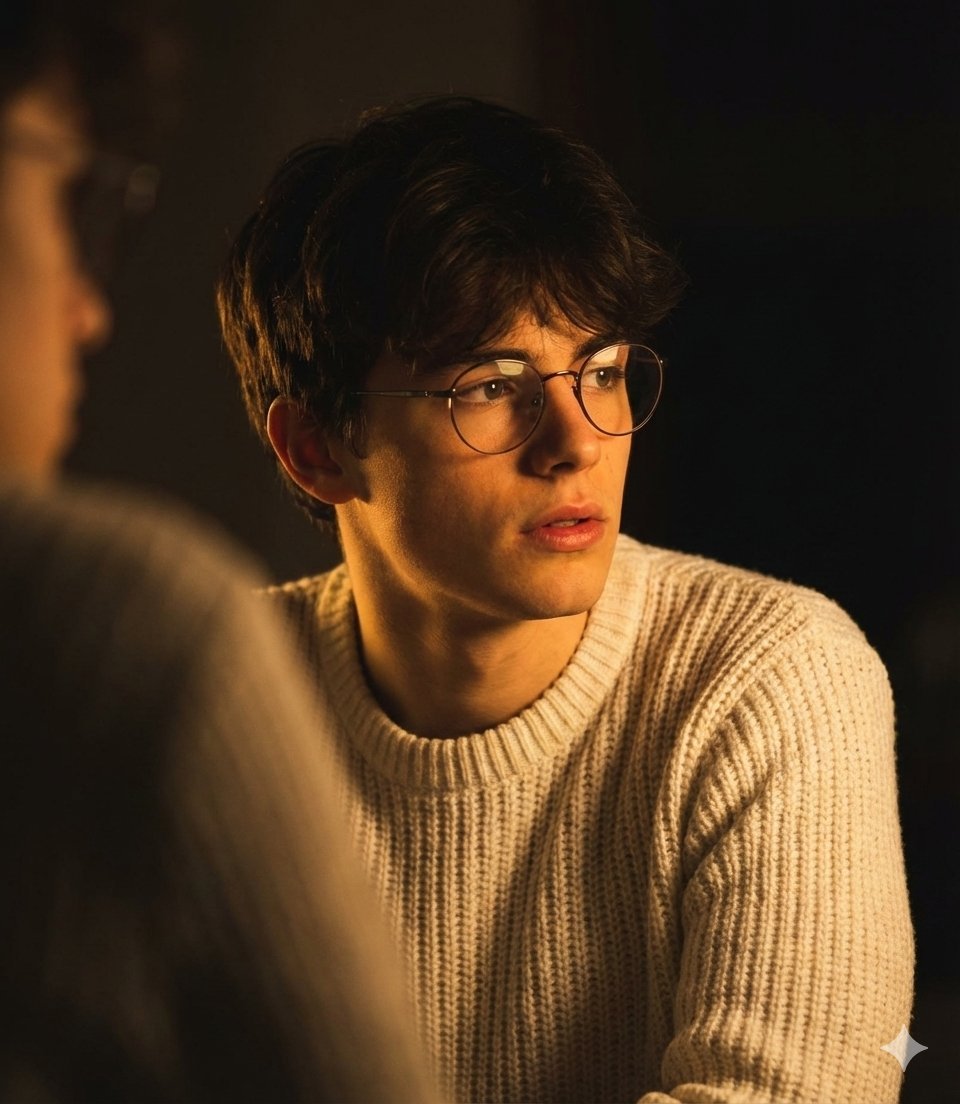
Dramatic Low-Light Portrait Generation Prompt
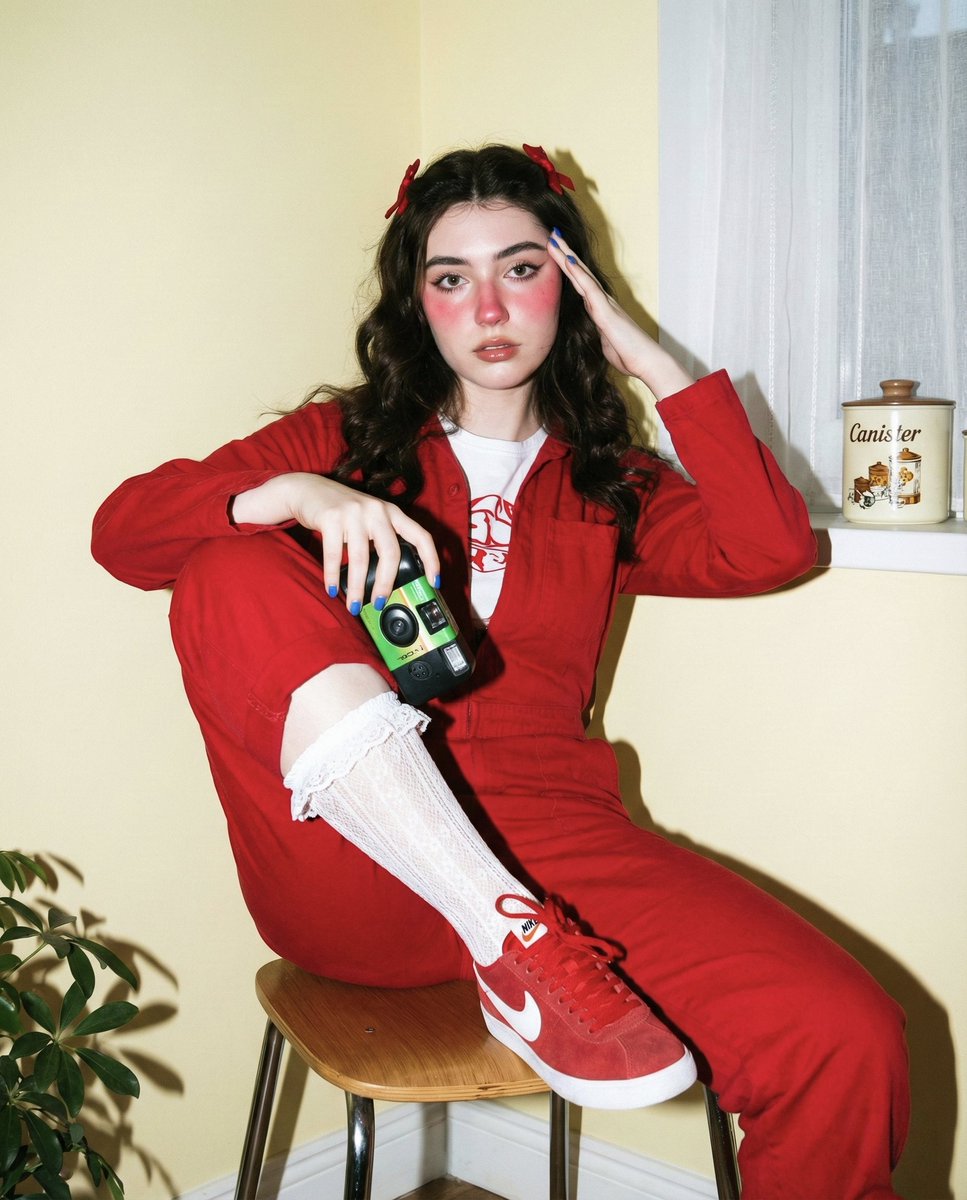
Vintage Film Photography Prompt with Retro Aesthetic
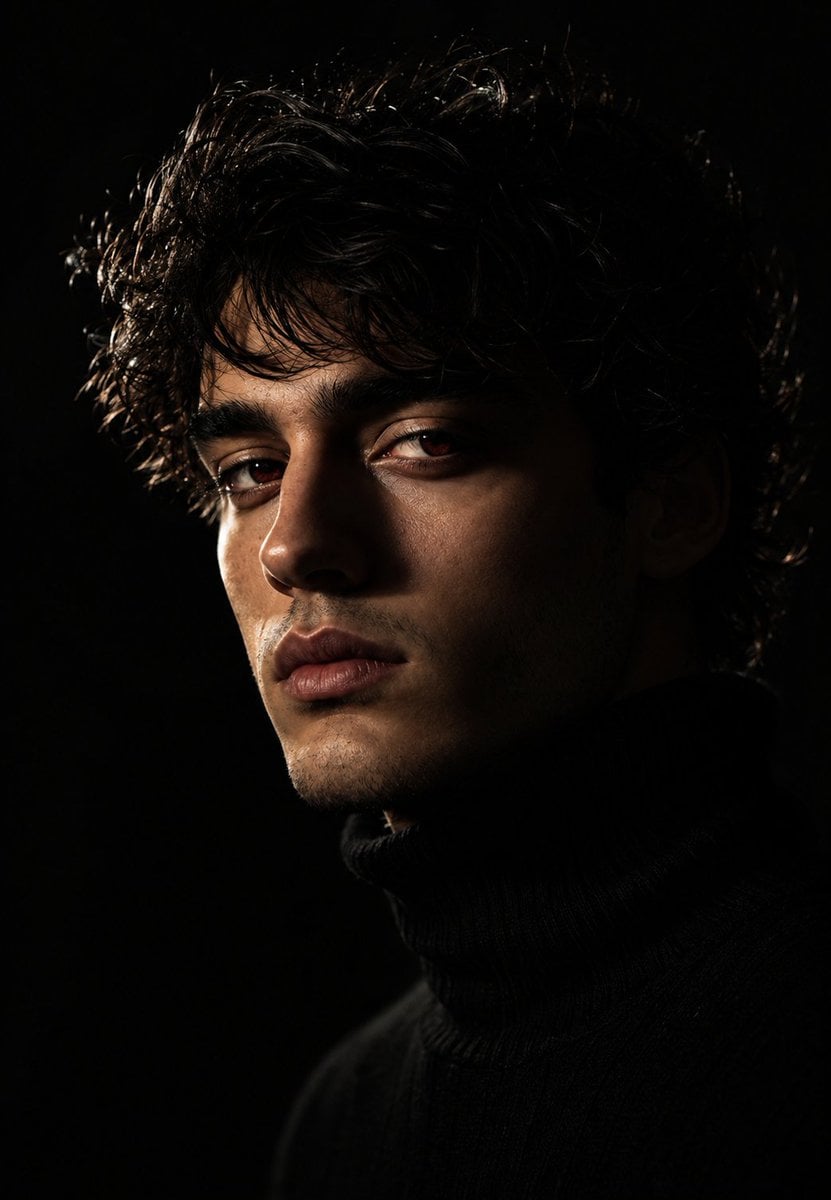
Moody Chiaroscuro Studio Portrait

Image DM for a project using fetched info
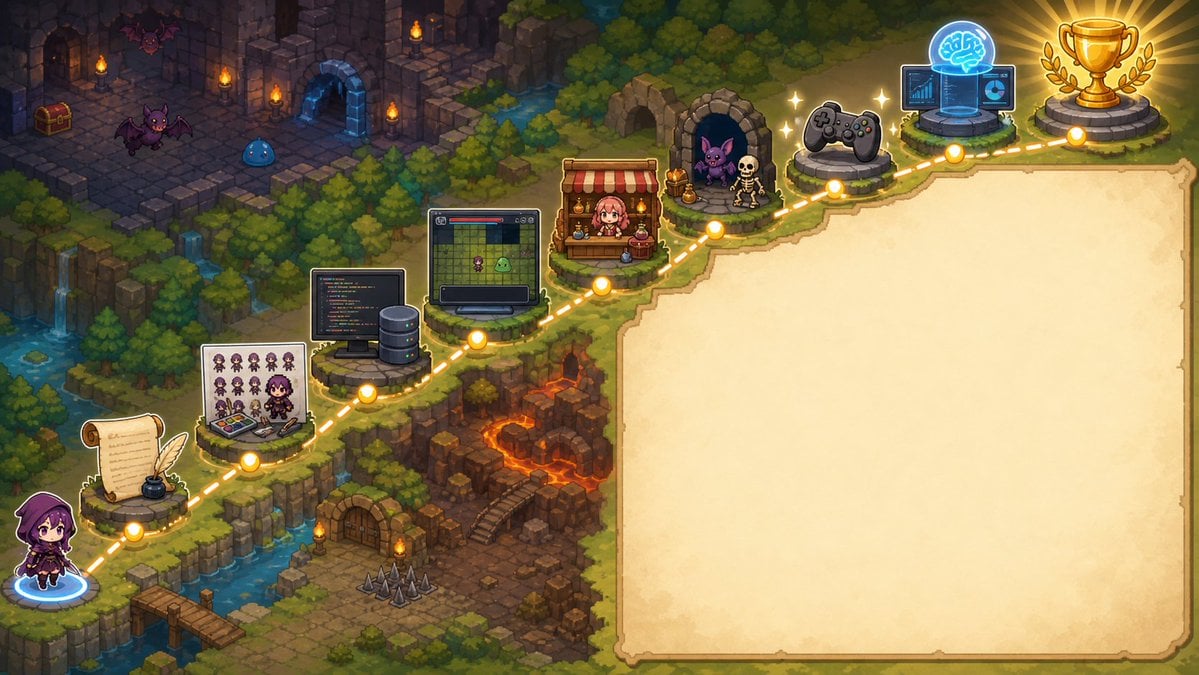
Pixel Art Game Development Roadmap
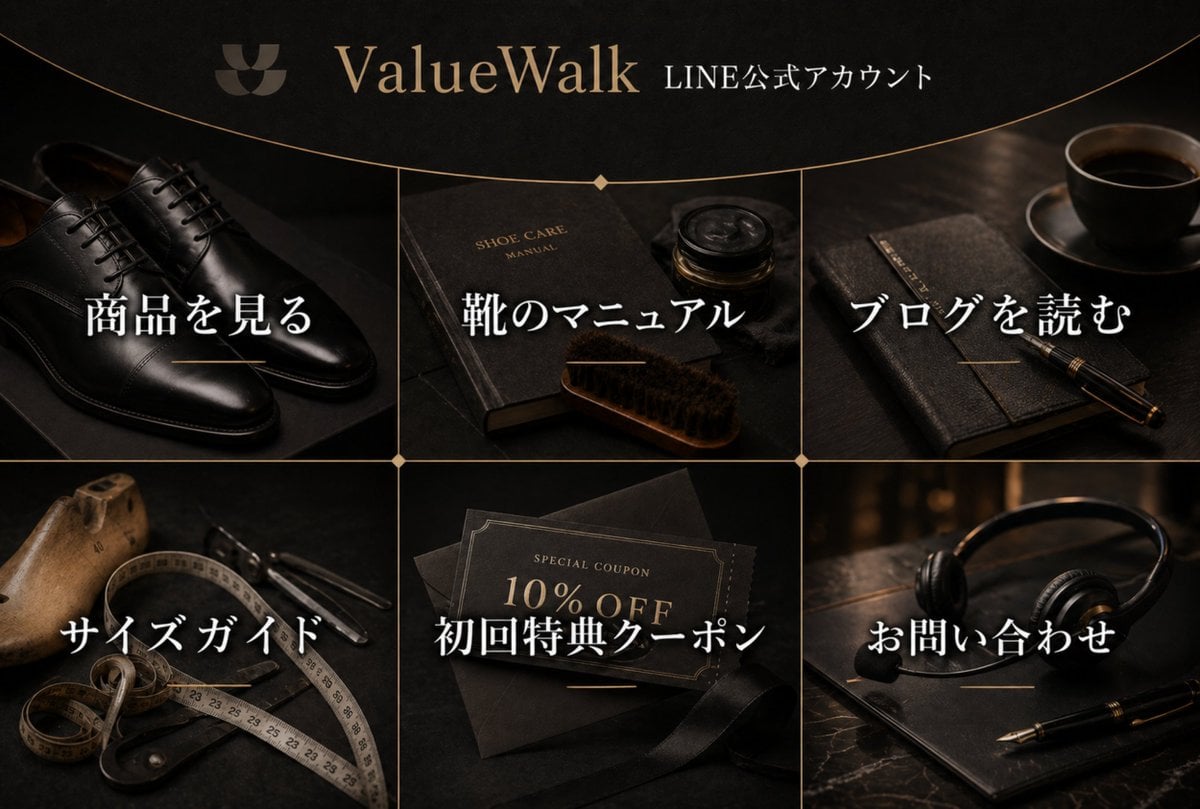
Luxury Shoe Brand LINE Rich Menu
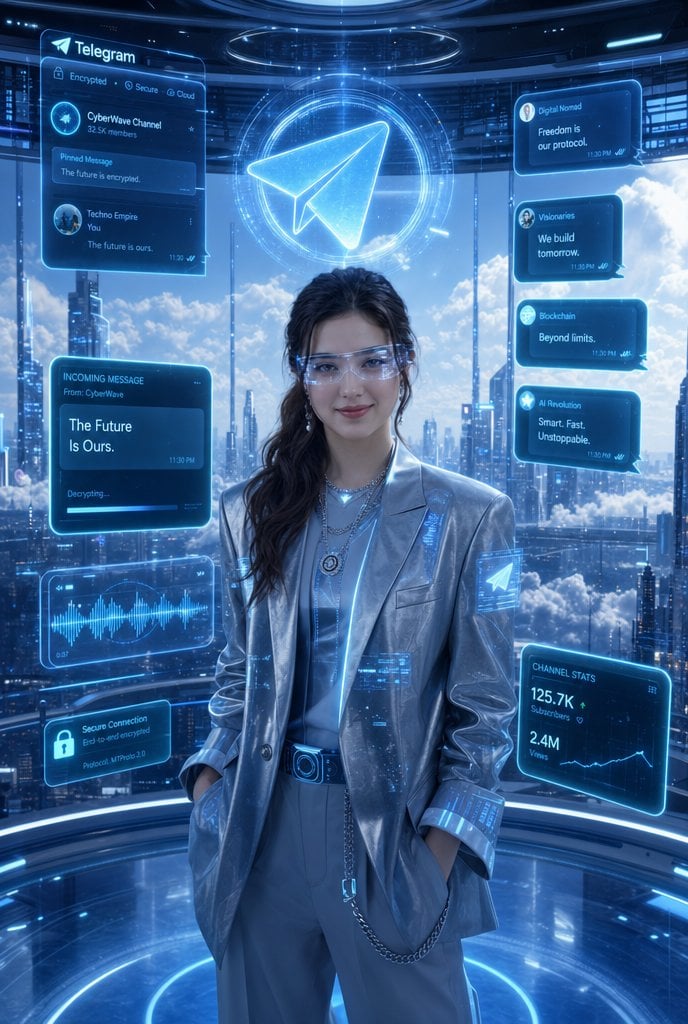
Luxury Telegram Cyber Hub Poster

Vintage Newspaper Food Scene Prompt (JSON)

Kids Crayon Travel Journal Illustration
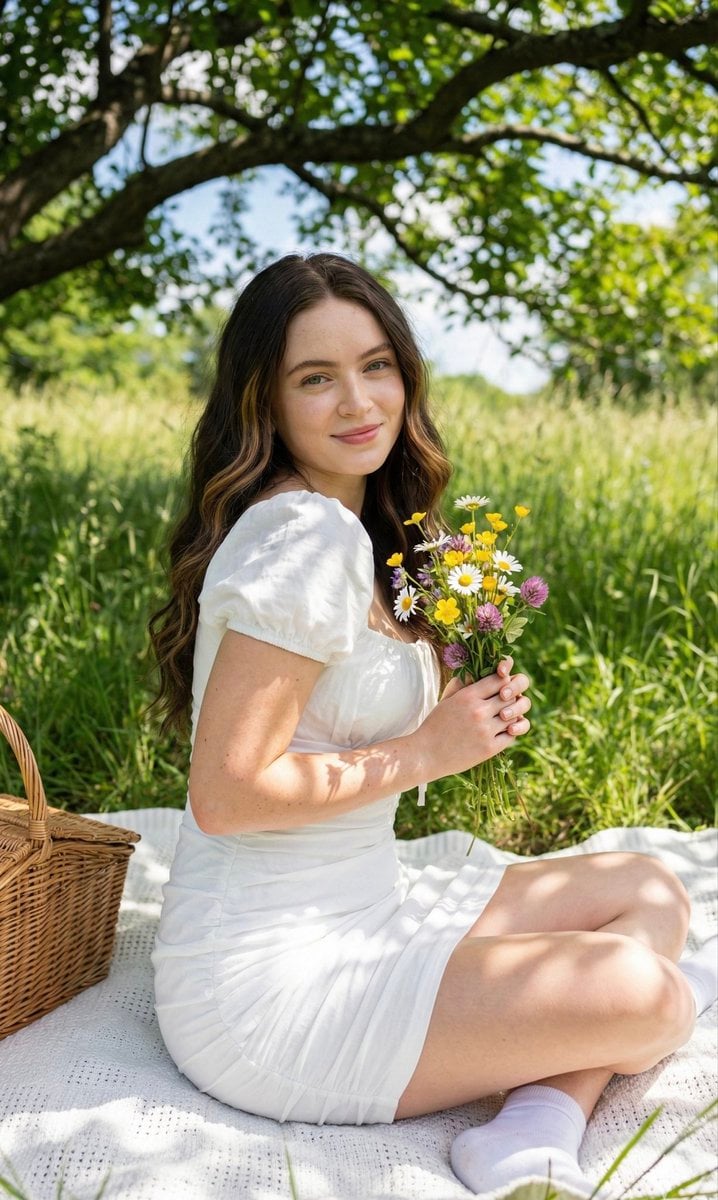
Cottagecore Picnic Portrait Prompt
Browse template categories
Cinematic Close Up Portrait By Google Na questions
How do I use the 29-cinematic-close-up-portrait-by-google-na template?
Add your photo if the template asks for one, edit the prompt if you like — the template's model and format are already selected — and press Generate. Your version opens in PicX Studio.
Can I customize the 29-cinematic-close-up-portrait-by-google-na template?
Yes. You can change the subject, setting, lighting, mood, format, and available model controls before creating your image.
Is the 29-cinematic-close-up-portrait-by-google-na template free?
Opening and editing this template is free. Generating uses credits, shown on the Generate button when you are signed in.
Which AI model should I use?
Start with Nano Banana, which is the model associated with this template. You can compare another compatible model for a different finish.
Looking for something else? Browse all templates.

Your photo, any look
Thousands of ready templates for every top image and video model, from one credit balance.