
Pixel Art Game Development Roadmap
Generates a wide isometric pixel-art fantasy roadmap scene with 10 connected development milestones and a large blank parchment panel for adding presentation text.
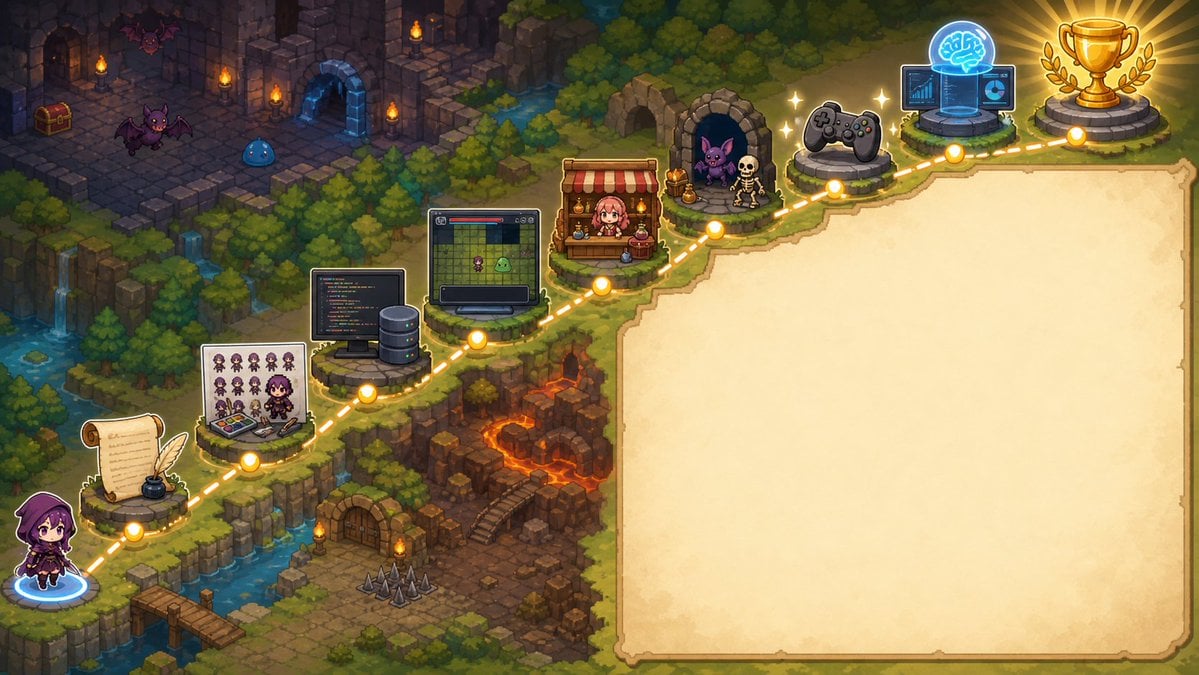
- Prompt included
- Model and format preset
- Free template
The prompt behind this image
Copy the exact prompt behind Pixel Art Game Development Roadmap, or open it in the studio and make it yours.
- Type
- wide pixel-art fantasy roadmap illustration with blank presentation panel
- Format
- 16:9 horizontal banner
- Style
- high-detail isometric pixel art, cozy JRPG game map, warm torchlight, saturated fantasy colors, crisp sprites, soft glow effects, no readable text anywhere
- Main Scene › Setting
- a winding cliffside adventure path through a forested dungeon landscape, combining medieval ruins, waterfalls, lava caverns, bridges, stone platforms, and magical lights
- Main Scene › Camera
- isometric top-down view, wide composition
- Main Scene › Left Character
- a small hooded purple-robed adventurer seen from behind, standing at the lower-left starting point on a glowing blue magic circle
- Main Scene › Path
- a dotted glowing golden route line travels from the lower-left corner upward and across the image to the upper-right, connecting circular gold waypoint nodes
- Main Scene › Waypoint Count
- 10
- Main Scene › Waypoints
- starting character on blue portal at bottom-left, parchment scroll with feather quill and inkwell, pixel character sprite sheet and color palette board with a small artist character, programming workstation with code monitor and server tower, game prototype monitor showing a grid map and tiny sprites, shop stall with red-and-white awning and pink-haired merchant, monster encounter cave with purple bat and skeleton, game controller platform, AI brain hologram with laptop and interface screens, gold trophy on stone pedestal with laurel branches
- Right Panel › Position
- right half of the image
- Right Panel › Shape
- large blank parchment rectangle with irregular hand-drawn border and rounded corners
- Right Panel › Purpose
- empty space reserved for adding a title, explanation, or roadmap text later
- Right Panel › Fill
- warm cream parchment texture with subtle stains, no writing
- Background Details › Upper Left
- dark ruined stone dungeon rooms with torches, treasure chest, arched doorways, purple bats, and a blue slime
- Background Details › Middle Left
- dense evergreen forest, cliffs, small waterfalls, streams, and mossy stone ledges
- Background Details › Lower Middle
- rocky dungeon entrance with wooden door, stairs, floor spikes, torches, and orange lava fissures
- Background Details › Upper Right
- forest edge and final trophy area glowing with victory light
- Customization › Theme
- {argument name="roadmap theme" default="AI-assisted game development journey"}
- Customization › Main Character
- {argument name="main character" default="small hooded purple adventurer"}
- Customization › Blank Panel Use
- {argument name="blank panel use" default="empty parchment area for later text"}
- Customization › Art Style
- {argument name="art style" default="isometric pixel art JRPG map"}
- Customization › Final Reward
- {argument name="final reward" default="gold trophy with laurel branches"}
- Composition Notes
- Keep the left and upper portions visually busy with the 10 connected roadmap icons, while the entire right side remains a clean blank parchment panel. Use glowing yellow nodes and a dashed route to clearly imply progression from writing and art creation to coding, prototyping, publishing, testing, AI assistance, and final success.
Raw JSON
{"type":"wide pixel-art fantasy roadmap illustration with blank presentation panel","format":"16:9 horizontal banner","style":"high-detail isometric pixel art, cozy JRPG game map, warm torchlight, saturated fantasy colors, crisp sprites, soft glow effects, no readable text anywhere","main_scene":{"setting":"a winding cliffside adventure path through a forested dungeon landscape, combining medieval ruins, waterfalls, lava caverns, bridges, stone platforms, and magical lights","camera":"isometric top-down view, wide composition","left_character":"a small hooded purple-robed adventurer seen from behind, standing at the lower-left starting point on a glowing blue magic circle","path":"a dotted glowing golden route line travels from the lower-left corner upward and across the image to the upper-right, connecting circular gold waypoint nodes","waypoint_count":10,"waypoints":["starting character on blue portal at bottom-left","parchment scroll with feather quill and inkwell","pixel character sprite sheet and color palette board with a small artist character","programming workstation with code monitor and server tower","game prototype monitor showing a grid map and tiny sprites","shop stall with red-and-white awning and pink-haired merchant","monster encounter cave with purple bat and skeleton","game controller platform","AI brain hologram with laptop and interface screens","gold trophy on stone pedestal with laurel branches"]},"right_panel":{"position":"right half of the image","shape":"large blank parchment rectangle with irregular hand-drawn border and rounded corners","purpose":"empty space reserved for adding a title, explanation, or roadmap text later","fill":"warm cream parchment texture with subtle stains, no writing"},"background_details":{"upper_left":"dark ruined stone dungeon rooms with torches, treasure chest, arched doorways, purple bats, and a blue slime","middle_left":"dense evergreen forest, cliffs, small waterfalls, streams, and mossy stone ledges","lower_middle":"rocky dungeon entrance with wooden door, stairs, floor spikes, torches, and orange lava fissures","upper_right":"forest edge and final trophy area glowing with victory light"},"customization":{"theme":"{argument name=\"roadmap theme\" default=\"AI-assisted game development journey\"}","main character":"{argument name=\"main character\" default=\"small hooded purple adventurer\"}","blank panel use":"{argument name=\"blank panel use\" default=\"empty parchment area for later text\"}","art style":"{argument name=\"art style\" default=\"isometric pixel art JRPG map\"}","final reward":"{argument name=\"final reward\" default=\"gold trophy with laurel branches\"}"},"composition_notes":"Keep the left and upper portions visually busy with the 10 connected roadmap icons, while the entire right side remains a clean blank parchment panel. Use glowing yellow nodes and a dashed route to clearly imply progression from writing and art creation to coding, prototyping, publishing, testing, AI assistance, and final success."}How to use Pixel Art Game Development Roadmap in 3 steps
- 1Upload ImagePNG, JPG or paste
Add your photo
Upload the photo the template builds on. The prompt, model and format are already set.
- 2…a portrait of your subject in softgolden-hour light, 85mm…
Personalize
Edit the subject and creative details for your destination.
- 3Generate
Generate
Press Generate — your image is created in PicX Studio, so you can compare it with the original and refine one variable at a time.
More like this
Templates with the same subject, style or setup. Open one to see its prompt.

Pixel Limited Finale Fireworks

Pixel Limited Garden Maze

Pixel Limited Rooftop Concert

Pixel Limited Bicycle Coast

Pixel Limited Castle Gate

Pixel Limited Kitchen Chaos

Pixel Limited Carnival Ride

Pixel Limited Rainy Bus Stop

Pixel Limited Space Dock

Pixel Limited Cafe Morning

Pixel Limited Mountain Summit

Pixel Limited Underwater Reef
Make it yours
Pixel Art Game Development Roadmap works as-is. These are the safest ways to change it without losing the look.
Swap the setting
Keep the rest of the prompt and replace the location block. The current setting is “a winding cliffside adventure path through a forested dungeon landscape, combini”.
Change one field
Copy a single group, rewrite it, and generate again so you can see what that field is doing.
Keep the frame, change the subject
Hold the composition and light of Pixel Art Game Development Roadmap, then swap wardrobe, props or the person for a new take.
| If the result… | Why | Fix |
|---|---|---|
| The result drifts from the preview | Too many fields changed at once. | Reuse Pixel Art Game Development Roadmap as-is first, then change one group — subject, light, or setting. |
| GPT Image 2 ignores part of the JSON | Some models flatten or skip nested keys. | Keep the same values and paste them as a short paragraph instead. |
More GPT Image 2 templates
Other prompts made for GPT Image 2.

Six VTuber Japanese Logo Sheet

Realistic Portrait of Woman and Deer

The Vista Modular Condo Poster

AI Model Routing Comparison Infographic

2.5D Anime Art Board

Isometric Productivity Desk Scene

New York Double Exposure Poster

Four-Panel AI Landscape Comparison

Japanese Tatami Lifestyle Magazine Cover

NESCAFÉ Coffee Map Poster
More image prompts
Fresh picks from across the catalog.
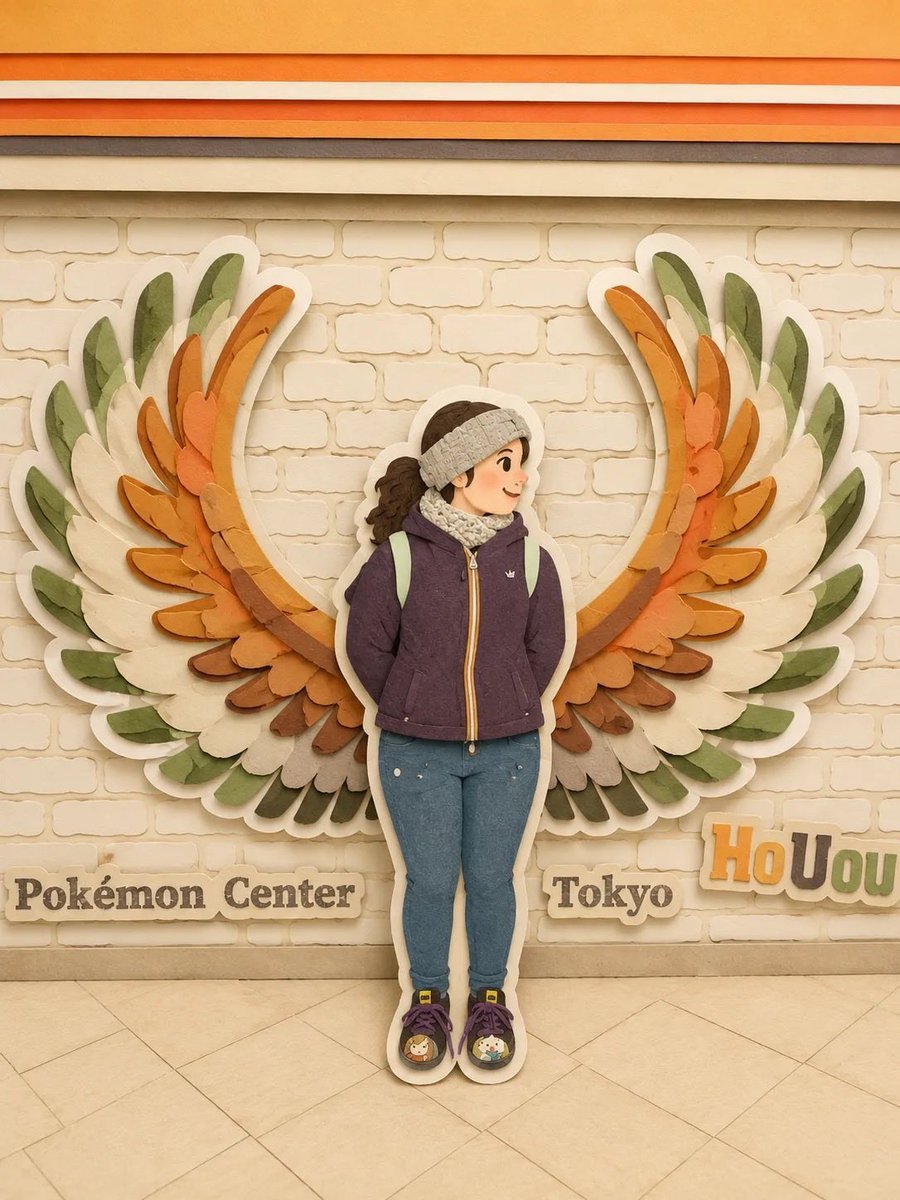
Japanese Paper Craft Art Scenes
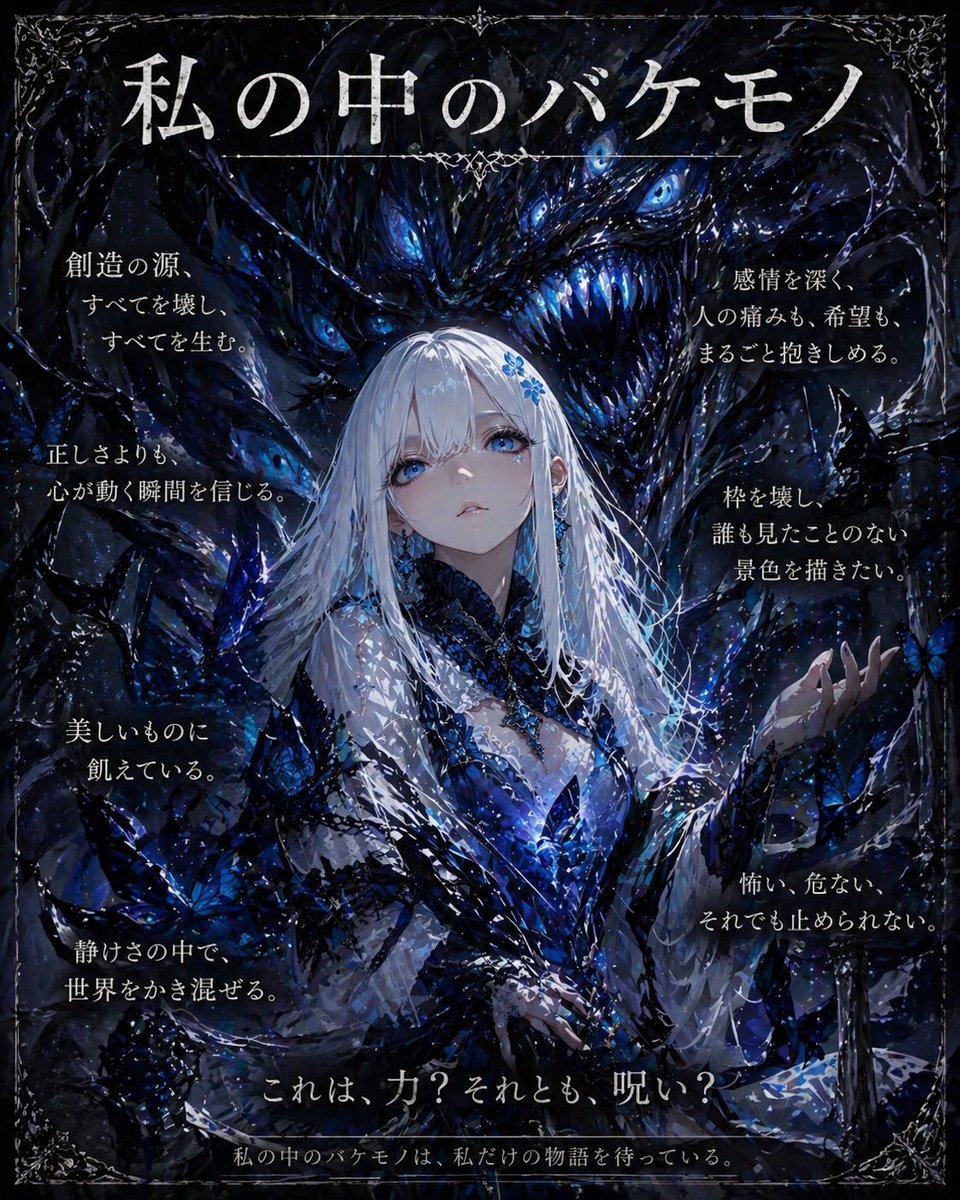
Dark Fantasy Inner Monster Poster
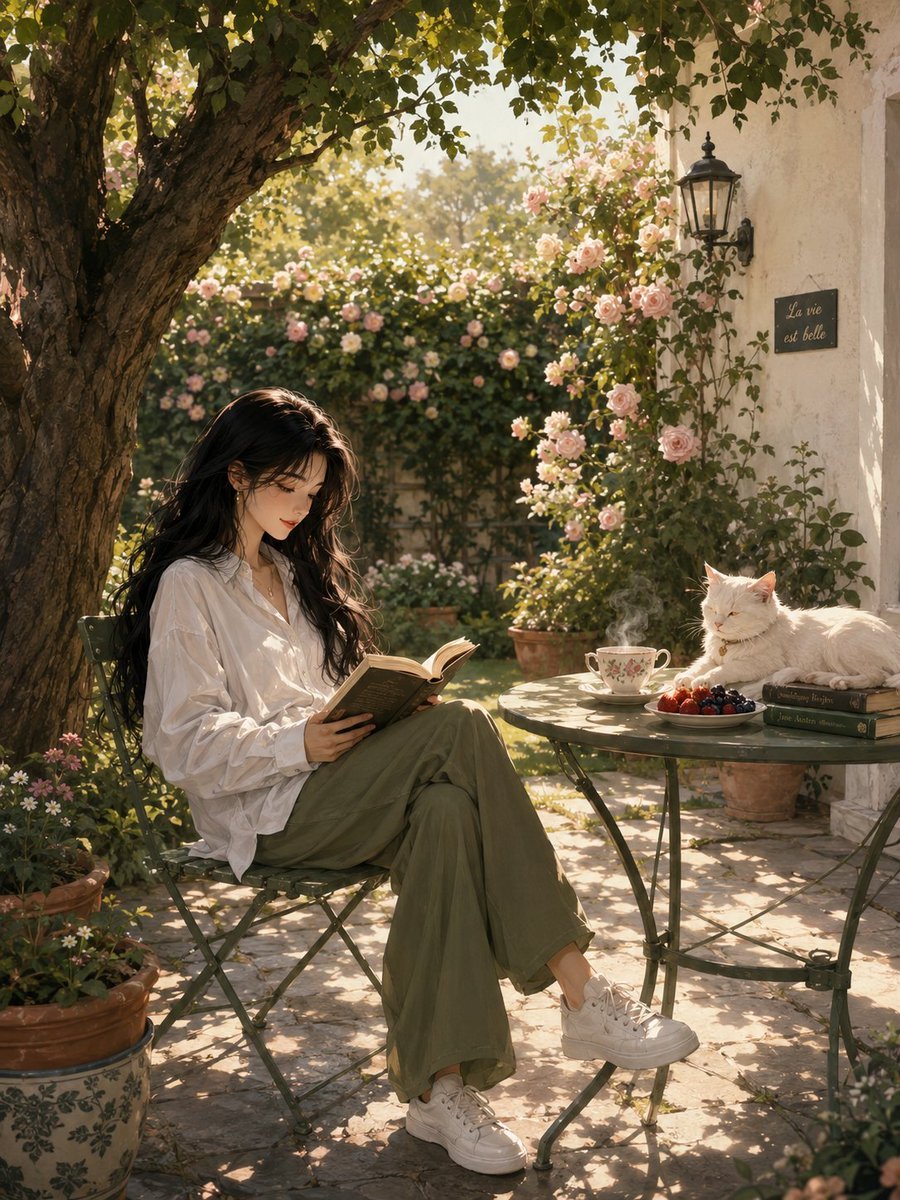
Serene Sunlit Garden Reading Scene
Golden Hour Macro Portrait Prompts
Contortionist in Festive Pants Studio Editorial
Vintage Fujifilm Film Portrait
Hand-Drawn Style Photo Annotation
Fashion Editorial with Cartoon Fusion

Winter Fantasy Editorial with Emma Myers Lookalike
Night Rooftop iPhone Portrait
Browse template categories
Pixel Art Game Development Roadmap questions
How do I use the Pixel Art Game Development Roadmap template?
Add your photo if the template asks for one, edit the prompt if you like — the template's model and format are already selected — and press Generate. Your version opens in PicX Studio.
Can I customize the Pixel Art Game Development Roadmap template?
Yes. You can change the subject, setting, lighting, mood, format, and available model controls before creating your image.
Is the Pixel Art Game Development Roadmap template free?
Opening and editing this template is free. Generating uses credits, shown on the Generate button when you are signed in.
Which AI model should I use?
Start with GPT Image 2, which is the model associated with this template. You can compare another compatible model for a different finish.
Looking for something else? Browse all templates.

Your photo, any look
Thousands of ready templates for every top image and video model, from one credit balance.