
Winter Fantasy Editorial with Emma Myers Lookalike
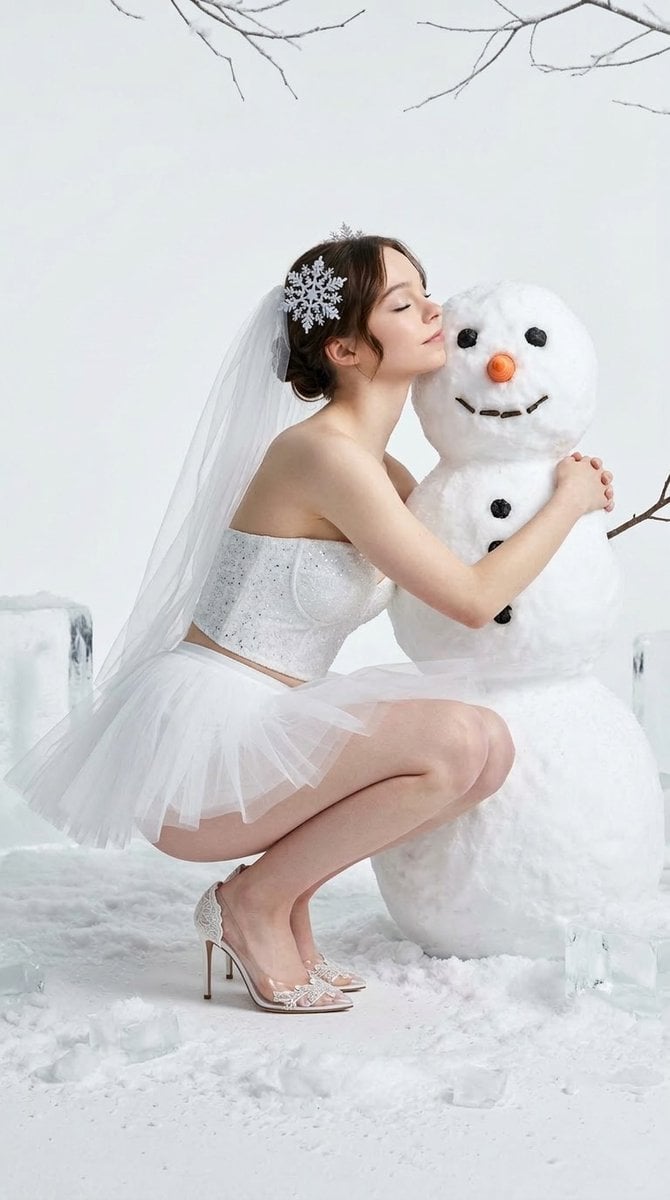
A highly detailed JSON prompt for Nano Banana Pro to generate an ultra-photorealistic, high-fashion editorial image featuring an Emma Myers lookalike in a white tulle outfit, crouching affectionately next to a snowman…
- Prompt included
- Model and format preset
- Free template
The prompt behind this image
Copy the exact prompt behind Winter Fantasy Editorial with Emma Myers Lookalike, or open it in the studio and make it yours.
{ “meta”: { “quality”: “ultra-photorealistic, raw style, 8k, highly detailed skin and fabric textures”, “camera”: “iPhone 15 Pro Max, professionally lit studio setup”, “lighting”: “bright, even studio illumination, high-fashion editorial standard, soft winter shadows, subtle glisten on snow”, “style”: “Winter Fantasy Editorial, Snow Queen aesthetic, specific subject preservation”, “aspect_ratio”: “9:16” }, “scene”: { “location”: “A minimalist, seamless white studio environment. The floor is covered in realistic, scattered patches of fresh white snow and solid ice blocks. Delicate, frosted tree branches hang gracefully from above.”, “atmosphere”: “Ethereal, fantasy-laden, sophisticated, with a sense of playful innocence and winter serenity.” }, “subject”: { “gender”: “female”, “name”: “Emma Myers”, “body”: { “type”: “Naturally slender and elegant figure, in a graceful crouching pose, body angled towards a snowman.” }, “face”: { “features”: “Emma Myers’s distinct facial structure, natural brunette hair styled in a sophisticated updo. Her eyes are closed as she leans against the snowman.”, “expression”: “A soft, serene expression of affection, cheek pressed gently against the snowman’s face.” }, “outfit”: { “description”: “A white, sparkling strapless bustier top paired with a layered white tulle ballet tutu mini-skirt. The fabric features fine crystalline shimmer.”, “fit”: “Tailored, delicate, and high-fashion.”, “accessory”: “An intricate snowflake-themed hairpiece with a long, sheer tulle veil flowing behind.” }, “footwear”: { “description”: “High-heeled d’orsay sandals made of completely transparent PVC. The upper features embedded, intricate white lace-like embellishments. The bare skin of her ankles and feet is fully visible through the clear material, with the transparent PVC resting directly against the skin.”, “fit”: “Sleek and delicate, emphasizing the bare skin within the transparent structure.” }, “pose”: “Crouching on the floor, body angled toward the snowman. The right leg is bent, and the left leg is slightly forward with both feet flat. Her right arm is wrapped affectionately around the snowman, head tilted up to press her cheek against it.” }, “composition”: “Full-body vertical medium-shot, perfectly centering the subject and the snowman. The snowman is highly detailed with a carrot nose, coal eyes, coal buttons, twig arms, and a defined mouth. Background elements like snow patches and hanging branches are clear and in sharp focus. High contrast between the white textures and the subject.” }
How to use Winter Fantasy Editorial with Emma Myers Lookalike in 3 steps
- 1
Open
The prompt is already in the box next to the preview, with the template's model and format selected.
- 2…a portrait of your subject in softgolden-hour light, 85mm…
Personalize
Edit the subject and creative details for your destination.
- 3Generate
Generate
Press Generate — your image is created in PicX Studio, so you can compare it with the original and refine one variable at a time.
More like this
Templates with the same subject, style or setup. Open one to see its prompt.
High-Fashion Editorial Portrait of Emma Myers

Urban Fashion Editorial Collage Streetwear Poster

Monochrome Hypebeast Street Fashion Editorial Motion

Elegant Green Evening Gown Studio Fashion Portrait

Artistic Patchwork Fashion Portrait Spring Festival

Japanese Architectural Concrete Studio Fashion Campaign

Monroe and Ash Mediterranean Luxury Fashion Campaign

Premium Fashion Editorial Cover Layout System

Korean Luxury Fashion Editorial 2x2 Grid Series

Monochrome Halftone Editorial Fashion Poster

Retro Mirror Luxury Fashion Campaign Poster

Luxury Fashion Campaign Typography Poster System
Make it yours
Winter Fantasy Editorial with Emma Myers Lookalike works as-is. These are the safest ways to change it without losing the look.
Change one field
Copy a single group, rewrite it, and generate again so you can see what that field is doing.
Keep the frame, change the subject
Hold the composition and light of Winter Fantasy Editorial with Emma Myers Lookalike, then swap wardrobe, props or the person for a new take.
| If the result… | Why | Fix |
|---|---|---|
| The result drifts from the preview | Too many fields changed at once. | Reuse Winter Fantasy Editorial with Emma Myers Lookalike as-is first, then change one group — subject, light, or setting. |
| The model over-stylizes the scene | The prose prompt leaves finish and camera underspecified. | Add one camera or lighting sentence and stay on Nano Banana 2. |
More Nano Banana 2 templates
Other prompts made for Nano Banana 2.

Photorealistic Leaf Shaped Like a Dragon

K-Pop Idol Portrait Grid for Rapid Selection

Poetic Rain Forest Portrait During Golden Hour

Urban Street Portrait with Cartoon Inner Self Duo

Candid Nighttime Photo with Cat Prompt

High-Concept 3D Diorama Generation Prompt

Cinematic Futuristic Studio Portrait Template

Skincare Editorial Photography Collage Prompt

Hyper-Realistic Commercial Product Photography (Splash Effect)

Hyper-Realistic Nightclub Portrait Prompt
More image prompts
Fresh picks from across the catalog.
Nano Banana - Pont Alexandre III Kiss
Candid Warm Indoor Portrait
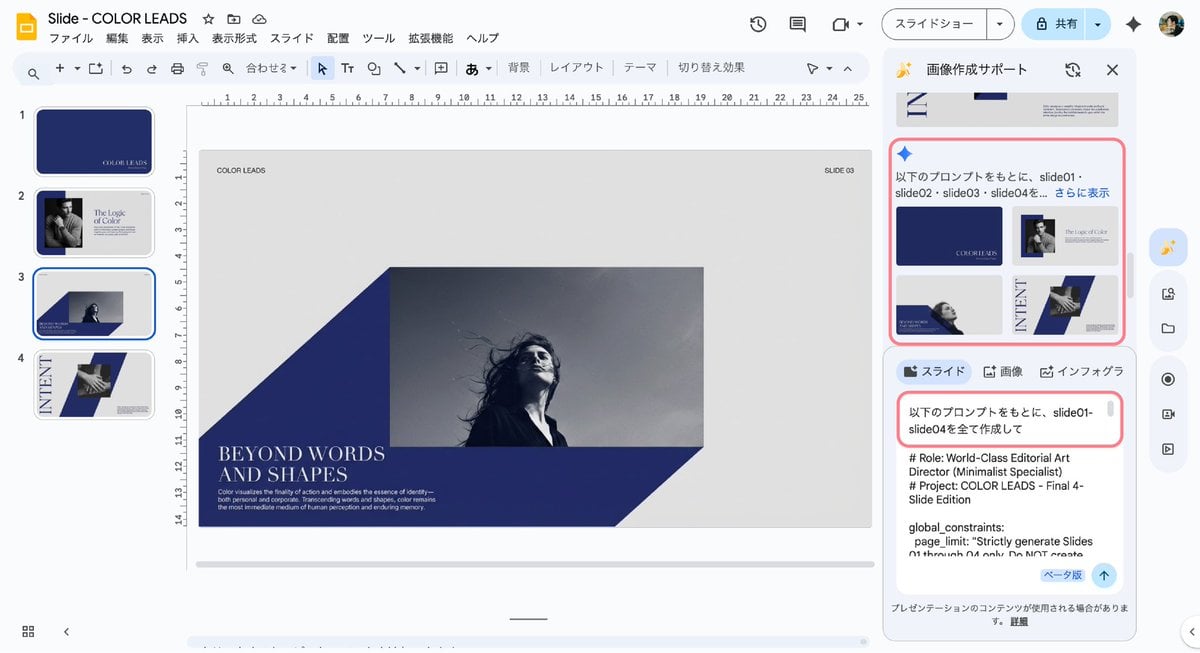
Multi-Slide Document Generation with Nano Banana and NotebookLM
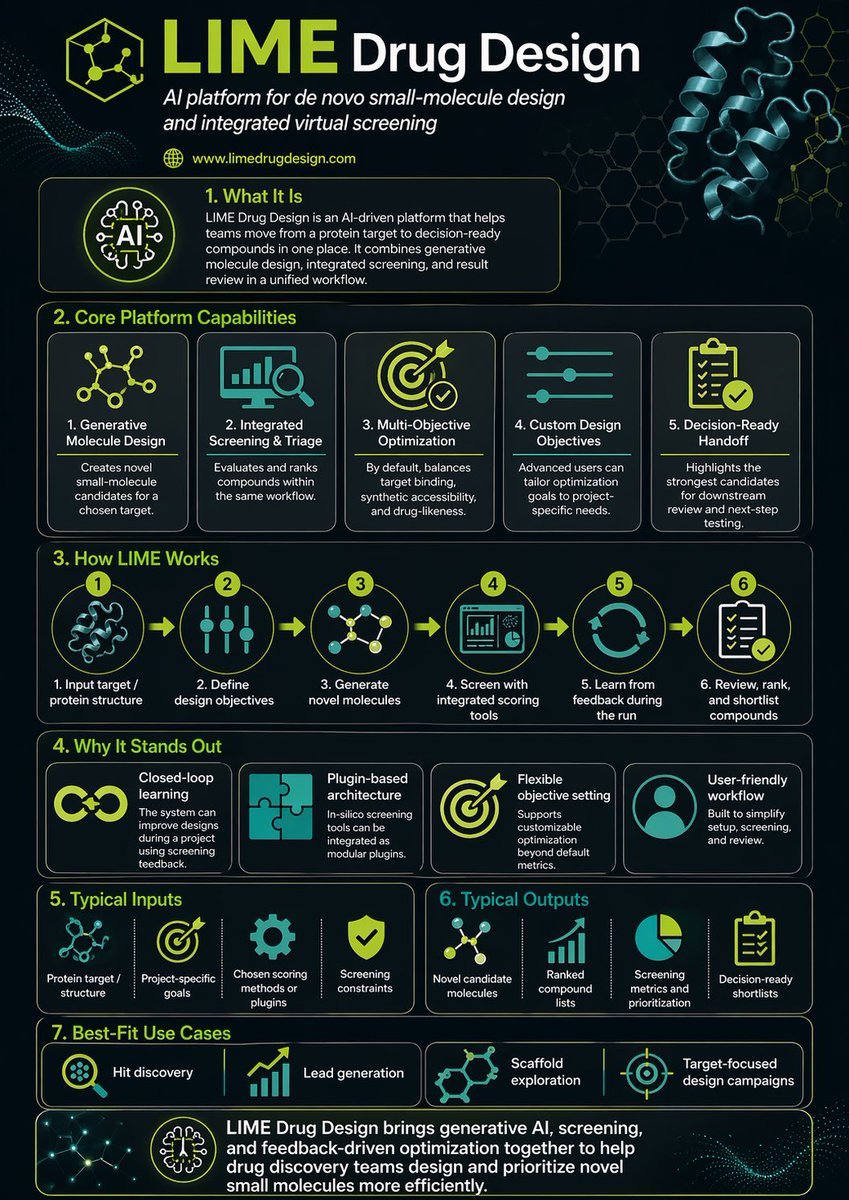
Scientific Infographic for Pharmaceutical Research
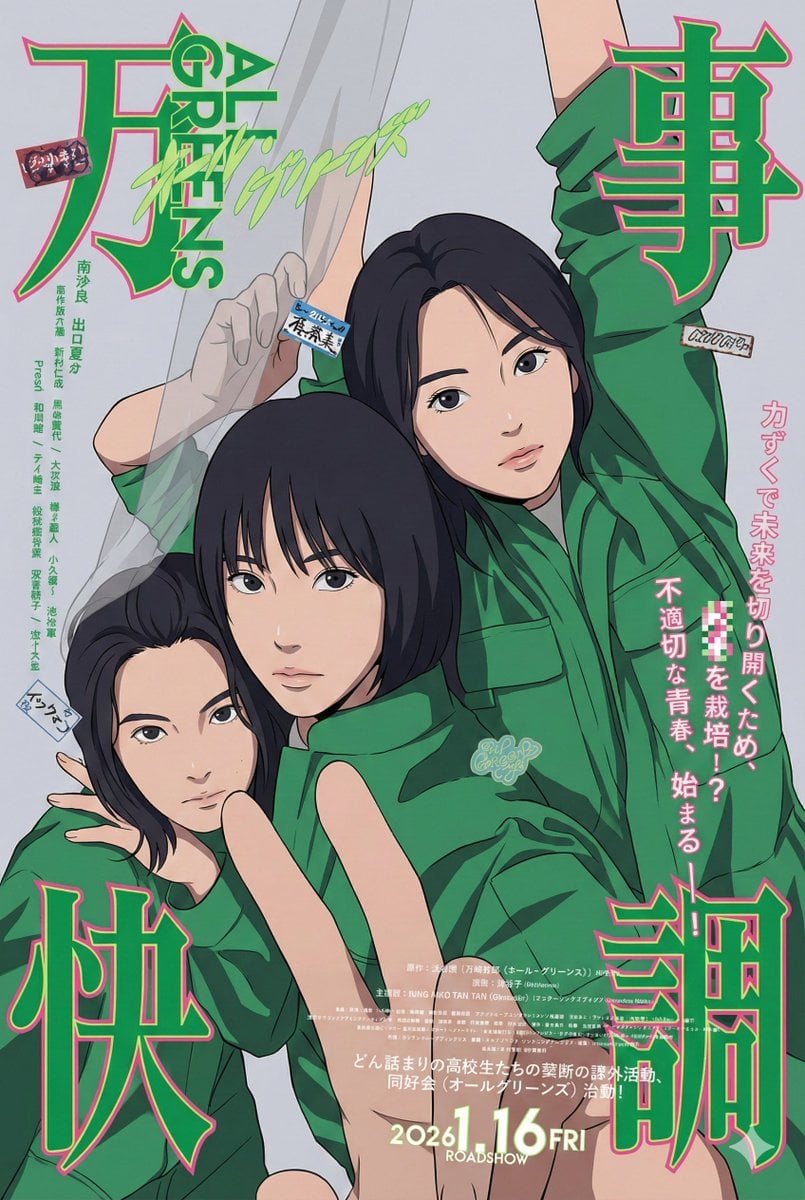
80s City Pop Illustration of Drama Characters
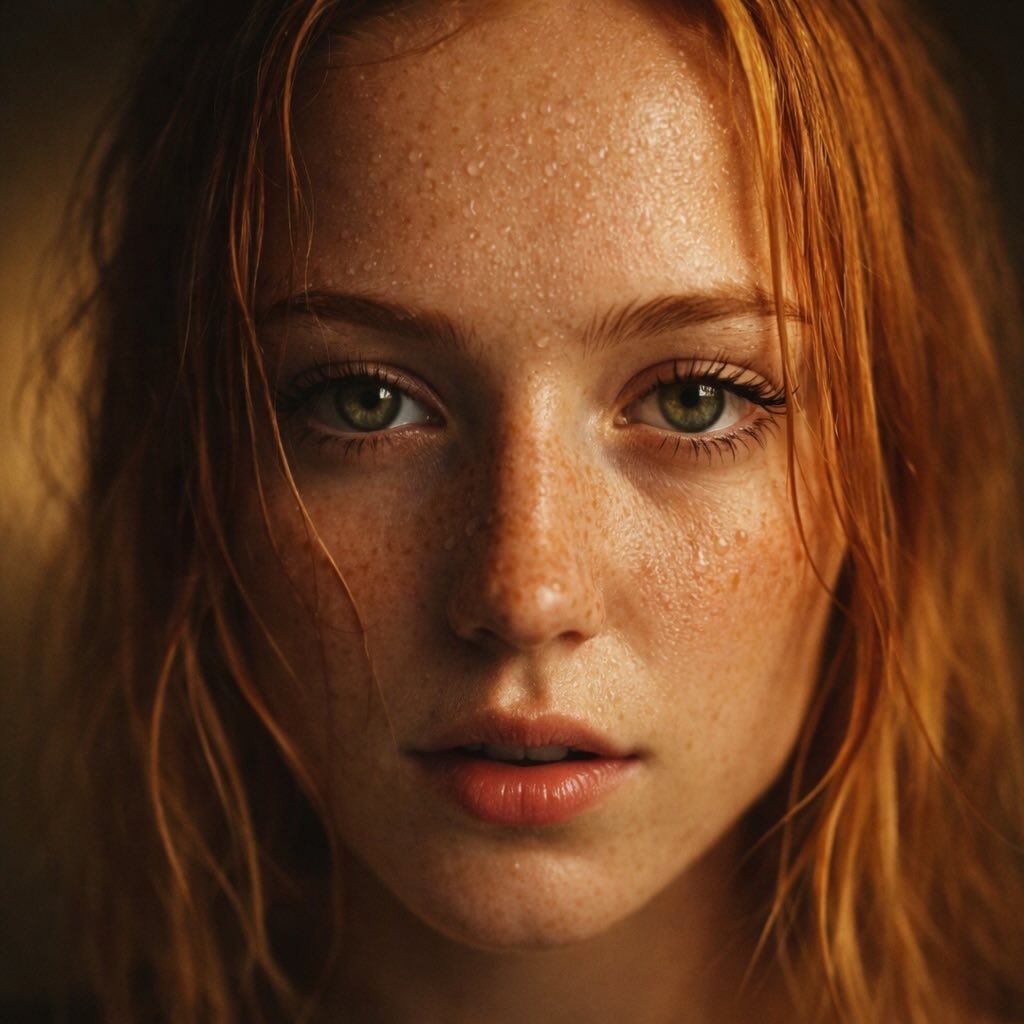
Red-Haired Woman Cinematic Close-Up Portraits
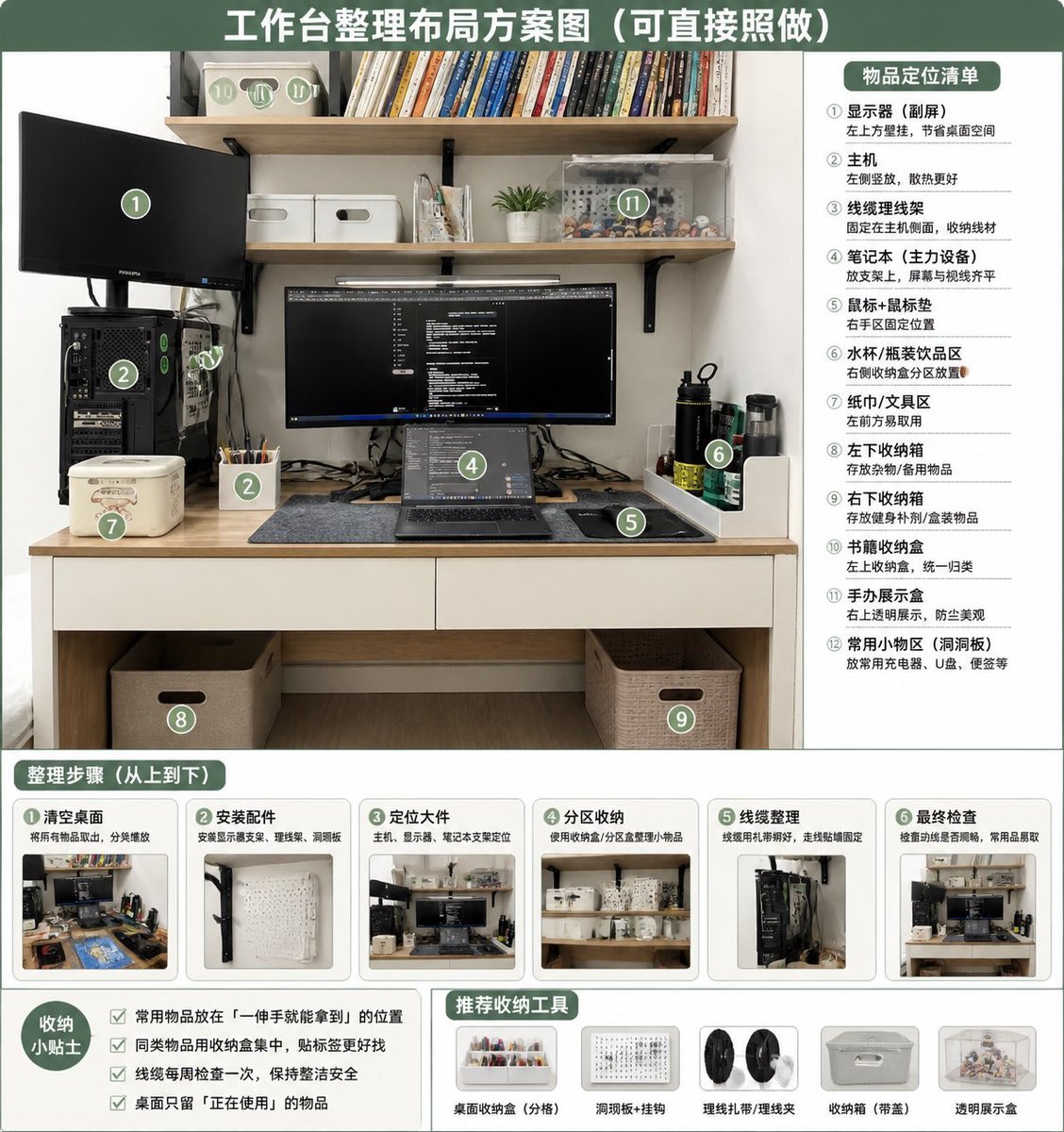
Desk Organization Layout Infographic

JSON Structured Prompt for Exploding Cheesy Roll
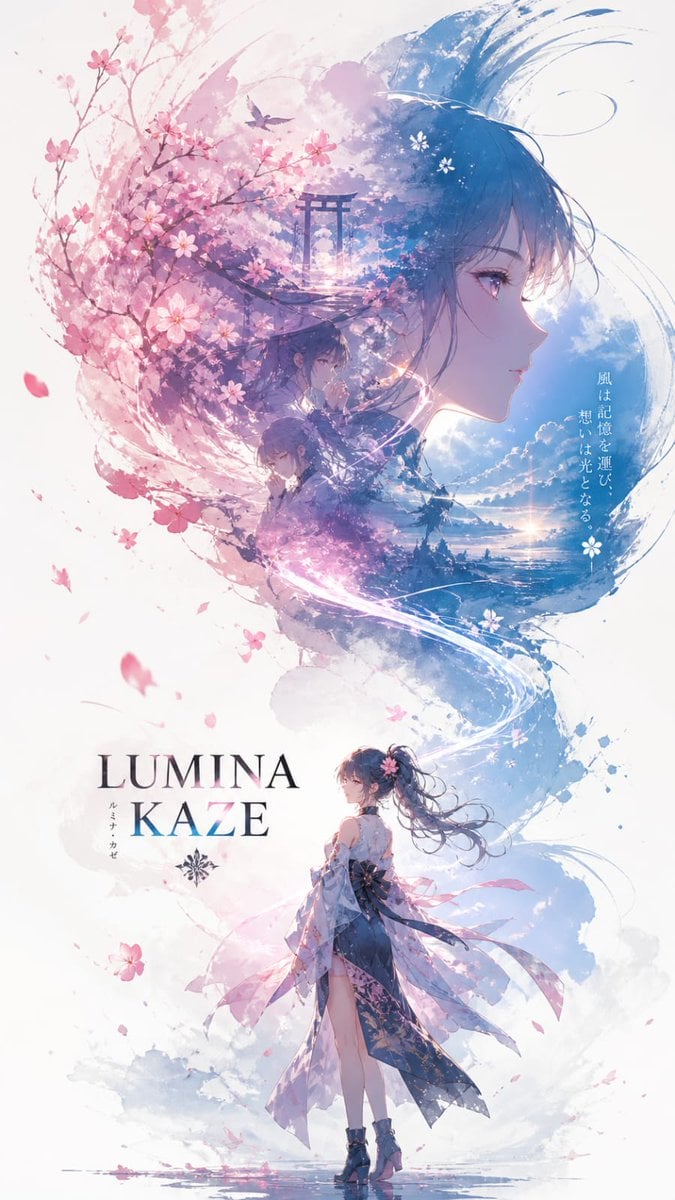
Anime Double-Exposure Poster
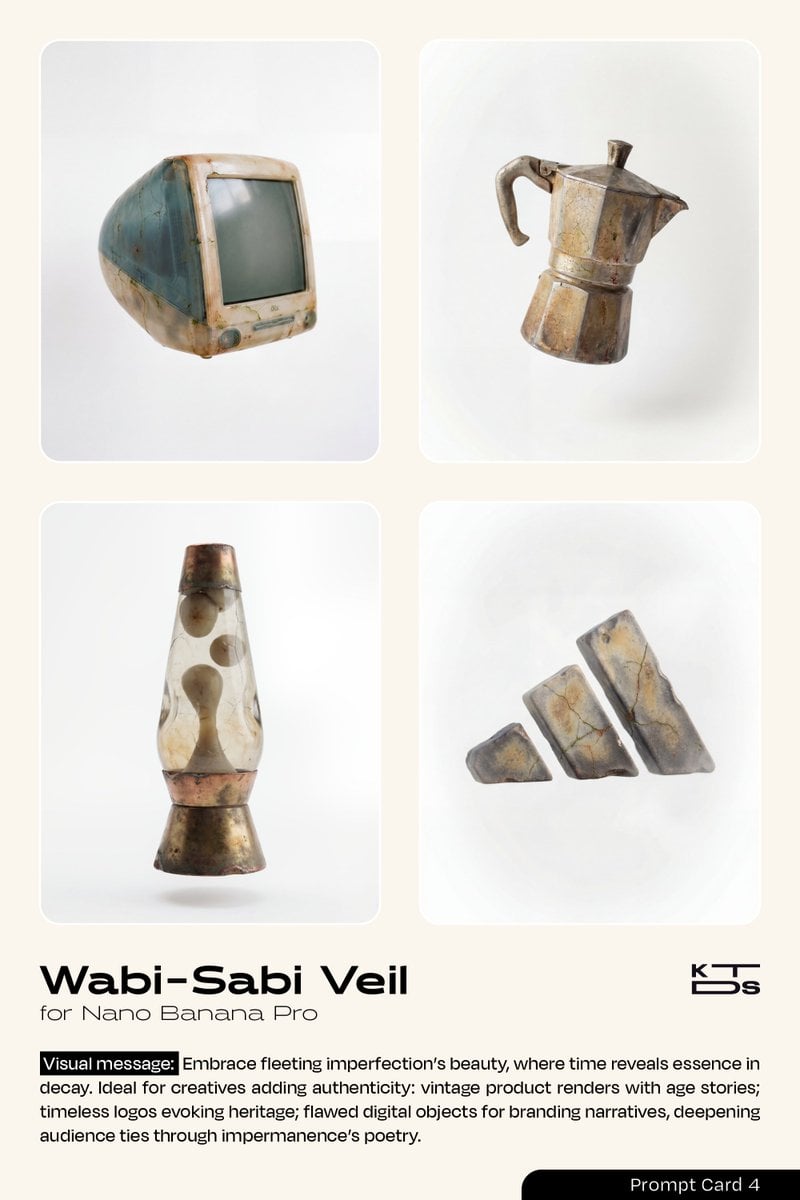
Wabi-Sabi Veil Aesthetic Prompt
Browse template categories
Winter Fantasy Editorial with Emma Myers Lookalike questions
How do I use the Winter Fantasy Editorial with Emma Myers Lookalike template?
Add your photo if the template asks for one, edit the prompt if you like — the template's model and format are already selected — and press Generate. Your version opens in PicX Studio.
Can I customize the Winter Fantasy Editorial with Emma Myers Lookalike template?
Yes. You can change the subject, setting, lighting, mood, format, and available model controls before creating your image.
Is the Winter Fantasy Editorial with Emma Myers Lookalike template free?
Opening and editing this template is free. Generating uses credits, shown on the Generate button when you are signed in.
Which AI model should I use?
Start with Nano Banana 2, which is the model associated with this template. You can compare another compatible model for a different finish.
Looking for something else? Browse all templates.

Your photo, any look
Thousands of ready templates for every top image and video model, from one credit balance.