
Serene Sunlit Garden Reading Scene
An elegant prompt designed for a peaceful vertical composition of a woman reading in a sunlit garden.
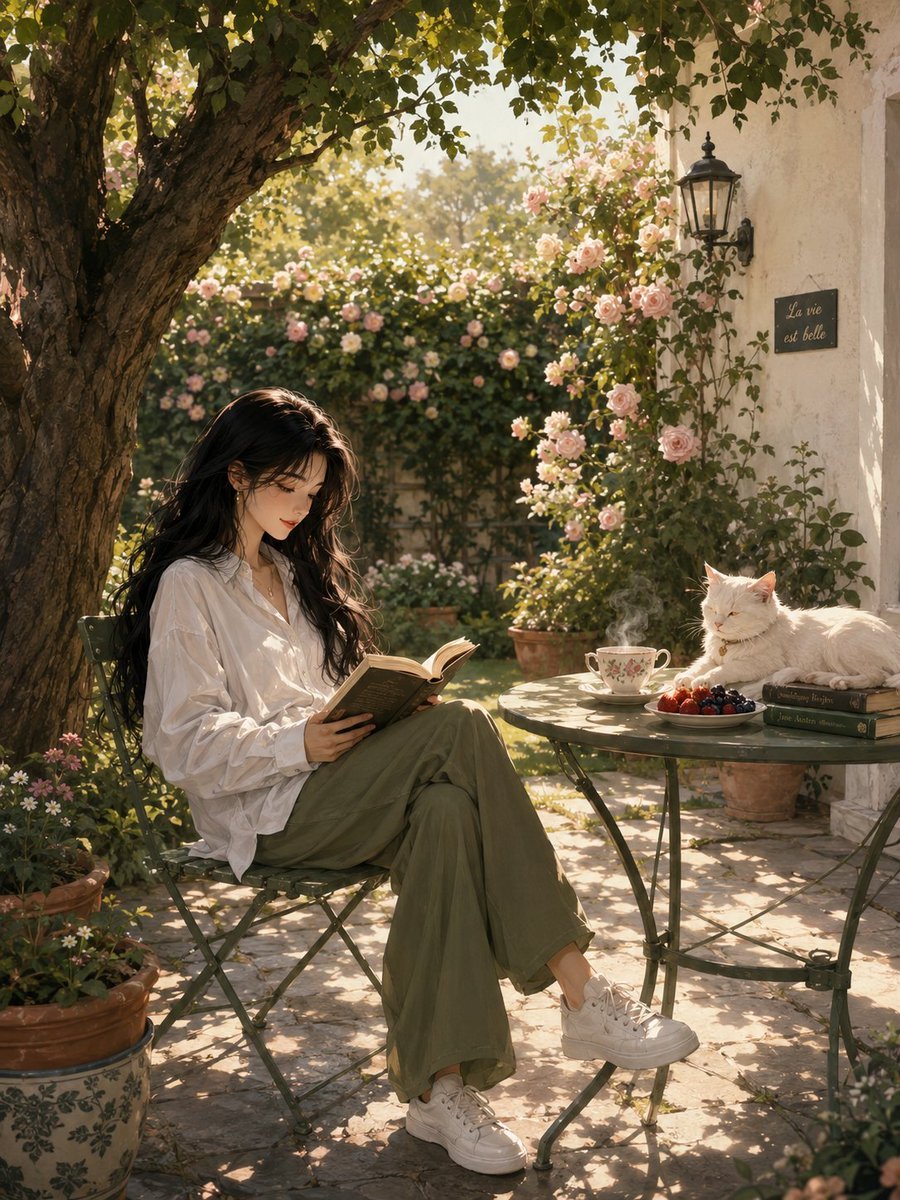
- Prompt included
- Model and format preset
- Free template
The prompt behind this image
Copy the exact prompt behind Serene Sunlit Garden Reading Scene, or open it in the studio and make it yours.
Vertical composition of a serene sunlit garden scene: a {argument name="subject" default="young woman with long flowing black hair"} sits relaxed on a green metal bistro chair beneath a large tree, reading an open book in her lap. She wears an {argument name="clothing" default="oversized white long-sleeve shirt, olive-green wide-leg trousers and white sneakers"}; her expression is peaceful and slightly smiling, absorbed in the book. A round metal table beside her holds a {argument name="beverage" default="steaming cup of tea"}, a plate of mixed berries, and a small stack of books; a white cat lounges contentedly on the table. Background features a manicured lawn, a tall rose-covered hedge with abundant pale pink blooms, terracotta and ceramic potted plants, and a white stucco wall with an outdoor lantern. Soft dappled sunlight filters through leaves, casting gentle shadows on stone patio tiles. Colors: soft pastel palette with rose pinks, sage greens, warm golden light; mood calm and intimate. Render as high-detail digital painting blending semi-realistic and elegant anime-inspired style, soft brush textures, subtle grain, shallow depth of field, cinematic lighting, 3:4 vertical framing.
How to use Serene Sunlit Garden Reading Scene in 3 steps
- 1
Open
The prompt is already in the box next to the preview, with the template's model and format selected.
- 2…a portrait of your subject in softgolden-hour light, 85mm…
Personalize
Edit the subject and creative details for your destination.
- 3Generate
Generate
Press Generate — your image is created in PicX Studio, so you can compare it with the original and refine one variable at a time.
More like this
Templates with the same subject, style or setup. Open one to see its prompt.

Sunlit Anime Bedroom Reading Scene
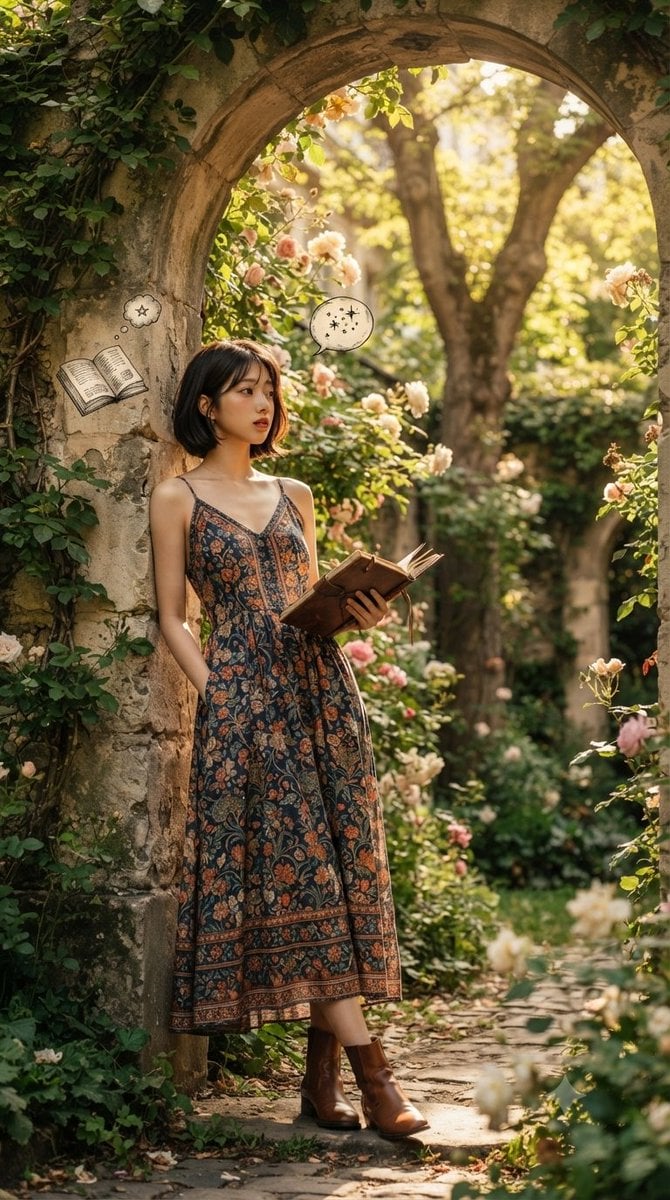
Serene Literary Garden Escape
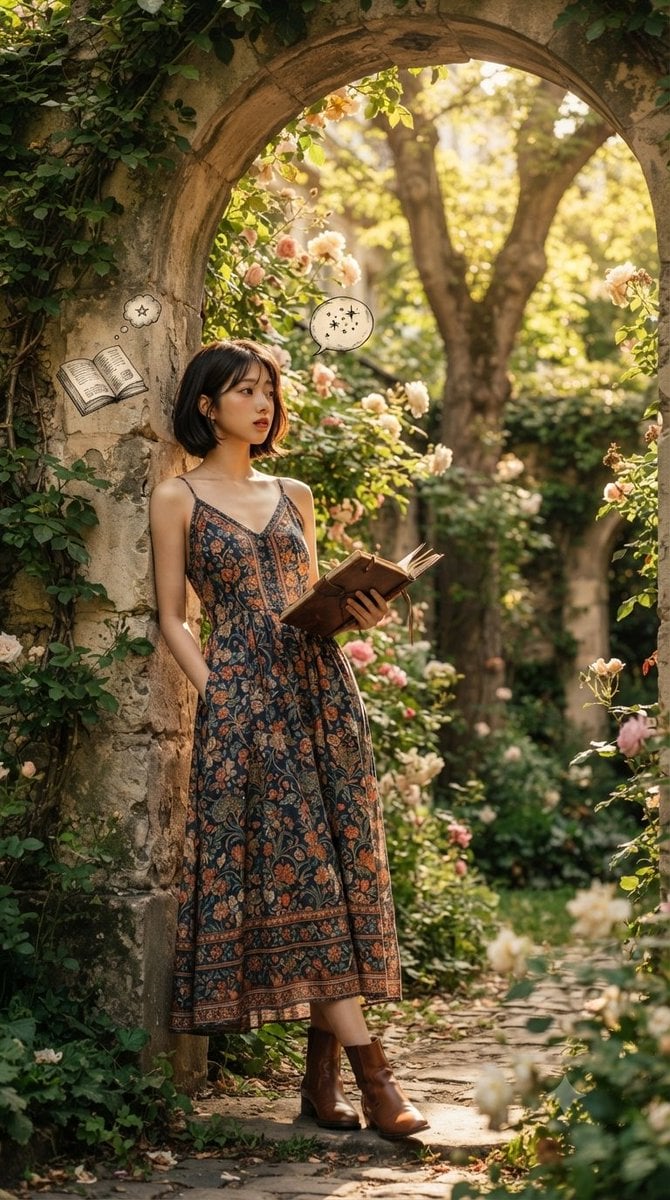
Serene Garden Literary Portrait
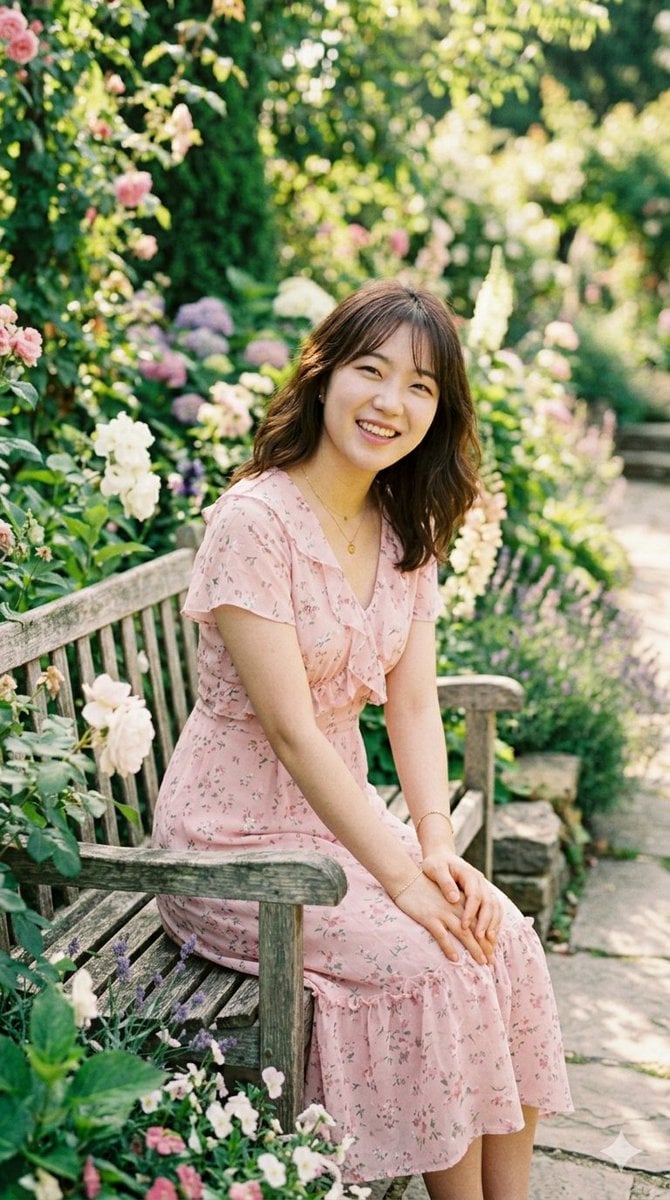
Sunlit Garden Portrait

Rainy Café Window Moody Portrait

Minimalist Skincare Product Water Stone Still

Artistic Arborpunk Garden Observatory Complex
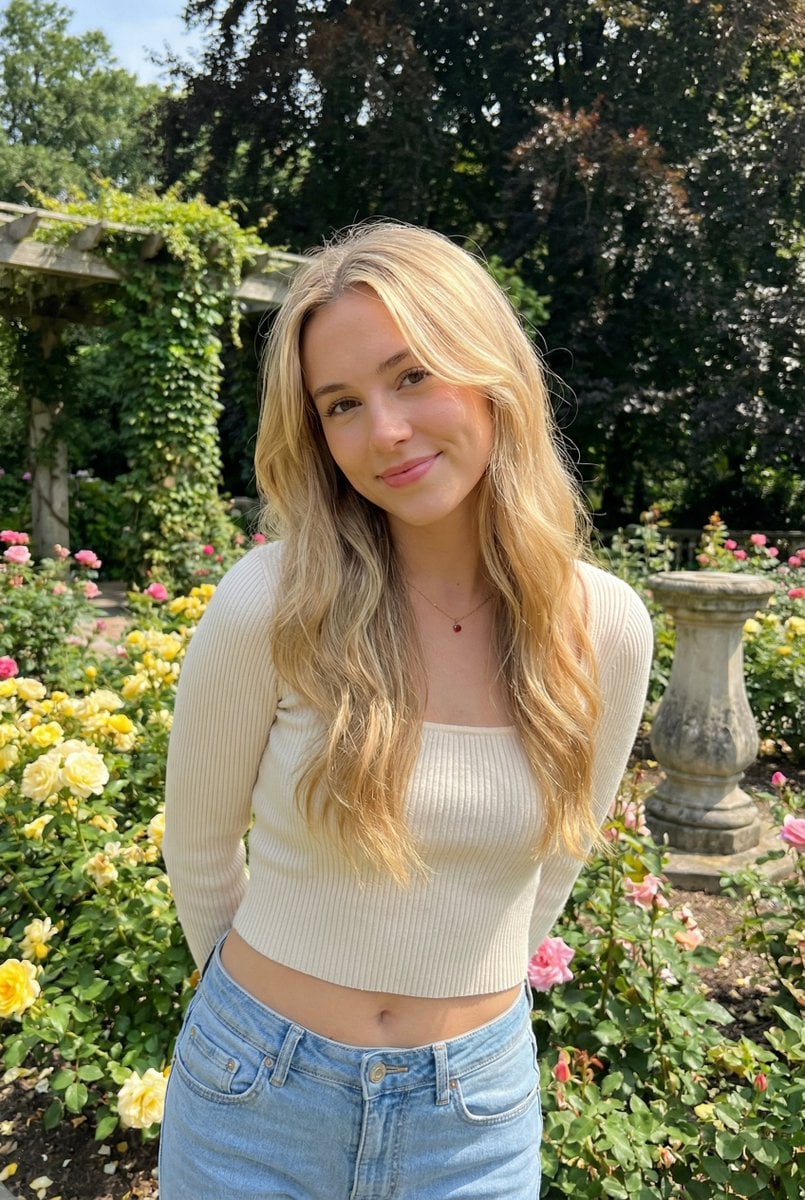
Sunlit Candid Portrait in a Rose Garden
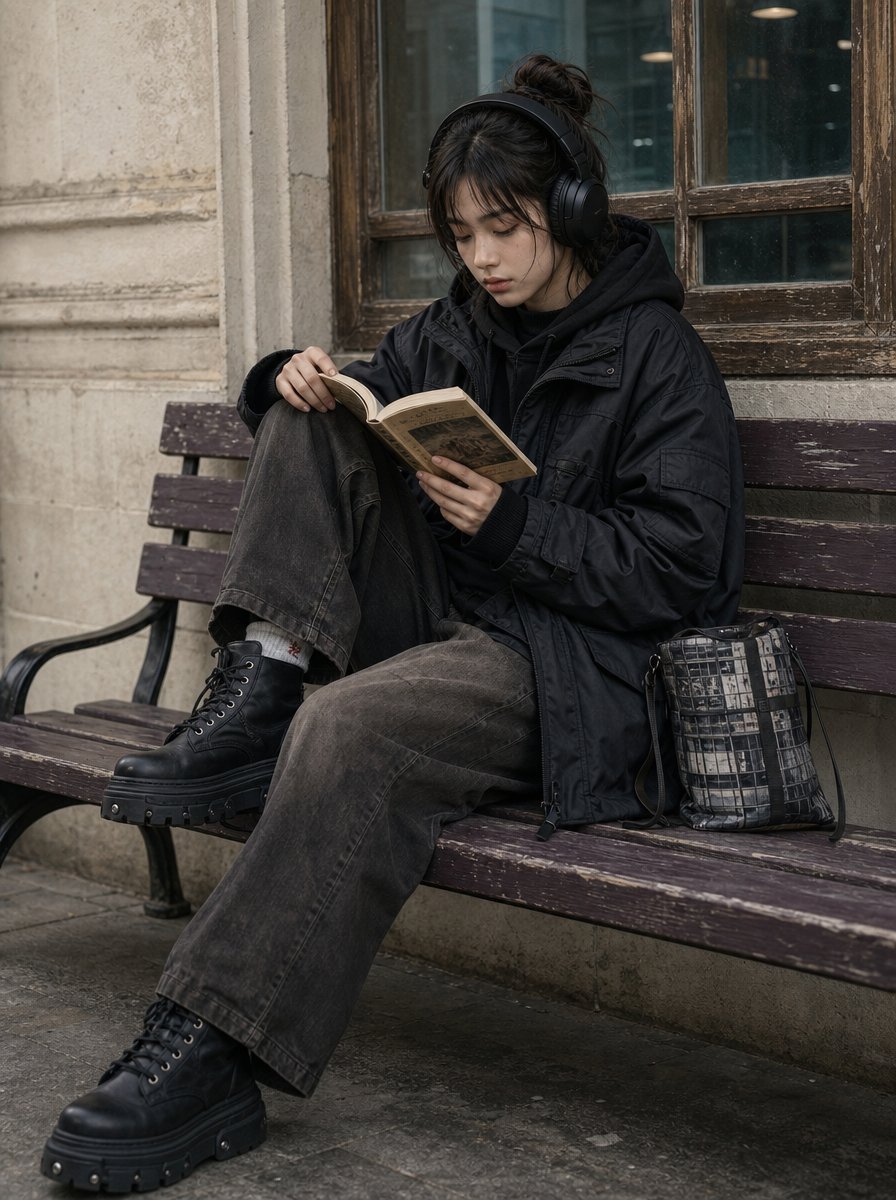
All-Black Urban Reading Portrait
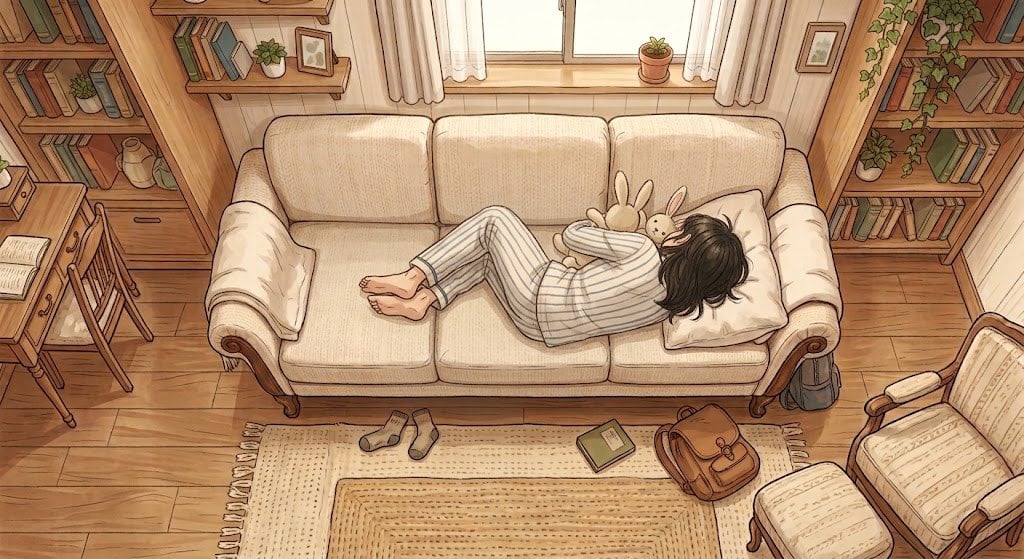
Cozy Anime Reading Room Nap
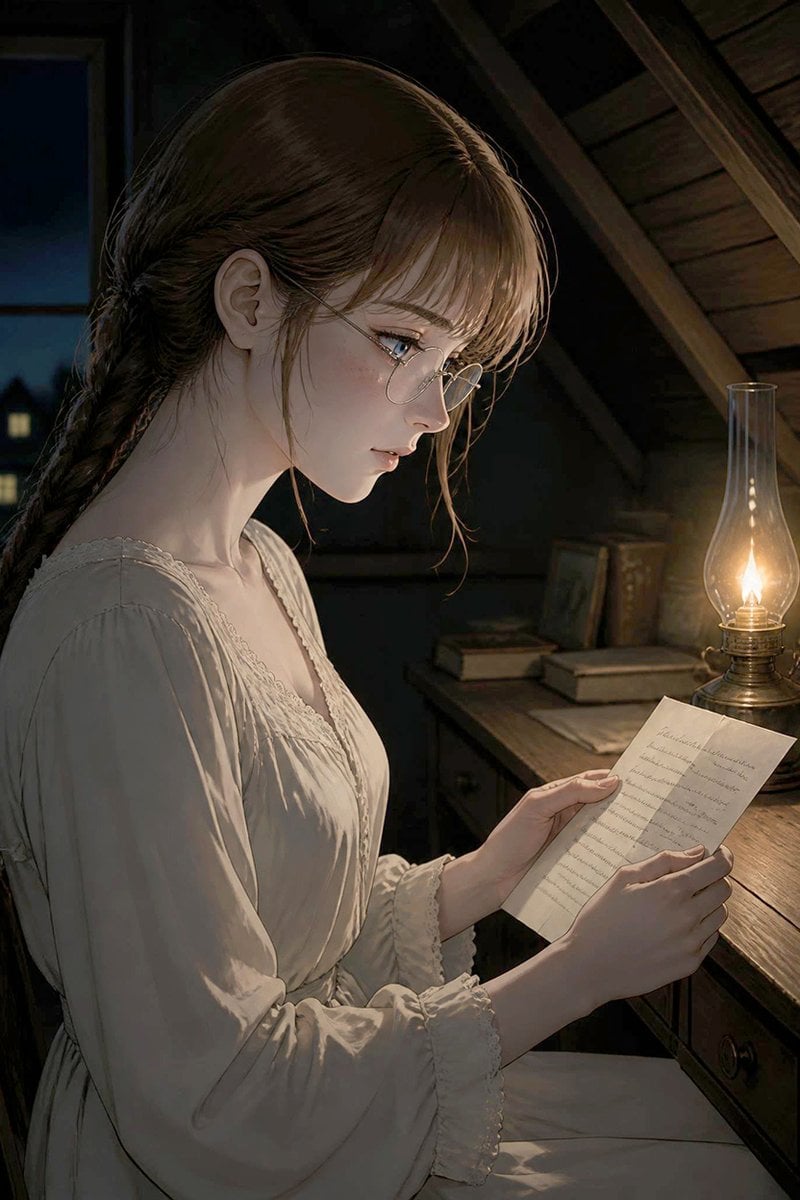
Girl Reading Letter by Oil Lamp

Woman and White Horse Serene Portrait
Make it yours
Serene Sunlit Garden Reading Scene works as-is. These are the safest ways to change it without losing the look.
Change one field
Copy a single group, rewrite it, and generate again so you can see what that field is doing.
Keep the frame, change the subject
Hold the composition and light of Serene Sunlit Garden Reading Scene, then swap wardrobe, props or the person for a new take.
| If the result… | Why | Fix |
|---|---|---|
| The result drifts from the preview | Too many fields changed at once. | Reuse Serene Sunlit Garden Reading Scene as-is first, then change one group — subject, light, or setting. |
| The model over-stylizes the scene | The prose prompt leaves finish and camera underspecified. | Add one camera or lighting sentence and stay on GPT Image 2. |
More GPT Image 2 templates
Other prompts made for GPT Image 2.

Six VTuber Japanese Logo Sheet

Realistic Portrait of Woman and Deer

The Vista Modular Condo Poster

AI Model Routing Comparison Infographic

2.5D Anime Art Board

Isometric Productivity Desk Scene

New York Double Exposure Poster

Four-Panel AI Landscape Comparison

Japanese Tatami Lifestyle Magazine Cover

NESCAFÉ Coffee Map Poster
More image prompts
Fresh picks from across the catalog.

Ultra-Realistic Billiards Player Portrait
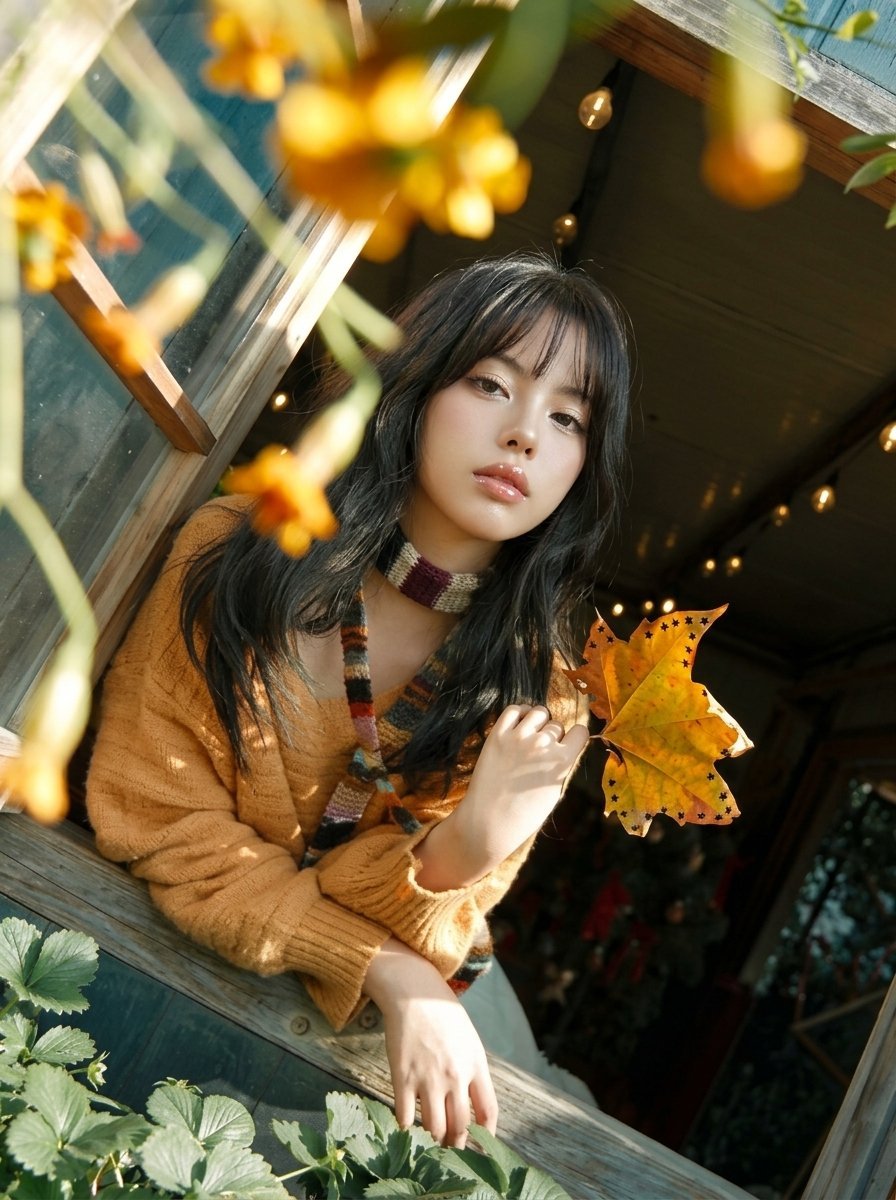
Y2K Windowsill Maple Leaf — Early 2000s Digital Photo

Detailed Bathroom Selfie Image Generation Prompt

Cinematic Bat/Cat Couple Mirror Selfie with Identity Lock

Floral Mirror Selfie

Hero Shot Portrait in a Bookstore with Warm Lighting

Hyper-Realistic Urban Soccer Bicycle Kick Action Shot

Weighted Prompt for 3D Pop-Up Comic Diorama

Korean Magazine Style Couple Portrait

Dark Fantasy Anime Girl at Shrine
Browse template categories
Serene Sunlit Garden Reading Scene questions
How do I use the Serene Sunlit Garden Reading Scene template?
Add your photo if the template asks for one, edit the prompt if you like — the template's model and format are already selected — and press Generate. Your version opens in PicX Studio.
Can I customize the Serene Sunlit Garden Reading Scene template?
Yes. You can change the subject, setting, lighting, mood, format, and available model controls before creating your image.
Is the Serene Sunlit Garden Reading Scene template free?
Opening and editing this template is free. Generating uses credits, shown on the Generate button when you are signed in.
Which AI model should I use?
Start with GPT Image 2, which is the model associated with this template. You can compare another compatible model for a different finish.
Looking for something else? Browse all templates.

Your photo, any look
Thousands of ready templates for every top image and video model, from one credit balance.