How do I use the All-Black Urban Reading Portrait template?
Choose the primary action to open PicX Studio with the available template settings. Review the model and format, personalize the creative direction, and generate when ready.
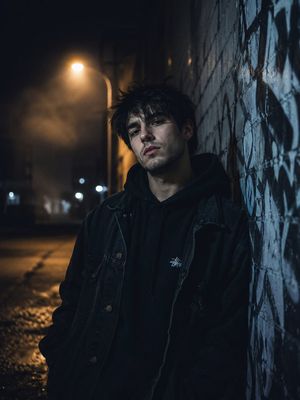
A photorealistic vertical street-fashion portrait of a headphone-wearing woman reading on a bench in an all-black urban outfit.

Create a photorealistic street-fashion portrait of a young East Asian woman in an all-black outfit sitting on a weathered wooden bench outside an old stone building. She is absorbed in reading a small paperback book, looking downward with a calm, introspective expression. She wears oversized black over-ear headphones, a loose black hooded sweatshirt layered under a black oversized utility jacket, faded charcoal wide-leg jeans, and chunky black lace-up combat boots with thick platform soles. Her {argument name="hair color" default="black"} hair is loosely tied in a messy bun with wispy bangs framing her face. One knee is raised on the bench while the other leg stretches forward, creating a relaxed urban pose. Place one compact patterned black-and-gray crossbody bag beside her on the bench. The setting is a muted city exterior with aged cream stone walls, a dark distressed wooden window frame with glass panes behind her, worn bench slats, and gray pavement. Use a subdued monochrome black-and-charcoal wardrobe palette, natural overcast daylight, soft shadows, realistic fabric texture, scuffed wood, slightly desaturated tones, shallow depth of field, and editorial fashion photography composition in a vertical 3:4 frame. No visible logos, no readable text on the book, no extra people, no watermark.
Choose the primary action to open PicX Studio with the available template settings. Review the model and format, personalize the creative direction, and generate when ready.
Yes. You can change the subject, setting, lighting, mood, format, and available model controls before creating your image.
This template is free to open and customize. Generation usage is shown in PicX Studio before you create.
Start with GPT Image 2, which is the model associated with this template. You can compare another compatible model for a different finish.
Follow a topic to a crawlable collection of related PicX Studio templates.