
Hero Shot Portrait in a Bookstore with Warm Lighting
A detailed JSON prompt designed to generate a 'Hero Shot' portrait of a character named Alara in a bookstore setting.
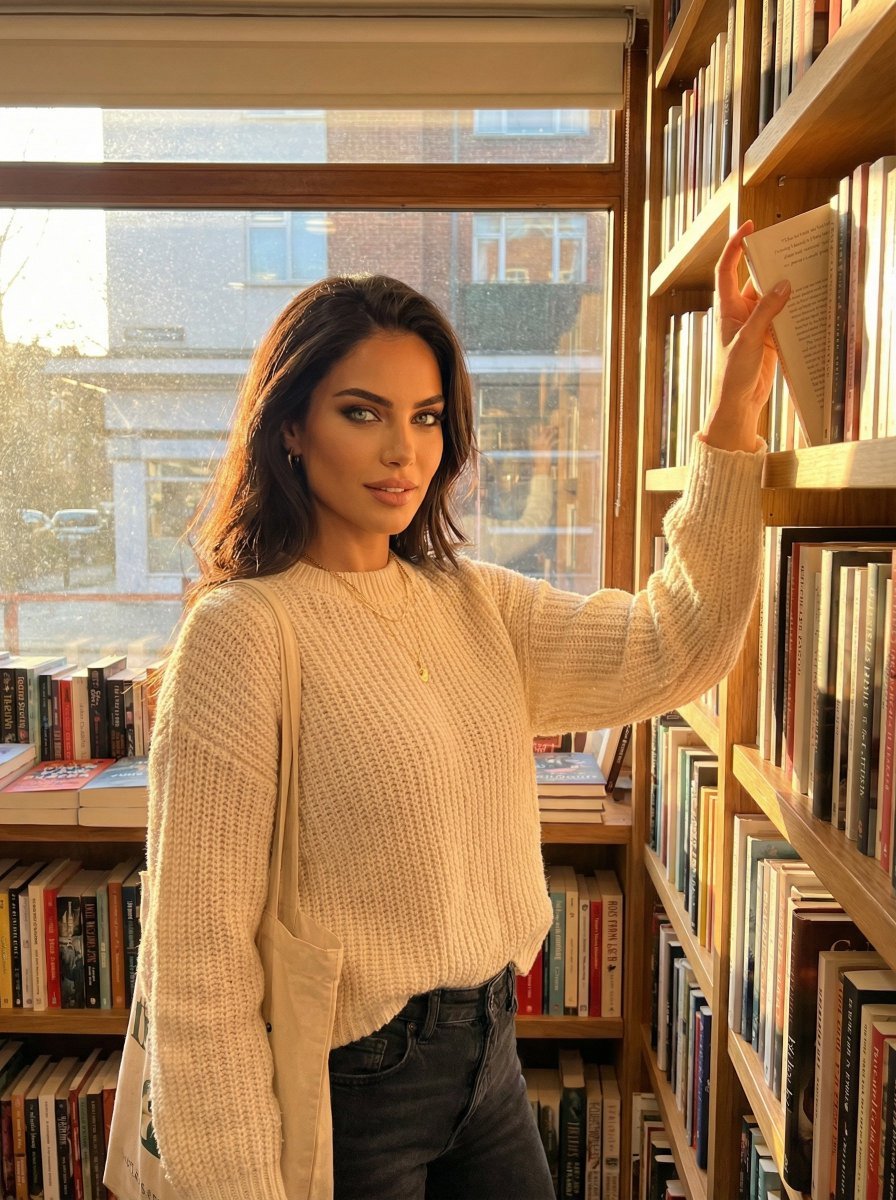
- Prompt included
- Model and format preset
- Free template
The prompt behind this image
Copy the exact prompt behind Hero Shot Portrait in a Bookstore with Warm Lighting, or open it in the studio and make it yours.
[ { "frame": 1, "role": "HERO - Single powerful shot", "scene": "Bookstore, Golden Hour, Winter", "camera": { "shot_size": "medium shot, waist-up framing", "angle": "eye level angle, camera at subject height", "gaze": "direct eye contact with camera, engaging viewer" }, "subject": { "movement": "standing still, grounded confident posture", "hand_position": "hands relaxed in natural position" }, "location_rationale": "Bookstore equals intellect, reading life, quiet sophistication. I read badge.", "character_rationale": "Alara in work mode. Grind happening but aesthetic grind. I work hard message delivered beautifully.", "pose": "standing still, grounded confident posture. hands relaxed in natural position. Browsing shelves reaching up for book, or in corner reading first pages", "expression": "Fire visible in eyes, sharp engaged features, ready for anything, powerful", "outfit": "Cozy smart - sweater, good jeans, comfortable shoes. Tote bag for purchases. Glasses optional. Reader aesthetic. Color palette for season: black, cream, deep green, burgundy, charcoal, navy. Fresh natural makeup, dewy glowing skin. Signature piece: delicate gold necklace always present.", "props": "Books, maybe coffee if cafe attached, tote bag for purchases", "environment": "Bookstore with character, wooden shelves, stacked books everywhere, cozy corners", "lighting": "Warm magic hour light, horizontal gold, everything looks beautiful, romantic glow", "vibe": "Sharp, fire in eyes. Work mode. Book lover, mind as attractive as face", "consistency_note": "Hero shot, best angle and composition" } ]
How to use Hero Shot Portrait in a Bookstore with Warm Lighting in 3 steps
- 1Upload ImagePNG, JPG or paste
Add your photo
Upload the photo the template builds on. The prompt, model and format are already set.
- 2…a portrait of your subject in softgolden-hour light, 85mm…
Personalize
Edit the subject and creative details for your destination.
- 3Generate
Generate
Press Generate — your image is created in PicX Studio, so you can compare it with the original and refine one variable at a time.
More like this
Templates with the same subject, style or setup. Open one to see its prompt.
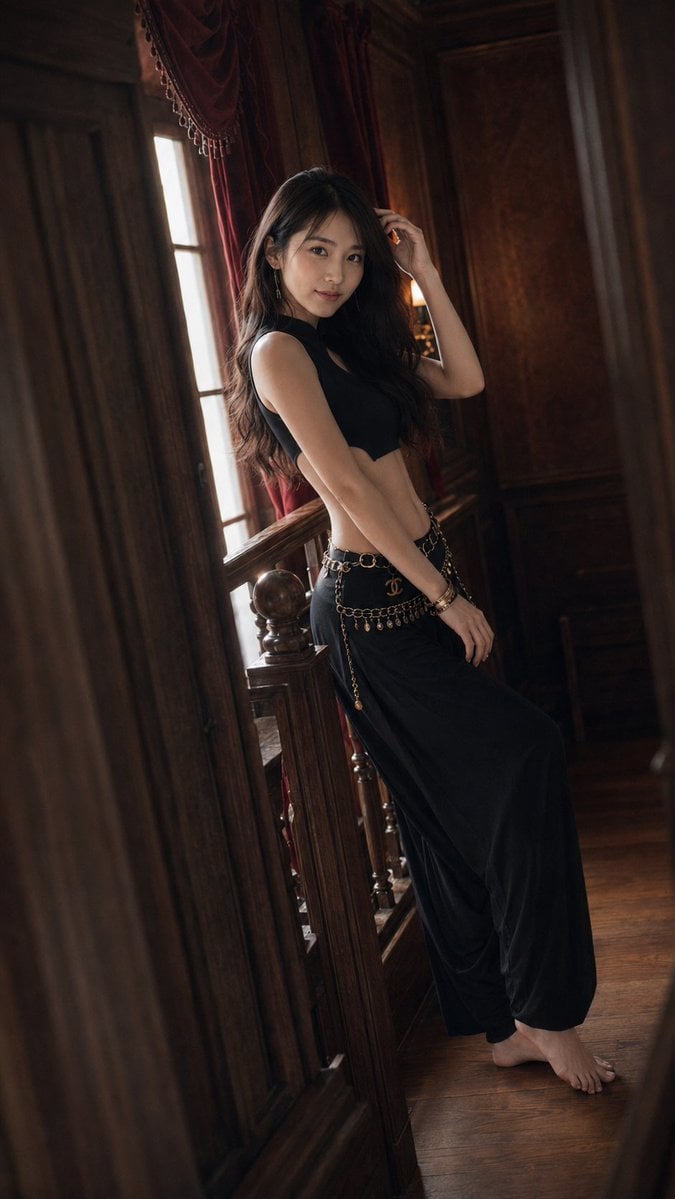
Warm Vintage Manor Bohemian Fashion Editorial
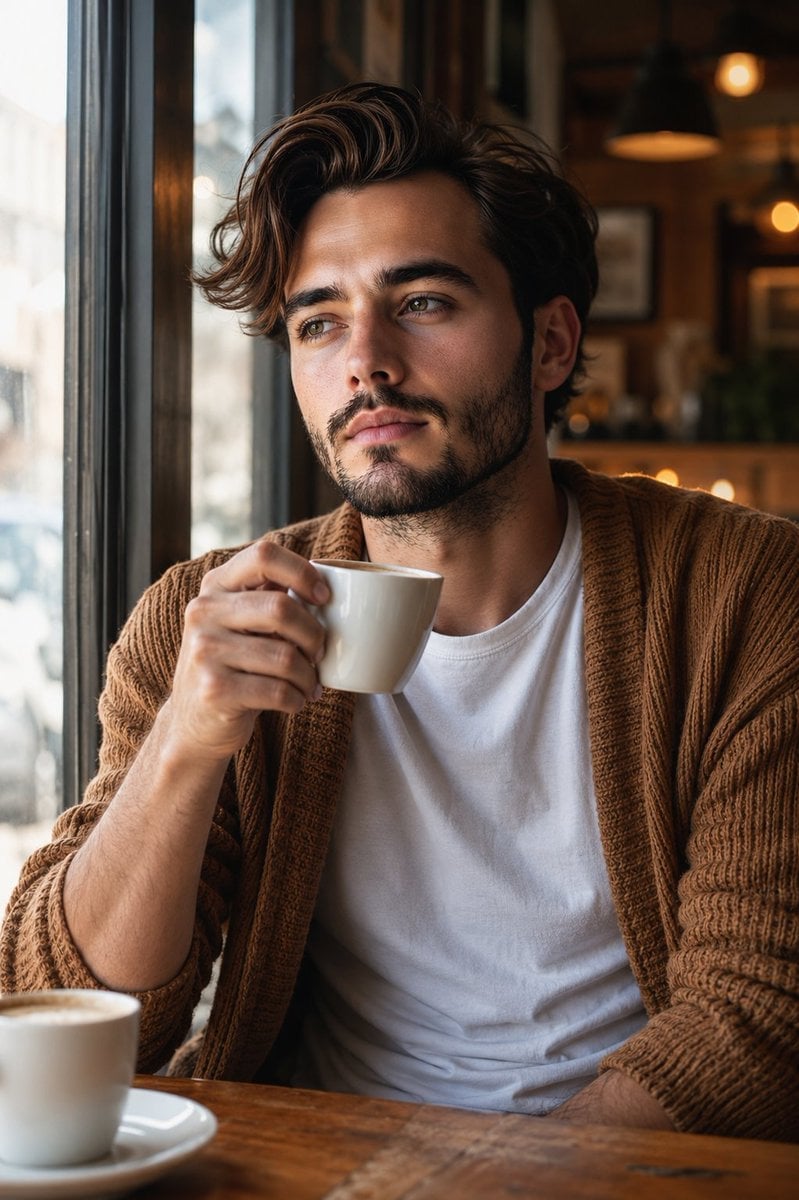
Warm Window Side Café Studio Portrait
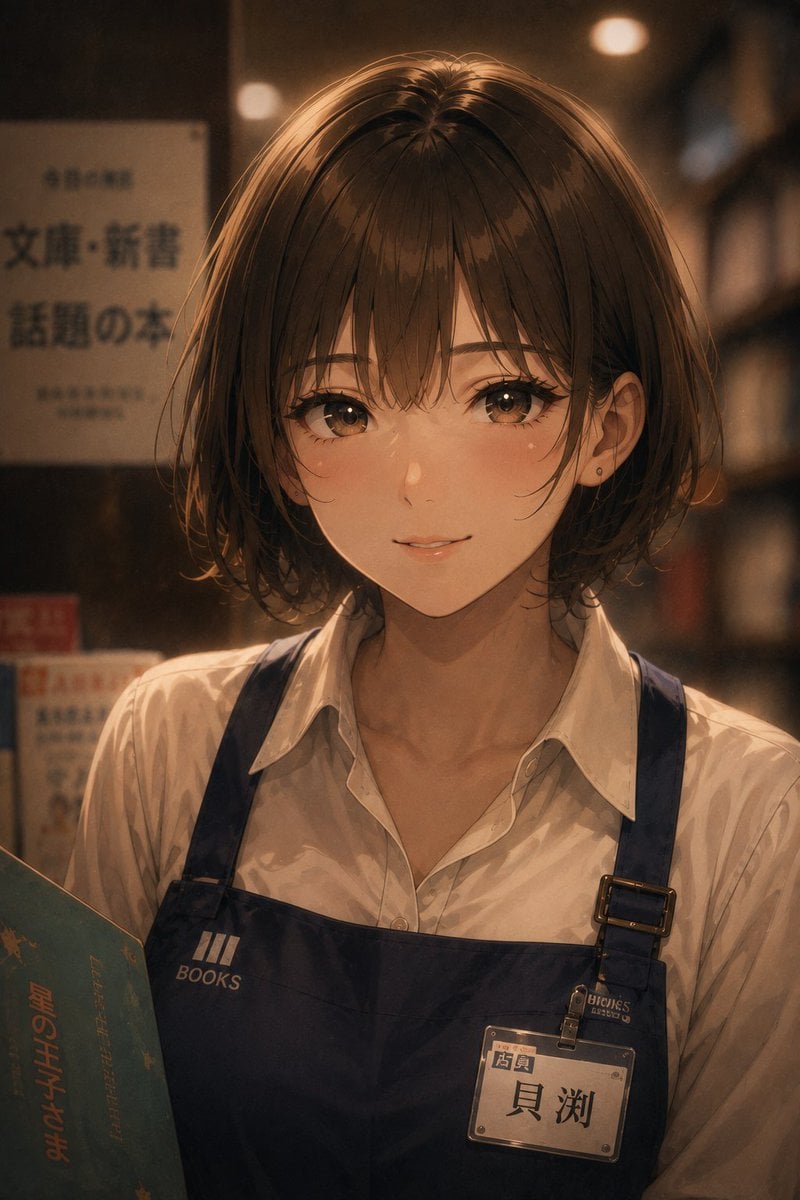
Warm Anime Bookstore Clerk Portrait
8K High-Fashion Cinematic Portrait with Warm Lighting
Atmospheric Portrait with Flowers and Warm Lighting

Found Photograph: Us, 1970

80s Couple Studio Portrait

80s Bollywood Star

80s Golden Hour Cinema

Me in 1985

1985 Studio Portrait

Hyper-Realistic Minecraft POV Portrait
Make it yours
Hero Shot Portrait in a Bookstore with Warm Lighting works as-is. These are the safest ways to change it without losing the look.
Change one field
Copy a single group, rewrite it, and generate again so you can see what that field is doing.
Keep the frame, change the subject
Hold the composition and light of Hero Shot Portrait in a Bookstore with Warm Lighting, then swap wardrobe, props or the person for a new take.
| If the result… | Why | Fix |
|---|---|---|
| The result drifts from the preview | Too many fields changed at once. | Reuse Hero Shot Portrait in a Bookstore with Warm Lighting as-is first, then change one group — subject, light, or setting. |
| The model over-stylizes the scene | The prose prompt leaves finish and camera underspecified. | Add one camera or lighting sentence and stay on Nano Banana 2. |
More Nano Banana 2 templates
Other prompts made for Nano Banana 2.

Photorealistic Leaf Shaped Like a Dragon

K-Pop Idol Portrait Grid for Rapid Selection

Poetic Rain Forest Portrait During Golden Hour

Urban Street Portrait with Cartoon Inner Self Duo

Candid Nighttime Photo with Cat Prompt

High-Concept 3D Diorama Generation Prompt

Cinematic Futuristic Studio Portrait Template

Skincare Editorial Photography Collage Prompt

Hyper-Realistic Commercial Product Photography (Splash Effect)

Hyper-Realistic Nightclub Portrait Prompt
More image prompts
Fresh picks from across the catalog.

China May Day Rail Travel Infographic
Vintage Film Portrait of Girl with Bicycle
Hyper-Realistic Gym Mirror Selfie

Chinese Wellness Recovery App UI
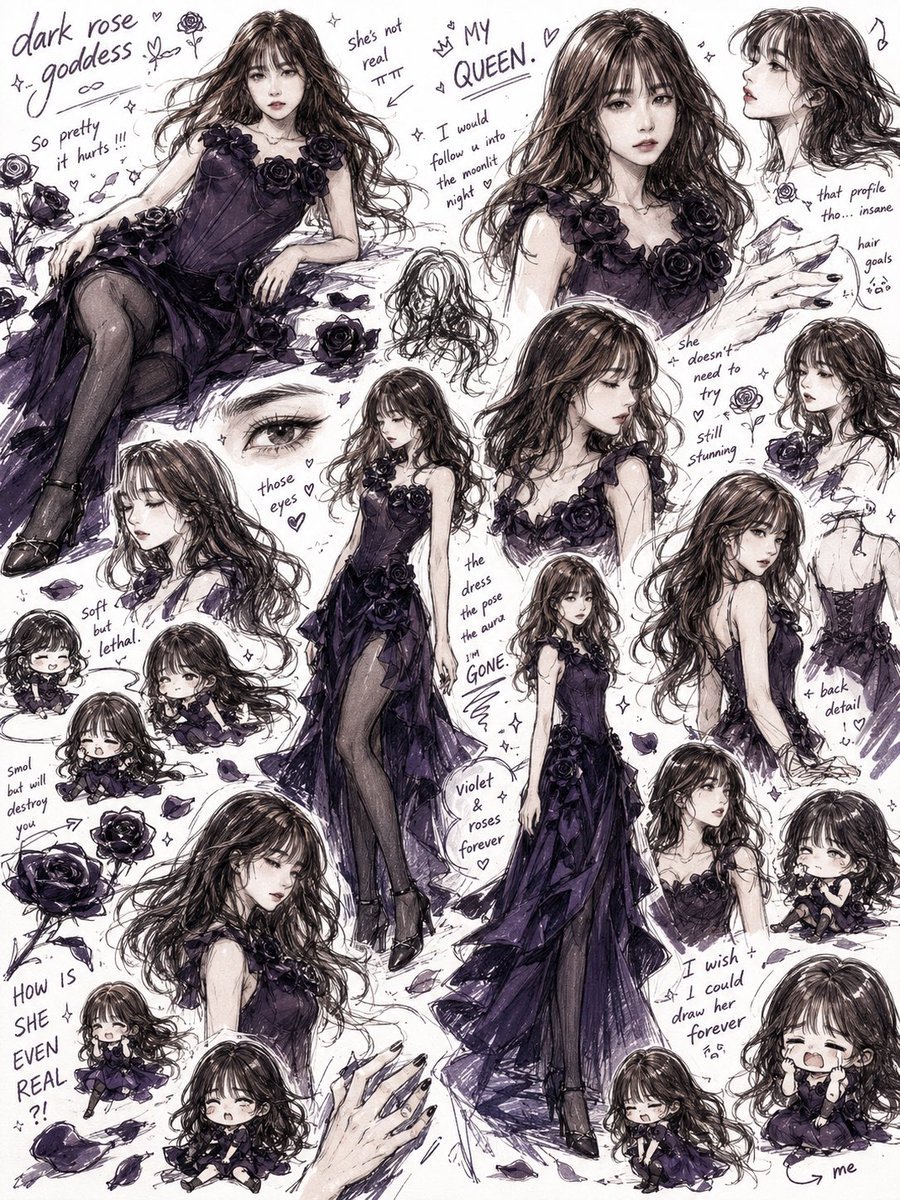
Dark Rose Goddess Sketchbook Collage
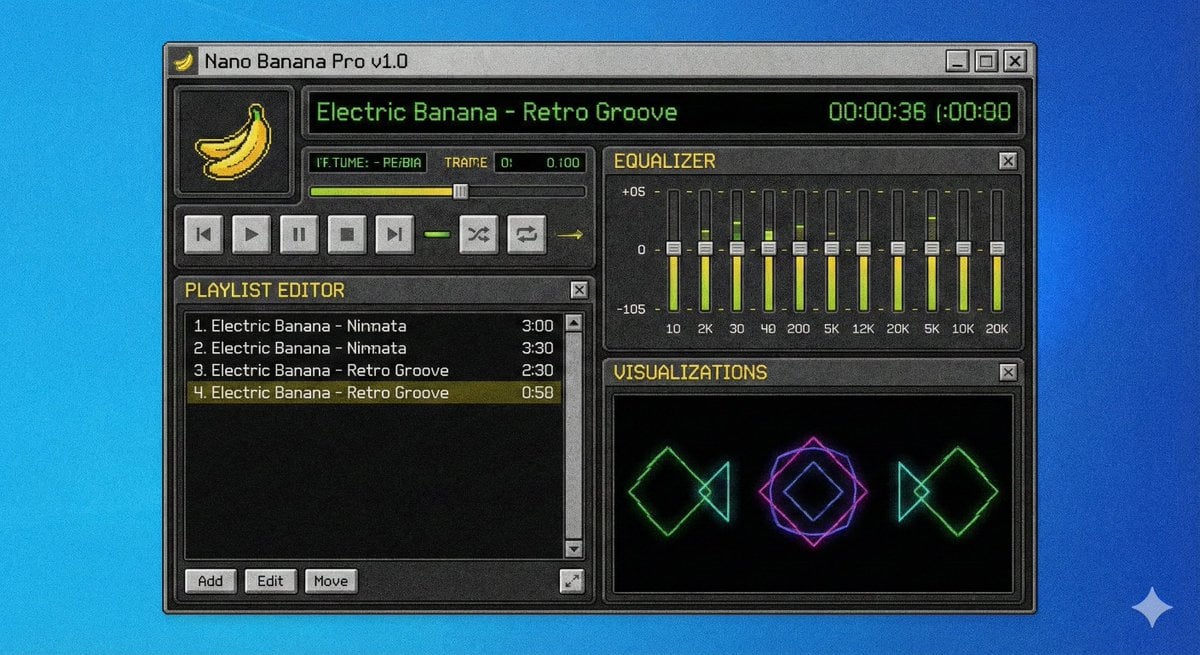
Winamp-style software screenshot prompt
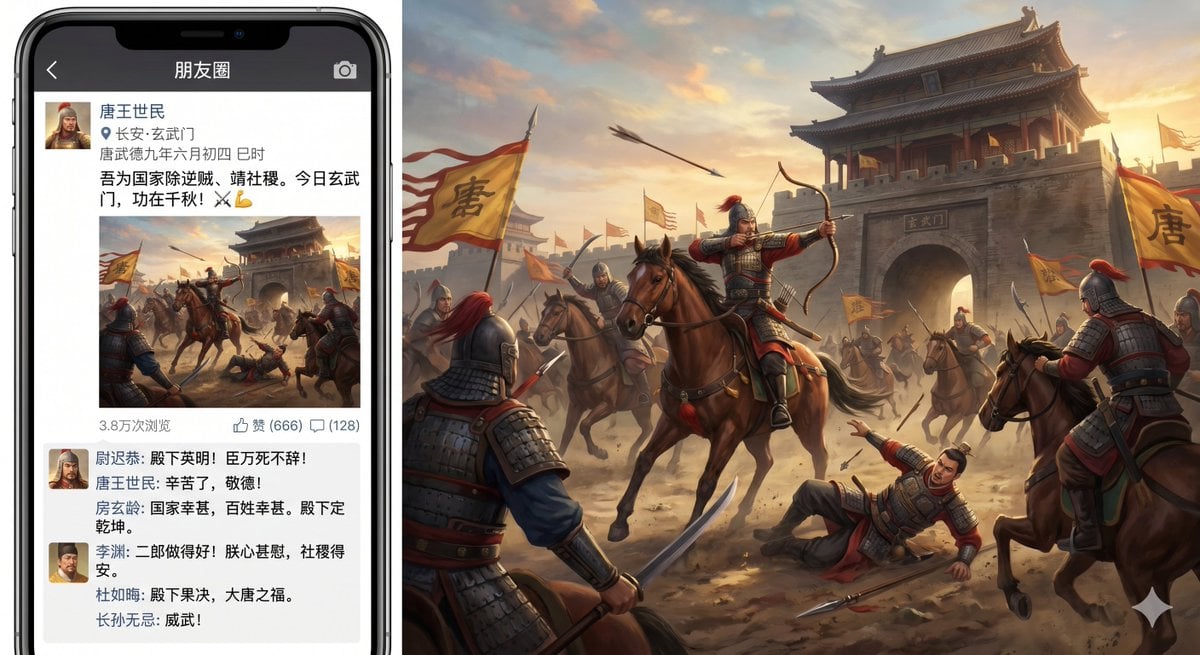
Xuanwu Gate Incident Moments Post
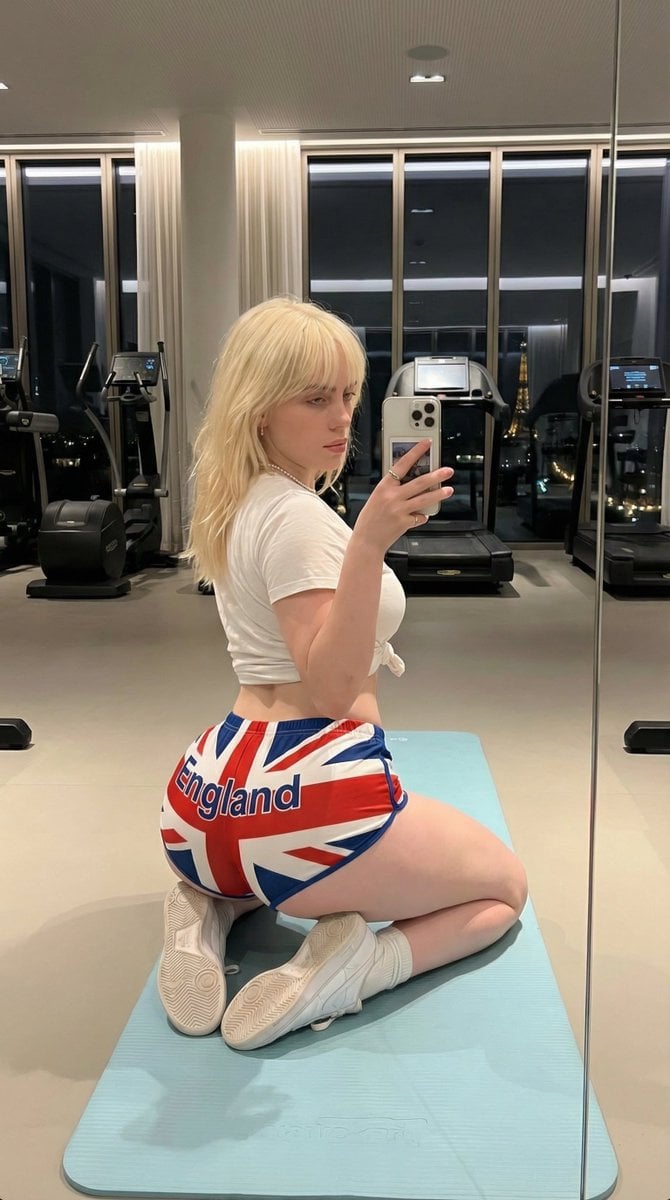
Exaggerated Physique Gym Mirror Selfie Prompt (Spain Theme)
Anime Knight King on Burning Battlefield
Blue Hydrangea Kimono Fantasy
Browse template categories
Hero Shot Portrait in a Bookstore with Warm Lighting questions
How do I use the Hero Shot Portrait in a Bookstore with Warm Lighting template?
Add your photo if the template asks for one, edit the prompt if you like — the template's model and format are already selected — and press Generate. Your version opens in PicX Studio.
Can I customize the Hero Shot Portrait in a Bookstore with Warm Lighting template?
Yes. You can change the subject, setting, lighting, mood, format, and available model controls before creating your image.
Is the Hero Shot Portrait in a Bookstore with Warm Lighting template free?
Opening and editing this template is free. Generating uses credits, shown on the Generate button when you are signed in.
Which AI model should I use?
Start with Nano Banana 2, which is the model associated with this template. You can compare another compatible model for a different finish.
Looking for something else? Browse all templates.

Your photo, any look
Thousands of ready templates for every top image and video model, from one credit balance.