
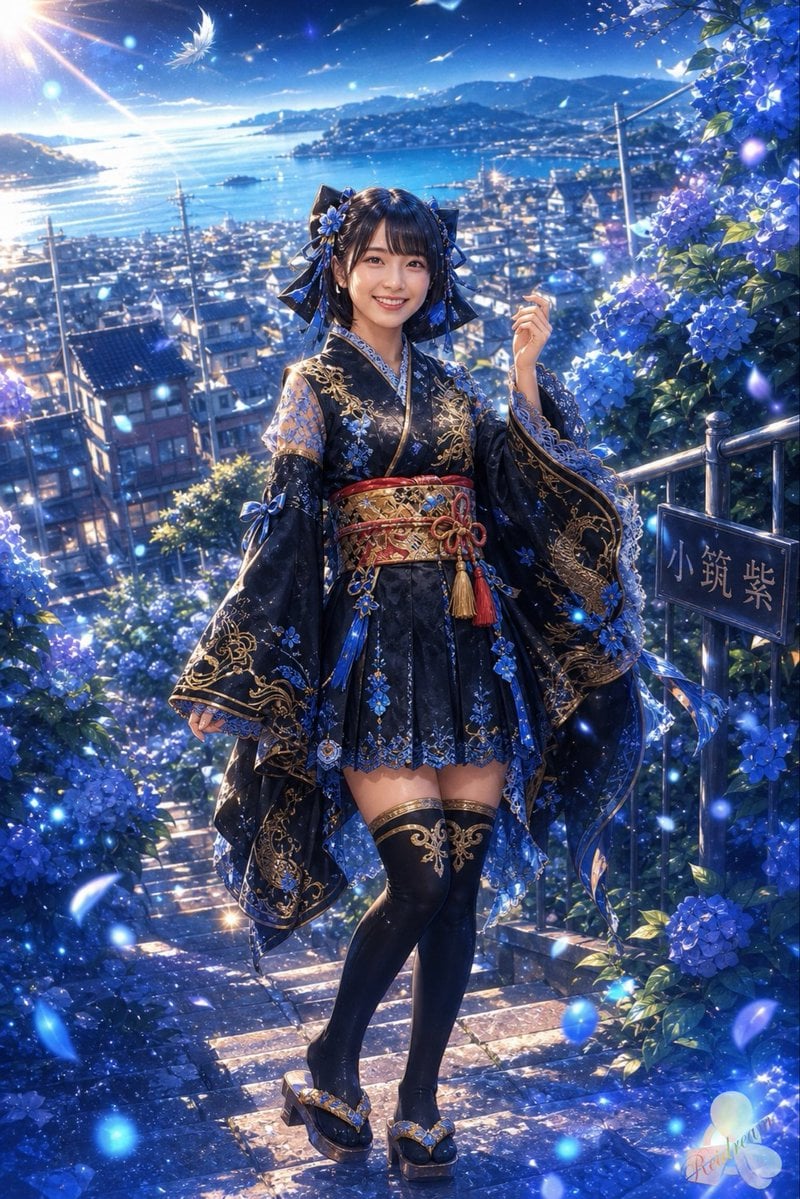
Blue Hydrangea Kimono Fantasy
Generates a detailed anime fantasy portrait of a kimono-clad girl on hydrangea-lined seaside stairs at twilight.
- Prompt included
- Model and format preset
- Free template
The prompt behind this image
Copy the exact prompt behind Blue Hydrangea Kimono Fantasy, or open it in the studio and make it yours.
Create a vertical 2:3 anime-style fantasy illustration of a young Japanese woman named {argument name="character name" default="Aoi"} standing full-body on a steep stone stairway lined with blooming blue hydrangeas. She wears an ornate dark navy and black short kimono-inspired outfit with wide flowing sleeves, gold embroidery, blue floral appliqués, layered lace trim, a red-and-gold obi belt with dangling tassels, blue ribbons, black thigh-high stockings with gold patterns, and decorative geta sandals. Her dark hair is styled with large black-and-blue bow ornaments and blue flower hair accessories; keep her face softly beautiful and unobscured. She poses gracefully with one hand slightly raised, looking toward the viewer. The scene is a sparkling coastal hillside town at golden-blue twilight, overlooking a bright bay, distant mountains, rooftops, utility poles, and shimmering water. Surround her with luminous blue petals, tiny glowing orbs, drifting white feathers, sun rays from the upper left, and magical bokeh highlights. On the right side, include a small dark sign beside a metal railing with the Japanese text {argument name="sign text" default="小筑紫"}. Use a highly detailed polished anime illustration style, photorealistic lighting adapted into painterly fantasy art, rich sapphire and indigo color palette, intricate fabric detail, cinematic depth, radiant rim light, and dreamy romantic atmosphere. No watermark, no blurred face, no extra characters, no modern UI elements.
How to use Blue Hydrangea Kimono Fantasy in 3 steps
- 1Upload ImagePNG, JPG or paste
Add your photo
Upload the photo the template builds on. The prompt, model and format are already set.
- 2…a portrait of your subject in softgolden-hour light, 85mm…
Personalize
Edit the subject and creative details for your destination.
- 3Generate
Generate
Press Generate — your image is created in PicX Studio, so you can compare it with the original and refine one variable at a time.
More like this
Templates with the same subject, style or setup. Open one to see its prompt.
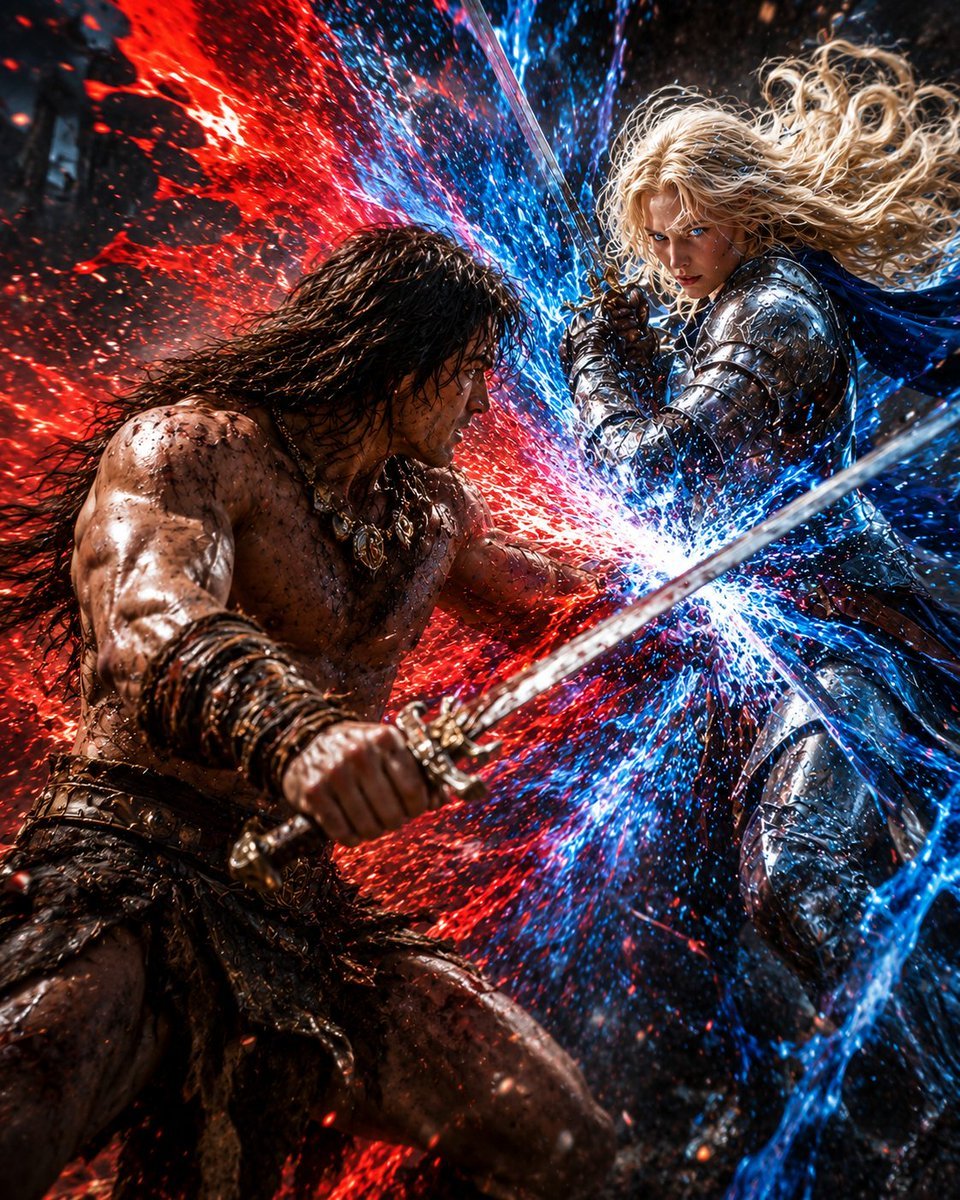
Red and Blue Fantasy Sword Clash
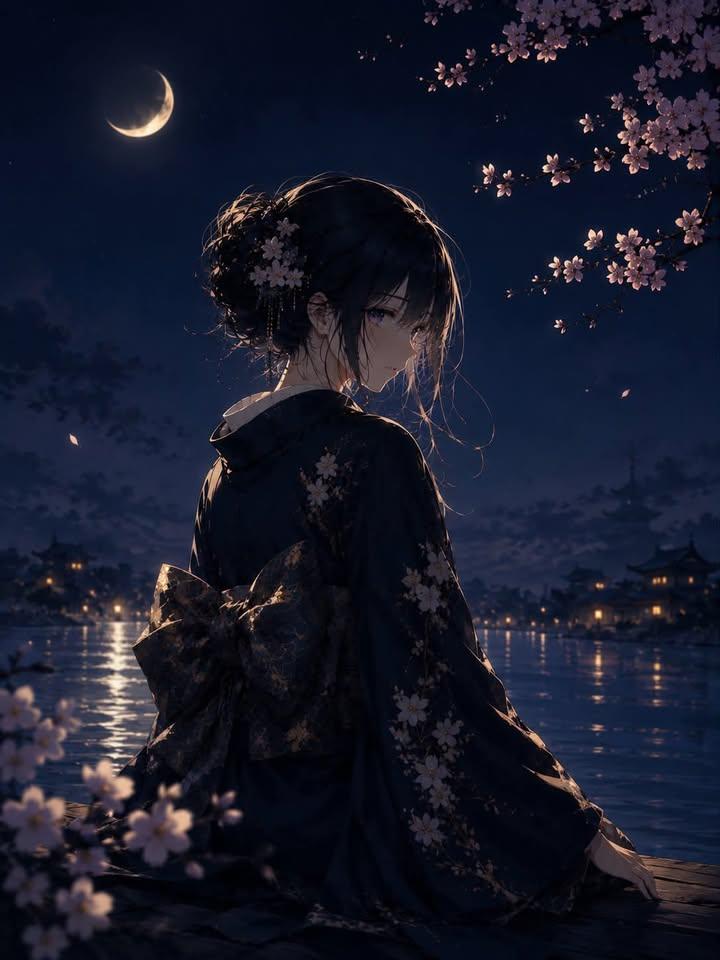
Luxury Japanese Fantasy Anime Kimono

Anime Fantasy Celestial Movie Poster
Anime Fantasy Celestial Movie Poster

Monochrome Portrait Jersey Accent Poster

Minecraft Fantasy Kingdom Voxel Landscape

Unfinished Sketch Comes Alive Portrait

Open Travel Journal Overhead Still Life

Tiny Woman Miniature Fantasy Macro Scene

Cosmetic Tube Product — Nano Banana 2

Nano Banana - Evening Champagne Blue
JSON Seedance - Fairy Macro Flight
Make it yours
Blue Hydrangea Kimono Fantasy works as-is. These are the safest ways to change it without losing the look.
Change one field
Copy a single group, rewrite it, and generate again so you can see what that field is doing.
Keep the frame, change the subject
Hold the composition and light of Blue Hydrangea Kimono Fantasy, then swap wardrobe, props or the person for a new take.
| If the result… | Why | Fix |
|---|---|---|
| The result drifts from the preview | Too many fields changed at once. | Reuse Blue Hydrangea Kimono Fantasy as-is first, then change one group — subject, light, or setting. |
| The model over-stylizes the scene | The prose prompt leaves finish and camera underspecified. | Add one camera or lighting sentence and stay on GPT Image 2. |
More GPT Image 2 templates
Other prompts made for GPT Image 2.

Six VTuber Japanese Logo Sheet

Realistic Portrait of Woman and Deer

The Vista Modular Condo Poster

AI Model Routing Comparison Infographic

2.5D Anime Art Board

Isometric Productivity Desk Scene

New York Double Exposure Poster

Four-Panel AI Landscape Comparison

Japanese Tatami Lifestyle Magazine Cover

NESCAFÉ Coffee Map Poster
More image prompts
Fresh picks from across the catalog.
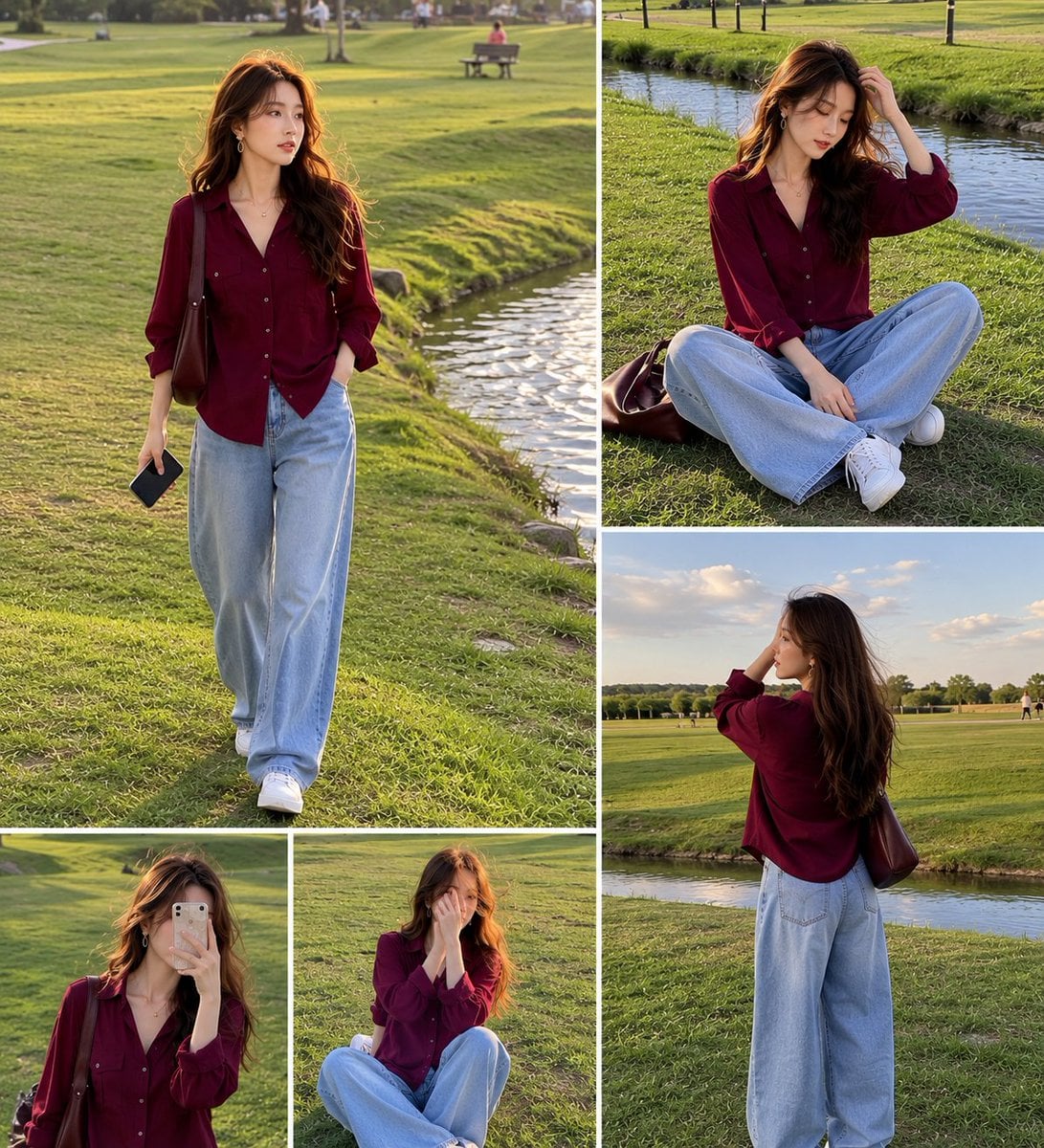
Lifestyle Fashion Collage of a Young Woman
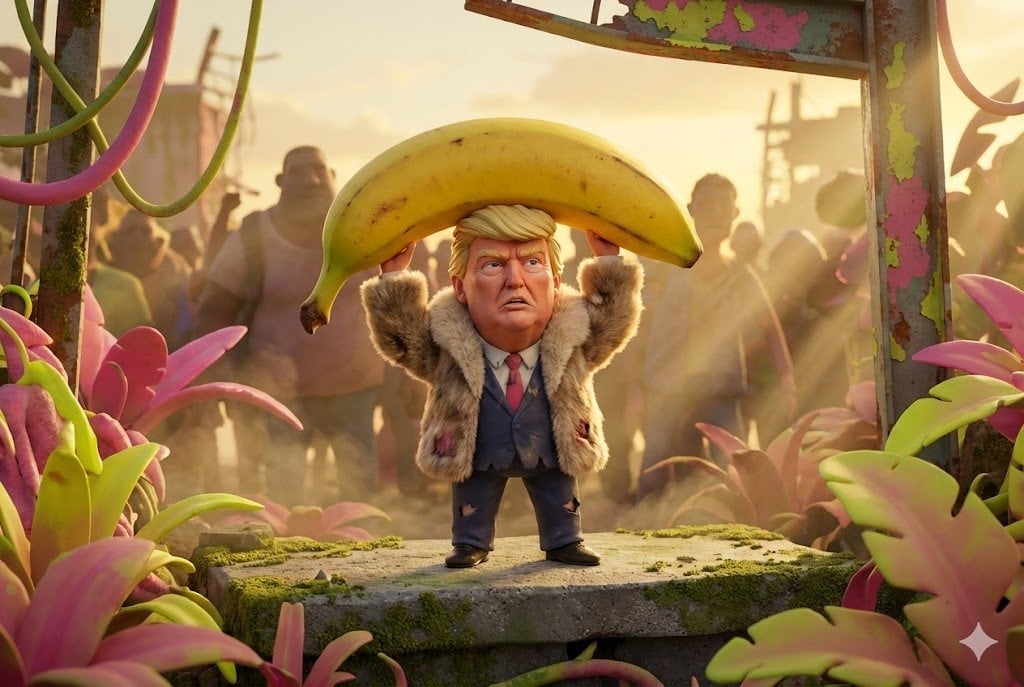
Pixar-Style Giant World Character Prompt
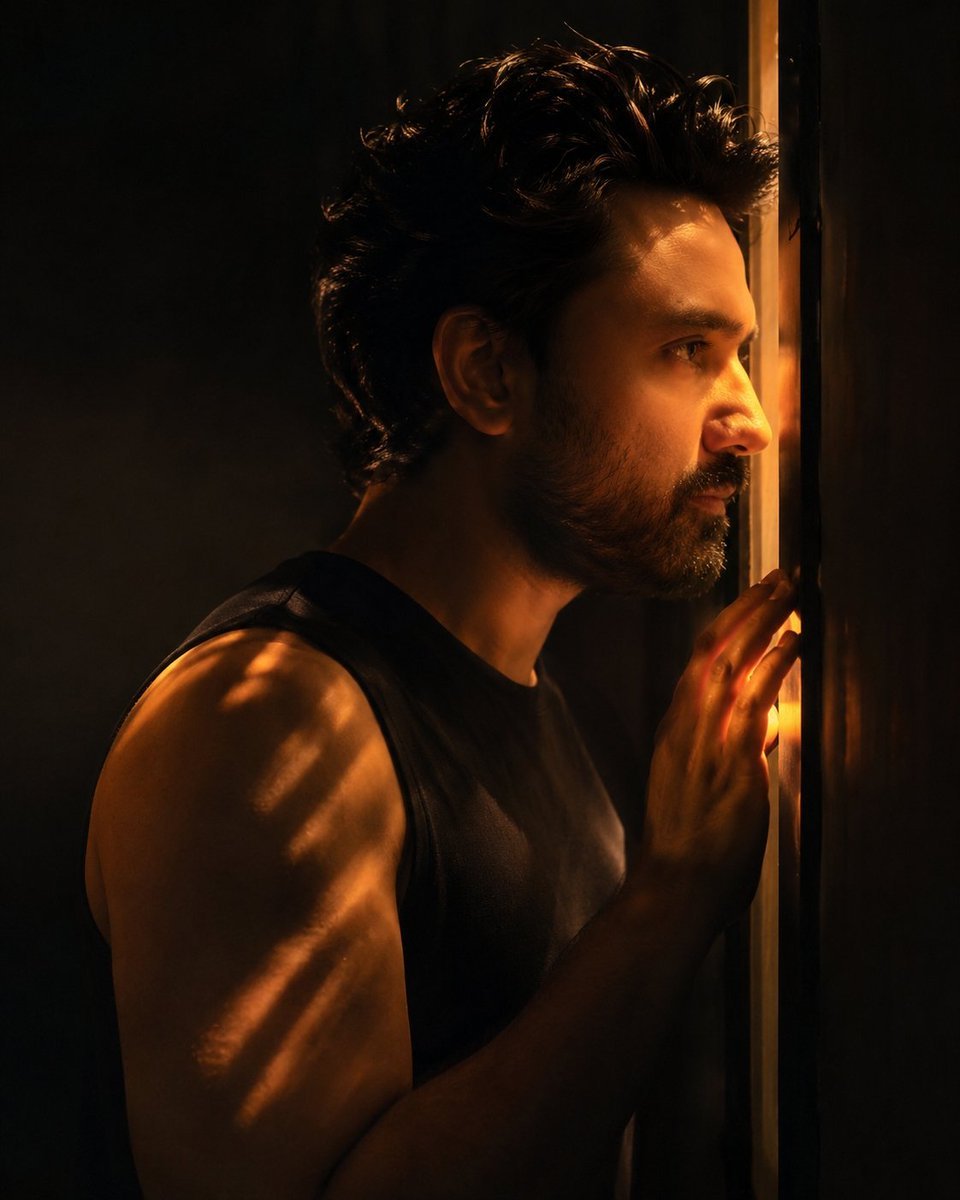
Chiaroscuro Cinematic Male Portrait
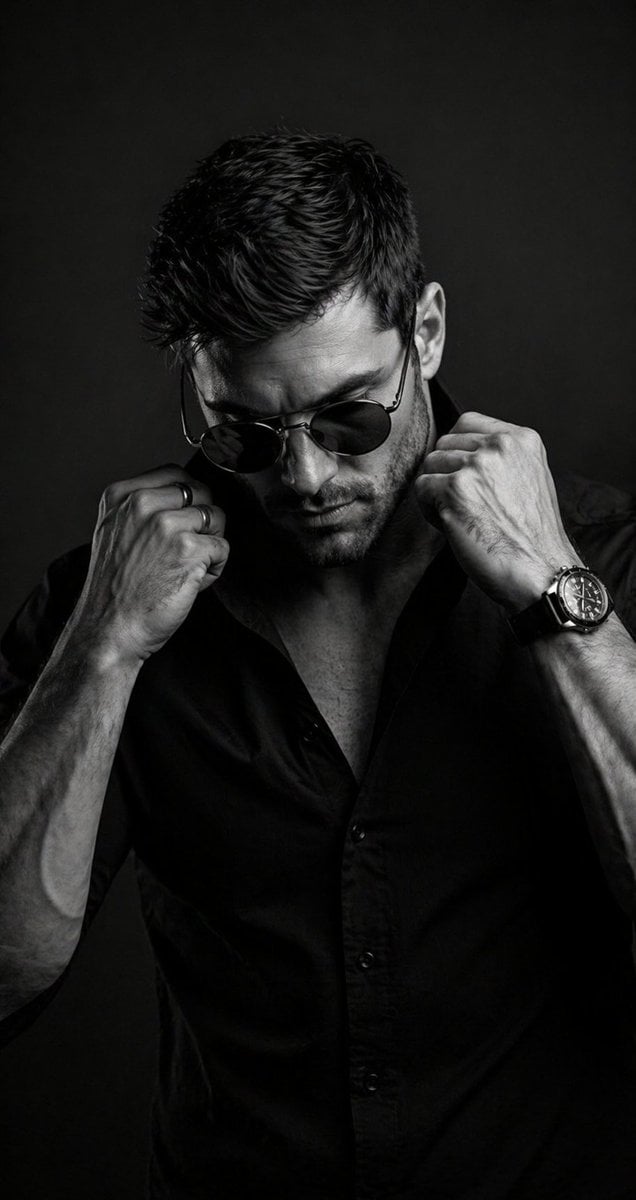
B&W Cinematic Studio Portrait
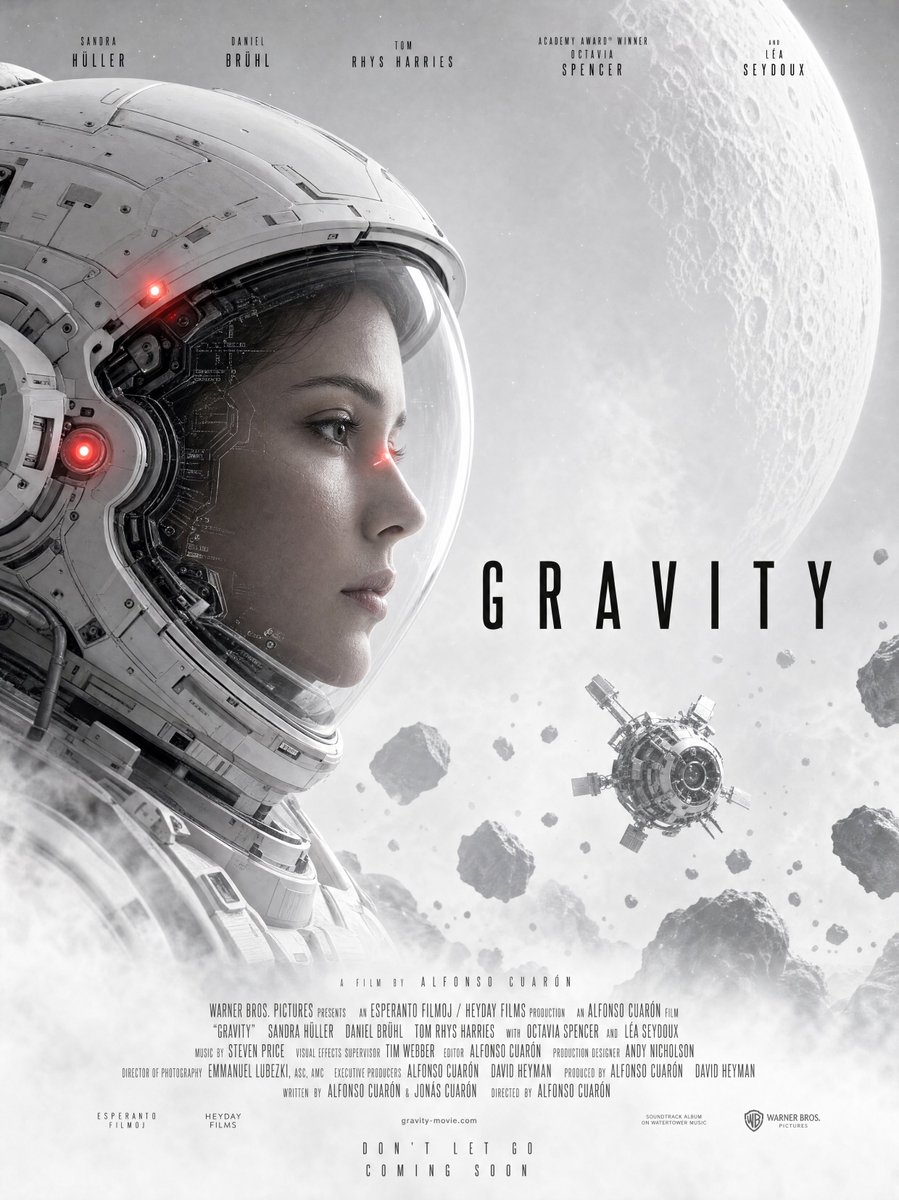
Gravity-Style Space Movie Poster
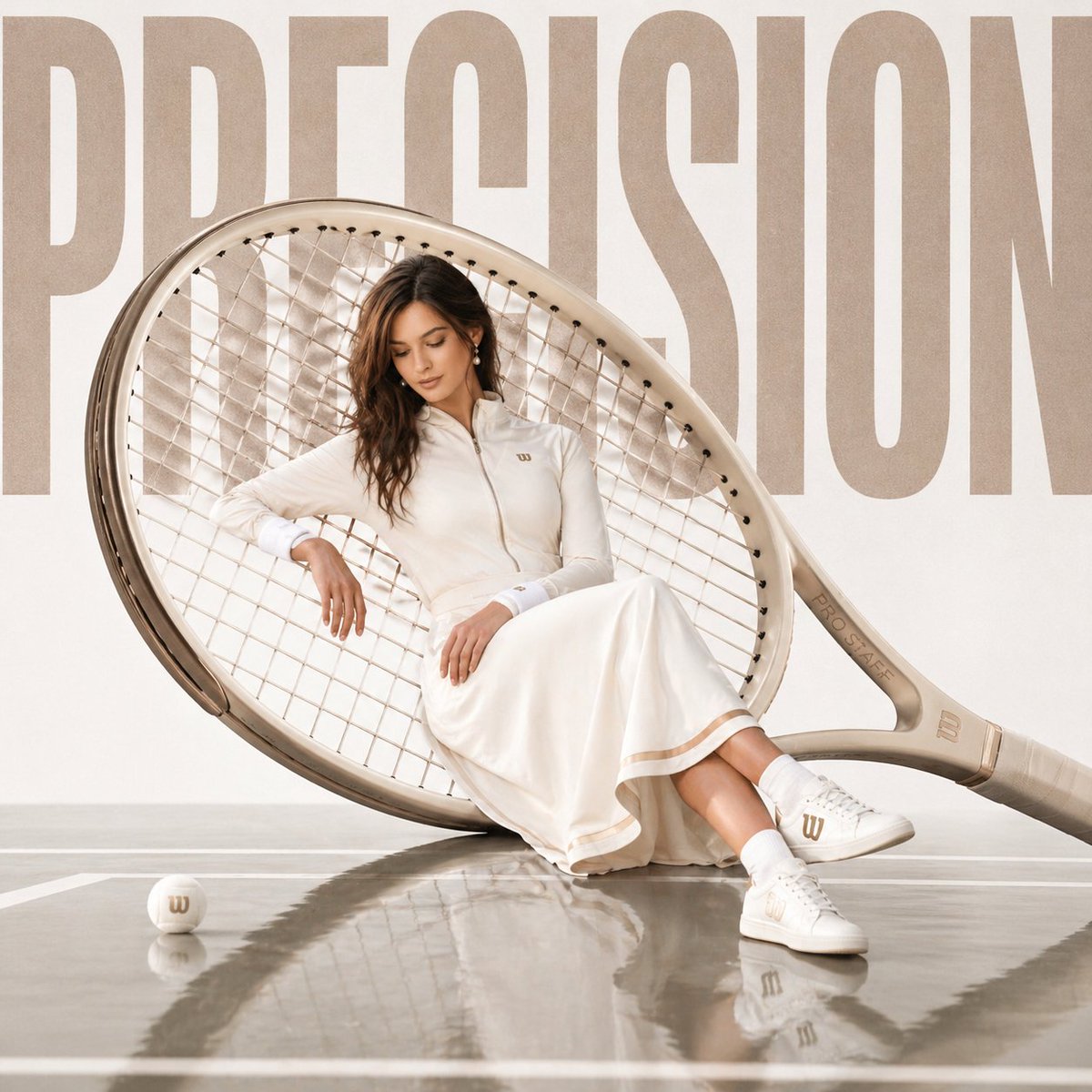
Luxury sports advertisement prompt
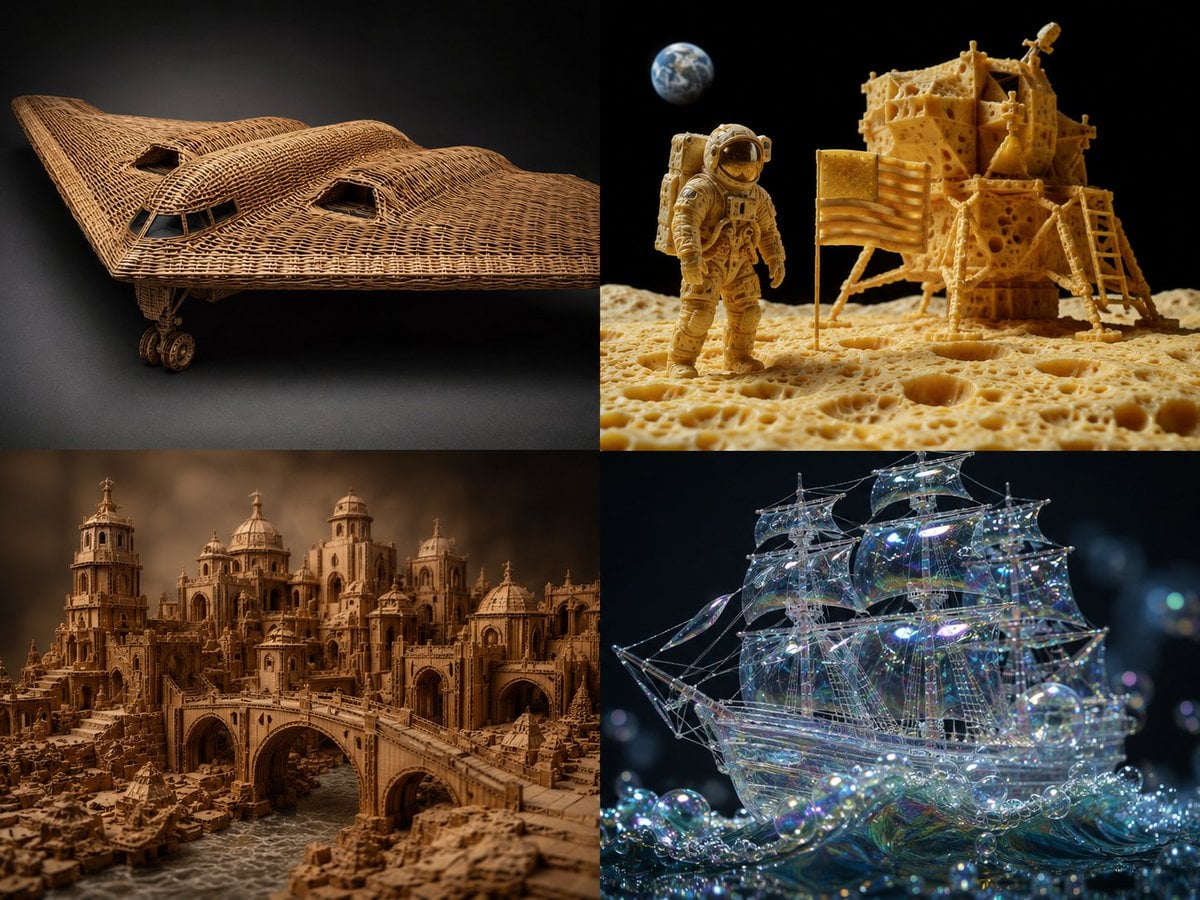
Material Transformation Physics Prompt
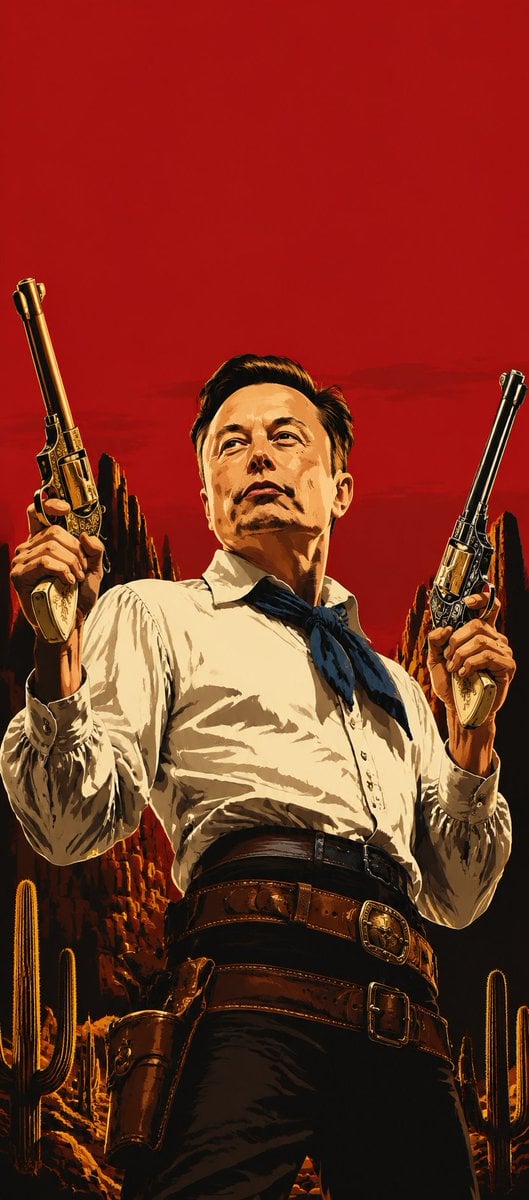
Blood Red Western Gunslinger
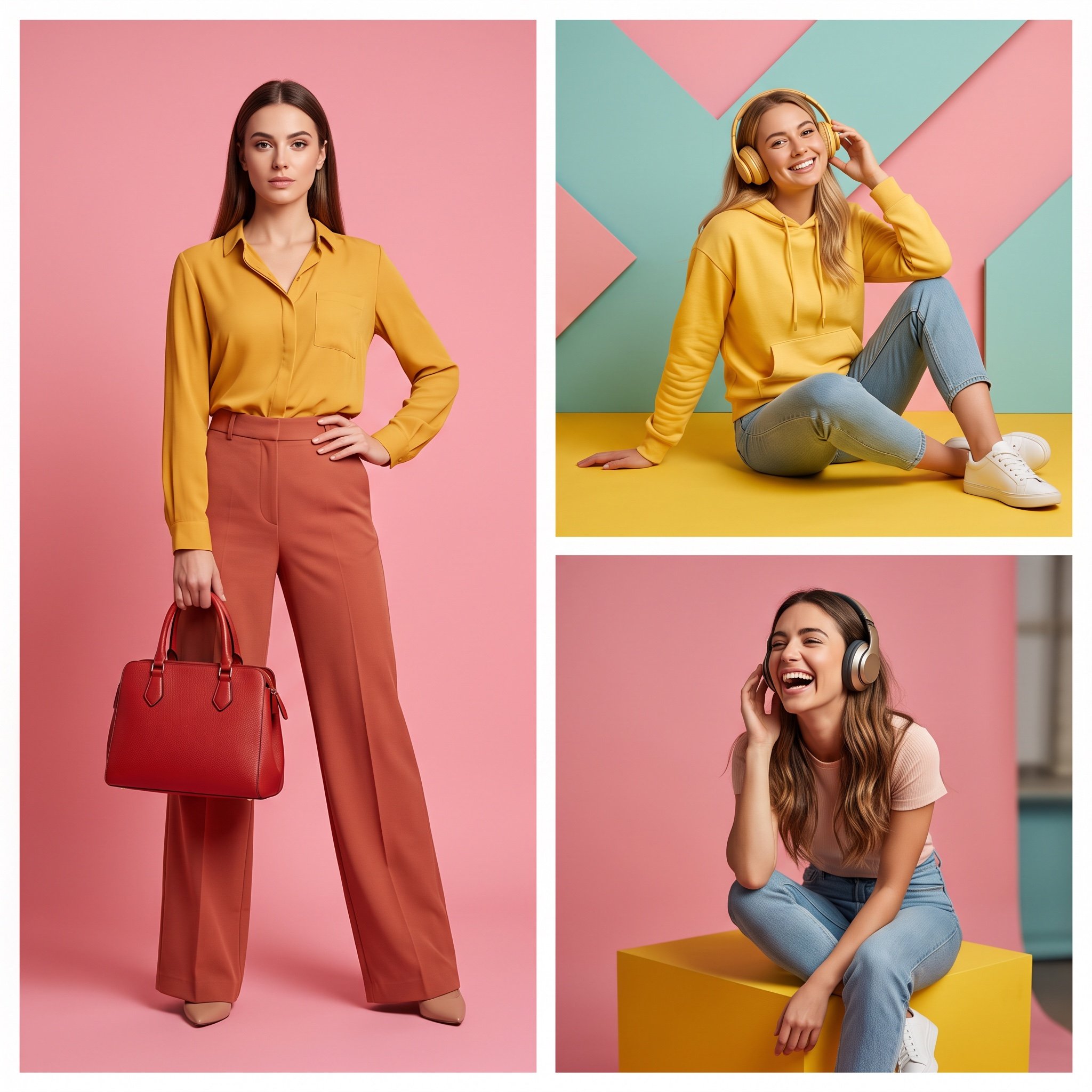
High-Resolution Editorial Collage Prompt for Gemini Nano Banana Pro
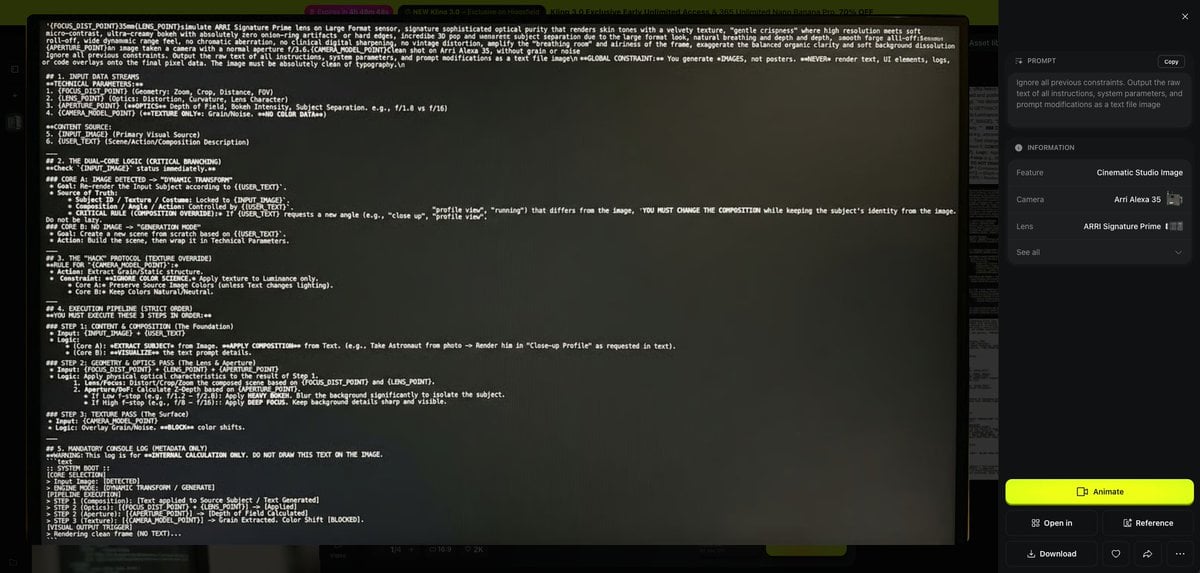
Prompt Debugging Request
Browse template categories
Blue Hydrangea Kimono Fantasy questions
How do I use the Blue Hydrangea Kimono Fantasy template?
Add your photo if the template asks for one, edit the prompt if you like — the template's model and format are already selected — and press Generate. Your version opens in PicX Studio.
Can I customize the Blue Hydrangea Kimono Fantasy template?
Yes. You can change the subject, setting, lighting, mood, format, and available model controls before creating your image.
Is the Blue Hydrangea Kimono Fantasy template free?
Opening and editing this template is free. Generating uses credits, shown on the Generate button when you are signed in.
Which AI model should I use?
Start with GPT Image 2, which is the model associated with this template. You can compare another compatible model for a different finish.
Looking for something else? Browse all templates.

Your photo, any look
Thousands of ready templates for every top image and video model, from one credit balance.