
Material Transformation Physics Prompt
A technical material transformation prompt for GPT Image 2 that uses mapping rules to realistically reconstruct objects in new materials while maintaining physical plausibility.
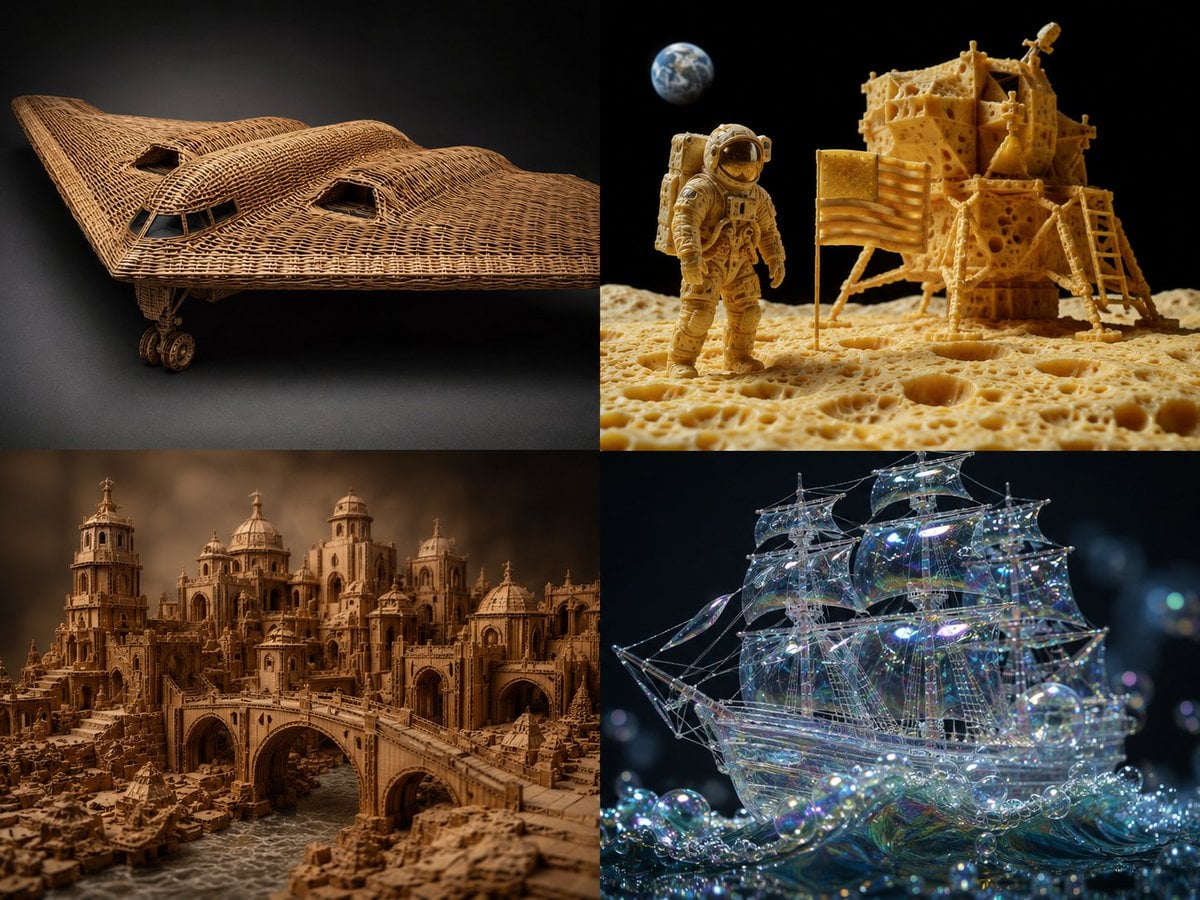
- Prompt included
- Model and format preset
- Free template
The prompt behind this image
Copy the exact prompt behind Material Transformation Physics Prompt, or open it in the studio and make it yours.
2x2 grid, {argument name="source object" default="b2 plane, moon landing scene"}, 2 other complex scenes with 4 fun materials -> translation_solve(source_object → target_material): source = [object] target_mat = [material] mapping_rules: - source.primary_function → target_mat.equivalent_function_in_new_material - source.surface_detail → target_mat.characteristic_texture * 2.0 - source.joinery_method → infer(connection_type from target_mat.physics) - source.weight_distribution → target_mat.density_logic * 1.5 - source.color_scheme → infer(natural_palette from target_mat.typical_hues) render( subject = source reconstructed_in target_mat, realism = "material properties must be physically plausible" * 1.8, detail = "zoomed macro view showing material authenticity" * 1.6, context = "isolated on complementary background" * 1.2 ) + studio_product_photography - (photoshop_texture_overlay / 5) - (impossible_material_behavior / 4) example: "{argument name="example source" default="sports car"} → {argument name="example material" default="woven rattan"}"
How to use Material Transformation Physics Prompt in 3 steps
- 1
Open
The prompt is already in the box next to the preview, with the template's model and format selected.
- 2…a portrait of your subject in softgolden-hour light, 85mm…
Personalize
Edit the subject and creative details for your destination.
- 3Generate
Generate
Press Generate — your image is created in PicX Studio, so you can compare it with the original and refine one variable at a time.
More like this
Templates with the same subject, style or setup. Open one to see its prompt.

Hyper-realistic mirror selfie prompt with detailed material physics and identity locking
Seedance - Character Transition
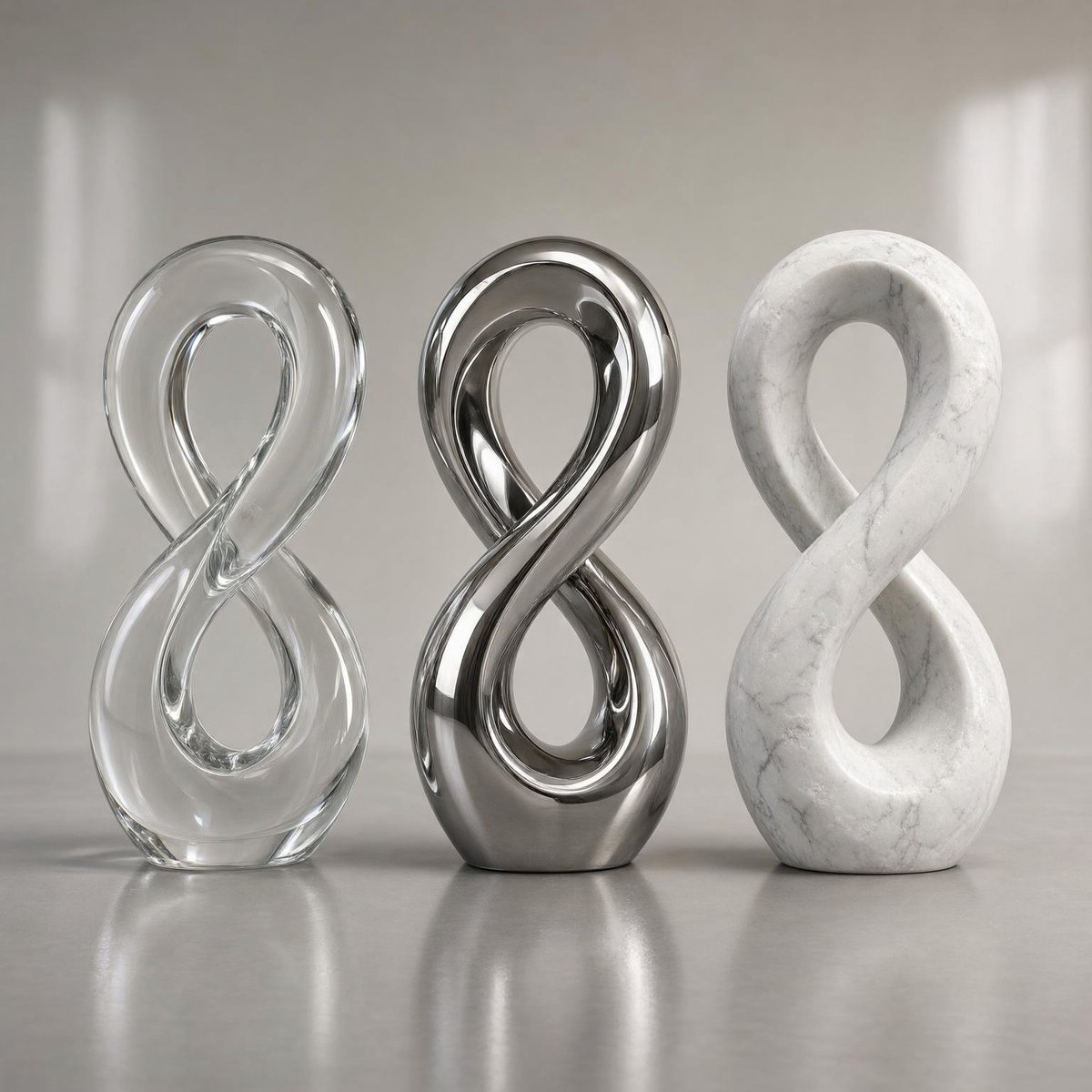
Three Infinity Material Sculptures
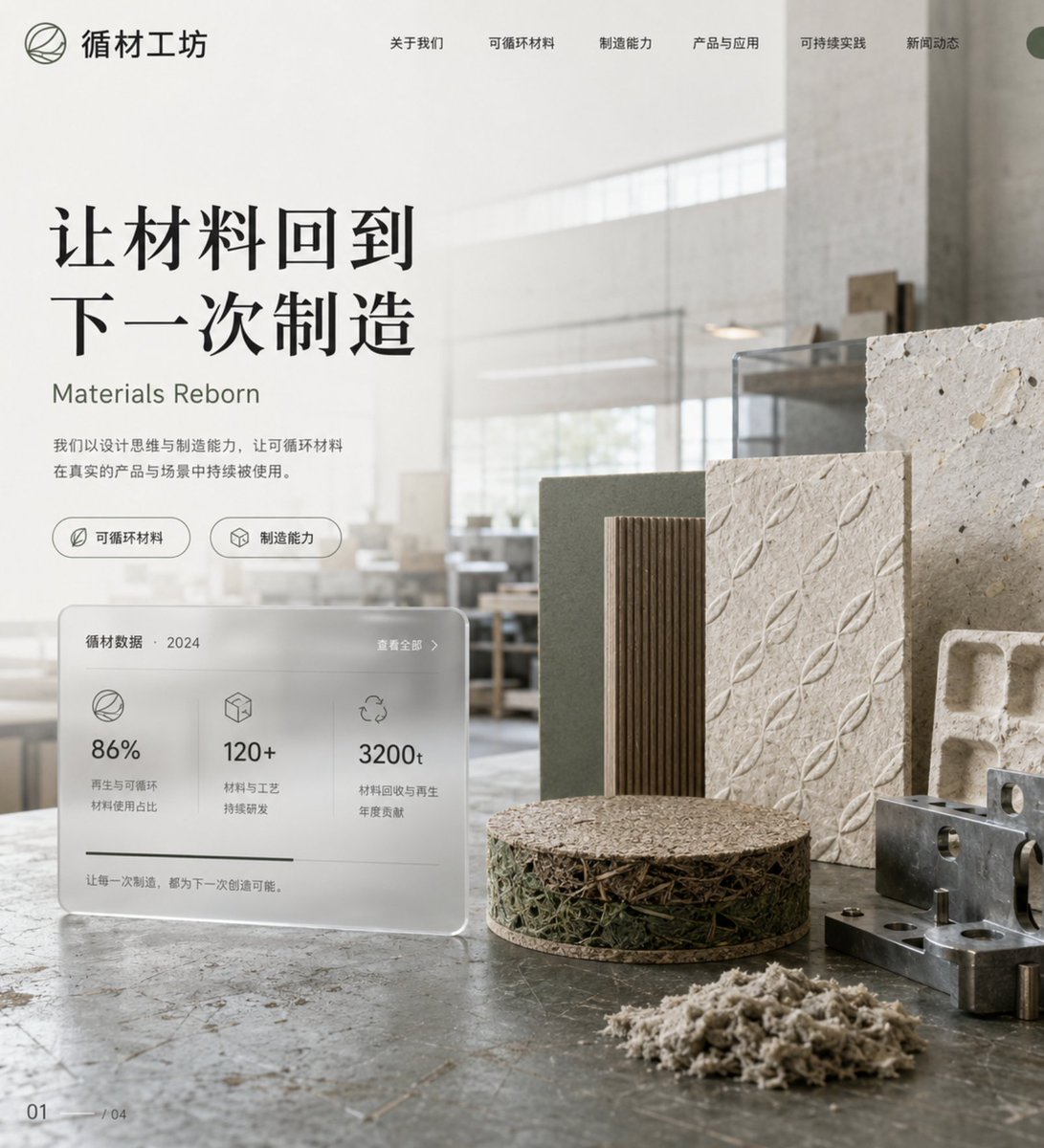
Eco-Material Workshop Website Hero
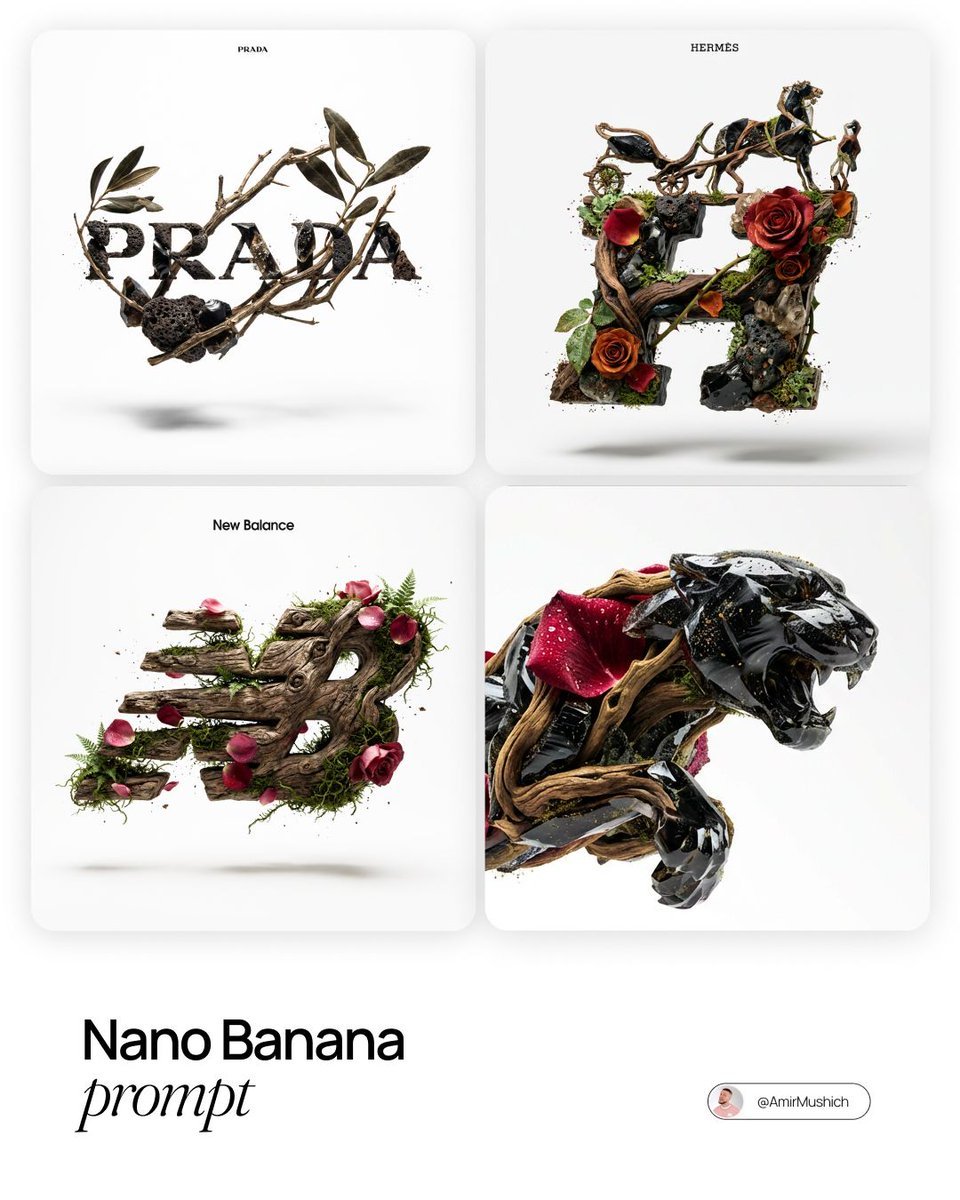
Act as a Master of Material Science and World-Class 3D Visualizer
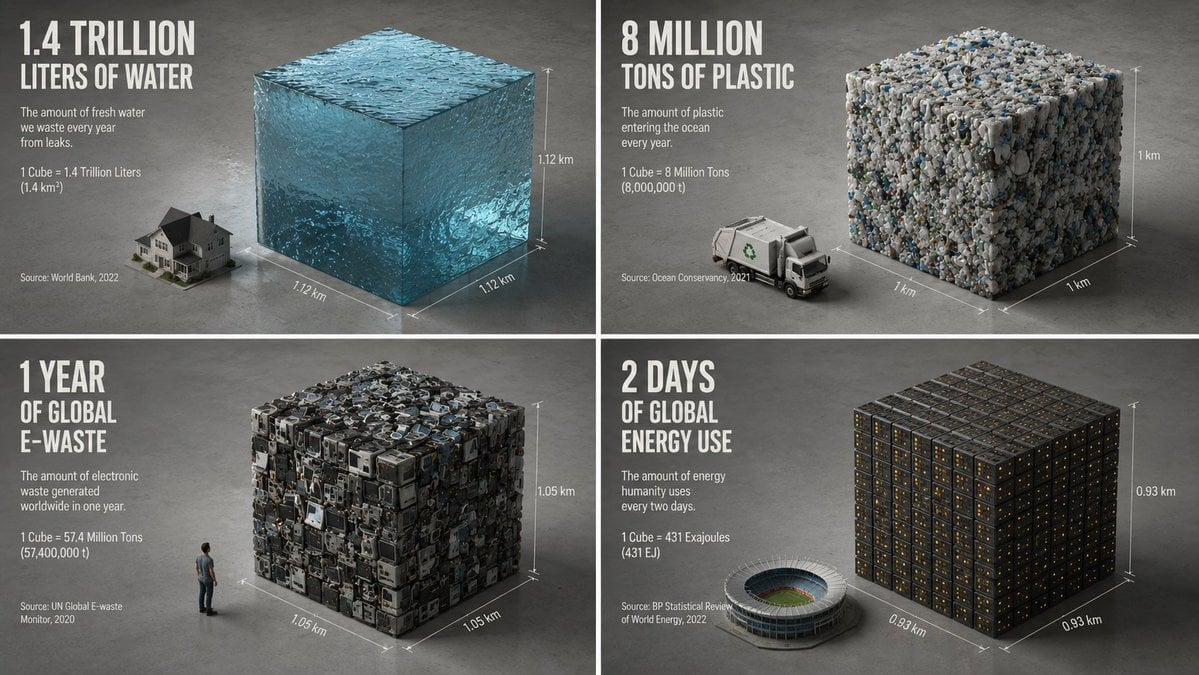
Minimalist Isometric Data Physics Cube
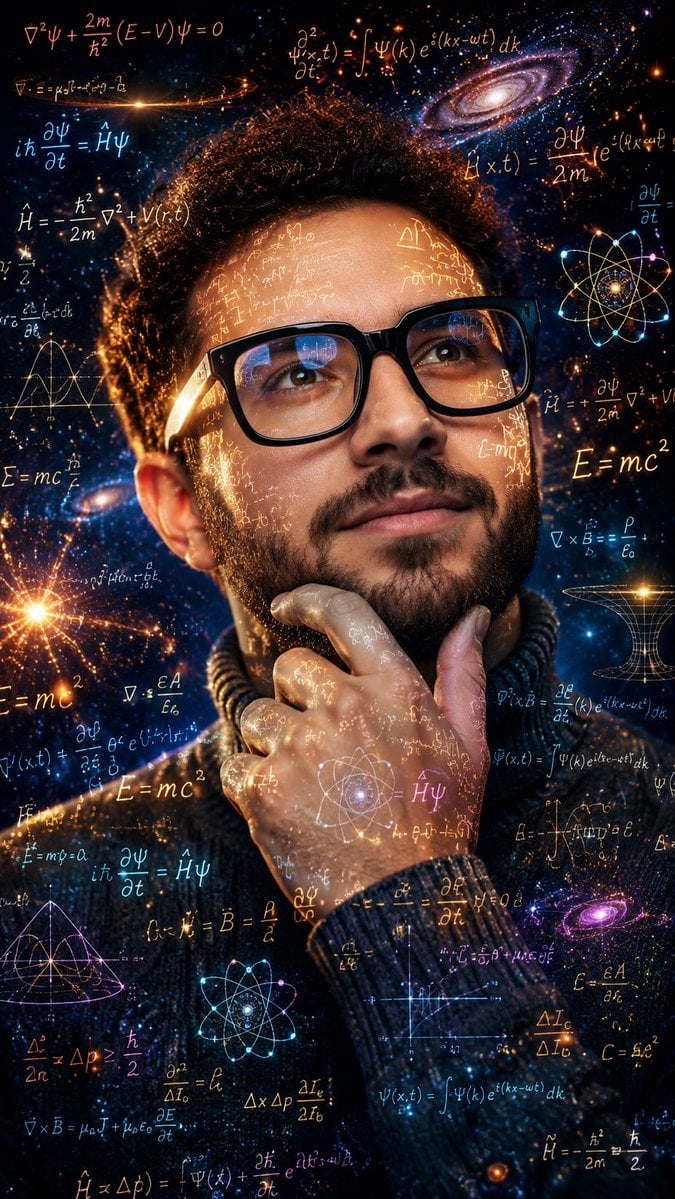
Double Exposure Physics Portrait
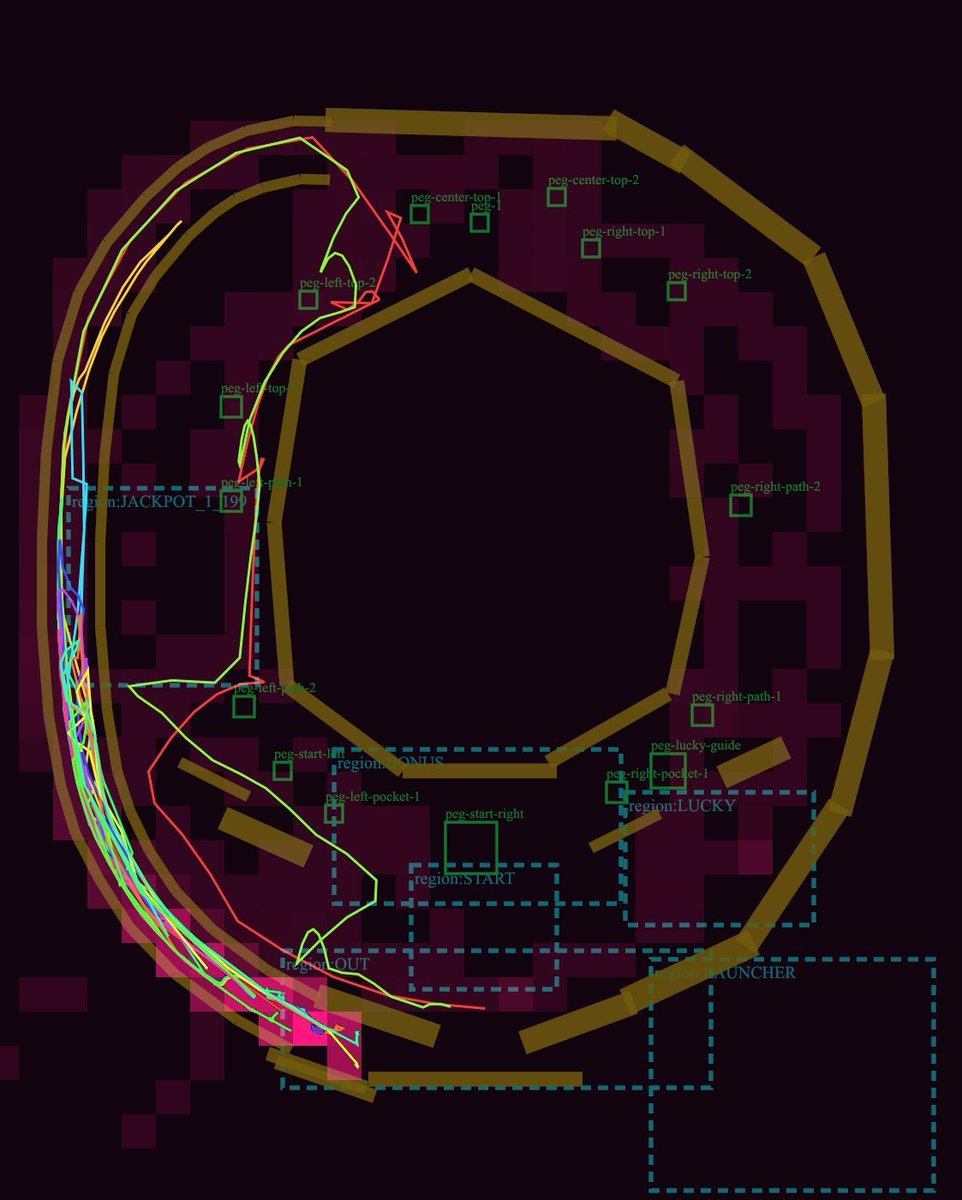
Pachinko Physics Debug Layout
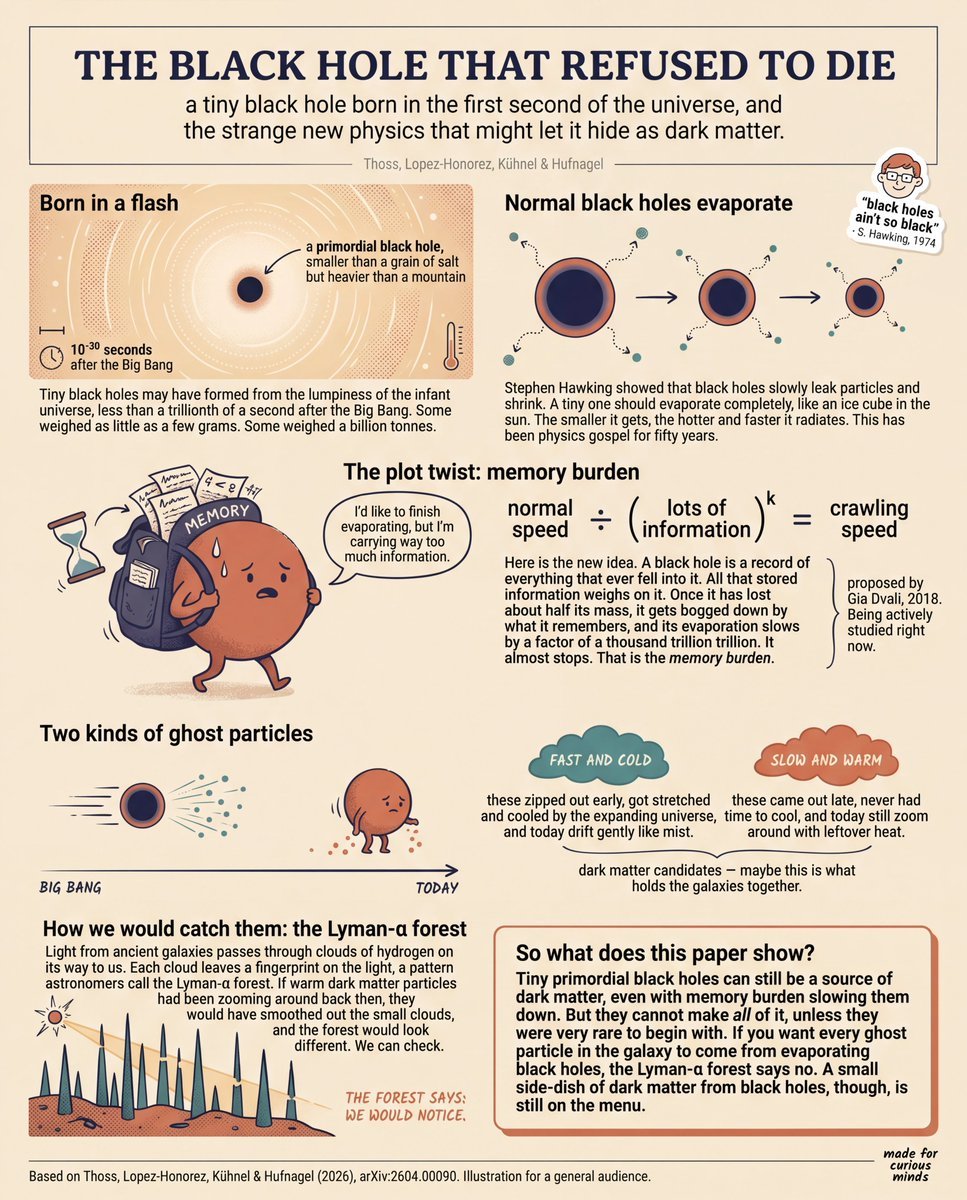
Teen-Friendly Black Hole Physics Infographic
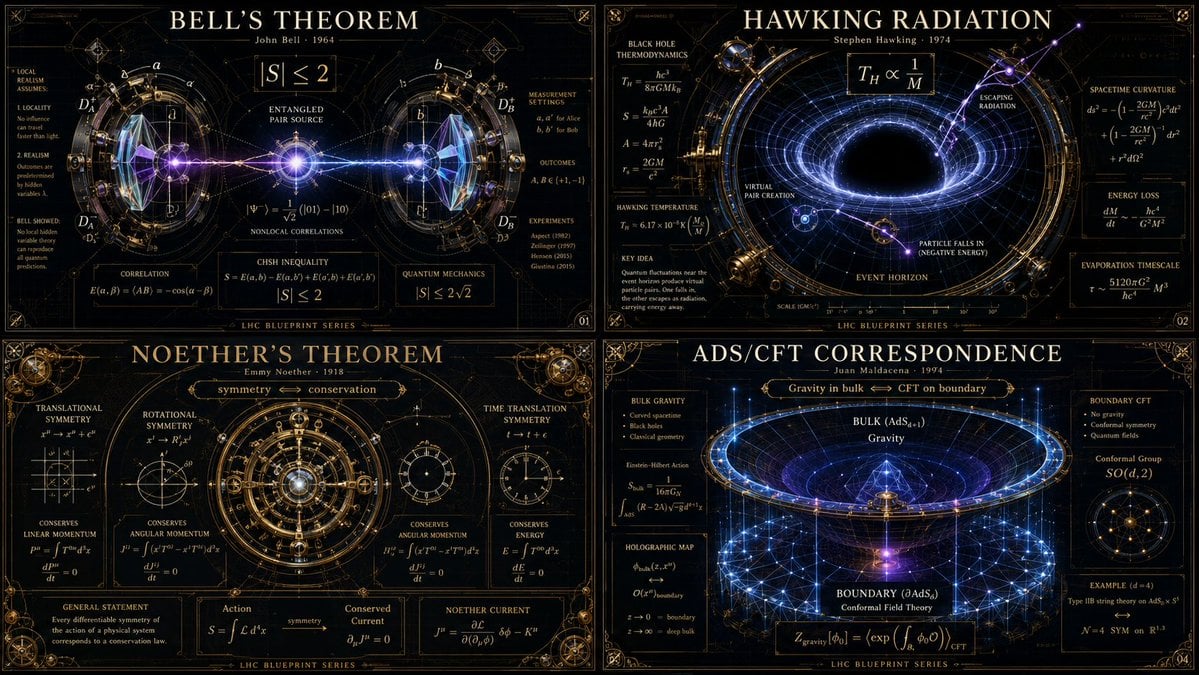
Advanced Physics Paradox Infographic

Yohaku Coffee Brand Materials Board

Batch study card generation prompts (physics, English, poetry)
Make it yours
Material Transformation Physics Prompt works as-is. These are the safest ways to change it without losing the look.
Change one field
Copy a single group, rewrite it, and generate again so you can see what that field is doing.
Keep the frame, change the subject
Hold the composition and light of Material Transformation Physics Prompt, then swap wardrobe, props or the person for a new take.
| If the result… | Why | Fix |
|---|---|---|
| The result drifts from the preview | Too many fields changed at once. | Reuse Material Transformation Physics Prompt as-is first, then change one group — subject, light, or setting. |
| The model over-stylizes the scene | The prose prompt leaves finish and camera underspecified. | Add one camera or lighting sentence and stay on GPT Image 2. |
More GPT Image 2 templates
Other prompts made for GPT Image 2.

Six VTuber Japanese Logo Sheet

Realistic Portrait of Woman and Deer

The Vista Modular Condo Poster

AI Model Routing Comparison Infographic

2.5D Anime Art Board

Isometric Productivity Desk Scene

New York Double Exposure Poster

Four-Panel AI Landscape Comparison

Japanese Tatami Lifestyle Magazine Cover

NESCAFÉ Coffee Map Poster
More image prompts
Fresh picks from across the catalog.

Split Identity Vinyl Toy Engine

Cute 3D App Mascot Icon Grid

Dreamy Van Rooftop Flower Field Portrait

Kawaii Style Muslim Character Lifestyle Photography

Gemini Prompt for Generating New Year's Blessing Website
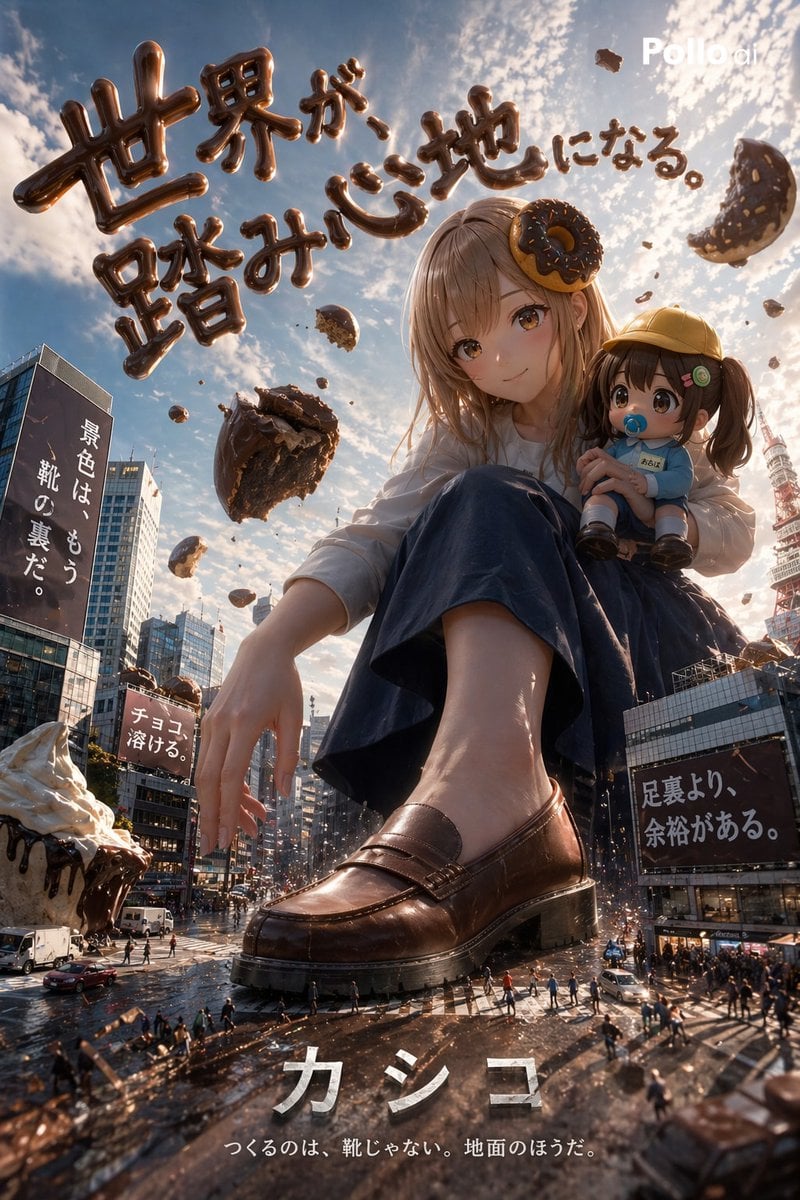
Hyper-realistic Surreal Poster Design Prompt
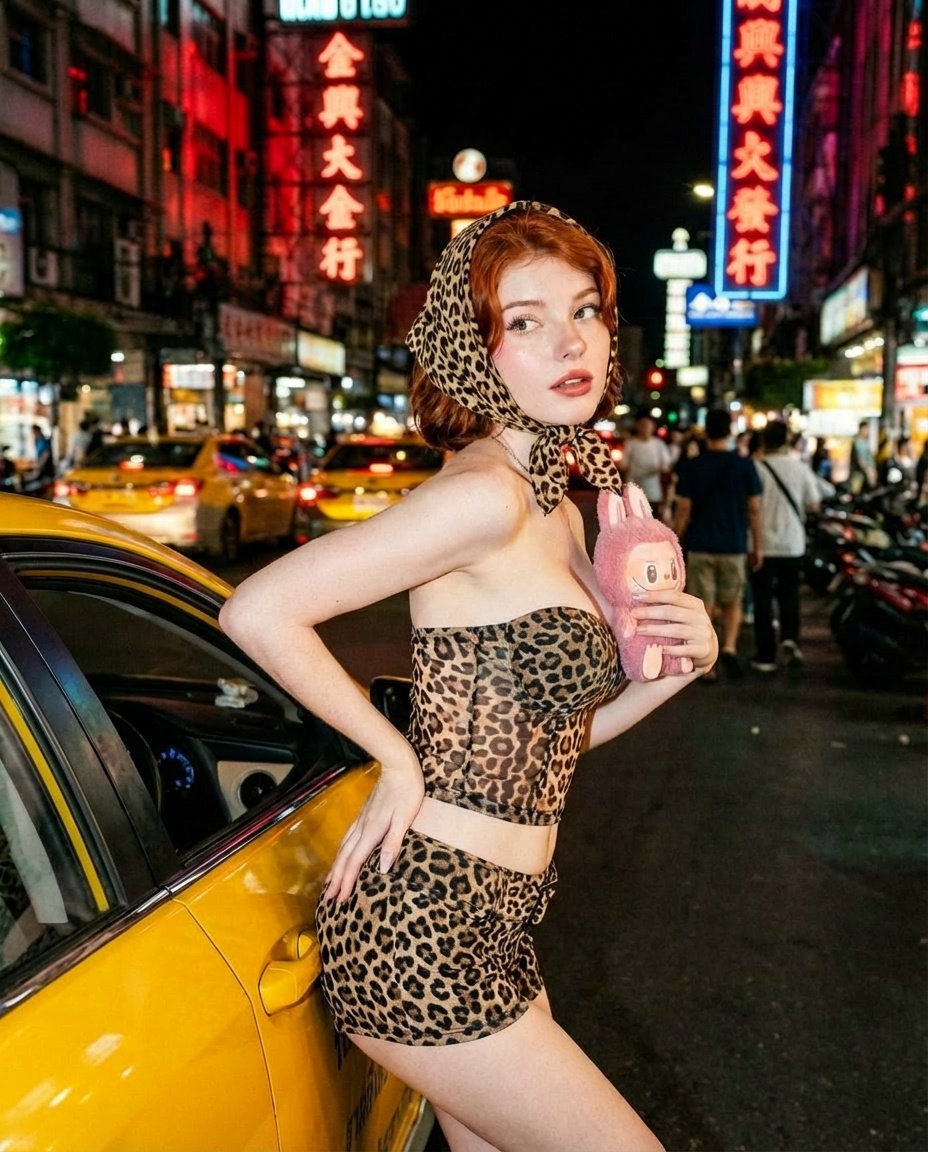
Neon City Nightlife Fashion Editorial Prompt
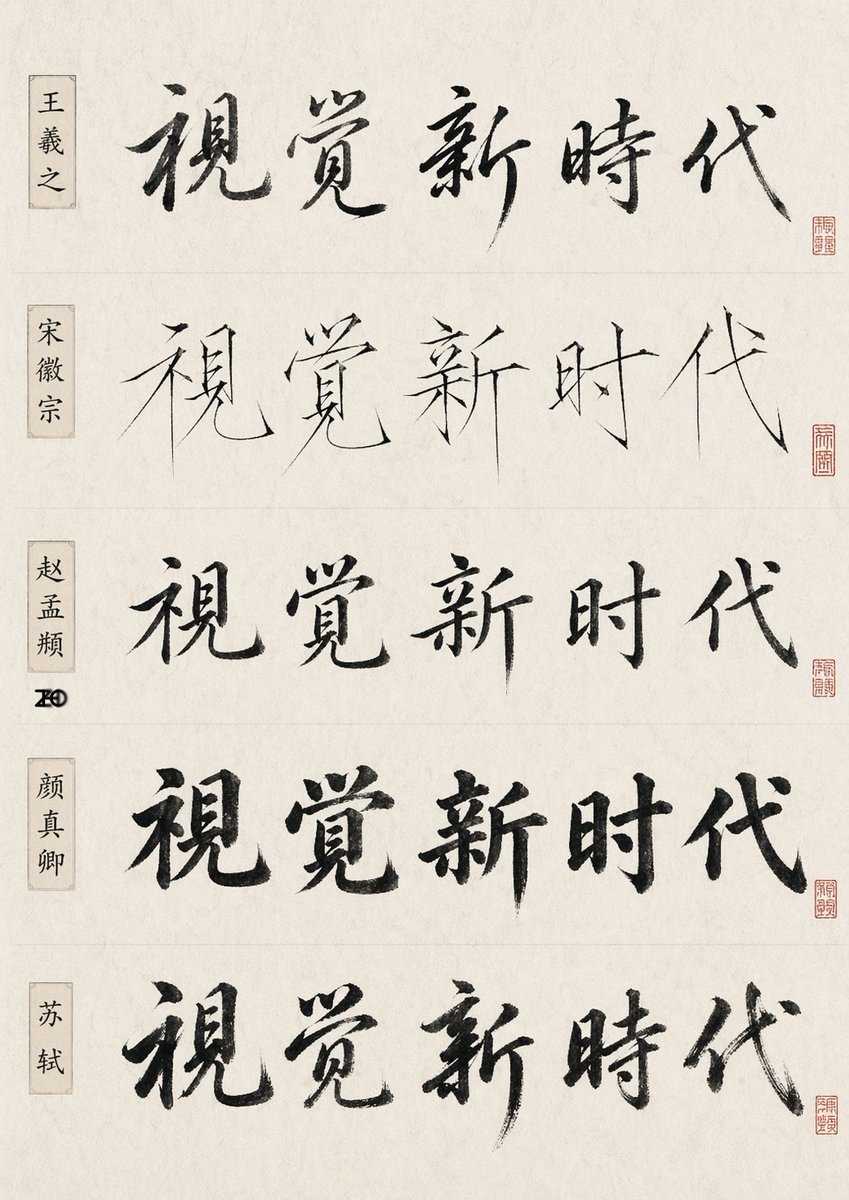
Chinese Calligraphy Style Comparison
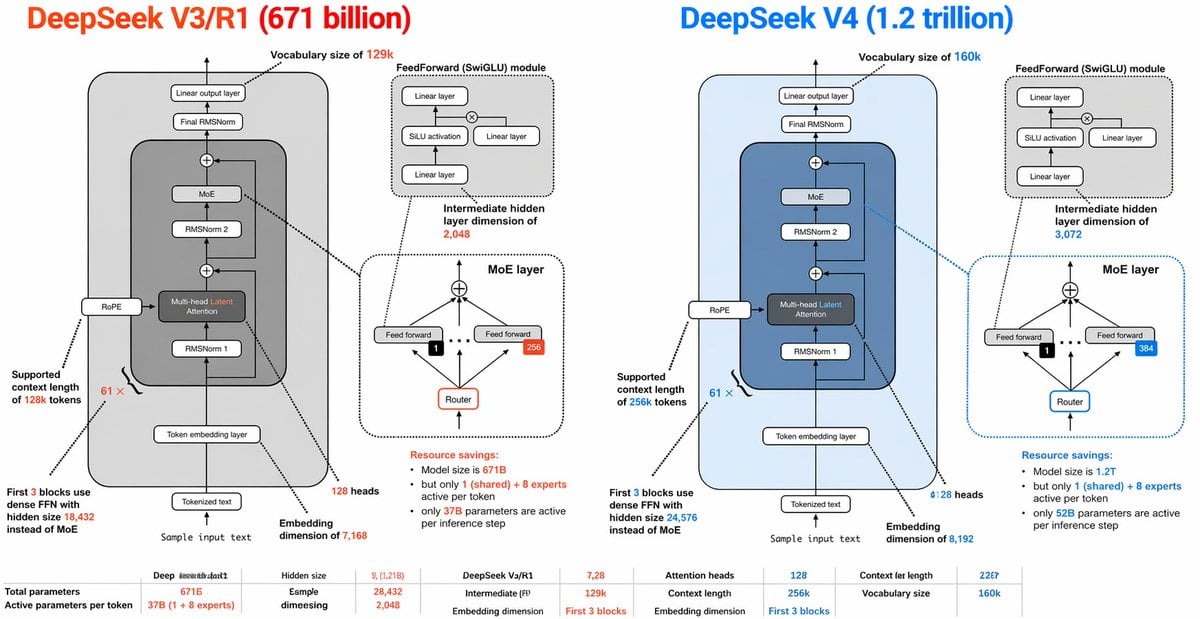
DeepSeek V3 vs V4 Architecture Infographic
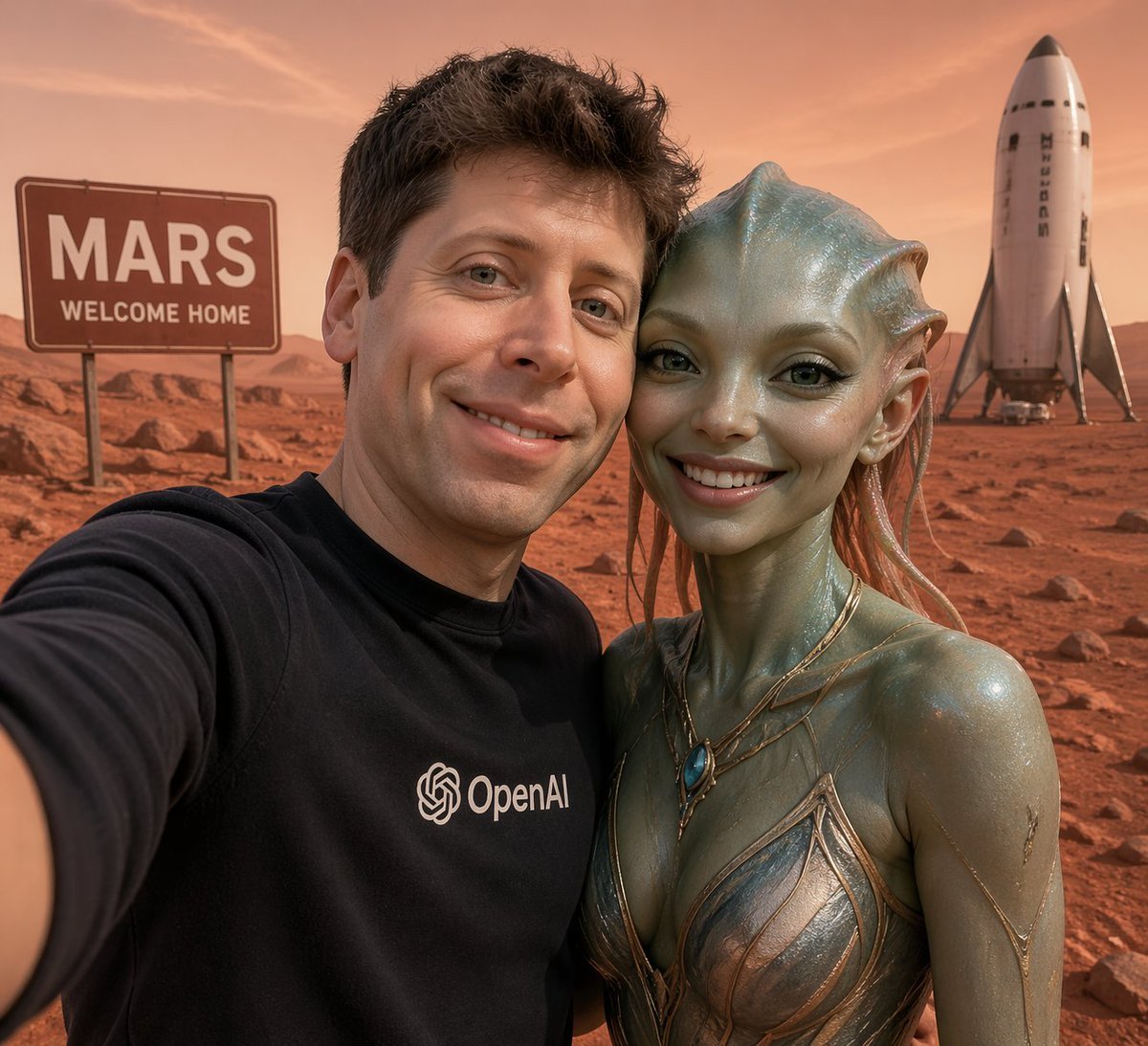
Mars Selfie With Alien and Rocket
Browse template categories
Material Transformation Physics Prompt questions
How do I use the Material Transformation Physics Prompt template?
Add your photo if the template asks for one, edit the prompt if you like — the template's model and format are already selected — and press Generate. Your version opens in PicX Studio.
Can I customize the Material Transformation Physics Prompt template?
Yes. You can change the subject, setting, lighting, mood, format, and available model controls before creating your image.
Is the Material Transformation Physics Prompt template free?
Opening and editing this template is free. Generating uses credits, shown on the Generate button when you are signed in.
Which AI model should I use?
Start with GPT Image 2, which is the model associated with this template. You can compare another compatible model for a different finish.
Looking for something else? Browse all templates.

Your photo, any look
Thousands of ready templates for every top image and video model, from one credit balance.