
Hyper-realistic Surreal Poster Design Prompt
A detailed prompt for creating a cinematic, photorealistic poster that blends reality with surreal concepts, featuring deep customization for branding and visual elements.
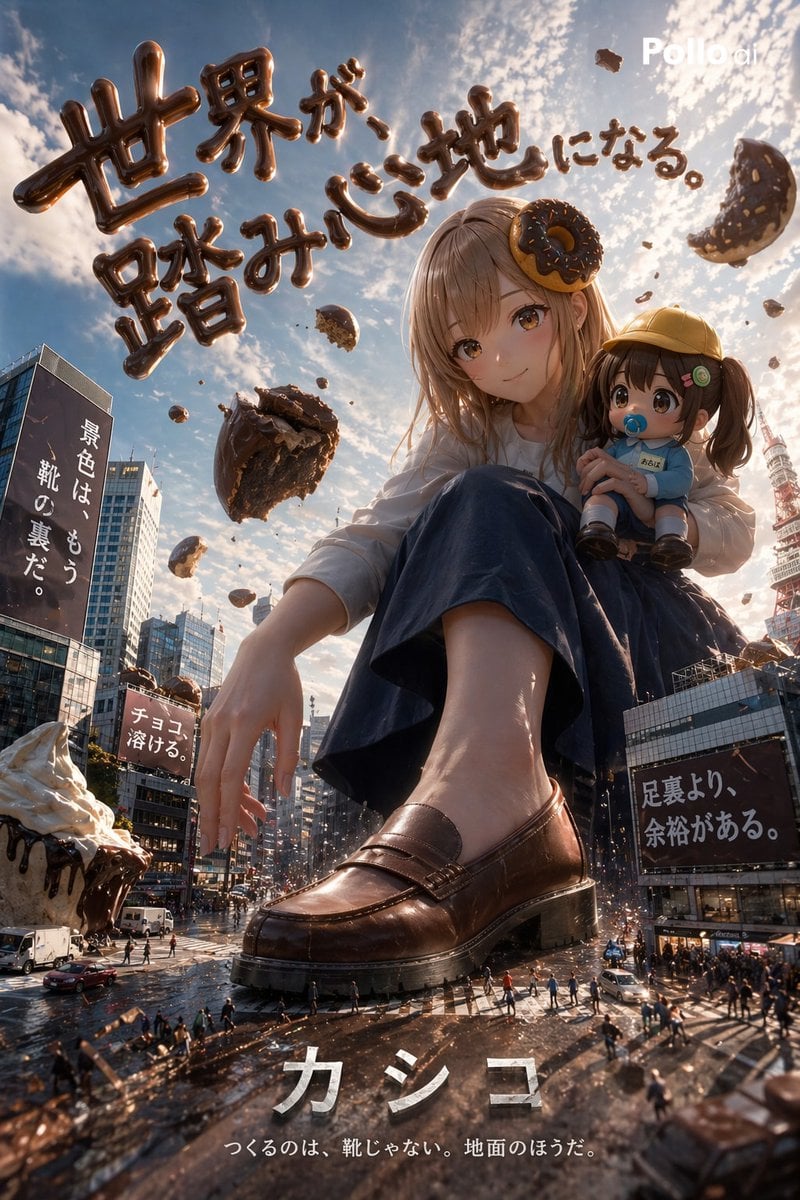
- Prompt included
- Model and format preset
- Free template
The prompt behind this image
Copy the exact prompt behind Hyper-realistic Surreal Poster Design Prompt, or open it in the studio and make it yours.
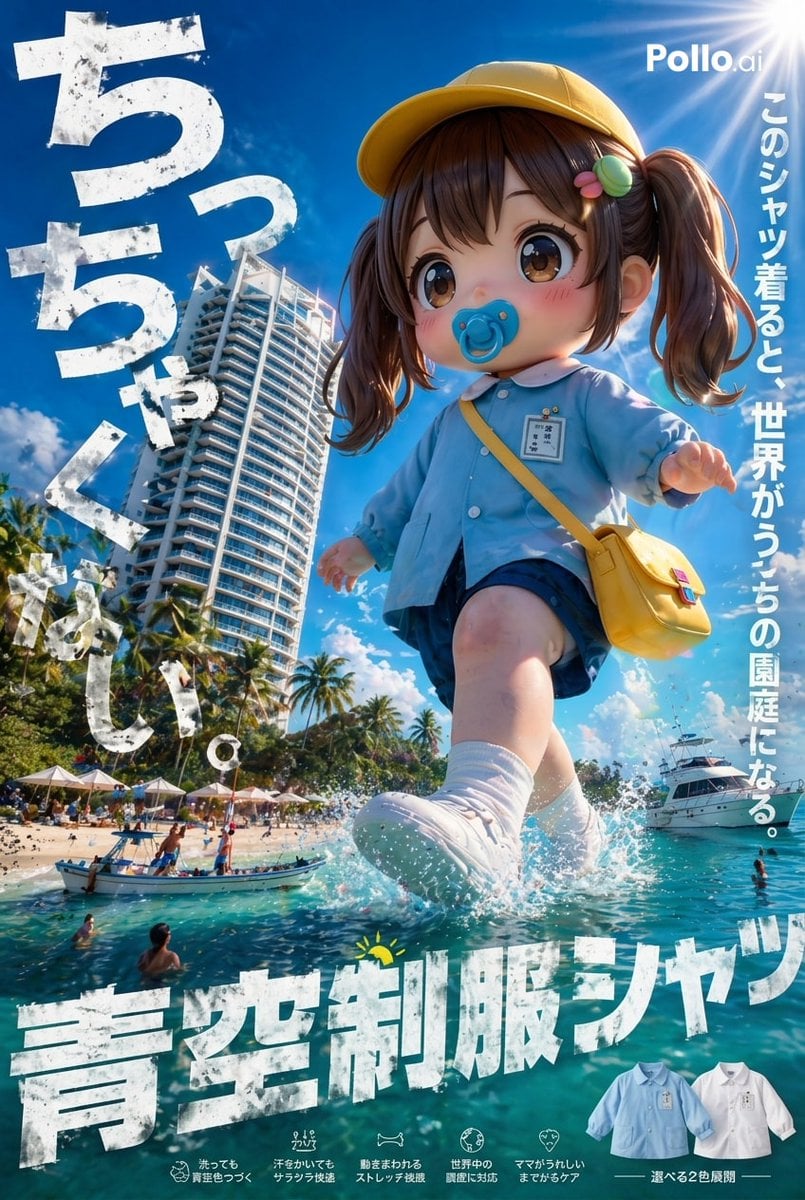
Genre: {argument name="Genre" default="hamburger"} Brand Name: {argument name="Brand Name" default="Kashiko (かし子)"} Based on this image, generate a photorealistic poster image of something that doesn't exist anywhere in the world — an idea that completely breaks free of common sense. Don't just make a simple extension of the original idea — push the concept all the way to a level where 「it makes sense, but the interpretation is unhinged.」 【Absolute Requirements】 ・Photorealistic rendering (reproducing a live-action-like texture, atmosphere, and even light particles) ・All language must be in Japanese 【Elements to Exaggerate/Boost】 ■Font Design ・The letters themselves have become physical objects/phenomena ・The font physically interacts with the theme ■Text Placement ・Ignore normal layout conventions and place text within the space itself ・Placement with an abnormally strong pull on the viewer's eye ■Composition ・Unrealistic perspective, extreme wide-angle, distortion, broken scale ・Clear foreground/midground/background layers, with abnormally high information density ・A central element that grabs the eye instantly + countless small oddities in the details ■Lighting ・Movie-level cinematic lighting ・Intense backlighting, rim light, neon, particle light, volumetric light ・The light itself carries meaning (functioning as a guide for the eye or as emphasis) ■Catchphrase/Tagline ・Short, striking Japanese that makes sense yet is hard to fully grasp ・A tagline that feels off from the situation yet strangely fits 【Additional Direction】 ・A sense of unease from reality and unreality both being true at the same time ・Some part of it ignores the laws of physics ・Quality that holds up as a real advertisement (professional level) In the end, make it a poster that is 「understandable, yet your understanding can't quite keep up with it」— the kind that makes you look twice. If the reference image is a character, apply an action such as wearing, using, or trying to eat the brand's product. Do not use any real brand logos, company names, or personal names whatsoever — make it completely original. At the final finishing stage, double-check that nothing real is included. Suppress the noise and loss of balance that can come from over-rendering, and maintain overall cohesion and a polished impression across the whole image.
Reference images included
Hyper-realistic Surreal Poster Design Prompt needs input media to work. They load alongside the prompt when you open it in the studio.
How to use Hyper-realistic Surreal Poster Design Prompt in 3 steps
- 1Upload ImagePNG, JPG or paste
Add your photo
Upload the photo the template builds on. The prompt, model and format are already set.
- 2…a portrait of your subject in softgolden-hour light, 85mm…
Personalize
Edit the subject and creative details for your destination.
- 3Generate
Generate
Press Generate — your image is created in PicX Studio, so you can compare it with the original and refine one variable at a time.
More like this
Templates with the same subject, style or setup. Open one to see its prompt.

Japan Travel Brochure Poster

Surreal Cat Astronaut — Humanoid Face Freefall

Cartoon TV Show Poster Pack

Trendy Cafe Drink Promo Poster

Urban Fashion Editorial Collage Streetwear Poster

Premium Fashion Editorial Cover Layout System

Polo Ralph Lauren Luxury American Heritage Fashion Campaign

Monochrome Halftone Editorial Fashion Poster

Retro Mirror Luxury Fashion Campaign Poster

Luxury Fashion Campaign Typography Poster System

Premium Fashion Editorial Campaign Poster System

Ultra-Stylized High-Fashion Streetwear Poster
Make it yours
Hyper-realistic Surreal Poster Design Prompt works as-is. These are the safest ways to change it without losing the look.
Change one field
Copy a single group, rewrite it, and generate again so you can see what that field is doing.
Keep the frame, change the subject
Hold the composition and light of Hyper-realistic Surreal Poster Design Prompt, then swap wardrobe, props or the person for a new take.
| If the result… | Why | Fix |
|---|---|---|
| The result drifts from the preview | Too many fields changed at once. | Reuse Hyper-realistic Surreal Poster Design Prompt as-is first, then change one group — subject, light, or setting. |
| The model over-stylizes the scene | The prose prompt leaves finish and camera underspecified. | Add one camera or lighting sentence and stay on GPT Image 2. |
More GPT Image 2 templates
Other prompts made for GPT Image 2.

Six VTuber Japanese Logo Sheet

Realistic Portrait of Woman and Deer

The Vista Modular Condo Poster

AI Model Routing Comparison Infographic

2.5D Anime Art Board

Isometric Productivity Desk Scene

New York Double Exposure Poster

Four-Panel AI Landscape Comparison

Japanese Tatami Lifestyle Magazine Cover

NESCAFÉ Coffee Map Poster
More image prompts
Fresh picks from across the catalog.
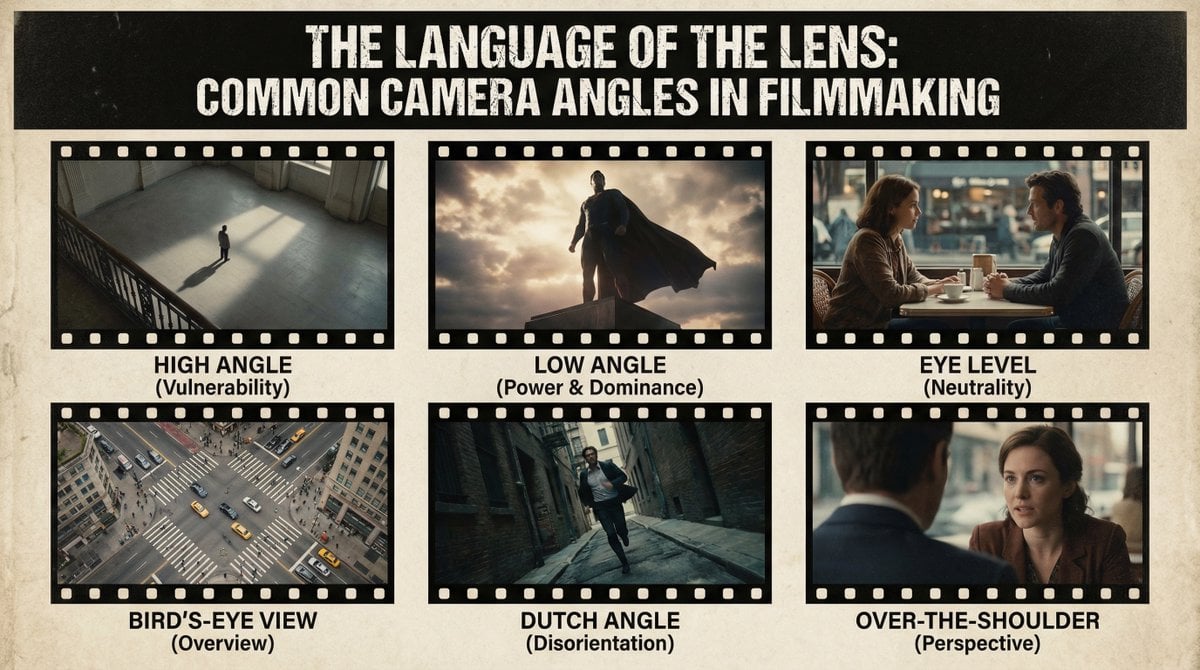
Camera angles poster
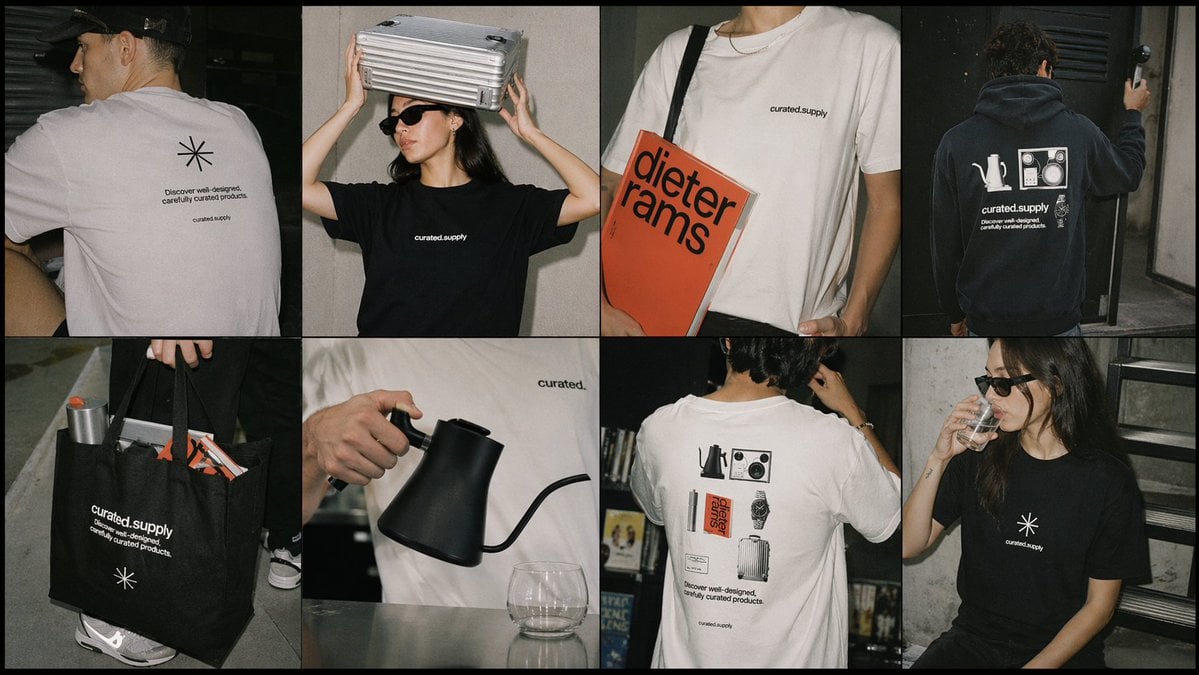
Streetwear Merch Lookbook Grid
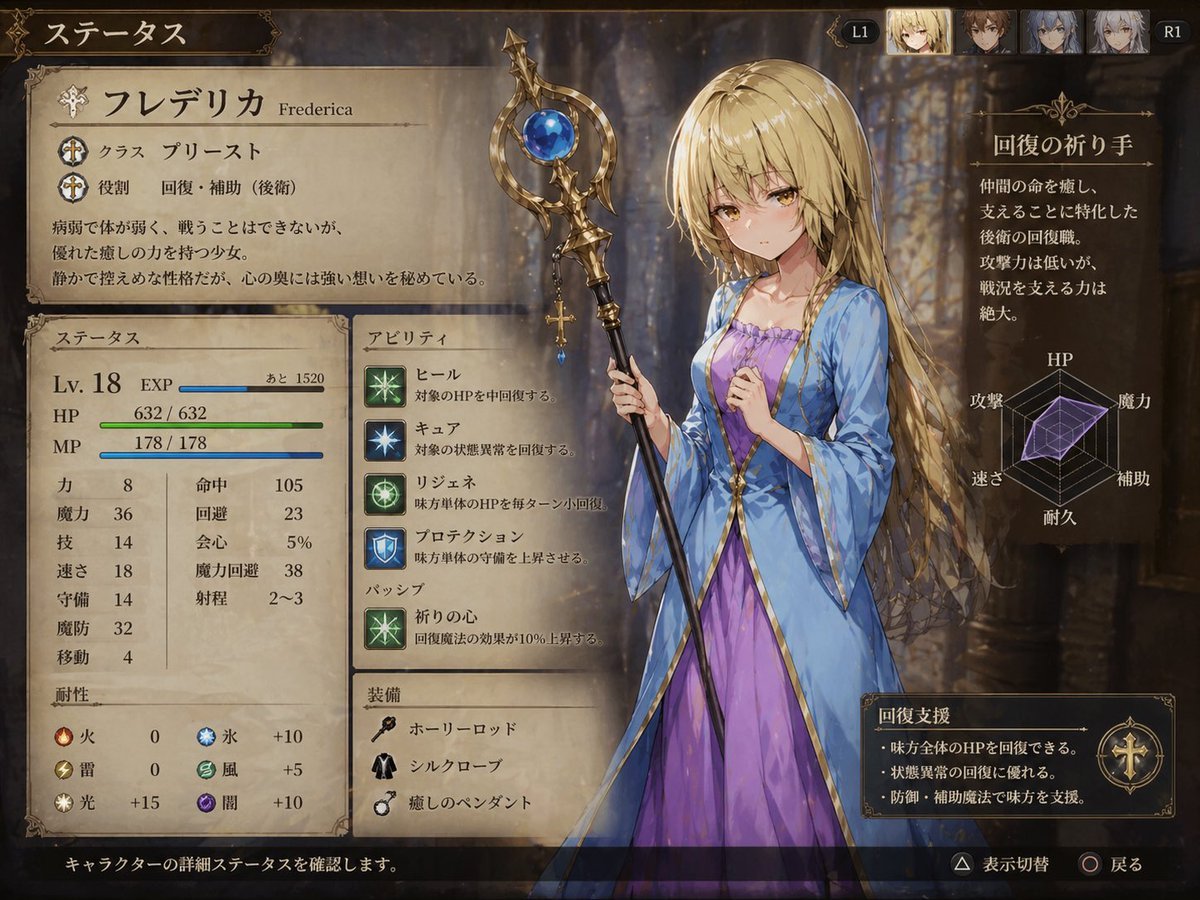
Fantasy JRPG Priest Status Screen
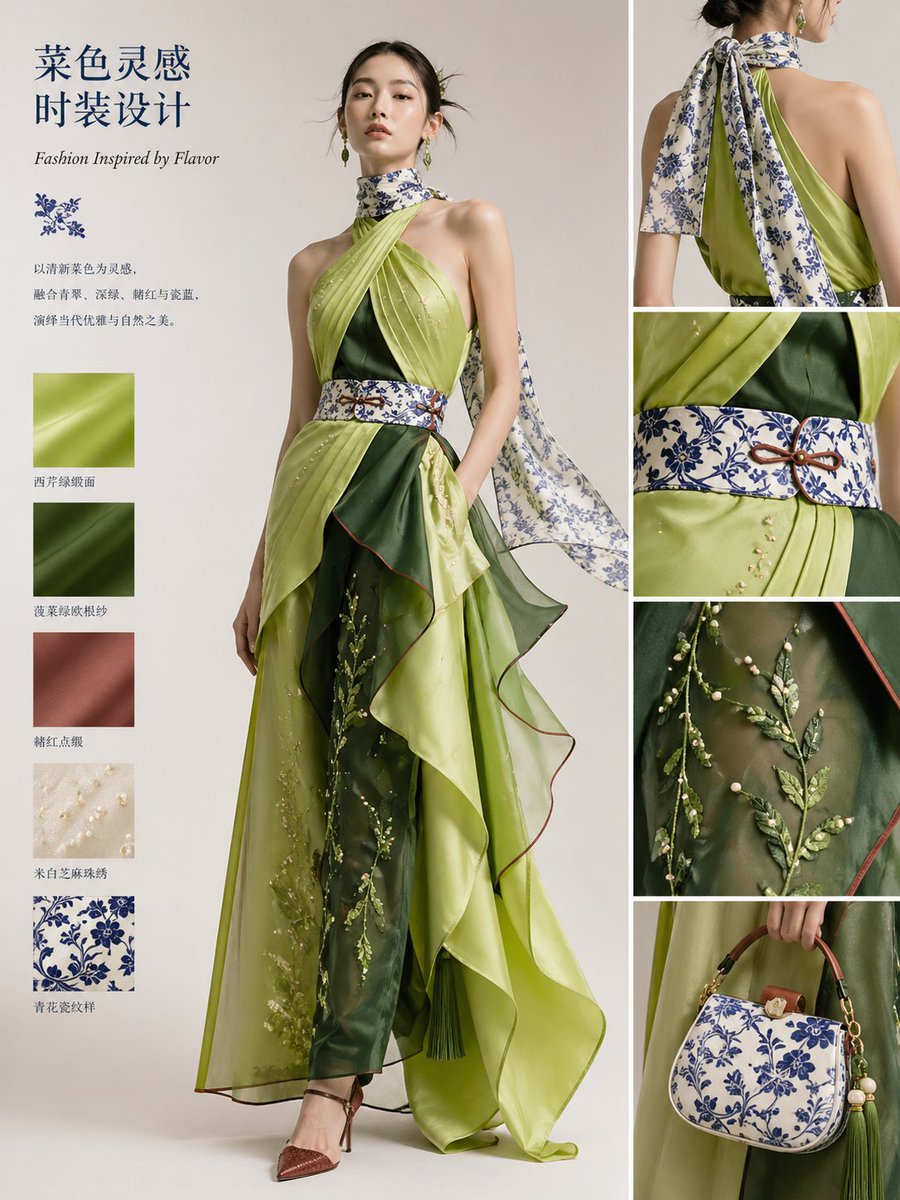
Dish-to-Couture Fashion Board
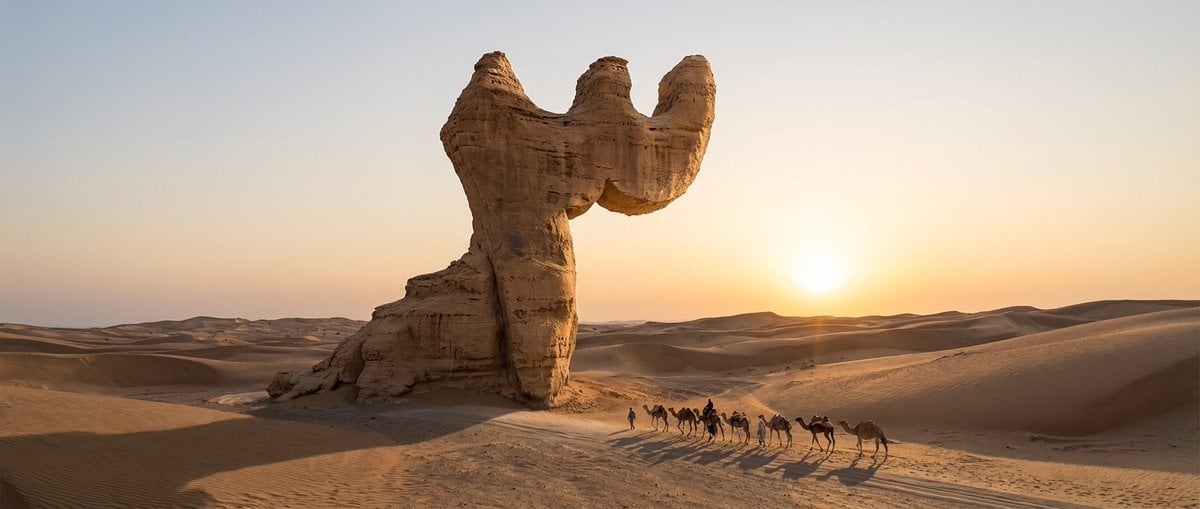
Cinematic Wide-Angle of Monolith Shaped Like Persian Numeral Three
Iridescent Water Phone Wallpaper
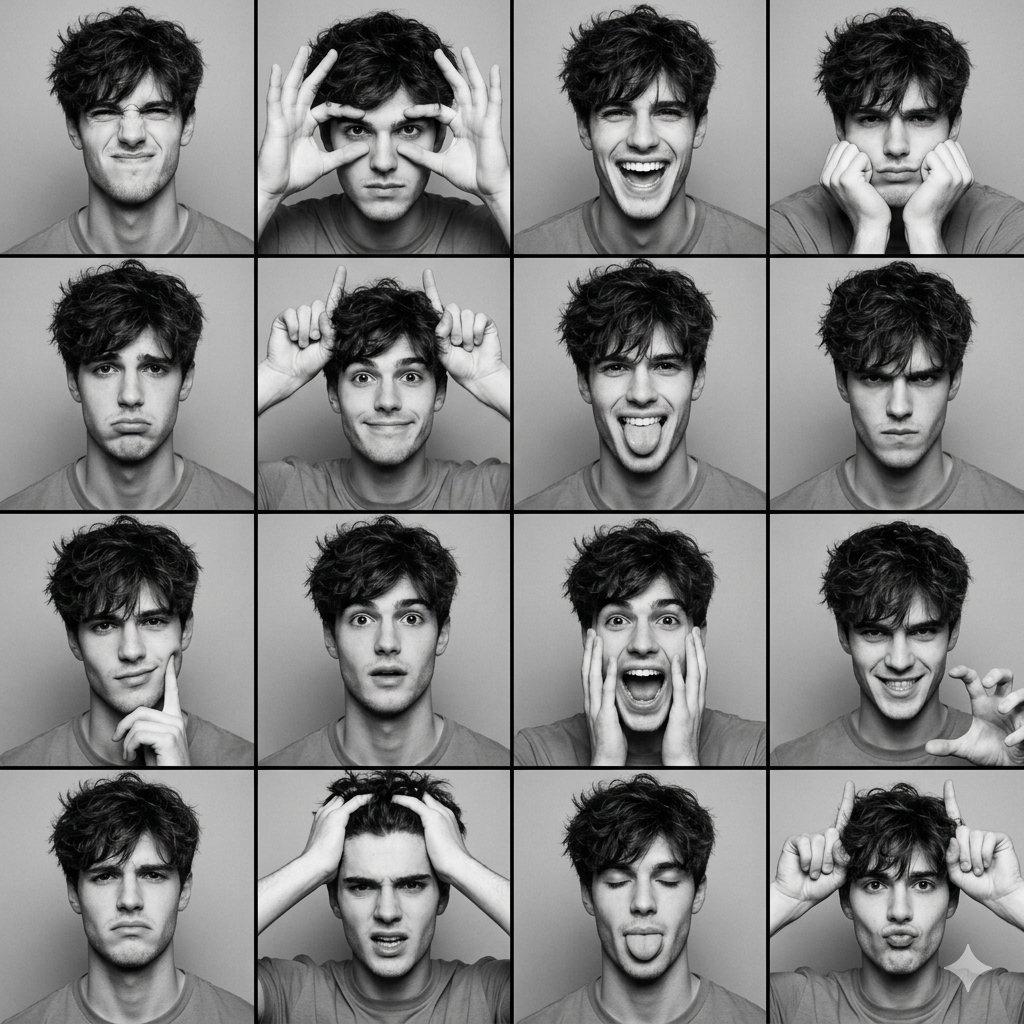
Black and White Photobooth Expression Grid (4x4)
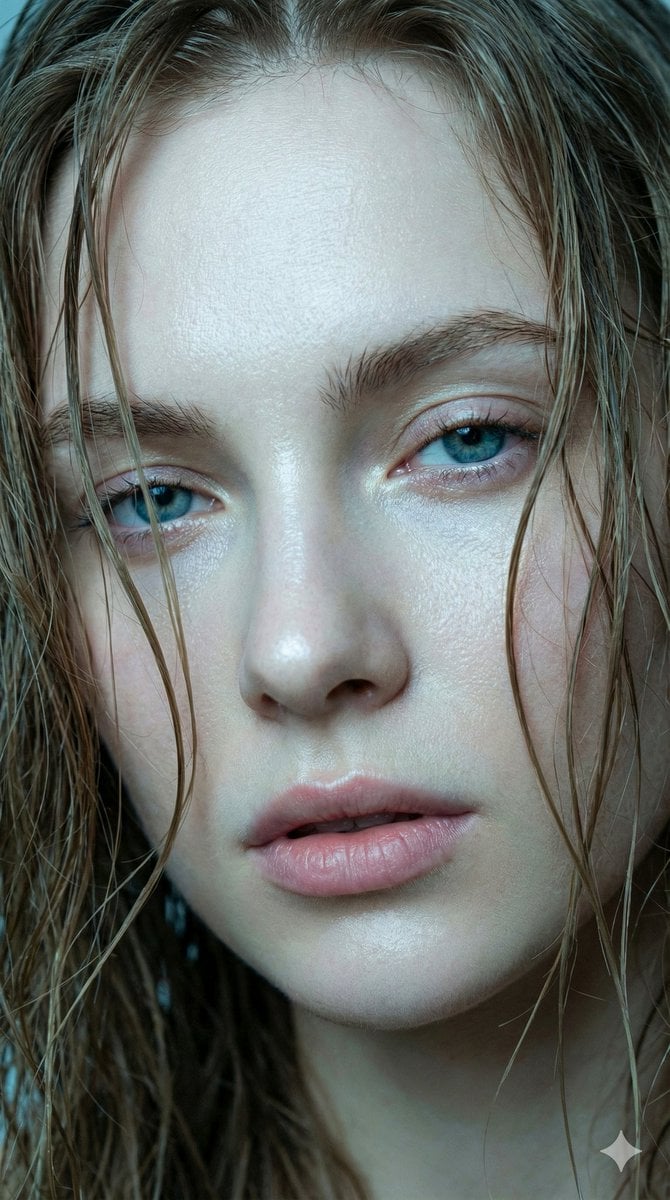
Hyper-realistic Extreme Close-up Portrait of a Young Woman
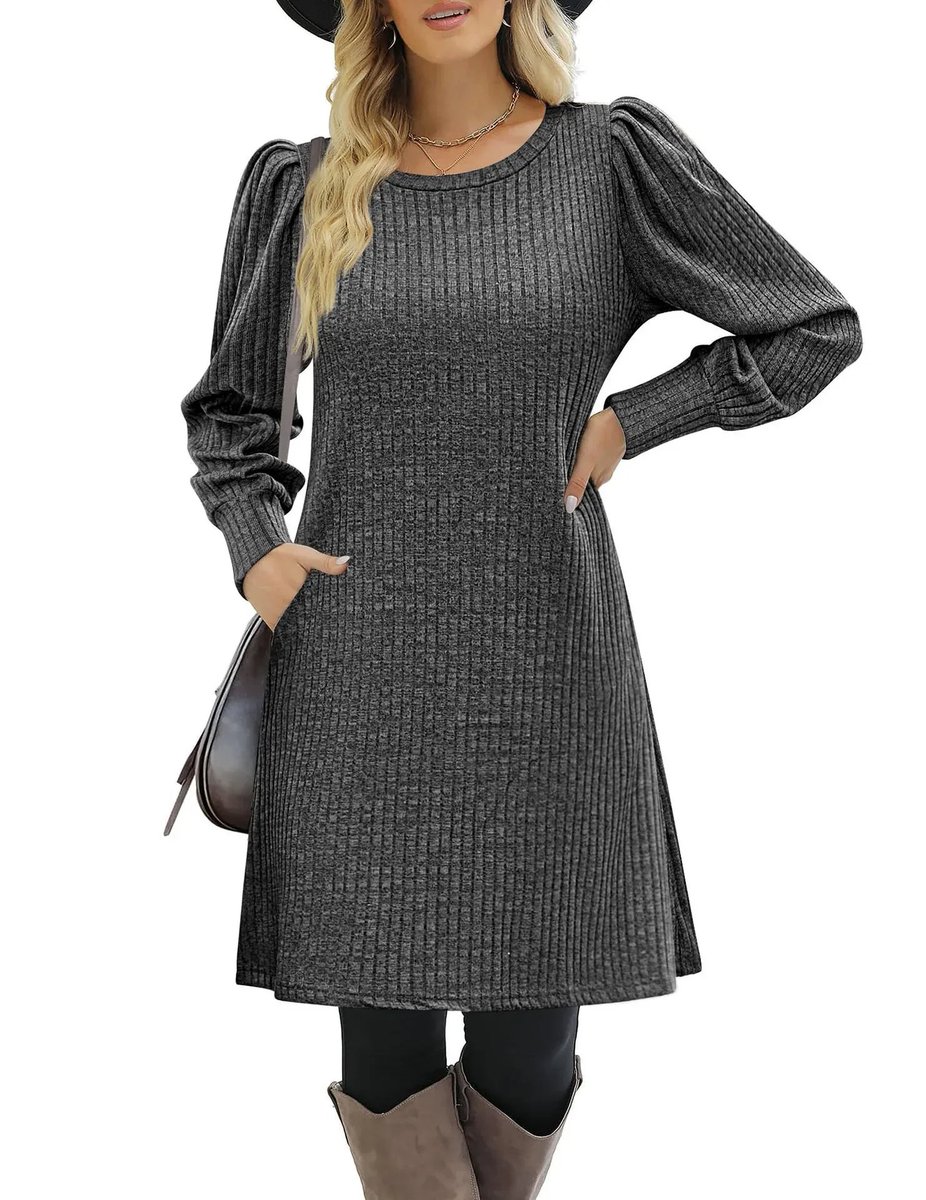
E-commerce product listing photo prompt for lifestyle setting
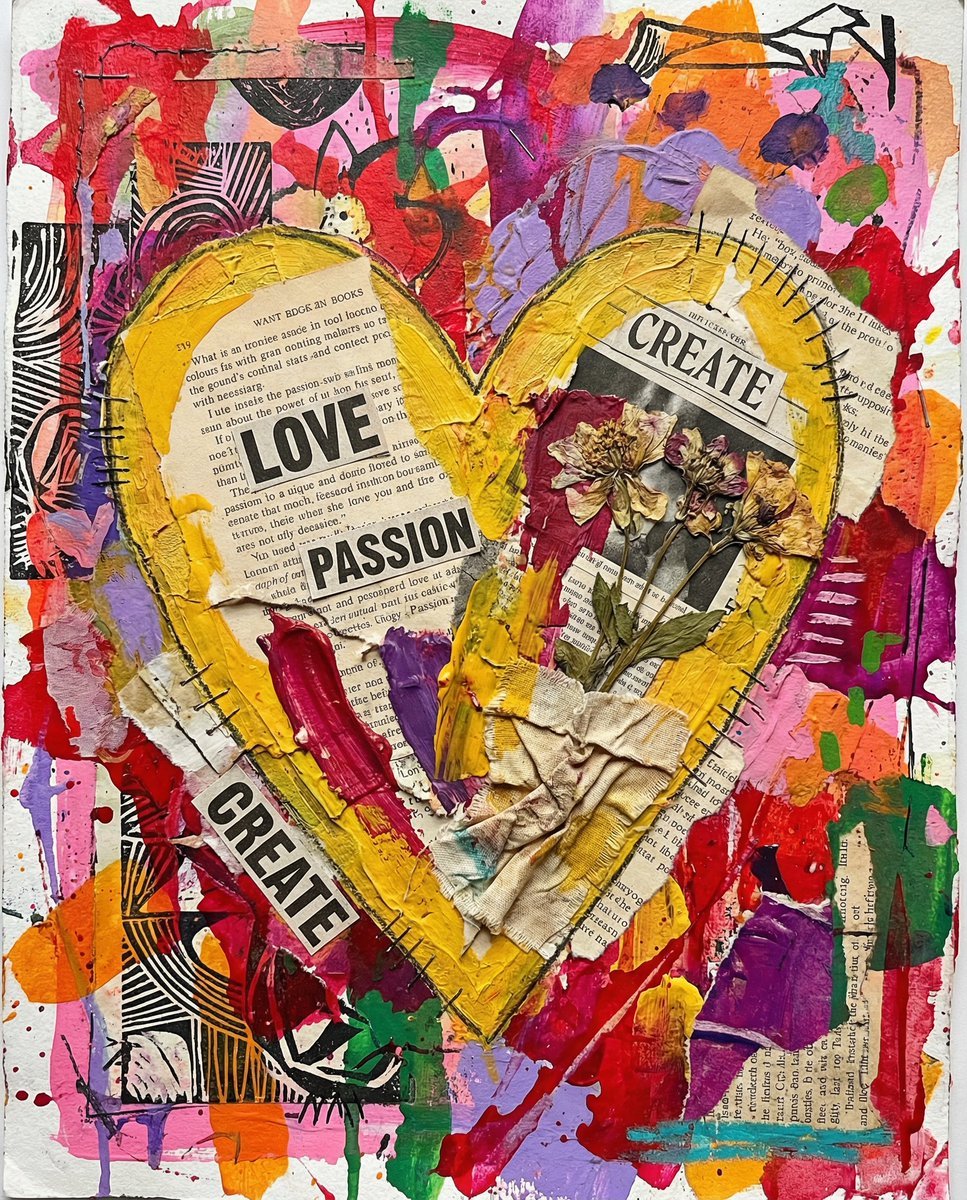
Nano Banana Pro prompt for a 3D, cute, cartoon character
Browse template categories
Hyper-realistic Surreal Poster Design Prompt questions
How do I use the Hyper-realistic Surreal Poster Design Prompt template?
Add your photo if the template asks for one, edit the prompt if you like — the template's model and format are already selected — and press Generate. Your version opens in PicX Studio.
Can I customize the Hyper-realistic Surreal Poster Design Prompt template?
Yes. You can change the subject, setting, lighting, mood, format, and available model controls before creating your image.
Is the Hyper-realistic Surreal Poster Design Prompt template free?
Opening and editing this template is free. Generating uses credits, shown on the Generate button when you are signed in.
Which AI model should I use?
Start with GPT Image 2, which is the model associated with this template. You can compare another compatible model for a different finish.
Looking for something else? Browse all templates.

Your photo, any look
Thousands of ready templates for every top image and video model, from one credit balance.