
Eco-Material Workshop Website Hero
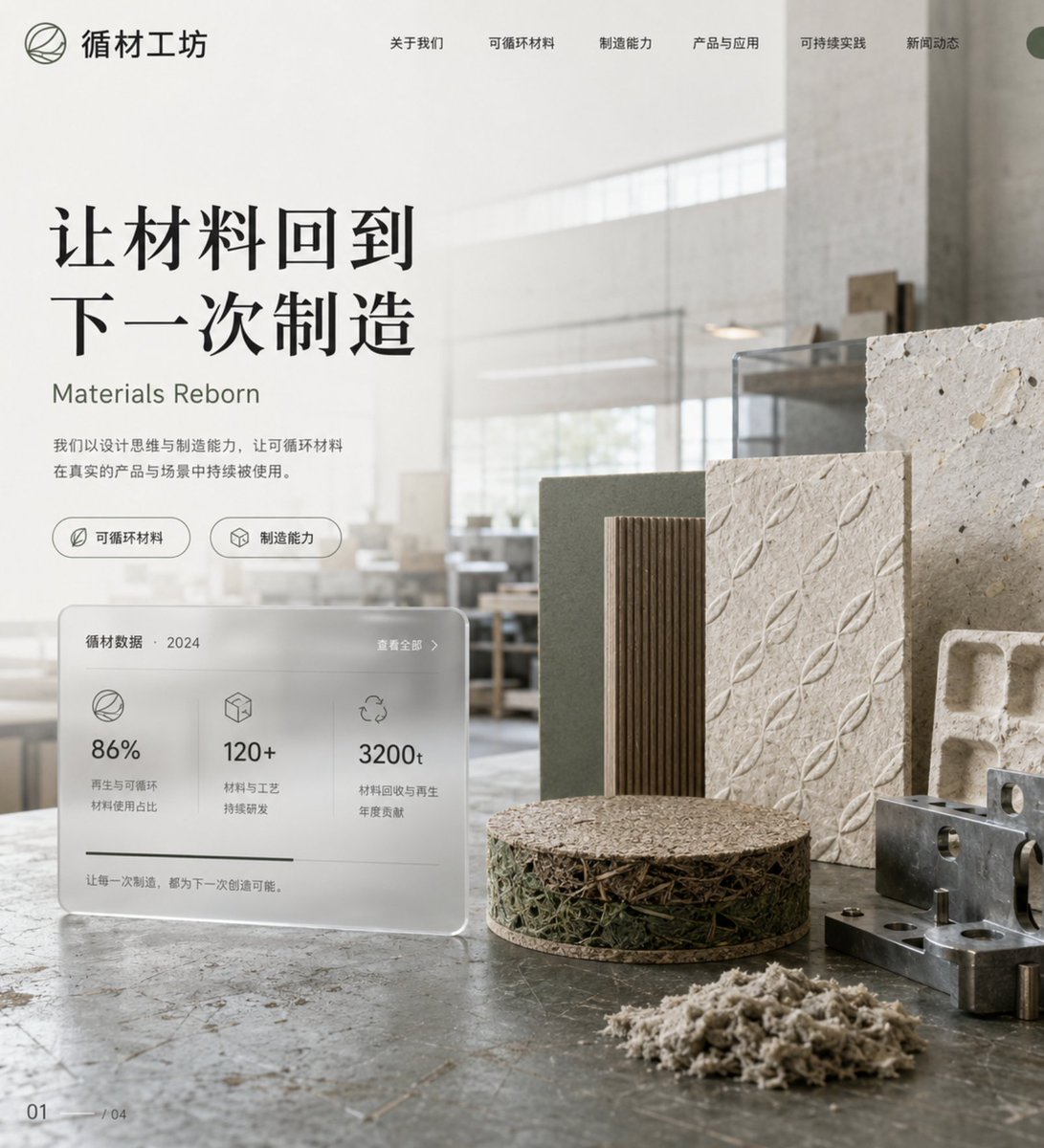
A professional prompt for designing a responsive corporate website hero section that presents sustainable material manufacturing as a modern, breathing workshop.
- Prompt included
- Model and format preset
- Free template
The prompt behind this image
Copy the exact prompt behind Eco-Material Workshop Website Hero, or open it in the studio and make it yours.
创作一张企业官网方向的响应式网站首页视觉,主题是“{argument name="主题" default="把一家做可循环材料的制造公司,讲成一间会慢慢呼吸的现代工坊"}”。画面不是传统工业官网,而是一张横向首屏视觉:前景是被整齐切开的可循环材料样本、压纹板、纸浆模塑件与金属夹具,中景是一张半透明的数据卡片和品牌主标题,背景是采光克制的现代工坊空间。构图采用桌面端官网 Hero 比例,左侧信息区,右侧产品与材料展示,顶部导航留白清晰,同时应能自然延展到移动端首屏。灯光为大面积天光与少量暖色工作灯混合,突出材料纹理、切面结构和品牌可信度。色彩系统必须带色值:{argument name="色彩" default="纸浆米白 #E9E1D4、工坊灰 #A9ACA8、深橄榄绿 #66715F、金属灰蓝 #8897A0、结构褐 #8B7058、标题炭黑 #2C2F31"}。材质重点描述{argument name="材质描述" default="纤维压纹、切边、金属夹具、磨砂亚克力和工坊桌面划痕"}。需要少量中文主导文字,包括公司中文名、核心价值主张、一句极短英文辅助语和两个功能标签,排版须服务官网层级。适用于企业官网首页、品牌官网、产品站和可持续制造品牌升级提案。
How to use Eco-Material Workshop Website Hero in 3 steps
- 1
Open
The prompt is already in the box next to the preview, with the template's model and format selected.
- 2…a portrait of your subject in softgolden-hour light, 85mm…
Personalize
Edit the subject and creative details for your destination.
- 3Generate
Generate
Press Generate — your image is created in PicX Studio, so you can compare it with the original and refine one variable at a time.
More like this
Templates with the same subject, style or setup. Open one to see its prompt.
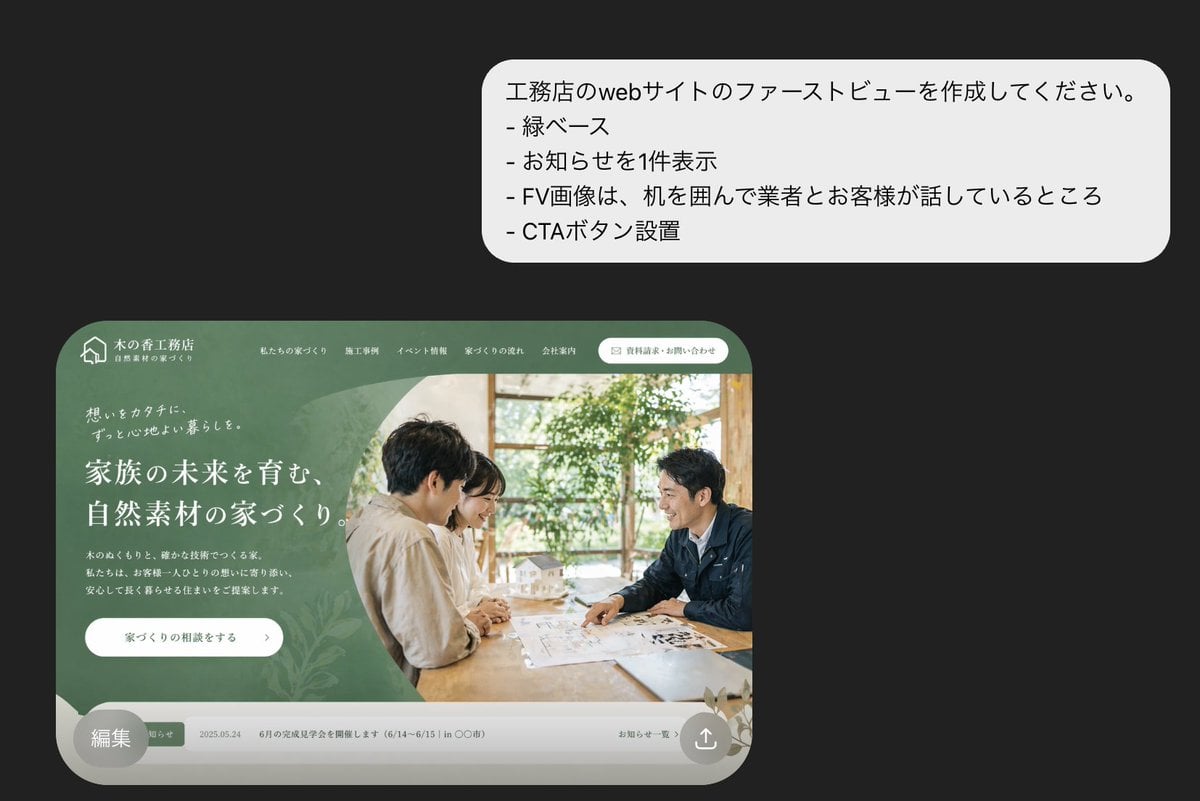
Japanese Builder Website Hero Mockup
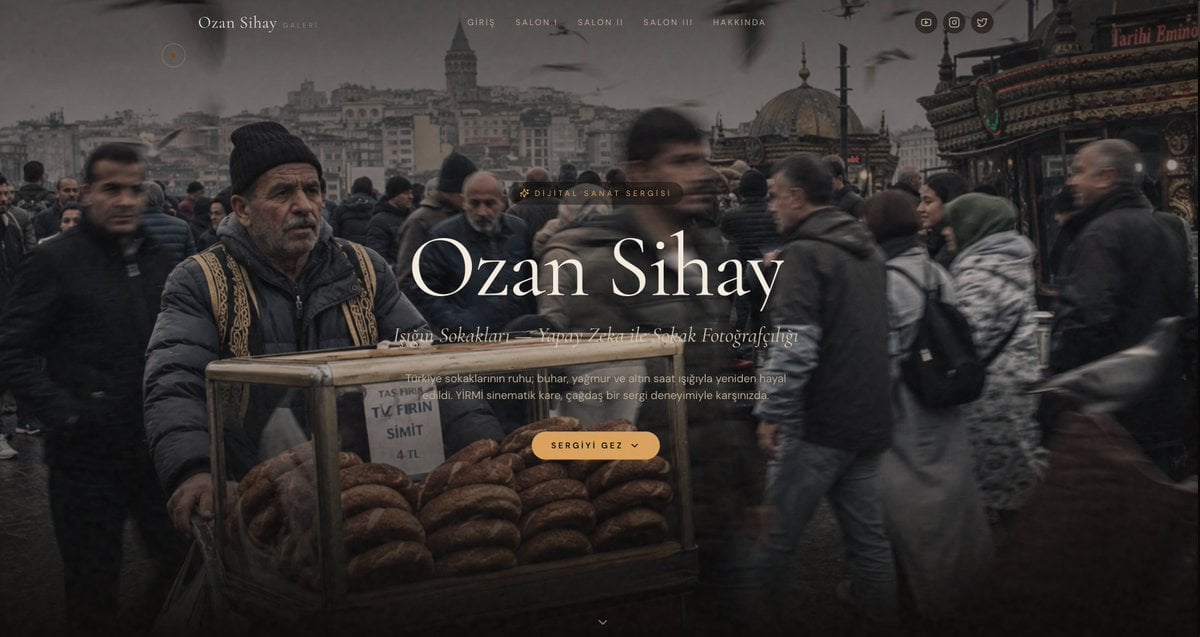
Cinematic Istanbul Gallery Website Hero
Glossy 3D Website Category Icons
Three Infinity Material Sculptures
Minimalist branded flower packaging design eco-friendly cardboard sleeve
Act as a Master of Material Science and World-Class 3D Visualizer
Cinematic Hero Movie Poster
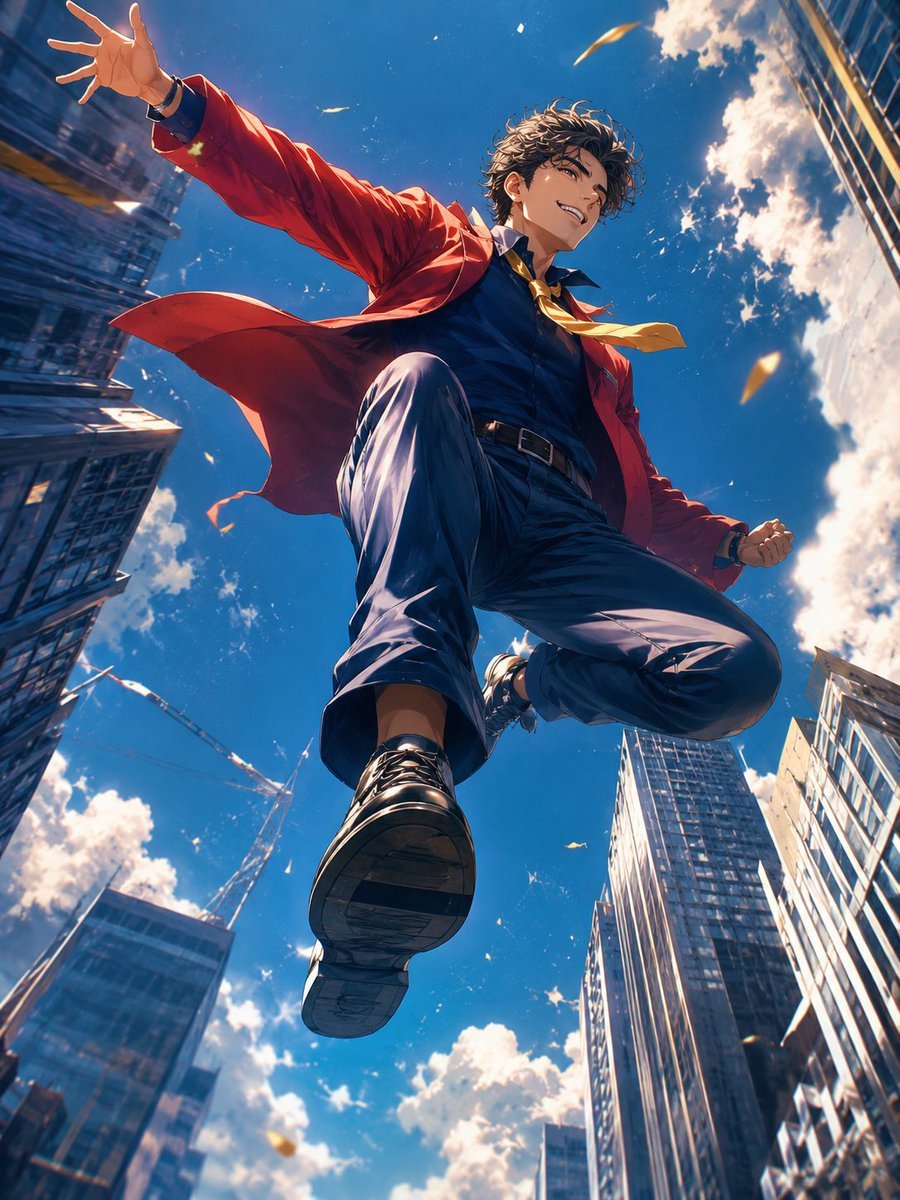
Anime Hero Leaping Through City Sky
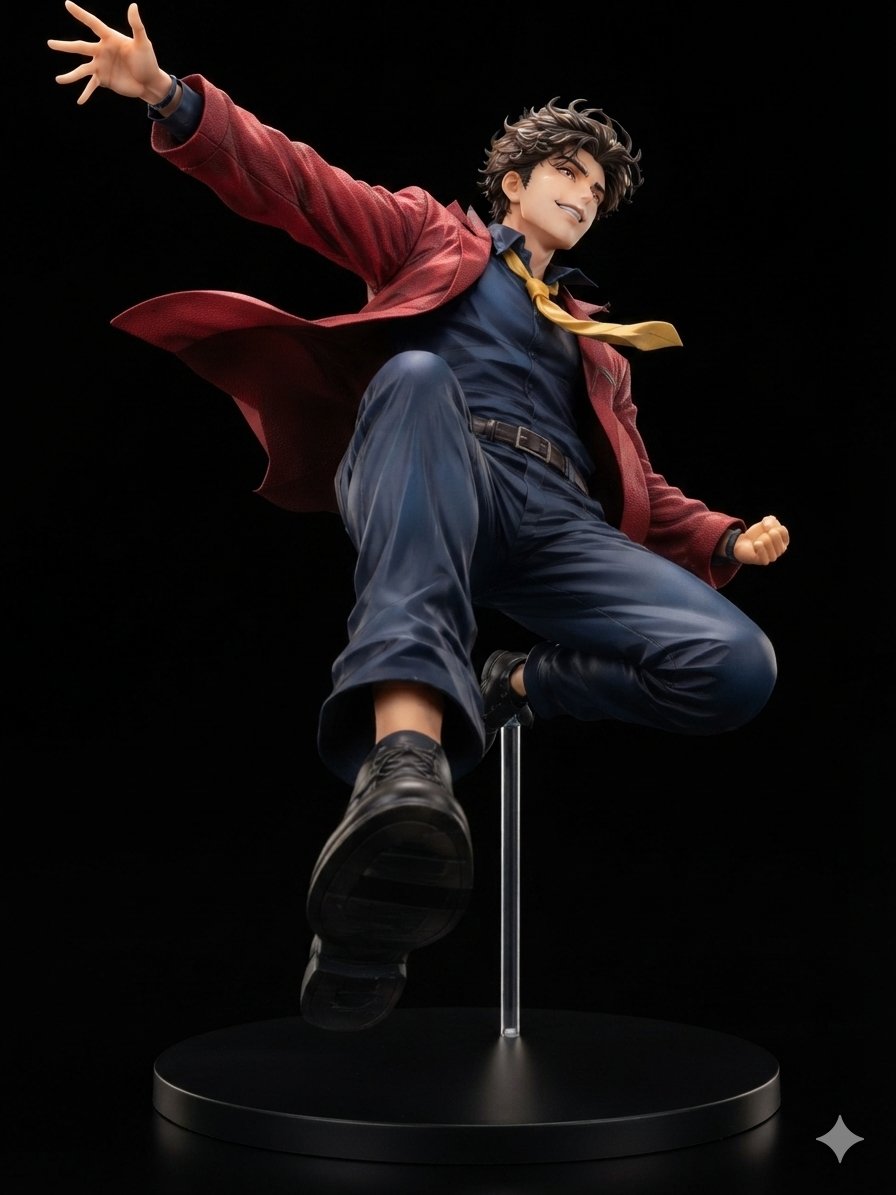
Dynamic Anime Hero Figure Render
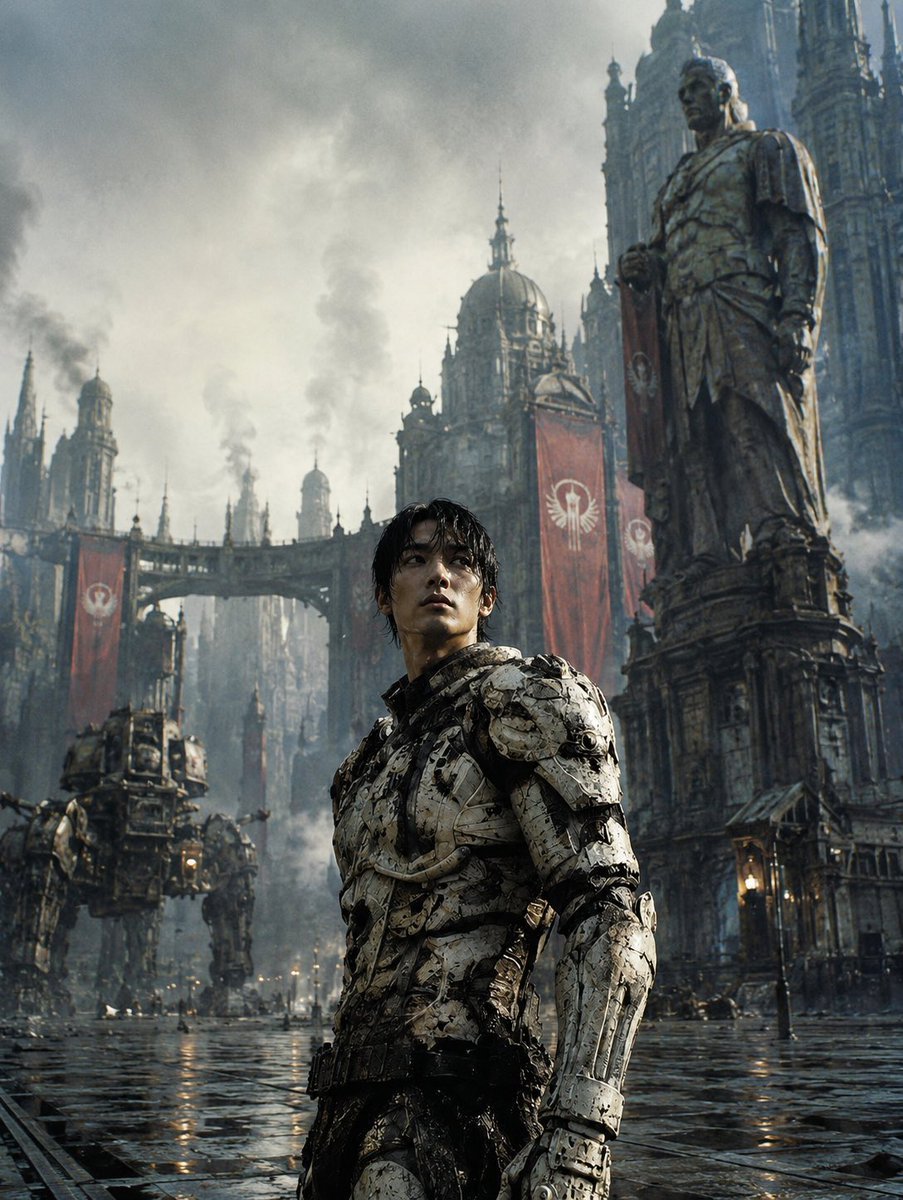
Dystopian Casshern-Style Hero
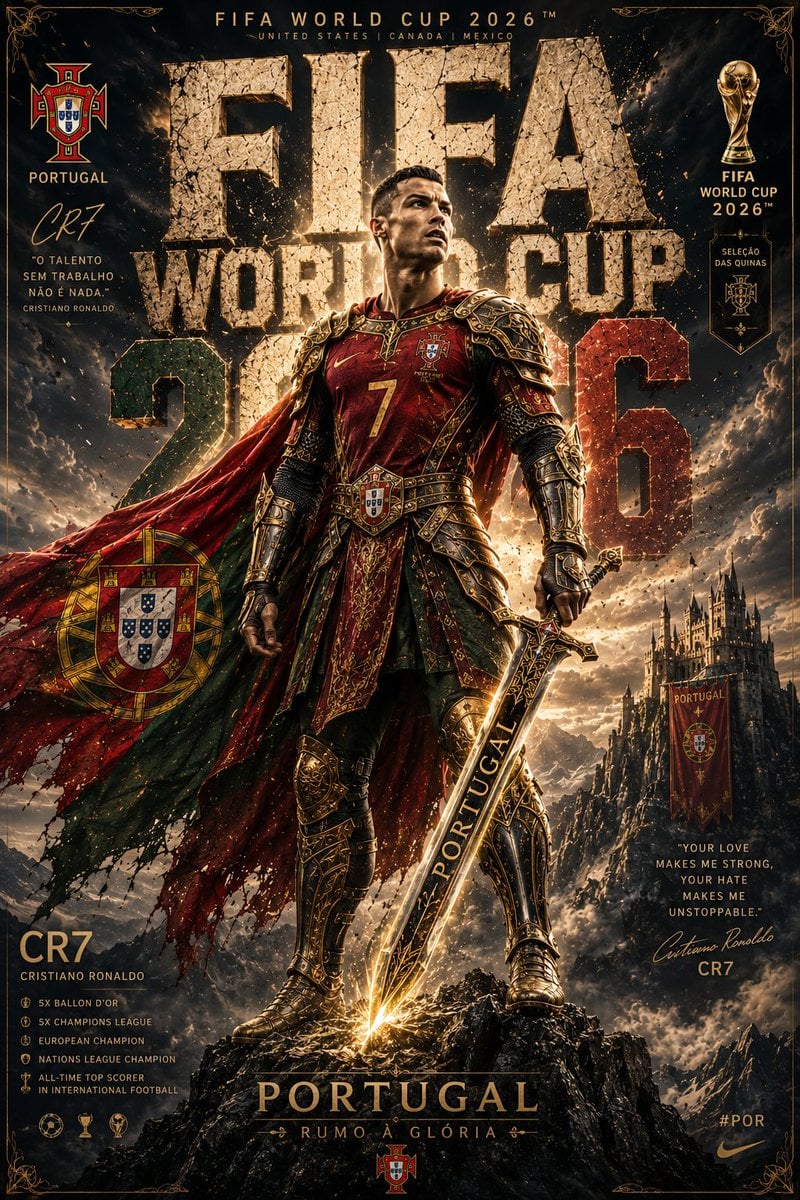
Knight Armor FIFA Hero Poster
Moonlit Fantasy Alchemy Workshop
Make it yours
Eco-Material Workshop Website Hero works as-is. These are the safest ways to change it without losing the look.
Change one field
Copy a single group, rewrite it, and generate again so you can see what that field is doing.
Keep the frame, change the subject
Hold the composition and light of Eco-Material Workshop Website Hero, then swap wardrobe, props or the person for a new take.
| If the result… | Why | Fix |
|---|---|---|
| The result drifts from the preview | Too many fields changed at once. | Reuse Eco-Material Workshop Website Hero as-is first, then change one group — subject, light, or setting. |
| The model over-stylizes the scene | The prose prompt leaves finish and camera underspecified. | Add one camera or lighting sentence and stay on GPT Image 2. |
More GPT Image 2 templates
Other prompts made for GPT Image 2.

Six VTuber Japanese Logo Sheet

Realistic Portrait of Woman and Deer

The Vista Modular Condo Poster

AI Model Routing Comparison Infographic

2.5D Anime Art Board

Isometric Productivity Desk Scene

New York Double Exposure Poster

Four-Panel AI Landscape Comparison

Japanese Tatami Lifestyle Magazine Cover

NESCAFÉ Coffee Map Poster
More image prompts
Fresh picks from across the catalog.
Luxury Skincare Product Advertisement

Hyper-realistic 8K image of a man and a black panther in a snowy forest
Old Shanghai Fusion Poster
Clinical, High-Contrast Portrait with Axe and Raincoat Prompt
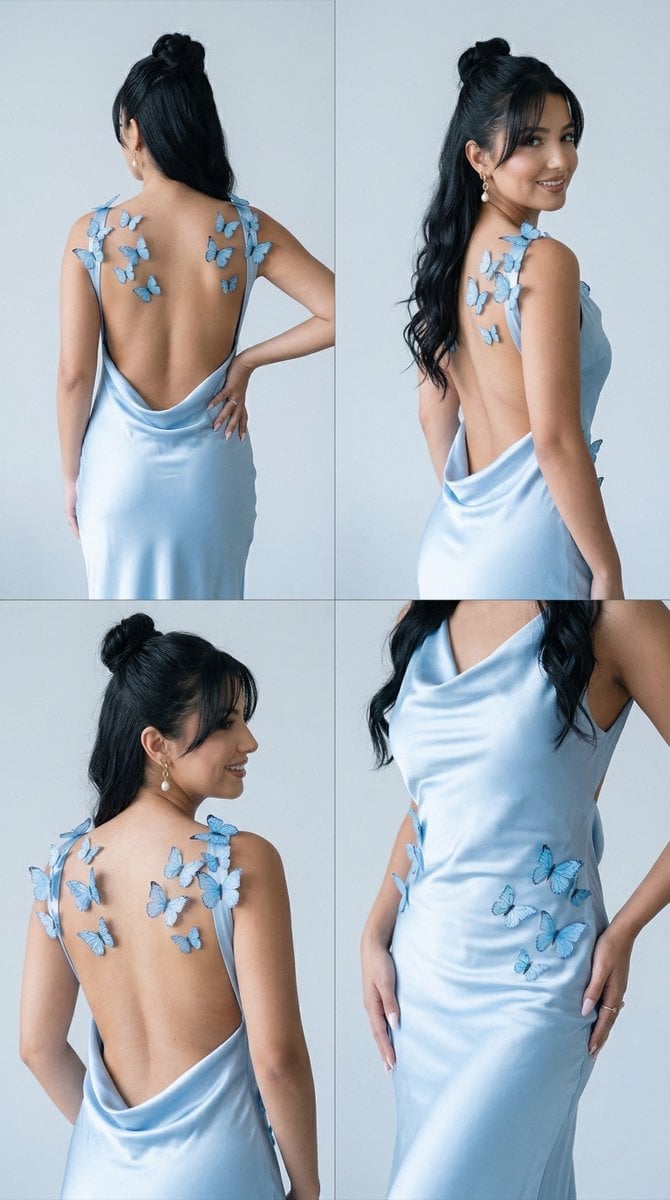
Butterfly Dress Editorial Grid Prompt for Nano Banana 2
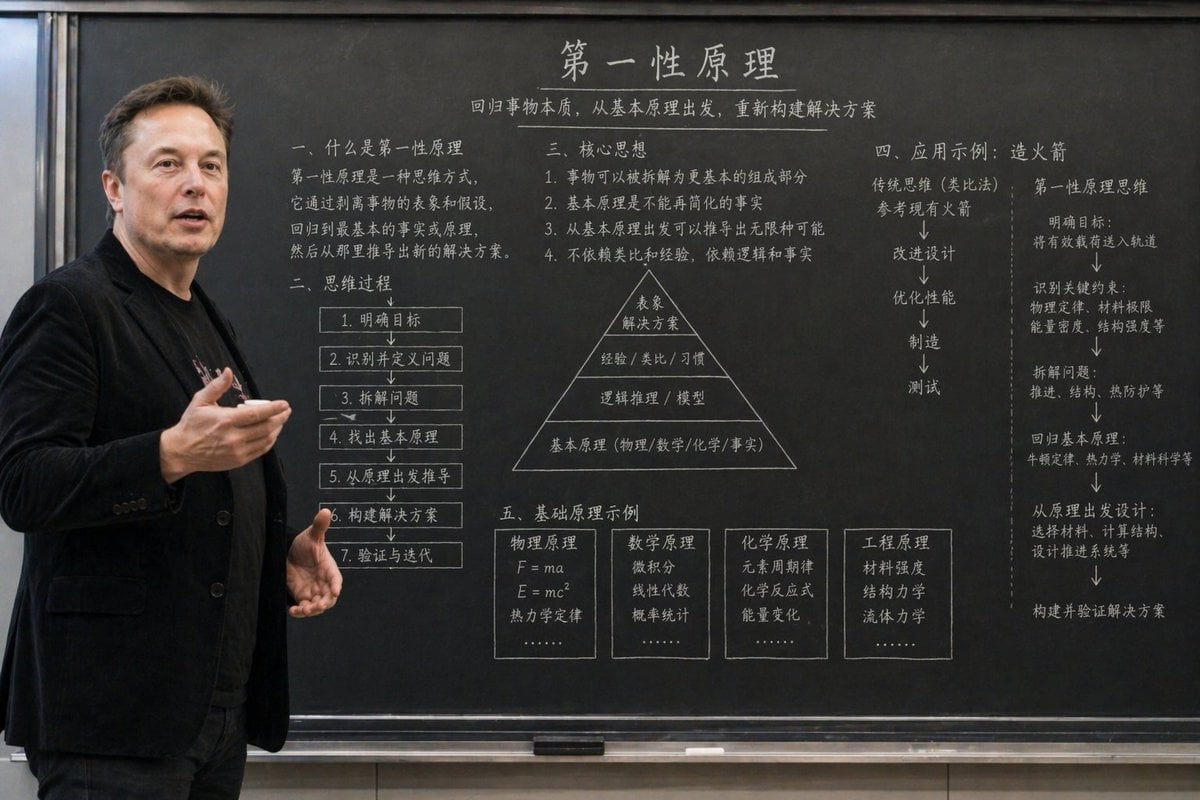
Educational Classroom Scene Prompt
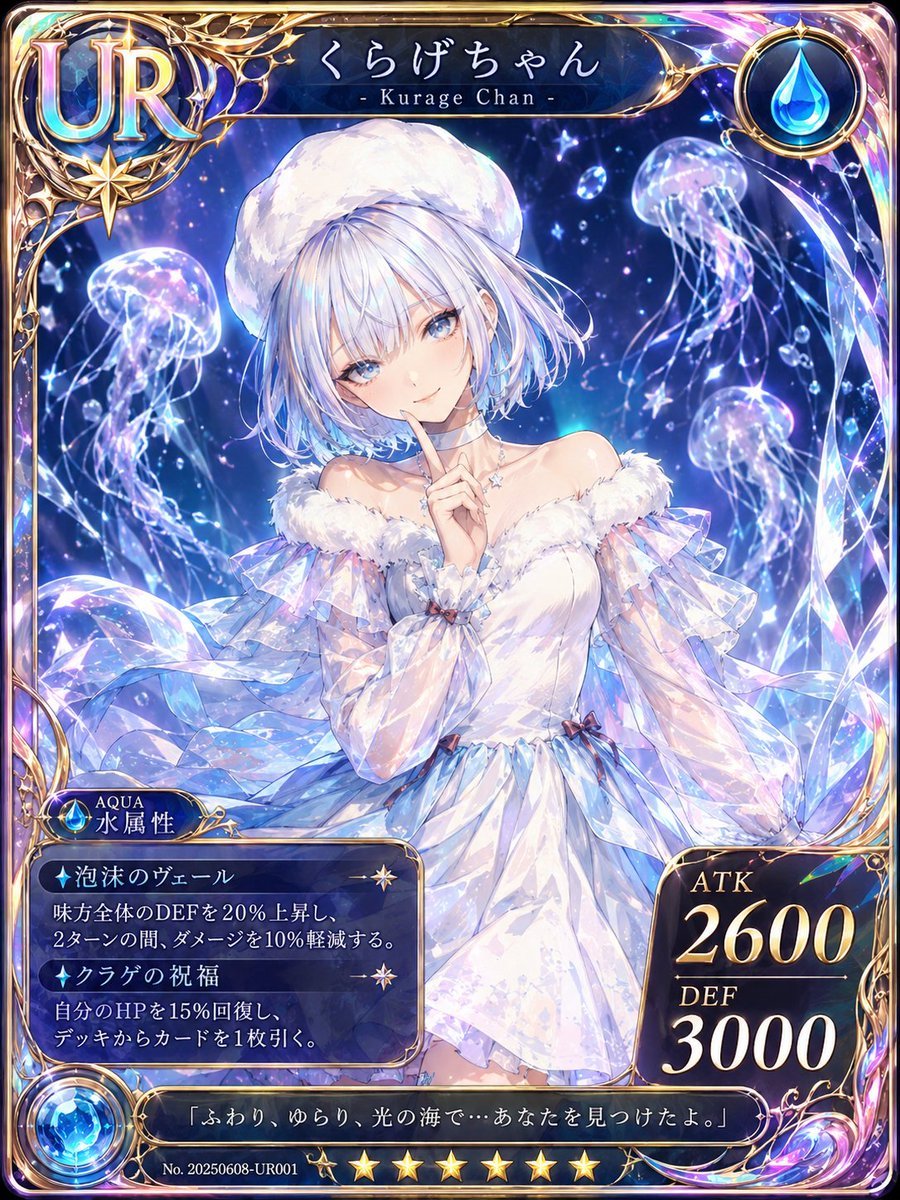
Kurage Chan Fantasy Trading Card
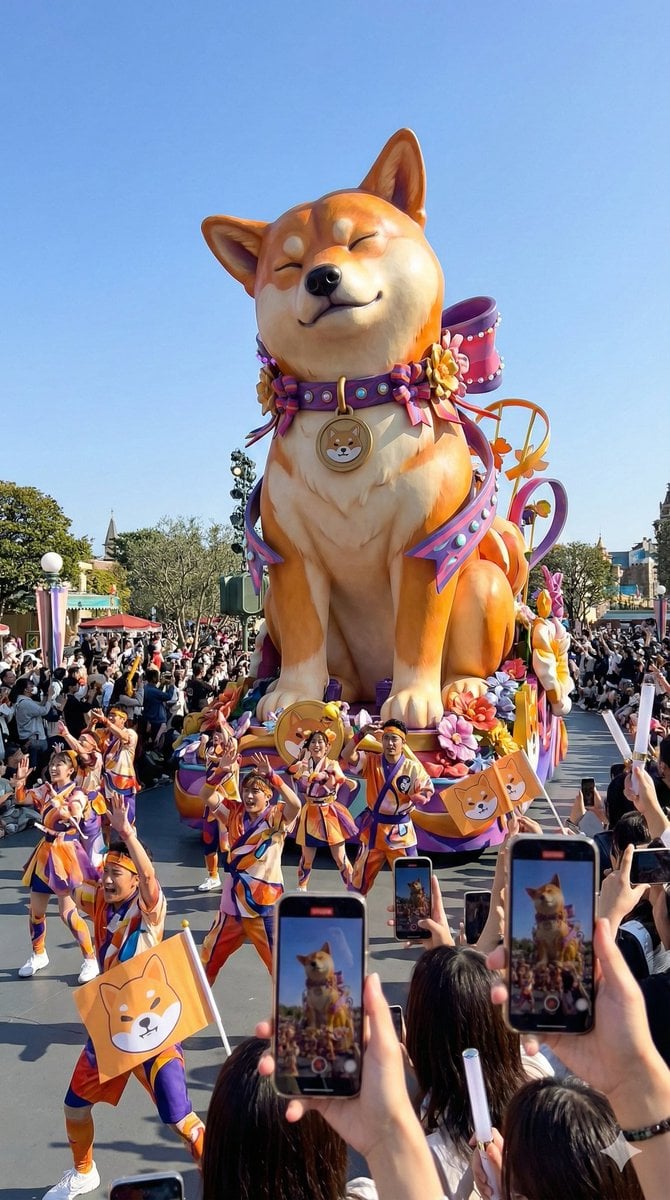
Theme Park Parade Float Generation Prompt for Nano banana Pro
Oriental Fantasy 3D CG Illustration
Japanese Suburb in 2000s Atmosphere
Browse template categories
Eco-Material Workshop Website Hero questions
How do I use the Eco-Material Workshop Website Hero template?
Add your photo if the template asks for one, edit the prompt if you like — the template's model and format are already selected — and press Generate. Your version opens in PicX Studio.
Can I customize the Eco-Material Workshop Website Hero template?
Yes. You can change the subject, setting, lighting, mood, format, and available model controls before creating your image.
Is the Eco-Material Workshop Website Hero template free?
Opening and editing this template is free. Generating uses credits, shown on the Generate button when you are signed in.
Which AI model should I use?
Start with GPT Image 2, which is the model associated with this template. You can compare another compatible model for a different finish.
Looking for something else? Browse all templates.

Your photo, any look
Thousands of ready templates for every top image and video model, from one credit balance.