
Oriental Fantasy 3D CG Illustration
A high-precision 3D CG illustration of an Oriental female character with dreamlike blue hair and elegant fur attire.
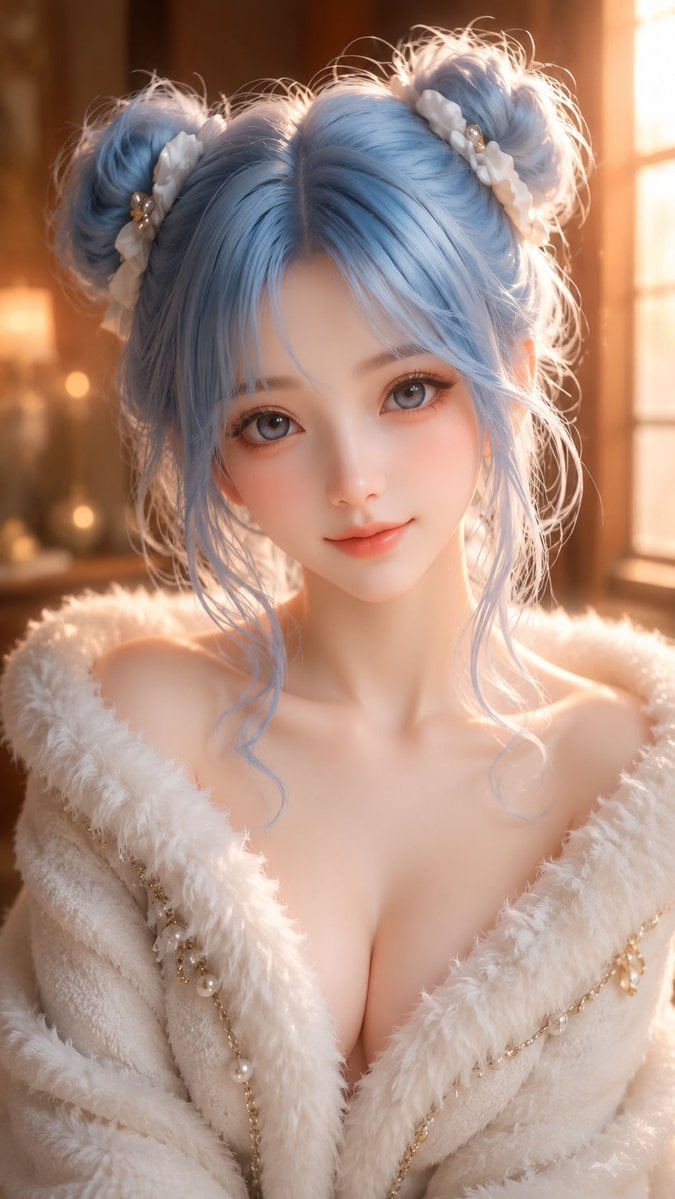
- Prompt included
- Model and format preset
- Premium template
The prompt behind this image
Copy the exact prompt behind Oriental Fantasy 3D CG Illustration, or open it in the studio and make it yours.
An adult East Asian fantasy-style female character, 9:16 portrait composition, upper-body portrait, high-precision 3D CG illustration style, the character positioned in the center of the frame, facing forward toward the camera, with a calm, gentle expression and a touch of a sweet, cute smile; the overall demeanor is cool, soft, dreamy, and refined. She has delicate, soft East Asian features, fair and translucent skin, with a texture as fine as porcelain, carrying soft highlights and a faint blush. Her eyes are large and clear, with {argument name="eye color" default="gray-blue"} irises; her gaze is gentle and bright, her lashes long and slender, her eye makeup clean and natural. Her nose bridge is small and delicate, her lips soft and rosy with a natural shape, and her overall face is cute, sweet, and refined, like a high-quality fantasy character model. She has {argument name="hair color" default="light blue"} voluminous long hair, with soft, light strands, tied on top of her head into two loose double-bun hairstyles, with a slightly tousled, airy look and a few curled strands falling naturally on either side of her face. The hair color shows a rich layering of pale blue, silvery blue, and soft white highlights, giving off a delicate sheen under warm light. The buns are decorated with white fluffy hair accessories, small pearls, and delicate small gold ornaments, adding to the dreamy, cute feel. She wears {argument name="outfit" default="a white fluffy fur-textured shawl / coat"}, with a soft, thick collar gently wrapping the shoulders and neck, revealing an elegant shoulder-neck line and collarbone, giving an overall gorgeous yet restrained look. The outfit has delicate gold chains, pearls, and small pendant decorations, with a refined, luxurious material and a clearly soft, fluffy texture. The background is a warm, soft indoor space, with golden window light spilling in from the right side; the background is blurred, with warm-toned bokeh and a soft-focus atmosphere, creating a dreamy, warm, refined, high-end feel. The overall colors are more vivid than an ordinary realistic image, with the light-blue hair, white fluffy fur, and warm golden light forming a distinct yet gentle contrast. Image requirements: high-quality 3D CG rendering, delicate skin texture, soft-focus lens, shallow depth of field, cinematic warm light, dreamy atmosphere, refined hair-strand detail, clean composition, the character cute and sweet while keeping a high-end feel, the image bright and translucent, color saturation moderately high, rich in detail, ultra-clear, with the texture of a premium fantasy character portrait.
How to use Oriental Fantasy 3D CG Illustration in 3 steps
- 1
Open
The prompt is already in the box next to the preview, with the template's model and format selected.
- 2…a portrait of your subject in softgolden-hour light, 85mm…
Personalize
Edit the subject and creative details for your destination.
- 3Generate
Generate
Press Generate — your image is created in PicX Studio, so you can compare it with the original and refine one variable at a time.
More like this
Templates with the same subject, style or setup. Open one to see its prompt.

Unfinished Sketch Comes Alive Portrait

Open Travel Journal Overhead Still Life
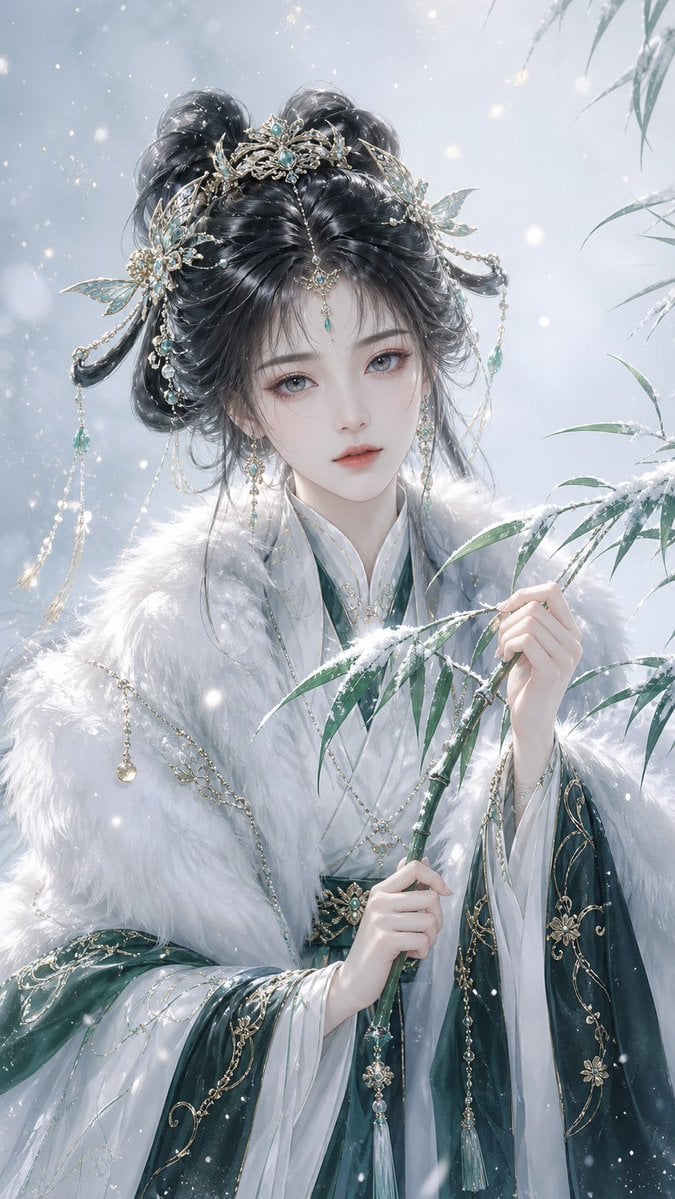
Elegant Oriental Fantasy Illustration
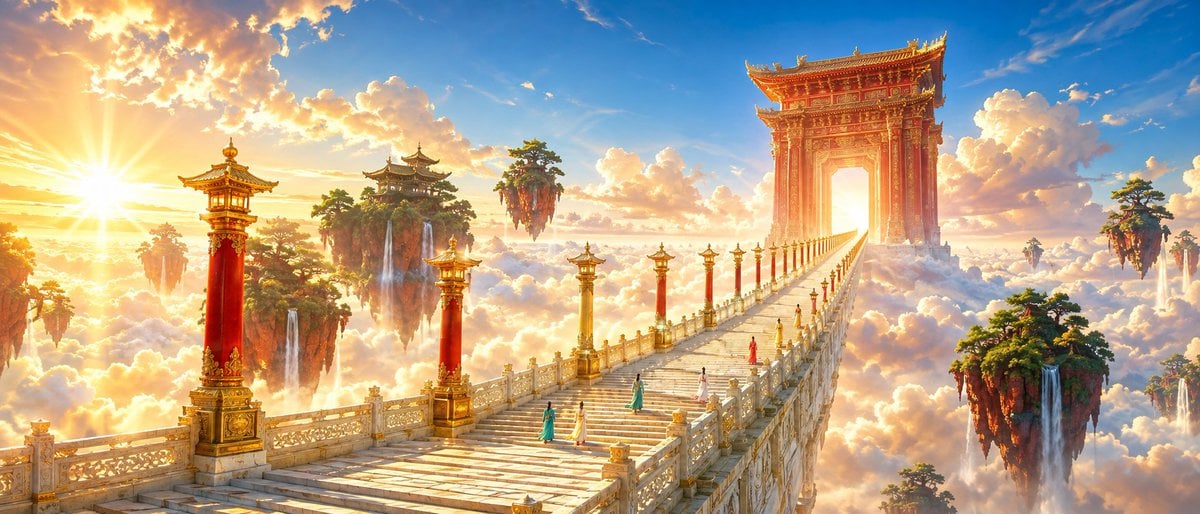
Oriental Fantasy Celestial Realm
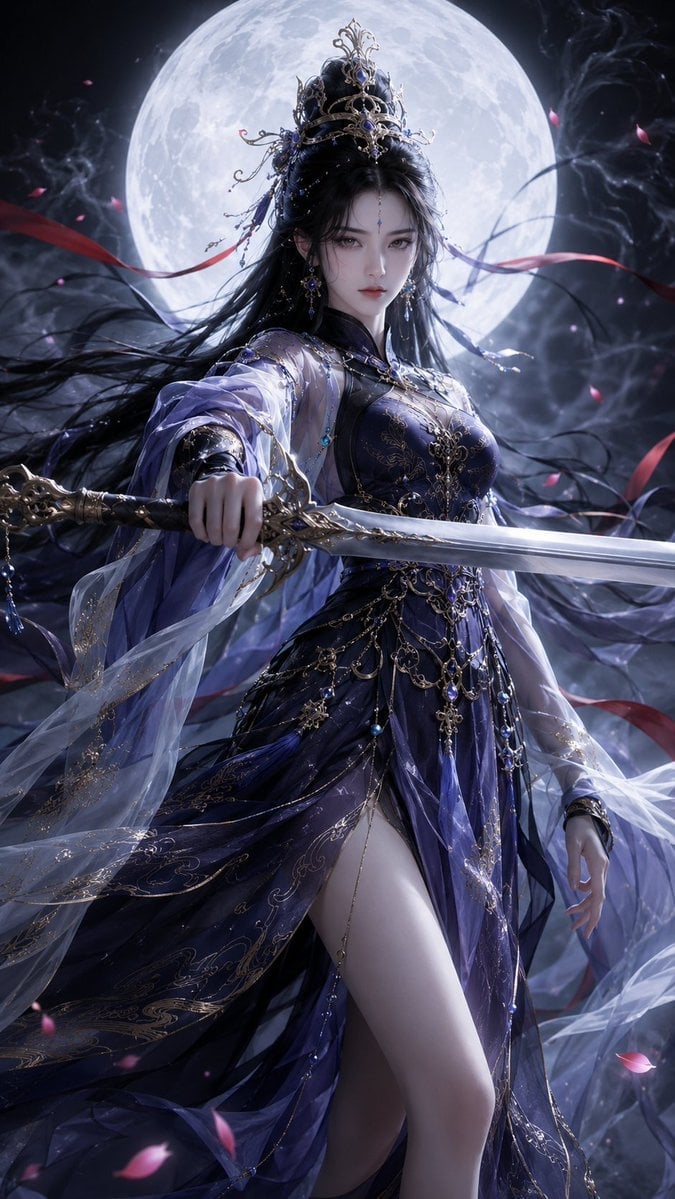
Oriental Fantasy Heroine 3D Poster
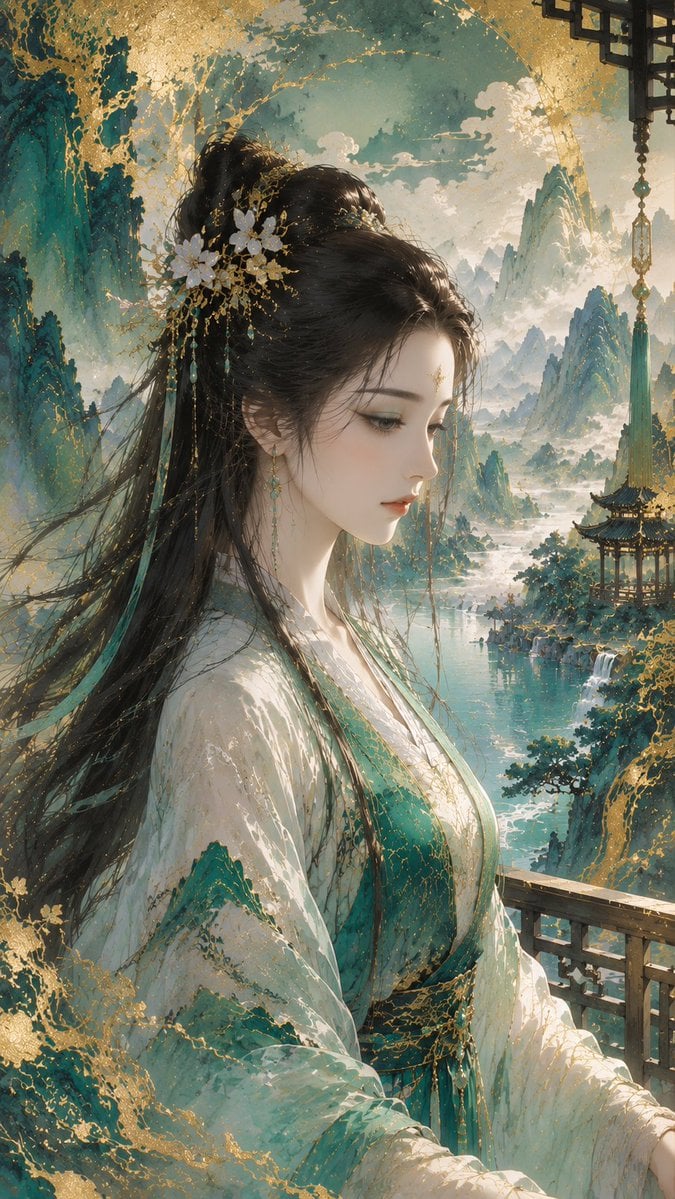
Gold-Leaf Mineral-Pigment Oriental Illustration

Quiet Minimalist Anime Style Guide

Anime Fantasy Celestial Movie Poster

Real Illustration Split Portrait Transition
Quiet Minimalist Anime Style Guide
Anime Fantasy Celestial Movie Poster

Watercolor Café Cheesecake Editorial Illustration
Make it yours
Oriental Fantasy 3D CG Illustration works as-is. These are the safest ways to change it without losing the look.
Change one field
Copy a single group, rewrite it, and generate again so you can see what that field is doing.
Keep the frame, change the subject
Hold the composition and light of Oriental Fantasy 3D CG Illustration, then swap wardrobe, props or the person for a new take.
| If the result… | Why | Fix |
|---|---|---|
| The result drifts from the preview | Too many fields changed at once. | Reuse Oriental Fantasy 3D CG Illustration as-is first, then change one group — subject, light, or setting. |
| The model over-stylizes the scene | The prose prompt leaves finish and camera underspecified. | Add one camera or lighting sentence and stay on GPT Image 2. |
More GPT Image 2 templates
Other prompts made for GPT Image 2.

Six VTuber Japanese Logo Sheet

Realistic Portrait of Woman and Deer

The Vista Modular Condo Poster

AI Model Routing Comparison Infographic

2.5D Anime Art Board

Isometric Productivity Desk Scene

New York Double Exposure Poster

Four-Panel AI Landscape Comparison

Japanese Tatami Lifestyle Magazine Cover

NESCAFÉ Coffee Map Poster
More image prompts
Fresh picks from across the catalog.
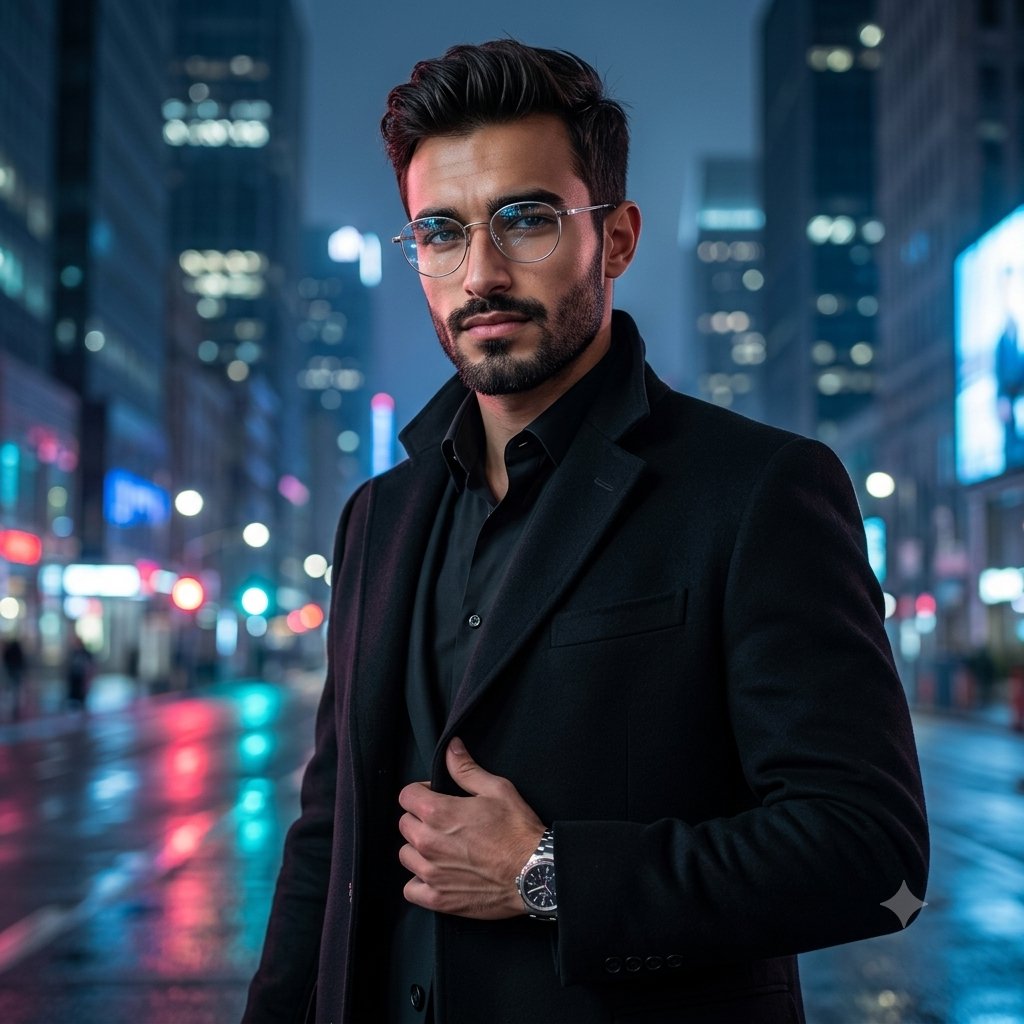
Premium Masculine Editorial Portrait
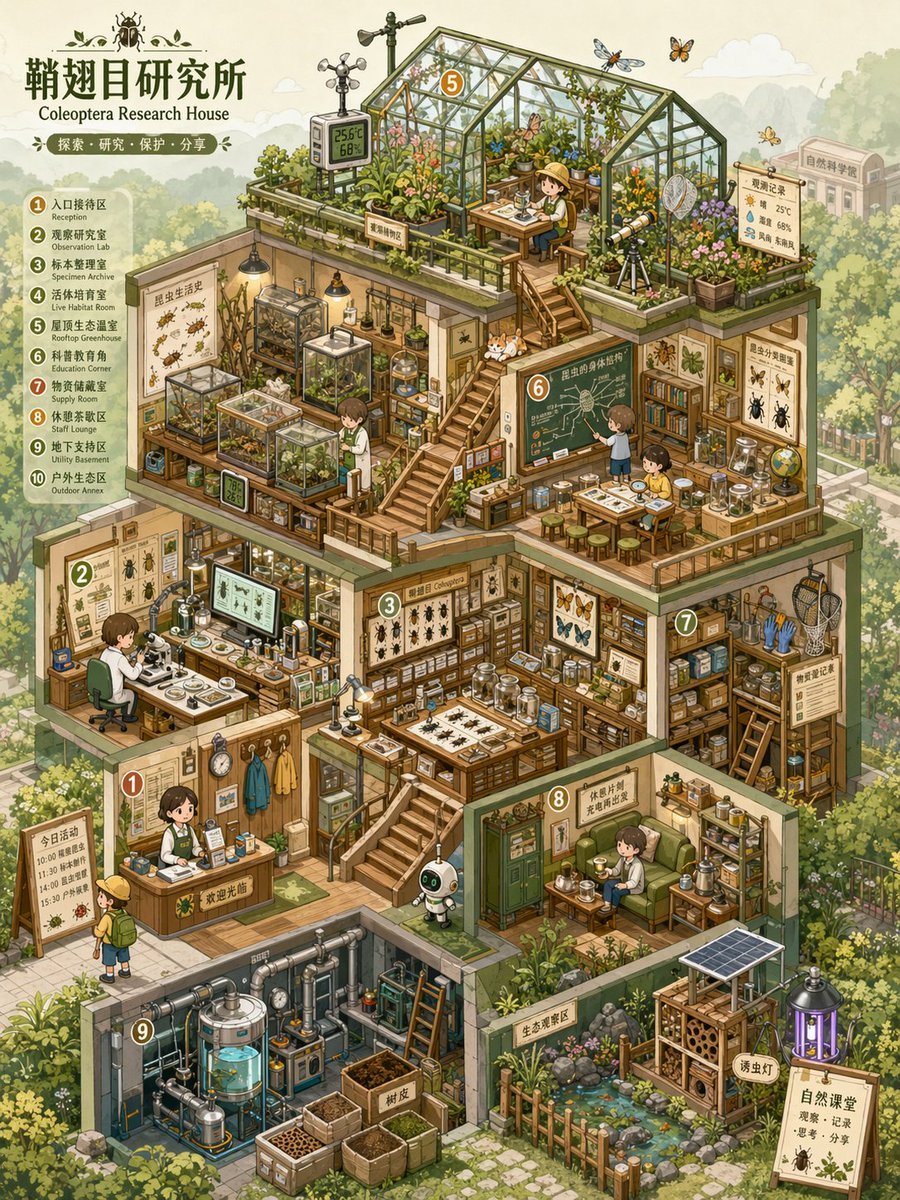
Isometric Micro-World Cross-Section Archive
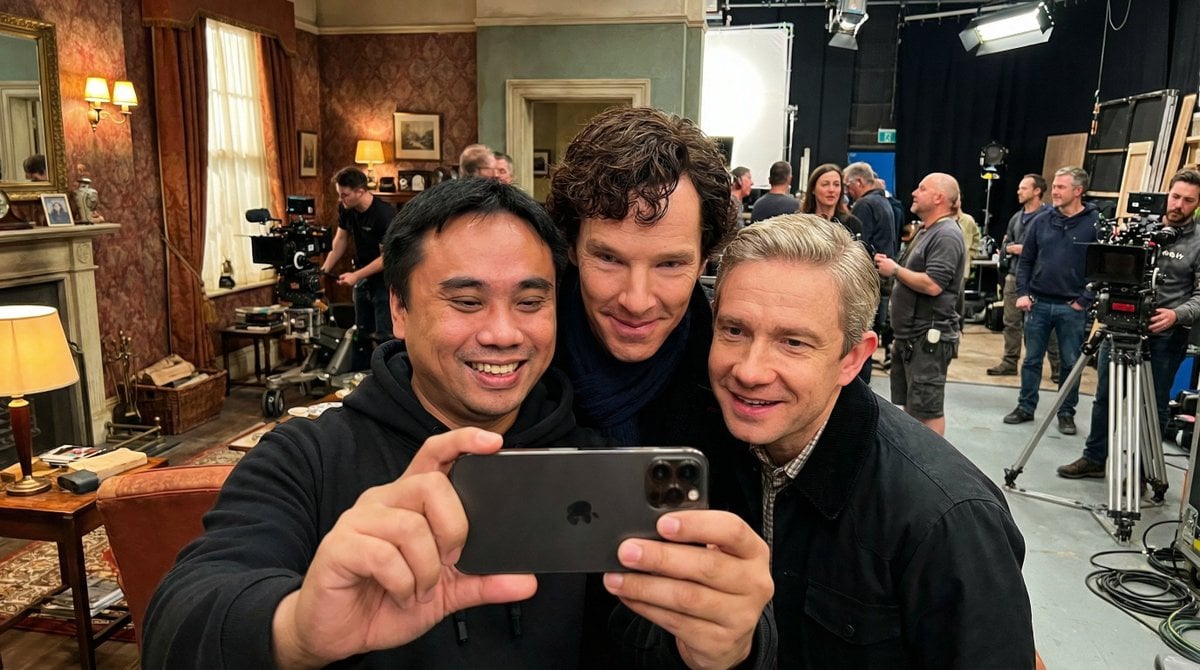
Behind-the-Scenes Movie Selfie with Identity Lock
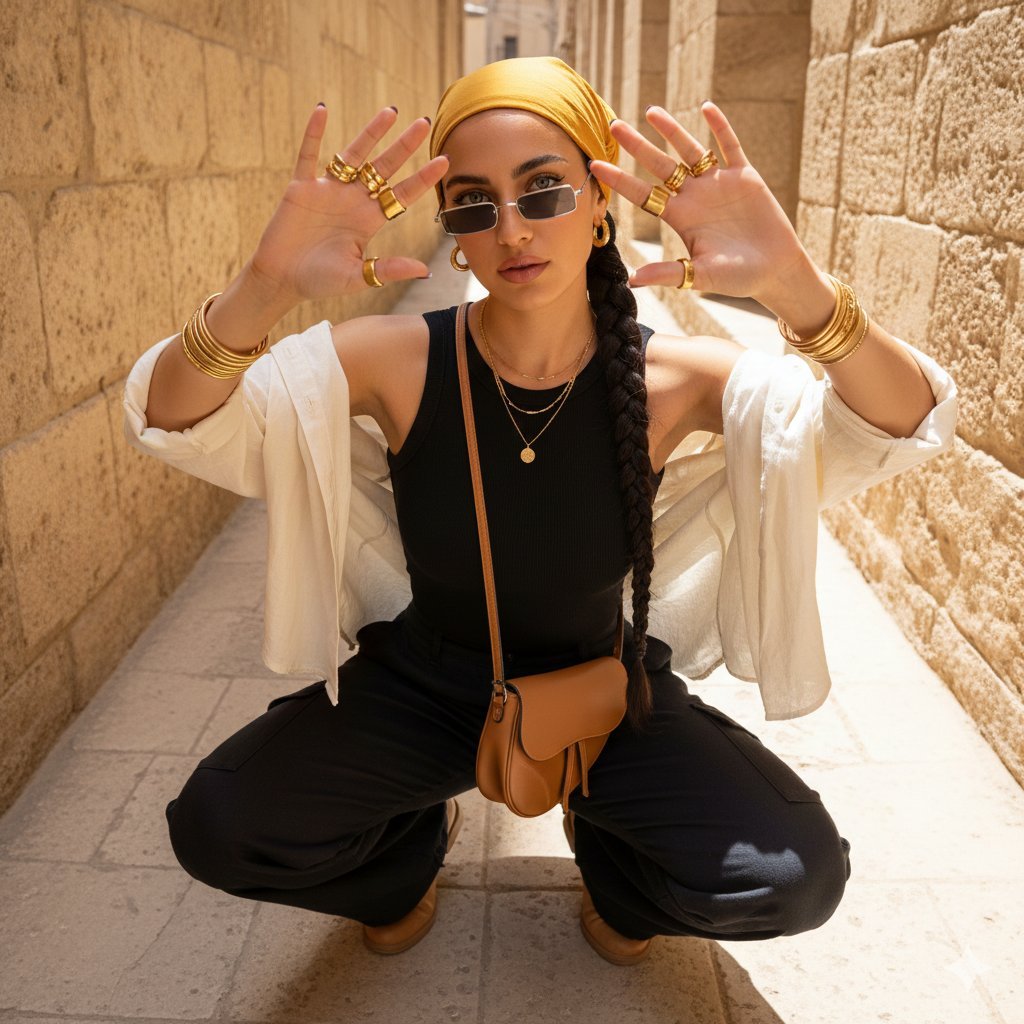
Desert-Chic Fashion in a Stone Alleyway
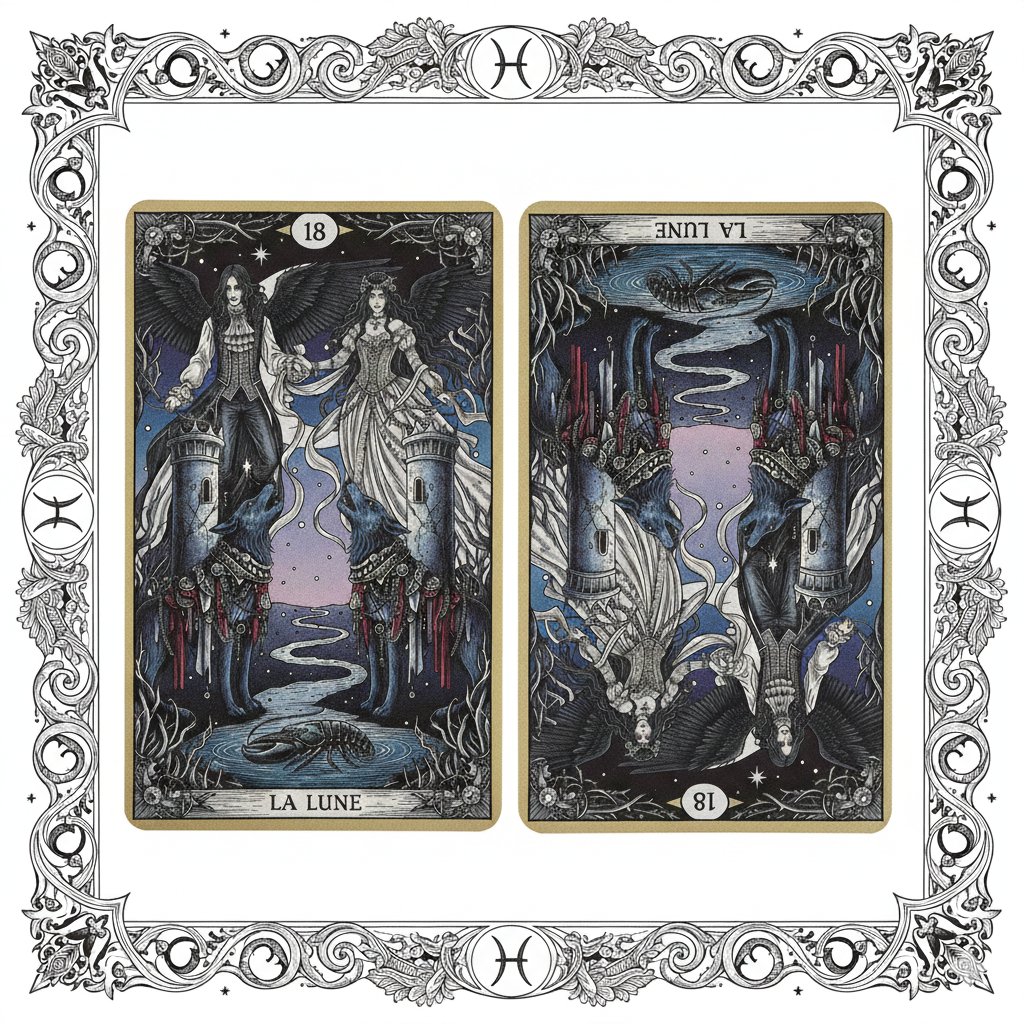
Nano Banana Pro Prompt: Tarot Card 18 (The Moon) with Mális Mizer and Pisces
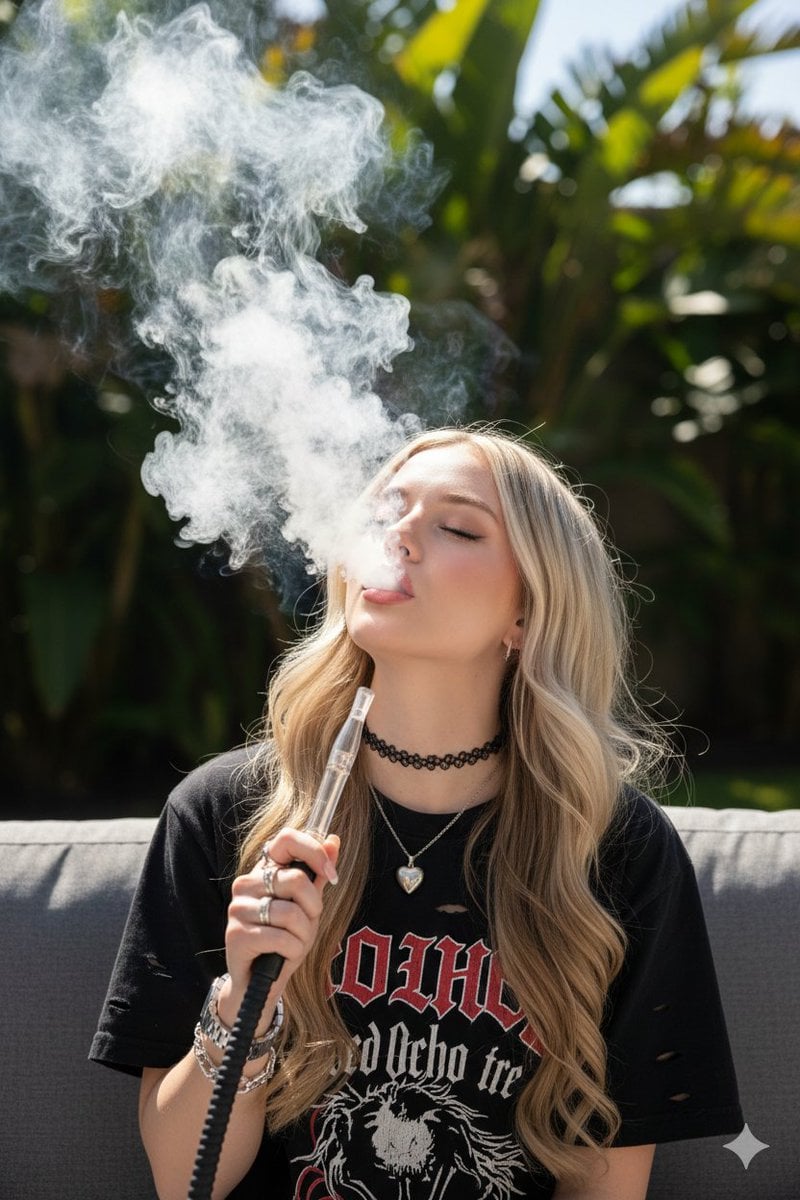
Candid Hookah Lounge Lifestyle Photo
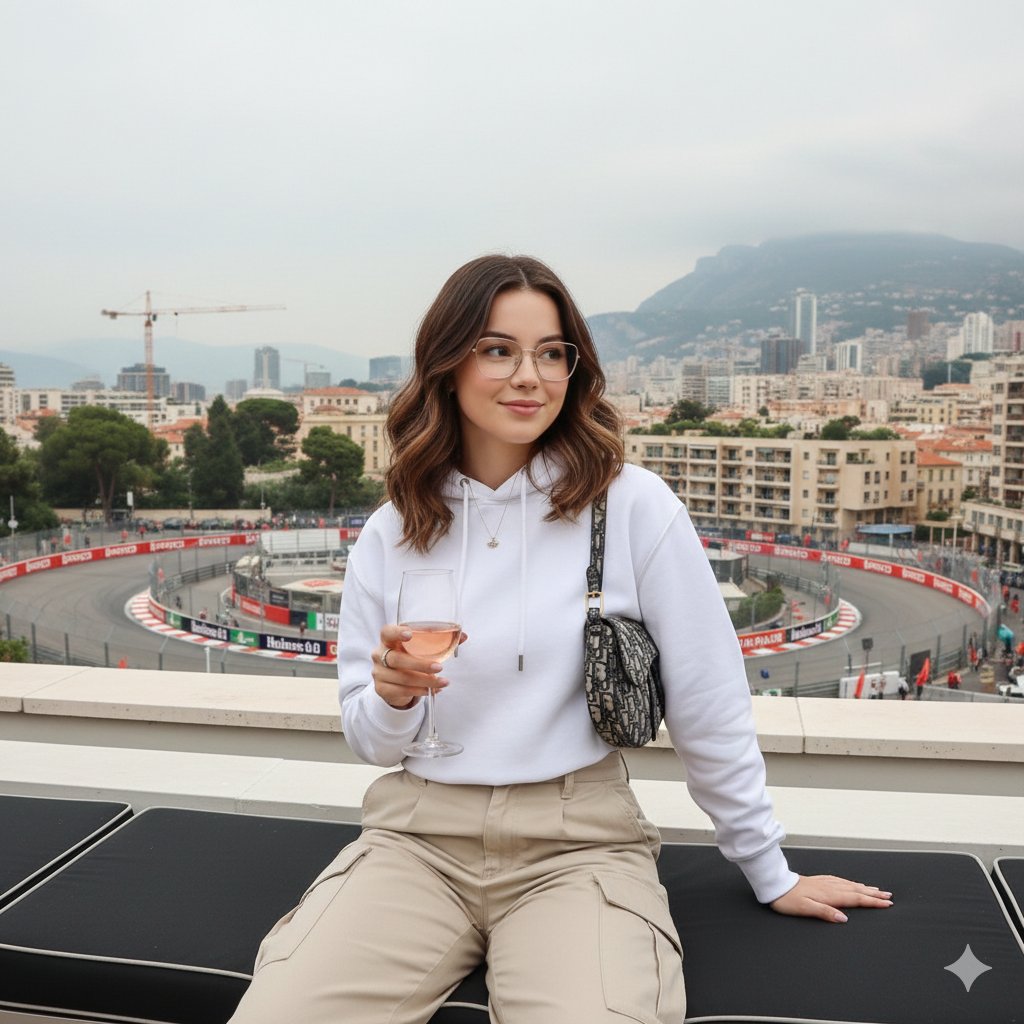
Monaco Grand Prix Rooftop Lifestyle Shot
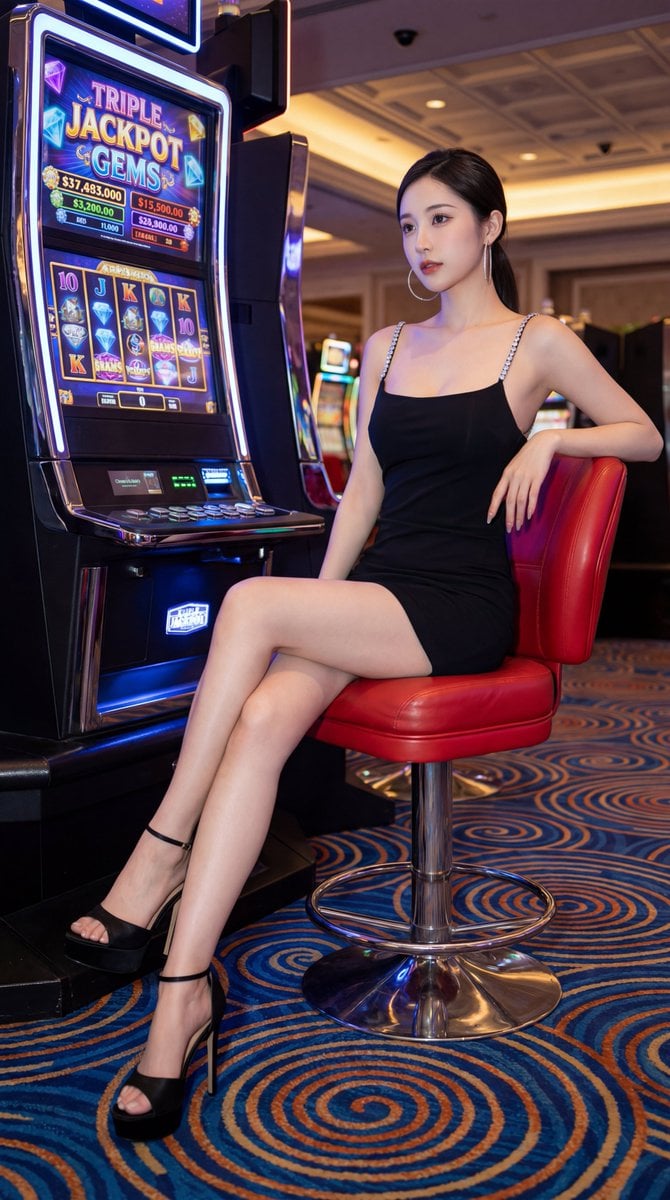
Chinese Casino Glamour Scene Prompt
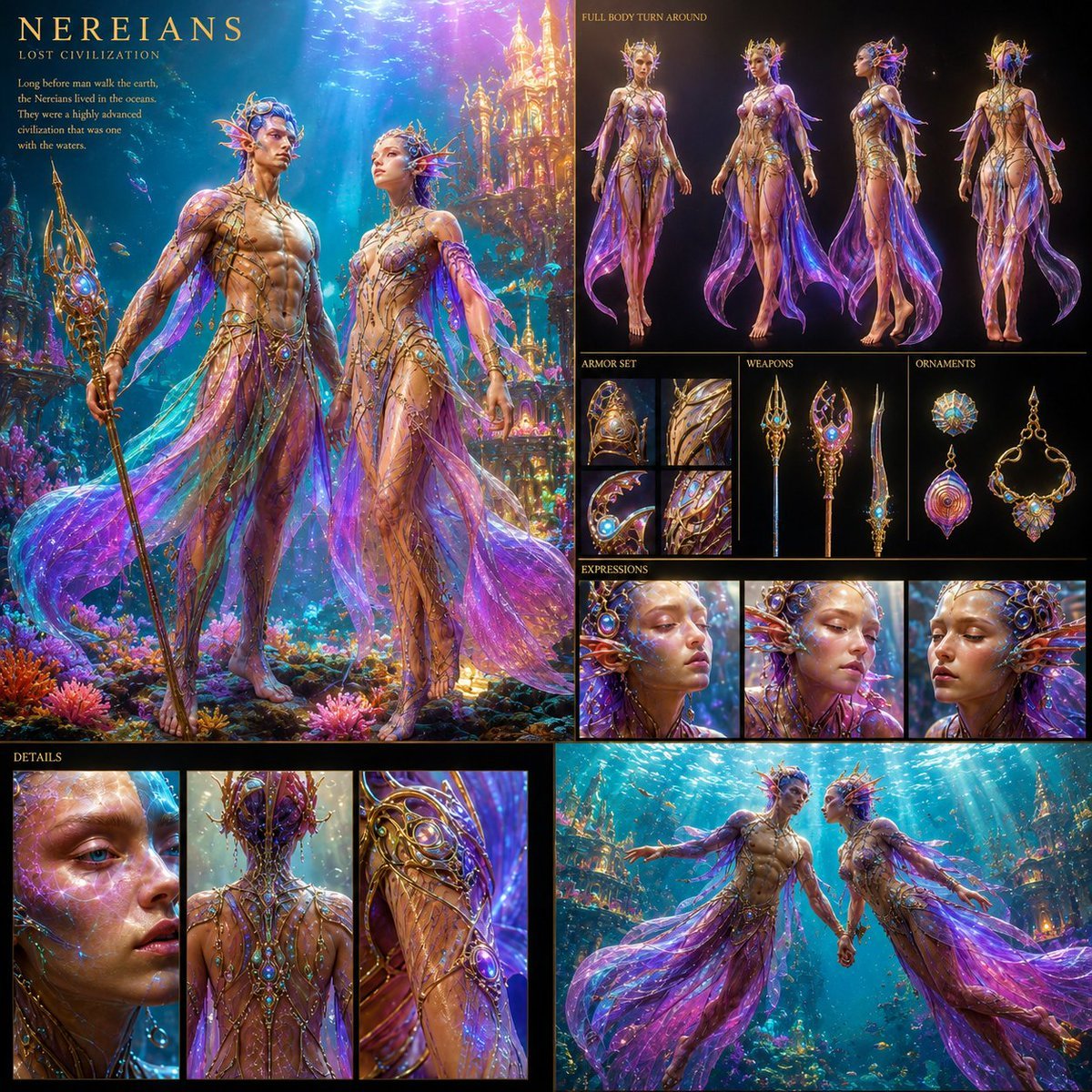
Underwater Civilization Character Board
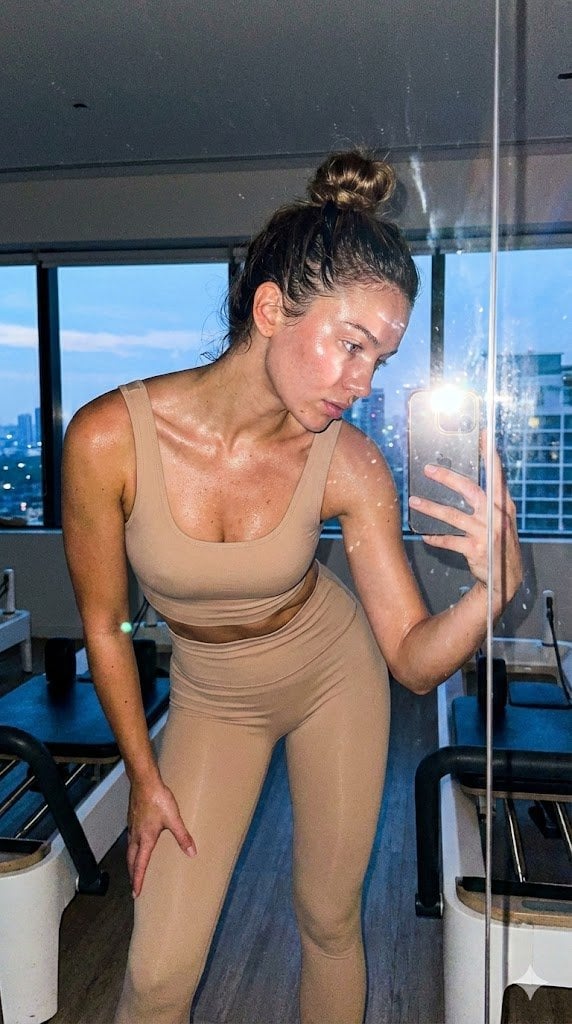
Pilates Selfie Prompt
Browse template categories
Oriental Fantasy 3D CG Illustration questions
How do I use the Oriental Fantasy 3D CG Illustration template?
Add your photo if the template asks for one, edit the prompt if you like — the template's model and format are already selected — and press Generate. Your version opens in PicX Studio.
Can I customize the Oriental Fantasy 3D CG Illustration template?
Yes. You can change the subject, setting, lighting, mood, format, and available model controls before creating your image.
Is the Oriental Fantasy 3D CG Illustration template free?
Opening and editing this template is free. Generating uses credits, shown on the Generate button when you are signed in.
Which AI model should I use?
Start with GPT Image 2, which is the model associated with this template. You can compare another compatible model for a different finish.
Looking for something else? Browse all templates.

Your photo, any look
Thousands of ready templates for every top image and video model, from one credit balance.