
Isometric Micro-World Cross-Section Archive
A professional and highly detailed instruction prompt for generating isometric, cross-section views of miniature thematic worlds with high information density.
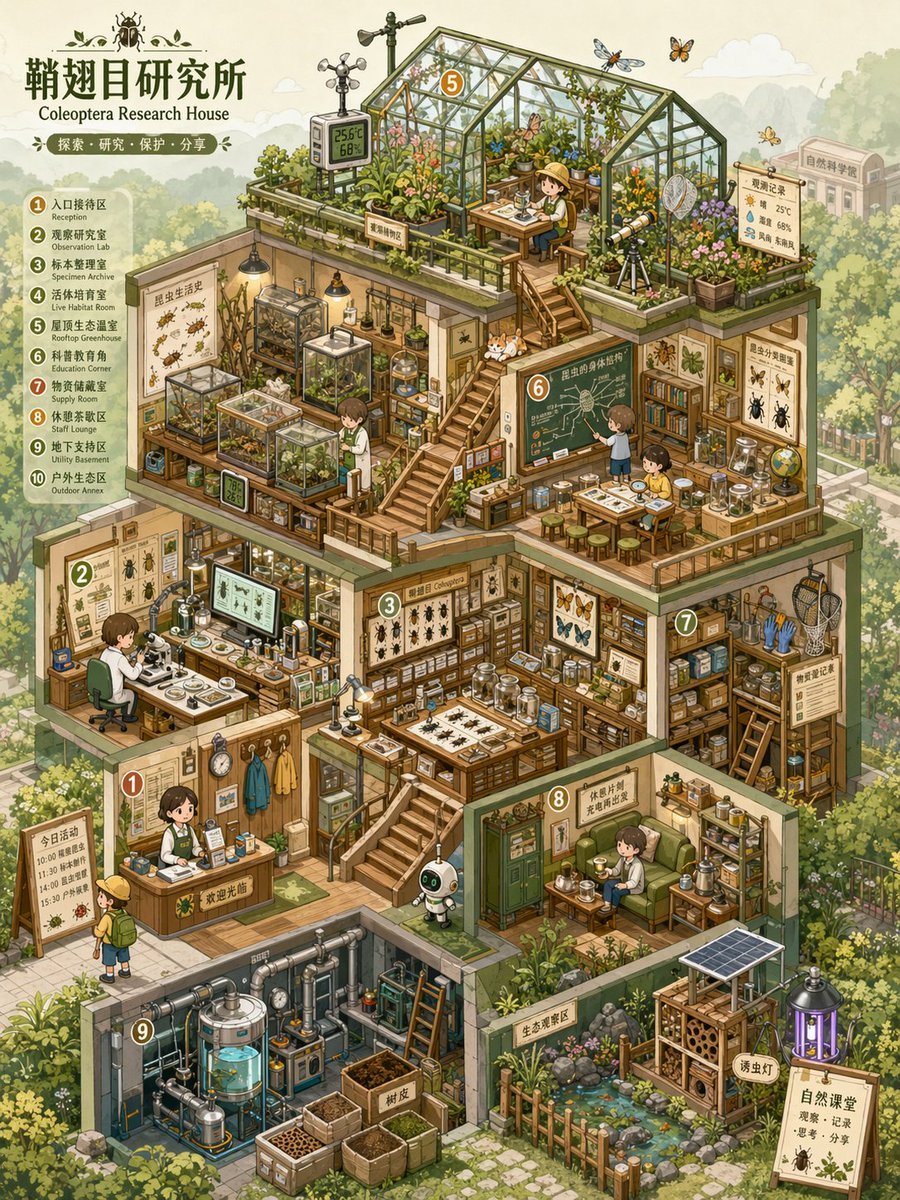
- Prompt included
- Model and format preset
- Free template
The prompt behind this image
Copy the exact prompt behind Isometric Micro-World Cross-Section Archive, or open it in the studio and make it yours.
Based on the【Theme】, create a highly polished, information-dense visual suitable for a serialized release: a "Miniature World Cross-Section Archive / Isometric Micro-World Archive" image. This is not an ordinary room illustration, nor simply an architectural drawing — it is a thematic-space overview image that combines "isometric axonometric perspective + architectural cross-section structure + multi-level functional spaces + high-density thematic props + a miniature-model feel + the feel of a game scene art-book." The image should look like a miniature world cut open, a management-sim game scene, a dollhouse model, or a world-building reference sheet, letting the viewer grasp the overall structure at a glance while still being able to examine the small details again and again. 【Basic Setup】 Theme: 【Theme, e.g. an insect research institute / a future survival base / a magic potion workshop / an AI automation company / a plant factory / a children's learning center / a space resupply station】 Space Name / Brand Name: 【Brand name or space name, may be left blank】 World-Building Direction: 【realistic / sci-fi / fairy tale / magic / apocalyptic / museum / laboratory / management sim / school / natural ecosystem】 Building Type: 【cottage / base / factory / laboratory / shop / museum / underground space / spaceship / multi-level studio】 Core Function: 【what this space is mainly used for, e.g. research, production, display, living, training, trading, learning, repair, cultivation】 Primary Color: 【primary color, e.g. light blue, mint green, cream yellow, pink, orange-green, purple-blue, white-blue tech tones】 Secondary Color: 【secondary color, may be left blank】 Accent Color: 【accent color, may be left blank】 Canvas Ratio: 【1:1 / 3:4 / 4:5 / 9:16】 Information Density: 【medium-high density / high density / ultra-high density】 Overall Mood: 【healing, cute, precise, playful, educational, futuristic, retro, refreshing, exploratory】 If some fields are left unfilled, automatically infer reasonable values based on the【Theme】— don't leave the image empty. All content should be generated consistently around the theme, avoiding unrelated elements. 【Image Structure】 Use a clear isometric axonometric perspective / isometric view / axonometric view, with the main subject being a multi-level themed building or functional base shown in cross-section. The viewer should be able to see the building's front, side, top, and interior spaces simultaneously. The overall building should be positioned at the center of the image, occupying the majority of the frame, with the background environment moderately faded to set off the main subject. The interior of the building needs to be divided into multiple functional zones, each with a clear purpose rather than randomly piled decoration. It can include: 1. Main work zone / core operations zone 2. Display zone / collection zone / specimen zone 3. Research zone / experiment zone / control zone 4. Storage zone / shelving zone / supply zone 5. Living zone / rest zone / small living quarters 6. Power zone / machinery zone / piping zone 7. Cultivation zone / growth zone / ecosystem zone 8. Entrance zone / transport zone / repair zone 9. Stairs, platforms, corridors, railings, ladders, and other spatial connecting structures The different zones should be connected through stairs, corridors, platforms, pipes, cable trays, or cables to form clear spatial relationships, making the image feel like a real, functioning small-scale system. 【Props and Details】 Based on the【Theme】, generate a large number of related props and distribute them across the different functional zones. Props need to be specific, recognizable, and thematically relevant — not just generic decoration. Every small object should be as clearly readable as a game asset, with a sense of being clickable, interactive, and collectible. Prop types can include: - Thematic equipment: machines, instruments, tools, control consoles, containers, screens, workbenches - Everyday objects: tables and chairs, bookshelves, beds, cups, boxes, cabinets, lamps - Display objects: specimens, models, posters, information placards, glass cabinets, display racks - Connecting structures: pipes, wires, ladders, stairs, conveyor belts, slide rails, platforms - Ecological elements: plants, water tanks, incubators, soil, branches, rocks, specimens - Character elements: a small number of tiny figures, small animals, robots, or thematic creatures, used to provide a sense of scale and story The number of props should be abundant, but kept orderly. All props should serve the space's function and the thematic world-building. 【Style Requirements】 The overall style should be a clear, cute, precise hand-drawn cartoon isometric illustration. Lines should be clean, edges slightly rounded, colors bright and soft, giving an overall relaxed, healing, exploratory feel. The image should feel like a management-sim game, a children's educational picture book, a miniature model, or a page from an art-reference book. Avoid excessive realism, avoid strong dark lighting, avoid a heavy oil-painting feel, and avoid complex noise. The focus should be on clarity, refinement, layering, and strong readability. 【Color and Lighting】 Use a soft palette with high brightness and low-to-medium saturation. Keep the primary color unified, use the secondary color to distinguish different spaces, and use the accent color to highlight key equipment and small props. Don't use flat black for line art — soft outline colors like dark gray, blue-gray, or brown-gray can be used instead. Keep the lighting lightweight — strong realistic shadows are not needed. Build up layering through color blocks, structure, linework, and localized highlights. Render the background in light colors with low contrast, so the main building stands out more. 【Composition and Reading Path】 The main subject should be centered or slightly above center, with the building shown in a multi-level cross-section structure. The visual reading path should start from the overall building silhouette, move into each floor's functional zones, and finally arrive at the detailed props. Stairs, platforms, corridors, pipes, tracks, and similar elements can be used to guide the eye. The overall image should be full but not crowded, rich but not chaotic. Every room, platform, and corner should have content, while still maintaining clear spatial boundaries. 【Background Environment】 The background can incorporate a de-emphasized outdoor environment based on the theme, such as a forest, a city, a street, underground rock layers, a research campus, the seafloor, space, a school campus, a factory exterior wall, etc. The background should not compete with the main subject — it's recommended to render it in light colors, low opacity, and low contrast, creating a "sharp subject, receded background" effect. 【Final Result】 The final image should look like a complete thematic-space reference sheet — combining the structural clarity of an architectural cross-section, the detail richness of a game scene asset sheet, and the cute, exploratory feel of a miniature dollhouse. It should be suitable for use in serialized visual creation, IP world-building showcases, game scene design, brand space concept art, educational content covers, or Xiaohongshu/Pinterest-style visual posts. Please make sure the image has: 1. A clear isometric axonometric perspective 2. A clear architectural cross-section structure 3. Complete multi-level functional zones 4. Abundant, thematically unified props 5. Soft, bright colors 6. Clean, clear line art 7. A de-emphasized background with the subject standing out 8. High information density without chaos 9. The feel of an explorable, operable, endlessly examinable miniature world
How to use Isometric Micro-World Cross-Section Archive in 3 steps
- 1Upload ImagePNG, JPG or paste
Add your photo
Upload the photo the template builds on. The prompt, model and format are already set.
- 2…a portrait of your subject in softgolden-hour light, 85mm…
Personalize
Edit the subject and creative details for your destination.
- 3Generate
Generate
Press Generate — your image is created in PicX Studio, so you can compare it with the original and refine one variable at a time.
More like this
Templates with the same subject, style or setup. Open one to see its prompt.
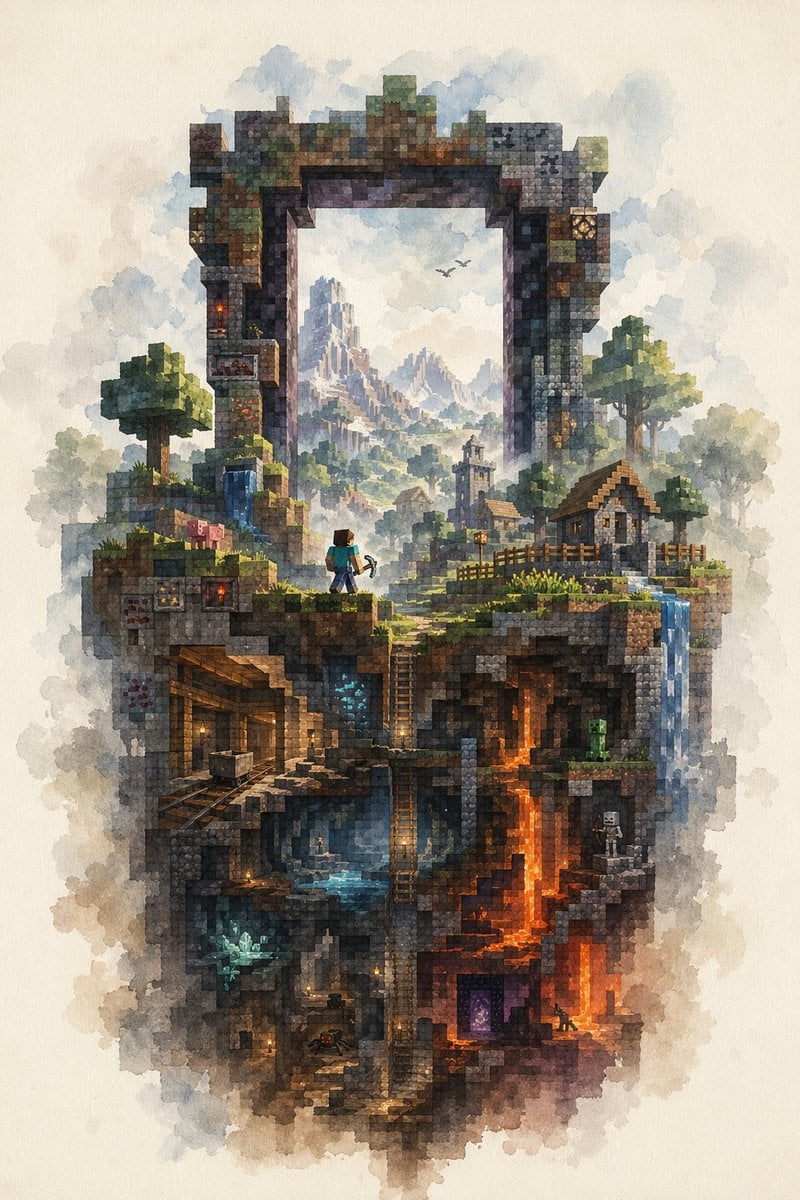
Watercolor Minecraft World Cross-Section
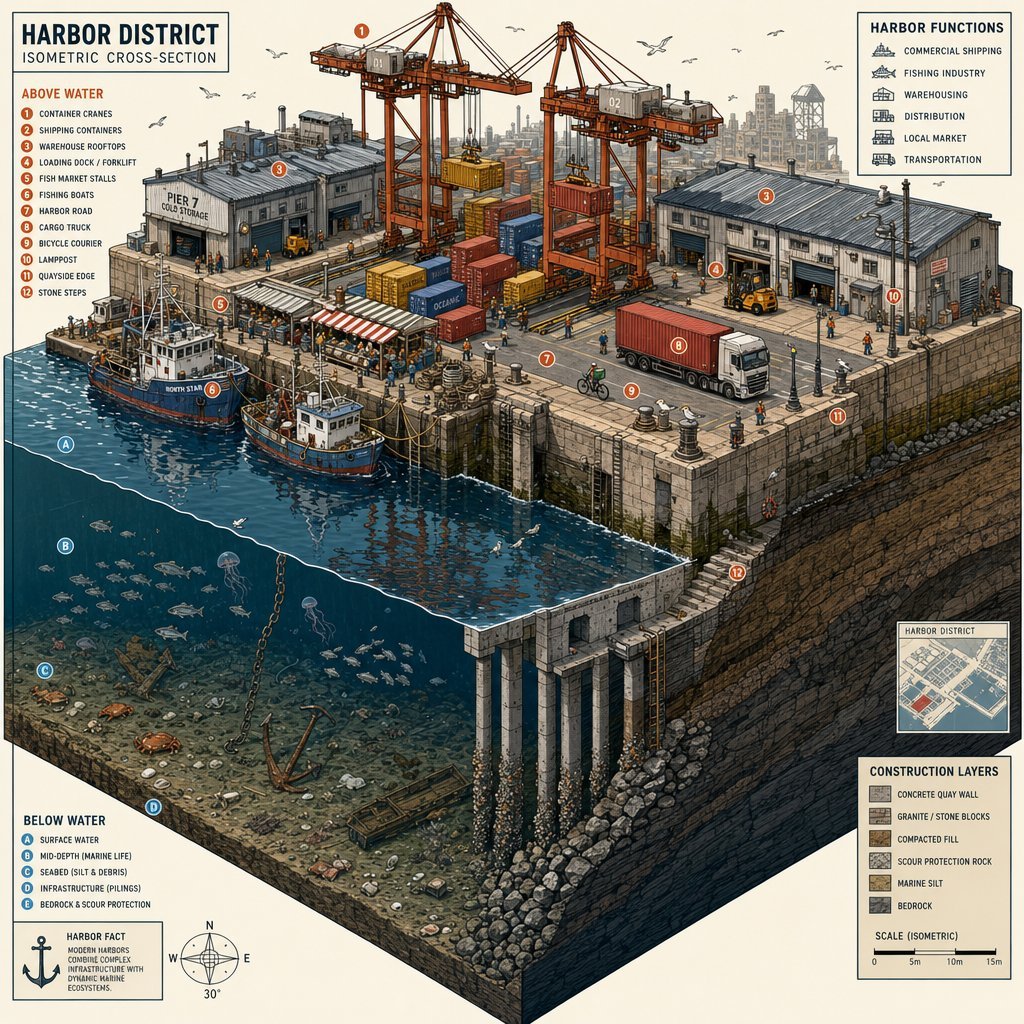
Isometric Harbor District Cross-Section
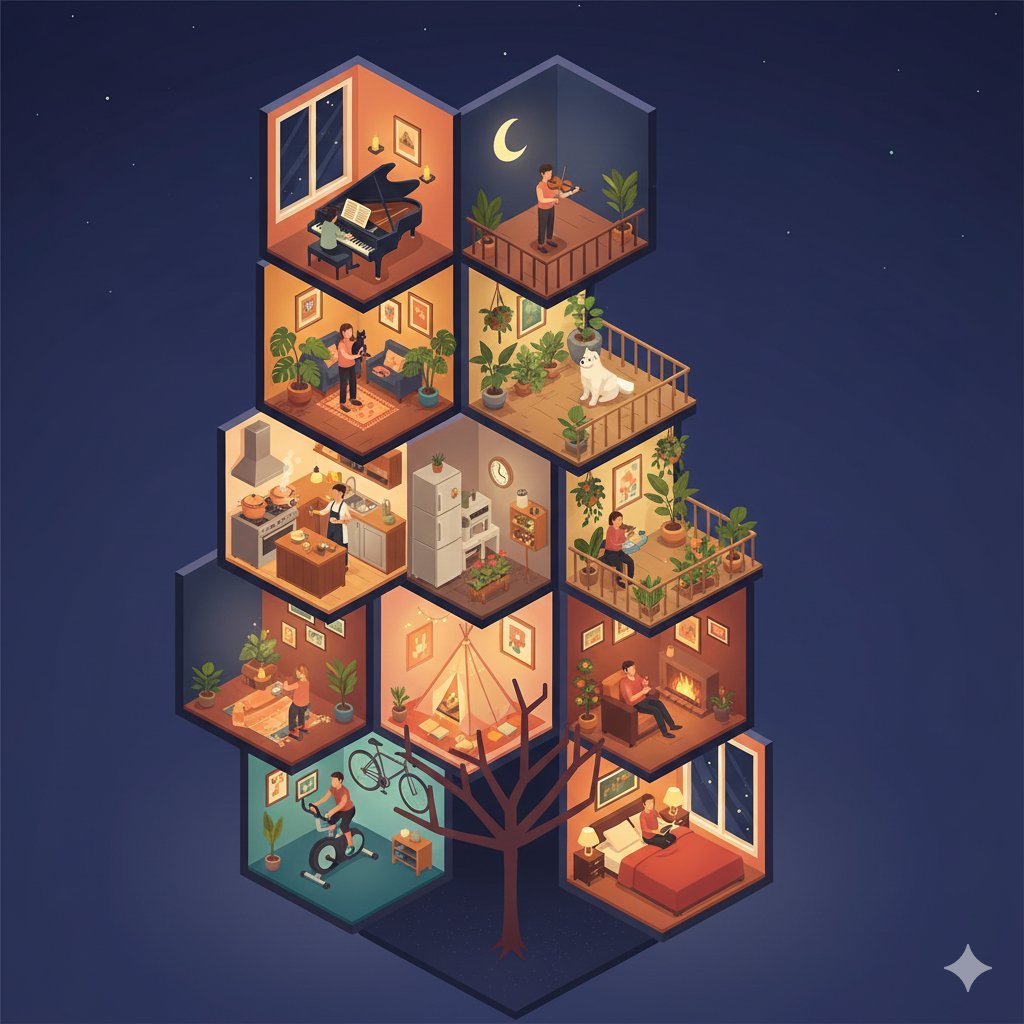
Isometric Cross-Section Illustration of a Floating Modular Apartment Building
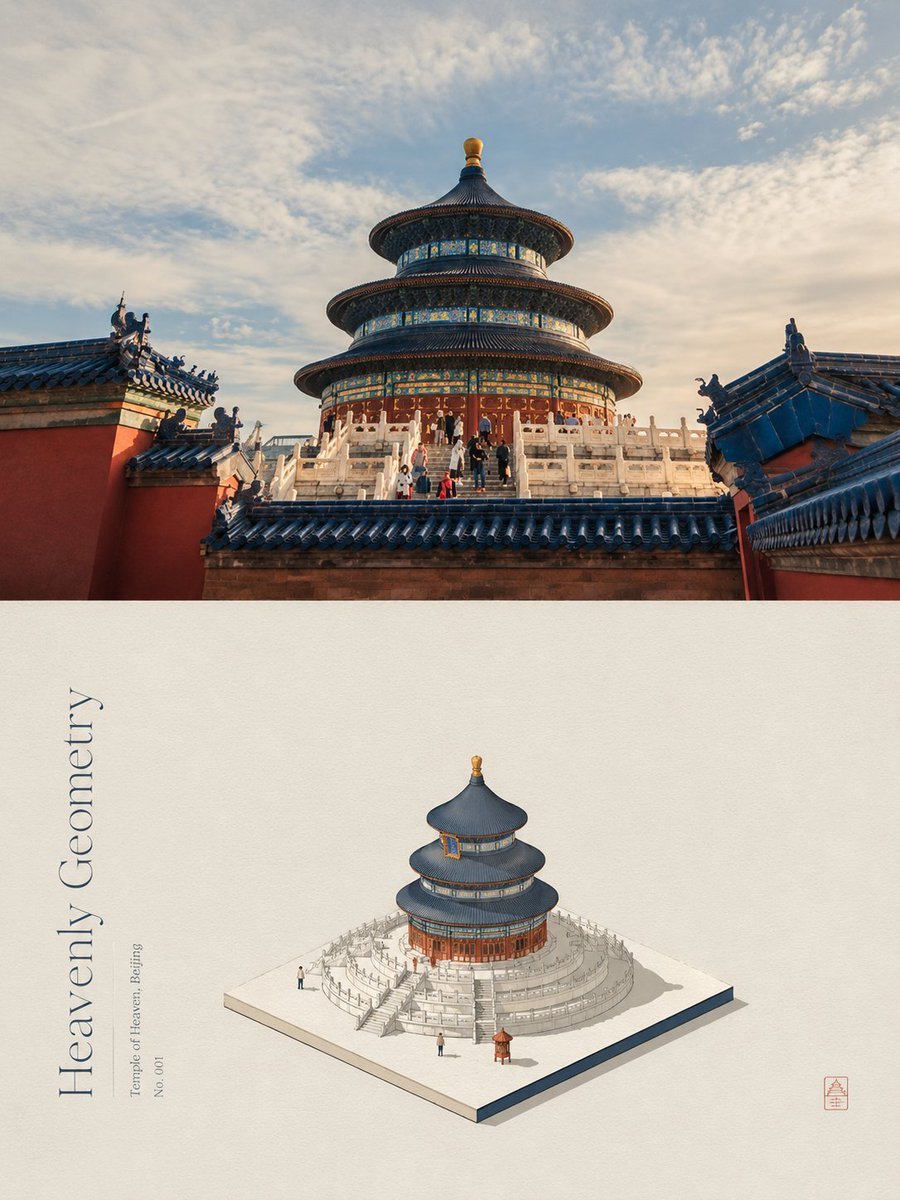
Isometric Micro Model Poster
Juicy burger slice beef patty cross-section with bun edge

Isometric Process Educational Diorama

Isometric Brand Store Diorama

Isometric Vehicle Teardown Infographic Template
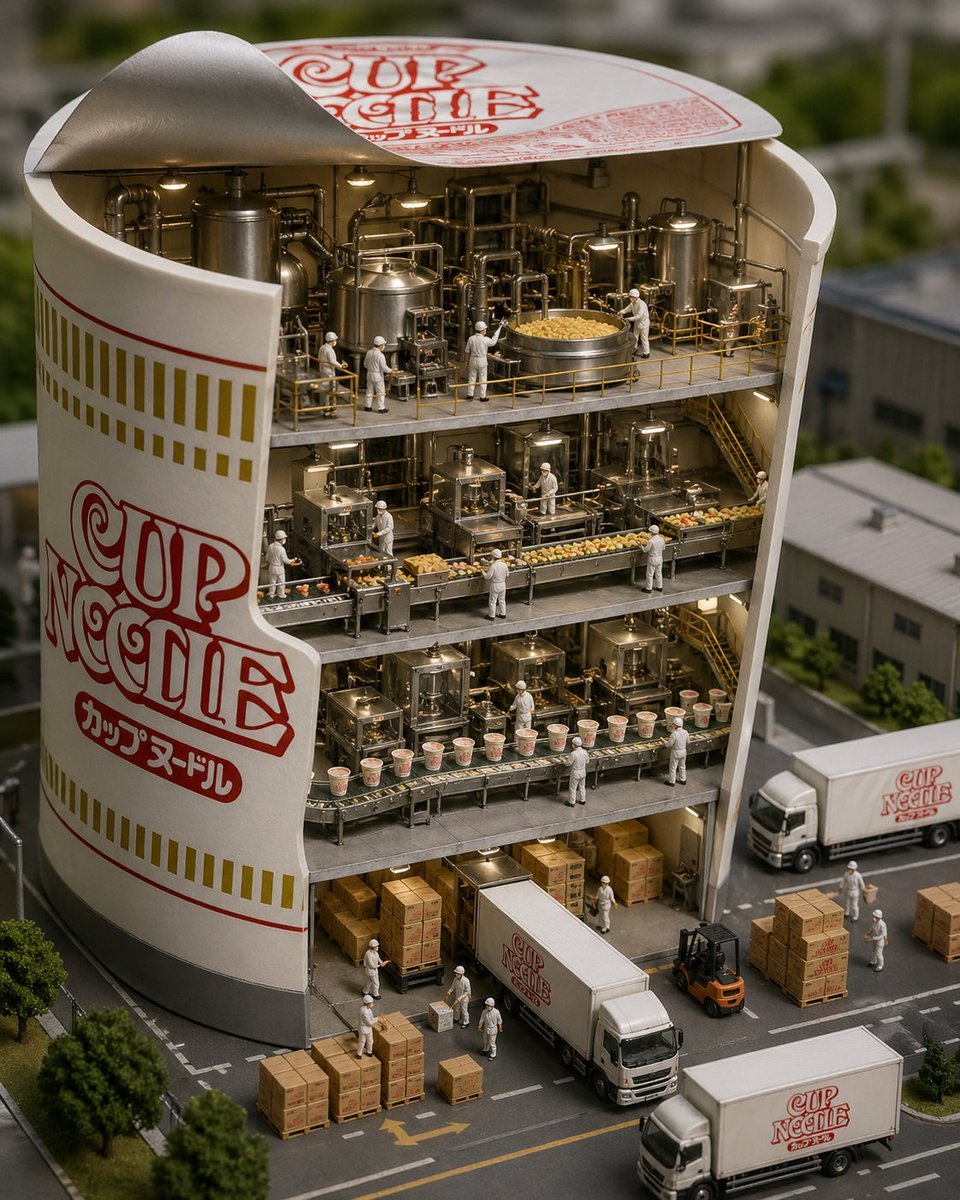
Cup Noodle Factory Cross-Section Diorama
Real-World Anime Character Crossover
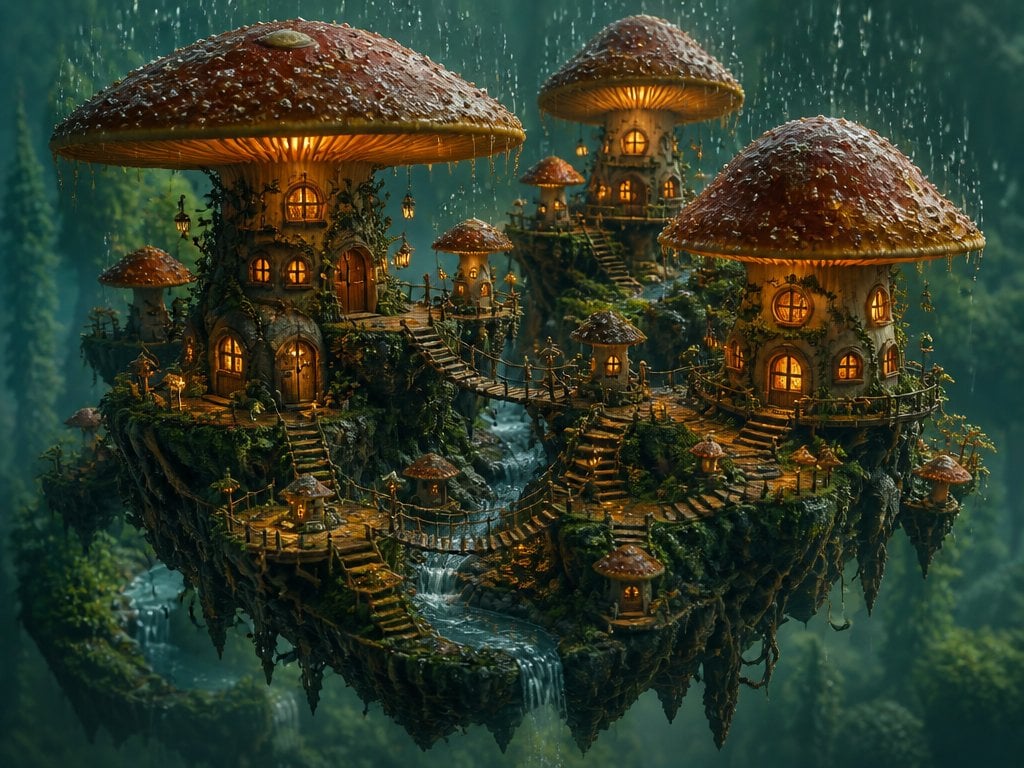
Isometric 3D World Render
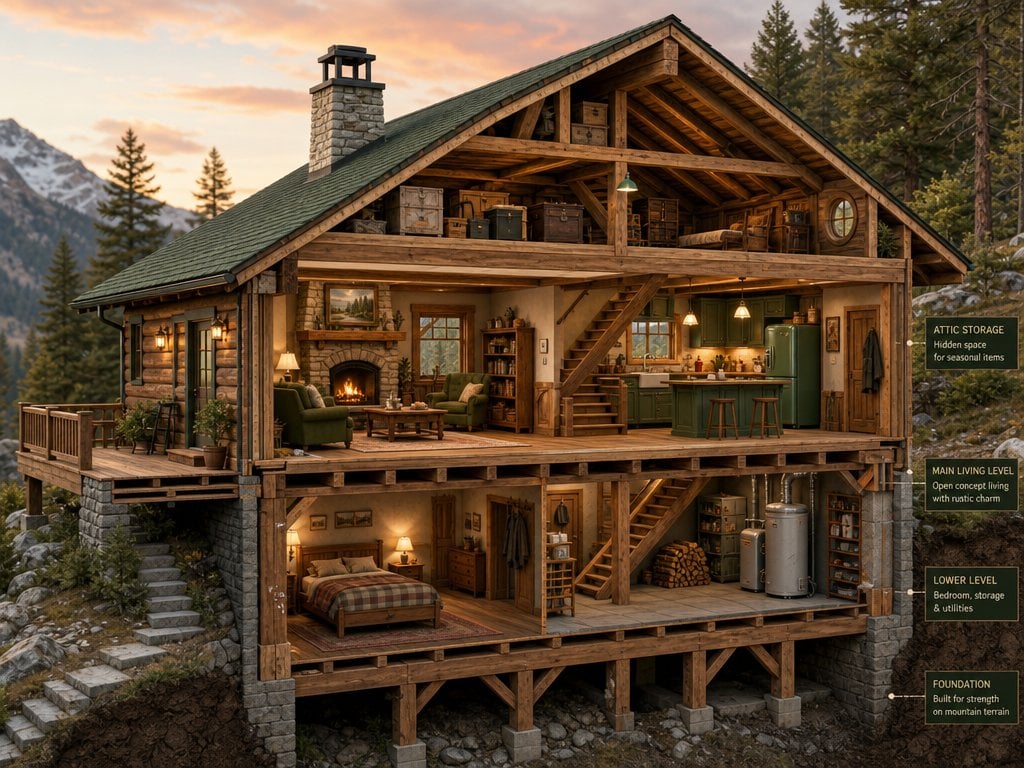
Cross-Section Cutaway Render
Make it yours
Isometric Micro-World Cross-Section Archive works as-is. These are the safest ways to change it without losing the look.
Change one field
Copy a single group, rewrite it, and generate again so you can see what that field is doing.
Keep the frame, change the subject
Hold the composition and light of Isometric Micro-World Cross-Section Archive, then swap wardrobe, props or the person for a new take.
| If the result… | Why | Fix |
|---|---|---|
| The result drifts from the preview | Too many fields changed at once. | Reuse Isometric Micro-World Cross-Section Archive as-is first, then change one group — subject, light, or setting. |
| The model over-stylizes the scene | The prose prompt leaves finish and camera underspecified. | Add one camera or lighting sentence and stay on GPT Image 2. |
More GPT Image 2 templates
Other prompts made for GPT Image 2.

Six VTuber Japanese Logo Sheet

Realistic Portrait of Woman and Deer

The Vista Modular Condo Poster

AI Model Routing Comparison Infographic

2.5D Anime Art Board

Isometric Productivity Desk Scene

New York Double Exposure Poster

Four-Panel AI Landscape Comparison

Japanese Tatami Lifestyle Magazine Cover

NESCAFÉ Coffee Map Poster
More image prompts
Fresh picks from across the catalog.

Luxury Skincare Brand Key Visual (KV)
AI Cost Reduction Taoist Talisman

GPT Image 2 City Artistic Poster Prompt
Buddhist Motif Sci-Fi Cover

Luxury Streetwear Fashion Campaign

Prompt: Turn the uploaded image into a highly auth
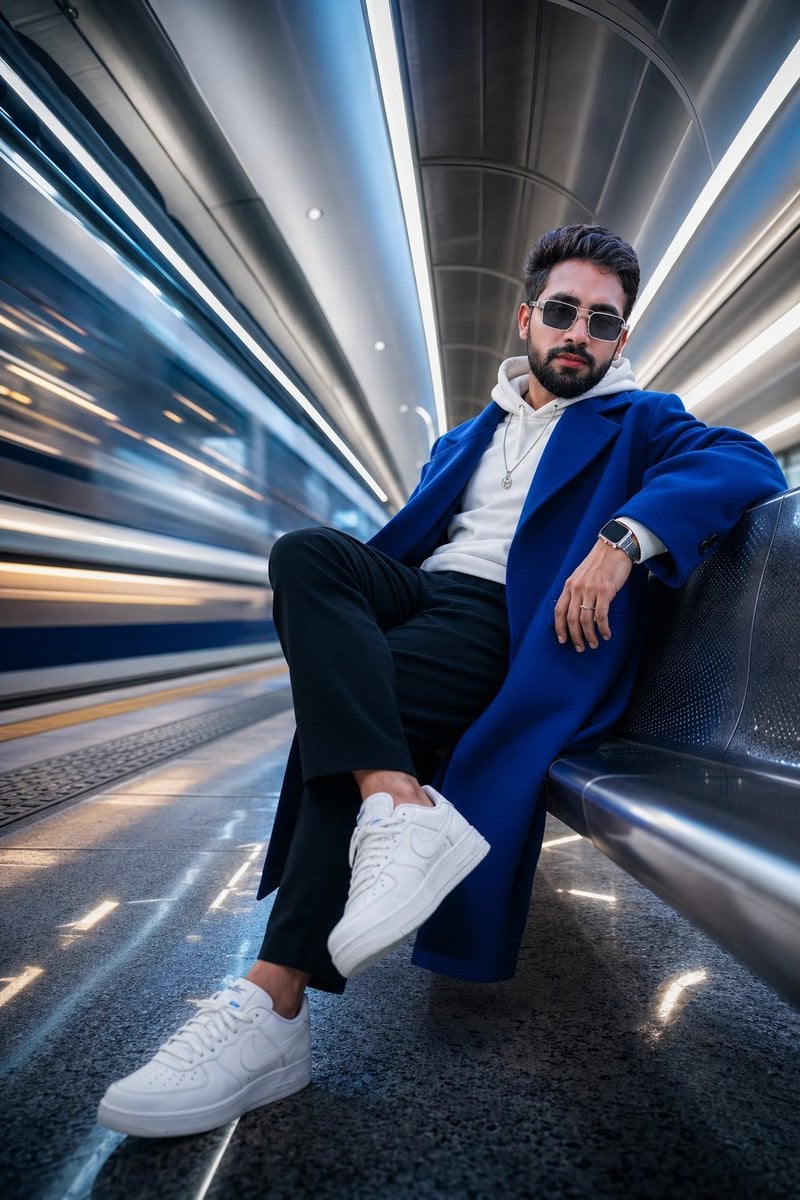
Futuristic Metro Station Fashion Shoot

DomoAI Image Generation Prompt Comparison

Hyper-Detailed Pop-Up Paper City
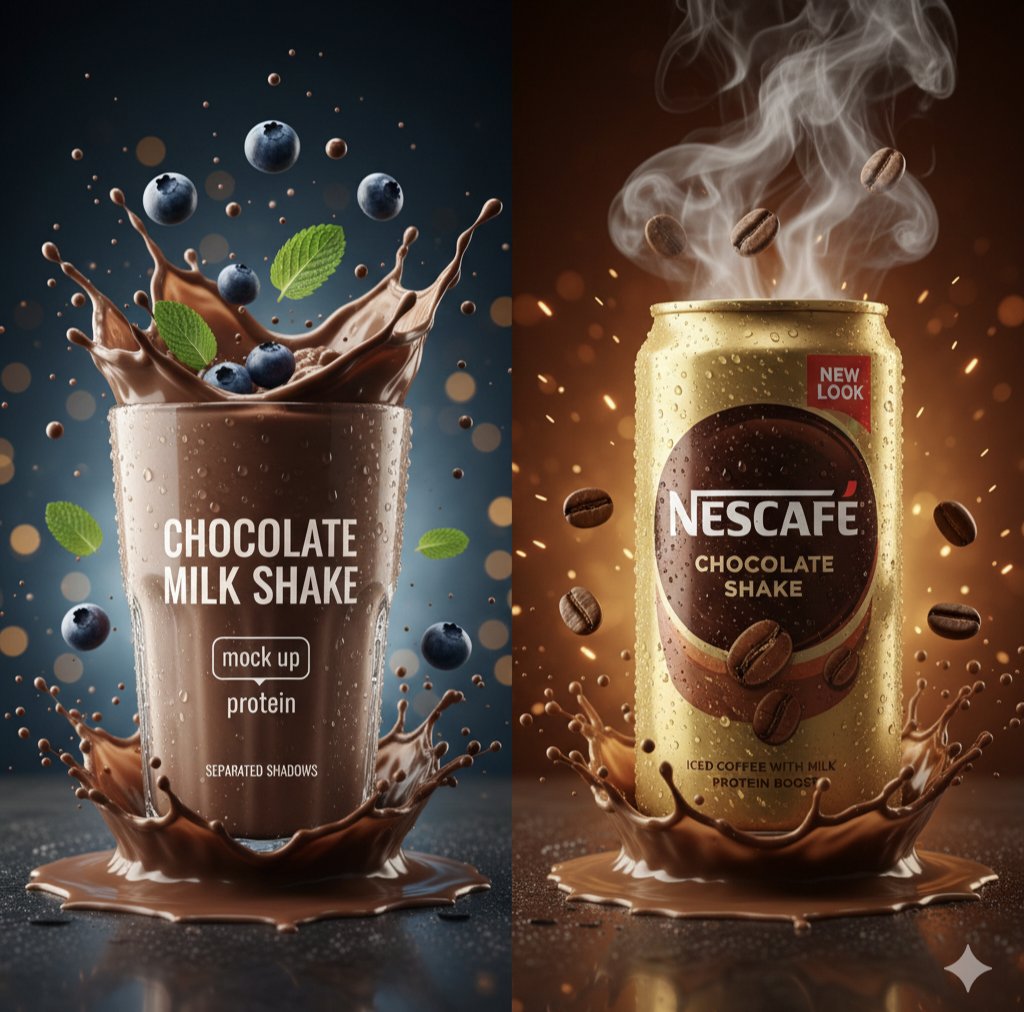
Hyper-Realistic Commercial Product Photography Prompt (Gemini Nano Banana)
Browse template categories
Isometric Micro-World Cross-Section Archive questions
How do I use the Isometric Micro-World Cross-Section Archive template?
Add your photo if the template asks for one, edit the prompt if you like — the template's model and format are already selected — and press Generate. Your version opens in PicX Studio.
Can I customize the Isometric Micro-World Cross-Section Archive template?
Yes. You can change the subject, setting, lighting, mood, format, and available model controls before creating your image.
Is the Isometric Micro-World Cross-Section Archive template free?
Opening and editing this template is free. Generating uses credits, shown on the Generate button when you are signed in.
Which AI model should I use?
Start with GPT Image 2, which is the model associated with this template. You can compare another compatible model for a different finish.
Looking for something else? Browse all templates.

Your photo, any look
Thousands of ready templates for every top image and video model, from one credit balance.