
AI Cost Reduction Taoist Talisman
Generates a humorous Chinese Taoist-style talisman poster meant as a magical charm for reducing SOTA AI model costs.
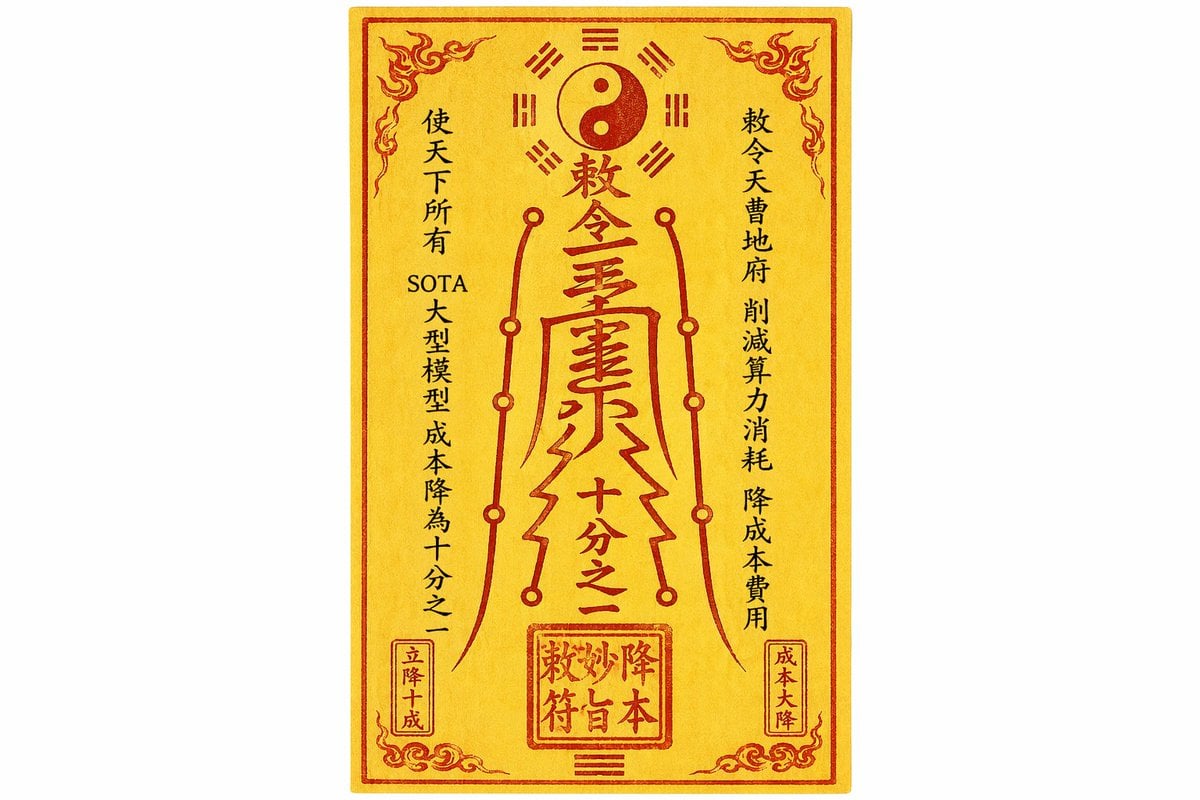
- Prompt included
- Model and format preset
- Free template
The prompt behind this image
Copy the exact prompt behind AI Cost Reduction Taoist Talisman, or open it in the studio and make it yours.
Create a single front-facing Chinese Taoist talisman on an off-white background, centered as a tall vertical rectangle of aged golden-yellow rice paper with subtle fibrous texture, slight mottling, and a thin red outer border plus inner red frame. Use deep cinnabar-red ink for the sacred graphics and mostly black ink for side calligraphy, with a hand-brushed, slightly imperfect printed look. The talisman contains 4 vertical text columns: left black column reading {argument name="left invocation text" default="使天下所有 SOTA 大型模型 成本降為十分之一"}, right black column reading {argument name="right invocation text" default="敕令天曹地府 削減算力消耗 降成本費用"}, a small red boxed column at lower left reading "立降十成", and a small red boxed column at lower right reading "成本大降". In the center, draw a large ornate red Taoist spell glyph with stacked Chinese characters, including a top title {argument name="central title text" default="敕令靈畫"} and the phrase {argument name="central reduction text" default="十分之一"}, shaped like a flowing ritual sigil with angular strokes. Above it place 1 yin-yang symbol inside a red circle, surrounded by 8 red bagua trigrams arranged symmetrically. Add 2 mirrored vertical red circuit-like ritual lines flanking the central glyph, each with circular nodes, giving a mystical-computing hybrid feeling. At the bottom center add 1 red square seal stamp containing four stylized characters, default text {argument name="seal text" default="敕妙降本符"}, and beneath it 1 small trigram mark. Decorate the four corners with 4 red flame-cloud ornaments and add fine red ornamental curls near the bottom corners. The composition should resemble an authentic Daoist paper charm redesigned as a humorous magical cost-reduction talisman for SOTA AI models, cleanly photographed or scanned, flat 2D, high resolution, no perspective distortion.
How to use AI Cost Reduction Taoist Talisman in 3 steps
- 1Upload ImagePNG, JPG or paste
Add your photo
Upload the photo the template builds on. The prompt, model and format are already set.
- 2…a portrait of your subject in softgolden-hour light, 85mm…
Personalize
Edit the subject and creative details for your destination.
- 3Generate
Generate
Press Generate — your image is created in PicX Studio, so you can compare it with the original and refine one variable at a time.
More like this
Templates with the same subject, style or setup. Open one to see its prompt.
AI Thinking Saves Cost Poster

Low-Cost AI Video Thumbnail
Taoist Three Souls Seven Po Poster
Product Photography Grid Generation for Cost Saving
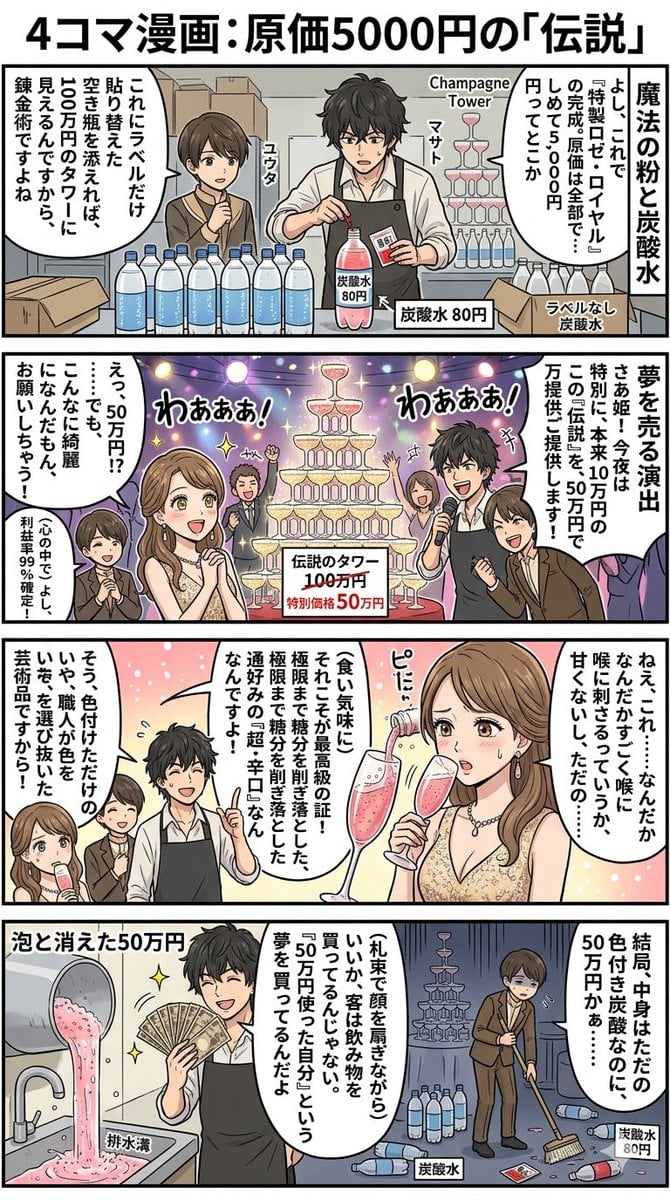
Four-Panel Manga: The Legend of the 5000 Yen Cost

Gpt2 Infographic Edu Visual Taoist Three Souls Seven Po Poster
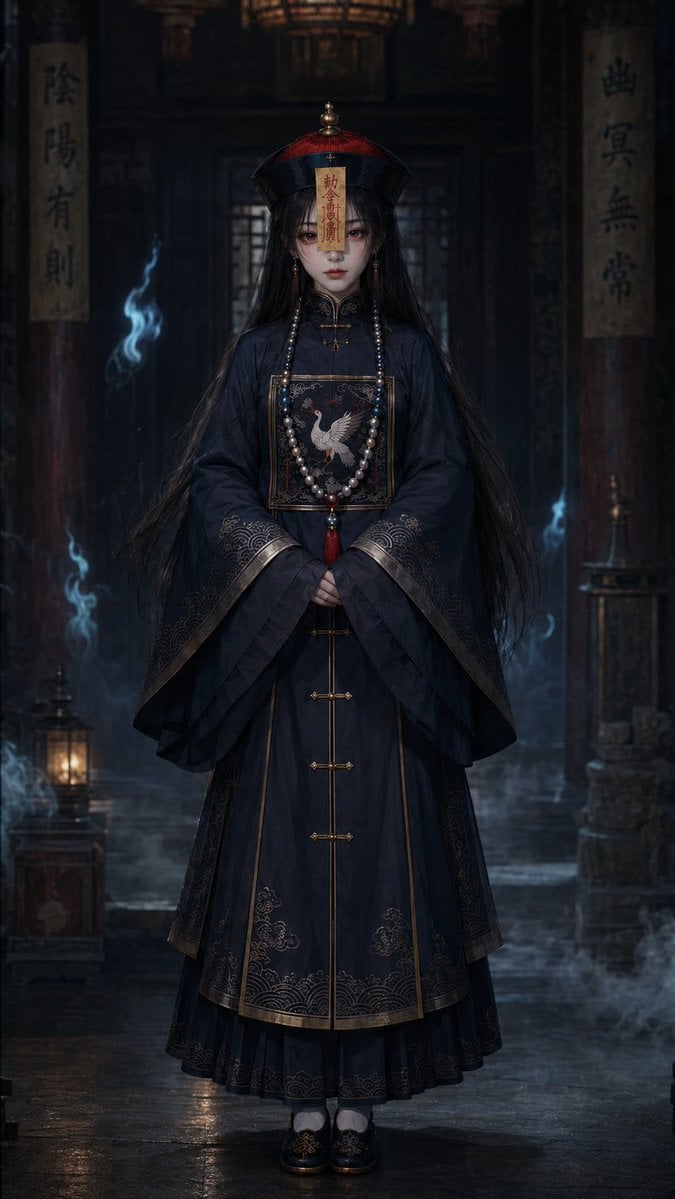
Dark Jiangshi Temple Portrait
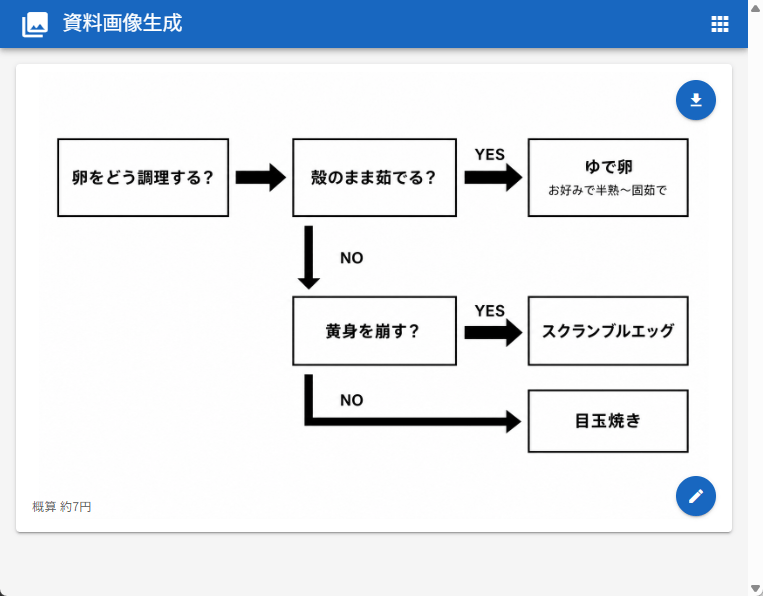
Japanese Egg Cooking Flowchart UI
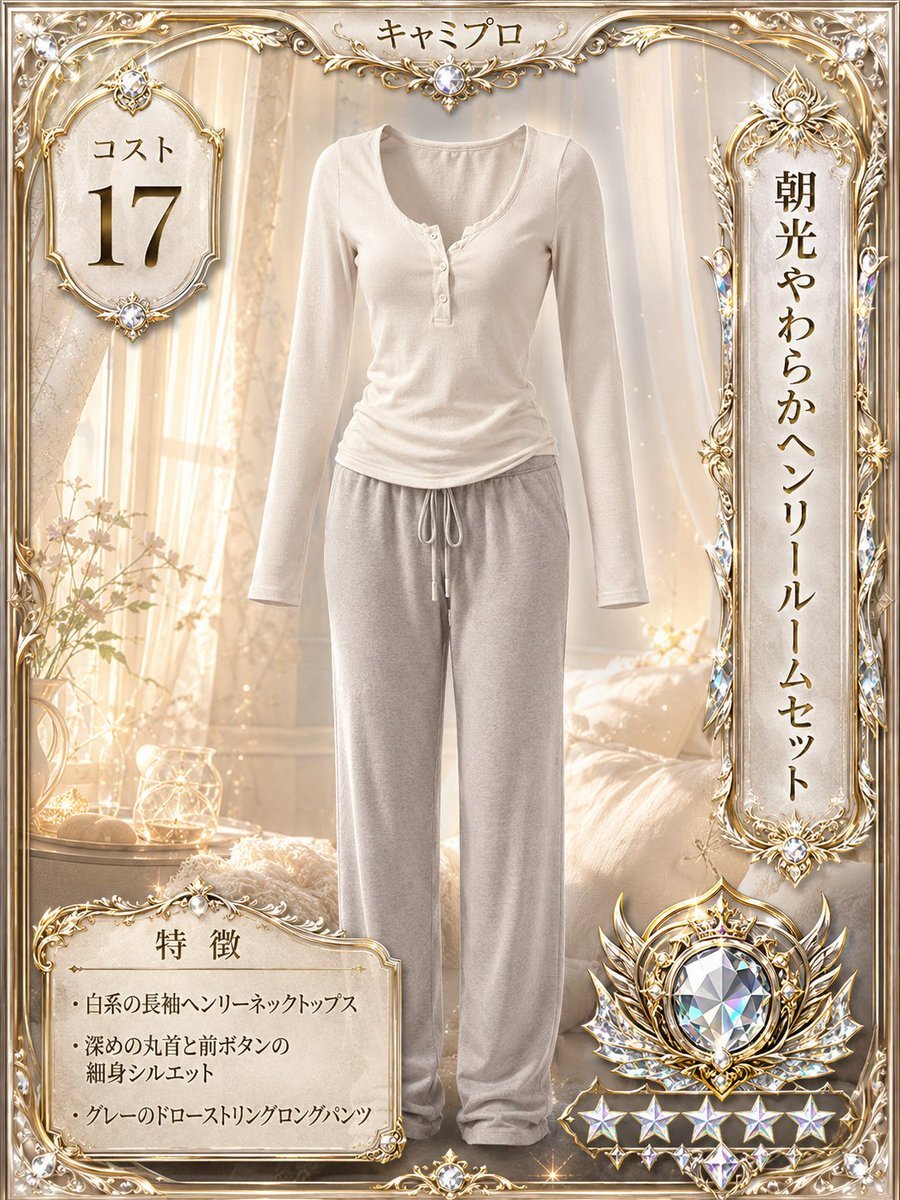
Luxury Loungewear Outfit Card
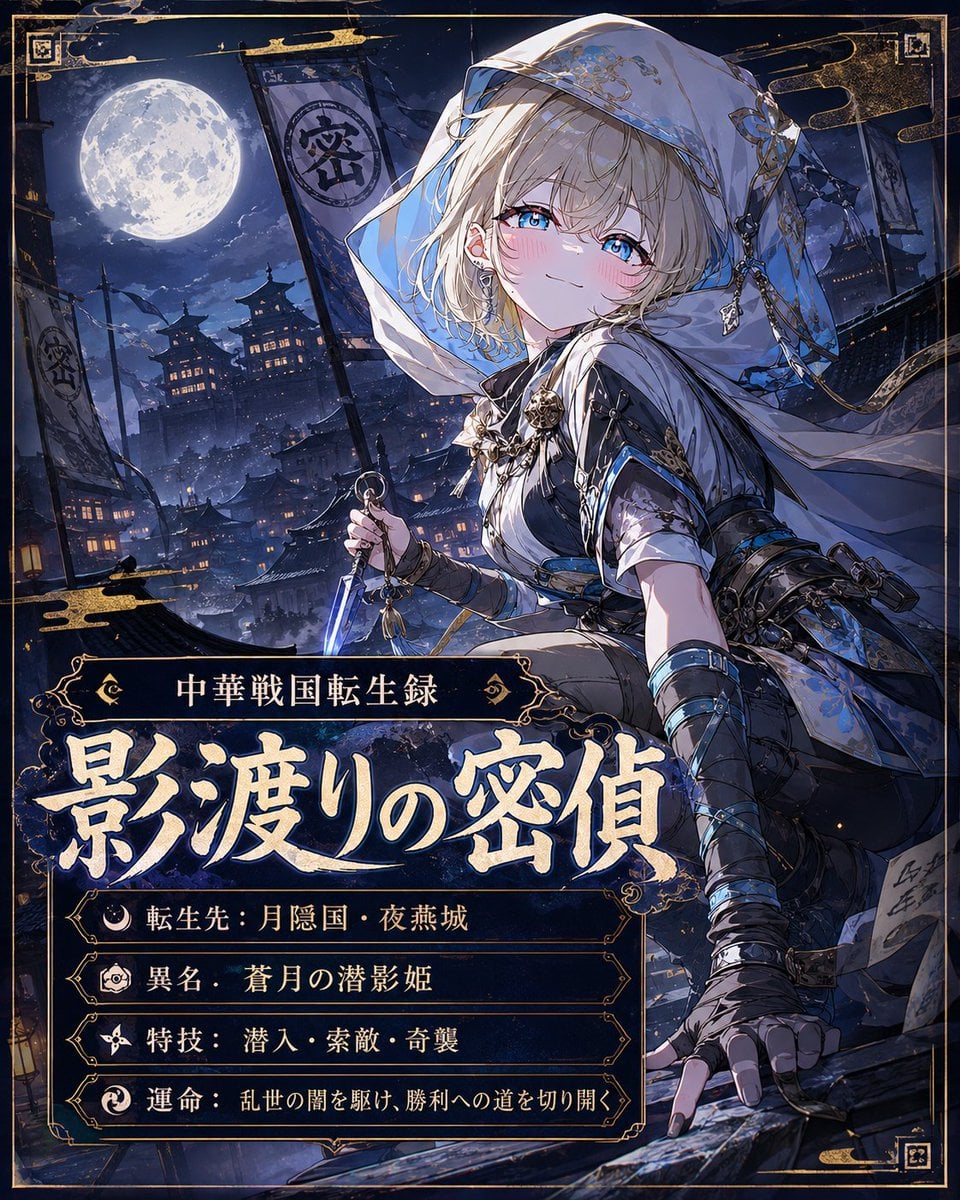
Moonlit Warring States Spy Poster

Anime Lantern Girl Character Sheet
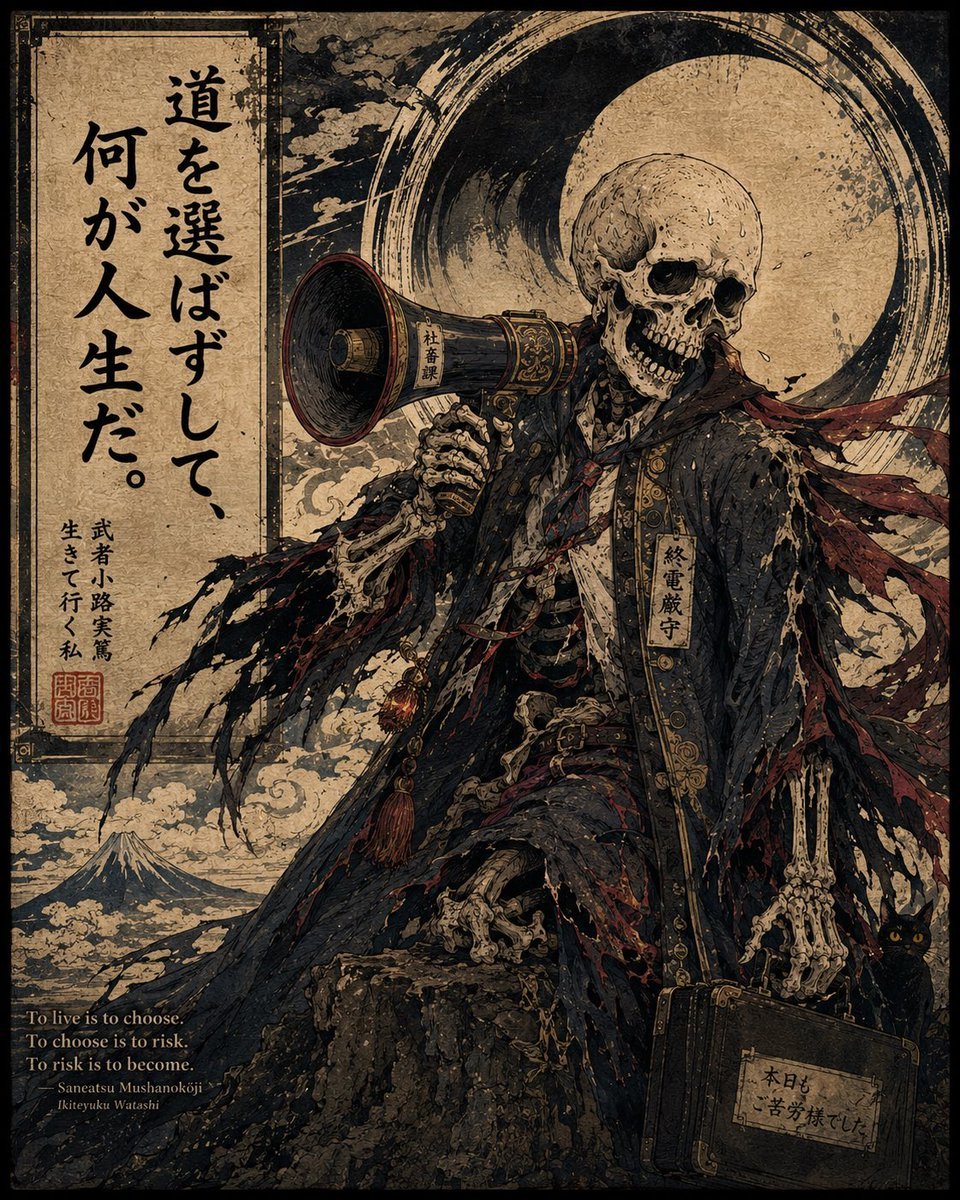
Ukiyo-e Skeleton Salaryman Quote Poster
Make it yours
AI Cost Reduction Taoist Talisman works as-is. These are the safest ways to change it without losing the look.
Change one field
Copy a single group, rewrite it, and generate again so you can see what that field is doing.
Keep the frame, change the subject
Hold the composition and light of AI Cost Reduction Taoist Talisman, then swap wardrobe, props or the person for a new take.
| If the result… | Why | Fix |
|---|---|---|
| The result drifts from the preview | Too many fields changed at once. | Reuse AI Cost Reduction Taoist Talisman as-is first, then change one group — subject, light, or setting. |
| The model over-stylizes the scene | The prose prompt leaves finish and camera underspecified. | Add one camera or lighting sentence and stay on GPT Image 2. |
More GPT Image 2 templates
Other prompts made for GPT Image 2.

Six VTuber Japanese Logo Sheet

Realistic Portrait of Woman and Deer

The Vista Modular Condo Poster

AI Model Routing Comparison Infographic

2.5D Anime Art Board

Isometric Productivity Desk Scene

New York Double Exposure Poster

Four-Panel AI Landscape Comparison

Japanese Tatami Lifestyle Magazine Cover

NESCAFÉ Coffee Map Poster
More image prompts
Fresh picks from across the catalog.
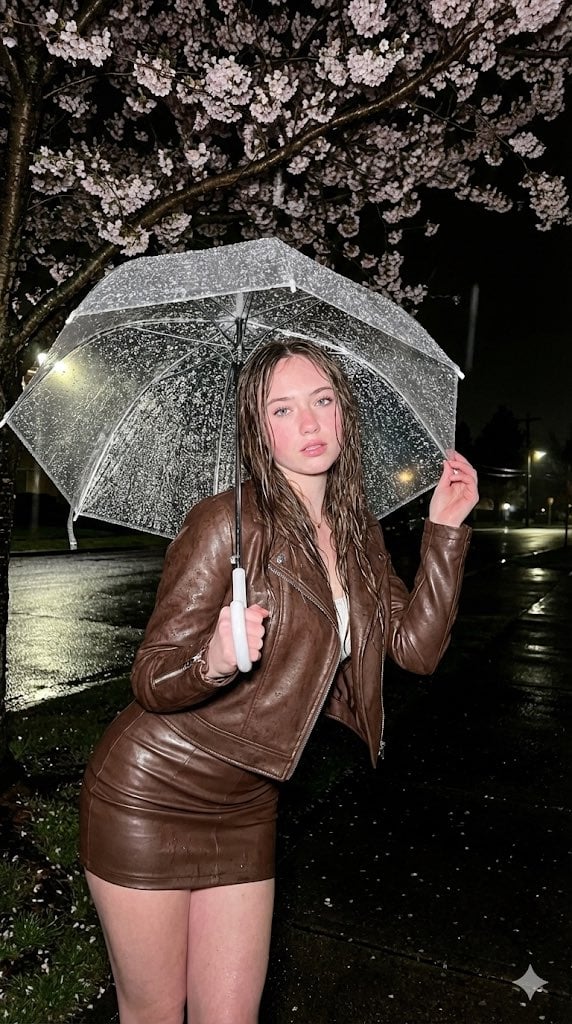
Moody Fashion Editorial Rainy Night Prompt
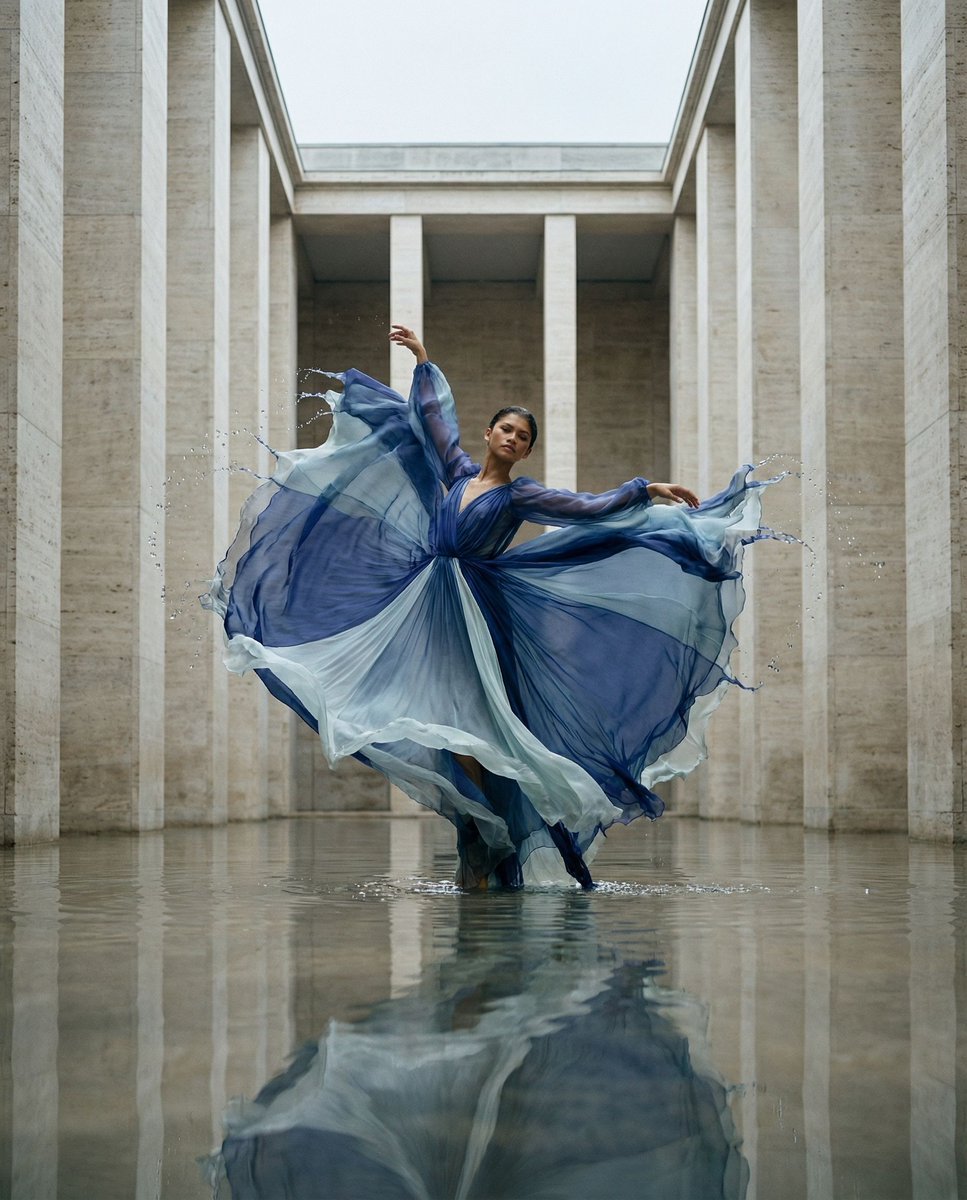
Cinematic Symmetrical Motion Portrait
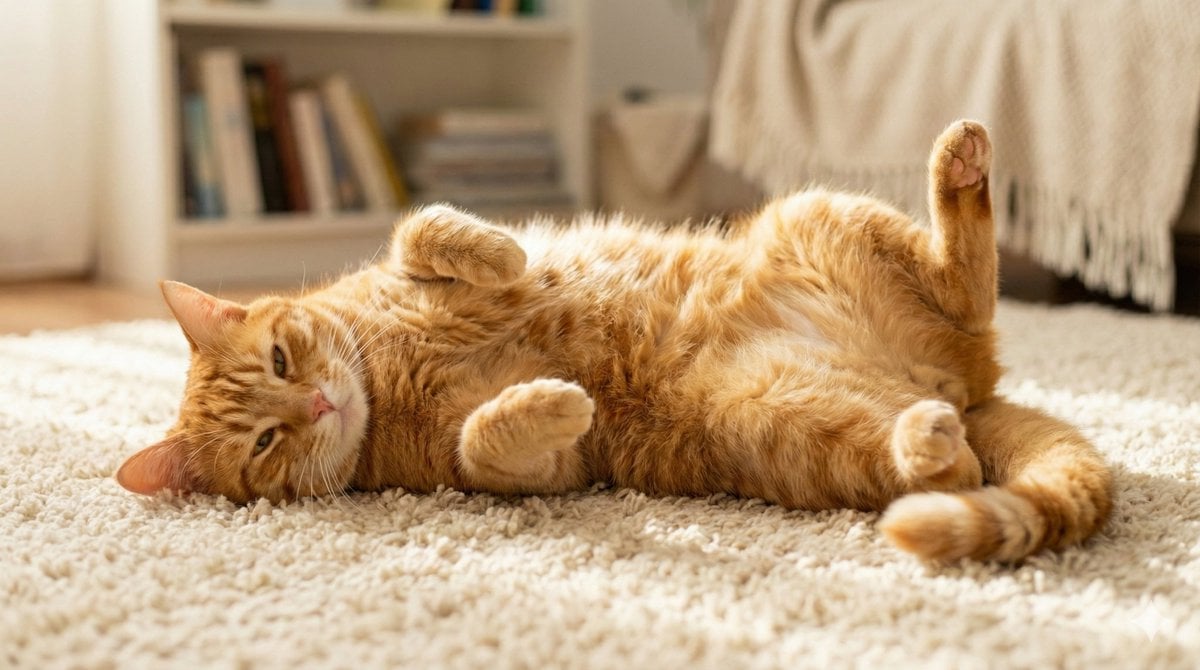
Cute Cat Photo Prompt

Anatomy Visualization Prompt Template (Great White Shark Example)

21 Glass Floor Skyscraper — California Series

Photorealistic East-Asian Neon Night Portrait Prompt
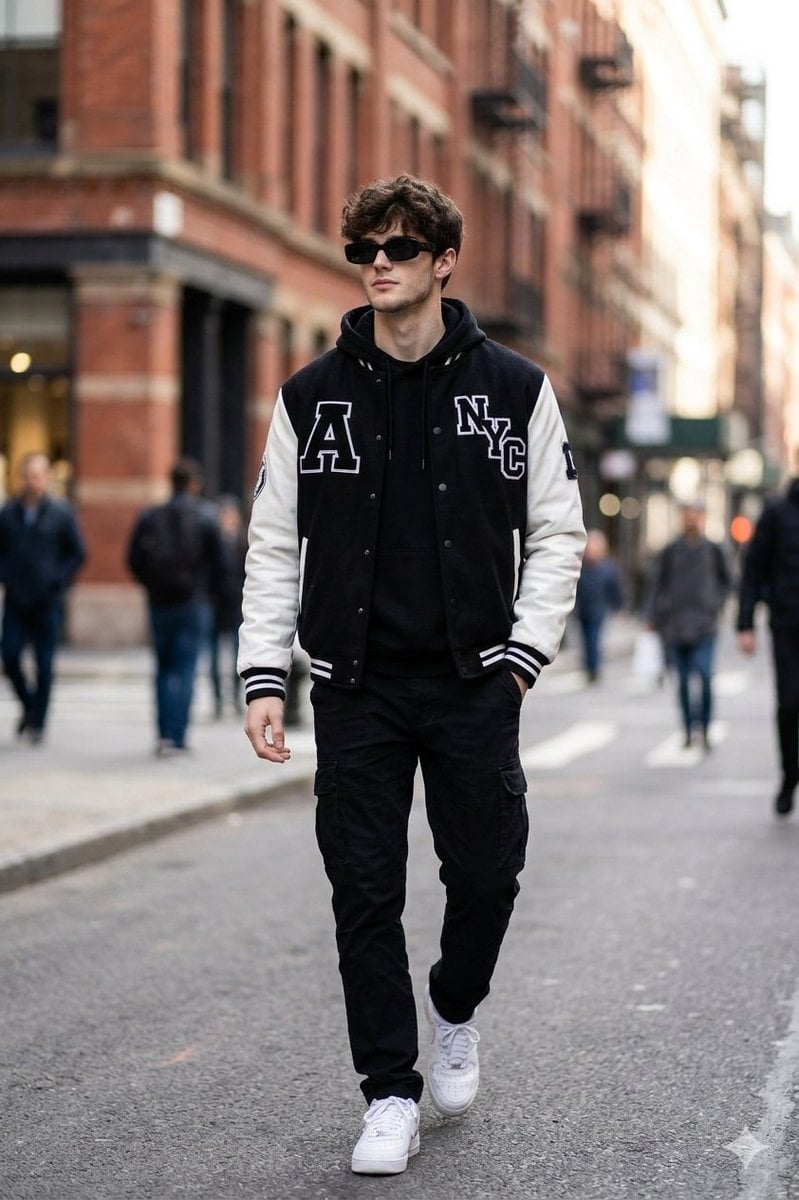
Cinematic Street Fashion Photo Prompt (Male)
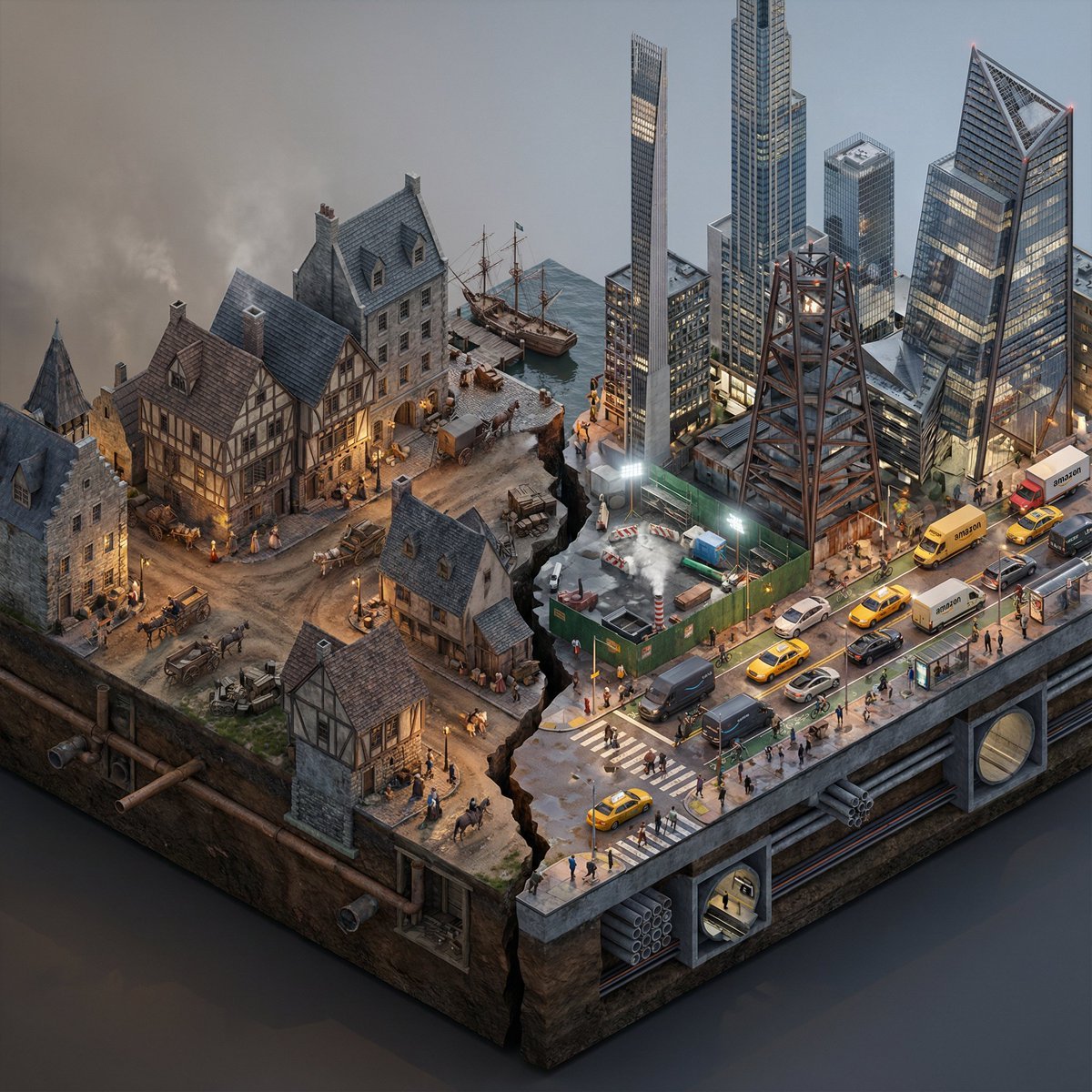
Split-Era Urban Diorama Generation Prompt for Nano Banana Pro
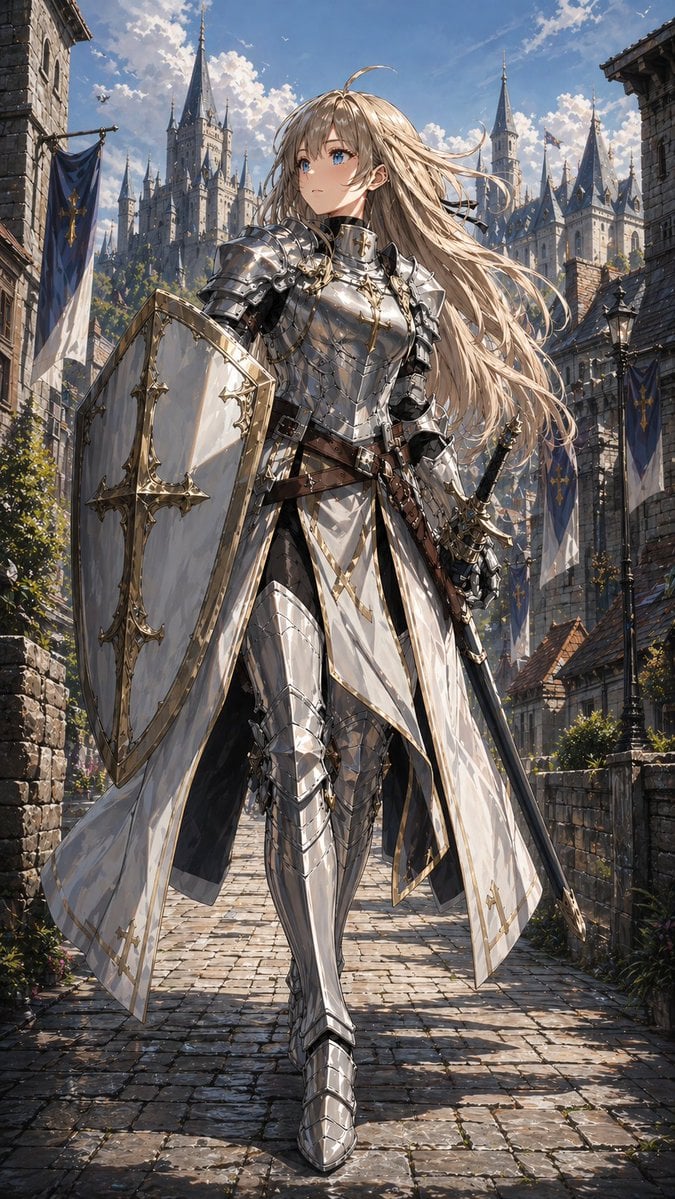
Holy Knight in a Castle City
Japanese Children's Day Photo Card
Browse template categories
AI Cost Reduction Taoist Talisman questions
How do I use the AI Cost Reduction Taoist Talisman template?
Add your photo if the template asks for one, edit the prompt if you like — the template's model and format are already selected — and press Generate. Your version opens in PicX Studio.
Can I customize the AI Cost Reduction Taoist Talisman template?
Yes. You can change the subject, setting, lighting, mood, format, and available model controls before creating your image.
Is the AI Cost Reduction Taoist Talisman template free?
Opening and editing this template is free. Generating uses credits, shown on the Generate button when you are signed in.
Which AI model should I use?
Start with GPT Image 2, which is the model associated with this template. You can compare another compatible model for a different finish.
Looking for something else? Browse all templates.

Your photo, any look
Thousands of ready templates for every top image and video model, from one credit balance.