
Anatomy Visualization Prompt Template (Great White Shark Example)
A structured prompt template designed for creating incredible anatomical visualizations, specifically using glowing blue lines to map systems against a dark background.
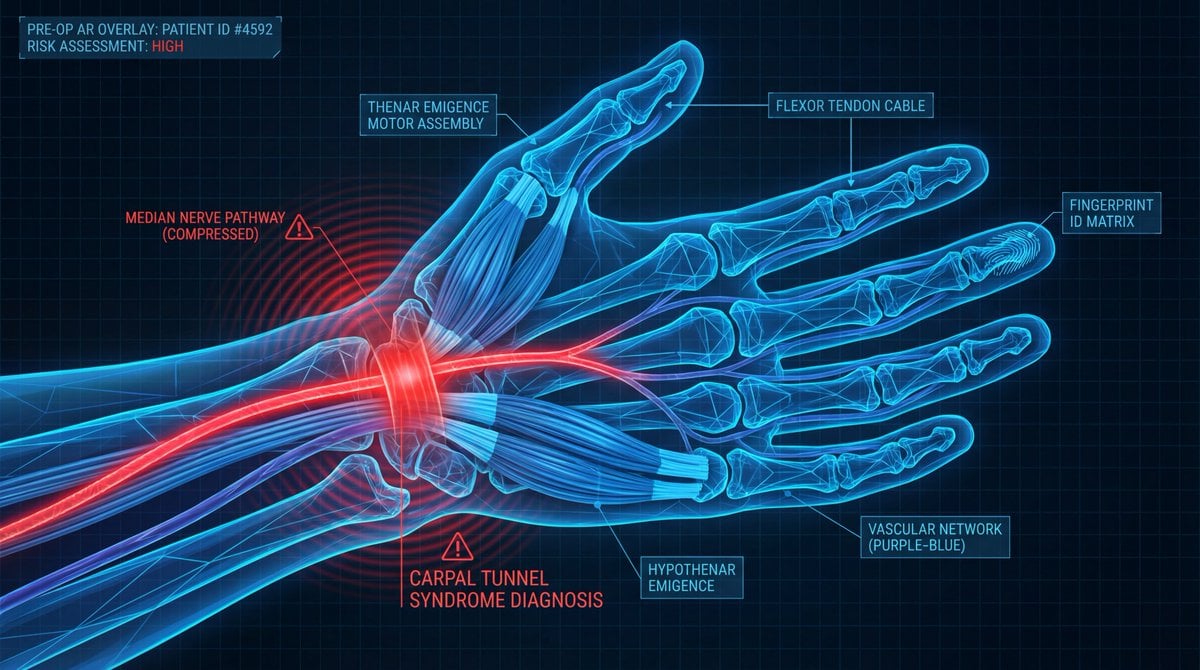
- Prompt included
- Model and format preset
- Premium template
The prompt behind this image
Copy the exact prompt behind Anatomy Visualization Prompt Template (Great White Shark Example), or open it in the studio and make it yours.
A digital illustration of a {argument name="subject" default="great white shark"} in {argument name="action/state" default="mid-hunting approach"}, portrayed with a network of glowing {argument name="primary color" default="cold bioluminescent blue"} lines mapping its {argument name="system type" default="sensory and predatory anatomy"}. The cartilaginous skeleton is rendered as flexible geometric framework, the lateral line system as a full-body motion detector array. The image is set against abyssal ocean black, depth pressure readings floating at the margins. The {argument name="area of interest" default="ampullae of Lorenzini, hundreds of electroreceptor pores clustered on the snout"}, are emphasized with a pulsing {argument name="accent color" default="red-orange"} glow, indicating {argument name="condition" default="active electromagnetic detection: the prey's heartbeat rendered as intercepted signal waves feeding into the shark's targeting consciousness"}. The teeth are visualized as serrated replacement queues. The style merges marine biology research documentation with military targeting system aesthetics, designed to resemble a naval analysis of nature's most refined predator, clinically respectful of four hundred million years of evolution.
How to use Anatomy Visualization Prompt Template (Great White Shark Example) in 3 steps
- 1
Open
The prompt is already in the box next to the preview, with the template's model and format selected.
- 2…a portrait of your subject in softgolden-hour light, 85mm…
Personalize
Edit the subject and creative details for your destination.
- 3Generate
Generate
Press Generate — your image is created in PicX Studio, so you can compare it with the original and refine one variable at a time.
More like this
Templates with the same subject, style or setup. Open one to see its prompt.
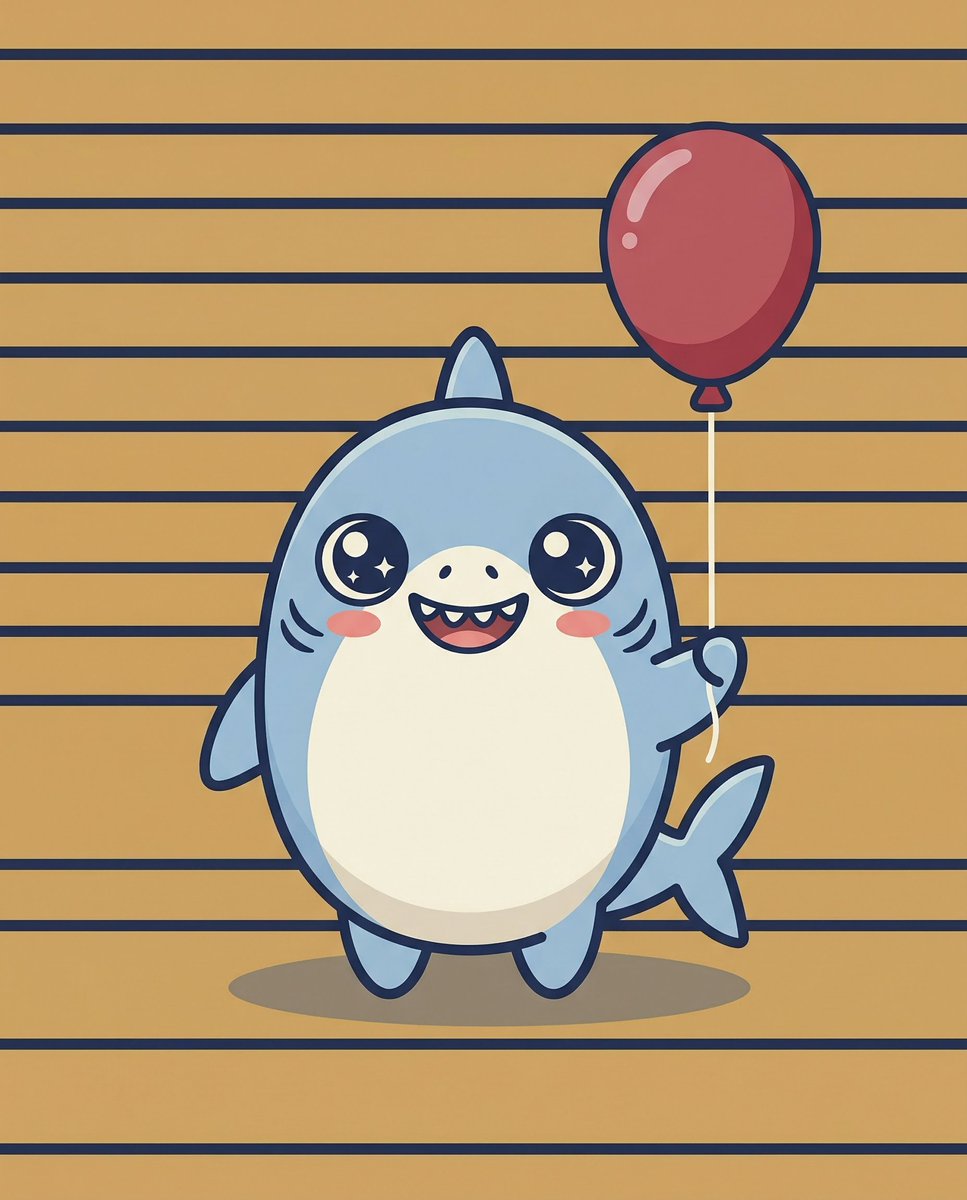
Kawaii Great White Shark Vector Prompt
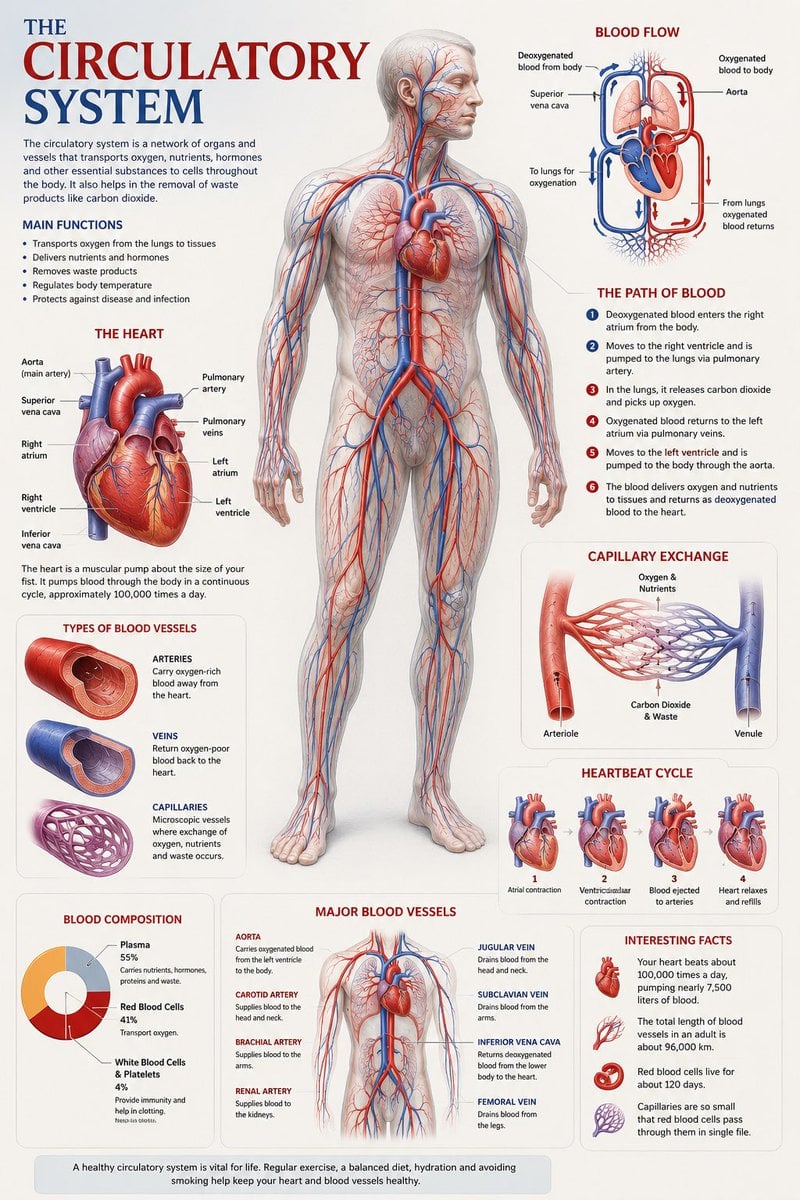
Medical Anatomy Visualization Poster

Woman in Mall with Chanel Bag - Heart Gesture

Outdoor Cafe Portrait — White Ruched Top Nano Banana
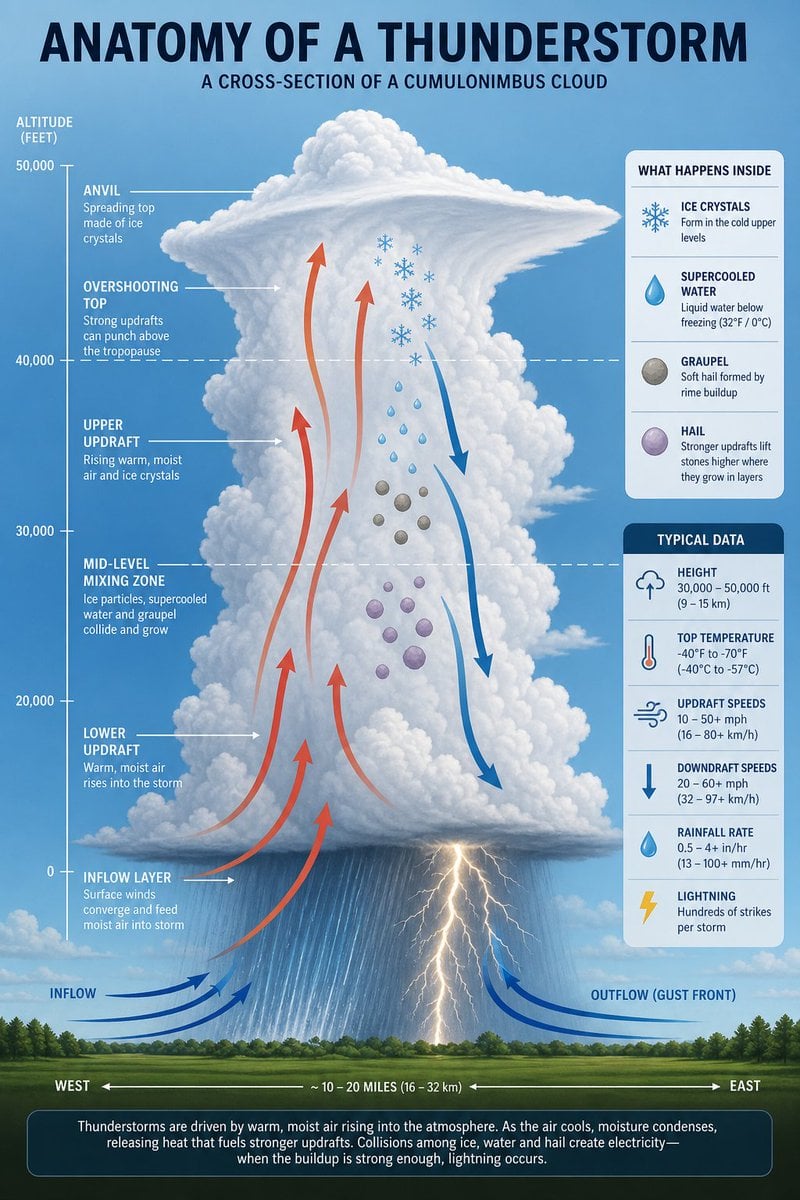
Thunderstorm Anatomy and Photography
White Wing Nurse Break Room Portrait
Pink Shark Bite Me Illustration

Act as a 3D Product Visualization Artist
Act as a Senior 3D Product Visualization Artist and Cinematic Art
Dwarf Great Axe Adventurer
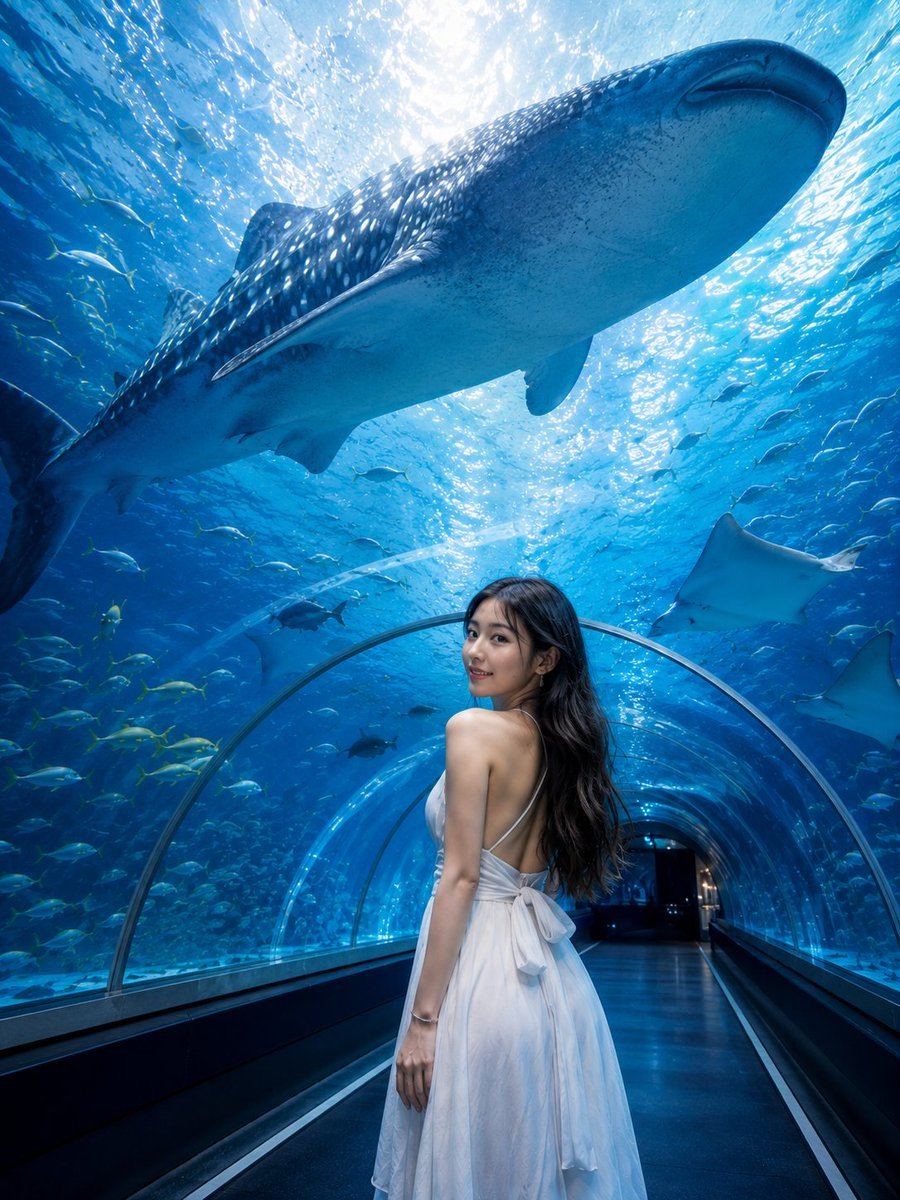
Underwater Whale Shark Aquarium Portrait
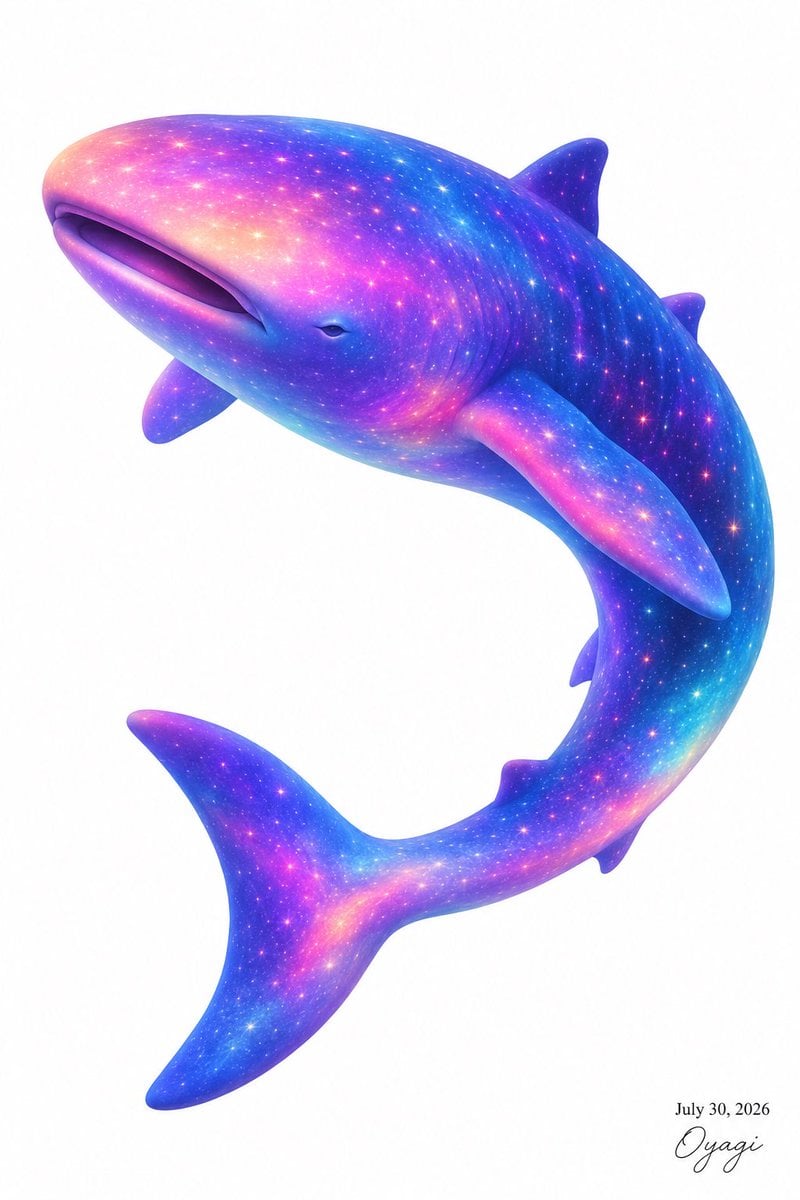
Celestial Galaxy Whale Shark
Make it yours
Anatomy Visualization Prompt Template (Great White Shark Example) works as-is. These are the safest ways to change it without losing the look.
Change one field
Copy a single group, rewrite it, and generate again so you can see what that field is doing.
Keep the frame, change the subject
Hold the composition and light of Anatomy Visualization Prompt Template (Great White Shark Example), then swap wardrobe, props or the person for a new take.
| If the result… | Why | Fix |
|---|---|---|
| The result drifts from the preview | Too many fields changed at once. | Reuse Anatomy Visualization Prompt Template (Great White Shark Example) as-is first, then change one group — subject, light, or setting. |
| The model over-stylizes the scene | The prose prompt leaves finish and camera underspecified. | Add one camera or lighting sentence and stay on Nano Banana 2. |
More Nano Banana 2 templates
Other prompts made for Nano Banana 2.

Photorealistic Leaf Shaped Like a Dragon

K-Pop Idol Portrait Grid for Rapid Selection

Poetic Rain Forest Portrait During Golden Hour

Urban Street Portrait with Cartoon Inner Self Duo

Candid Nighttime Photo with Cat Prompt

High-Concept 3D Diorama Generation Prompt

Cinematic Futuristic Studio Portrait Template

Skincare Editorial Photography Collage Prompt

Hyper-Realistic Commercial Product Photography (Splash Effect)

Hyper-Realistic Nightclub Portrait Prompt
More image prompts
Fresh picks from across the catalog.

Soft 3D App Feature Icon Grid
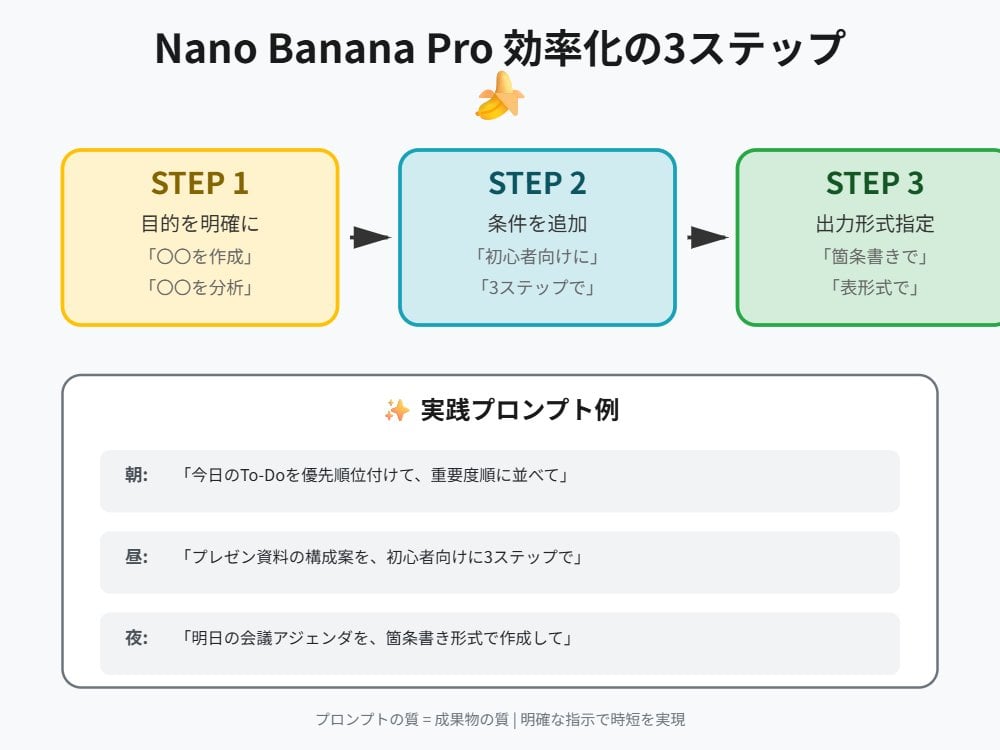
Tip for Using Nano Banana Pro: Adding Examples for Better Understanding
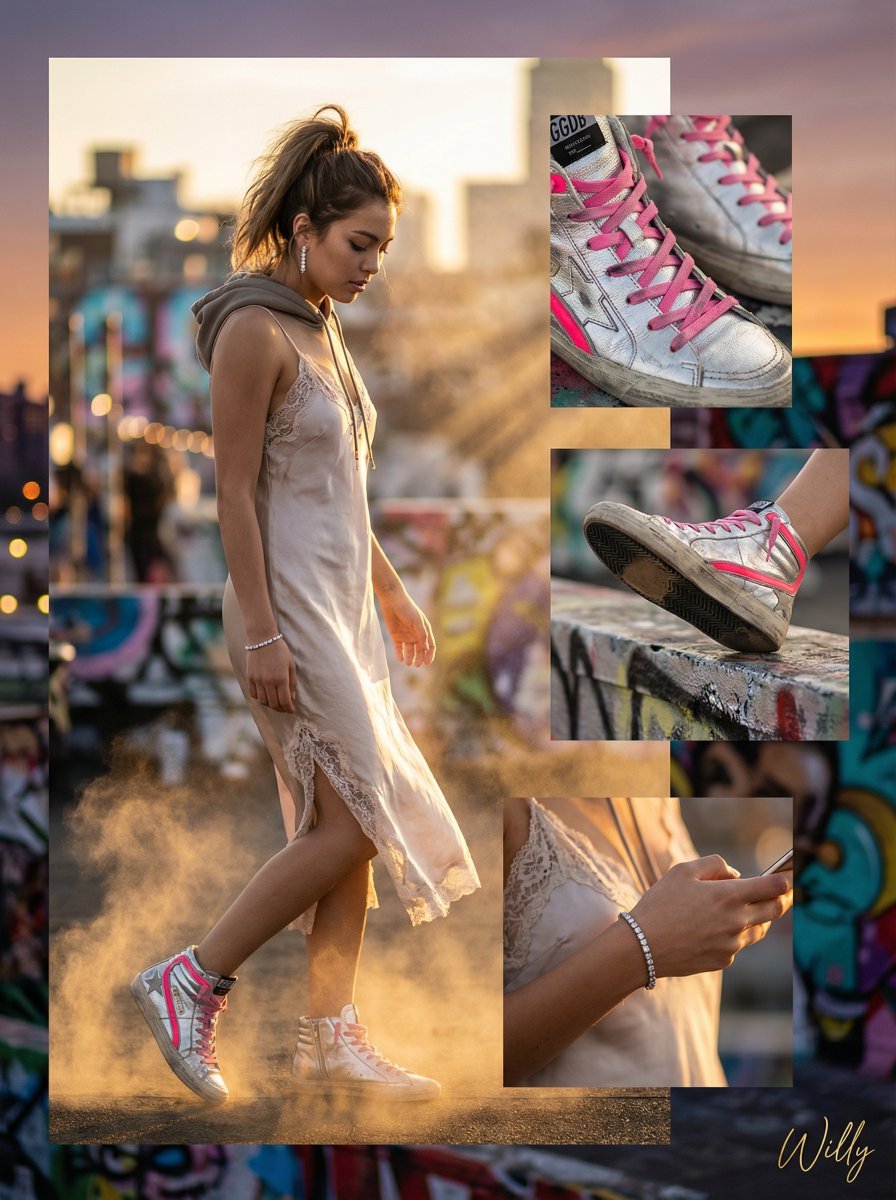
Luxury Streetwear Instagram Feed Composite
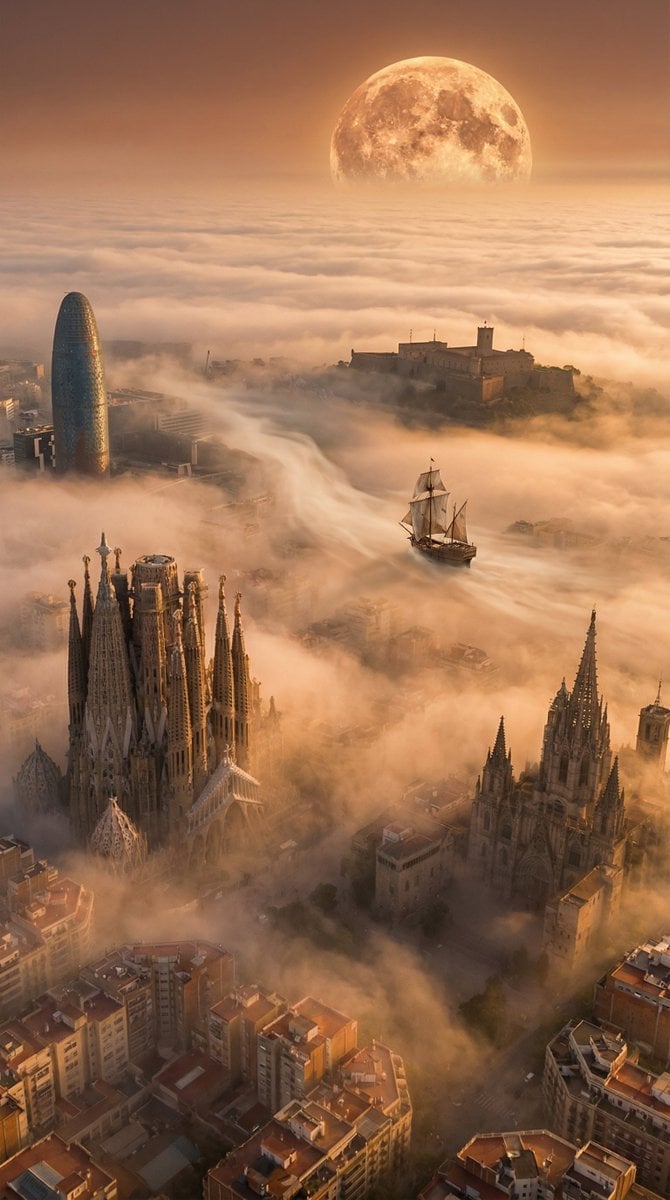
Abstract Scene Description Prompt
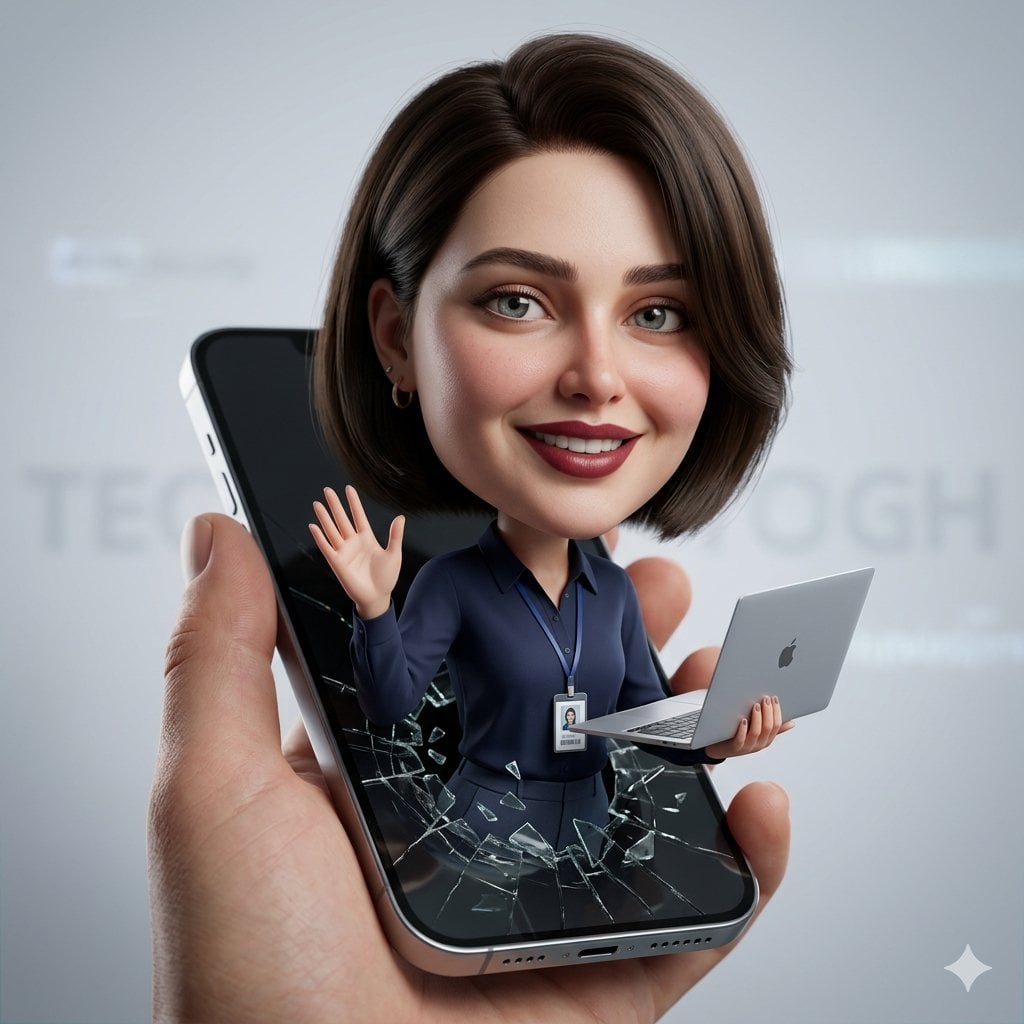
3D Caricature from Uploaded Face
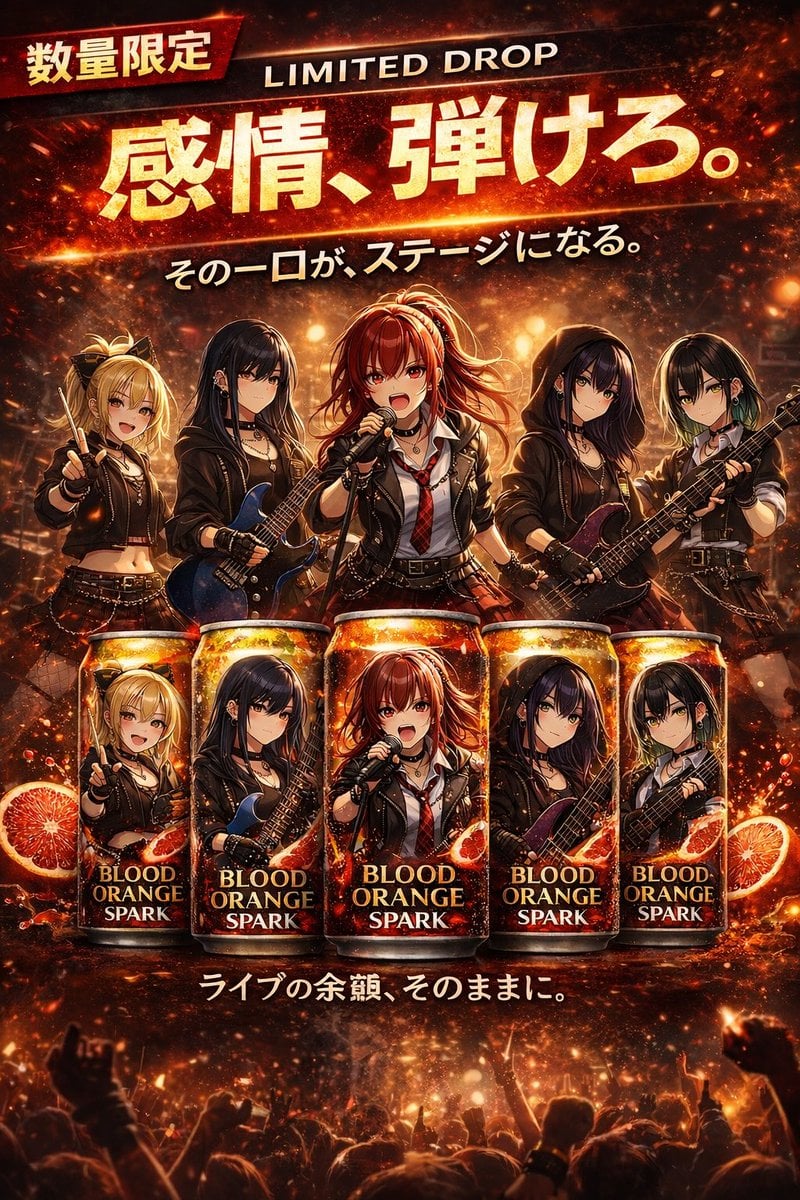
Anime Rock Band Beverage Collab Poster
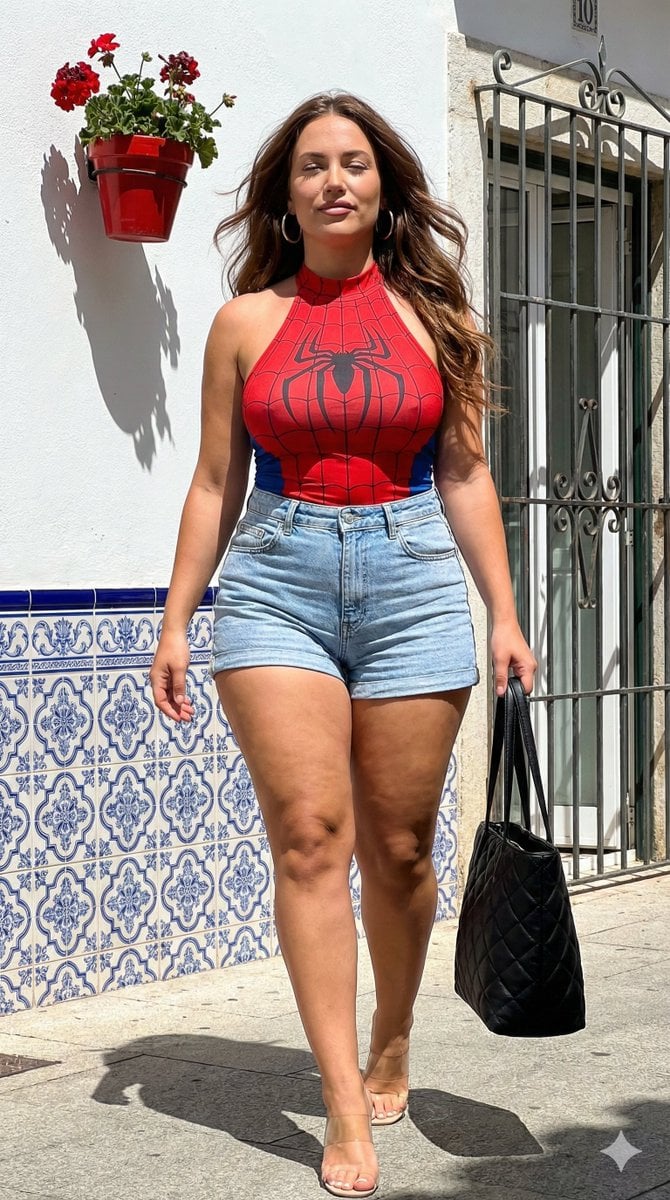
High-Contrast Candid Instagram Shot in Mediterranean Town
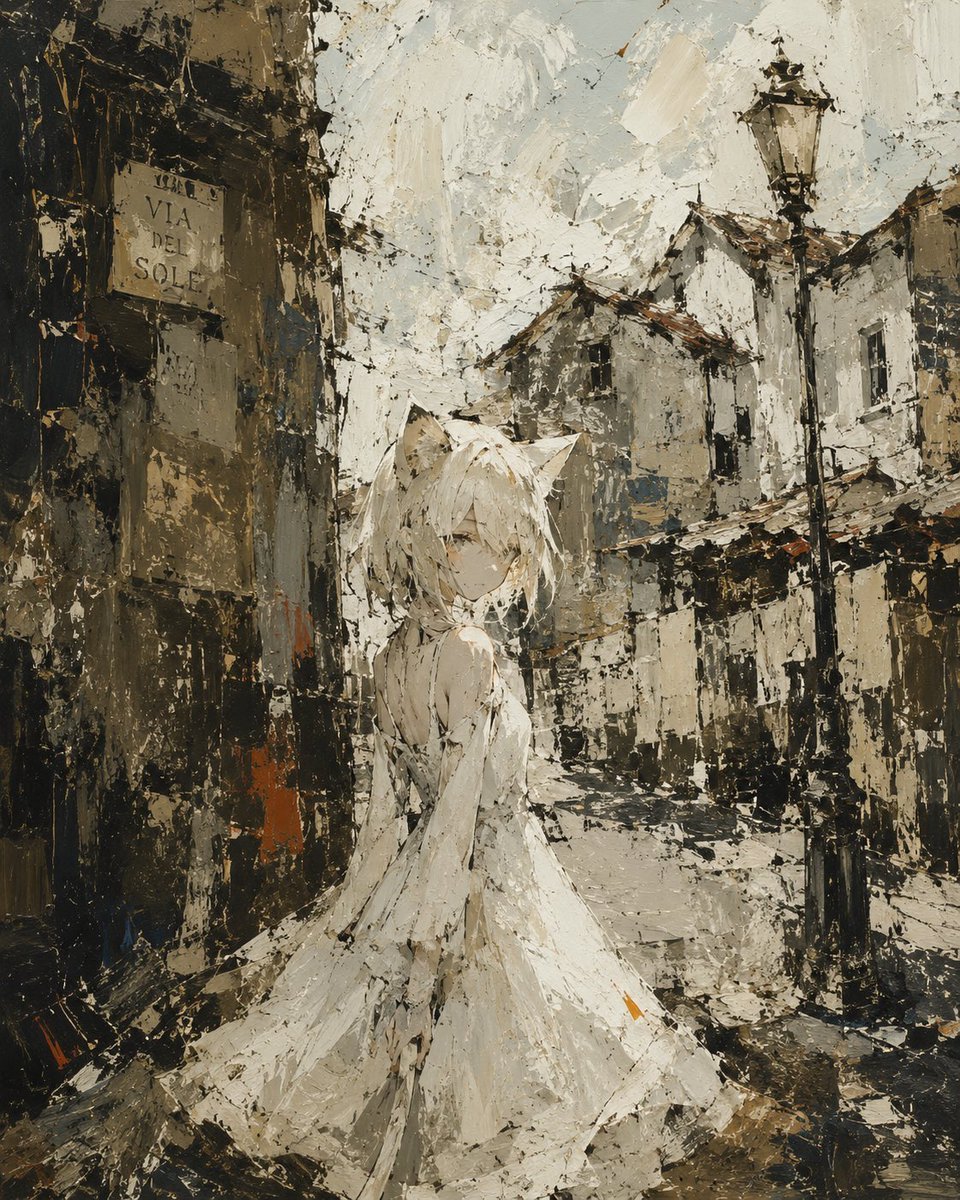
Rough Oil Painting Style Illustration
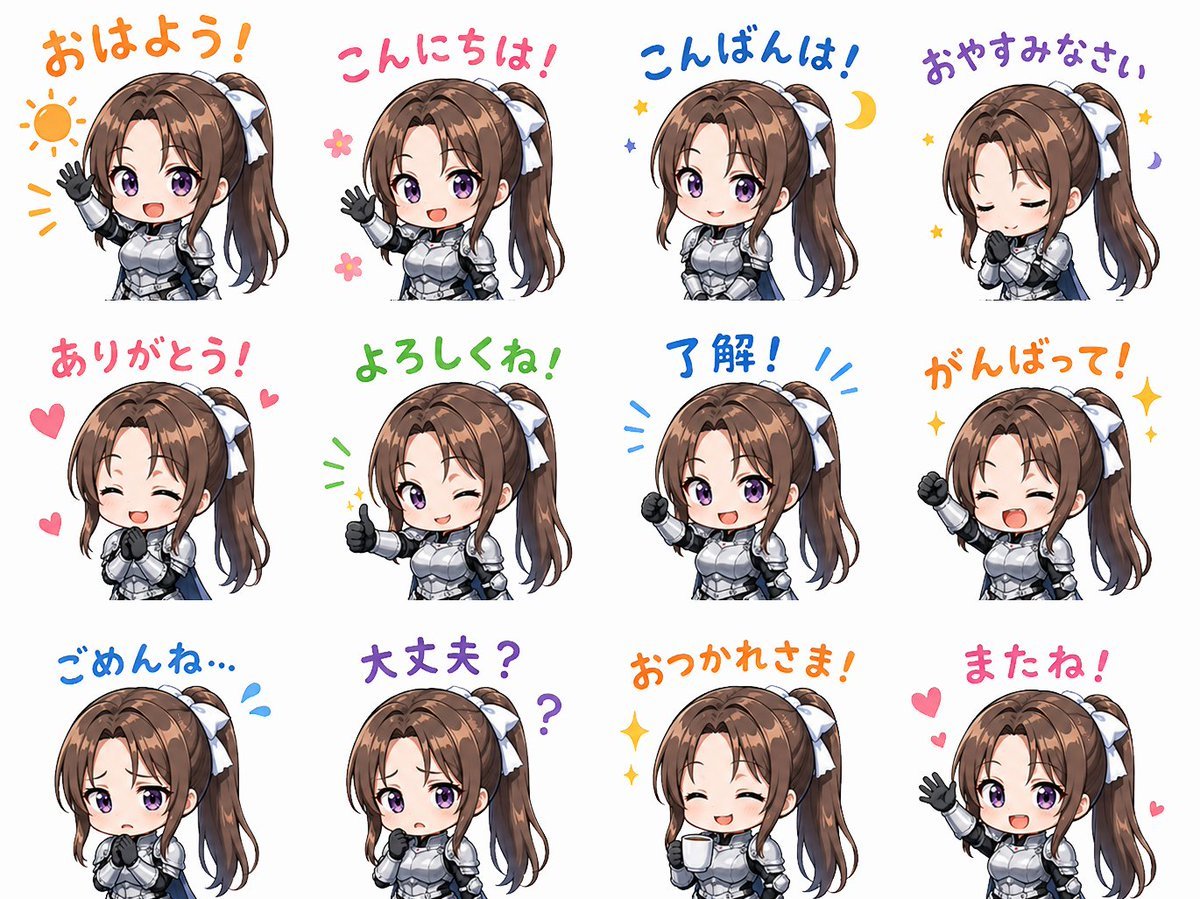
Chibi Knight Reaction Sticker Sheet
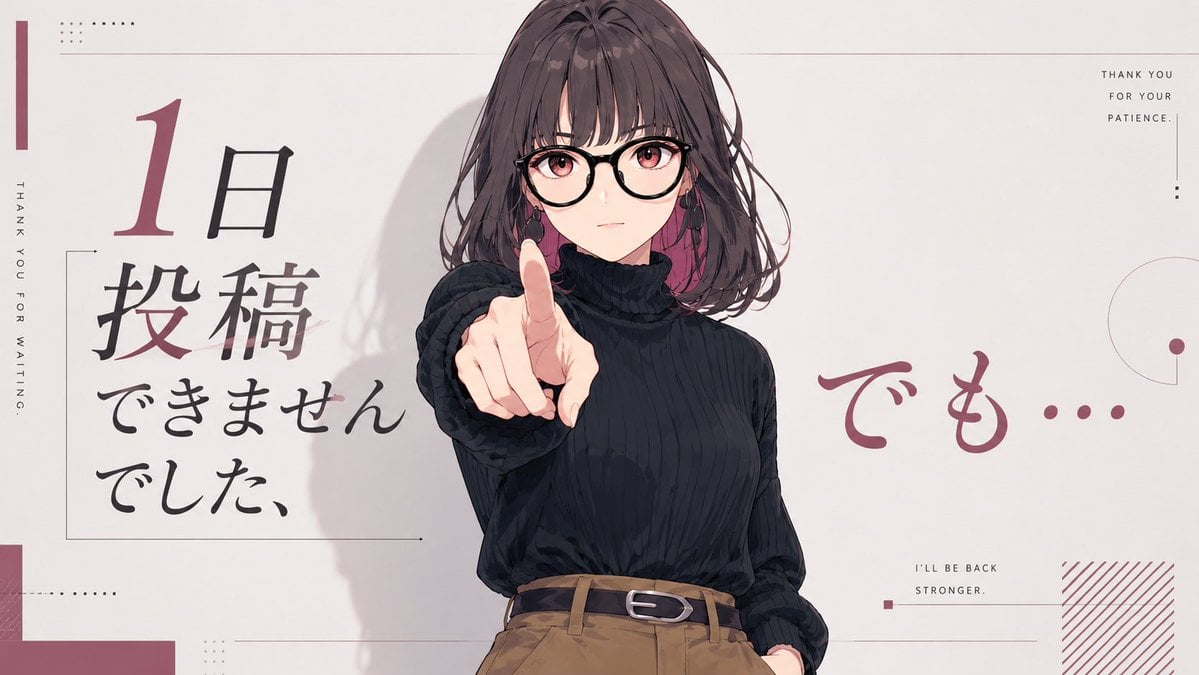
Anime Comeback Posting Banner
Browse template categories
Anatomy Visualization Prompt Template (Great White Shark Example) questions
How do I use the Anatomy Visualization Prompt Template (Great White Shark Example) template?
Add your photo if the template asks for one, edit the prompt if you like — the template's model and format are already selected — and press Generate. Your version opens in PicX Studio.
Can I customize the Anatomy Visualization Prompt Template (Great White Shark Example) template?
Yes. You can change the subject, setting, lighting, mood, format, and available model controls before creating your image.
Is the Anatomy Visualization Prompt Template (Great White Shark Example) template free?
Opening and editing this template is free. Generating uses credits, shown on the Generate button when you are signed in.
Which AI model should I use?
Start with Nano Banana 2, which is the model associated with this template. You can compare another compatible model for a different finish.
Looking for something else? Browse all templates.

Your photo, any look
Thousands of ready templates for every top image and video model, from one credit balance.