
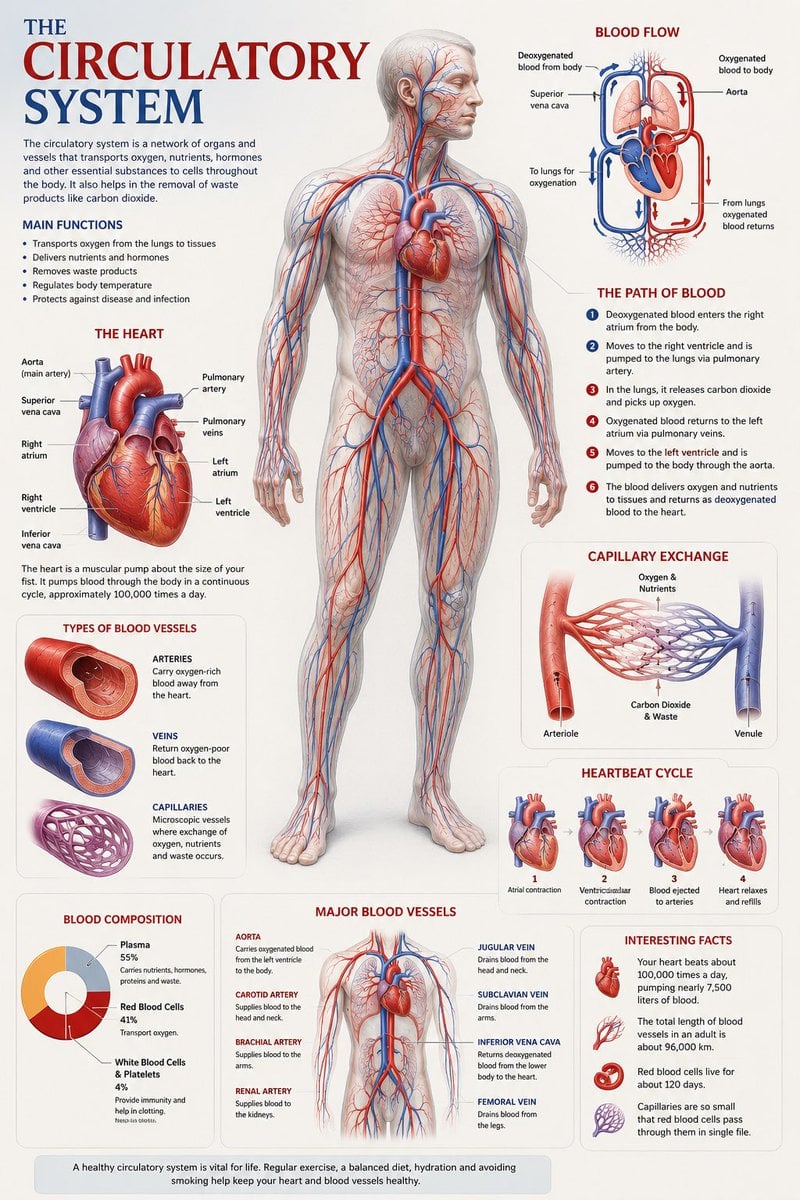
Medical Anatomy Visualization Poster
A museum-quality scientific poster prompt for visualizing the human circulatory system with medical atlas aesthetics.
- Prompt included
- Model and format preset
- Free template
The prompt behind this image
Copy the exact prompt behind Medical Anatomy Visualization Poster, or open it in the studio and make it yours.
Create a premium educational “scientific anatomical visualization poster” focused on the {argument name="subject" default="human circulatory system"}, designed more like a modern medical museum display and biological atlas page rather than a typical infographic. The composition should feel elegant, immersive, and medically artistic, blending anatomical realism, scientific illustration, and cinematic educational design. Visual Direction: • Vertical poster composition or clean square format • Soft medical-grade background with subtle paper textures, anatomical sketch overlays, and faint scientific grid lines • Refined medical color palette using ivory white, deep crimson red, arterial blue, soft pink tissue tones, muted gray, and subtle gold accents • Clean editorial typography with elegant anatomical labeling • Minimal UI-style information panels — focus more on visual storytelling and anatomical beauty • Thin precision annotation lines with museum-style labels • Soft realistic lighting and premium biological rendering • Highly detailed semi-transparent human body illustration revealing the circulatory network beneath the skin • Realistic vascular textures with glowing arteries and veins flowing throughout the body • Sophisticated educational aesthetic inspired by high-end medical textbooks and anatomy exhibitions Main Subject Presentation: A breathtaking ultra-detailed anatomical render of the human circulatory system placed centrally, featuring: • semi-transparent human anatomy • hyper-detailed arteries and veins • visible heart chambers and aorta • capillary branching networks • realistic blood-flow coloration • glowing oxygenated vs deoxygenated circulation pathways • anatomically accurate vessel placement • subtle organ visibility beneath the vascular system • premium medical illustration realism Surround the anatomy with elegant educational visualization modules such as: • enlarged realistic heart anatomy • pulmonary circulation diagram • systemic circulation flow visualization • artery vs vein comparison • capillary exchange illustration • heartbeat cycle sequence • microscopic blood-cell closeups • blood composition visualization • major vessel identification map • oxygen transport explanation Add sophisticated scientific visual elements like: • blood-flow directional arrows • vascular cross-section diagrams • anatomical side callouts • circulation pathway diagrams • microscopic tissue exchange visuals • transparent organ overlays • ECG/heartbeat waveform accents • subtle medical chart graphics • biological texture overlays • anatomical scale comparisons Style Keywords: “museum-quality anatomical poster” “scientific medical atlas page” “premium biology visualization” “high-end anatomy illustration” “medical education artwork” “editorial anatomical design” “cinematic biological rendering” “ultra-detailed circulatory anatomy” “luxury medical textbook aesthetic
How to use Medical Anatomy Visualization Poster in 3 steps
- 1
Open
The prompt is already in the box next to the preview, with the template's model and format selected.
- 2…a portrait of your subject in softgolden-hour light, 85mm…
Personalize
Edit the subject and creative details for your destination.
- 3Generate
Generate
Press Generate — your image is created in PicX Studio, so you can compare it with the original and refine one variable at a time.
More like this
Templates with the same subject, style or setup. Open one to see its prompt.

Japan Travel Brochure Poster

Cartoon TV Show Poster Pack

Trendy Cafe Drink Promo Poster

Urban Fashion Editorial Collage Streetwear Poster

Premium Fashion Editorial Cover Layout System

Polo Ralph Lauren Luxury American Heritage Fashion Campaign

Monochrome Halftone Editorial Fashion Poster

Retro Mirror Luxury Fashion Campaign Poster

Luxury Fashion Campaign Typography Poster System

Premium Fashion Editorial Campaign Poster System

Ultra-Stylized High-Fashion Streetwear Poster

Urban Fashion Editorial Collage Poster
Make it yours
Medical Anatomy Visualization Poster works as-is. These are the safest ways to change it without losing the look.
Change one field
Copy a single group, rewrite it, and generate again so you can see what that field is doing.
Keep the frame, change the subject
Hold the composition and light of Medical Anatomy Visualization Poster, then swap wardrobe, props or the person for a new take.
| If the result… | Why | Fix |
|---|---|---|
| The result drifts from the preview | Too many fields changed at once. | Reuse Medical Anatomy Visualization Poster as-is first, then change one group — subject, light, or setting. |
| The model over-stylizes the scene | The prose prompt leaves finish and camera underspecified. | Add one camera or lighting sentence and stay on GPT Image 2. |
More GPT Image 2 templates
Other prompts made for GPT Image 2.

Six VTuber Japanese Logo Sheet

Realistic Portrait of Woman and Deer

The Vista Modular Condo Poster

AI Model Routing Comparison Infographic

2.5D Anime Art Board

Isometric Productivity Desk Scene

New York Double Exposure Poster

Four-Panel AI Landscape Comparison

Japanese Tatami Lifestyle Magazine Cover

NESCAFÉ Coffee Map Poster
More image prompts
Fresh picks from across the catalog.

Simple Santa Hat Addition Prompt

Ultra-Realistic Winter Snow Blowing Portrait Prompt

Hand-Drawn Style Photo Annotation

Cinematic Studio Scene of Woman Observing Portrait

A24 Style Brutalist Portrait Poster
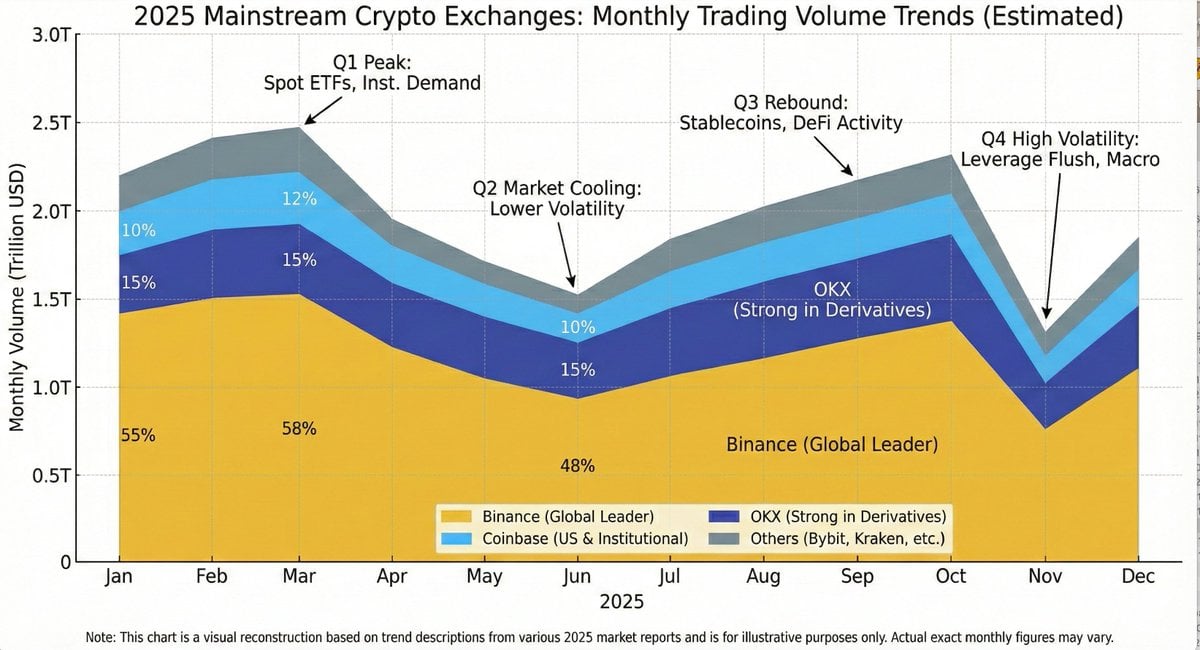
Generating Exchange Volume Change Image
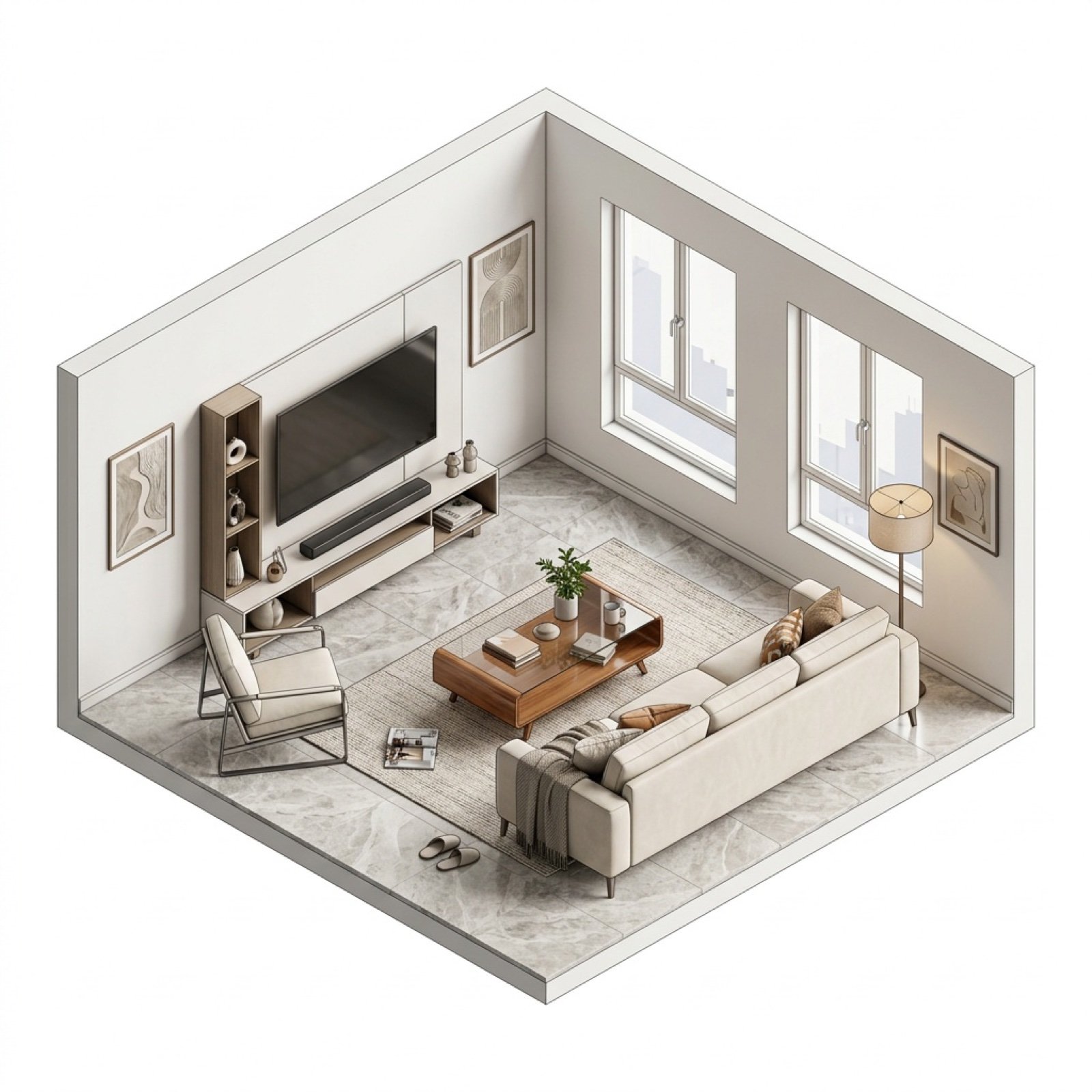
Isometric Interior Design Time-Lapse Video Generation Prompts

Woman in Mall with Chanel Bag - Heart Gesture

mirror

Nanjing Classic Tourism Atlas Poster
Browse template categories
Medical Anatomy Visualization Poster questions
How do I use the Medical Anatomy Visualization Poster template?
Add your photo if the template asks for one, edit the prompt if you like — the template's model and format are already selected — and press Generate. Your version opens in PicX Studio.
Can I customize the Medical Anatomy Visualization Poster template?
Yes. You can change the subject, setting, lighting, mood, format, and available model controls before creating your image.
Is the Medical Anatomy Visualization Poster template free?
Opening and editing this template is free. Generating uses credits, shown on the Generate button when you are signed in.
Which AI model should I use?
Start with GPT Image 2, which is the model associated with this template. You can compare another compatible model for a different finish.
Looking for something else? Browse all templates.

Your photo, any look
Thousands of ready templates for every top image and video model, from one credit balance.