
Isometric Interior Design Time-Lapse Video Generation Prompts
A comprehensive set of structured prompts for generating isometric interior design images (before and after renovation) and a time-lapse video of the renovation process using Nano Banana Pro and Keling 2.6.
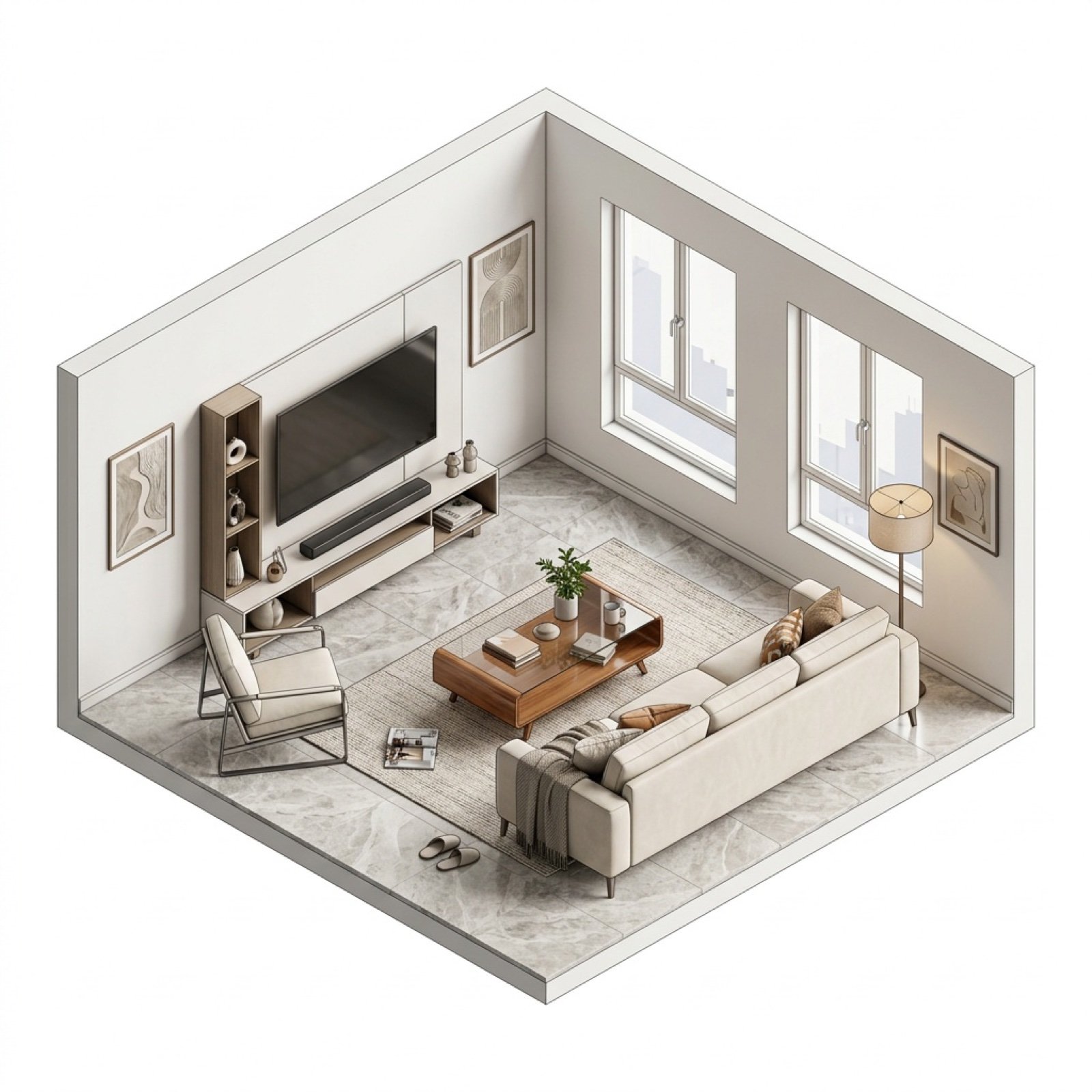
- Prompt included
- Model and format preset
- Free template
The prompt behind this image
Copy the exact prompt behind Isometric Interior Design Time-Lapse Video Generation Prompts, or open it in the studio and make it yours.
等距视角室内场景 基于设计需求,创作一张isometric视角(等距轴测视角)的{argument name="房间类型" default="客厅"}室内场景图像,无任何透视效果,保持视角和相机位置的一致性。包括建筑的主体部分保持一致。 房间状态: {argument name="房间状态" default="温馨舒适,充满生活气息"} 设计风格: {argument name="设计风格" default="现代轻奢风格"} 材质细节: - 地面:{argument name="地面材质" default="浅灰色大理石地砖"} - 墙面:{argument name="墙面材质" default="白色乳胶漆墙面"} 技术要求: 使用3D建模的材质质感和建模软件常用的渲染效果,包括材质纹理效果、AO效果以及描边效果(根据房间状态选择是否使用)。白色背景,Blender渲染质感。 做旧的提示词和之前一样: 基于图像,保持室内的主体结构不变化,创作一张isometric视角(等距轴测视角)的室内毛坯的模型图像,脏乱,破旧的房间布置与材质表达 使用3D建模的材质质感和建模软件常用的描边与材质纹理效果以及AO效果,白色背景 然后去可灵2.6进行视频生成: 提示词: 等距视角的三维模型房间装修延时摄影视频。工人们在一间简陋的毛坯房内工作,水泥墙面。快进画面展示:人们清理杂物和垃圾袋、移除所有旧家具,将房屋还原至毛坯房,擦洗墙壁、将灰色水泥墙刷成 {argument name="视频设计风格" default="现代轻奢风格"} 、先完成主体框架装修,再放入家具,再逐渐将一个房屋搭建成最终的现代风格的 {argument name="视频房间类型" default="卧室"} 。多名工人在加速画面中快速移动,工具和材料不断出现又消失,窗外自然光线随时间变化。三维渲染风格,8-16倍速延时,4K画质。
How to use Isometric Interior Design Time-Lapse Video Generation Prompts in 3 steps
- 1
Open
The prompt is already in the box next to the preview, with the template's model and format selected.
- 2…a portrait of your subject in softgolden-hour light, 85mm…
Personalize
Edit the subject and creative details for your destination.
- 3Generate
Generate
Press Generate — your image is created in PicX Studio, so you can compare it with the original and refine one variable at a time.
More like this
Templates with the same subject, style or setup. Open one to see its prompt.
Character Selfie Generation Prompts

Isometric Process Educational Diorama

Isometric Brand Store Diorama

Isometric Vehicle Teardown Infographic Template
Time-lapse Timeline Landscape Prompt

Batch study card generation prompts (physics, English, poetry)
Split-screen time-lapse of same location by coordinates
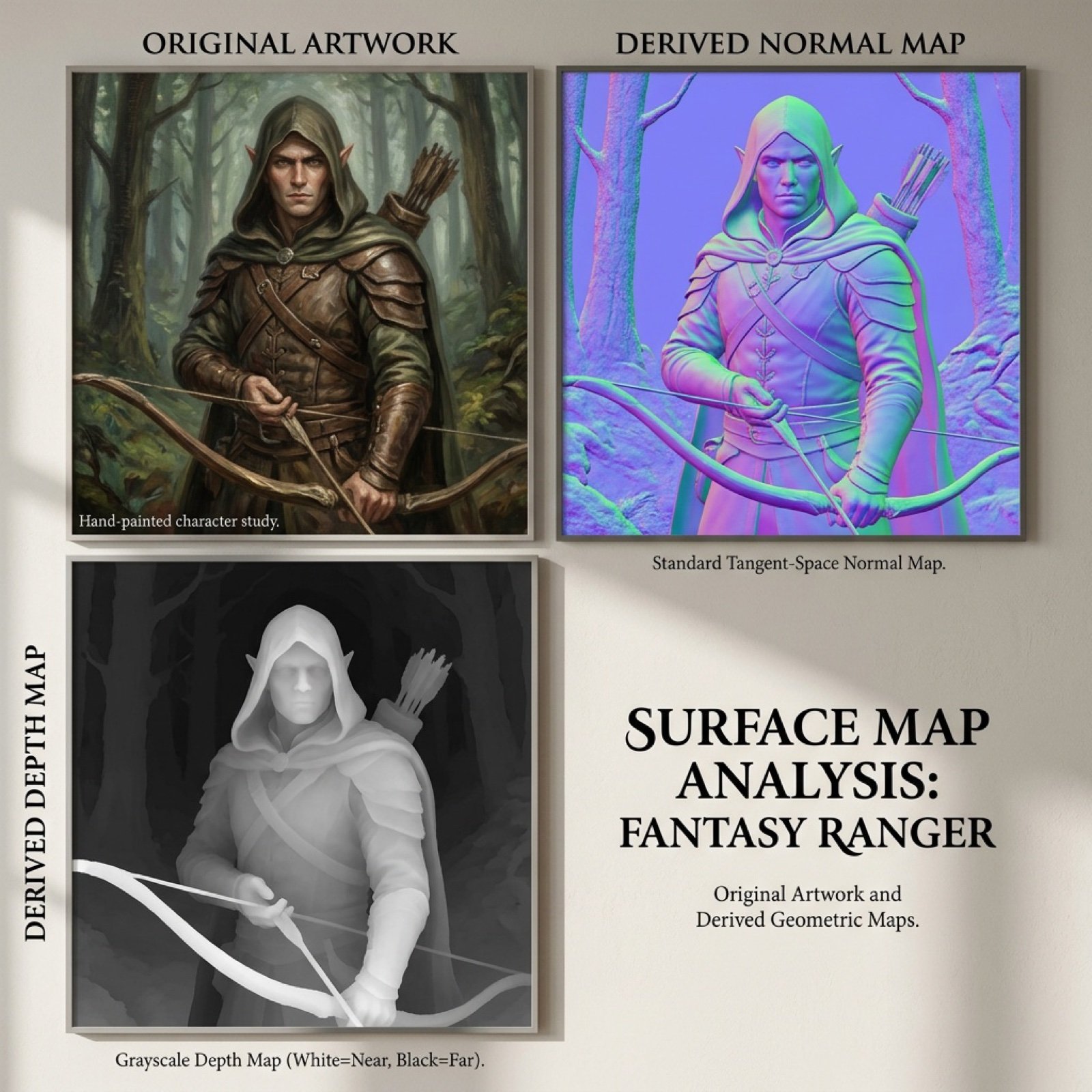
Normal and depth map generation prompts for Nano Banana Pro
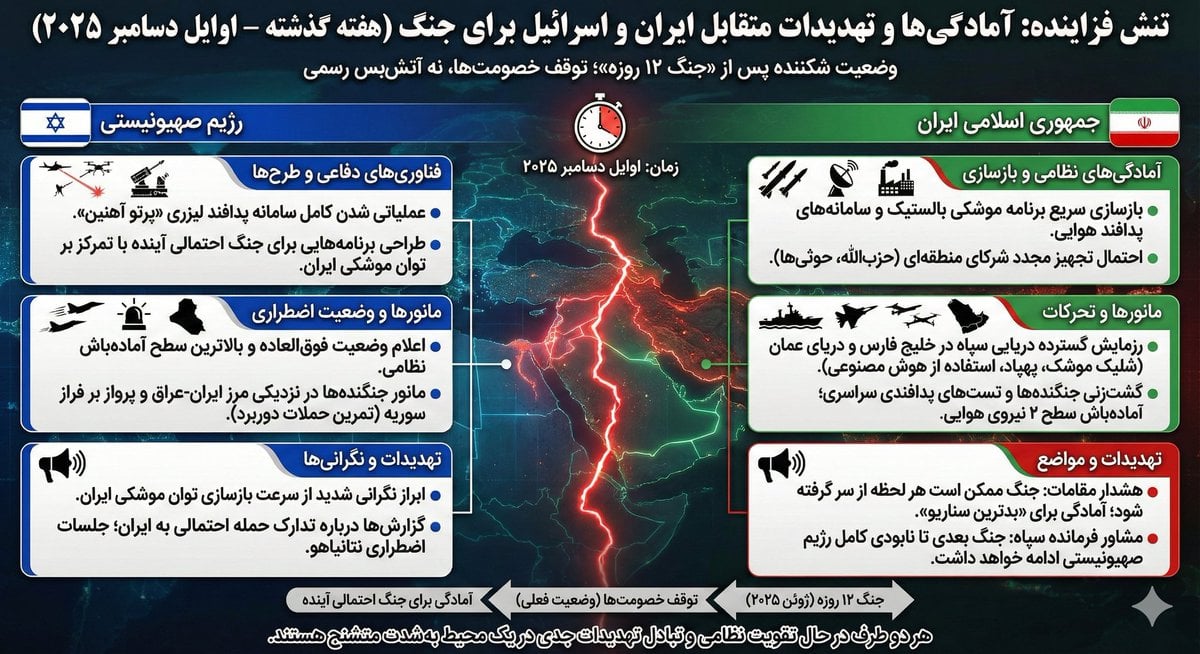
Infographic Generation based on Real-Time News Data
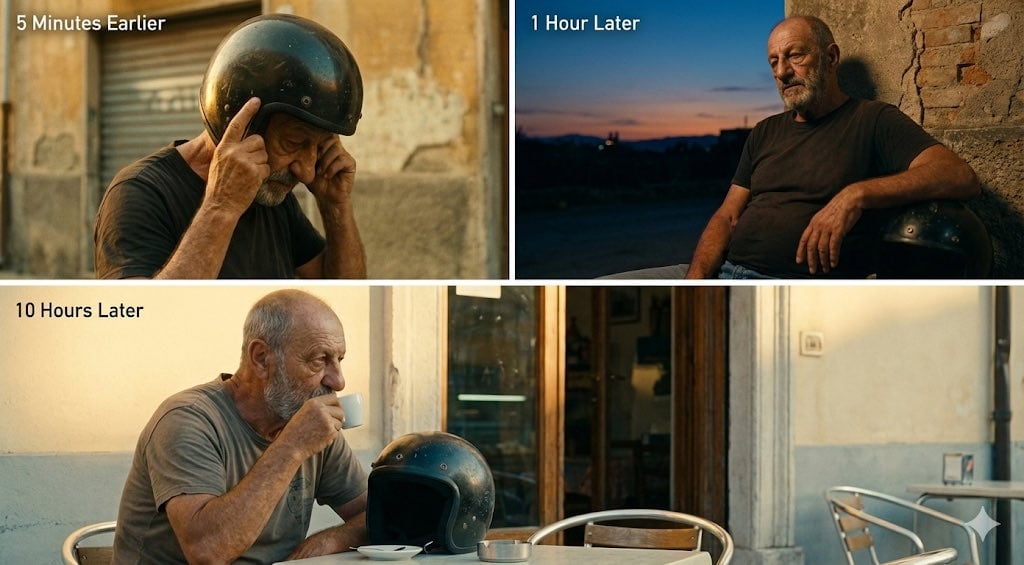
Time-Shifted Image Generation Prompt
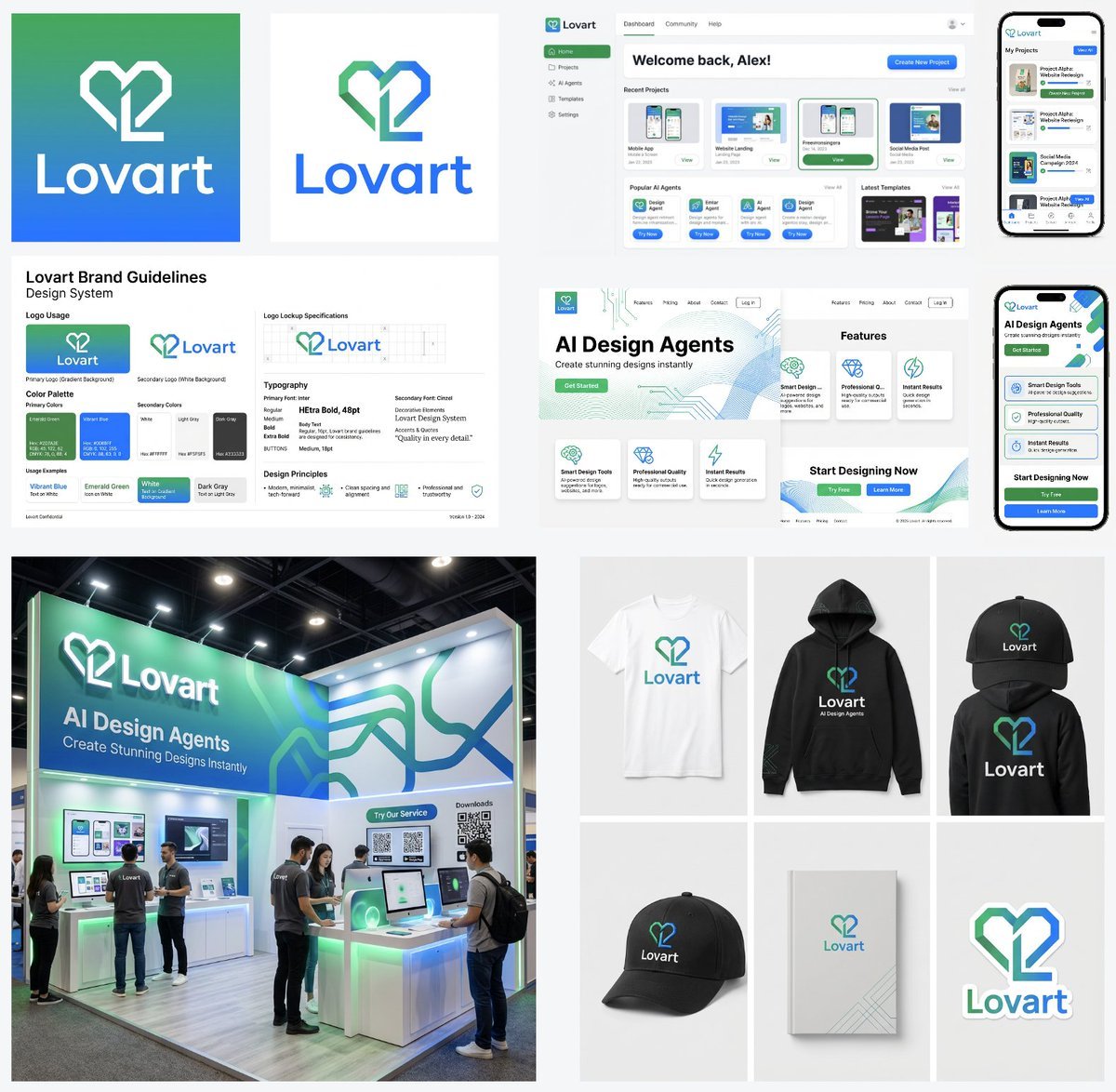
Multi-Step Design Generation Prompts for 'Lovart' Brand
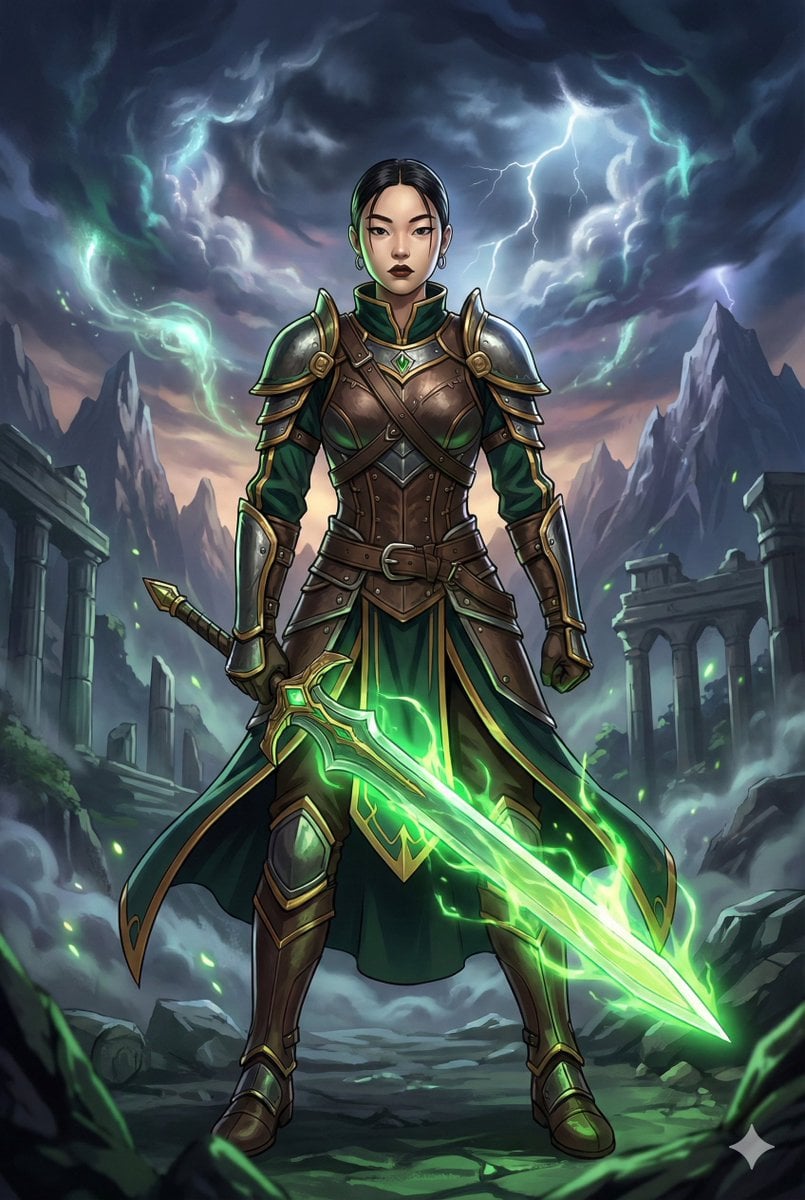
Combining image generation prompts for a fantasy card style
Make it yours
Isometric Interior Design Time-Lapse Video Generation Prompts works as-is. These are the safest ways to change it without losing the look.
Change one field
Copy a single group, rewrite it, and generate again so you can see what that field is doing.
Keep the frame, change the subject
Hold the composition and light of Isometric Interior Design Time-Lapse Video Generation Prompts, then swap wardrobe, props or the person for a new take.
| If the result… | Why | Fix |
|---|---|---|
| The result drifts from the preview | Too many fields changed at once. | Reuse Isometric Interior Design Time-Lapse Video Generation Prompts as-is first, then change one group — subject, light, or setting. |
| The model over-stylizes the scene | The prose prompt leaves finish and camera underspecified. | Add one camera or lighting sentence and stay on Nano Banana 2. |
More Nano Banana 2 templates
Other prompts made for Nano Banana 2.

Photorealistic Leaf Shaped Like a Dragon

K-Pop Idol Portrait Grid for Rapid Selection

Poetic Rain Forest Portrait During Golden Hour

Urban Street Portrait with Cartoon Inner Self Duo

Candid Nighttime Photo with Cat Prompt

High-Concept 3D Diorama Generation Prompt

Cinematic Futuristic Studio Portrait Template

Skincare Editorial Photography Collage Prompt

Hyper-Realistic Commercial Product Photography (Splash Effect)

Hyper-Realistic Nightclub Portrait Prompt
More image prompts
Fresh picks from across the catalog.
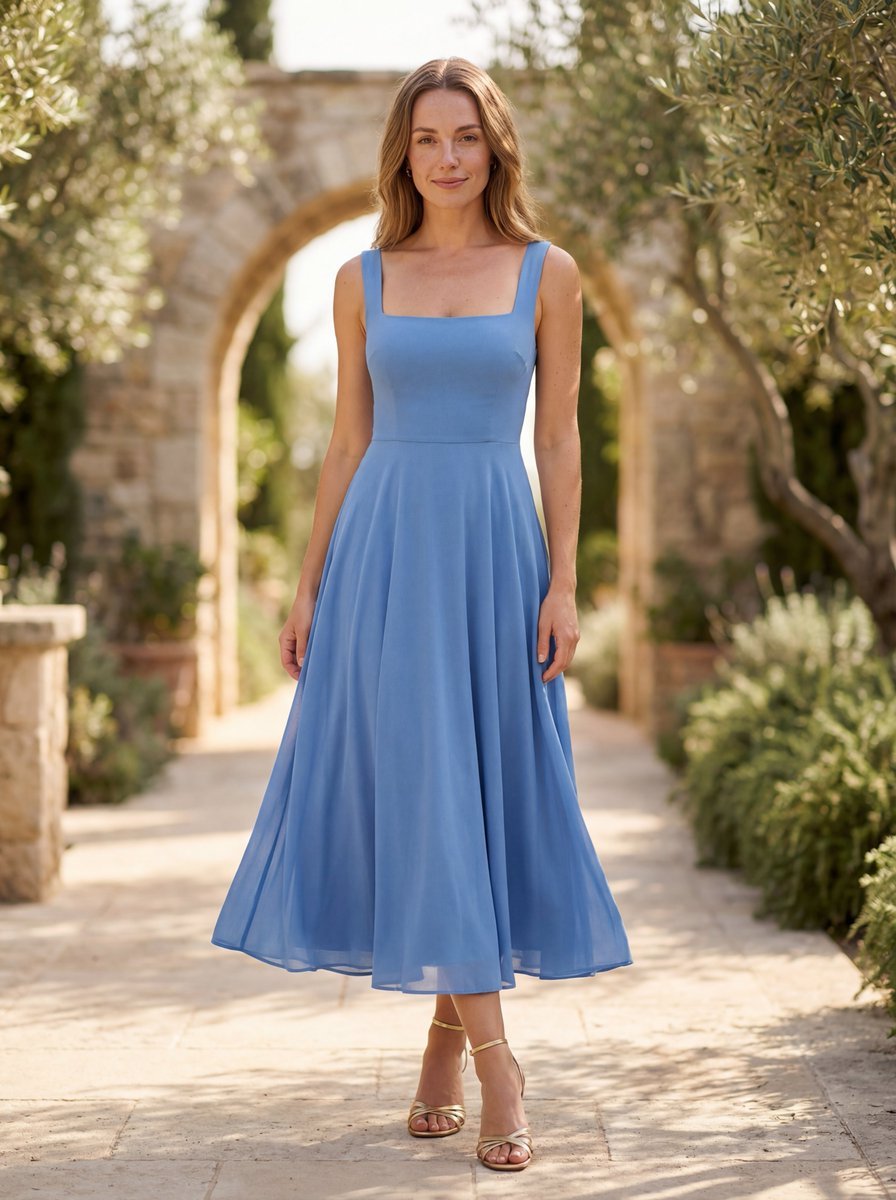
High-End Fashion Lookbook Photograph Prompt (Outdoor)
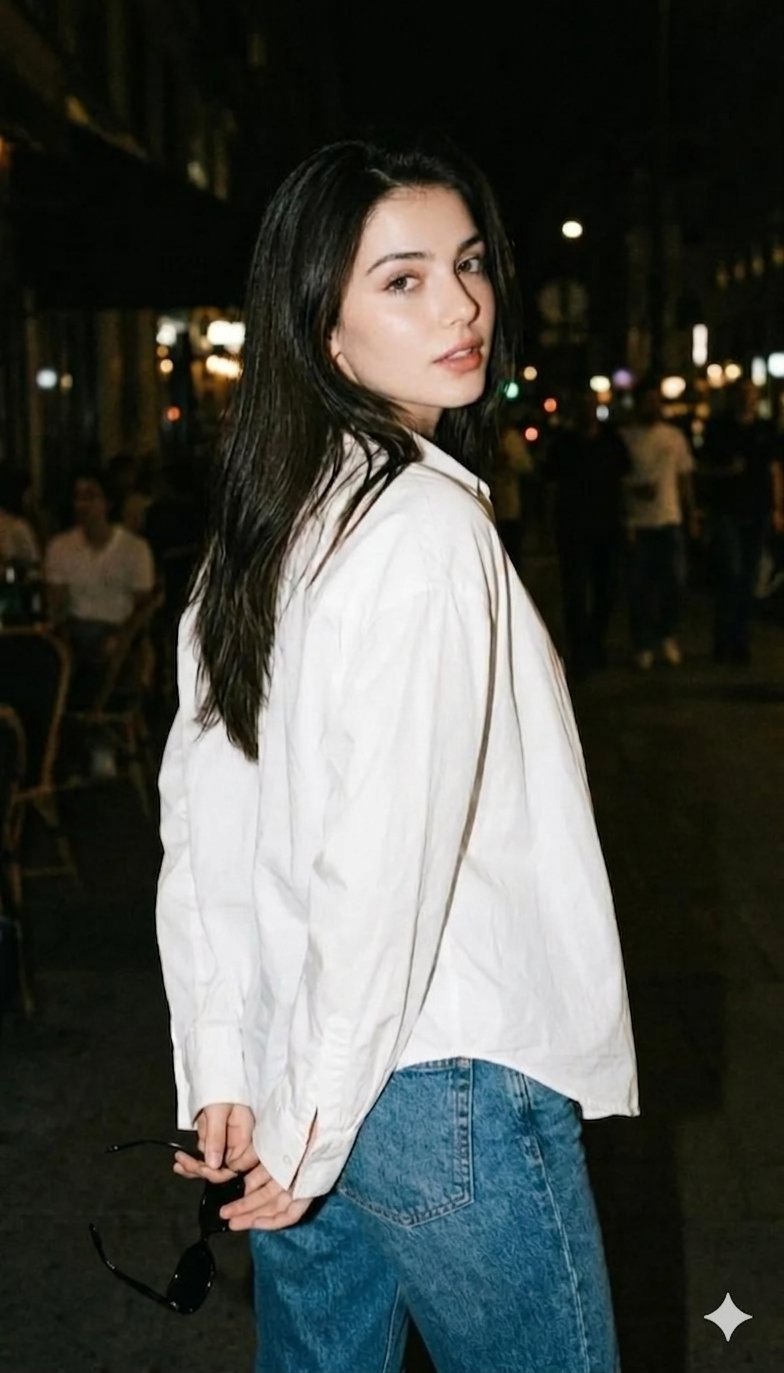
Gemini Night Flash Portrait
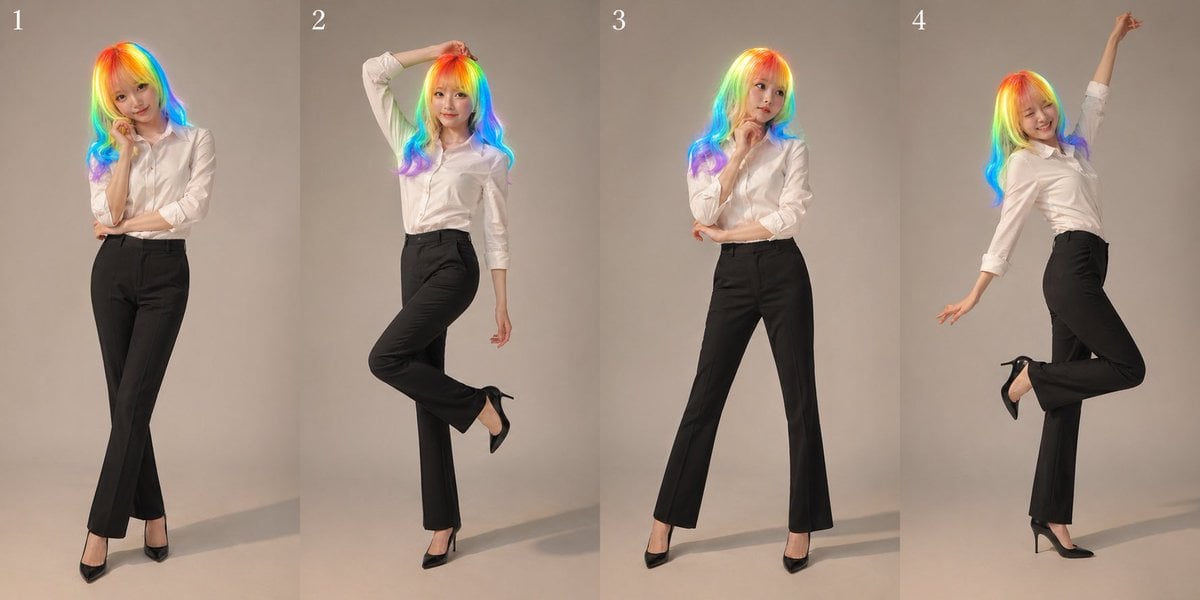
Studio Promo Portrait Panel Sheet

Retro AI Creative Brand Poster
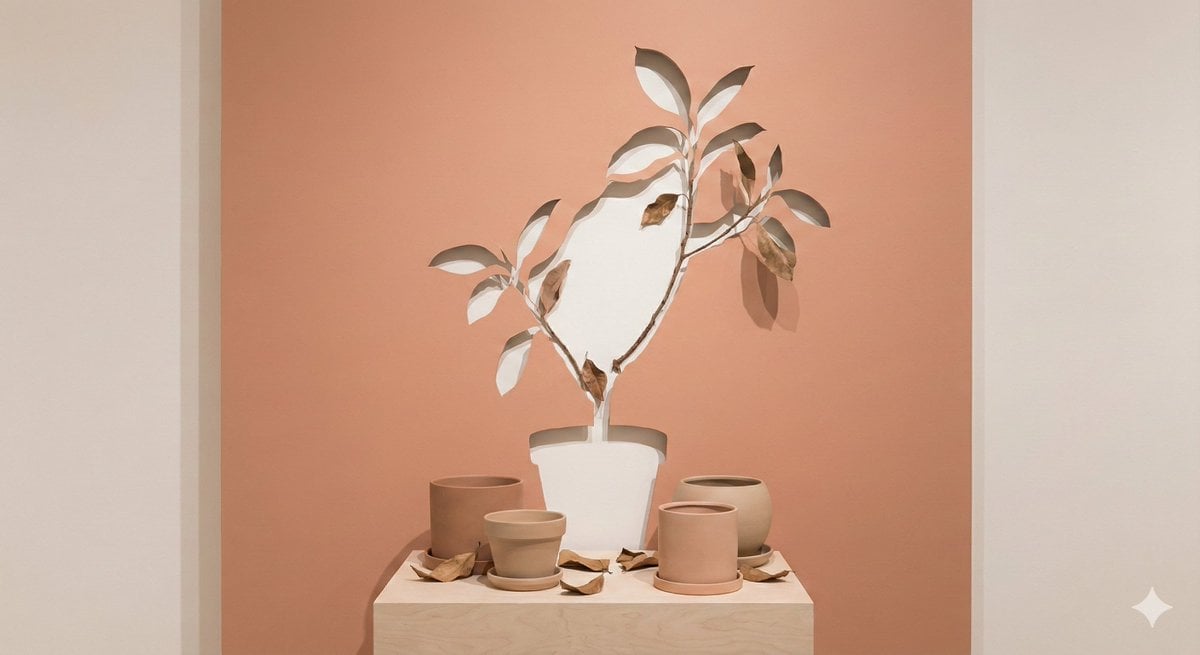
Negative Space Character Composition
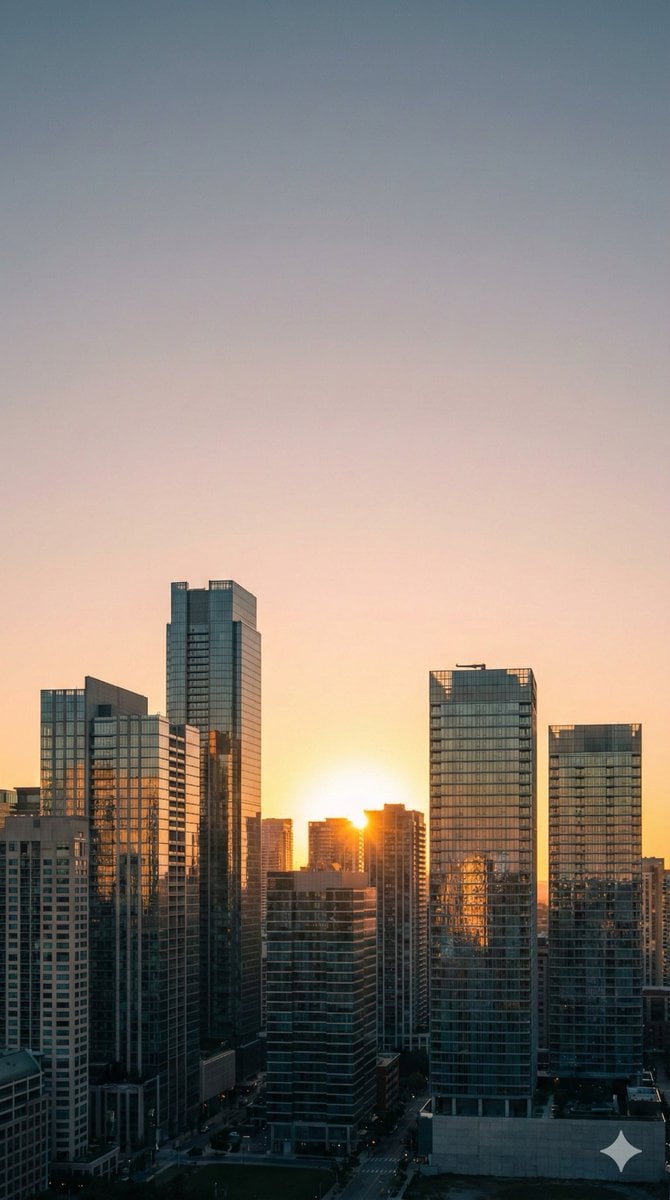
Nano Banana Pro Prompt: 9:16 Wallpaper Generation
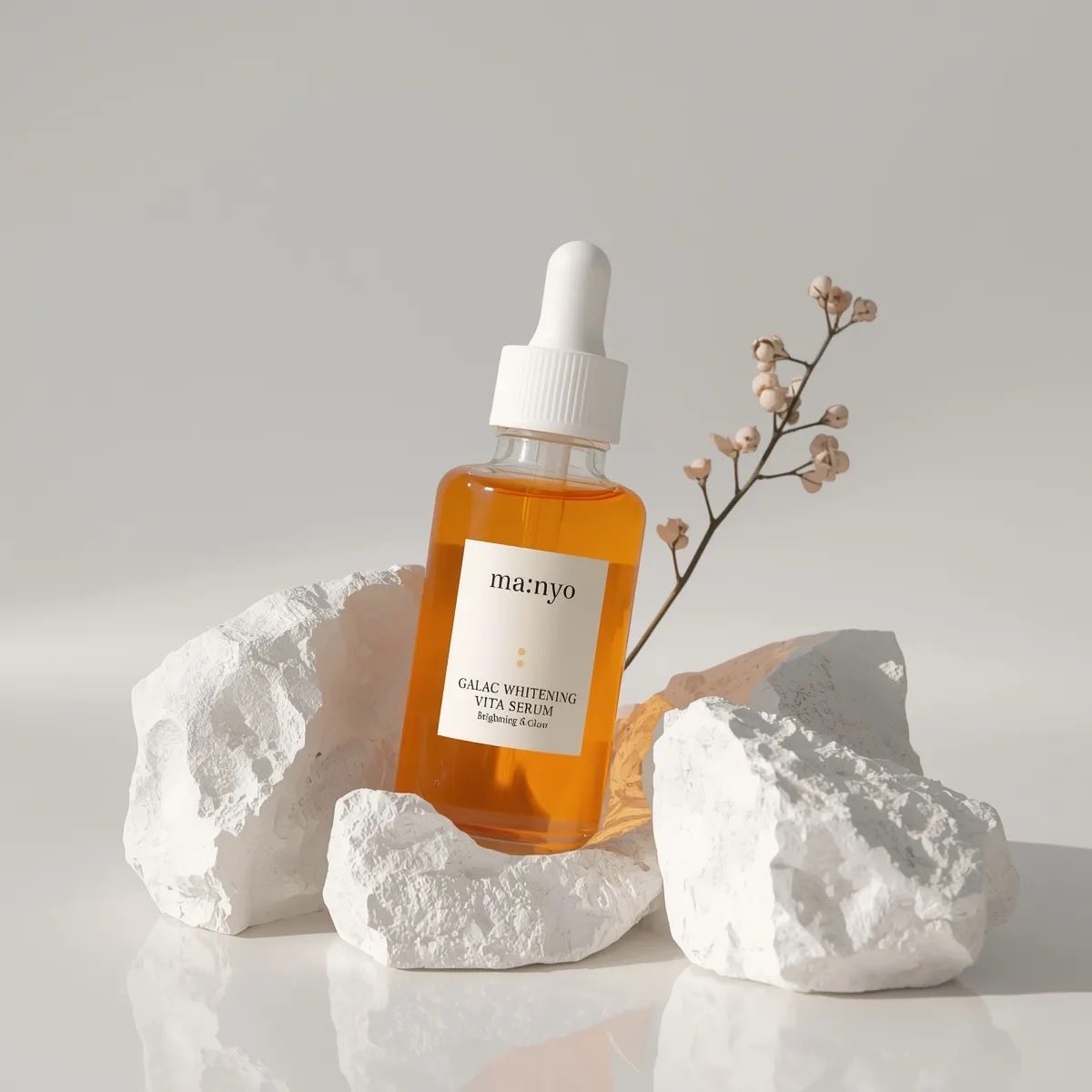
Minimal Luxury Skincare Product Photography (4 Variations)
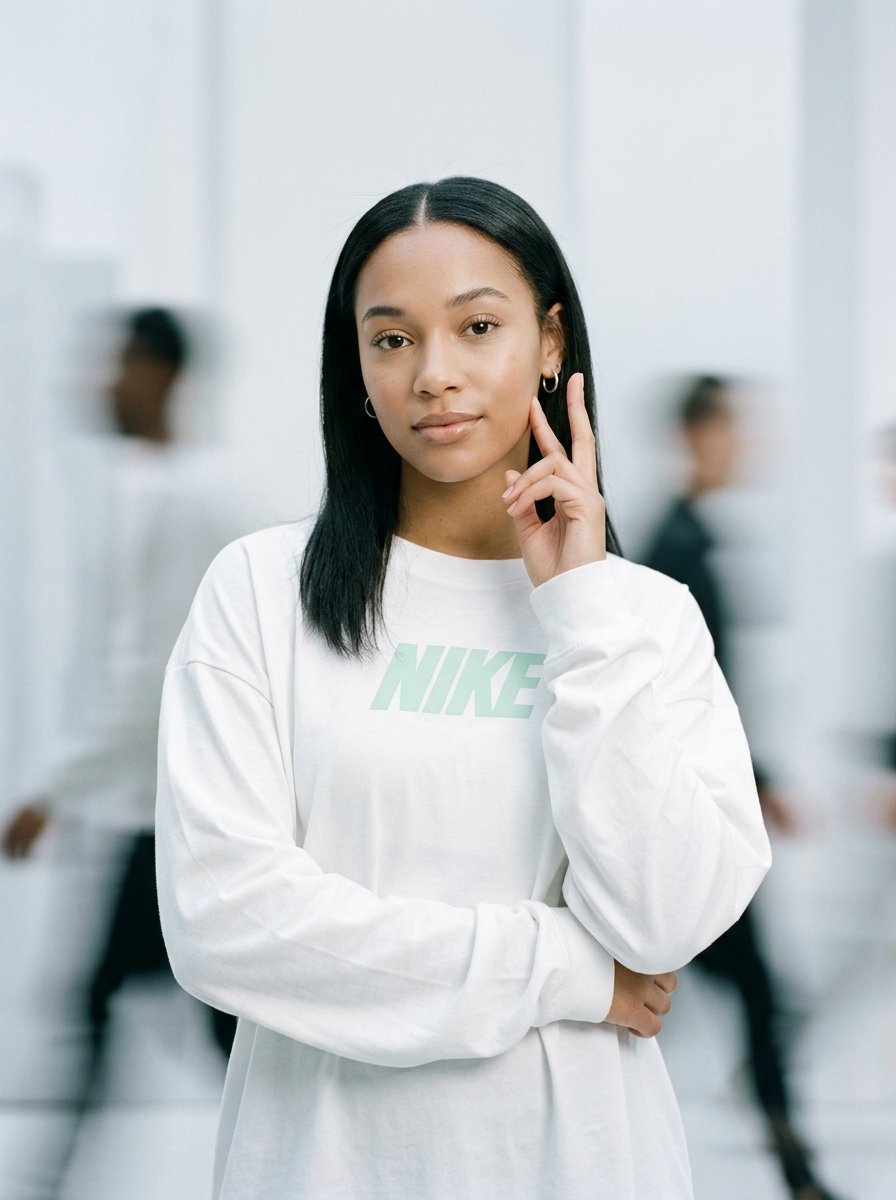
Static Motion Editorial

Simple Christmas dog and Santa image prompt

Age progression of a woman into an old lady
Browse template categories
Isometric Interior Design Time-Lapse Video Generation Prompts questions
How do I use the Isometric Interior Design Time-Lapse Video Generation Prompts template?
Add your photo if the template asks for one, edit the prompt if you like — the template's model and format are already selected — and press Generate. Your version opens in PicX Studio.
Can I customize the Isometric Interior Design Time-Lapse Video Generation Prompts template?
Yes. You can change the subject, setting, lighting, mood, format, and available model controls before creating your image.
Is the Isometric Interior Design Time-Lapse Video Generation Prompts template free?
Opening and editing this template is free. Generating uses credits, shown on the Generate button when you are signed in.
Which AI model should I use?
Start with Nano Banana 2, which is the model associated with this template. You can compare another compatible model for a different finish.
Looking for something else? Browse all templates.

Your photo, any look
Thousands of ready templates for every top image and video model, from one credit balance.