
Studio Promo Portrait Panel Sheet
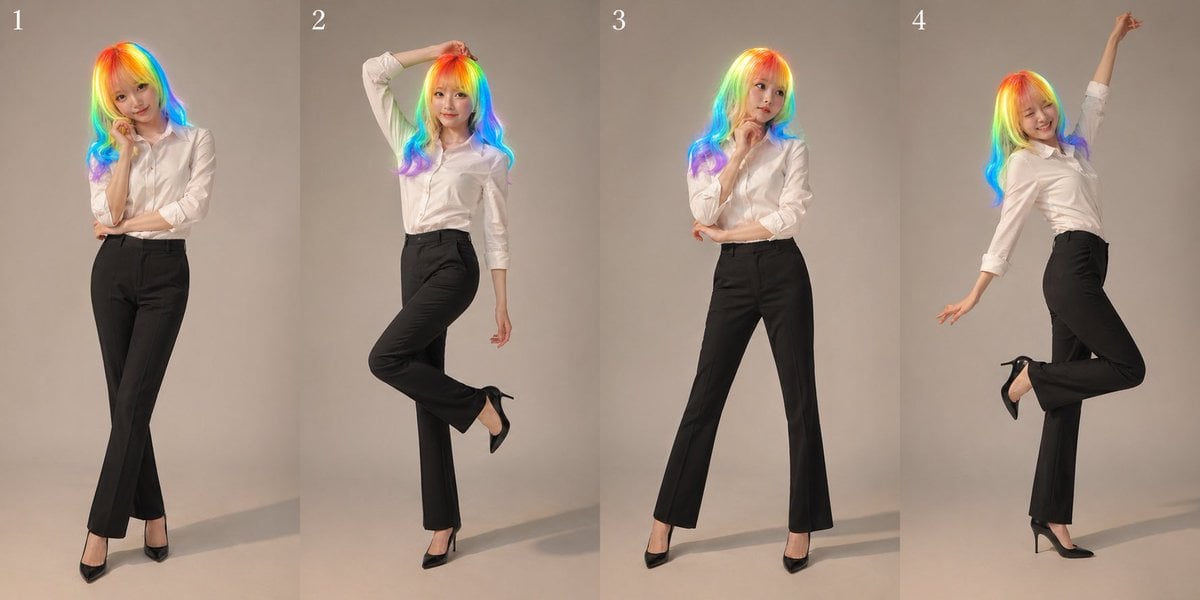
Generates a realistic multi-pose studio fashion collage for promotional portraits, useful for actor comps, profile images, or flattering personal photo variations.
- Prompt included
- Model and format preset
- Free template
The prompt behind this image
Copy the exact prompt behind Studio Promo Portrait Panel Sheet, or open it in the studio and make it yours.
- Type
- nine-panel promotional portrait sheet
- Actual Panels Shown
- 4
- Subject › Gender Presentation
- female
- Subject › Age Appearance
- young adult
- Subject › Face
- intentionally blurred and indistinct
- Subject › Hair › Color
- {argument name="hair color" default="rainbow neon gradient"}
- Subject › Hair › Style
- long loose wavy hair falling past the shoulders, glossy, center-parted
- Subject › Outfit › Top
- crisp white button-up shirt with sleeves rolled to the forearms
- Subject › Outfit › Bottom
- high-waisted black tailored slacks
- Subject › Outfit › Shoes
- black pointed high heels
- Style › Photo Type
- studio fashion publicity photo
- Style › Mood
- polished, lively, slightly glamorous
- Style › Lighting
- soft professional studio lighting with gentle shadows on floor and backdrop
- Style › Background
- plain warm light gray seamless studio backdrop
- Style › Framing
- full-body, vertical crop in each panel
- Layout › Grid
- 4 visible vertical slices from a 9-panel concept sheet
- Layout › Panel Labels
- 1, 2, 3, 4
- Layout › Count
- 4
- Layout › Composition
- each panel shows the same person in a different pose, evenly spaced side by side with narrow dividing lines
- Poses › 0 › Panel
- 1
- Poses › 0 › Description
- standing with legs crossed at the ankles, one arm folded across the waist, the other hand lightly touching the chin, relaxed fashion pose
- Poses › 1 › Panel
- 2
- Poses › 1 › Description
- one arm bent overhead with hand resting on the head, one leg lifted and bent backward, free hand relaxed down, playful model pose
- Poses › 2 › Panel
- 3
Raw JSON
{"type":"nine-panel promotional portrait sheet","actual panels shown":4,"subject":{"gender_presentation":"female","age_appearance":"young adult","face":"intentionally blurred and indistinct","hair":{"color":"{argument name=\"hair color\" default=\"rainbow neon gradient\"}","style":"long loose wavy hair falling past the shoulders, glossy, center-parted"},"outfit":{"top":"crisp white button-up shirt with sleeves rolled to the forearms","bottom":"high-waisted black tailored slacks","shoes":"black pointed high heels"}},"style":{"photo_type":"studio fashion publicity photo","mood":"polished, lively, slightly glamorous","lighting":"soft professional studio lighting with gentle shadows on floor and backdrop","background":"plain warm light gray seamless studio backdrop","framing":"full-body, vertical crop in each panel"},"layout":{"grid":"4 visible vertical slices from a 9-panel concept sheet","panel_labels":["1","2","3","4"],"count":4,"composition":"each panel shows the same person in a different pose, evenly spaced side by side with narrow dividing lines"},"poses":[{"panel":"1","description":"standing with legs crossed at the ankles, one arm folded across the waist, the other hand lightly touching the chin, relaxed fashion pose"},{"panel":"2","description":"one arm bent overhead with hand resting on the head, one leg lifted and bent backward, free hand relaxed down, playful model pose"},{"panel":"3","description":"standing upright with feet apart, one hand near the chin, the other arm crossing the torso, confident straightforward pose"},{"panel":"4","description":"body arched slightly backward, one arm stretched high upward, one leg bent back and lifted, energetic celebratory pose"}],"prompt":"Create a clean studio publicity collage of {argument name=\"character count\" default=\"one\"} stylish adult woman shown in 4 full-body vertical panels as part of a {argument name=\"layout style\" default=\"9-panel promotional portrait sheet\"}. Keep the same outfit in every panel: white rolled-sleeve button-up shirt, black tailored slacks, black high heels. Give her {argument name=\"hair color\" default=\"rainbow neon gradient\"} long wavy hair. Use a neutral light gray seamless background, soft editorial studio lighting, realistic proportions, elegant fashion-photography styling, and subtle floor shadows. Add small white panel numbers 1, 2, 3, 4 at the top of each slice. Show 4 distinct poses exactly: crossed-leg chin-touch pose, overhead-arm lifted-leg pose, confident standing chin-touch pose, and upward-reaching lifted-leg pose. Overall look should feel like premium actor headshot and full-body promo materials, realistic and flattering."}How to use Studio Promo Portrait Panel Sheet in 3 steps
- 1Upload ImagePNG, JPG or paste
Add your photo
Upload the photo the template builds on. The prompt, model and format are already set.
- 2…a portrait of your subject in softgolden-hour light, 85mm…
Personalize
Edit the subject and creative details for your destination.
- 3Generate
Generate
Press Generate — your image is created in PicX Studio, so you can compare it with the original and refine one variable at a time.
More like this
Templates with the same subject, style or setup. Open one to see its prompt.

80s Couple Studio Portrait

1985 Studio Portrait
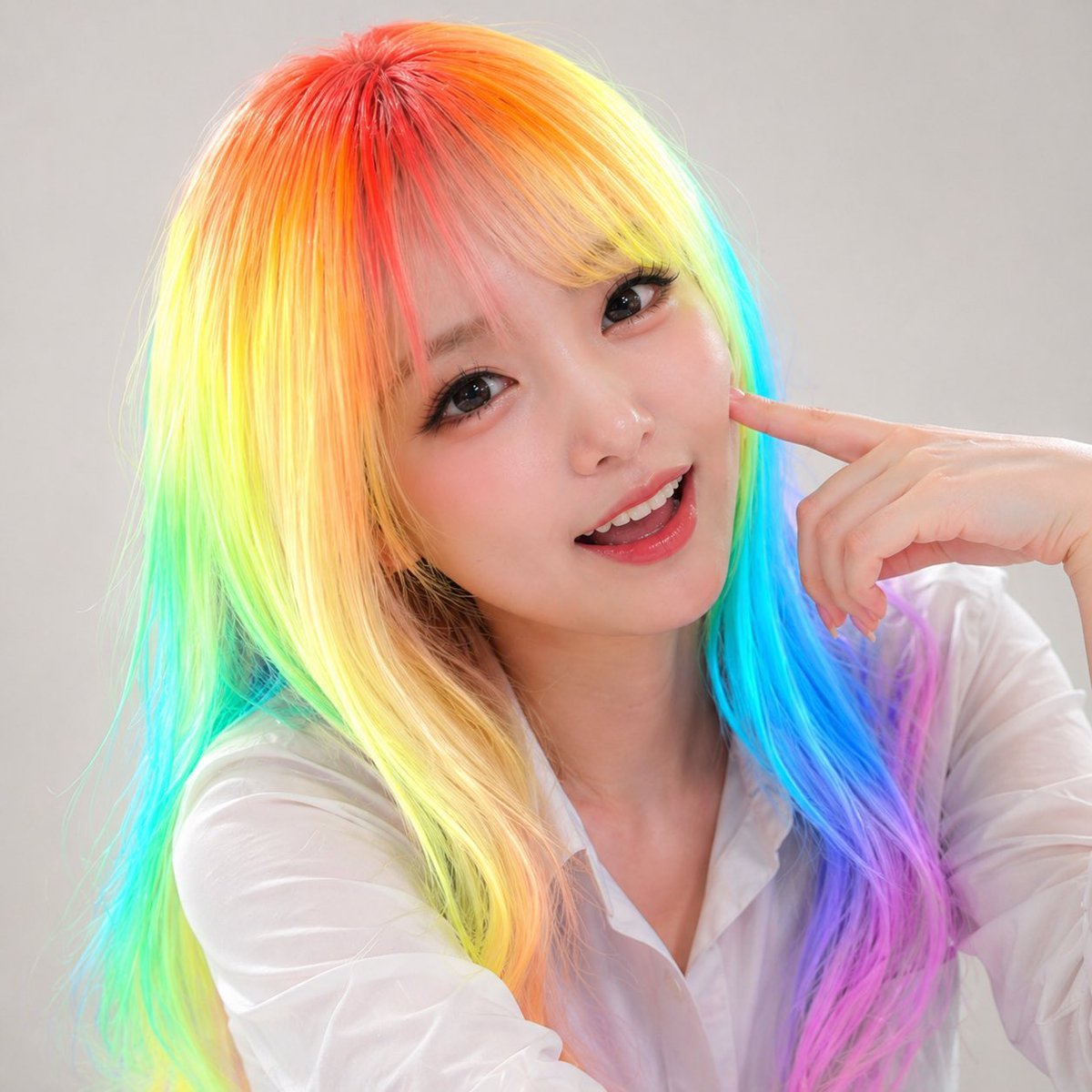
Panel Studio Promo Portrait Grid

Gpt Image 2 Fashion Portrait

Found Photograph: Us, 1970

80s Bollywood Star

80s Golden Hour Cinema

Me in 1985

Hyper-Realistic Minecraft POV Portrait

Minimalist Studio Fashion Portrait Grid

Gray Studio Character Reference Sheet
Cinematic Spotlight Studio Portrait
Make it yours
Studio Promo Portrait Panel Sheet works as-is. These are the safest ways to change it without losing the look.
Swap the setting
Keep the rest of the prompt and replace the location block. The current setting is “plain warm light gray seamless studio backdrop”.
Swap the light
One lighting change is enough to compare takes. Current light: “soft professional studio lighting with gentle shadows on floor and backdrop”.
Change one field
Copy a single group, rewrite it, and generate again so you can see what that field is doing.
| If the result… | Why | Fix |
|---|---|---|
| The result drifts from the preview | Too many fields changed at once. | Reuse Studio Promo Portrait Panel Sheet as-is first, then change one group — subject, light, or setting. |
| GPT Image 2 ignores part of the JSON | Some models flatten or skip nested keys. | Keep the same values and paste them as a short paragraph instead. |
More GPT Image 2 templates
Other prompts made for GPT Image 2.

Six VTuber Japanese Logo Sheet

Realistic Portrait of Woman and Deer

The Vista Modular Condo Poster

AI Model Routing Comparison Infographic

2.5D Anime Art Board

Isometric Productivity Desk Scene

New York Double Exposure Poster

Four-Panel AI Landscape Comparison

Japanese Tatami Lifestyle Magazine Cover

NESCAFÉ Coffee Map Poster
More image prompts
Fresh picks from across the catalog.
Ukiyo-e Portrait Transformation
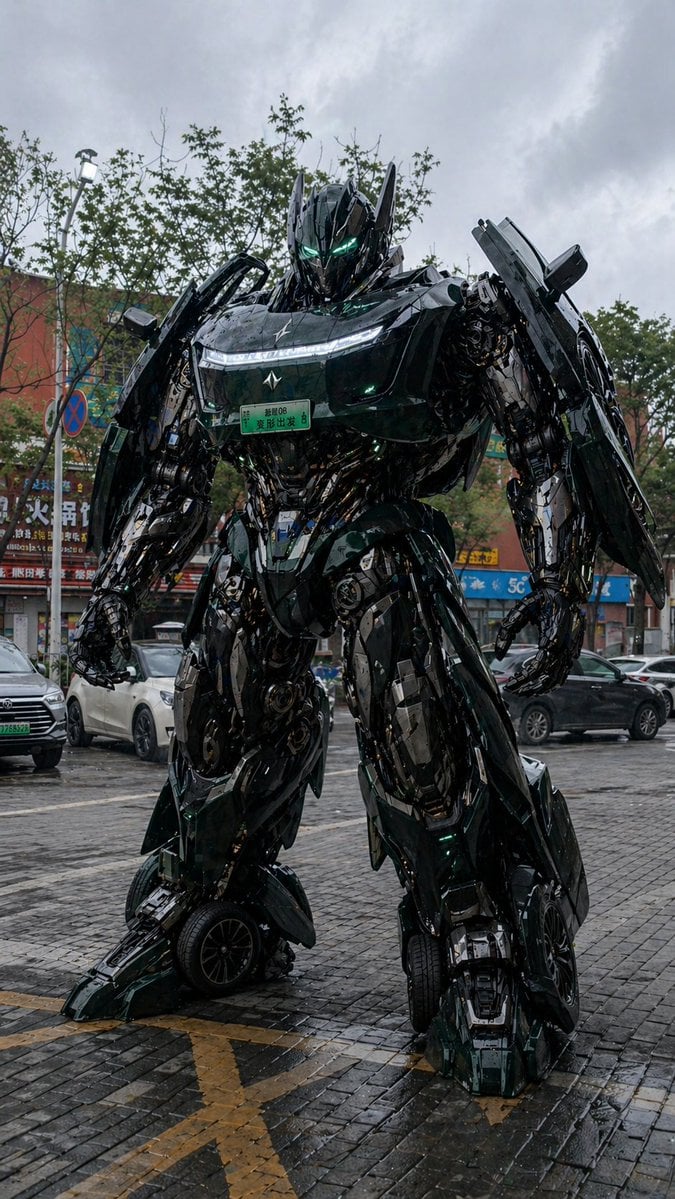
Car Transformation Prompt
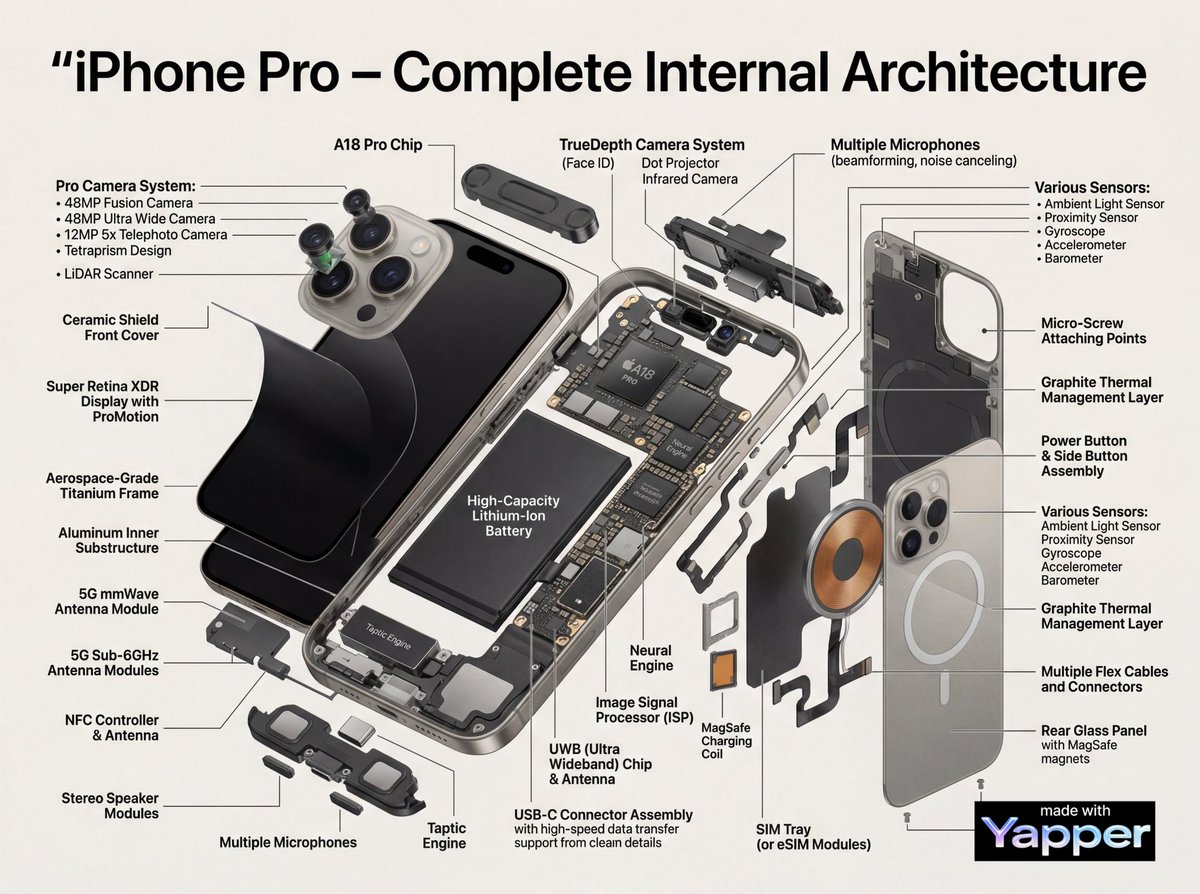
Technical Infographic Cutaway Prompt
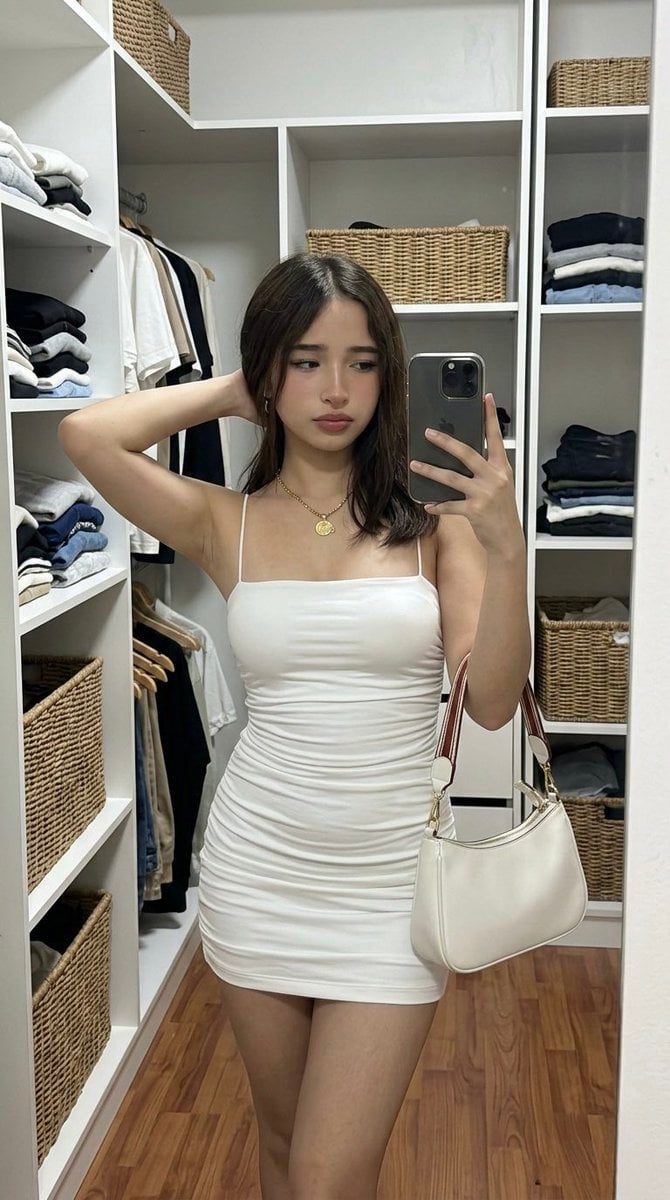
Hyper-Realistic Mirror Selfie Prompt for Gemini Nano Banana 2
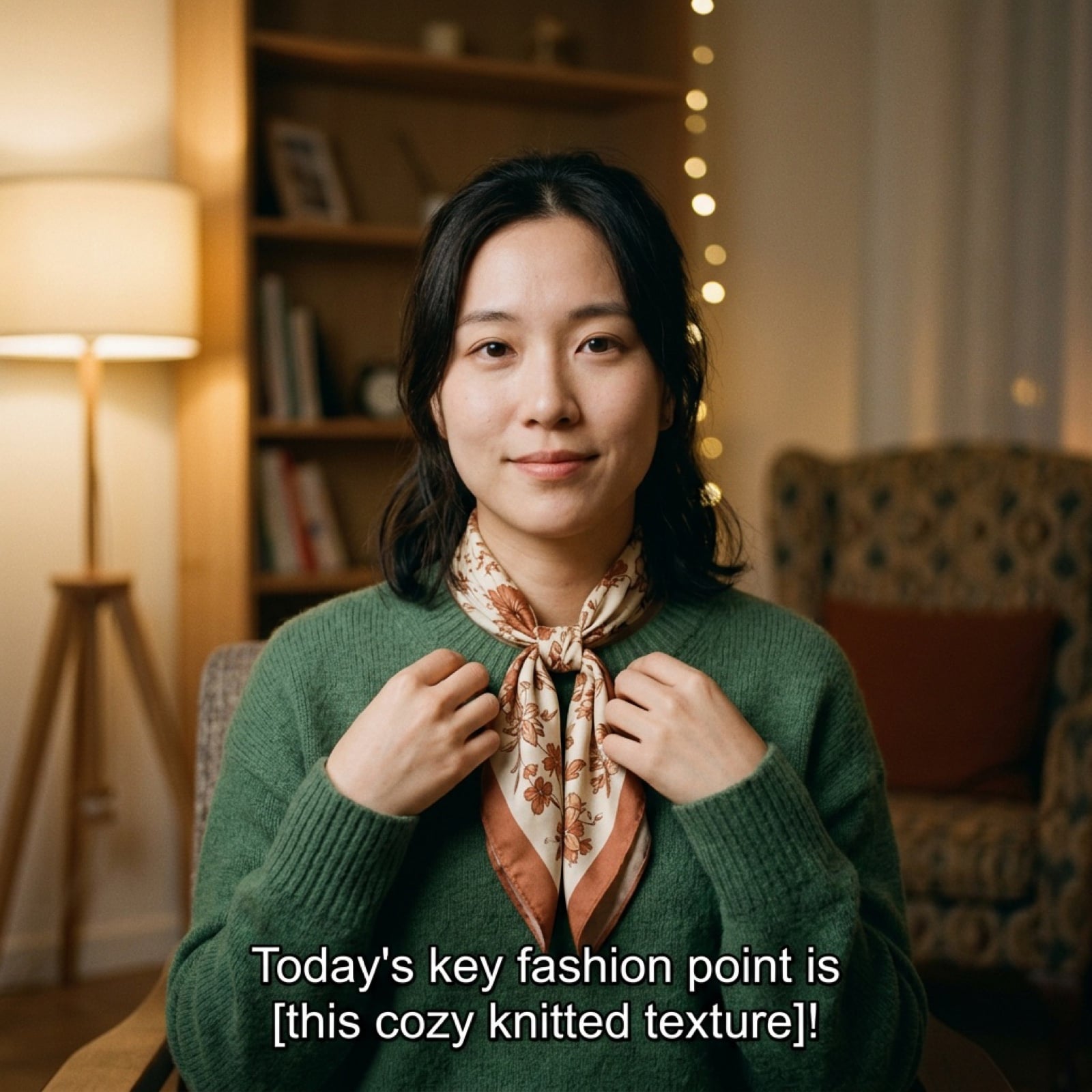
Vlog Style Video Prompt (Fashion Focus)
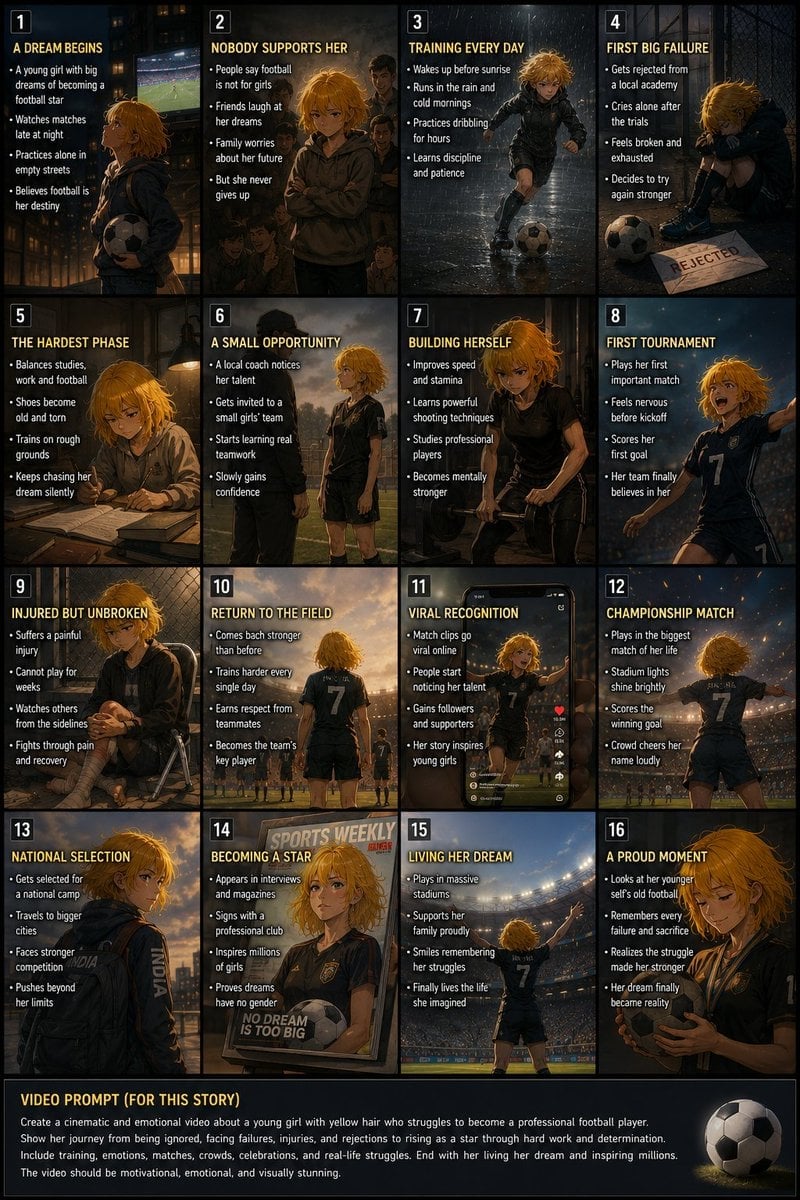
Panel Football Dream Storyboard

Modern Milk Tea Promotional Flyer
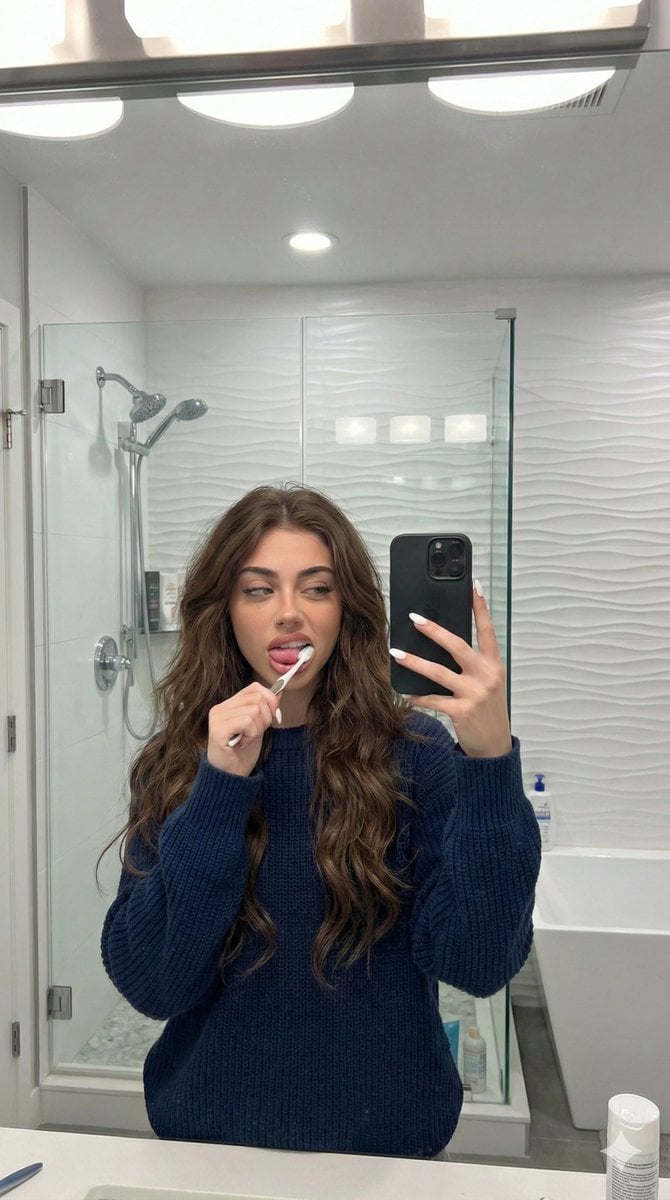
Candid Mirror Selfie Prompt for Image Generation
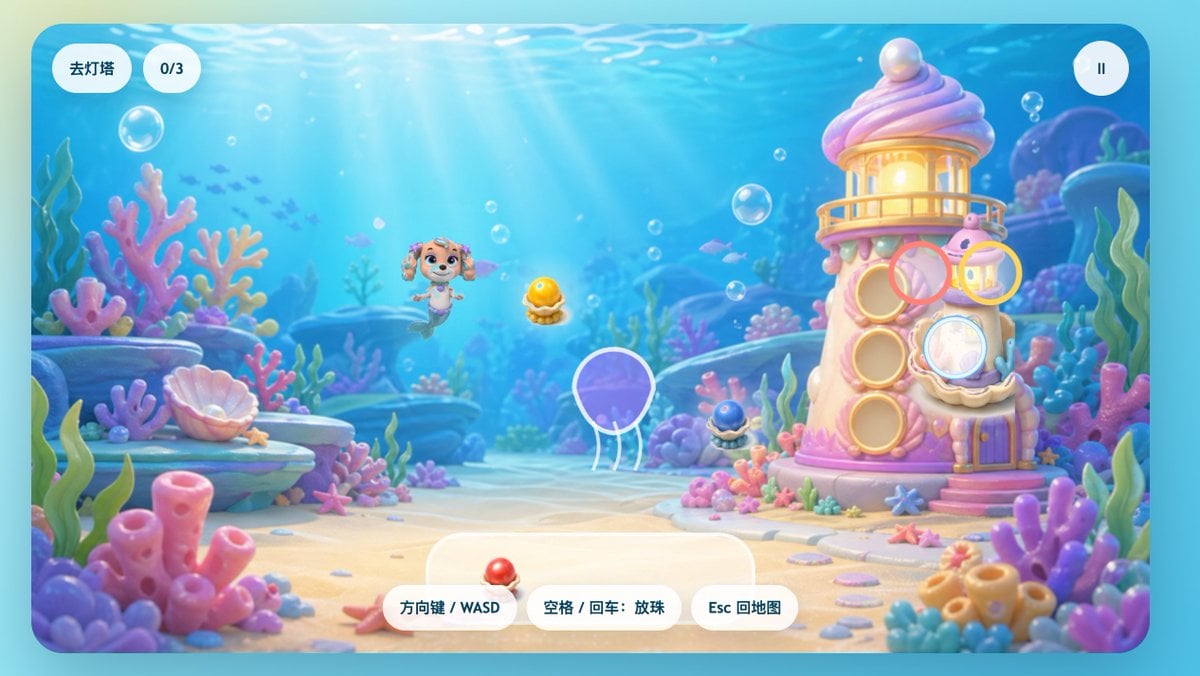
Pastel Underwater Mermaid Puppy Game UI
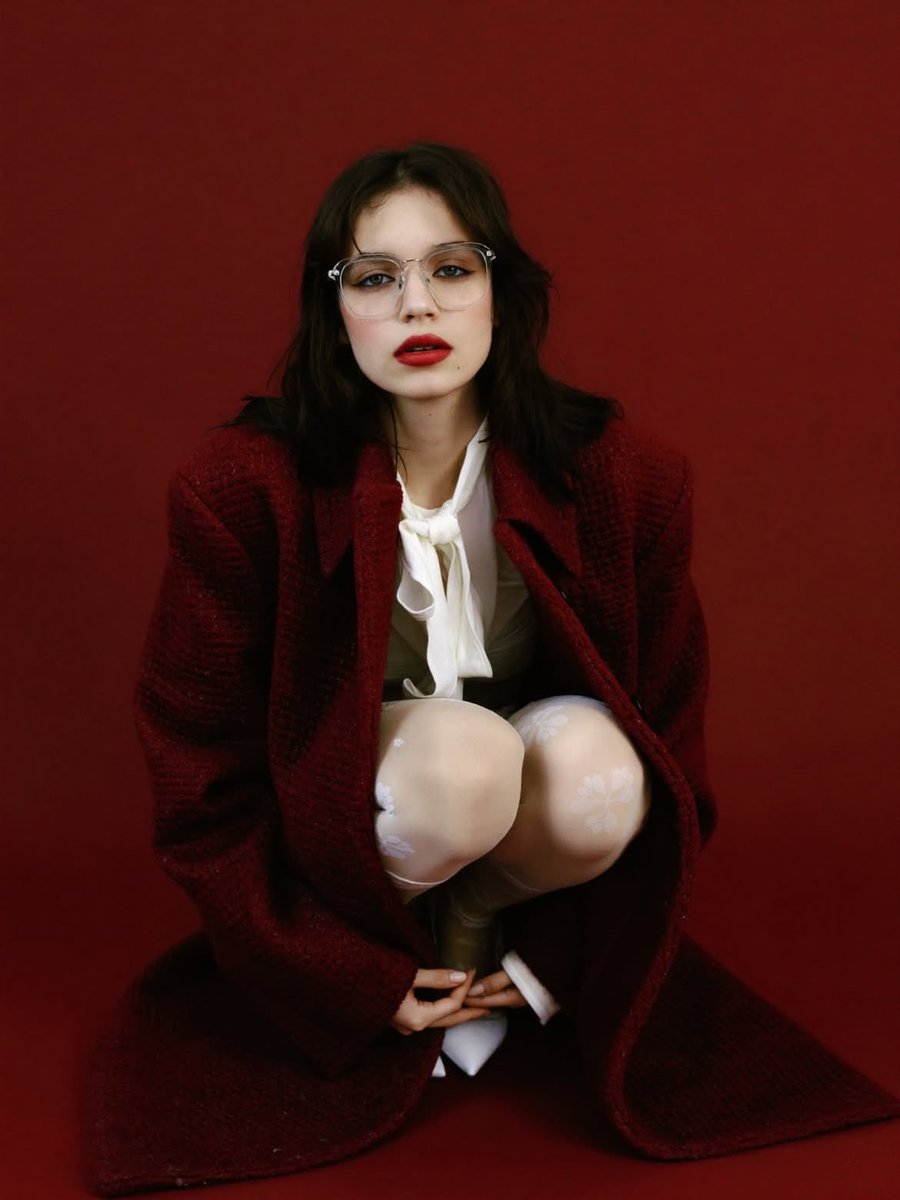
High-Fashion Editorial Portrait with Red Background
Browse template categories
Studio Promo Portrait Panel Sheet questions
How do I use the Studio Promo Portrait Panel Sheet template?
Add your photo if the template asks for one, edit the prompt if you like — the template's model and format are already selected — and press Generate. Your version opens in PicX Studio.
Can I customize the Studio Promo Portrait Panel Sheet template?
Yes. You can change the subject, setting, lighting, mood, format, and available model controls before creating your image.
Is the Studio Promo Portrait Panel Sheet template free?
Opening and editing this template is free. Generating uses credits, shown on the Generate button when you are signed in.
Which AI model should I use?
Start with GPT Image 2, which is the model associated with this template. You can compare another compatible model for a different finish.
Looking for something else? Browse all templates.

Your photo, any look
Thousands of ready templates for every top image and video model, from one credit balance.