
Panel Studio Promo Portrait Grid
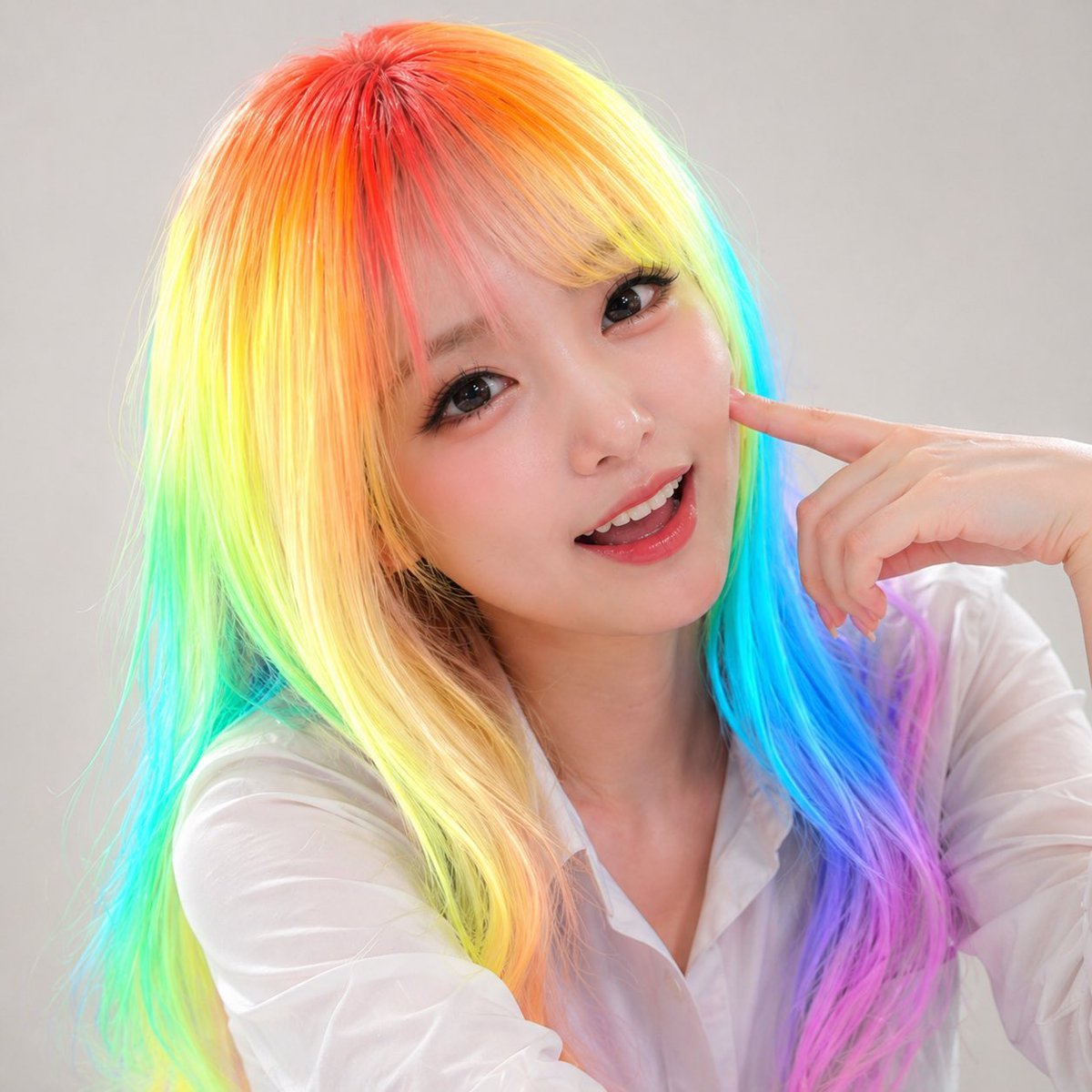
A polished 3x3 sheet of studio headshots showing one person in nine expressions, useful for promotional portraits, profile images, or memorial-style photo variations.
- Prompt included
- Model and format preset
- Free template
The prompt behind this image
Copy the exact prompt behind Panel Studio Promo Portrait Grid, or open it in the studio and make it yours.
- Type
- nine-photo promotional portrait grid
- Subject › Gender Presentation
- feminine adult
- Subject › Hair › Style
- long straight layered hair with a center part
- Subject › Hair › Color
- {argument name="hair color" default="rainbow neon gradient"}
- Subject › Hair › Details
- roots glowing red-orange, blending into yellow, lime green, cyan, blue, and pink-lilac through the lengths
- Subject › Clothing
- semi-sheer white button-up blouse
- Subject › Pose
- head-and-shoulders studio portrait, one hand raised with index finger touching the temple or side of the face, relaxed fashion pose
- Subject › Expression Set Count
- 9
- Subject › Expression Direction
- create 9 distinct lively facial expressions while keeping the same person, styling, crop, and studio setup
- Image Style › Look
- clean commercial talent headshots, polished promotional photography
- Image Style › Lighting
- soft diffused studio lighting with gentle shadows
- Image Style › Background
- plain light gray seamless backdrop
- Image Style › Retouching
- high-end beauty retouching, natural skin texture, crisp hair detail
- Image Style › Framing
- tight chest-up crop, centered subject, consistent framing across all 9 panels
- Layout › Grid
- 3x3
- Layout › Count
- 9
- Layout › Sections › 0 › Title
- top row
- Layout › Sections › 0 › Position
- top
- Layout › Sections › 0 › Count
- 3
- Layout › Sections › 0 › Labels
- gentle smile, bright open smile, calm neutral
- Layout › Sections › 1 › Title
- middle row
- Layout › Sections › 1 › Position
- middle
- Layout › Sections › 1 › Count
- 3
- Layout › Sections › 1 › Labels
- soft laugh, thoughtful side glance, confident smirk
Raw JSON
{"type":"nine-photo promotional portrait grid","subject":{"gender_presentation":"feminine adult","hair":{"style":"long straight layered hair with a center part","color":"{argument name=\"hair color\" default=\"rainbow neon gradient\"}","details":"roots glowing red-orange, blending into yellow, lime green, cyan, blue, and pink-lilac through the lengths"},"clothing":"semi-sheer white button-up blouse","pose":"head-and-shoulders studio portrait, one hand raised with index finger touching the temple or side of the face, relaxed fashion pose","expression_set_count":9,"expression_direction":"create 9 distinct lively facial expressions while keeping the same person, styling, crop, and studio setup"},"image_style":{"look":"clean commercial talent headshots, polished promotional photography","lighting":"soft diffused studio lighting with gentle shadows","background":"plain light gray seamless backdrop","retouching":"high-end beauty retouching, natural skin texture, crisp hair detail","framing":"tight chest-up crop, centered subject, consistent framing across all 9 panels"},"layout":{"grid":"3x3","count":9,"sections":[{"title":"top row","position":"top","count":3,"labels":["gentle smile","bright open smile","calm neutral"]},{"title":"middle row","position":"middle","count":3,"labels":["soft laugh","thoughtful side glance","confident smirk"]},{"title":"bottom row","position":"bottom","count":3,"labels":["surprised delight","eyes-closed happy smile","slightly pouty cute expression"]}],"spacing":"thin even gaps between images, all panels equal size"},"prompt":"Create a 3x3 contact-sheet style set of 9 studio promotional portraits of the same {argument name=\"subject type\" default=\"woman\"}. Each panel shows the same hairstyle, outfit, camera angle, and neutral light gray backdrop, but with a different lively expression. The subject has {argument name=\"hair color\" default=\"rainbow neon gradient\"} long straight hair and wears a {argument name=\"outfit\" default=\"semi-sheer white blouse\"}. Use soft beauty lighting, realistic skin, commercial headshot polish, and flattering fashion-photography retouching. Keep the crop chest-up and consistent across all 9 images. Arrange the portraits as a clean 3x3 grid with the following visible mood variation: gentle smile, bright open smile, calm neutral, soft laugh, thoughtful side glance, confident smirk, surprised delight, eyes-closed happy smile, and slightly pouty cute expression. {argument name=\"background color\" default=\"light gray\"} seamless studio background. Make it look like a professional talent promo sheet or social-media profile photo set."}How to use Panel Studio Promo Portrait Grid in 3 steps
- 1Upload ImagePNG, JPG or paste
Add your photo
Upload the photo the template builds on. The prompt, model and format are already set.
- 2…a portrait of your subject in softgolden-hour light, 85mm…
Personalize
Edit the subject and creative details for your destination.
- 3Generate
Generate
Press Generate — your image is created in PicX Studio, so you can compare it with the original and refine one variable at a time.
More like this
Templates with the same subject, style or setup. Open one to see its prompt.

80s Couple Studio Portrait

1985 Studio Portrait
Studio Promo Portrait Panel Sheet

Gpt Image 2 Fashion Portrait

Minimalist Studio Fashion Portrait Grid

B&W Photobooth Expression Grid 4x4 — Nano Banana

Gen Z TikTok Viral Expression Grid 4x4 — Nano Banana

Found Photograph: Us, 1970

80s Bollywood Star

80s Golden Hour Cinema

Me in 1985

Hyper-Realistic Minecraft POV Portrait
Make it yours
Panel Studio Promo Portrait Grid works as-is. These are the safest ways to change it without losing the look.
Swap the setting
Keep the rest of the prompt and replace the location block. The current setting is “plain light gray seamless backdrop”.
Swap the light
One lighting change is enough to compare takes. Current light: “soft diffused studio lighting with gentle shadows”.
Change one field
Copy a single group, rewrite it, and generate again so you can see what that field is doing.
| If the result… | Why | Fix |
|---|---|---|
| The result drifts from the preview | Too many fields changed at once. | Reuse 9-Panel Studio Promo Portrait Grid as-is first, then change one group — subject, light, or setting. |
| GPT Image 2 ignores part of the JSON | Some models flatten or skip nested keys. | Keep the same values and paste them as a short paragraph instead. |
More GPT Image 2 templates
Other prompts made for GPT Image 2.

Six VTuber Japanese Logo Sheet

Realistic Portrait of Woman and Deer

The Vista Modular Condo Poster

AI Model Routing Comparison Infographic

2.5D Anime Art Board

Isometric Productivity Desk Scene

New York Double Exposure Poster

Four-Panel AI Landscape Comparison

Japanese Tatami Lifestyle Magazine Cover

NESCAFÉ Coffee Map Poster
More image prompts
Fresh picks from across the catalog.
Gpt2 Social Media Post Multi Panel Image Board Template
Person relaxing on glowing cloud above the sky
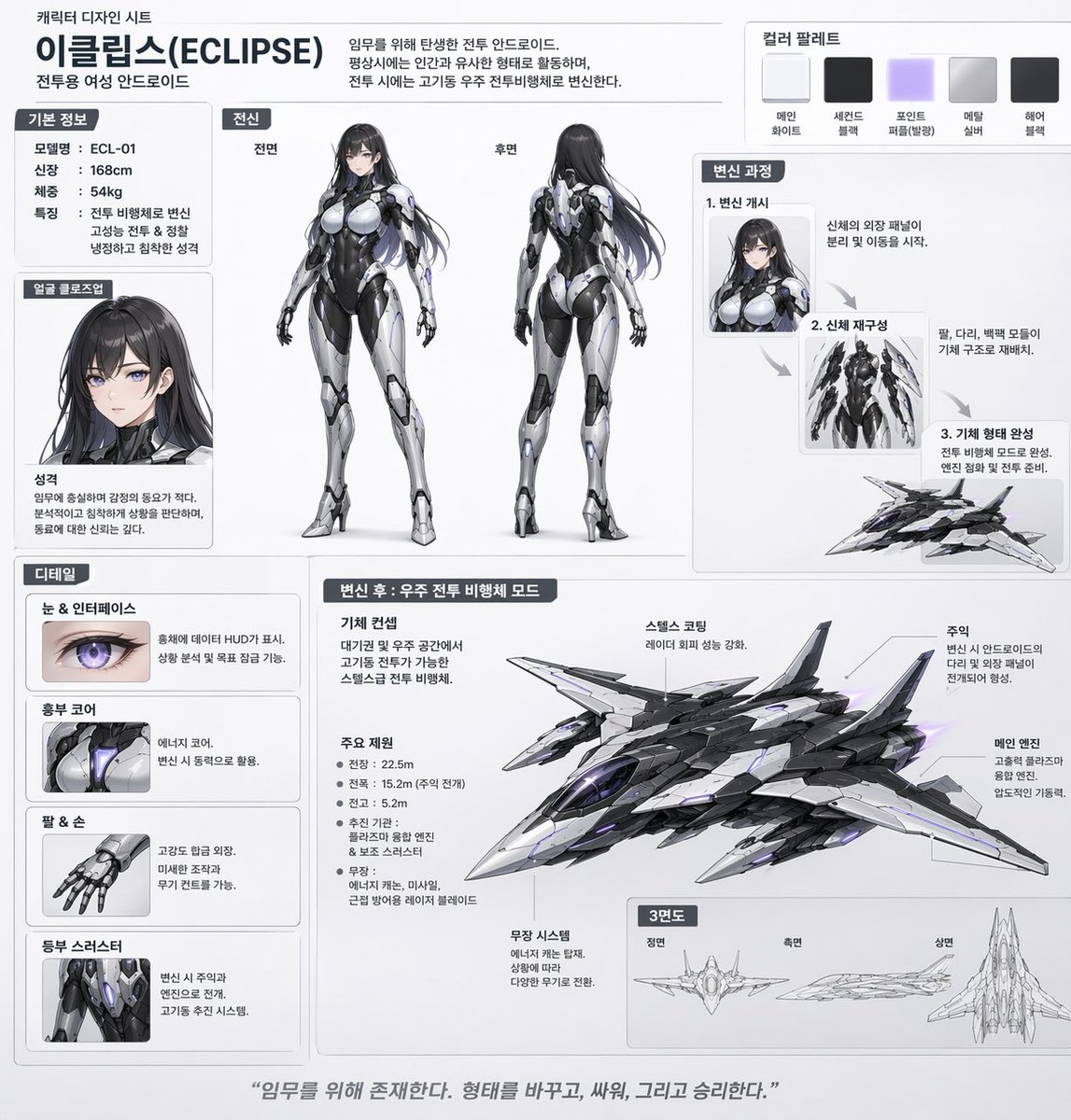
Mecha-Girl Character Design Sheet
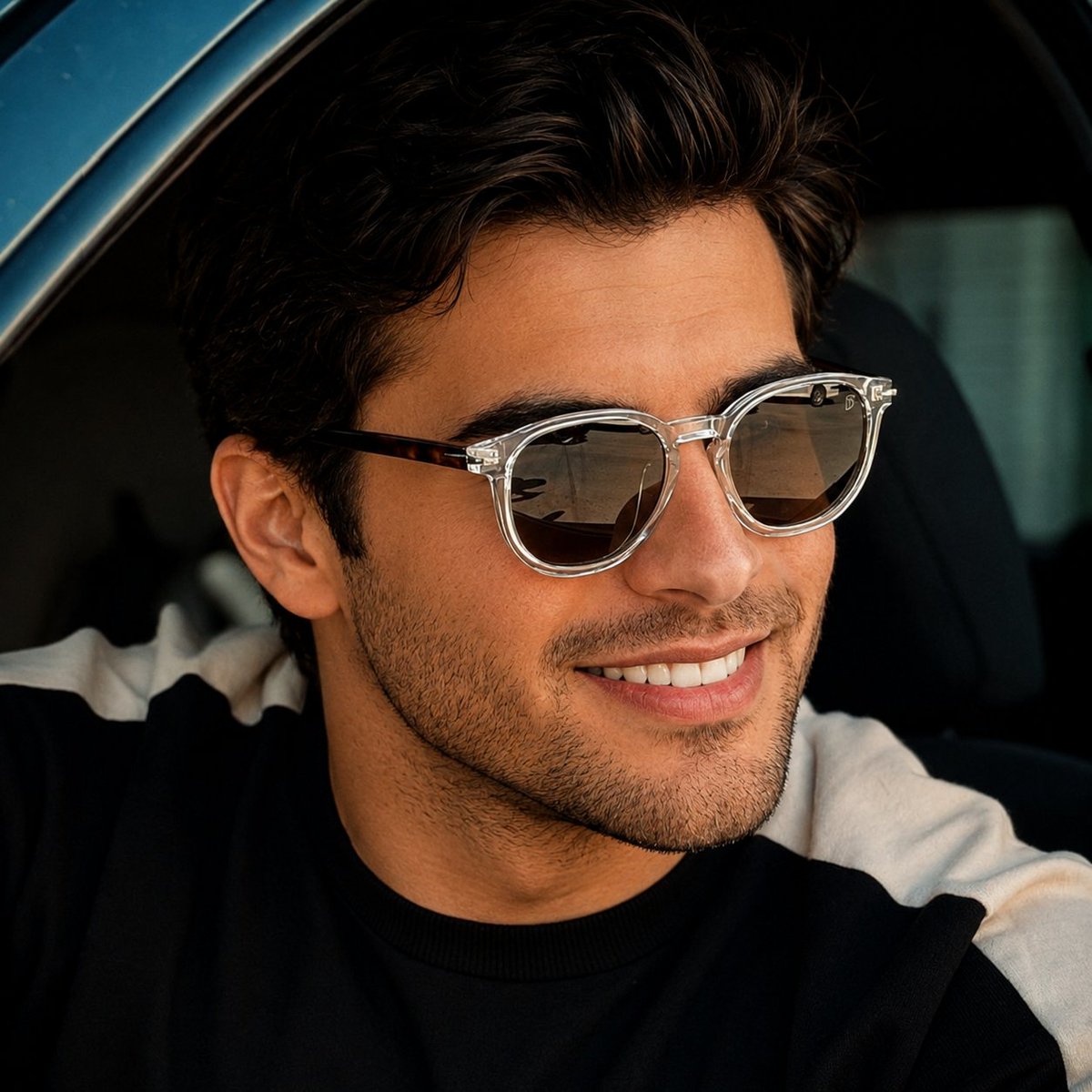
Luxury Car Lifestyle Portrait

AI Model Router App Store Screenshot
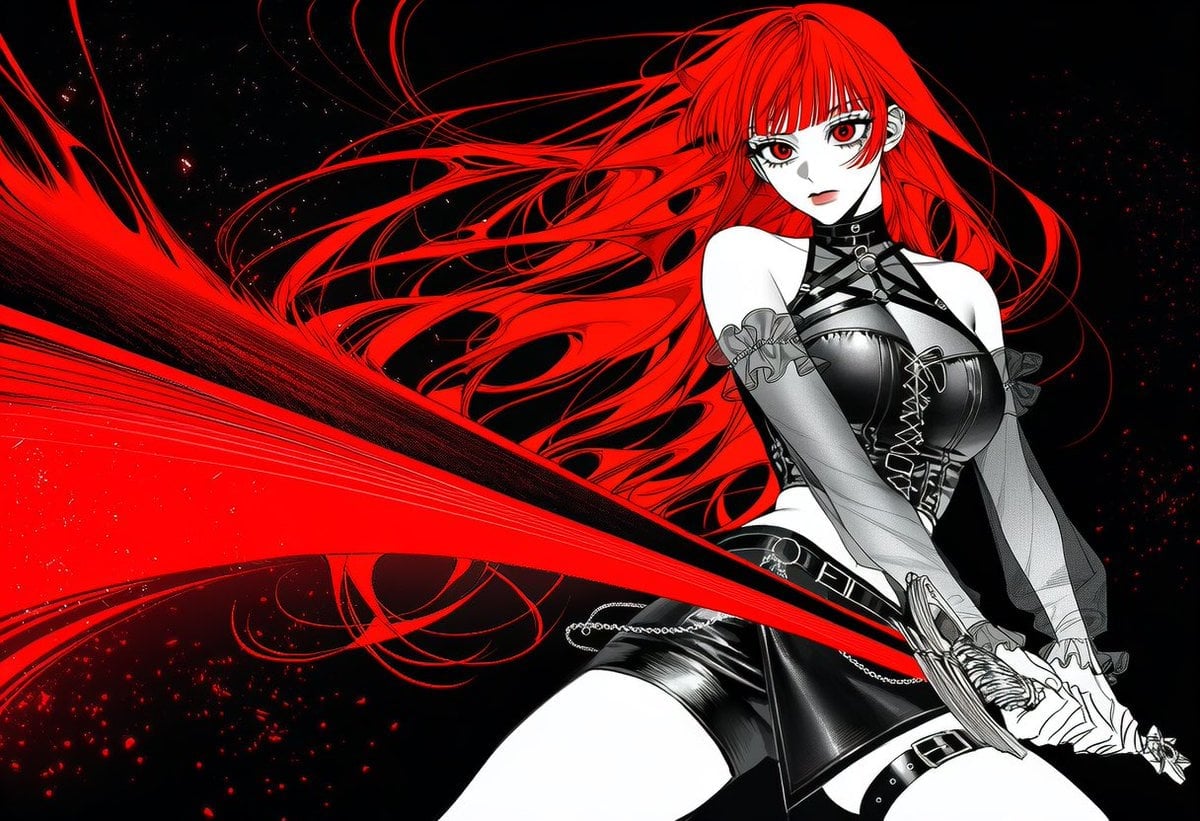
Black and White Fantasy Action Weapon Prompt
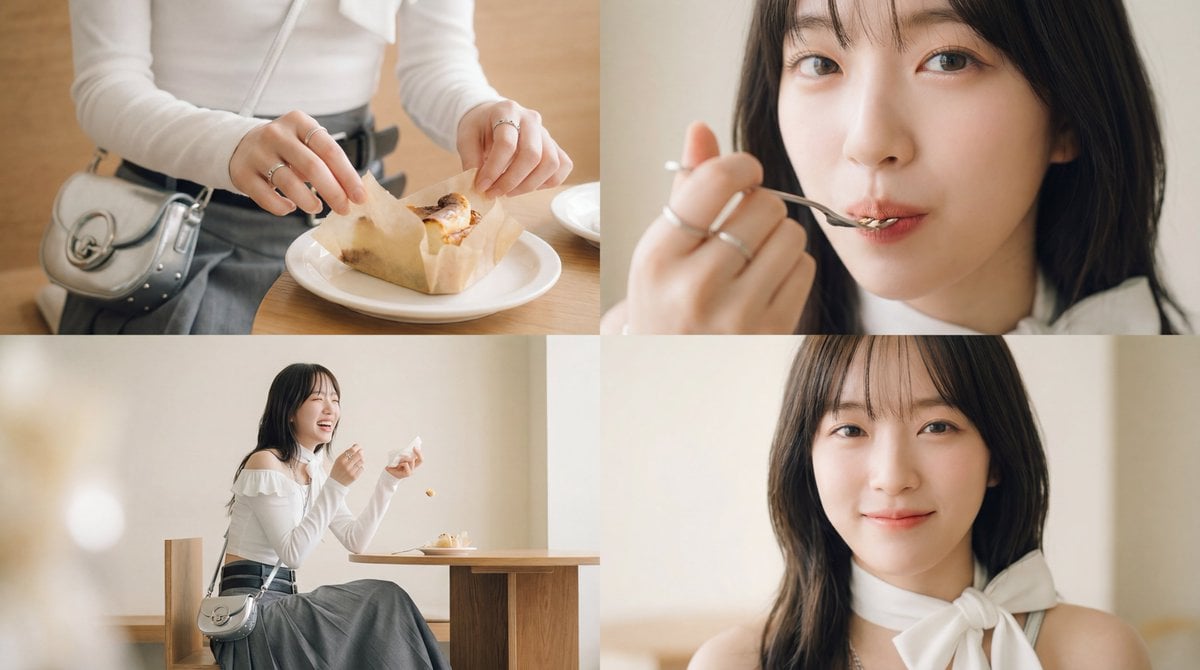
Cinematic short film prompt for image and video generation
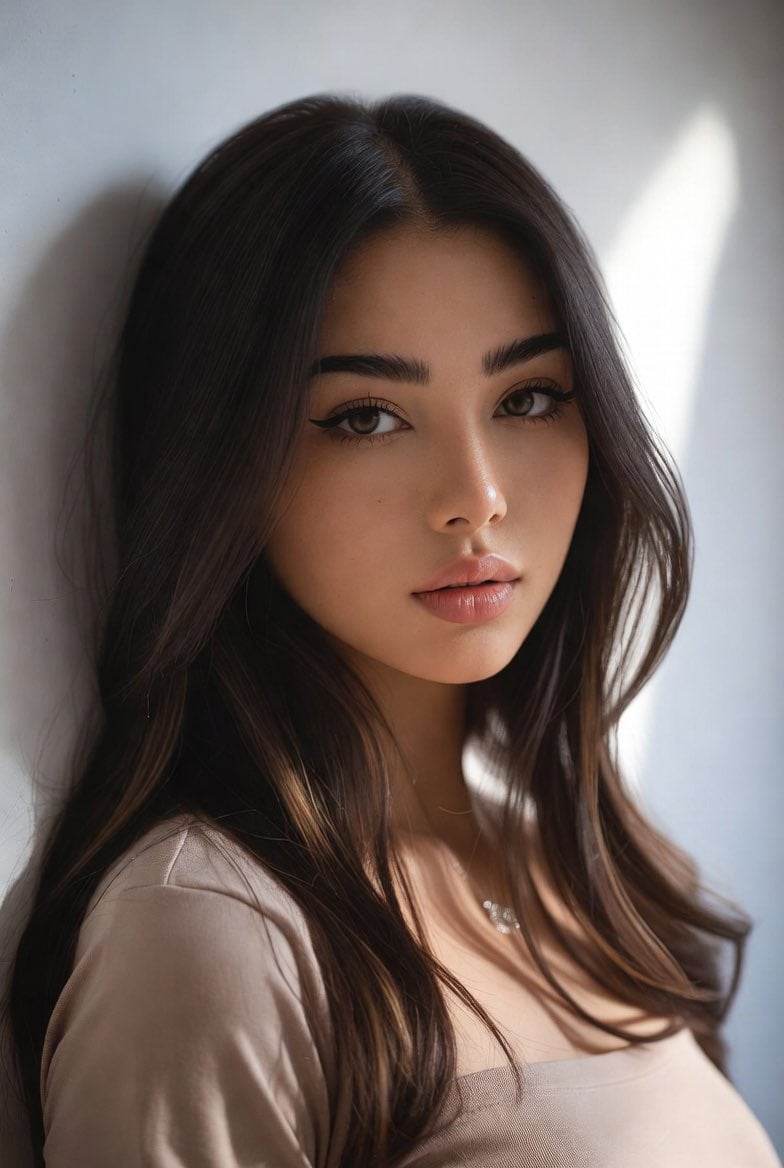
Censored Mixed-Heritage Portrait
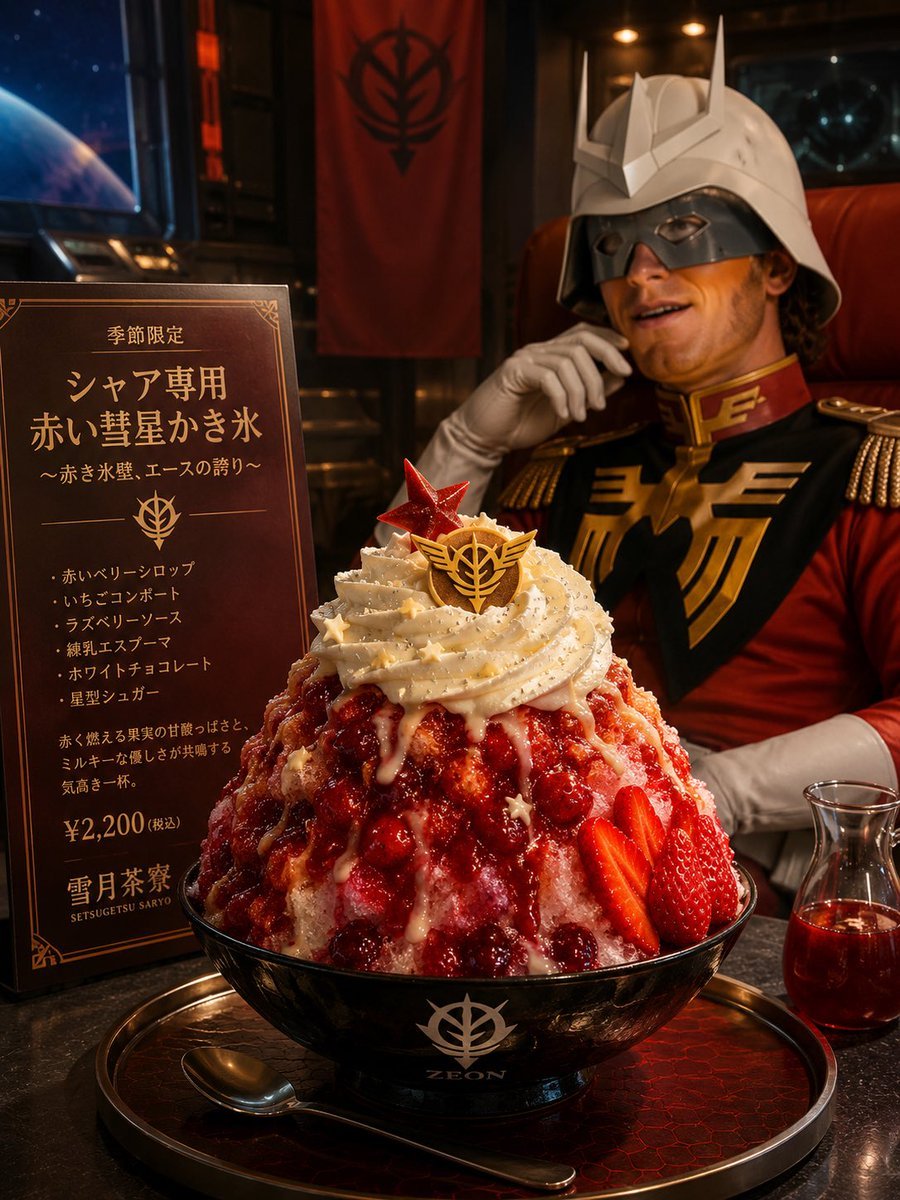
Char-Inspired Red Kakigori Café Photo
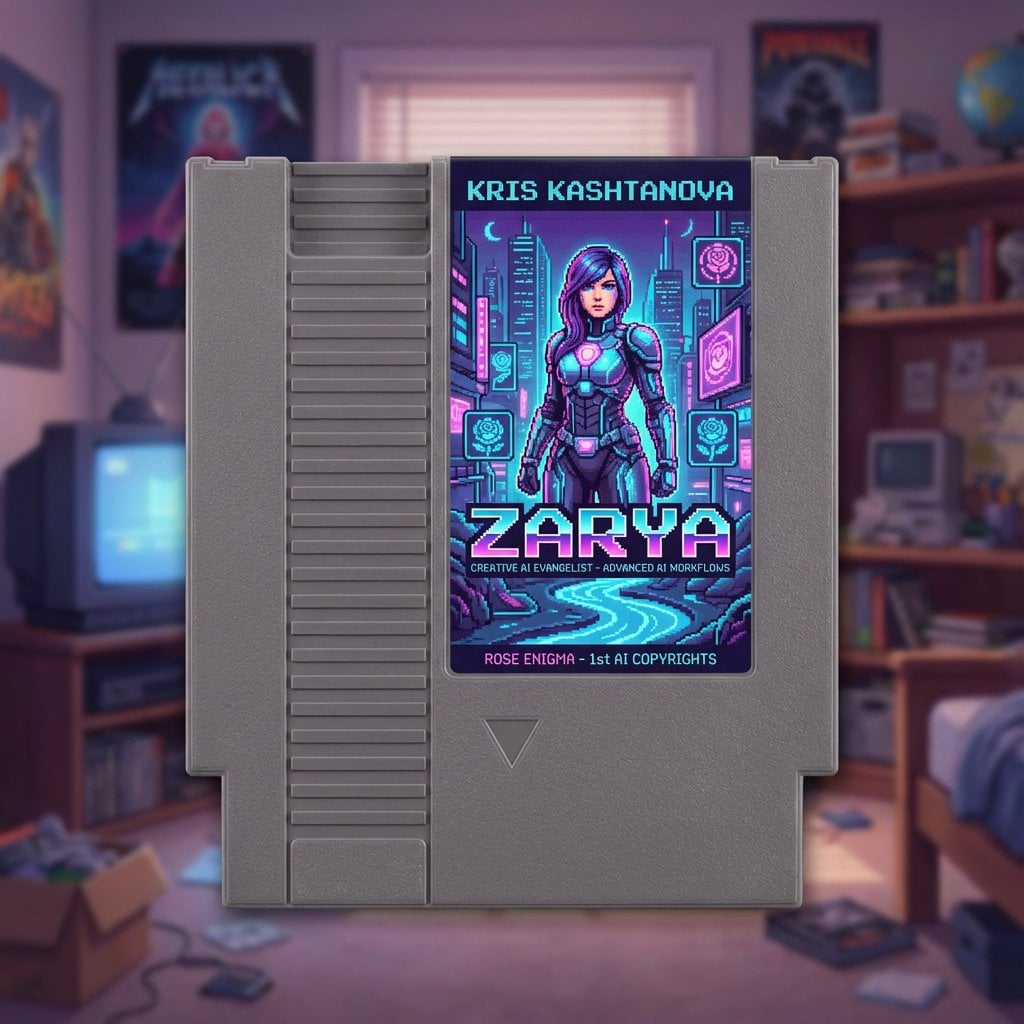
Turn a social bio into a NES cartridge cover
Browse template categories
Panel Studio Promo Portrait Grid questions
How do I use the 9-Panel Studio Promo Portrait Grid template?
Add your photo if the template asks for one, edit the prompt if you like — the template's model and format are already selected — and press Generate. Your version opens in PicX Studio.
Can I customize the 9-Panel Studio Promo Portrait Grid template?
Yes. You can change the subject, setting, lighting, mood, format, and available model controls before creating your image.
Is the 9-Panel Studio Promo Portrait Grid template free?
Opening and editing this template is free. Generating uses credits, shown on the Generate button when you are signed in.
Which AI model should I use?
Start with GPT Image 2, which is the model associated with this template. You can compare another compatible model for a different finish.
Looking for something else? Browse all templates.

Your photo, any look
Thousands of ready templates for every top image and video model, from one credit balance.