
Split-screen time-lapse of same location by coordinates
A detailed prompt to generate a single 16:9 photorealistic image split into left and right halves, each showing the same geolocated place at different years and times, letting Nano Banana Pro handle era-appropriate…
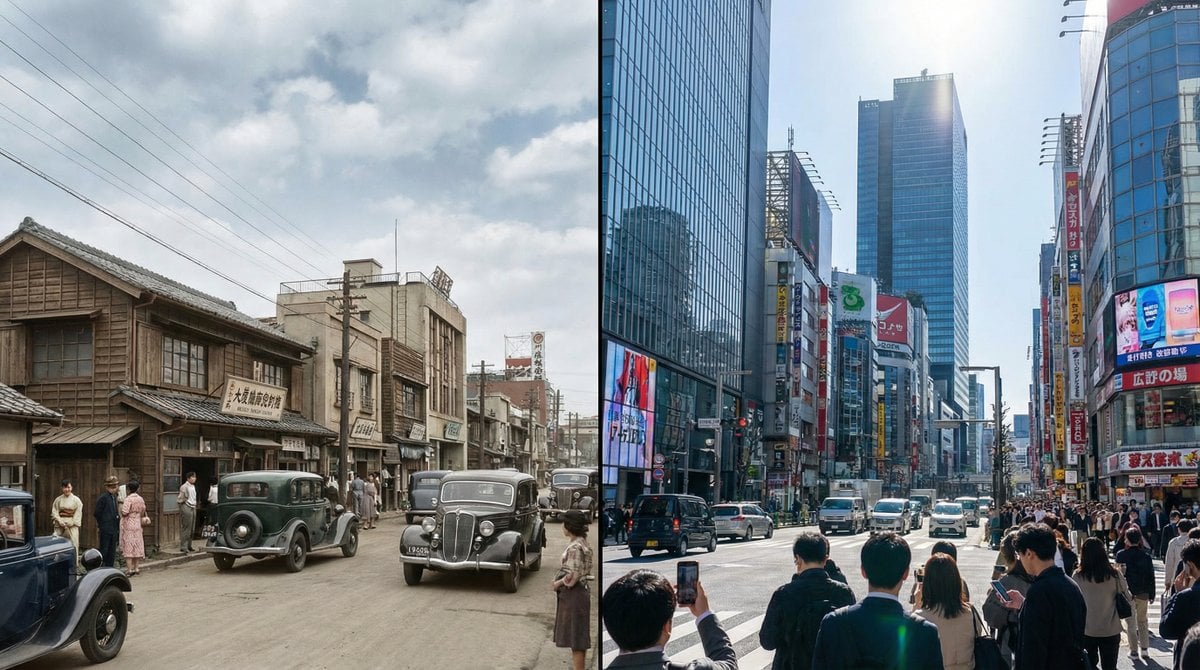
- Prompt included
- Model and format preset
- Premium template
The prompt behind this image
Copy the exact prompt behind Split-screen time-lapse of same location by coordinates, or open it in the studio and make it yours.
16:9のフォトリアルな単一画像を生成し、左右に二分割 された構成にすること。左右それぞれに、同じ場所。 [LOCATION_NAME:{argument name="ロケーション名" default="(任意の場所)"}] の別年代の姿を描写する。 左側(Left side):{argument name="左側の年" default="(任意の年)"}・{argument name="左側の時間" default="(時間)"} 右側(Right side):{argument name="右側の年" default="(任意の年)"}・{argument name="右側の時間" default="(時間)"} カメラ位置は完全に同一とし、以下の座標を使用する: [LATITUDE,LONGITUDE: {argument name="座標" default="(任意の場所の緯度経度)"}] 画像に文字(年号・ラベル・透かし等)は一切入れないこと。細かなビジュアルの指定はしない。 建築、光、車、人々、看板、素材、空気感、構図などすべてをNano Banana Pro に任せる。 それぞれの年代が自然に感じられ、1枚の16:9フレームの中で 左右に並ぶ時代比較画像 として成立すること。 --ar 16:9 --stylize 800 --v 6
How to use Split-screen time-lapse of same location by coordinates in 3 steps
- 1
Open
The prompt is already in the box next to the preview, with the template's model and format selected.
- 2…a portrait of your subject in softgolden-hour light, 85mm…
Personalize
Edit the subject and creative details for your destination.
- 3Generate
Generate
Press Generate — your image is created in PicX Studio, so you can compare it with the original and refine one variable at a time.
More like this
Templates with the same subject, style or setup. Open one to see its prompt.

Split-Screen Cinematic Time Travel Prompt
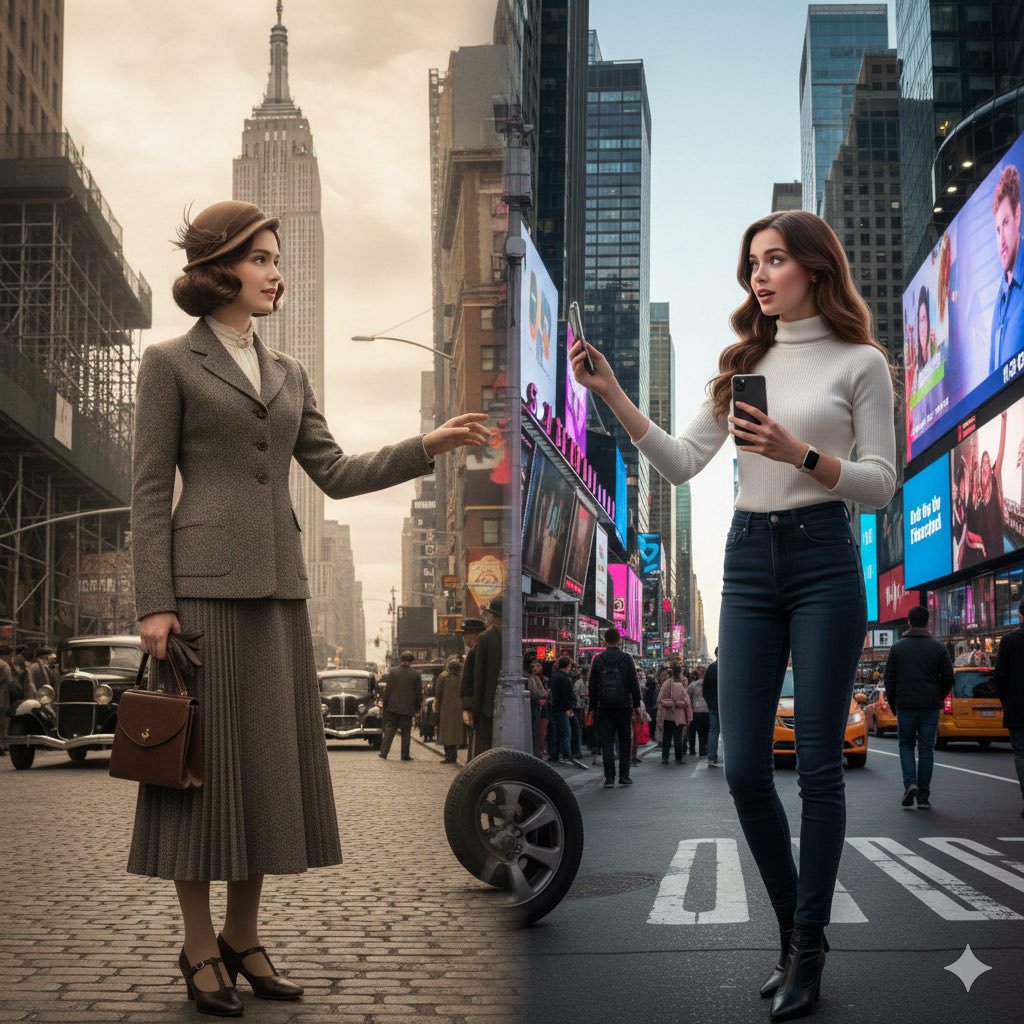
Split-Screen Cinematic Time Travel Prompt
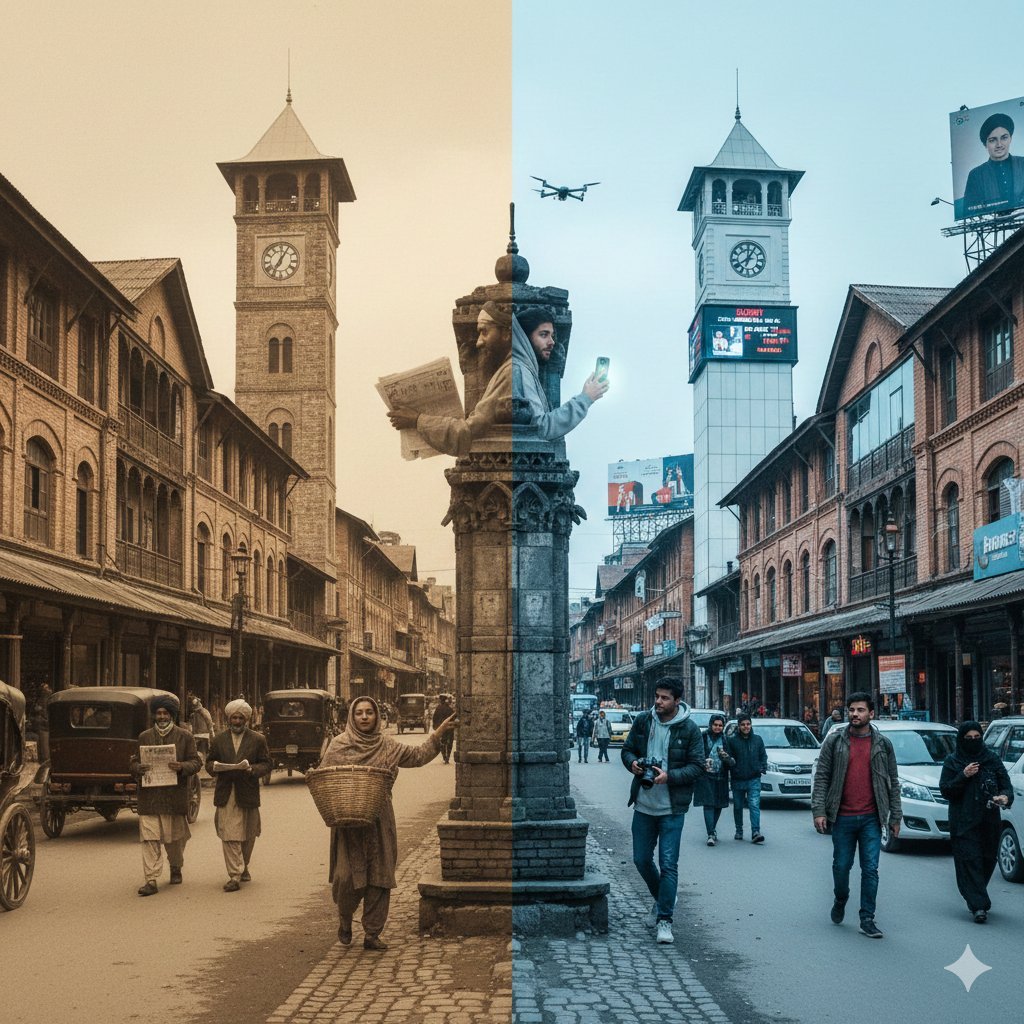
Split-Screen Time Travel Scene
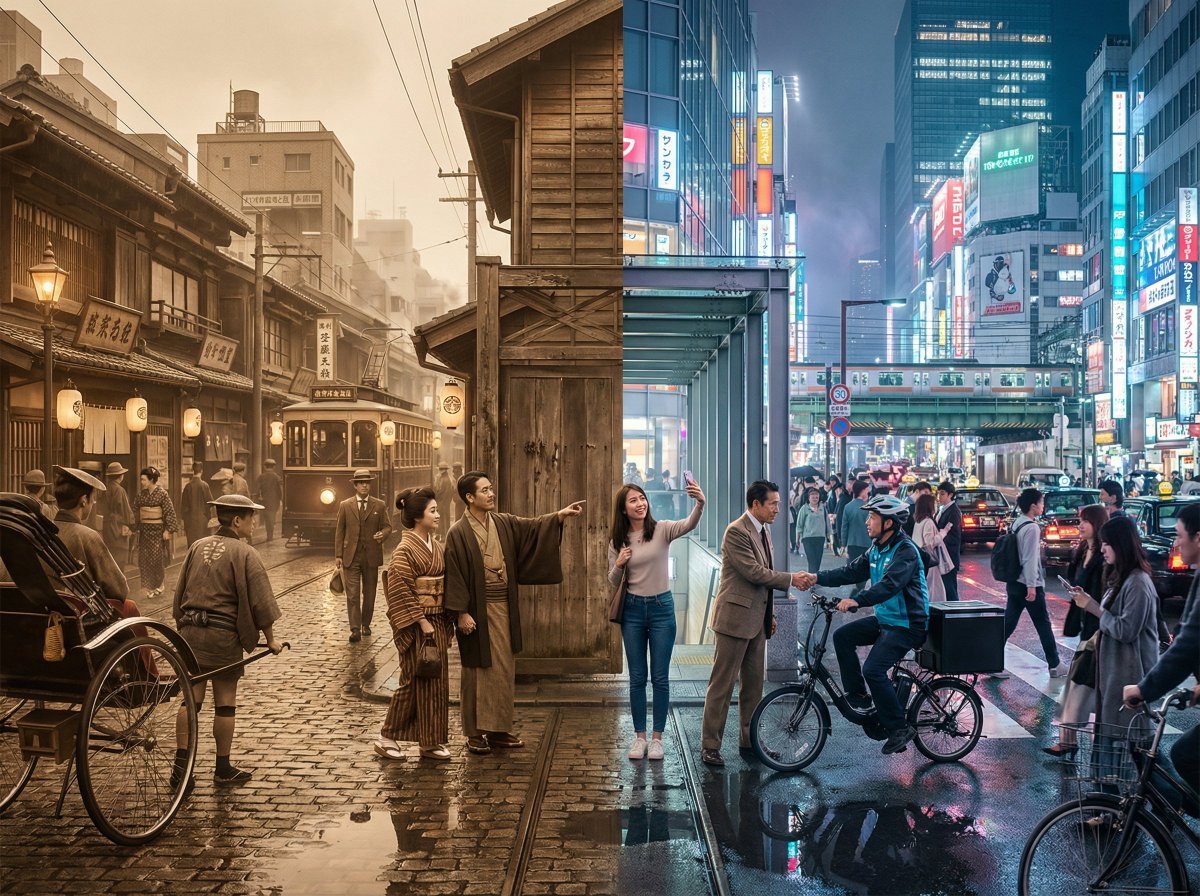
Tokyo Time-Blend Split-Screen
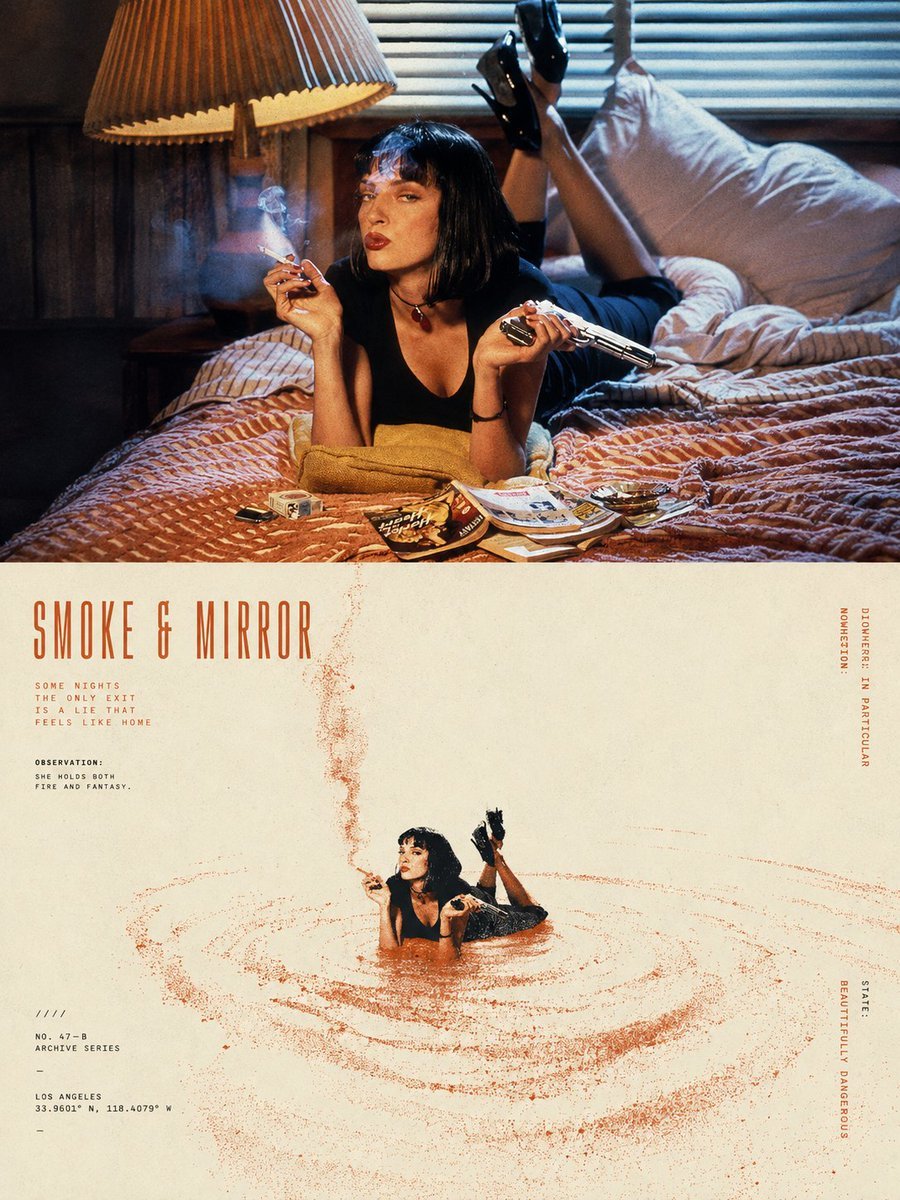
Split-Screen Surreal Printmaking Design
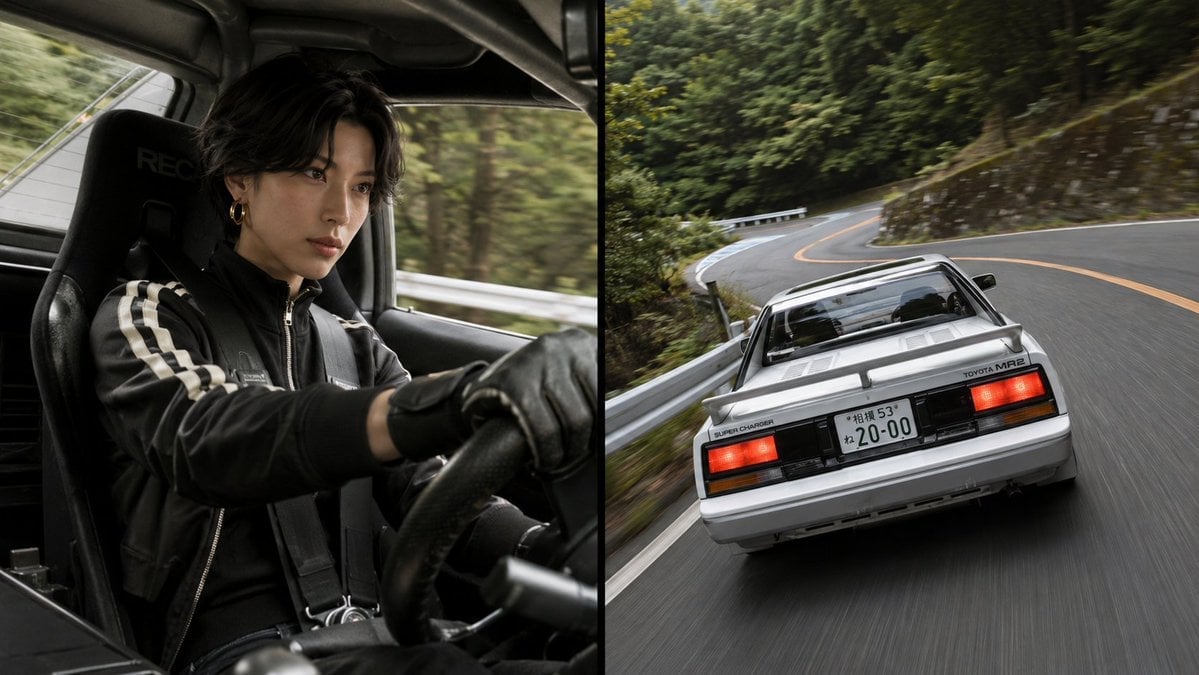
Split-Screen MR2 Touge Drive
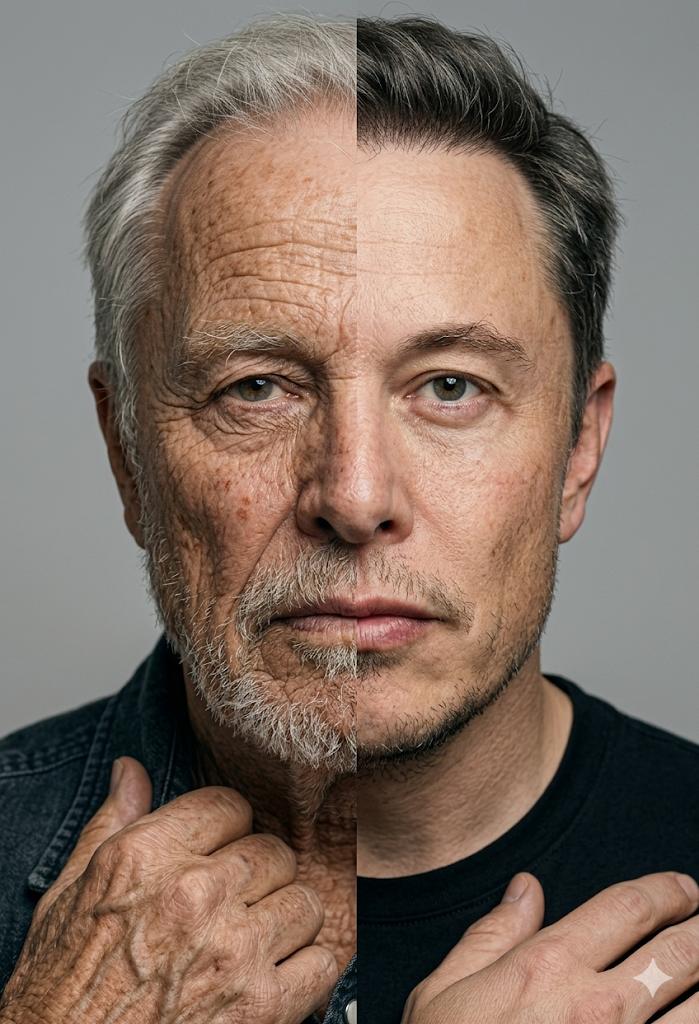
Split Screen Aging Effect
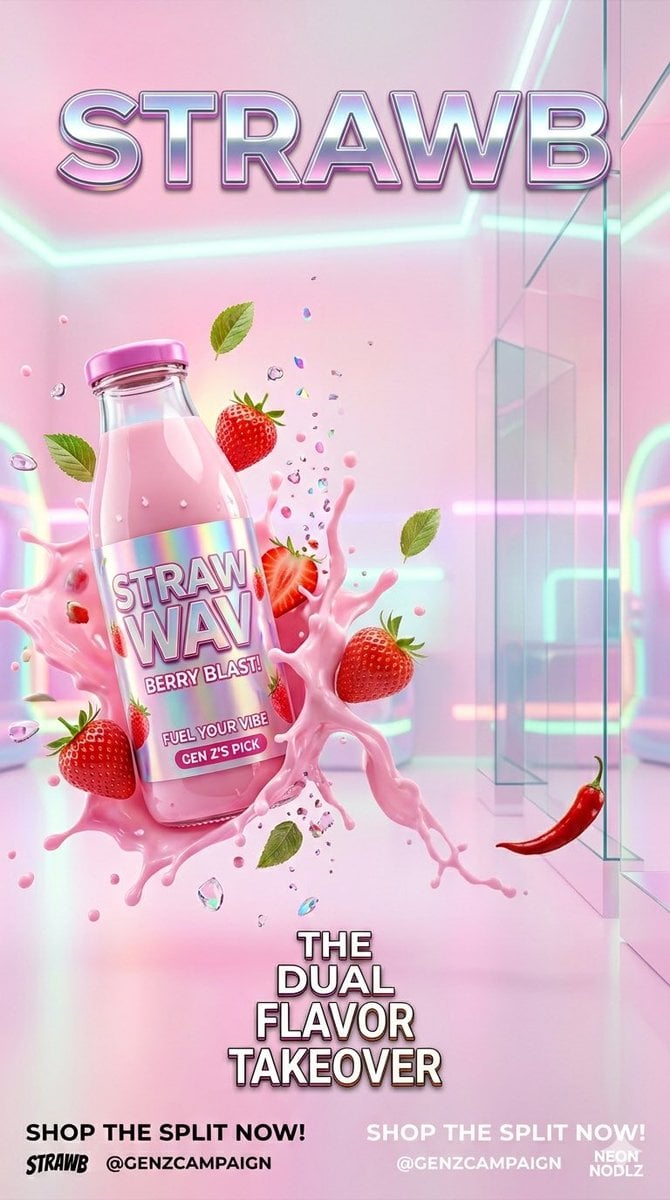
Gen Z Split Screen Advertising Poster

Automotive Blueprint Split Composition

Blueprint Split Reality Archetype Prompt
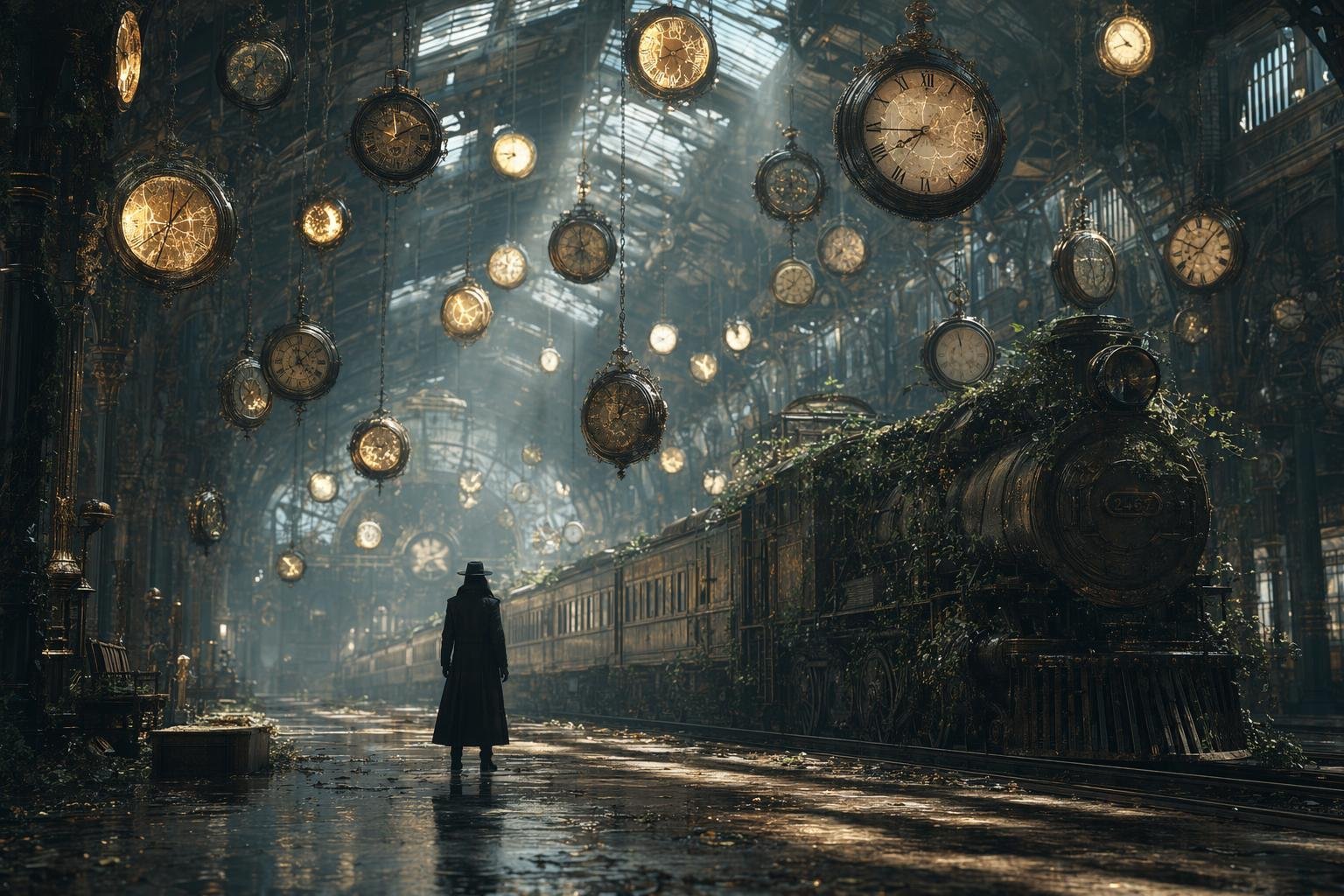
Same Traveler Different Timeline Portrait
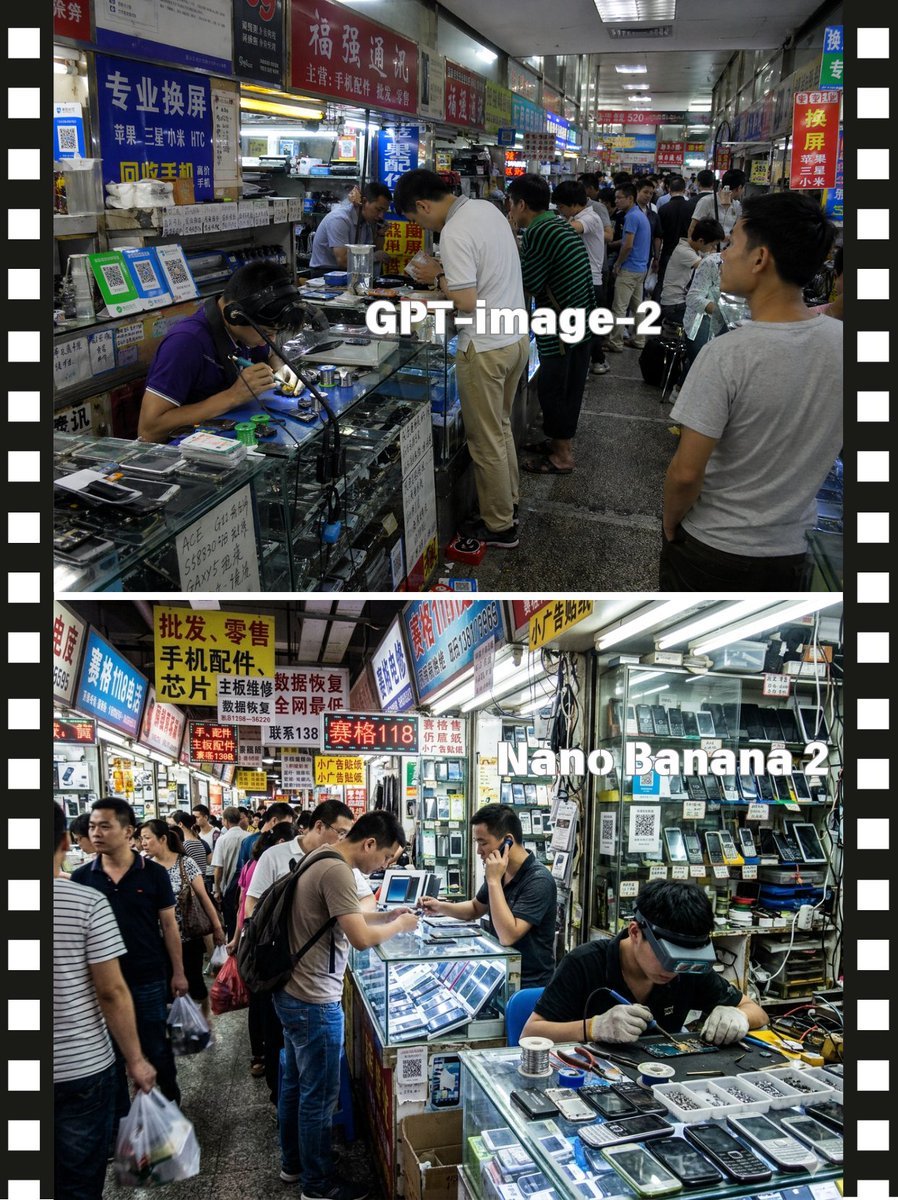
Split-Screen China Phone Market Comparison
Make it yours
Split-screen time-lapse of same location by coordinates works as-is. These are the safest ways to change it without losing the look.
Change one field
Copy a single group, rewrite it, and generate again so you can see what that field is doing.
Keep the frame, change the subject
Hold the composition and light of Split-screen time-lapse of same location by coordinates, then swap wardrobe, props or the person for a new take.
| If the result… | Why | Fix |
|---|---|---|
| The result drifts from the preview | Too many fields changed at once. | Reuse Split-screen time-lapse of same location by coordinates as-is first, then change one group — subject, light, or setting. |
| The model over-stylizes the scene | The prose prompt leaves finish and camera underspecified. | Add one camera or lighting sentence and stay on Nano Banana 2. |
More Nano Banana 2 templates
Other prompts made for Nano Banana 2.

Photorealistic Leaf Shaped Like a Dragon

K-Pop Idol Portrait Grid for Rapid Selection

Poetic Rain Forest Portrait During Golden Hour

Urban Street Portrait with Cartoon Inner Self Duo

Candid Nighttime Photo with Cat Prompt

High-Concept 3D Diorama Generation Prompt

Cinematic Futuristic Studio Portrait Template

Skincare Editorial Photography Collage Prompt

Hyper-Realistic Commercial Product Photography (Splash Effect)

Hyper-Realistic Nightclub Portrait Prompt
More image prompts
Fresh picks from across the catalog.

Censored Cafe Portrait Photo
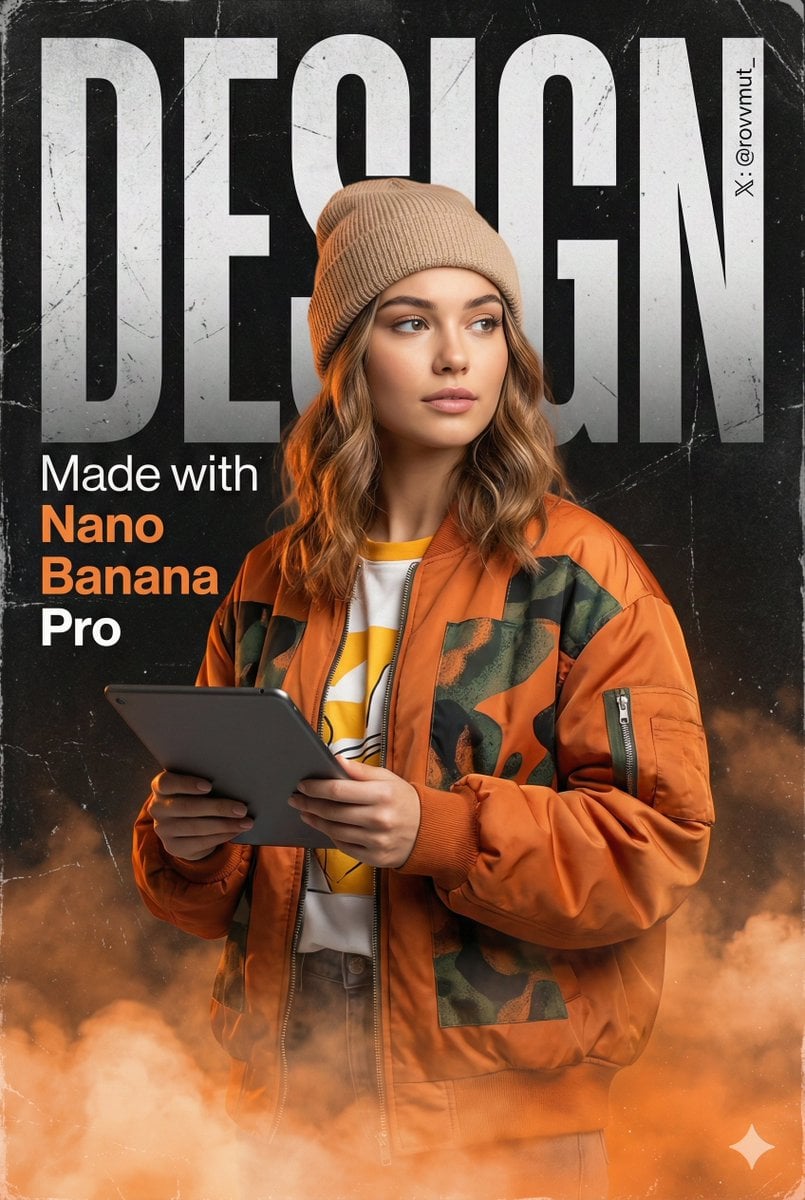
Urban Grunge Digital Advertisement
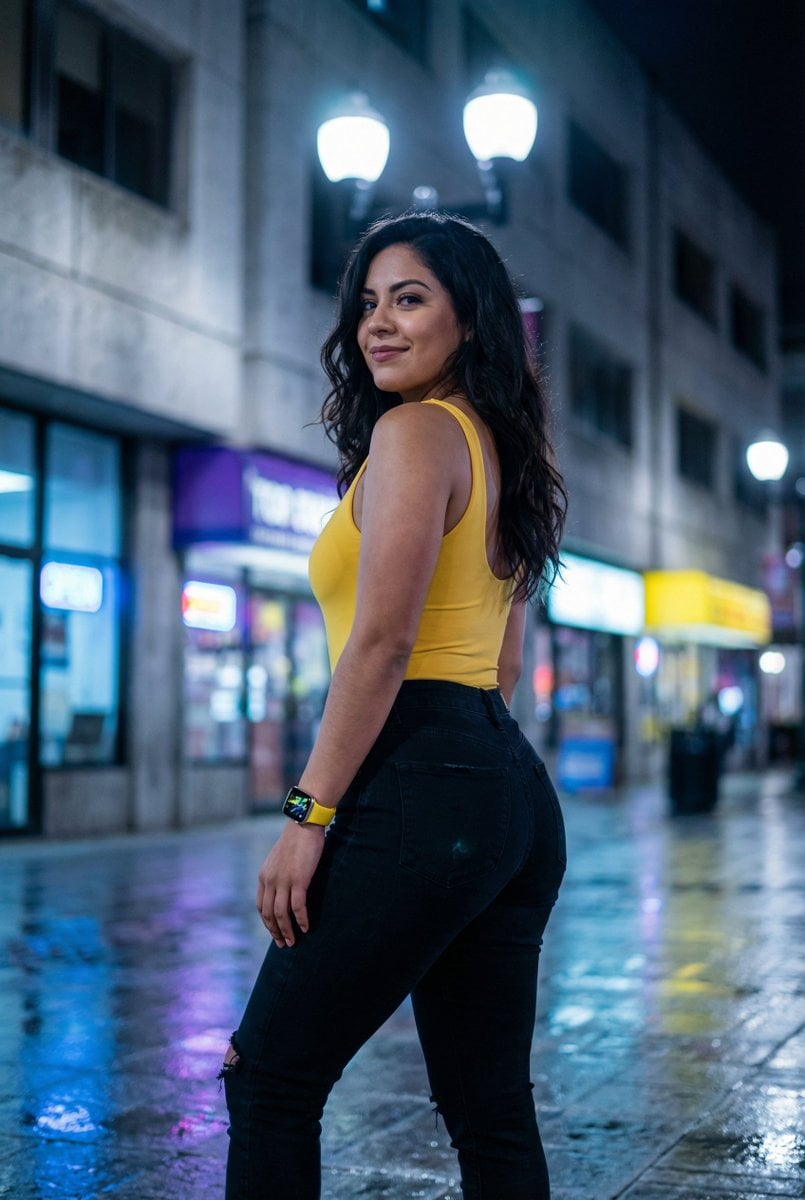
Latina Woman in City Street with Identity Lock
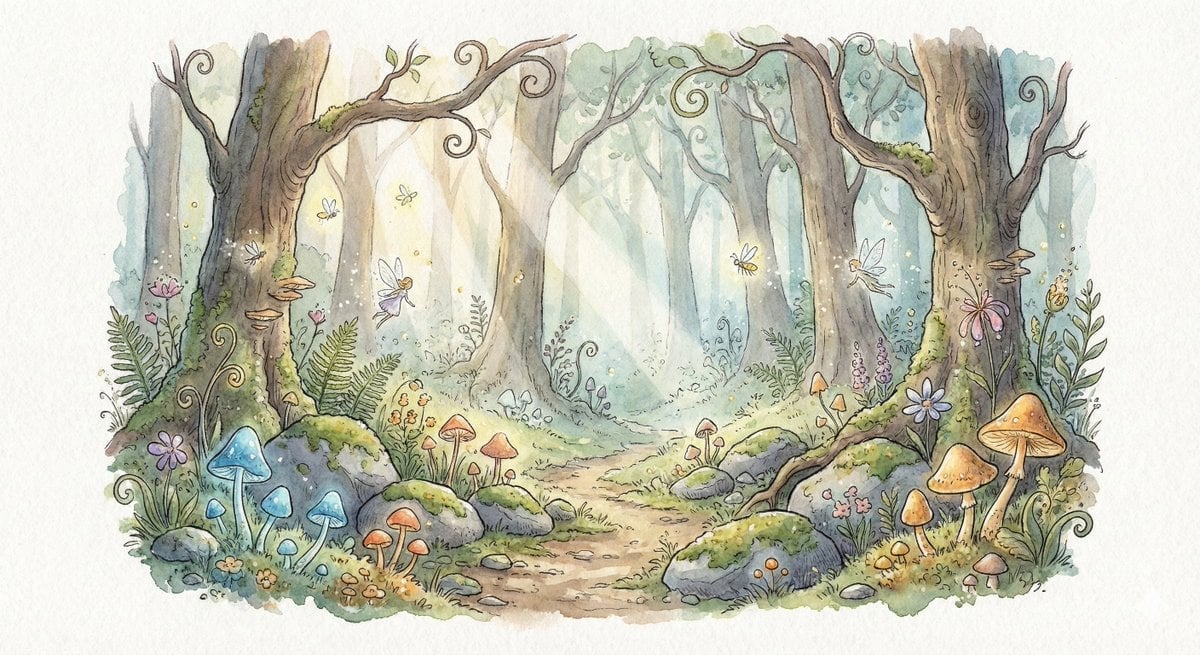
Watercolor Illustration of Enchanted Forest Clearing at Dawn

Glossy Sequined Portrait with Hand Pose
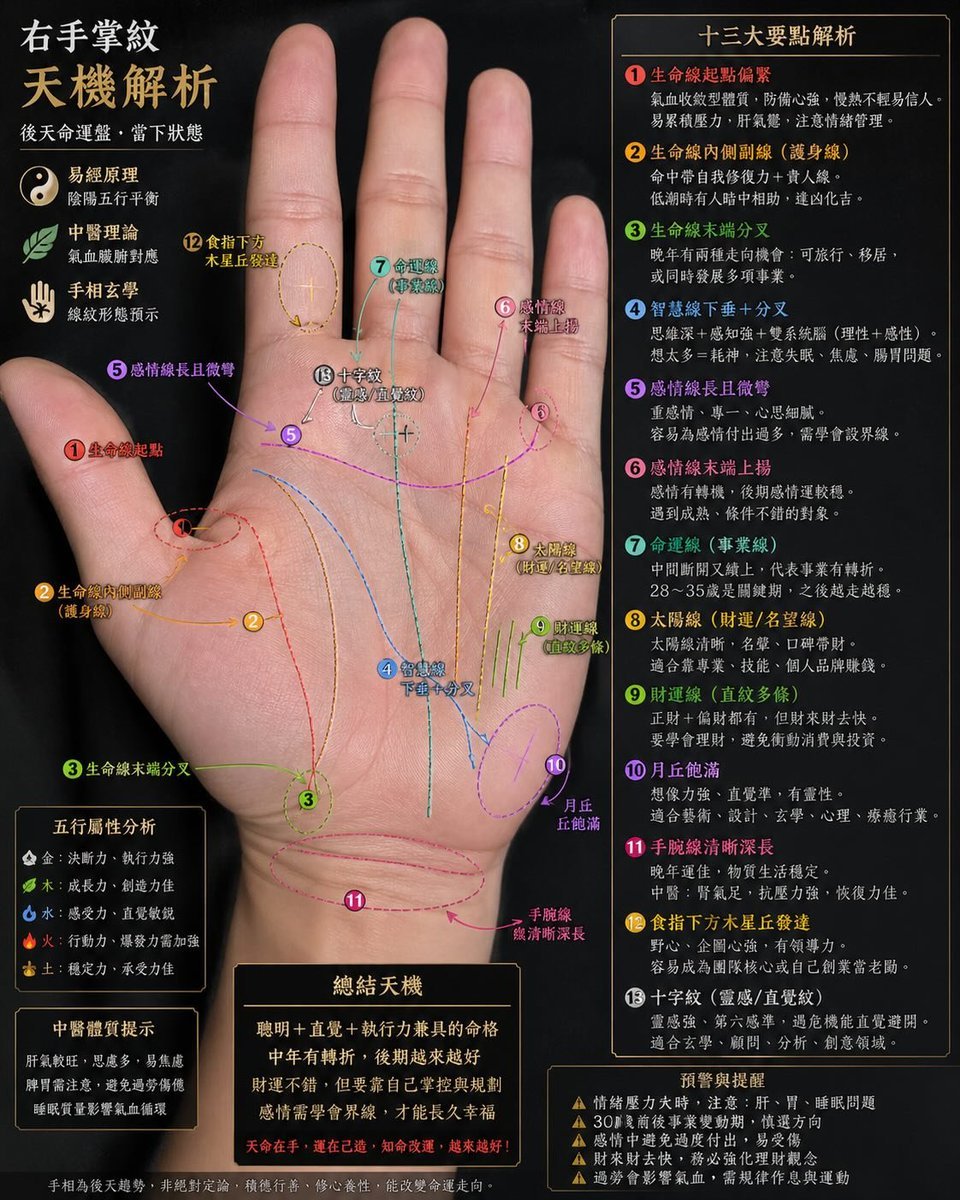
Palmistry Analysis Card Generator
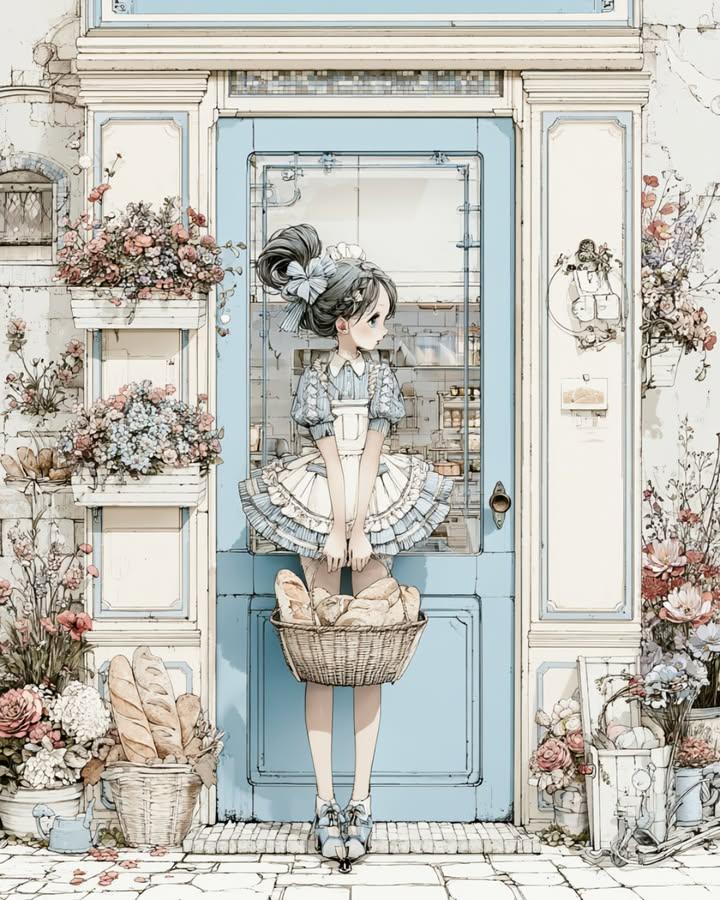
Vintage Bakery Anime Illustration
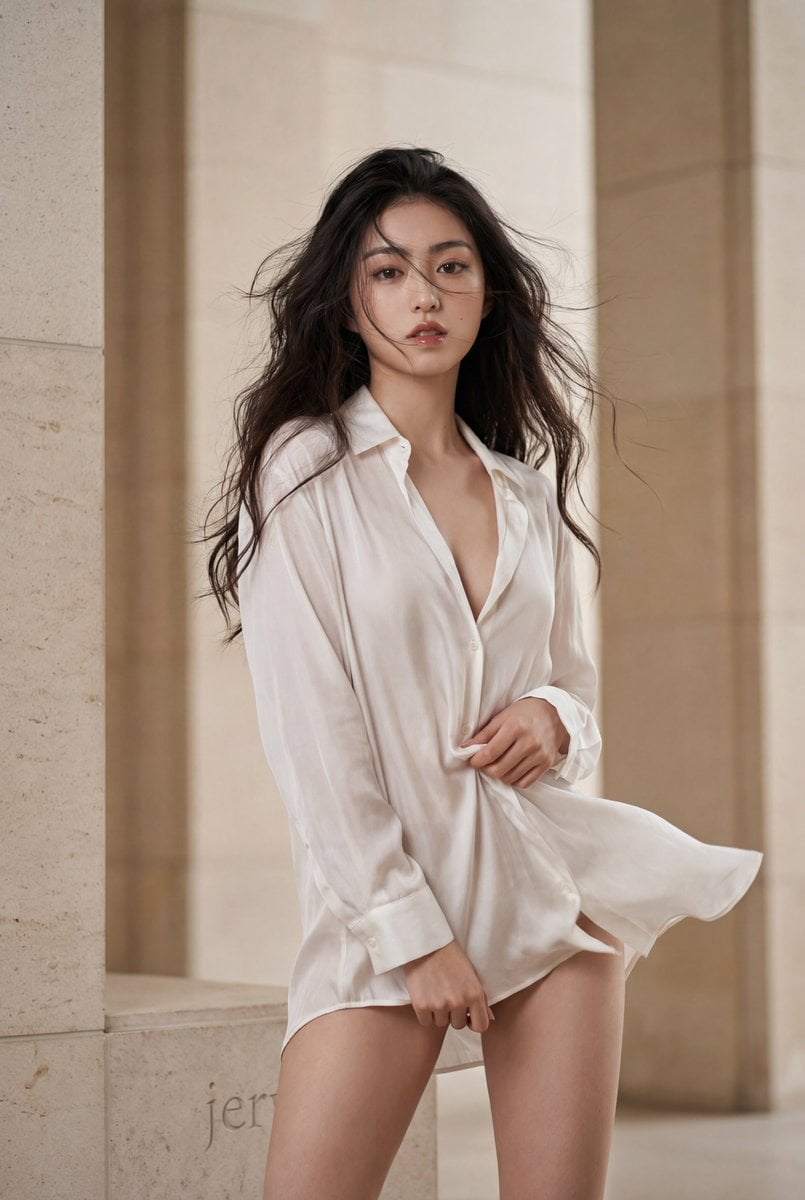
Oversized Shirt Fashion Editorial Prompt

Luxury Fashion Close-Up Portrait
Complex AI Model Analysis Infographic
Browse template categories
Split-screen time-lapse of same location by coordinates questions
How do I use the Split-screen time-lapse of same location by coordinates template?
Add your photo if the template asks for one, edit the prompt if you like — the template's model and format are already selected — and press Generate. Your version opens in PicX Studio.
Can I customize the Split-screen time-lapse of same location by coordinates template?
Yes. You can change the subject, setting, lighting, mood, format, and available model controls before creating your image.
Is the Split-screen time-lapse of same location by coordinates template free?
Opening and editing this template is free. Generating uses credits, shown on the Generate button when you are signed in.
Which AI model should I use?
Start with Nano Banana 2, which is the model associated with this template. You can compare another compatible model for a different finish.
Looking for something else? Browse all templates.

Your photo, any look
Thousands of ready templates for every top image and video model, from one credit balance.