
Tokyo Time-Blend Split-Screen
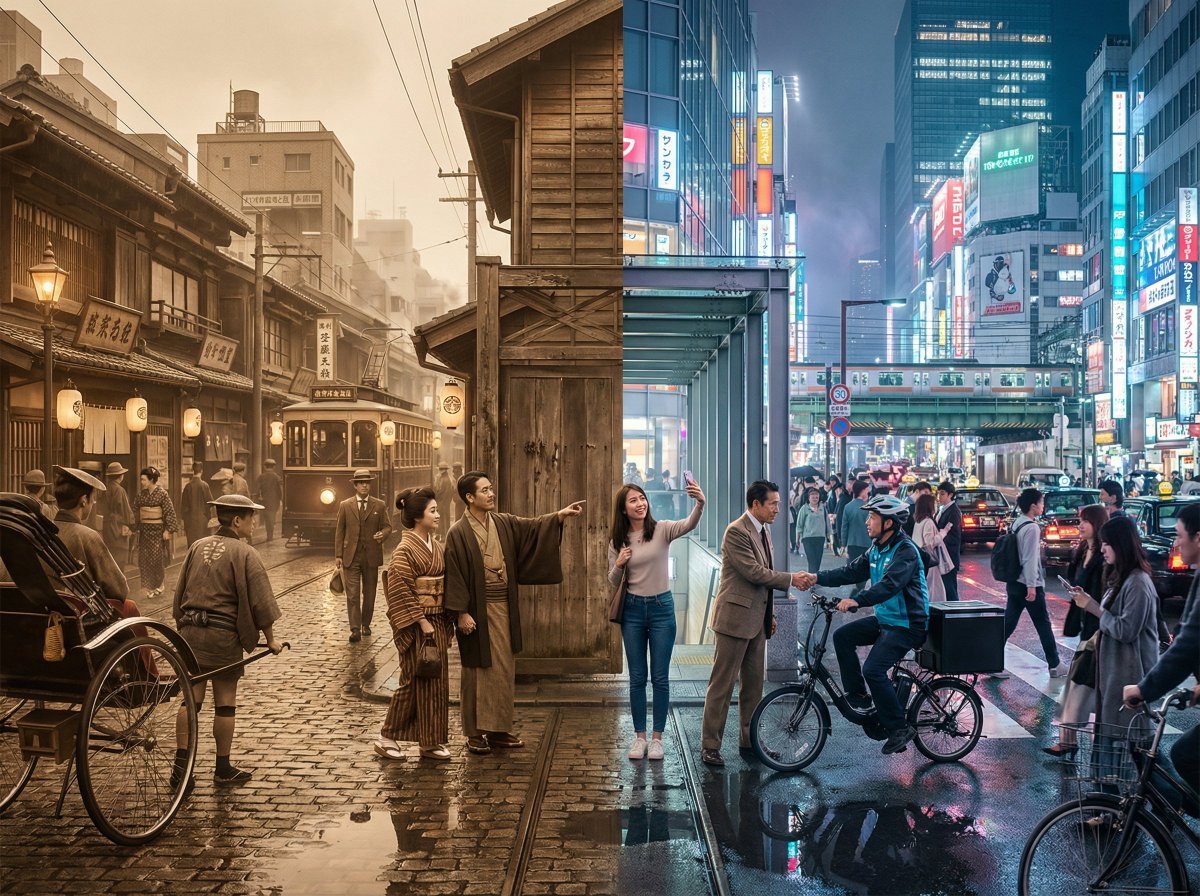
A complex, structured prompt for generating a cinematic wide shot of Tokyo, seamlessly blending the 1920s and the present day in a split-screen composition, detailing environmental elements, lighting, and the dynamic…
- Prompt included
- Model and format preset
- Free template
The prompt behind this image
Copy the exact prompt behind Tokyo Time-Blend Split-Screen, or open it in the studio and make it yours.
Horizontal split-screen cinematic wide shot of {argument name="city" default="Tokyo city"} seamlessly blending two eras: {argument name="era 1" default="1920s"} on the left and {argument name="era 2" default="present day"} on the right, merging organically in the center with transitional materials and interactions between people from both times., "subject": "Tokyo city split between 1920s and present day with people interacting across eras", "environment": "Urban Tokyo streetscape transitioning from wooden machiya shops, tiled roofs, narrow alleys, rickshaws, vintage trams and paper lanterns on the left to glass-and-steel skyscrapers, neon-lit storefronts, elevated train lines, LED billboards, sleek cafes, bicycles, taxis and compact cars on the right; wet reflective pavement and blended center where gates, tracks and lighting morph into modern equivalents", "style": "photorealistic, cinematic, ultra-detailed, historically accurate period detail on left and crisp contemporary detail on right", "lighting": "mixed cinematic lighting: soft warm sepia fill on the 1920s left with subtle film-grain texture, cool neon backlight and high-contrast illumination on the present-day right, volumetric city fog and atmospheric particles across the scene, balanced color grading to preserve both eras", "camera": { "angle": "eye-level wide-angle", "distance": "wide shot (cinematic 4:3 composition)", "depth_of_field": "dynamic depth of field (selective focus across planes)", "focus": "primary focus on the midground center where era interactions occur, with layered focus into foreground and background details" }, "composition": { "framing": "horizontal split-screen blended composition, cinematic wide 4:3 framing", "subject_placement": "left half dominated by 1920s elements, right half by modern elements, central seam blended organically with key human interactions placed near center rule-of-thirds points", "foreground": "wet pavement reflections, close pedestrians from both eras, rickshaw wheel and modern bicycle tire, scattered period props newspapers and modern items smartphones", "background": "left: narrow alleys, vintage trams, tiled roofs and paper signs; right: elevated train lines, skyscrapers, LED billboards and neon storefronts; distant atmospheric fog and city lights unifying the skyline", "negative_space": "subtle open sky and upper building massing to avoid clutter while maintaining cinematic breadth" }, "mood": "cinematic, nostalgic on the left, vivid and energetic on the right, overall sense of curiosity and surprise from human interactions, narrative and time-travel intrigue", "color_palette": [ "sepia brown", "warm amber", "cool cyan", "neon magenta", "neutral concrete grays" ], "technical": { "render_type": "photorealistic photo", "post_processing": [] }
How to use Tokyo Time-Blend Split-Screen in 3 steps
- 1
Open
The prompt is already in the box next to the preview, with the template's model and format selected.
- 2…a portrait of your subject in softgolden-hour light, 85mm…
Personalize
Edit the subject and creative details for your destination.
- 3Generate
Generate
Press Generate — your image is created in PicX Studio, so you can compare it with the original and refine one variable at a time.
More like this
Templates with the same subject, style or setup. Open one to see its prompt.
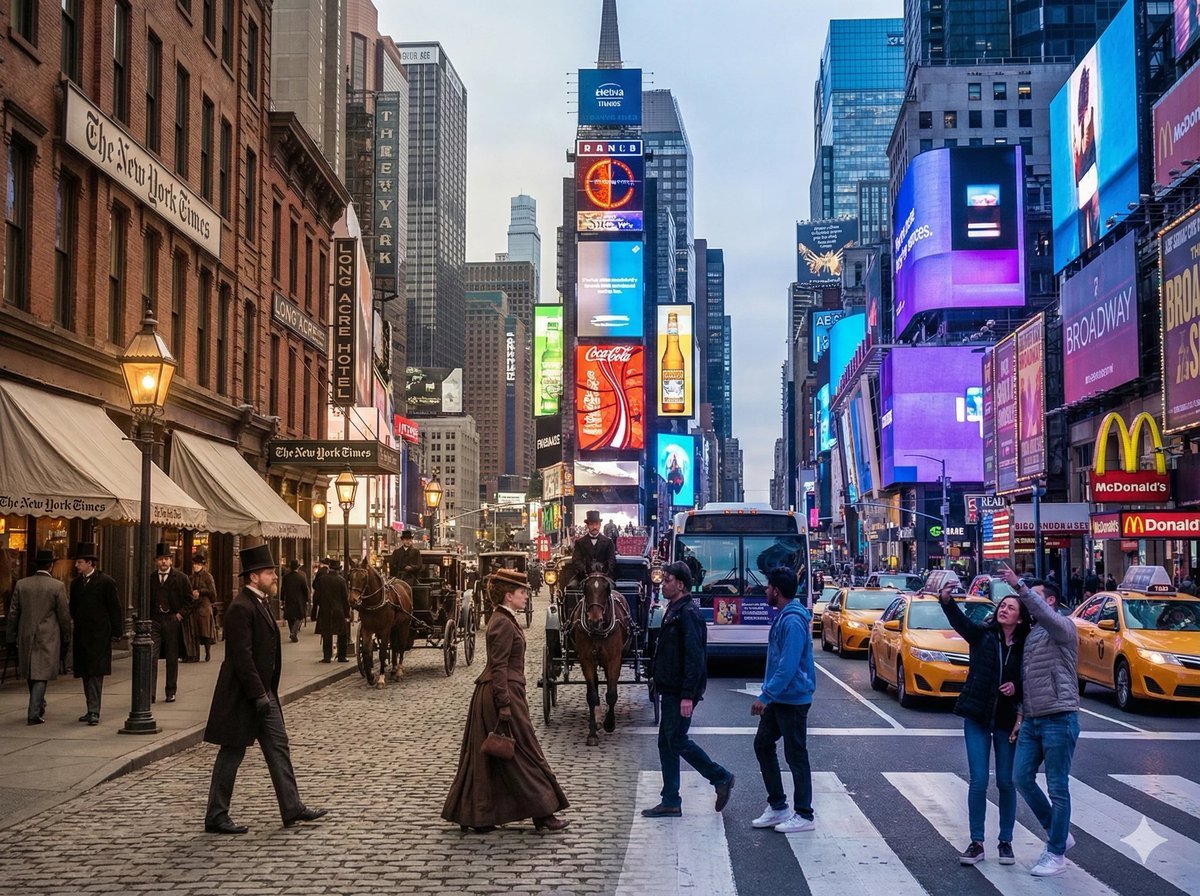
Times Square Time-Blend Split-Screen
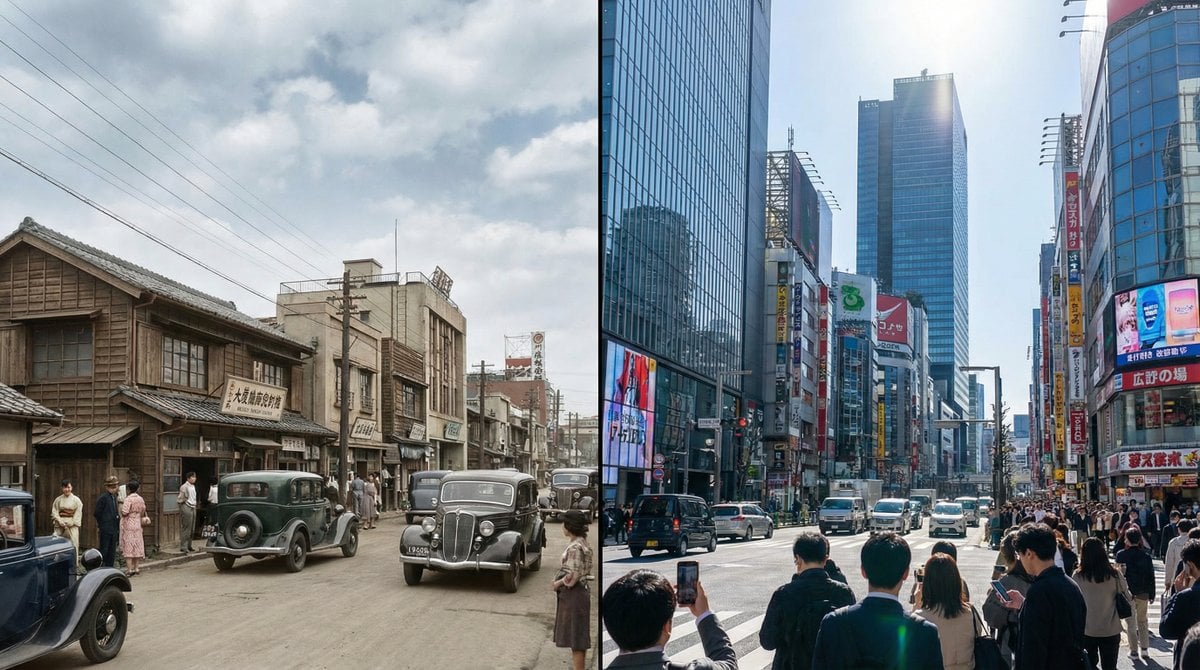
Split-screen time-lapse of same location by coordinates

Split-Screen Cinematic Time Travel Prompt
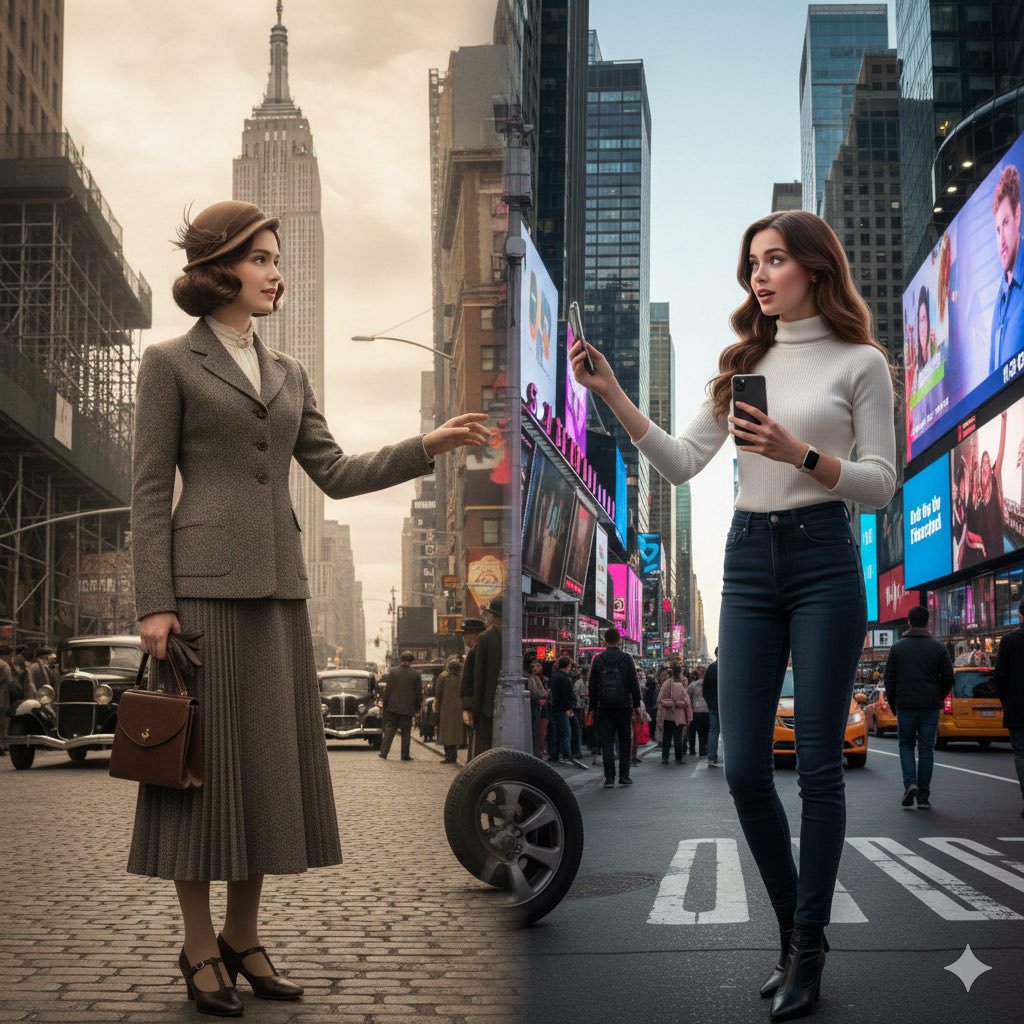
Split-Screen Cinematic Time Travel Prompt
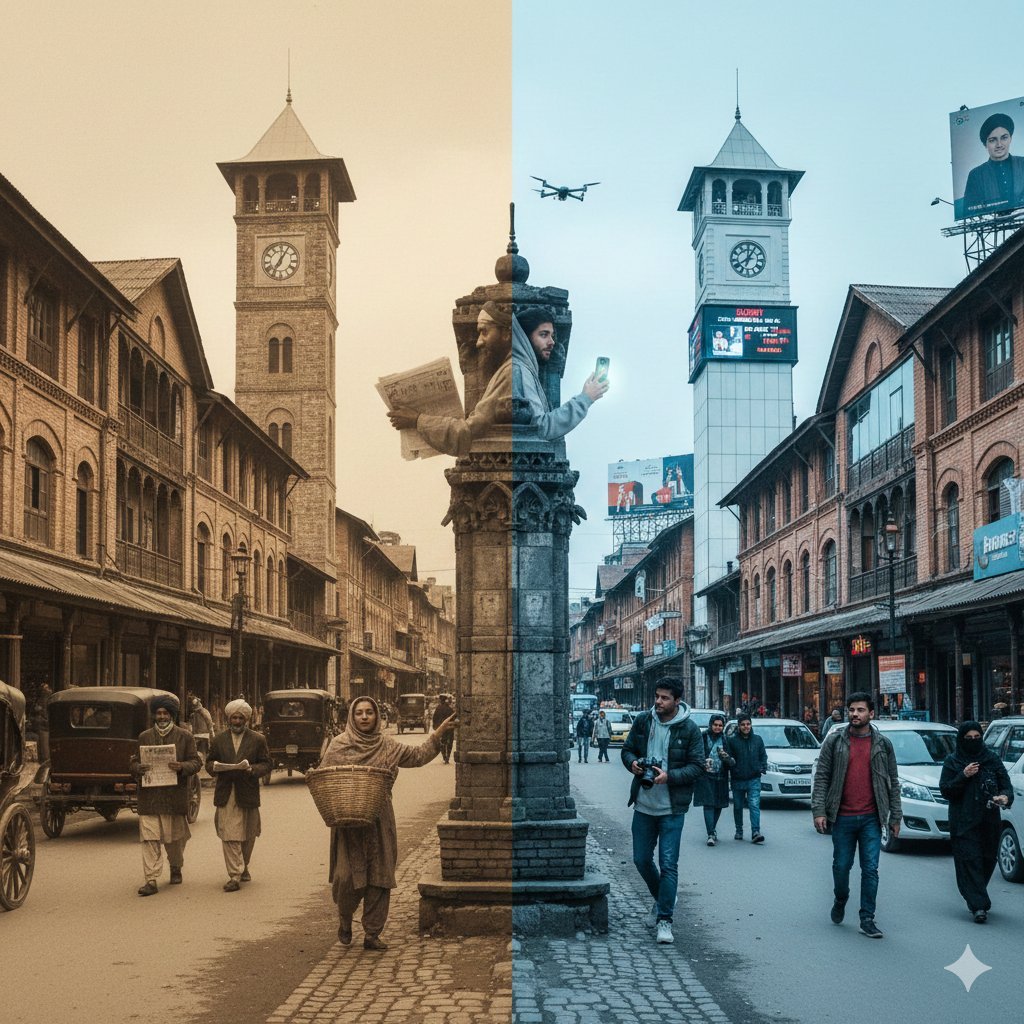
Split-Screen Time Travel Scene
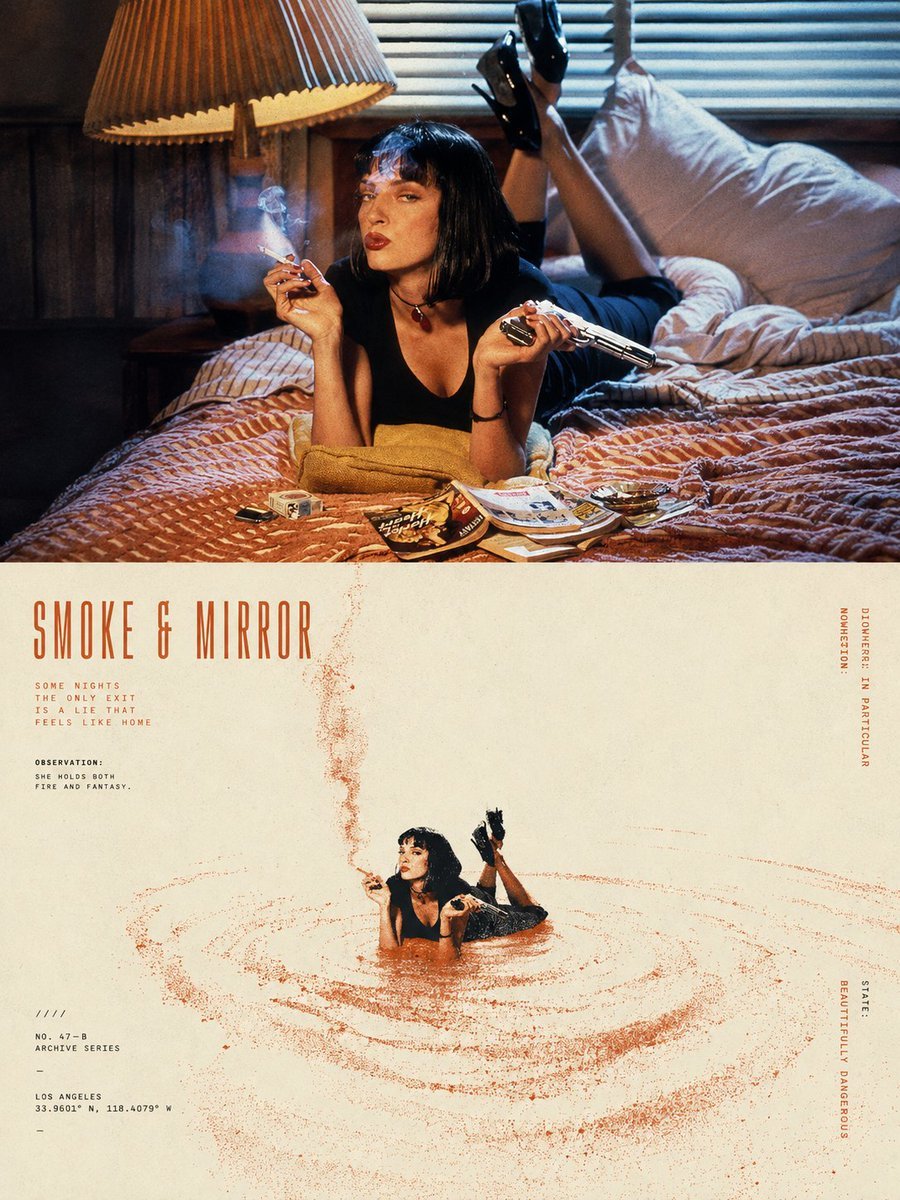
Split-Screen Surreal Printmaking Design
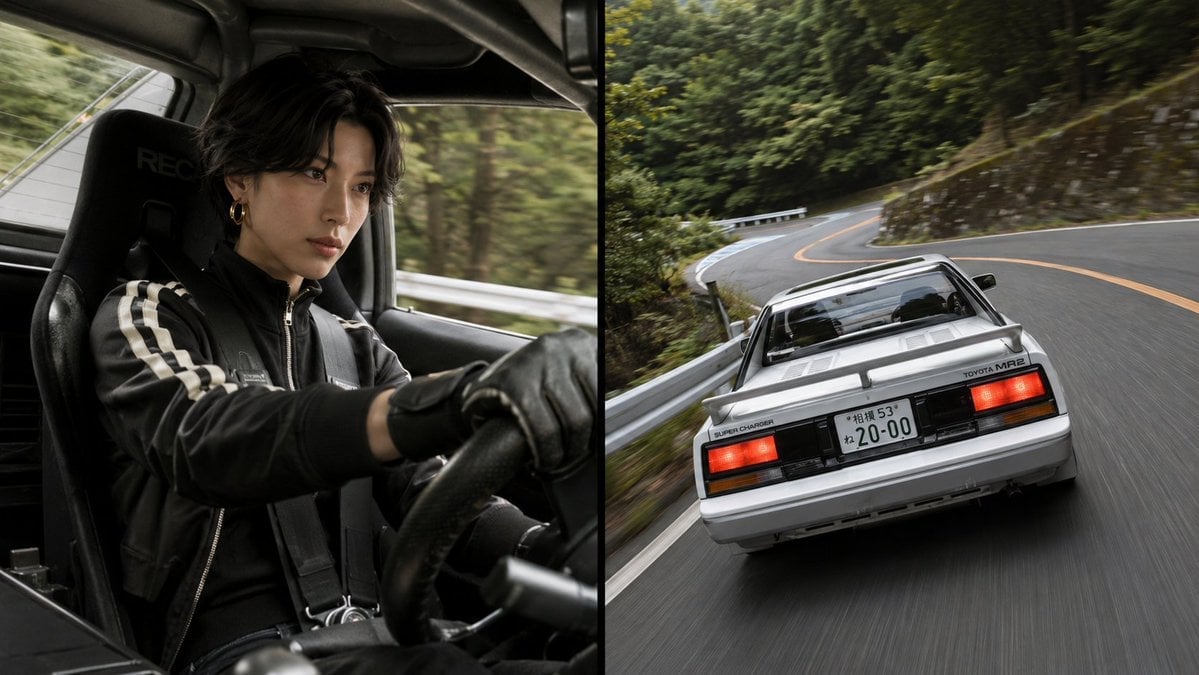
Split-Screen MR2 Touge Drive
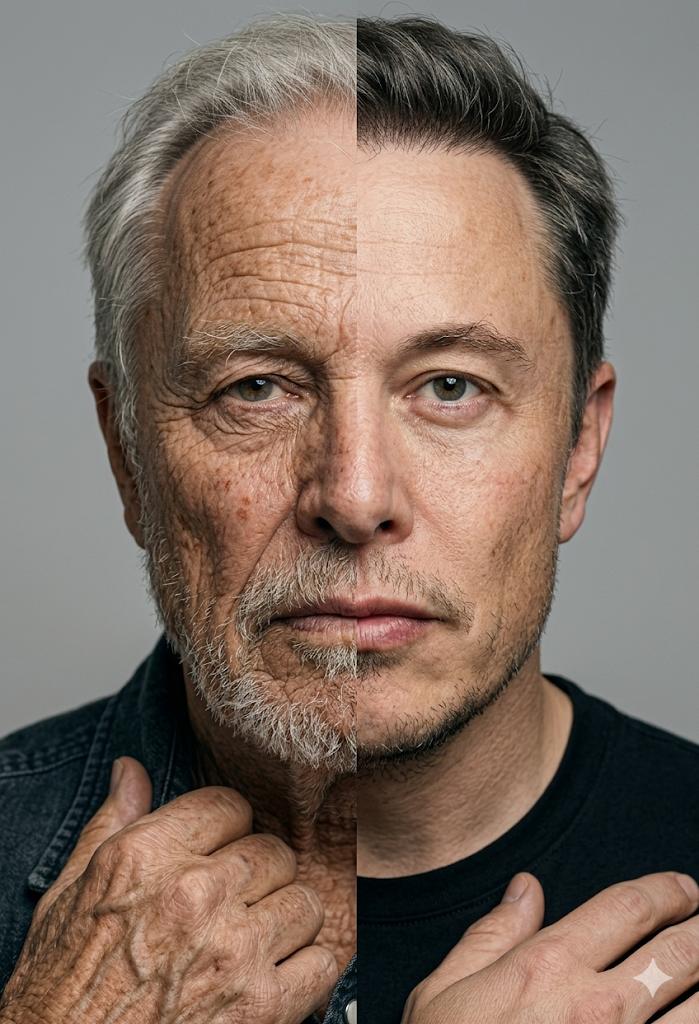
Split Screen Aging Effect
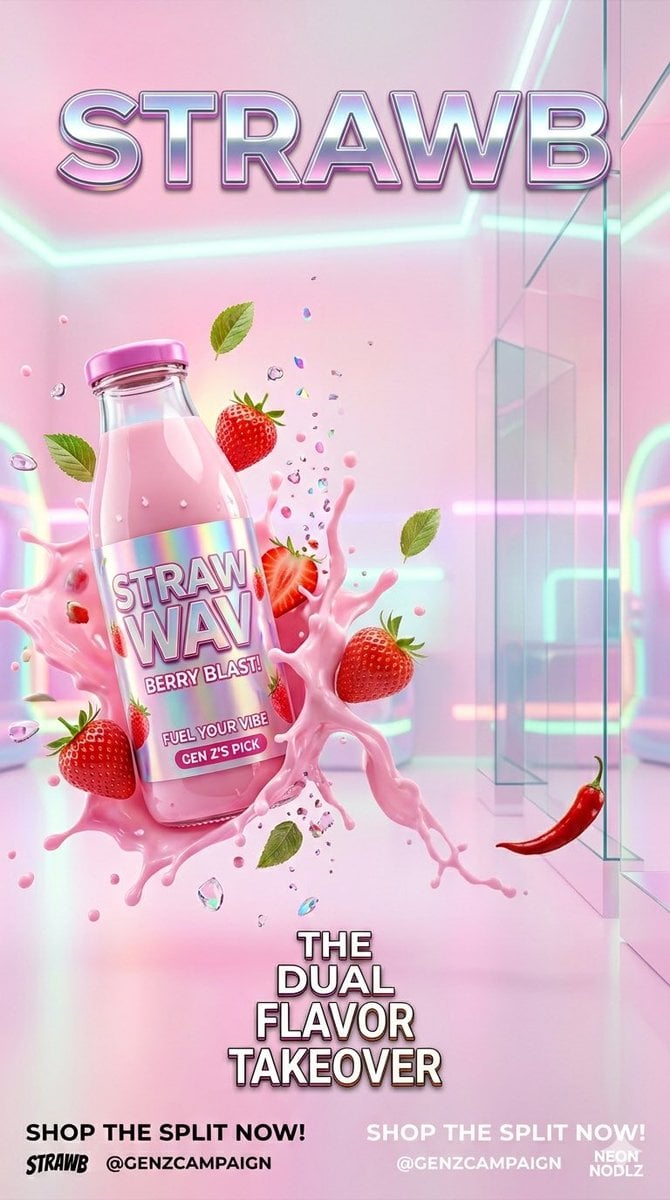
Gen Z Split Screen Advertising Poster

Automotive Blueprint Split Composition

Blueprint Split Reality Archetype Prompt
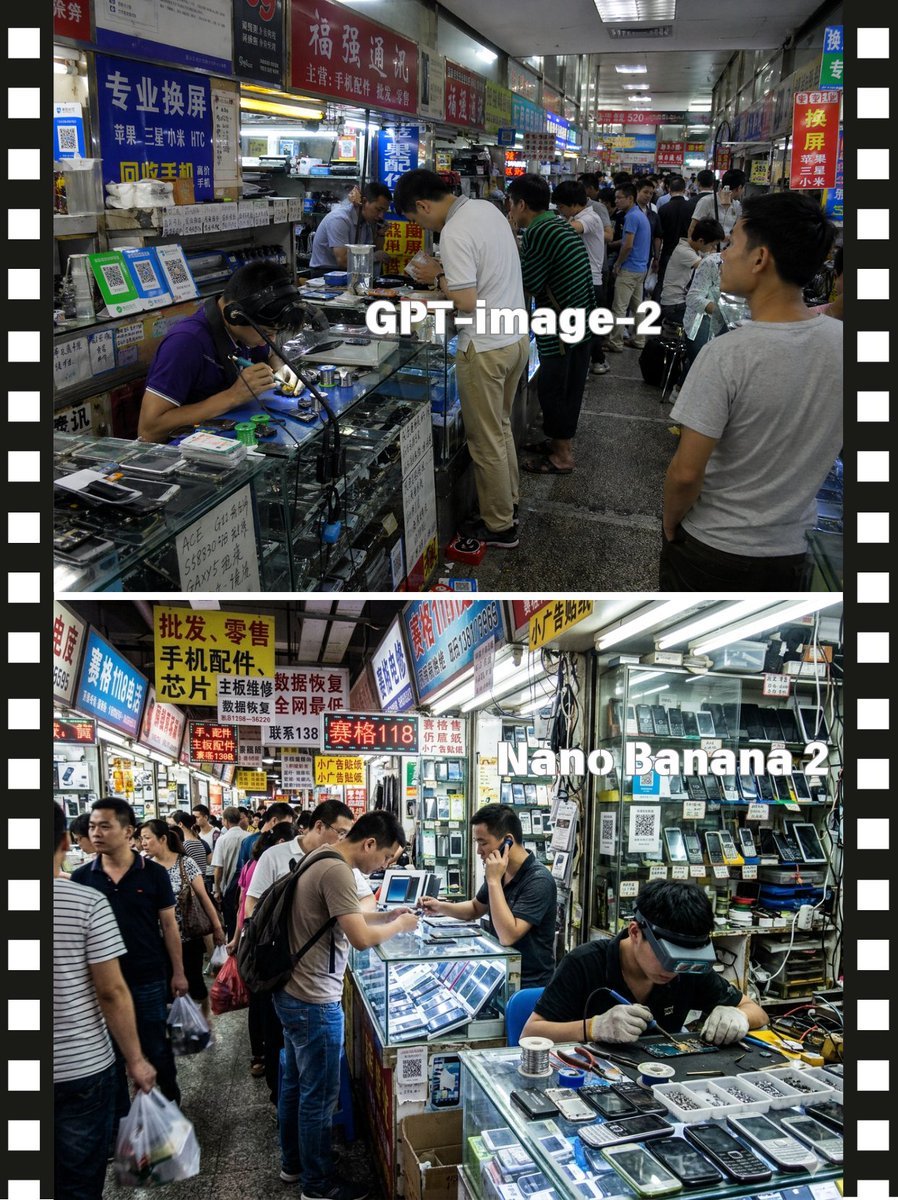
Split-Screen China Phone Market Comparison
Make it yours
Tokyo Time-Blend Split-Screen works as-is. These are the safest ways to change it without losing the look.
Change one field
Copy a single group, rewrite it, and generate again so you can see what that field is doing.
Keep the frame, change the subject
Hold the composition and light of Tokyo Time-Blend Split-Screen, then swap wardrobe, props or the person for a new take.
| If the result… | Why | Fix |
|---|---|---|
| The result drifts from the preview | Too many fields changed at once. | Reuse Tokyo Time-Blend Split-Screen as-is first, then change one group — subject, light, or setting. |
| The model over-stylizes the scene | The prose prompt leaves finish and camera underspecified. | Add one camera or lighting sentence and stay on Nano Banana 2. |
More Nano Banana 2 templates
Other prompts made for Nano Banana 2.

Photorealistic Leaf Shaped Like a Dragon

K-Pop Idol Portrait Grid for Rapid Selection

Poetic Rain Forest Portrait During Golden Hour

Urban Street Portrait with Cartoon Inner Self Duo

Candid Nighttime Photo with Cat Prompt

High-Concept 3D Diorama Generation Prompt

Cinematic Futuristic Studio Portrait Template

Skincare Editorial Photography Collage Prompt

Hyper-Realistic Commercial Product Photography (Splash Effect)

Hyper-Realistic Nightclub Portrait Prompt
More image prompts
Fresh picks from across the catalog.
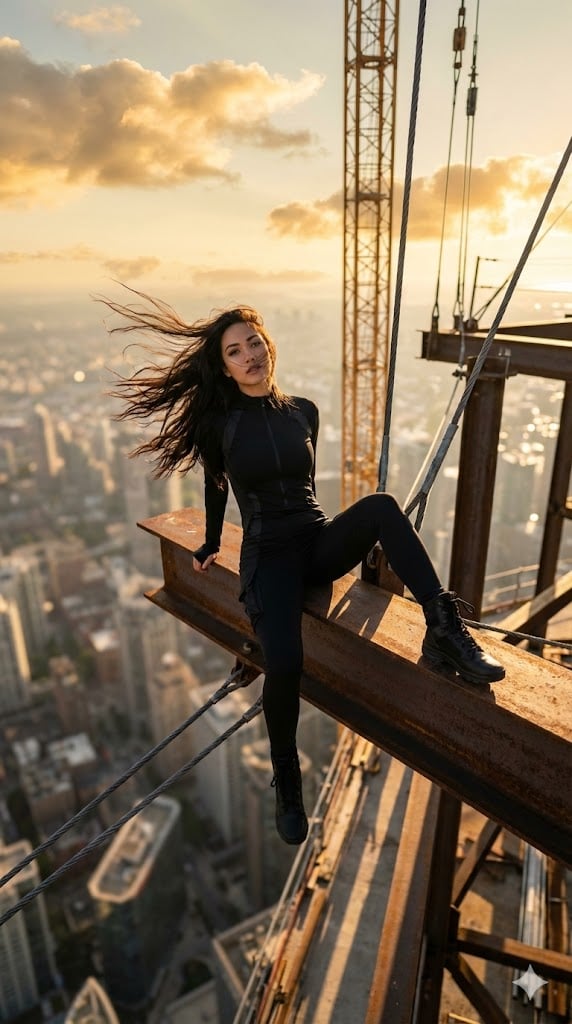
Extreme Height Urban Exploration Portrait at Sunset
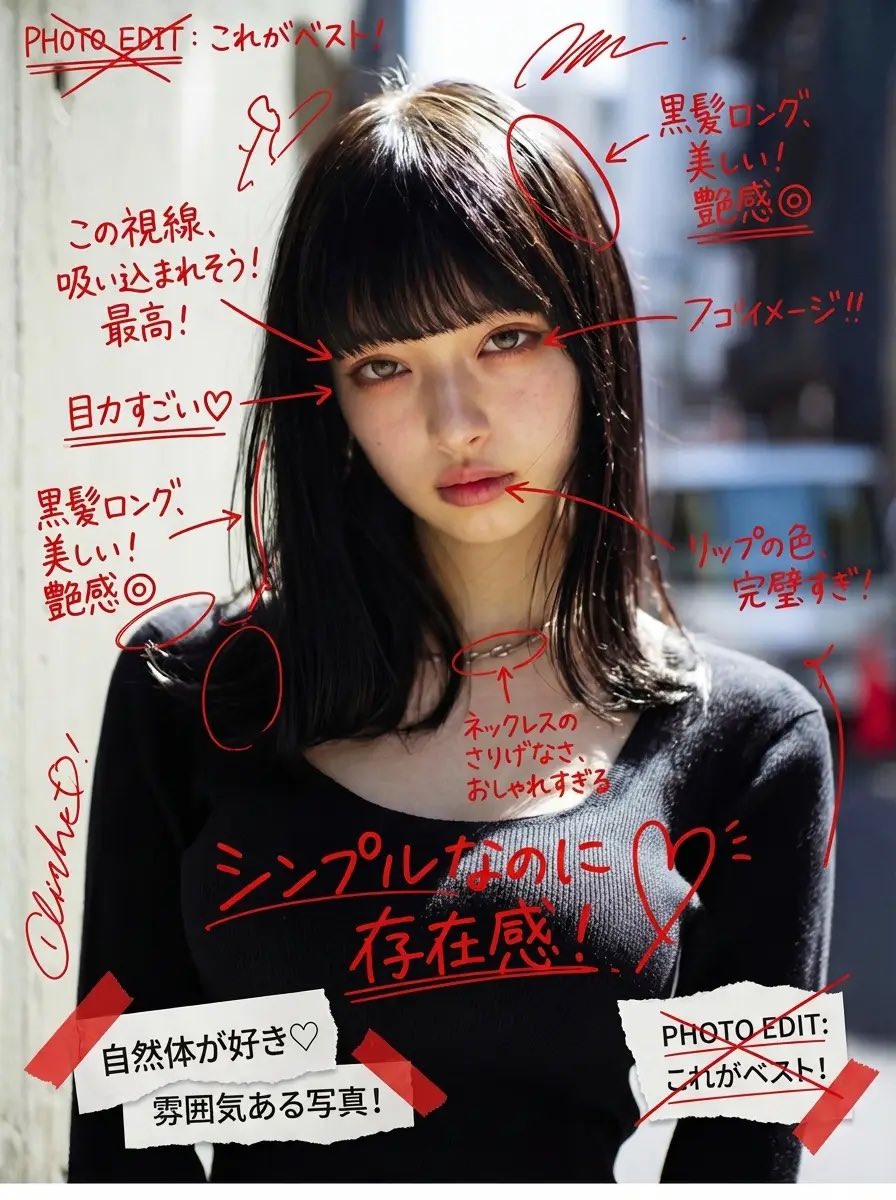
Image Annotation and Praise Commentary Prompt
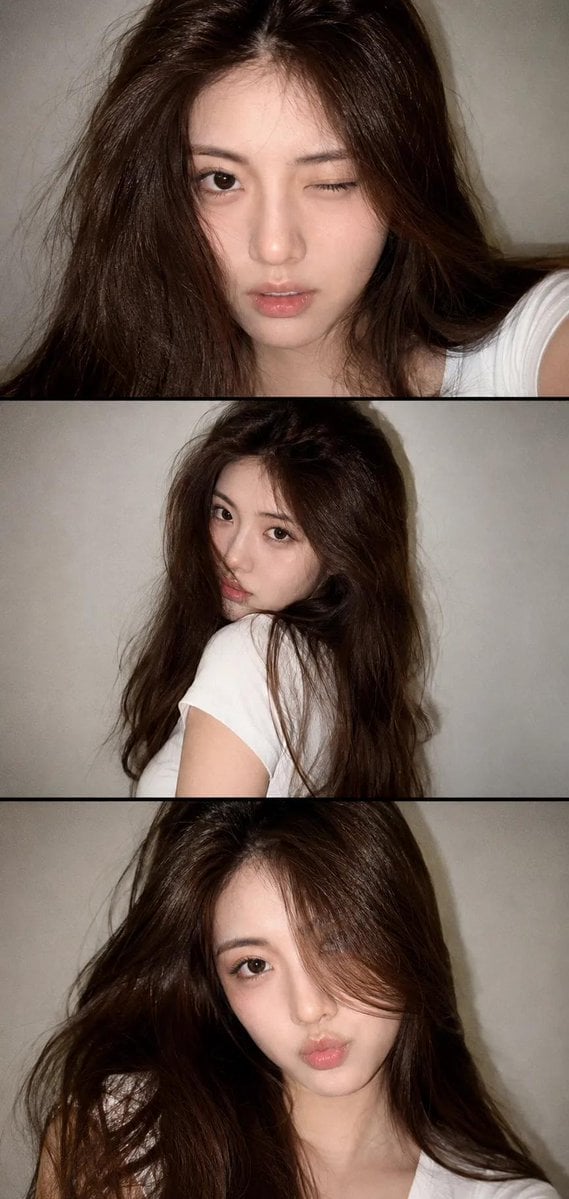
Vintage Style Selfie Collage
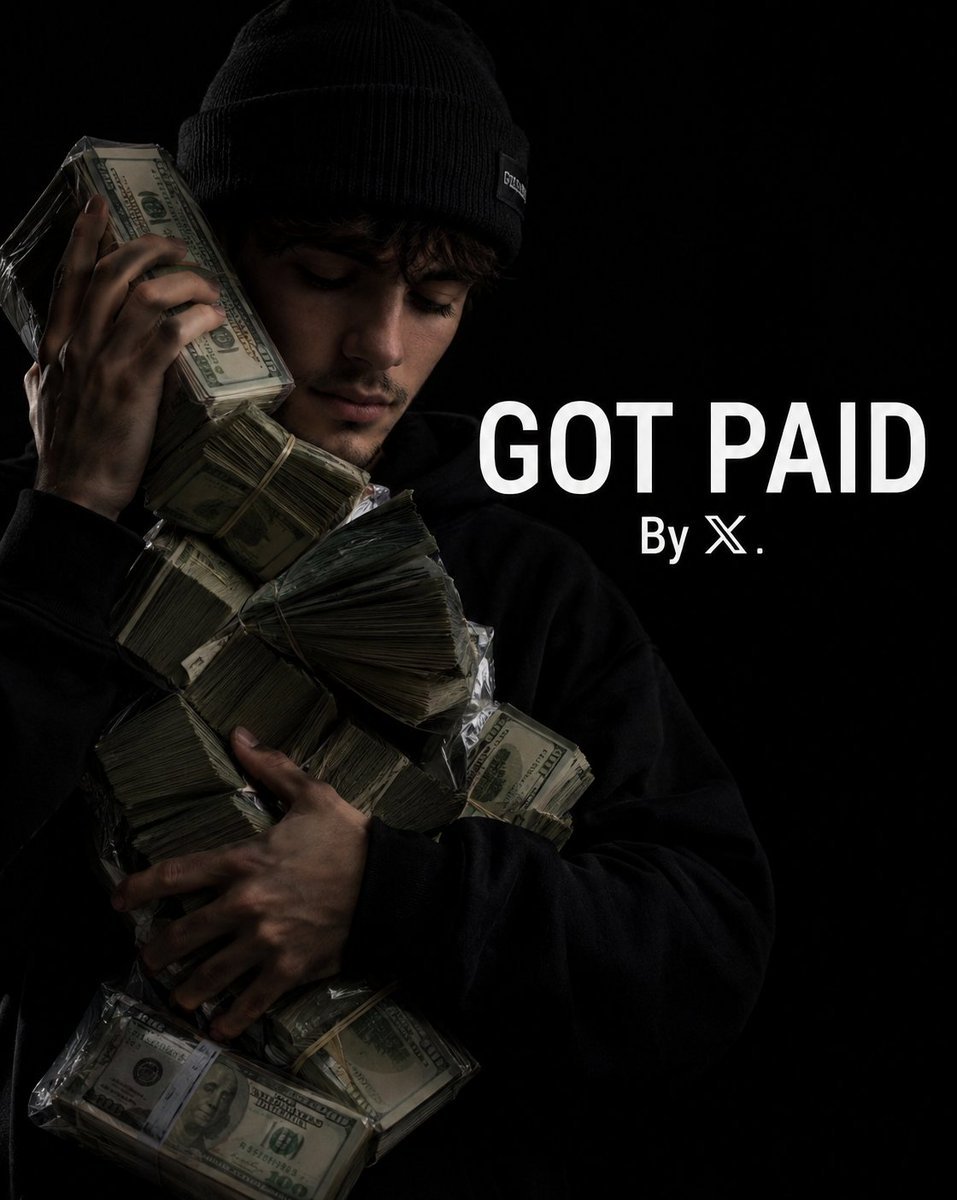
Urban Success Street Portrait
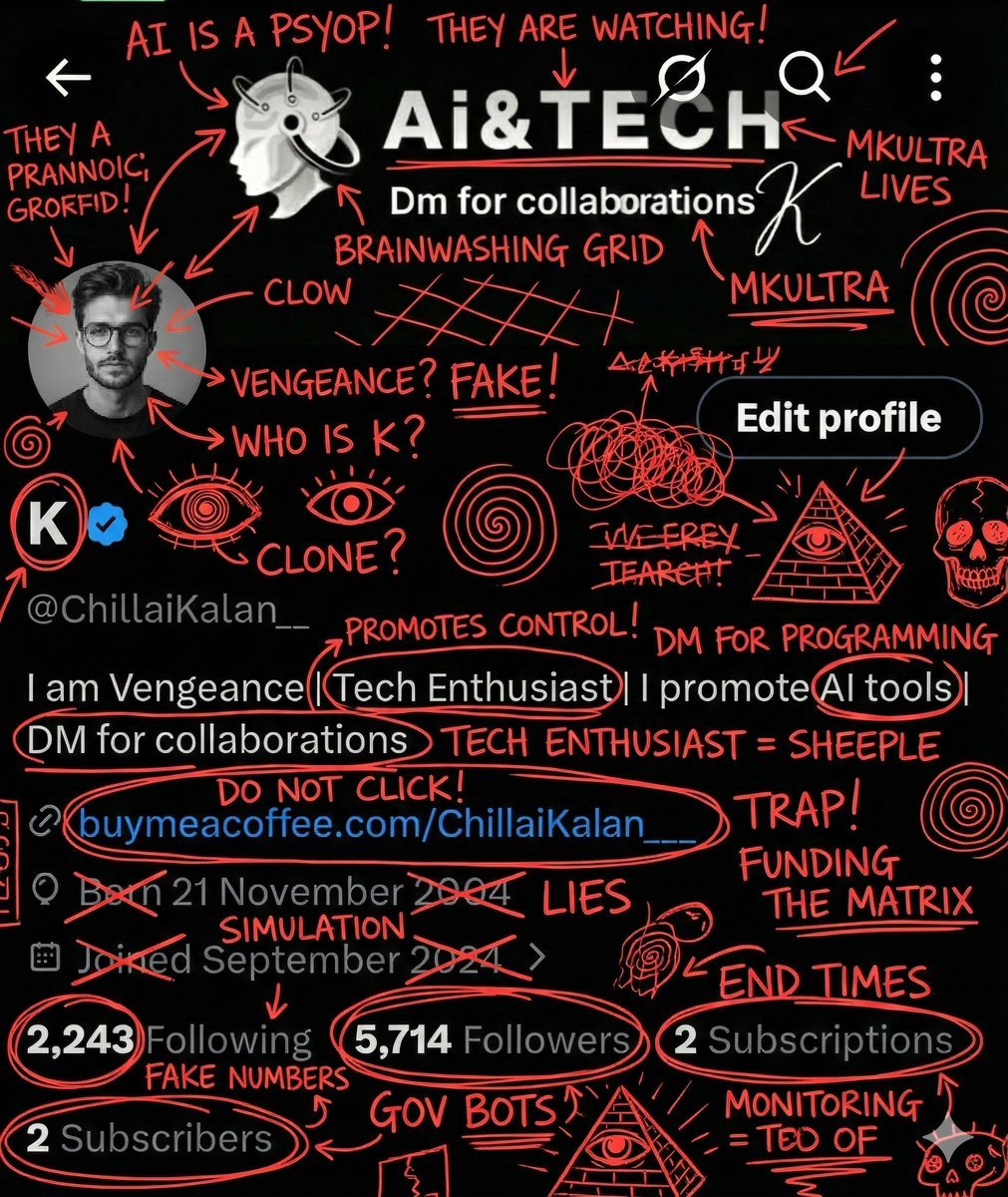
Image Overlay for 'Conspiracy Scribbles' Effect
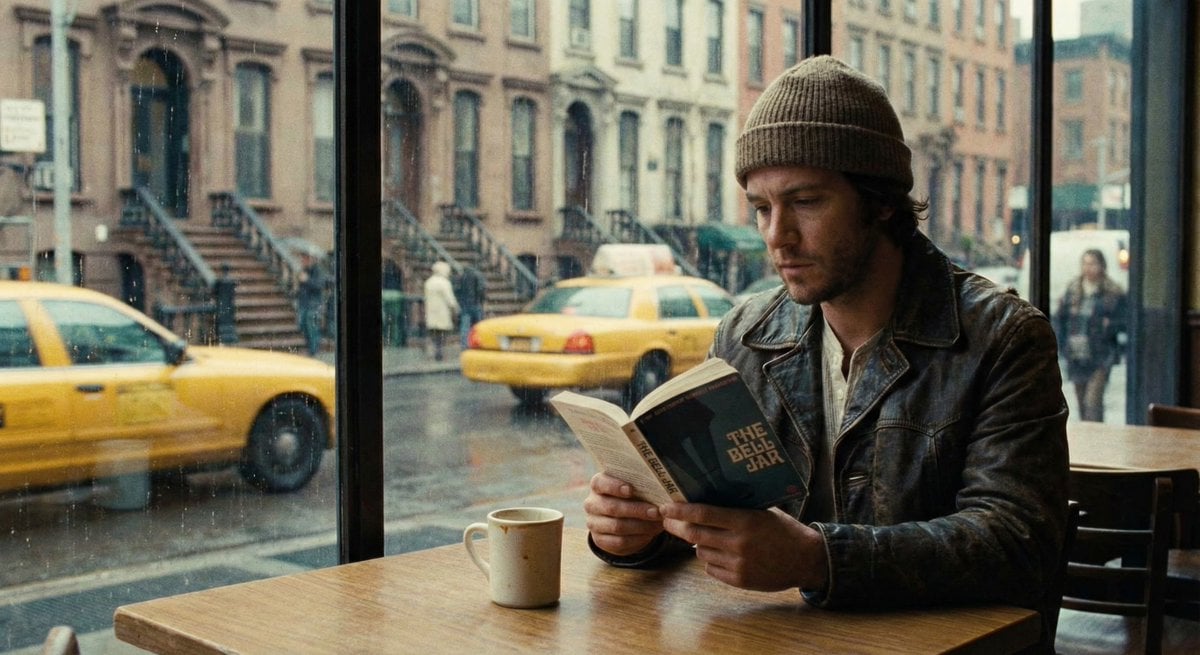
Cinematic Still of a Man in a Coffee Shop
Dreamy Bubble with Handwritten Japanese Text
Cinematic Cyberpunk Portrait with Split Neon Lighting

Christmas Pajama Pose with Flash Aesthetic
Shanghai Megacity Night Poster
Browse template categories
Tokyo Time-Blend Split-Screen questions
How do I use the Tokyo Time-Blend Split-Screen template?
Add your photo if the template asks for one, edit the prompt if you like — the template's model and format are already selected — and press Generate. Your version opens in PicX Studio.
Can I customize the Tokyo Time-Blend Split-Screen template?
Yes. You can change the subject, setting, lighting, mood, format, and available model controls before creating your image.
Is the Tokyo Time-Blend Split-Screen template free?
Opening and editing this template is free. Generating uses credits, shown on the Generate button when you are signed in.
Which AI model should I use?
Start with Nano Banana 2, which is the model associated with this template. You can compare another compatible model for a different finish.
Looking for something else? Browse all templates.

Your photo, any look
Thousands of ready templates for every top image and video model, from one credit balance.