
Split-Screen Surreal Printmaking Design
A professional multi-section prompt that transforms uploaded photos into high-end posters, featuring an original photograph on top and a minimalist surreal printmaking interpretation on the bottom.
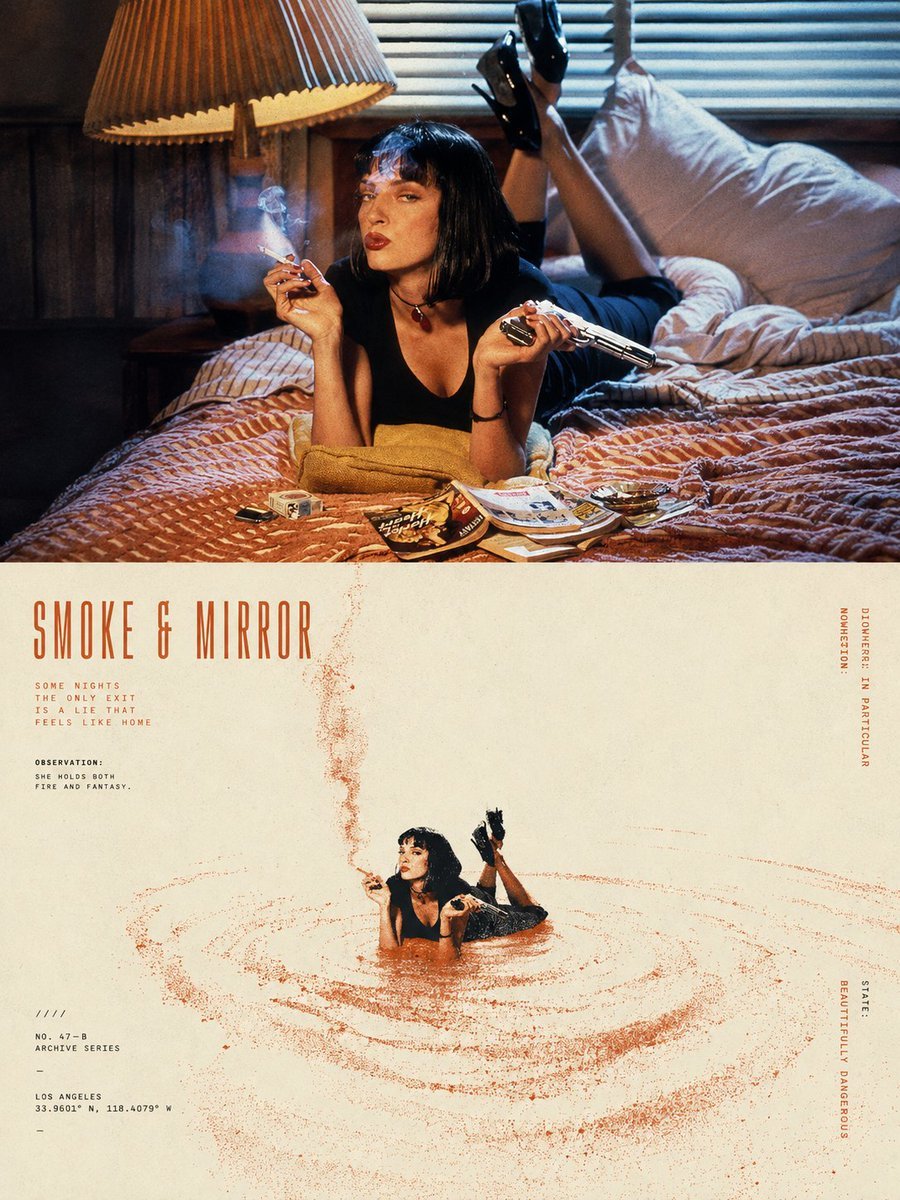
- Prompt included
- Model and format preset
- Free template
The prompt behind this image
Copy the exact prompt behind Split-Screen Surreal Printmaking Design, or open it in the studio and make it yours.
Please turn {argument name="input" default="each photo I upload"} into a separate, high-end design poster. Do not create multi-image collages; output one standalone poster for each photo. Use an overall {argument name="aspect ratio" default="3:4"} vertical format, divided into two sections of strictly equal height, with the upper and lower halves each occupying exactly 50% of the composition. The upper half should retain the original photograph. Preserve the subject’s structure, authentic texture, natural lighting, and original color atmosphere. Apply only subtle, sophisticated photographic color grading to give it the visual quality of an art magazine, independent publication, or exhibition photograph. To adapt the image to the required aspect ratio, you may naturally extend the sky, ground, or surrounding environment, but do not stretch, distort, or alter the subject. The lower half should extract the most recognizable subject, silhouette, pose, and narrative relationship from the photograph and reinterpret them as a surreal, minimalist printmaking composition. Compress the subject into a clear, restrained visual anchor, usually rendered at a relatively small scale within a large field of negative space, preserving only the most essential silhouette and posture. Do not reproduce complex details. Instead, transform the original image’s movement, direction, light and shadow, or spatial relationships into a dynamic field that unfolds around the subject. For the dynamic field, naturally choose one primary motion logic based on the characteristics of the subject: it may fall from top to bottom, rise vertically, flow in a specific direction, radiate outward from a central point, or form irregular ripples and echoes. Use numerous fine lines, broken trajectories, rough halftone patterns, and variations in grain density to express movement. The field should be denser and more intense near the core, then gradually become sparser, more fragmented, and eventually disappear into the surrounding negative space. Avoid stacking multiple visual effects at once. Let one subject, one type of movement, and one vast spatial relationship define the composition. For the color palette, extract one {argument name="primary color" default="highly distinctive, energetic signature color"} from the photograph in the upper half, and combine it with warm white, ivory, or natural paper tones, plus a small amount of black, creating a strict 2–3 color palette. The primary color may be slightly purified and intensified so that it feels vivid and powerful without becoming overly digital. Create tonal variation through halftone density, layered ink coverage, and exposed paper rather than conventional gradients. Preserve the tactile qualities of screen printing, Risograph printing, coarse grain, paper fibers, uneven ink coverage, and slight registration misalignment. Avoid CGI, 3D effects, realistic digital lighting effects, and smooth digital illustratio
How to use Split-Screen Surreal Printmaking Design in 3 steps
- 1Upload ImagePNG, JPG or paste
Add your photo
Upload the photo the template builds on. The prompt, model and format are already set.
- 2…a portrait of your subject in softgolden-hour light, 85mm…
Personalize
Edit the subject and creative details for your destination.
- 3Generate
Generate
Press Generate — your image is created in PicX Studio, so you can compare it with the original and refine one variable at a time.
More like this
Templates with the same subject, style or setup. Open one to see its prompt.
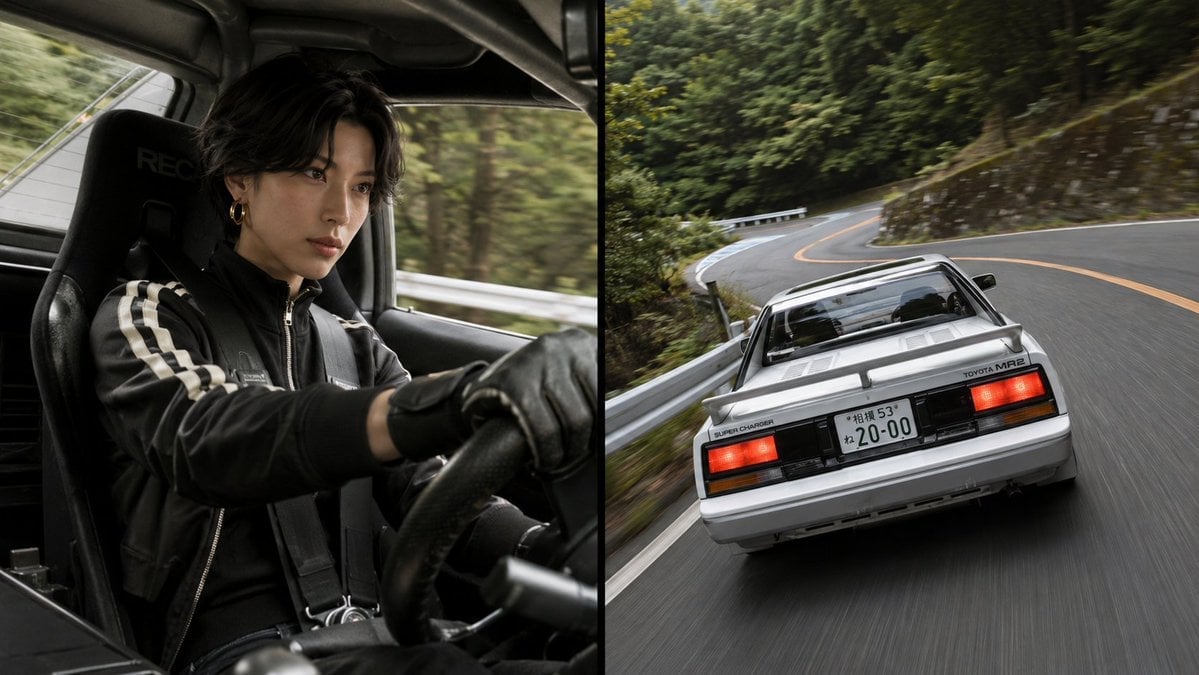
Split-Screen MR2 Touge Drive

Surreal Cat Astronaut — Humanoid Face Freefall
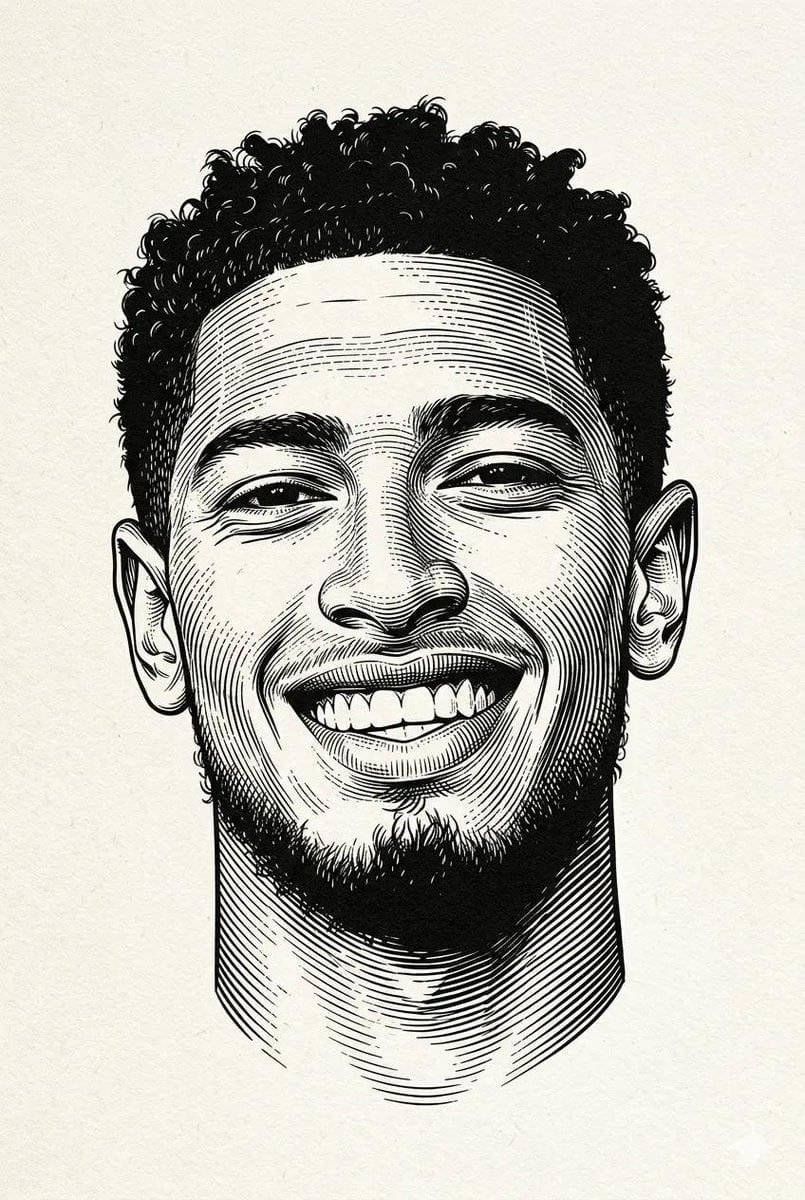
Woodcut Linocut Portrait Illustration
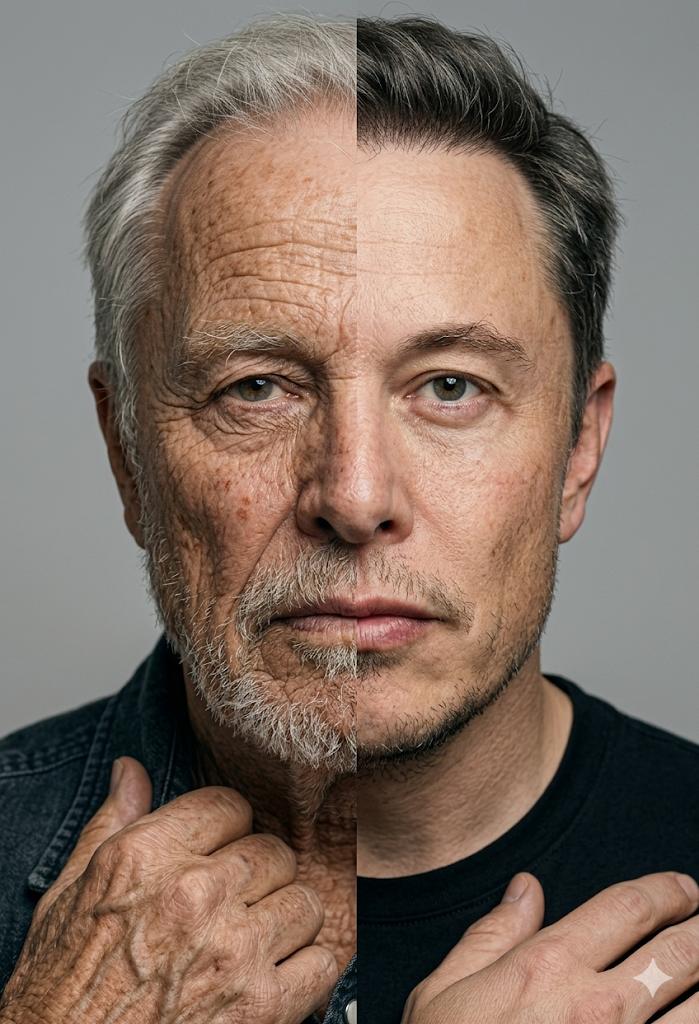
Split Screen Aging Effect
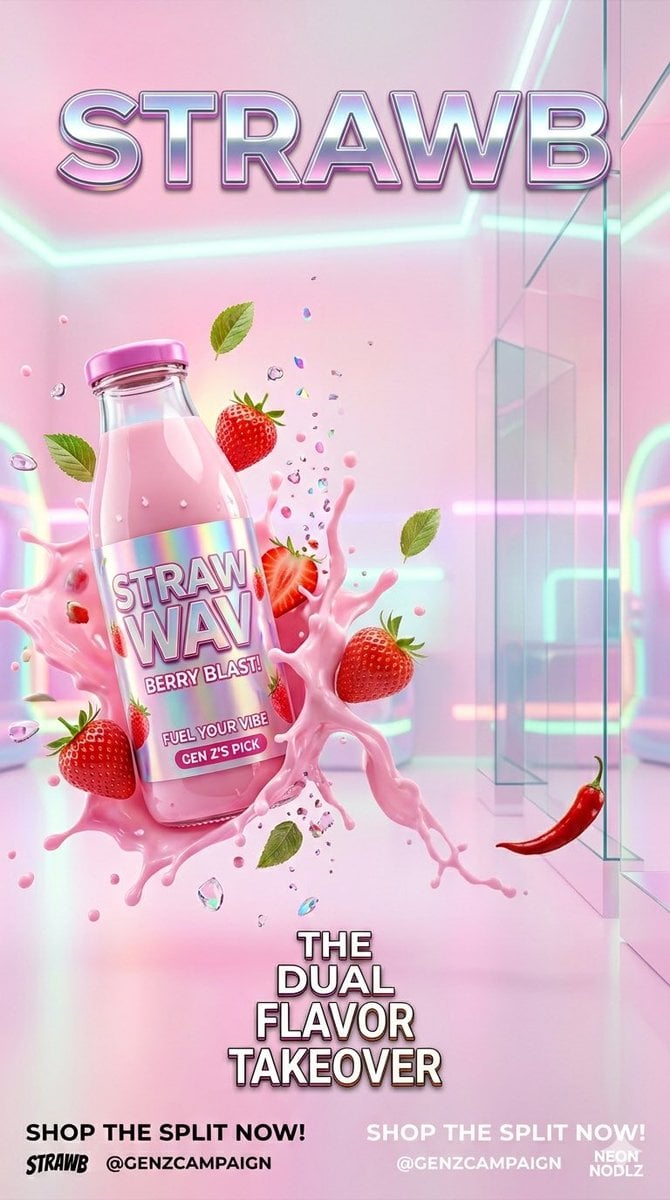
Gen Z Split Screen Advertising Poster

Bold Red Contrast Fashion Editorial Newspaper Room

Stylized Fashion Portrait Bold Color Contrast Editorial

Automotive Blueprint Split Composition

Blueprint Split Reality Archetype Prompt
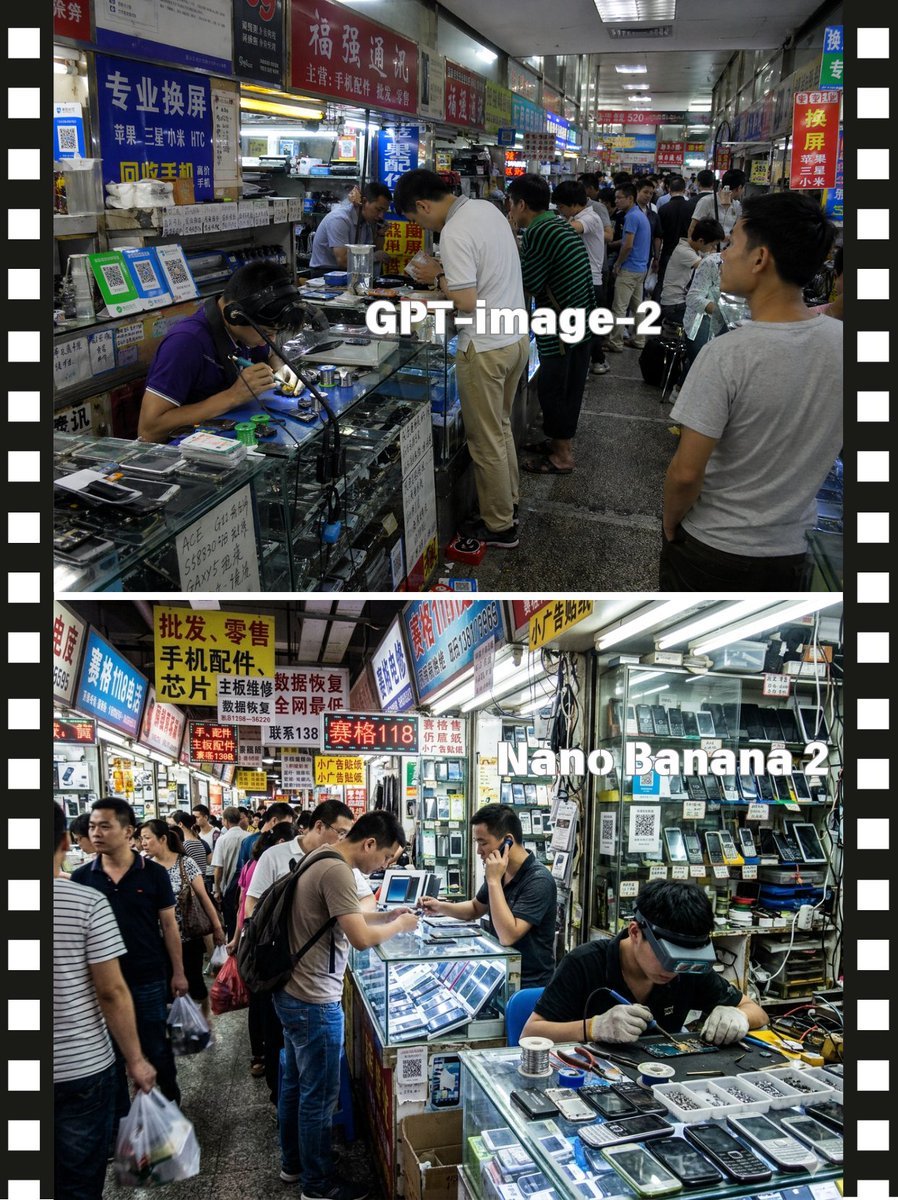
Split-Screen China Phone Market Comparison
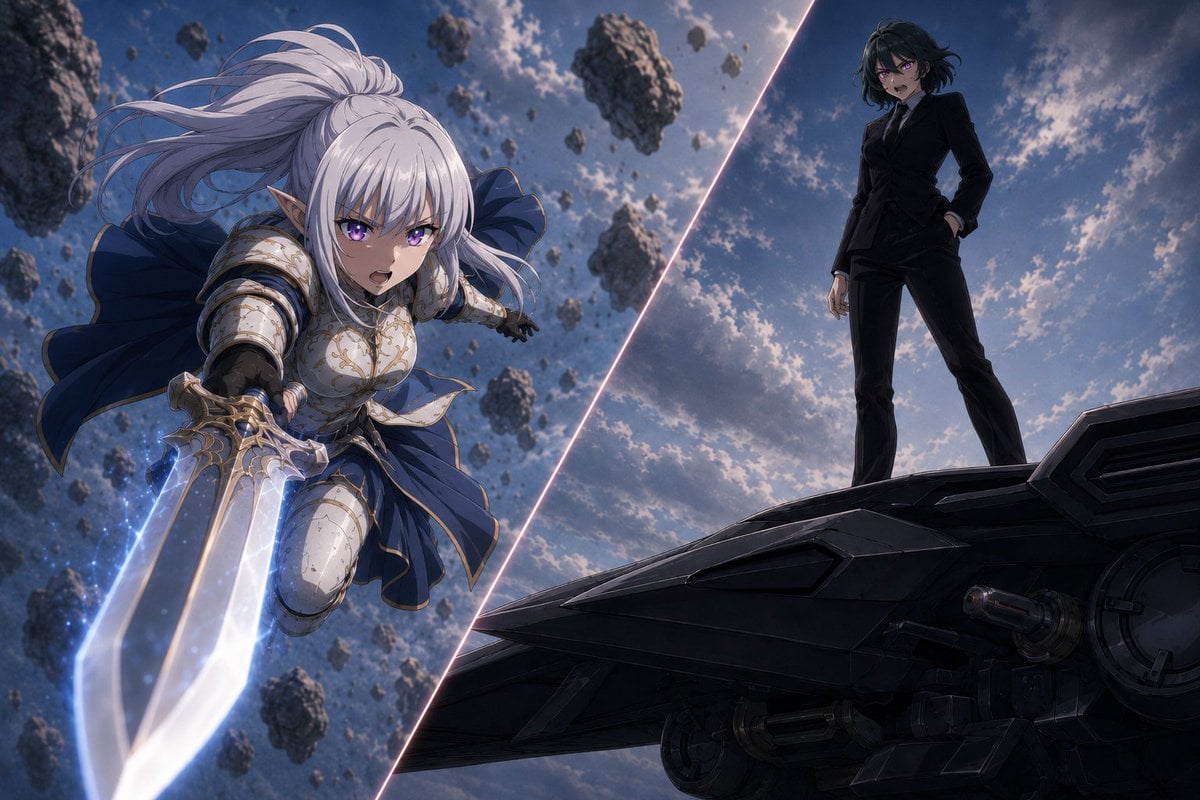
Anime Split-Screen Sword Confrontation
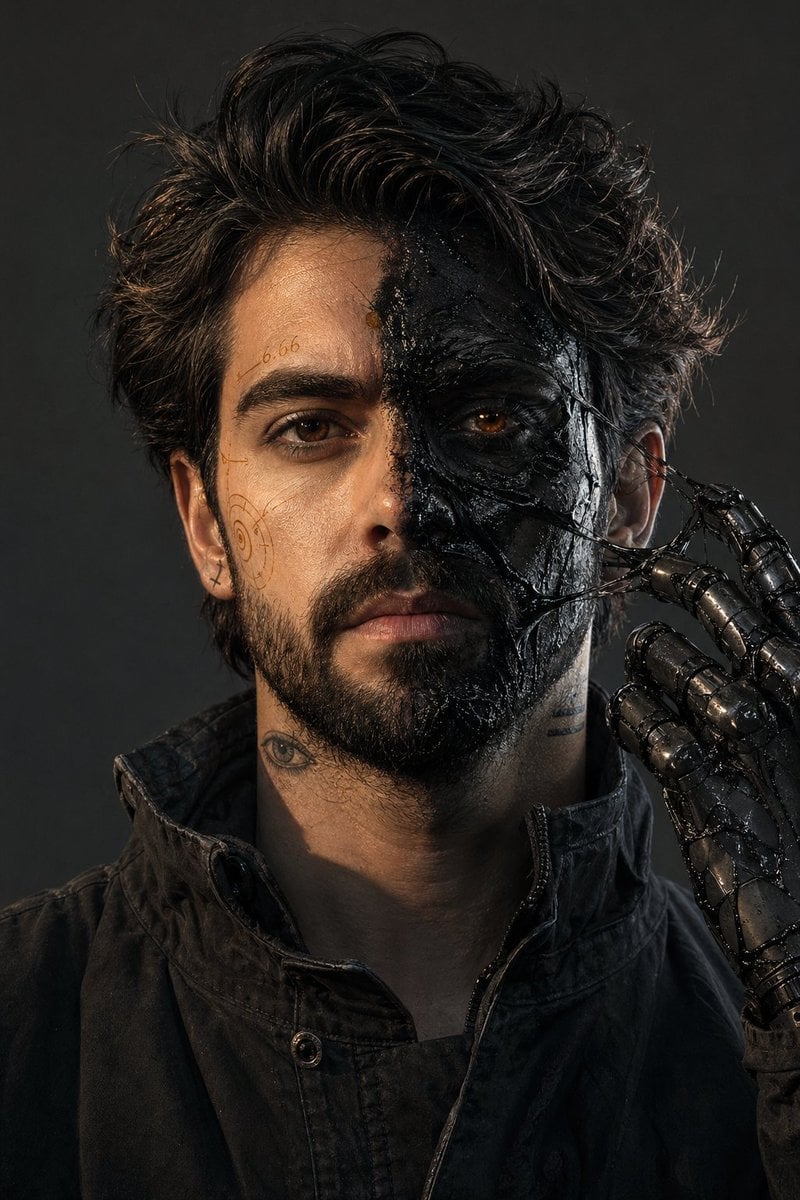
Surreal Resin-Split Portrait
Make it yours
Split-Screen Surreal Printmaking Design works as-is. These are the safest ways to change it without losing the look.
Change one field
Copy a single group, rewrite it, and generate again so you can see what that field is doing.
Keep the frame, change the subject
Hold the composition and light of Split-Screen Surreal Printmaking Design, then swap wardrobe, props or the person for a new take.
| If the result… | Why | Fix |
|---|---|---|
| The result drifts from the preview | Too many fields changed at once. | Reuse Split-Screen Surreal Printmaking Design as-is first, then change one group — subject, light, or setting. |
| The model over-stylizes the scene | The prose prompt leaves finish and camera underspecified. | Add one camera or lighting sentence and stay on GPT Image 2. |
More GPT Image 2 templates
Other prompts made for GPT Image 2.

Six VTuber Japanese Logo Sheet

Realistic Portrait of Woman and Deer

The Vista Modular Condo Poster

AI Model Routing Comparison Infographic

2.5D Anime Art Board

Isometric Productivity Desk Scene

New York Double Exposure Poster

Four-Panel AI Landscape Comparison

Japanese Tatami Lifestyle Magazine Cover

NESCAFÉ Coffee Map Poster
More image prompts
Fresh picks from across the catalog.
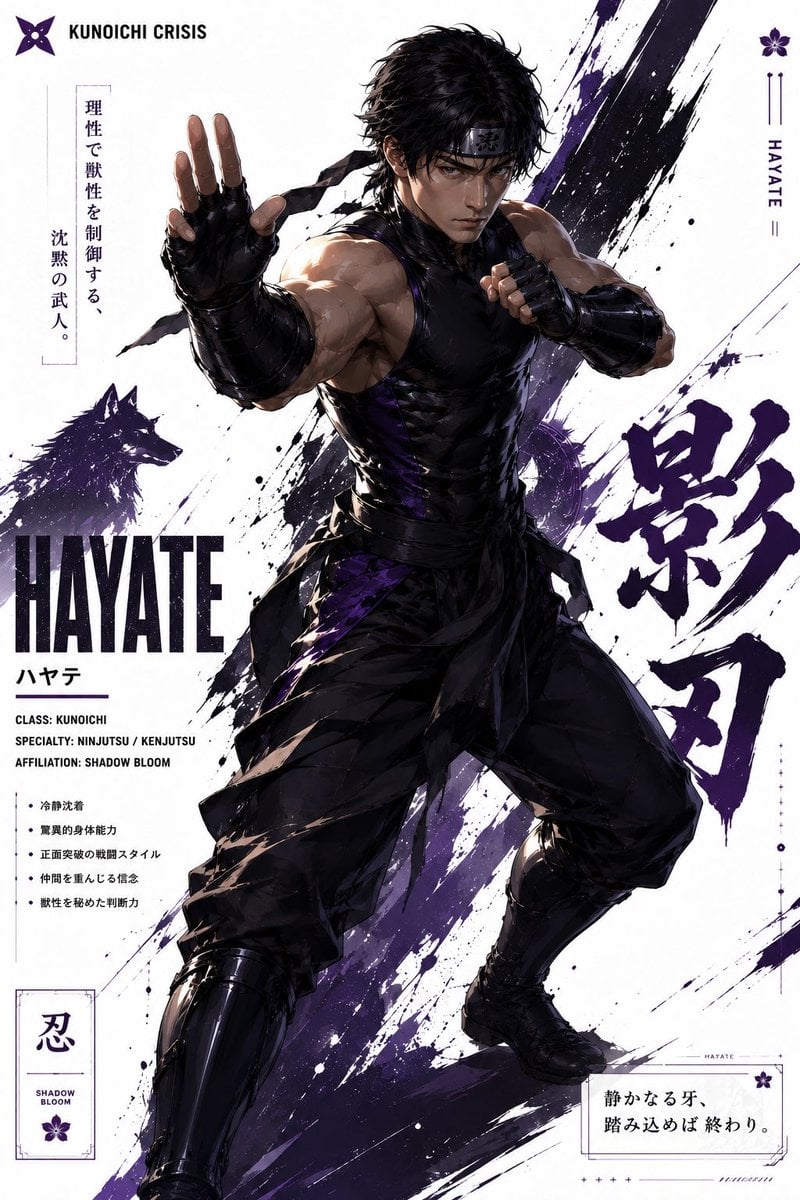
Hayate Ninja Character Poster
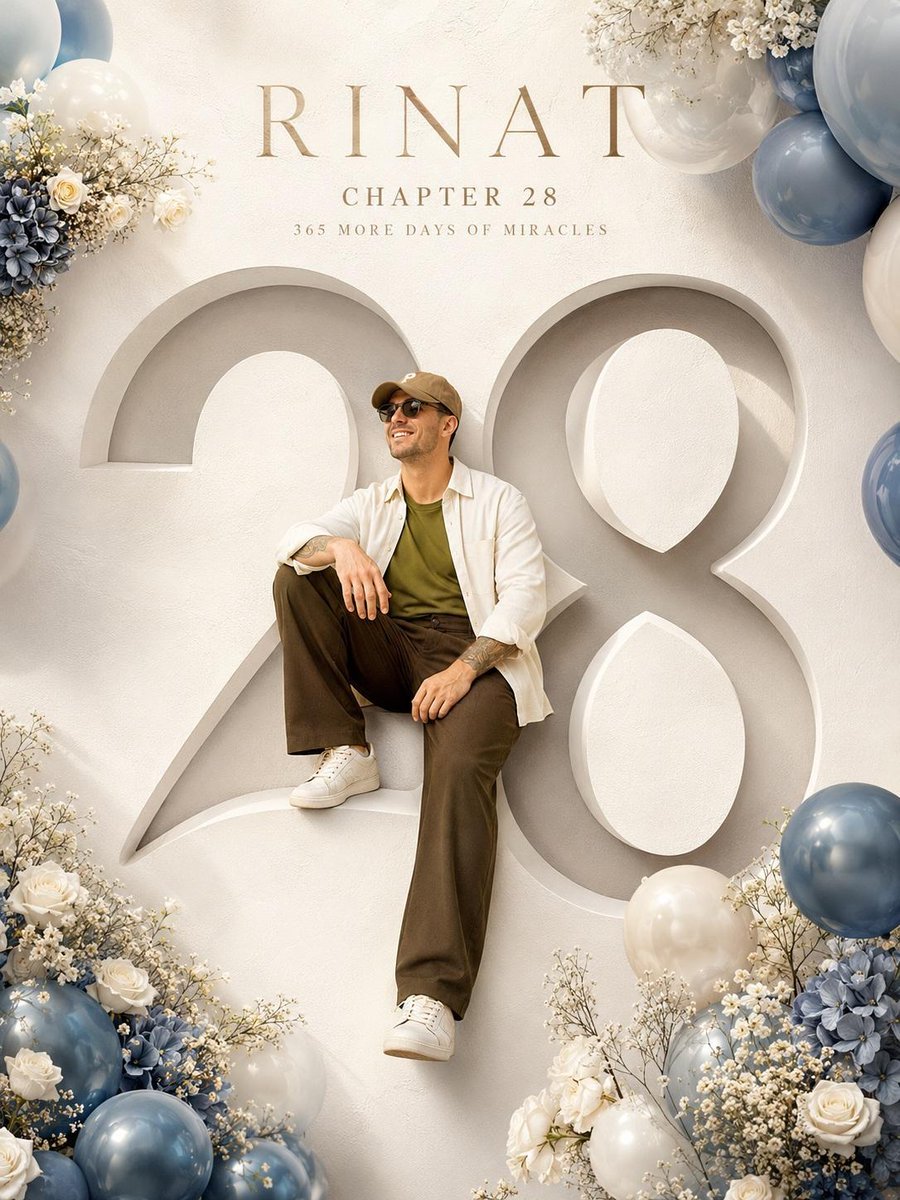
Luxury Birthday Milestone Poster
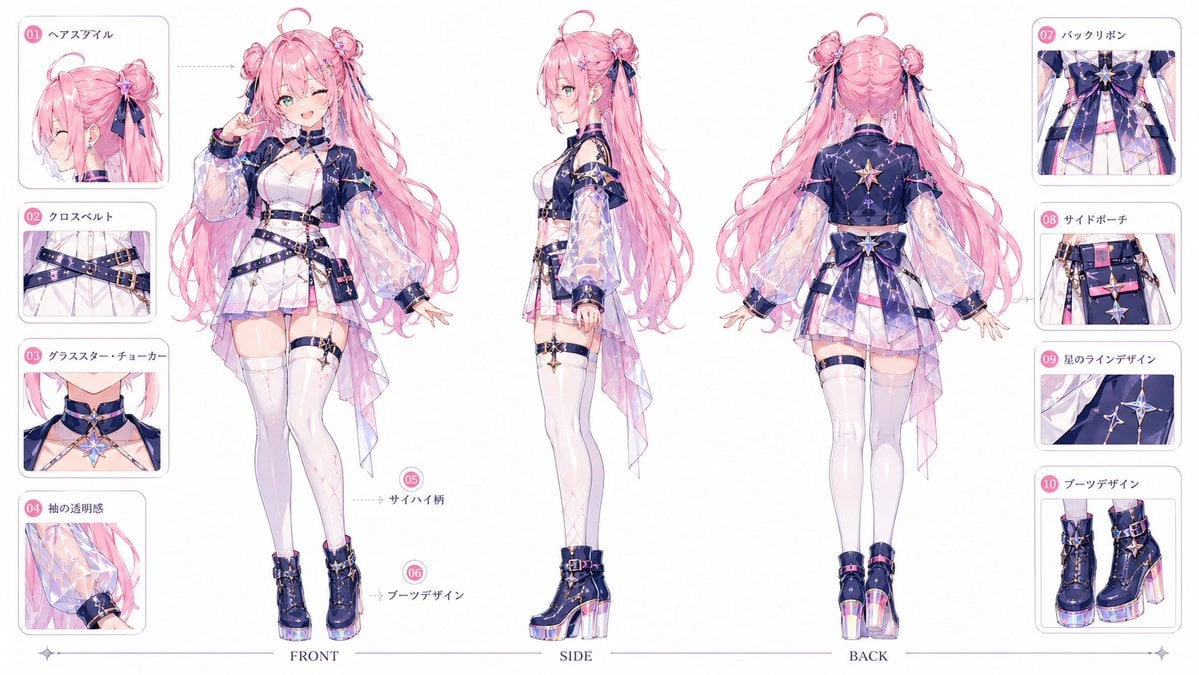
VTuber Character Prompt
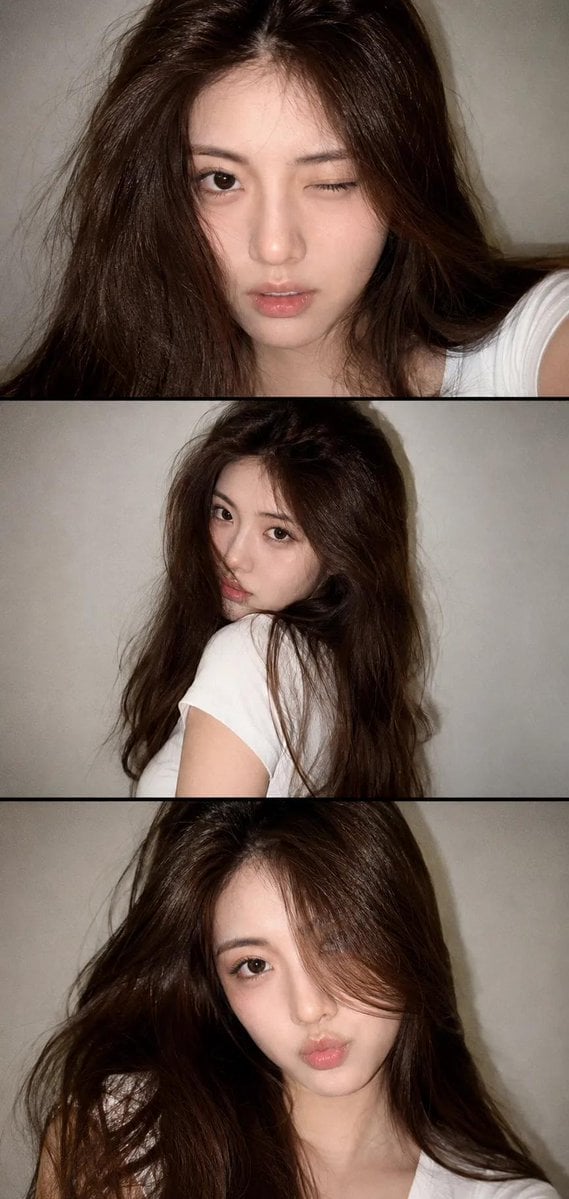
Vintage Style Selfie Collage
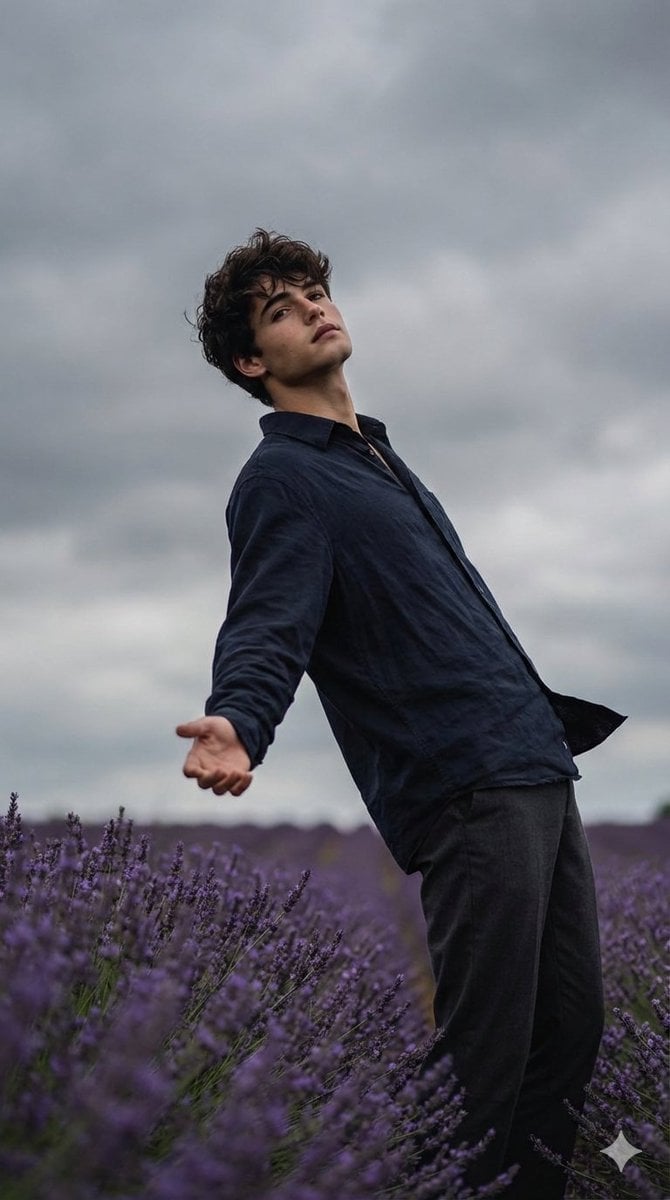
Cinematic Moody Photograph of Man in Flower Field
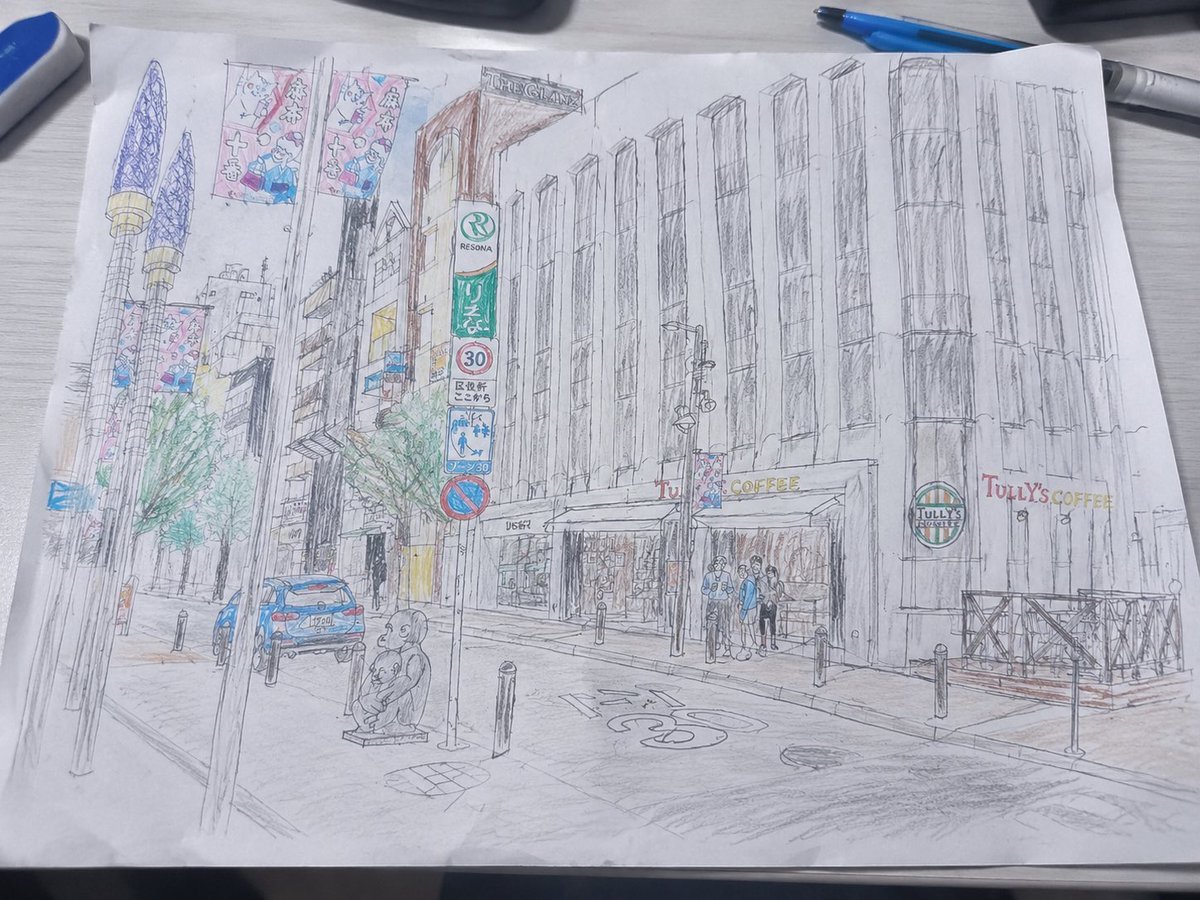
Mediocre Drawing Style Illustration
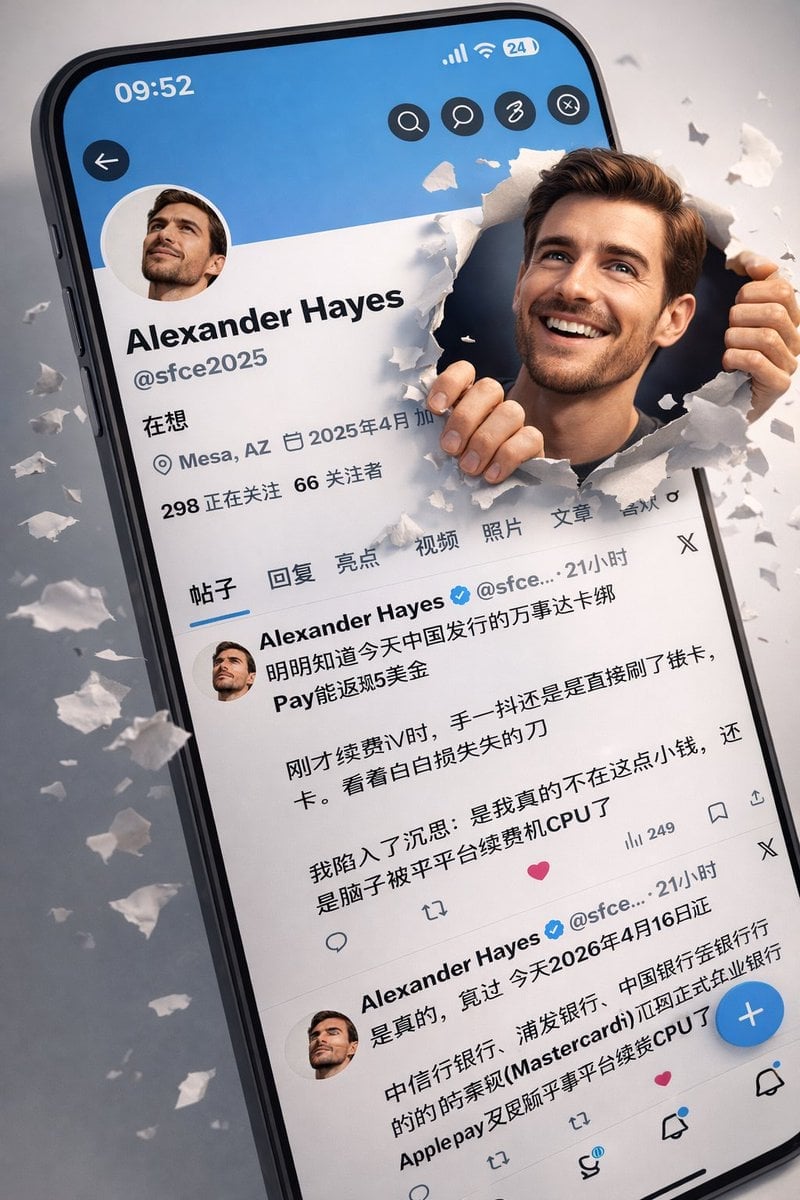
3D Realistic X Profile Interface
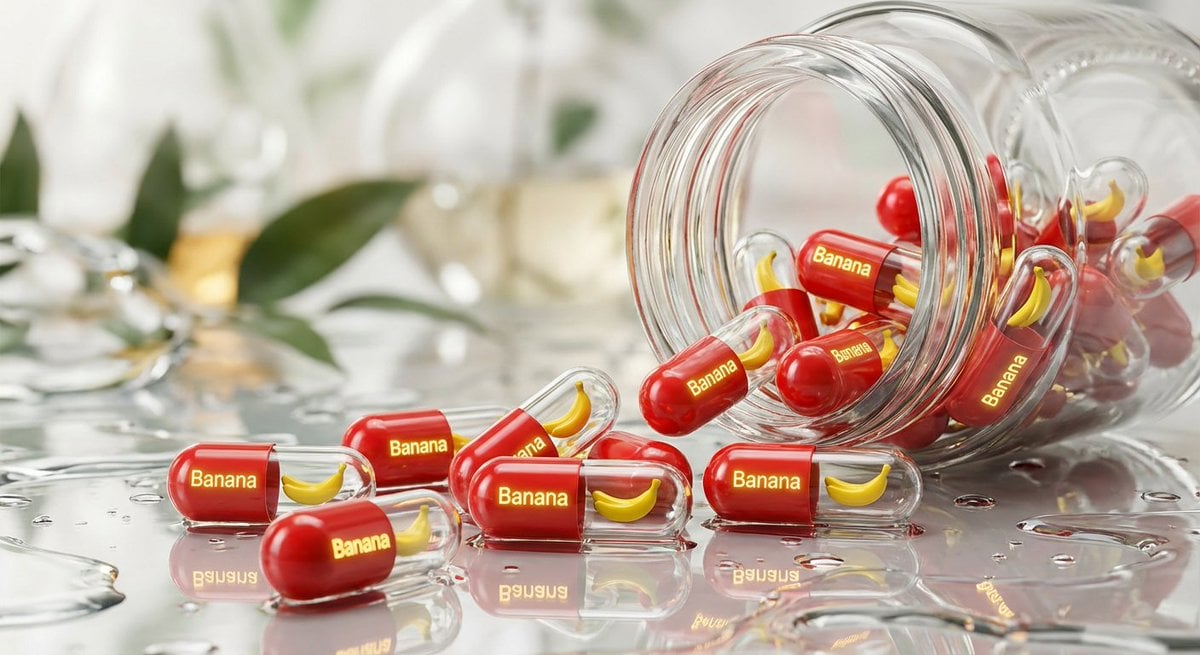
Nano Banana Pro brand hero image
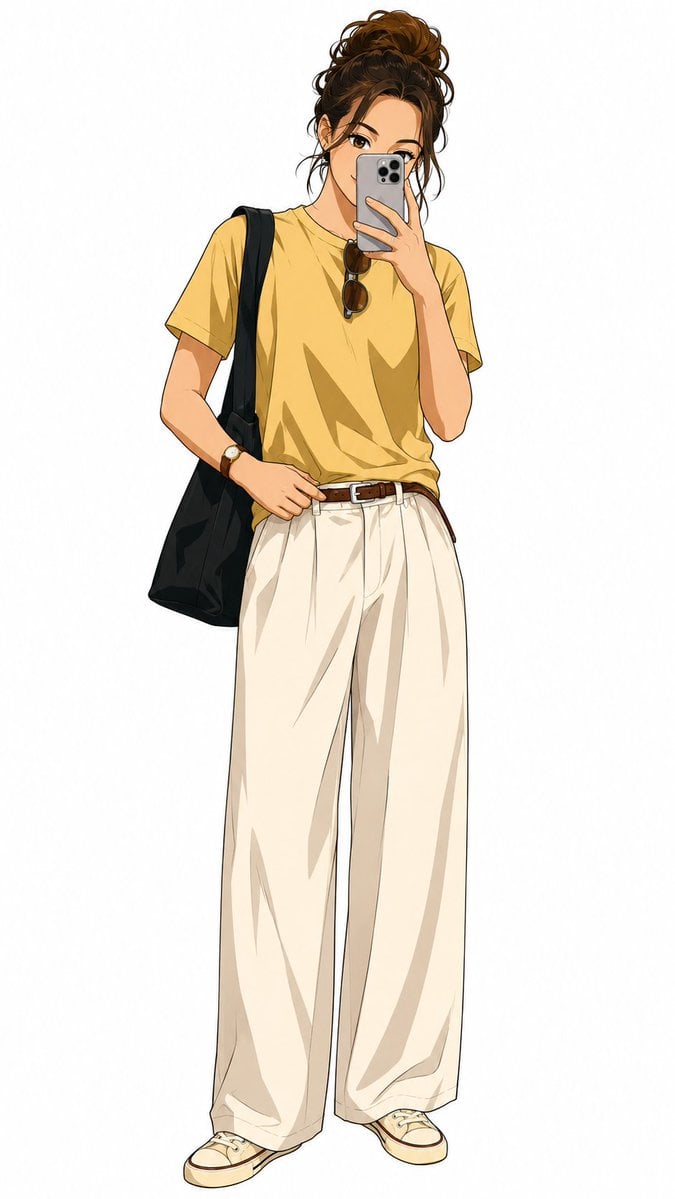
Demon Slayer Anime Character Portrait
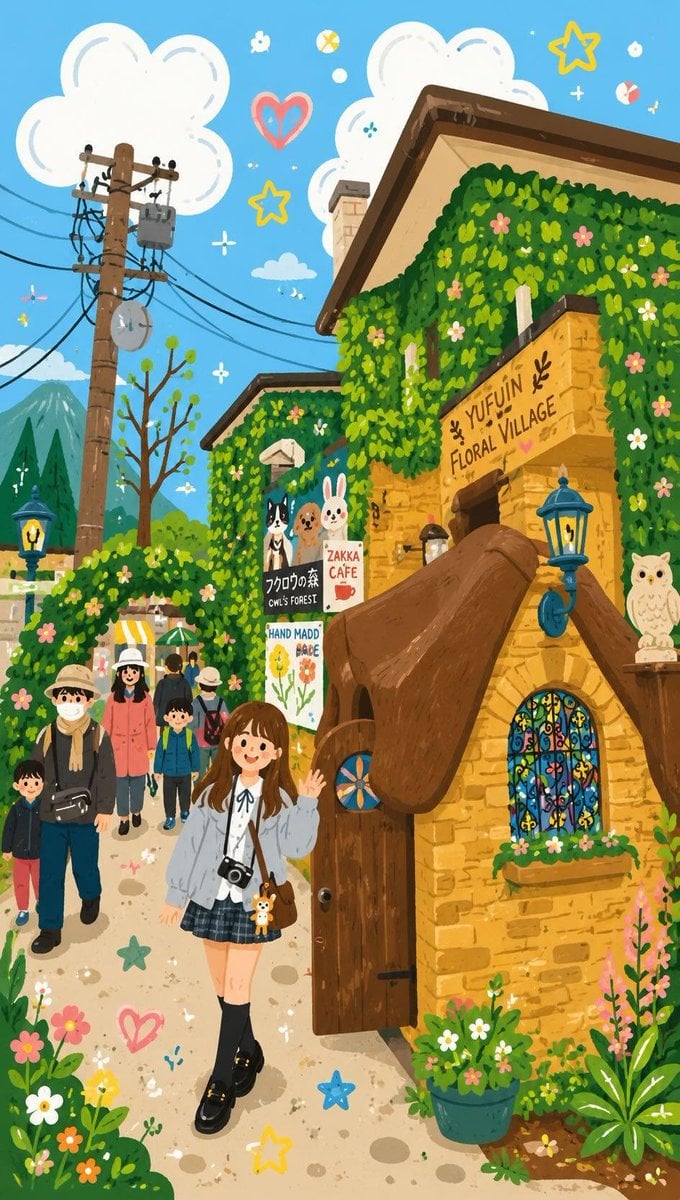
Decorative Folk Flat Illustration
Browse template categories
Split-Screen Surreal Printmaking Design questions
How do I use the Split-Screen Surreal Printmaking Design template?
Add your photo if the template asks for one, edit the prompt if you like — the template's model and format are already selected — and press Generate. Your version opens in PicX Studio.
Can I customize the Split-Screen Surreal Printmaking Design template?
Yes. You can change the subject, setting, lighting, mood, format, and available model controls before creating your image.
Is the Split-Screen Surreal Printmaking Design template free?
Opening and editing this template is free. Generating uses credits, shown on the Generate button when you are signed in.
Which AI model should I use?
Start with GPT Image 2, which is the model associated with this template. You can compare another compatible model for a different finish.
Looking for something else? Browse all templates.

Your photo, any look
Thousands of ready templates for every top image and video model, from one credit balance.