
Anime Split-Screen Sword Confrontation
A cinematic anime fantasy-versus-sci-fi battle scene with a white-haired armored sword wielder facing a suited rival on a futuristic aircraft.
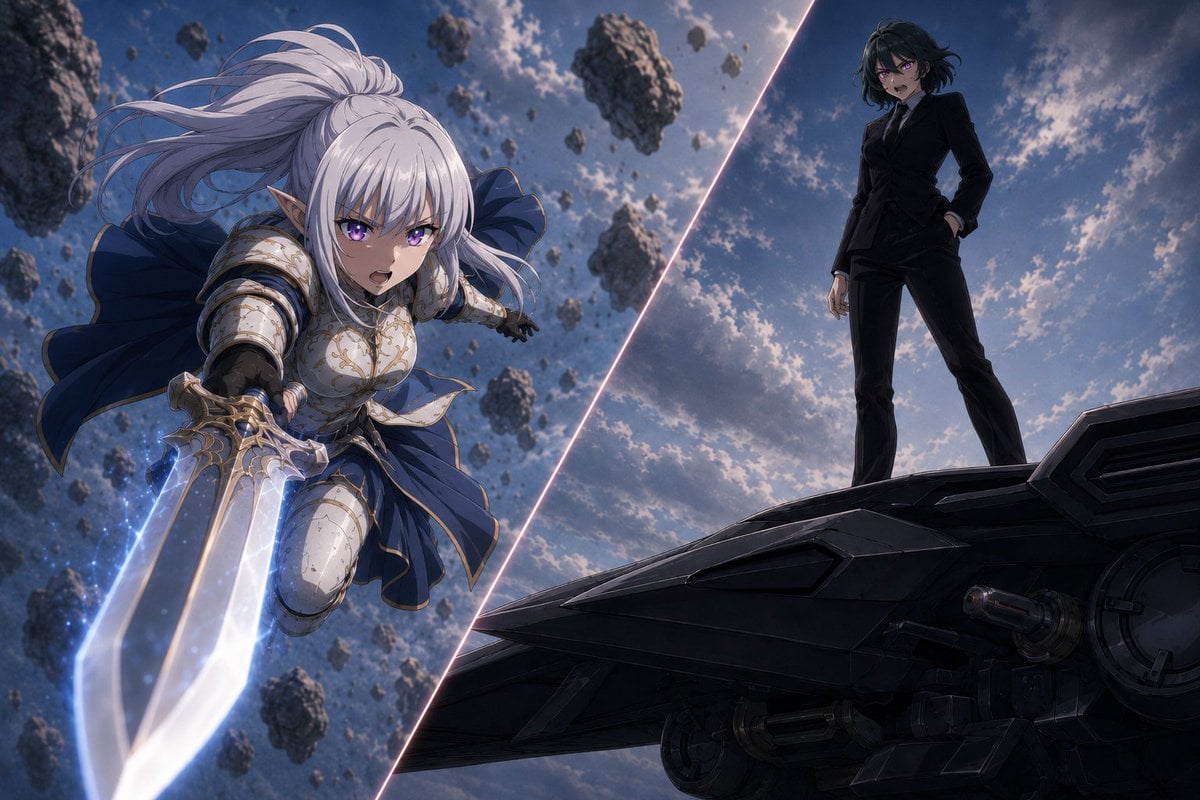
- Prompt included
- Model and format preset
- Premium template
The prompt behind this image
Copy the exact prompt behind Anime Split-Screen Sword Confrontation, or open it in the studio and make it yours.
Create a dramatic anime-style split-screen confrontation illustration. The canvas is a wide 3:2 cinematic frame, divided by one glowing diagonal slash of pale pink-white light running from near the lower center to the upper right, separating two opposing scenes. On the left side, show {argument name="warrior character" default="a white-haired elf-like female knight"} lunging forward through the air in a dynamic foreshortened pose, face obscured by a soft square blur, with long flowing silver-white hair, pointed ears, ornate white and gold plate armor, dark underlayers, and a deep navy cape billowing behind her. She grips one oversized fantasy sword with both hands, thrusting it toward the viewer; the sword has a broad translucent glowing blade with blue-white energy, sparkling particles, and metallic gold detailing on the hilt. Surround her with many floating asteroid fragments of varying sizes in a stormy sky, emphasizing motion and impact. On the right side, show {argument name="rival character" default="a dark-haired woman in a black tailored suit"} standing confidently on the edge of a large black futuristic aircraft or spaceship hull, face also obscured by a soft square blur, one hand in her pocket and the other relaxed at her side, legs apart in a dominant stance. The spaceship surface should be angular, matte black, industrial, and highly detailed with panels, vents, circular mechanisms, and underside machinery visible. The background on both sides is a moody blue-gray sky with scattered clouds, backlit sunlight, and a cinematic high-contrast atmosphere. Use an AI-anime illustration look with polished digital painting, detailed armor highlights, dramatic lighting, depth of field, motion blur, and epic fantasy-versus-sci-fi mood. Visible count: 2 main characters, 1 glowing diagonal divider, 1 giant glowing sword, 1 large spaceship platform, and numerous floating rock fragments; do not add text, logos, captions, borders, or extra characters.
How to use Anime Split-Screen Sword Confrontation in 3 steps
- 1Upload ImagePNG, JPG or paste
Add your photo
Upload the photo the template builds on. The prompt, model and format are already set.
- 2…a portrait of your subject in softgolden-hour light, 85mm…
Personalize
Edit the subject and creative details for your destination.
- 3Generate
Generate
Press Generate — your image is created in PicX Studio, so you can compare it with the original and refine one variable at a time.
More like this
Templates with the same subject, style or setup. Open one to see its prompt.
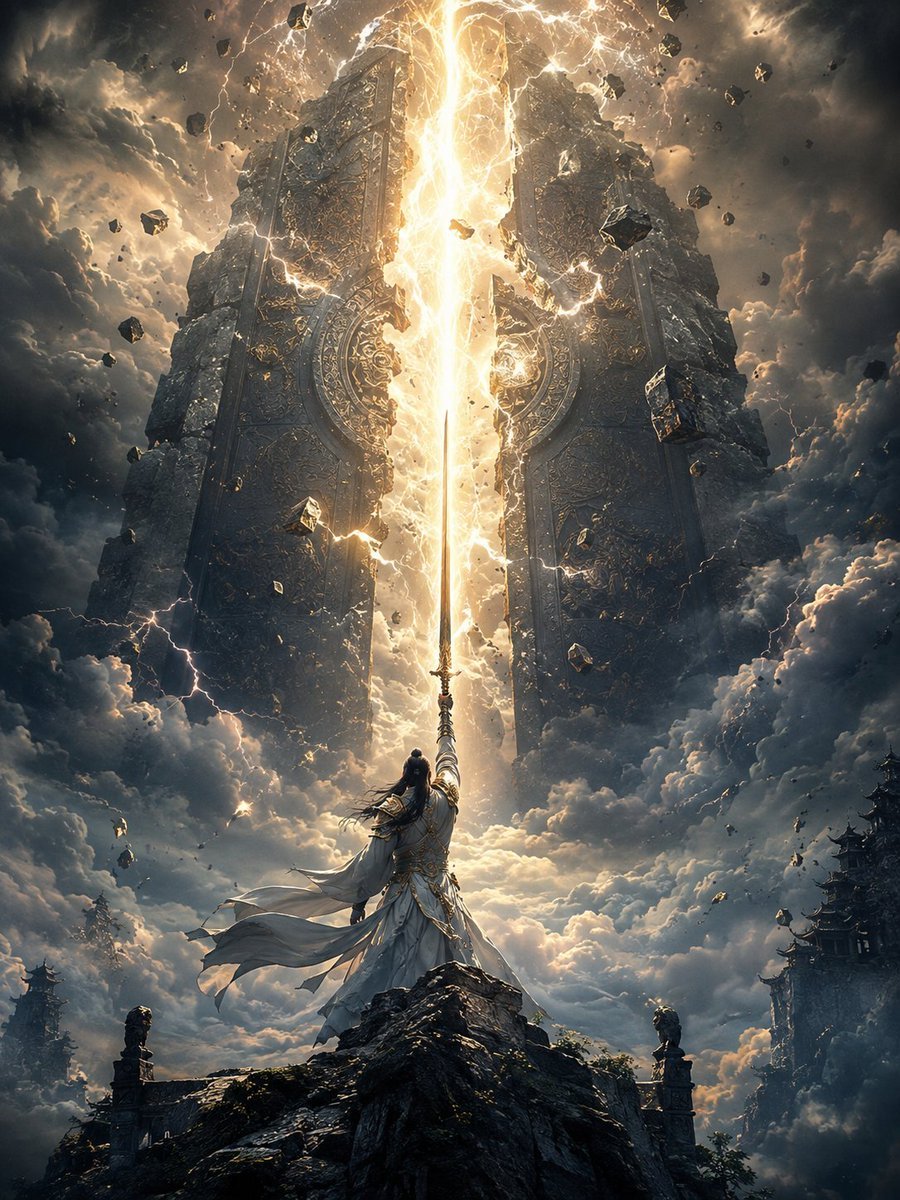
Heaven-Splitting Xianxia Swordsman
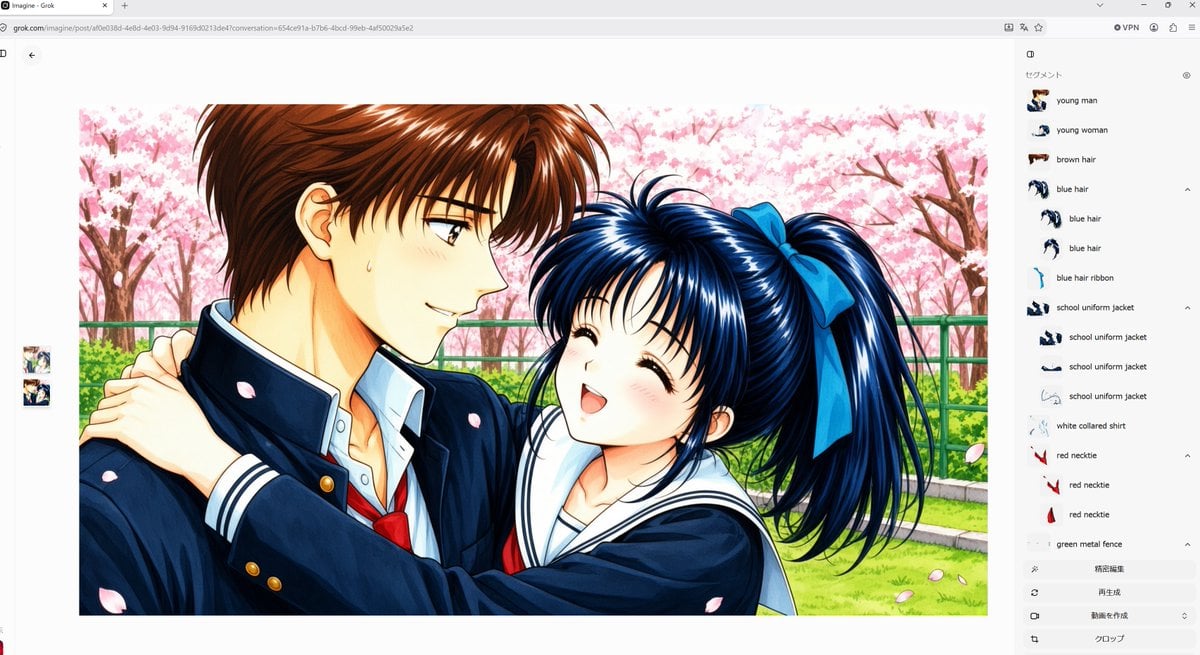
Anime Couple Segmentation UI Screenshot
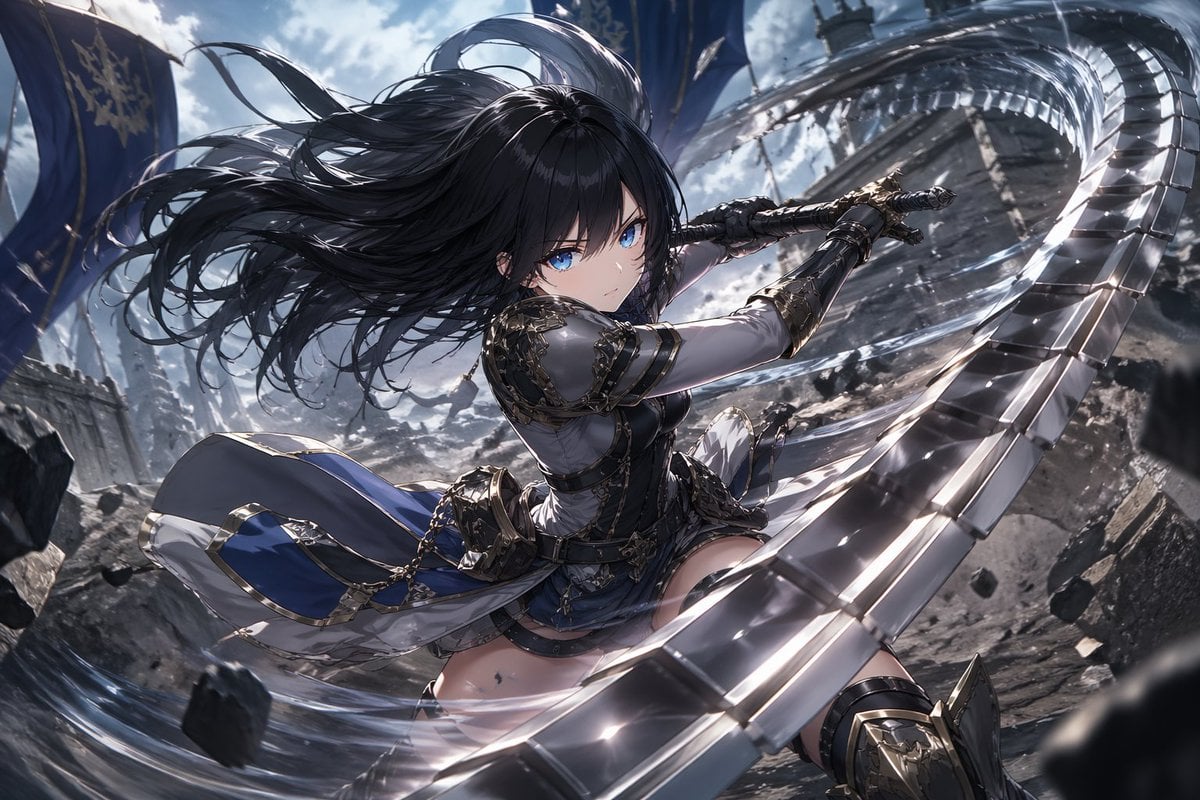
Anime Warrior With Whip Sword
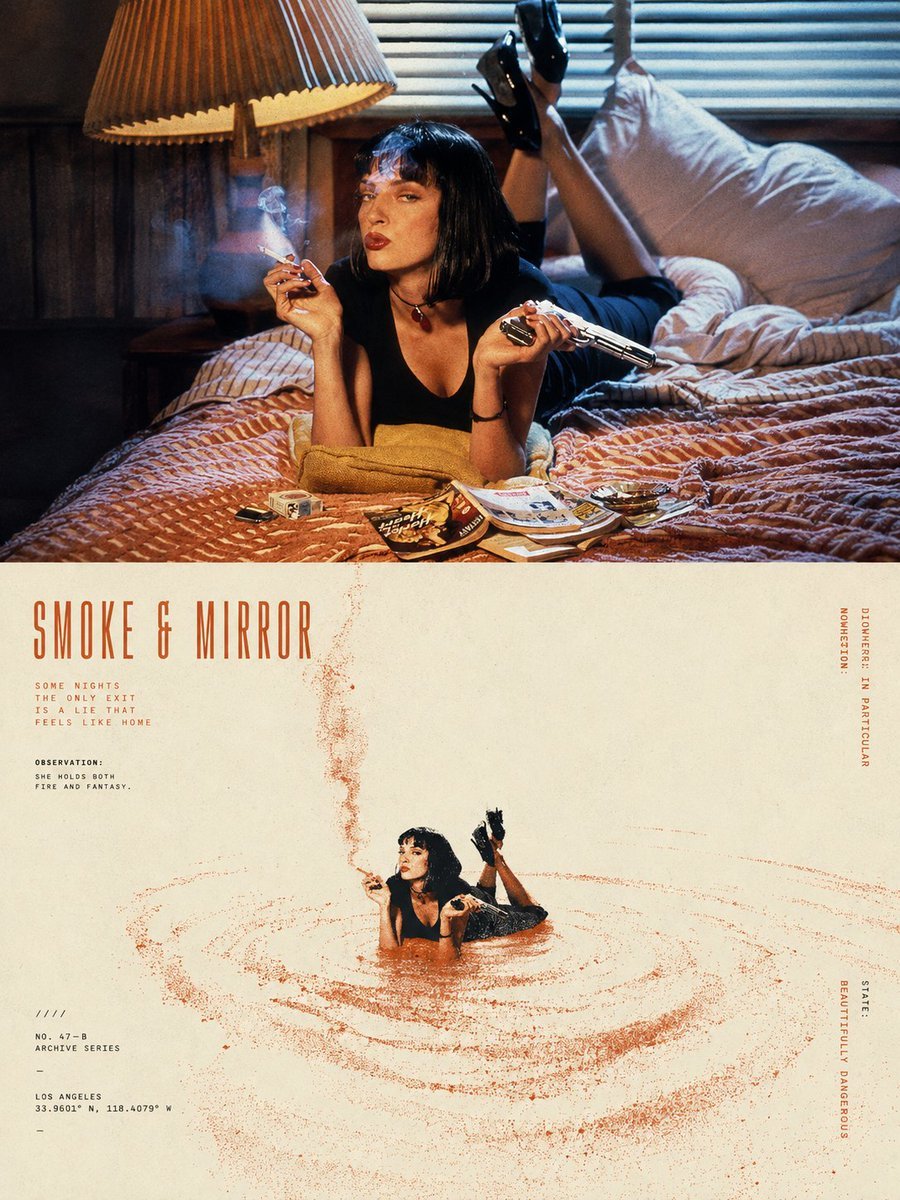
Split-Screen Surreal Printmaking Design
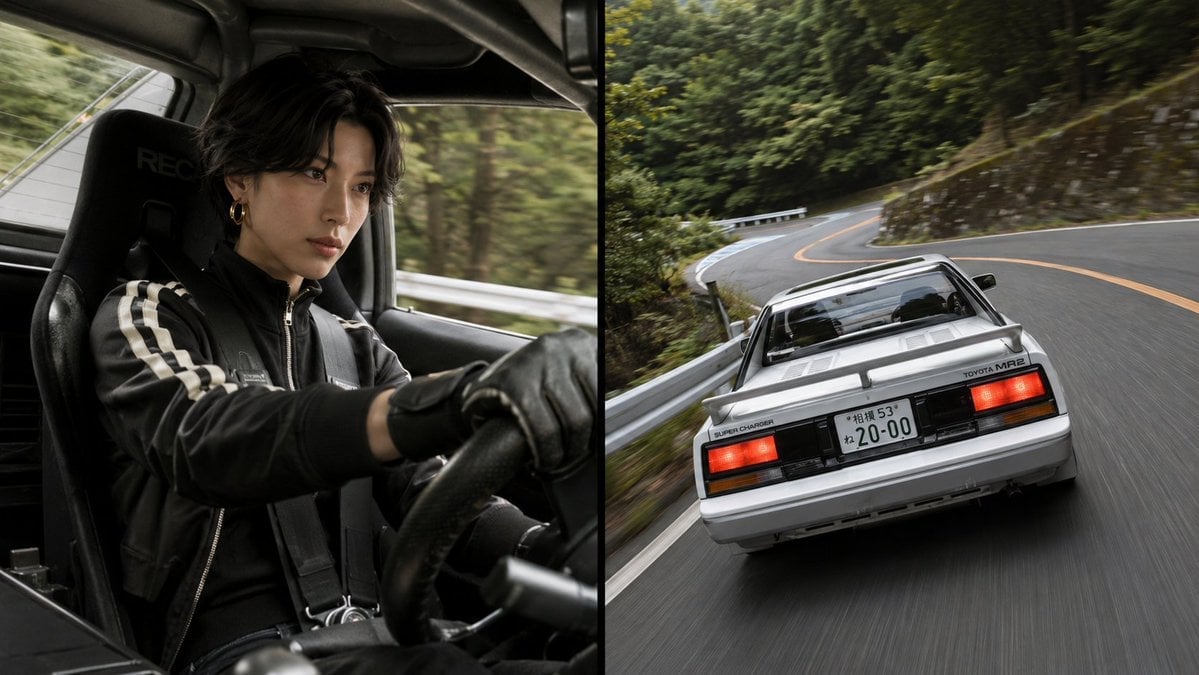
Split-Screen MR2 Touge Drive
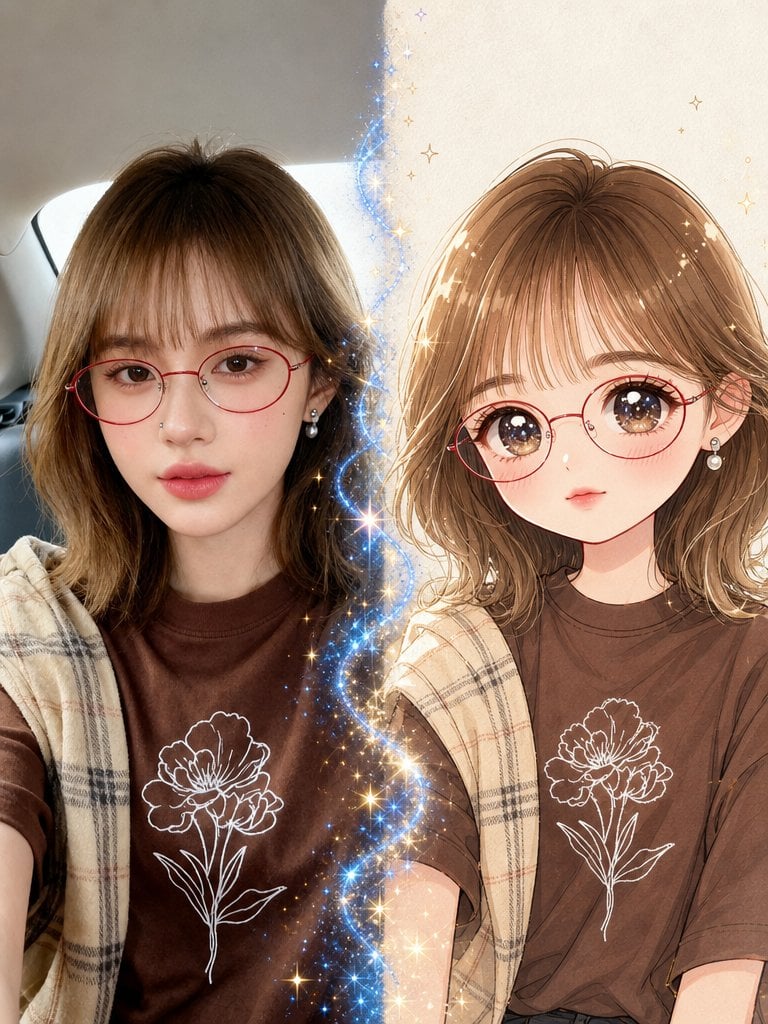
Real Photo to Anime Soul Split Portrait
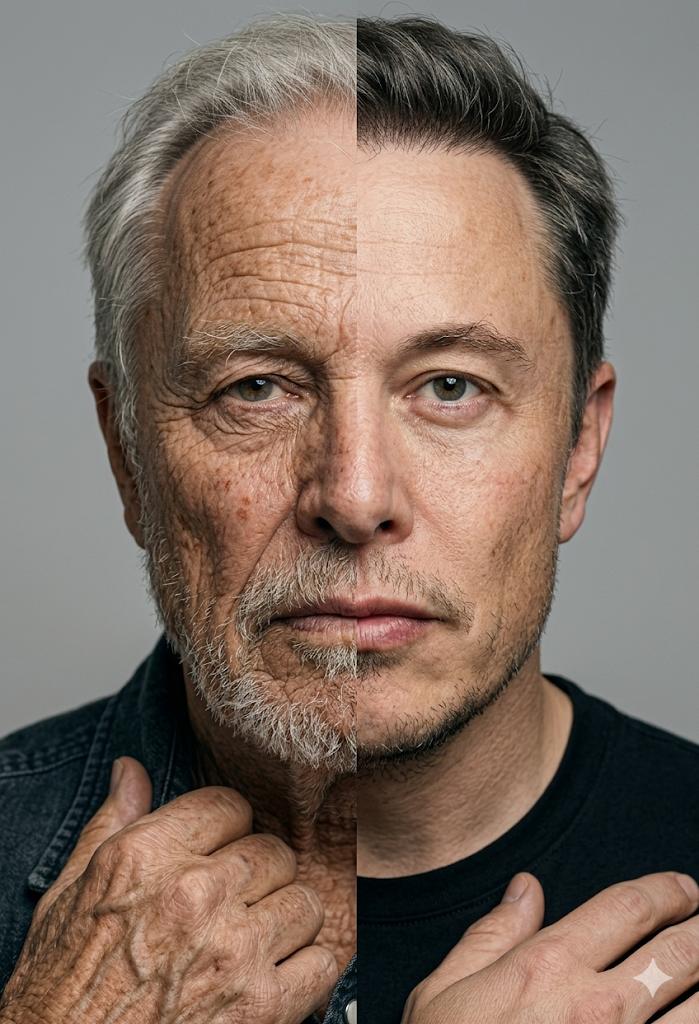
Split Screen Aging Effect
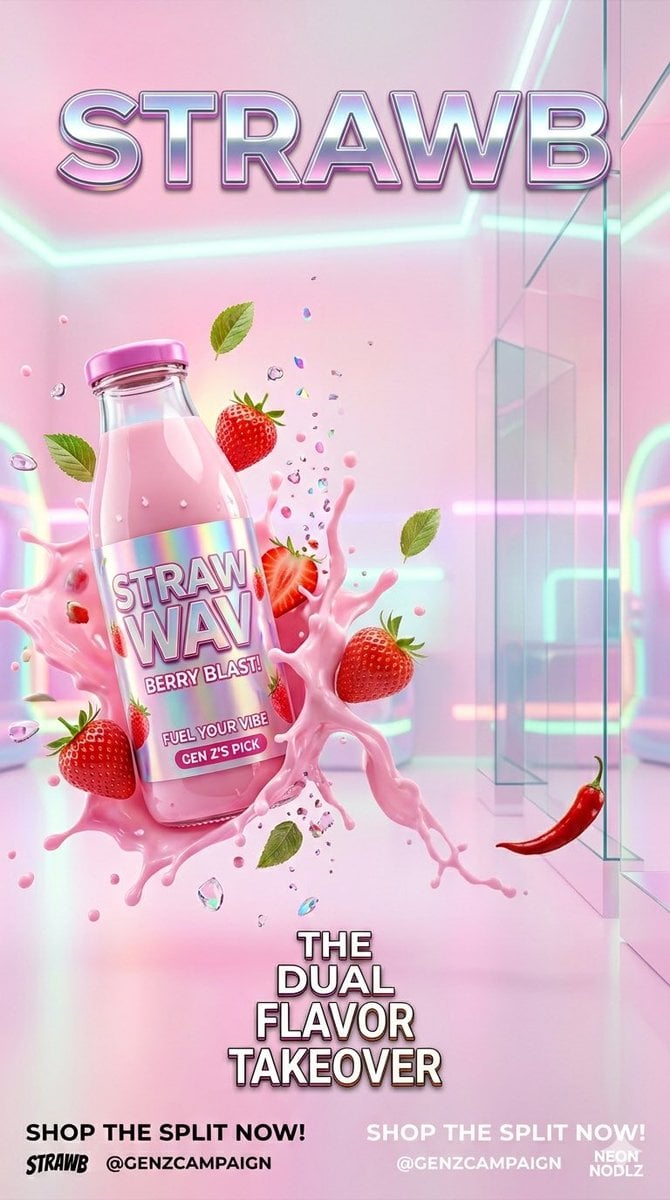
Gen Z Split Screen Advertising Poster

Cel 2D Finale Fireworks

Cel 2D Garden Maze

Cel 2D Rooftop Concert

Cel 2D Bicycle Coast
Make it yours
Anime Split-Screen Sword Confrontation works as-is. These are the safest ways to change it without losing the look.
Change one field
Copy a single group, rewrite it, and generate again so you can see what that field is doing.
Keep the frame, change the subject
Hold the composition and light of Anime Split-Screen Sword Confrontation, then swap wardrobe, props or the person for a new take.
| If the result… | Why | Fix |
|---|---|---|
| The result drifts from the preview | Too many fields changed at once. | Reuse Anime Split-Screen Sword Confrontation as-is first, then change one group — subject, light, or setting. |
| The model over-stylizes the scene | The prose prompt leaves finish and camera underspecified. | Add one camera or lighting sentence and stay on GPT Image 2. |
More GPT Image 2 templates
Other prompts made for GPT Image 2.

Six VTuber Japanese Logo Sheet

Realistic Portrait of Woman and Deer

The Vista Modular Condo Poster

AI Model Routing Comparison Infographic

2.5D Anime Art Board

Isometric Productivity Desk Scene

New York Double Exposure Poster

Four-Panel AI Landscape Comparison

Japanese Tatami Lifestyle Magazine Cover

NESCAFÉ Coffee Map Poster
More image prompts
Fresh picks from across the catalog.
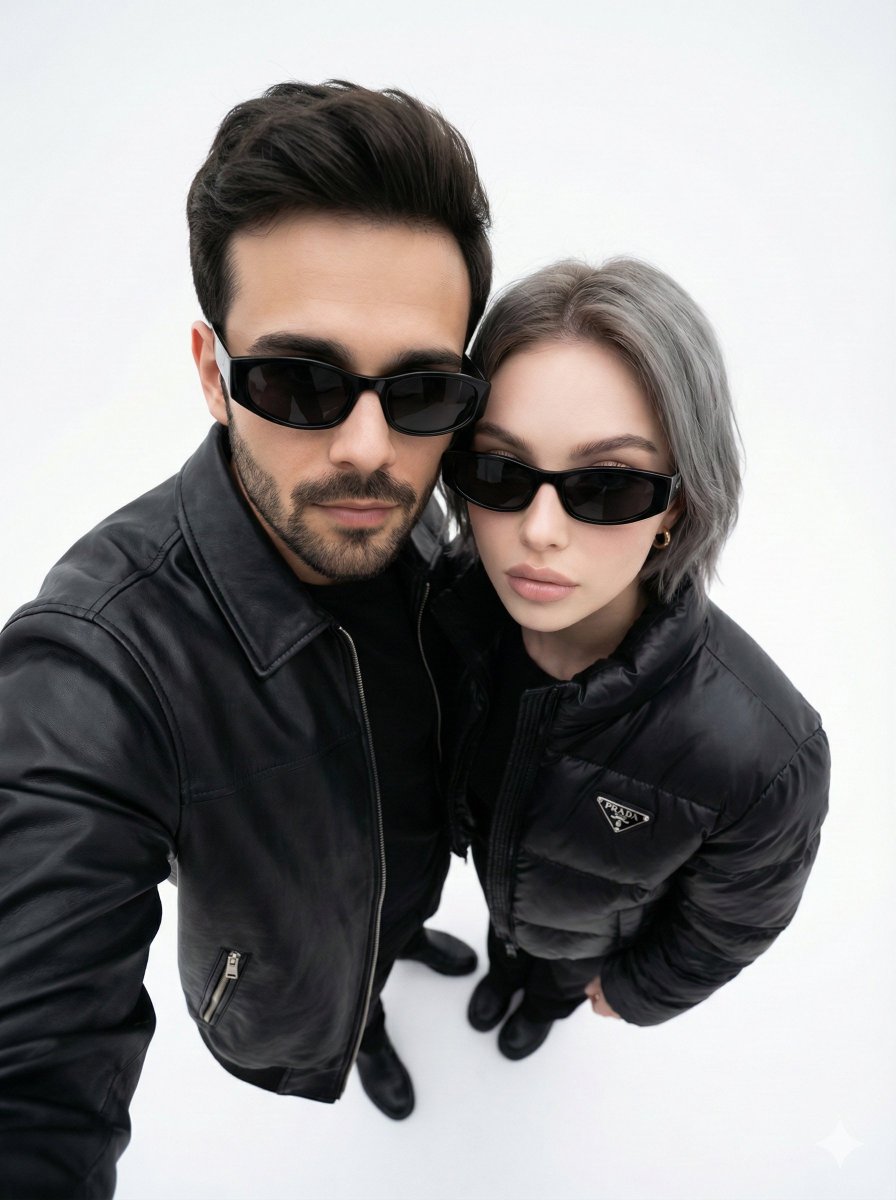
Minimalist Fashion Editorial Selfie Prompt
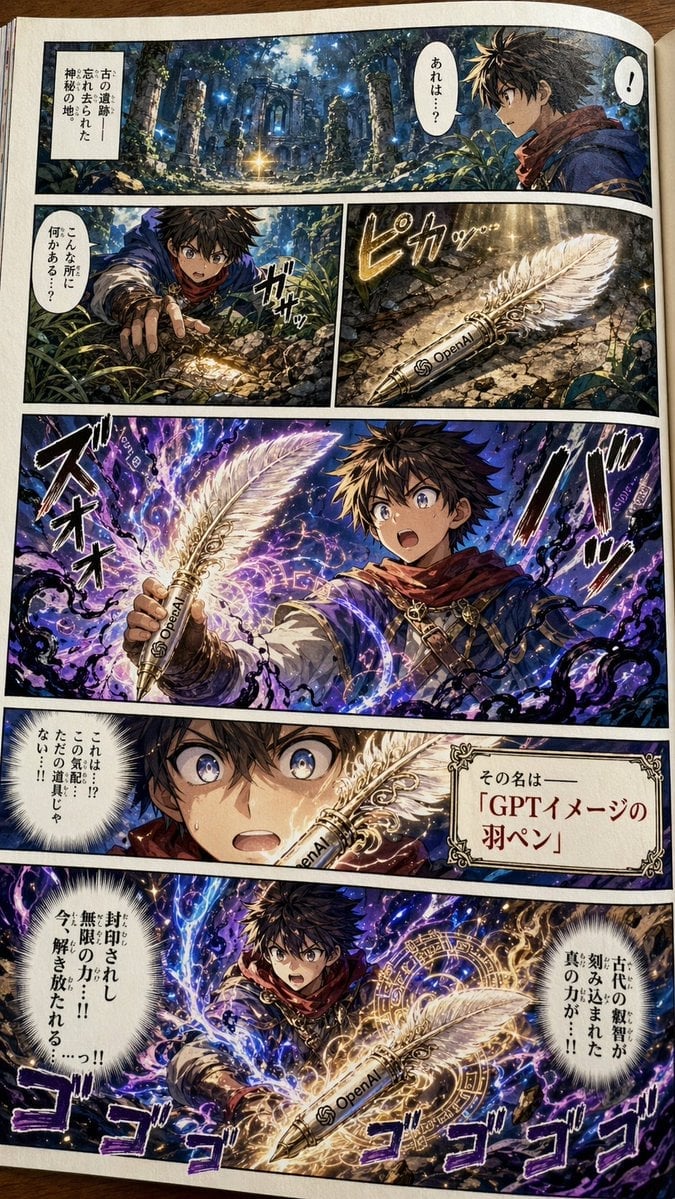
Japanese Shonen Manga Page
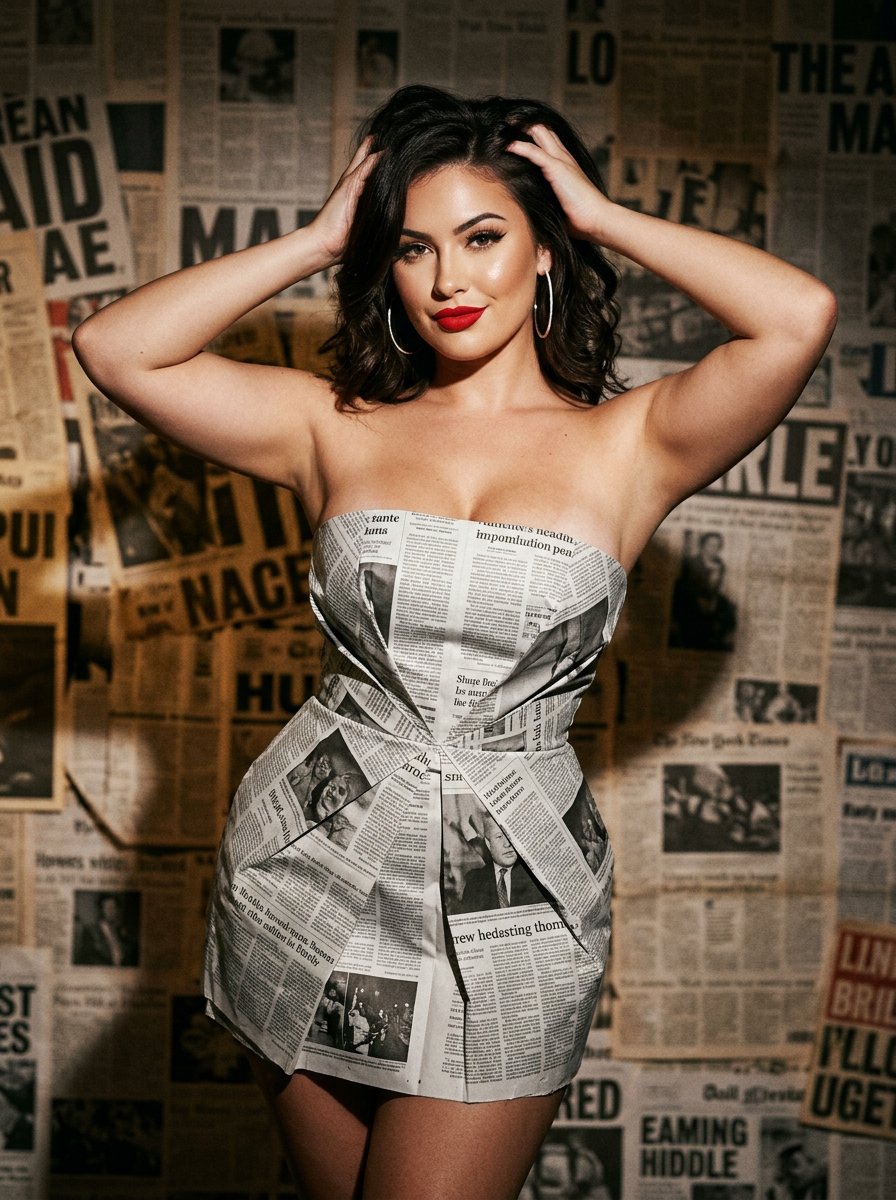
newspaper
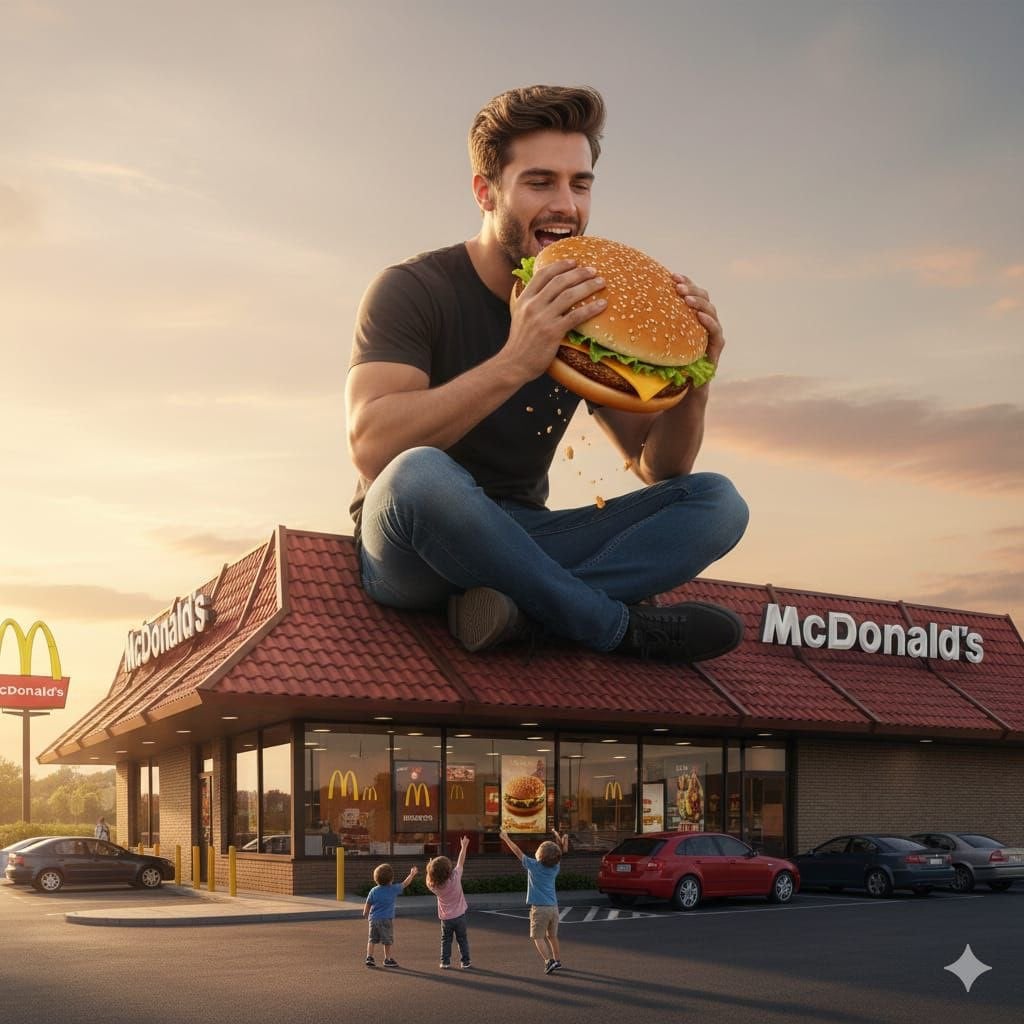
Surreal advertising scene of a giant man eating a cheeseburger
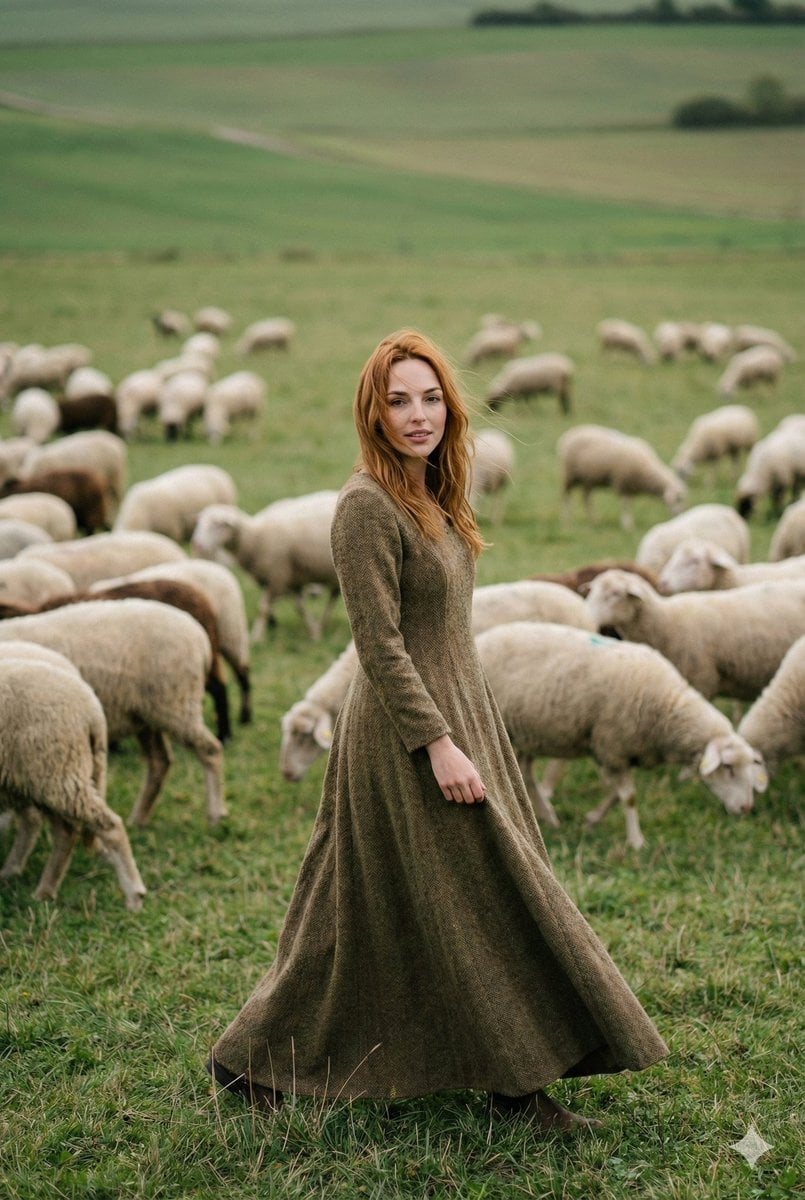
Fashion-Meets-Documentary Portrait in a Pastoral Setting
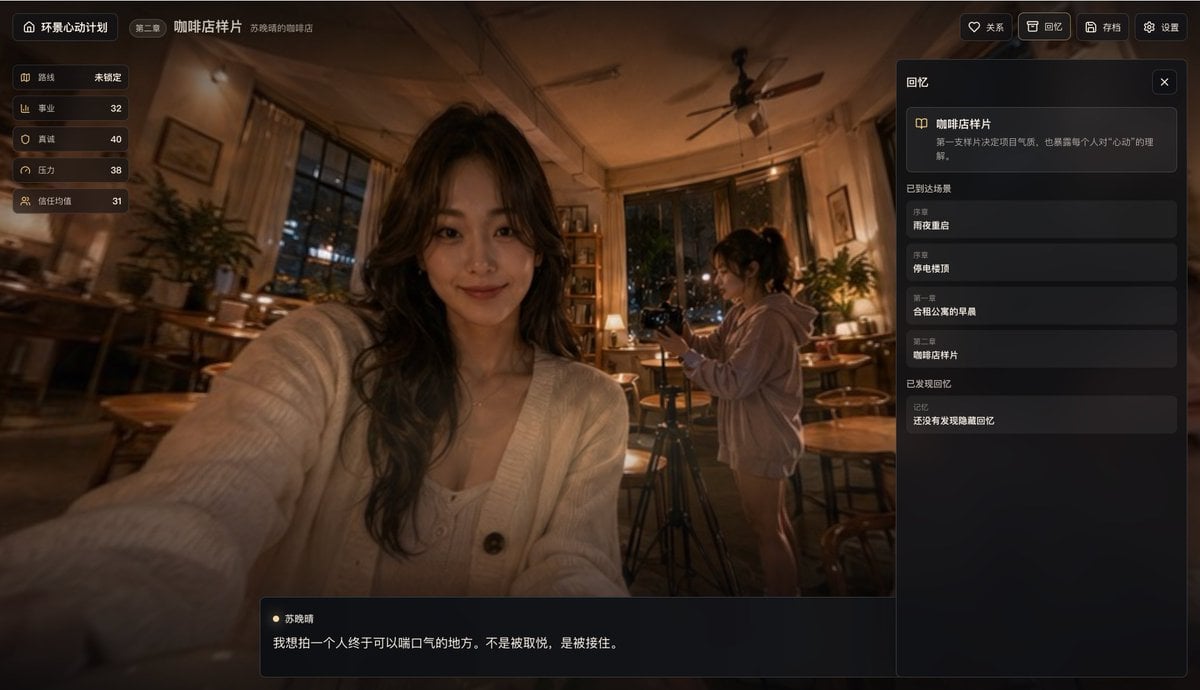
Cinematic Cafe Visual Novel UI
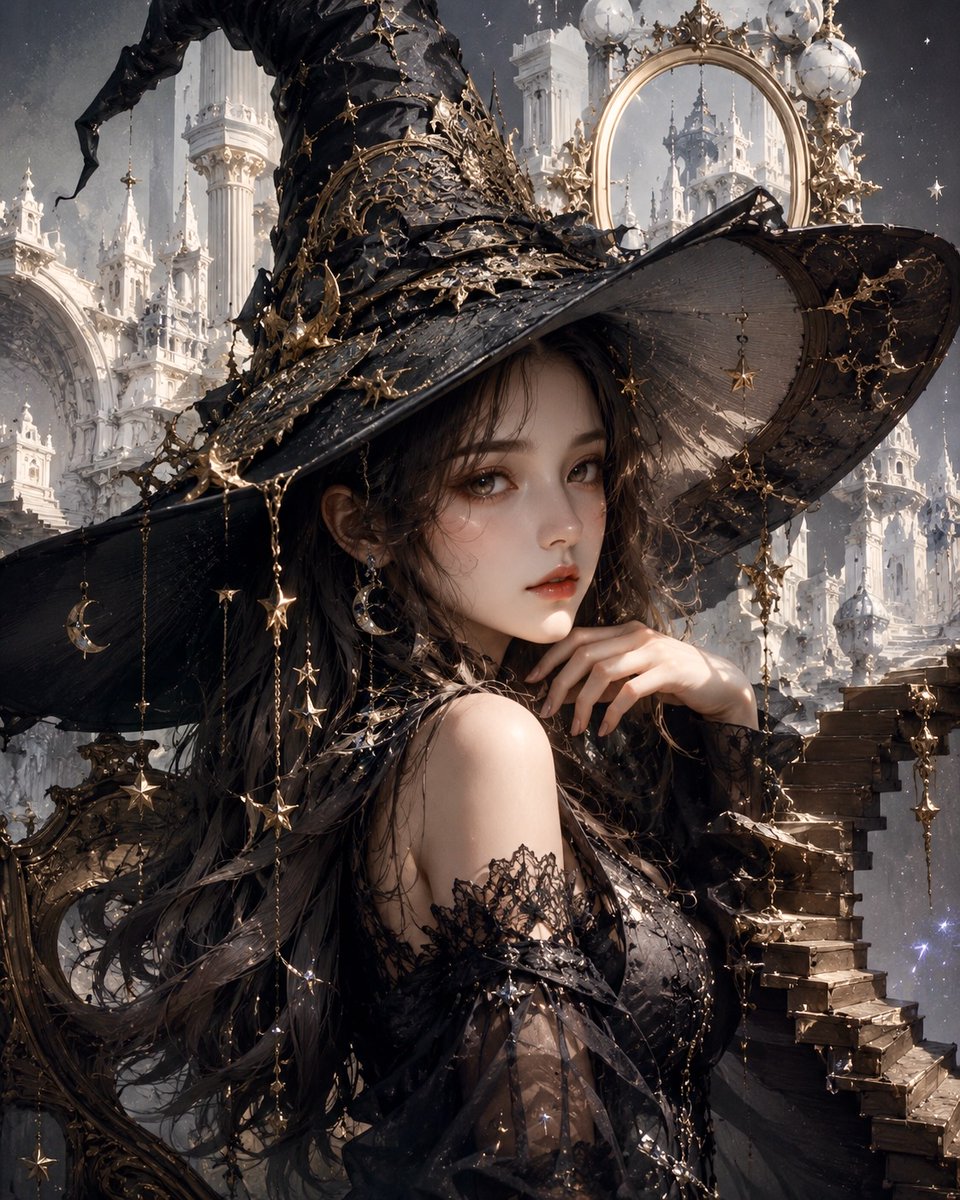
Celestial Gothic Witch Portrait
Structured Minimalist Winter Portrait Prompt
Cozy Realism Rainy Day Portrait Prompt
Korean Fashion Anime Editorial
Browse template categories
Anime Split-Screen Sword Confrontation questions
How do I use the Anime Split-Screen Sword Confrontation template?
Add your photo if the template asks for one, edit the prompt if you like — the template's model and format are already selected — and press Generate. Your version opens in PicX Studio.
Can I customize the Anime Split-Screen Sword Confrontation template?
Yes. You can change the subject, setting, lighting, mood, format, and available model controls before creating your image.
Is the Anime Split-Screen Sword Confrontation template free?
Opening and editing this template is free. Generating uses credits, shown on the Generate button when you are signed in.
Which AI model should I use?
Start with GPT Image 2, which is the model associated with this template. You can compare another compatible model for a different finish.
Looking for something else? Browse all templates.

Your photo, any look
Thousands of ready templates for every top image and video model, from one credit balance.