
Real Photo to Anime Soul Split Portrait
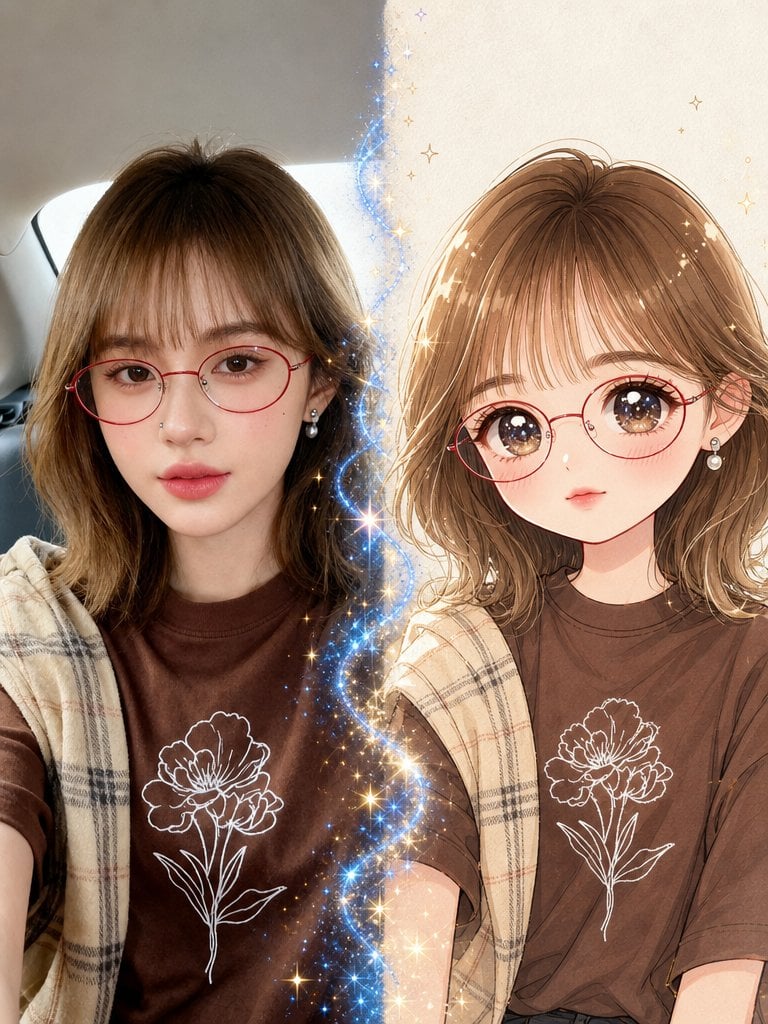
Generates a vertical split-screen portrait where a realistic selfie transforms into a matching magical shoujo anime character.
- Prompt included
- Model and format preset
- Free template
The prompt behind this image
Copy the exact prompt behind Real Photo to Anime Soul Split Portrait, or open it in the studio and make it yours.
Create a vertical cinematic 1x2 split-screen portrait showing a magical transformation from realism into anime. Canvas: 3:4 vertical image, left half realistic photo style, right half polished shoujo anime illustration, divided by a glowing wavy vertical ribbon of blue-white magic with many golden sparkles and tiny star bursts. Left side: a young woman taking a casual selfie inside a car, soft natural daylight, rear car window and gray interior visible behind her. She has {argument name="hair color" default="light brown shoulder-length wavy hair with airy bangs"}, large natural brown eyes, smooth fair skin, soft pink lips, a tiny nose piercing, red round wire-frame glasses, and pearl drop earrings. She wears a {argument name="shirt color" default="dark chocolate-brown T-shirt"} with a white line-art flower printed on the chest, plus a beige plaid shawl or scarf draped over her shoulders. Right side: transform the same woman into a cute anime version with matching hairstyle, red round glasses, pearl earrings, brown eyes enlarged with starry highlights, delicate blush, small lips, soft face shape, and the same brown flower-print shirt and beige plaid shawl. Background on the anime side is warm cream parchment with subtle texture and small gold stars. Style: left side must look like a real photograph with realistic skin, hair, lens perspective, and car lighting; right side must look like a high-quality romantic anime portrait with clean linework, glossy eyes, warm shading, and soft watercolor-like highlights. The magical divider should contain exactly 1 continuous blue sparkling energy stream running vertically between the two halves, with many tiny golden and blue star particles radiating outward. Mood: enchanting, cute, cinematic, "what if your photo had an anime soul" transformation. Constraints: keep the two versions aligned at similar head height and pose, preserve the outfit details and red glasses on both sides, no text, no watermark, no extra people.
How to use Real Photo to Anime Soul Split Portrait in 3 steps
- 1Upload ImagePNG, JPG or paste
Add your photo
Upload the photo the template builds on. The prompt, model and format are already set.
- 2…a portrait of your subject in softgolden-hour light, 85mm…
Personalize
Edit the subject and creative details for your destination.
- 3Generate
Generate
Press Generate — your image is created in PicX Studio, so you can compare it with the original and refine one variable at a time.
More like this
Templates with the same subject, style or setup. Open one to see its prompt.

Hyper-Realistic Minecraft POV Portrait
Surreal Resin-Split Portrait

Ultra Realistic Commercial Skincare Prod
Ultra Realistic Ai Influencer Generator

Comparing Realism Keywords in Midjourney

Cinema Date Popcorn Realistic By Nano Ba

Nano Banana Pro Photoreal Playful Couple

Found Photograph: Us, 1970

80s Couple Studio Portrait

80s Bollywood Star

80s Golden Hour Cinema

Me in 1985
Make it yours
Real Photo to Anime Soul Split Portrait works as-is. These are the safest ways to change it without losing the look.
Change one field
Copy a single group, rewrite it, and generate again so you can see what that field is doing.
Keep the frame, change the subject
Hold the composition and light of Real Photo to Anime Soul Split Portrait, then swap wardrobe, props or the person for a new take.
| If the result… | Why | Fix |
|---|---|---|
| The result drifts from the preview | Too many fields changed at once. | Reuse Real Photo to Anime Soul Split Portrait as-is first, then change one group — subject, light, or setting. |
| The model over-stylizes the scene | The prose prompt leaves finish and camera underspecified. | Add one camera or lighting sentence and stay on GPT Image 2. |
More GPT Image 2 templates
Other prompts made for GPT Image 2.

Six VTuber Japanese Logo Sheet

The Vista Modular Condo Poster

AI Model Routing Comparison Infographic

2.5D Anime Art Board

Isometric Productivity Desk Scene

New York Double Exposure Poster

Four-Panel AI Landscape Comparison

Japanese Tatami Lifestyle Magazine Cover

NESCAFÉ Coffee Map Poster

Brutalist Cogito Chinese Typography Poster
More image prompts
Fresh picks from across the catalog.
iPhone Aesthetic Prompt Generator Framework
Elegant Studio Portrait with Sparkling Top
Tweet Screenshot With Handwriting Match
Infographic about the Jackson Laboratory
Anime Idol Ad Truck in Japan
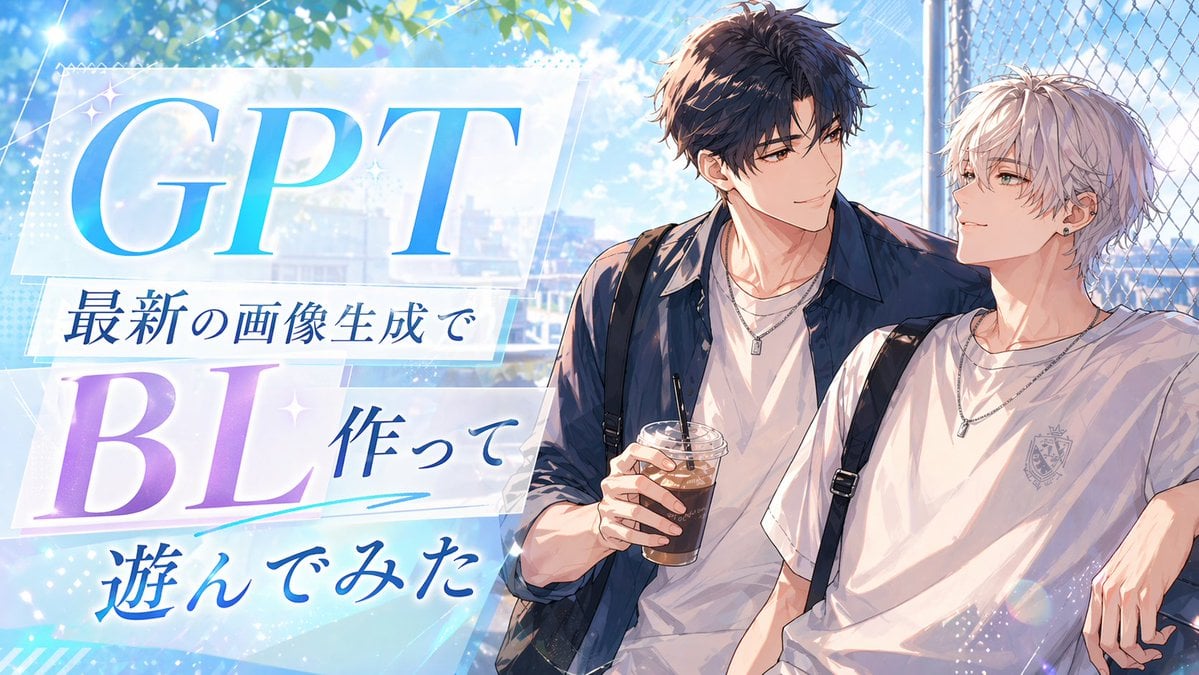
Anime BL Promo Thumbnail
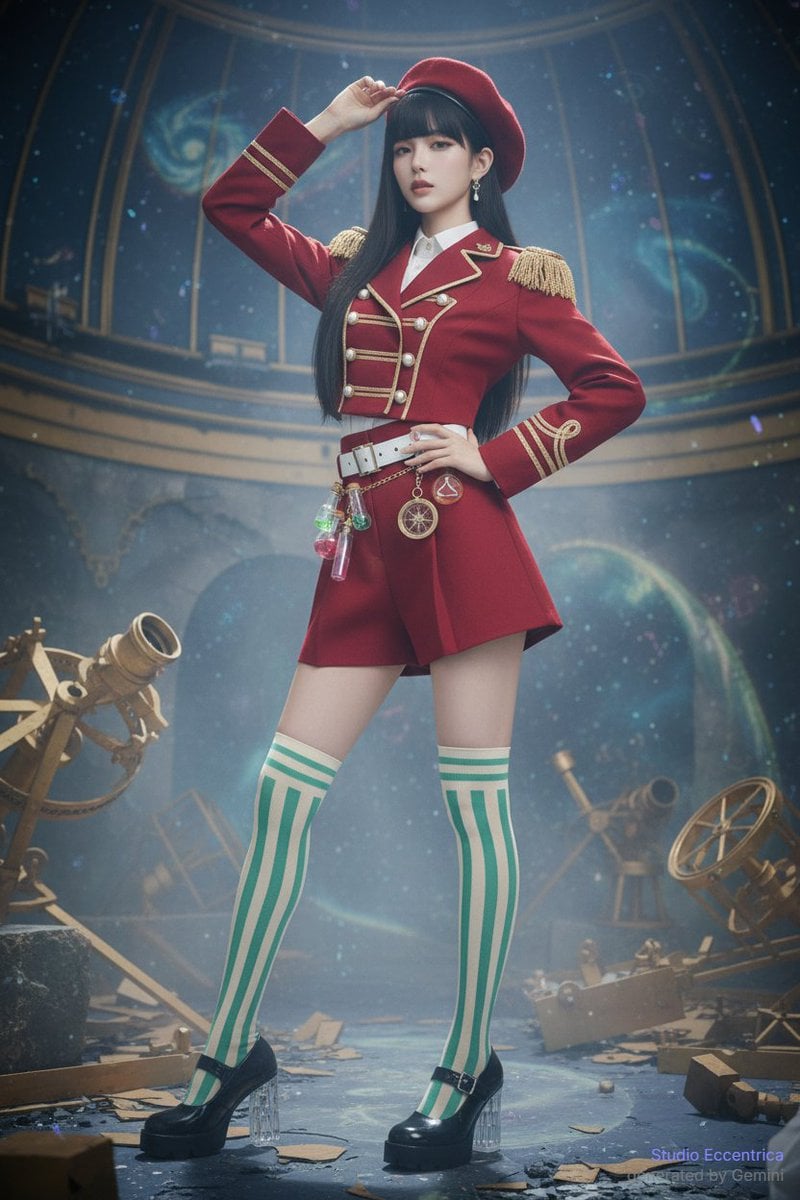
Sharing Reference Models and Outfit Prompts
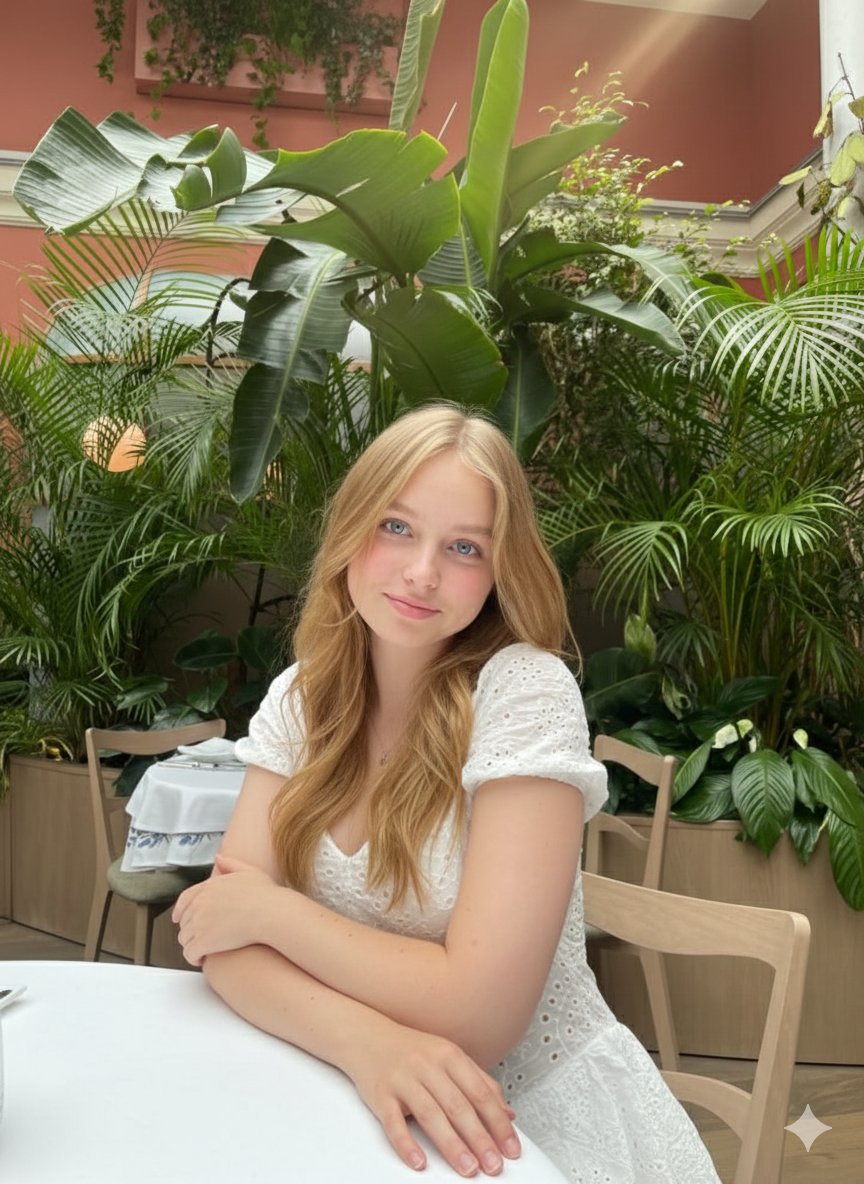
Cinematic Greenhouse Portrait at Golden Hour
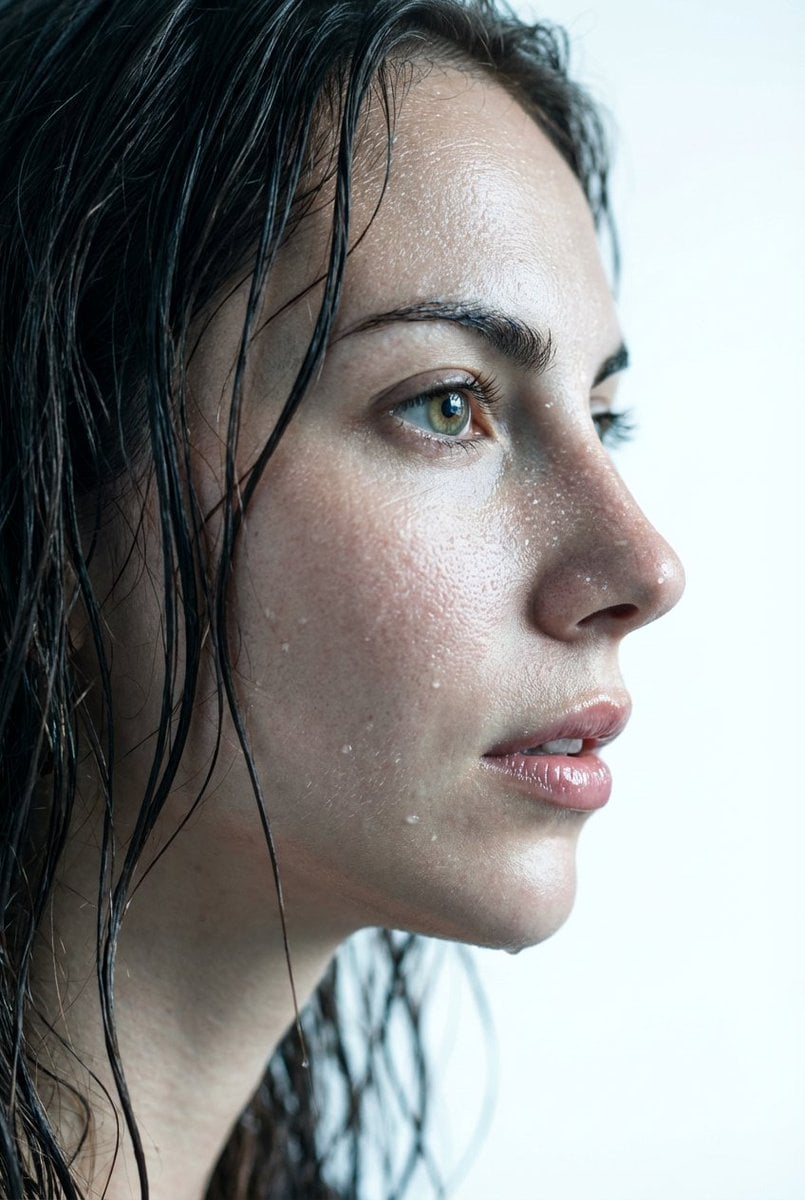
Hyper-Realistic Wet Skin Texture Prompt for Nano Banana Pro
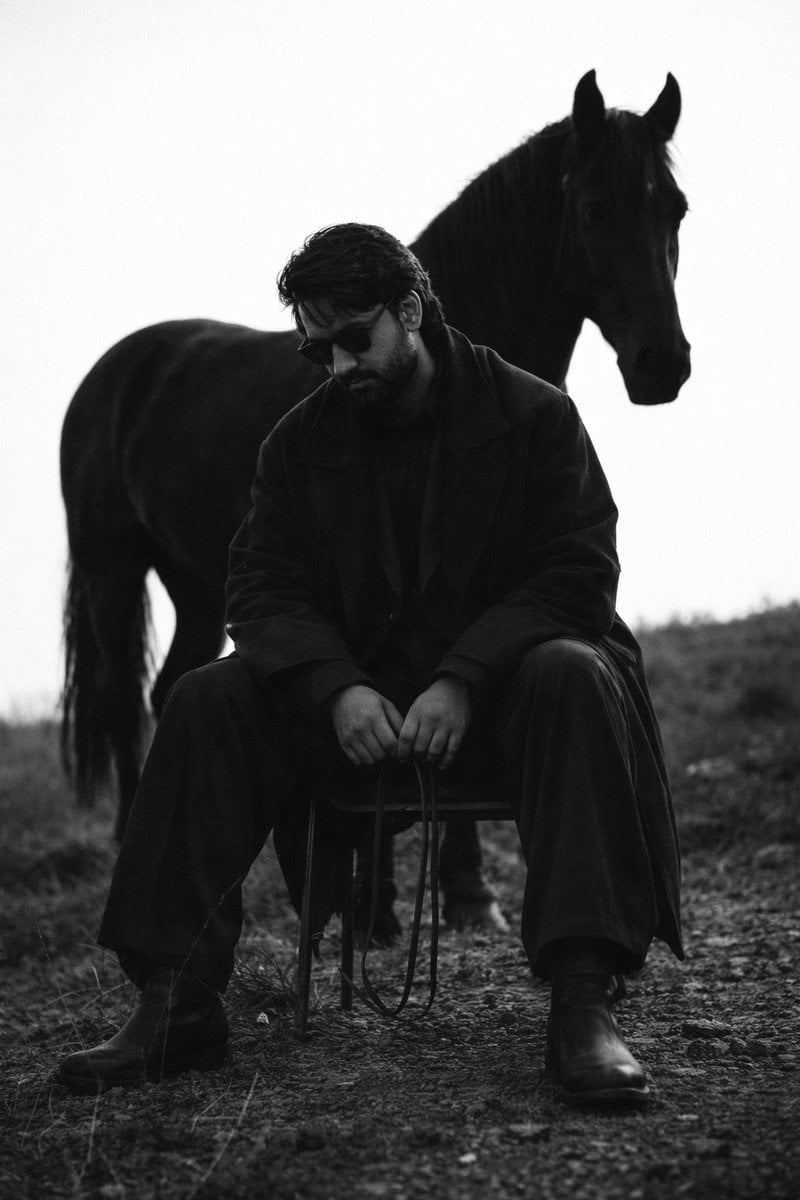
Cinematic Black and White Man and Horse Portrait
Browse template categories
Real Photo to Anime Soul Split Portrait questions
How do I use the Real Photo to Anime Soul Split Portrait template?
Add your photo if the template asks for one, edit the prompt if you like — the template's model and format are already selected — and press Generate. Your version opens in PicX Studio.
Can I customize the Real Photo to Anime Soul Split Portrait template?
Yes. You can change the subject, setting, lighting, mood, format, and available model controls before creating your image.
Is the Real Photo to Anime Soul Split Portrait template free?
Opening and editing this template is free. Generating uses credits, shown on the Generate button when you are signed in.
Which AI model should I use?
Start with GPT Image 2, which is the model associated with this template. You can compare another compatible model for a different finish.
Looking for something else? Browse all templates.

Your photo, any look
Thousands of ready templates for every top image and video model, from one credit balance.