
Ultra Realistic Commercial Skincare Prod
Ultra Realistic Commercial Skincare Prod is a ready photo look for Nano Banana.

- Prompt included
- Model and format preset
- Free template
The prompt behind this image
Copy the exact prompt behind Ultra Realistic Commercial Skincare Prod, or open it in the studio and make it yours.
Ultra-realistic commercial skincare product photography featuring a vibrant cobalt-blue squeeze tube labeled “Fresho – Fresho Ness Scrub” standing upright at the center of the frame. The tube has a glossy finish with clean white typography and a translucent flip-top cap, and it is placed on top of a matching blue product box that subtly displays the brand name on its side. The background is a seamless bright blue studio backdrop that enhances the monochromatic aesthetic.
How to use Ultra Realistic Commercial Skincare Prod in 3 steps
- 1
Open
The prompt is already in the box next to the preview, with the template's model and format selected.
- 2…a portrait of your subject in softgolden-hour light, 85mm…
Personalize
Edit the subject and creative details for your destination.
- 3Generate
Generate
Press Generate — your image is created in PicX Studio, so you can compare it with the original and refine one variable at a time.
More like this
Templates with the same subject, style or setup. Open one to see its prompt.












Make it yours
Ultra Realistic Commercial Skincare Prod works as-is. These are the safest ways to change it without losing the look.
Change one field
Copy a single group, rewrite it, and generate again so you can see what that field is doing.
Keep the frame, change the subject
Hold the composition and light of 94-ultra-realistic-commercial-skincare-prod, then swap wardrobe, props or the person for a new take.
| If the result… | Why | Fix |
|---|---|---|
| The result drifts from the preview | Too many fields changed at once. | Reuse 94-ultra-realistic-commercial-skincare-prod as-is first, then change one group — subject, light, or setting. |
| The model over-stylizes the scene | The prose prompt leaves finish and camera underspecified. | Add one camera or lighting sentence and stay on Nano Banana. |
More Nano Banana templates
Other prompts made for Nano Banana.










More image prompts
Fresh picks from across the catalog.
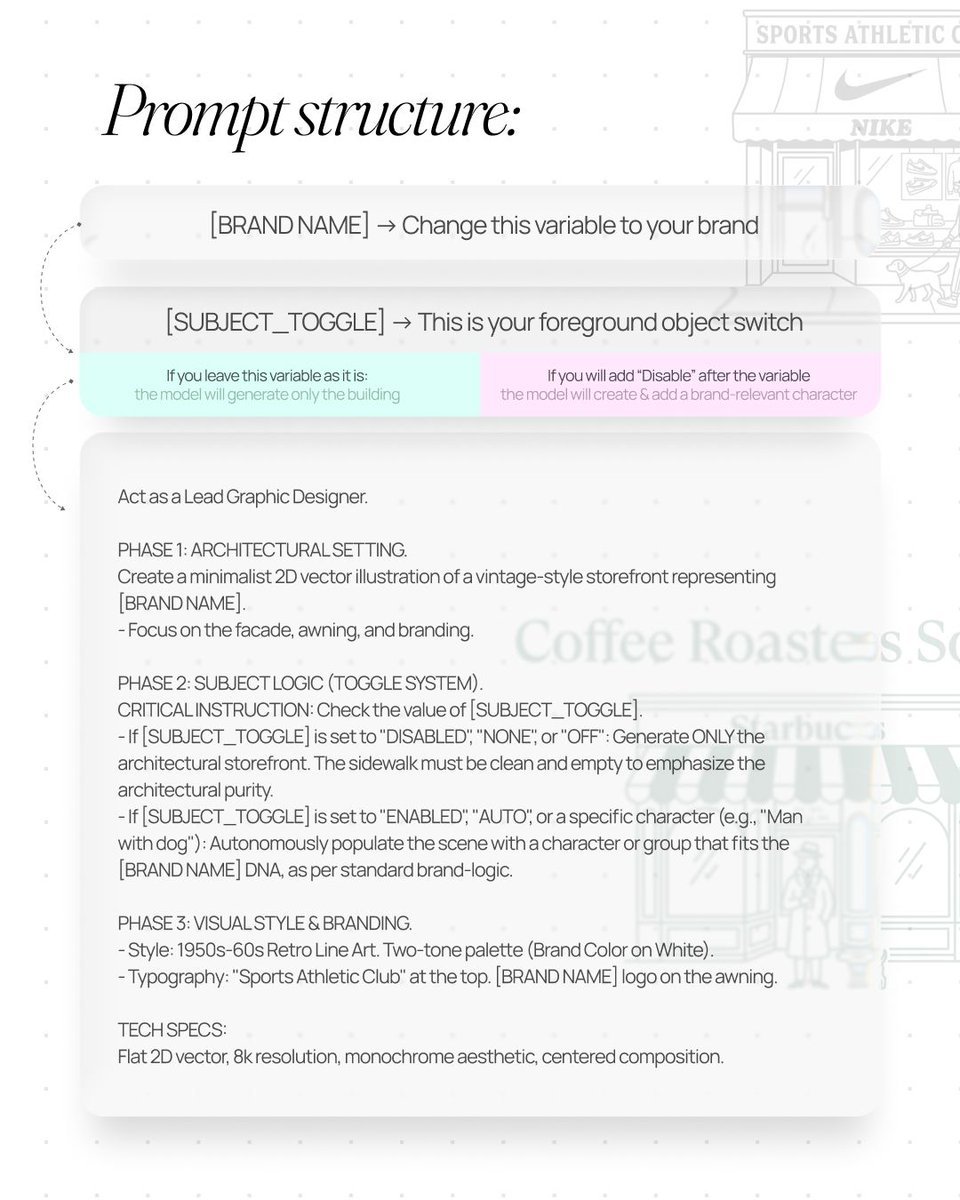
Retro Line Art Storefront Illustration Generator Template

Cozy Indoor Portrait
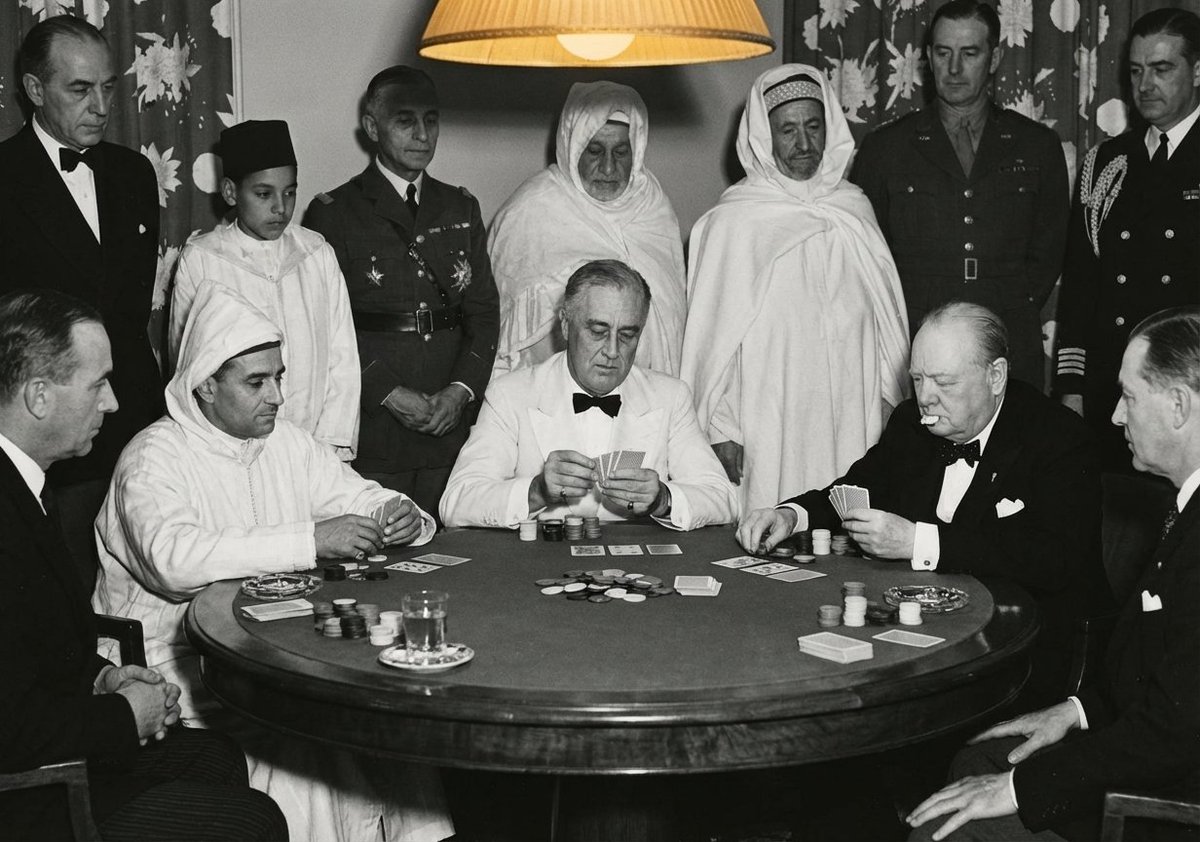
Leaders playing poker scene
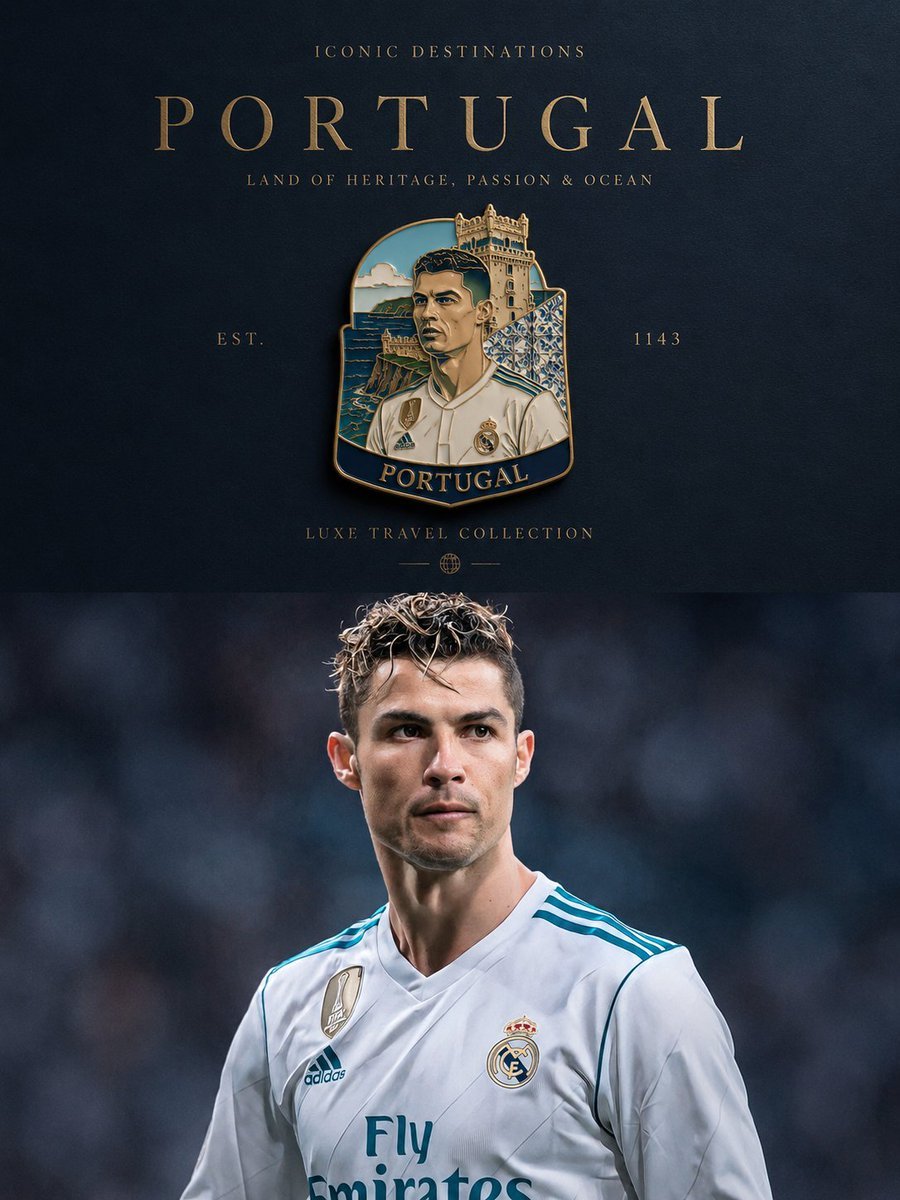
Luxury Travel Poster Transformation
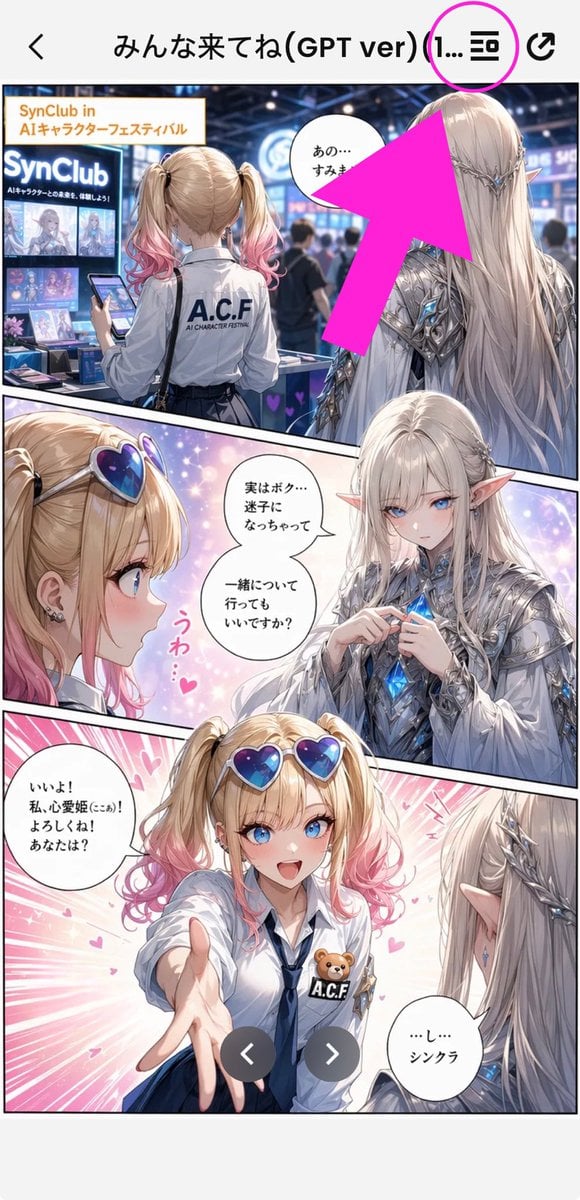
Annotated Manga App Screenshot
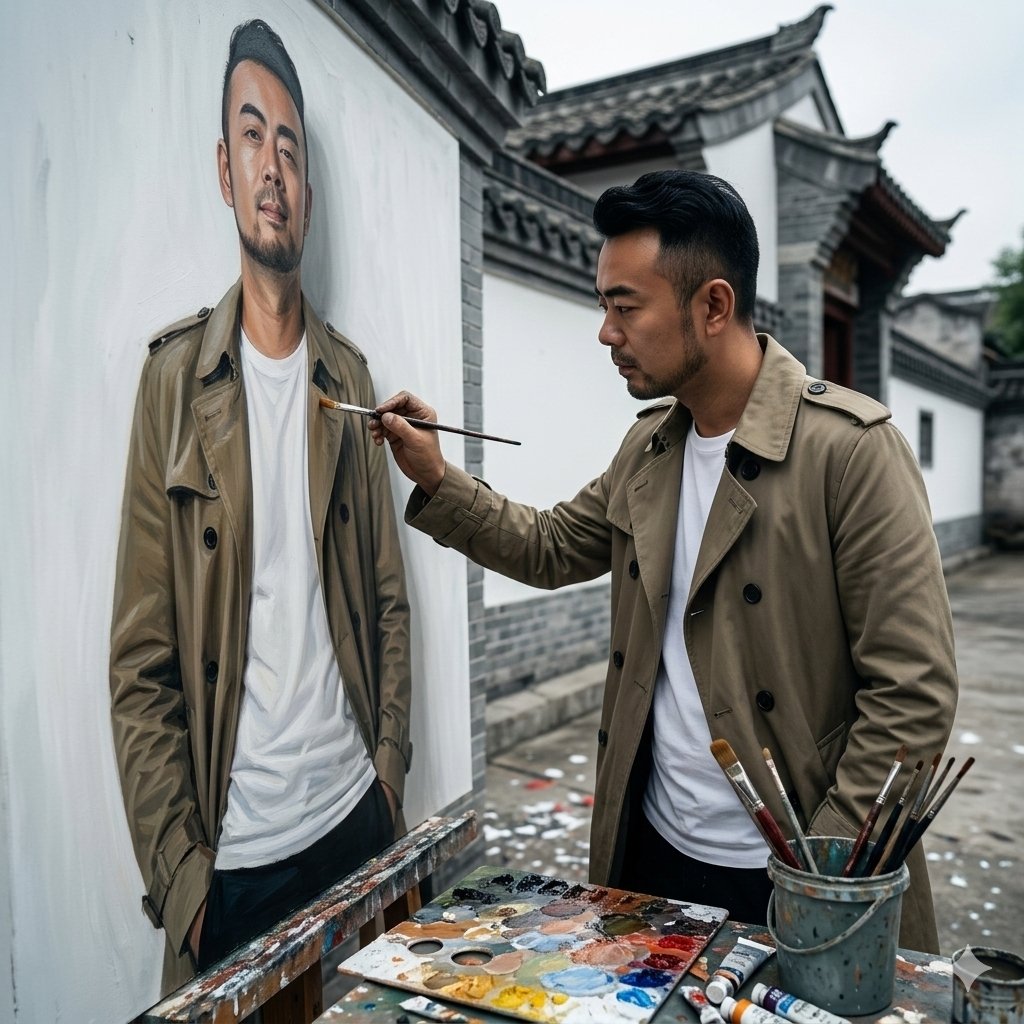
Cinematic Painterly Portrait of an Artist Painting Himself
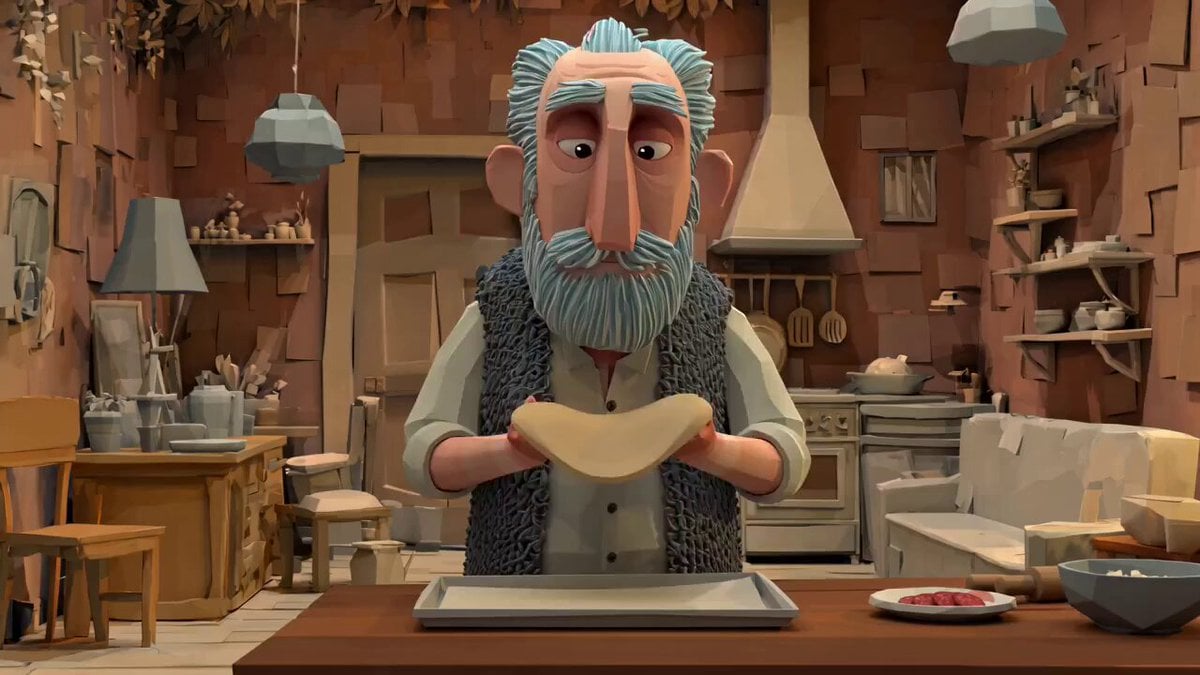
Animation Style - Framer Motion
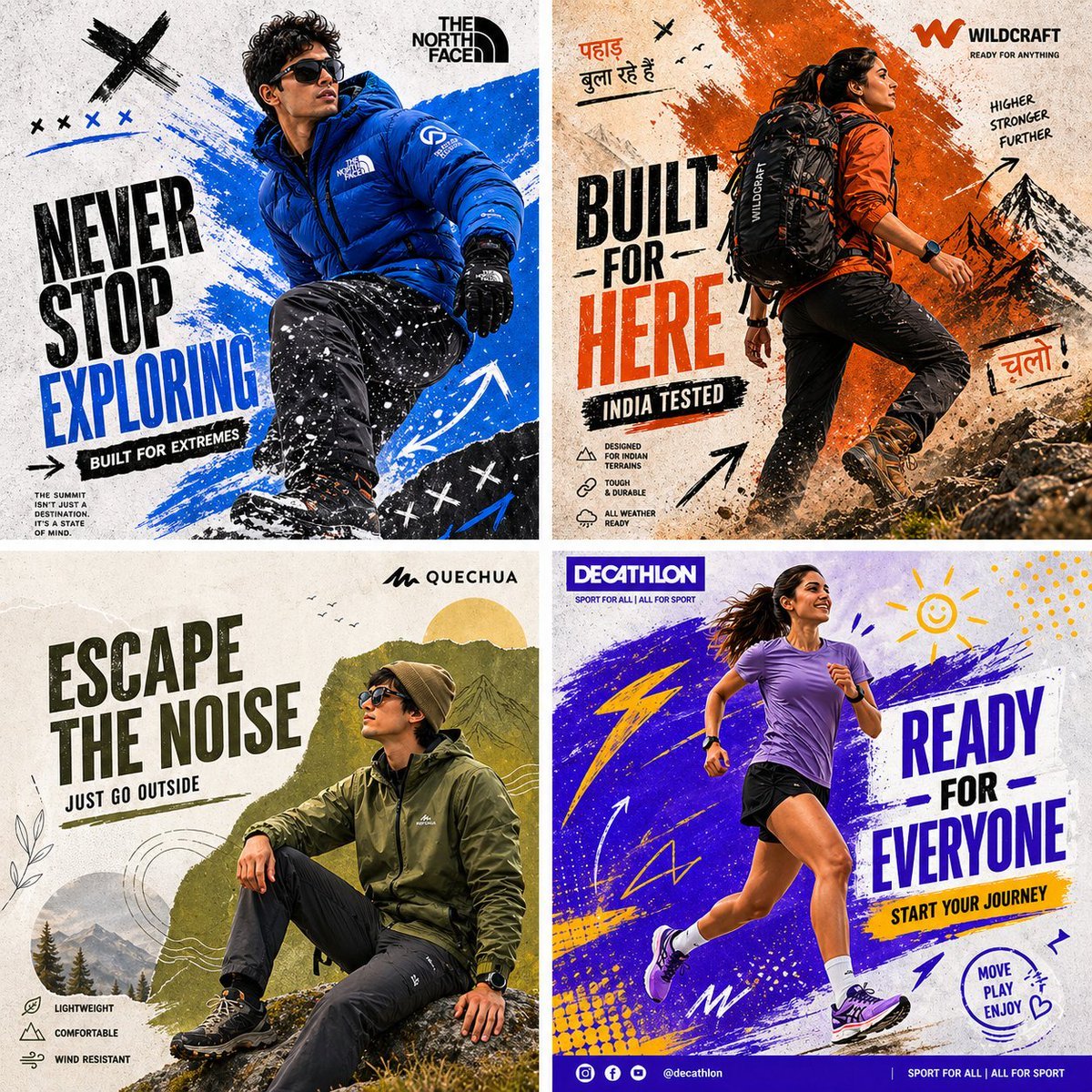
Outdoor Sportswear Advertising Grid
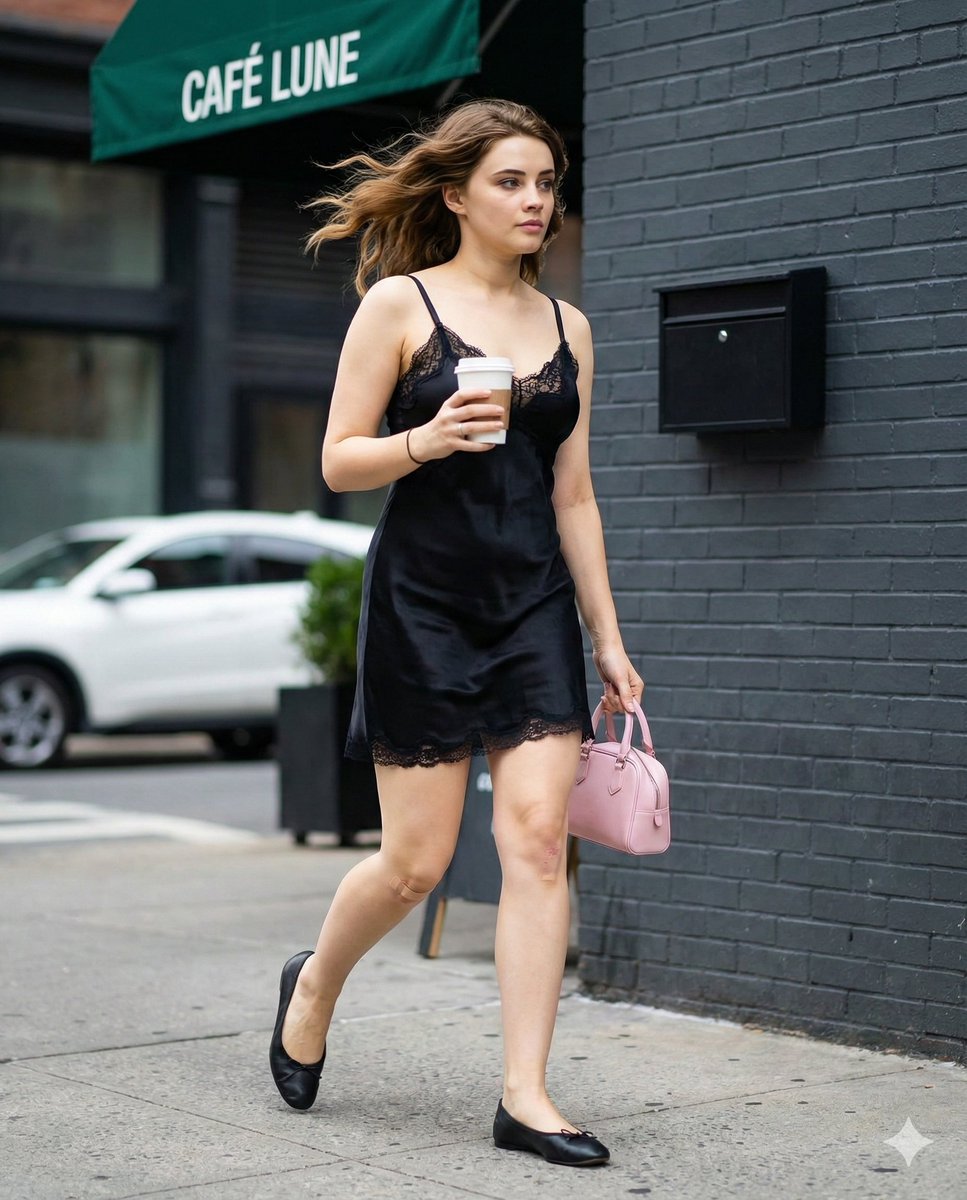
Candid Street Fashion Shot with Bandage Detail
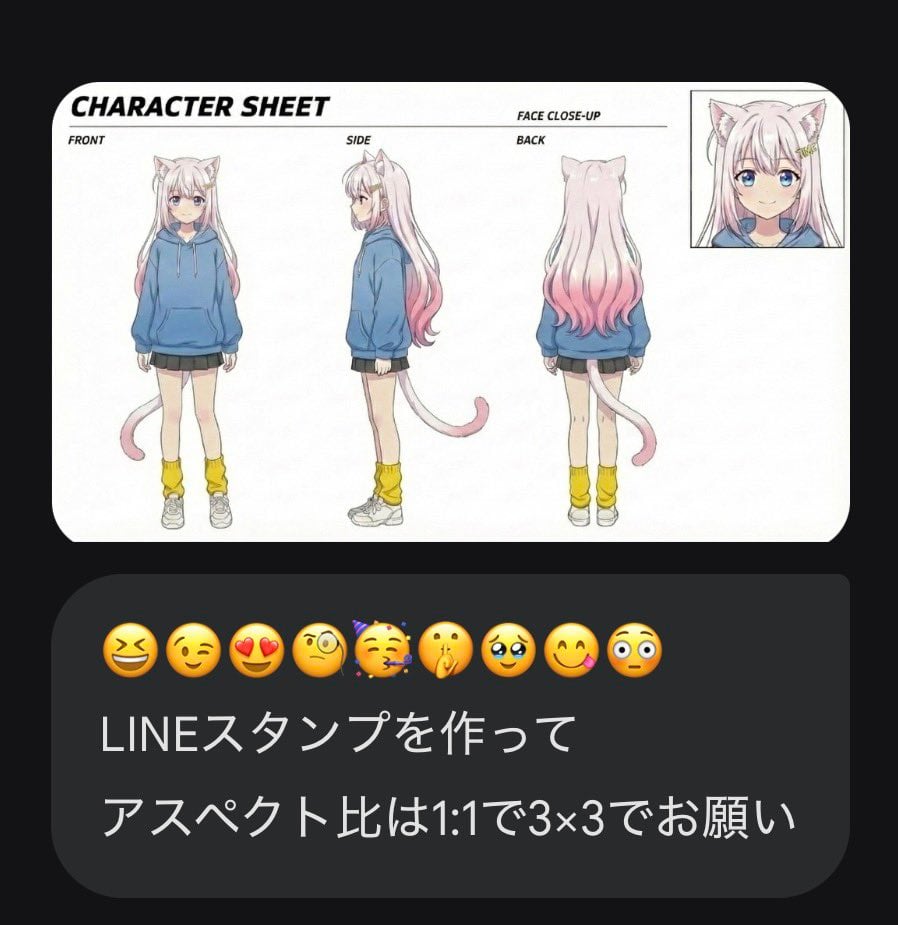
LINE Sticker Generation Prompt with Emojis
Browse template categories
Ultra Realistic Commercial Skincare Prod questions
How do I use the 94-ultra-realistic-commercial-skincare-prod template?
Add your photo if the template asks for one, edit the prompt if you like — the template's model and format are already selected — and press Generate. Your version opens in PicX Studio.
Can I customize the 94-ultra-realistic-commercial-skincare-prod template?
Yes. You can change the subject, setting, lighting, mood, format, and available model controls before creating your image.
Is the 94-ultra-realistic-commercial-skincare-prod template free?
Opening and editing this template is free. Generating uses credits, shown on the Generate button when you are signed in.
Which AI model should I use?
Start with Nano Banana, which is the model associated with this template. You can compare another compatible model for a different finish.
Looking for something else? Browse all templates.

Your photo, any look
Thousands of ready templates for every top image and video model, from one credit balance.