
Animation Style - Framer Motion
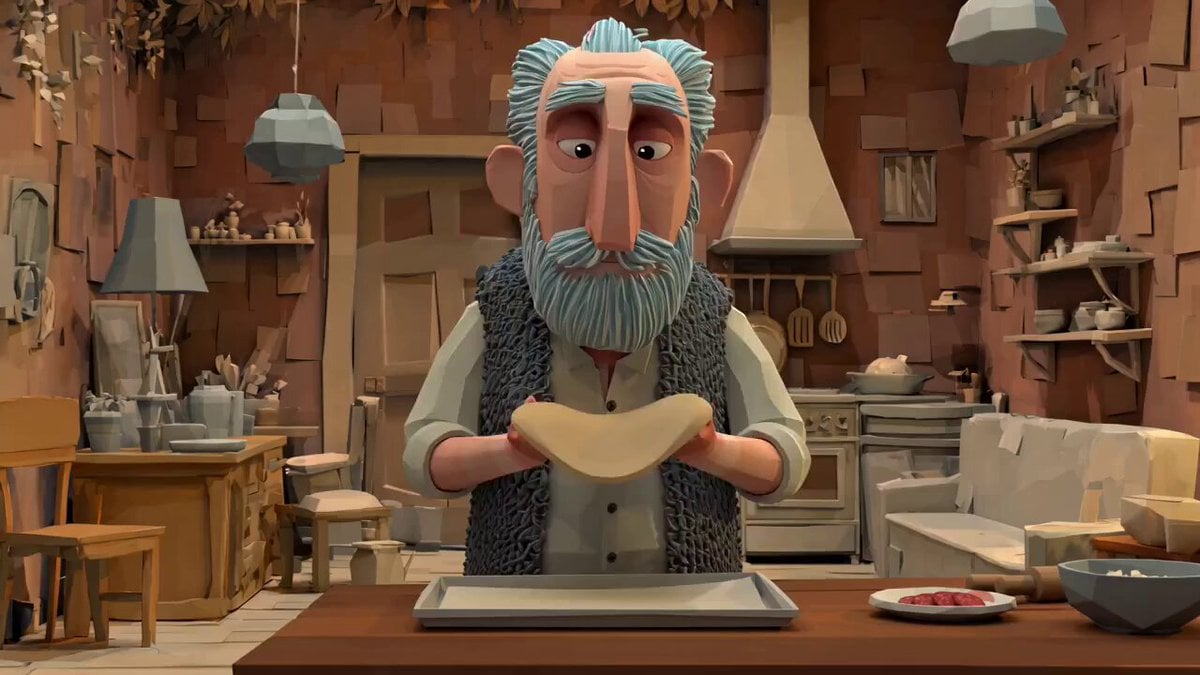
Smooth 2D animation with professional aesthetic and consistent lighting.
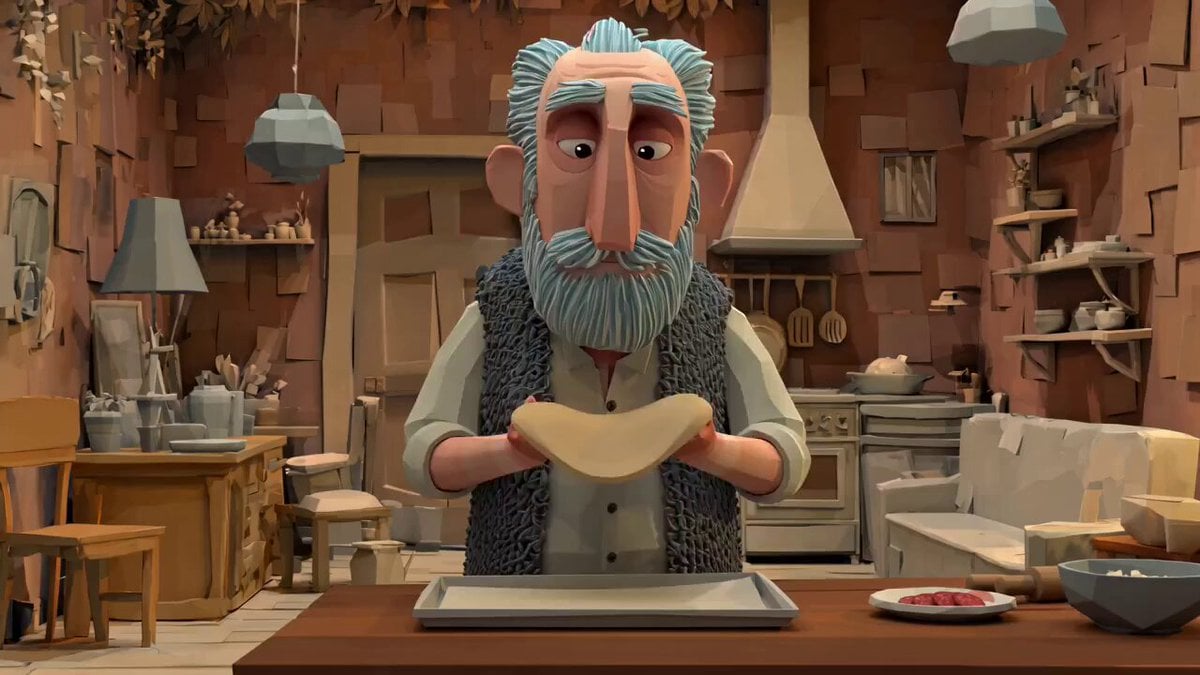
- Prompt included
- Model and format preset
- Free template
The prompt behind this image
Copy the exact prompt behind Animation Style - Framer Motion, or open it in the studio and make it yours.
Subject: A centered subject in a focused presentation. Action: Smooth, controlled motion with subtle shifts in positioning. Camera: Static wide shot maintaining consistent framing throughout the clip. Style: Clean, professional aesthetic with consistent lighting and color tones. Constraints: 10 seconds, single continuous shot, no cuts or transitions, centered composition.
How to use Animation Style - Framer Motion in 3 steps
- 1
Open
The prompt is already in the box next to the preview, with the template's model and format selected.
- 2…a portrait of your subject in softgolden-hour light, 85mm…
Personalize
Edit the subject and creative details for your destination.
- 3Generate
Generate
Press Generate — your image is created in PicX Studio, so you can compare it with the original and refine one variable at a time.
More like this
Templates with the same subject, style or setup. Open one to see its prompt.









Make it yours
Animation Style - Framer Motion works as-is. These are the safest ways to change it without losing the look.
Change one field
Copy a single group, rewrite it, and generate again so you can see what that field is doing.
Keep the frame, change the subject
Hold the composition and light of Animation Style - Framer Motion, then swap wardrobe, props or the person for a new take.
| If the result… | Why | Fix |
|---|---|---|
| The result drifts from the preview | Too many fields changed at once. | Reuse Animation Style - Framer Motion as-is first, then change one group — subject, light, or setting. |
| The model over-stylizes the scene | The prose prompt leaves finish and camera underspecified. | Add one camera or lighting sentence and stay on Seedance. |
More image prompts
Fresh picks from across the catalog.
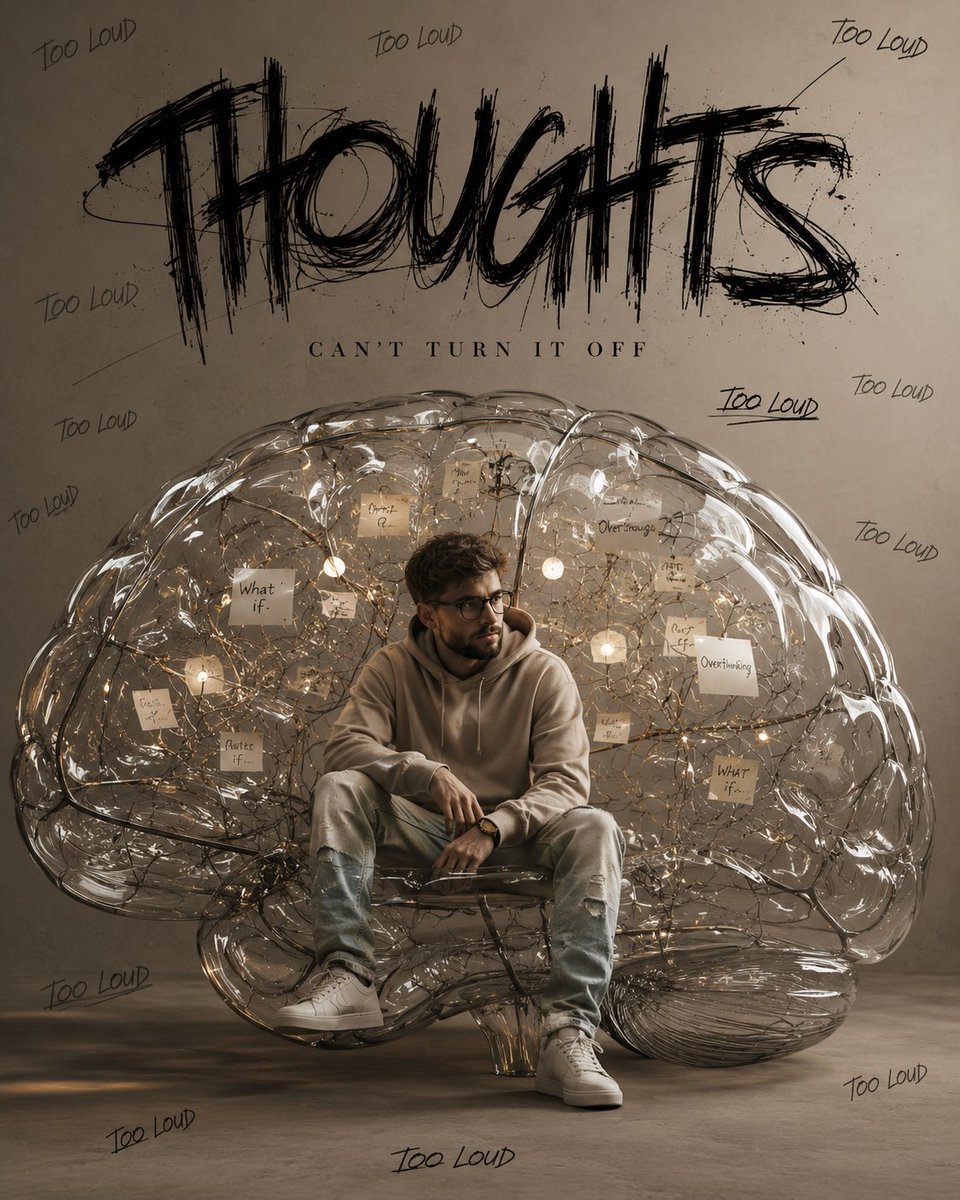
Ultra-Realistic Brain Sculpture Portrait

Borrowing Arrows with Straw Boats

Rustic Fruit Tart Floating in a Dream Orchard (Video Prompt)
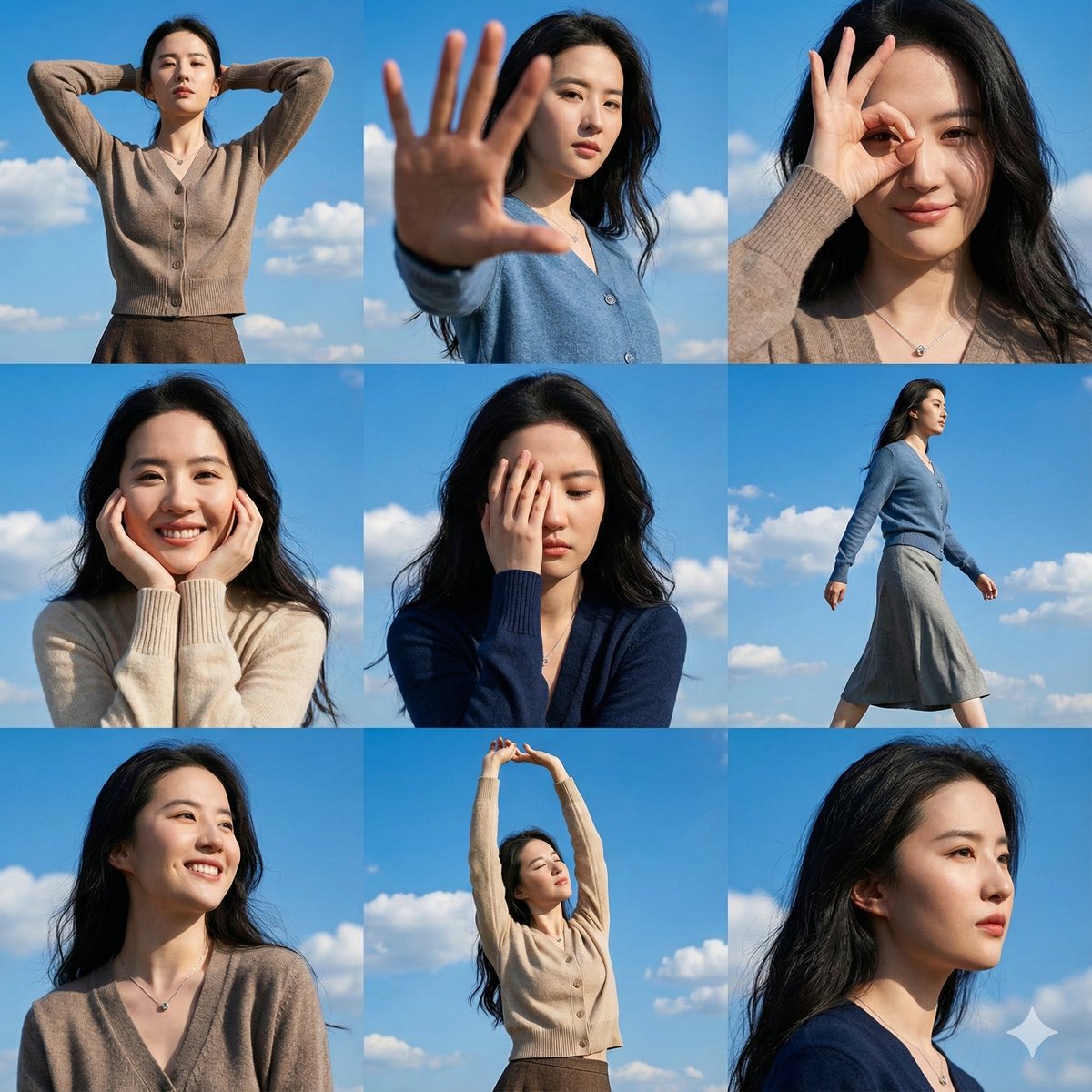
High-Resolution 3x3 Grid Photo Collage for Female Travel Photography
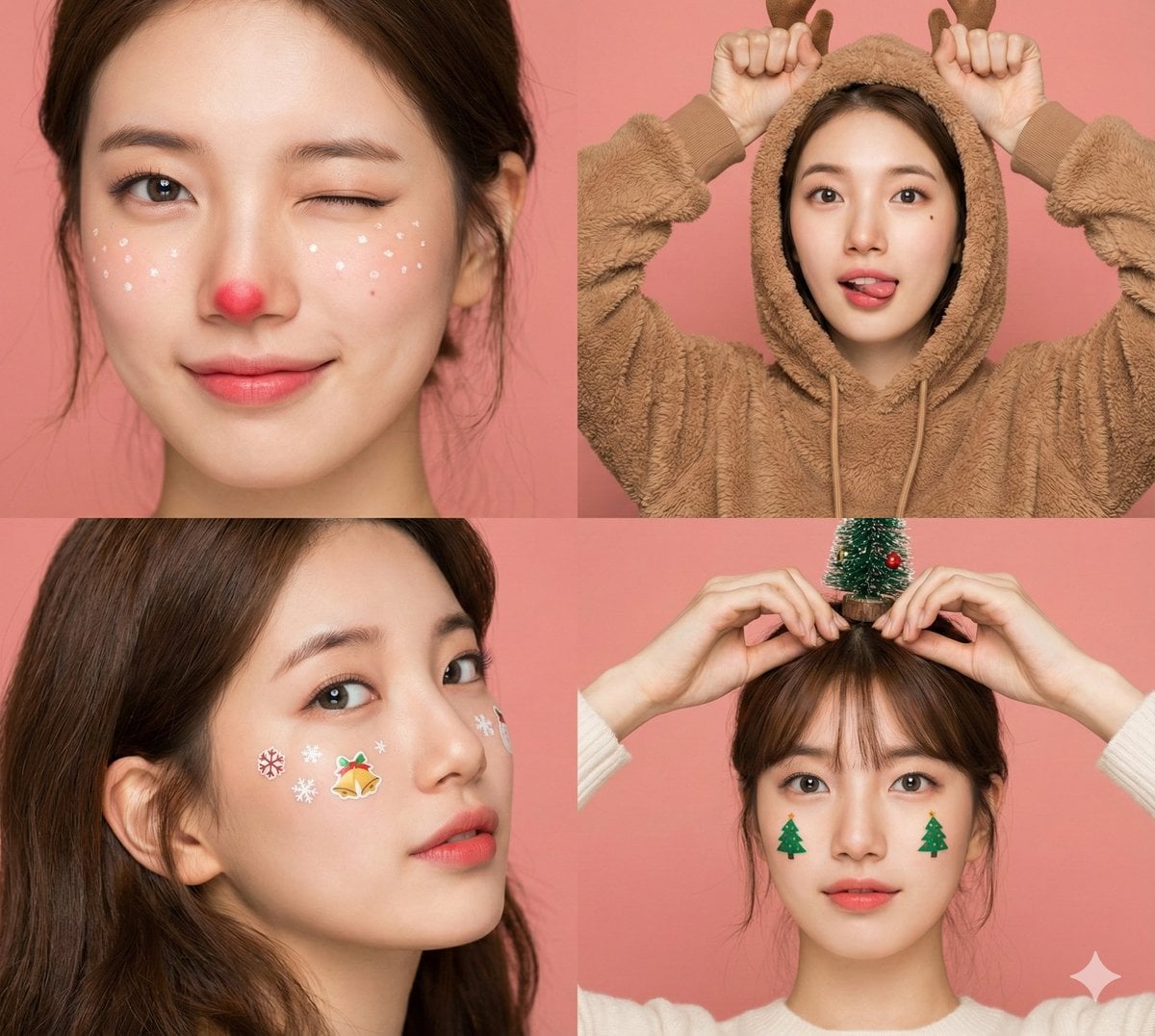
Panel Christmas Beauty Blogger Portrait in Peach Background
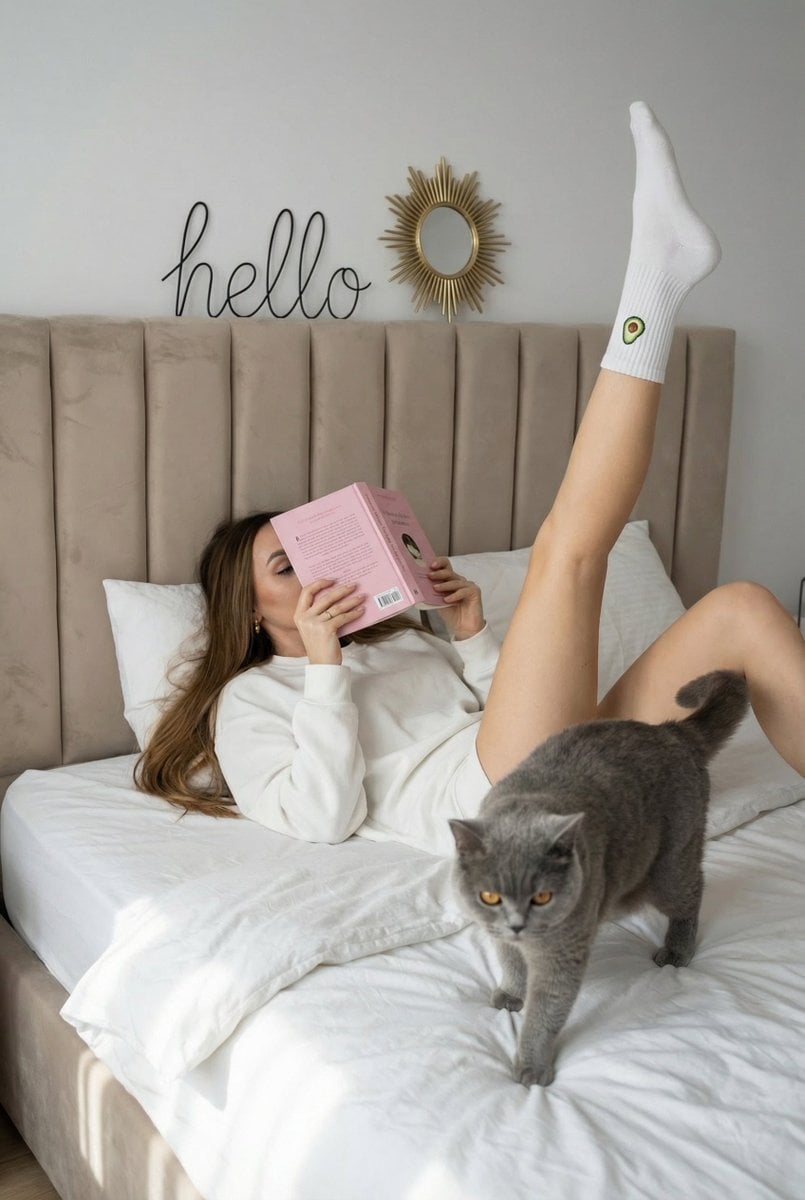
Cozy Lifestyle Scene with Character and Cat
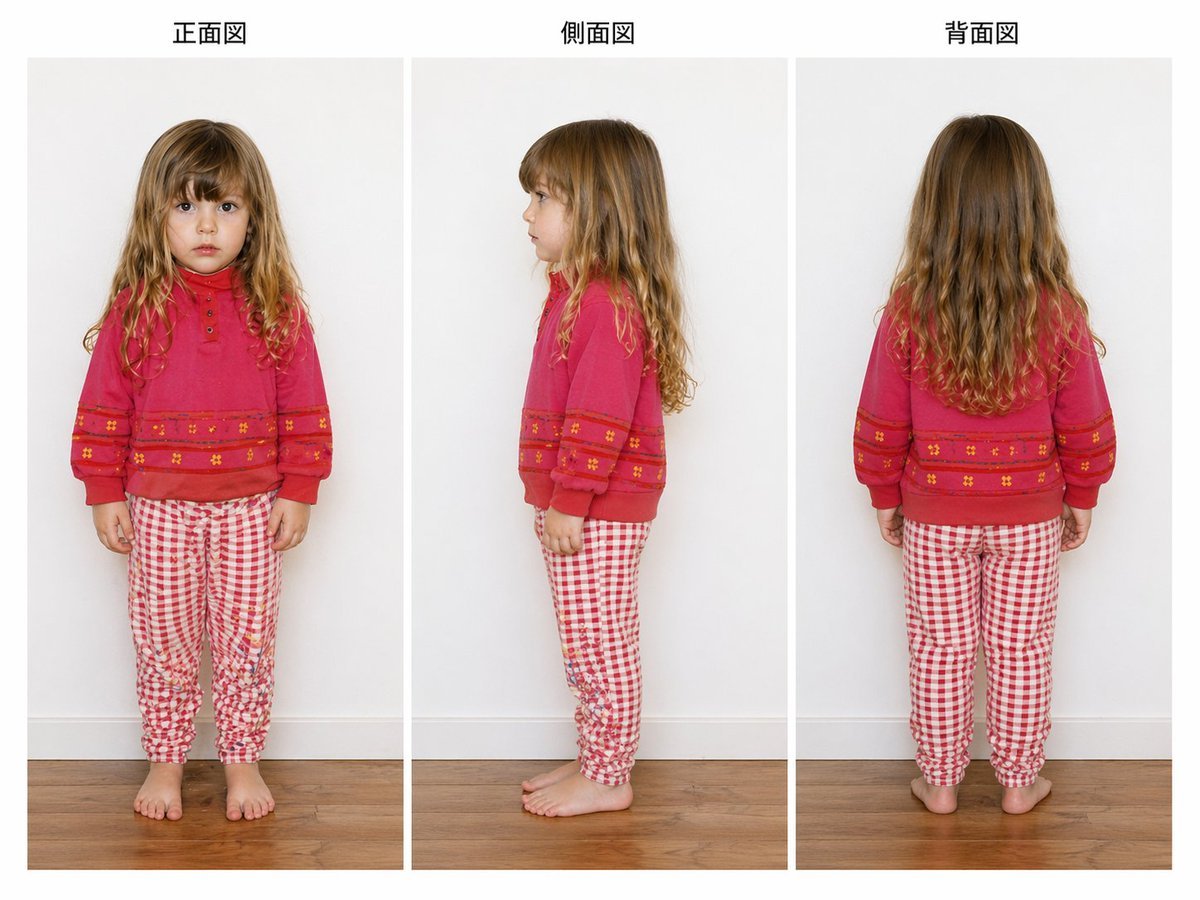
Child Three-View Clothing Reference
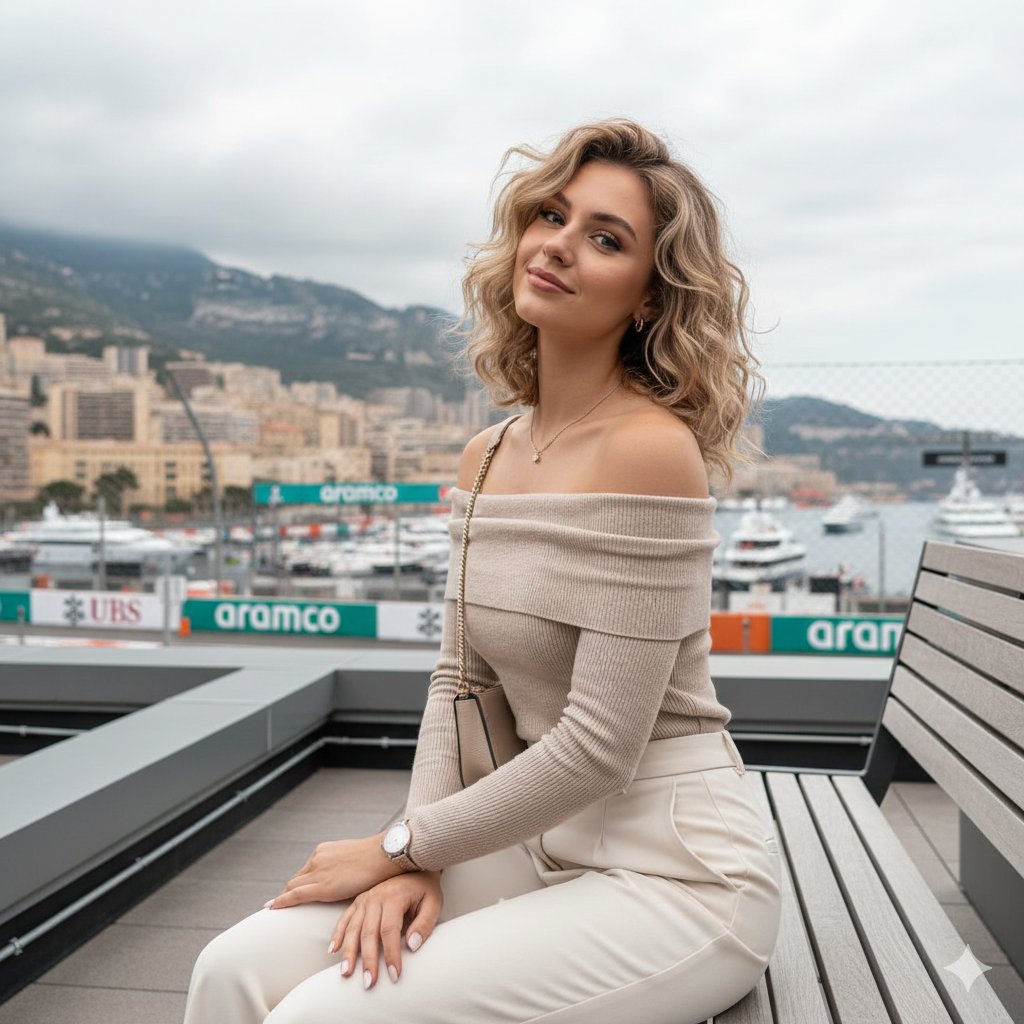
Detailed JSON-structured image generation prompt for a relaxed luxury portrait
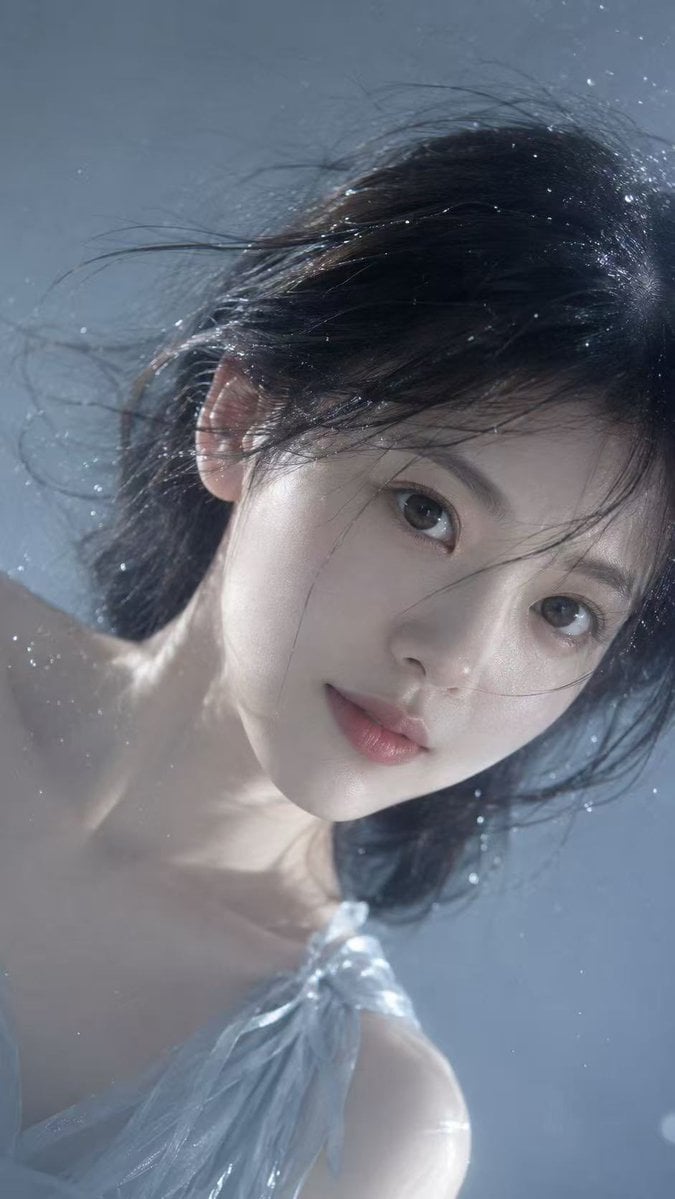
Underwater Dreamy Close-up Portrait
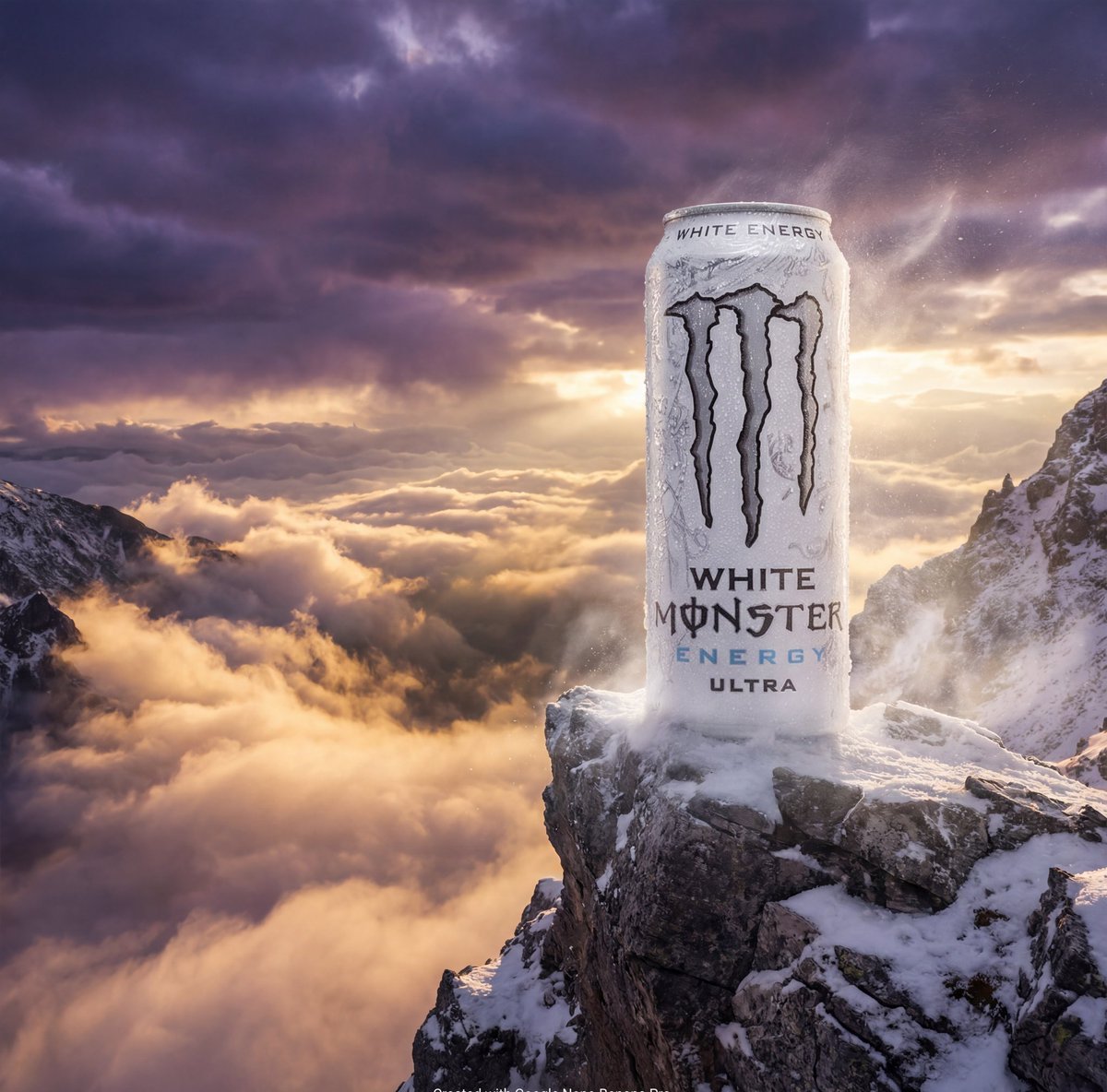
Product Ad: Monster Energy Can on Mountain Peak
Browse template categories
Animation Style - Framer Motion questions
How do I use the Animation Style - Framer Motion template?
Add your photo if the template asks for one, edit the prompt if you like — the template's model and format are already selected — and press Generate. Your version opens in PicX Studio.
Can I customize the Animation Style - Framer Motion template?
Yes. You can change the subject, setting, lighting, mood, format, and available model controls before creating your image.
Is the Animation Style - Framer Motion template free?
Opening and editing this template is free. Generating uses credits, shown on the Generate button when you are signed in.
Which AI model should I use?
Start with Seedance, which is the model associated with this template. You can compare another compatible model for a different finish.
Looking for something else? Browse all templates.

Your photo, any look
Thousands of ready templates for every top image and video model, from one credit balance.