
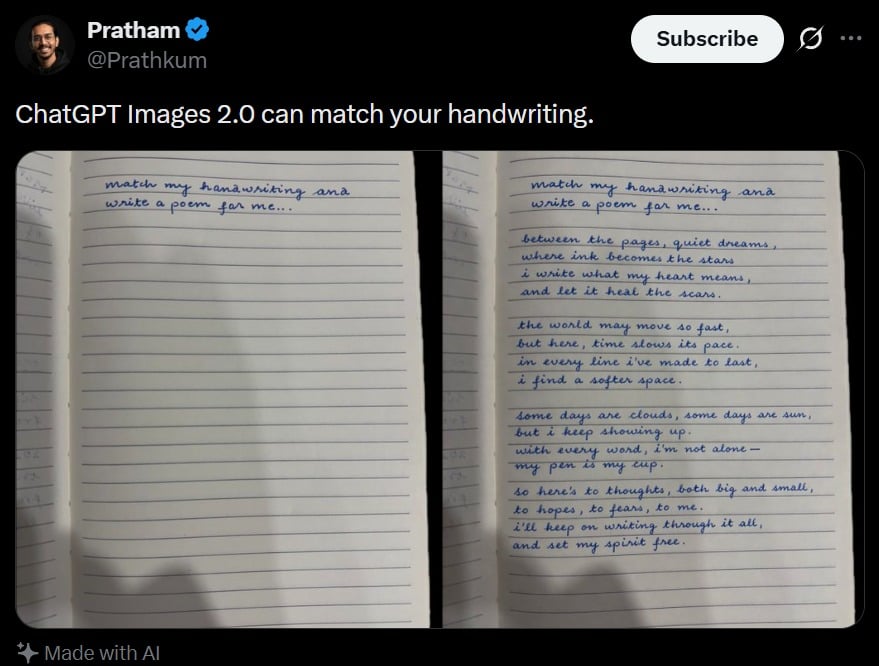
Tweet Screenshot With Handwriting Match
A realistic social media screenshot showing a handwriting-matching notebook comparison, useful for generating viral AI demo post mockups.
- Prompt included
- Model and format preset
- Free template
The prompt behind this image
Copy the exact prompt behind Tweet Screenshot With Handwriting Match, or open it in the studio and make it yours.
A realistic dark-mode social media post screenshot styled like X/Twitter on a black interface. At the top left is a small blurred circular profile photo beside the display name {argument name="profile name" default="Pratham"} with a blue verification badge, and the handle {argument name="handle" default="@Prathkum"} underneath. At the top right is a rounded white Subscribe button plus two small interface icons. The tweet text in large white sans-serif type reads: {argument name="tweet text" default="ChatGPT Images 2.0 can match your handwriting."} Below it is a side-by-side comparison image made of 2 notebook photos separated by a narrow black vertical gap. Both photos show an open lined notebook page shot from above under dim indoor lighting with soft shadows near the bottom edge. The left notebook page is mostly blank except for 2 handwritten lines in neat blue cursive at the top that say: {argument name="handwriting prompt text" default="match my hanawriting ana write a poem for me.."} Keep the misspellings and punctuation exactly as written. The right notebook page shows the same first 2 handwritten lines at the top, followed by a handwritten poem in matching blue cursive handwriting filling the page in 4 stanzas. The poem text reads exactly: {argument name="poem text" default="between the pages, quiet dreams, where ink becomes the stars, i write what my heart means, and let it heal the scars. the world may move so fast, but here, time slows its pace. in every line i’ve made to last, i find a softer space. some days are clouds, some days are sun, but i keep showing up. with every word, i’m not alone— my pen is my cup. so here’s to thoughts, both big and small, to hopes, to fears, to me. i’ll keep on writing through it all, and set my spirit free."} The handwriting should look natural, slightly uneven, and convincingly human, with blue ballpoint pen texture. At the bottom left of the post, include a small sparkle icon and the words “Made with AI”. Preserve the look of a genuine mobile app screenshot with realistic spacing, rounded image corners, crisp UI typography, and subtle screen-capture softness.
How to use Tweet Screenshot With Handwriting Match in 3 steps
- 1Upload ImagePNG, JPG or paste
Add your photo
Upload the photo the template builds on. The prompt, model and format are already set.
- 2…a portrait of your subject in softgolden-hour light, 85mm…
Personalize
Edit the subject and creative details for your destination.
- 3Generate
Generate
Press Generate — your image is created in PicX Studio, so you can compare it with the original and refine one variable at a time.
More like this
Templates with the same subject, style or setup. Open one to see its prompt.

Minecraft Next-Gen Voxel World Screenshot
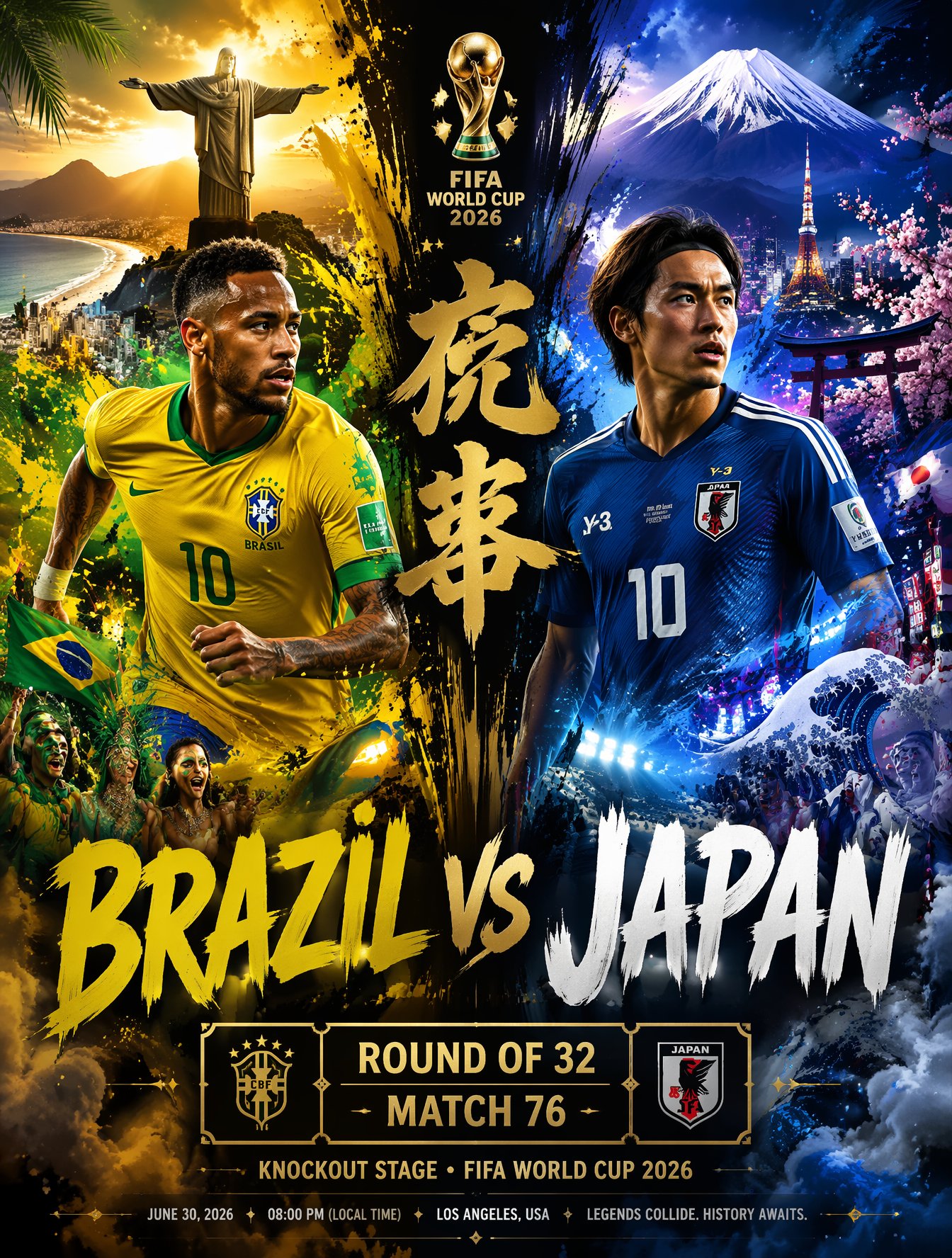
Brazil Versus Japan Knockout Split Rivalry Poster
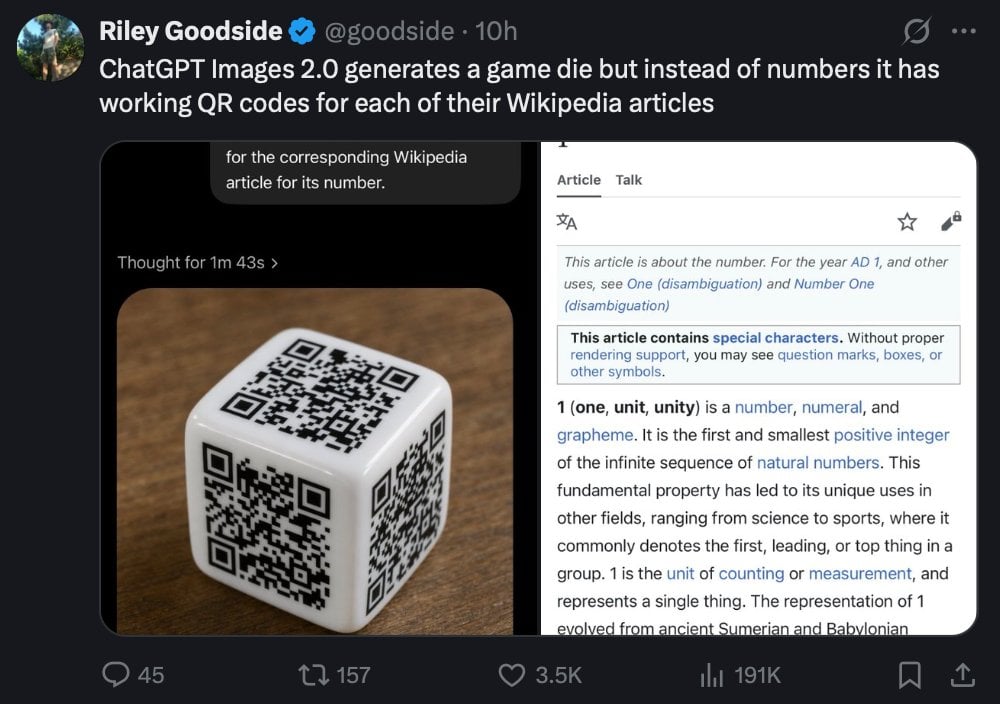
Tweet Screenshot of QR Code Dice Demo
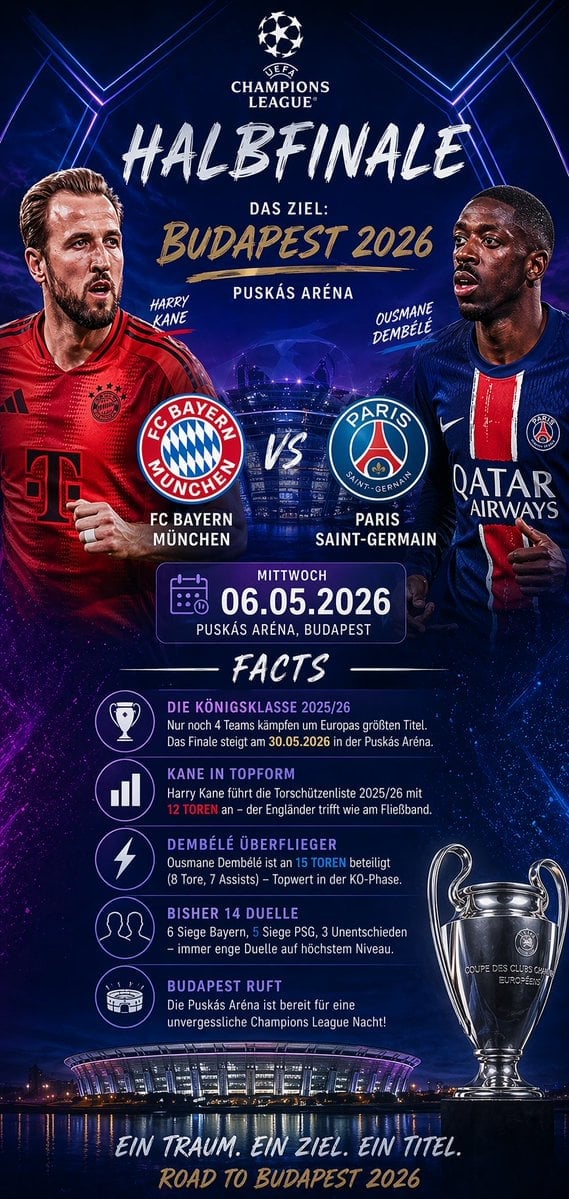
Soccer Match Infographic Poster
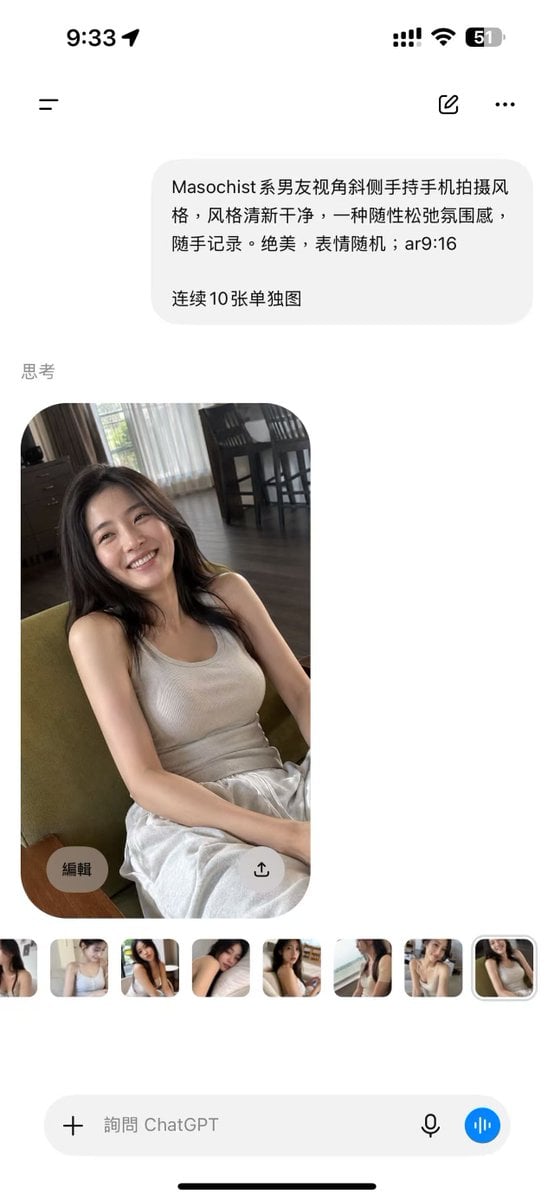
ChatGPT Mobile Photo Carousel Screenshot

ChatGPT Bonus Banner Screenshot

AI Chat Image Generation Screenshot
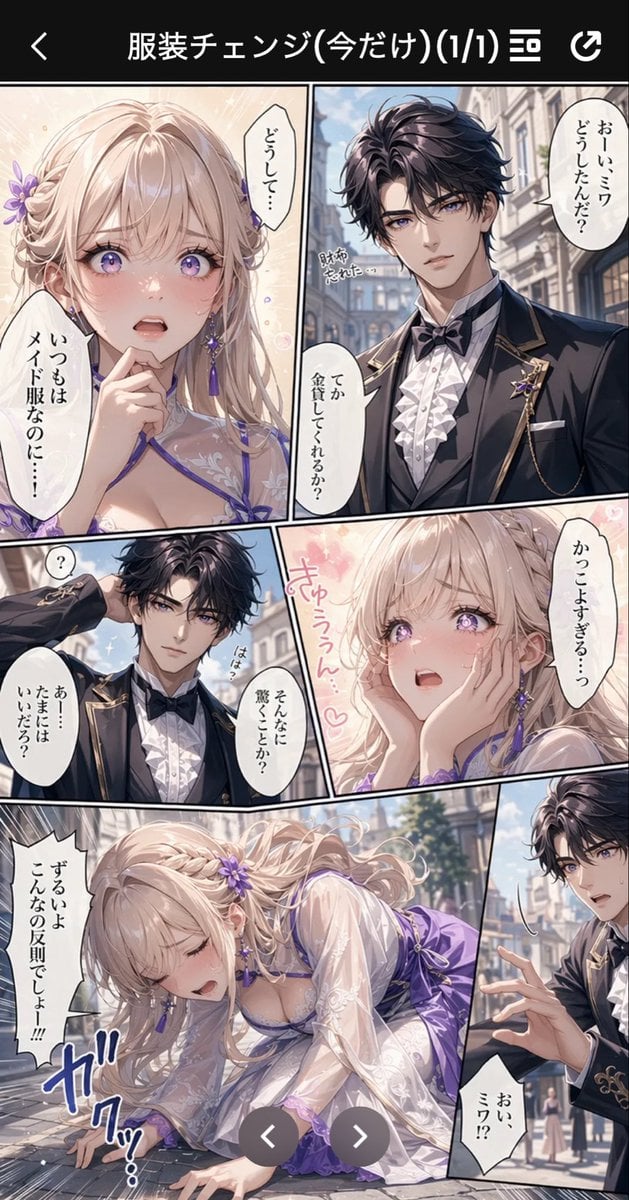
Anime Butler Date Manga Screenshot
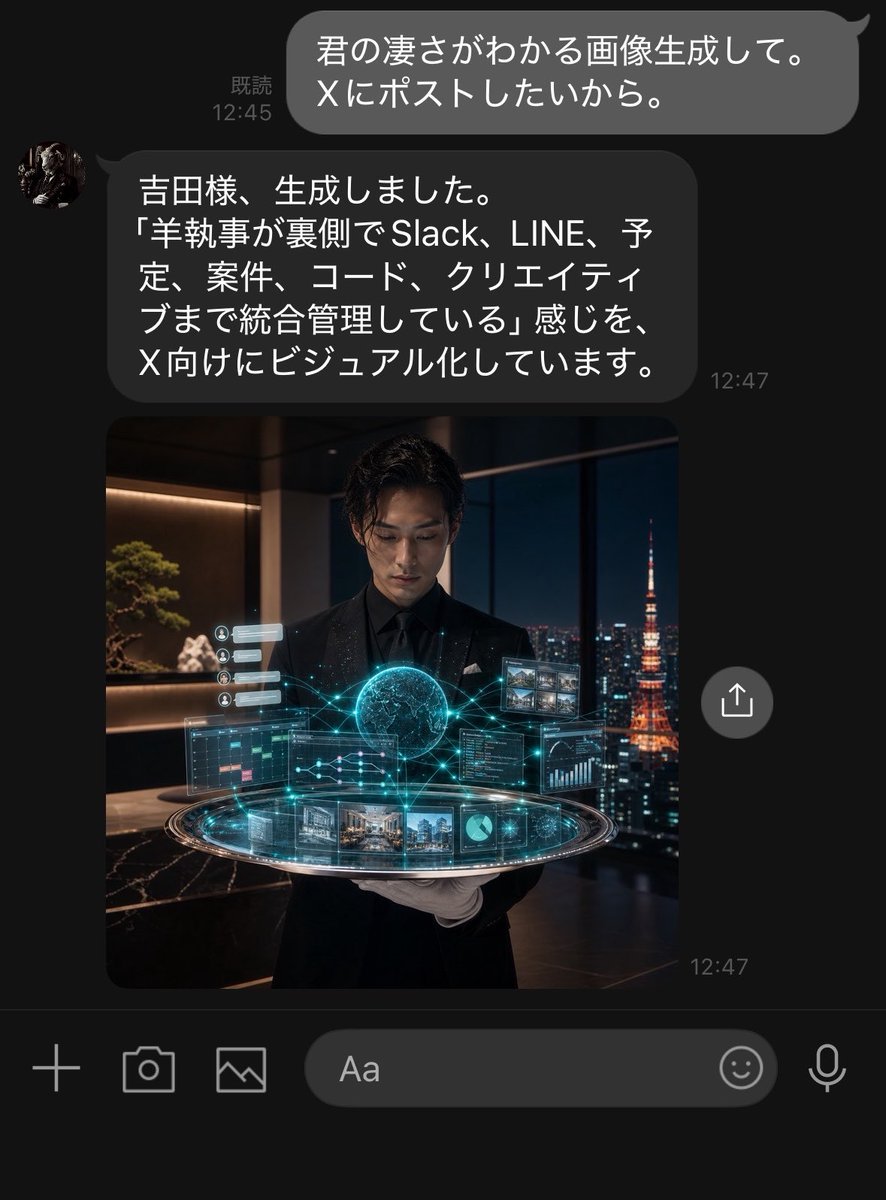
Dark LINE AI Assistant Chat Screenshot
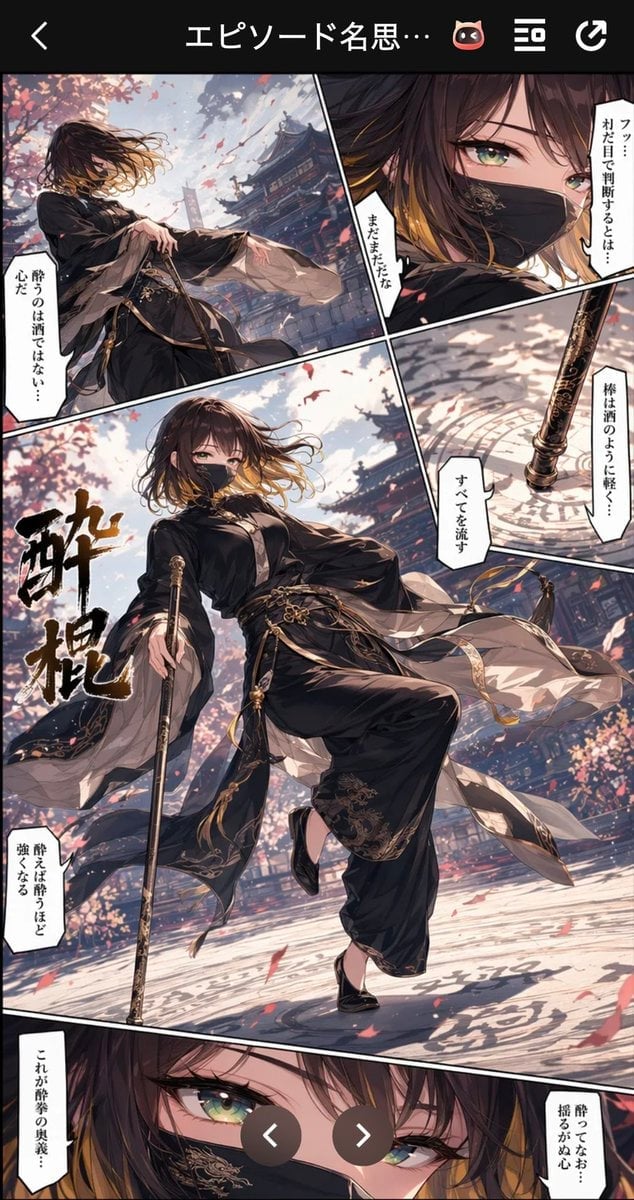
Drunken Staff Manga Screenshot
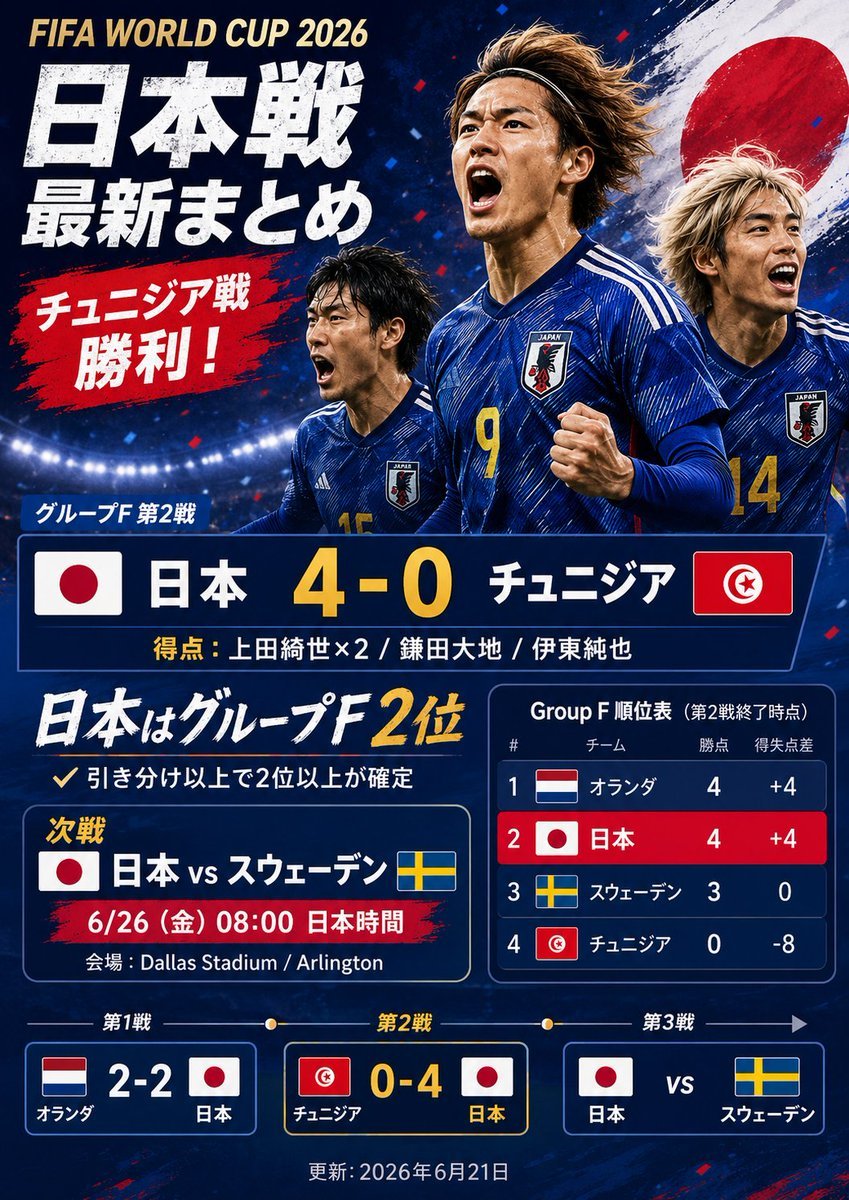
Japanese World Cup Match Summary Poster
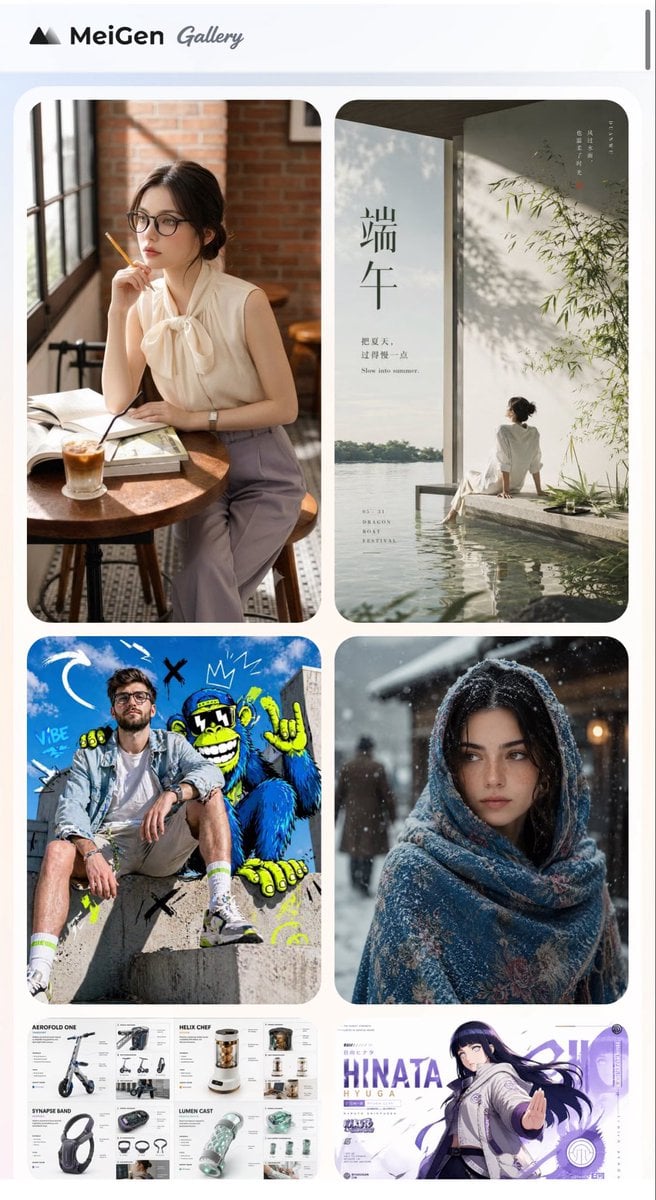
MeiGen AI Gallery Mobile Screenshot
Make it yours
Tweet Screenshot With Handwriting Match works as-is. These are the safest ways to change it without losing the look.
Change one field
Copy a single group, rewrite it, and generate again so you can see what that field is doing.
Keep the frame, change the subject
Hold the composition and light of Tweet Screenshot With Handwriting Match, then swap wardrobe, props or the person for a new take.
| If the result… | Why | Fix |
|---|---|---|
| The result drifts from the preview | Too many fields changed at once. | Reuse Tweet Screenshot With Handwriting Match as-is first, then change one group — subject, light, or setting. |
| The model over-stylizes the scene | The prose prompt leaves finish and camera underspecified. | Add one camera or lighting sentence and stay on GPT Image 2. |
More GPT Image 2 templates
Other prompts made for GPT Image 2.

Six VTuber Japanese Logo Sheet

Realistic Portrait of Woman and Deer

The Vista Modular Condo Poster

AI Model Routing Comparison Infographic

2.5D Anime Art Board

Isometric Productivity Desk Scene

New York Double Exposure Poster

Four-Panel AI Landscape Comparison

Japanese Tatami Lifestyle Magazine Cover

NESCAFÉ Coffee Map Poster
More image prompts
Fresh picks from across the catalog.
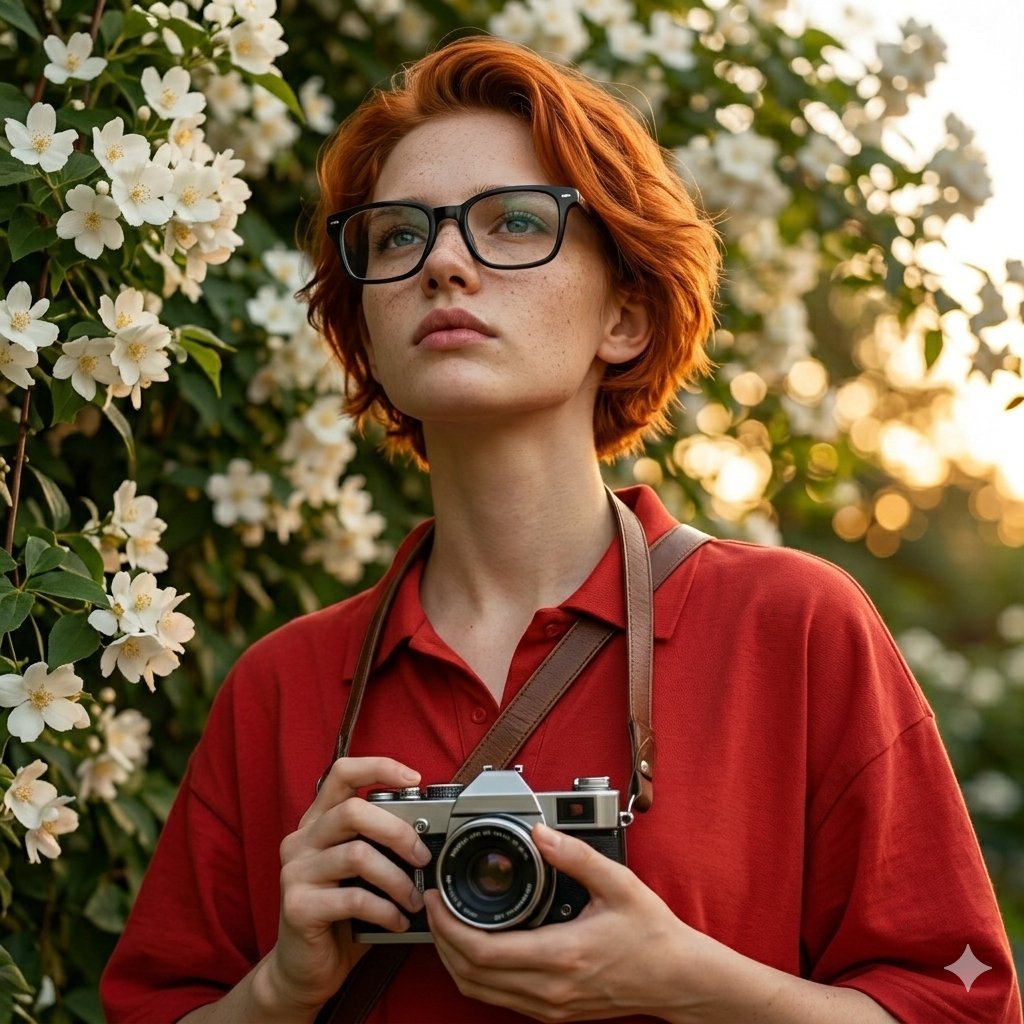
Ultra-Realistic Portrait with Vintage Camera Prompt
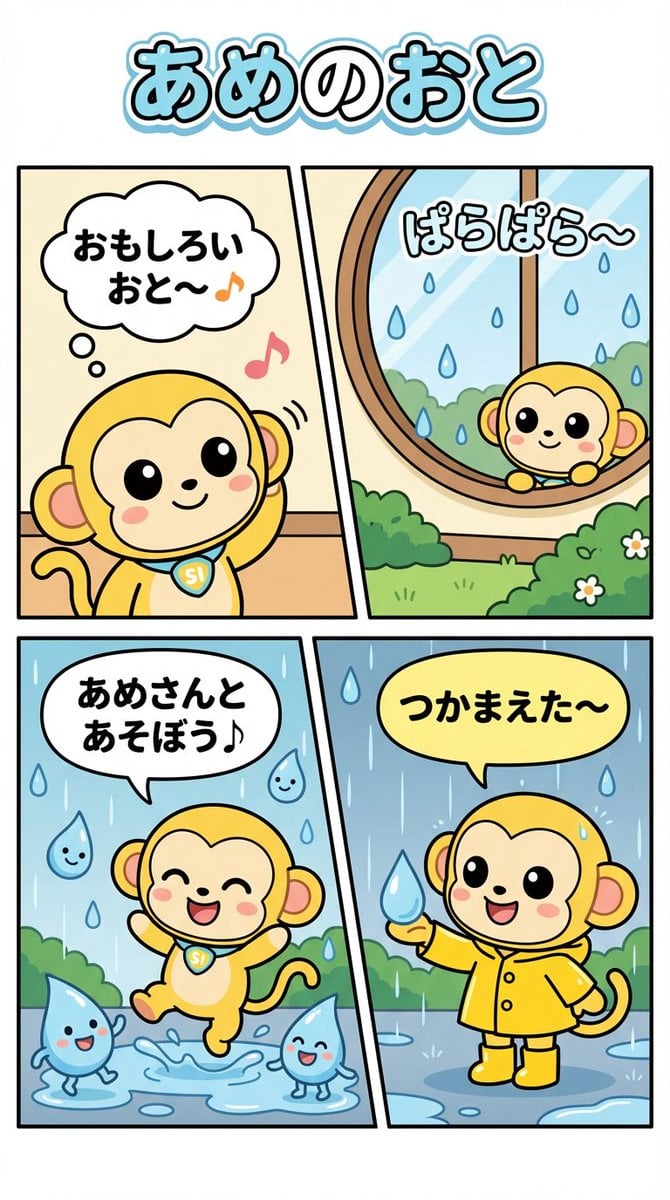
Nano Monkey's Adventure Series Manga Prompt
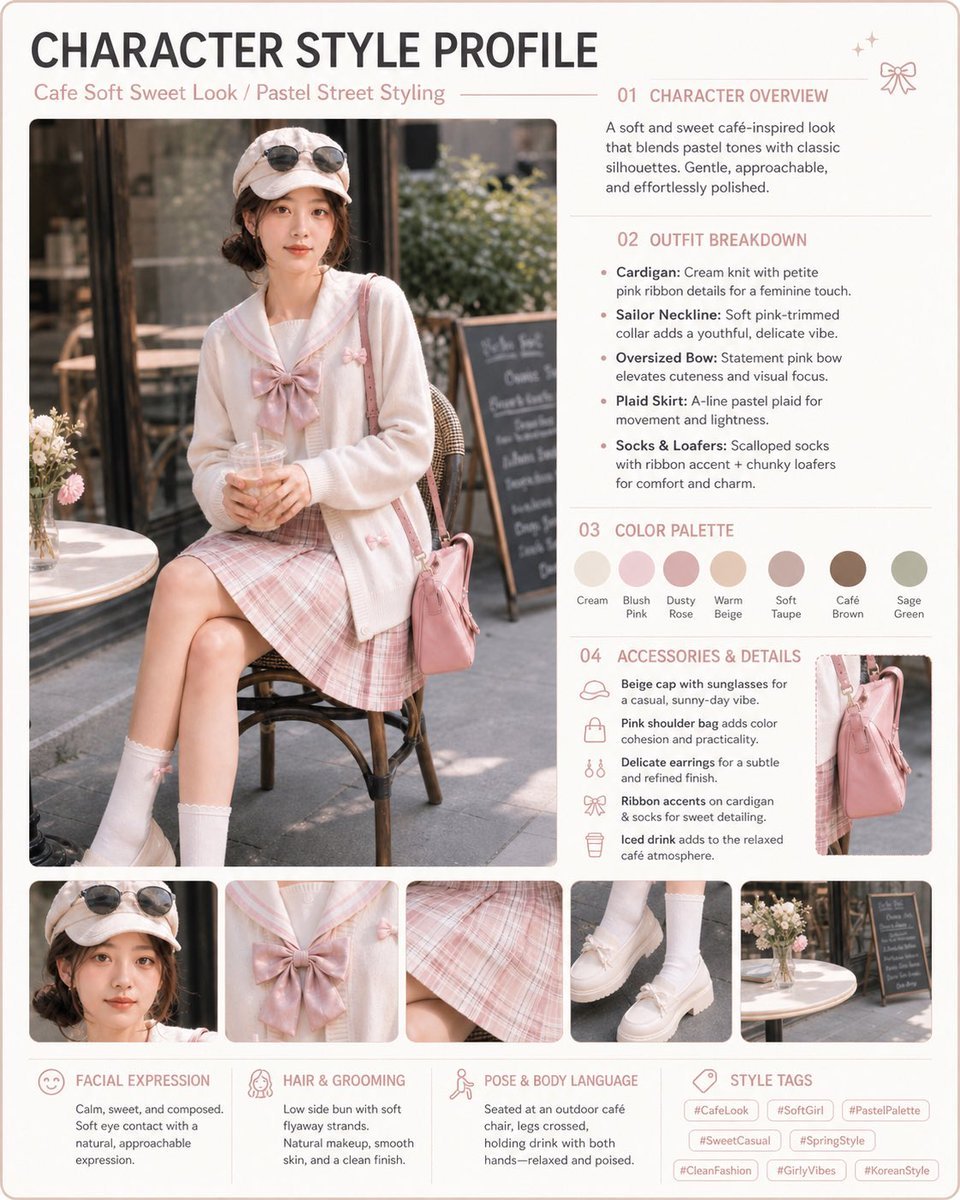
Pastel Cafe Style Profile Card
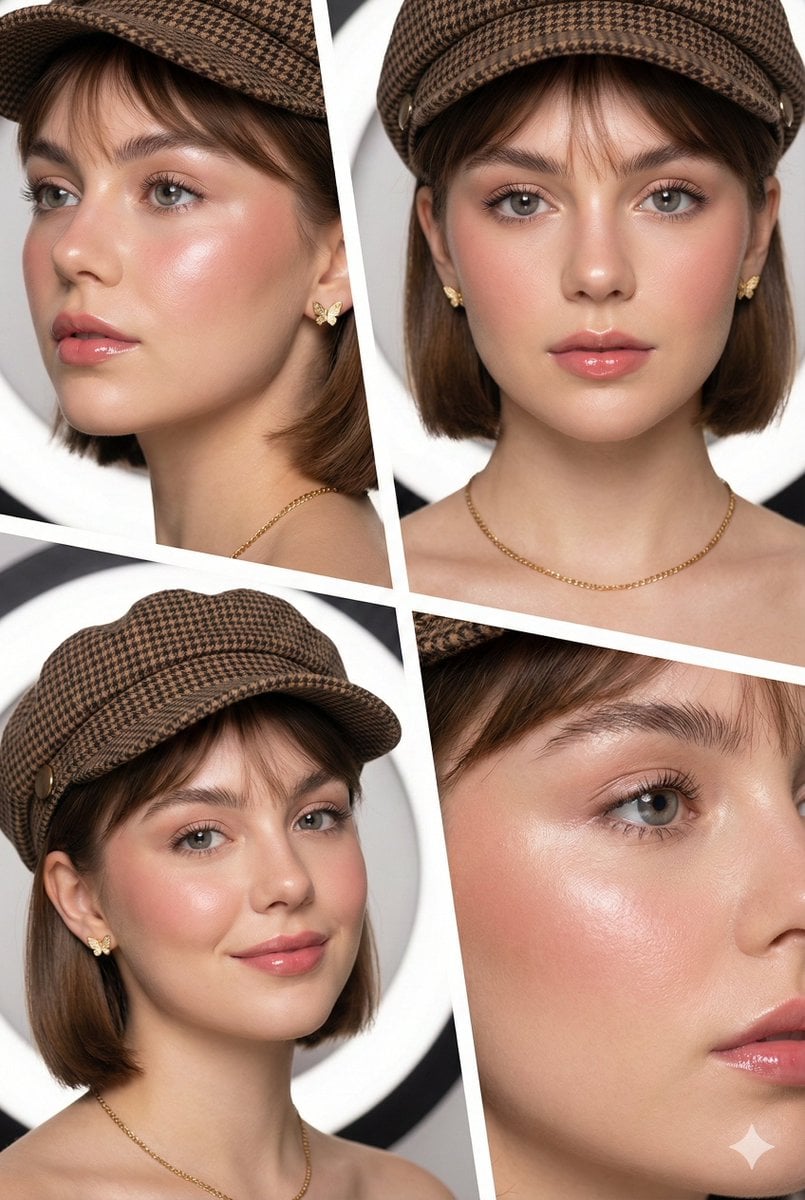
Panel Beauty Editorial Collage
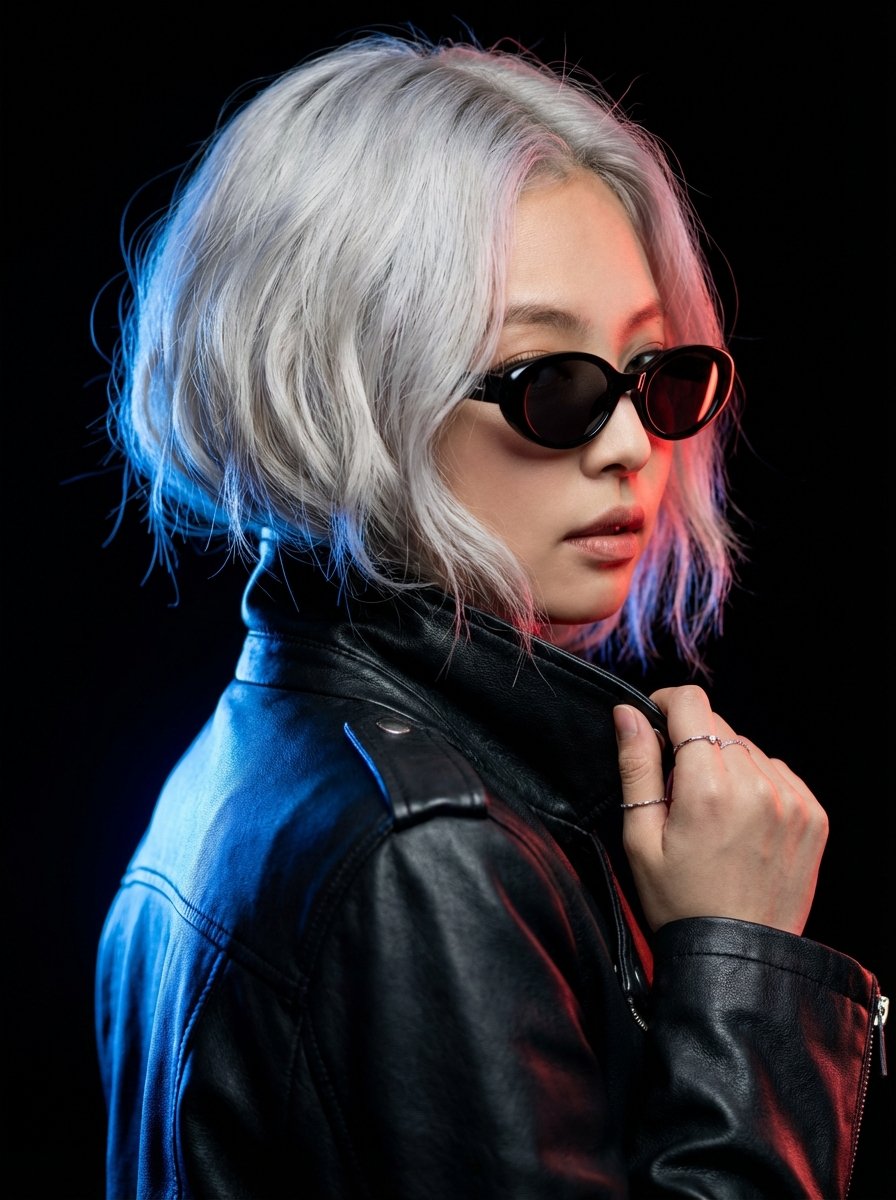
Hyper-realistic Portrait of Blackpink Jennie in Cinematic Dual-Tone Lighting
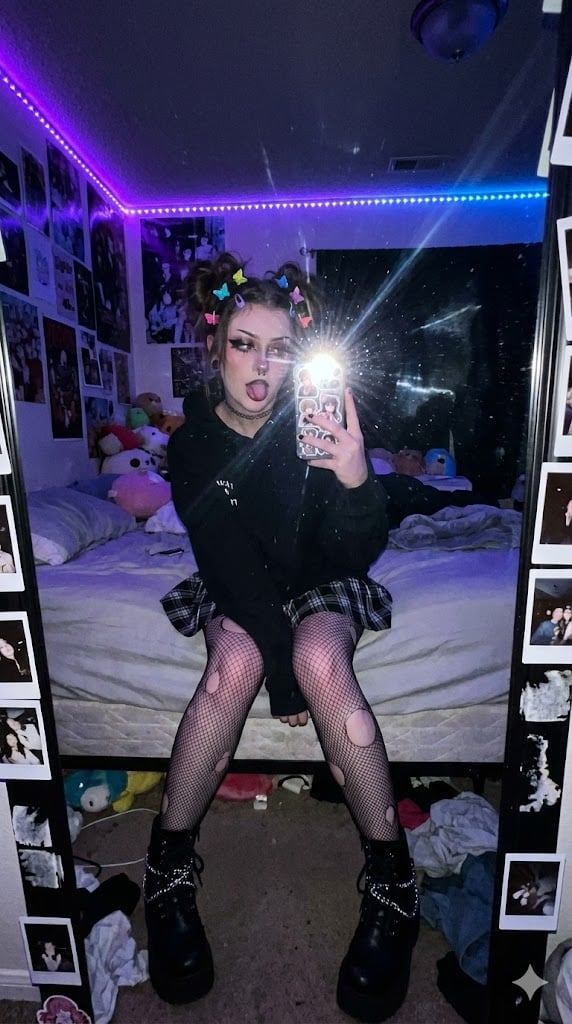
E-Girl Mirror Selfie Prompt (JSON Format)
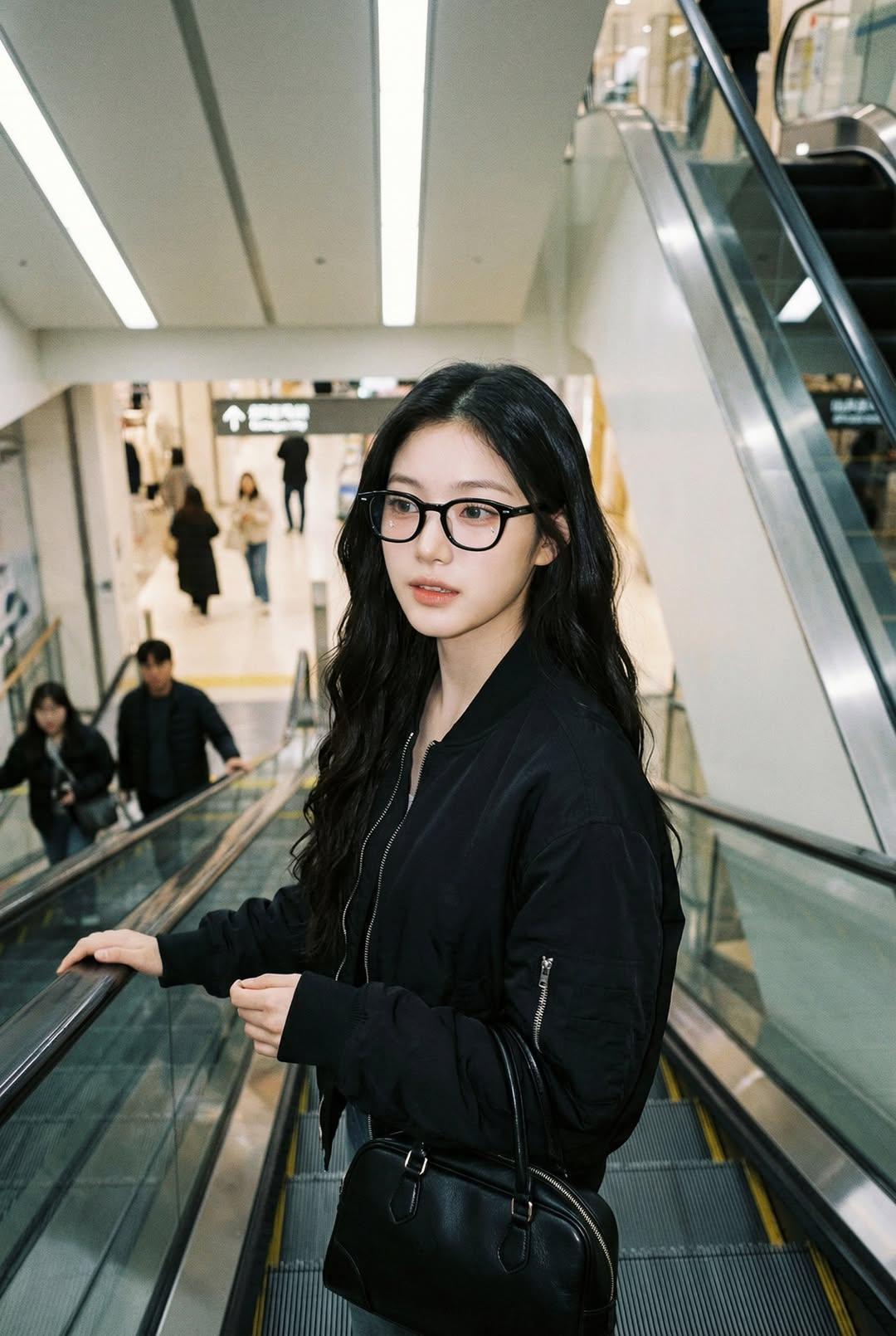
Nano Banana Pro — Escalator Candid Portrait
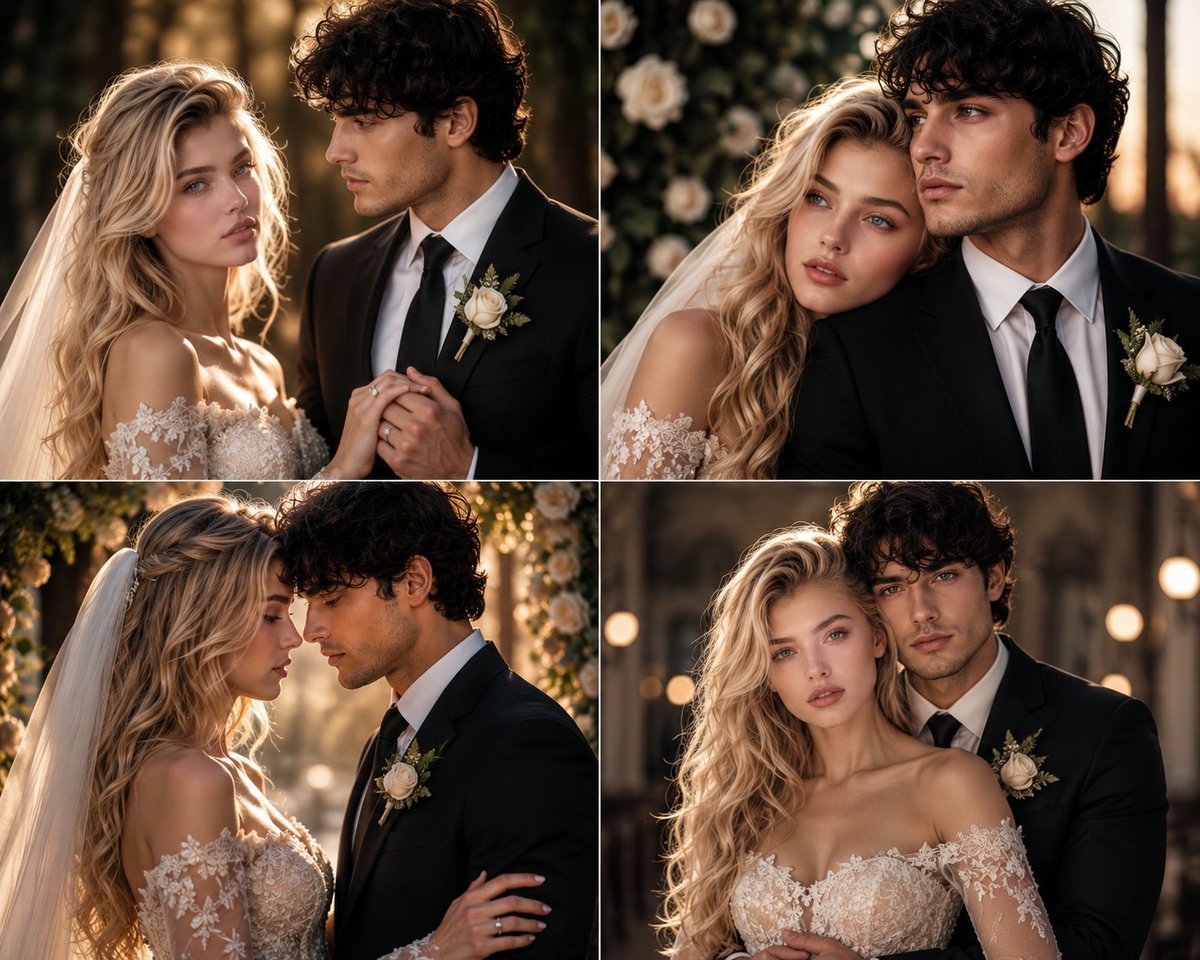
Romantic Wedding Couple Photoshoot
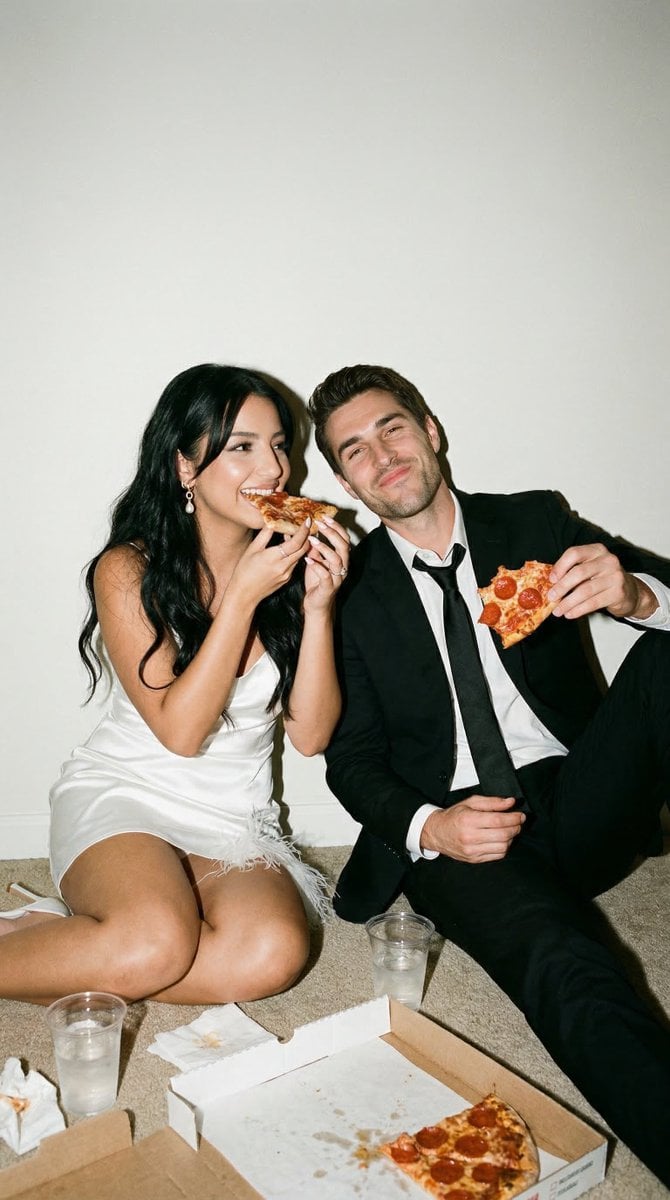
Candid Wedding Afterparty Pizza Flash Editorial Prompt for Nano Banana 2
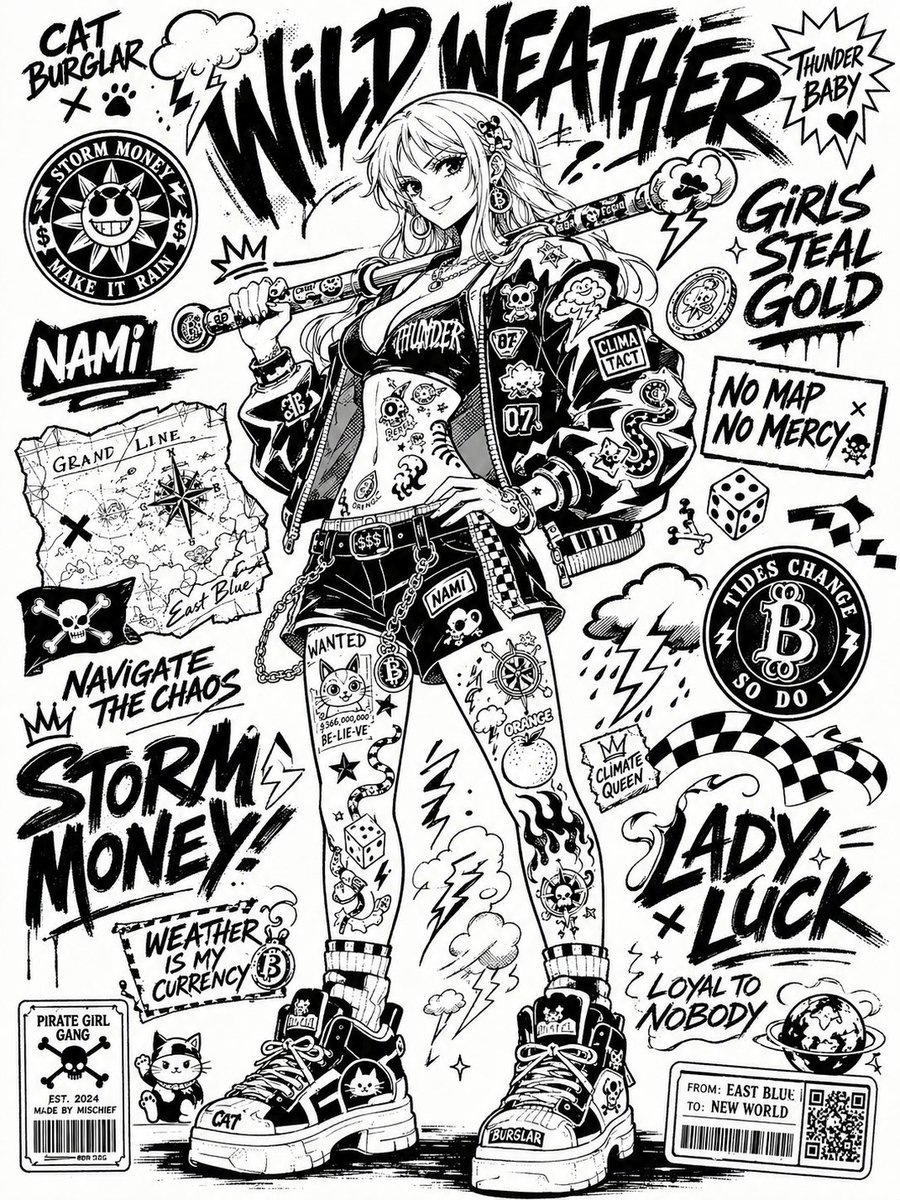
Black and White Sticker Bomb Street Poster
Browse template categories
Tweet Screenshot With Handwriting Match questions
How do I use the Tweet Screenshot With Handwriting Match template?
Add your photo if the template asks for one, edit the prompt if you like — the template's model and format are already selected — and press Generate. Your version opens in PicX Studio.
Can I customize the Tweet Screenshot With Handwriting Match template?
Yes. You can change the subject, setting, lighting, mood, format, and available model controls before creating your image.
Is the Tweet Screenshot With Handwriting Match template free?
Opening and editing this template is free. Generating uses credits, shown on the Generate button when you are signed in.
Which AI model should I use?
Start with GPT Image 2, which is the model associated with this template. You can compare another compatible model for a different finish.
Looking for something else? Browse all templates.

Your photo, any look
Thousands of ready templates for every top image and video model, from one credit balance.