
Drunken Staff Manga Screenshot
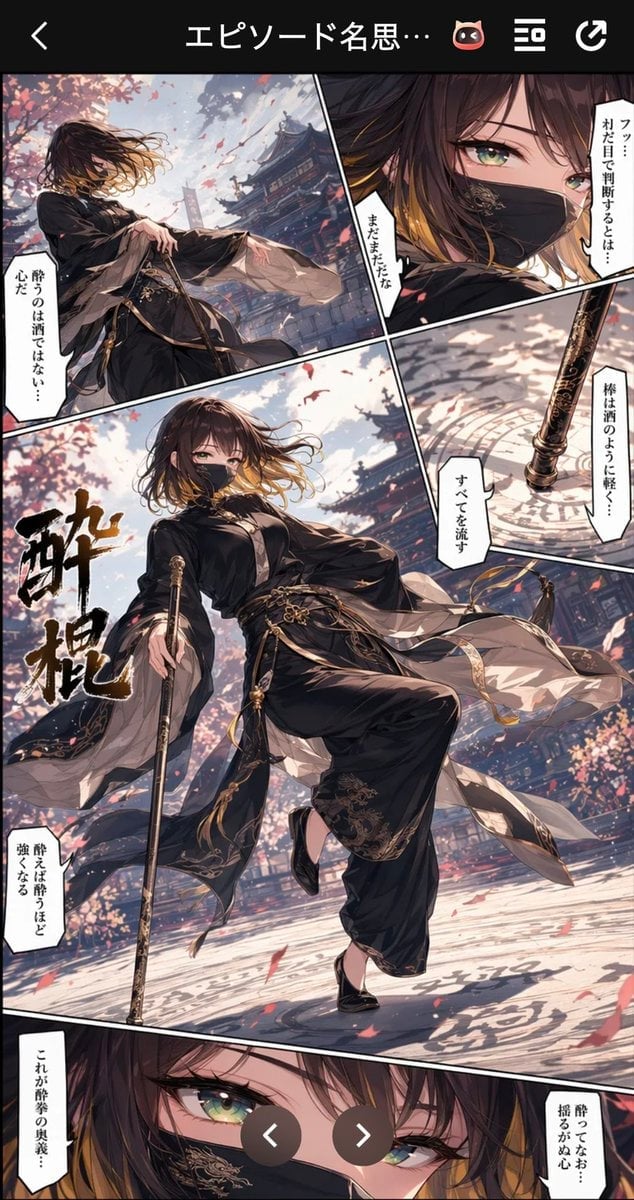
Generates a vertical mobile manga-reader screenshot featuring a masked martial artist performing a dramatic drunken staff technique in a cherry-blossom temple courtyard.
- Prompt included
- Model and format preset
- Premium template
The prompt behind this image
Copy the exact prompt behind Drunken Staff Manga Screenshot, or open it in the studio and make it yours.
Goal: Create a vertical smartphone screenshot of a dramatic full-color manga episode page about a masked martial artist using a drunken staff technique, titled {argument name="episode title" default="エピソード名思いつかなかった💦"} in the app header. Canvas: Tall 9:16 mobile screen, black app UI bar at the top with a back arrow on the left, centered truncated Japanese title text “エピソード名思…”, a small cat-face icon, a menu icon, and a refresh/rotate icon on the right. Below it, show one dynamic manga page with thick black gutters and angled panel borders. Add two semi-transparent circular navigation buttons with white chevrons near the lower center, overlaying the manga page. Layout: Use exactly 5 visible manga panels: 1) upper-left action panel of the character standing under cherry blossoms in front of temple roofs, holding a long staff; 2) upper-right close-up of one green eye and black embroidered face mask; 3) middle-right narrow panel showing the ornate staff tip touching a circular stone floor pattern; 4) large central hero panel occupying most of the page, showing the full-body martial artist in a dramatic low-angle pose; 5) bottom close-up panel of the character’s intense green eyes, partly cropped by the screen edge. Main character: A slim young female martial artist named {argument name="character name" default="unnamed masked martial artist"}, with shoulder-length dark brown hair fading to golden tips, windblown bangs, vivid green eyes, and a black ornate face mask with gold embroidery. She wears a flowing black Chinese-inspired martial arts outfit with wide sleeves, layered translucent white sashes, gold trim, tassels, belts, decorative knots, loose black trousers with embroidered cuffs, and black slippers. She carries one long black-and-gold carved staff/cane, sometimes planted on the ground. Her pose should feel elegant, unstable, and powerful, like drunken boxing transformed into drunken staff fighting. Setting and mood: Outdoor Japanese/Chinese temple courtyard in spring, ornate wooden shrine buildings and tiled roofs in the background, pink cherry blossom trees, petals swirling through bright air, cinematic sunlight, strong wind, diagonal composition, speed lines and motion blur. High-detail anime illustration, glossy manhwa/manga rendering, dramatic perspective, rich shadows, gold accents, painterly backgrounds, crisp panel borders. Text content: Include exactly 1 large vertical brush-calligraphy title inside the central panel reading {argument name="technique title" default="酔棍"}. Include exactly 8 white vertical manga speech boxes with black Japanese text: upper-left panel “酔うのは酒ではない…心だ”; upper-right panel right side “フッ…オレだと思って判断するとは…”; upper-right panel left side “まだまだだな”; middle-right panel right side “棒は酒のように軽く…”; middle-right panel lower side “すべてを流す”; central panel lower-left “酔えば酔うほど強くなる”; bottom panel left “これが酔拳の奥義…”; bottom panel right “酔ってなお…揺るがぬ心”. Constraints: Keep the image as a smartphone screenshot of a manga reader, not a clean standalone illustration. Use no extra panels beyond the 5 listed, no extra speech boxes beyond the 8 listed, no watermark, no photorealism, and preserve the Japanese text exactly where specified.
How to use Drunken Staff Manga Screenshot in 3 steps
- 1Upload ImagePNG, JPG or paste
Add your photo
Upload the photo the template builds on. The prompt, model and format are already set.
- 2…a portrait of your subject in softgolden-hour light, 85mm…
Personalize
Edit the subject and creative details for your destination.
- 3Generate
Generate
Press Generate — your image is created in PicX Studio, so you can compare it with the original and refine one variable at a time.
More like this
Templates with the same subject, style or setup. Open one to see its prompt.
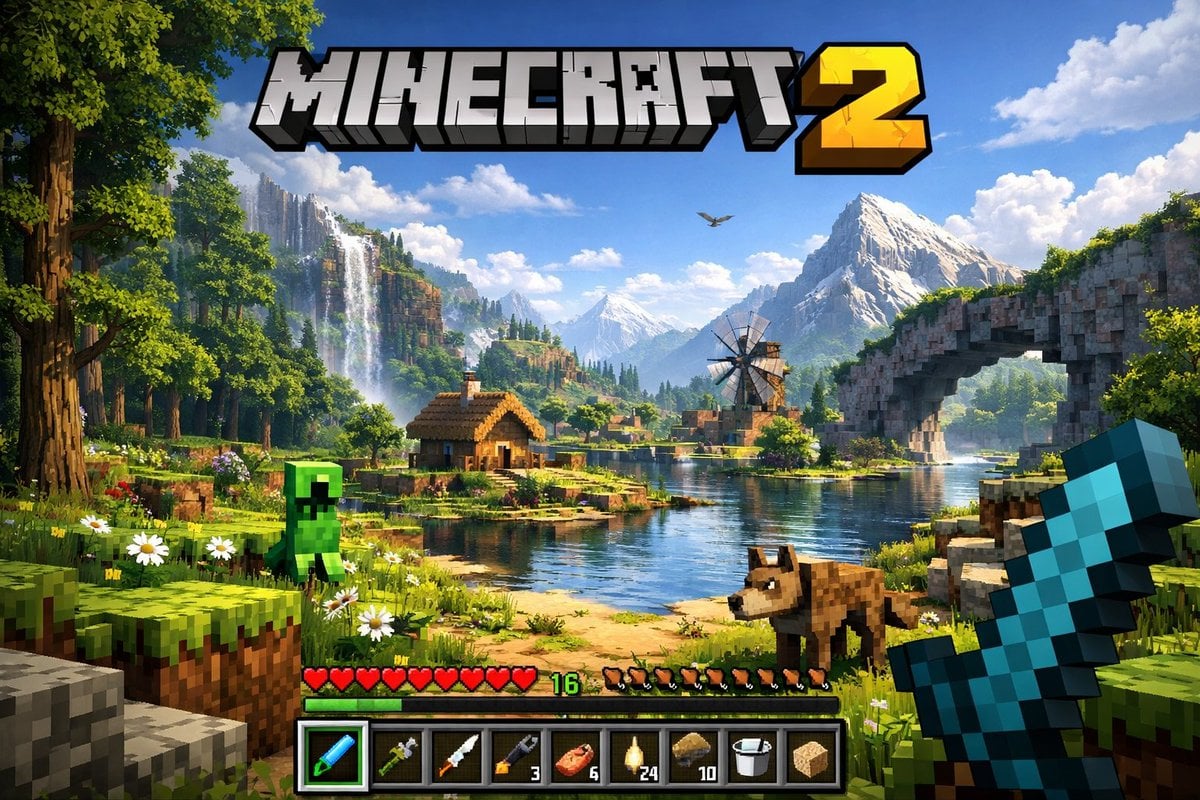
Minecraft Next-Gen Voxel World Screenshot
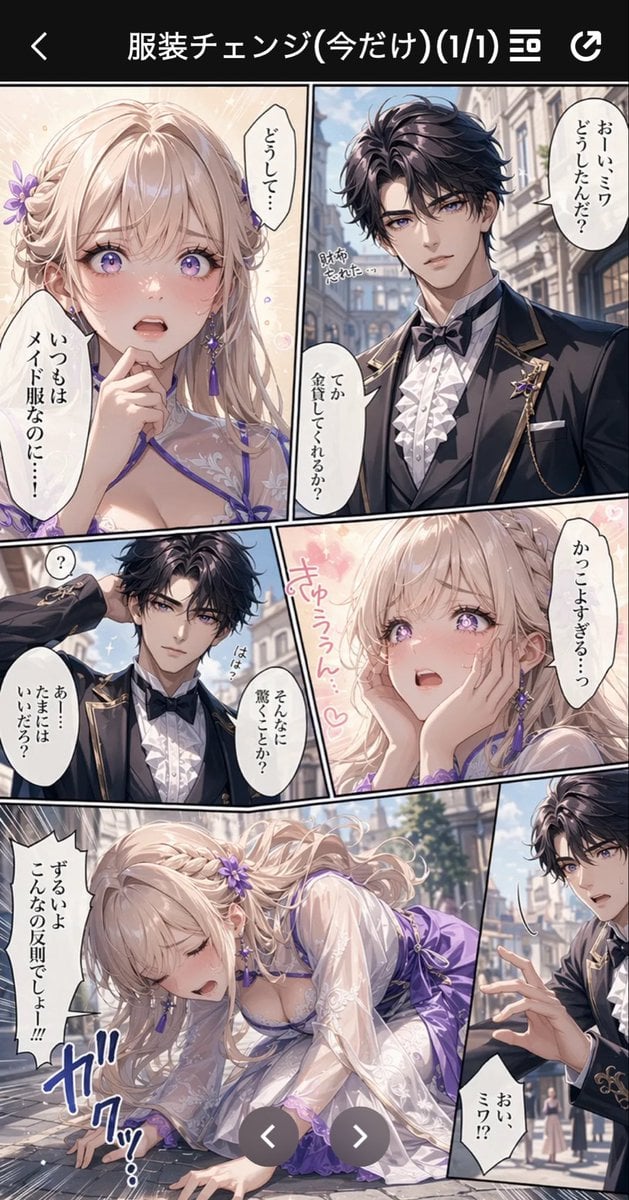
Anime Butler Date Manga Screenshot
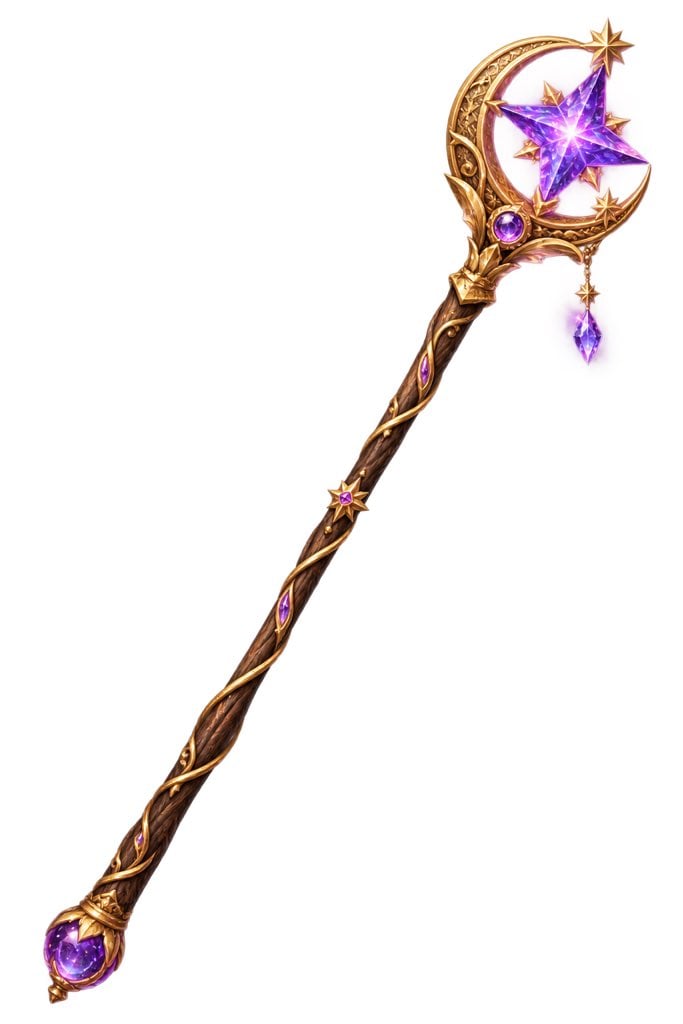
Fantasy Crescent Star Magic Staff
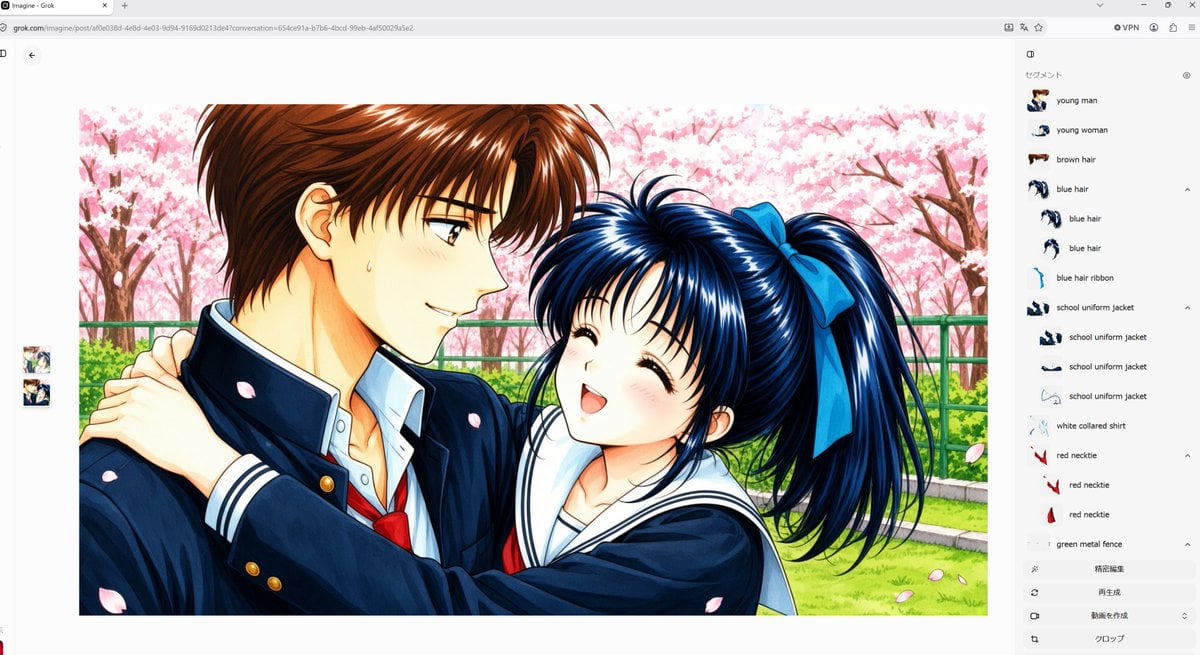
Anime Couple Segmentation UI Screenshot
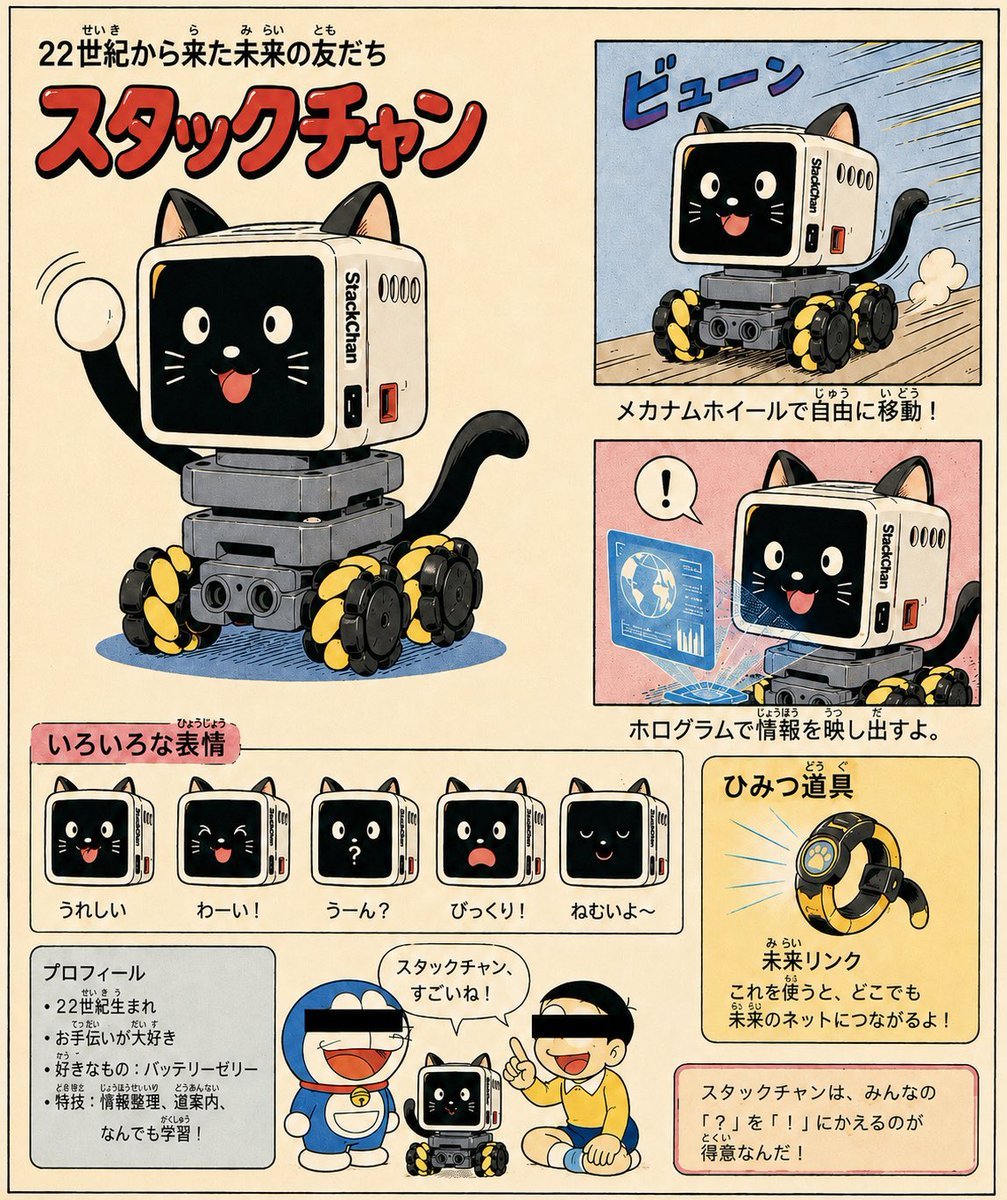
Retro Manga StackChan Concept Sheet
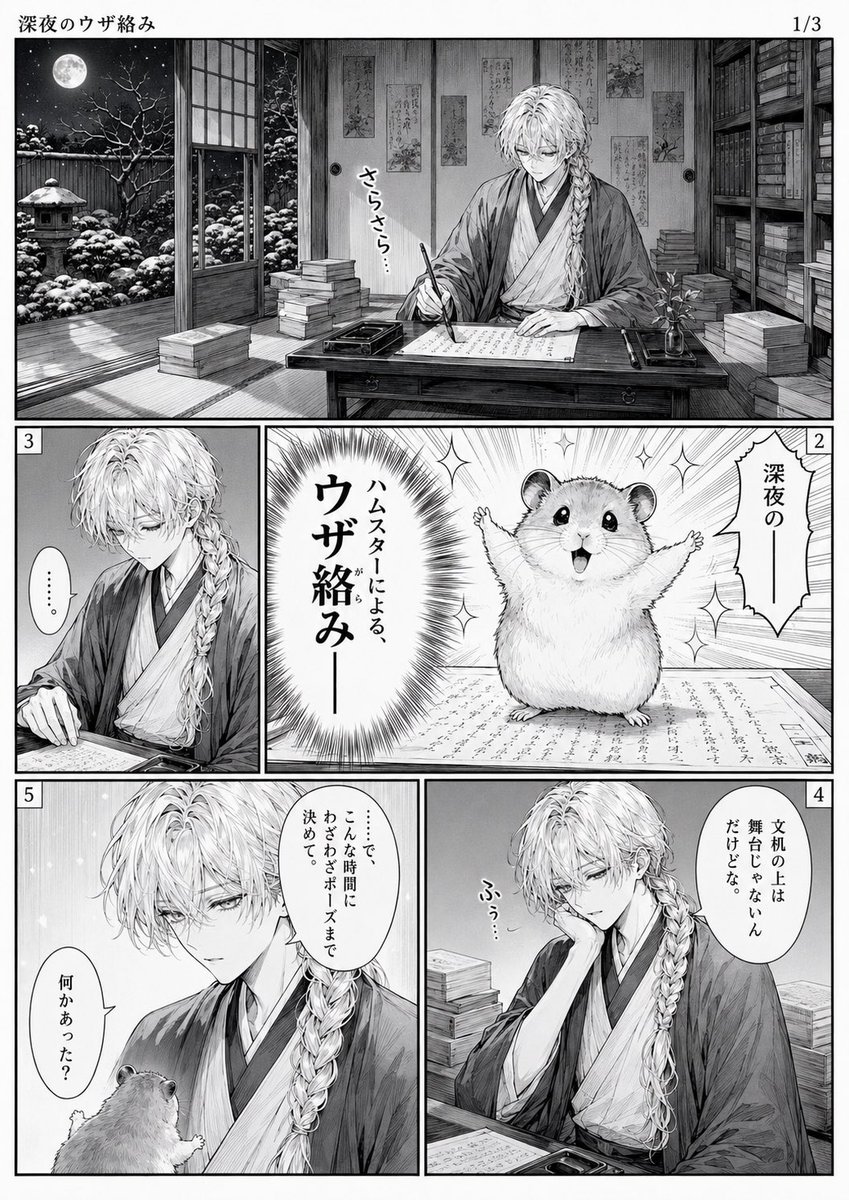
Late-Night Hamster Manga Page
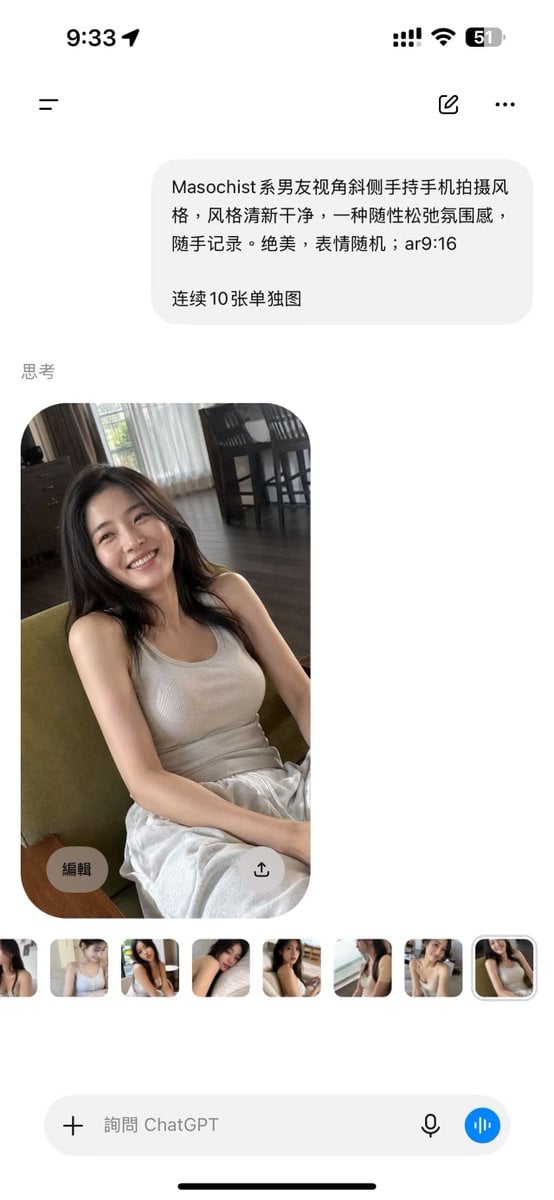
ChatGPT Mobile Photo Carousel Screenshot
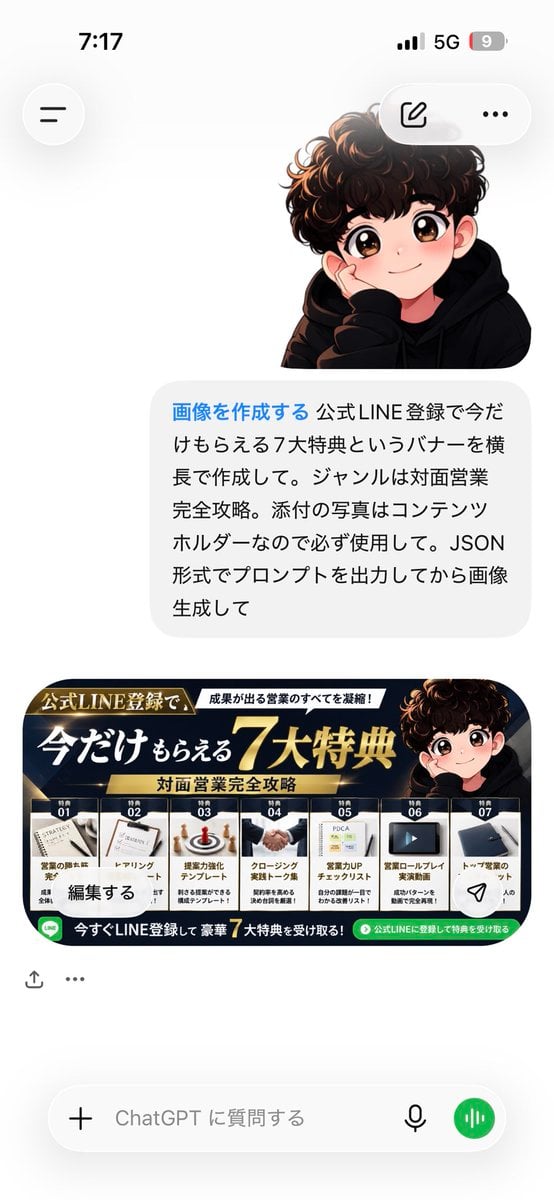
ChatGPT Bonus Banner Screenshot
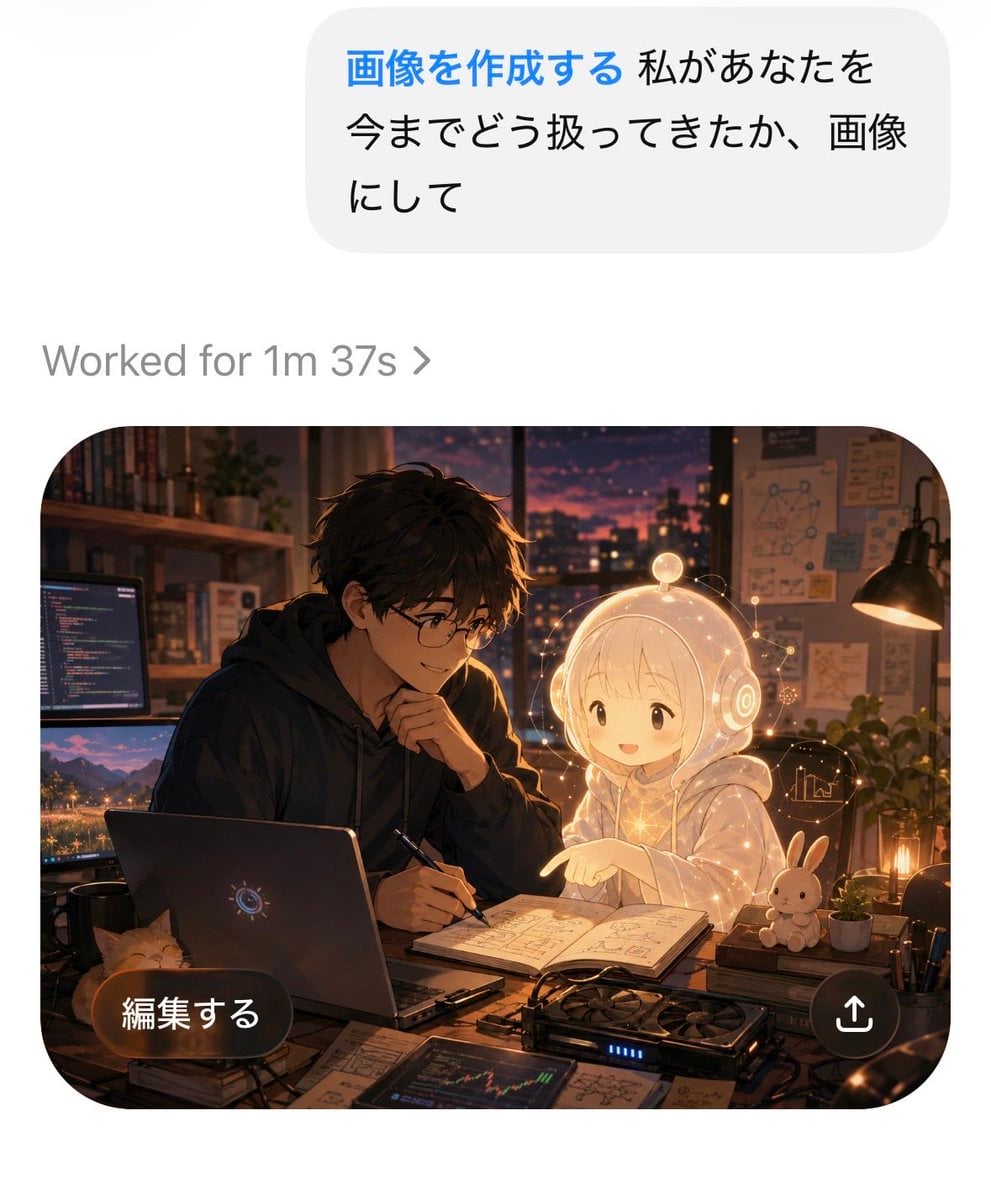
AI Chat Image Generation Screenshot
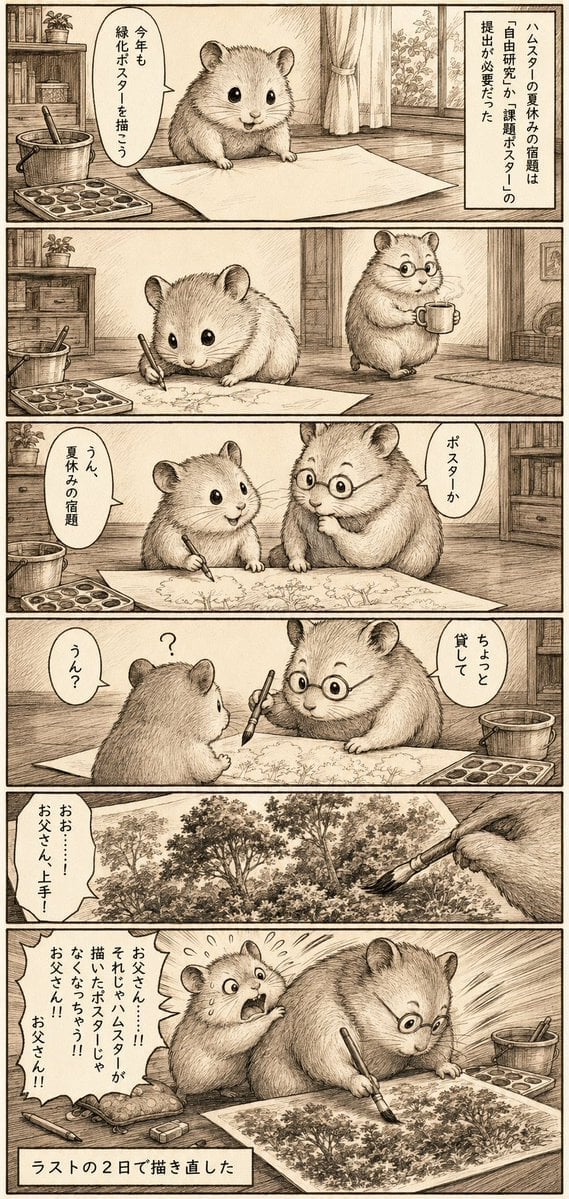
Sepia Hamster Summer Homework Manga
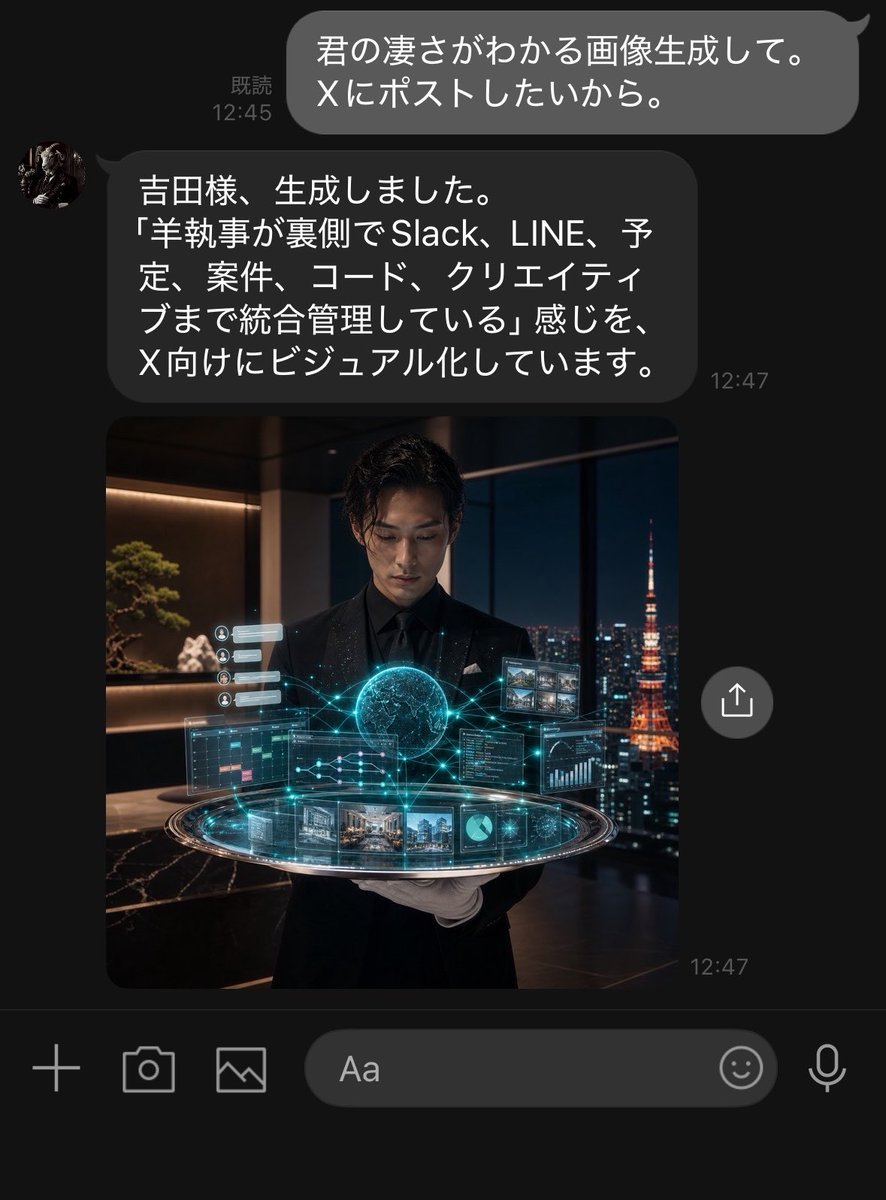
Dark LINE AI Assistant Chat Screenshot
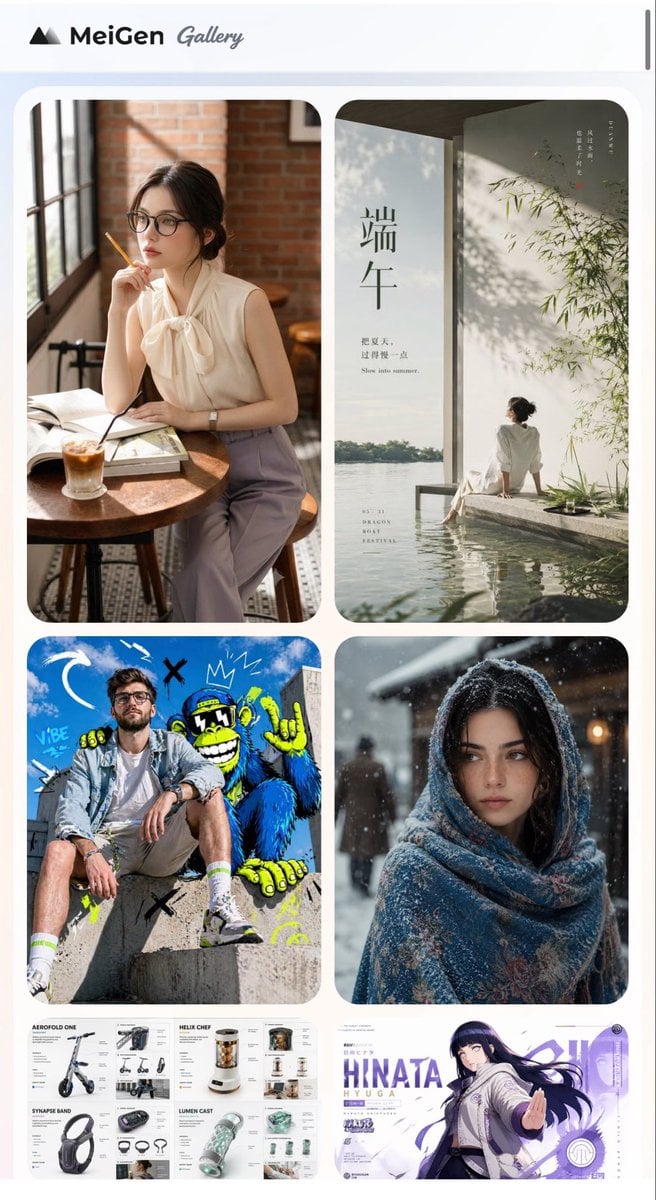
MeiGen AI Gallery Mobile Screenshot
Make it yours
Drunken Staff Manga Screenshot works as-is. These are the safest ways to change it without losing the look.
Change one field
Copy a single group, rewrite it, and generate again so you can see what that field is doing.
Keep the frame, change the subject
Hold the composition and light of Drunken Staff Manga Screenshot, then swap wardrobe, props or the person for a new take.
| If the result… | Why | Fix |
|---|---|---|
| The result drifts from the preview | Too many fields changed at once. | Reuse Drunken Staff Manga Screenshot as-is first, then change one group — subject, light, or setting. |
| The model over-stylizes the scene | The prose prompt leaves finish and camera underspecified. | Add one camera or lighting sentence and stay on GPT Image 2. |
More GPT Image 2 templates
Other prompts made for GPT Image 2.

Six VTuber Japanese Logo Sheet

Realistic Portrait of Woman and Deer

The Vista Modular Condo Poster

AI Model Routing Comparison Infographic

2.5D Anime Art Board

Isometric Productivity Desk Scene

New York Double Exposure Poster

Four-Panel AI Landscape Comparison

Japanese Tatami Lifestyle Magazine Cover

NESCAFÉ Coffee Map Poster
More image prompts
Fresh picks from across the catalog.
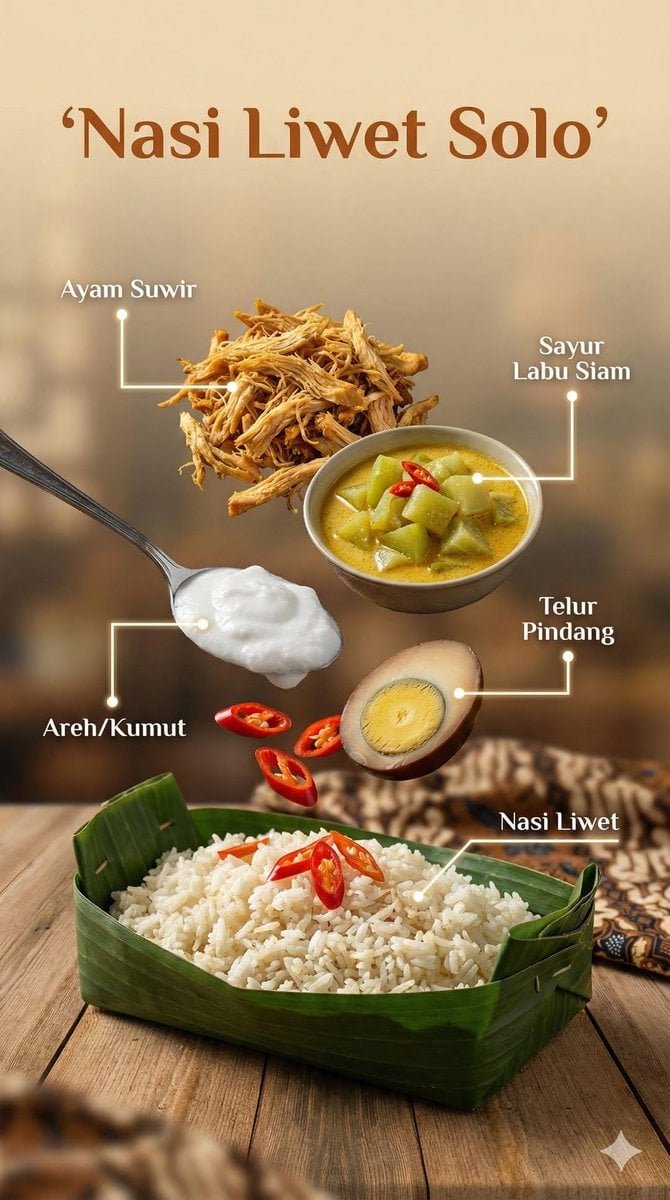
Ultra-realistic cinematic food photography of Indonesian dish
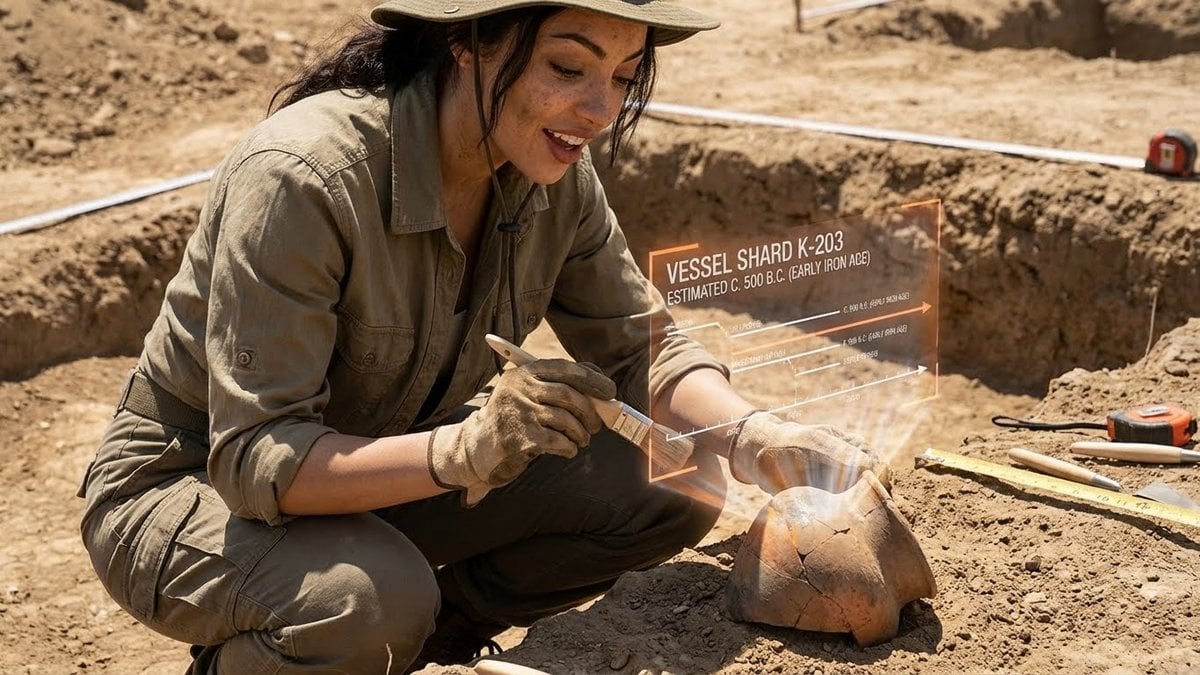
Structured Prompt for Archaeological Dig Scene with 3D Data Overlay
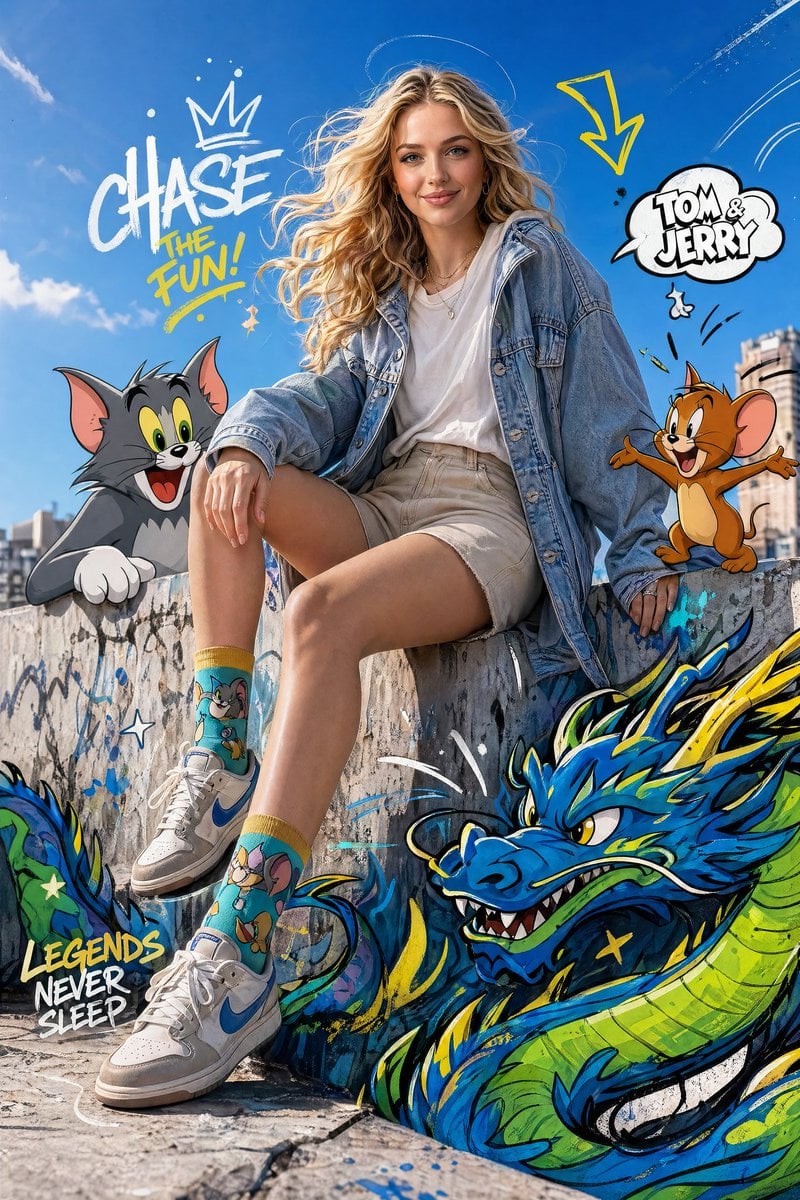
Fashion Editorial with Cartoons
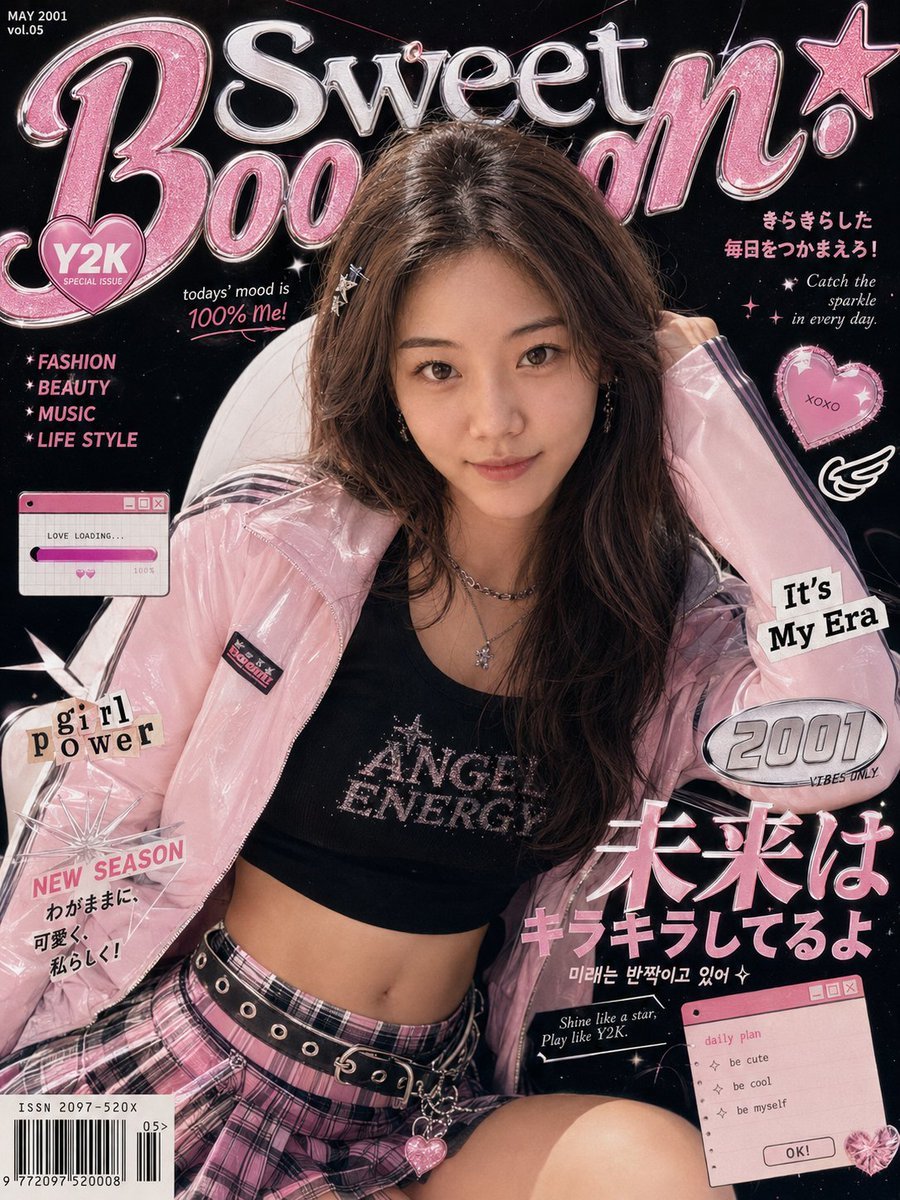
Y2K Fashion Magazine Cover
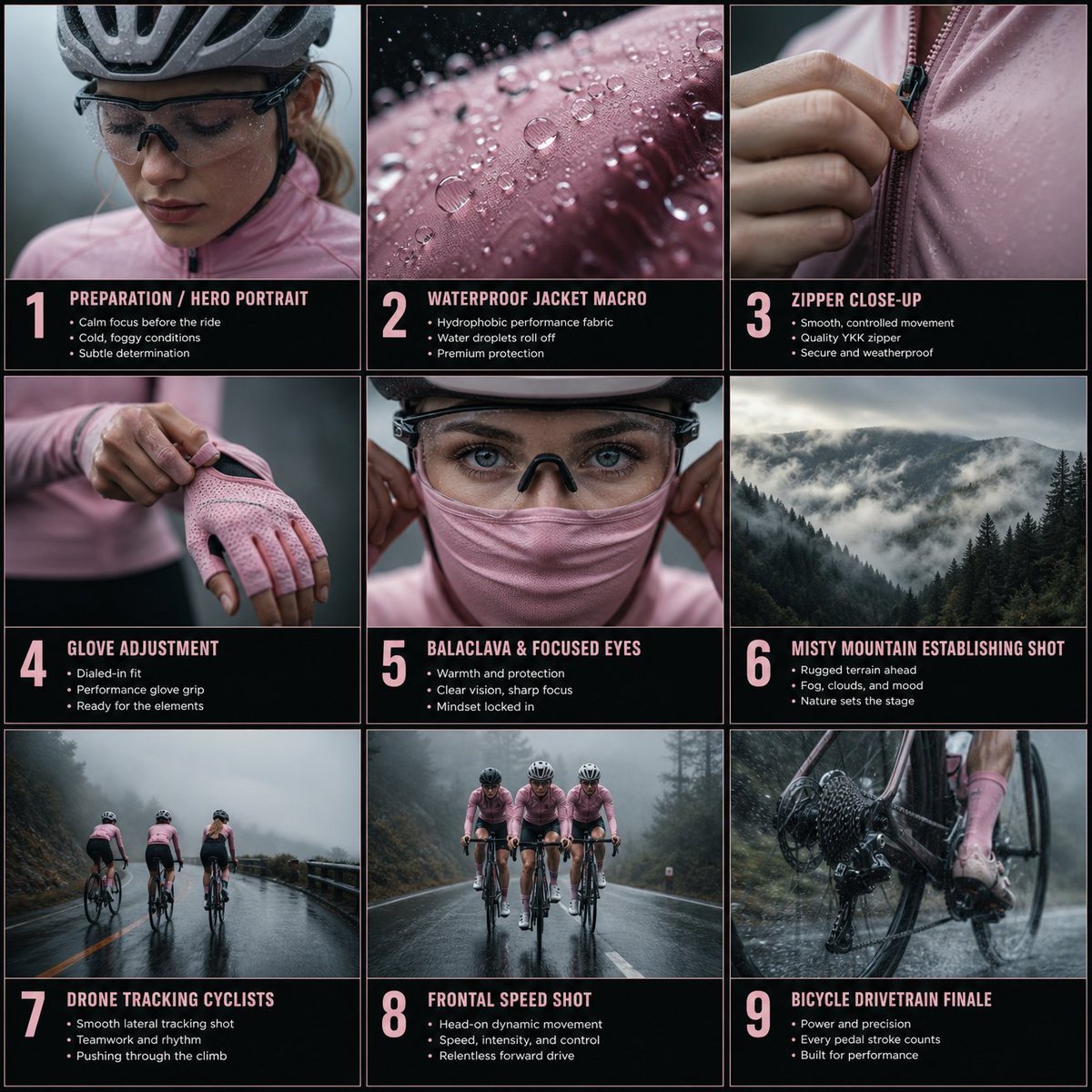
Cinematic Cycling Storyboard

3D Chibi Doodle Portrait
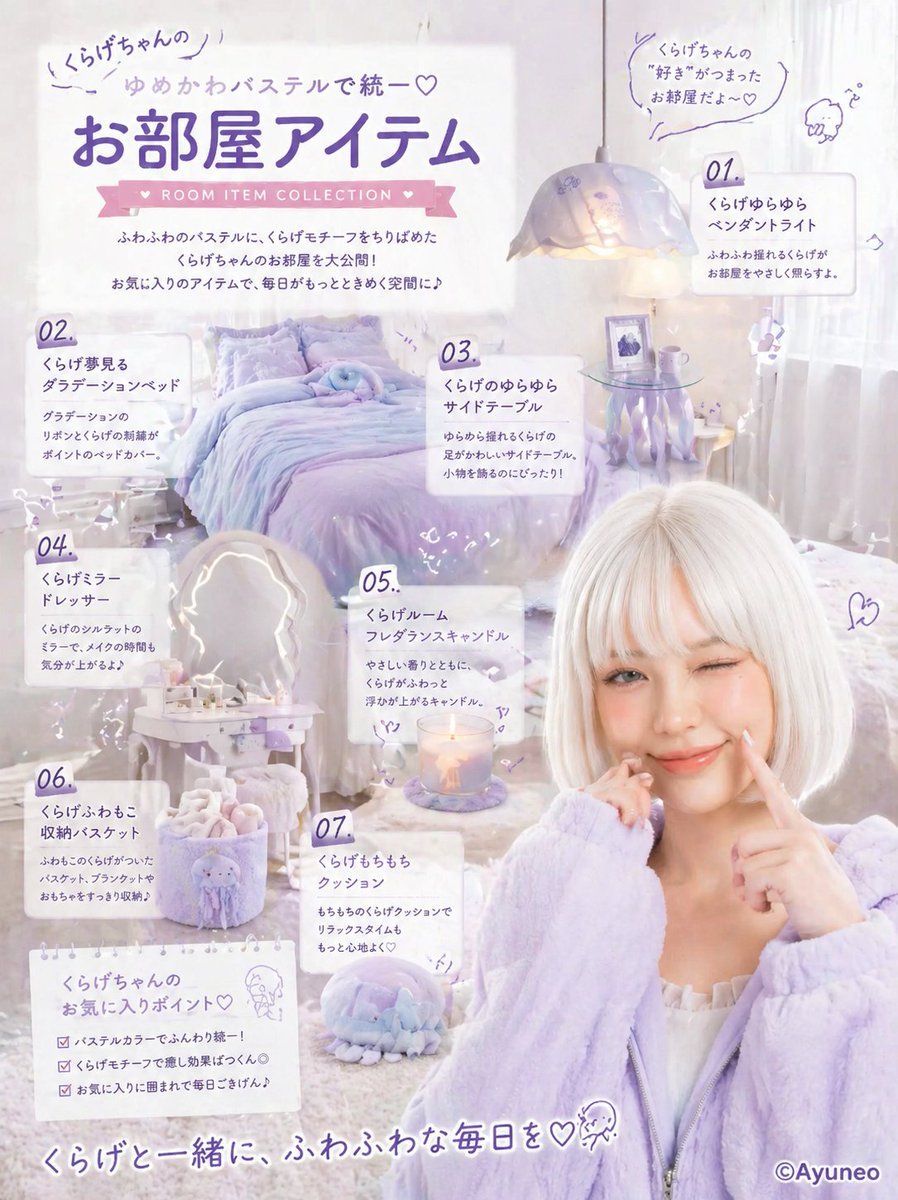
Pastel Jellyfish Room Item Poster
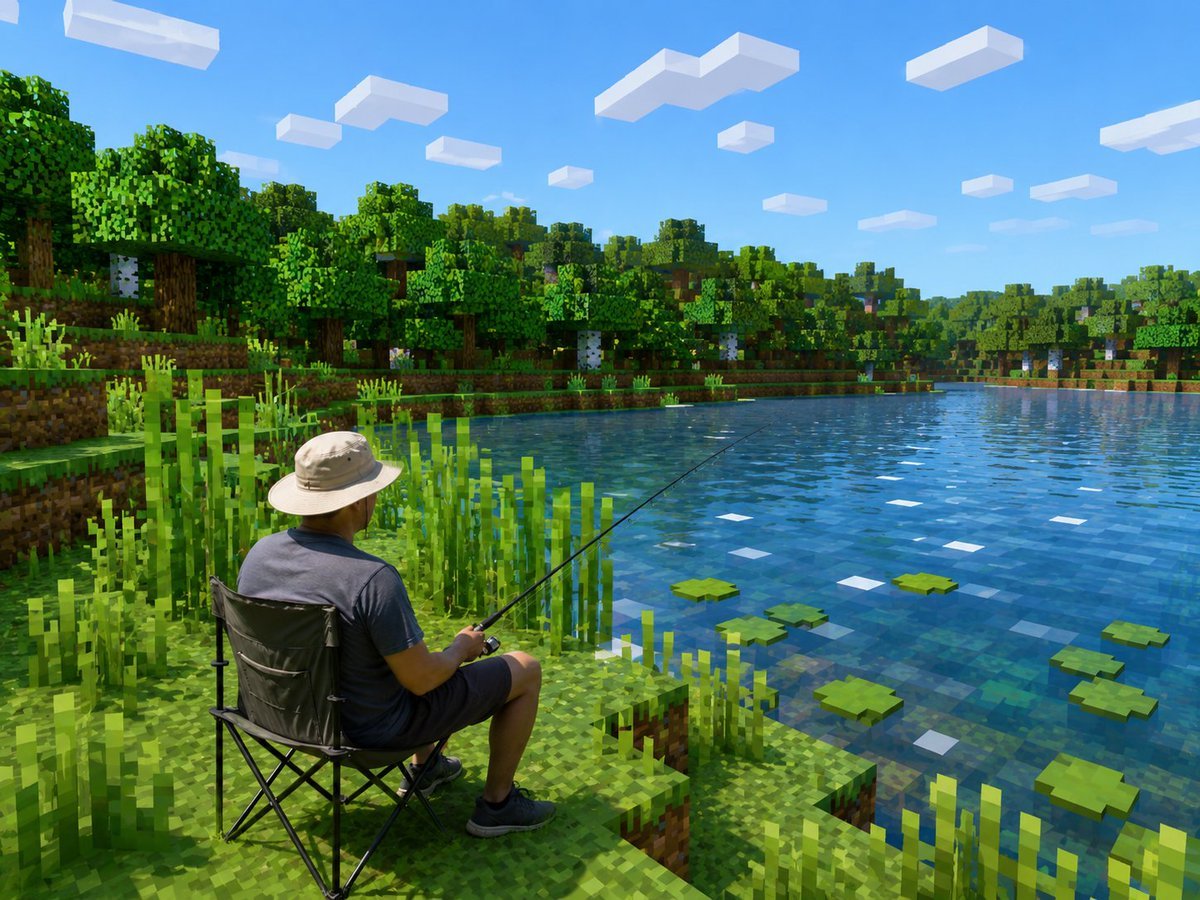
Realistic Fisherman in Minecraft Lake
Cinematic Portrait with Motion Blur Cityscape
Cinematic Twilight Coastal Landscape with Toyota Land Cruiser
Browse template categories
Drunken Staff Manga Screenshot questions
How do I use the Drunken Staff Manga Screenshot template?
Add your photo if the template asks for one, edit the prompt if you like — the template's model and format are already selected — and press Generate. Your version opens in PicX Studio.
Can I customize the Drunken Staff Manga Screenshot template?
Yes. You can change the subject, setting, lighting, mood, format, and available model controls before creating your image.
Is the Drunken Staff Manga Screenshot template free?
Opening and editing this template is free. Generating uses credits, shown on the Generate button when you are signed in.
Which AI model should I use?
Start with GPT Image 2, which is the model associated with this template. You can compare another compatible model for a different finish.
Looking for something else? Browse all templates.

Your photo, any look
Thousands of ready templates for every top image and video model, from one credit balance.