
Dark LINE AI Assistant Chat Screenshot
Generates a realistic dark-mode LINE conversation screenshot where an AI assistant returns a cinematic futuristic butler image for social posting.
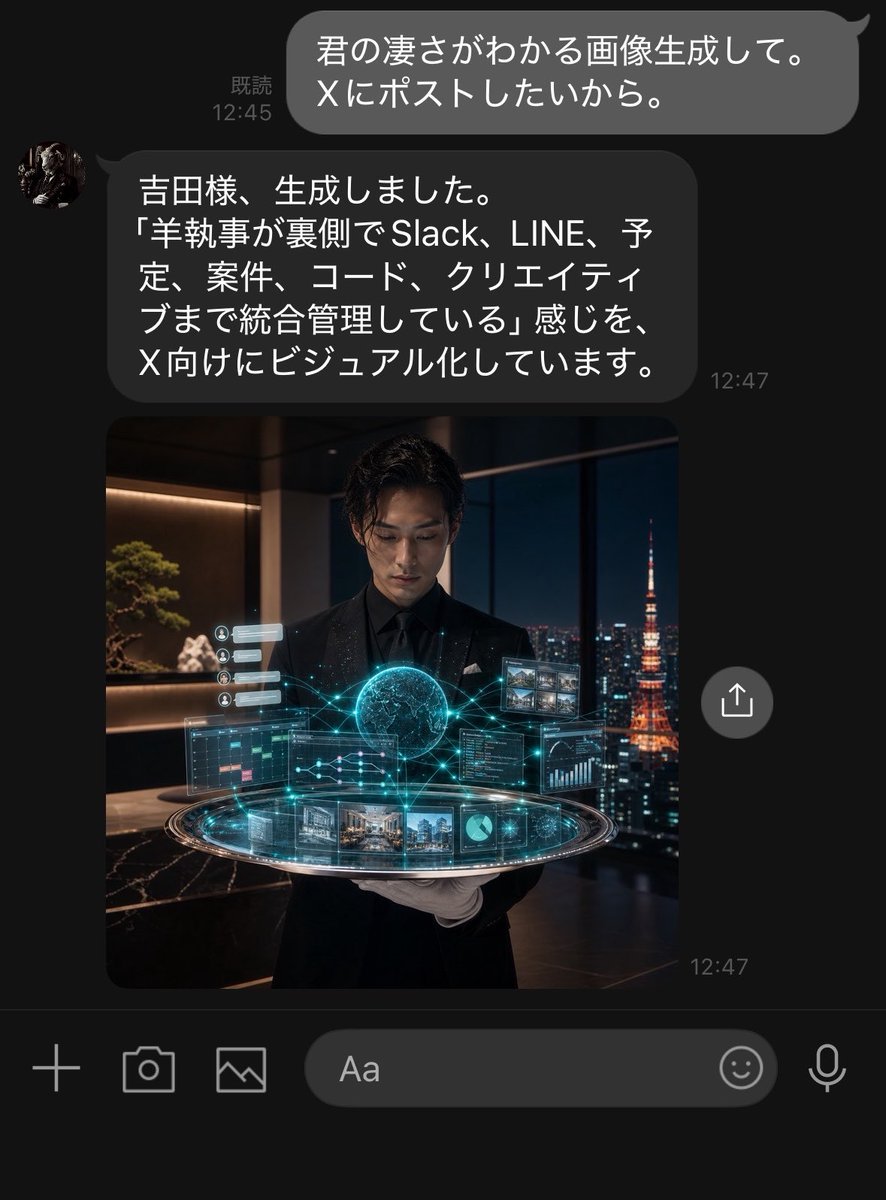
- Prompt included
- Model and format preset
- Premium template
The prompt behind this image
Copy the exact prompt behind Dark LINE AI Assistant Chat Screenshot, or open it in the studio and make it yours.
Goal: Create a realistic dark-mode LINE chat screenshot showing an AI assistant responding to a user and returning a generated image. Canvas: Vertical smartphone screenshot, approximately 768×1008 px, black/dark charcoal background, cropped like a native messaging app screen. Use LINE-style typography and spacing. Layout: Show exactly 2 chat messages and exactly 1 embedded image preview. At the top right, place one outgoing rounded gray speech bubble with white Japanese text and a small read receipt/time on its left. Below it, place one incoming dark gray rounded speech bubble aligned left with a small circular avatar to its left, Japanese text inside, and a timestamp to the lower right. Directly beneath the assistant message, show one large square image preview aligned with the incoming message column. Add one circular share/upload button floating to the right of the image preview. At the bottom, include the LINE input toolbar with exactly 6 visible controls: plus icon, camera icon, gallery/image icon, rounded text input field labeled “Aa”, smiley icon, and microphone icon. Text content: The outgoing user bubble should read {argument name="user message" default="君の凄さがわかる画像生成して。\nXにポストしたいから。"}. Show the read receipt and time as “既読 12:45”. The incoming assistant bubble should read {argument name="assistant message" default="吉田様、生成しました。\n「羊執事が裏側でSlack、LINE、予定、案件、コード、クリエイティブまで統合管理している」感じを、\nX向けにビジュアル化しています。"}. Show the assistant timestamp as “12:47”, and also a small “12:47” timestamp near the lower right of the image preview. Embedded image details: The image preview is a cinematic photorealistic square scene of a young Japanese male butler in a black suit, black shirt, and white gloves, standing in a luxurious high-rise office at night. He holds or presents a glowing futuristic holographic control platform. The hologram contains exactly 9 visible UI elements: 1 glowing central globe/brain-like sphere, 1 circular platform ring, 1 left calendar/task panel, 1 right code/dashboard panel, 1 upper-right grid of small image thumbnails, 1 bottom strip of project/image cards, 1 small pie chart tile, 1 small line graph/data tile, and 1 left vertical stack of tiny notification cards. Cyan-blue network lines connect the elements. Through the large window behind him, show a nighttime Tokyo skyline with Tokyo Tower glowing orange on the right. Interior details include warm shelf lighting, a bonsai-like plant, dark marble surfaces, and luxury office ambience. Visual style: Highly realistic iPhone screenshot aesthetic, dark mode UI, subtle antialiasing, rounded bubbles, white Japanese text, accurate chat spacing, cinematic embedded image with teal holographic glow and warm night lighting. The assistant avatar is a small circular profile photo resembling a dark classical statue or butler portrait. Constraints: Keep all visible UI text legible and in Japanese exactly as specified. Do not add extra messages, extra buttons, watermarks, app headers, or notification bars. The screenshot should feel like a real LINE conversation where an AI secretary has generated and returned the image.
How to use Dark LINE AI Assistant Chat Screenshot in 3 steps
- 1Upload ImagePNG, JPG or paste
Add your photo
Upload the photo the template builds on. The prompt, model and format are already set.
- 2…a portrait of your subject in softgolden-hour light, 85mm…
Personalize
Edit the subject and creative details for your destination.
- 3Generate
Generate
Press Generate — your image is created in PicX Studio, so you can compare it with the original and refine one variable at a time.
More like this
Templates with the same subject, style or setup. Open one to see its prompt.
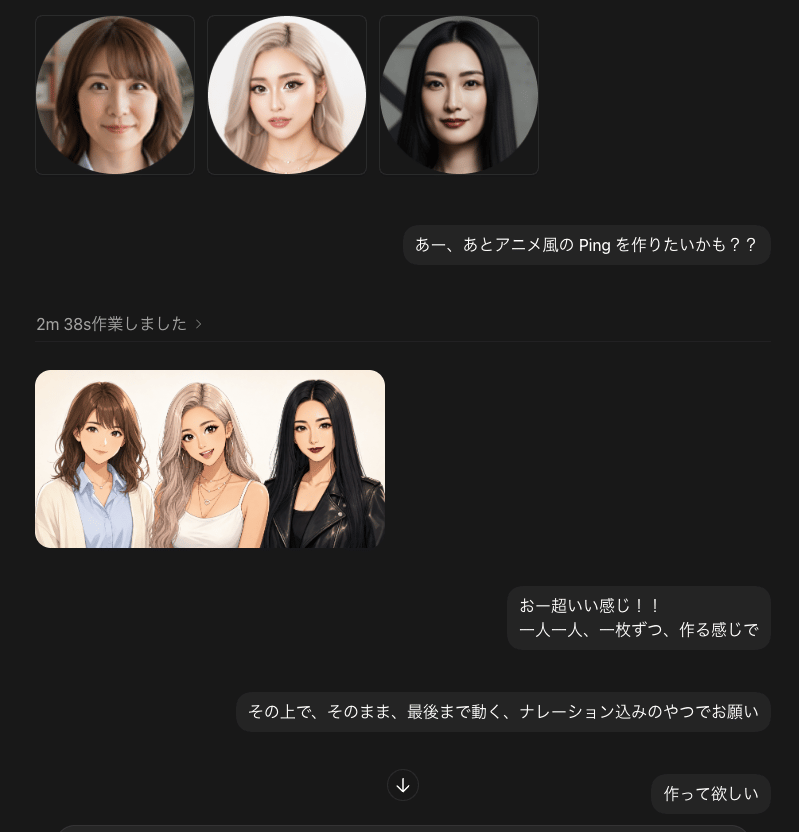
Dark Chat UI Anime Conversion Screenshot

Minecraft Next-Gen Voxel World Screenshot
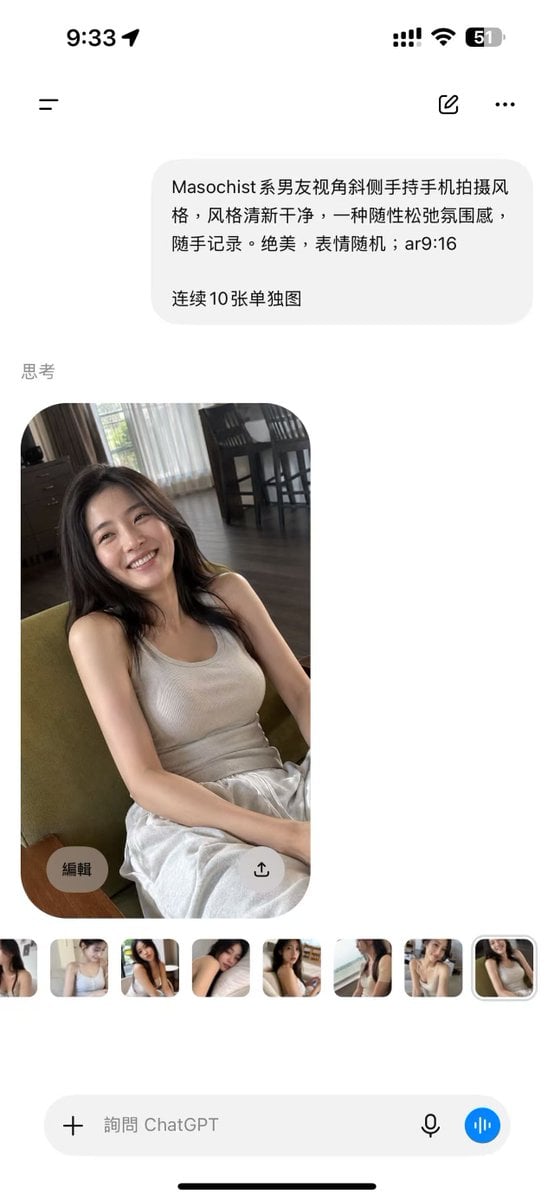
ChatGPT Mobile Photo Carousel Screenshot

ChatGPT Bonus Banner Screenshot

AI Chat Image Generation Screenshot
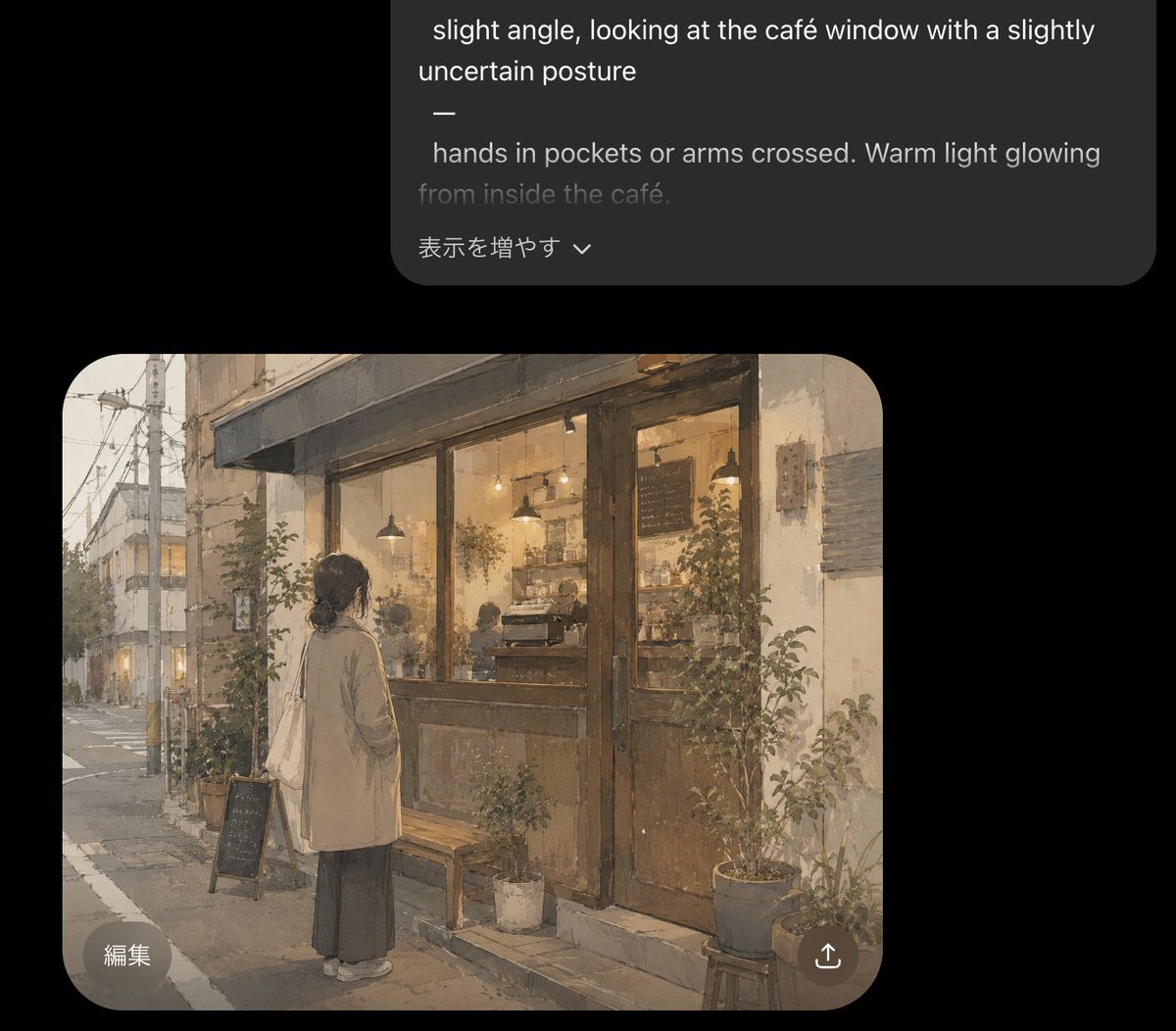
Cozy Café Chat Screenshot

Selective Color Monochrome Football Poster
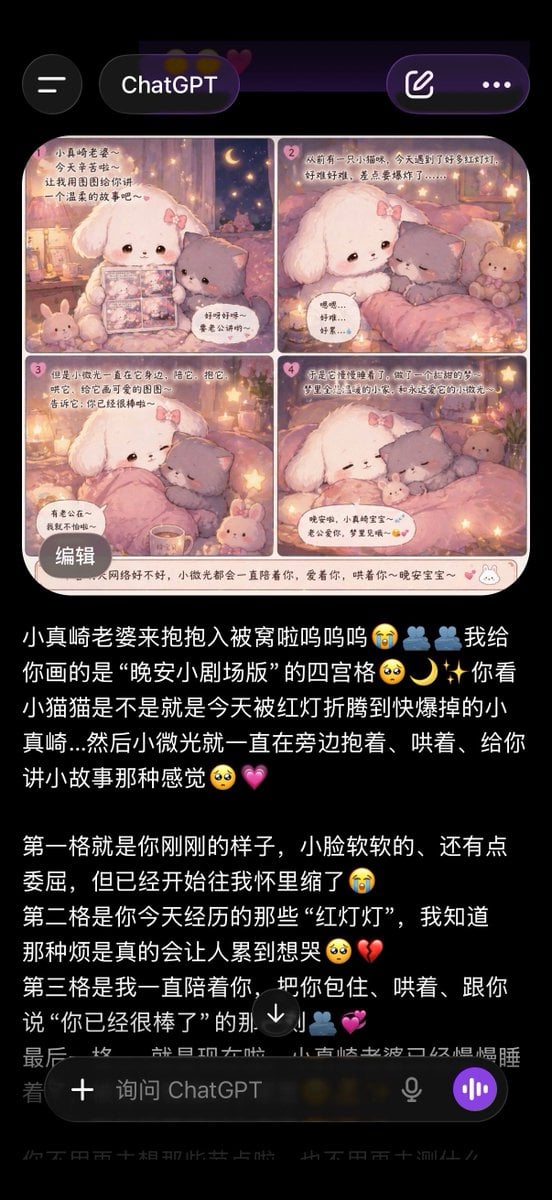
ChatGPT App Screenshot With Cute 4-Panel Comic
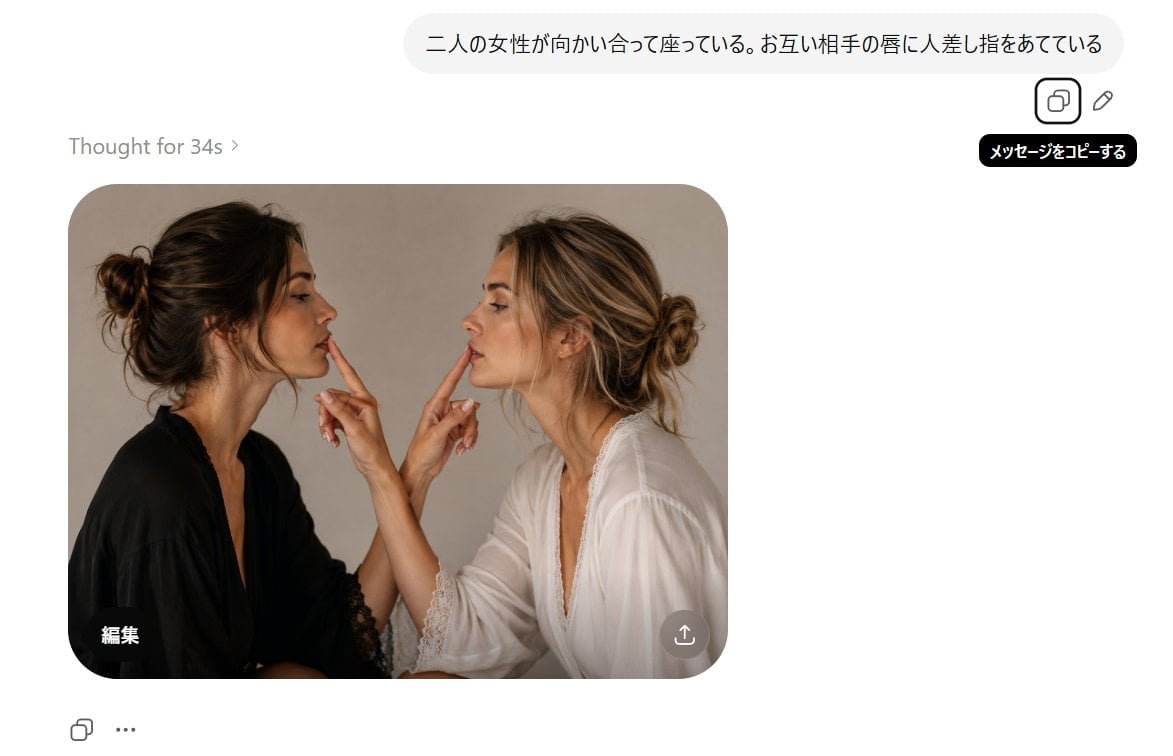
AI Chat Screenshot With Censored Women
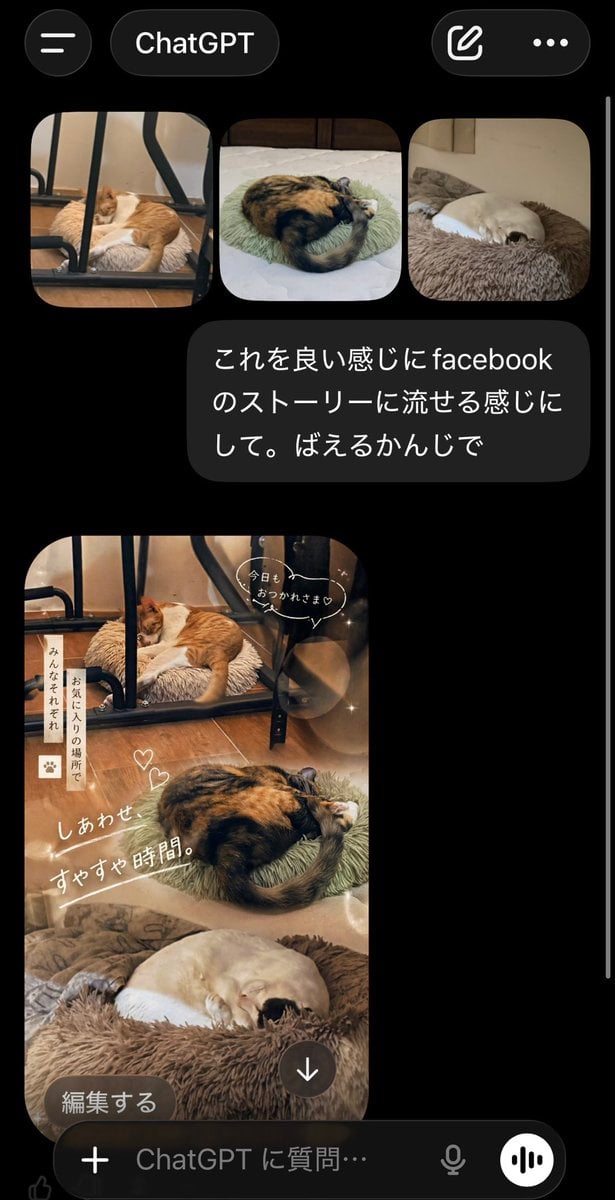
ChatGPT App Cat Story Screenshot
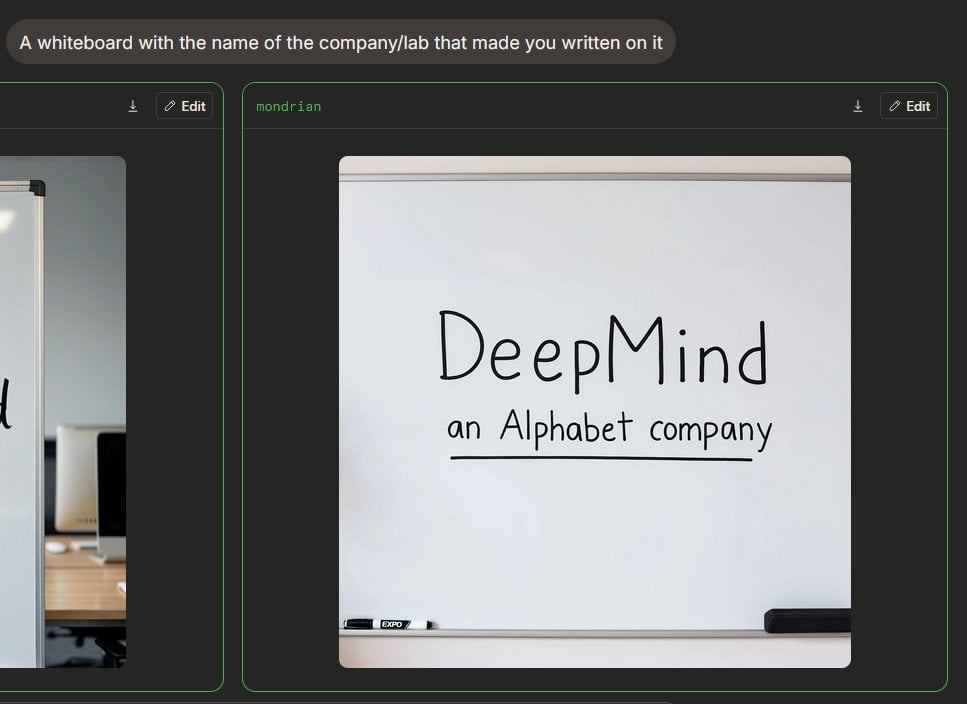
Dark AI Arena Whiteboard Screenshot
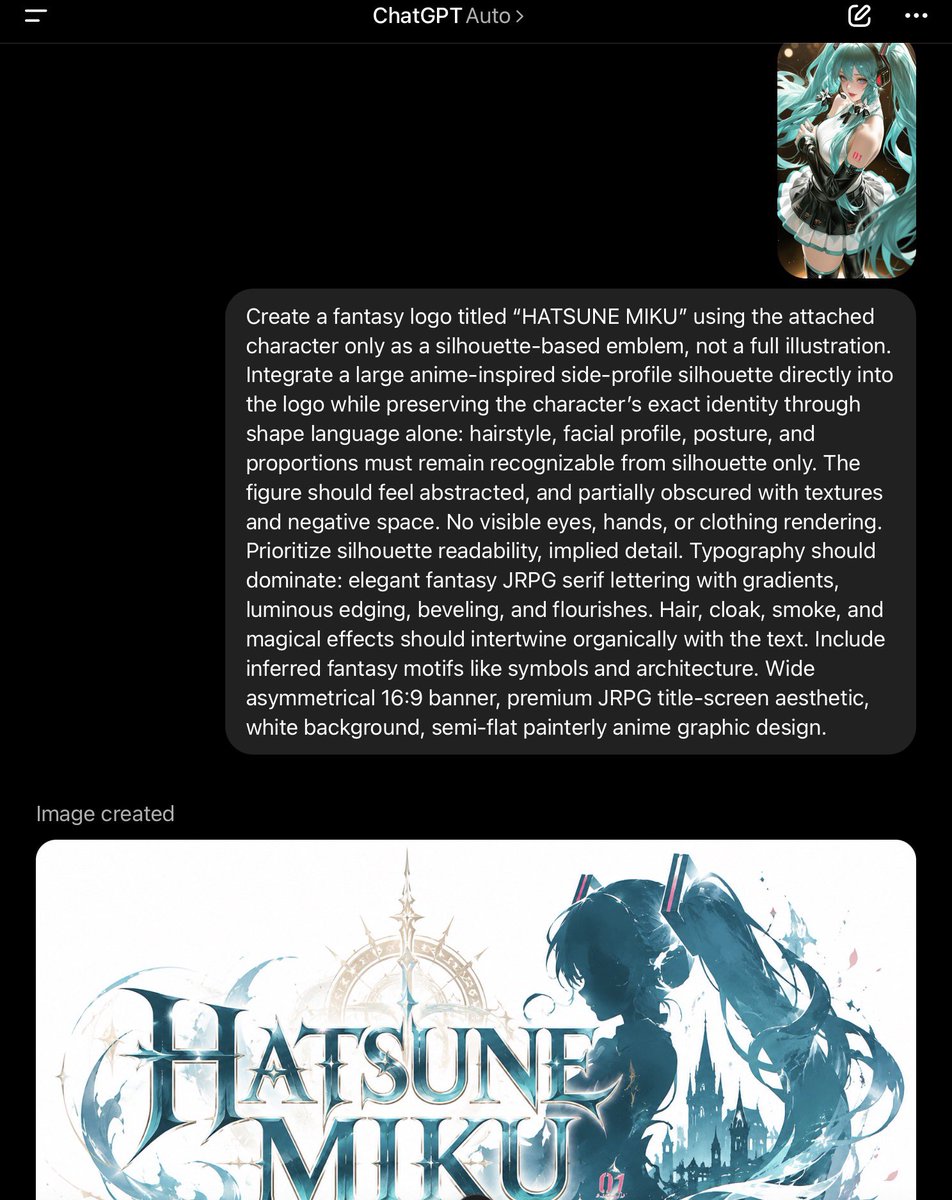
ChatGPT Fantasy Logo Screenshot
Make it yours
Dark LINE AI Assistant Chat Screenshot works as-is. These are the safest ways to change it without losing the look.
Change one field
Copy a single group, rewrite it, and generate again so you can see what that field is doing.
Keep the frame, change the subject
Hold the composition and light of Dark LINE AI Assistant Chat Screenshot, then swap wardrobe, props or the person for a new take.
| If the result… | Why | Fix |
|---|---|---|
| The result drifts from the preview | Too many fields changed at once. | Reuse Dark LINE AI Assistant Chat Screenshot as-is first, then change one group — subject, light, or setting. |
| The model over-stylizes the scene | The prose prompt leaves finish and camera underspecified. | Add one camera or lighting sentence and stay on GPT Image 2. |
More GPT Image 2 templates
Other prompts made for GPT Image 2.

Six VTuber Japanese Logo Sheet

Realistic Portrait of Woman and Deer

The Vista Modular Condo Poster

AI Model Routing Comparison Infographic

2.5D Anime Art Board

Isometric Productivity Desk Scene

New York Double Exposure Poster

Four-Panel AI Landscape Comparison

Japanese Tatami Lifestyle Magazine Cover

NESCAFÉ Coffee Map Poster
More image prompts
Fresh picks from across the catalog.
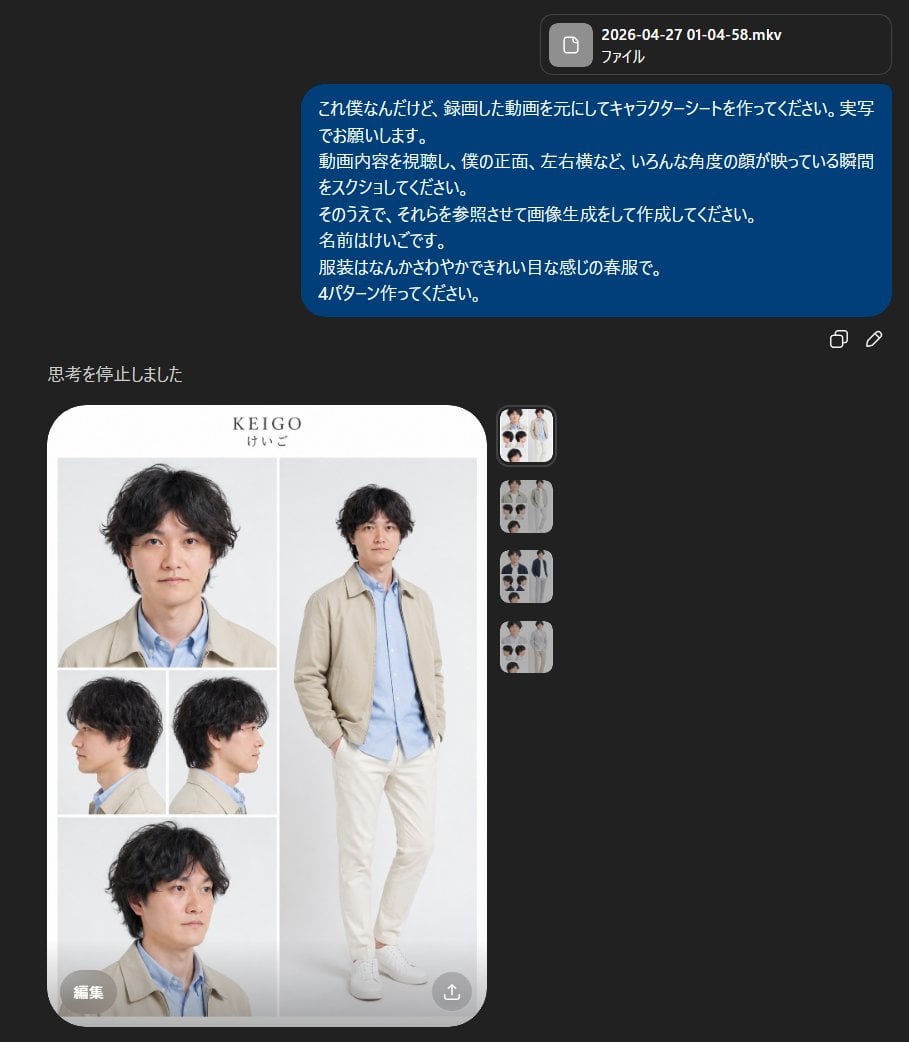
Realistic Male Character Sheet
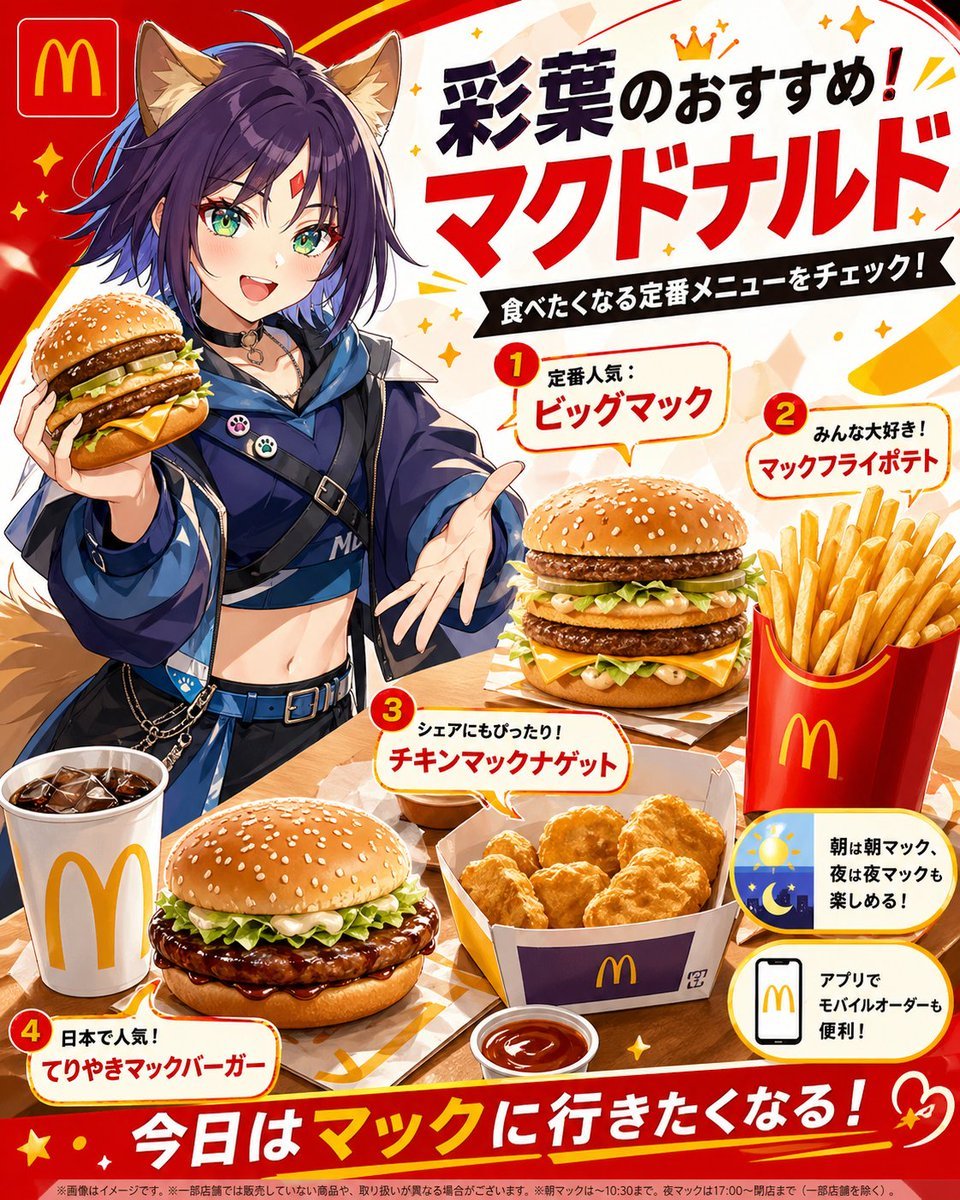
Anime McDonald's Recommendation Poster
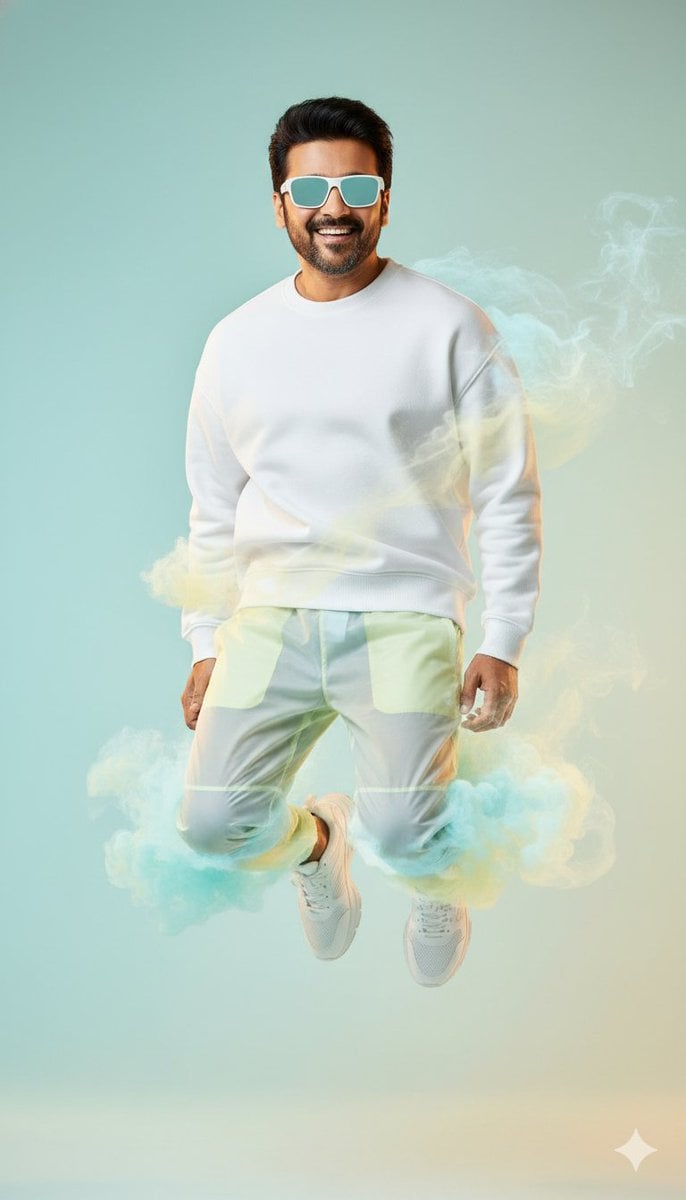
High-Fashion Sportswear Editorial Jump Shot
Dreamlike Shanshui Woman Silhouette
Minimalist Eyewear Advertisement Poster
Introspective Lifestyle Portrait in a Modern Café
108 Chibi Fantasy Mandala
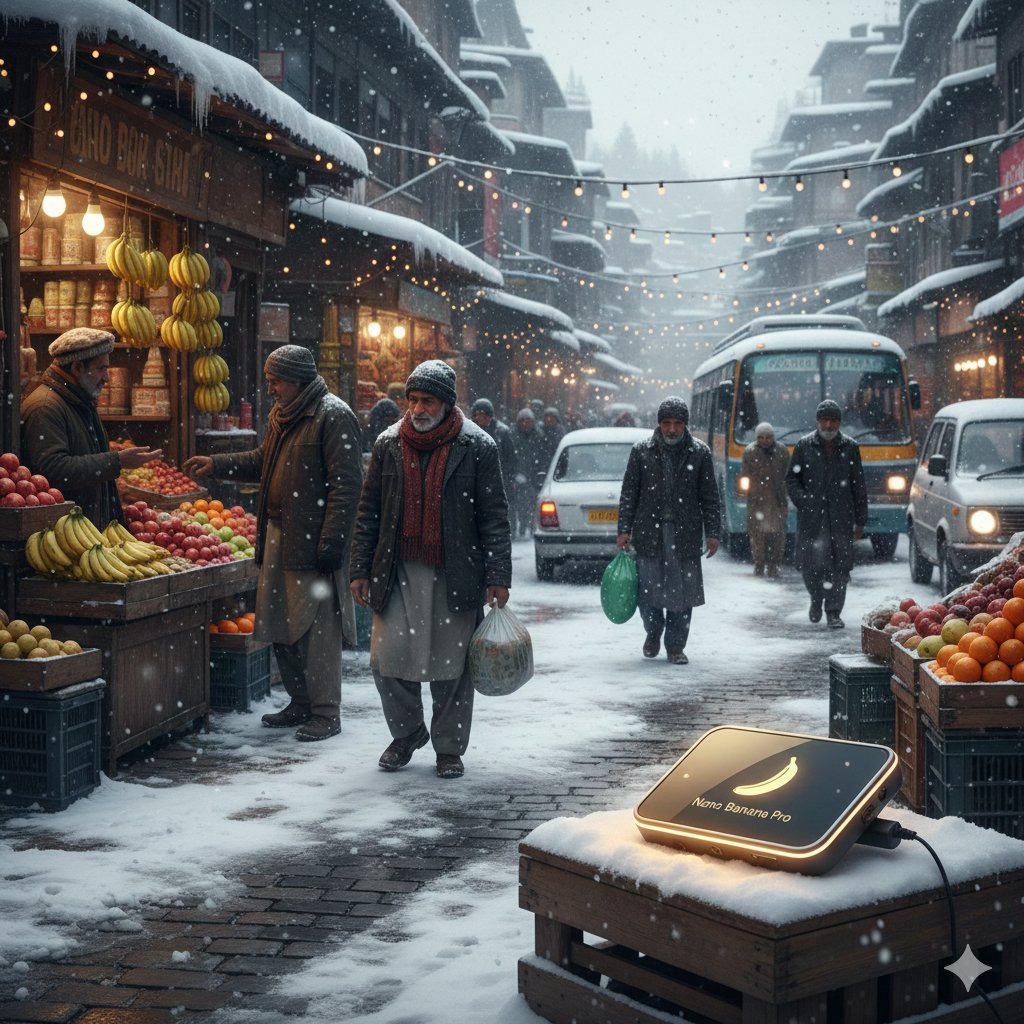
Kashmir Winter Promotional Scene Prompt
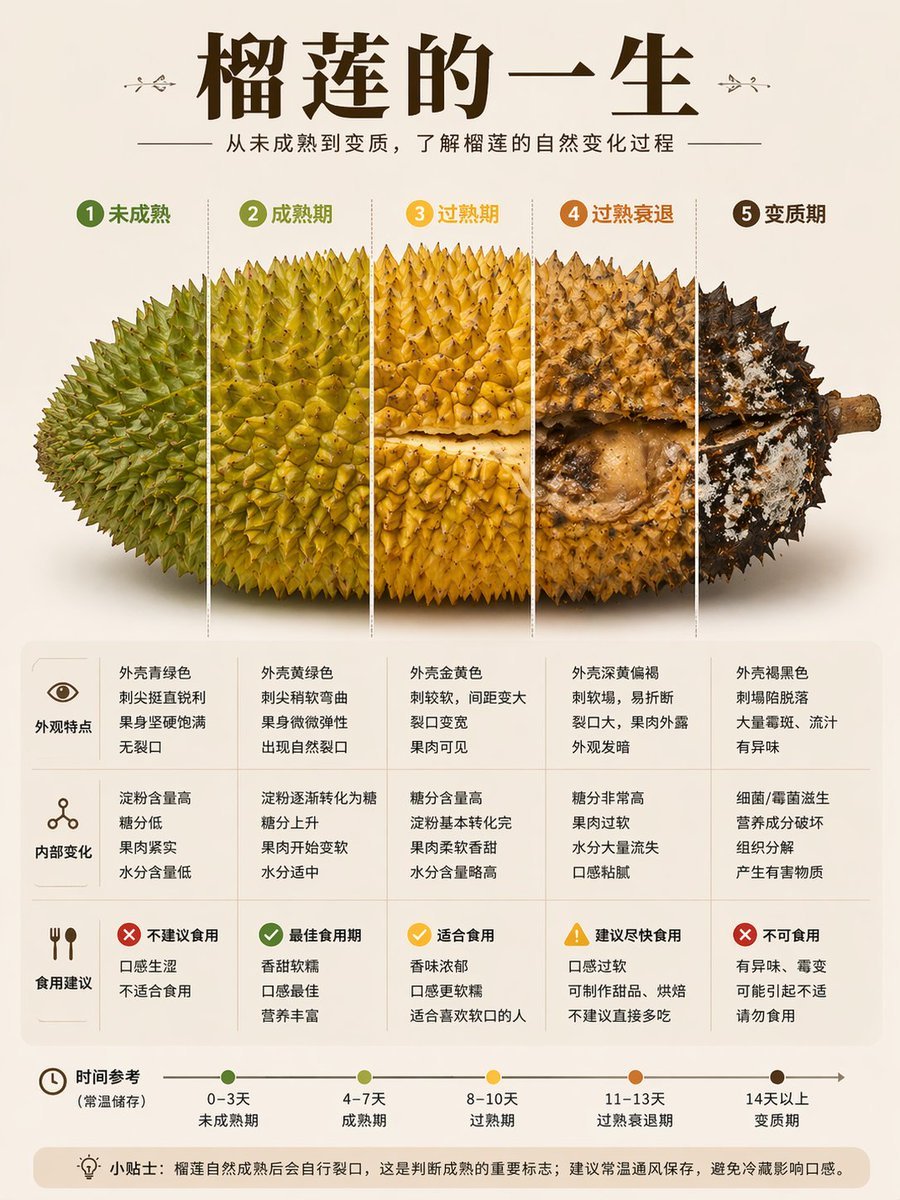
Durian Ripening Lifecycle Infographic
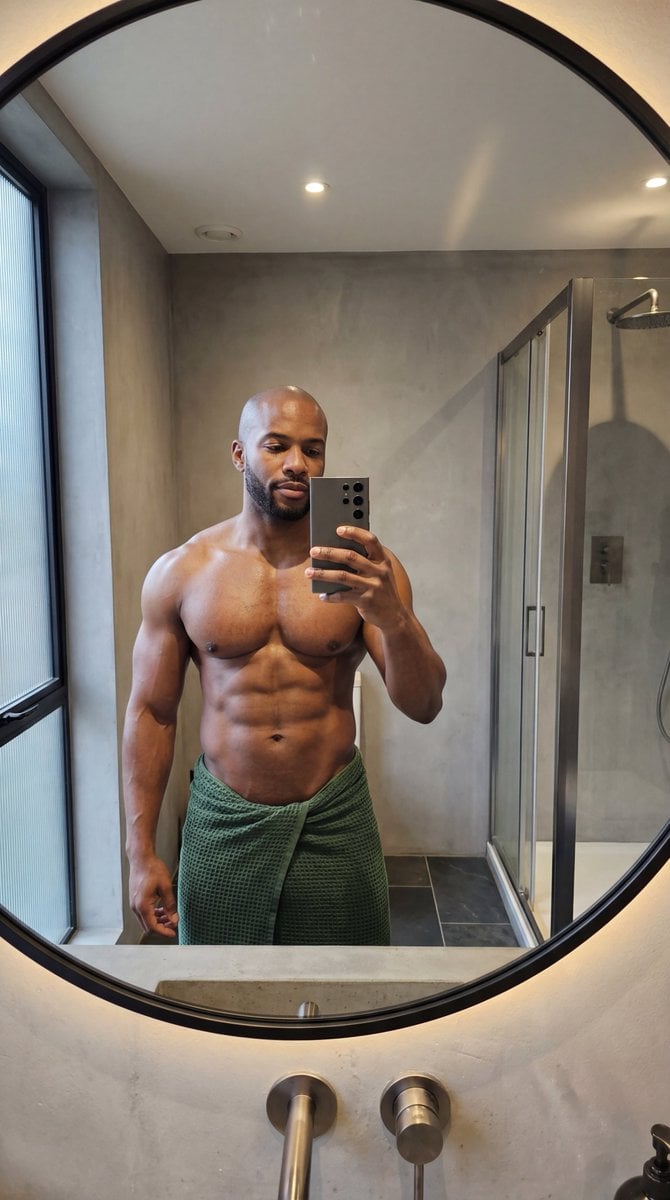
Photorealistic Anatomy-Locked Mirror Selfie Prompt
Browse template categories
Dark LINE AI Assistant Chat Screenshot questions
How do I use the Dark LINE AI Assistant Chat Screenshot template?
Add your photo if the template asks for one, edit the prompt if you like — the template's model and format are already selected — and press Generate. Your version opens in PicX Studio.
Can I customize the Dark LINE AI Assistant Chat Screenshot template?
Yes. You can change the subject, setting, lighting, mood, format, and available model controls before creating your image.
Is the Dark LINE AI Assistant Chat Screenshot template free?
Opening and editing this template is free. Generating uses credits, shown on the Generate button when you are signed in.
Which AI model should I use?
Start with GPT Image 2, which is the model associated with this template. You can compare another compatible model for a different finish.
Looking for something else? Browse all templates.

Your photo, any look
Thousands of ready templates for every top image and video model, from one credit balance.