
Cozy Café Chat Screenshot
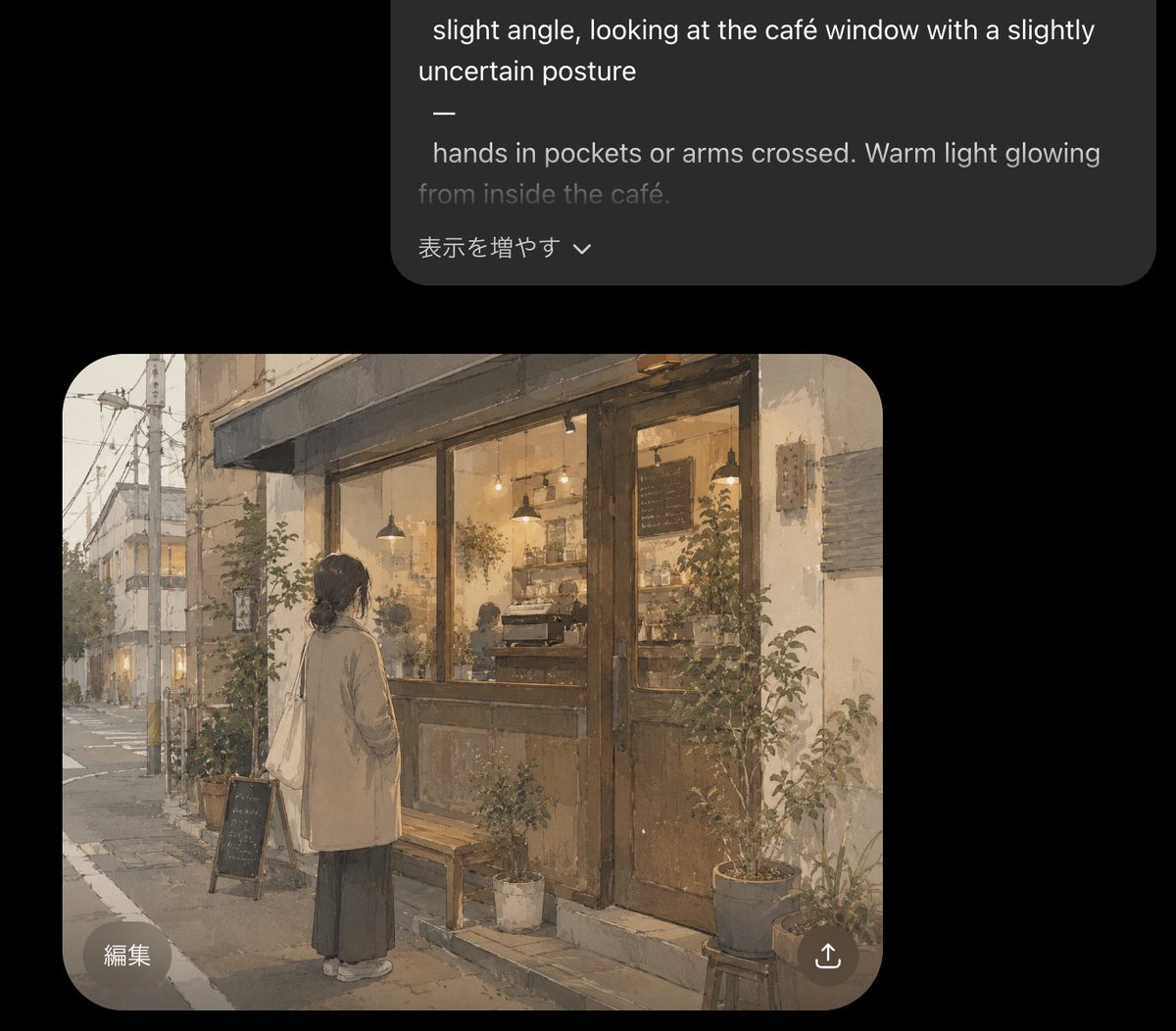
Generates a dark-mode AI chat screenshot featuring a warm watercolor illustration of a hesitant woman outside a glowing café.
- Prompt included
- Model and format preset
- Premium template
The prompt behind this image
Copy the exact prompt behind Cozy Café Chat Screenshot, or open it in the studio and make it yours.
Goal: Create a dark-mode mobile chat interface screenshot showing an AI image generation result for an article illustration. Canvas: Portrait smartphone screenshot, 896×768 style crop, black background, with a large rounded dark-gray prompt bubble near the top and a generated image preview card below it. Leave generous black margins around both cards. Top prompt bubble: One charcoal-gray rounded rectangle aligned toward the upper right, partly cropped at the very top. It contains white and gray prompt text in English, including the visible lines: “slight angle, looking at the café window with a slightly uncertain posture”, a standalone dash, “hands in pockets or arms crossed. Warm light glowing”, and a dimmer line “from inside the café.” At the bottom of this bubble, include the Japanese UI text “表示を増やす” with a small downward chevron. Generated image card: One large rounded-rectangle image preview beneath the prompt bubble, with strongly rounded corners. Inside it, paint a soft, warm, nostalgic watercolor-style illustration of {argument name="scene subject" default="a young woman standing alone outside a small neighborhood café at dusk"}. The woman is viewed from behind at a slight angle, looking into the café window with a hesitant, uncertain posture. She has dark hair tied in a low bun, wears a long beige coat over a dark ankle-length skirt, white shoes, and carries a cream tote bag over one shoulder; her hands are in her coat pockets. The café façade has large glass windows, weathered wooden double doors, warm amber interior lighting, pendant lamps, shelves, a coffee counter, faint customers or staff silhouettes, and a chalkboard menu inside. The street is quiet and slightly rainy or overcast, with utility poles, overhead wires, narrow sidewalk, muted buildings receding into the distance, and a pale evening sky. Add exactly 8 visible plant containers around the storefront: 2 taller shrubs flanking the window/door area, 3 medium pots near the right side, 1 small white pot near the bench, 1 planter near the sidewalk sign, and 1 low pot by the step. Add exactly 2 street-side objects in front of the café: a small wooden bench and a black A-frame chalkboard sign. Overlay UI on image card: Add exactly 2 circular translucent buttons on top of the image: a bottom-left button labeled “編集” and a bottom-right share/upload icon button. Keep the buttons subtle, light gray, and semi-transparent. Visual style: Gentle Japanese urban slice-of-life illustration, muted beige and gray palette, warm café glow, painterly watercolor texture, soft edges, slightly grainy paper feel, atmospheric and cute but realistic. The image preview should look like a finished generated illustration embedded in a chat app, not a full-bleed artwork. Constraints: Use only the visible UI elements described: 1 top prompt bubble, 1 generated image card, 2 overlay buttons, and the Japanese text labels exactly as written. No extra captions, no watermark, no app logo.
How to use Cozy Café Chat Screenshot in 3 steps
- 1Upload ImagePNG, JPG or paste
Add your photo
Upload the photo the template builds on. The prompt, model and format are already set.
- 2…a portrait of your subject in softgolden-hour light, 85mm…
Personalize
Edit the subject and creative details for your destination.
- 3Generate
Generate
Press Generate — your image is created in PicX Studio, so you can compare it with the original and refine one variable at a time.
More like this
Templates with the same subject, style or setup. Open one to see its prompt.
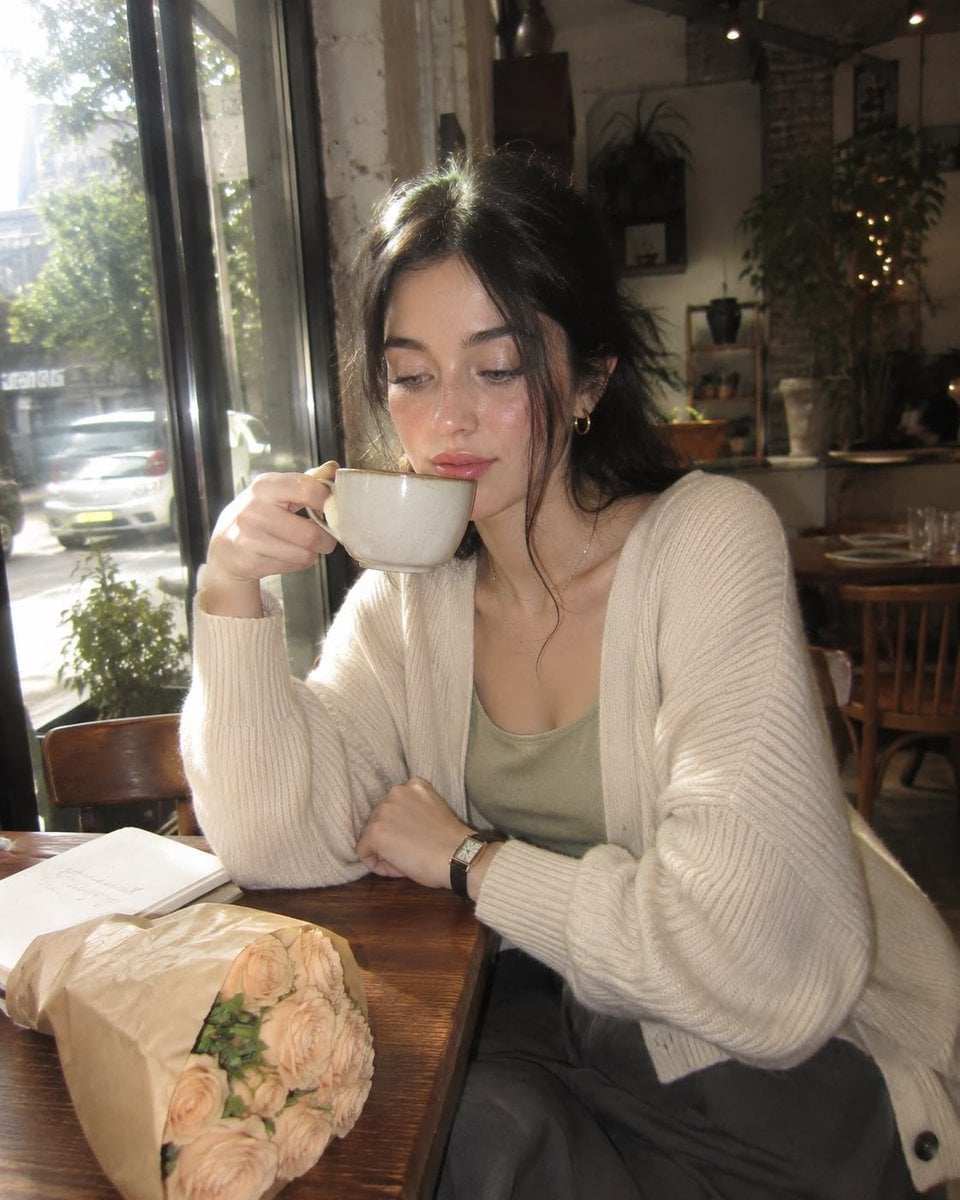
Nostalgic Digicam Café Afternoon Portrait

Pixar-Style Chibi Café Morning Scene
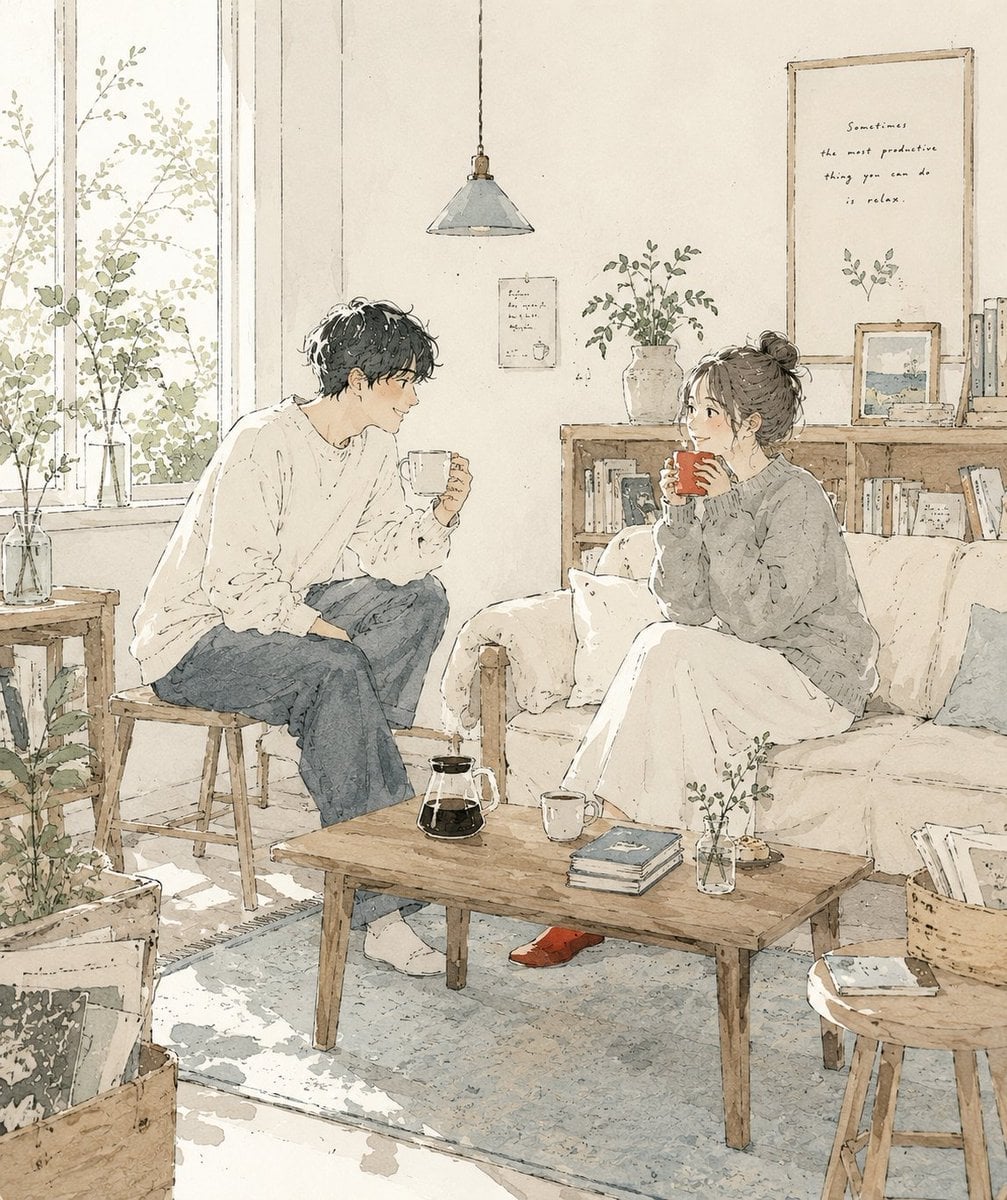
Japanese Café Sketch Duo Illustration
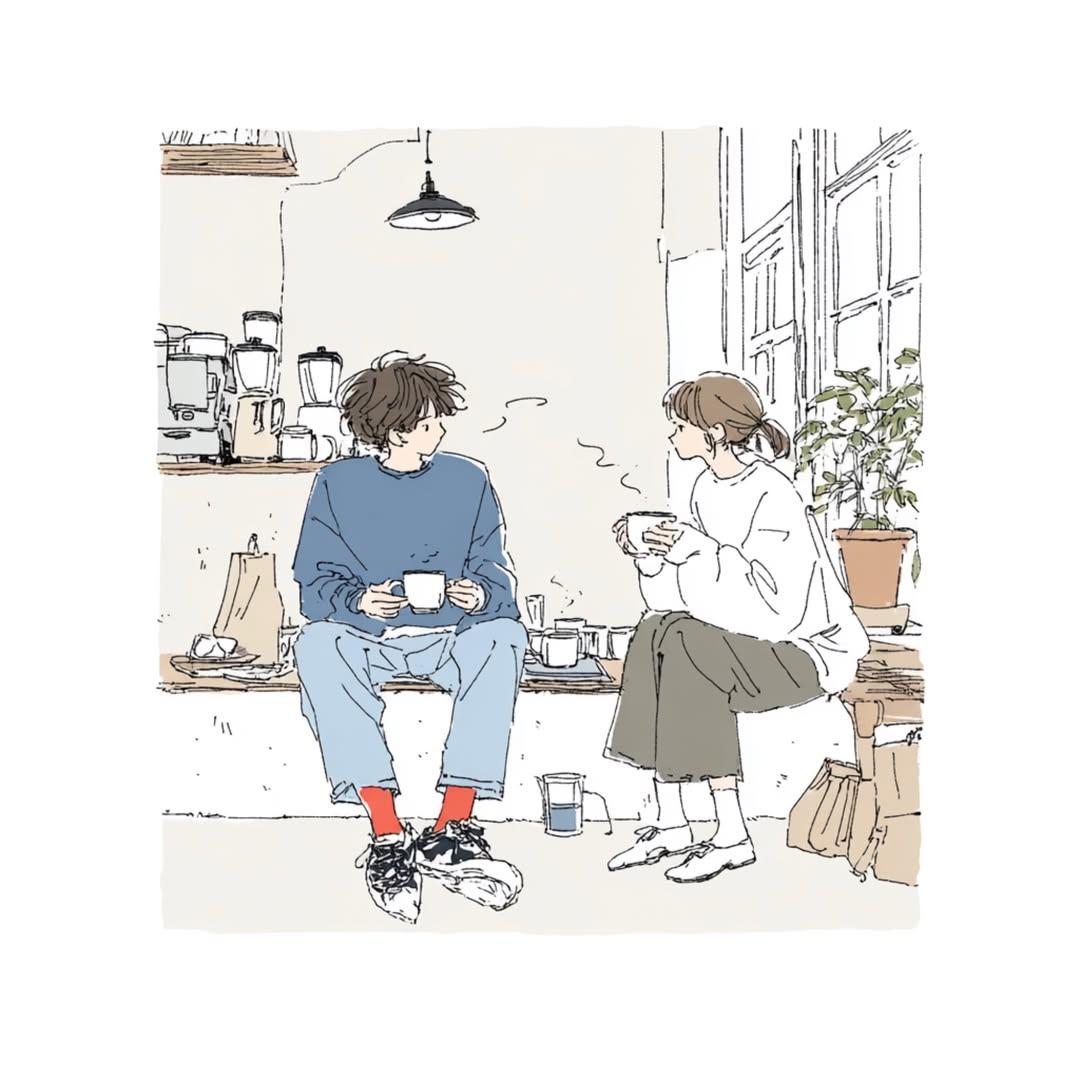
Delicate Japanese Café Lifestyle Illustration
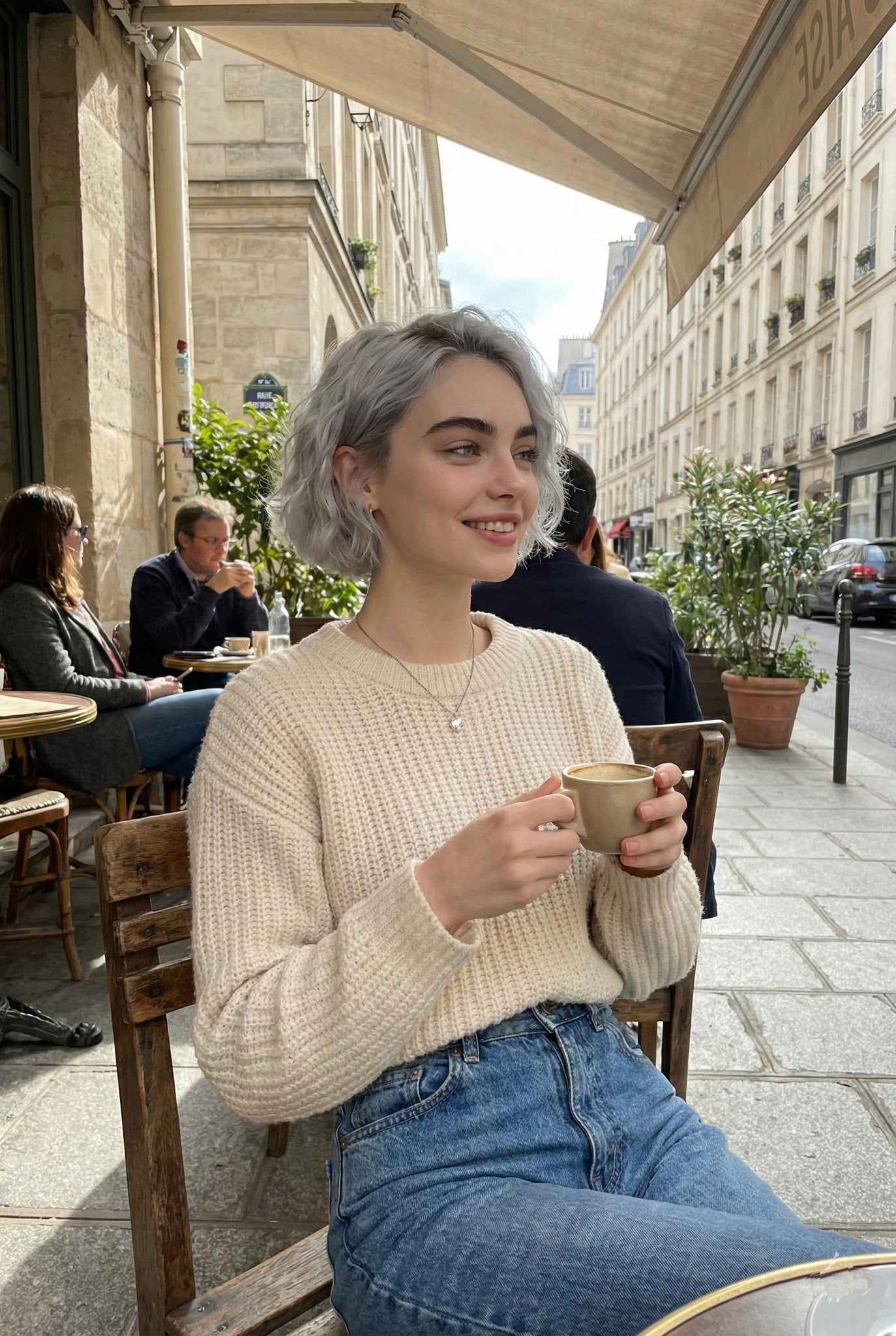
Parisian Outdoor Café Silver-Hair Portrait
Pixar-Style Chibi Café Morning Scene
Japanese Café Sketch Duo Illustration
Delicate Japanese Café Lifestyle Illustration

Cozy Café Ice Cream Hands Close-Up
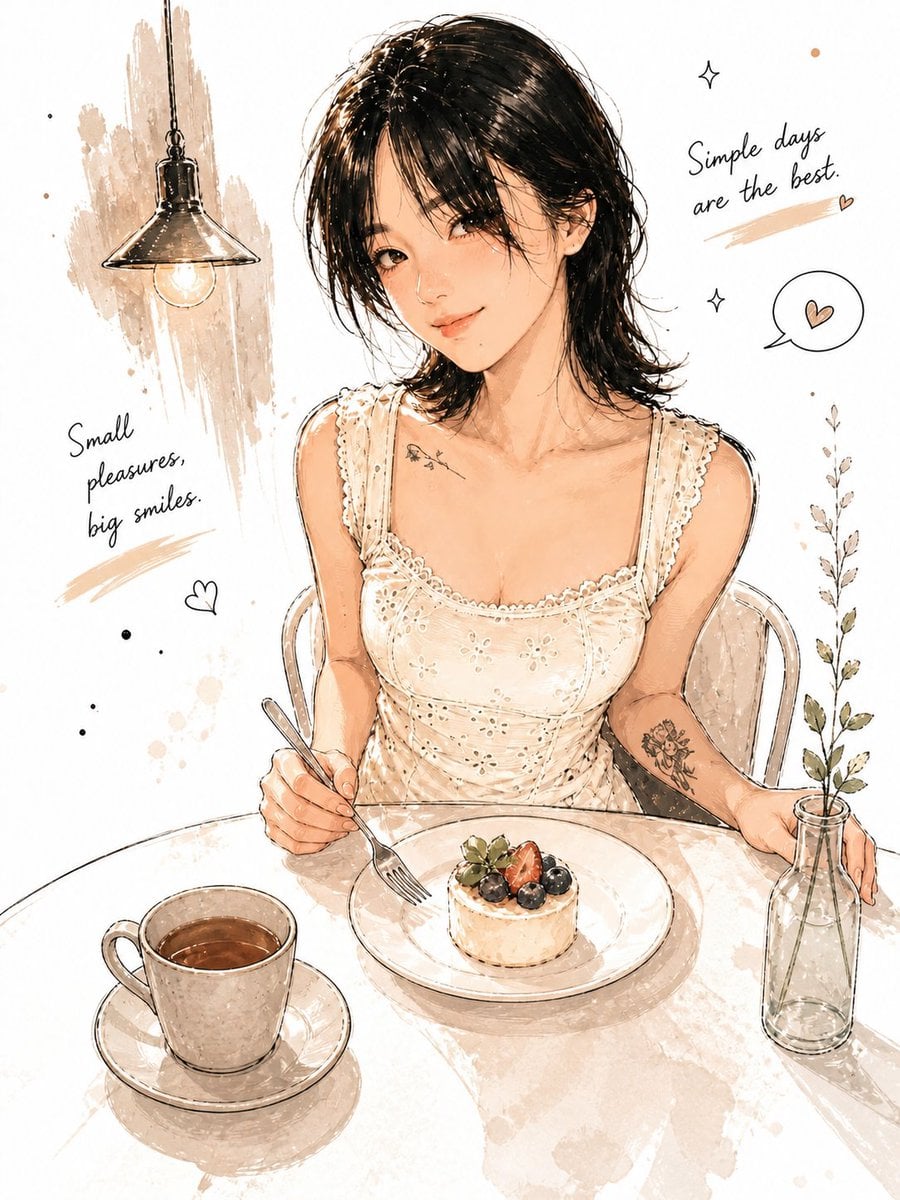
Watercolor Café Cheesecake Editorial Illustration

Rainy Café Window Moody Portrait

Nano Banana - Cozy Cafe Night
Make it yours
Cozy Café Chat Screenshot works as-is. These are the safest ways to change it without losing the look.
Change one field
Copy a single group, rewrite it, and generate again so you can see what that field is doing.
Keep the frame, change the subject
Hold the composition and light of Cozy Café Chat Screenshot, then swap wardrobe, props or the person for a new take.
| If the result… | Why | Fix |
|---|---|---|
| The result drifts from the preview | Too many fields changed at once. | Reuse Cozy Café Chat Screenshot as-is first, then change one group — subject, light, or setting. |
| The model over-stylizes the scene | The prose prompt leaves finish and camera underspecified. | Add one camera or lighting sentence and stay on GPT Image 2. |
More GPT Image 2 templates
Other prompts made for GPT Image 2.

Six VTuber Japanese Logo Sheet

Realistic Portrait of Woman and Deer

The Vista Modular Condo Poster

AI Model Routing Comparison Infographic

2.5D Anime Art Board

Isometric Productivity Desk Scene

New York Double Exposure Poster

Four-Panel AI Landscape Comparison

Japanese Tatami Lifestyle Magazine Cover

NESCAFÉ Coffee Map Poster
More image prompts
Fresh picks from across the catalog.
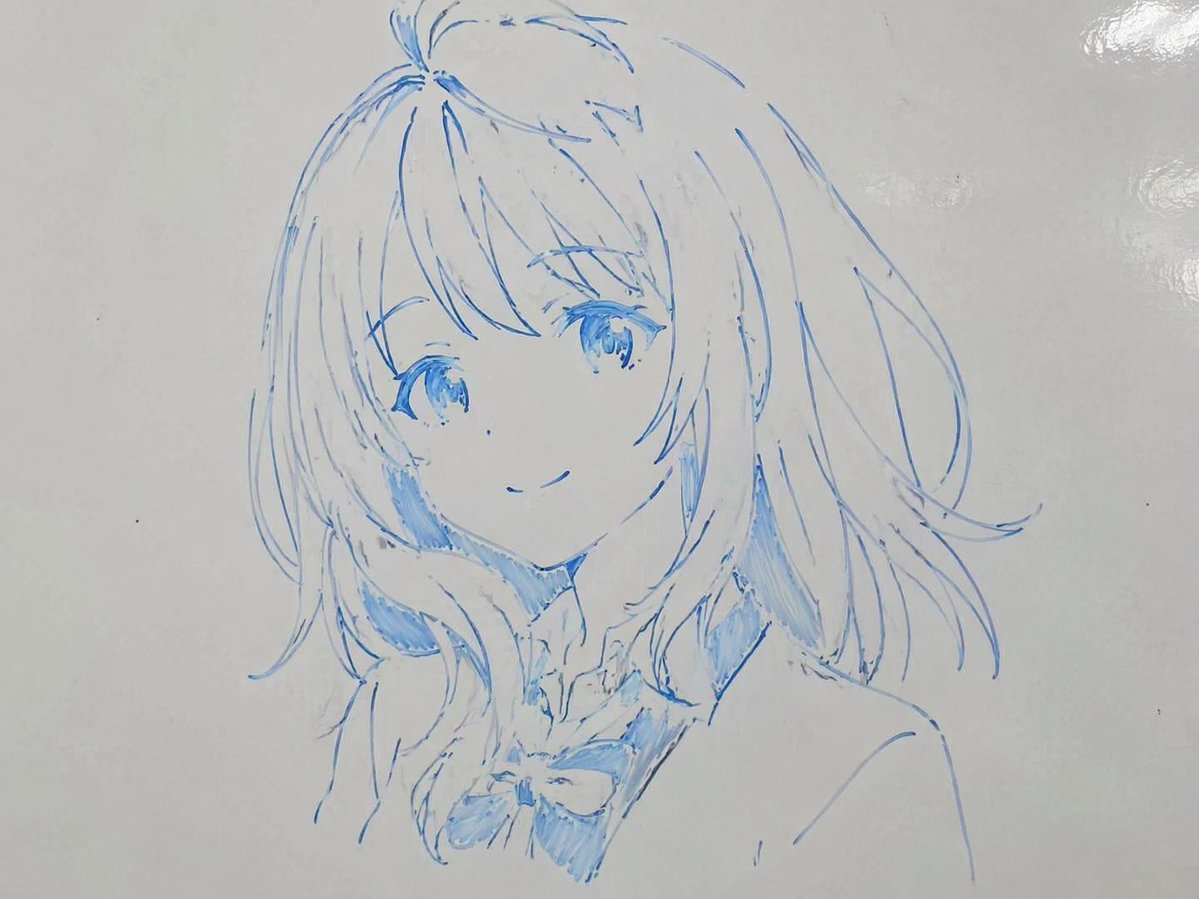
Whiteboard Marker Anime Sketch

Energy Drink Advertising Poster

Anime/Manga to Ultra-Realistic Human Conversion
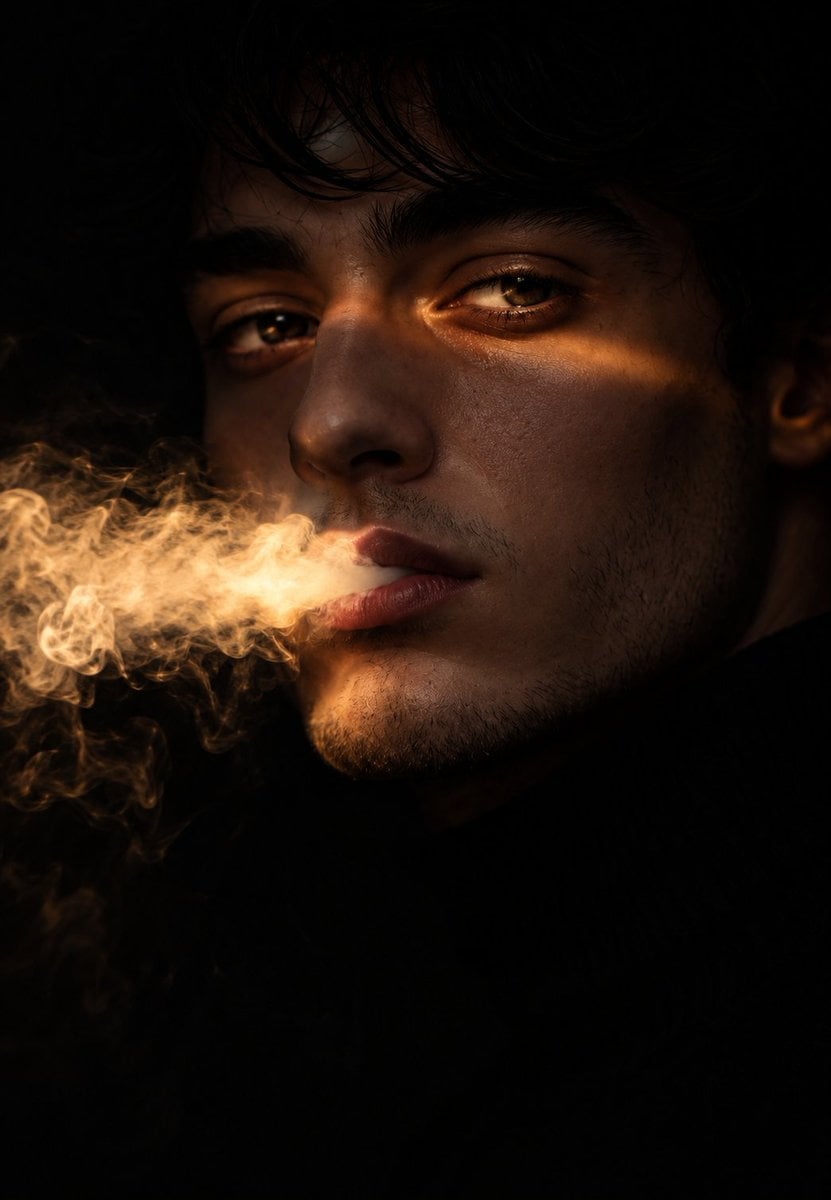
Chiaroscuro Smoke Exhale Portrait

Prompt for Turtle Talk Show Image
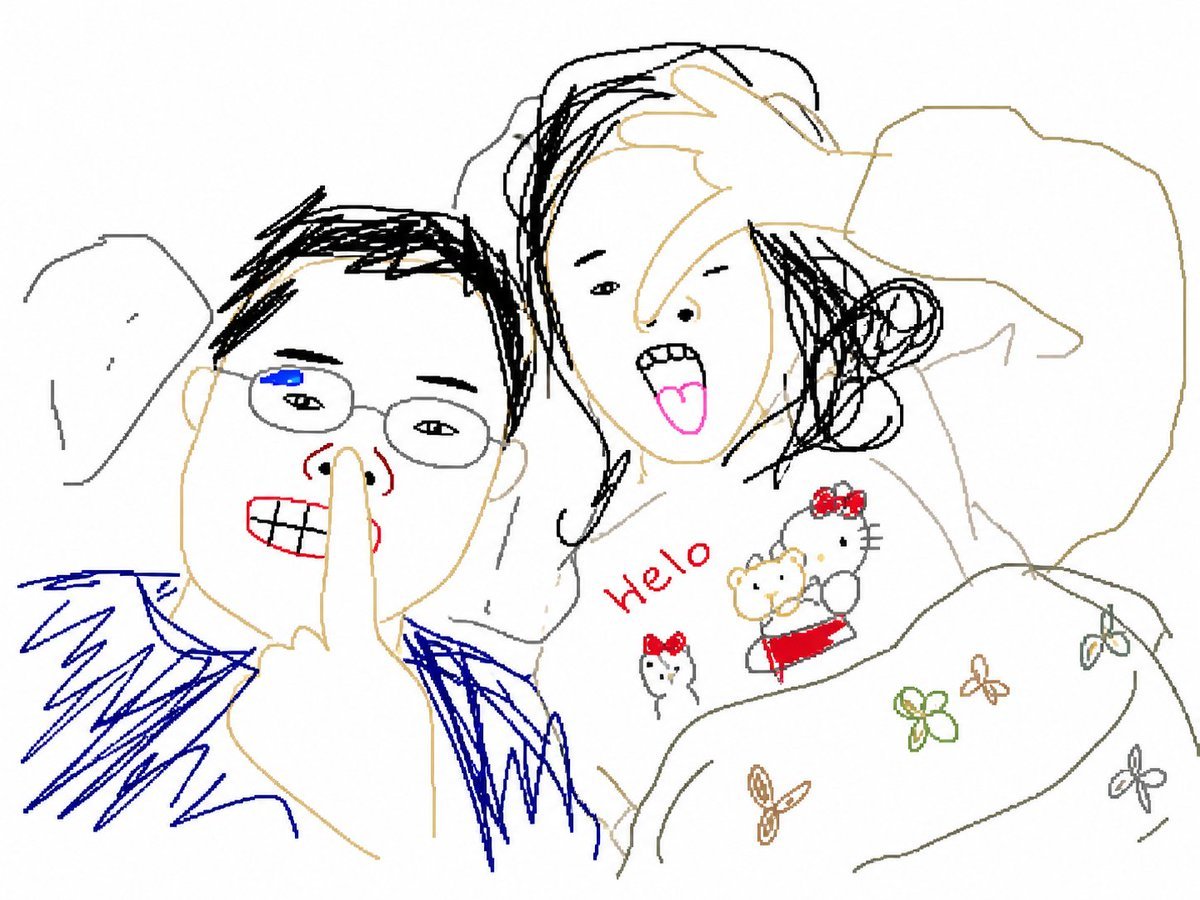
Clumsy MS Paint Redraw Style
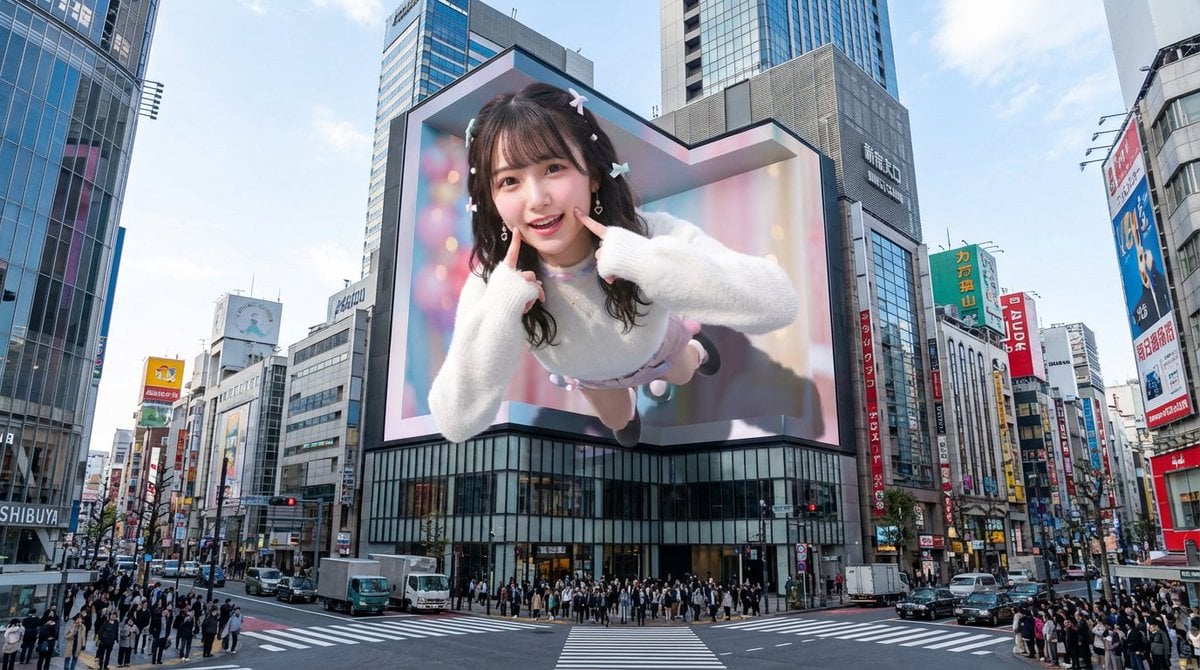
Nano Banana Pro 3D Digital Signage Prompt (Shinjuku)

Cinematic Portrait of a Mysterious Hooded Warrior
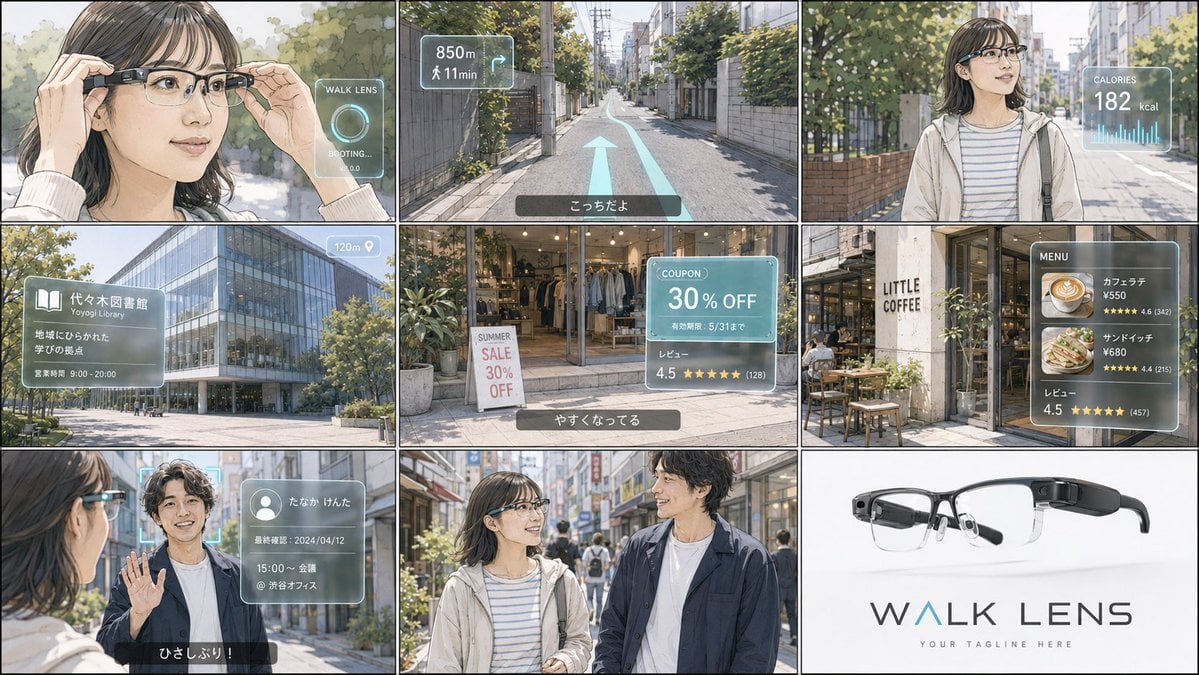
Realistic Colored Line Drawing Converter
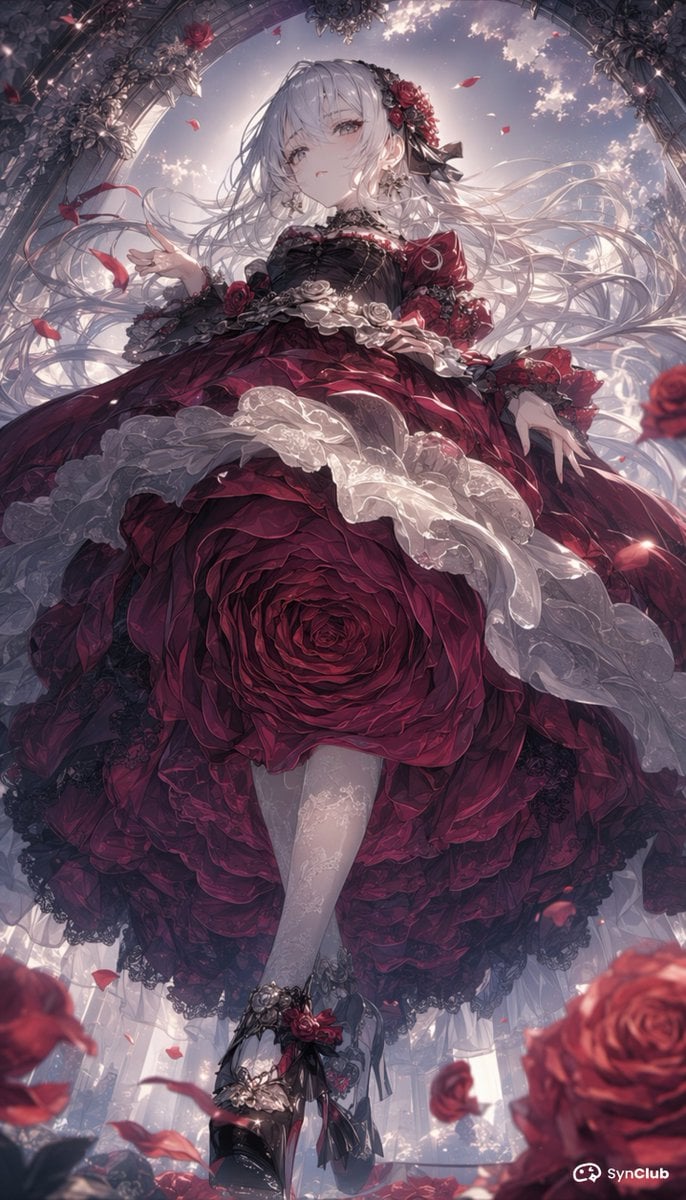
Gothic Rose Princess
Browse template categories
Cozy Café Chat Screenshot questions
How do I use the Cozy Café Chat Screenshot template?
Add your photo if the template asks for one, edit the prompt if you like — the template's model and format are already selected — and press Generate. Your version opens in PicX Studio.
Can I customize the Cozy Café Chat Screenshot template?
Yes. You can change the subject, setting, lighting, mood, format, and available model controls before creating your image.
Is the Cozy Café Chat Screenshot template free?
Opening and editing this template is free. Generating uses credits, shown on the Generate button when you are signed in.
Which AI model should I use?
Start with GPT Image 2, which is the model associated with this template. You can compare another compatible model for a different finish.
Looking for something else? Browse all templates.

Your photo, any look
Thousands of ready templates for every top image and video model, from one credit balance.