
Nano Banana Pro 3D Digital Signage Prompt (Shinjuku)
A detailed prompt for Nano Banana Pro to generate a photorealistic image of a massive L-shaped glasses-free 3D LED screen in a bustling Tokyo intersection, like Shinjuku.
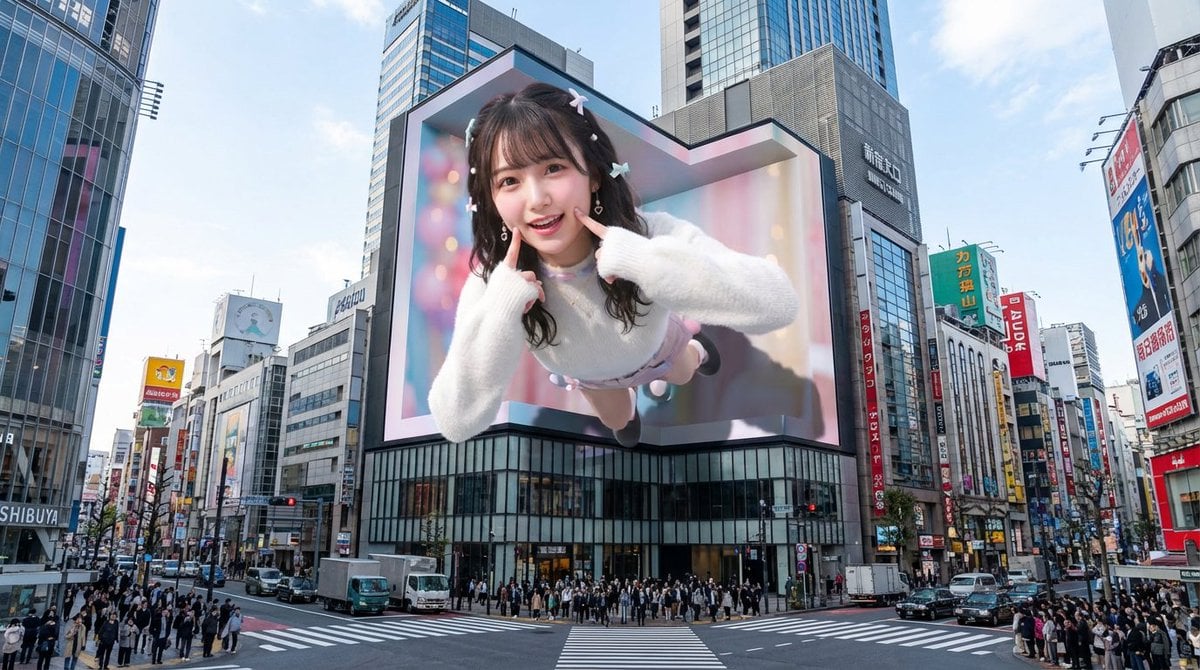
- Prompt included
- Model and format preset
- Premium template
The prompt behind this image
Copy the exact prompt behind Nano Banana Pro 3D Digital Signage Prompt (Shinjuku), or open it in the studio and make it yours.
賑わう東京・新宿の巨大交差点に堂々とそびえ立つ、L字型の裸眼3D LEDスクリーン。新宿東口の街並みや歌舞伎町のランドマークを思わせる、象徴的で未来的な都市建築と一体化するように設計されています。スクリーンには魅惑的な裸眼3Dアニメーションが映し出されています。キャラクターや物体は驚くほどの奥行きと立体感を持ち、スクリーンの境界を突破するかのように手前へ飛び出したり、鮮やかに空中へ浮かび上がったりします。現実的な日中の光環境の下、これらの要素はスクリーン表面や周囲のビル群に生き生きとした影を落とし、都市空間と調和しています。複雑なディテールと鮮烈な色彩を備えたアニメーションは、新宿特有のエネルギッシュな雰囲気や頭上に広がる明るい空と見事に融合しています。
How to use Nano Banana Pro 3D Digital Signage Prompt (Shinjuku) in 3 steps
- 1
Open
The prompt is already in the box next to the preview, with the template's model and format selected.
- 2…a portrait of your subject in softgolden-hour light, 85mm…
Personalize
Edit the subject and creative details for your destination.
- 3Generate
Generate
Press Generate — your image is created in PicX Studio, so you can compare it with the original and refine one variable at a time.
More like this
Templates with the same subject, style or setup. Open one to see its prompt.

Woman in Mall with Chanel Bag - Heart Gesture
Urban Digital Signage Exhibition

VFX Comparison Image Prompt (Before/After) for Nano Banana Pro

Nano Banana Prompt for Consistent Character Jumpshots

Cinematic Camera Instructions for Nano Banana Pro

Manga Generation Prompt Template for Nano Banana Pro

Hyper-Realistic Commercial Food Photography Prompt for Gemini Nano Banana Pro
Cinematic Portrait Prompt for Google Nano Banana Pro

Multi-Frame Lifestyle Portrait Prompt for Nano Banana Pro

Low-Key Product Photography Prompt for Gemini Nano Banana Pro
Masterpiece Political Caricature Prompt for Nano Banana 2
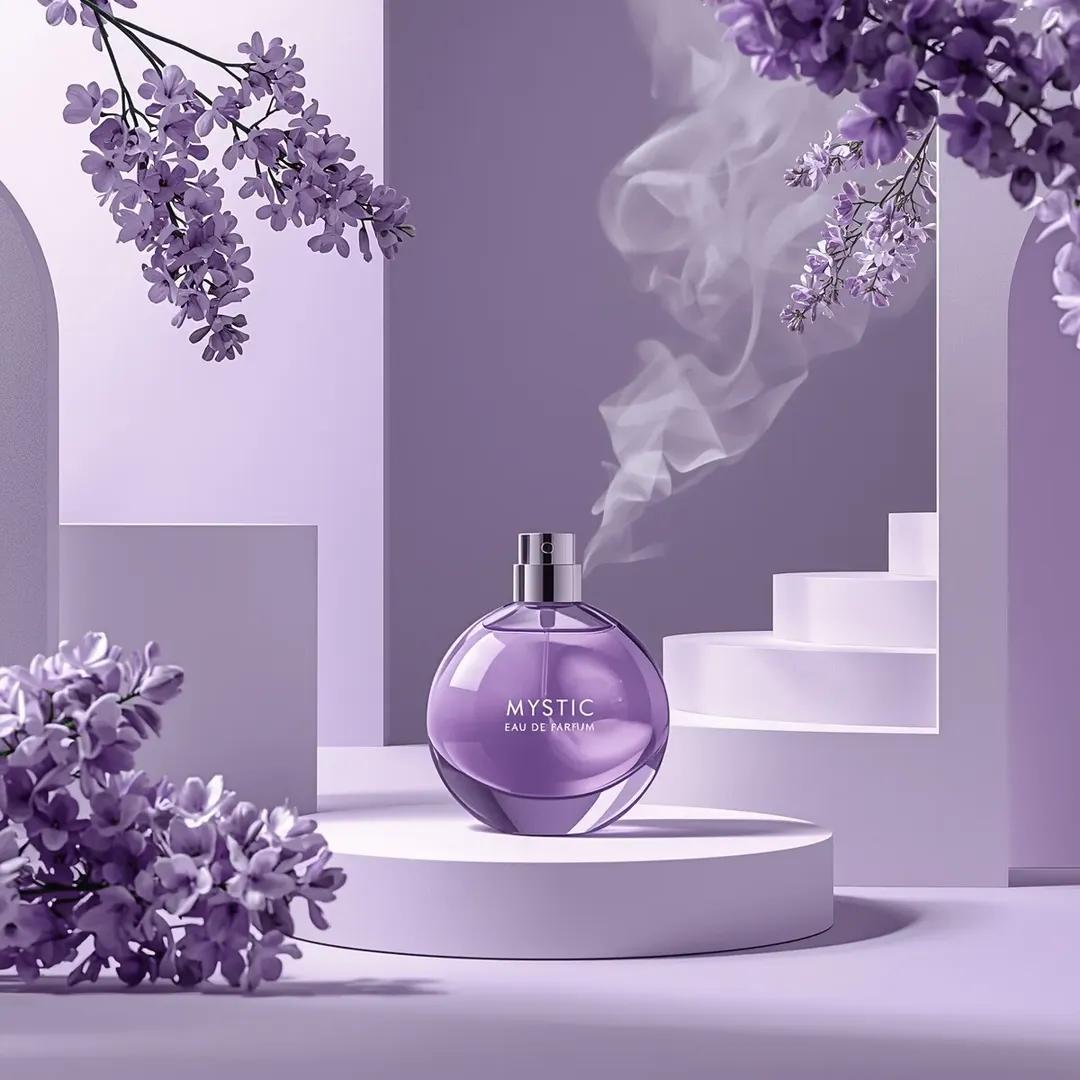
Commercial Perfume Photography Prompt for Nano Banana Pro
Make it yours
Nano Banana Pro 3D Digital Signage Prompt (Shinjuku) works as-is. These are the safest ways to change it without losing the look.
Change one field
Copy a single group, rewrite it, and generate again so you can see what that field is doing.
Keep the frame, change the subject
Hold the composition and light of Nano Banana Pro 3D Digital Signage Prompt (Shinjuku), then swap wardrobe, props or the person for a new take.
| If the result… | Why | Fix |
|---|---|---|
| The result drifts from the preview | Too many fields changed at once. | Reuse Nano Banana Pro 3D Digital Signage Prompt (Shinjuku) as-is first, then change one group — subject, light, or setting. |
| The model over-stylizes the scene | The prose prompt leaves finish and camera underspecified. | Add one camera or lighting sentence and stay on Nano Banana 2. |
More Nano Banana 2 templates
Other prompts made for Nano Banana 2.

Photorealistic Leaf Shaped Like a Dragon

K-Pop Idol Portrait Grid for Rapid Selection

Poetic Rain Forest Portrait During Golden Hour

Urban Street Portrait with Cartoon Inner Self Duo

Candid Nighttime Photo with Cat Prompt

High-Concept 3D Diorama Generation Prompt

Cinematic Futuristic Studio Portrait Template

Skincare Editorial Photography Collage Prompt

Hyper-Realistic Commercial Product Photography (Splash Effect)

Hyper-Realistic Nightclub Portrait Prompt
More image prompts
Fresh picks from across the catalog.
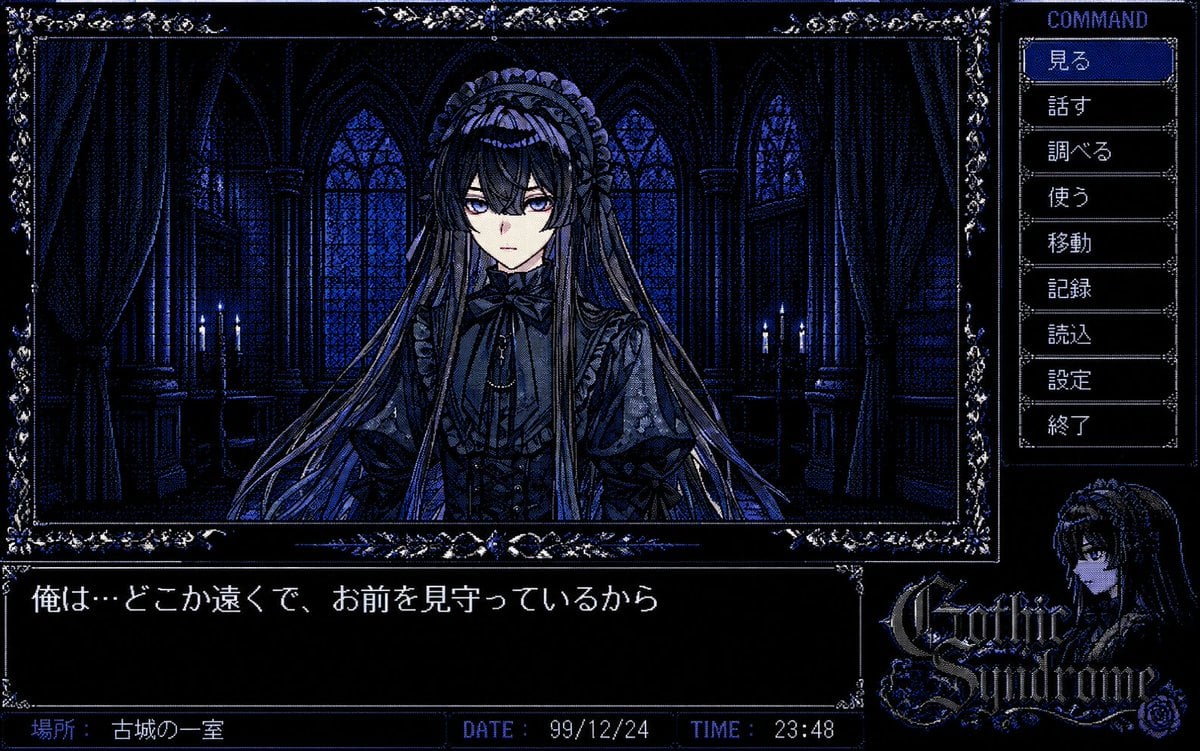
PC-98 Gothic Adventure Game UI
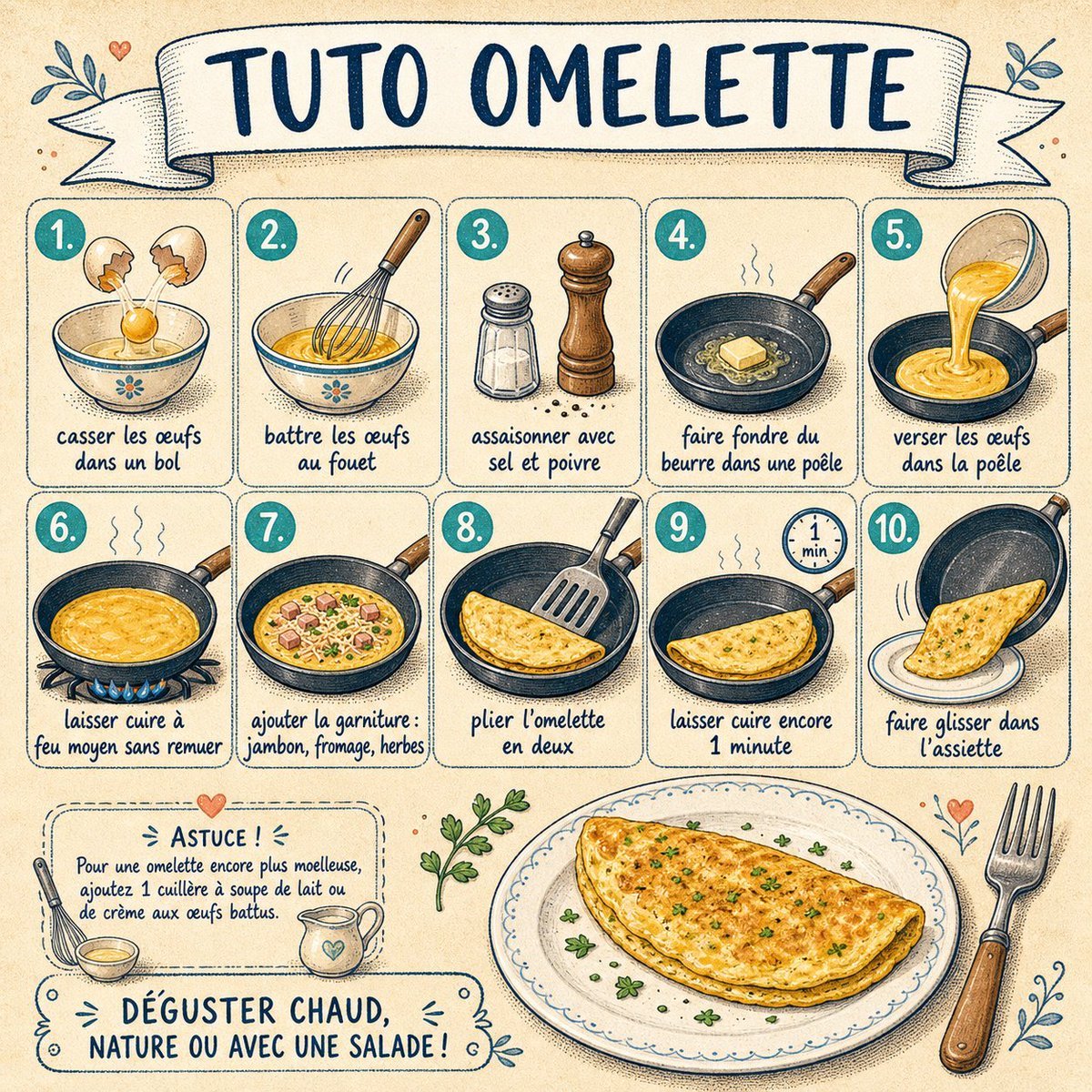
French Omelette Tutorial Poster
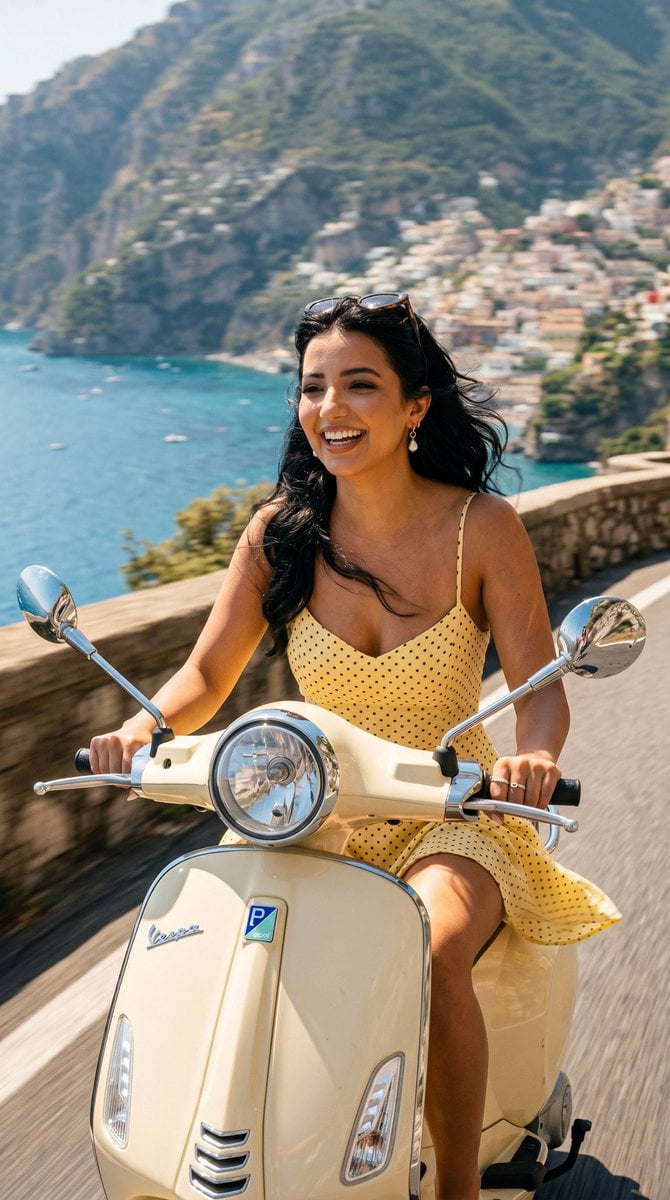
Amalfi Coast Vespa Cinematic Motion
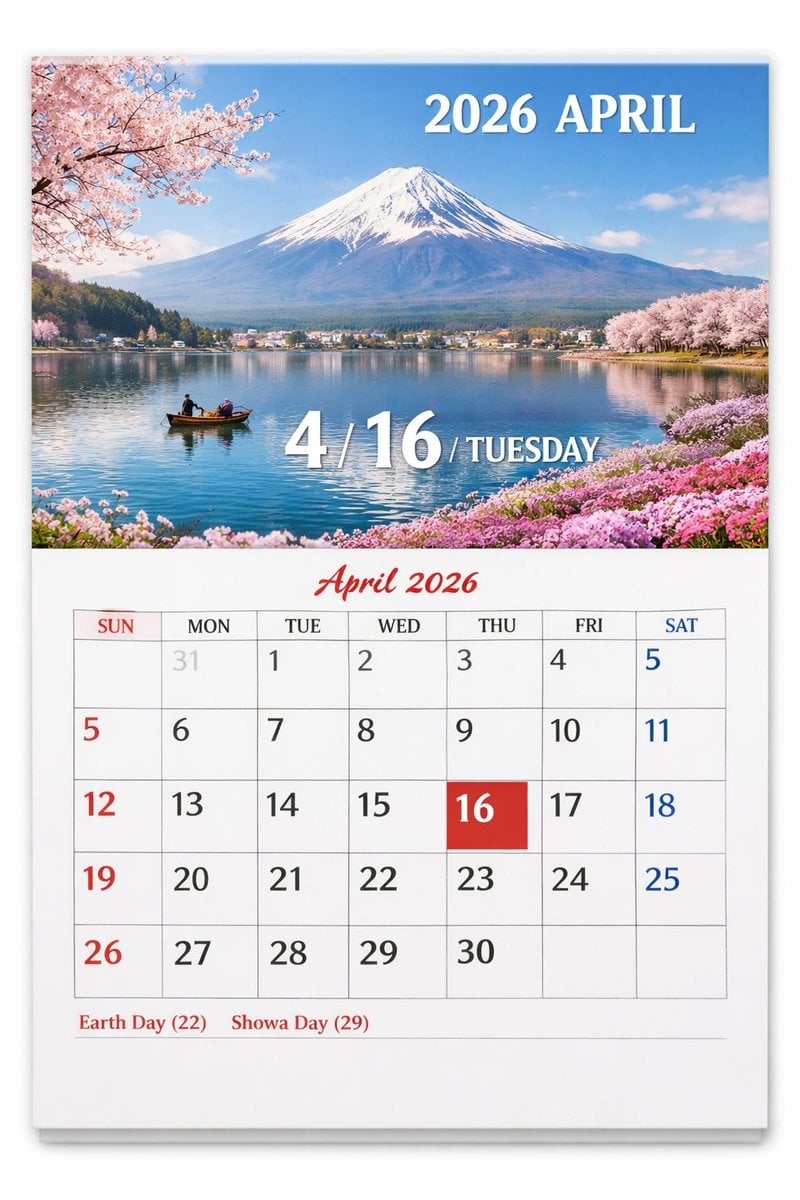
Scenic Wall Calendar Page
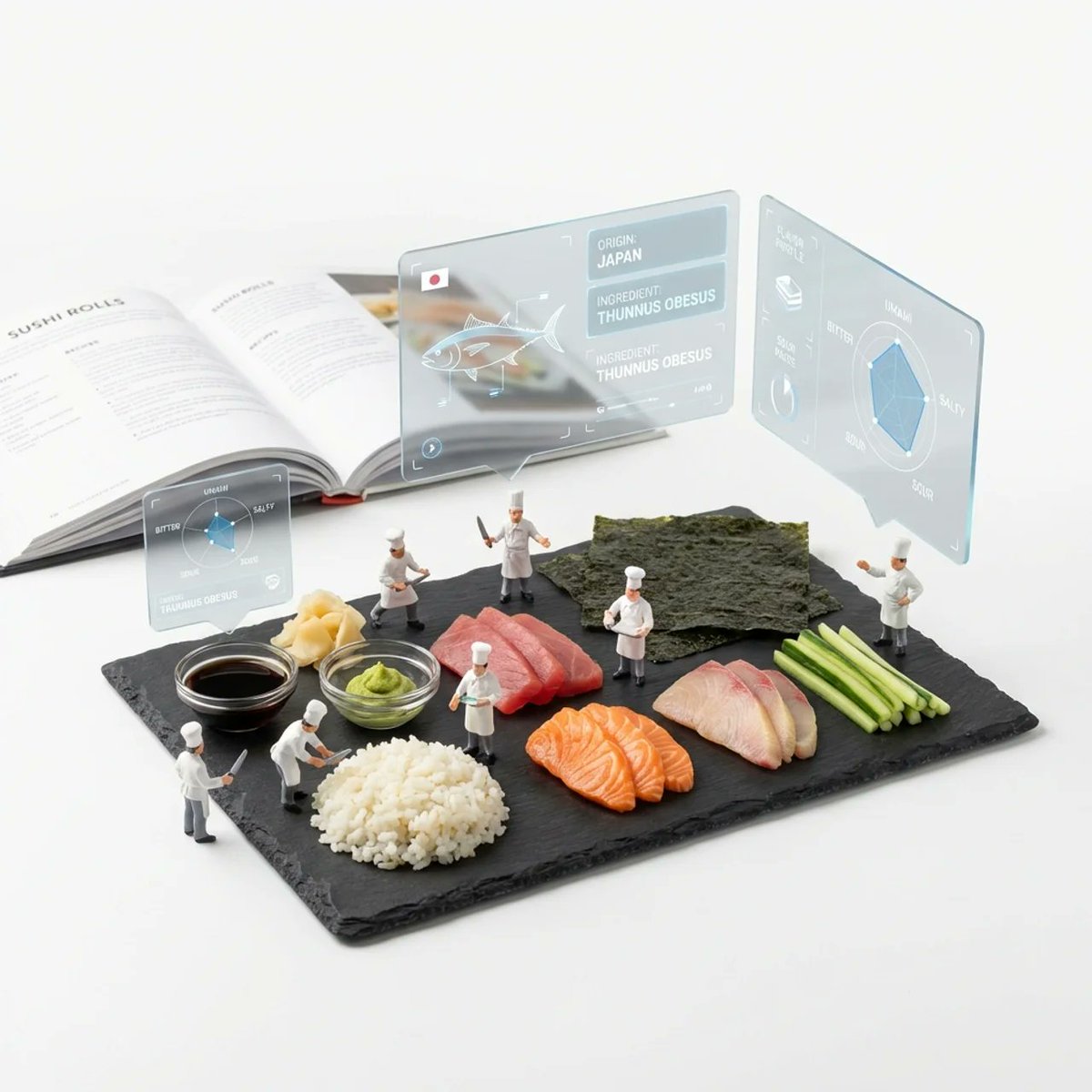
Deconstructed Ingredients Visualization
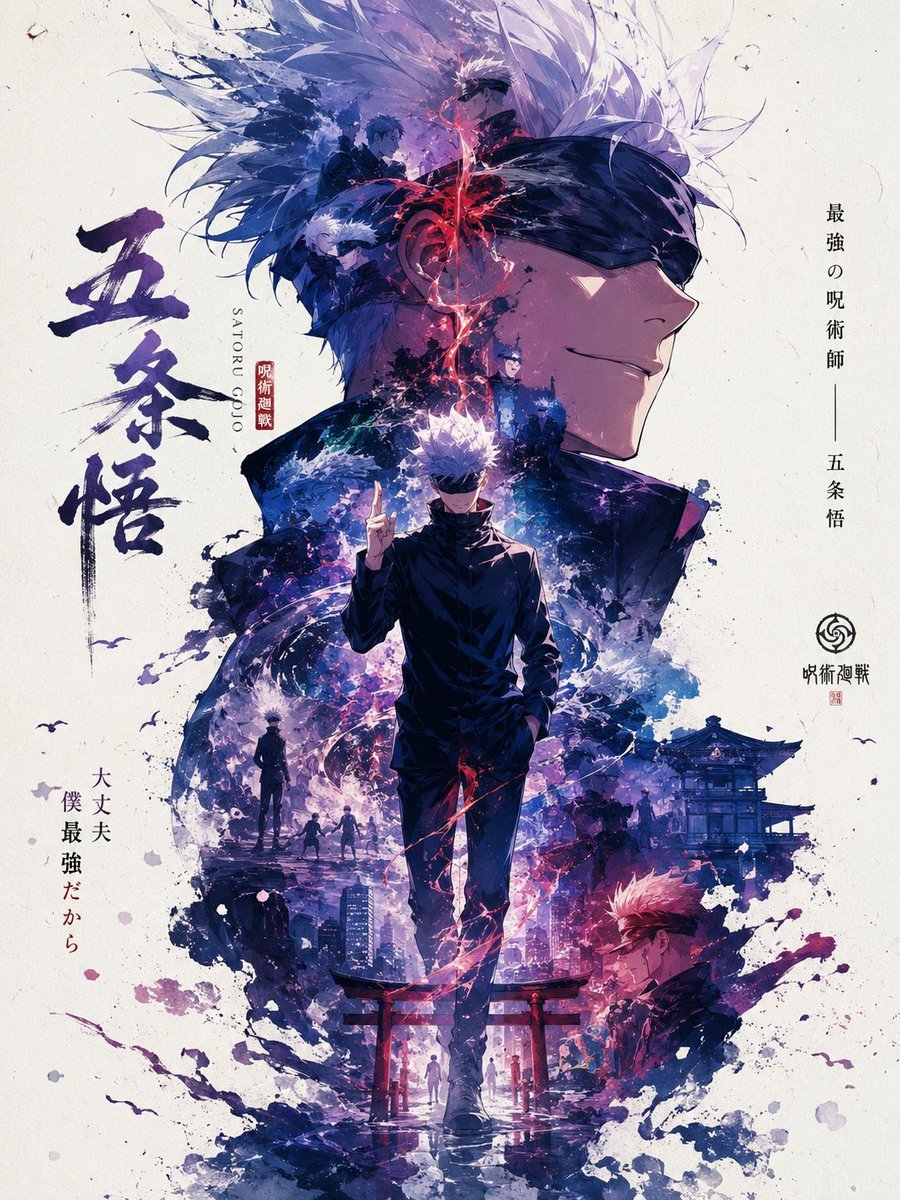
Satoru Gojo Anime Propaganda Poster
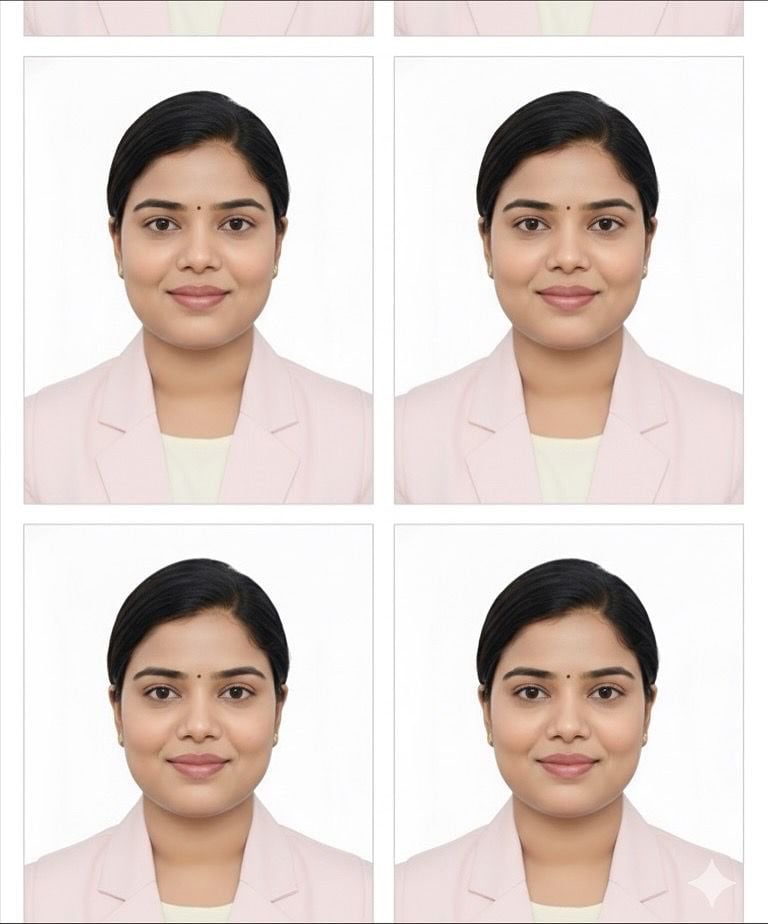
Passport Photo Grid Generation
Hyper-Realistic Editorial Portrait Editing Prompt (JSON Format)
Gold Lamborghini Fashion Shoot Prompt
Futuristic Techwear Studio Portrait
Browse template categories
Nano Banana Pro 3D Digital Signage Prompt (Shinjuku) questions
How do I use the Nano Banana Pro 3D Digital Signage Prompt (Shinjuku) template?
Add your photo if the template asks for one, edit the prompt if you like — the template's model and format are already selected — and press Generate. Your version opens in PicX Studio.
Can I customize the Nano Banana Pro 3D Digital Signage Prompt (Shinjuku) template?
Yes. You can change the subject, setting, lighting, mood, format, and available model controls before creating your image.
Is the Nano Banana Pro 3D Digital Signage Prompt (Shinjuku) template free?
Opening and editing this template is free. Generating uses credits, shown on the Generate button when you are signed in.
Which AI model should I use?
Start with Nano Banana 2, which is the model associated with this template. You can compare another compatible model for a different finish.
Looking for something else? Browse all templates.

Your photo, any look
Thousands of ready templates for every top image and video model, from one credit balance.