
PC-98 Gothic Adventure Game UI
Generates a dark retro Japanese PC-98 visual novel screen with gothic castle artwork, command menu, dialogue box, status bar, and ornate game logo.
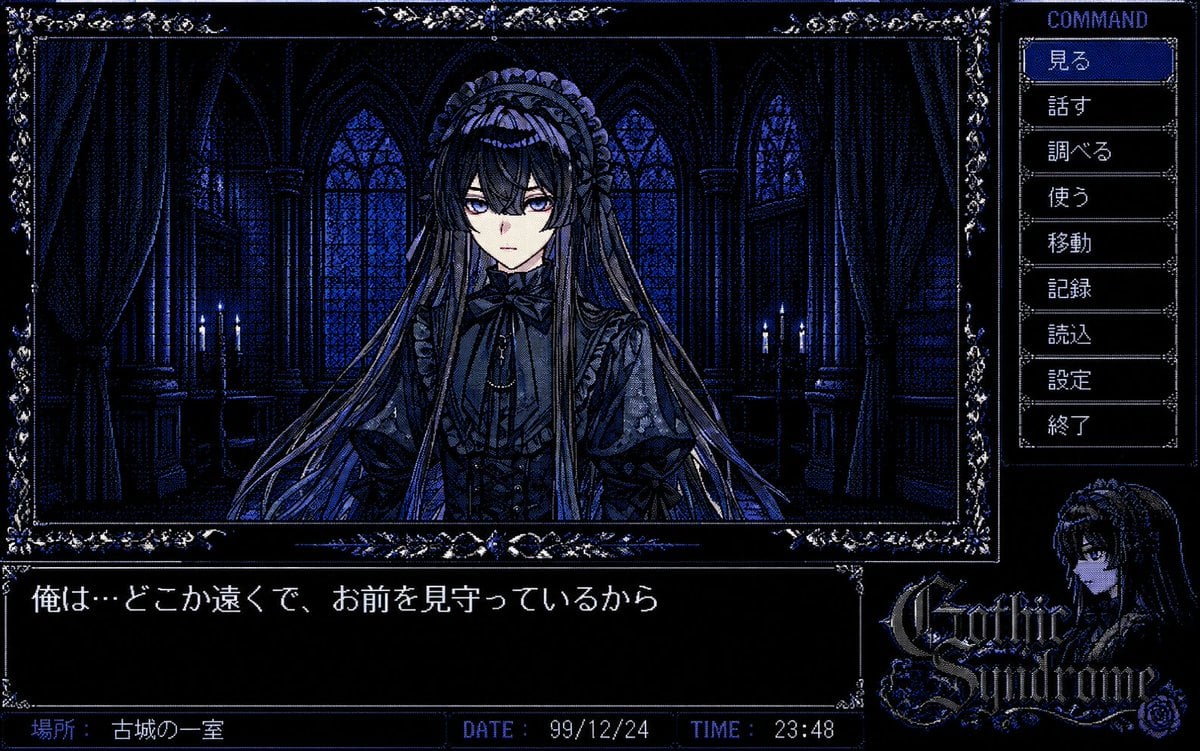
- Prompt included
- Model and format preset
- Free template
The prompt behind this image
Copy the exact prompt behind PC-98 Gothic Adventure Game UI, or open it in the studio and make it yours.
- Type
- PC-98 gothic adventure game screenshot
- Style
- late 1990s Japanese visual novel interface, 16-color dithered pixel art, dark blue and black palette, ornate silver-blue gothic borders, high contrast CRT-like pixel texture, retro computer game UI, moody horror romance atmosphere
- Canvas
- wide 4:3 game screen composition, 1200 x 750 style resolution
- Main Scene › Position
- upper-left large framed illustration
- Main Scene › Setting
- a dim gothic castle chamber at night, tall arched stained-glass windows, heavy curtains, stone columns, faint candlelight on both sides, deep navy shadows
- Main Scene › Subject
- a mysterious gothic lolita girl centered in the room, front-facing bust portrait, extremely long flowing hair, lace headdress, frilled black dress, ribbon bow at the collar, layered sleeves and ornate Victorian details, face intentionally obscured by a soft square blur/mosaic censor over the eyes and nose area
- Main Scene › Mood
- silent, eerie, melancholic, intimate
- Interface › Ornamental Frame
- thin rectangular frame around the main illustration with elaborate floral corner decorations and jeweled blue highlights
- Interface › Right Command Panel › Title
- COMMAND
- Interface › Right Command Panel › Position
- right side vertical menu
- Interface › Right Command Panel › Count
- 9
- Interface › Right Command Panel › Buttons
- 見る, 話す, 調べる, 使う, 移動, 記録, 読込, 設定, 終了
- Interface › Right Command Panel › Selected Button
- 見る
- Interface › Right Command Panel › Selected Style
- blue highlighted rectangle with white pixel text, other buttons black with gray borders
- Interface › Dialogue Box › Position
- bottom-left wide black text window
- Interface › Dialogue Box › Text
- {argument name="dialogue text" default="俺は…どこか遠くで、お前を見守っているから"}
- Interface › Dialogue Box › Font
- white Japanese pixel font, PC-98 style
- Interface › Status Bar › Position
- very bottom segmented bar
- Interface › Status Bar › Count
- 3
- Interface › Status Bar › Fields › 0 › Label
- 場所:
- Interface › Status Bar › Fields › 0 › Value
- {argument name="location text" default="古城の一室"}
- Interface › Status Bar › Fields › 1 › Label
- DATE:
- Interface › Status Bar › Fields › 1 › Value
- {argument name="date" default="99/12/24"}
- Interface › Status Bar › Fields › 2 › Label
- TIME:
Raw JSON
{"type":"PC-98 gothic adventure game screenshot","style":"late 1990s Japanese visual novel interface, 16-color dithered pixel art, dark blue and black palette, ornate silver-blue gothic borders, high contrast CRT-like pixel texture, retro computer game UI, moody horror romance atmosphere","canvas":"wide 4:3 game screen composition, 1200 x 750 style resolution","main_scene":{"position":"upper-left large framed illustration","setting":"a dim gothic castle chamber at night, tall arched stained-glass windows, heavy curtains, stone columns, faint candlelight on both sides, deep navy shadows","subject":"a mysterious gothic lolita girl centered in the room, front-facing bust portrait, extremely long flowing hair, lace headdress, frilled black dress, ribbon bow at the collar, layered sleeves and ornate Victorian details, face intentionally obscured by a soft square blur/mosaic censor over the eyes and nose area","mood":"silent, eerie, melancholic, intimate"},"interface":{"ornamental_frame":"thin rectangular frame around the main illustration with elaborate floral corner decorations and jeweled blue highlights","right_command_panel":{"title":"COMMAND","position":"right side vertical menu","count":9,"buttons":["見る","話す","調べる","使う","移動","記録","読込","設定","終了"],"selected_button":"見る","selected_style":"blue highlighted rectangle with white pixel text, other buttons black with gray borders"},"dialogue_box":{"position":"bottom-left wide black text window","text":"{argument name=\"dialogue text\" default=\"俺は…どこか遠くで、お前を見守っているから\"}","font":"white Japanese pixel font, PC-98 style"},"status_bar":{"position":"very bottom segmented bar","count":3,"fields":[{"label":"場所:","value":"{argument name=\"location text\" default=\"古城の一室\"}"},{"label":"DATE:","value":"{argument name=\"date\" default=\"99/12/24\"}"},{"label":"TIME:","value":"{argument name=\"time\" default=\"23:48\"}"}]},"logo_area":{"position":"bottom-right","content":"small portrait of a dark-haired gothic girl beside an ornate game logo reading {argument name=\"game title\" default=\"Gothic Syndrome\"}","style":"decorative gothic lettering with blue highlights and rose ornament"}},"text_rendering":"all UI text should be crisp pixel text; preserve the Japanese labels exactly; make the interface feel authentic to a PC-98 adventure game released in the late 1990s","color_palette":"near-black, midnight blue, cobalt blue, muted violet, pale gray-white highlights","composition_notes":"main illustration occupies about three quarters of the width, command menu occupies the right column, dialogue box spans the lower left, status bar runs along the bottom, logo and character portrait fill the lower right"}How to use PC-98 Gothic Adventure Game UI in 3 steps
- 1Upload ImagePNG, JPG or paste
Add your photo
Upload the photo the template builds on. The prompt, model and format are already set.
- 2…a portrait of your subject in softgolden-hour light, 85mm…
Personalize
Edit the subject and creative details for your destination.
- 3Generate
Generate
Press Generate — your image is created in PicX Studio, so you can compare it with the original and refine one variable at a time.
More like this
Templates with the same subject, style or setup. Open one to see its prompt.
Fictional Gothic Sci-Fi Game Case Photo
Retro PC-98 Adventure Game UI
Anime Adventure Game UI
Photography Game Cinematic Capture

Gothic Japanese Mobile Homepage

Burning Gothic Flood Escape
Anime Summoner Adventurer Character
Cat-Eared Adventurer Gear Maintenance
Miniature Beach Adventure Collage
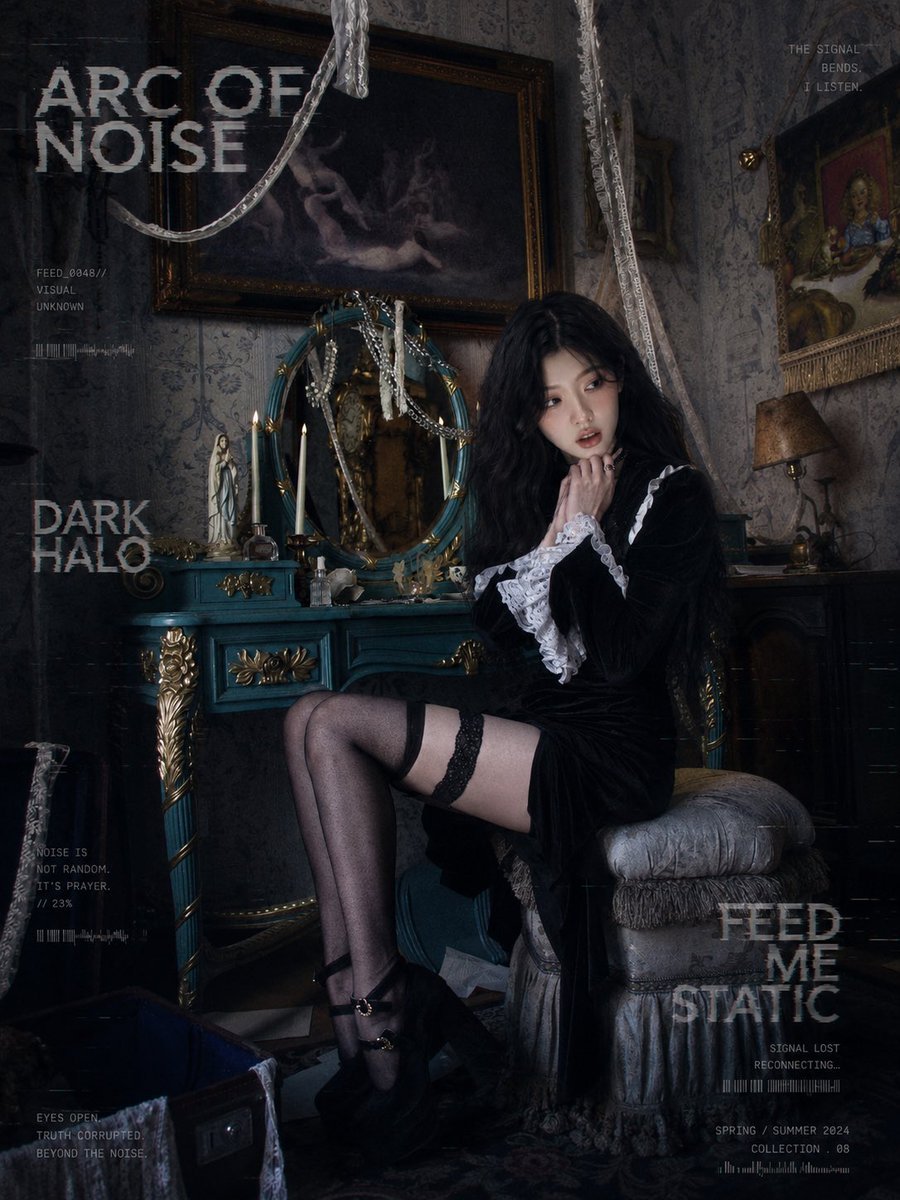
Dark Gothic Lolita Static Portrait
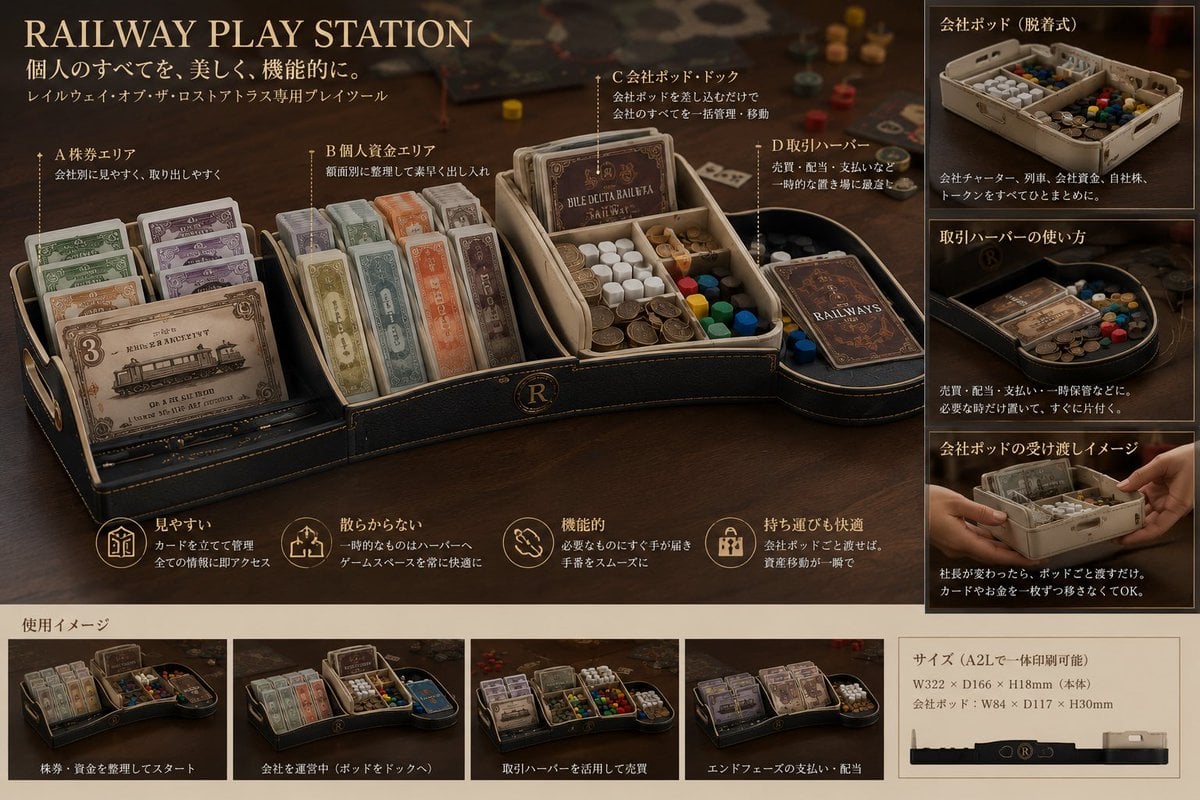
Luxury Railway Board Game Organizer Poster

Gothic Girl Character Turnaround Sheet
Make it yours
PC-98 Gothic Adventure Game UI works as-is. These are the safest ways to change it without losing the look.
Swap the setting
Keep the rest of the prompt and replace the location block. The current setting is “a dim gothic castle chamber at night, tall arched stained-glass windows, heavy c”.
Change one field
Copy a single group, rewrite it, and generate again so you can see what that field is doing.
Keep the frame, change the subject
Hold the composition and light of PC-98 Gothic Adventure Game UI, then swap wardrobe, props or the person for a new take.
| If the result… | Why | Fix |
|---|---|---|
| The result drifts from the preview | Too many fields changed at once. | Reuse PC-98 Gothic Adventure Game UI as-is first, then change one group — subject, light, or setting. |
| GPT Image 2 ignores part of the JSON | Some models flatten or skip nested keys. | Keep the same values and paste them as a short paragraph instead. |
More GPT Image 2 templates
Other prompts made for GPT Image 2.

Six VTuber Japanese Logo Sheet

Realistic Portrait of Woman and Deer

The Vista Modular Condo Poster

AI Model Routing Comparison Infographic

2.5D Anime Art Board

Isometric Productivity Desk Scene

New York Double Exposure Poster

Four-Panel AI Landscape Comparison

Japanese Tatami Lifestyle Magazine Cover

NESCAFÉ Coffee Map Poster
More image prompts
Fresh picks from across the catalog.

Nano Banana Pro Cinematic Night Romcom Ride Prompt
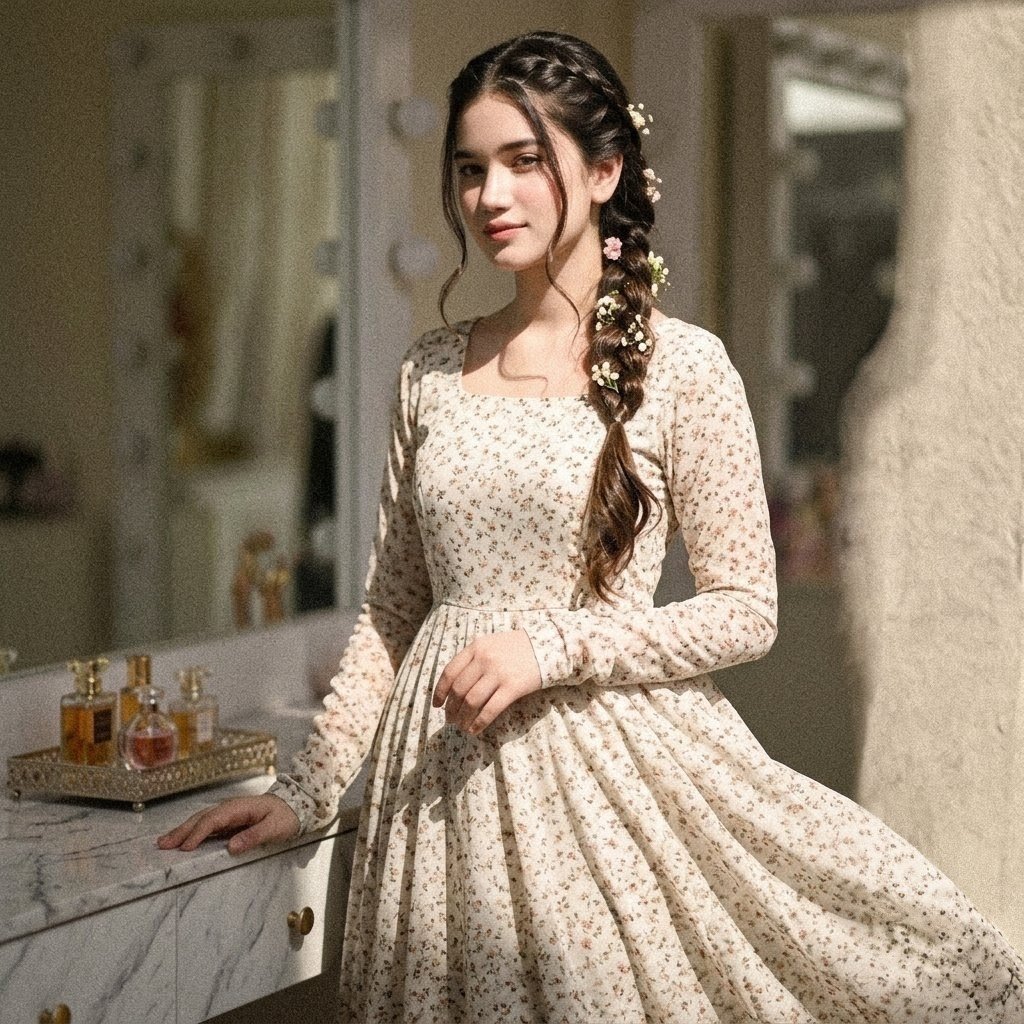
Vintage Floral Pakistani Dress Portrait
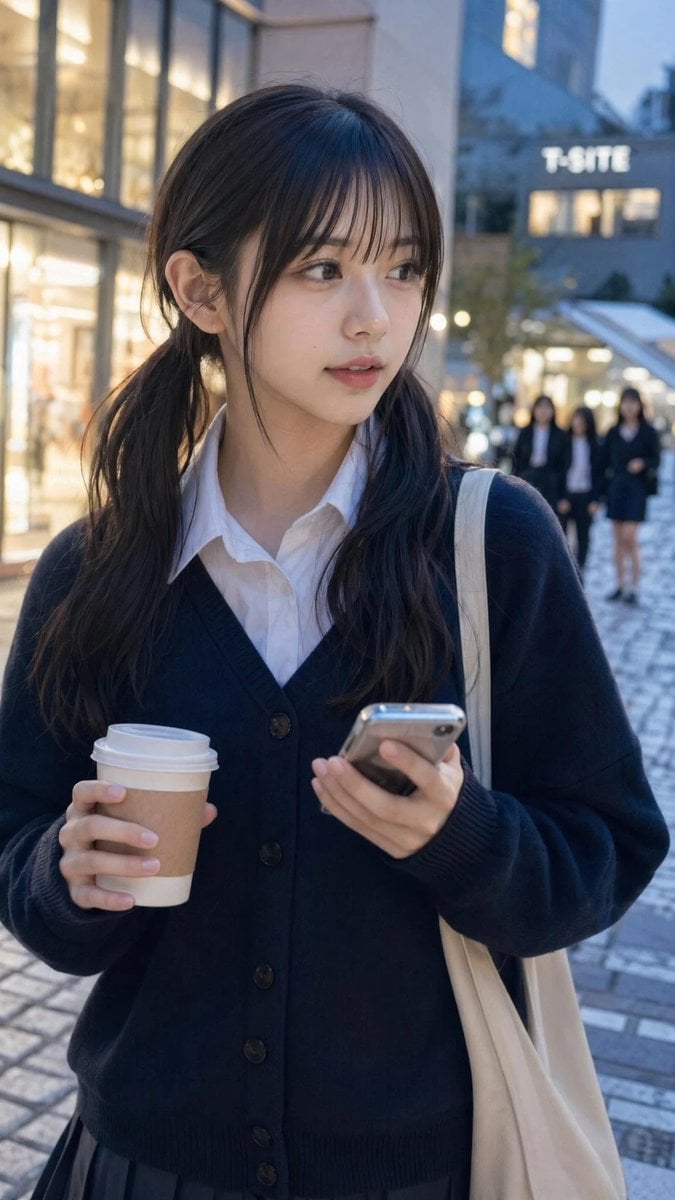
Ordinary Evening Street Snapshot

Cinematic Potato Chips Ad
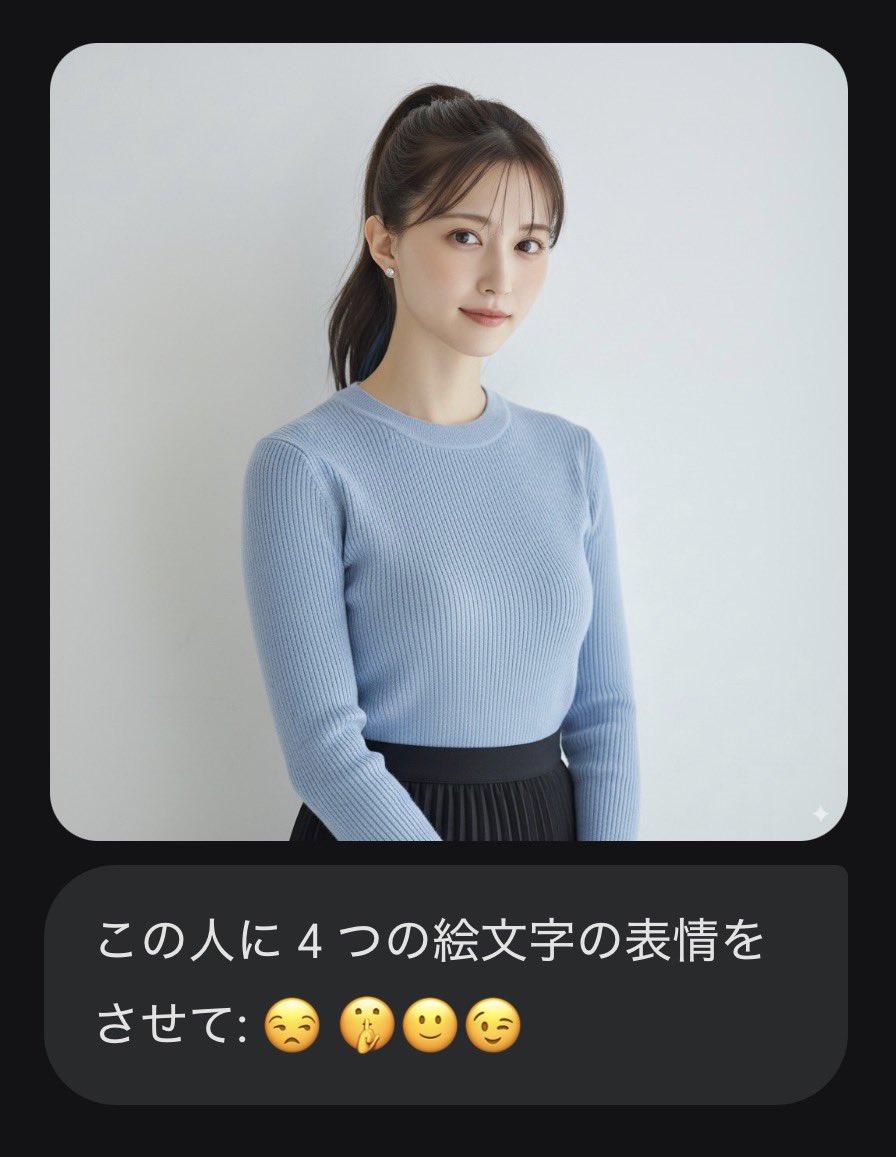
Nano Banana Pro Prompt: Changing Facial Expressions with Emojis
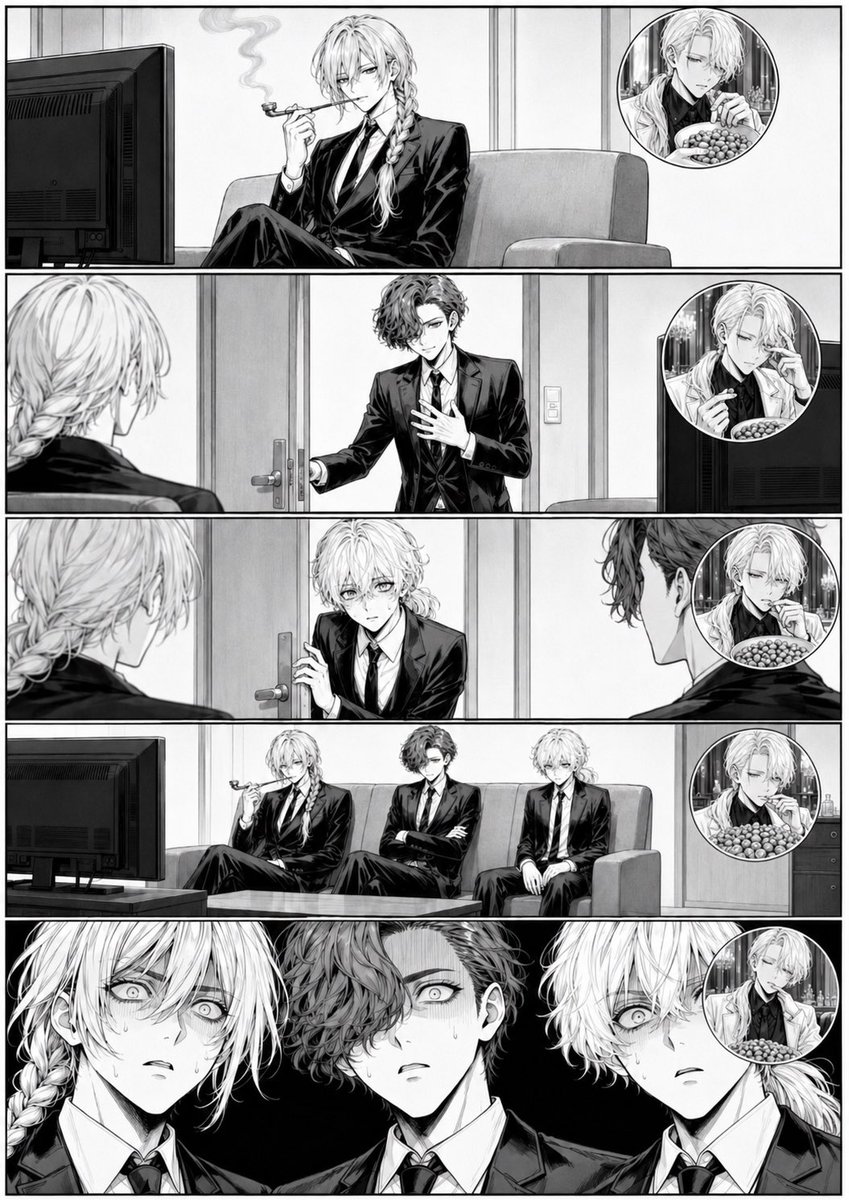
Censored Manga Page With Too Many Nuts
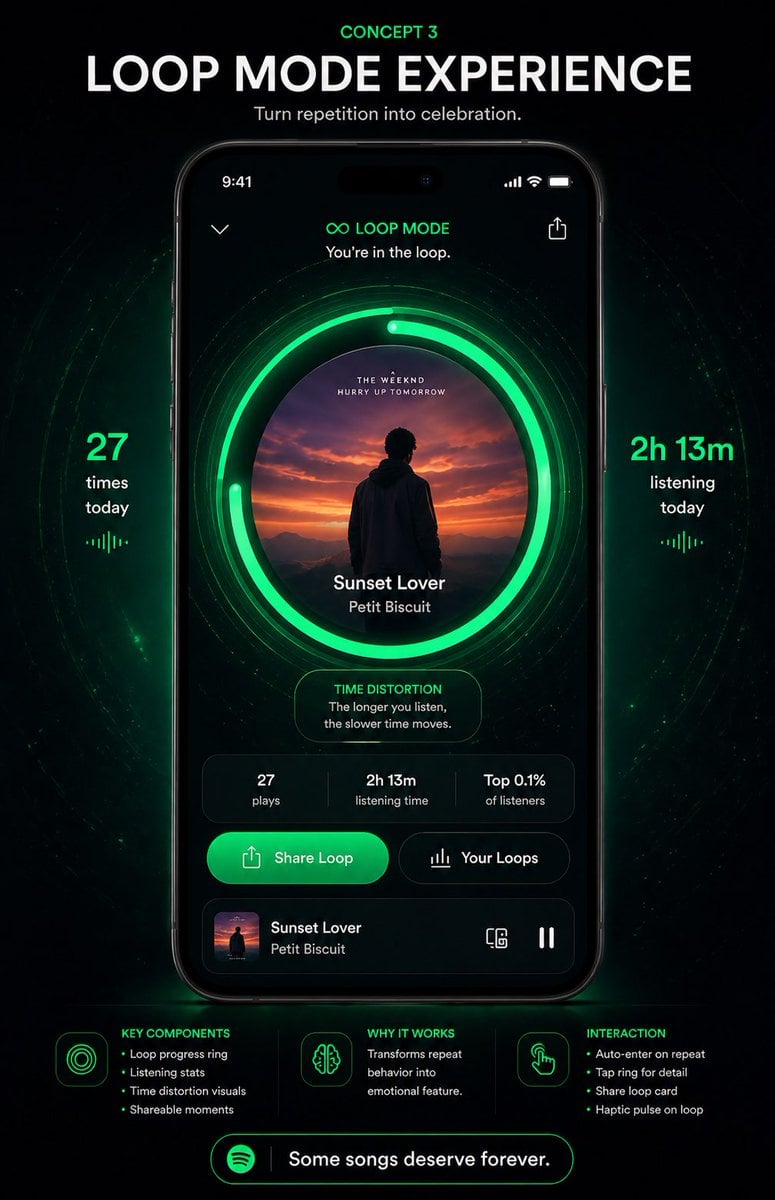
Neon Loop Mode Music App Poster
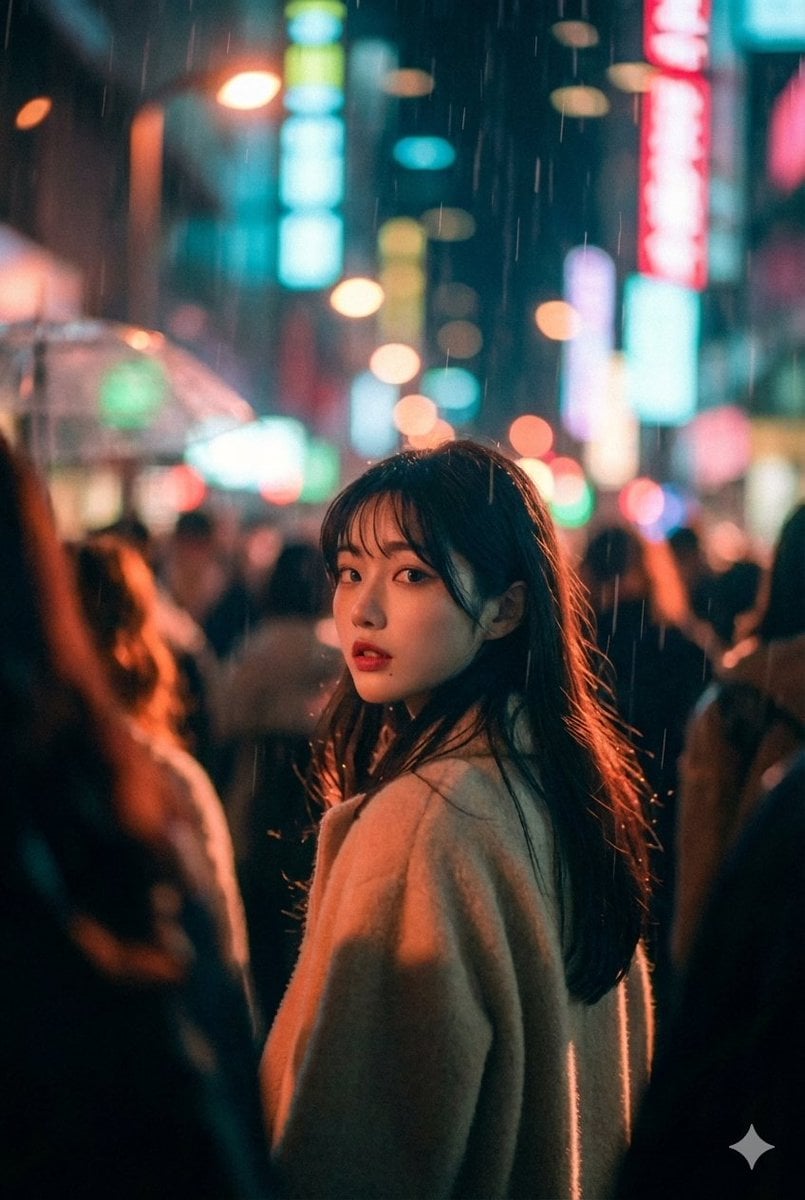
Cinematic Street Photo in Neon Rain

Elegant Accessories Maximization Prompt for Nano Banana
Four-Panel Bankrupt Mouse Storyboard
Browse template categories
PC-98 Gothic Adventure Game UI questions
How do I use the PC-98 Gothic Adventure Game UI template?
Add your photo if the template asks for one, edit the prompt if you like — the template's model and format are already selected — and press Generate. Your version opens in PicX Studio.
Can I customize the PC-98 Gothic Adventure Game UI template?
Yes. You can change the subject, setting, lighting, mood, format, and available model controls before creating your image.
Is the PC-98 Gothic Adventure Game UI template free?
Opening and editing this template is free. Generating uses credits, shown on the Generate button when you are signed in.
Which AI model should I use?
Start with GPT Image 2, which is the model associated with this template. You can compare another compatible model for a different finish.
Looking for something else? Browse all templates.

Your photo, any look
Thousands of ready templates for every top image and video model, from one credit balance.