
Censored Manga Page With Too Many Nuts
Generates a dramatic black-and-white manga comic page of suited characters watching an exaggerated nut-eating scene, useful for meme-like narrative illustrations.
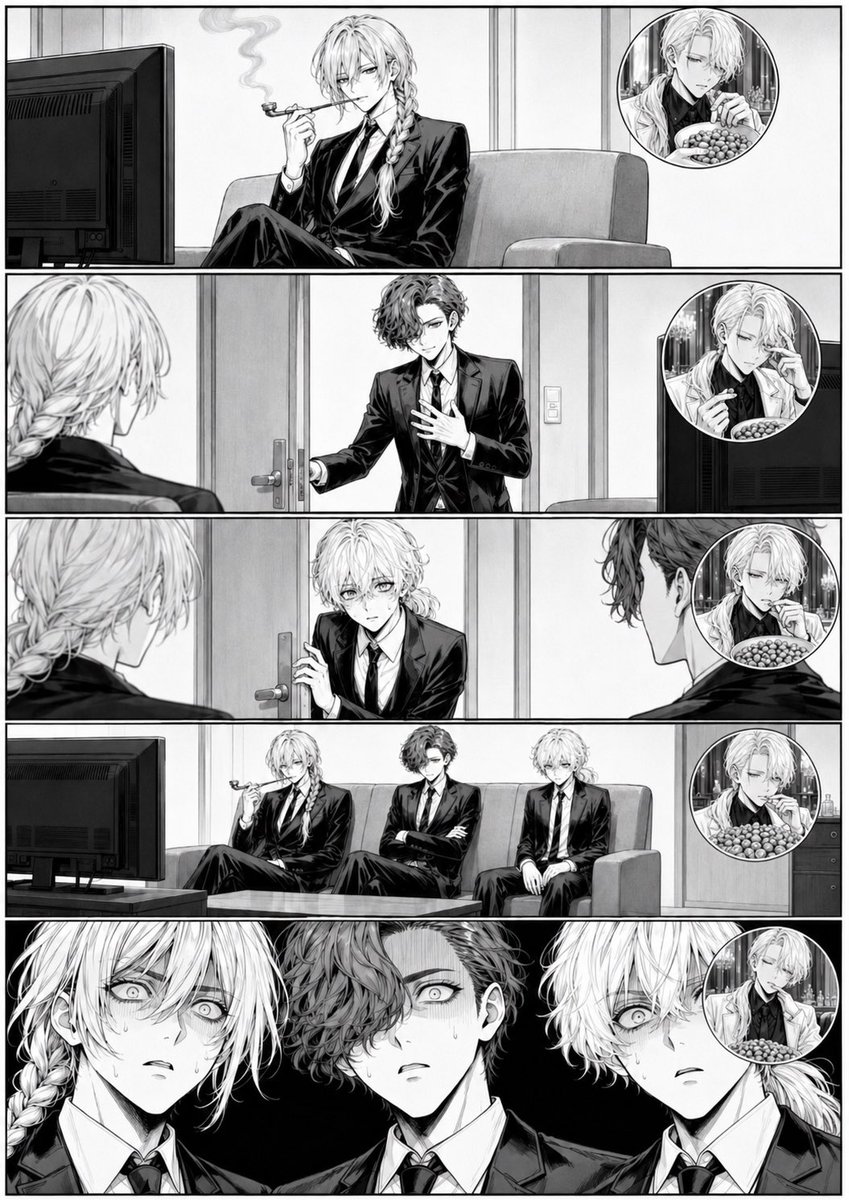
- Prompt included
- Model and format preset
- Premium template
The prompt behind this image
Copy the exact prompt behind Censored Manga Page With Too Many Nuts, or open it in the studio and make it yours.
Goal: Create a black-and-white seinen manga page about three sharply dressed young men in a modern lounge reacting to an absurdly large amount of nuts, with faces deliberately obscured by soft gray square censor blocks. Canvas: Vertical manga page, approximately 2:3 aspect ratio, clean white page with thin black outer border and thick black gutters. Use highly detailed grayscale ink, screentone shading, realistic anatomy, polished dramatic manga linework, no color. Layout: Use exactly 5 wide horizontal panels stacked from top to bottom. Add exactly 5 circular picture-in-picture inset bubbles, one in each panel, placed near the right side of the panel. The inset bubbles show a pale, elegant long-haired person in a restaurant-like setting with a bowl or plate piled with many small round nuts. Main characters: Show exactly 3 adult male-presenting characters, all in black business suits, white shirts, and black ties. Character A is a tall blond man with long wavy hair and a side braid, relaxed and aristocratic, often holding a cigarette holder or pipe. Character B is a dark curly-haired man in a suit, serious and composed. Character C is a blond or light-haired man in a suit, quieter and seated formally. Cover every main character face with a smooth gray rectangular or square blur/censor block, as if anonymized. Panel details: Panel 1: Character A sits alone on a couch in a modern room, legs crossed, holding a cigarette holder with smoke curling upward; a large flat-screen monitor is visible on the left; a circular inset at upper right shows the nut-eating figure with a bowl of round nuts. Panel 2: Over-the-shoulder view from behind Character A looking toward Character B entering through a door; Character B has one hand on the door handle and one hand to his chest; a circular inset at right shows the elegant figure touching their face while holding chopsticks or a utensil near a bowl of nuts. Panel 3: Character A is seen from behind on the left, Character B from behind on the right, and Character C appears in the doorway center holding the door slightly open; a circular inset at right again shows the nut bowl scene. Panel 4: All 3 characters sit together on a couch facing the large TV monitor on the left; Character A reclines and smokes, Character B sits with arms crossed, Character C sits upright; a circular inset on the right shows the nut-eating figure with a large pile of nuts. Panel 5: Dramatic close-up lineup of the 3 suited characters from the shoulders up against a nearly black background; their faces are covered by large gray censor blocks; the circular inset at far right partly overlaps the close-up and shows the nut bowl again. Visual style: Monochrome manga, crisp inked outlines, glossy black suit highlights, detailed hair strands, realistic furniture, office lounge interior, cinematic framing, no speech bubbles, no captions, no sound effects, no readable text. The nuts should look comically numerous: dozens of small round nuts piled in the inset bowl, emphasizing excess. Customization: The central absurd object is {argument name="absurd food" default="a huge pile of round nuts"}. The main setting is {argument name="room setting" default="a modern office lounge with a couch and TV monitor"}. The main character group is {argument name="character group" default="three adult men in black suits"}. The manga mood is {argument name="mood" default="serious dramatic comedy"}. The anonymization style is {argument name="face covering" default="soft gray square censor blocks over every face"}.
How to use Censored Manga Page With Too Many Nuts in 3 steps
- 1Upload ImagePNG, JPG or paste
Add your photo
Upload the photo the template builds on. The prompt, model and format are already set.
- 2…a portrait of your subject in softgolden-hour light, 85mm…
Personalize
Edit the subject and creative details for your destination.
- 3Generate
Generate
Press Generate — your image is created in PicX Studio, so you can compare it with the original and refine one variable at a time.
More like this
Templates with the same subject, style or setup. Open one to see its prompt.

Quiet Hamster Manga Page

Late-Night Hamster Manga Page

Surreal Noir Hamster Manga Page

Shojo Horror Manga Corridor Page

Cute AI Manga Lesson Comic Page

Hamster Summons Sol Manga Page

Lazy Day Chibi Manga Page

Overwhelmed Coding Manga Page
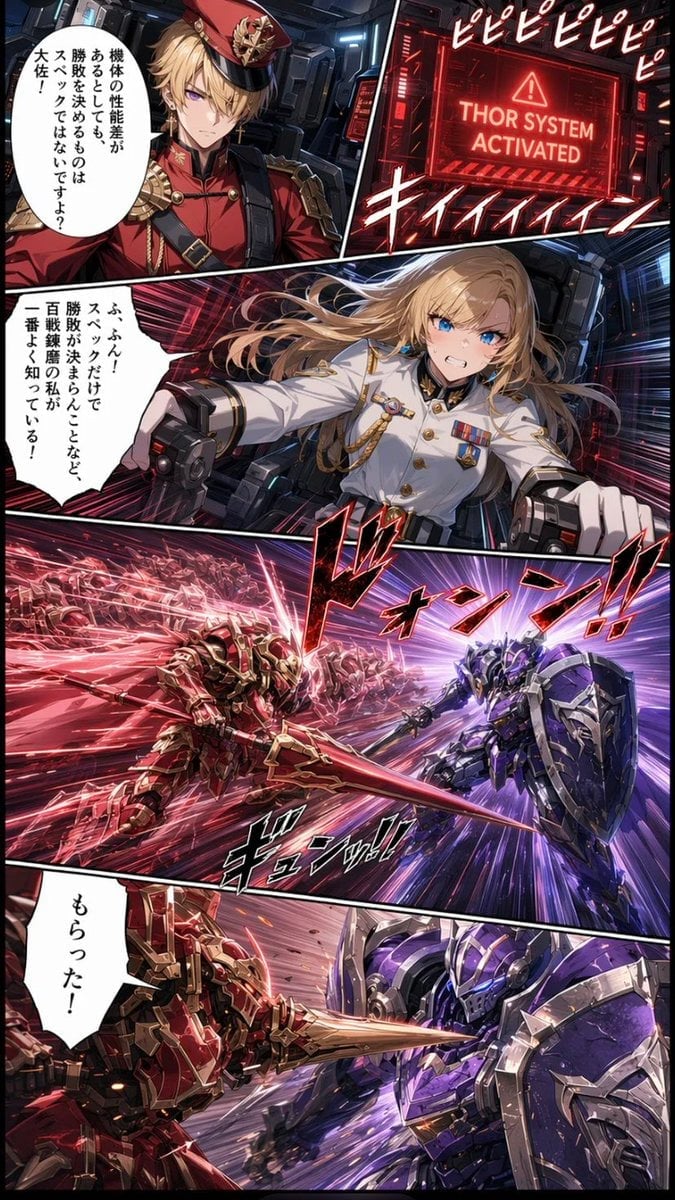
Japanese Webtoon Mecha Battle Page

Fantasy Wagashi Manga Cooking Page

Sunny Seaside Anime Manga Page
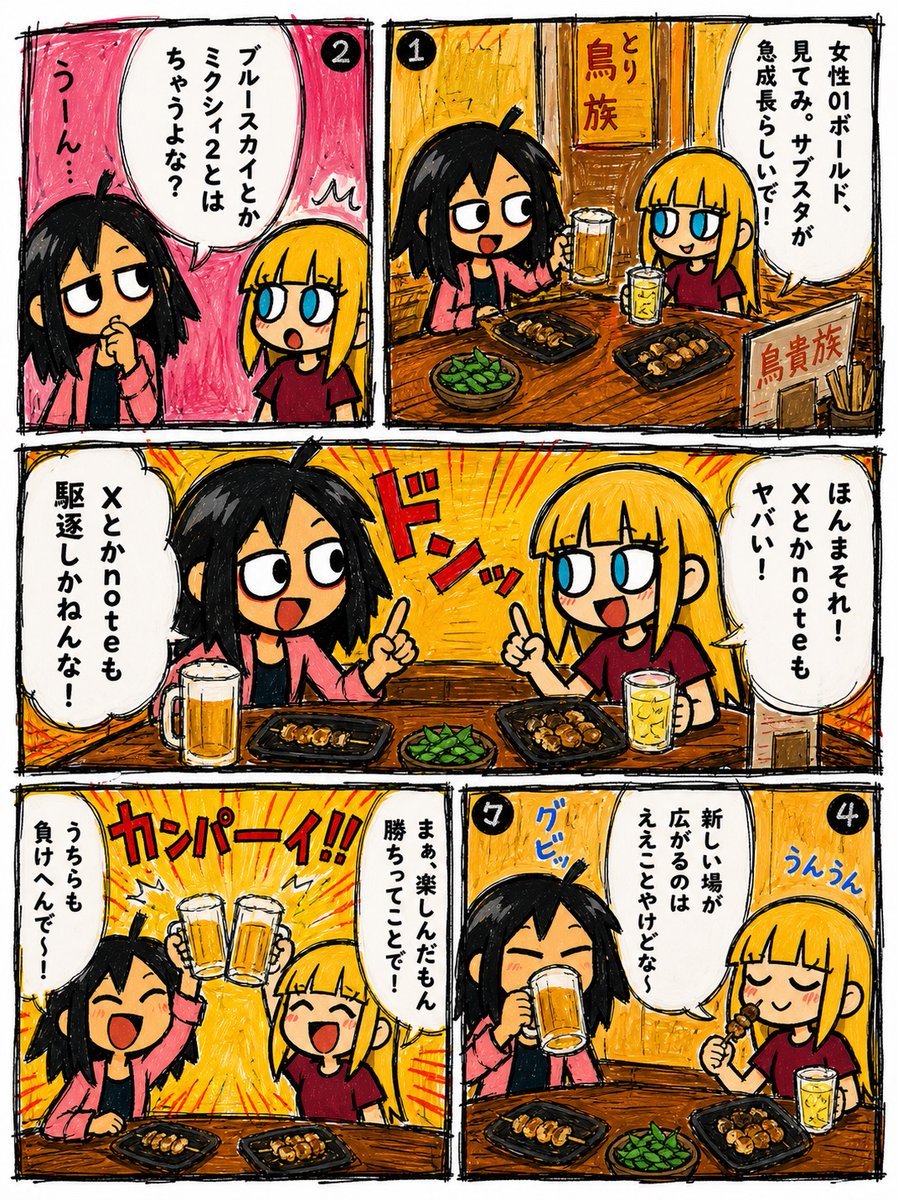
Hand-Drawn Izakaya Manga Page
Make it yours
Censored Manga Page With Too Many Nuts works as-is. These are the safest ways to change it without losing the look.
Change one field
Copy a single group, rewrite it, and generate again so you can see what that field is doing.
Keep the frame, change the subject
Hold the composition and light of Censored Manga Page With Too Many Nuts, then swap wardrobe, props or the person for a new take.
| If the result… | Why | Fix |
|---|---|---|
| The result drifts from the preview | Too many fields changed at once. | Reuse Censored Manga Page With Too Many Nuts as-is first, then change one group — subject, light, or setting. |
| The model over-stylizes the scene | The prose prompt leaves finish and camera underspecified. | Add one camera or lighting sentence and stay on GPT Image 2. |
More GPT Image 2 templates
Other prompts made for GPT Image 2.

Six VTuber Japanese Logo Sheet

Realistic Portrait of Woman and Deer

The Vista Modular Condo Poster

AI Model Routing Comparison Infographic

2.5D Anime Art Board

Isometric Productivity Desk Scene

New York Double Exposure Poster

Four-Panel AI Landscape Comparison

Japanese Tatami Lifestyle Magazine Cover

NESCAFÉ Coffee Map Poster
More image prompts
Fresh picks from across the catalog.
Generate an image in the style of a given moodboard

OnePlus Fitness Earbuds Ad

Travel Influencer Photo Prompt for Nano Banana Pro
Rainy Maple Garden Kimono Scene
Neon City Nightlife Fashion Editorial Prompt
3D Pororo Winter Village Breaking the Fourth Wall
Realistic 'Lazy-Hot' Mirror Selfie in Dorm Room
Backlit Indoor Window Portrait

untitled

Poetic Realism Portrait with Light and Shadow Interplay
Browse template categories
Censored Manga Page With Too Many Nuts questions
How do I use the Censored Manga Page With Too Many Nuts template?
Add your photo if the template asks for one, edit the prompt if you like — the template's model and format are already selected — and press Generate. Your version opens in PicX Studio.
Can I customize the Censored Manga Page With Too Many Nuts template?
Yes. You can change the subject, setting, lighting, mood, format, and available model controls before creating your image.
Is the Censored Manga Page With Too Many Nuts template free?
Opening and editing this template is free. Generating uses credits, shown on the Generate button when you are signed in.
Which AI model should I use?
Start with GPT Image 2, which is the model associated with this template. You can compare another compatible model for a different finish.
Looking for something else? Browse all templates.

Your photo, any look
Thousands of ready templates for every top image and video model, from one credit balance.