How do I use the OnePlus Fitness Earbuds Ad template?
Choose the primary action to open PicX Studio with the available template settings. Review the model and format, personalize the creative direction, and generate when ready.
A cinematic sports-tech advertisement featuring wireless earbuds, bold motivational typography, and a sweaty athlete training in a dark gym. Change the subject, setting, or lighting one variable at a time.
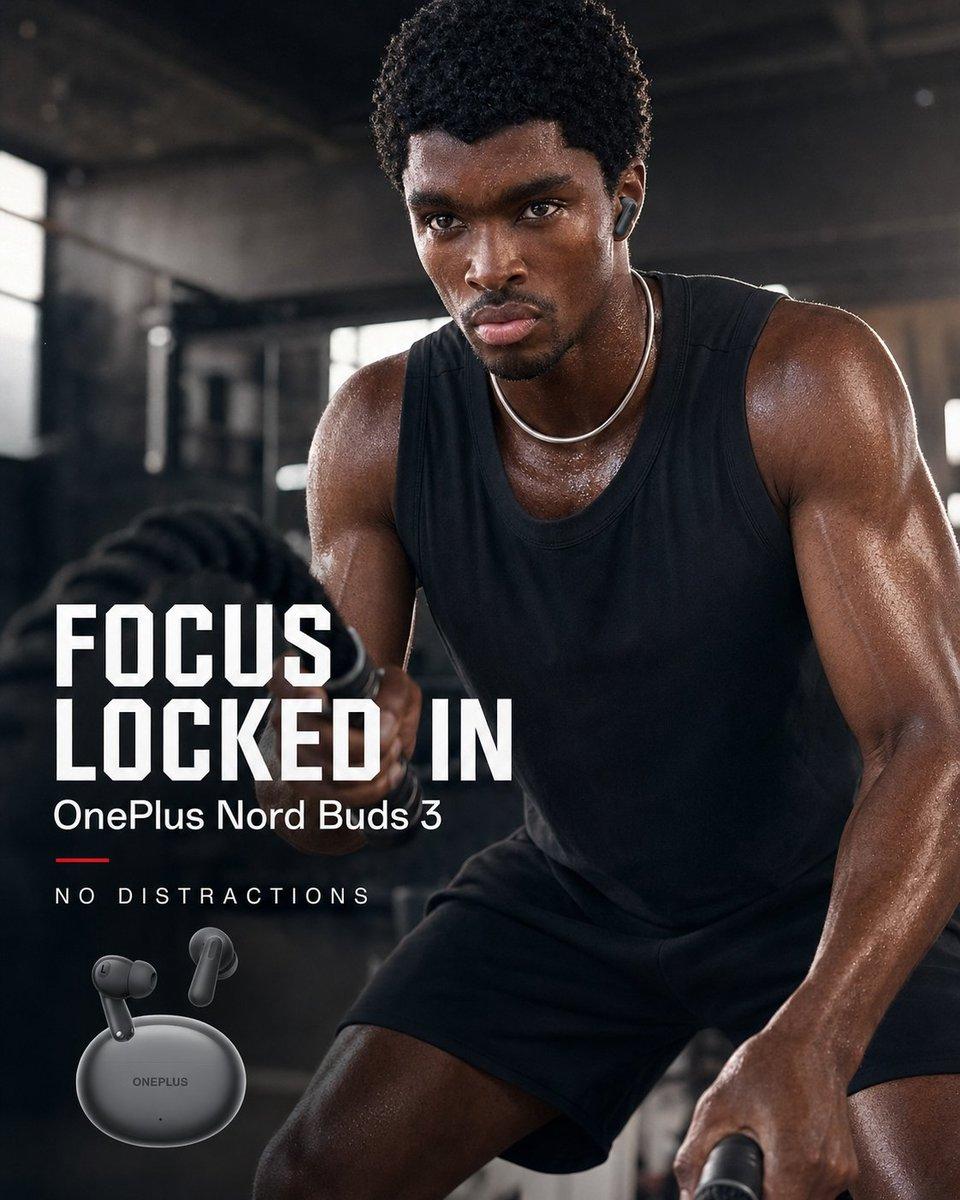
Create a square high-end fitness advertisement for {argument name="product name" default="OnePlus Nord Buds 3"}. Show a muscular Black male athlete in a dark industrial gym, cropped close from thighs to head, leaning forward intensely while exercising with thick battle ropes; his face is obscured by a plain dark brown rectangular block for anonymity. He wears a black sleeveless training tank, black shorts, a thin silver chain necklace, and one visible dark wireless earbud in his right ear. His skin is sweaty and glossy, with dramatic rim lighting on his shoulders and arms, shallow depth of field, smoky gym atmosphere, blurred windows and equipment in the background, cinematic contrast, realistic commercial photography. In the lower left, place bold ad typography with 4 visible text elements: the large stacked headline “{argument name="headline text" default="FOCUS LOCKED IN"}” in white condensed athletic block letters, the smaller product line “{argument name="product line" default="OnePlus Nord Buds 3"}” beneath it, a short red horizontal accent line, and the spaced-out tagline “{argument name="tagline" default="NO DISTRACTIONS"}”. At the bottom left beneath the text, show exactly 3 product elements: 1 matte dark gray oval charging case labeled ONEPLUS and 2 floating matching earbuds angled above it. Use a premium sports-tech campaign style, dark charcoal and black palette with white typography and a small red accent, sharp product rendering, realistic sweat texture, and polished social media ad composition.
Choose the primary action to open PicX Studio with the available template settings. Review the model and format, personalize the creative direction, and generate when ready.
Yes. You can change the subject, setting, lighting, mood, format, and available model controls before creating your image.
This template is free to open and customize. Generation usage is shown in PicX Studio before you create.
Start with GPT Image 2, which is the model associated with this template. You can compare another compatible model for a different finish.
© 2026 PicX Studio. All rights reserved.

Follow a topic to a crawlable collection of related PicX Studio templates.
43,474 public templates available. Verified via the PicX Studio public templates API; refreshed hourly.



![Gym Fitness Training Session — {
"type": "image_prompt",
"description": {
"subject": {
"identity": "{argument name="subject name" default="[NAME]"](https://pbs.twimg.com/media/HHpjK1UXYAEungi.jpg)




![Professional Gym Fitness Photography — { "type": "image_prompt", "description": { "subject": { "identity": "{argument name="subject name" default="[NOME]"}", "a](https://pbs.twimg.com/media/HISUIh4aAAArWHQ.jpg)





![Minimalist Flat Vector Travel Poster — Premium minimalist flat-vector travel poster for {argument name="city name" default="[CITY_NAME]"}, 3:4 vertical format.](https://cms-assets.youmind.com/media/1787917359711_3ug846_HQX205cbMAA6F6S-300x400.jpg)


























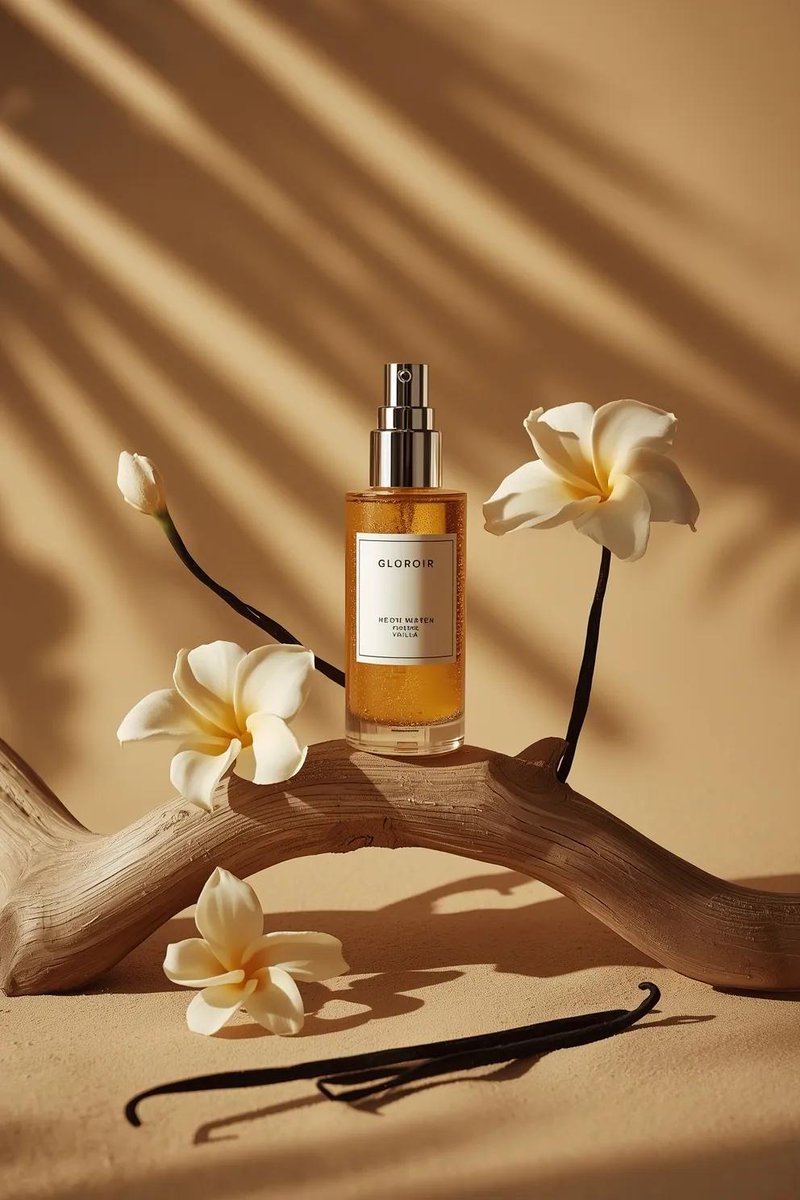

![Ultra-Realistic 3D Inflatable Object Render — "[SUBJECT], ultra realistic 3D render, smooth inflated glossy plastic material, soft pillowy balloon like contours](https://pbs.twimg.com/media/HA9eg66aIAAsjuU.jpg)
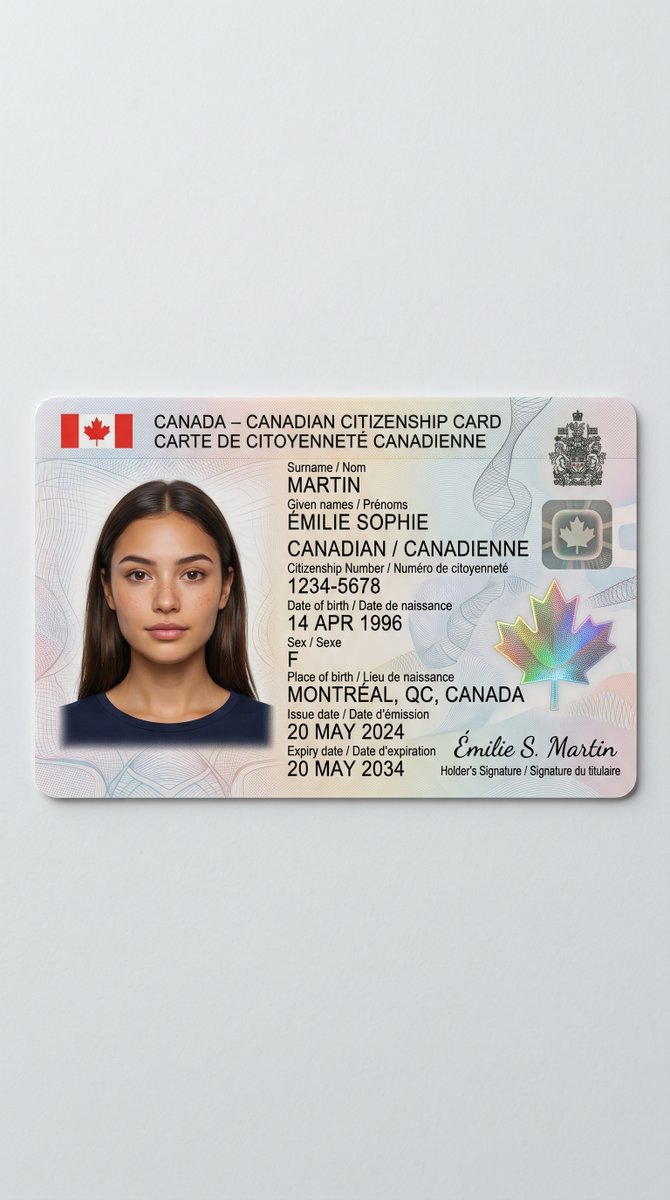
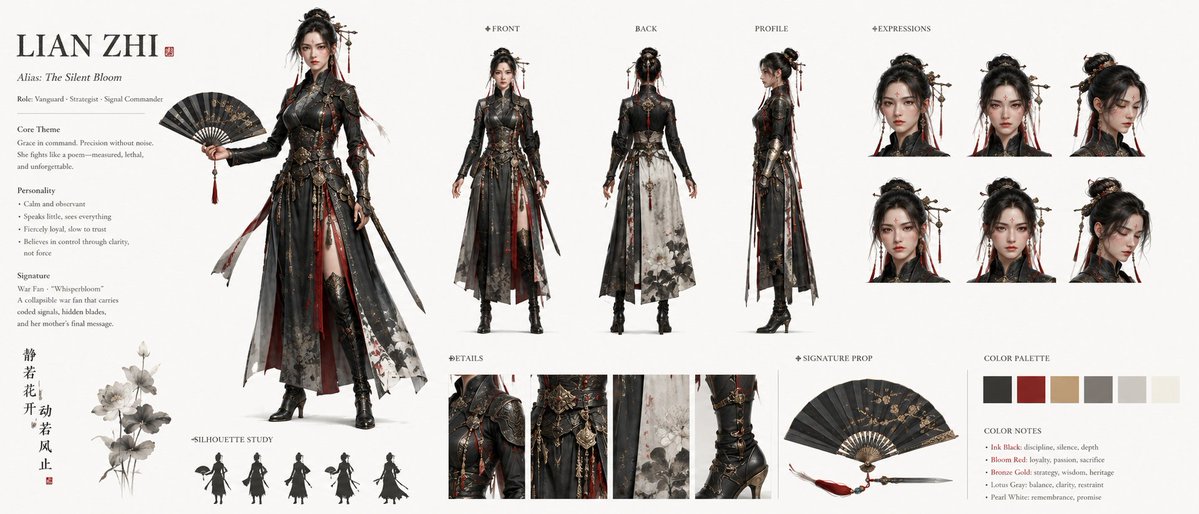
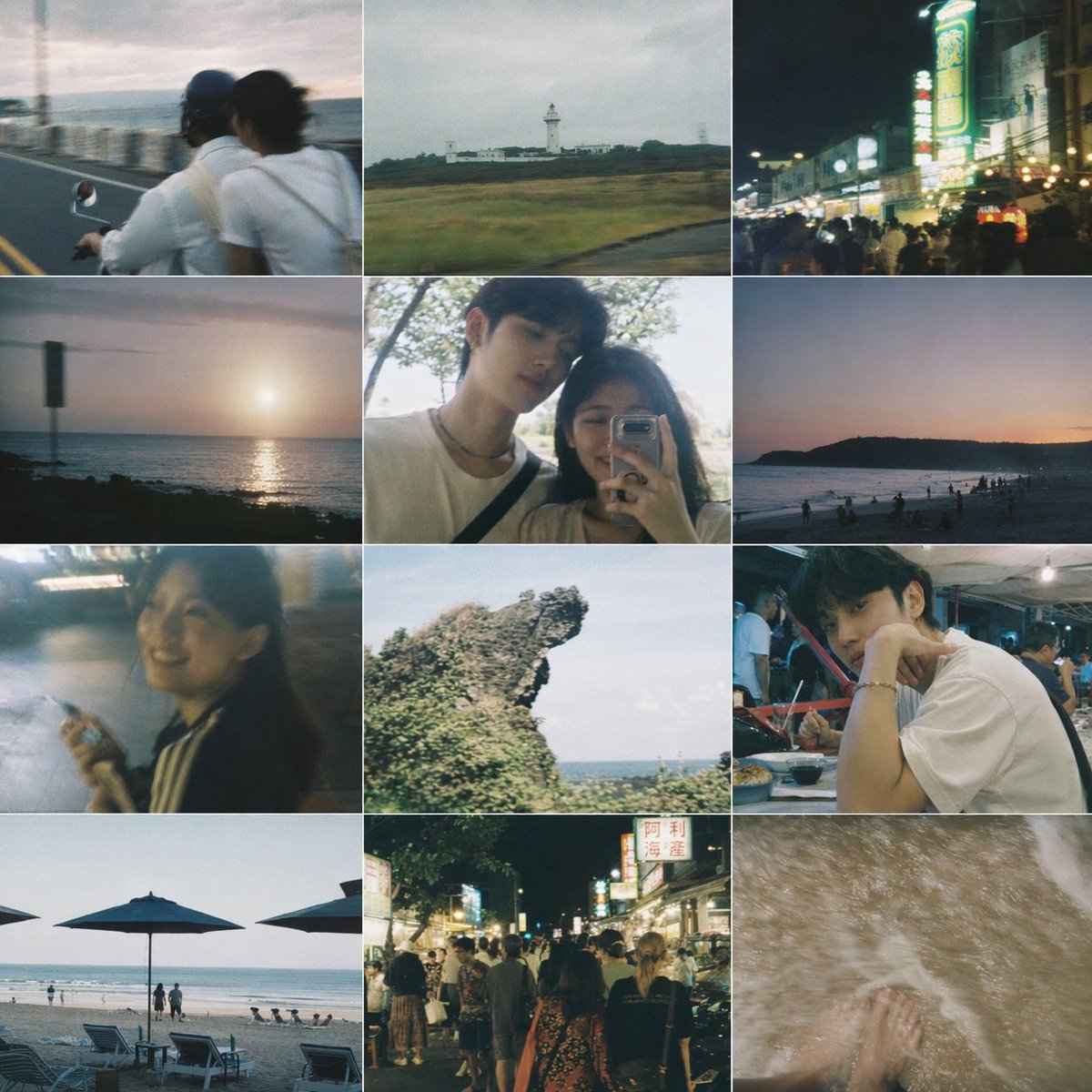

![Advertising-Style Food Photography Prompt — Advertising-style food photography of {argument name="subject 1" default="[subject 1]"} arranged on a rustic table,](https://pbs.twimg.com/media/G7hnikwWwAEjlEP.jpg)