
Architect Live Stream UI Mockup
Generates a realistic live stream interface of an architect building a scale model, featuring customizable chat messages and task overlays.
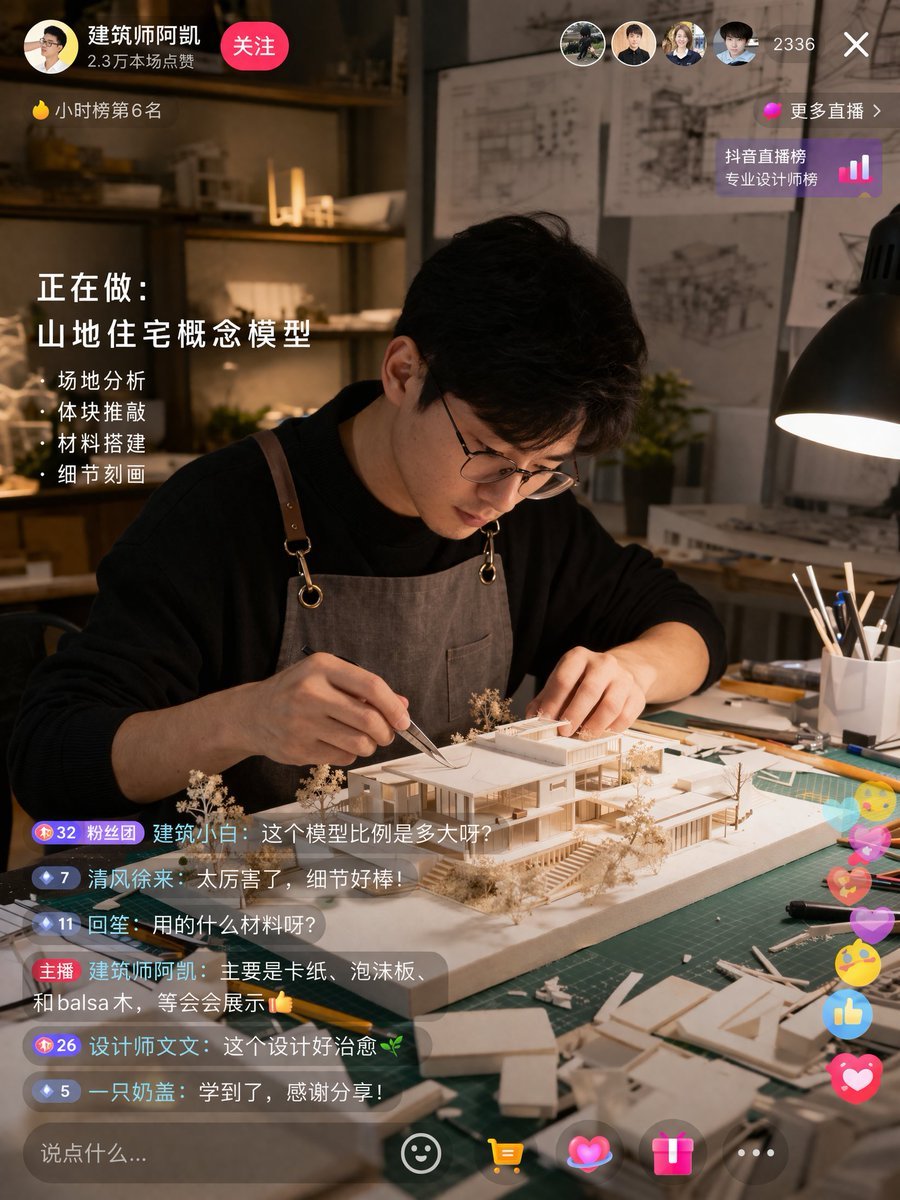
- Prompt included
- Model and format preset
- Free template
The prompt behind this image
Copy the exact prompt behind Architect Live Stream UI Mockup, or open it in the studio and make it yours.
- Type
- live stream interface mockup
- Scene › Subject
- {argument name="subject description" default="young Asian male architect wearing glasses and a brown canvas apron"}
- Scene › Action
- focused on building a detailed white architectural scale model of a modern house using tweezers
- Scene › Setting
- dimly lit design studio, green cutting mat, desk lamp, architectural blueprints on the wall in the background
- Ui Elements › Top Left › Profile
- avatar, username '{argument name="username" default="建筑师阿凯"}', stats '2.3万本场点赞', pink '关注' button
- Ui Elements › Top Left › Ranking
- yellow flame icon '小时榜第6名'
- Ui Elements › Top Right › Viewers
- 4 user avatars, count '2336', 'X' close button
- Ui Elements › Top Right › Ranking Link
- pink dot '更多直播 >', '抖音直播榜 专业设计师榜' with bar chart icon
- Ui Elements › Mid Left Overlay › Title
- 正在做:
- Ui Elements › Mid Left Overlay › Subtitle
- {argument name="current task" default="山地住宅概念模型"}
- Ui Elements › Mid Left Overlay › Bullet Points Count
- 4
- Ui Elements › Mid Left Overlay › Bullet Points
- · 场地分析, · 体块推敲, · 材料搭建, · 细节刻画
- Ui Elements › Bottom Left Chat › Message Count
- 6
- Ui Elements › Bottom Left Chat › Messages
- Badge 32 粉丝团 建筑小白: {argument name="chat message 1" default="这个模型比例是多大呀?"}, Badge 7 清风徐来: 太厉害了,细节好棒!, Badge 11 回笙: 用的什么材料呀?, 主播 {argument name="username" default="建筑师阿凯"}: {argument name="host reply" default="主要是卡纸、泡沫板、和balsa木,等会会展示👍"}, Badge 26 设计师文文: 这个设计好治愈🌿, Badge 5 一只奶盖: 学到了,感谢分享!
- Ui Elements › Bottom Right Interactions
- floating colorful icons including hearts, thumbs up, and smiley faces
- Ui Elements › Bottom Bar
- input field '说点什么...', smiley icon, yellow shopping cart icon, pink heart icon, pink gift box icon, '...' icon
Raw JSON
{
  "type": "live stream interface mockup",
  "scene": {
    "subject": "{argument name=\"subject description\" default=\"young Asian male architect wearing glasses and a brown canvas apron\"}",
    "action": "focused on building a detailed white architectural scale model of a modern house using tweezers",
    "setting": "dimly lit design studio, green cutting mat, desk lamp, architectural blueprints on the wall in the background"
  },
  "ui_elements": {
    "top_left": {
      "profile": "avatar, username '{argument name=\"username\" default=\"建筑师阿凯\"}', stats '2.3万本场点赞', pink '关注' button",
      "ranking": "yellow flame icon '小时榜第6名'"
    },
    "top_right": {
      "viewers": "4 user avatars, count '2336', 'X' close button",
      "ranking_link": "pink dot '更多直播 >', '抖音直播榜 专业设计师榜' with bar chart icon"
    },
    "mid_left_overlay": {
      "title": "正在做:",
      "subtitle": "{argument name=\"current task\" default=\"山地住宅概念模型\"}",
      "bullet_points_count": 4,
      "bullet_points": [
        "· 场地分析",
        "· 体块推敲",
        "· 材料搭建",
        "· 细节刻画"
      ]
    },
    "bottom_left_chat": {
      "message_count": 6,
      "messages": [
        "Badge 32 粉丝团 建筑小白: {argument name=\"chat message 1\" default=\"这个模型比例是多大呀?\"}",
        "Badge 7 清风徐来: 太厉害了,细节好棒!",
        "Badge 11 回笙: 用的什么材料呀?",
        "主播 {argument name=\"username\" default=\"建筑师阿凯\"}: {argument name=\"host reply\" default=\"主要是卡纸、泡沫板、和balsa木,等会会展示👍\"}",
        "Badge 26 设计师文文: 这个设计好治愈🌿",
        "Badge 5 一只奶盖: 学到了,感谢分享!"
      ]
    },
    "bottom_right_interactions": "floating colorful icons including hearts, thumbs up, and smiley faces",
    "bottom_bar": "input field '说点什么...', smiley icon, yellow shopping cart icon, pink heart icon, pink gift box icon, '...' icon"
  }
}How to use Architect Live Stream UI Mockup in 3 steps
- 1Upload ImagePNG, JPG or paste
Add your photo
Upload the photo the template builds on. The prompt, model and format are already set.
- 2…a portrait of your subject in softgolden-hour light, 85mm…
Personalize
Edit the subject and creative details for your destination.
- 3Generate
Generate
Press Generate — your image is created in PicX Studio, so you can compare it with the original and refine one variable at a time.
More like this
Templates with the same subject, style or setup. Open one to see its prompt.
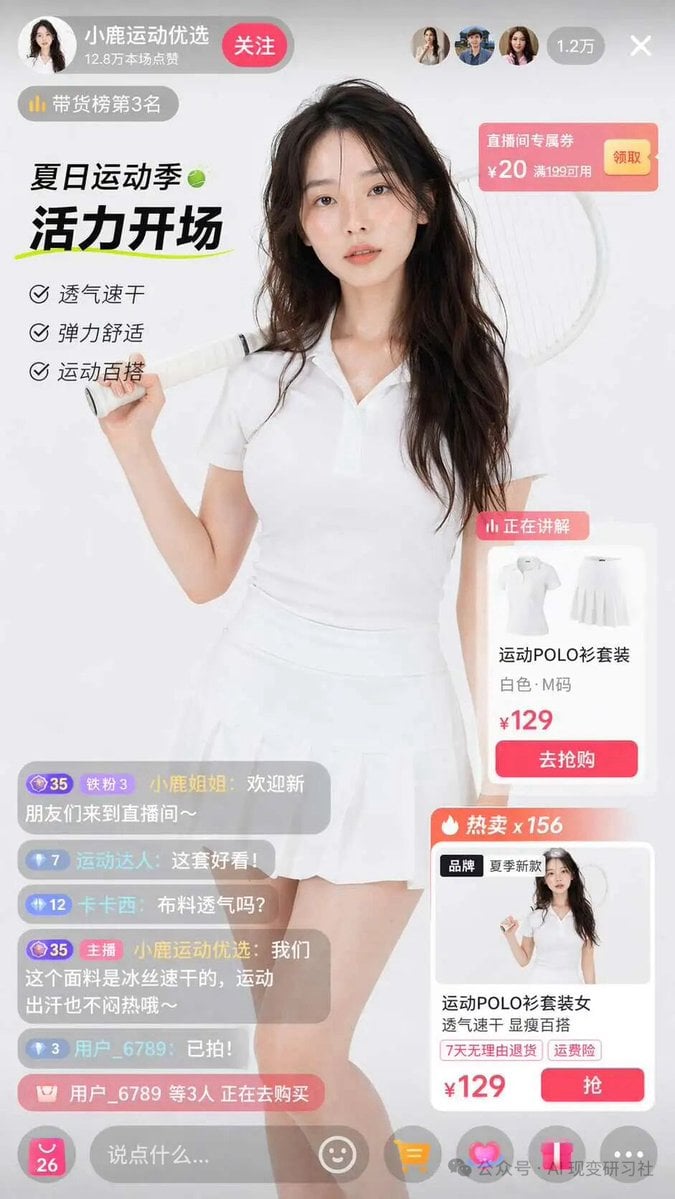
E-commerce Live Stream UI Mockup
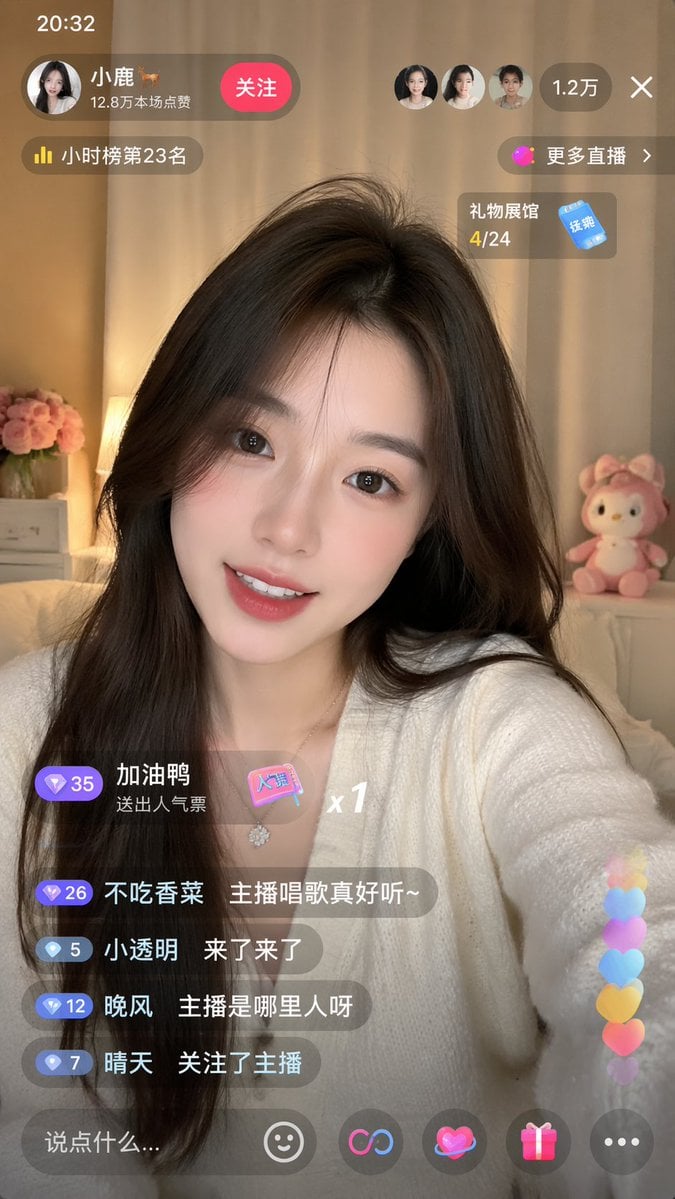
Live-Streaming App Interface Mockup
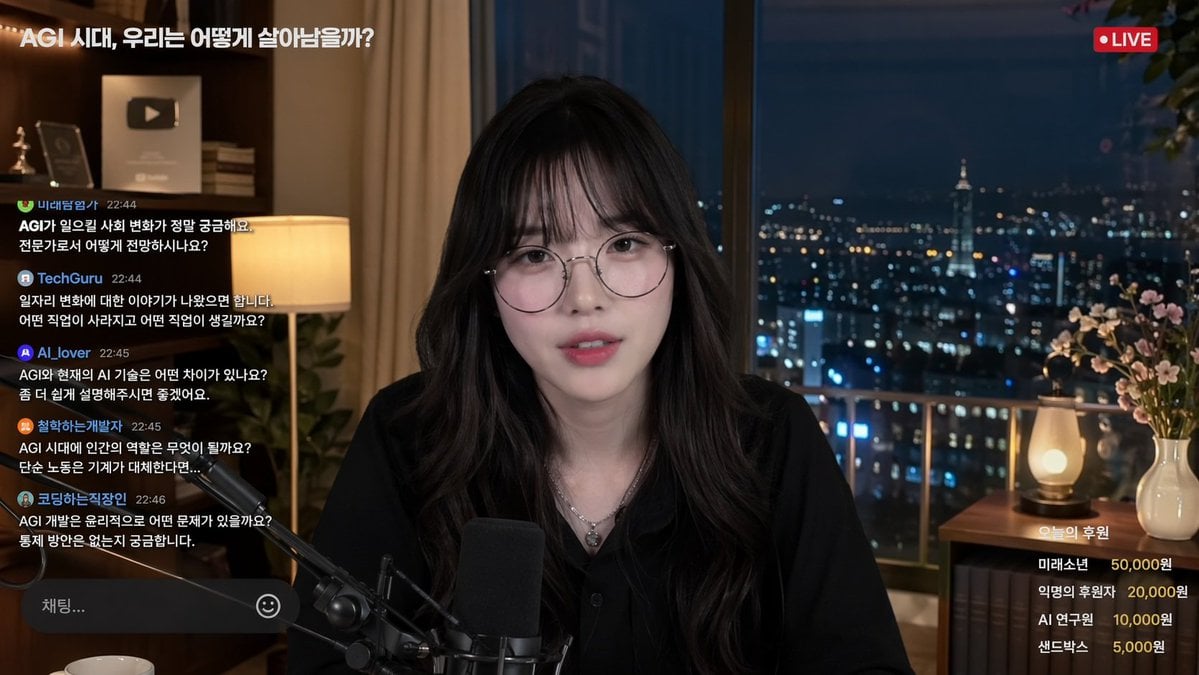
Livestream Interface Mockup
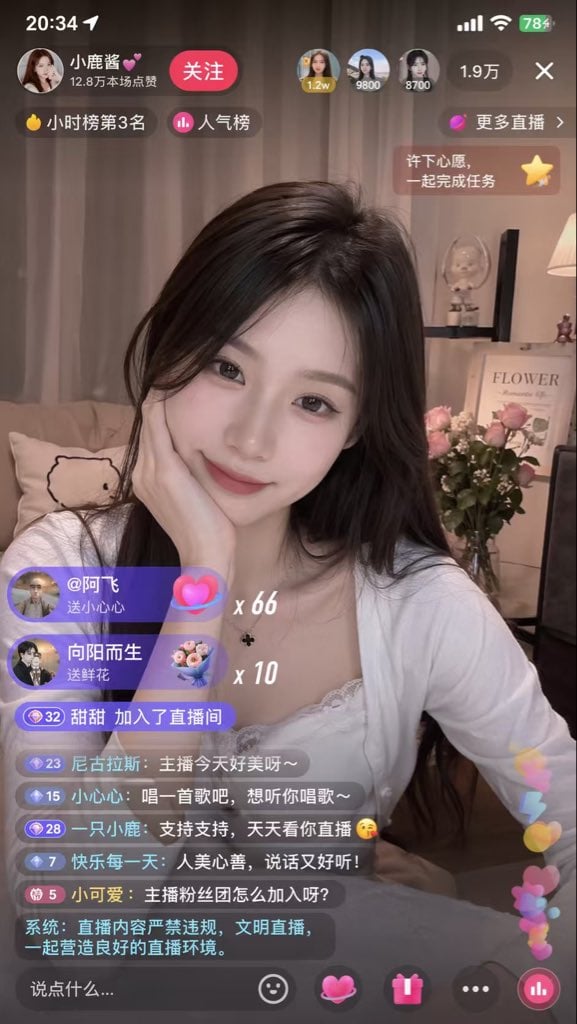
Live Streaming App UI Mockup
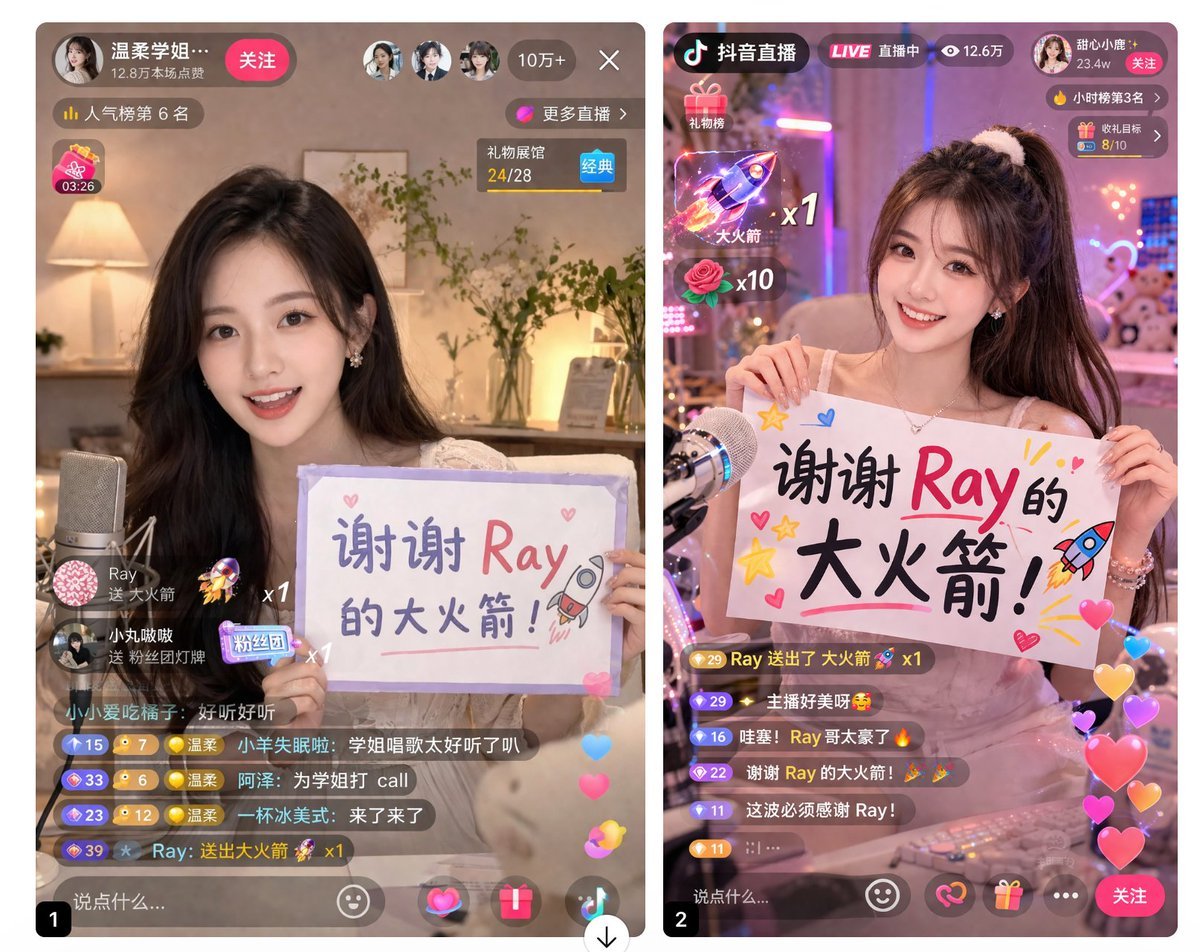
Live Stream App UI Mockup
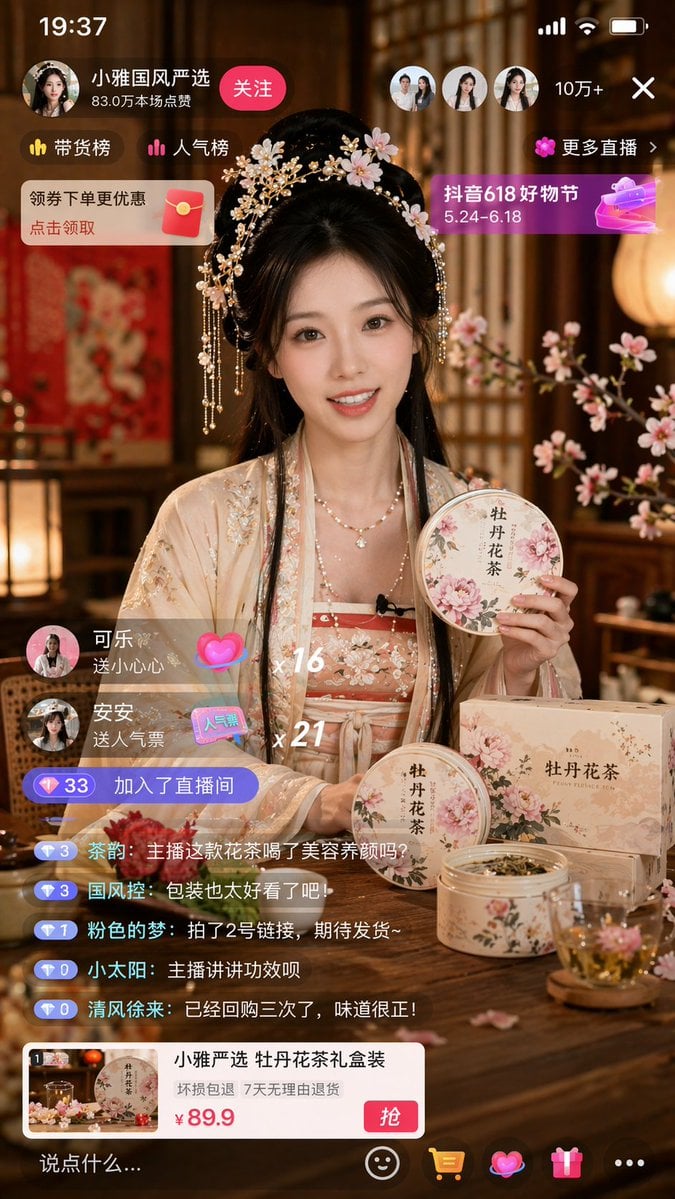
E-commerce Live Stream UI Mockup
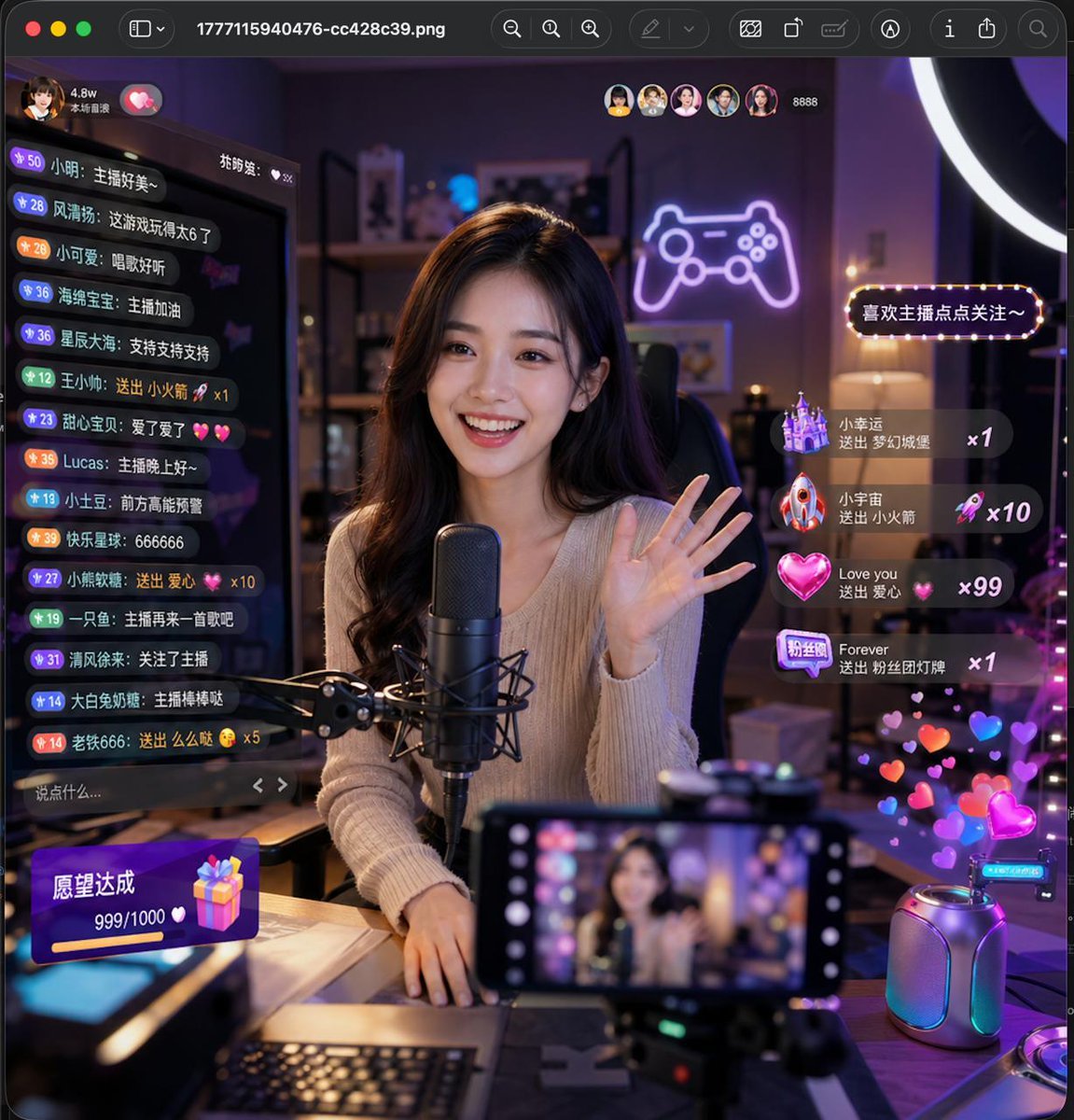
Lively Live Streaming Scene
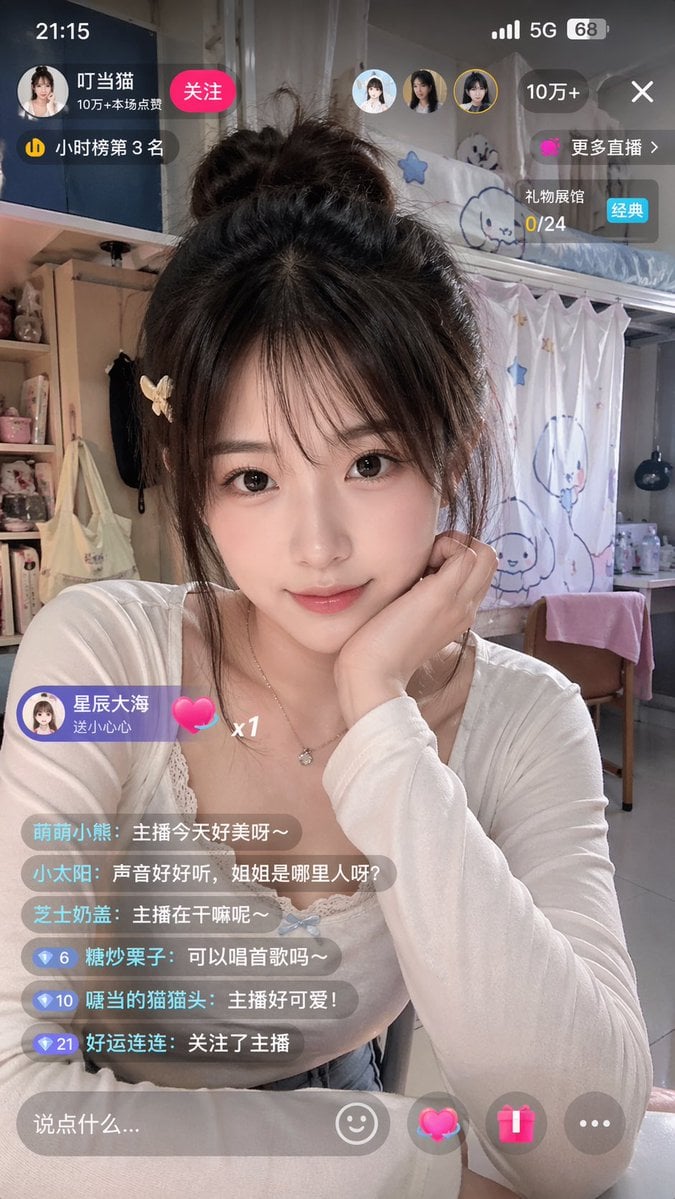
Chinese Livestream Dorm Selfie UI
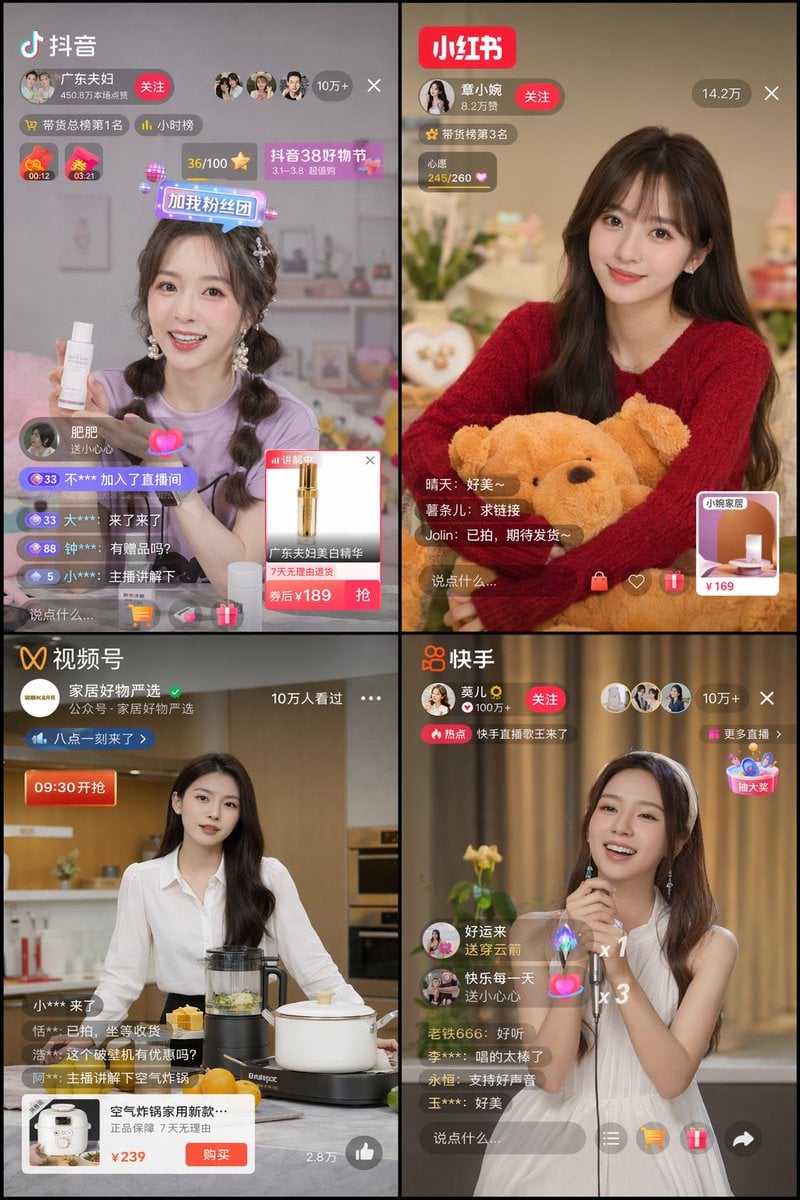
Chinese Livestreaming App UI Grid
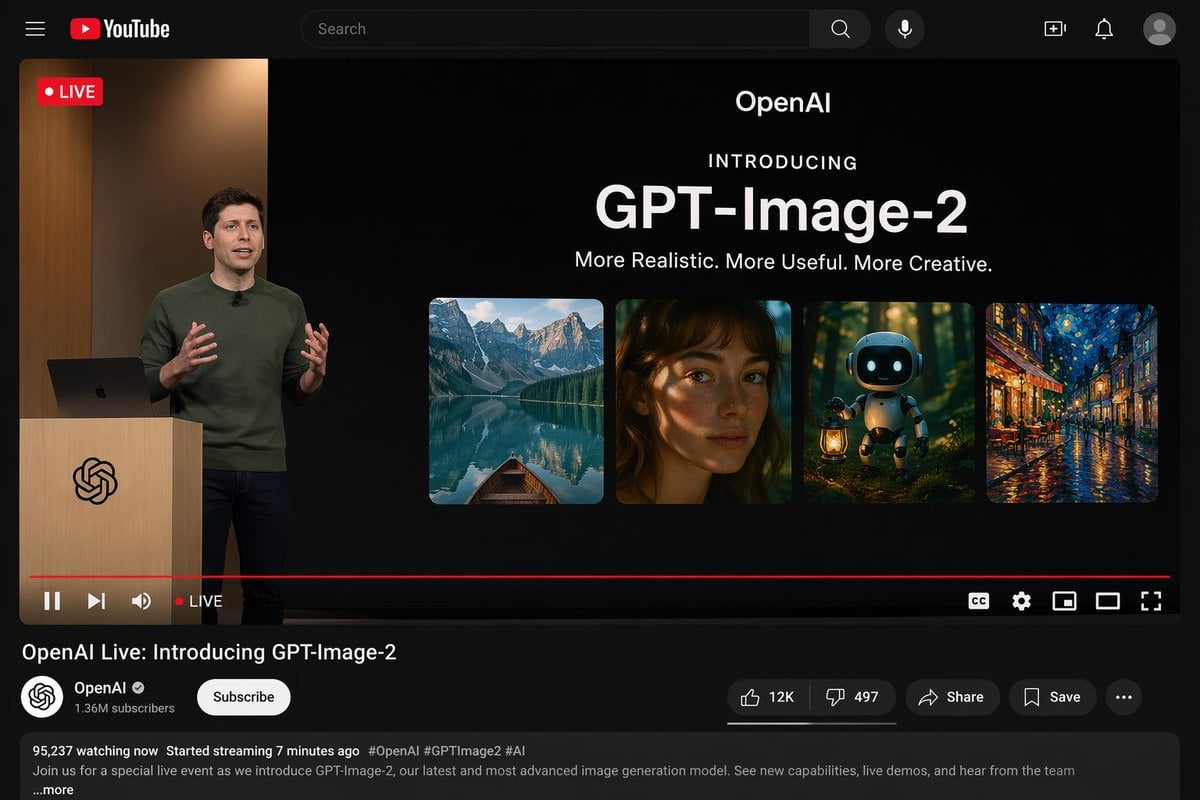
YouTube Live Presentation UI Mockup
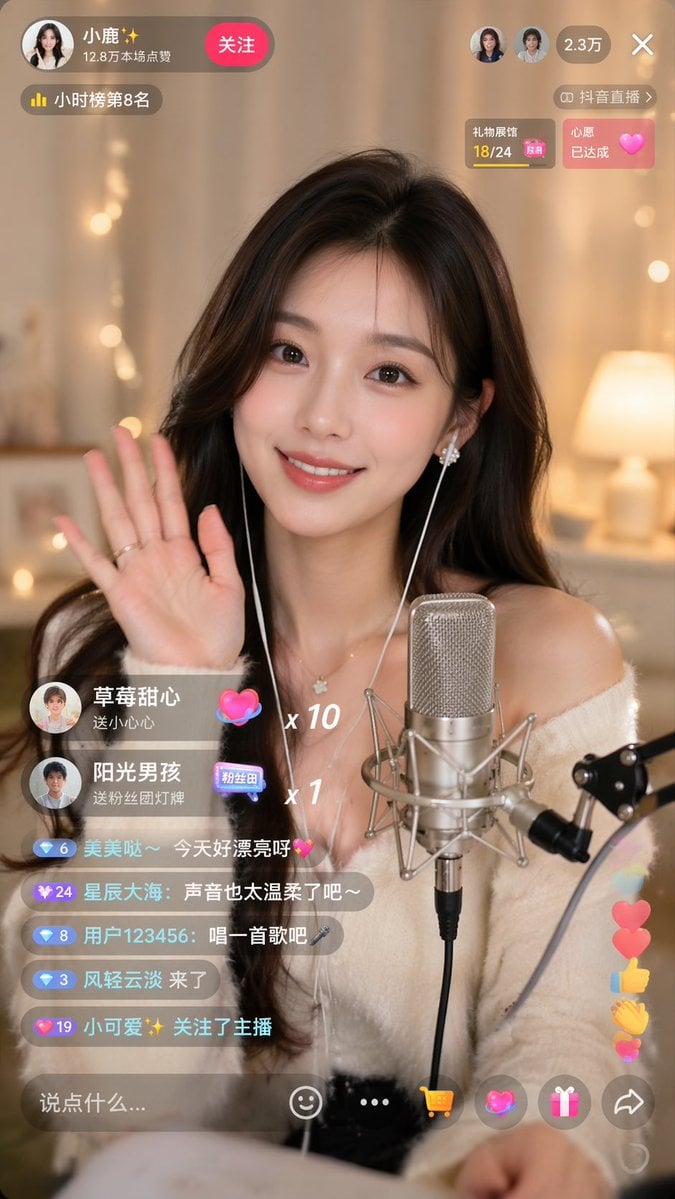
Douyin Live Stream UI Prompt

Classical Characters Modern Live-Streaming Prompt
Make it yours
Architect Live Stream UI Mockup works as-is. These are the safest ways to change it without losing the look.
Swap the setting
Keep the rest of the prompt and replace the location block. The current setting is “dimly lit design studio, green cutting mat, desk lamp, architectural blueprints ”.
Change one field
Copy a single group, rewrite it, and generate again so you can see what that field is doing.
Keep the frame, change the subject
Hold the composition and light of Architect Live Stream UI Mockup, then swap wardrobe, props or the person for a new take.
| If the result… | Why | Fix |
|---|---|---|
| The result drifts from the preview | Too many fields changed at once. | Reuse Architect Live Stream UI Mockup as-is first, then change one group — subject, light, or setting. |
| GPT Image 2 ignores part of the JSON | Some models flatten or skip nested keys. | Keep the same values and paste them as a short paragraph instead. |
More GPT Image 2 templates
Other prompts made for GPT Image 2.

Six VTuber Japanese Logo Sheet

Realistic Portrait of Woman and Deer

The Vista Modular Condo Poster

AI Model Routing Comparison Infographic

2.5D Anime Art Board

Isometric Productivity Desk Scene

New York Double Exposure Poster

Four-Panel AI Landscape Comparison

Japanese Tatami Lifestyle Magazine Cover

NESCAFÉ Coffee Map Poster
More image prompts
Fresh picks from across the catalog.
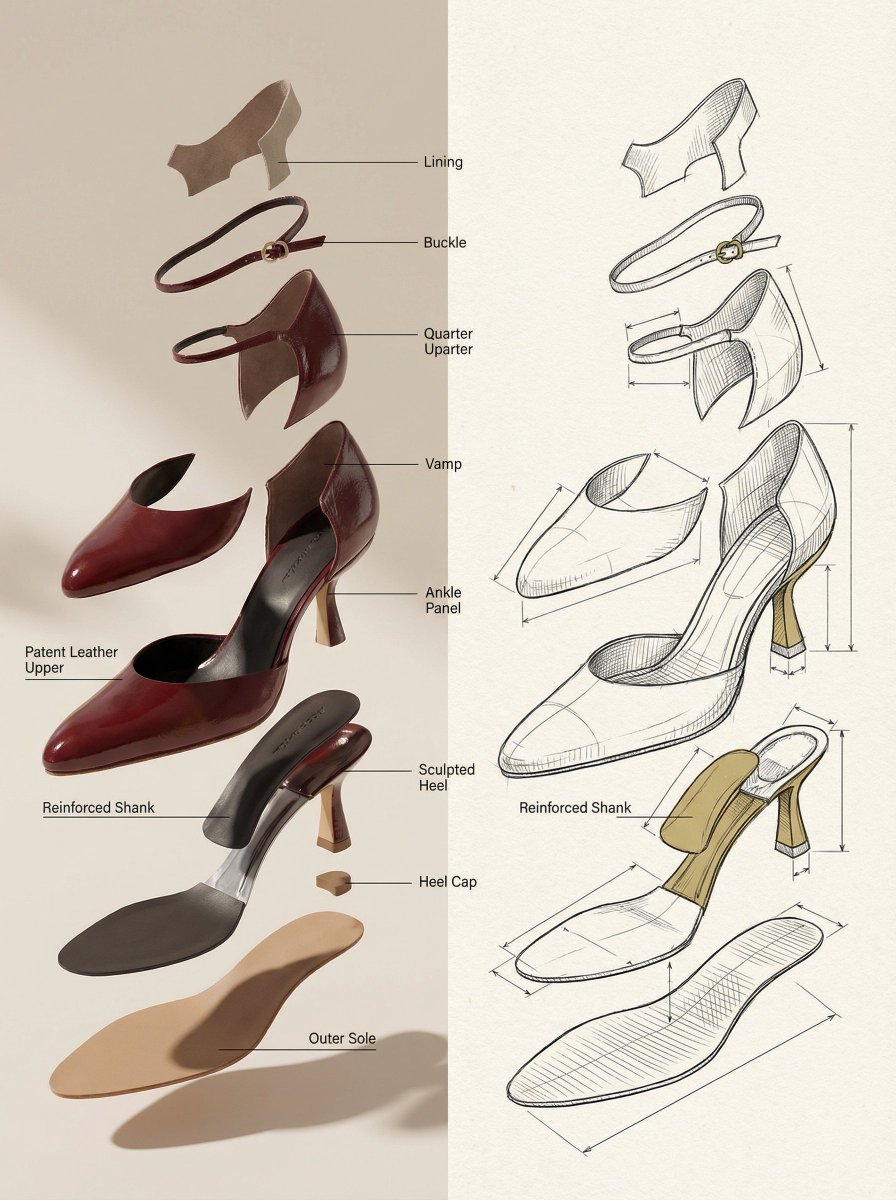
Exploded View Product Render Prompt

Cinematic Street Photography Portrait

Anime Boy at Night Window
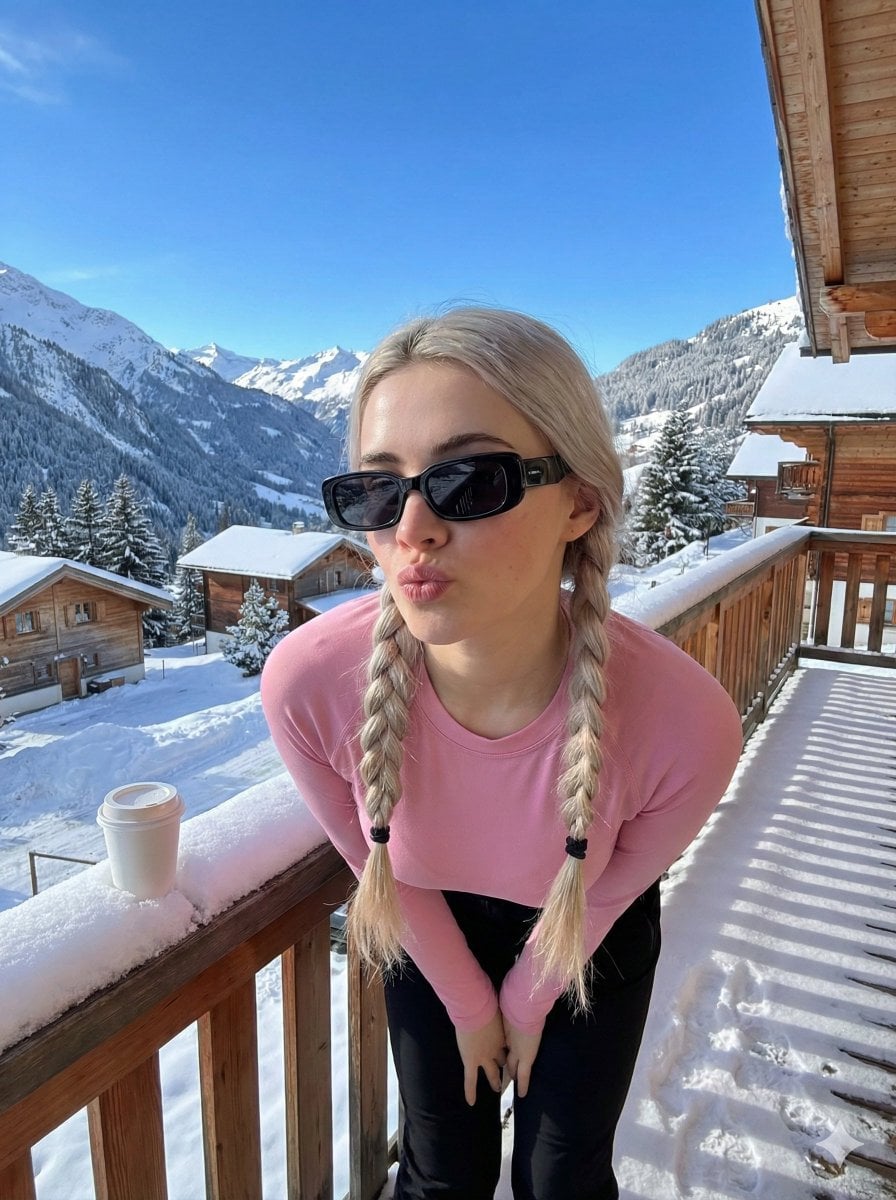
Image-to-Image Winter Alpine Portrait
Nano Banana Pro Hot Prompts Compilation (24 Hours)

Board Game Scene with Multiple Characters Prompt
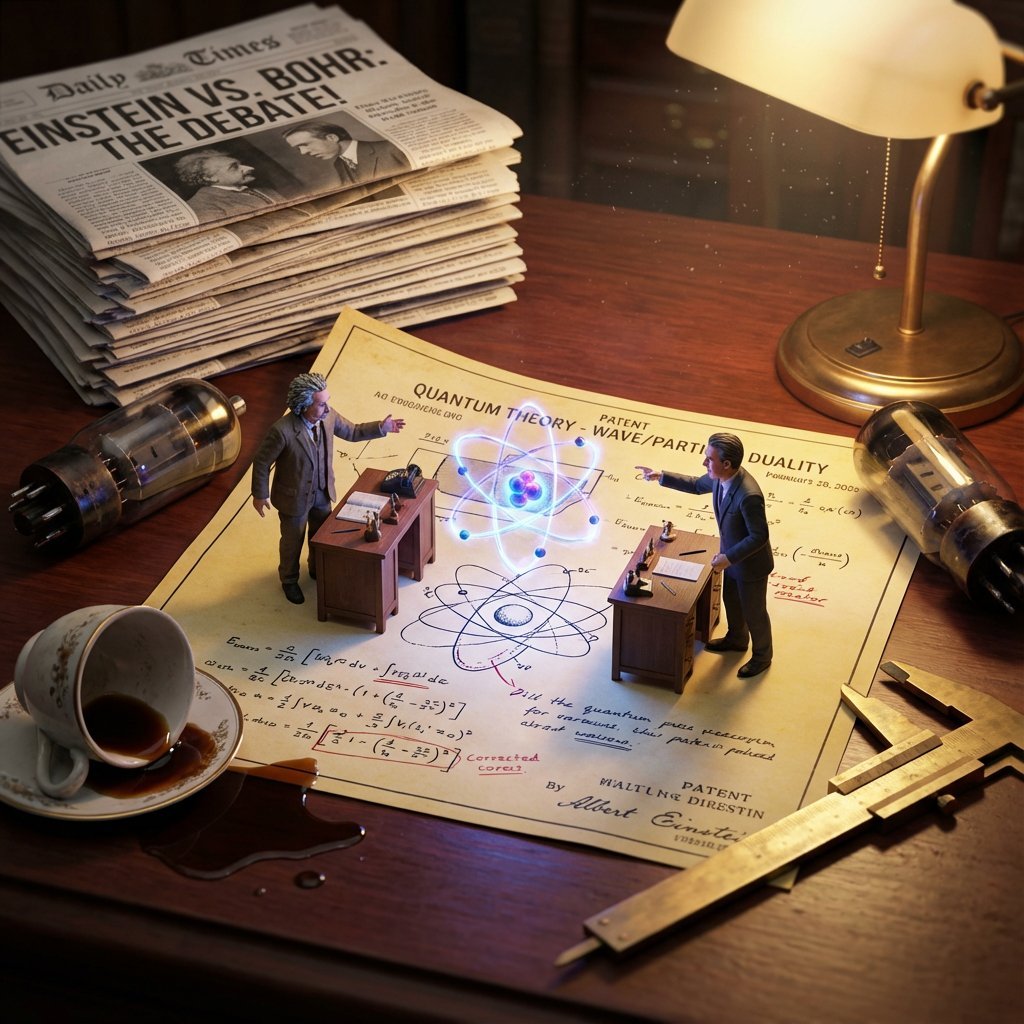
Historical Scientist Rivalry Macro Diorama Prompt
Handcrafted Embroidery Textile Portrait

World Cup Champion Tunnel Poster
Cinematic Triptych Portrait on a Night Bridge
Browse template categories
Architect Live Stream UI Mockup questions
How do I use the Architect Live Stream UI Mockup template?
Add your photo if the template asks for one, edit the prompt if you like — the template's model and format are already selected — and press Generate. Your version opens in PicX Studio.
Can I customize the Architect Live Stream UI Mockup template?
Yes. You can change the subject, setting, lighting, mood, format, and available model controls before creating your image.
Is the Architect Live Stream UI Mockup template free?
Opening and editing this template is free. Generating uses credits, shown on the Generate button when you are signed in.
Which AI model should I use?
Start with GPT Image 2, which is the model associated with this template. You can compare another compatible model for a different finish.
Looking for something else? Browse all templates.

Your photo, any look
Thousands of ready templates for every top image and video model, from one credit balance.