
YouTube Live Presentation UI Mockup
Generates a realistic YouTube desktop dark mode interface featuring a live product announcement.
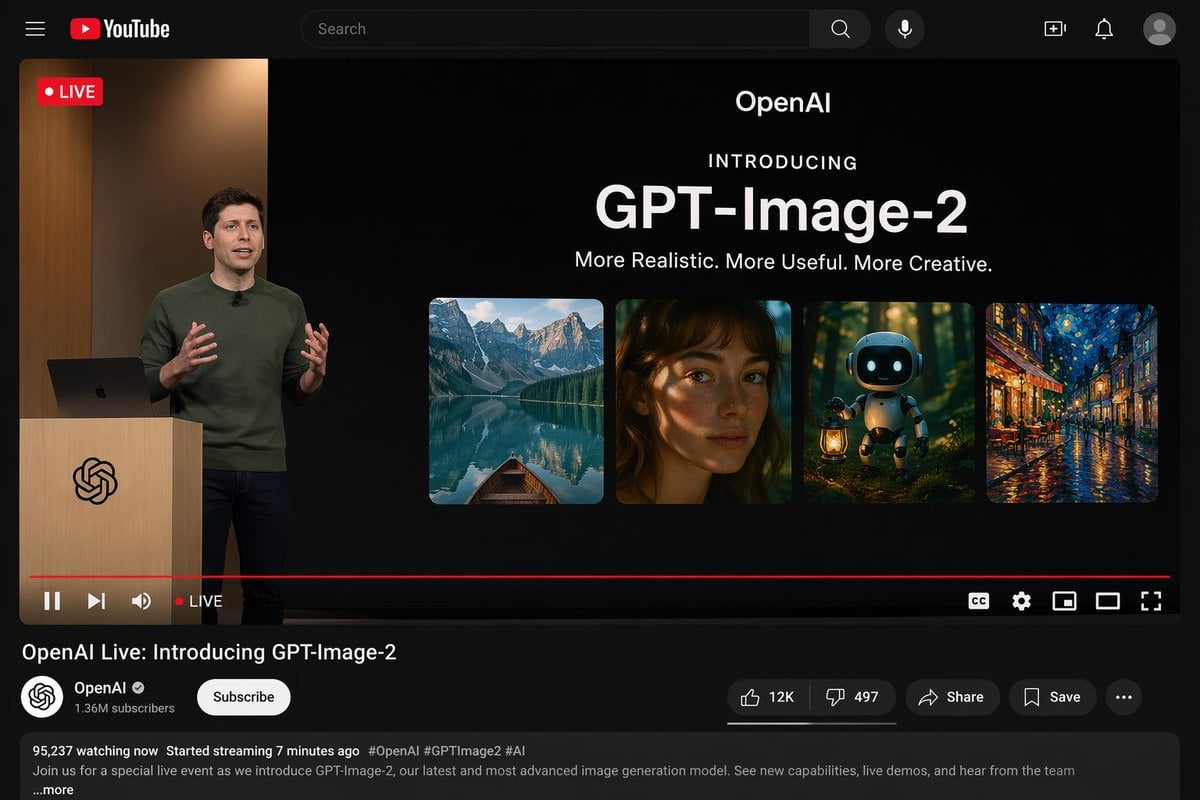
- Prompt included
- Model and format preset
- Free template
The prompt behind this image
Copy the exact prompt behind YouTube Live Presentation UI Mockup, or open it in the studio and make it yours.
- Type
- YouTube desktop dark mode UI mockup
- Header › Logo
- YouTube
- Header › Search Bar
- Search
- Header › Icons Count
- 5
- Header › Icons
- search, mic, create, notifications, profile
- Video Player › Top Left Badge
- LIVE
- Video Player › Left Side › Subject
- {argument name="presenter description" default="man in green sweater at wooden podium"}
- Video Player › Left Side › Podium Logo
- OpenAI
- Video Player › Right Side Presentation › Text Elements
- OpenAI, INTRODUCING, {argument name="product name" default="GPT-Image-2"}, {argument name="tagline" default="More Realistic. More Useful. More Creative."}
- Video Player › Right Side Presentation › Sample Images Count
- 4
- Video Player › Right Side Presentation › Sample Images
- mountain lake with boat, woman portrait with dappled light, cute robot with lantern in forest, starry night cafe painting
- Video Player › Bottom Controls Count
- 10
- Video Player › Bottom Controls
- pause, next, volume, LIVE, red progress bar, CC, settings, miniplayer, theater mode, fullscreen
- Video Details › Title
- {argument name="video title" default="OpenAI Live: Introducing GPT-Image-2"}
- Video Details › Channel › Name
- {argument name="channel name" default="OpenAI"}
- Video Details › Channel › Verified
- true
- Video Details › Channel › Subscribers
- 1.36M
- Video Details › Channel › Button
- Subscribe
- Video Details › Action Buttons Count
- 5
- Video Details › Action Buttons
- Like 12K, Dislike 497, Share, Save, More
- Video Details › Description Box › Stats
- 95,237 watching now Started streaming 7 minutes ago
- Video Details › Description Box › Tags
- #OpenAI #GPTImage2 #AI
- Video Details › Description Box › Text
- Join us for a special live event as we introduce GPT-Image-2, our latest and most advanced image generation model. See new capabilities, live demos, and hear from the team ...more
Raw JSON
{"type": "YouTube desktop dark mode UI mockup", "header": {"logo": "YouTube", "search_bar": "Search", "icons_count": 5, "icons": ["search", "mic", "create", "notifications", "profile"]}, "video_player": {"top_left_badge": "LIVE", "left_side": {"subject": "{argument name=\"presenter description\" default=\"man in green sweater at wooden podium\"}", "podium_logo": "OpenAI"}, "right_side_presentation": {"text_elements": ["OpenAI", "INTRODUCING", "{argument name=\"product name\" default=\"GPT-Image-2\"}", "{argument name=\"tagline\" default=\"More Realistic. More Useful. More Creative.\"}"], "sample_images_count": 4, "sample_images": ["mountain lake with boat", "woman portrait with dappled light", "cute robot with lantern in forest", "starry night cafe painting"]}, "bottom_controls_count": 10, "bottom_controls": ["pause", "next", "volume", "LIVE", "red progress bar", "CC", "settings", "miniplayer", "theater mode", "fullscreen"]}, "video_details": {"title": "{argument name=\"video title\" default=\"OpenAI Live: Introducing GPT-Image-2\"}", "channel": {"name": "{argument name=\"channel name\" default=\"OpenAI\"}", "verified": true, "subscribers": "1.36M", "button": "Subscribe"}, "action_buttons_count": 5, "action_buttons": ["Like 12K", "Dislike 497", "Share", "Save", "More"], "description_box": {"stats": "95,237 watching now Started streaming 7 minutes ago", "tags": "#OpenAI #GPTImage2 #AI", "text": "Join us for a special live event as we introduce GPT-Image-2, our latest and most advanced image generation model. See new capabilities, live demos, and hear from the team ...more"}}}How to use YouTube Live Presentation UI Mockup in 3 steps
- 1Upload ImagePNG, JPG or paste
Add your photo
Upload the photo the template builds on. The prompt, model and format are already set.
- 2…a portrait of your subject in softgolden-hour light, 85mm…
Personalize
Edit the subject and creative details for your destination.
- 3Generate
Generate
Press Generate — your image is created in PicX Studio, so you can compare it with the original and refine one variable at a time.
More like this
Templates with the same subject, style or setup. Open one to see its prompt.
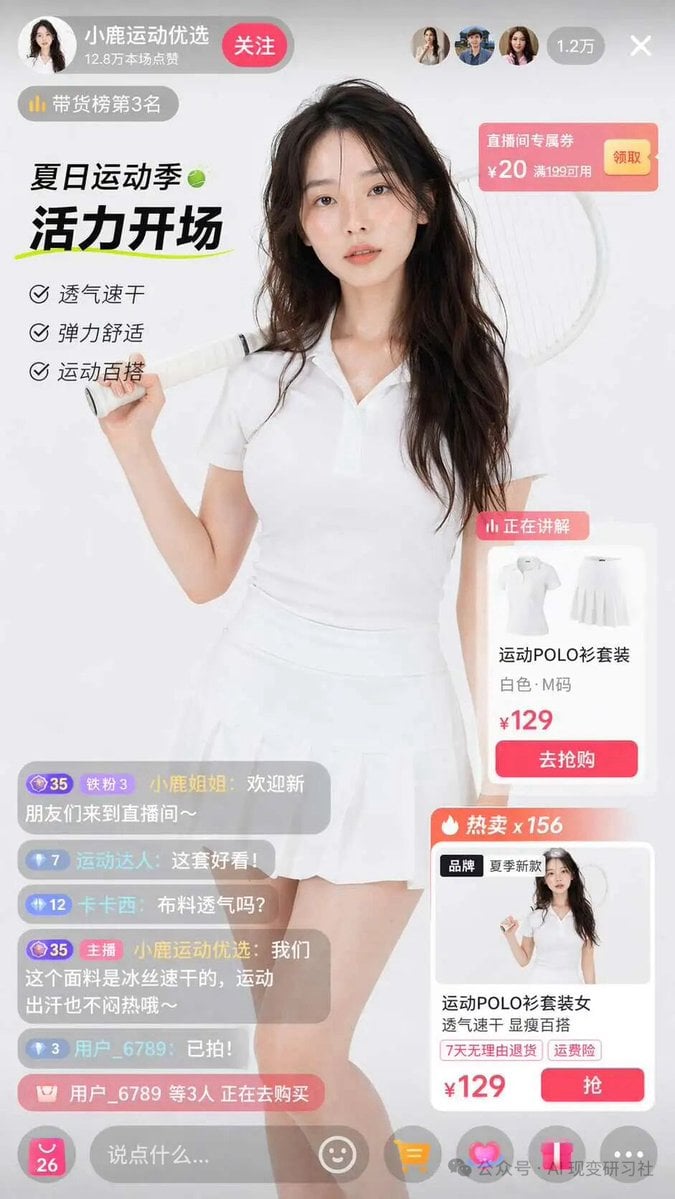
E-commerce Live Stream UI Mockup
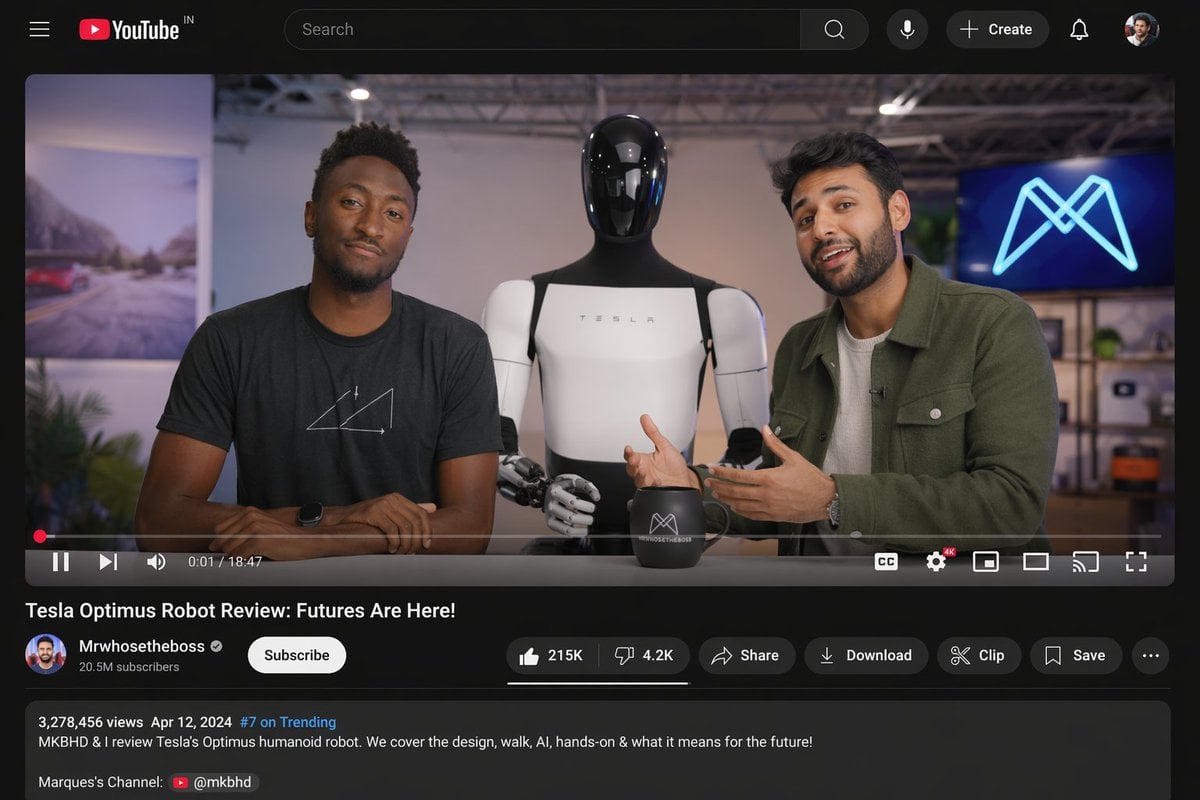
YouTube Video Interface Mockup
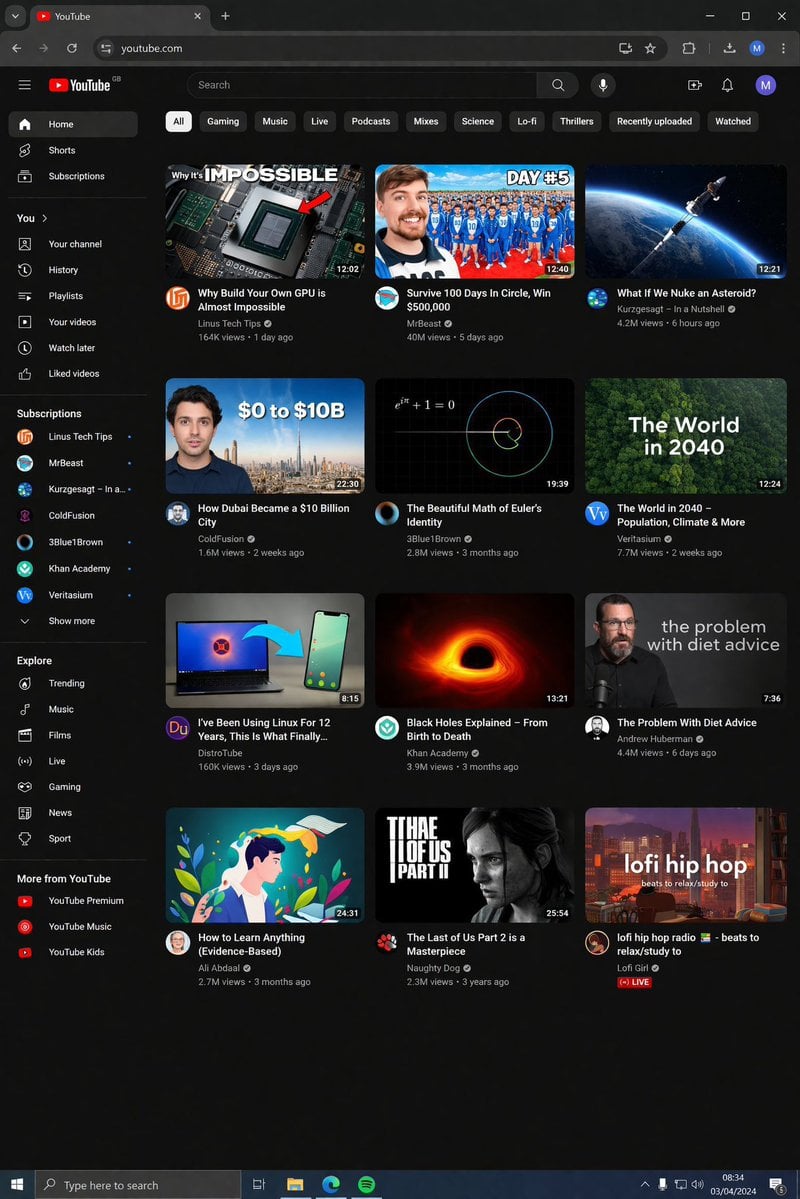
YouTube Dark Mode Desktop UI Mockup
Live-Streaming App Interface Mockup
Live E-commerce UI Mockup
Architect Live Stream UI Mockup
Livestream Interface Mockup
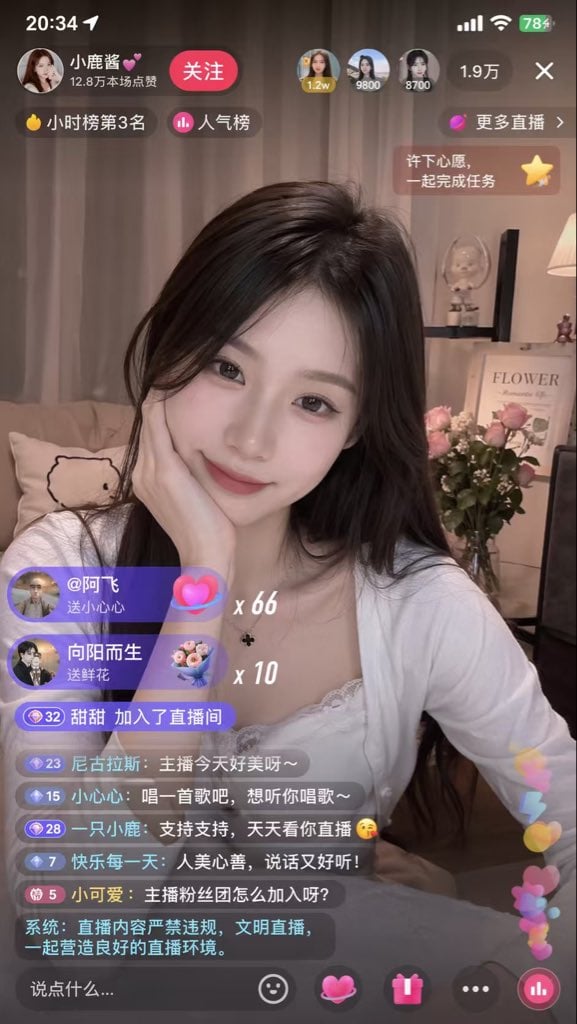
Live Streaming App UI Mockup
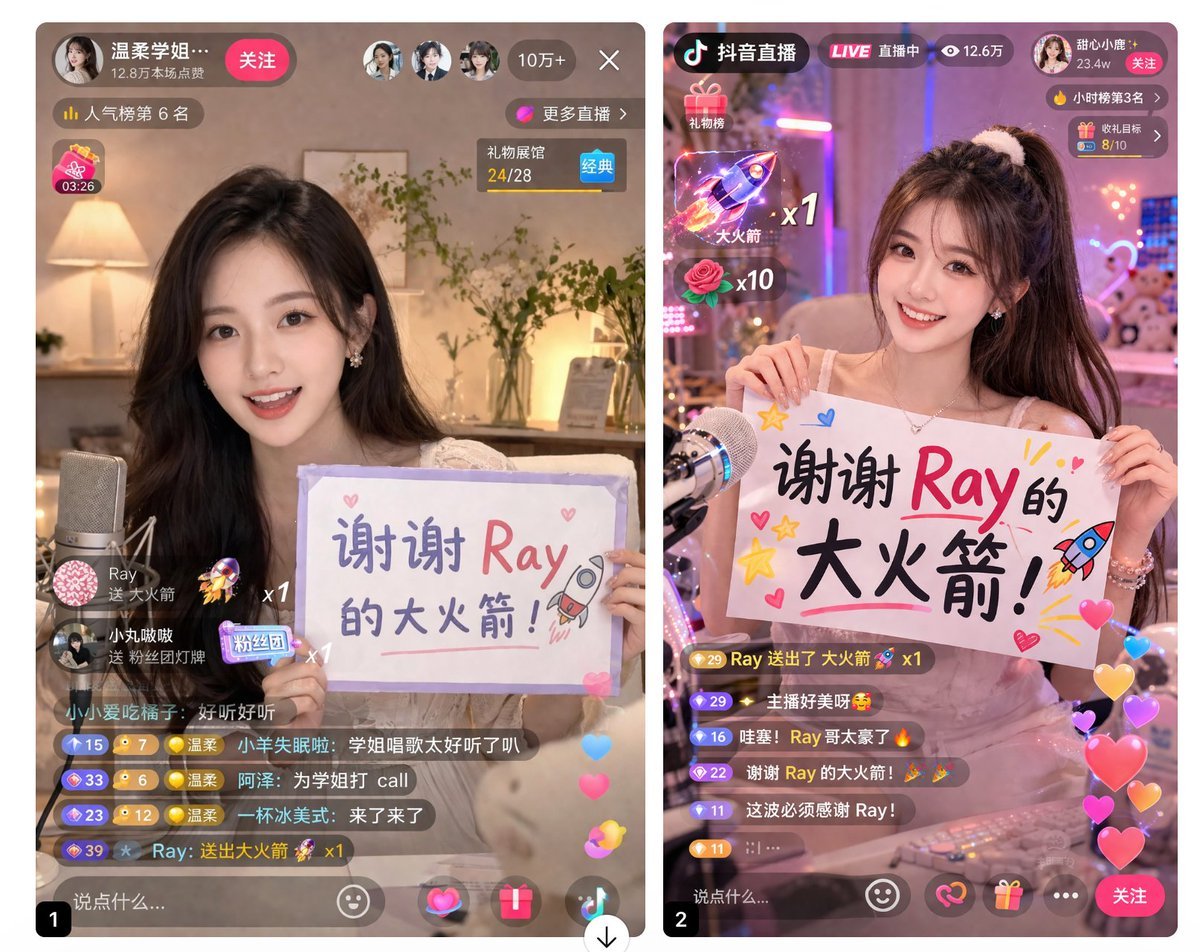
Live Stream App UI Mockup
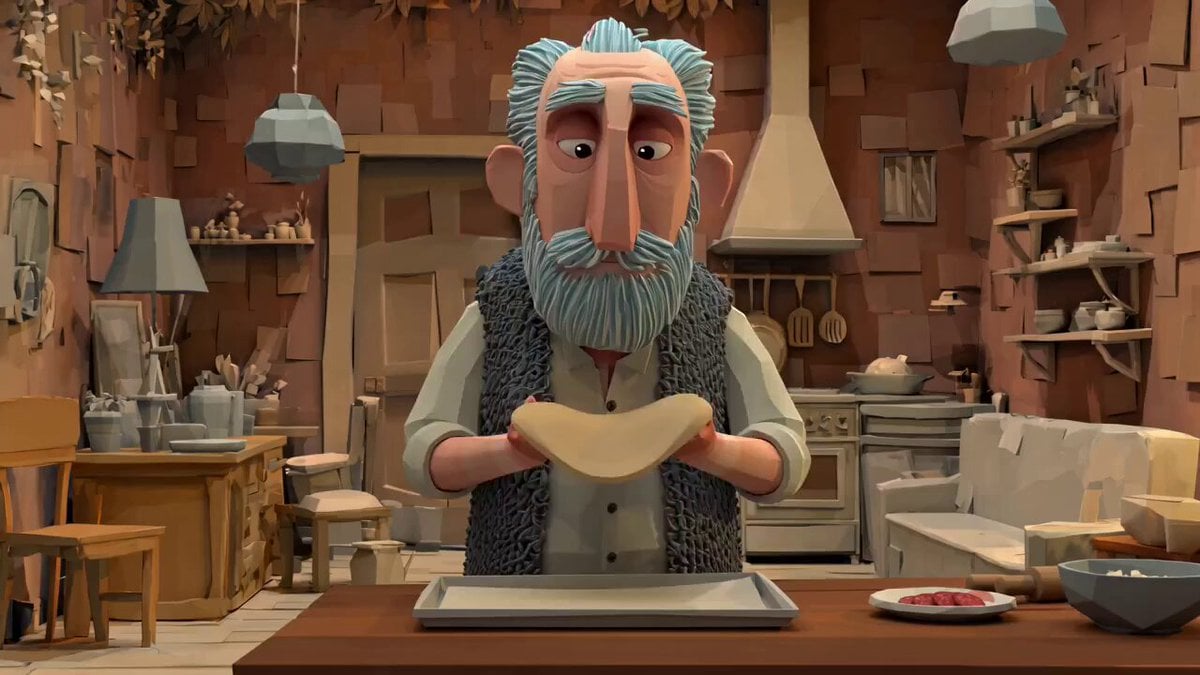
Animation Style - Framer Motion
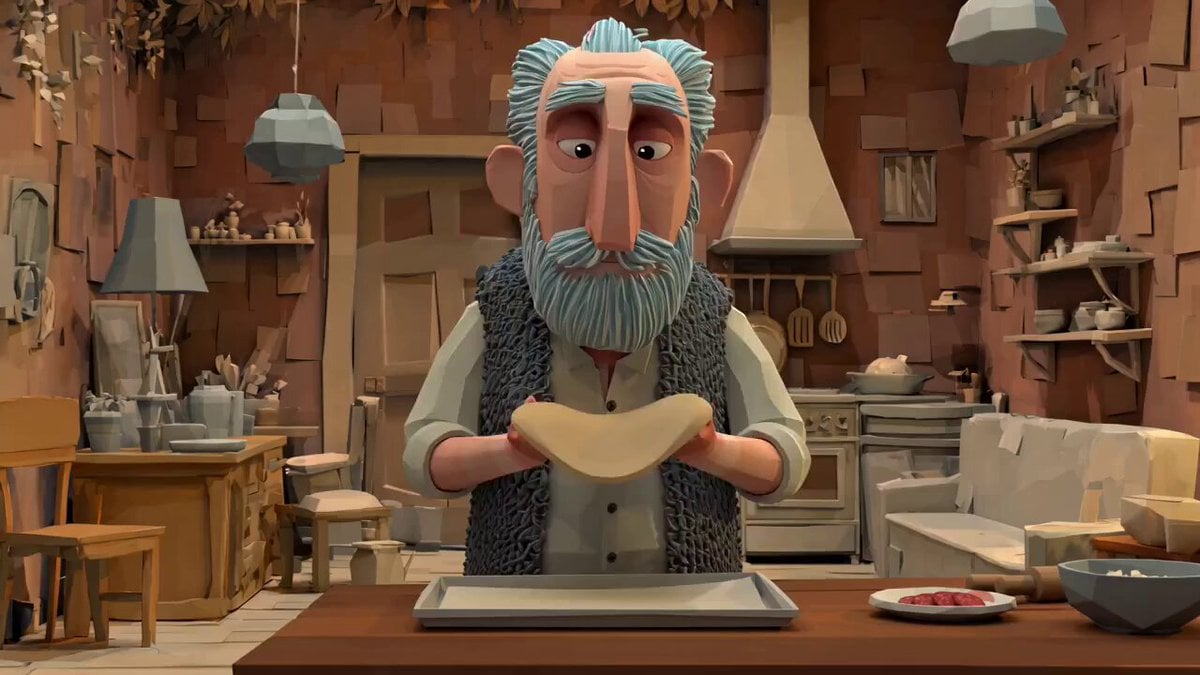
Animation Style - Framer Motion v2
Animation Style - Framer Motion
Make it yours
YouTube Live Presentation UI Mockup works as-is. These are the safest ways to change it without losing the look.
Change one field
Copy a single group, rewrite it, and generate again so you can see what that field is doing.
Keep the frame, change the subject
Hold the composition and light of YouTube Live Presentation UI Mockup, then swap wardrobe, props or the person for a new take.
| If the result… | Why | Fix |
|---|---|---|
| The result drifts from the preview | Too many fields changed at once. | Reuse YouTube Live Presentation UI Mockup as-is first, then change one group — subject, light, or setting. |
| GPT Image 2 ignores part of the JSON | Some models flatten or skip nested keys. | Keep the same values and paste them as a short paragraph instead. |
More GPT Image 2 templates
Other prompts made for GPT Image 2.

Six VTuber Japanese Logo Sheet

Realistic Portrait of Woman and Deer

The Vista Modular Condo Poster

AI Model Routing Comparison Infographic

2.5D Anime Art Board

Isometric Productivity Desk Scene

New York Double Exposure Poster

Four-Panel AI Landscape Comparison

Japanese Tatami Lifestyle Magazine Cover

NESCAFÉ Coffee Map Poster
More image prompts
Fresh picks from across the catalog.
Aerial View of Modern Transit Hub
Professional Photo Editor HUD Prompt

Gpt2 Avant Garde Tennis Fashion
Time Progression Image Generation
Ensuring Nano Banana Pro is used for Chinese prompts
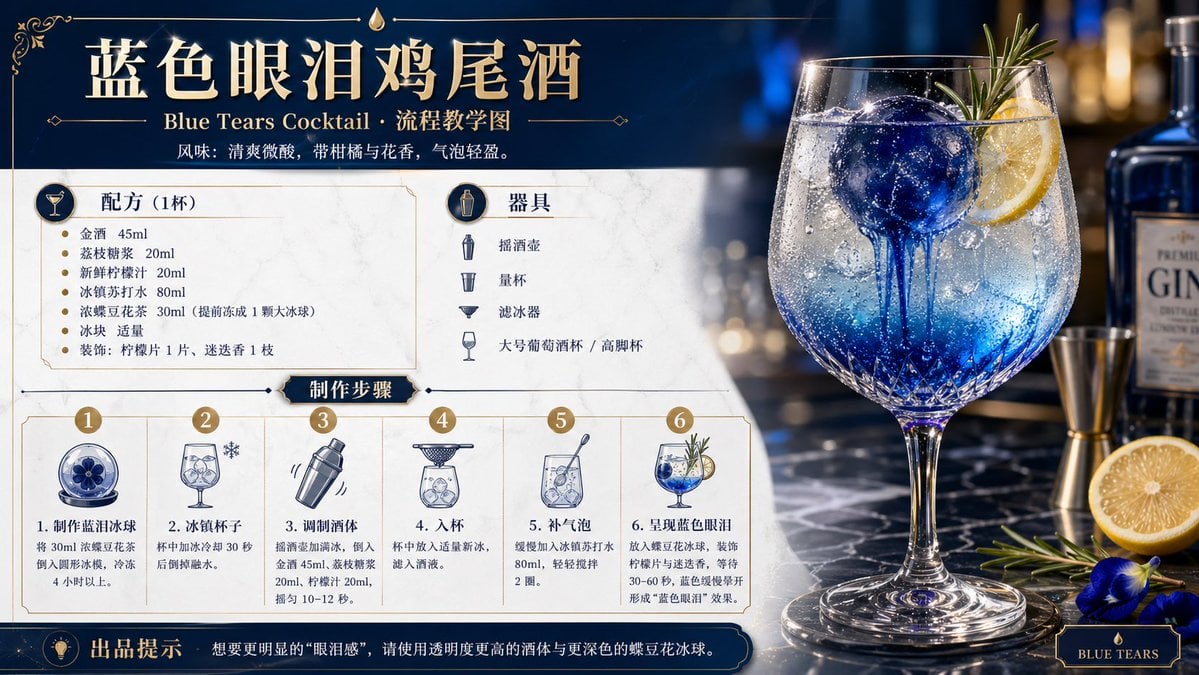
Cocktail Recipe Tutorial and Concept Poster

Hyper-Realistic Cinematic Beach Portrait Prompt (Duplicate)
Cinematic Portrait of a Rugged Survivalist Prompt
Creative Birthday Portrait Image Prompt
Nine Chibi Kitten Costume Variants
Browse template categories
YouTube Live Presentation UI Mockup questions
How do I use the YouTube Live Presentation UI Mockup template?
Add your photo if the template asks for one, edit the prompt if you like — the template's model and format are already selected — and press Generate. Your version opens in PicX Studio.
Can I customize the YouTube Live Presentation UI Mockup template?
Yes. You can change the subject, setting, lighting, mood, format, and available model controls before creating your image.
Is the YouTube Live Presentation UI Mockup template free?
Opening and editing this template is free. Generating uses credits, shown on the Generate button when you are signed in.
Which AI model should I use?
Start with GPT Image 2, which is the model associated with this template. You can compare another compatible model for a different finish.
Looking for something else? Browse all templates.

Your photo, any look
Thousands of ready templates for every top image and video model, from one credit balance.