
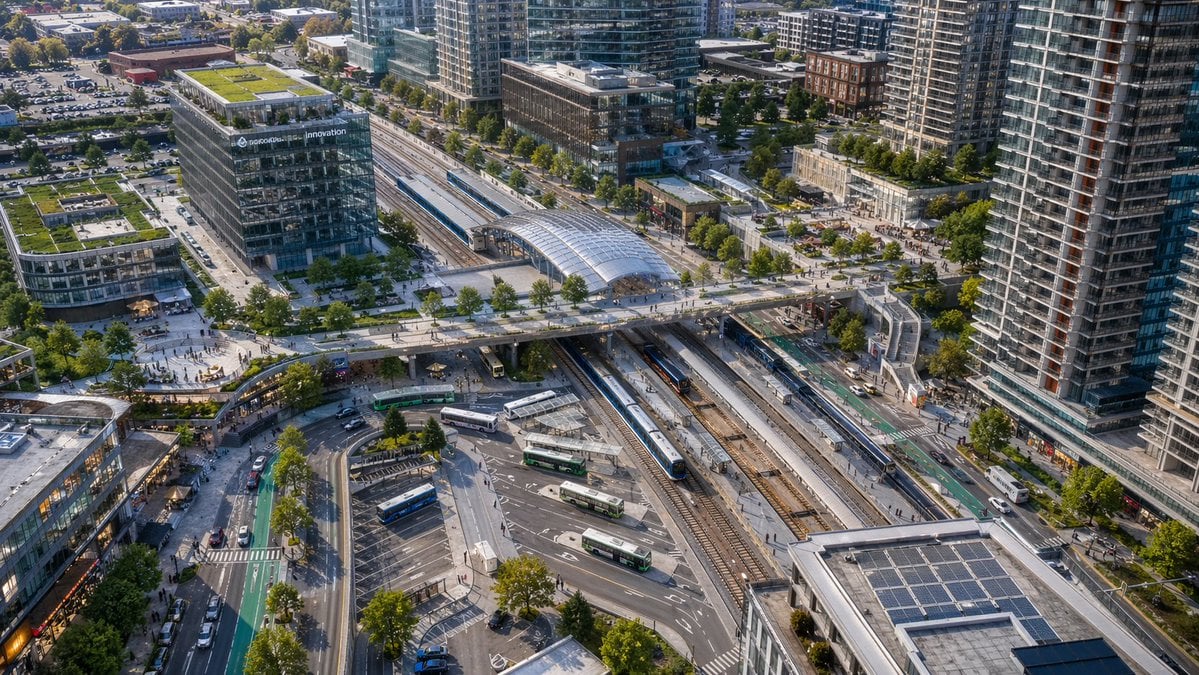
Aerial View of Modern Transit Hub
This prompt generates a realistic bird's-eye cityscape of a contemporary rail station and bus interchange, ideal for urban planning visuals, architecture presentations, or transit-oriented development imagery.
- Prompt included
- Model and format preset
- Free template
The prompt behind this image
Copy the exact prompt behind Aerial View of Modern Transit Hub, or open it in the studio and make it yours.
A high-angle aerial drone photograph of a modern urban transit hub in a dense mixed-use city district, captured in crisp late-afternoon sunlight with realistic architectural detail. The scene centers on a large multi-track rail station running diagonally through the frame, with 6 visible railway tracks, 2 long passenger trains at platforms, and a glass-covered station canopy near the upper middle. A broad pedestrian bridge crosses above the tracks from left to right, connecting plazas on both sides. In the lower middle is a bus interchange with 7 visible buses parked or moving through curved lanes and marked bays. Surround the station with tall contemporary residential towers, mid-rise office buildings, retail frontages, tree-lined streets, bike lanes, sidewalks, parked cars, and small groups of pedestrians. Include one prominent glass office building on the left with rooftop greenery and a visible corporate sign reading {argument name="building sign text" default="innovation"}. Add multiple green roofs and rooftop solar panels, especially on the lower-right building. Composition should feel like a clean, realistic North American transit-oriented development, viewed from an oblique bird's-eye perspective, ultra-detailed, natural colors, sharp focus, professional city-planning photography, no stylization.
How to use Aerial View of Modern Transit Hub in 3 steps
- 1Upload ImagePNG, JPG or paste
Add your photo
Upload the photo the template builds on. The prompt, model and format are already set.
- 2…a portrait of your subject in softgolden-hour light, 85mm…
Personalize
Edit the subject and creative details for your destination.
- 3Generate
Generate
Press Generate — your image is created in PicX Studio, so you can compare it with the original and refine one variable at a time.
More like this
Templates with the same subject, style or setup. Open one to see its prompt.
Aerial View of Vast Grassy Plain with Two Sheep

Paper Cut Craft Illustration

Premium Editorial Branding Poster Charcoal Green

Stylized Fashion Portrait Bold Color Contrast Editorial
University Campus Aerial View
Modern Transit Station Ad Scene

Deep Sea Titanic Shipwreck Aerial View
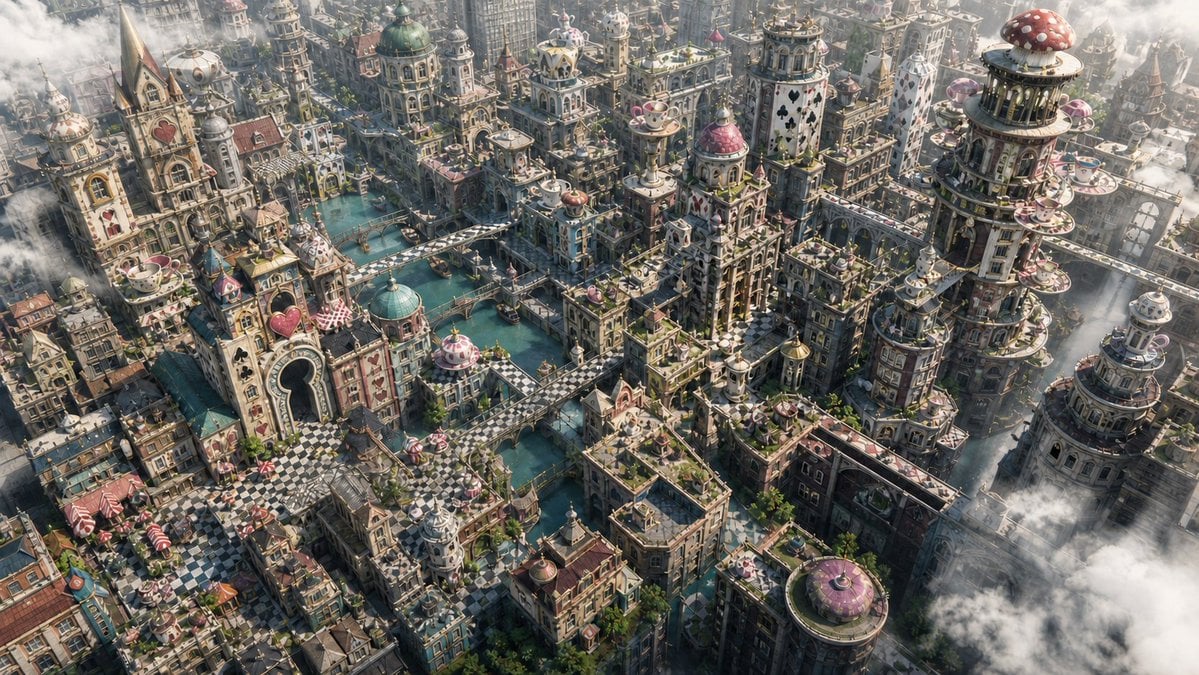
Fantasy Whimsical Downtown Aerial View

Woman in Mall with Chanel Bag - Heart Gesture
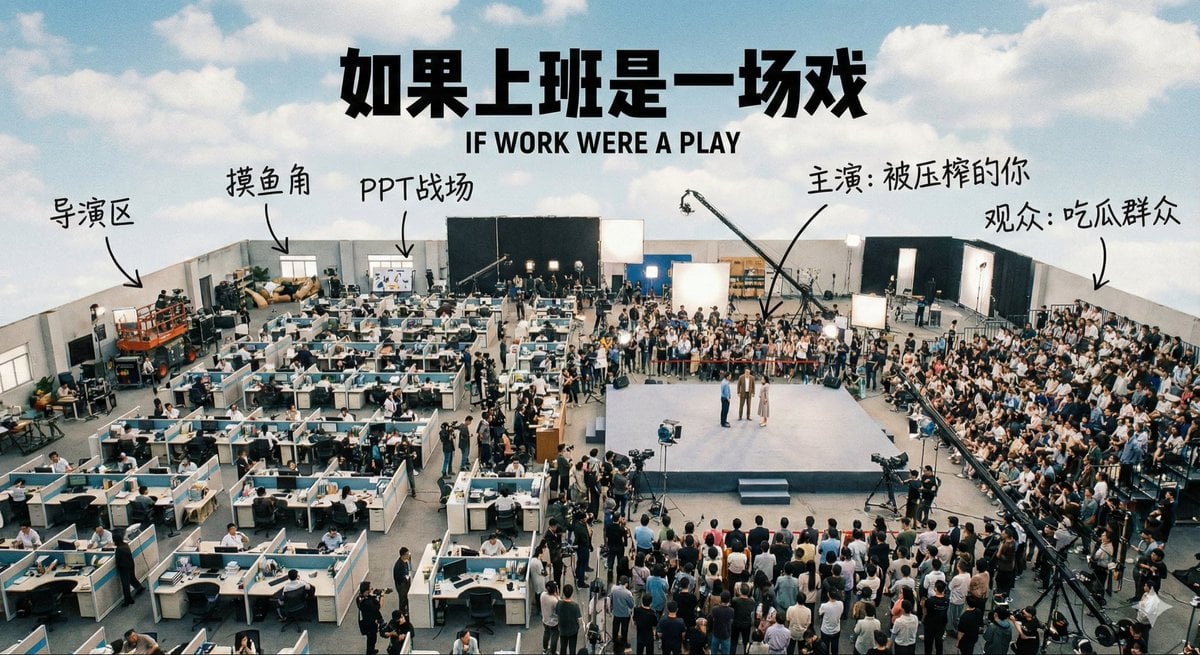
Aerial View of a Film Set
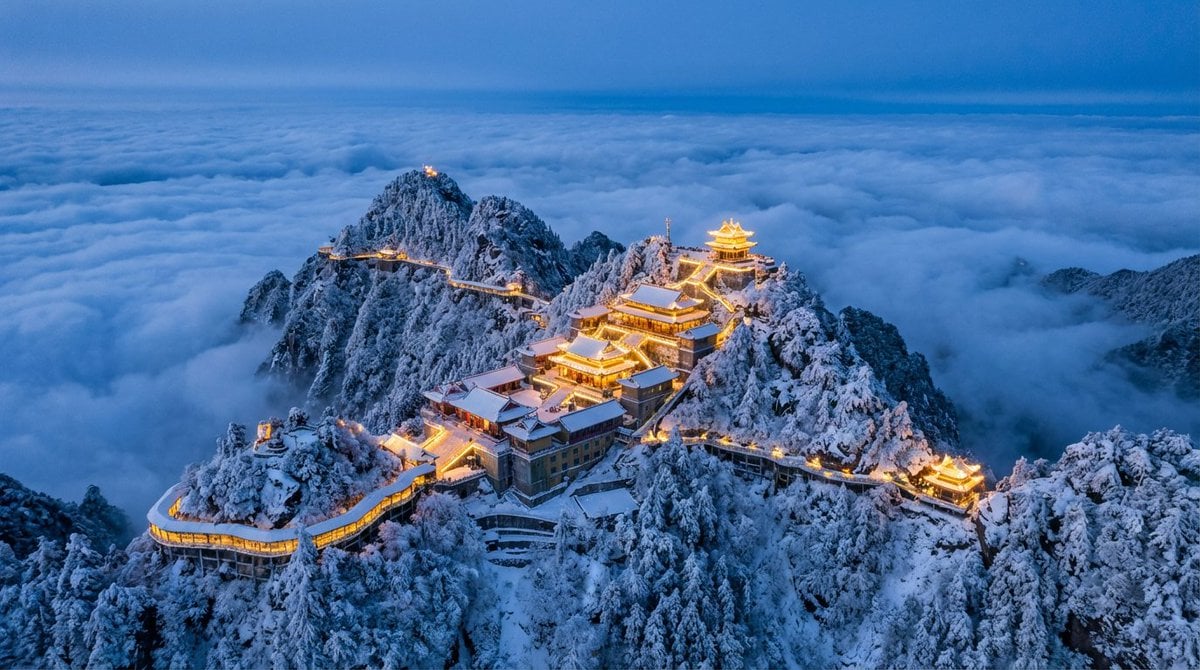
Spectacular Aerial View of Laojun Mountain Temple in Winter
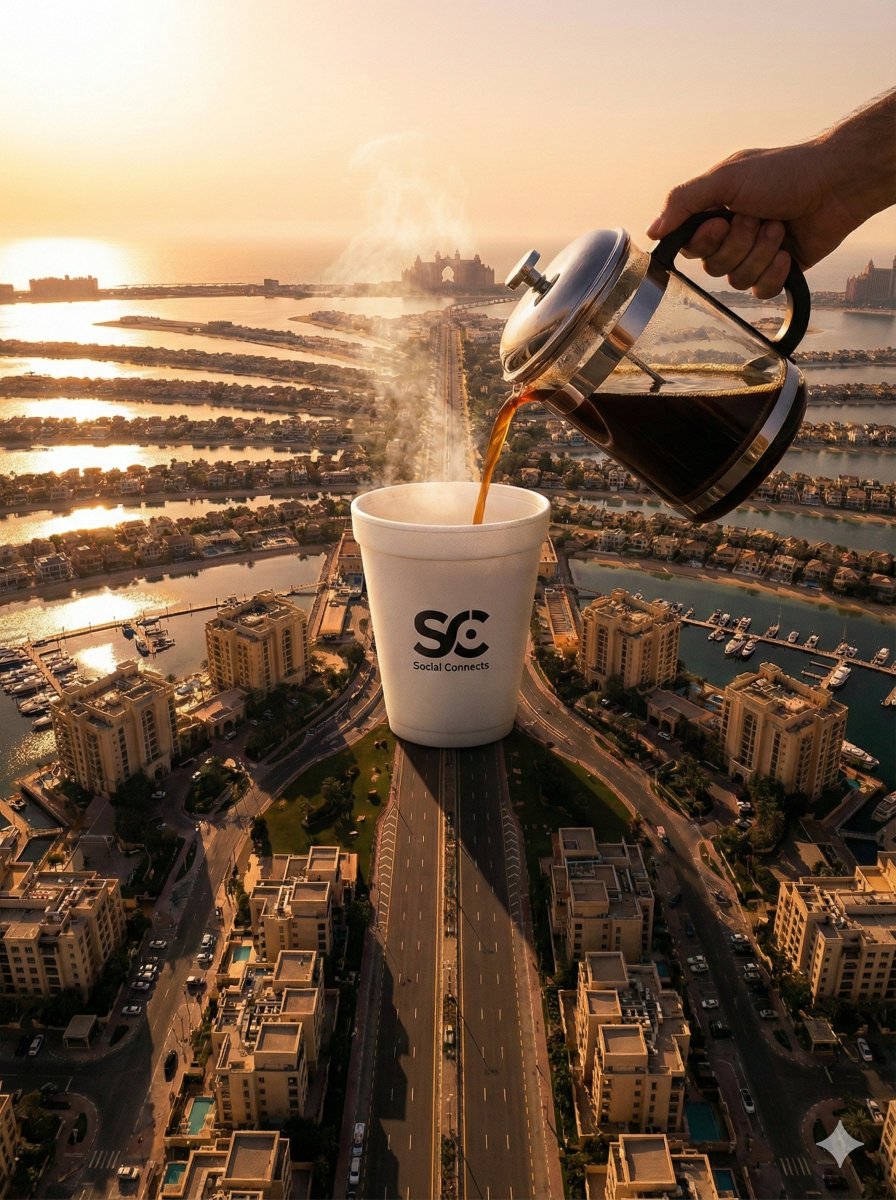
Surreal Aerial View of Giant Coffee Cup on Palm Jumeirah
Make it yours
Aerial View of Modern Transit Hub works as-is. These are the safest ways to change it without losing the look.
Change one field
Copy a single group, rewrite it, and generate again so you can see what that field is doing.
Keep the frame, change the subject
Hold the composition and light of Aerial View of Modern Transit Hub, then swap wardrobe, props or the person for a new take.
| If the result… | Why | Fix |
|---|---|---|
| The result drifts from the preview | Too many fields changed at once. | Reuse Aerial View of Modern Transit Hub as-is first, then change one group — subject, light, or setting. |
| The model over-stylizes the scene | The prose prompt leaves finish and camera underspecified. | Add one camera or lighting sentence and stay on GPT Image 2. |
More GPT Image 2 templates
Other prompts made for GPT Image 2.

Six VTuber Japanese Logo Sheet

Realistic Portrait of Woman and Deer

The Vista Modular Condo Poster

AI Model Routing Comparison Infographic

2.5D Anime Art Board

Isometric Productivity Desk Scene

New York Double Exposure Poster

Four-Panel AI Landscape Comparison

Japanese Tatami Lifestyle Magazine Cover

NESCAFÉ Coffee Map Poster
More image prompts
Fresh picks from across the catalog.
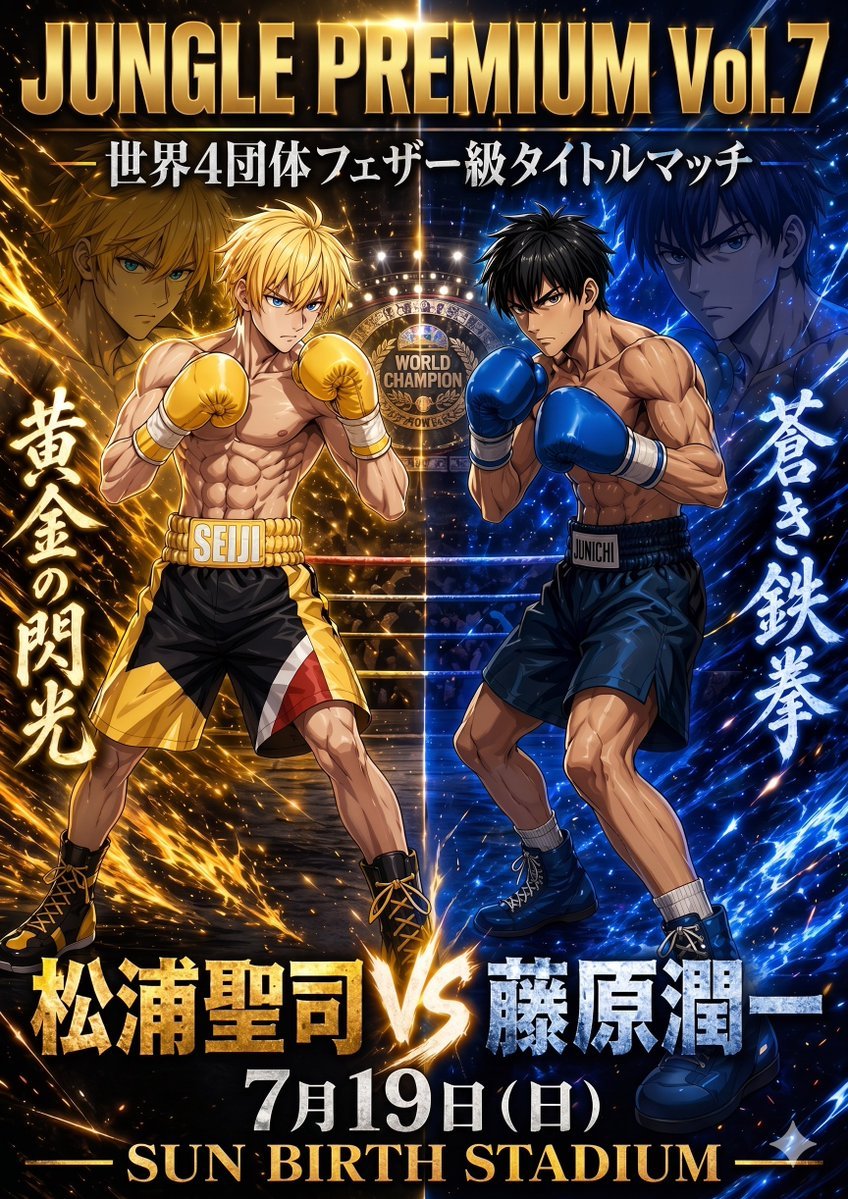
Anime Boxing Title Match Poster

Premium Smartphone Ad Poster
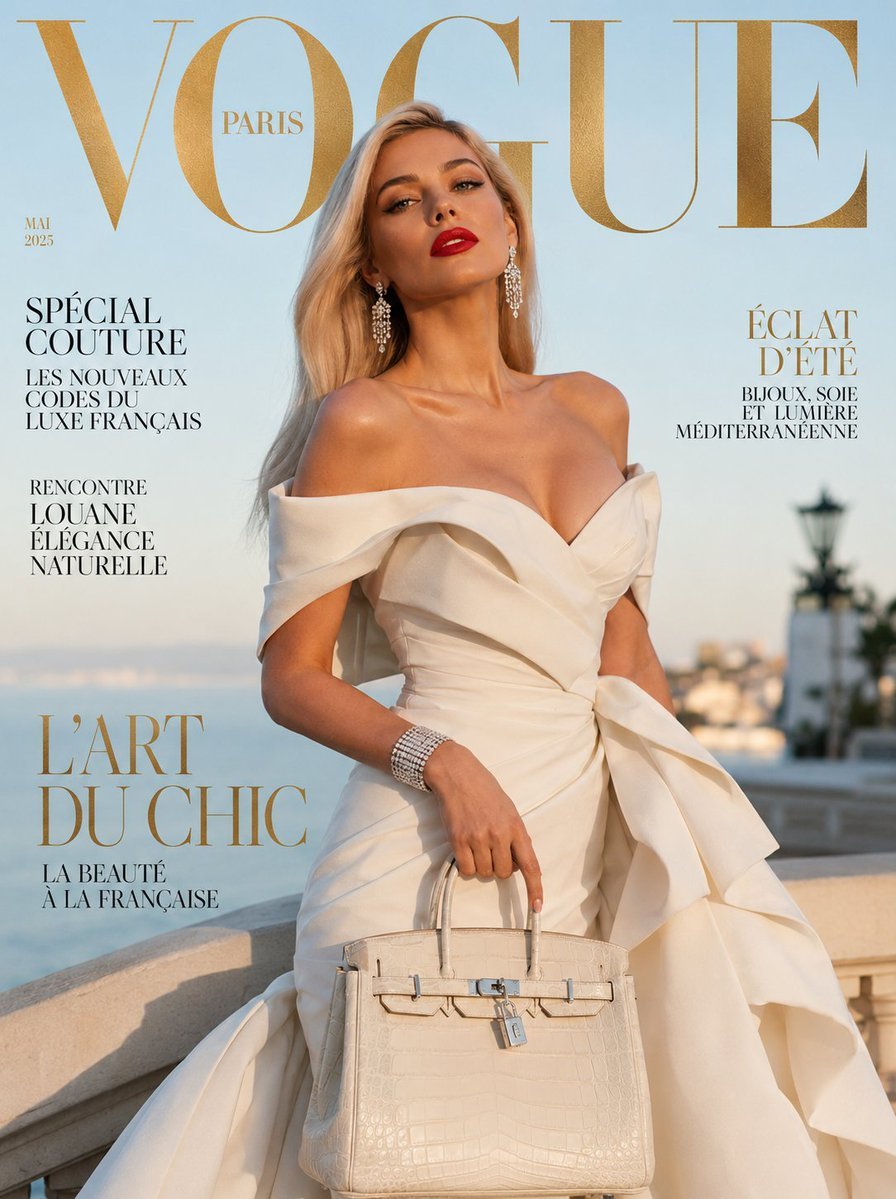
Vogue French Luxury Fashion Cover
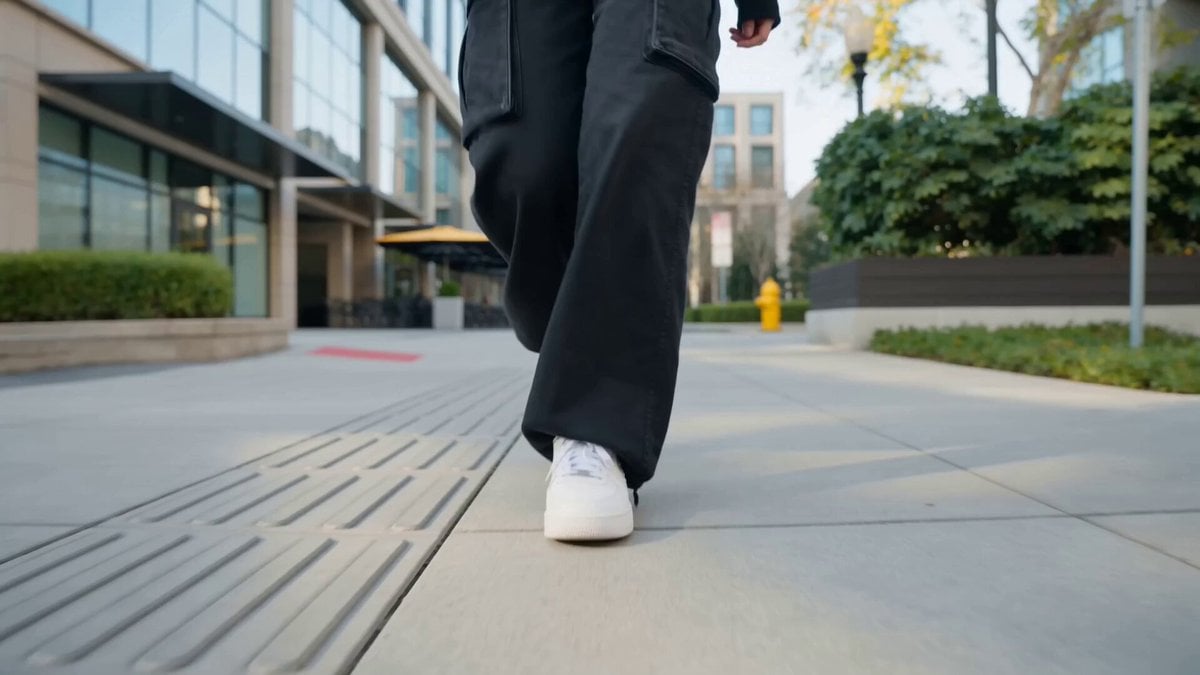
Nano Banana Seedance Cinematic Walk

Pixar-Style Miniature Interaction Studio Portrait

Realistic Artist Studio Sketch Interaction
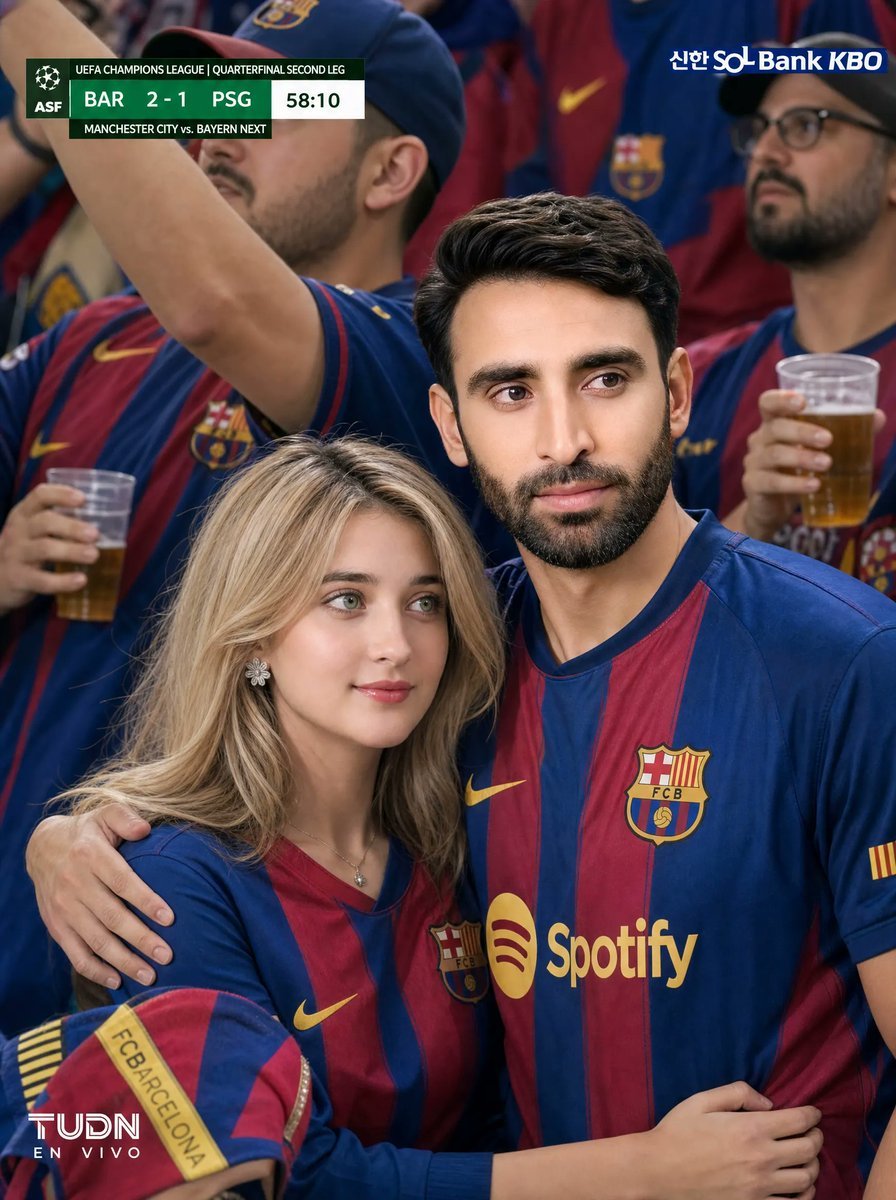
Barcelona Fans Stadium Broadcast Photo
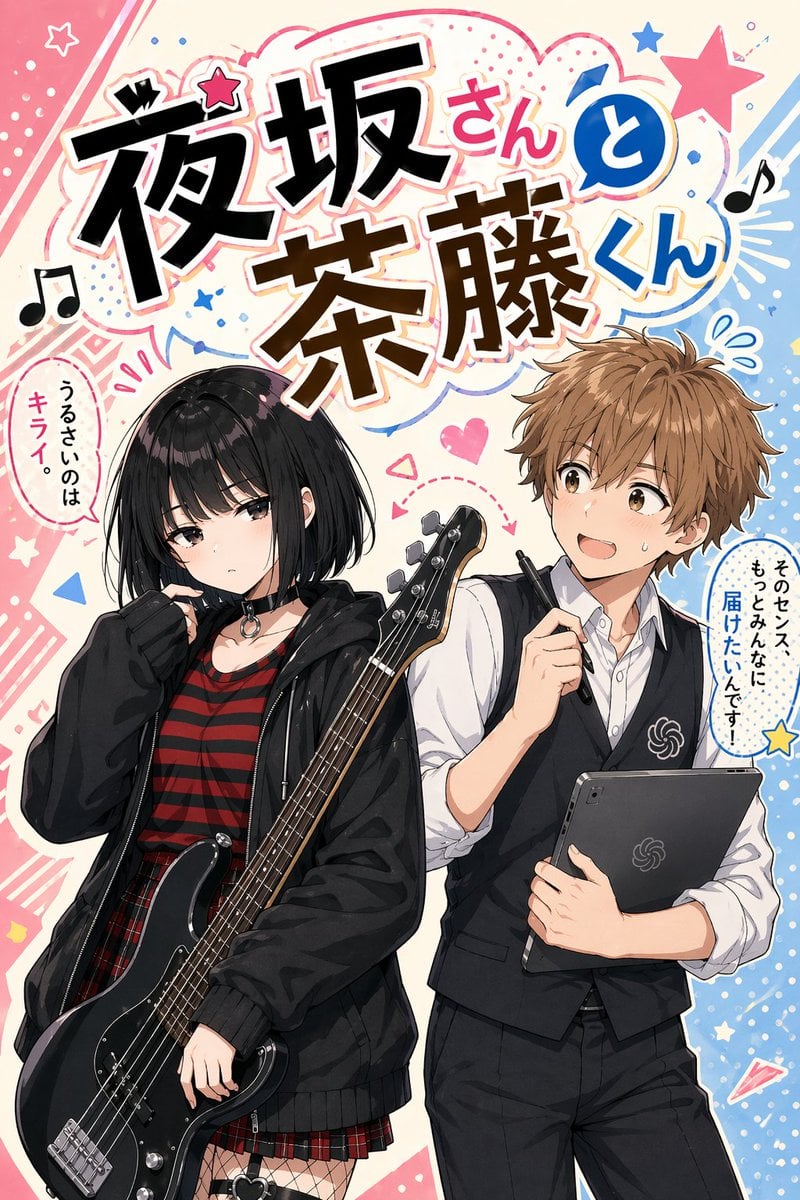
Manga Cover With Bass Girl and Designer Boy

Multi-Exposure Indian Woman Fashion Poster

Cinematic Football Poster Portrait
Browse template categories
Aerial View of Modern Transit Hub questions
How do I use the Aerial View of Modern Transit Hub template?
Add your photo if the template asks for one, edit the prompt if you like — the template's model and format are already selected — and press Generate. Your version opens in PicX Studio.
Can I customize the Aerial View of Modern Transit Hub template?
Yes. You can change the subject, setting, lighting, mood, format, and available model controls before creating your image.
Is the Aerial View of Modern Transit Hub template free?
Opening and editing this template is free. Generating uses credits, shown on the Generate button when you are signed in.
Which AI model should I use?
Start with GPT Image 2, which is the model associated with this template. You can compare another compatible model for a different finish.
Looking for something else? Browse all templates.

Your photo, any look
Thousands of ready templates for every top image and video model, from one credit balance.