
Live E-commerce UI Mockup
Generates a mobile live-streaming interface for e-commerce, featuring a host, chat log, product card, and marketing text overlays.
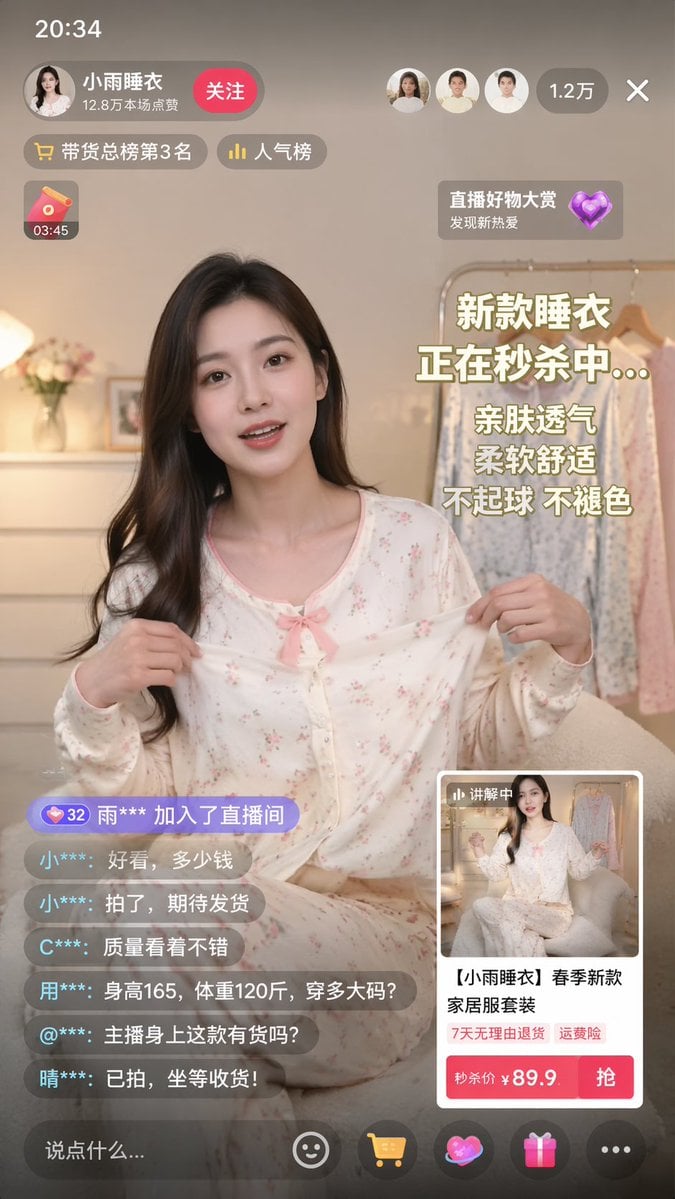
- Prompt included
- Model and format preset
- Free template
The prompt behind this image
Copy the exact prompt behind Live E-commerce UI Mockup, or open it in the studio and make it yours.
- Type
- mobile live-streaming e-commerce interface mockup
- Subject › Description
- young Asian woman, long dark hair, wearing light-colored floral pajama set with a pink bow, holding the pajama top outward to show the fabric
- Subject › Background
- cozy room, clothing rack with pajamas, flowers, warm lighting
- Ui Layout › Top Bar › Time
- 20:34
- Ui Layout › Top Bar › Host Info › Name
- {argument name="host name" default="小雨睡衣"}
- Ui Layout › Top Bar › Host Info › Stats
- 12.8万本场点赞
- Ui Layout › Top Bar › Host Info › Button
- 关注
- Ui Layout › Top Bar › Viewer Info › Avatars Count
- 3
- Ui Layout › Top Bar › Viewer Info › Total Viewers
- 1.2万
- Ui Layout › Floating Tags › Count
- 2
- Ui Layout › Floating Tags › Labels
- 带货总榜第3名, 人气榜
- Ui Layout › Widgets › Top Left
- red envelope icon with timer 03:45
- Ui Layout › Widgets › Top Right
- floating heart icon with text 直播好物大赏 发现新热爱
- Ui Layout › Marketing Text Overlay › Position
- mid-right
- Ui Layout › Marketing Text Overlay › Lines Count
- 5
- Ui Layout › Marketing Text Overlay › Lines
- {argument name="main headline" default="新款睡衣"}, {argument name="sub headline" default="正在秒杀中..."}, 亲肤透气, 柔软舒适, 不起球 不褪色
- Ui Layout › Chat Log › Position
- bottom-left
- Ui Layout › Chat Log › Message Count
- 7
- Ui Layout › Chat Log › Messages
- 32 雨*** 加入了直播间, 小***: 好看,多少钱, 小***: 拍了,期待发货, C***: 质量看着不错, 用***: 身高165,体重120斤,穿多大码?, @***: 主播身上这款有货吗?, 晴***: 已拍,坐等收货!
- Ui Layout › Product Card › Position
- bottom-right
- Ui Layout › Product Card › Thumbnail
- miniature of the host
- Ui Layout › Product Card › Title
- {argument name="product title" default="【小雨睡衣】春季新款家居服套装"}
- Ui Layout › Product Card › Tags Count
- 2
- Ui Layout › Product Card › Tags
- 7天无理由退货, 运费险
Raw JSON
{
  "type": "mobile live-streaming e-commerce interface mockup",
  "subject": {
    "description": "young Asian woman, long dark hair, wearing light-colored floral pajama set with a pink bow, holding the pajama top outward to show the fabric",
    "background": "cozy room, clothing rack with pajamas, flowers, warm lighting"
  },
  "ui_layout": {
    "top_bar": {
      "time": "20:34",
      "host_info": {
        "name": "{argument name=\"host name\" default=\"小雨睡衣\"}",
        "stats": "12.8万本场点赞",
        "button": "关注"
      },
      "viewer_info": {
        "avatars_count": 3,
        "total_viewers": "1.2万"
      }
    },
    "floating_tags": {
      "count": 2,
      "labels": ["带货总榜第3名", "人气榜"]
    },
    "widgets": {
      "top_left": "red envelope icon with timer 03:45",
      "top_right": "floating heart icon with text 直播好物大赏 发现新热爱"
    },
    "marketing_text_overlay": {
      "position": "mid-right",
      "lines_count": 5,
      "lines": [
        "{argument name=\"main headline\" default=\"新款睡衣\"}",
        "{argument name=\"sub headline\" default=\"正在秒杀中...\"}",
        "亲肤透气",
        "柔软舒适",
        "不起球 不褪色"
      ]
    },
    "chat_log": {
      "position": "bottom-left",
      "message_count": 7,
      "messages": [
        "32 雨*** 加入了直播间",
        "小***: 好看,多少钱",
        "小***: 拍了,期待发货",
        "C***: 质量看着不错",
        "用***: 身高165,体重120斤,穿多大码?",
        "@***: 主播身上这款有货吗?",
        "晴***: 已拍,坐等收货!"
      ]
    },
    "product_card": {
      "position": "bottom-right",
      "thumbnail": "miniature of the host",
      "title": "{argument name=\"product title\" default=\"【小雨睡衣】春季新款家居服套装\"}",
      "tags_count": 2,
      "tags": ["7天无理由退货", "运费险"],
      "price_section": "秒杀价 ¥ {argument name=\"product price\" default=\"89.9\"}",
      "action_button": "抢"
    },
    "bottom_bar": {
      "input_placeholder": "说点什么...",
      "icon_count": 5,
      "icons": ["smiley face", "shopping cart", "heart/gift", "gift box", "three dots"]
    }
  }
}How to use Live E-commerce UI Mockup in 3 steps
- 1Upload ImagePNG, JPG or paste
Add your photo
Upload the photo the template builds on. The prompt, model and format are already set.
- 2…a portrait of your subject in softgolden-hour light, 85mm…
Personalize
Edit the subject and creative details for your destination.
- 3Generate
Generate
Press Generate — your image is created in PicX Studio, so you can compare it with the original and refine one variable at a time.
More like this
Templates with the same subject, style or setup. Open one to see its prompt.
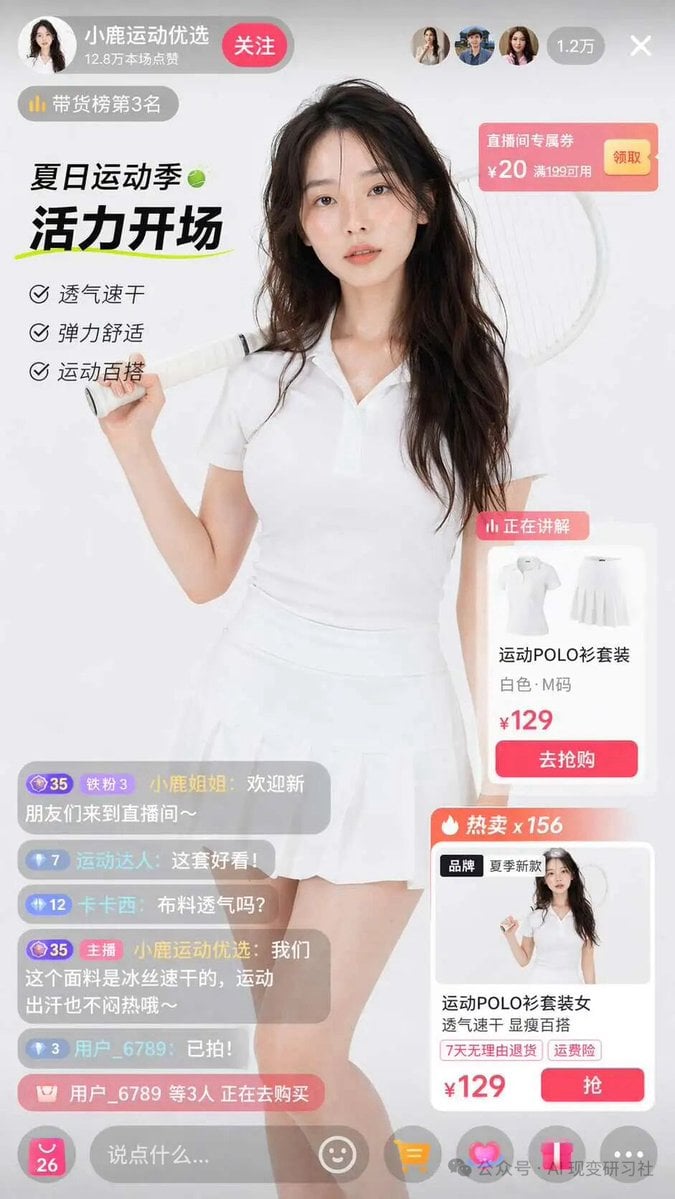
E-commerce Live Stream UI Mockup
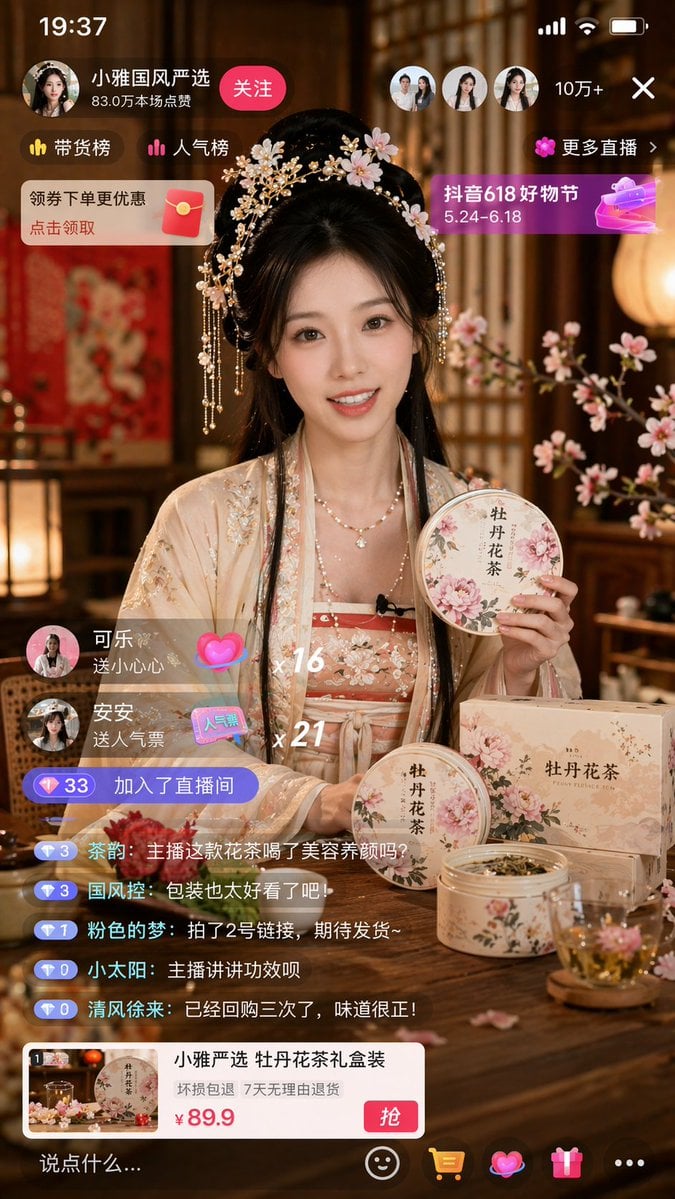
E-commerce Live Stream UI Mockup

Luxury E-Commerce Landing Page Mockup
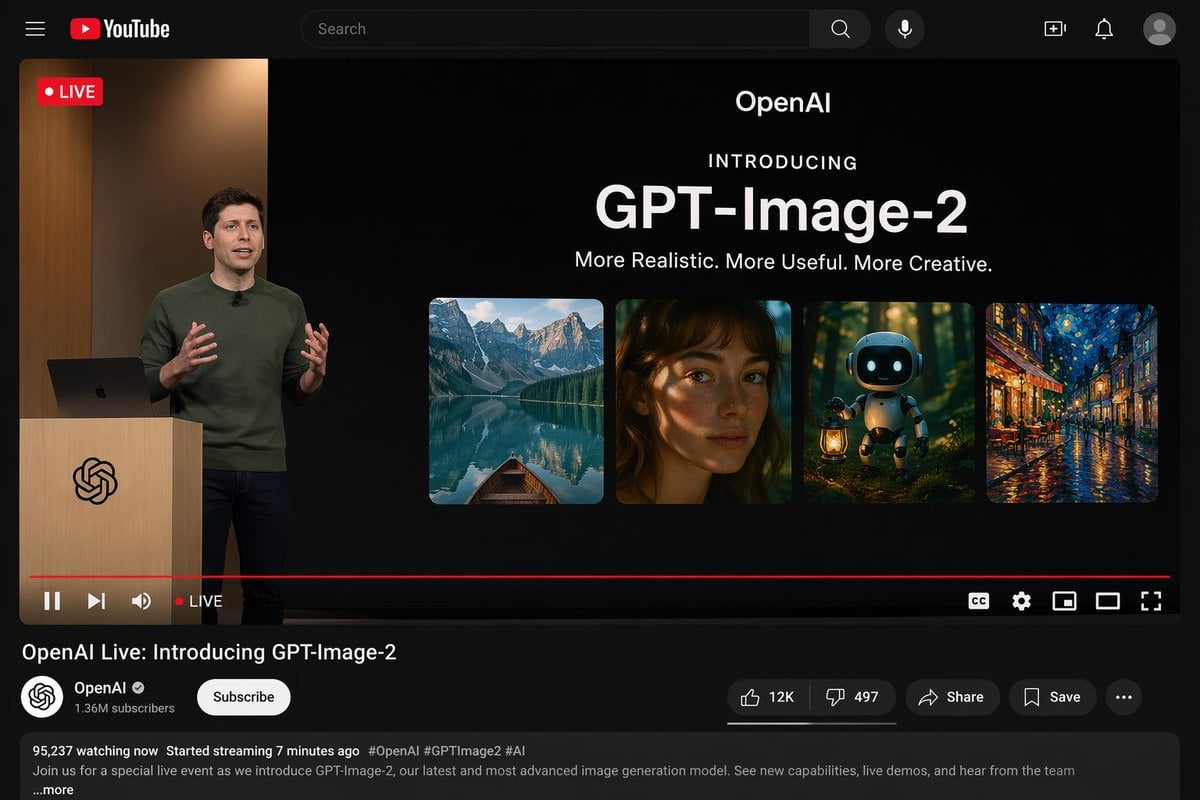
YouTube Live Presentation UI Mockup
Live-Streaming App Interface Mockup
Skincare E-commerce Landing Page Mockup
Architect Live Stream UI Mockup
Livestream Interface Mockup
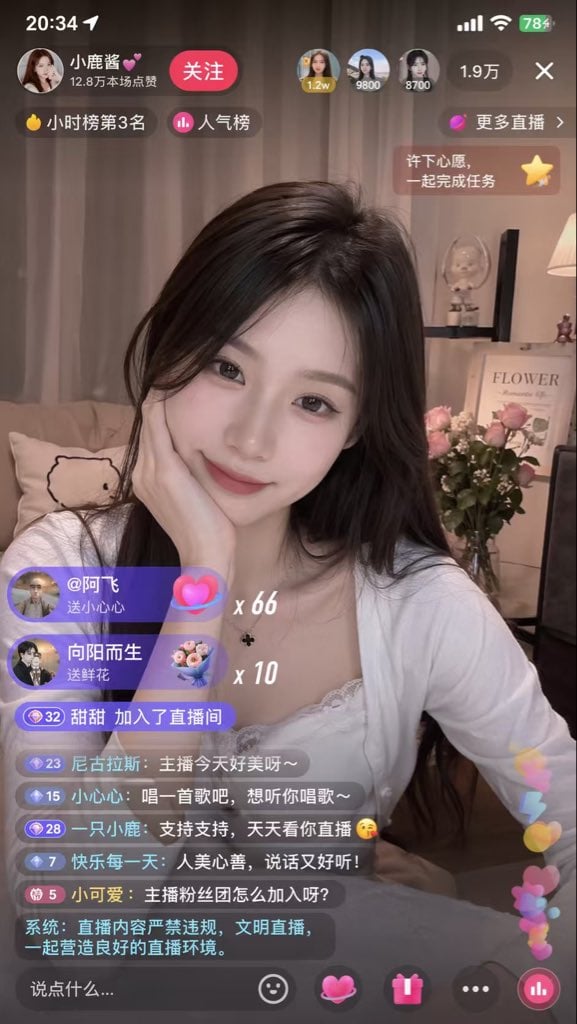
Live Streaming App UI Mockup
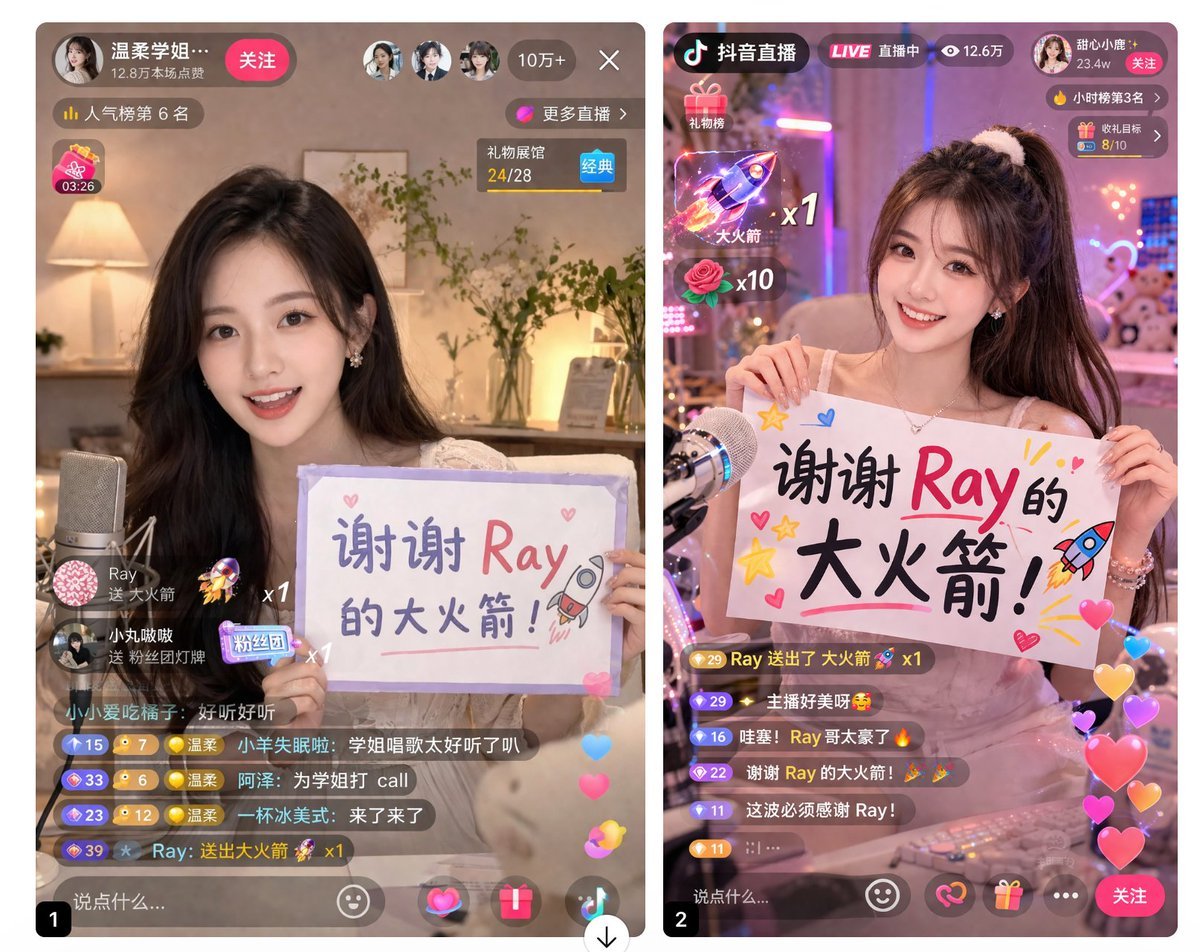
Live Stream App UI Mockup
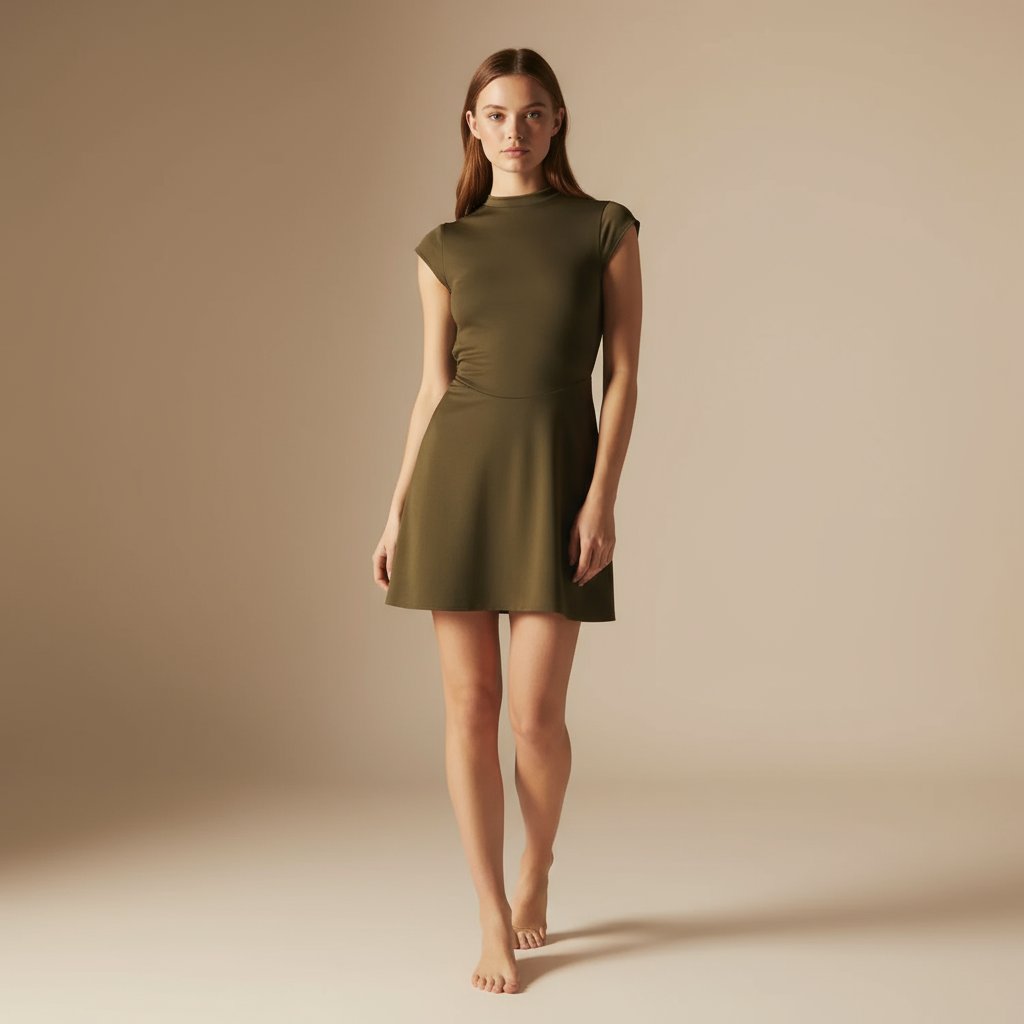
E-commerce Full-Body Product Shot Prompt (Olive Green Dress)

Product Shot - T-Shirt Mockup
Make it yours
Live E-commerce UI Mockup works as-is. These are the safest ways to change it without losing the look.
Swap the setting
Keep the rest of the prompt and replace the location block. The current setting is “cozy room, clothing rack with pajamas, flowers, warm lighting”.
Change one field
Copy a single group, rewrite it, and generate again so you can see what that field is doing.
Keep the frame, change the subject
Hold the composition and light of Live E-commerce UI Mockup, then swap wardrobe, props or the person for a new take.
| If the result… | Why | Fix |
|---|---|---|
| The result drifts from the preview | Too many fields changed at once. | Reuse Live E-commerce UI Mockup as-is first, then change one group — subject, light, or setting. |
| GPT Image 2 ignores part of the JSON | Some models flatten or skip nested keys. | Keep the same values and paste them as a short paragraph instead. |
More GPT Image 2 templates
Other prompts made for GPT Image 2.

Six VTuber Japanese Logo Sheet

Realistic Portrait of Woman and Deer

The Vista Modular Condo Poster

AI Model Routing Comparison Infographic

2.5D Anime Art Board

Isometric Productivity Desk Scene

New York Double Exposure Poster

Four-Panel AI Landscape Comparison

Japanese Tatami Lifestyle Magazine Cover

NESCAFÉ Coffee Map Poster
More image prompts
Fresh picks from across the catalog.
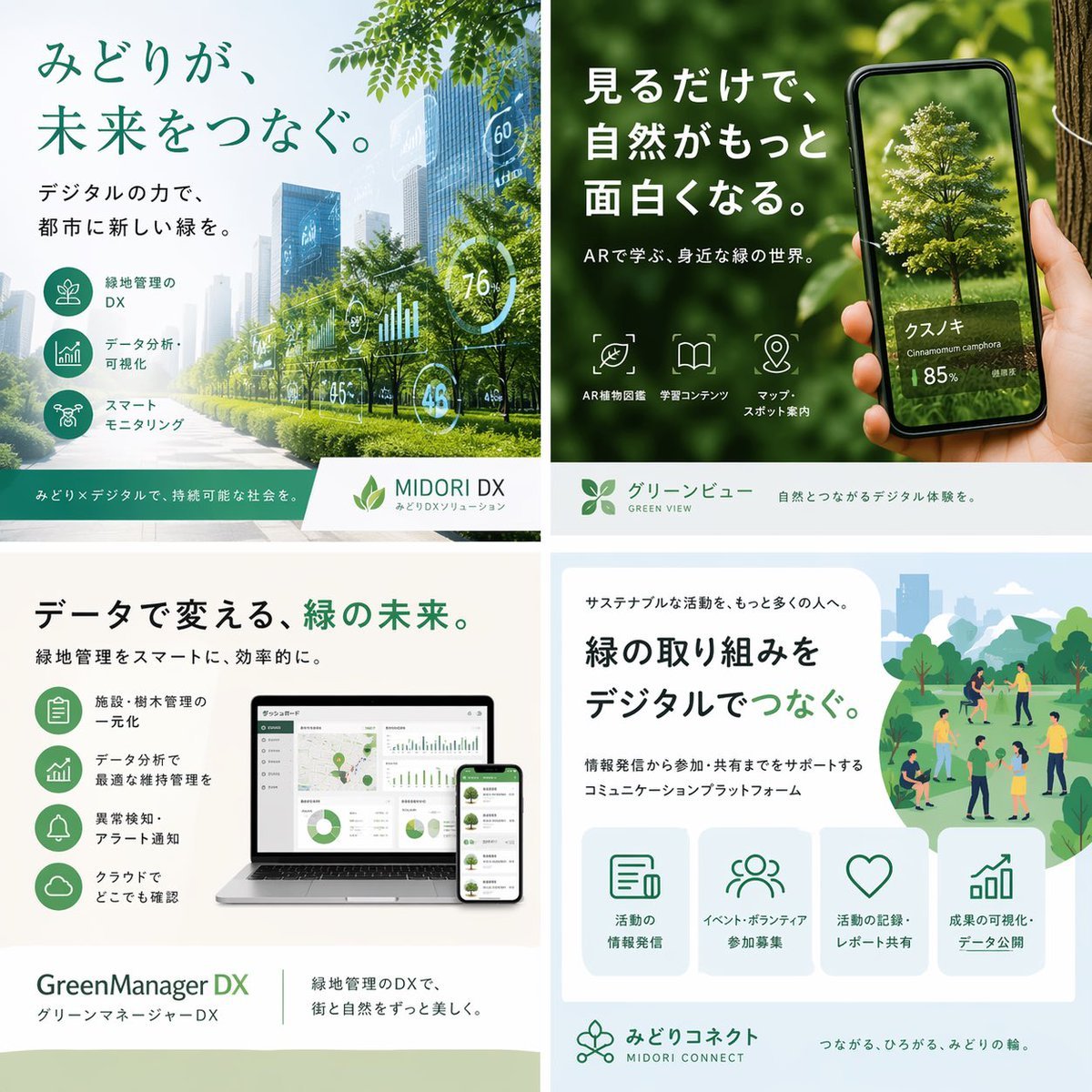
Japanese Green-Tech Promo Collage
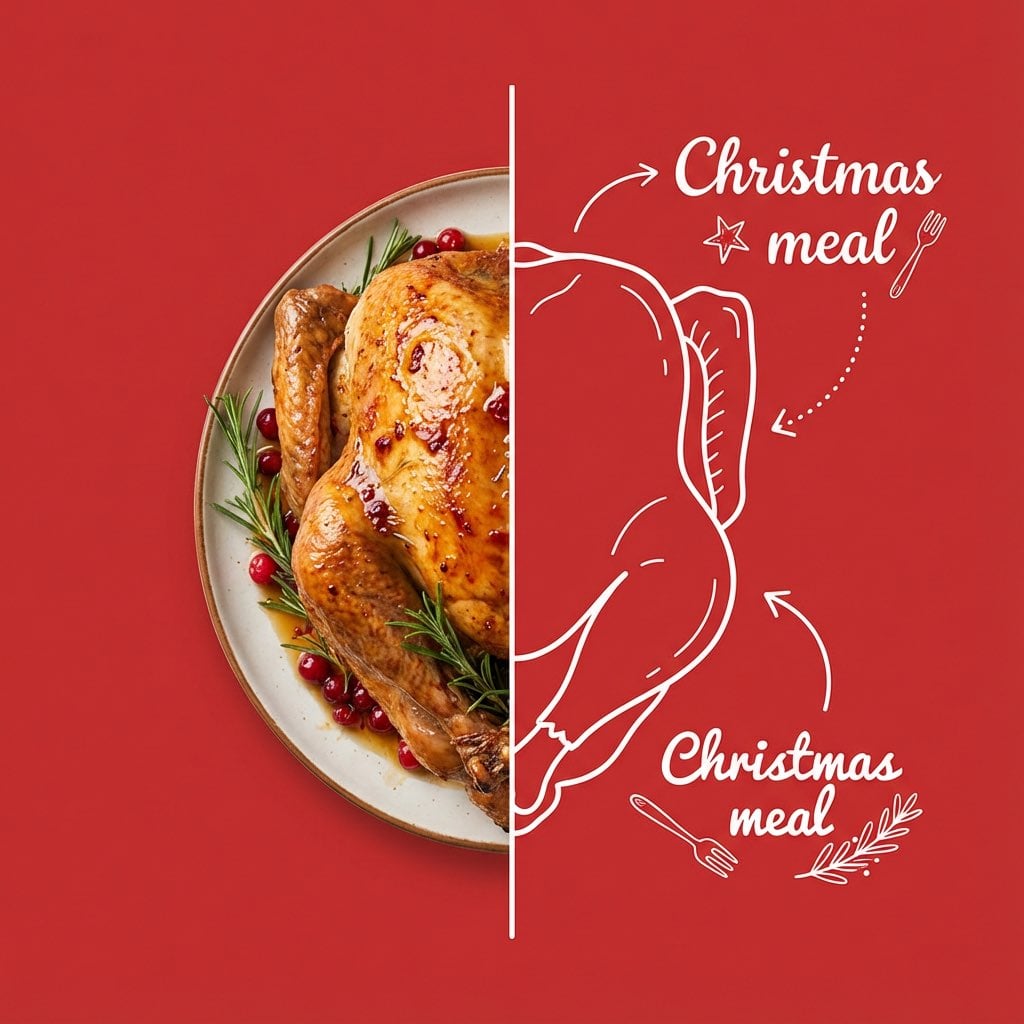
Culinary Poster with Split Photo/Illustration Design
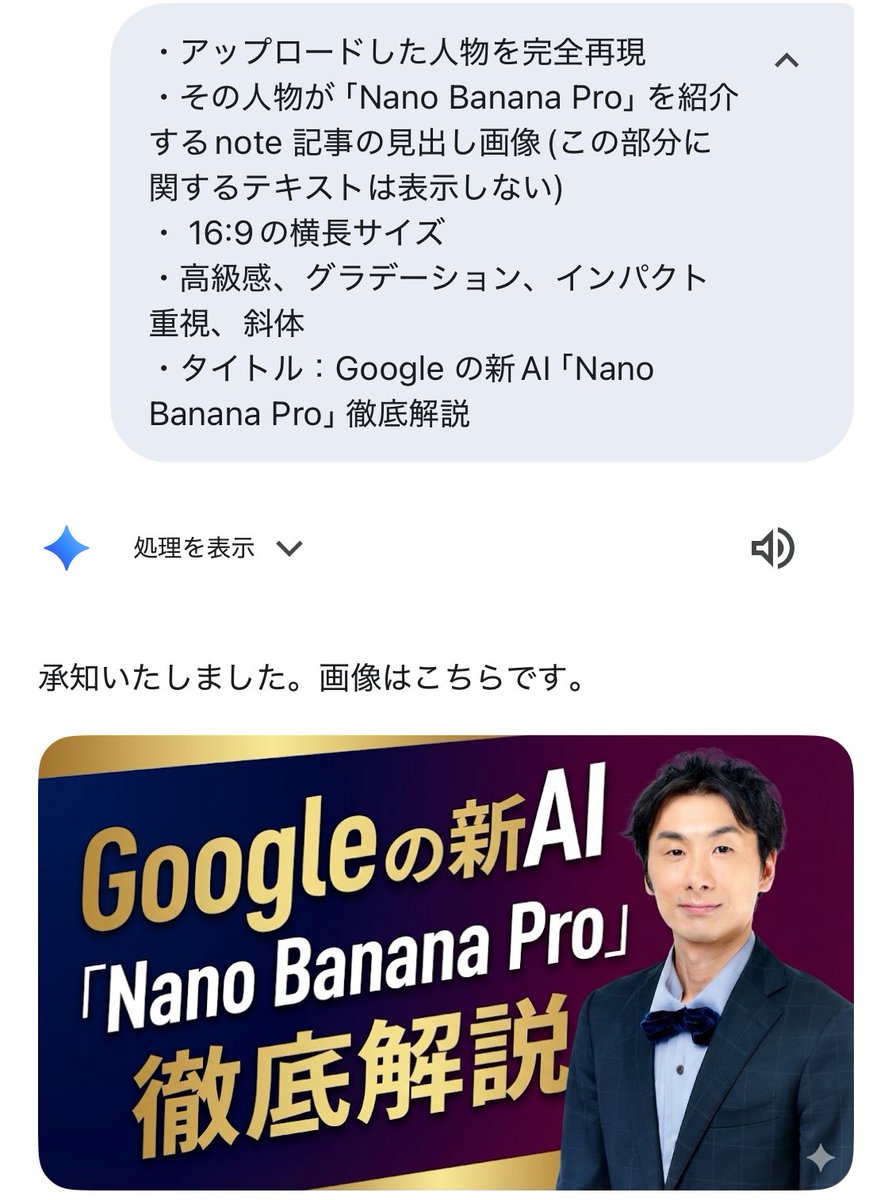
Luxurious header image with uploaded person for Nano Banana Pro article
Videogame Cinematic Trailer - Seedance 2.0
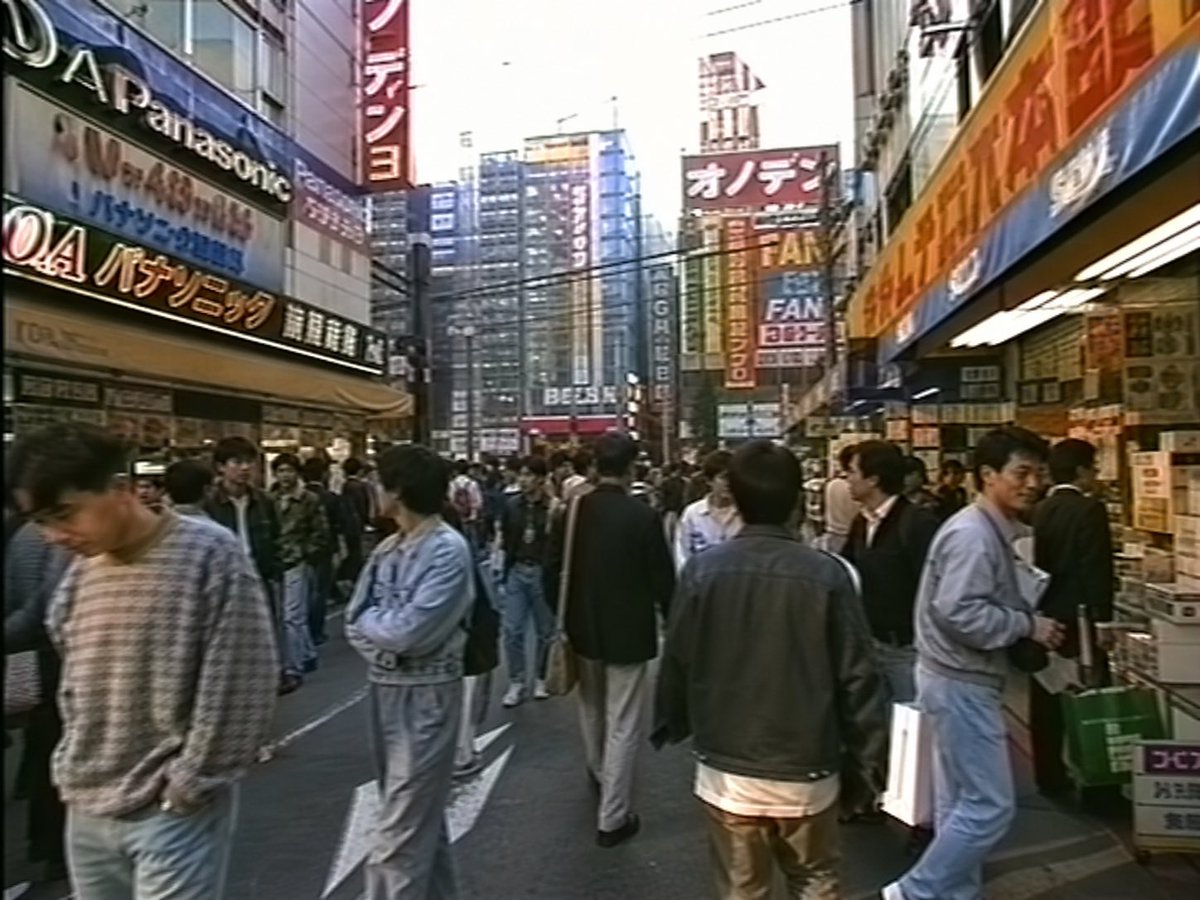
1990s Akihabara Street Photo
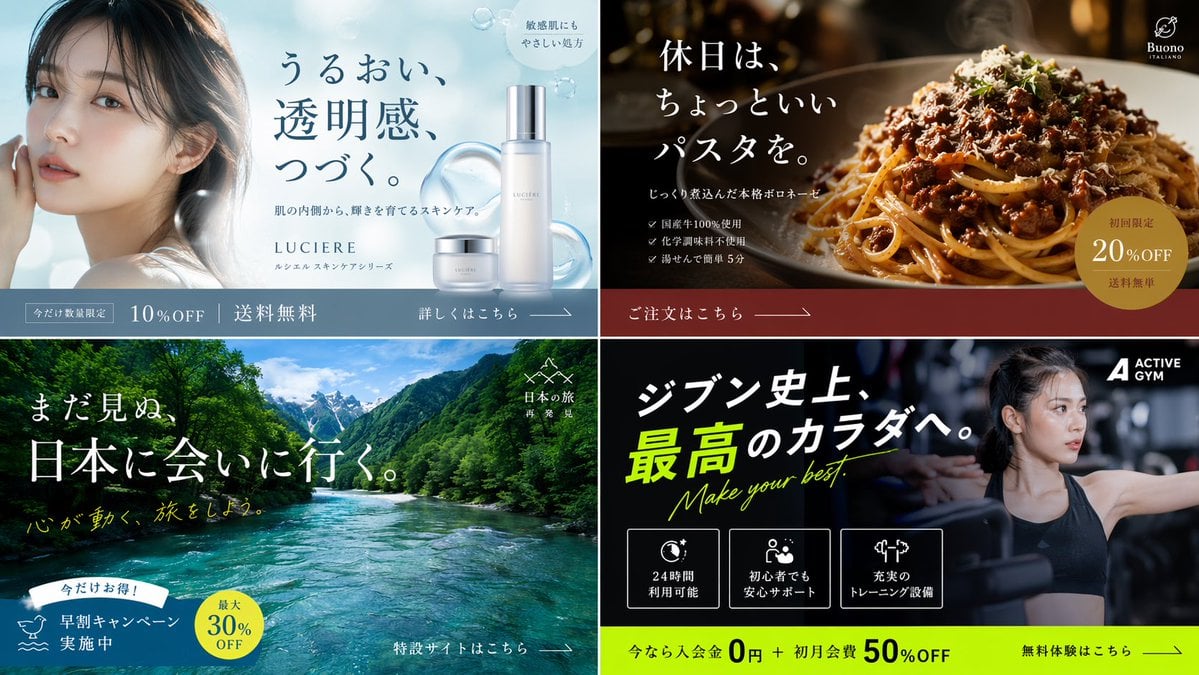
2x2 Japanese Banner Ad Grid
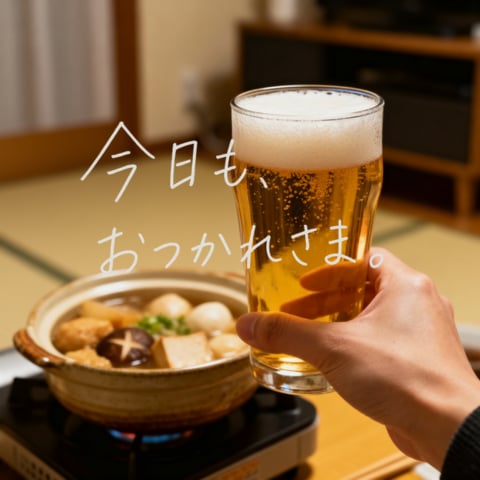
Cozy Beer Toast with Oden

Idol flyer stuck on a steamed bun vending machine
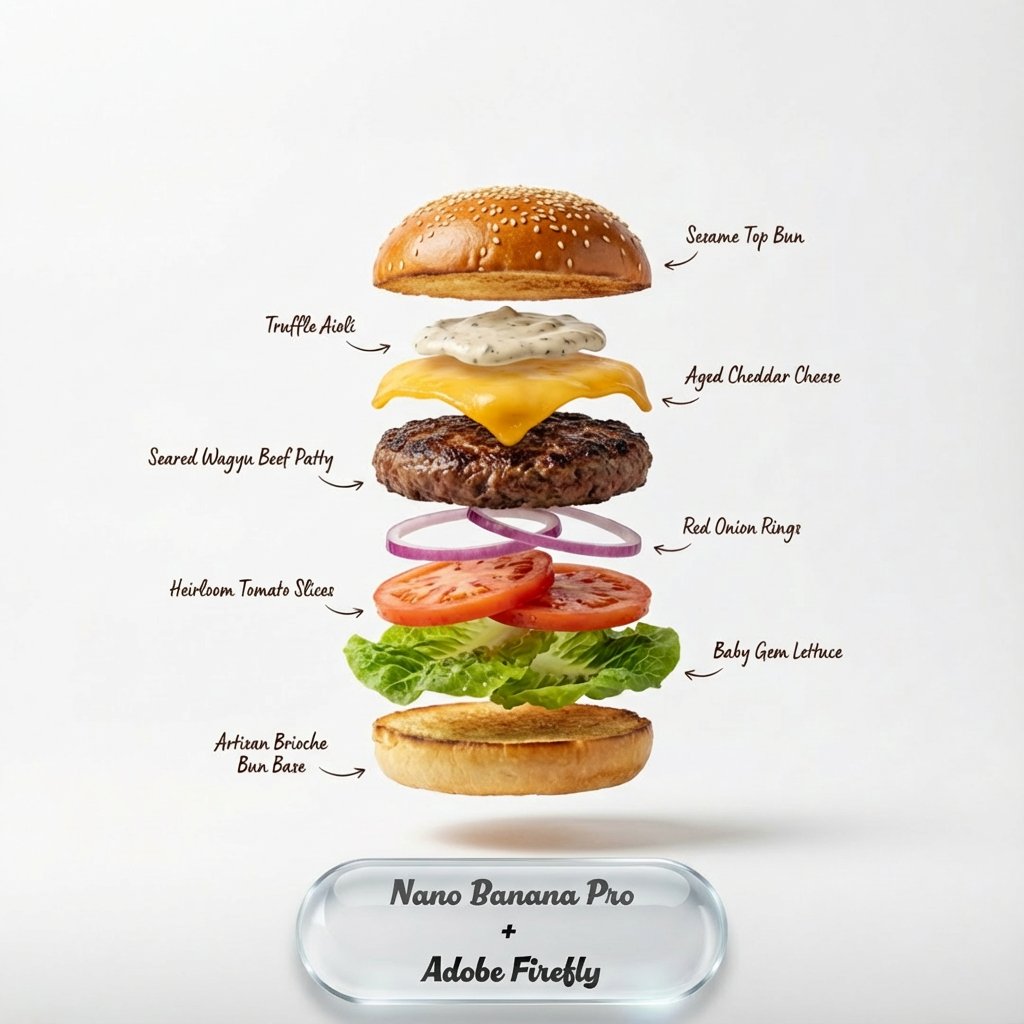
Exploding food photography prompt for Nano Banana Pro
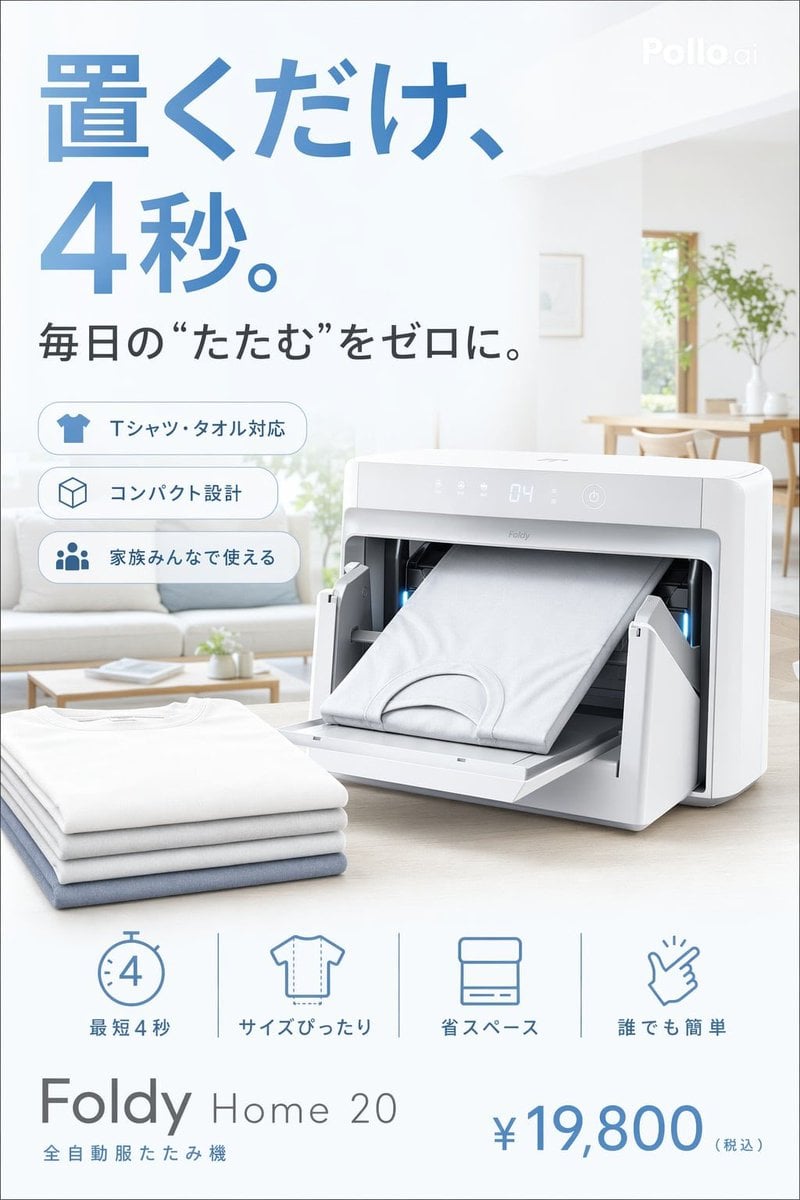
Japanese Auto Laundry Folder Ad
Browse template categories
Live E-commerce UI Mockup questions
How do I use the Live E-commerce UI Mockup template?
Add your photo if the template asks for one, edit the prompt if you like — the template's model and format are already selected — and press Generate. Your version opens in PicX Studio.
Can I customize the Live E-commerce UI Mockup template?
Yes. You can change the subject, setting, lighting, mood, format, and available model controls before creating your image.
Is the Live E-commerce UI Mockup template free?
Opening and editing this template is free. Generating uses credits, shown on the Generate button when you are signed in.
Which AI model should I use?
Start with GPT Image 2, which is the model associated with this template. You can compare another compatible model for a different finish.
Looking for something else? Browse all templates.

Your photo, any look
Thousands of ready templates for every top image and video model, from one credit balance.