
E-commerce Live Stream UI Mockup
Generates a highly detailed mobile app interface for a live shopping stream, featuring a host, product overlays, and real-time chat elements.
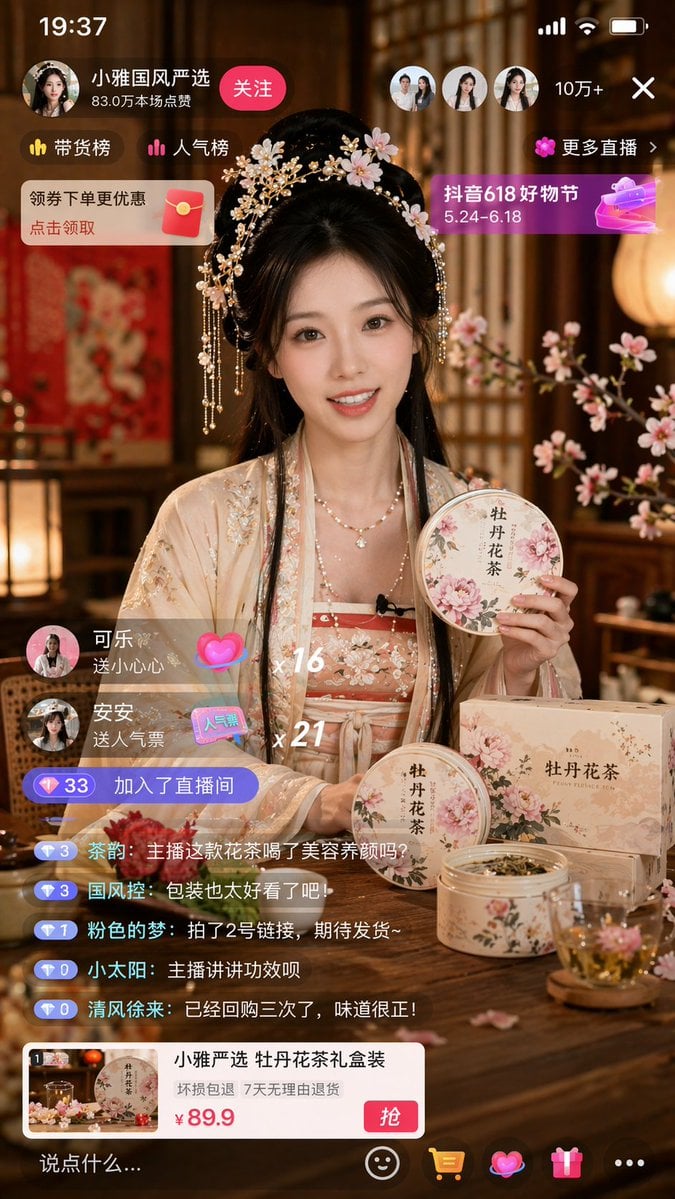
- Prompt included
- Model and format preset
- Free template
The prompt behind this image
Copy the exact prompt behind E-commerce Live Stream UI Mockup, or open it in the studio and make it yours.
- Type
- mobile live stream UI mockup
- Subject › Description
- young Asian woman in traditional light peach Hanfu with floral embroidery, ornate gold and pearl hairpins with pink flowers, smiling, looking at camera, holding a round tin of floral tea
- Subject › Foreground Objects › Count
- 5
- Subject › Foreground Objects › Items
- round tin held by host, round tin on table, rectangular box on table, open tin with dried tea leaves, clear glass teacup with blooming pink flower
- Subject › Foreground Objects › Labels
- 牡丹花茶
- Subject › Background
- traditional Chinese interior, warm lighting, wooden lattice screens, pink floral branches
- Ui Layout › Top Bar › Elements
- 19:37, signal bars, wifi, battery
- Ui Layout › Top Left › Host Info › Name
- {argument name="host name" default="小雅国风严选"}
- Ui Layout › Top Left › Host Info › Stats
- 83.0万本场点赞
- Ui Layout › Top Left › Host Info › Button
- 关注
- Ui Layout › Top Left › Badges
- 带货榜, 人气榜
- Ui Layout › Top Left › Promo Banner
- 领券下单更优惠 点击领取
- Ui Layout › Top Right › Viewers › Count
- 3
- Ui Layout › Top Right › Viewers › Text
- 10万+
- Ui Layout › Top Right › Viewers › Close Button
- X
- Ui Layout › Top Right › Links
- 更多直播 >
- Ui Layout › Top Right › Event Banner › Title
- {argument name="event banner text" default="抖音618好物节"}
- Ui Layout › Top Right › Event Banner › Dates
- 5.24-6.18
- Ui Layout › Mid Left Events › Gift Count
- 2
- Ui Layout › Mid Left Events › Gifts › 0 › User
- 可乐
- Ui Layout › Mid Left Events › Gifts › 0 › Action
- 送小心心
- Ui Layout › Mid Left Events › Gifts › 0 › Combo
- x 16
- Ui Layout › Mid Left Events › Gifts › 1 › User
- 安安
- Ui Layout › Mid Left Events › Gifts › 1 › Action
- 送人气票
Raw JSON
{
  "type": "mobile live stream UI mockup",
  "subject": {
    "description": "young Asian woman in traditional light peach Hanfu with floral embroidery, ornate gold and pearl hairpins with pink flowers, smiling, looking at camera, holding a round tin of floral tea",
    "foreground_objects": {
      "count": 5,
      "items": [
        "round tin held by host",
        "round tin on table",
        "rectangular box on table",
        "open tin with dried tea leaves",
        "clear glass teacup with blooming pink flower"
      ],
      "labels": ["牡丹花茶"]
    },
    "background": "traditional Chinese interior, warm lighting, wooden lattice screens, pink floral branches"
  },
  "ui_layout": {
    "top_bar": {
      "elements": ["19:37", "signal bars", "wifi", "battery"]
    },
    "top_left": {
      "host_info": {
        "name": "{argument name=\"host name\" default=\"小雅国风严选\"}",
        "stats": "83.0万本场点赞",
        "button": "关注"
      },
      "badges": ["带货榜", "人气榜"],
      "promo_banner": "领券下单更优惠 点击领取"
    },
    "top_right": {
      "viewers": {
        "count": 3,
        "text": "10万+",
        "close_button": "X"
      },
      "links": ["更多直播 >"],
      "event_banner": {
        "title": "{argument name=\"event banner text\" default=\"抖音618好物节\"}",
        "dates": "5.24-6.18"
      }
    },
    "mid_left_events": {
      "gift_count": 2,
      "gifts": [
        {"user": "可乐", "action": "送小心心", "combo": "x 16"},
        {"user": "安安", "action": "送人气票", "combo": "x 21"}
      ],
      "join_notification": "加入了直播间"
    },
    "bottom_left_chat": {
      "message_count": 5,
      "messages": [
        "{argument name=\"chat message\" default=\"主播这款花茶喝了美容养颜吗?\"}",
        "包装也太好看了吧!",
        "拍了2号链接,期待发货~",
        "主播讲讲功效呗",
        "已经回购三次了,味道很正!"
      ]
    },
    "bottom_product_card": {
      "title": "小雅严选 {argument name=\"product name\" default=\"牡丹花茶\"}礼盒装",
      "guarantee": "坏损包退 7天无理由退货",
      "price": "{argument name=\"product price\" default=\"¥ 89.9\"}",
      "button": "抢"
    },
    "bottom_nav_bar": {
      "input_placeholder": "说点什么...",
      "icons_count": 5,
      "icons": ["smiley", "shopping cart", "gift", "heart", "more options"]
    }
  }
}How to use E-commerce Live Stream UI Mockup in 3 steps
- 1Upload ImagePNG, JPG or paste
Add your photo
Upload the photo the template builds on. The prompt, model and format are already set.
- 2…a portrait of your subject in softgolden-hour light, 85mm…
Personalize
Edit the subject and creative details for your destination.
- 3Generate
Generate
Press Generate — your image is created in PicX Studio, so you can compare it with the original and refine one variable at a time.
More like this
Templates with the same subject, style or setup. Open one to see its prompt.
E-commerce Live Stream UI Mockup
Live-Streaming App Interface Mockup
Live E-commerce UI Mockup
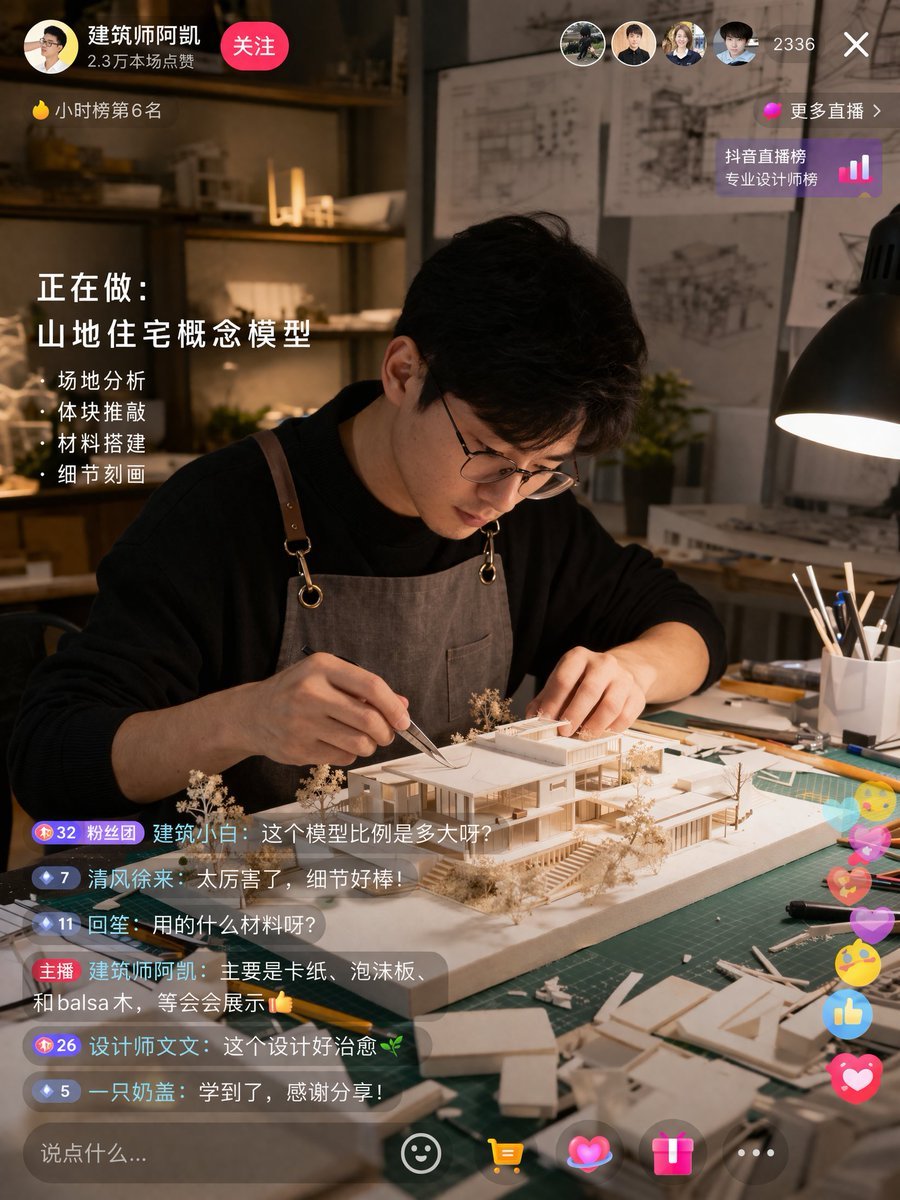
Architect Live Stream UI Mockup
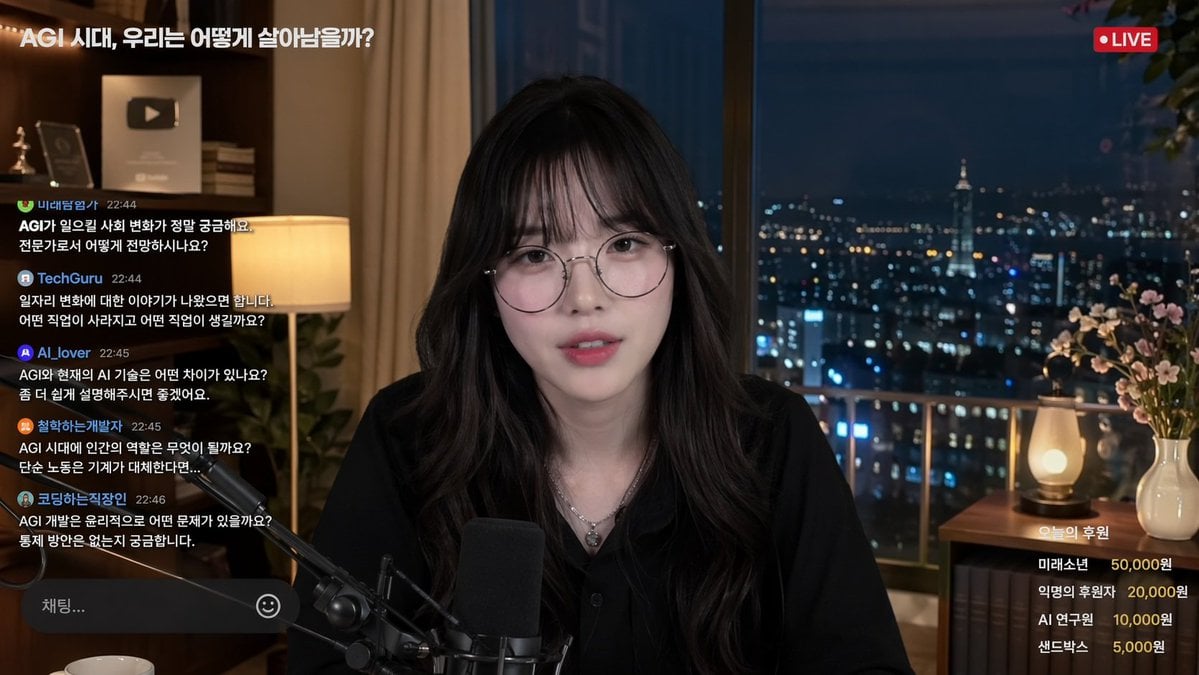
Livestream Interface Mockup
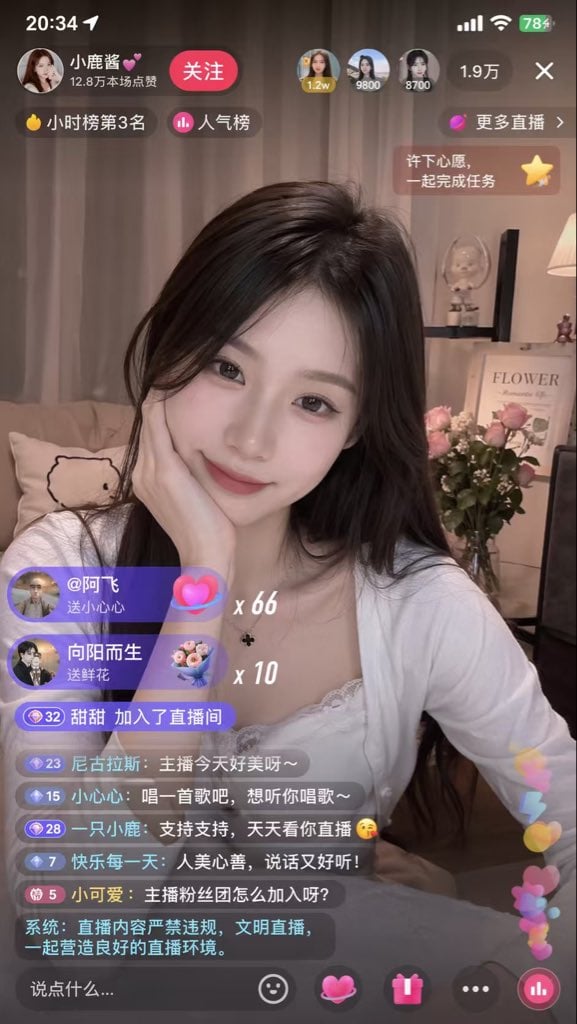
Live Streaming App UI Mockup
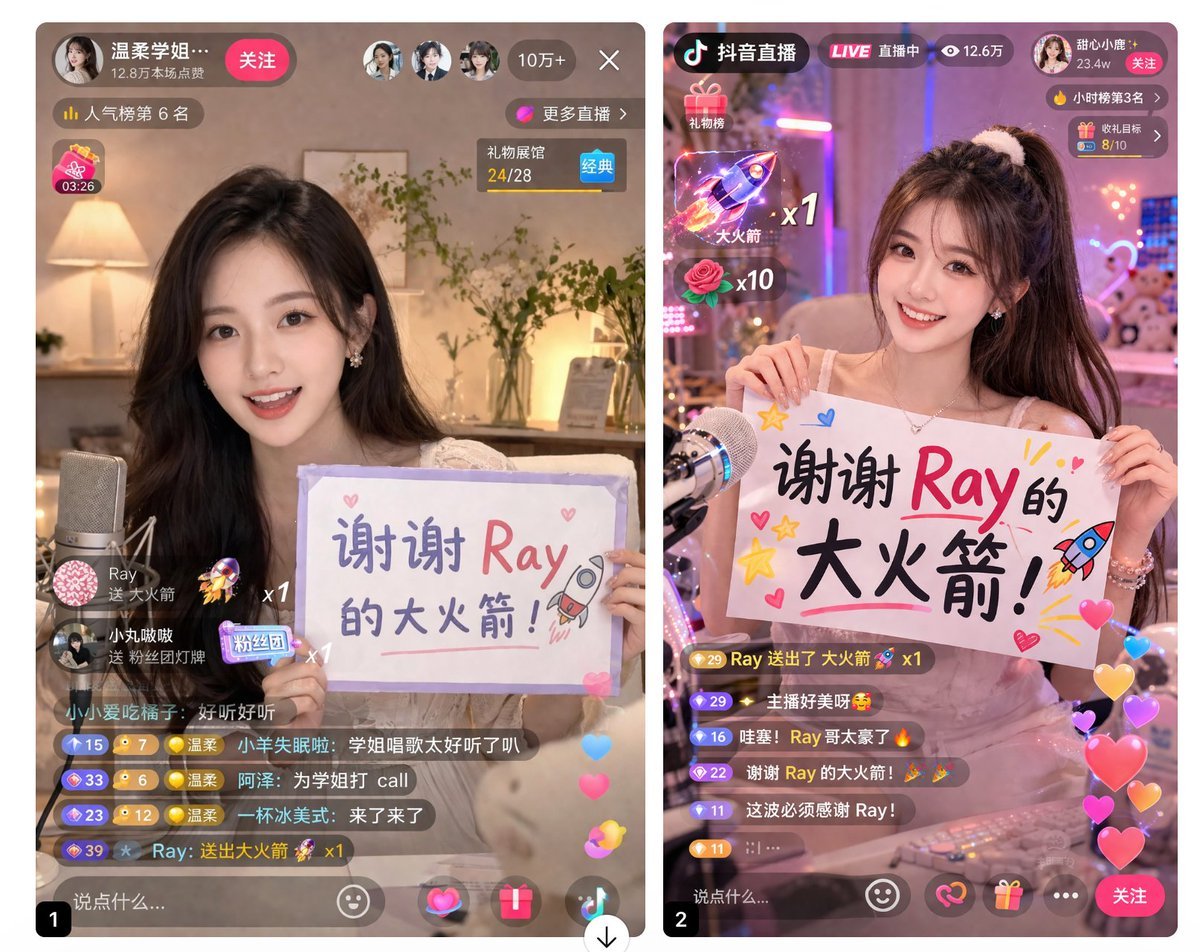
Live Stream App UI Mockup
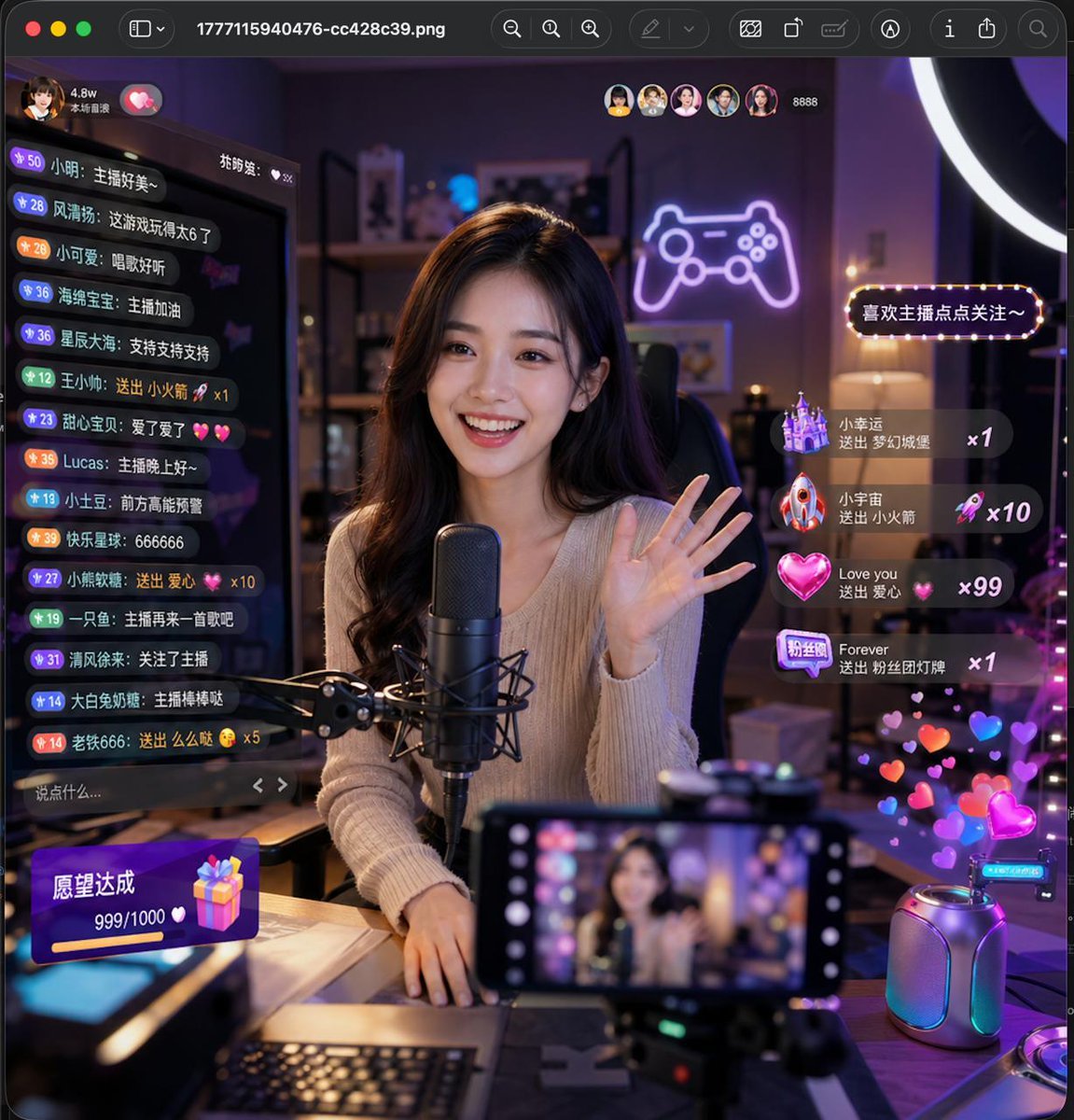
Lively Live Streaming Scene

Luxury E-Commerce Landing Page Mockup
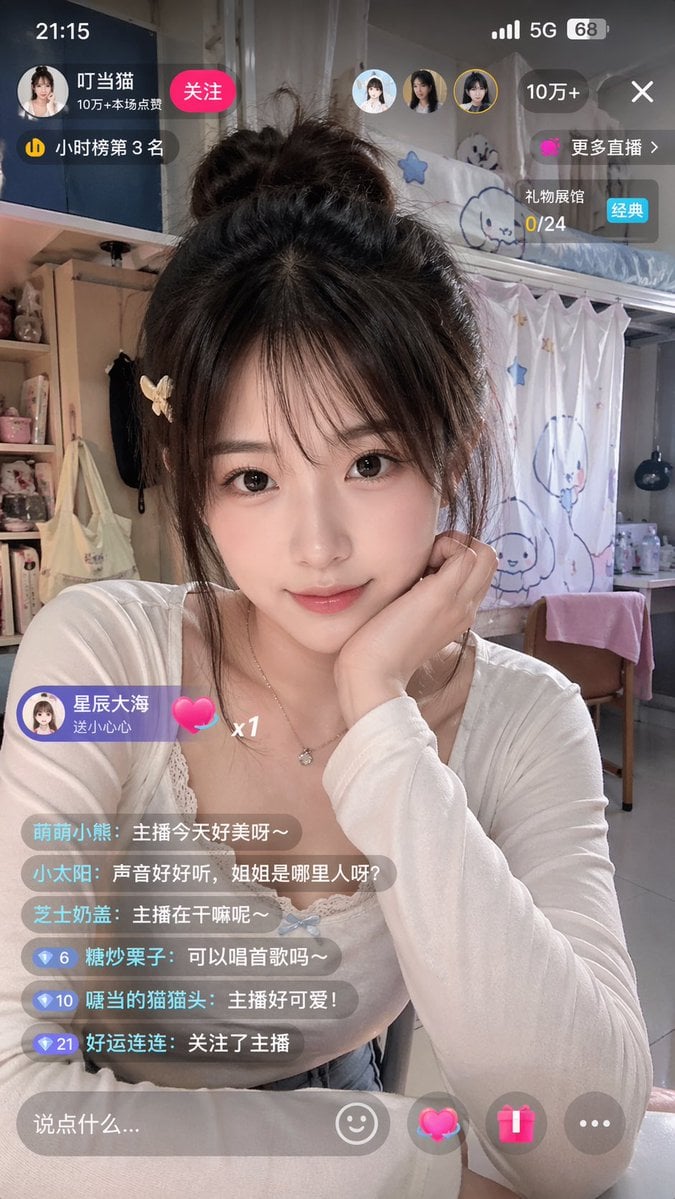
Chinese Livestream Dorm Selfie UI
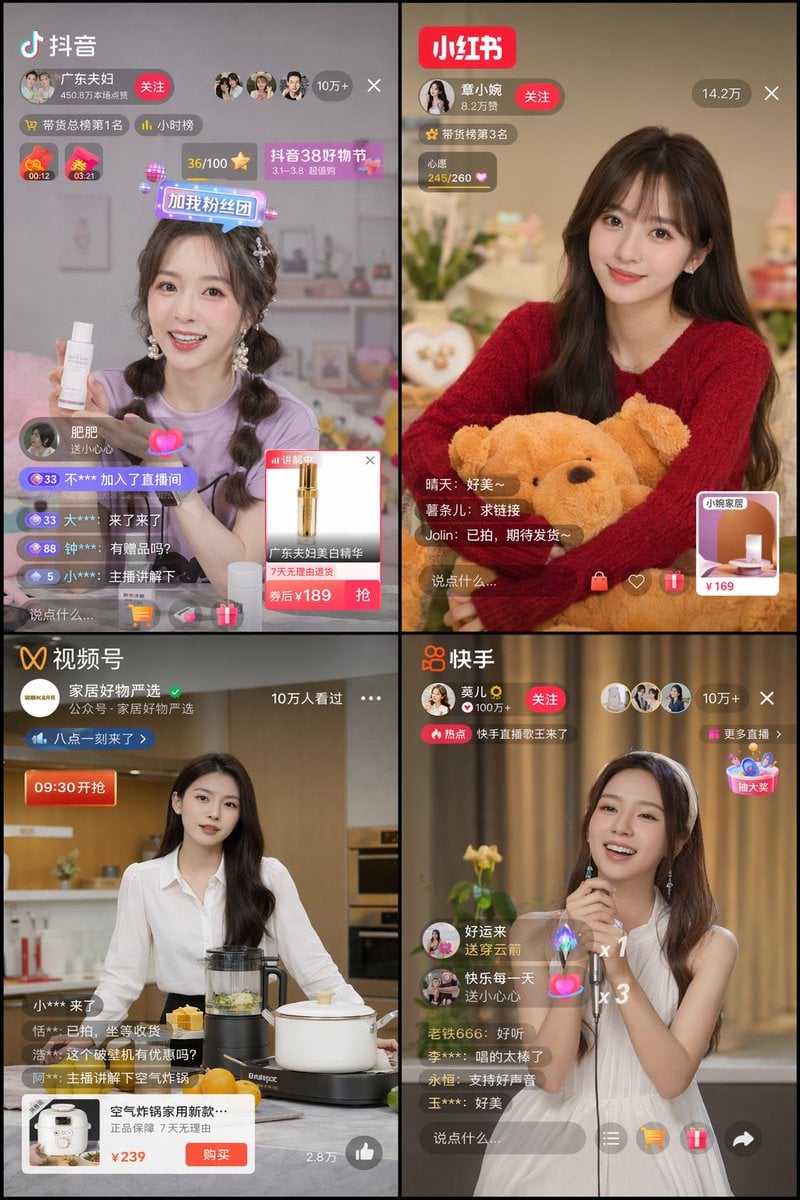
Chinese Livestreaming App UI Grid
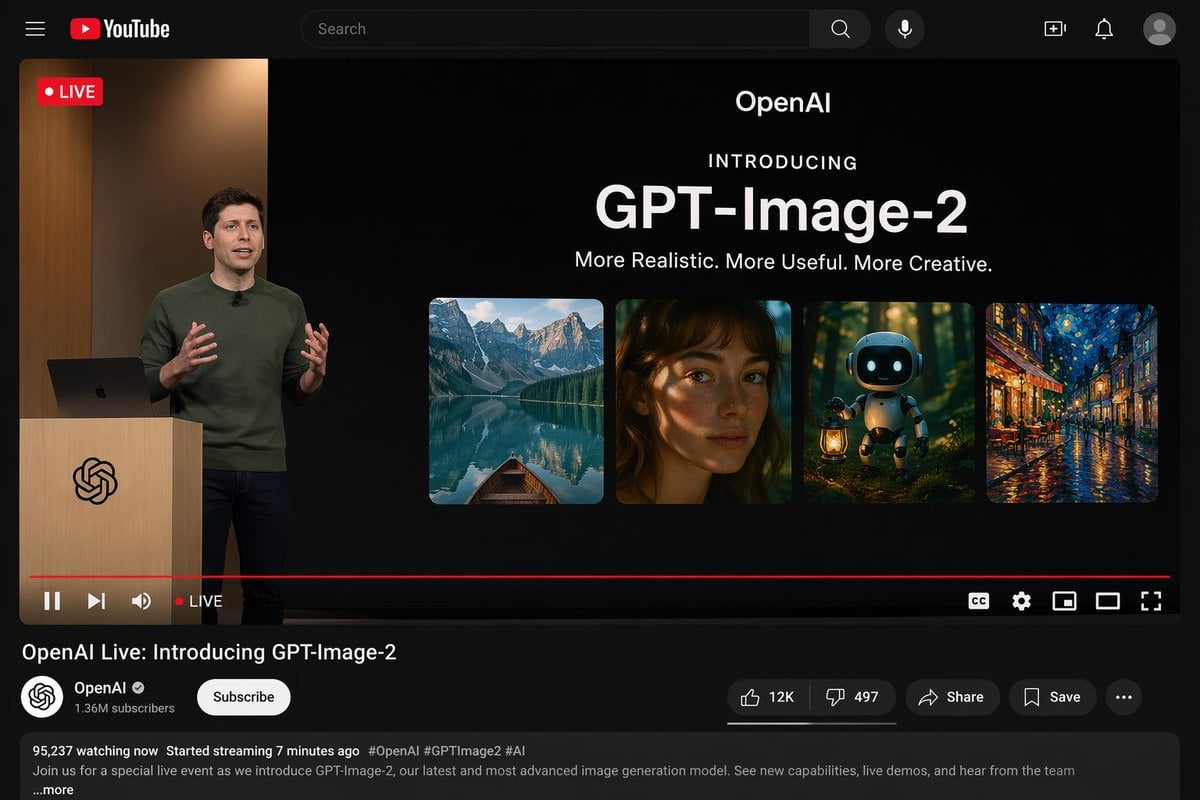
YouTube Live Presentation UI Mockup
Make it yours
E-commerce Live Stream UI Mockup works as-is. These are the safest ways to change it without losing the look.
Swap the setting
Keep the rest of the prompt and replace the location block. The current setting is “traditional Chinese interior, warm lighting, wooden lattice screens, pink floral”.
Change one field
Copy a single group, rewrite it, and generate again so you can see what that field is doing.
Keep the frame, change the subject
Hold the composition and light of E-commerce Live Stream UI Mockup, then swap wardrobe, props or the person for a new take.
| If the result… | Why | Fix |
|---|---|---|
| The result drifts from the preview | Too many fields changed at once. | Reuse E-commerce Live Stream UI Mockup as-is first, then change one group — subject, light, or setting. |
| GPT Image 2 ignores part of the JSON | Some models flatten or skip nested keys. | Keep the same values and paste them as a short paragraph instead. |
More GPT Image 2 templates
Other prompts made for GPT Image 2.

Six VTuber Japanese Logo Sheet

Realistic Portrait of Woman and Deer

The Vista Modular Condo Poster

AI Model Routing Comparison Infographic

2.5D Anime Art Board

Isometric Productivity Desk Scene

New York Double Exposure Poster

Four-Panel AI Landscape Comparison

Japanese Tatami Lifestyle Magazine Cover

NESCAFÉ Coffee Map Poster
More image prompts
Fresh picks from across the catalog.
Flash Mirror Selfie in Retro Bathroom
Strawberry Onesie Mirror Selfie with ControlNet
Luxurious header image with uploaded person for Nano Banana Pro article
Four-Panel Manga: Countdown to Disappearance
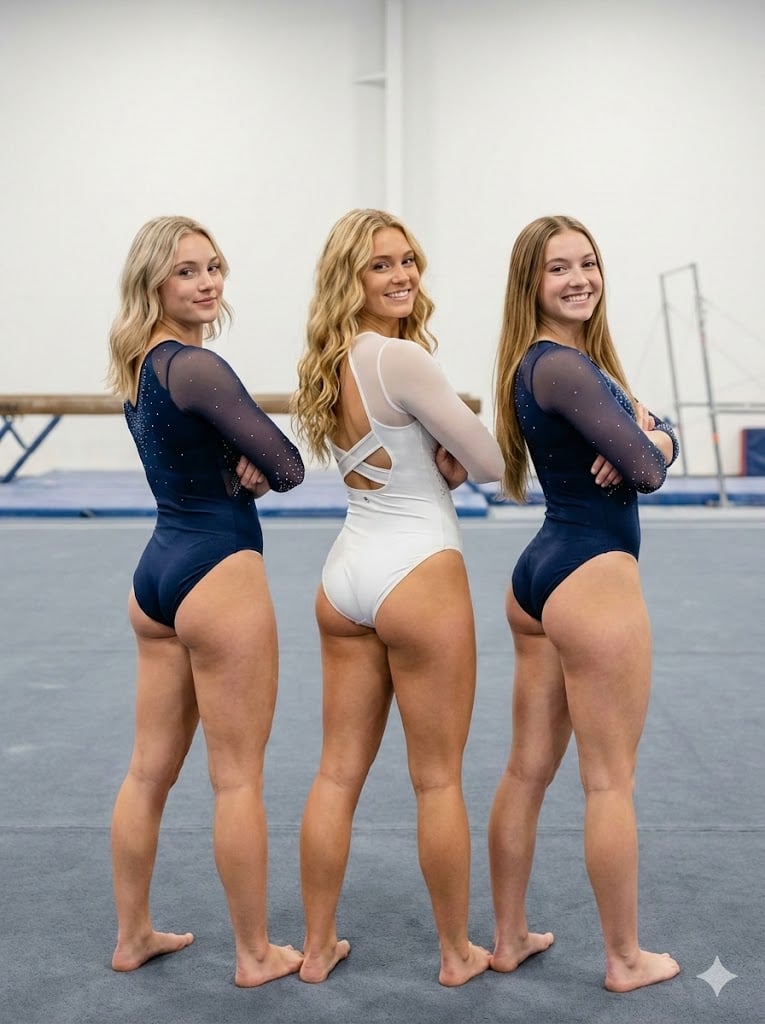
Ultra-Photorealistic Gymnastics Group Portrait
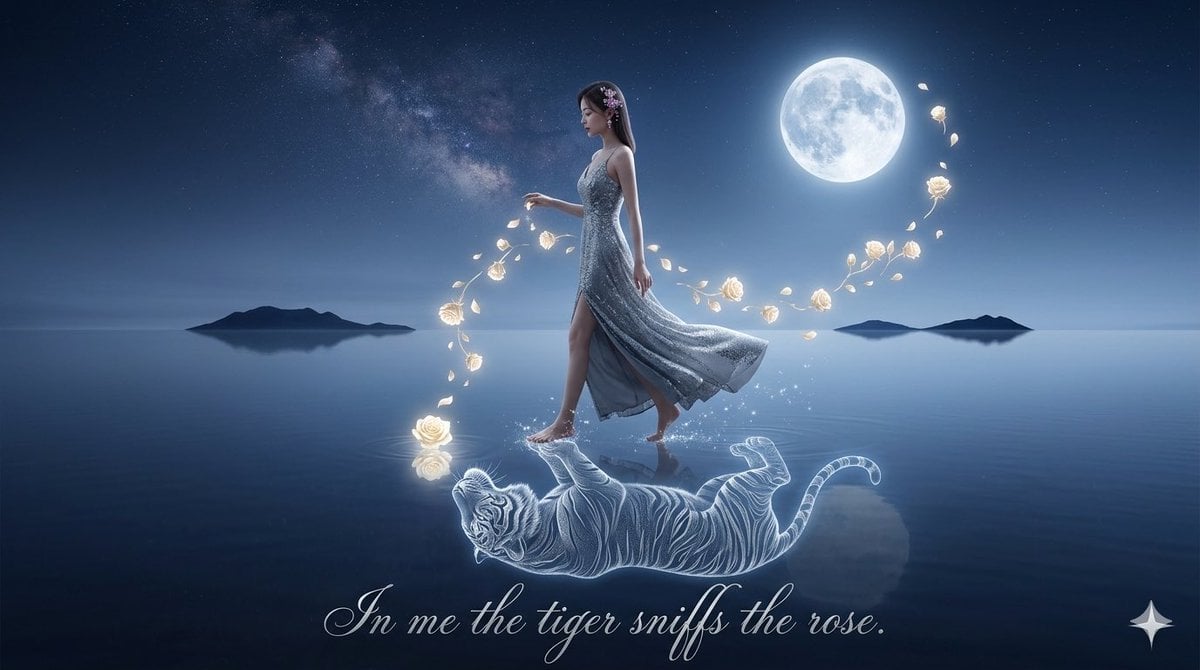
Spirit-Tiger Water Walk
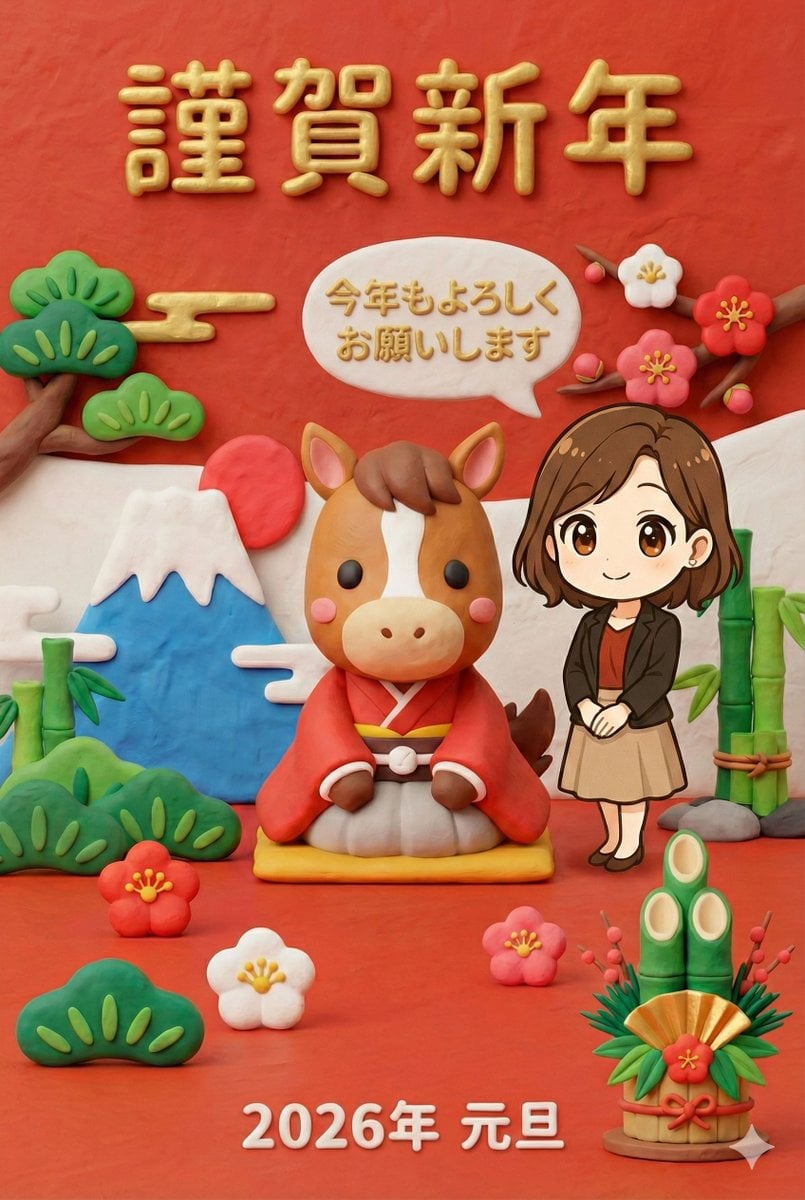
New Year's Greeting Image Generation in Claymation Style
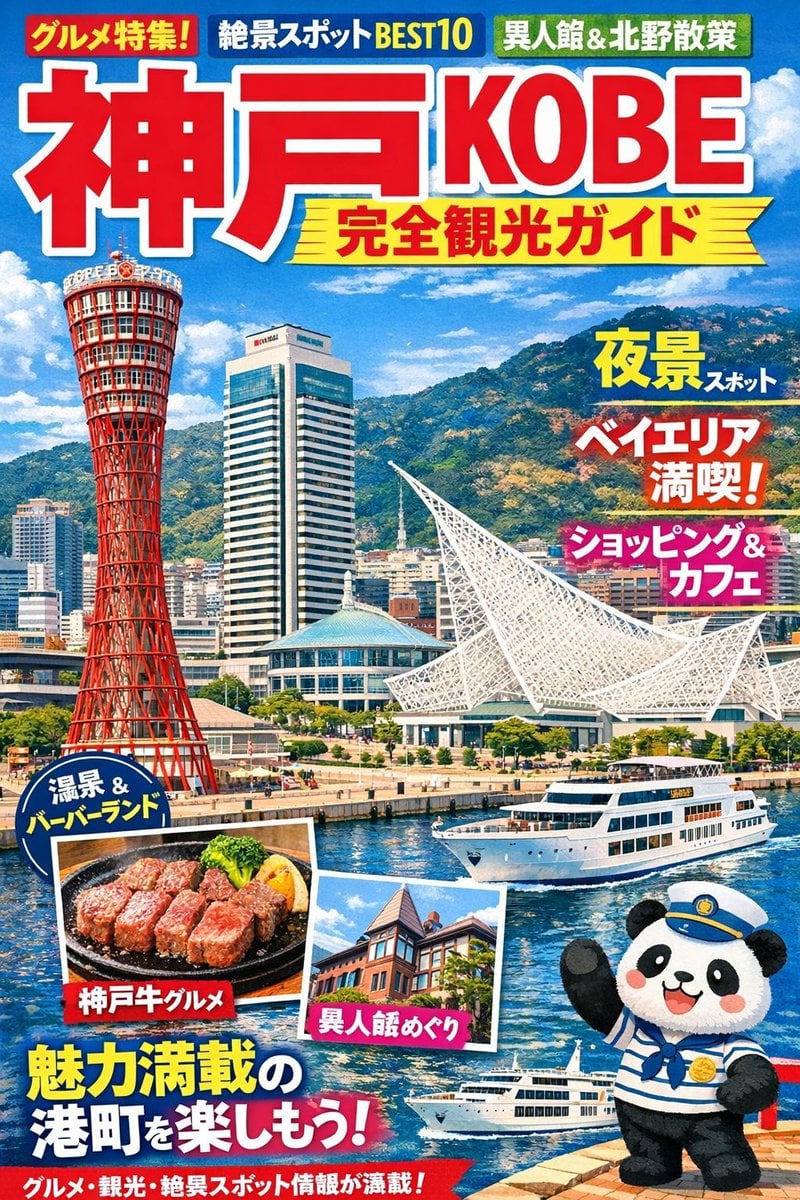
Magazine Cover Generation for Kobe Tourism
Christmas Ornament Chibi Character Transformation
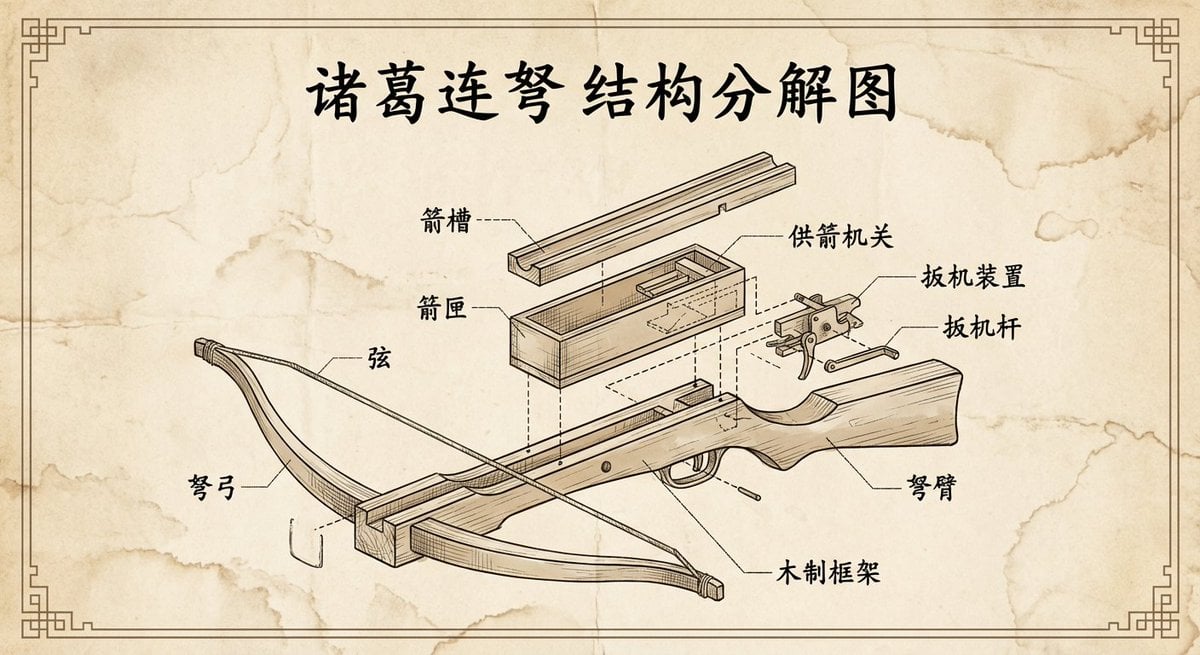
Vintage engineering exploded view of Zhuge repeating crossbow
Browse template categories
E-commerce Live Stream UI Mockup questions
How do I use the E-commerce Live Stream UI Mockup template?
Add your photo if the template asks for one, edit the prompt if you like — the template's model and format are already selected — and press Generate. Your version opens in PicX Studio.
Can I customize the E-commerce Live Stream UI Mockup template?
Yes. You can change the subject, setting, lighting, mood, format, and available model controls before creating your image.
Is the E-commerce Live Stream UI Mockup template free?
Opening and editing this template is free. Generating uses credits, shown on the Generate button when you are signed in.
Which AI model should I use?
Start with GPT Image 2, which is the model associated with this template. You can compare another compatible model for a different finish.
Looking for something else? Browse all templates.

Your photo, any look
Thousands of ready templates for every top image and video model, from one credit balance.