
Livestream Interface Mockup
Generates a realistic livestream overlay featuring a streamer, live chat feed, and donation logs.
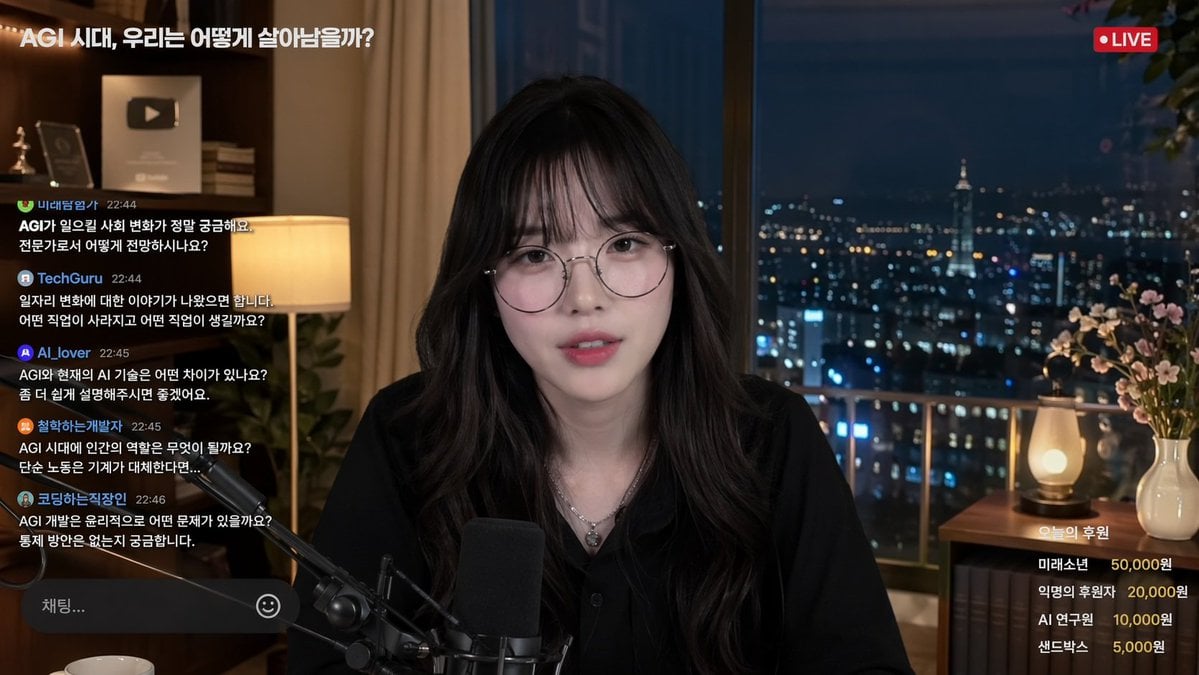
- Prompt included
- Model and format preset
- Free template
The prompt behind this image
Copy the exact prompt behind Livestream Interface Mockup, or open it in the studio and make it yours.
- Type
- livestream interface mockup
- Subject › Description
- {argument name="streamer description" default="young Asian woman, long dark wavy hair with bangs, round wire-rimmed glasses, black button-up shirt, silver necklace"}
- Subject › Action
- looking directly at camera, speaking into a professional broadcast microphone
- Setting › Location
- high-rise apartment interior at night
- Setting › Background
- large window with blurred illuminated city skyline
- Setting › Props
- YouTube play button plaque on shelf, warm desk lamp
- Layout › Top Left › Element
- stream title
- Layout › Top Left › Text
- {argument name="stream title" default="AGI 시대, 우리는 어떻게 살아남을까?"}
- Layout › Top Right › Element
- status badge
- Layout › Top Right › Text
- LIVE
- Layout › Top Right › Style
- red circle indicator
- Layout › Left Panel › Element
- live chat feed
- Layout › Left Panel › Message Count
- 5
- Layout › Left Panel › Messages
- FutureExplorer 22:44: Curious about social changes caused by AGI., TechGuru 22:44: What jobs will disappear or emerge?, AI_lover 22:45: Difference between AGI and current AI?, PhilosophizingDev 22:45: What is the human role in the AGI era?, CodingOfficeWorker 22:46: Ethical issues and control methods for AGI?
- Layout › Left Panel › Input Box
- Chat... with smiley icon
- Layout › Bottom Right › Element
- donation leaderboard
- Layout › Bottom Right › Title
- {argument name="donation title" default="오늘의 후원"}
- Layout › Bottom Right › Item Count
- 4
- Layout › Bottom Right › Items
- FutureBoy 50,000 won, Anonymous 20,000 won, AI Researcher 10,000 won, Sandbox 5,000 won
Raw JSON
{
  "type": "livestream interface mockup",
  "subject": {
    "description": "{argument name=\"streamer description\" default=\"young Asian woman, long dark wavy hair with bangs, round wire-rimmed glasses, black button-up shirt, silver necklace\"}",
    "action": "looking directly at camera, speaking into a professional broadcast microphone"
  },
  "setting": {
    "location": "high-rise apartment interior at night",
    "background": "large window with blurred illuminated city skyline",
    "props": "YouTube play button plaque on shelf, warm desk lamp"
  },
  "layout": {
    "top_left": {
      "element": "stream title",
      "text": "{argument name=\"stream title\" default=\"AGI 시대, 우리는 어떻게 살아남을까?\"}"
    },
    "top_right": {
      "element": "status badge",
      "text": "LIVE",
      "style": "red circle indicator"
    },
    "left_panel": {
      "element": "live chat feed",
      "message_count": 5,
      "messages": [
        "FutureExplorer 22:44: Curious about social changes caused by AGI.",
        "TechGuru 22:44: What jobs will disappear or emerge?",
        "AI_lover 22:45: Difference between AGI and current AI?",
        "PhilosophizingDev 22:45: What is the human role in the AGI era?",
        "CodingOfficeWorker 22:46: Ethical issues and control methods for AGI?"
      ],
      "input_box": "Chat... with smiley icon"
    },
    "bottom_right": {
      "element": "donation leaderboard",
      "title": "{argument name=\"donation title\" default=\"오늘의 후원\"}",
      "item_count": 4,
      "items": [
        "FutureBoy 50,000 won",
        "Anonymous 20,000 won",
        "AI Researcher 10,000 won",
        "Sandbox 5,000 won"
      ]
    }
  }
}How to use Livestream Interface Mockup in 3 steps
- 1Upload ImagePNG, JPG or paste
Add your photo
Upload the photo the template builds on. The prompt, model and format are already set.
- 2…a portrait of your subject in softgolden-hour light, 85mm…
Personalize
Edit the subject and creative details for your destination.
- 3Generate
Generate
Press Generate — your image is created in PicX Studio, so you can compare it with the original and refine one variable at a time.
More like this
Templates with the same subject, style or setup. Open one to see its prompt.
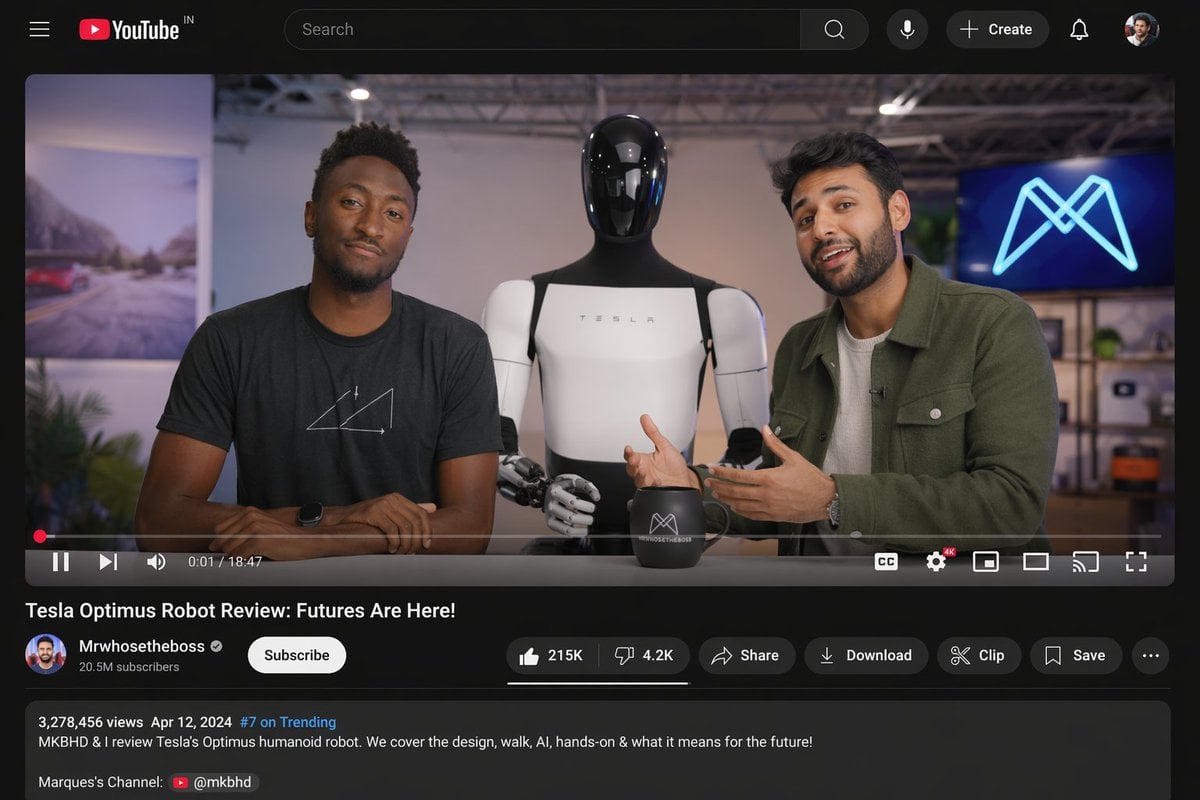
YouTube Video Interface Mockup
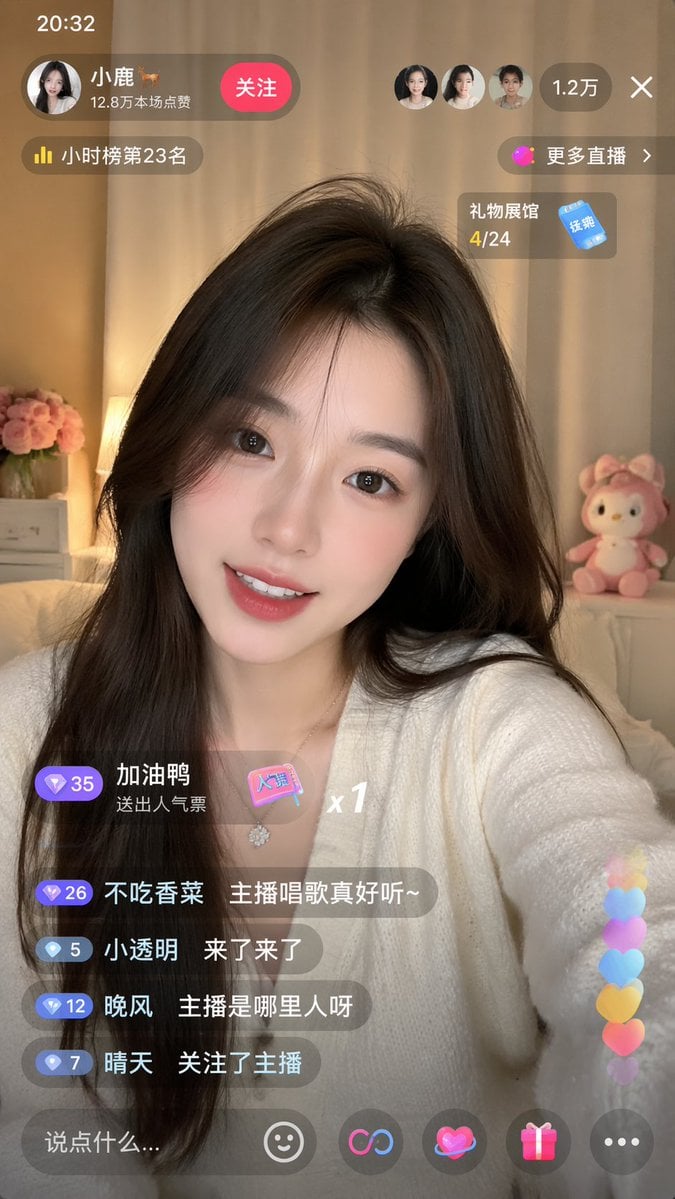
Live-Streaming App Interface Mockup
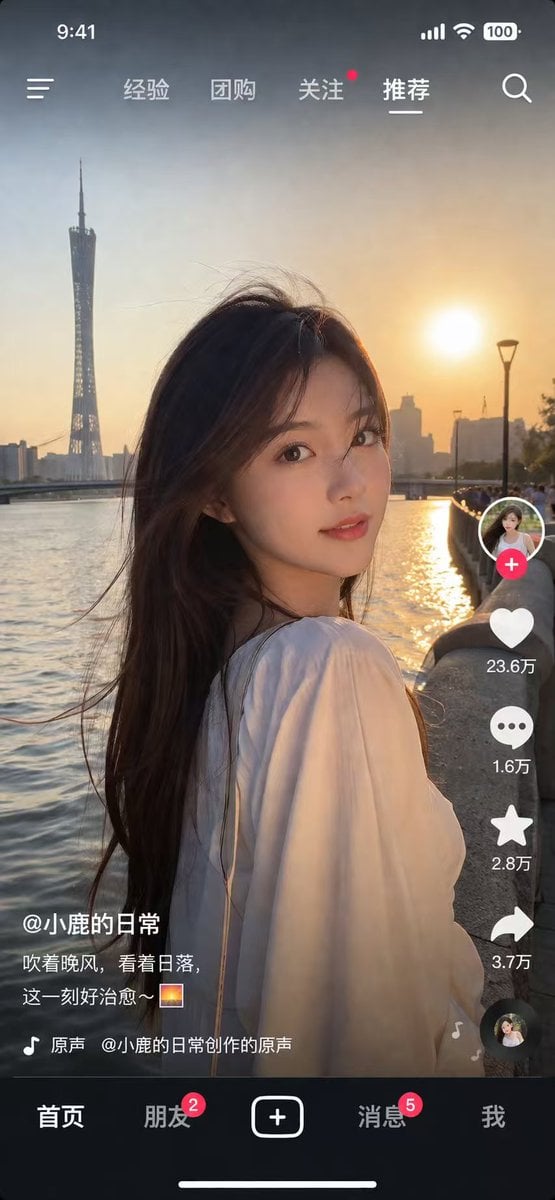
Social Media App Interface Mockup
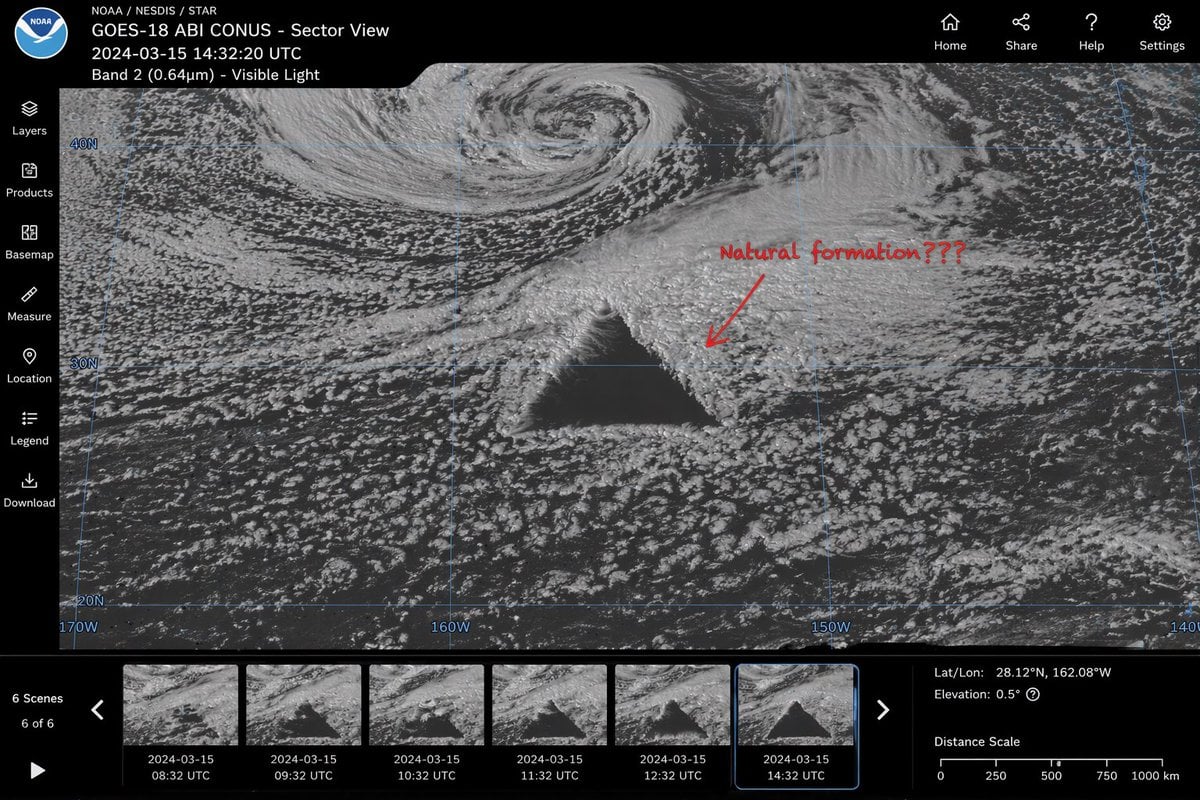
Satellite Anomaly Interface Mockup
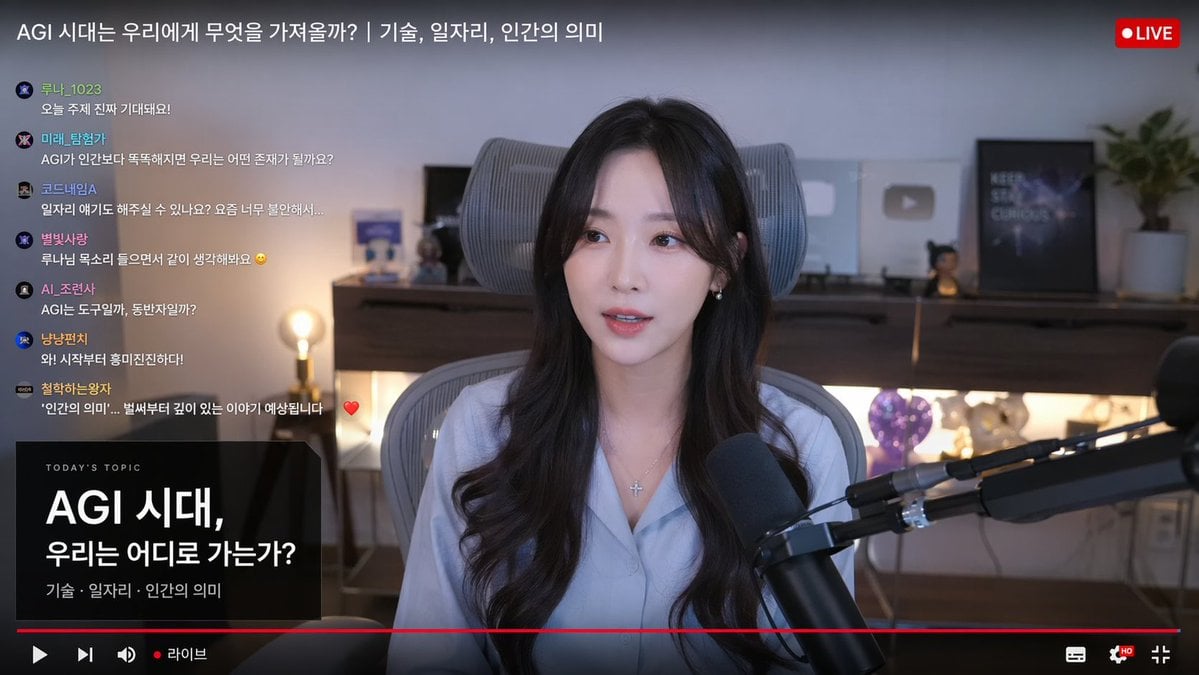
Live Stream Interface Mockup
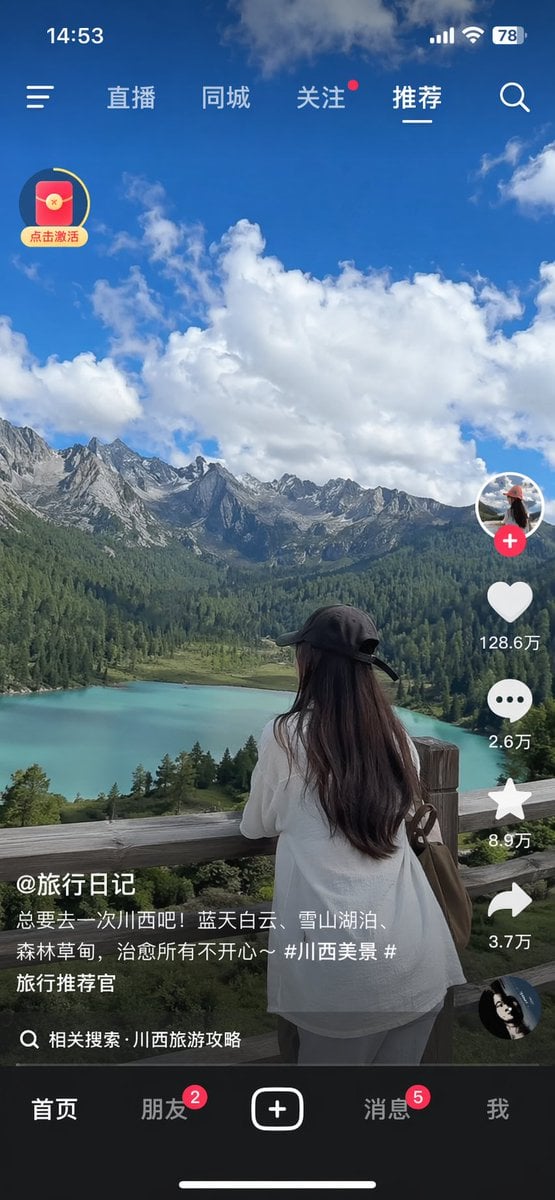
Short-Video App Interface Mockup
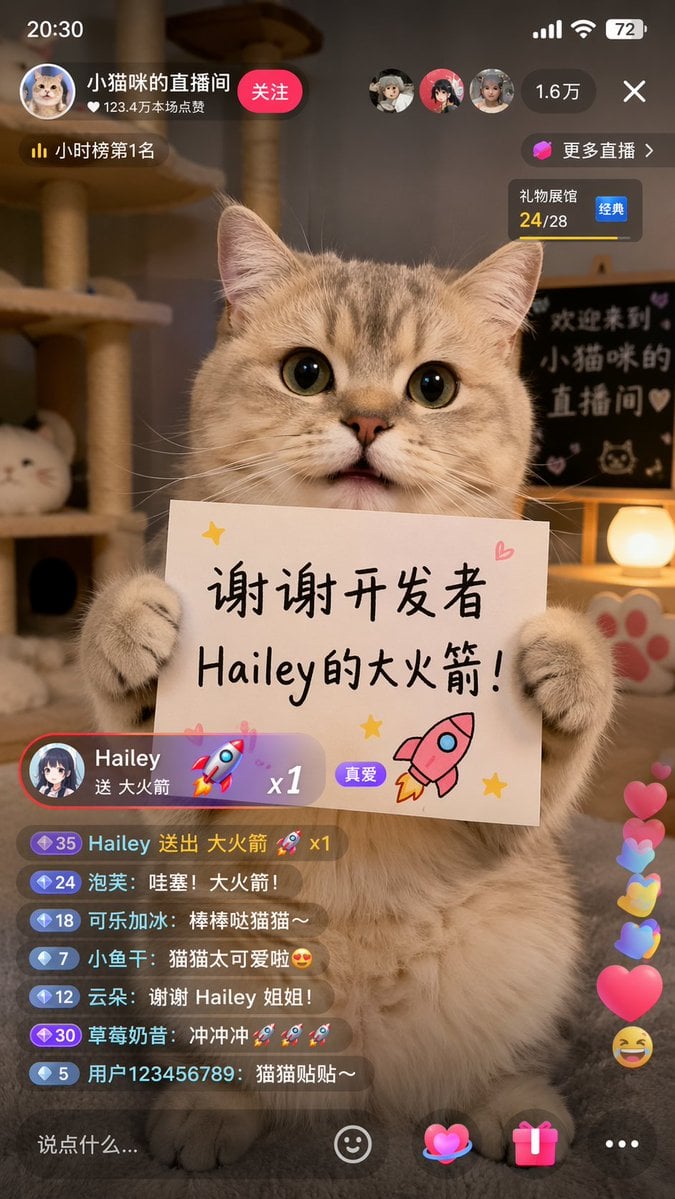
Cat Livestream UI Mockup

Product Shot - T-Shirt Mockup

Dessert Livestream Branding Cover System

Cinematic Anime Shinobi Poster Mockup
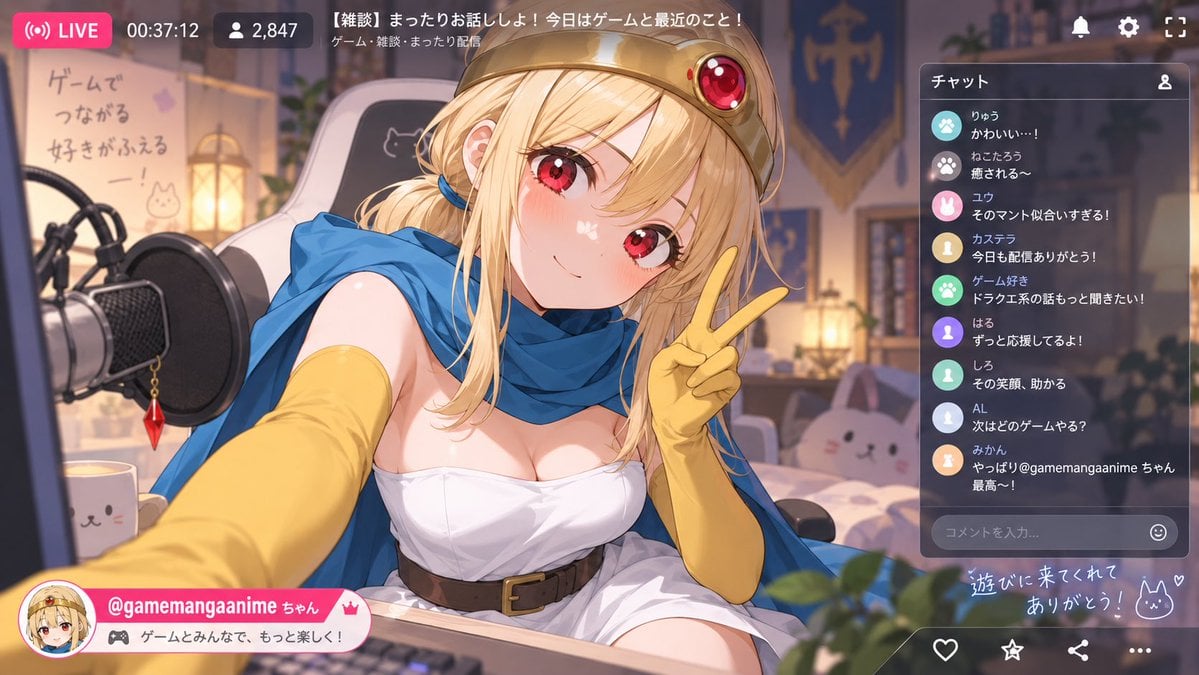
Anime VTuber Livestream Screenshot
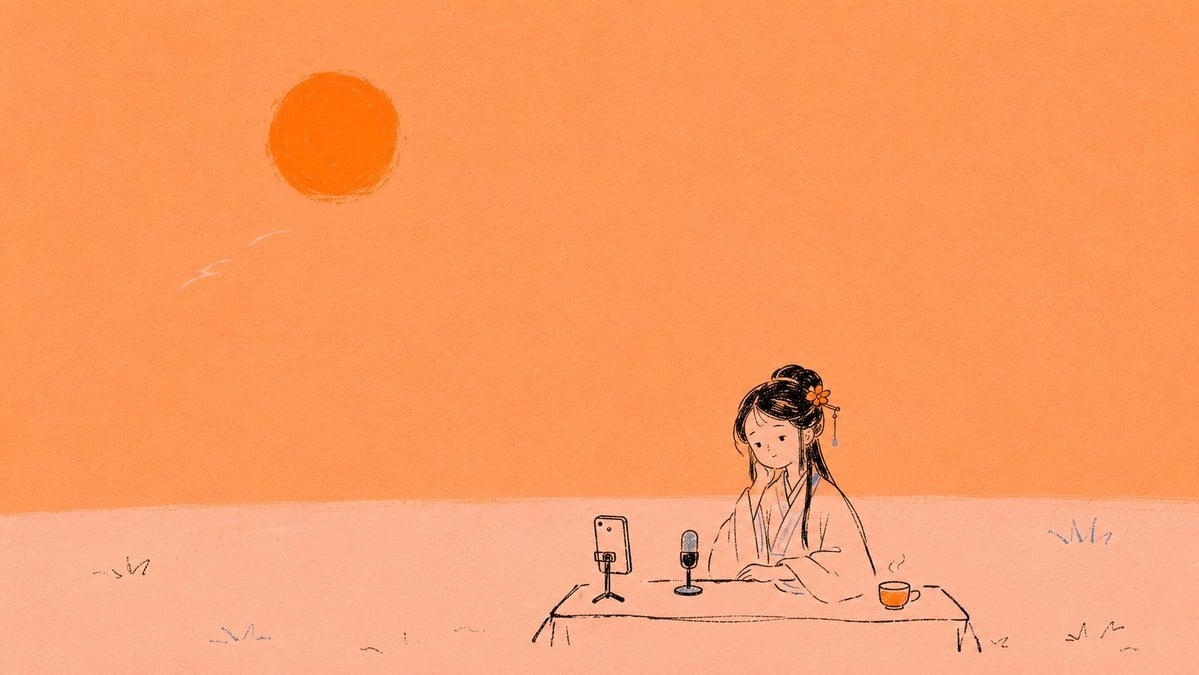
Minimal Orange Lin Daiyu Livestream Illustration
Make it yours
Livestream Interface Mockup works as-is. These are the safest ways to change it without losing the look.
Swap the setting
Keep the rest of the prompt and replace the location block. The current setting is “high-rise apartment interior at night”.
Change one field
Copy a single group, rewrite it, and generate again so you can see what that field is doing.
Keep the frame, change the subject
Hold the composition and light of Livestream Interface Mockup, then swap wardrobe, props or the person for a new take.
| If the result… | Why | Fix |
|---|---|---|
| The result drifts from the preview | Too many fields changed at once. | Reuse Livestream Interface Mockup as-is first, then change one group — subject, light, or setting. |
| GPT Image 2 ignores part of the JSON | Some models flatten or skip nested keys. | Keep the same values and paste them as a short paragraph instead. |
More GPT Image 2 templates
Other prompts made for GPT Image 2.

Six VTuber Japanese Logo Sheet

Realistic Portrait of Woman and Deer

The Vista Modular Condo Poster

AI Model Routing Comparison Infographic

2.5D Anime Art Board

Isometric Productivity Desk Scene

New York Double Exposure Poster

Four-Panel AI Landscape Comparison

Japanese Tatami Lifestyle Magazine Cover

NESCAFÉ Coffee Map Poster
More image prompts
Fresh picks from across the catalog.

Anime Police Mannequin Fashion Display
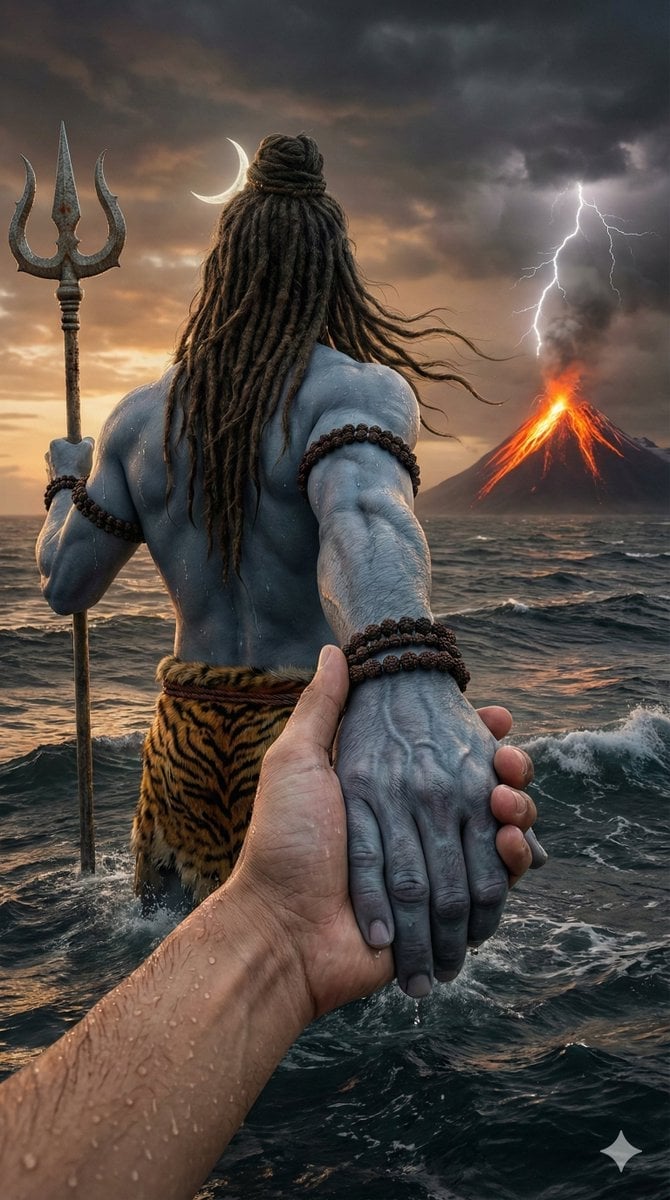
Lord Shiva Hand-Holding Cinematic Scene Prompt
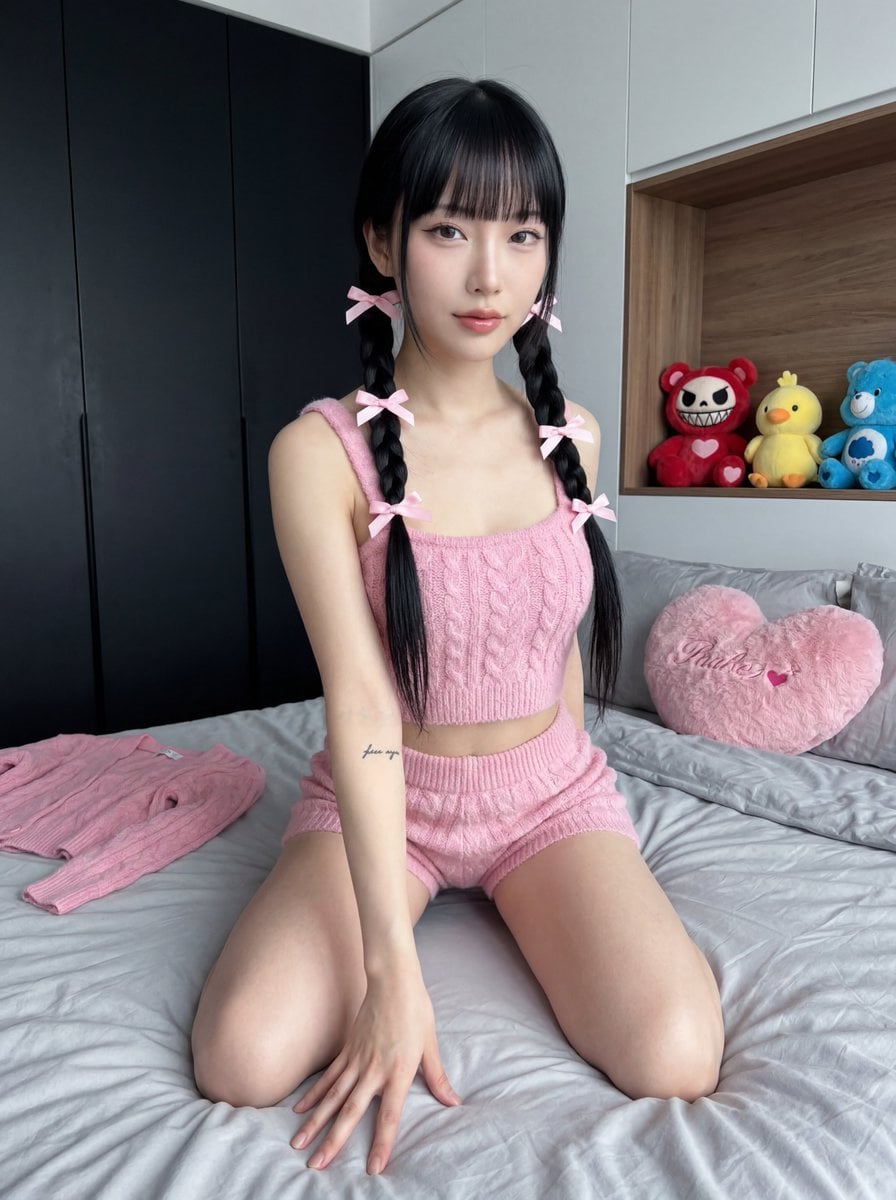
Ultra Photorealistic Japanese Woman in Pink Knit Set
Candid Elevator Mirror Selfie
Scarlet Street Serenity
Ultra-realistic portrait in a luxury lounge

Panel Japanese Advertising Concept Grid
Isometric 3D Cube Prompt

LinkedIn Banner Design Prompt

8K 3D Illustration of Anthropomorphic Bees (Gym and Relaxing)
Browse template categories
Livestream Interface Mockup questions
How do I use the Livestream Interface Mockup template?
Add your photo if the template asks for one, edit the prompt if you like — the template's model and format are already selected — and press Generate. Your version opens in PicX Studio.
Can I customize the Livestream Interface Mockup template?
Yes. You can change the subject, setting, lighting, mood, format, and available model controls before creating your image.
Is the Livestream Interface Mockup template free?
Opening and editing this template is free. Generating uses credits, shown on the Generate button when you are signed in.
Which AI model should I use?
Start with GPT Image 2, which is the model associated with this template. You can compare another compatible model for a different finish.
Looking for something else? Browse all templates.

Your photo, any look
Thousands of ready templates for every top image and video model, from one credit balance.