
Anime Police Mannequin Fashion Display
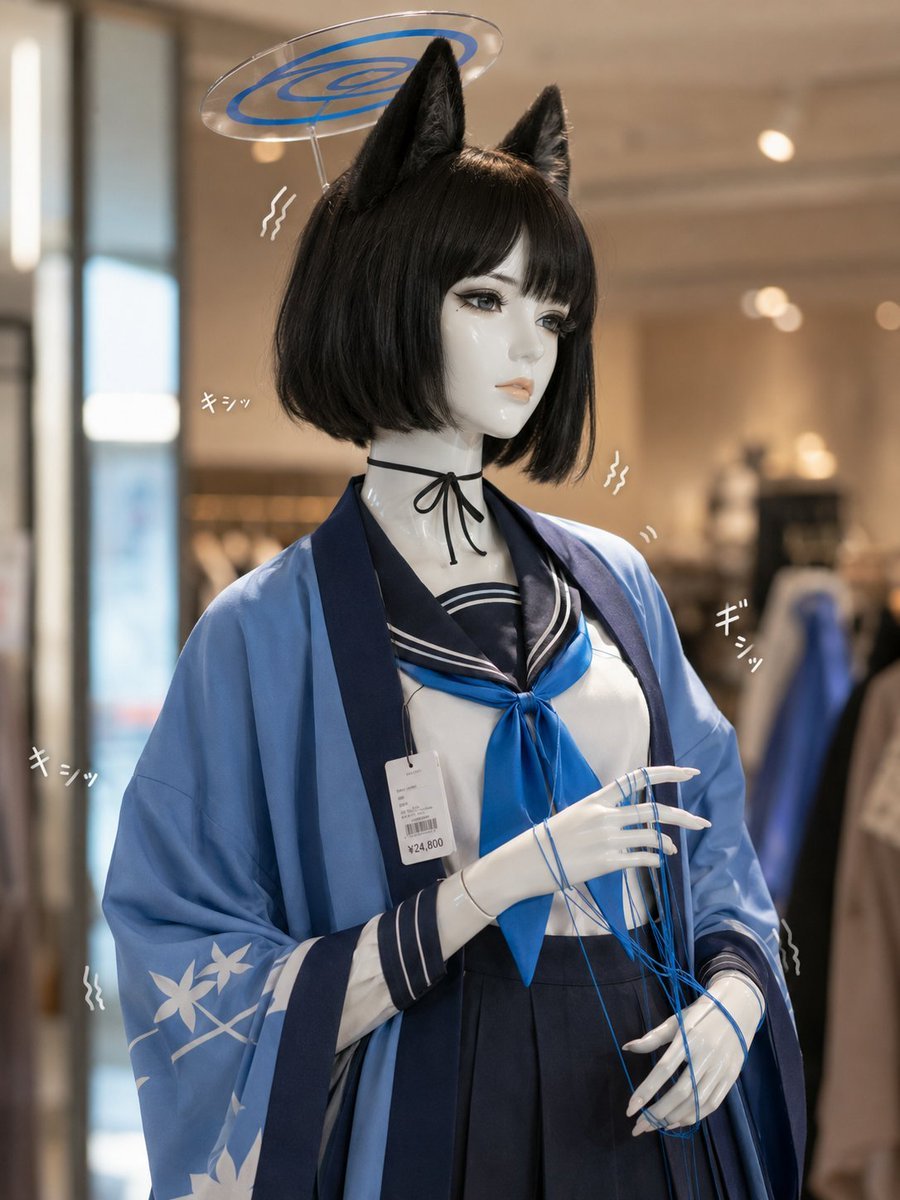
A photorealistic boutique display image of a glossy mannequin dressed in an anime-inspired officer outfit with acrylic halo prop and Japanese sound effects.

- Prompt included
- Model and format preset
- Free template
The prompt behind this image
Copy the exact prompt behind Anime Police Mannequin Fashion Display, or open it in the studio and make it yours.
Create a realistic high-end fashion store photograph of a life-size glossy white female mannequin styled as an anime-inspired police or security officer, shown from mid-thigh upward in a boutique interior with soft warm bokeh lights, clothing racks in the background, and a large window on the left. The mannequin has a smooth featureless face deliberately covered by a centered soft gray square privacy block, a short bob wig in {argument name="hair color" default="dark ash gray"}, and a shiny peaked officer cap. Behind the cap is one large translucent acrylic halo panel with ornate white cutout filigree, like a decorative character prop. Outfit details: a crisp white button-up shirt, black-and-gold striped necktie with tie clip, black suspenders and harness straps with metal clips, high-waisted black pinstripe trousers, and a beige trench coat draped cape-like over the shoulders with dark sleeve panels and thin gold trim. Include exactly two small handwritten Japanese sound-effect texts, both reading 「キシッ」, one to the left of the shoulder and one to the right, each with two curved motion lines, suggesting creaking mannequin joints. Add exactly two visible retail price tags clipped to the outfit: one on the chest strap and one hanging near the lower right coat edge, with tiny barcode-like details. Use shallow depth of field, realistic reflections on glossy plastic skin, premium store lighting, vertical 4:5 composition, centered subject, and a polished photorealistic editorial style. Avoid adding extra characters, extra text, or a visible watermark.
How to use Anime Police Mannequin Fashion Display in 3 steps
- 1Upload ImagePNG, JPG or paste
Add your photo
Upload the photo the template builds on. The prompt, model and format are already set.
- 2…a portrait of your subject in softgolden-hour light, 85mm…
Personalize
Edit the subject and creative details for your destination.
- 3Generate
Generate
Press Generate — your image is created in PicX Studio, so you can compare it with the original and refine one variable at a time.
More like this
Templates with the same subject, style or setup. Open one to see its prompt.








Make it yours
Anime Police Mannequin Fashion Display works as-is. These are the safest ways to change it without losing the look.
Change one field
Copy a single group, rewrite it, and generate again so you can see what that field is doing.
Keep the frame, change the subject
Hold the composition and light of Anime Police Mannequin Fashion Display, then swap wardrobe, props or the person for a new take.
| If the result… | Why | Fix |
|---|---|---|
| The result drifts from the preview | Too many fields changed at once. | Reuse Anime Police Mannequin Fashion Display as-is first, then change one group — subject, light, or setting. |
| The model over-stylizes the scene | The prose prompt leaves finish and camera underspecified. | Add one camera or lighting sentence and stay on GPT Image 2. |
More GPT Image 2 templates
Other prompts made for GPT Image 2.

Six VTuber Japanese Logo Sheet

Realistic Portrait of Woman and Deer

The Vista Modular Condo Poster

AI Model Routing Comparison Infographic

2.5D Anime Art Board

Isometric Productivity Desk Scene

New York Double Exposure Poster

Four-Panel AI Landscape Comparison

Japanese Tatami Lifestyle Magazine Cover

NESCAFÉ Coffee Map Poster
More image prompts
Fresh picks from across the catalog.
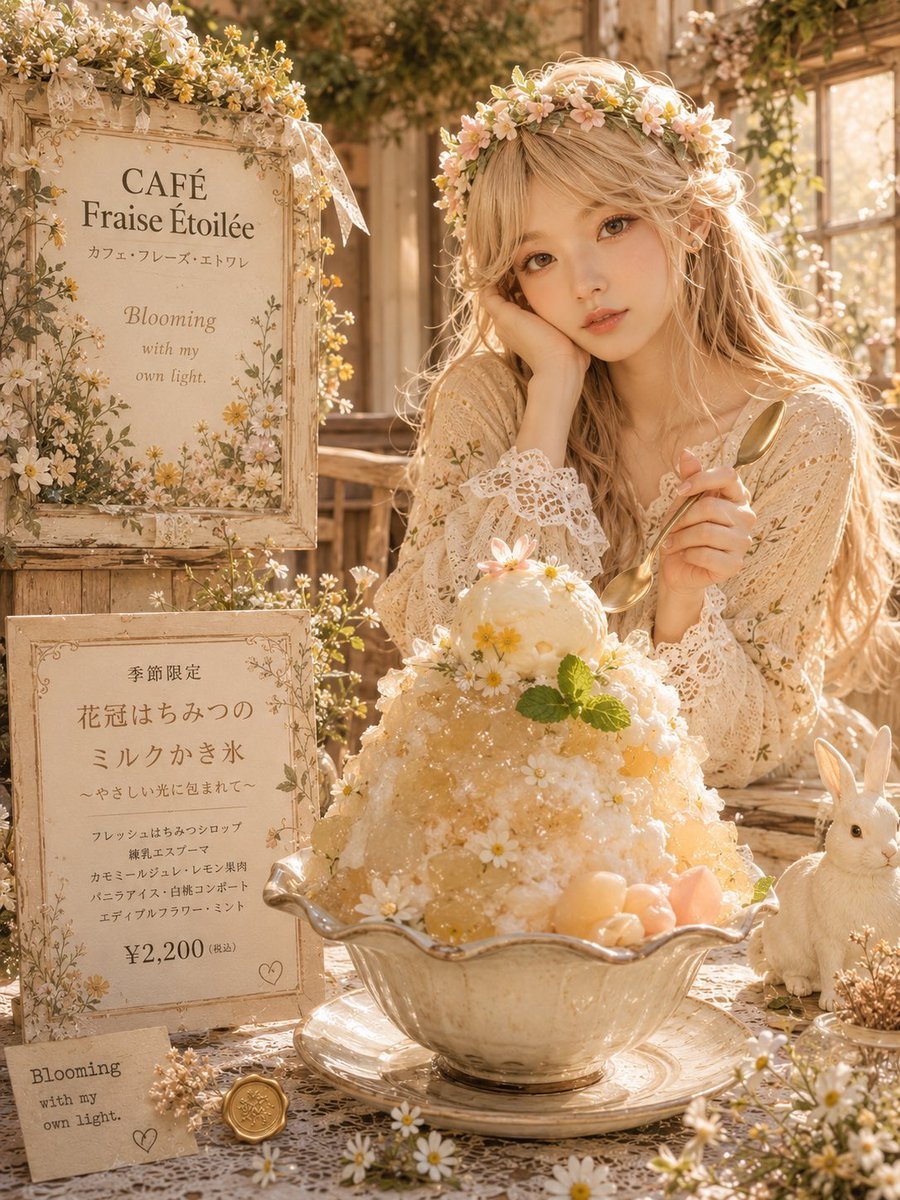
Floral Cottage Café Kakigori
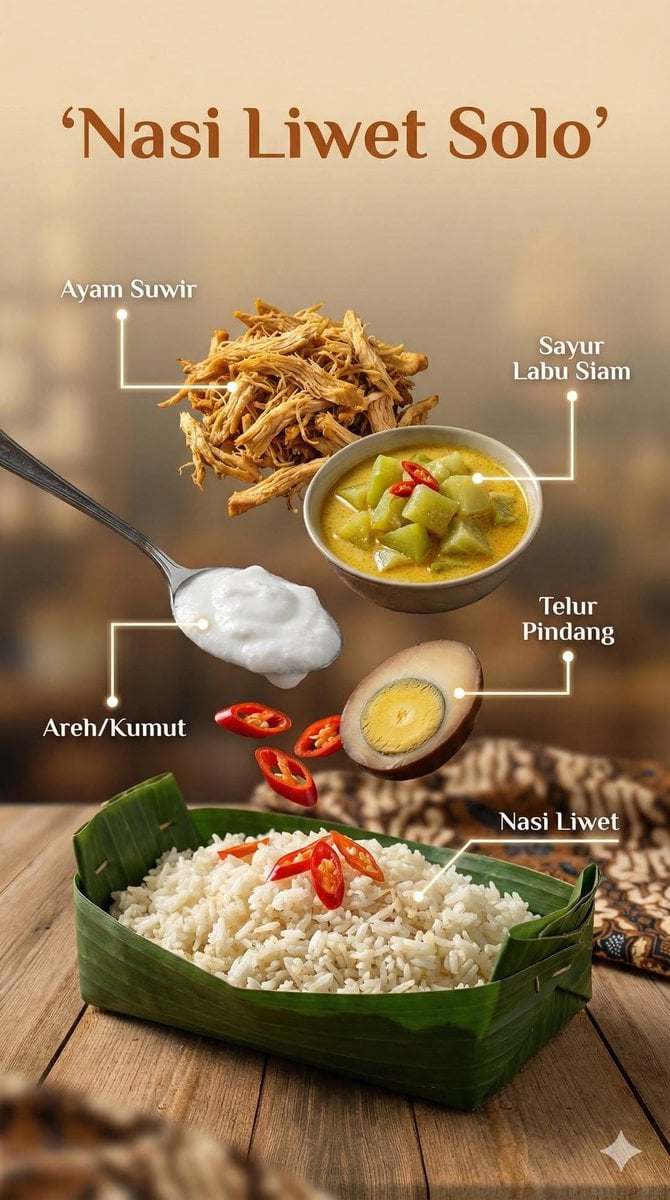
Ultra-realistic cinematic food photography of Indonesian dish
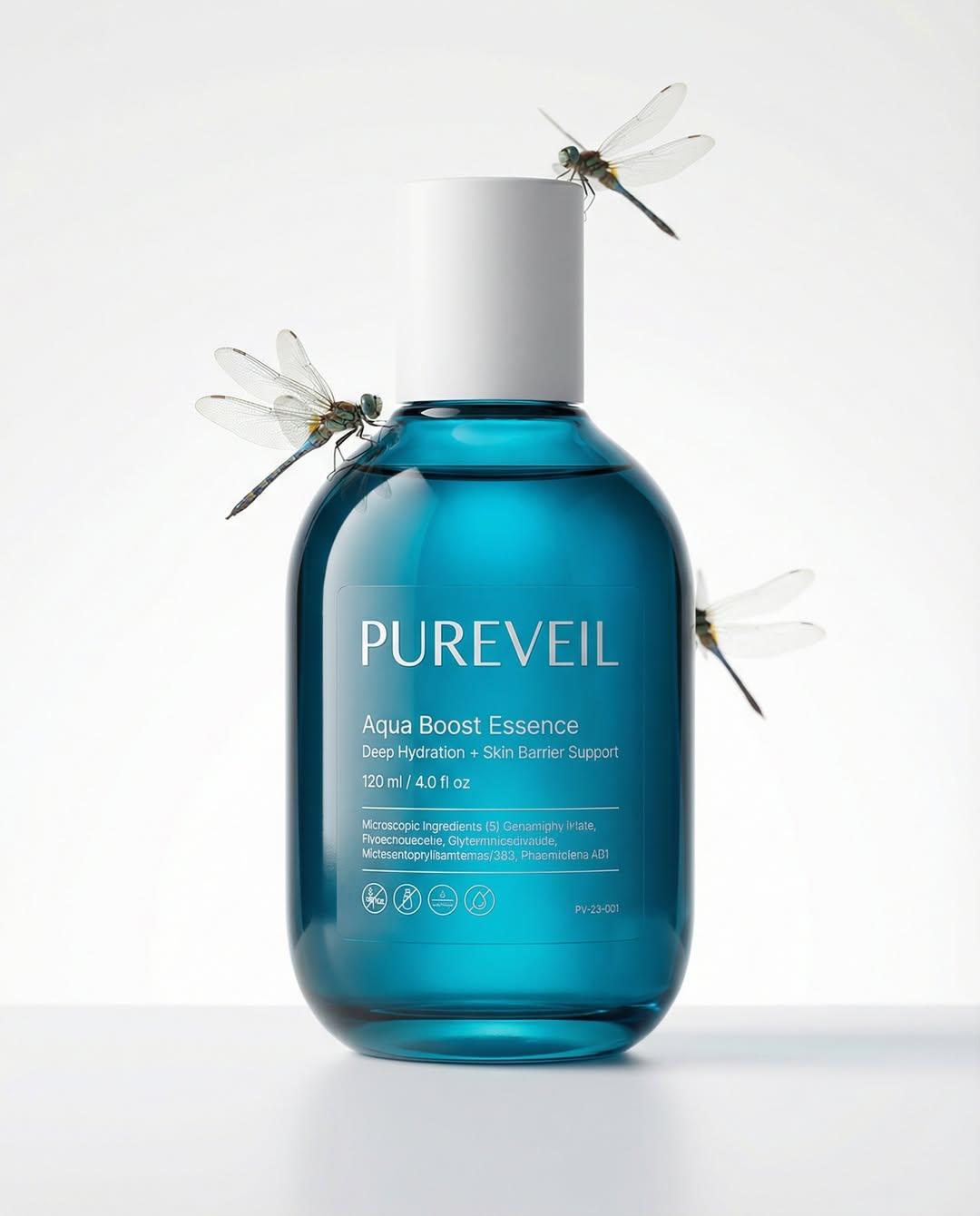
Google Nano Banana Pro Skincare Product
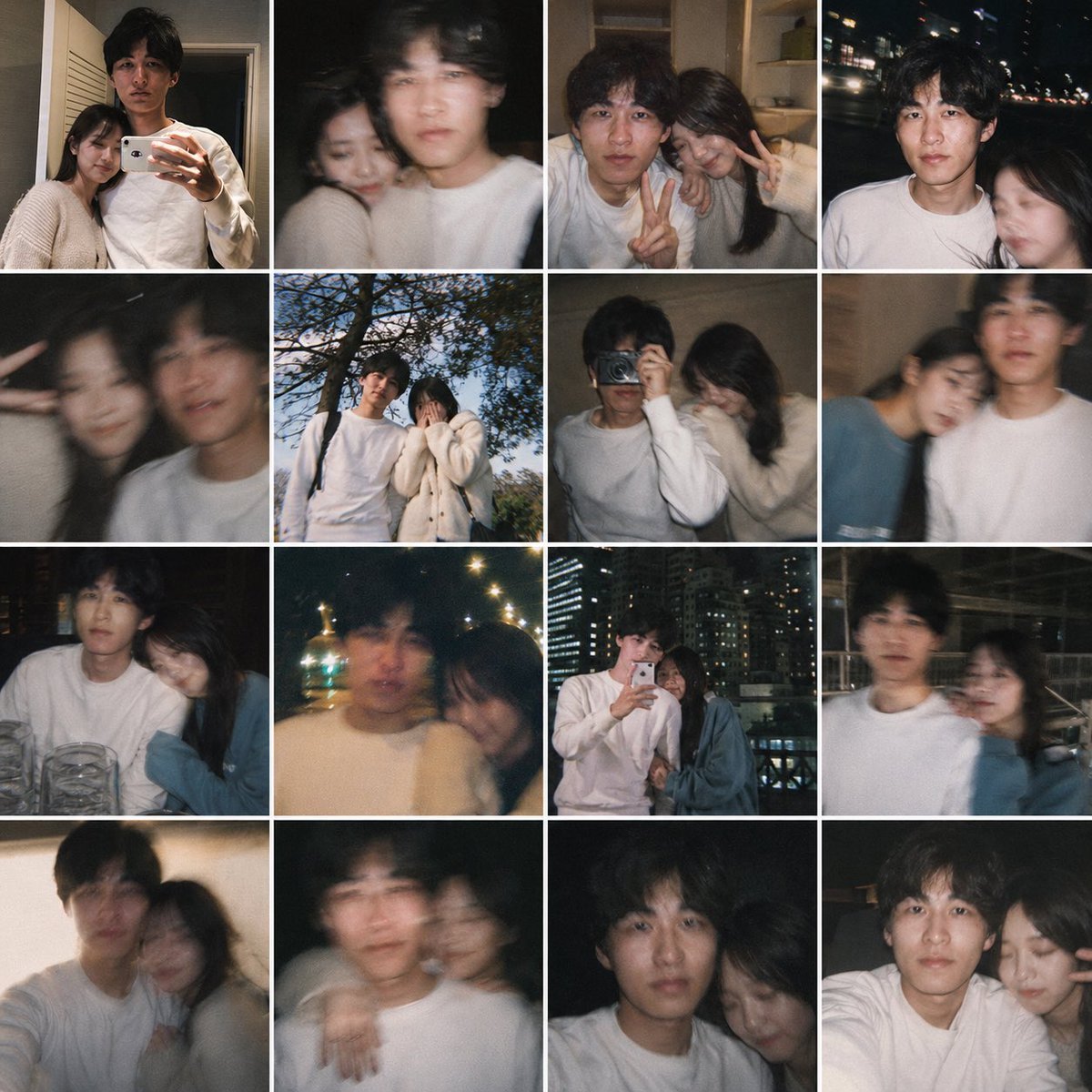
Fake Couple Photo Dump Collage
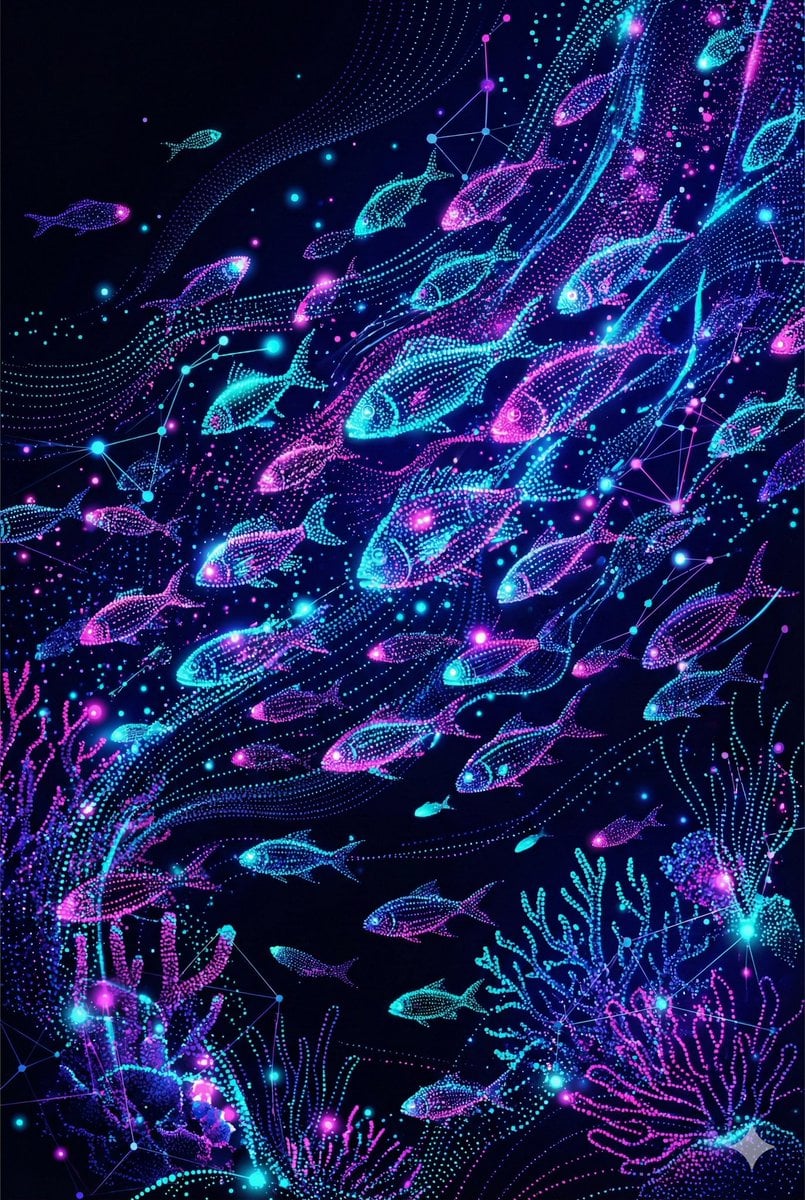
Neon Pointillism Cyberpunk Illustration
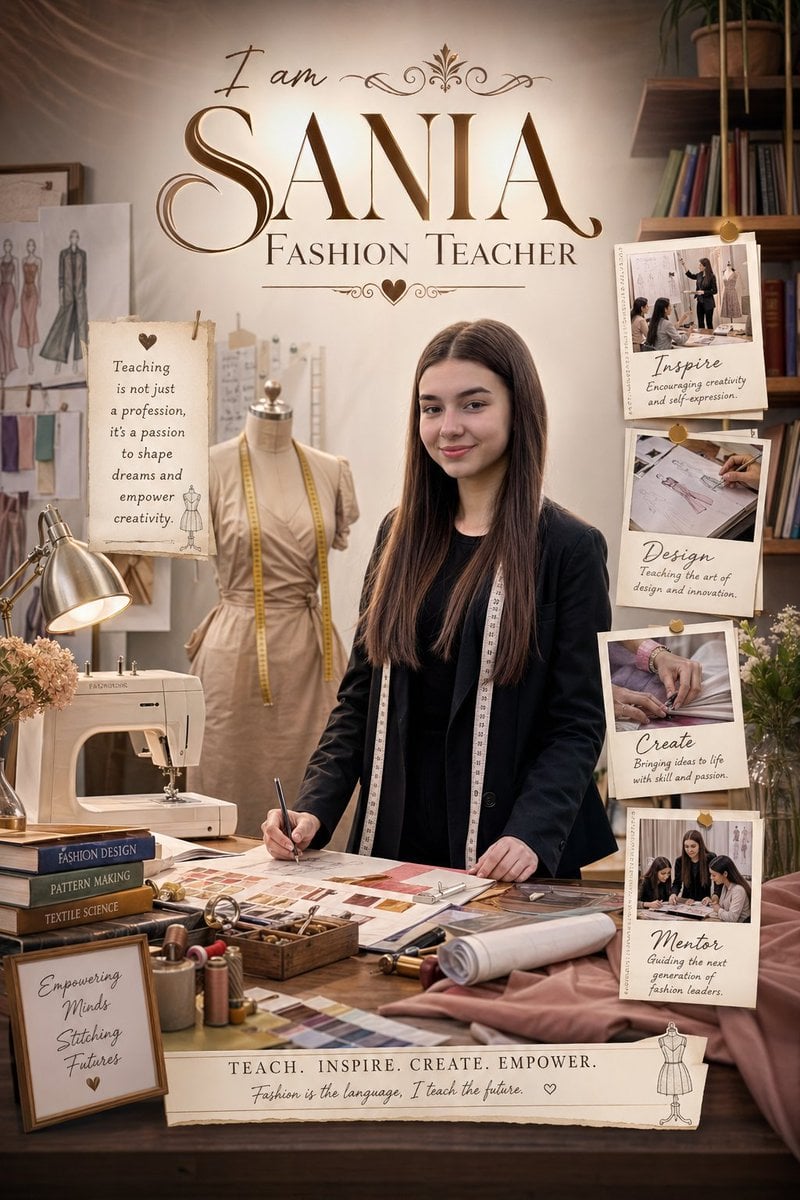
Professional Identity Portrait Wallpaper
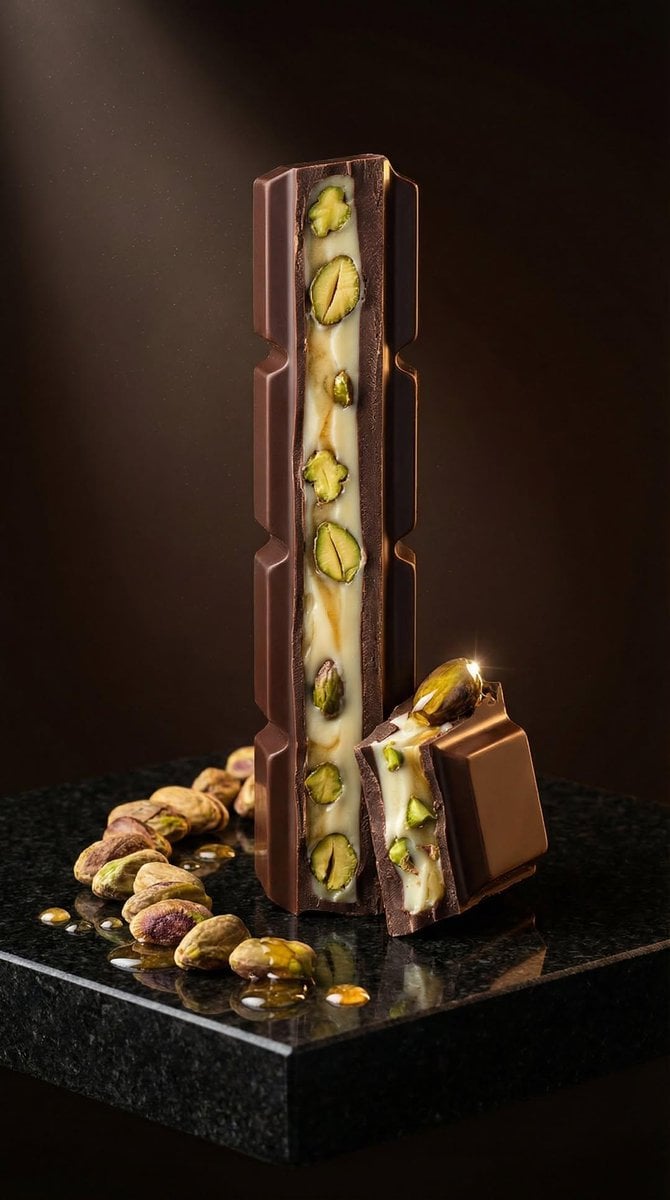
Ultra-Realistic Artisan Chocolate Product Visuals
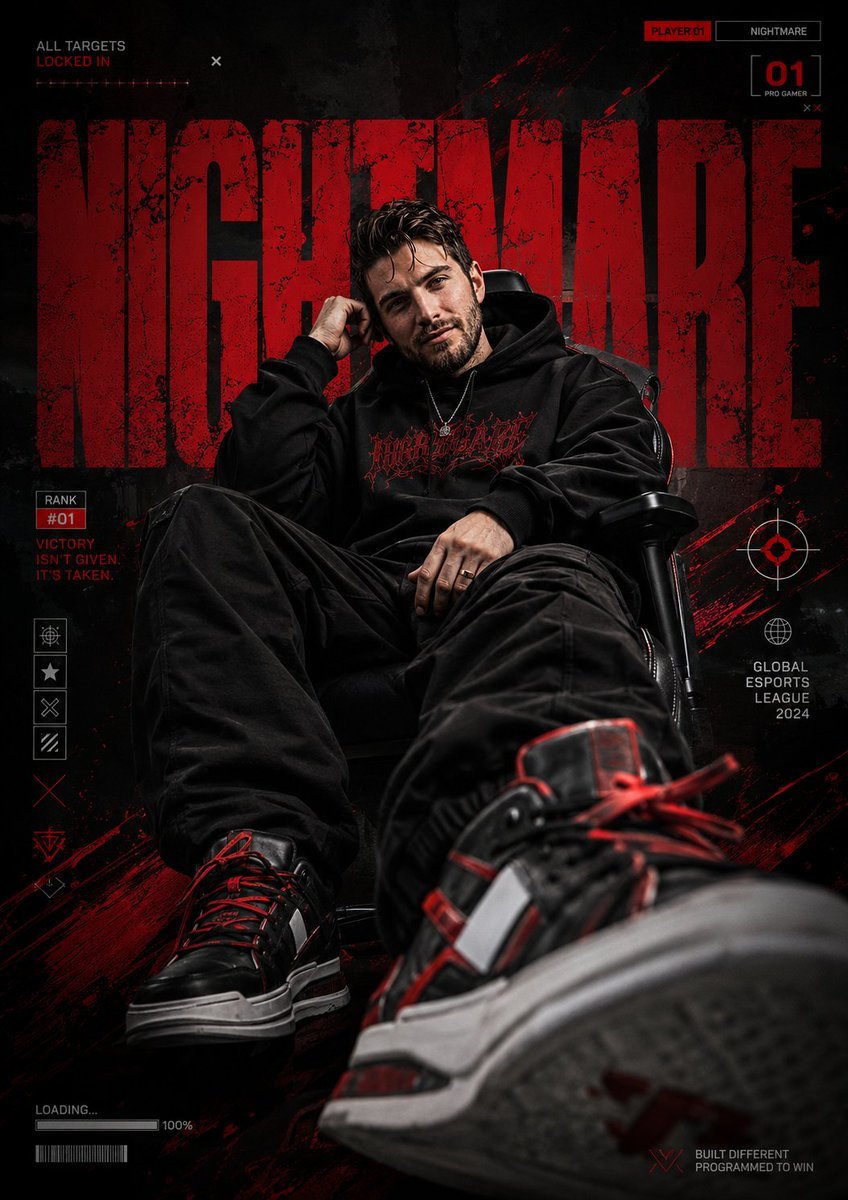
Bold Esports Editorial Poster
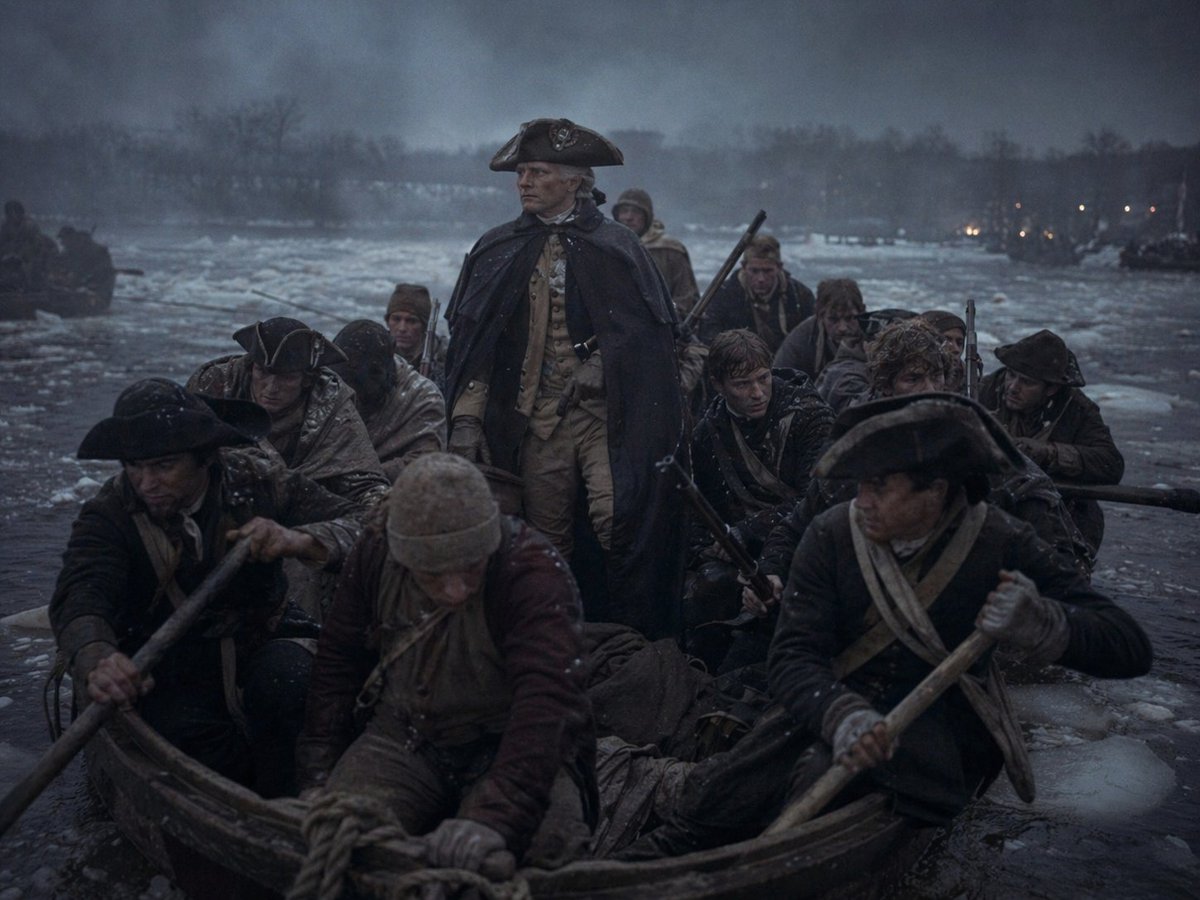
Washington Crossing Style Winter Boat Scene
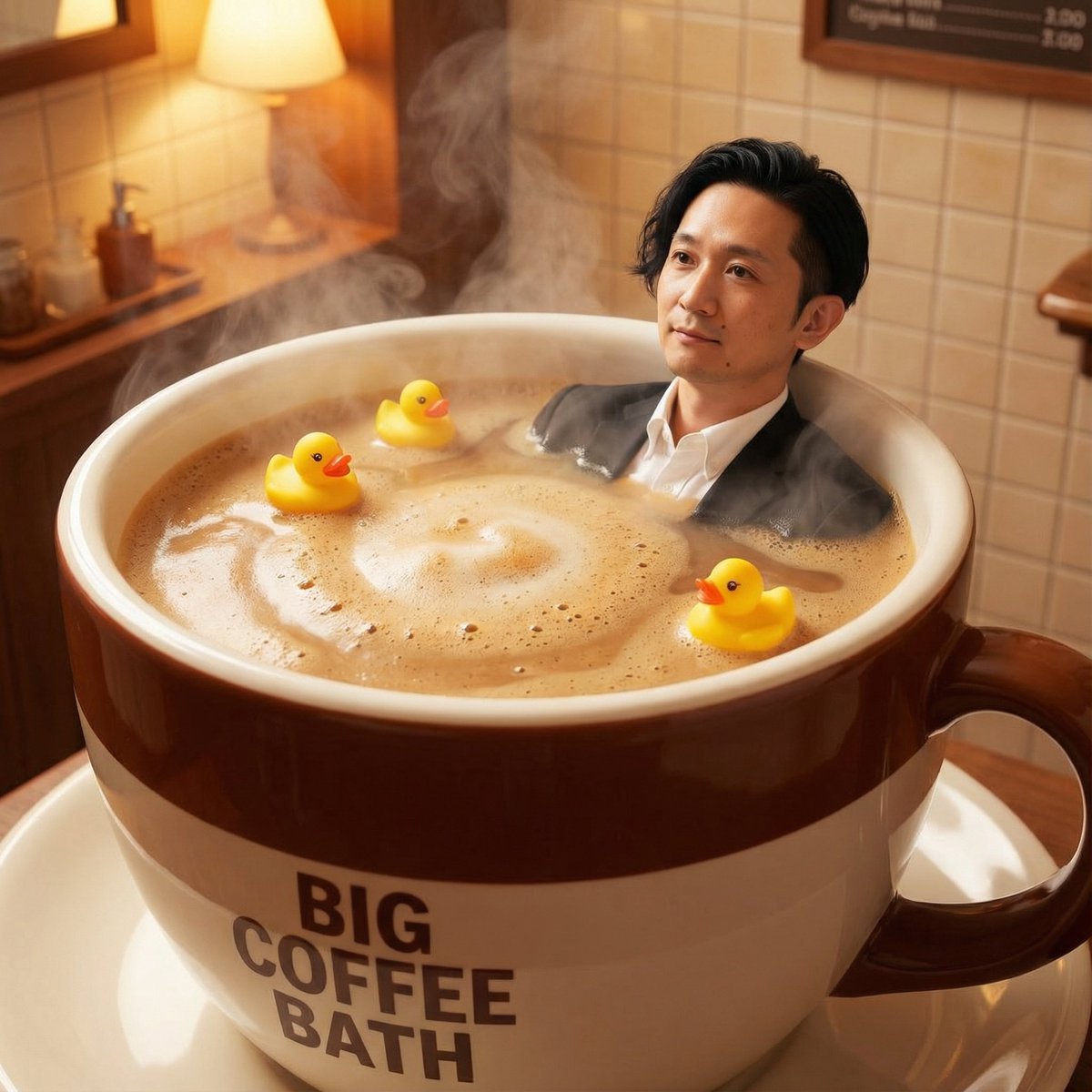
Giant Coffee Cup Bath Image Prompt
Browse template categories
Anime Police Mannequin Fashion Display questions
How do I use the Anime Police Mannequin Fashion Display template?
Add your photo if the template asks for one, edit the prompt if you like — the template's model and format are already selected — and press Generate. Your version opens in PicX Studio.
Can I customize the Anime Police Mannequin Fashion Display template?
Yes. You can change the subject, setting, lighting, mood, format, and available model controls before creating your image.
Is the Anime Police Mannequin Fashion Display template free?
Opening and editing this template is free. Generating uses credits, shown on the Generate button when you are signed in.
Which AI model should I use?
Start with GPT Image 2, which is the model associated with this template. You can compare another compatible model for a different finish.
Looking for something else? Browse all templates.

Your photo, any look
Thousands of ready templates for every top image and video model, from one credit balance.