
Washington Crossing Style Winter Boat Scene
This prompt generates a dark, cinematic historical winter river-crossing image in the style of an 18th-century military tableau, ideal for editorial art or dramatic history-themed visuals.
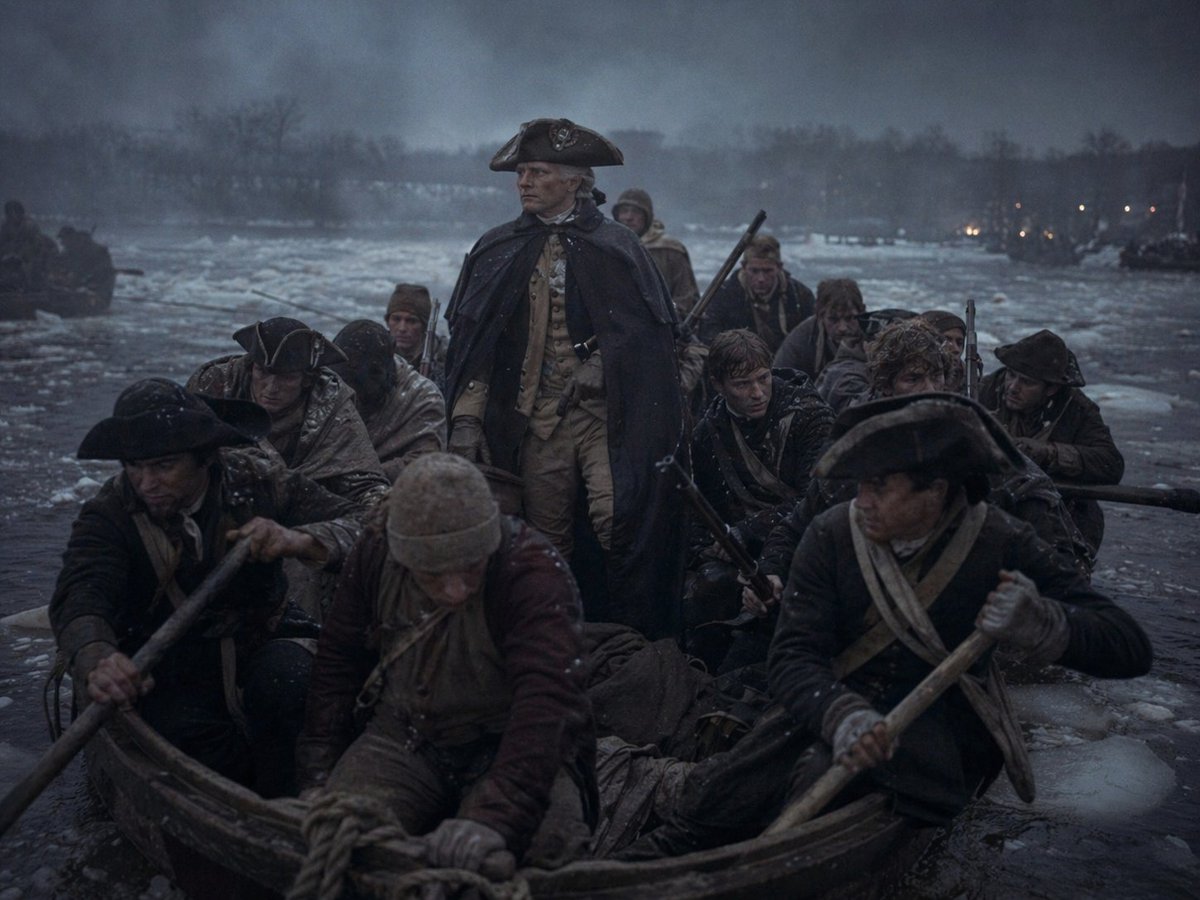
- Prompt included
- Model and format preset
- Free template
The prompt behind this image
Copy the exact prompt behind Washington Crossing Style Winter Boat Scene, or open it in the studio and make it yours.
A cinematic historical scene at dusk on a freezing river crossing in winter, showing a crowded wooden rowboat packed with exactly 11 colonial-era soldiers and boatmen pushing through dark icy water filled with floating chunks of ice. In the center stands 1 commanding figure, upright and resolute, wearing a dark navy or black heavy cloak draped over a light tan military uniform and a black tricorne hat, evoking an 18th-century general. Around him are 10 other men seated or crouched low in the boat, dressed in weathered Revolutionary War-era clothing: dark coats, wool caps, cloaks, scarves, leather straps, and tricorne hats, with several gripping long wooden oars and one visible musket angled upward behind the central figure. The mood is grim, cold, and heroic, with wet clothing, snow dusting, pale breathy atmosphere, and a stormy blue-gray sky. The river is wide and partially frozen, with a dark tree-lined shoreline in the distance and a few tiny warm lights glowing on the far bank. Composition is frontal and tightly framed from just above the bow of the boat, making the viewer feel inside the freezing crossing. Use low-key lighting, muted desaturated colors, deep shadows, damp textures, realism, dramatic historical painting energy blended with cinematic photorealism, ultra-detailed fabric, wood grain, ice, and mist.
How to use Washington Crossing Style Winter Boat Scene in 3 steps
- 1Upload ImagePNG, JPG or paste
Add your photo
Upload the photo the template builds on. The prompt, model and format are already set.
- 2…a portrait of your subject in softgolden-hour light, 85mm…
Personalize
Edit the subject and creative details for your destination.
- 3Generate
Generate
Press Generate — your image is created in PicX Studio, so you can compare it with the original and refine one variable at a time.
More like this
Templates with the same subject, style or setup. Open one to see its prompt.

Frozen Street Luxe Graffiti Fashion Campaign

Photoreal Snow Biome Name Tag UI

Minecraft You Died Winter Death Screen
Winter, peace, and chocolate.
The sweetest feeling of winter.

Exploration Ship Crossing a Glowing Nebula
Durarara-Style Tokyo Crossing Key Visual
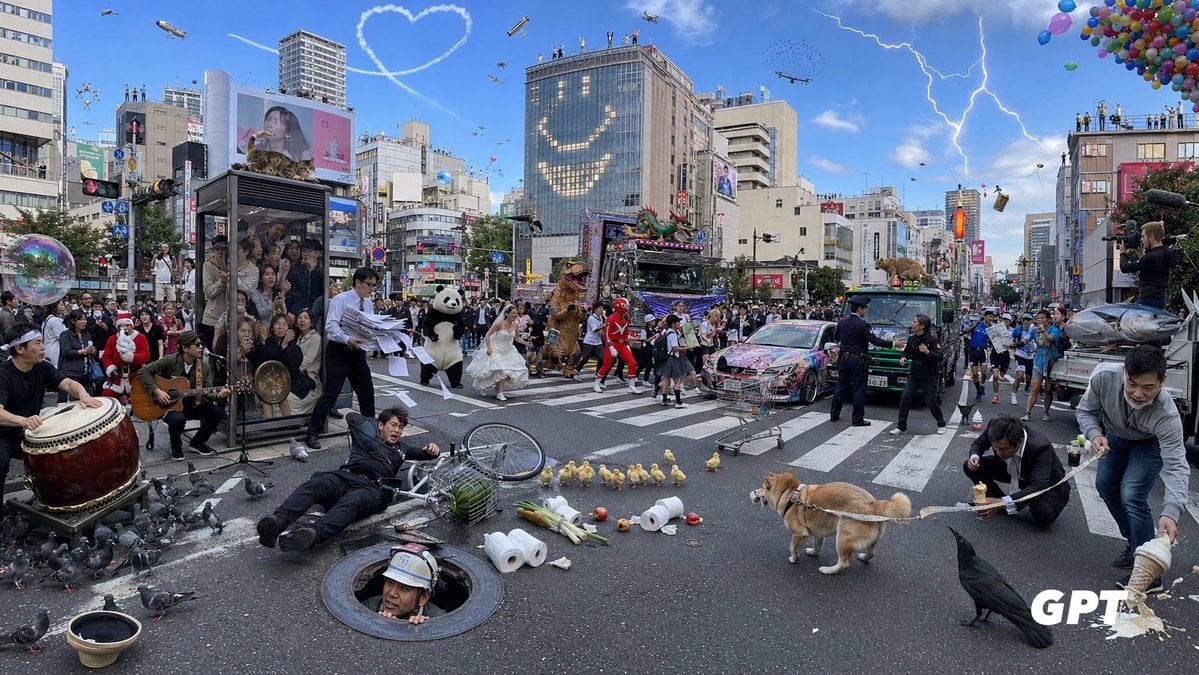
Chaotic Shibuya Scramble Crossing
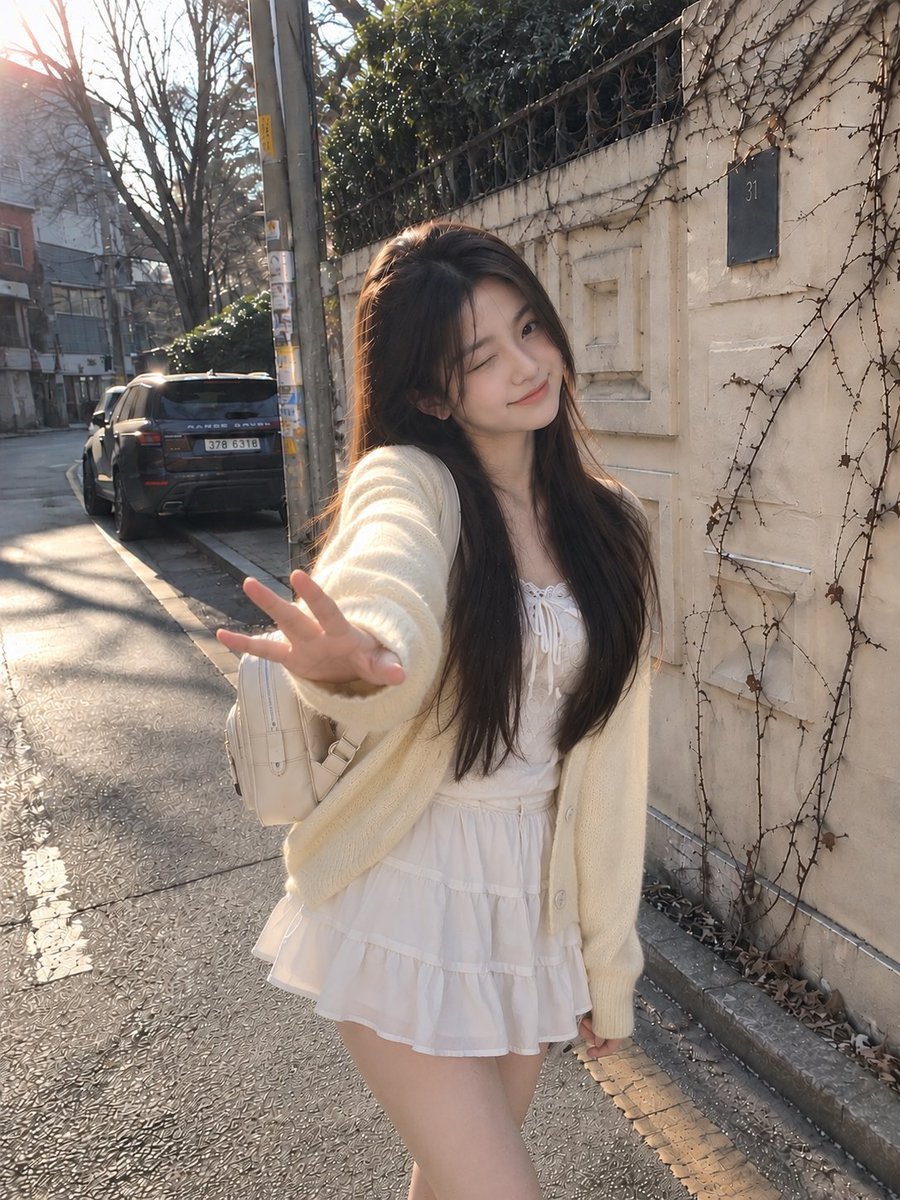
Candid Winter Smartphone Portrait
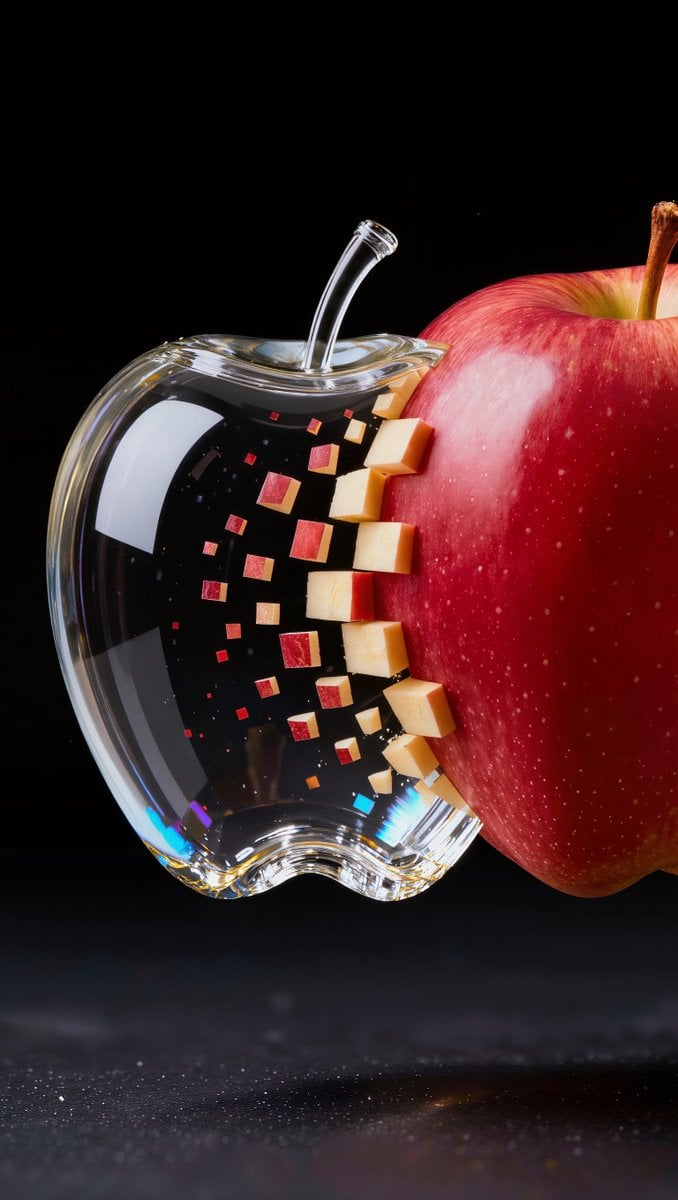
Prompt: A single apple crossing a black void, mov
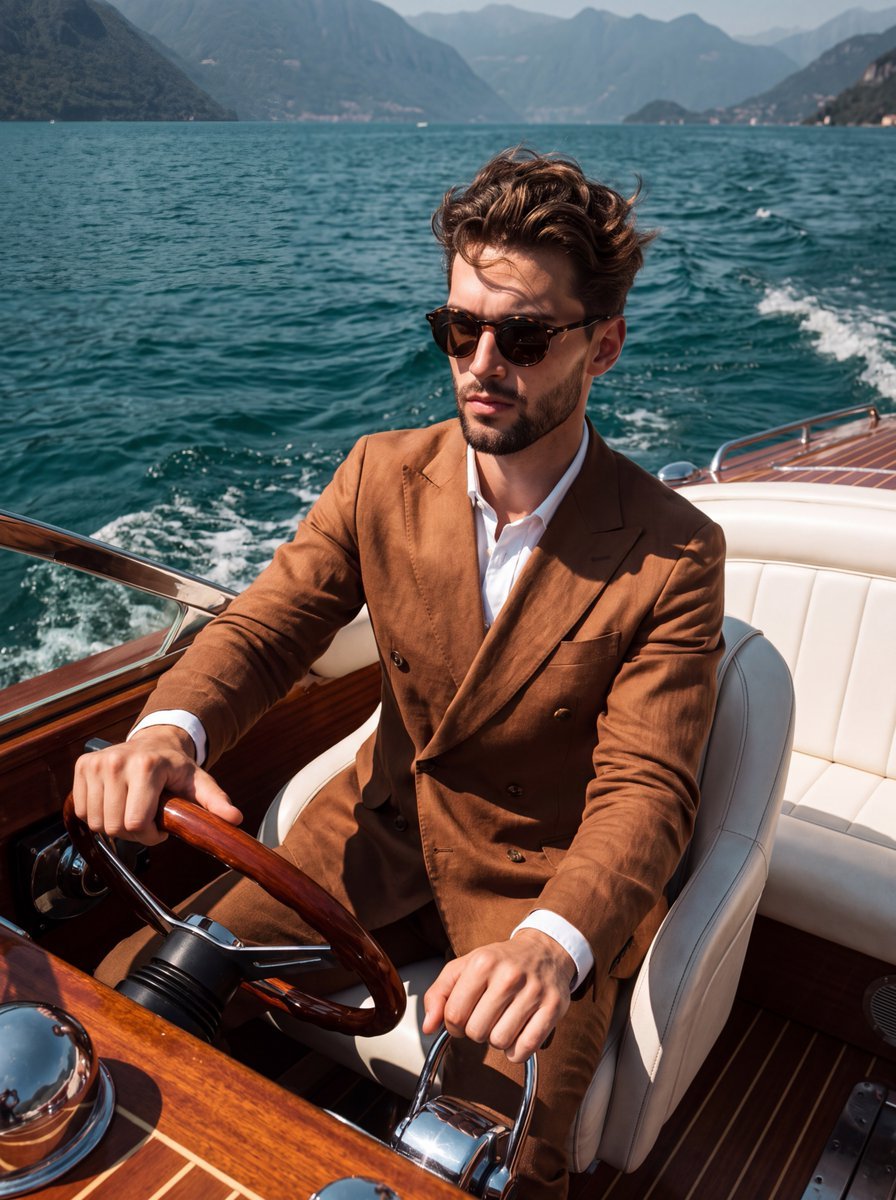
Slim Aarons Boat Lifestyle Photography
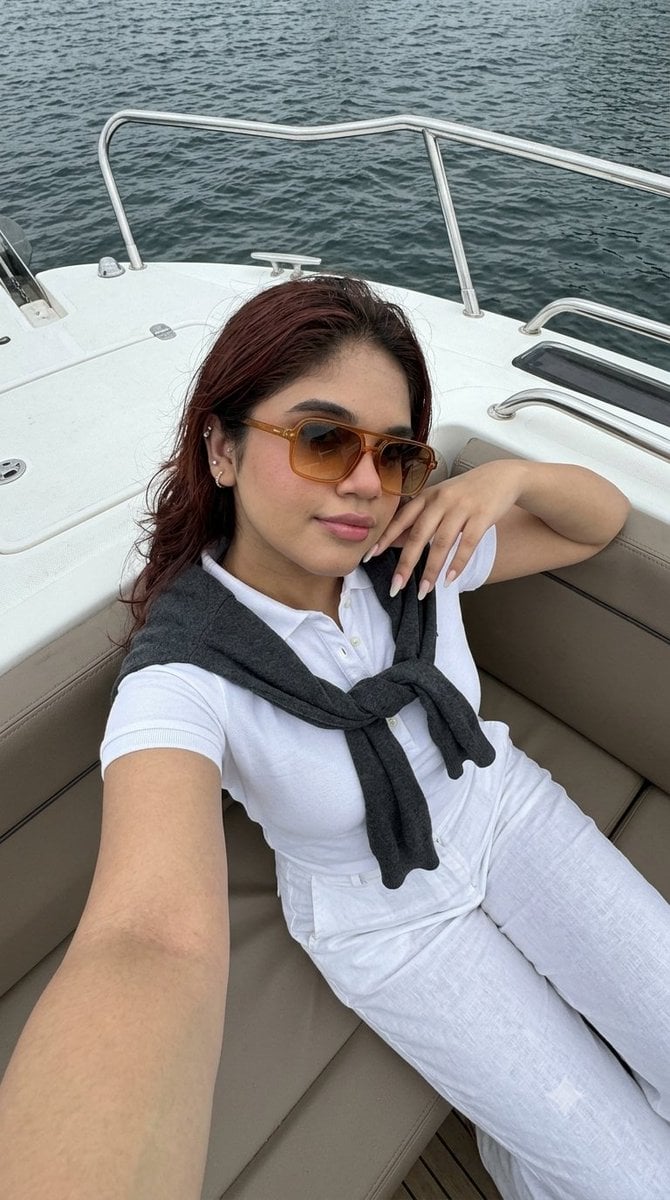
Smartphone Selfie on Motorboat
Make it yours
Washington Crossing Style Winter Boat Scene works as-is. These are the safest ways to change it without losing the look.
Change one field
Copy a single group, rewrite it, and generate again so you can see what that field is doing.
Keep the frame, change the subject
Hold the composition and light of Washington Crossing Style Winter Boat Scene, then swap wardrobe, props or the person for a new take.
| If the result… | Why | Fix |
|---|---|---|
| The result drifts from the preview | Too many fields changed at once. | Reuse Washington Crossing Style Winter Boat Scene as-is first, then change one group — subject, light, or setting. |
| The model over-stylizes the scene | The prose prompt leaves finish and camera underspecified. | Add one camera or lighting sentence and stay on GPT Image 2. |
More GPT Image 2 templates
Other prompts made for GPT Image 2.

Six VTuber Japanese Logo Sheet

Realistic Portrait of Woman and Deer

The Vista Modular Condo Poster

AI Model Routing Comparison Infographic

2.5D Anime Art Board

Isometric Productivity Desk Scene

New York Double Exposure Poster

Four-Panel AI Landscape Comparison

Japanese Tatami Lifestyle Magazine Cover

NESCAFÉ Coffee Map Poster
More image prompts
Fresh picks from across the catalog.
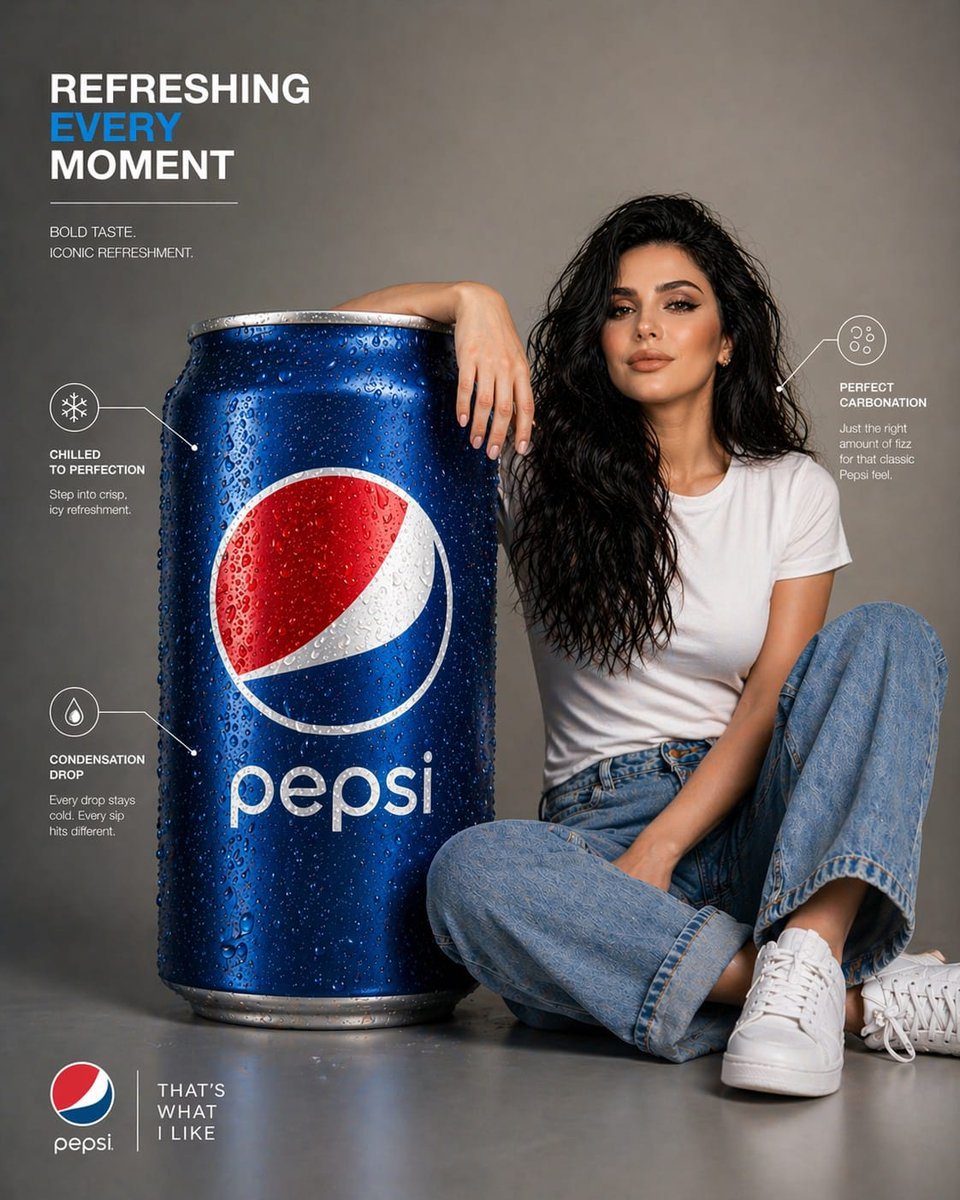
Pepsi Infographic Advertisement
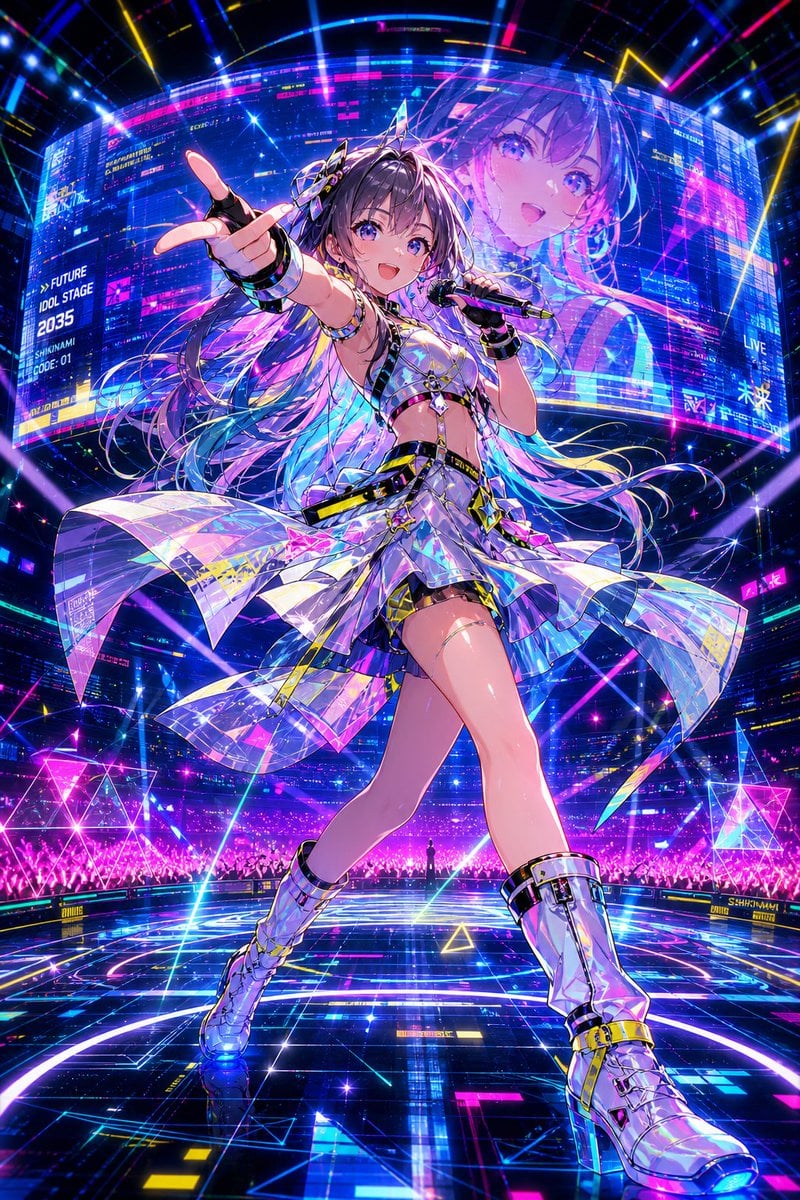
Cyberpunk Future Idol Concert
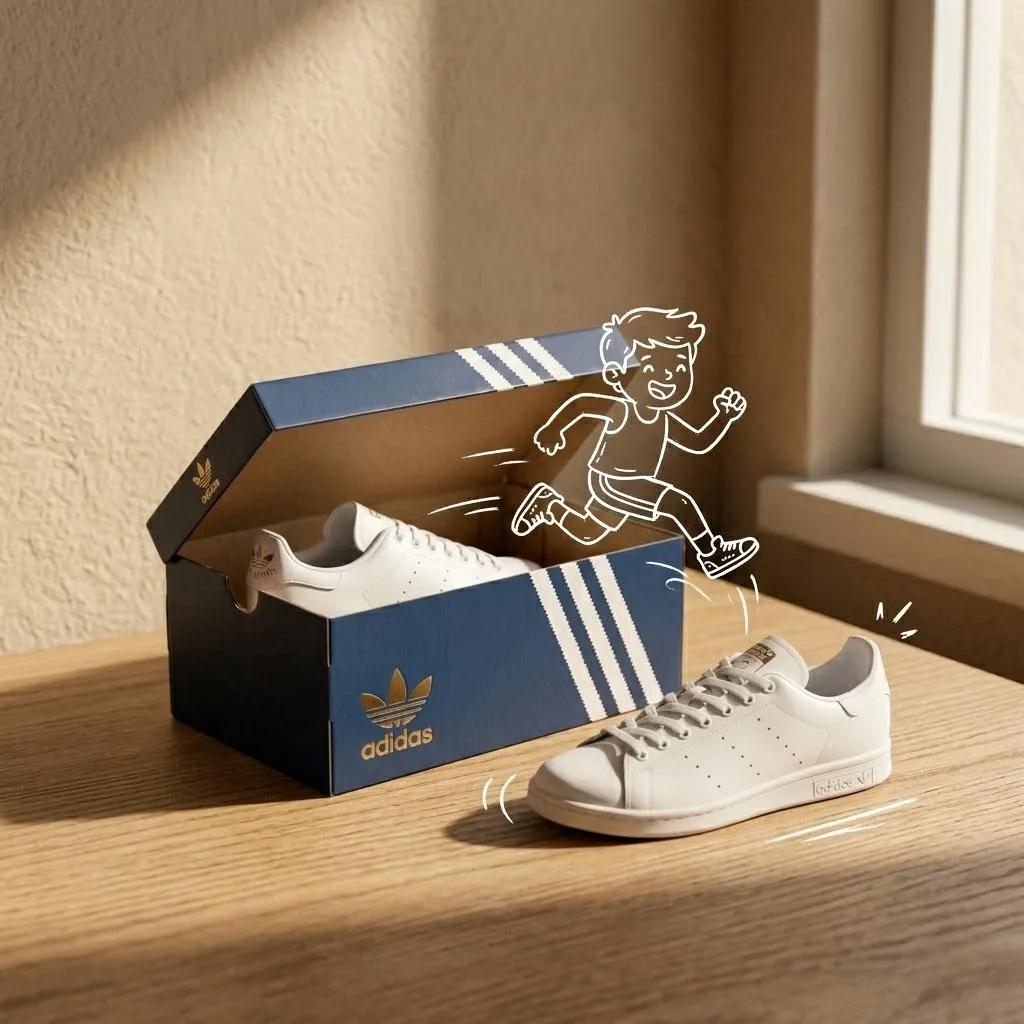
Minimalist Product Photography with Sketch Illustration
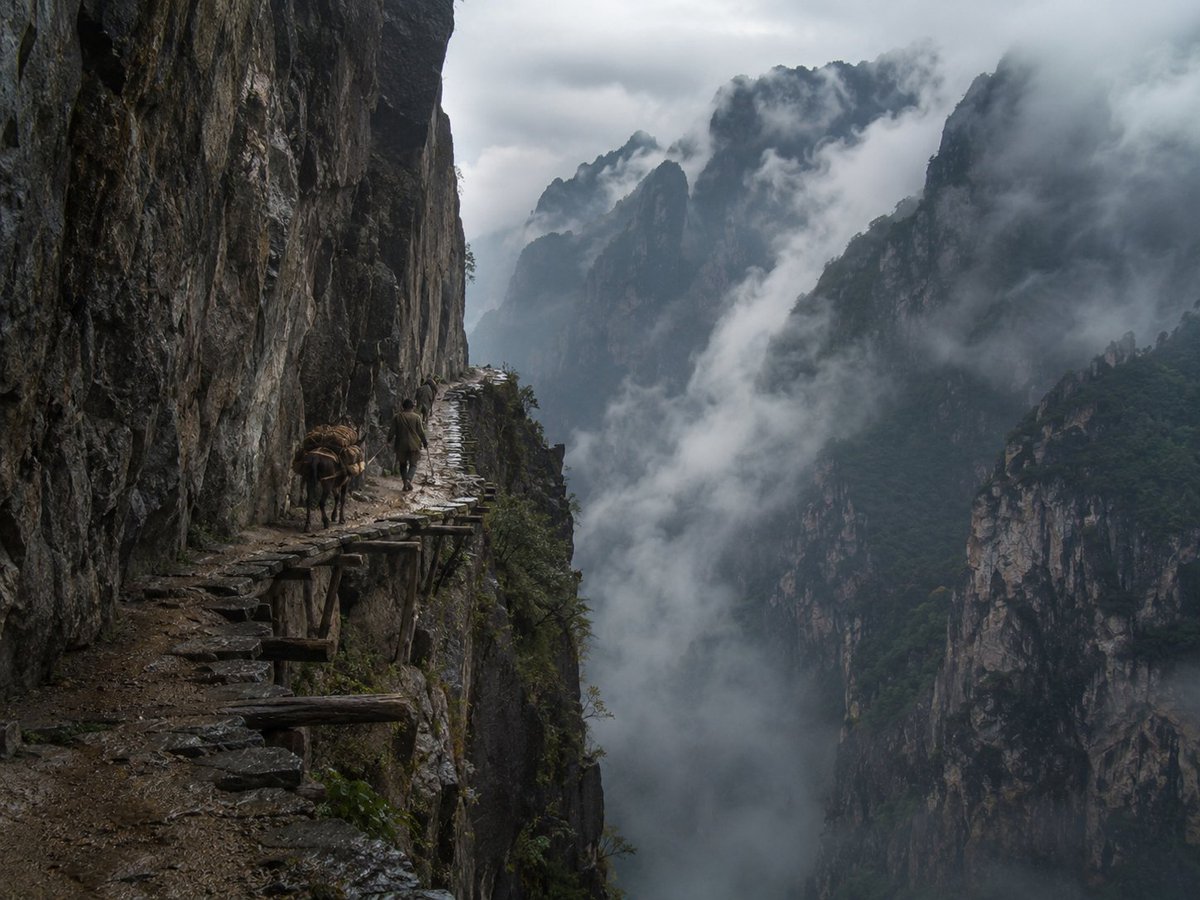
Misty Cliff Plank Road Photograph
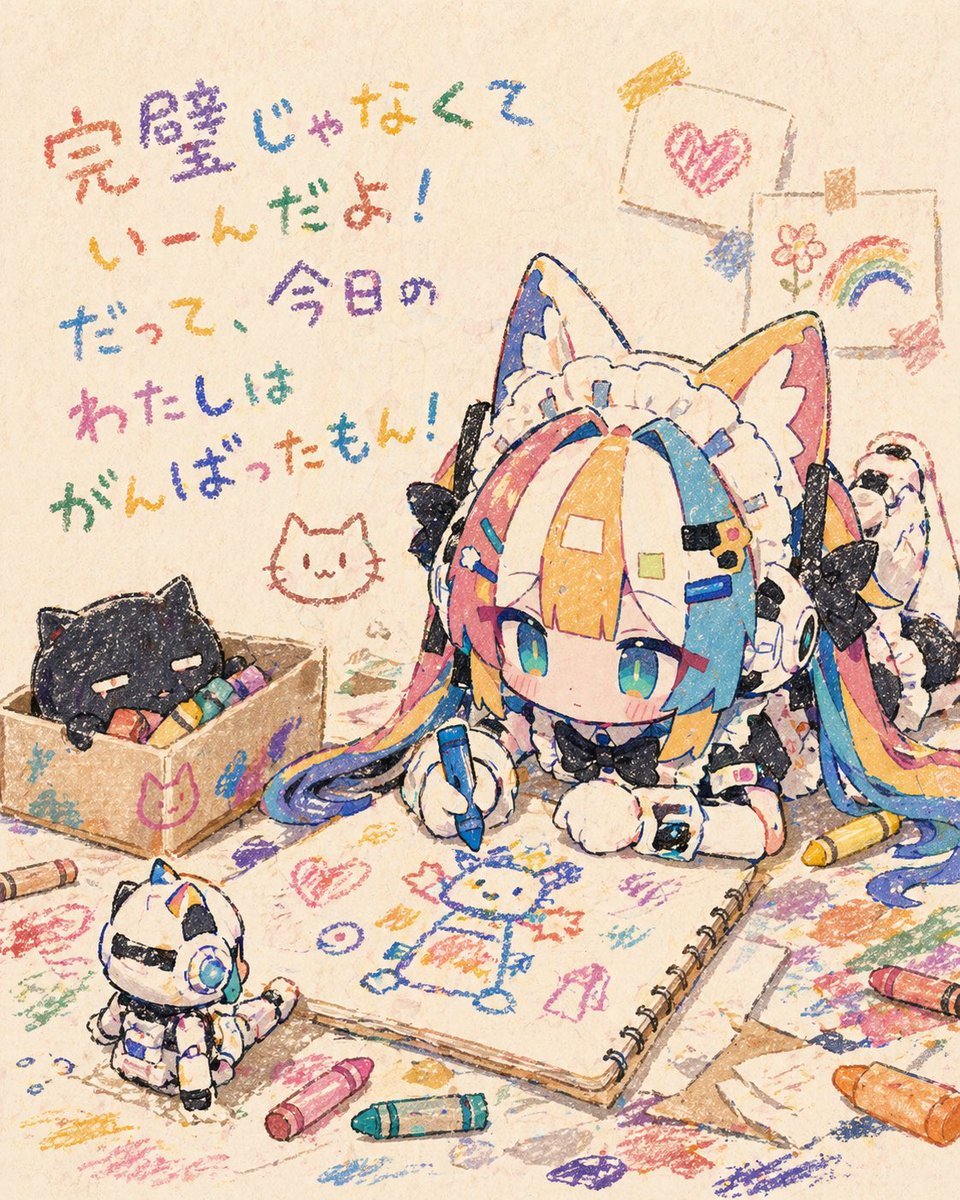
Chibi Cat Maid Crayon Art Scene
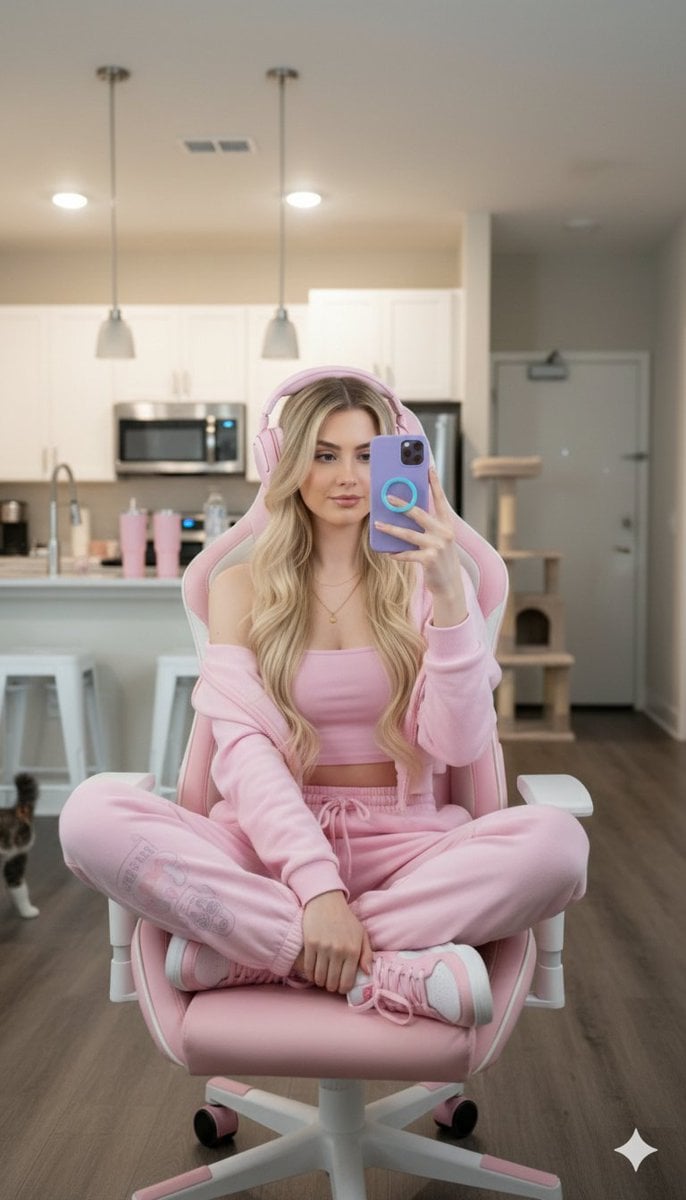
Ultra-realistic Full Body Photo of a Woman in Pastel Pink Loungewear
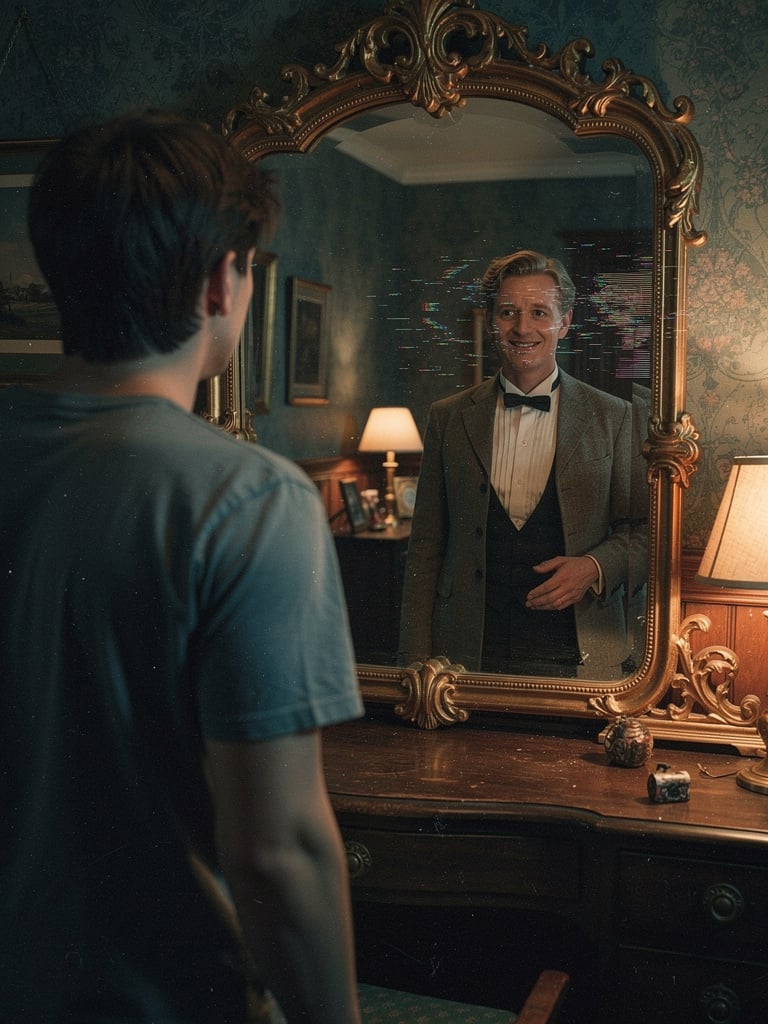
Body Swap Mirror Reflection
Cozy Workspace Café Portrait
Interactive Hand-Drawn Doodle Art
Bad MS Paint Redraw
Browse template categories
Washington Crossing Style Winter Boat Scene questions
How do I use the Washington Crossing Style Winter Boat Scene template?
Add your photo if the template asks for one, edit the prompt if you like — the template's model and format are already selected — and press Generate. Your version opens in PicX Studio.
Can I customize the Washington Crossing Style Winter Boat Scene template?
Yes. You can change the subject, setting, lighting, mood, format, and available model controls before creating your image.
Is the Washington Crossing Style Winter Boat Scene template free?
Opening and editing this template is free. Generating uses credits, shown on the Generate button when you are signed in.
Which AI model should I use?
Start with GPT Image 2, which is the model associated with this template. You can compare another compatible model for a different finish.
Looking for something else? Browse all templates.

Your photo, any look
Thousands of ready templates for every top image and video model, from one credit balance.